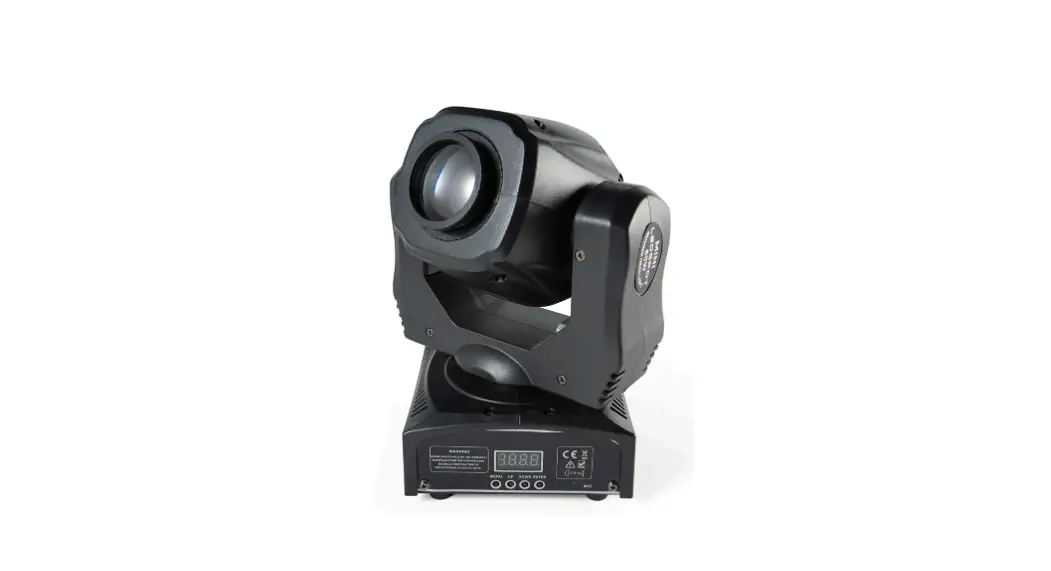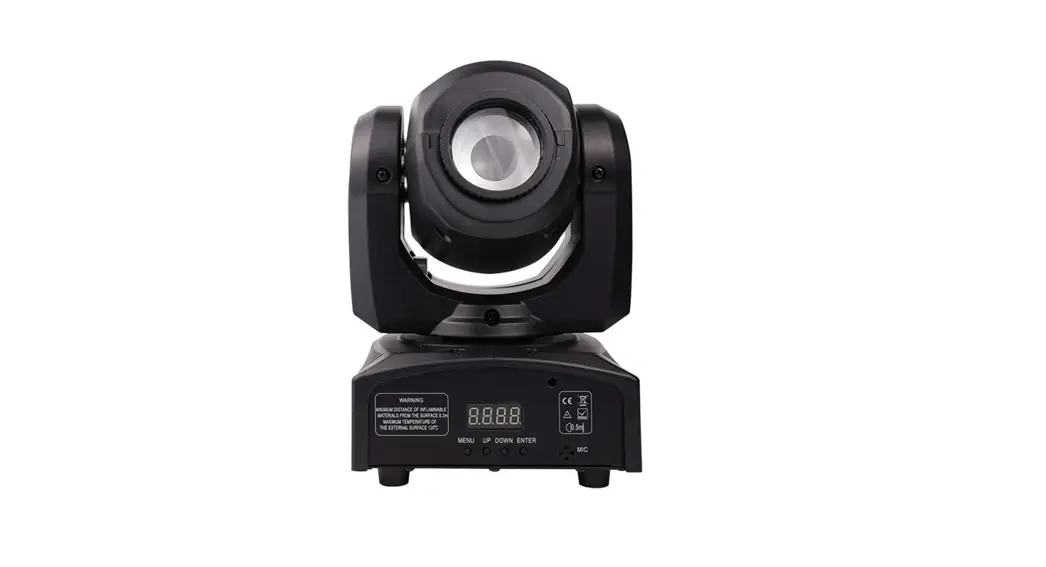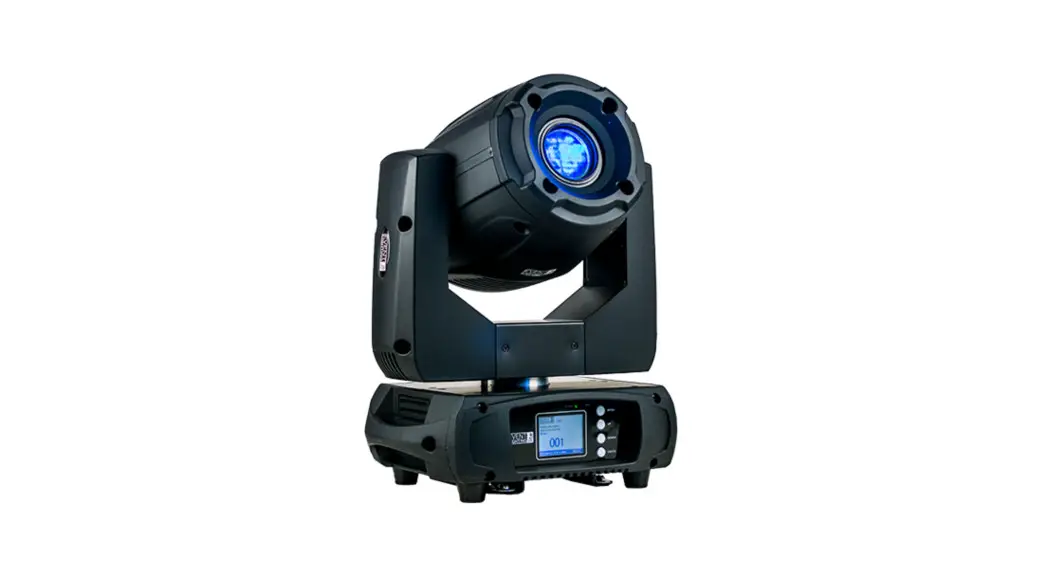
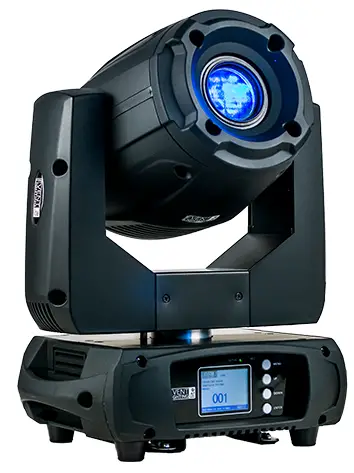
 LM180
LM180
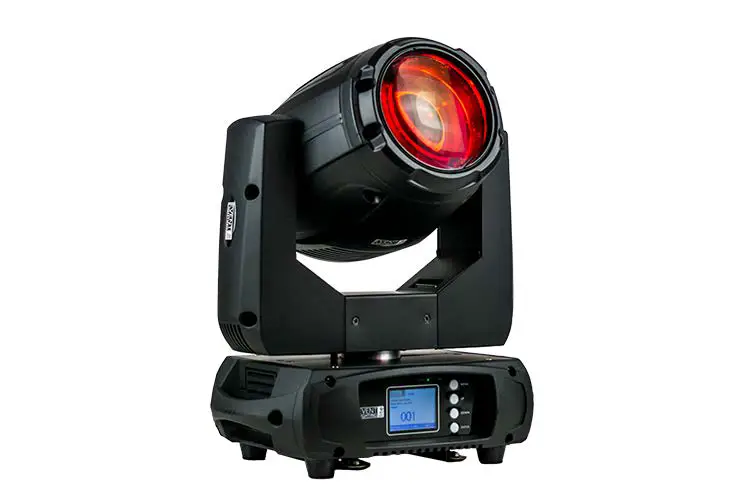
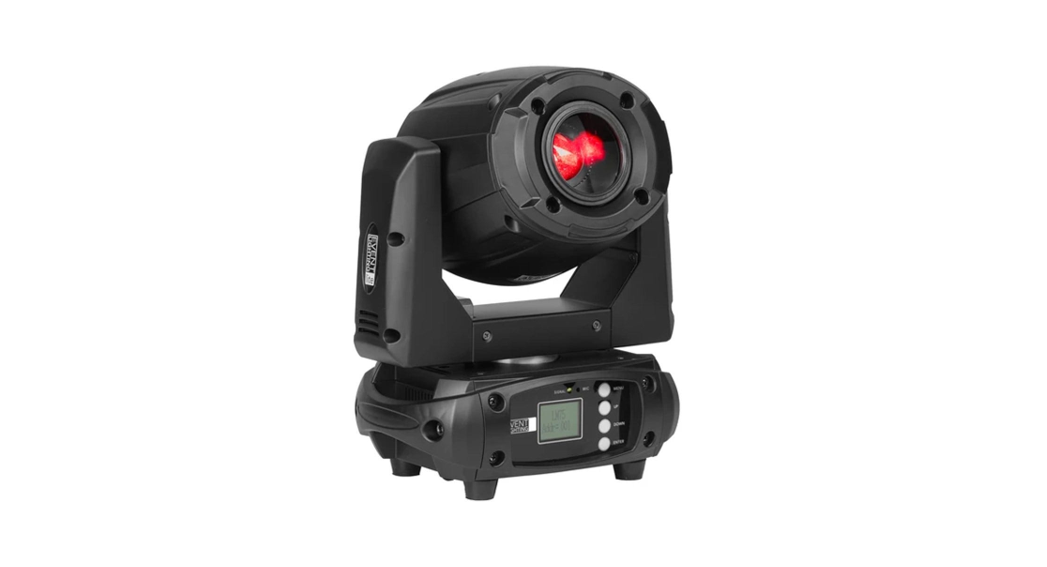
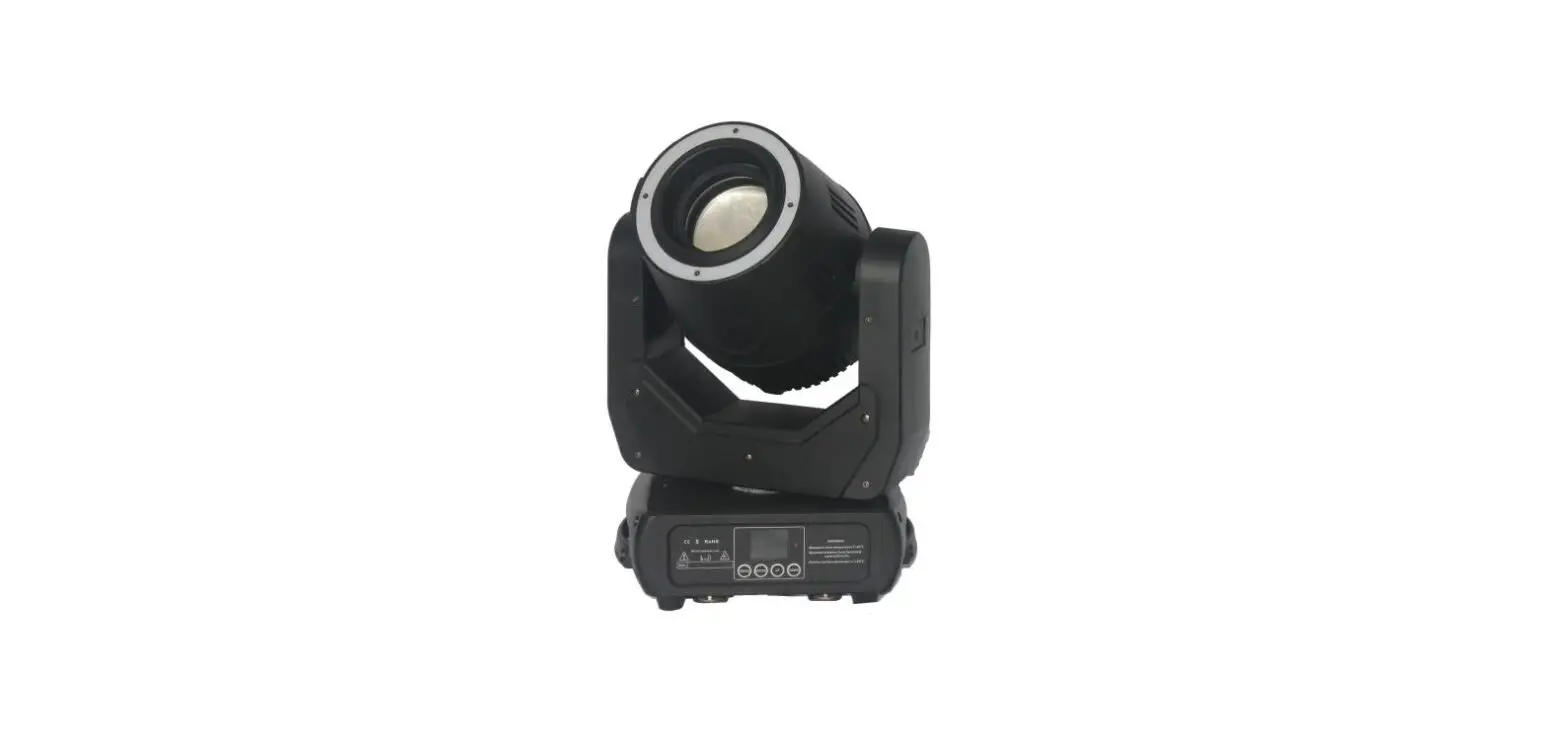
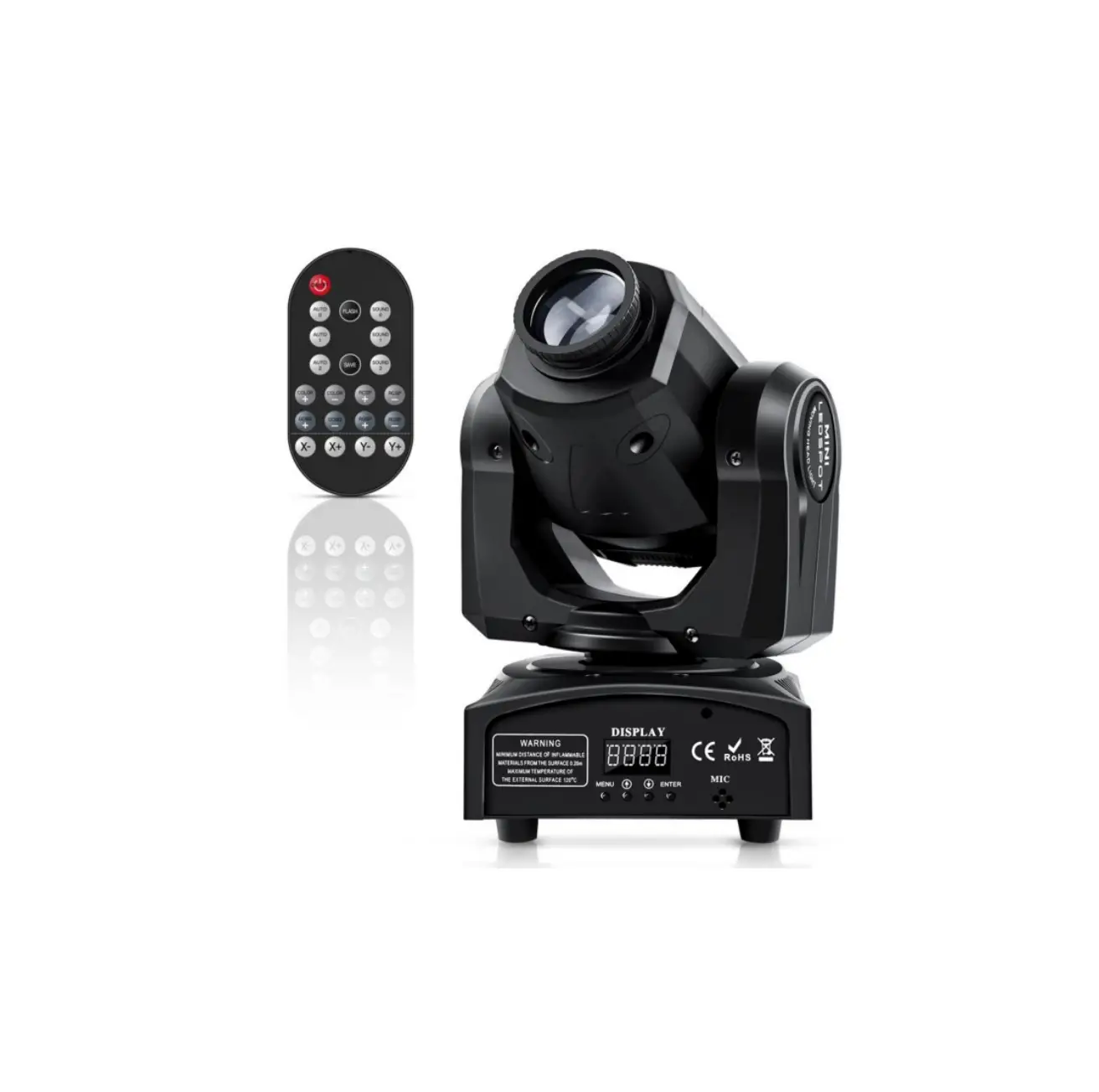
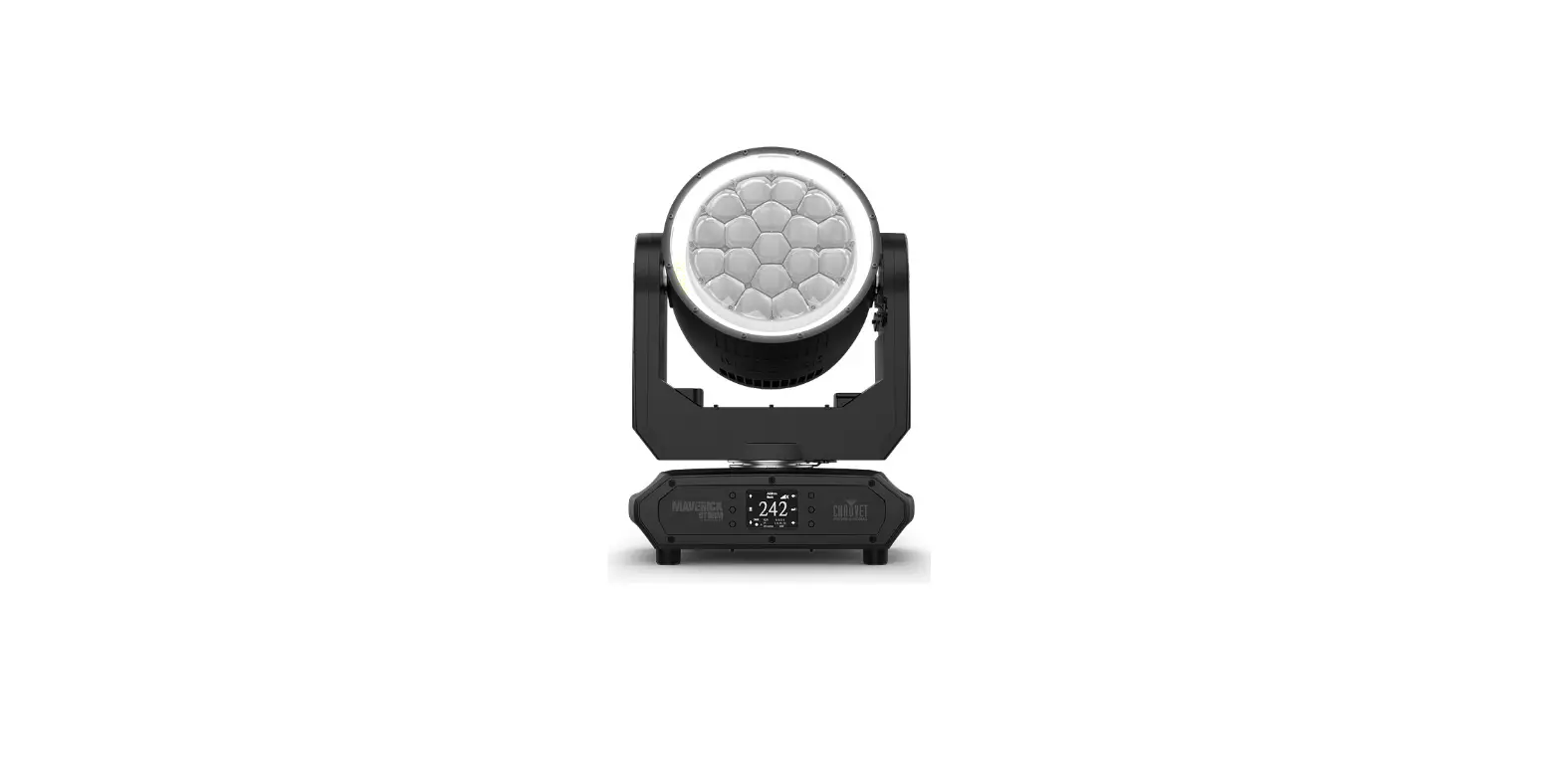
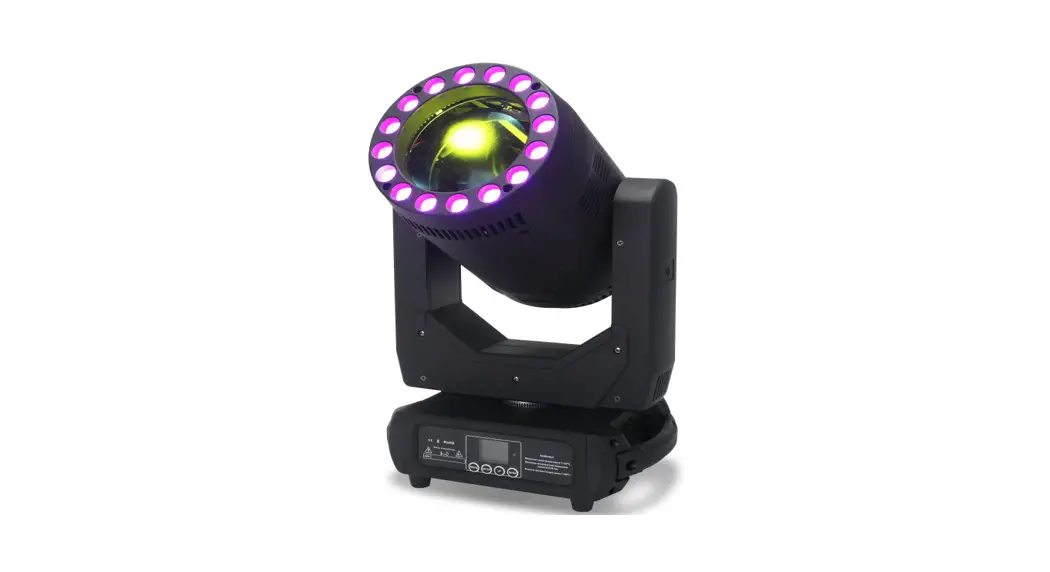
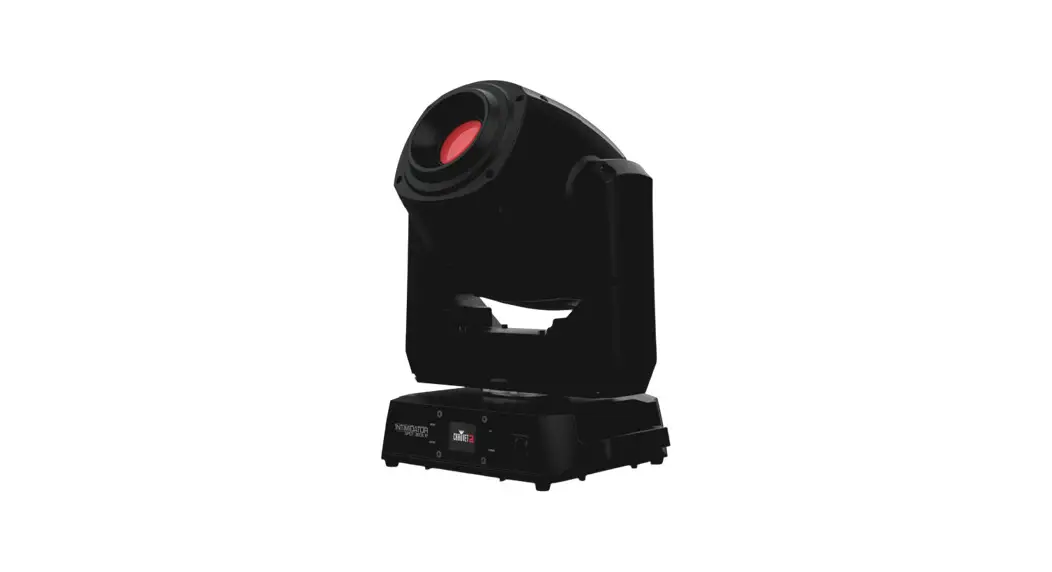
180W LED Spot Moving Head
USER MANUAL
 For safety, please read this user manual carefully before initial use.
Event Lighting reserves the right to revise the manual at any time. Information and specifications within this manual are subject to change without notice. Event Lighting assumes no liability or responsibility for any errors or omissions. Please consult Event Lighting for any clarification or information regarding this item.
Version: 1.0 (revised 05/11/2020)
Safety Instructions
Warning
- Do not open this device, there are no user-serviceable parts inside. Risk of electric shock.
- Do not look at the light source when the device is on.
Caution: This unit’s housing may be hot during and after the operation.
- Install this device in a location with adequate ventilation, at least 20 inches (50 cm) from adjacent surfaces.
- Do not leave any flammable material within 50 cm of this unit while operating or connected to power.
- Use a safety chain when mounting this device overhead.
- Do not operate this device outdoors or in any location where dust, excessive heat, water, or humidity may affect it.
- Do not operate this device if the housing, lenses, or cables appear damaged.
- Do not connect this device to a dimmer or rheostat.
- ONLY connect this device to a grounded and protected circuit.
- ONLY use the hanging bracket to carry this device.
- In case of a serious operating problem, stop using immediately.
- The maximum ambient temperature is 104° F (40° C). Do not operate this device at higher temperatures.
Power Input & Power Linking
This device has an auto-switching power supply work with an input voltage range of 100~240 VAC, 50/60 Hz.
Link up to the maximum 8A. DO NOT exceed this.
Fuse Replacement
If the fine-wire fuse of the device fuses, only replace the fuse with a fuse of the same type and rating.
Before replacing the fuse, unplug the mains lead.
Procedure:
Step 1: Unscrew the fuse holder on the rear panel with a fitting screwdriver from the housing (anticlockwise).
Step 2: Remove the old fuse from the fuse holder.
Step 3: Install the new fuse in the fuse holder.
Step 4: Replace the fuse holder in the housing and fix it.
Product Installation
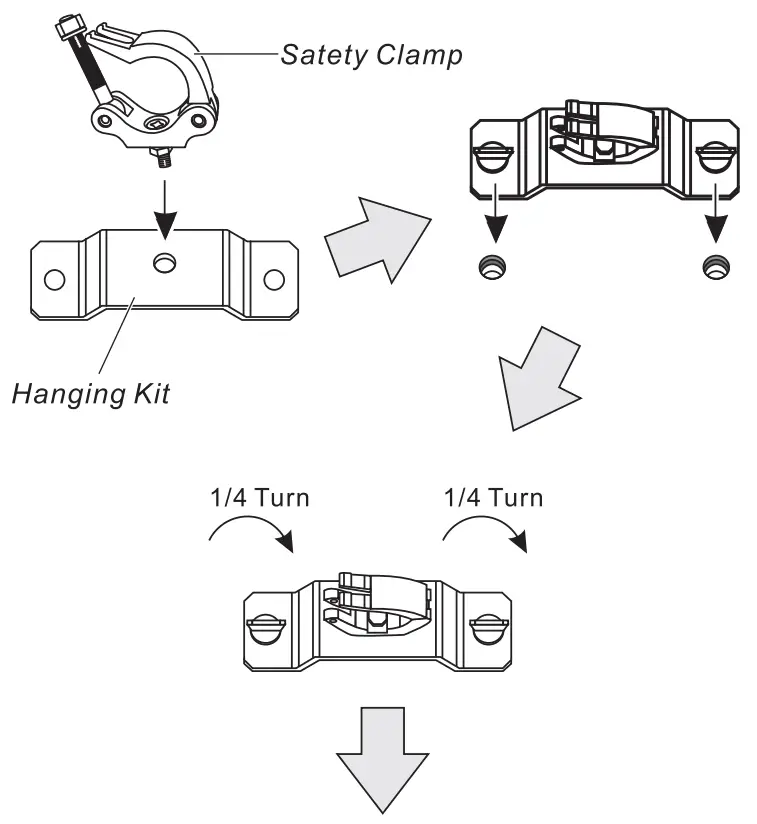
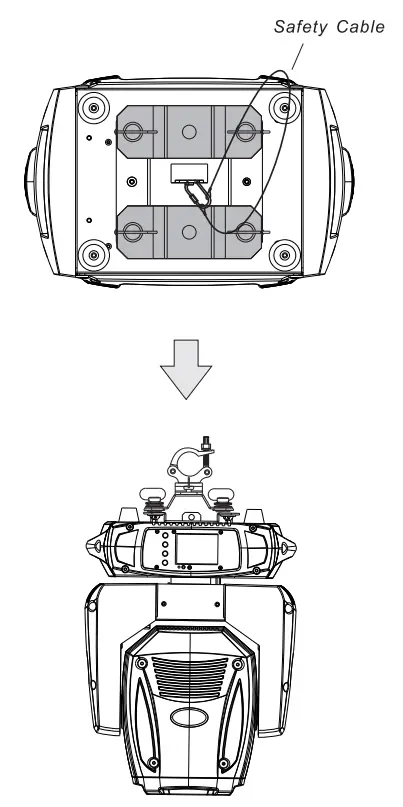
- This device can be mounted in many orientations provided each individual device is secured by the use of the correct mounting bracket.
- Use a safety chain when mounting this device overhead.
 |  |
Dimensions
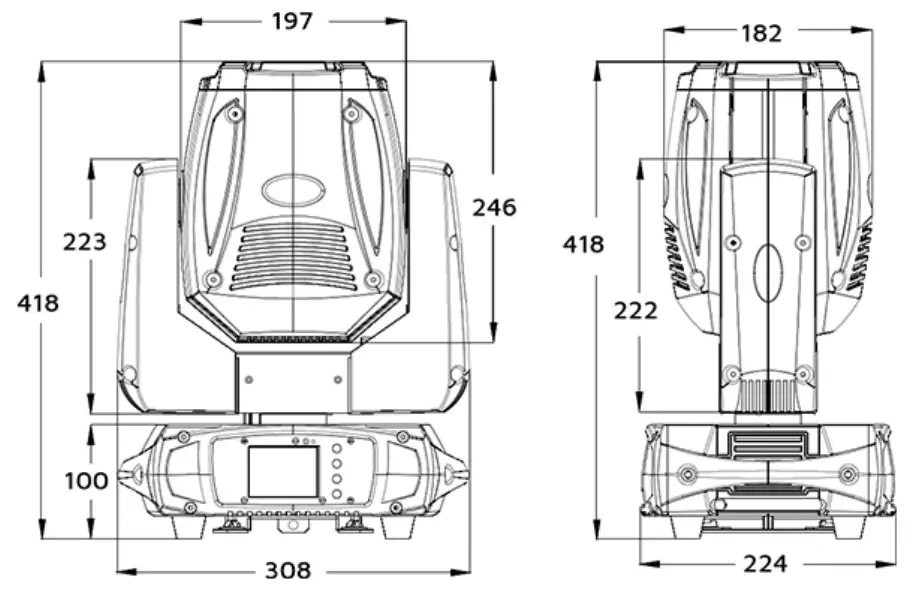
Lux Chart
Lux chart@ 16º
| 2.5m | 5m | 7.5m | 10m | 20m |
| ∅0.67 | ∅1.34 | ∅2 | ∅2.67 | ∅4 |
| 19,120 | 4,780 | 2,150 | 1,210 | 540 |
Colour Wheel
 | Red |  | Magenta |
 | Dark Blue |  | Blue |
 | Green |  | Orange |
 | Yellow | Open |
Static Gobo Wheel | Rotating Gobo Wheel | ||
 | Position 1 |  | Position 1 |
 | Position 2 |  | Position 2 |
 | Position 3 |  | Position 3 |
 | Position 4 |  | Position 4 |
 | Position 5 |  | Position 5 |
 | Position 6 |  | Position 6 |
 | Position 7 | ||
 | Position 8 | ||
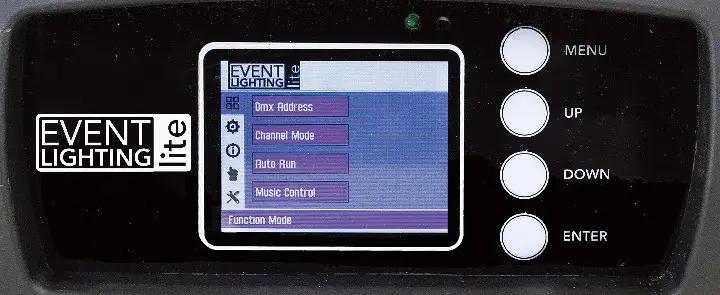
Menu – Move up a level.
Up – Move selection up one item.
Down – Move selection down one item.
Enter – Select/Move down a level.
MENU | DESCRIPTION | ||
| Function Mode | DMX Address | A001—AXXX | DMX Address Setting |
| Channel Mode | CH14 | 14 Channel Mode | |
| CH16 | 16 Channel Mode | ||
| AutoRun | Internal Program-8 | Internal Program | |
| State: Master/Alone | AutoRun State | ||
| AutoRun (On/Off) | Toggle AutoRun | ||
| Music Control | Internal Program-8 | Internal Program | |
| State: Master/Alone | Sound Control State | ||
| Music Run (On/Off) | Toggle Sound Control | ||
| Option | Reset Default | Yes/III | Reset to Default Setting |
| Signal Set | DMX Wireless DMX Wireless TX | Wired DMX Wireless DMX Receiver Wireless DMX Transceiver | |
| Pan / Tilt | Reverse Pan (On/Off) Reverse Tilt (On/Off) Select Pan 630°/540°/360° Select Tilt 270°/180°/90° Limit Mode OFF/CEN./R/L | Reverse Pan Reverse Tilt Pan Degree (540°) Tilt Degree (270°) Select Edge or Corner Range | |
| UI SET | Mic Sens. 0-99% Hold on no DMX(On/Off) Half Colour (On/Off) Flip Display (On/Off) | Microphone Sensitivity Setting Hold or no hold When no Signal Select half Colour Flip Display | |
| Information | Temperature | XXX°C/°F | Current Temperature |
| Software Version | V1.0—V9.9 | Current Software Version | |
| Manual Control | Reset | All Pan/Tilt Colour Gobo Others | Reset all Settings Reset Pan/tilt Settings Reset Colour Settings Reset Gobo Settings Reset Other Settings |
| Channel | PAN=XXX …… | Manual Control Channel | |
| ADVANCED (Access Code 088) | Calibration | PAN=XXX…….. | Calibration |
The default selection for each setting is highlighted.
Press the Up and Down buttons simultaneously for 3 seconds to reverse the display.
DMX Chart
| Mode/Channel | Value | Function | |
| 14 | 16 | ||
| 1 | 1 | Pan | |
| 0..255 | Pan movement | ||
| 2 | 2 | Pan Fine | |
| 0..255 | Fine control of pan movement | ||
| 3 | 3 | Tilt | |
| 0..255 | Tilt movement | ||
| 4 | 4 | Tilt Fine | |
| 0..255 | Fine control of tilt movement | ||
| 5 | 5 | Colour | |
| 0..15 | Open / white | ||
| 16..31 | Red | ||
| 32..47 | Dark Blue | ||
| 48..63 | Green | ||
| 64..79 | Yellow | ||
| 80..95 | Magenta | ||
| 96..111 | Blue | ||
| 112..127 | Orange | ||
| 128..189 | Forward rainbow effect, fast to slow | ||
| 190..193 | Colour rotation stop | ||
| 194..255 | Reverse rainbow effect, slow to fast | ||
| 6 | 6 | Rotation Gobo | |
| 0..9 | Open | ||
| 10..19 | Gobo 1 | ||
| 20..29 | Gobo 2 | ||
| 30..39 | Gobo 3 | ||
| 40..49 | Gobo 4 | ||
| 50..59 | Gobo 5 | ||
| 60..69 | Gobo 6 | ||
| 70..89 | Gobo 1 shake slow to fast | ||
| 90..109 | Gobo 2 shake slow to fast | ||
| 110..129 | Gobo 3 shake slow to fast | ||
| 130..149 | Gobo 4 shake slow to fast | ||
| 150..169 | Gobo 5 shake slow to fast | ||
| 170..189 | Gobo 6 shake slow to fast | ||
| 7 | 7 | Rotation Gobo | |
| 0..3 | TBD | ||
| 4..127 | Forward gobo rotation, fast to slow | ||
| 128..131 | Gobo rotation stop | ||
| 132..255 | Reverse gobo rotation, slow to fast | ||
| 8 | 8 | Static Gobo | |
| 0..14 | Open | ||
| 15..29 | Gobo 1 | ||
| 30..44 | Gobo 2 | ||
| 45..39 | Gobo 3 | ||
| 60..74 | Gobo 4 | ||
| 75..89 | Gobo 5 | ||
| 90..104 | Gobo 6 | ||
| 105..119 | Gobo 7 | ||
| 120..134 | Gobo 8 | ||
| 135..144 | Gobo 1 shake slow to fast | ||
| 145..154 | Gobo 2 shake slow to fast | ||
| 155..164 | Gobo 3 shake slow to fast | ||
| 165..174 | Gobo 4 shake slow to fast | ||
| 175..184 | Gobo 5 shake slow to fast | ||
| 185..194 | Gobo 6 shake slow to fast | ||
| 195..204 | Gobo 7 shake slow to fast | ||
| 205..214 | Gobo 8 shake slow to fast | ||
| 215..255 | Forward wheel spin, slow to fast | ||
| 9 | 9 | Shutter | |
| 0..31 | Shutter closed | ||
| 32..63 | Shutter open | ||
| 64..95 | Strobe effect slow to fast | ||
| 96..127 | Shutter open | ||
| 128..159 | Pulse effect, slow to fast | ||
| 160..191 | Shutter open | ||
| 192..223 | Random strobe effect, slow to fast | ||
| 224..255 | Shutter open | ||
| 10 | 10 | Dimmer | |
| 0..255 | Dimmer 0%…100% | ||
| 11 | 11 | Focus | |
| 0..255 | In(near) to out(far) | ||
| 12 | 12 | Rotating prism, Prism | |
| 0..5 | OFF | ||
| 6..127 | ON | ||
| 128..189 | Forward rotation, fast to slow | ||
| 190..193 | Prism rotation stop | ||
| 194..255 | Reverse rotation, fast to slow | ||
| 13 | 13 | Speed pan/tilt | |
| 0..225 | Pan/tilt speed, fast to slow | ||
| 226..235 | Blackout during pan/tilt functions | ||
| 236..245 | Blackout when color and gobo switching | ||
| 246..255 | TBD | ||
| 14 | 14 | Special Function | |
| 0..19 | TBD | ||
| 20..29 | TBD | ||
| 30..39 | TBD | ||
| 40..79 | TBD | ||
| 80..84 | Reset all | ||
| 85..87 | Reset scan | ||
| 88..90 | Reset color | ||
| 91..93 | Reset gobo | ||
| 94..96 | TBD | ||
| 97..99 | Reset another motor | ||
| 100..109 | Internal program 1 | ||
| 110..119 | Internal program 2 | ||
| 120..129 | Internal program 3 | ||
| 130..139 | Internal program 4 | ||
| 140..149 | Internal program 5 | ||
| 150..159 | Internal program 6 | ||
| 160..169 | Internal program 7 | ||
| 170..179 | Internal program 8 | ||
| 180..189 | Internal sound program 1 | ||
| 190..199 | Internal sound program 2 | ||
| 200..209 | Internal sound program 3 | ||
| 210..219 | Internal sound program 4 | ||
| 220..229 | Internal sound program 5 | ||
| 230..239 | Internal sound program 6 | ||
| 240..249 | Internal sound program 7 | ||
| 250..255 | Internal sound program 8 | ||
Vector Mode | Value | Function | |
| 15 | Colour Time | ||
| 0..255 | Colour speed, fast to slow | ||
| 16 | Gobo Time | ||
| 0..255 | Gobo speed, fast to slow | ||
The device is controlled by universal DMX 512 protocol, DMX address is the start channel used to receive instructions from the external controller. For independent control, each fixture must be assigned its unique address control channels. For example, this device has two-channel modes:
14/16, if we set the mode at standard 16 channels mode, and there are several models that need to be independently controlled, we just simply address the first fixture at 1, and the second fixture at 17, the third one at 33, etc.
- If the devices have the same address, they will behave synchronically.
- The display is flashing when no DMX signal is received.
More Functions
- Software upgrade function via DMX cable. If there is any new firmware for this device, it can be upgraded simply via a software upgrade box, without the need to change any mechanical parts. The upgrade box is not included in the package, if you need any further assistance please contact your authorized dealer.
- Hibernation. The device will enter sleep mode is activated after a period of disconnecting the DMX signal to save power and will wake immediately when the DMX signal is sent or received again.
Technical Specifications
Photometric
- Light Source: 180W White LED 7,500K
- Beam Angle: 16°
- Output: 19,120lux @ 2.5M
- PWM: 1,000Hz
- LED Lifespan: 50,000hours
Colour
- 1 colour wheel (7 Colours + Open)
Gobo
- Fixed: 1 x (8 + open) fixed gobo wheel
- Rotating: 1 x (6 + open) interchangeable rotating gobo wheel (outside ø24mm, inside ø17mm).
Effects
- Prism: 3-facet
- Dimming: 0~100%
- Strobe: 1.2~17Hz
- Focus: 2.5~30m linear via DMX
Movement
- 8/16 – bit, auto-reposition
- Pan: 360°/540°/630°
- Tilt: 90°/180°/270°
- Limit mode: Centre/Corner/Edge
Power
- Input Voltage: 90~260V AC, 50/60Hz
- Power Consumption: 210W
- Connection: PowerCon in/out
- Fuse: F4A, 250V
Control
- Protocol: DMX512
- Operation modes: DMX, manual, auto, sound active, master/slave
- DMX Channels: 14/16
- Interface: 3-pin XLR in/out
- Built-in Programming: Yes
- Sound Active: Yes
- Display: 4-button 2.4inch TFT LCD display control panel
Housing
- Materials: Metal & flame retardant ABS
- Finishing: Matte black
- IP rating: IP20
- Cooling: Fan
- Net Weight: 10.5kg
- Rigging: 2pcs omega brackets with 1/4-turn quick locks
Warranty
Please refer to your local dealer or contact Event Lighting Pty Ltd.
 Australia Entertainment Lighting Wholesaler | Event Lighting