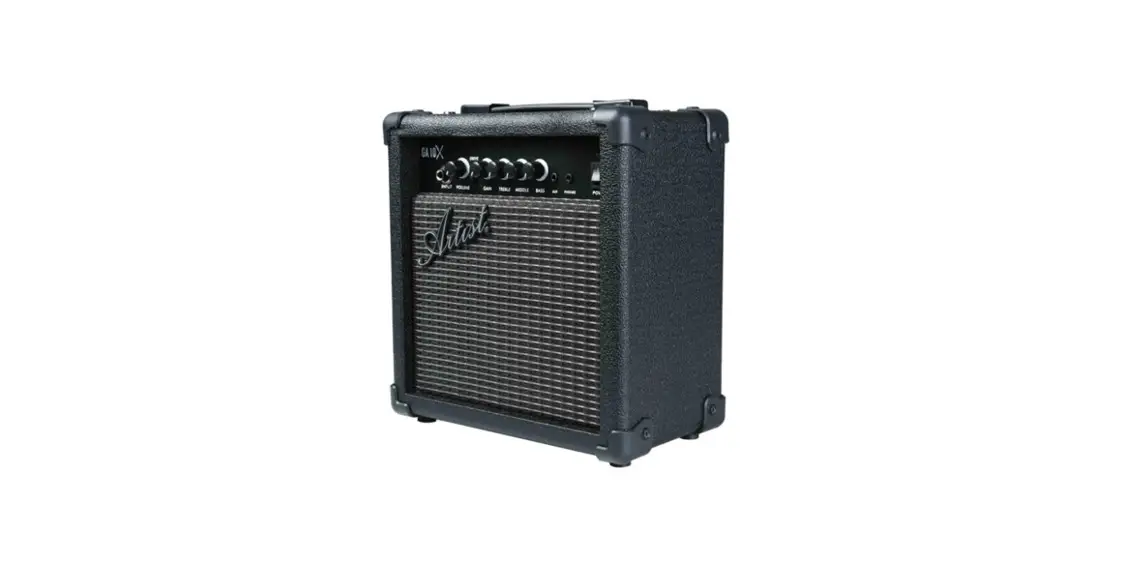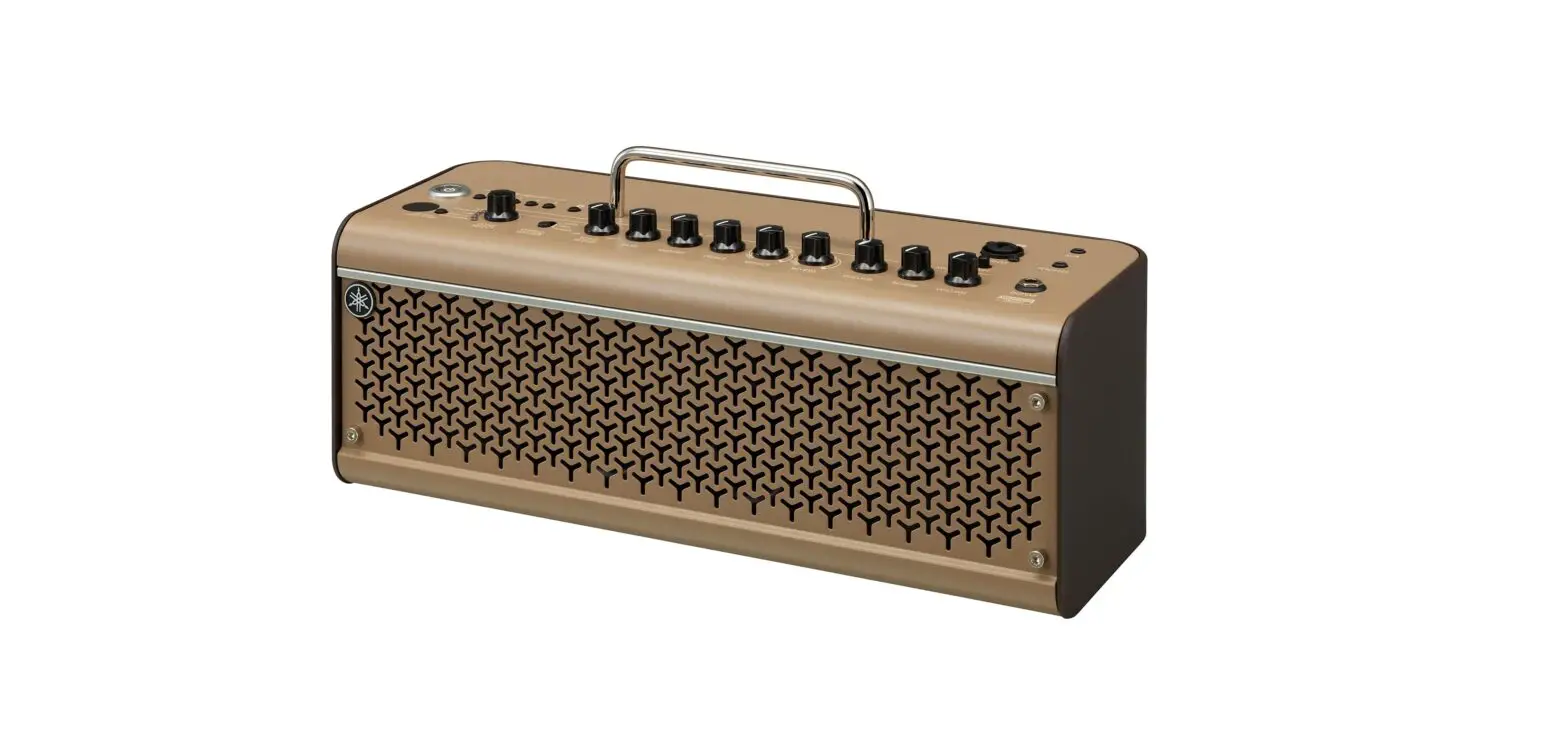
YAMAHA GA15II Guitar Amplifier Owner's Manual

Owner’s Manual
Thank you for purchasing a Yamaha GA15II Guitar Amplifier. To get the best results and longest life out of your GA15II, we recommend that you carefully read this manual, and keep it in a safe place for future reference.
Precautions
- To avoid possible damage do not expose the unit to:
- direct sunlight
- very high or low temperature/humidity
- sand or excessive dust
- Especially inside a vehicle, the temperature may rise excessively — do not leave the GA15II in a parked car on a sunny day!
- Before connecting/disconnecting cables or turning the unit on/off, be sure to set the VOLUME control on the GA15II to 0.
- Keep the GA15II away from neon signs or fluorescent lighting to prevent noise pickup.
- Noise can occur in the vicinity of broadcasting towers for television, radio, etc. Try adjusting the angle at which the amp is placed, or changing the DRIVE-GAIN settings etc.
- Handle the unit carefully — never apply excessive force to the controls and avoid dropping the unit.
- For safety, always remove the power plug from the AC wall outlet if there is any danger of lightning striking in your area.
- To prevent damage and possibly electrical shock, never open the case and tamper with the internal circuitry.
- Never use solvents such as benzene or thinner to clean the GA15II. Wipe clean with a soft, dry cloth.
- Avoid placing the unit where objects may fall onto it and/or liquids may drip or splash onto it. Also, do not place the following objects on top of the unit:
- Other components as they may cause damage and/or discoloration to the unit’s surface.
- Burning objects (i.e. candles) as they may cause fire damaging the unit, and/or causing personal injury.
- Containers filled with liquids as they may spill, causing electrical shock to the user and/or damage to the unit.
Specifications
Rated Output Power : 15 W
Speaker : 16 cm x1
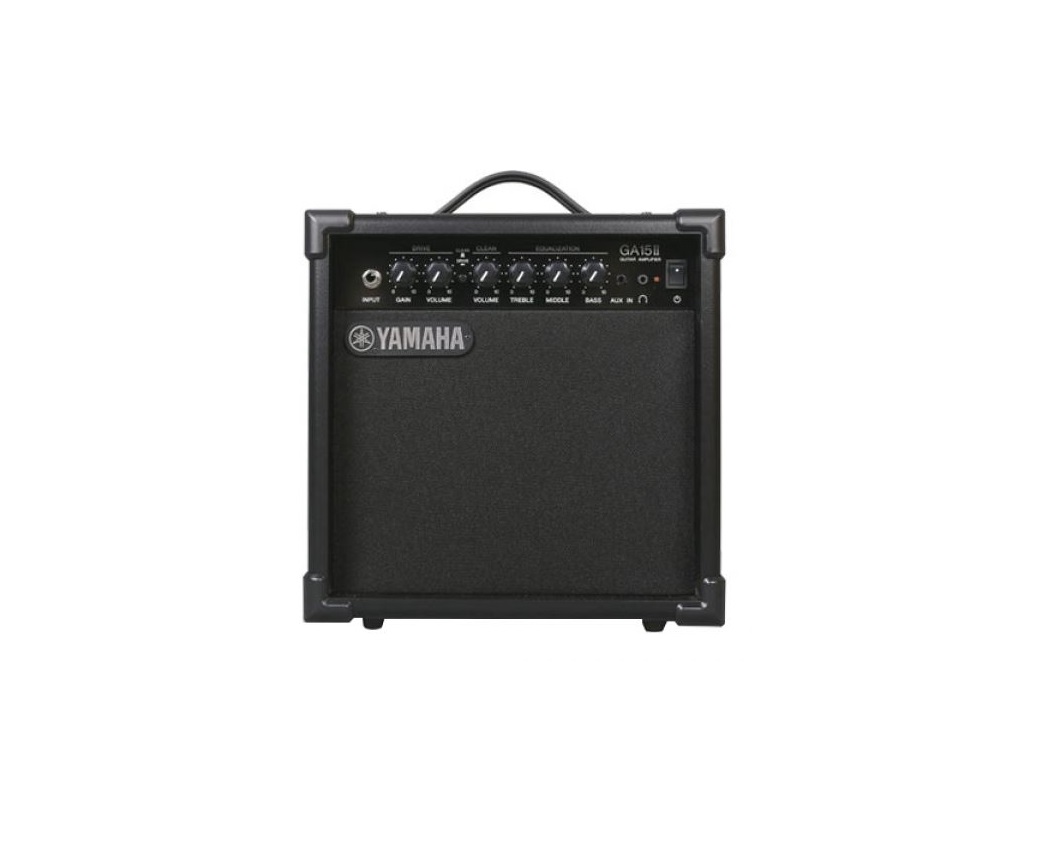
Controls : DRIVE-GAIN, DRIVE-VOLUME, CLEAN/DRIVE SW, CLEAN- VOLUME, EQUALIZATION-TREBLE, EQUALIZATION-MIDDLE, EQUALIZATION-BASS, POWER SW
Input/output Terminals : INPUT, AUX IN, PHONES
Power Requirements : Japanese model: AC100V, 50/60Hz
USA and Canada models: AC120V, 60Hz
U.K. and Europe models: AC230V, 50Hz
Australia model: AC240V, 50Hz
Korea model: AC220V, 60Hz
China model: AC220V, 50Hz
Dimensions (W x H x D) : 291 x 300 x 189 mm (11.5″ x 11.8″ x 7.4″) Weight : 5 kg
* Specifications and external appearance are subject to change without notice.
Control Panel
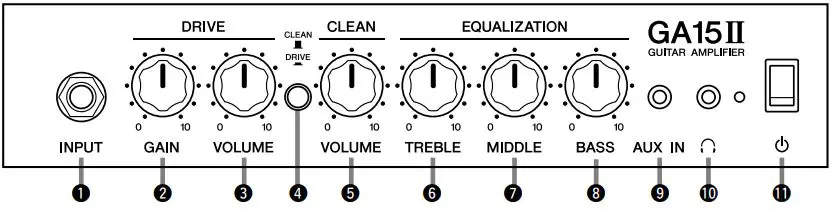
- INPUT
Connect your guitar to this jack. - DRIVE-GAIN
Controls the level of distortion applied to the DRIVE channel. Turn the control clockwise to increase the level of distortion. Depress the CLEAN/DRIVE switch (4) to activate the DRIVE function. - DRIVE-VOLUME
Controls the output volume level from the DRIVE channel. Depress the CLEAN/DRIVE switch (4) to activate the DRIVE function. - CLEAN/DRIVE
Switches between CLEAN and DRIVE channels. Depress the switch ( ) to engage the DRIVE mode and add distortion to the sound. Place the switch in the raised position (
 ) to put the amplifier in the CLEAN mode which produces sound with minimal distortion.
 - CLEAN-VOLUME
Controls the output volume level from the CLEAN channel. Place the CLEAN/DRIVE switch (4) in the raised (CLEAN) position. - EQUALIZATION-TREBLE
Turn the knob clockwise to emphasize high frequencies. - EQUALIZATION-MIDDLE
Turn the knob clockwise to emphasize mid-range frequencies. - EQUALIZATION-BASS
Turn the knob clockwise to emphasize low-range frequencies. - AUX IN
Connect an external audio device such as an MP3 or CD player to this jack.  (PHONES)
Connect a pair of headphones to this jack. * Connecting a pair of headphones to this jack mutes the sound from the speaker. (POWER)
Switches the amplifier’s power on and off. When the power is ON, the indicator to the left of the switch lights.
 ) to engage the DRIVE mode and add distortion to the sound. Place the switch in the raised position (
 ) to put the amplifier in the CLEAN mode which produces sound with minimal distortion.
 (PHONES)
 (POWER)