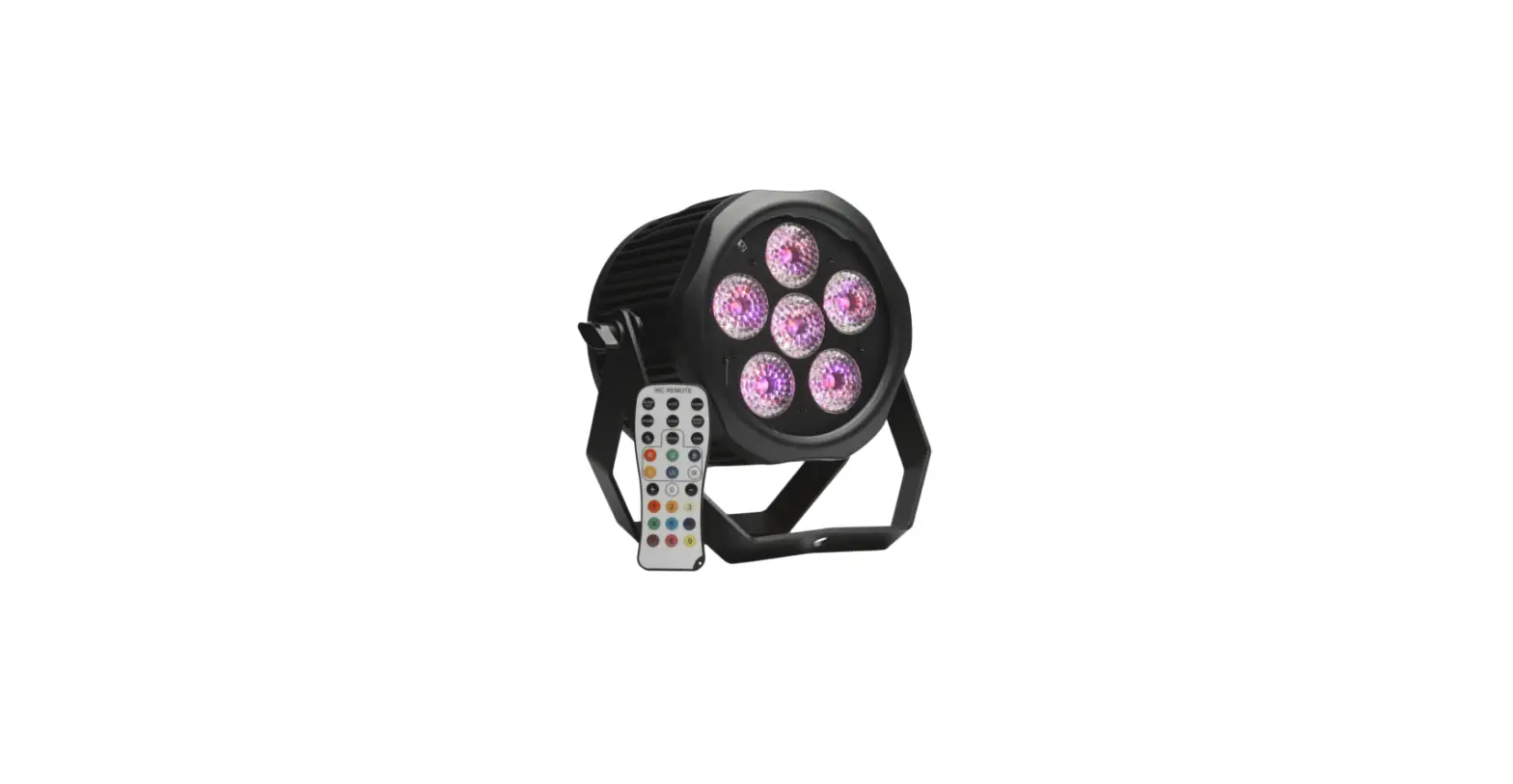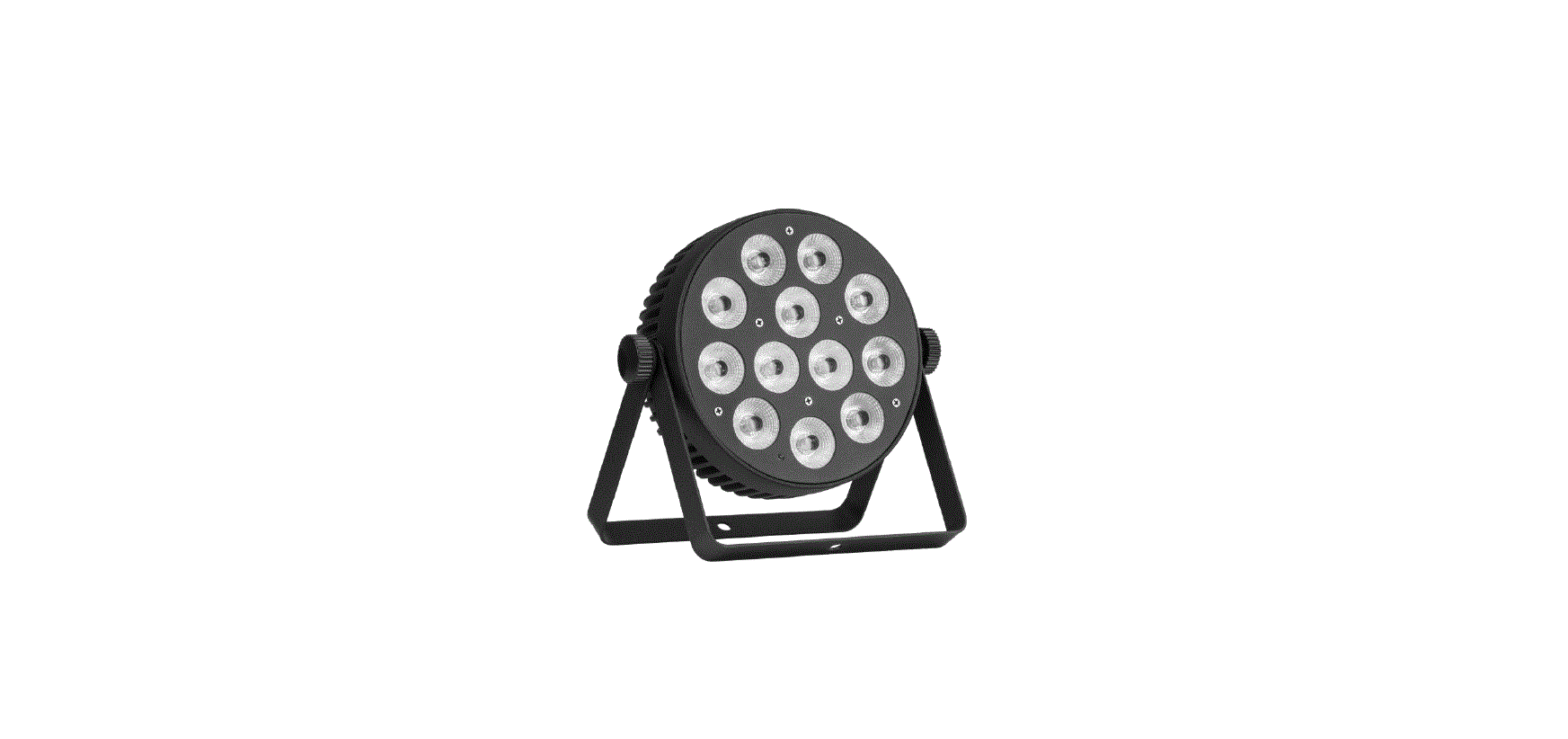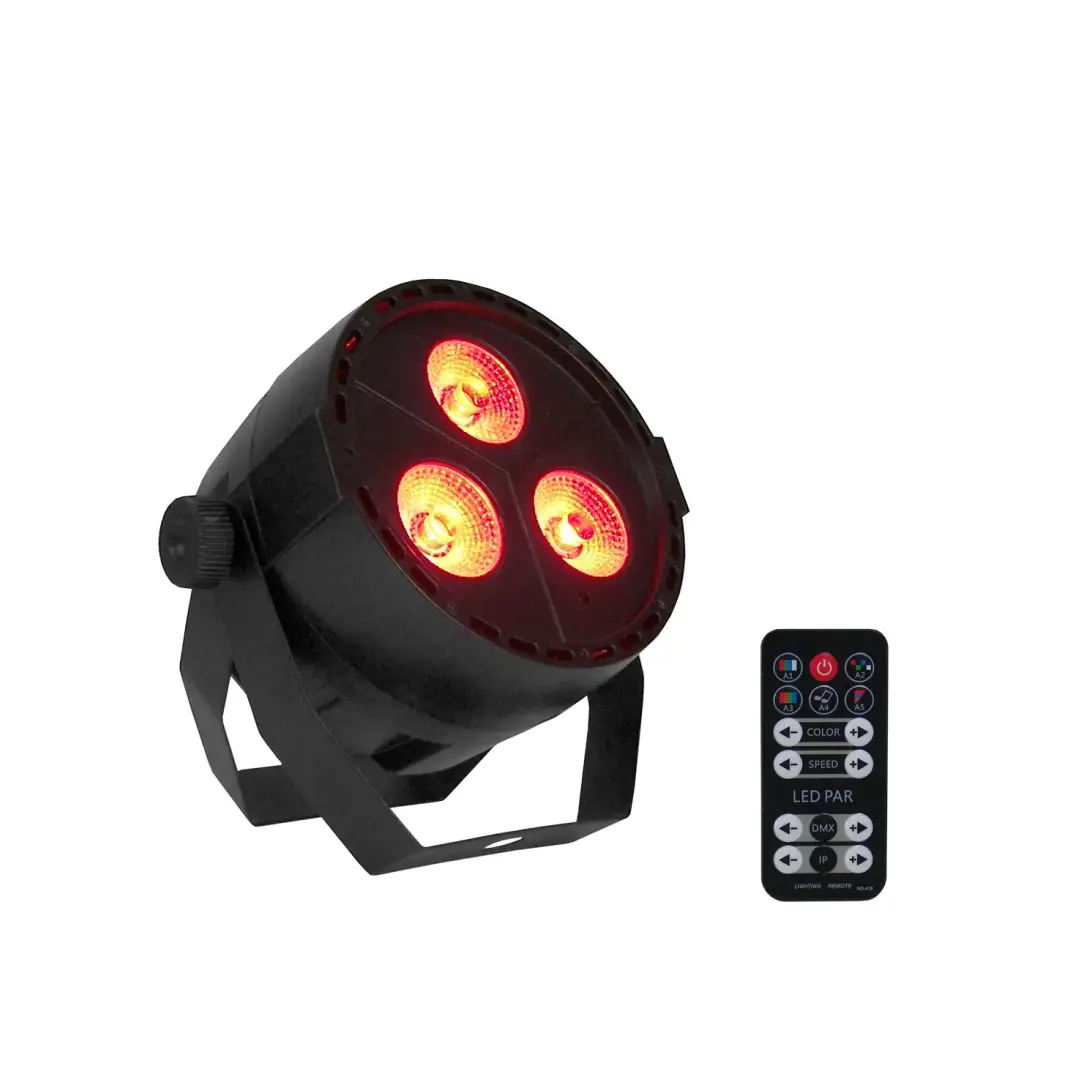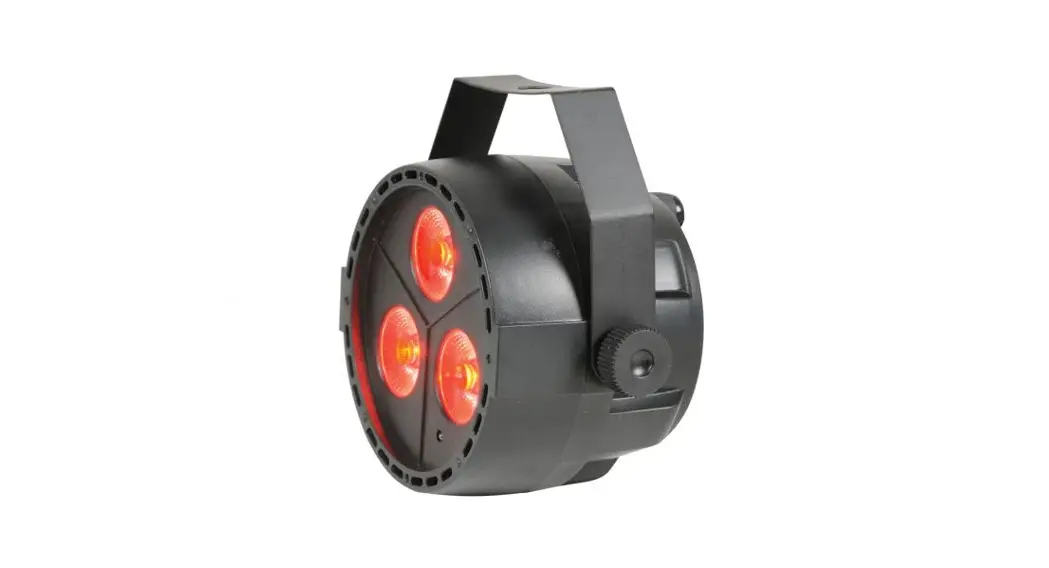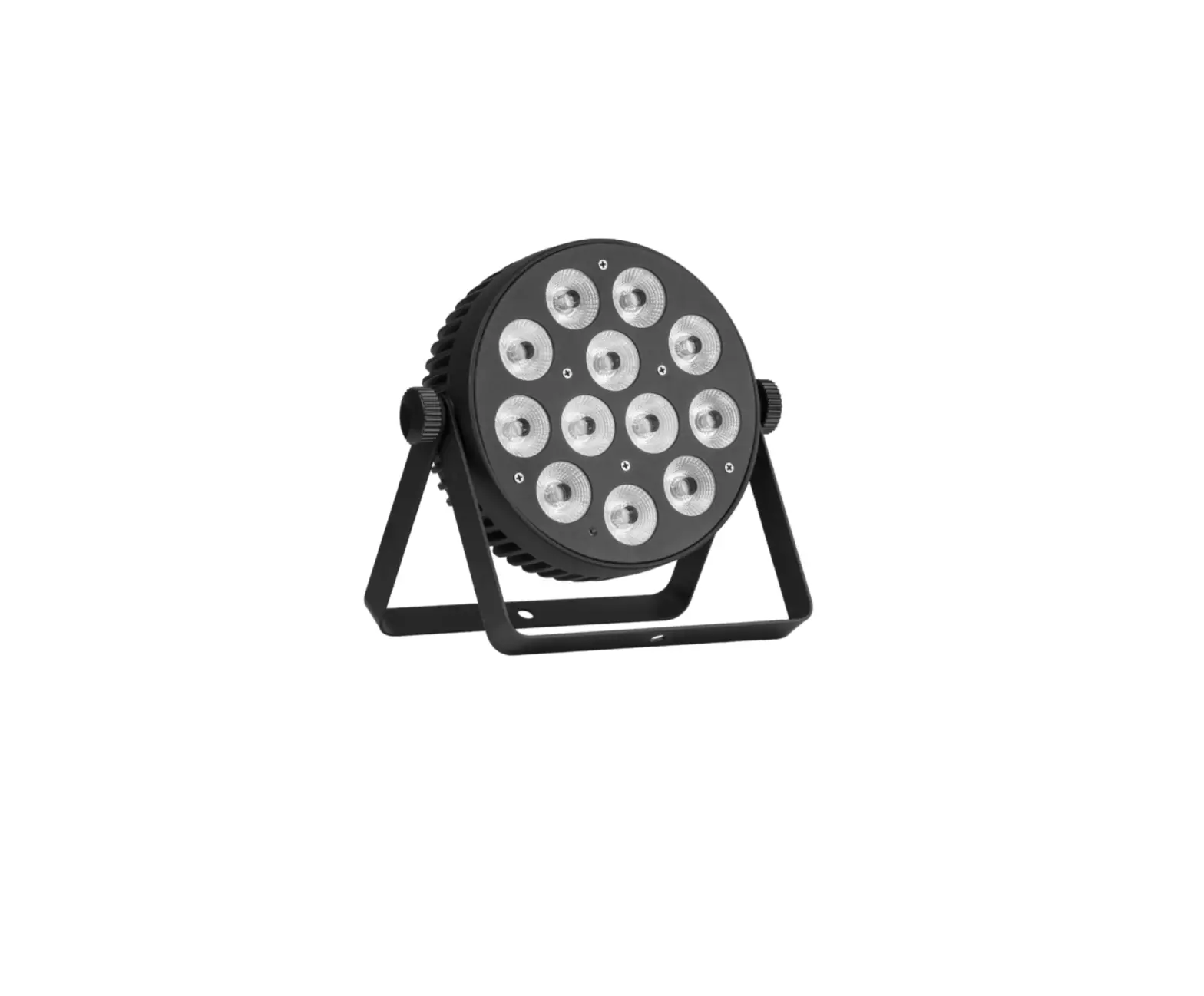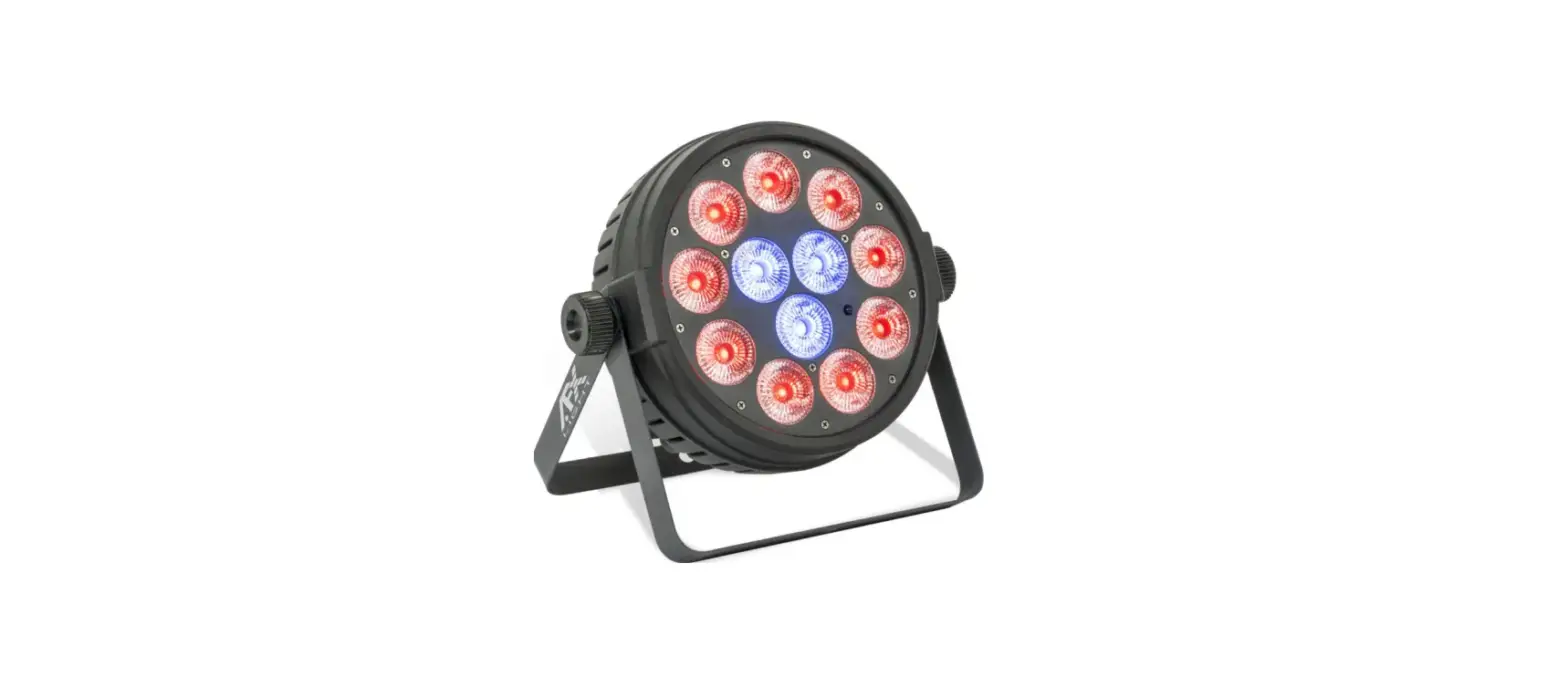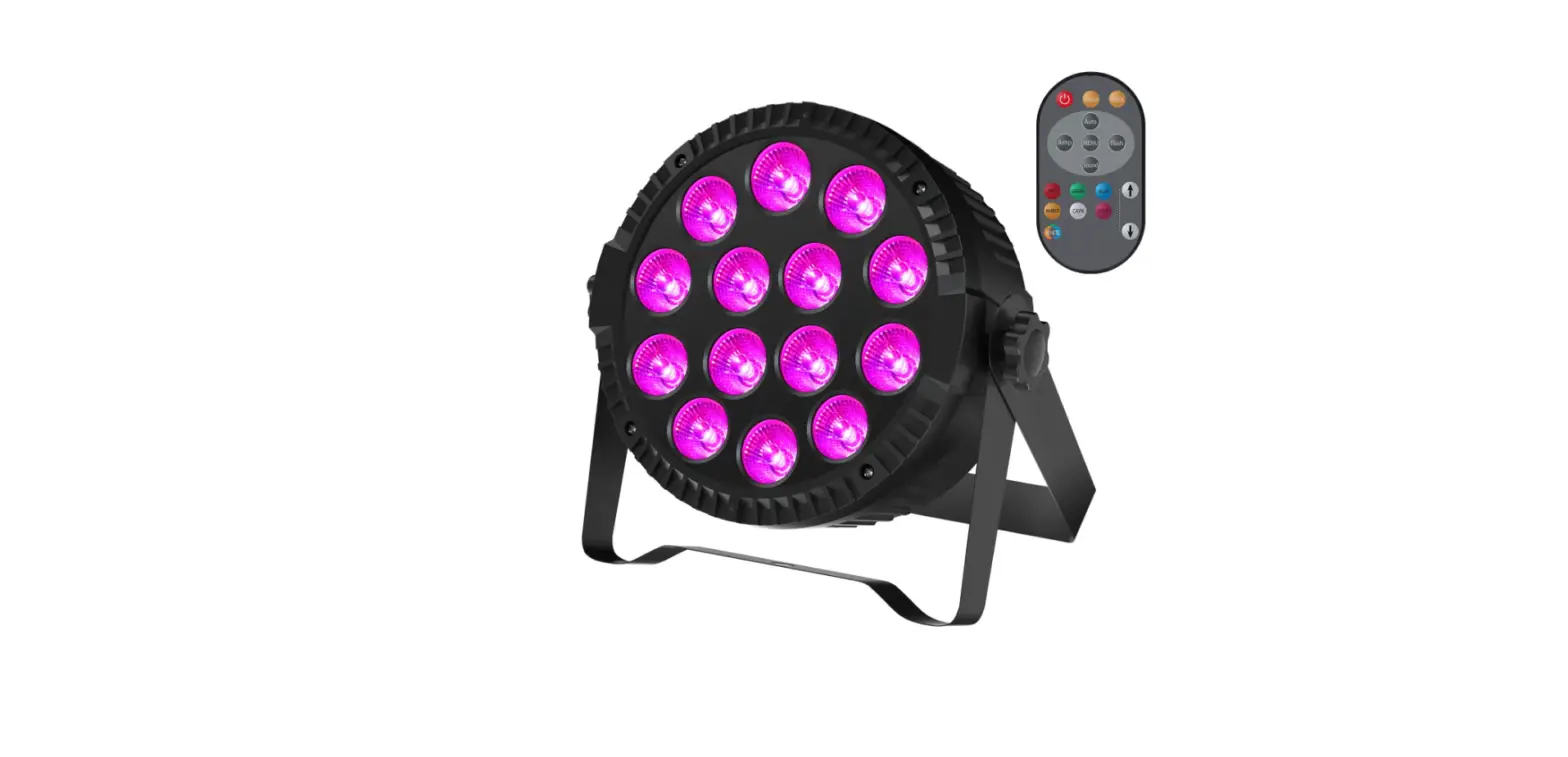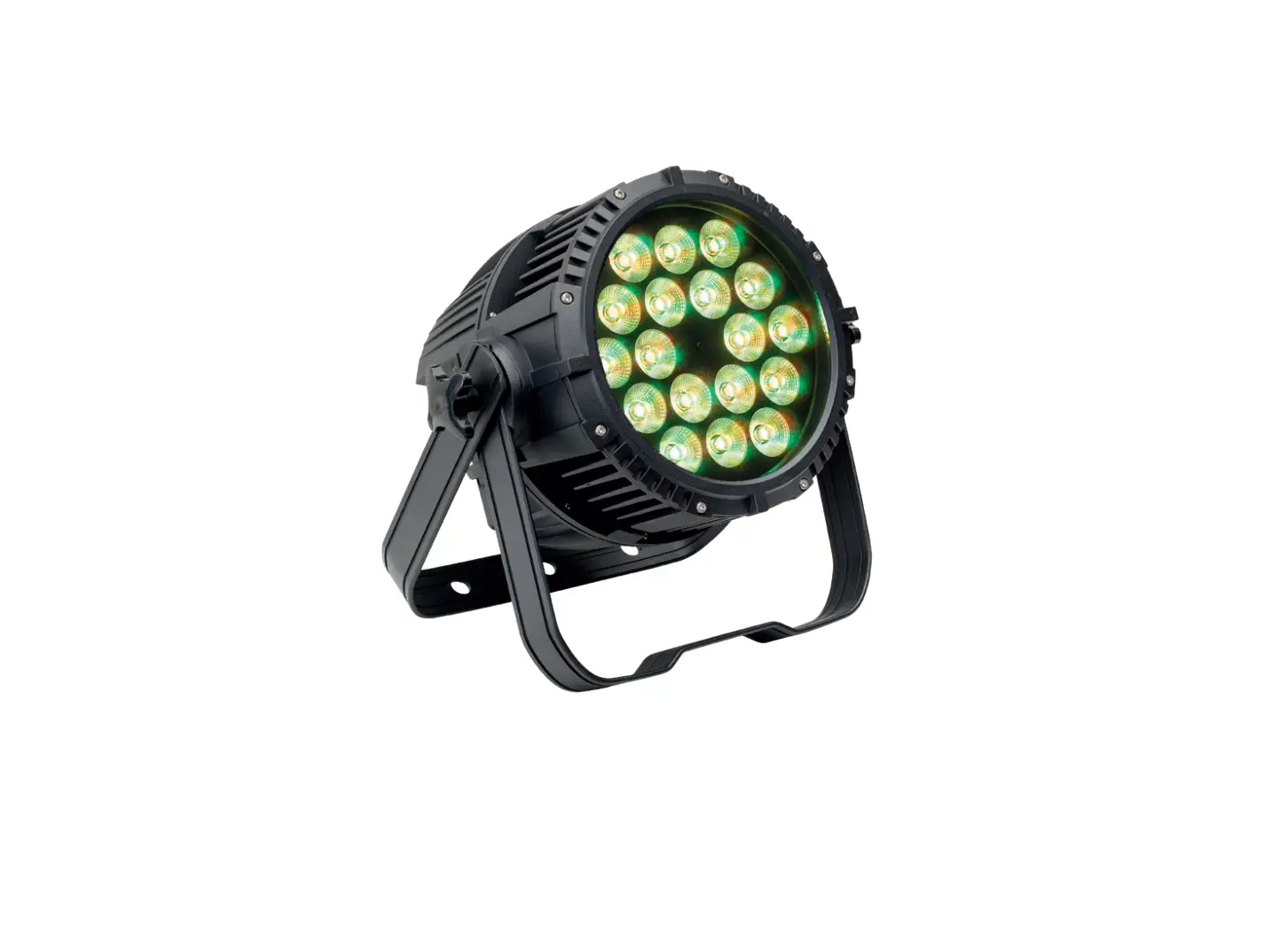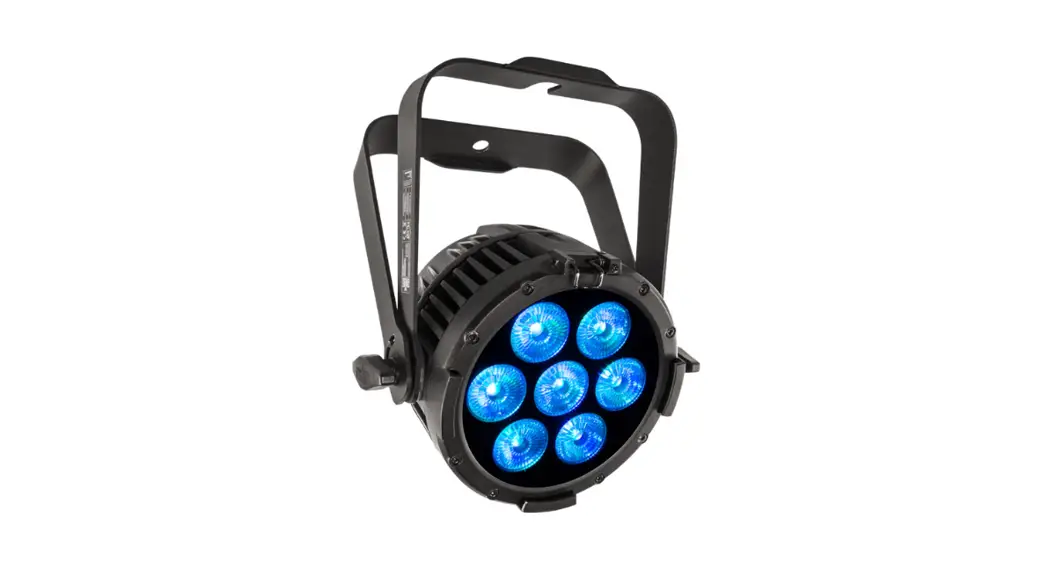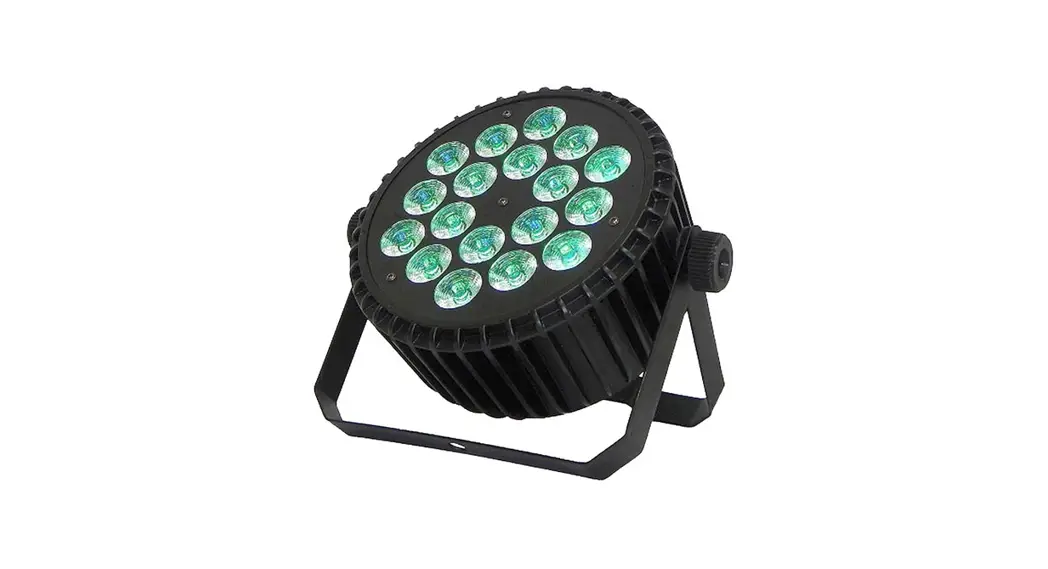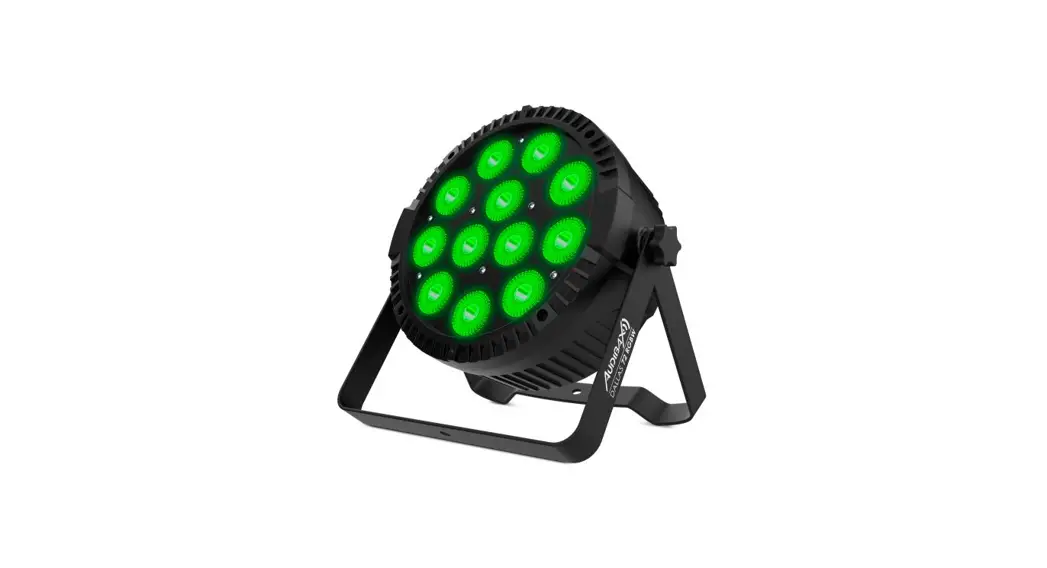
PAR12X8L
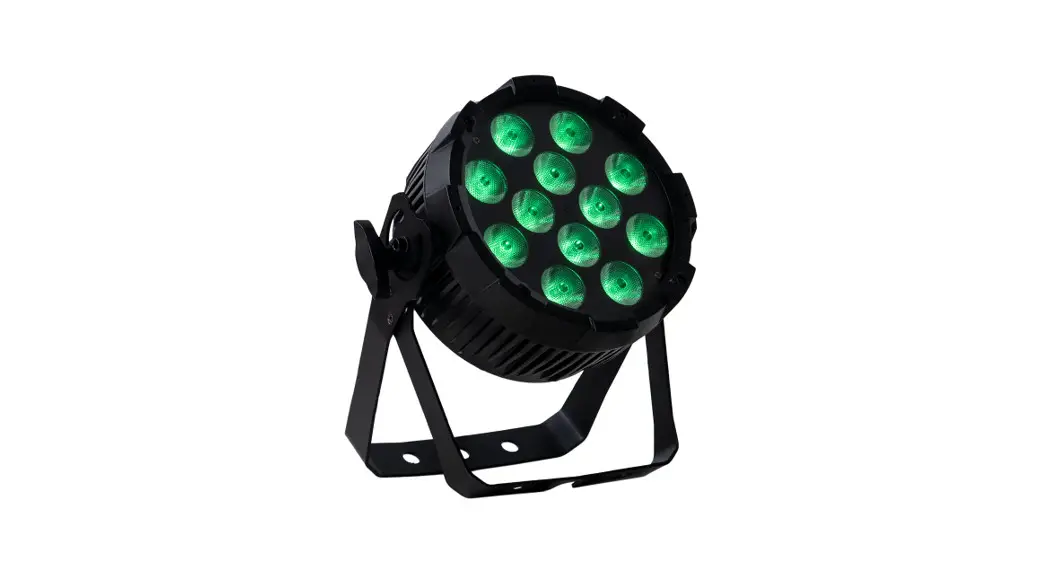
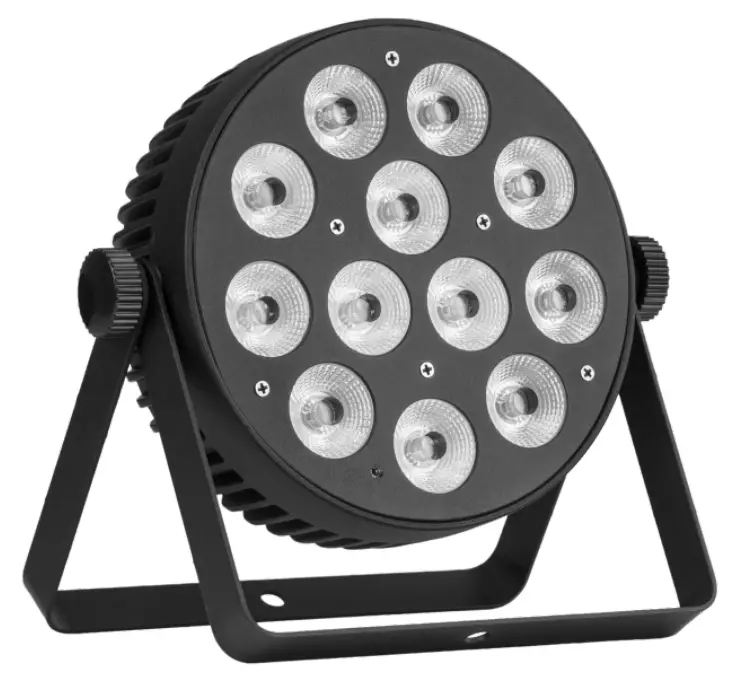
12x 8W RGBW 4-in-1 LED PAR
USER MANUAL
For your safety, please read this user manual carefully before use.
Event Lighting reserves the right to revise the manual at any time. Information and specifications within this manual are subject to change without notice. Event Lighting assumes no liability or responsibility for any errors or omissions. Please consult Event Lighting for any clarification or information regarding this item.
Version 1.1 – 23/10/2019 (revised 05/11/2020)
Safety Instructions
Warning
- Do not open this device, there are no user-serviceable parts inside. Risk of electric shock.
- Do not look directly at the light source from close range.
- Avoid contact with the unit during operation, as the housing may become hot. Allow the fixture to cool for at least 15 minutes after turning off before touching.
- Install this device in a location with adequate ventilation, at least 50cm from adjacent surfaces.
- Do not operate this device, or connect this device to power, within 50cm of any flammable material.
- Use a safety chain when mounting this device overhead.
- Do not operate this device outdoors where excessive dust, heat, water, or humidity may affect it.
- Do not operate this device if the housing, lenses, or cables appear damaged.
- Do not connect this device to a dimmer or rheostat.
- Do not operate this device at temperatures higher than 40°C (104°F).
- Only connect this device to a grounded and protected circuit.
- Only use the hanging bracket to carry this device.
- Stop using this device immediately if a serious operating problem becomes apparent.
Fuse Replacement
If the fine-wire fuse of the device fuses, replace the fuse with one of the same types of ratings.
Before replacing the fuse, unplug the device from the power source.
Fuse Replacement Steps
- Unscrew the fuse holder located on the rear panel from the housing.
- Remove the old fuse from the holder.
- Install the new fuse into the holder.
- Place the fuse holder back into the housing and secure it tightly.
Product Installation
PAR12X8L can be mounted in many orientations, provided each individual device is secured by the use of the correct mounting bracket. Use a safety chain when mounting PAR9X15O overhead.
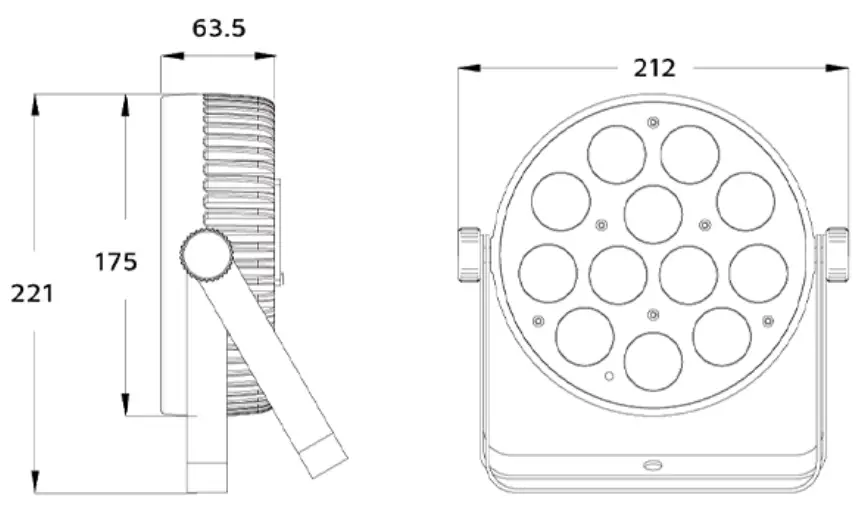
Dimensions
Lux Chart
| Lux chart @ 40° ( PAR12X9L) | |||||
1m | 2m | 3m | 4m | 5m | |
00.73 | 01.46 | 02.18 | 02.91 | 03.64 | |
| R | 3,300 | 850 | 370 | 230 | 140 |
G | 3,700 | 1,055 | 480 | 290 | 180 |
| B | 5,500 | 1,626 | 705 | 415 | 260 |
W | 4,200 | 1,256 | 570 | 335 | 222 |
| FULL | 13,800 | 4,950 | 1,960 | 850 | 700 |
Control Board Operation
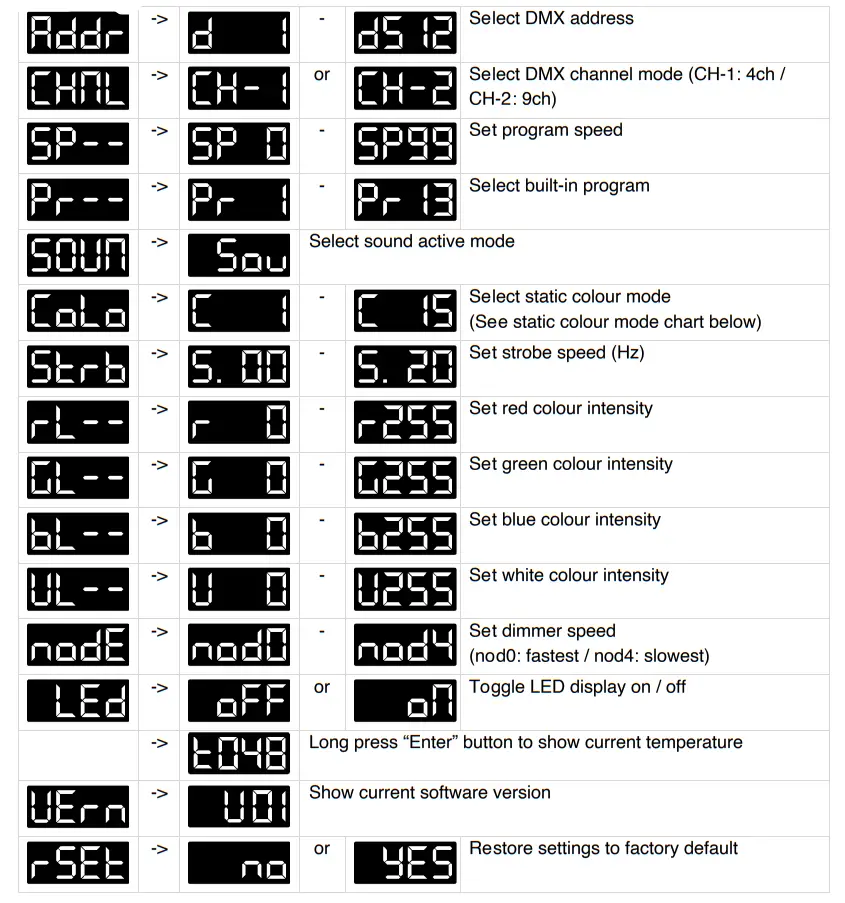
Menu Map
Static Colour Mode
| Value | Function |
| C1 | Red |
| C2 | Green |
| C3 | Blue |
| C4 | White |
| C5 | Red+White |
| C6 | Green+White |
| C7 | Blue+White |
| C8 | Green+Blue |
| C9 | Red+Blue |
| C10 | Red+Green |
| C11 | Red+Green+Blue |
| C12 | Green+Blue+White |
| C13 | Red+Blue+White |
| C14 | Red+Green+White |
| C15 | Red+Green+Blue+White |
DMX Chart
4 Channel Mode
| Channel | Value | Function |
| 1 | 000-255 | Red: 0% ~ 100% |
| 2 | 000-255 | Green: 0% ~ 100% |
| 3 | 000-255 | Blue: 0% ~ 100% |
| 4 | 000-255 | White: 0% ~ 100% |
9 Channel Mode
Channel | Value | Function | Note |
| 1 | 000-255 | Master DIMMER 0% ~ 100% | |
| 2 | 000-255 | Red: 0% ~ 100% | |
| 3 | 000-255 | Green: 0% ~ 100% | |
| 4 | 000-255 | Blue: 0% ~ 100% | |
| 5 | 000-255 | White: 0% ~ 100% | |
| 6 | 000-012 | Strobe OFF | |
| 013-255 | Strobe (slow-fast) | ||
|
7 | 000-009 | No Function | |
| 010-019 | Program 1 | ||
| 020-029 | Program 2 | ||
| 030-039 | Program 3 | ||
| 040-049 | Program 4 | ||
| 050-059 | Program 5 | ||
| 060-069 | Program 6 | ||
| 070-079 | Program 7 | ||
| 080-089 | Program 8 | ||
| 090-099 | Program 9 | ||
| 100-109 | Program 10 | ||
| 110-119 | Program 11 | ||
| 120-129 | Program 12 | ||
| 130-139 | Program 13 | ||
| 140-255 | Sound active mode | ||
| 8 | 000-255 | Speed of auto programs (slow ~ fast) | Ch7 must be set between 10-139 |
| 9 | 000-255 | Colour fade time (jump ~ fade) | The mode must be set to “nod0” |
IR Remote
In order to use the IR Remote, PAR12X8L must be in DMX mode without an active DMX connection. If a DMX signal is received, PAR12X8L will prioritize the DMX signal and ignore the IR Remote.
Use On/Off to turn PAR12X8L on or off. The current IR settings will be saved automatically when PAR12X8L is powered off and reloaded when it is turned on again. To reset to the factory default Blackout mode, long press Off.
Press R/G/B/W to light up the LEDs in red, green, blue, white, amber, or UV respectively. There is also a selection of pre-set colors underneath the R/G/B/W buttons, known as the D Area. Press a button in the D Area to select that color.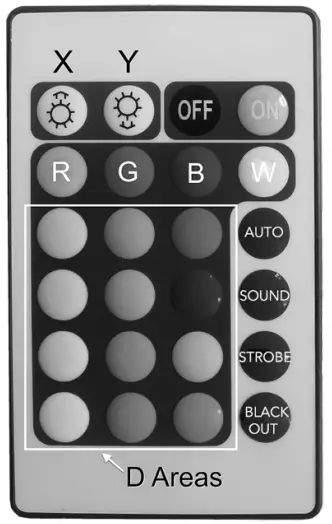 Press X to increase the intensity of the selected color and Y to decrease the intensity of the selected color.
Press Auto/Sound/Strobe to switch on or off Auto mode, Sound Active Mode, and Strobe mode, respectively.
Press Blackout to clear all the remote settings and blackout PAR12X8L.
Technical Specifications
Photometric
- Light Source: 12x 8W RGBW 4-in-1 LEDs
- Beam Angle: 40°
- PWM: 20,000Hz
- LED Lifespan: 50,000hours
Effects
- Dimming: 0~100%
- Strobe: 1 – 20 Hz
Power
- Input Voltage: 100~240V AC, 50/60Hz
- Power Consumption: 60W
- Connection: IEC in/out
Control
- Operation Modes: DMX, manual, auto, sound active, IR remote, master/slave
- DMX channels: 4/9
Housing
- Cooling: Fanless Cooling
- Net weight: 1.85kg
Warranty
Please refer to your local dealer or contact Event Lighting.
 Australia Entertainment Lighting Wholesaler | Event Lighting