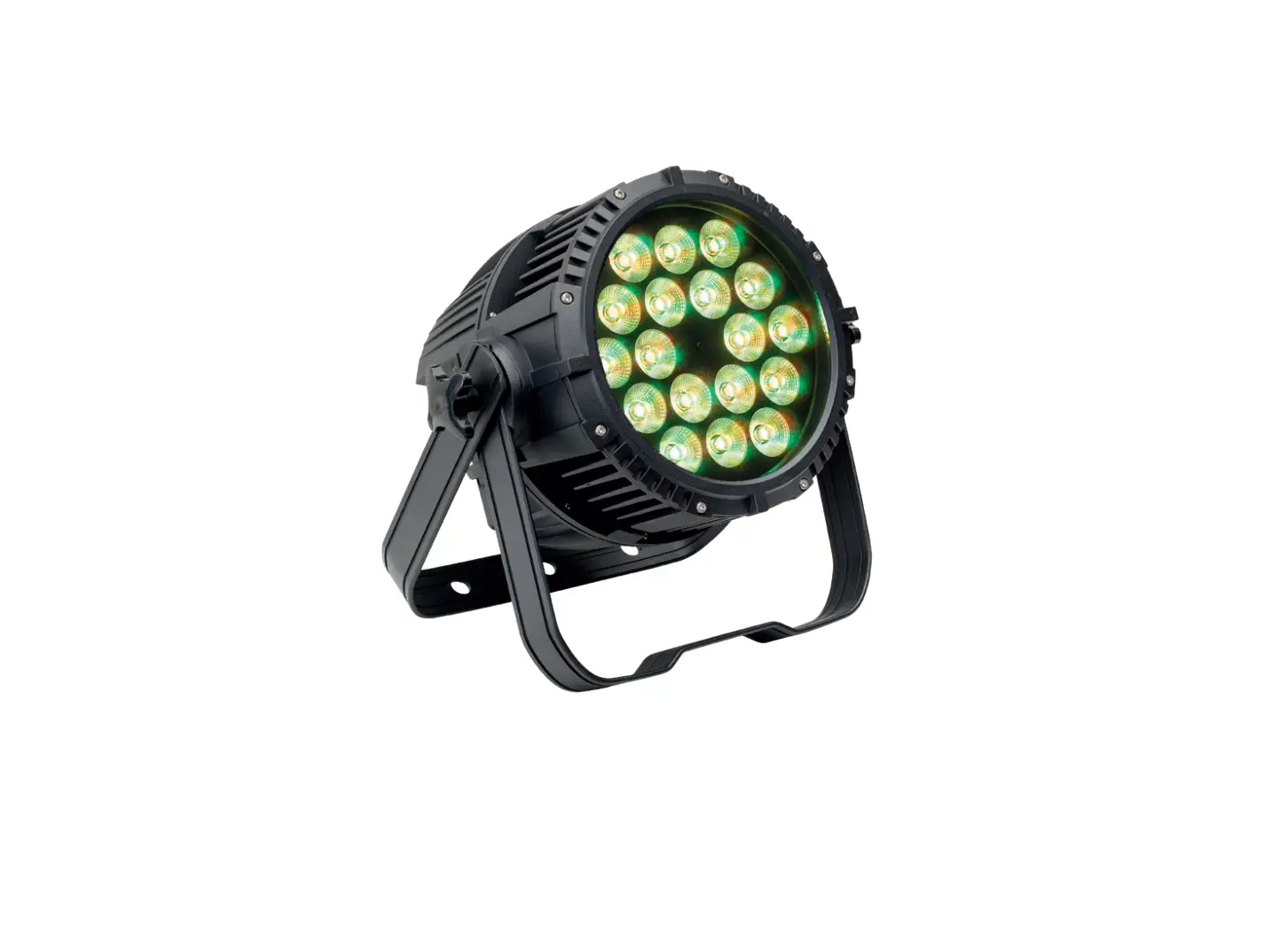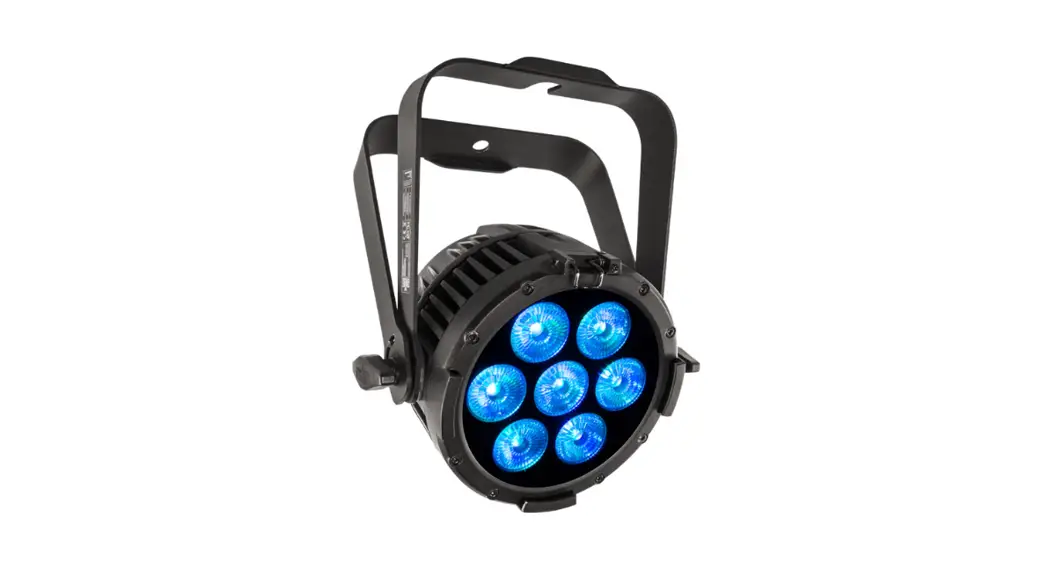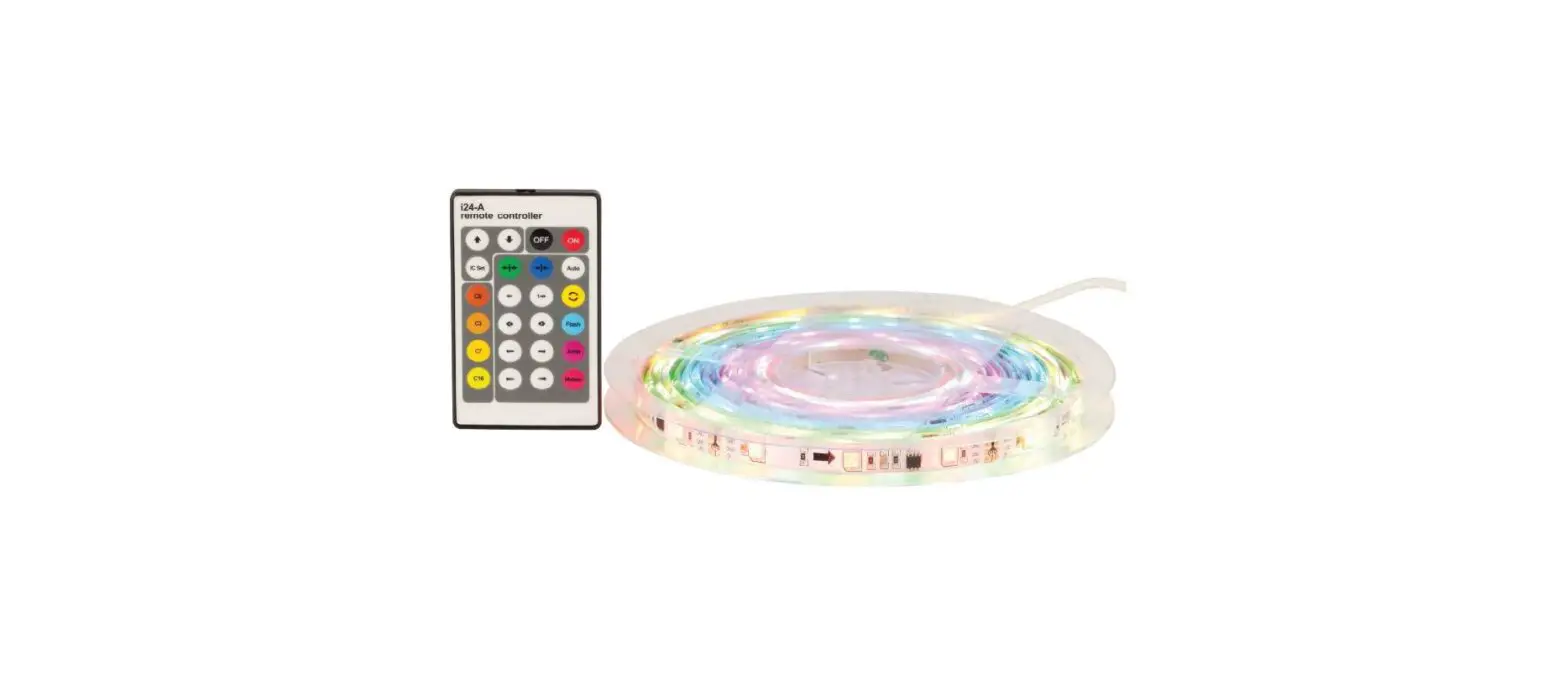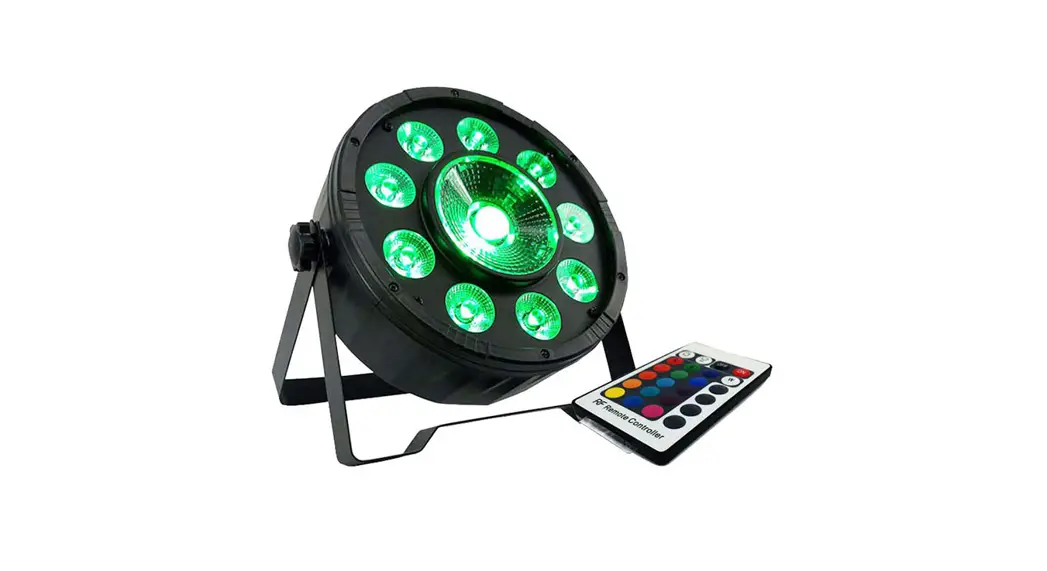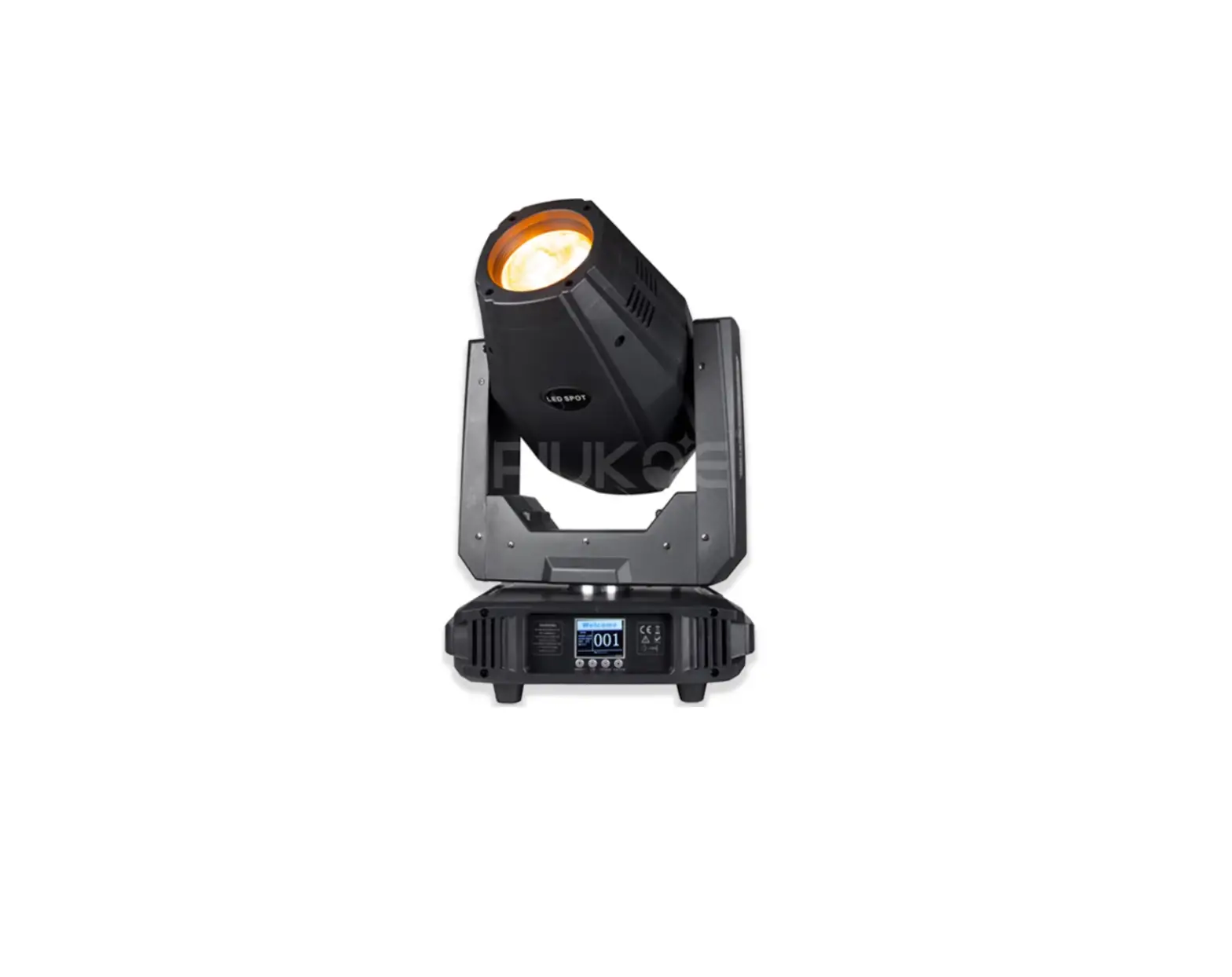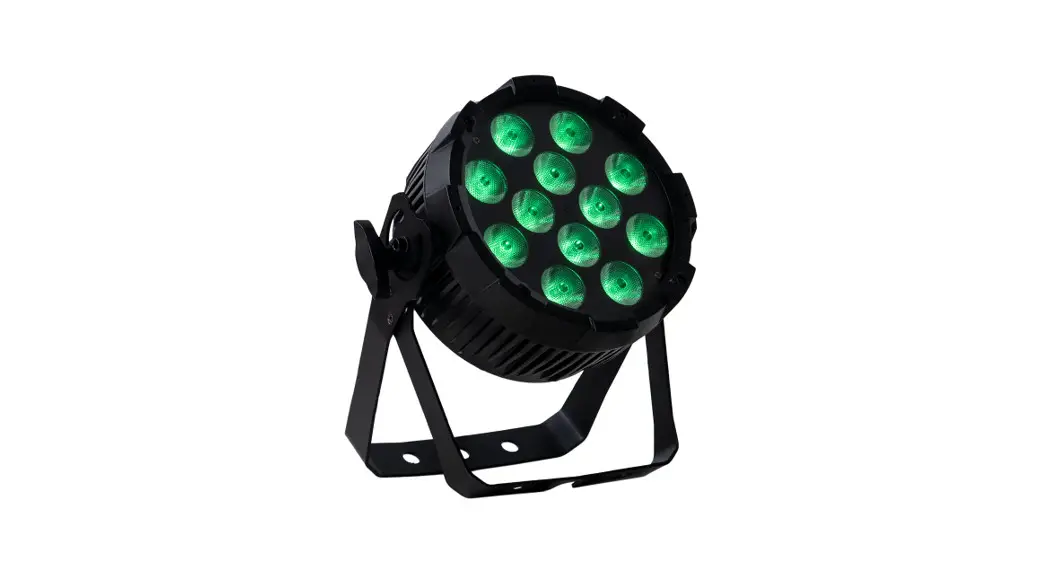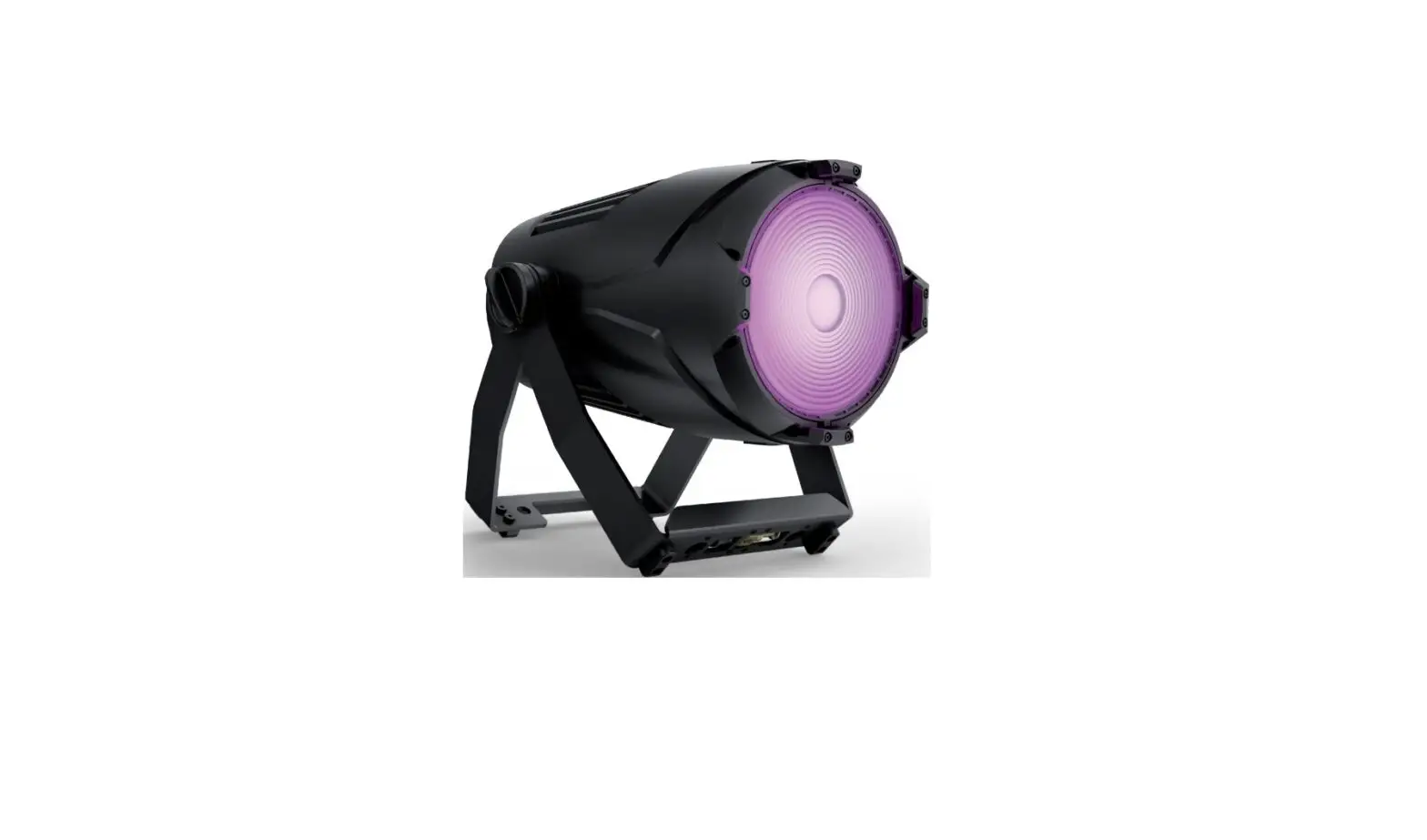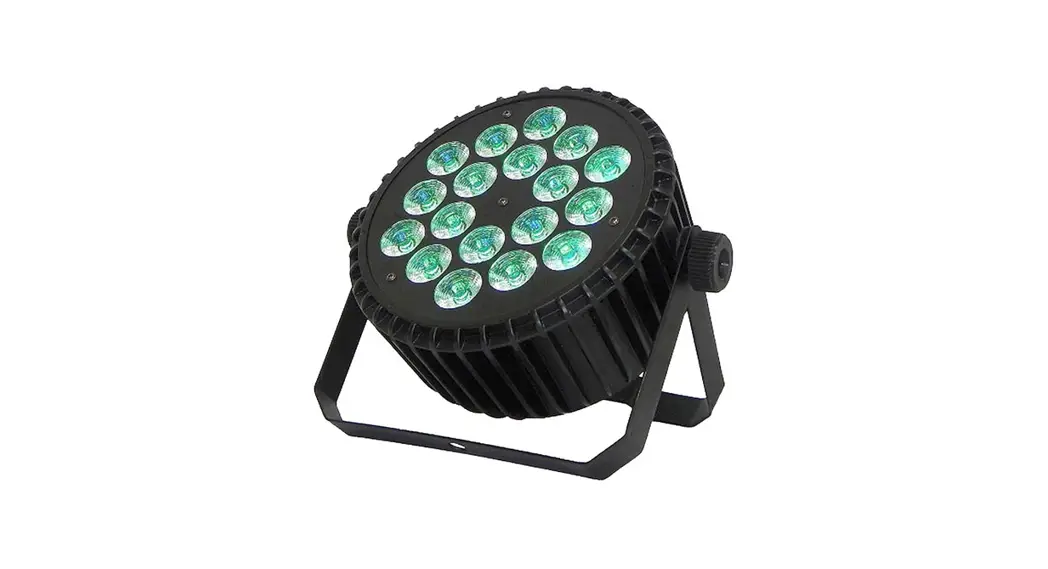
 MODEL: ST-3600
USER MANUAL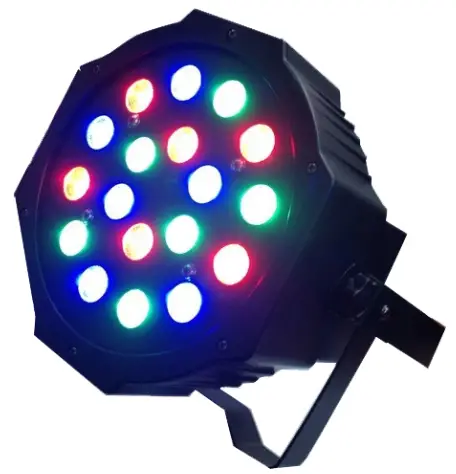
Unpacking
Open the package to see if any damage has been caused in the transportation. Before turning it on, ensure that the light is safe and there are no exposed wires. Please make sure the main voltage is within 100-240V, otherwise, the lifetime of the LED will be reduced.
Display Panel
Boot and press MENU to enter the main menu, press up or down to select submenu, then press ENTER to select.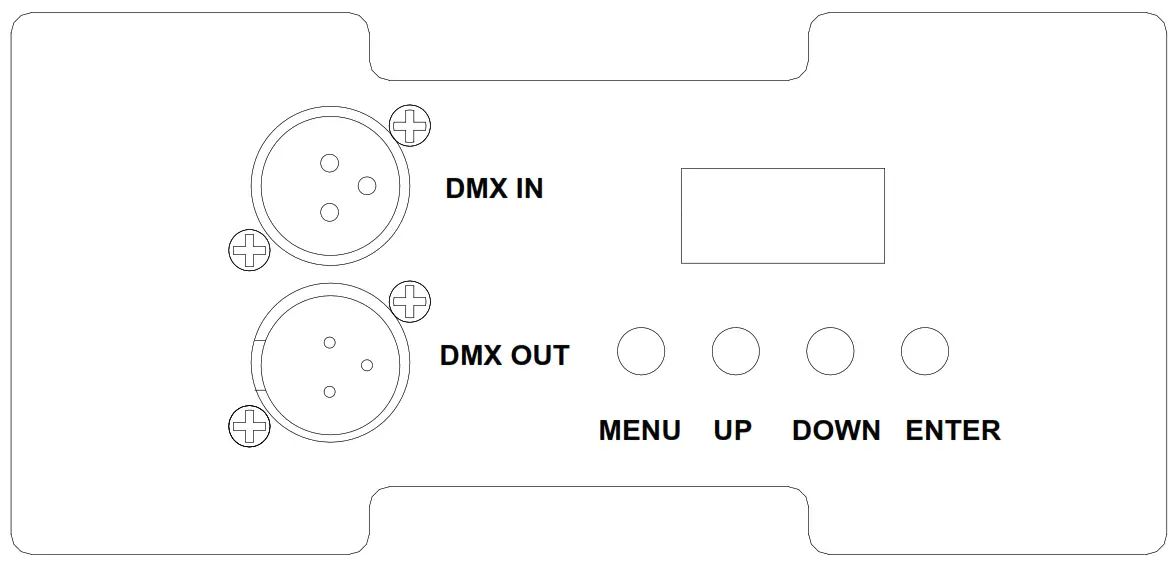
| Display | Mode | Description |
| d001 | D512 | 3CH mode |
| A001 | A512 | 7CH mode |
| FF01 | FF99 | RGB color gradual change |
| CC01 | CF99 | RGB Color jump |
| r000 | r255 | Red light brightness |
| G000 | G255 | Greenlight brightness |
| b000 | b255 | Blue light brightness |
| u000 | u255 | RGB light brightness |
| dEoo | dEoo | Demo mode |
| SoUd | Sound | Sound-activated |
| SALE | SLA | Master-Slave |
DMX Control Setting
3 Channel mode
| Channel | Value | Description |
| CH1 | 0 | red off |
| 1— 255 | from dark to bright | |
| CH2 | 0 | green off |
| 1 — 255 | from dark to bright | |
| CH3 | 0 | Blue off |
| 1— 255 | from dark to bright |
7 Channel mode
| Channel | Value | Description |
| CH1 | 0 — 255 | dimming |
| CH2 | 0 | red off |
| 1-255 | from dark to bright | |
| CH3 | 0 | green off |
| 1— 255 | from dark to bright | |
| CH4 | 0 | blue off |
| 1-255 | from dark to bright | |
| CH5 | 1-255 | Flash from fast to slow |
| CH6 | 1-63 | Color gradual change: Channel 7 control speed |
| 64-127 | pulse change: Channel 7 control speed | |
| 128-191 | Color jump: Channel 7 control speed | |
| 192-255 | Sound-activated open | |
| CH7 | 0-255 | Speed |
Master-slave set
Two or more identical lamps connected with a 3-pin signal cable, set any of a host as demo program, gradual or jump, other lamps will receive address set as SLA.
Remote Control
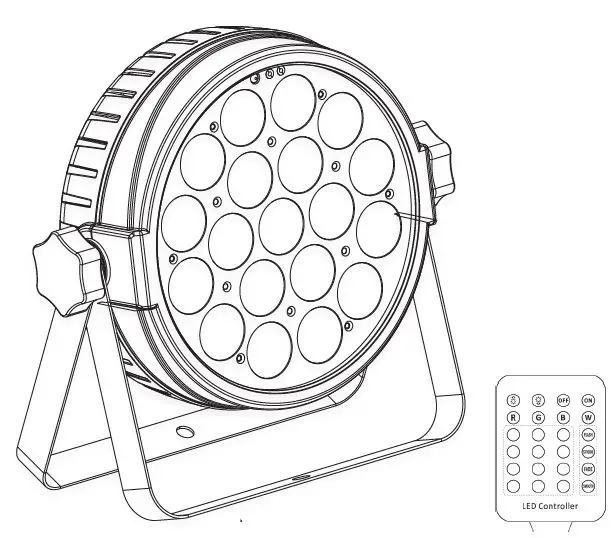
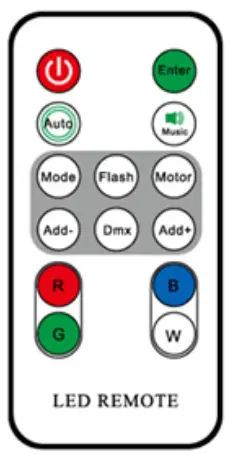 | Power: turn on or turn off the light Enter: memory of the current state, power on to restart this status Auto: implementation of the internal procedures under DEMO Music: Sound-activated Mode: working mode choice Flash: Color gradual change Motor: no use Add-: working mode of decrease switch Dmx: adjust DMX mode Add+: working mode of increase switch R: adjust red brightness B: adjust blue brightness G: adjust green brightness W: adjust RGB brightness |
Additional Safety Information
- Please make sure to turn off the PAR light before installation and maintenance.
- Please make sure when operating the light you have good ventilation.
- This light is designed for indoor use. Please keep it dry whenever in use.
- Don’t use other voltage that does not comply with the instruction shown.
- Don’t stare at the lighting source; it may damage your eyes.
- Don’t operate unless there is stable voltage.
- Don’t use it in a moist environment.
 WARNING KEEP BUTTON BATTERIES OUT OF REACH OF CHILDREN
- If swallowed a lithium button battery may lead to serious or fatal injury in as little as 2 hours, due to chemical burns and potential perforation of the esophagus.
- Non-lithium button batteries battery can cause serious injuries if it is swallowed or placed inside any part of the body.
- All button batteries must be kept away from children regardless if they are new or used.
- If you suspect your child has swallowed or inserted a button battery immediately call the 24-hour Poisons Information Centre on 13 11 26 (Australia) or 0800 764 766 (New Zealand) for fast, expert advice.
- If your child is having difficulty breathing contact 000 (Australia) or 111 (New Zealand).
- Dispose of used button batteries immediately and safely out of the reach of children. A battery can still be dangerous even when it can no longer operate the device.
- As soon as you have finished using a button battery, put sticky tape around both sides of it. This will make it harder for children to swallow the button battery and avoid the risk of the battery catching fire.
- Immediately dispose of button batteries immediately out of reach of children, or recycle using a child-resistant container and take used cells to your local battery collection center.
Distributed by:
TechBrands by Electus Distribution Pty. Ltd.
320 Victoria Rd, Rydalmere
NSW 2116 Australia
Ph: 1300 738 555
Int’l: +61 2 8832 3200
Fax: 1300 738 500
www.techbrands.com
 Electus Distribution - Home