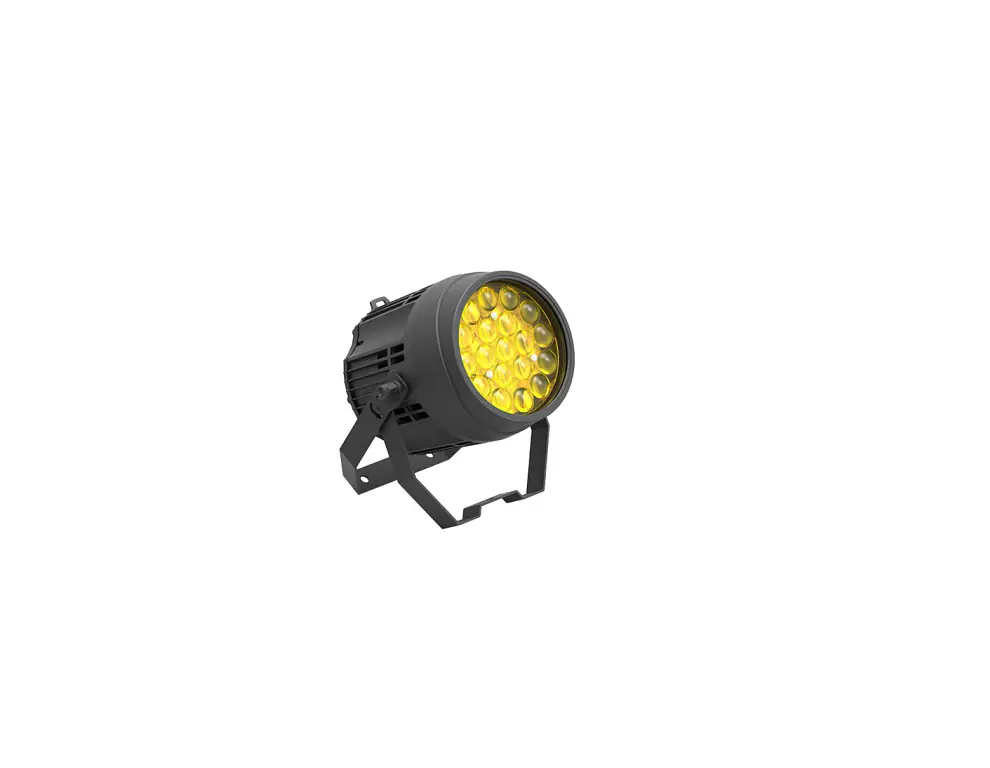
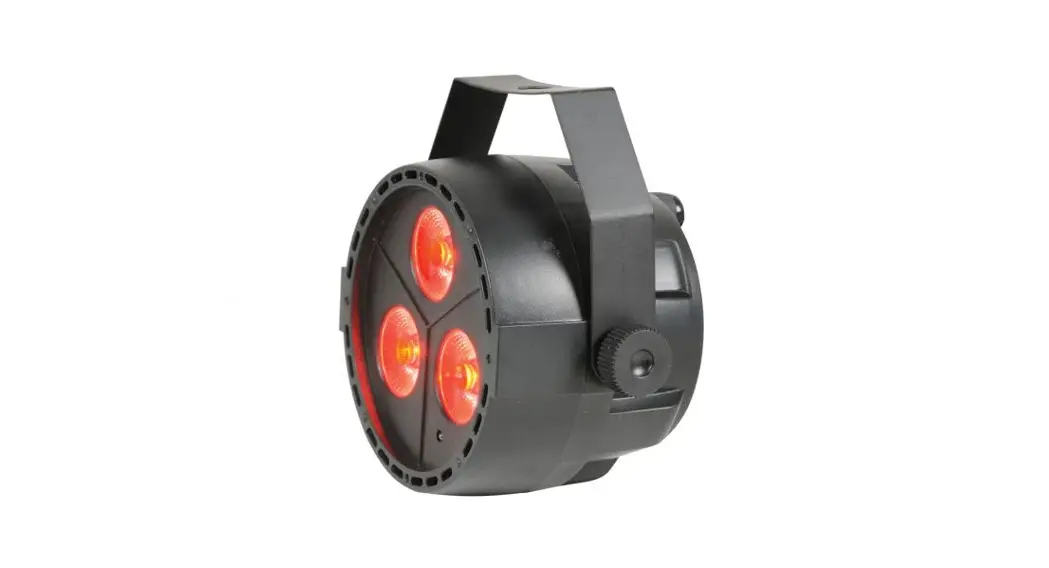
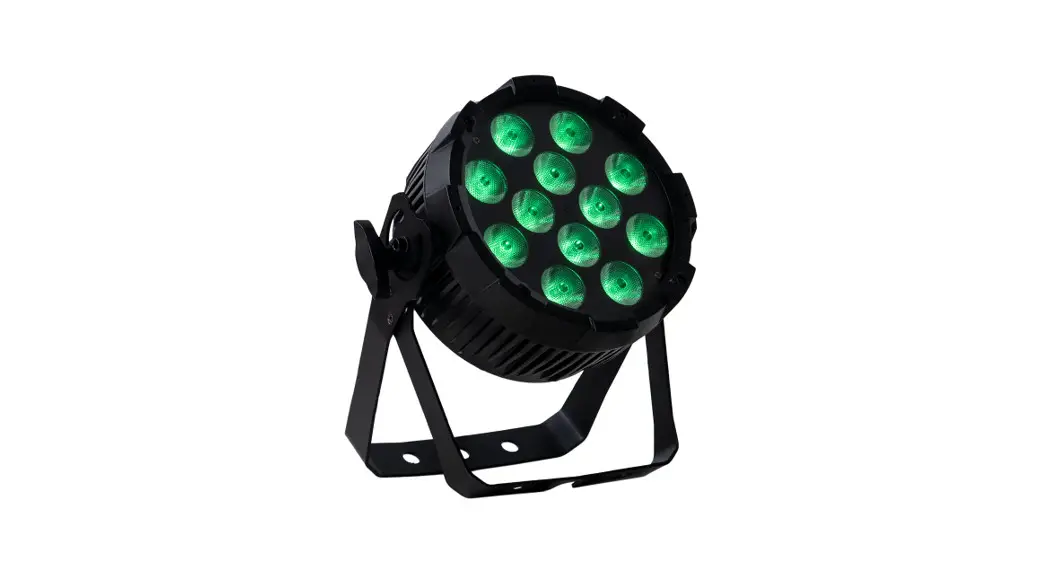
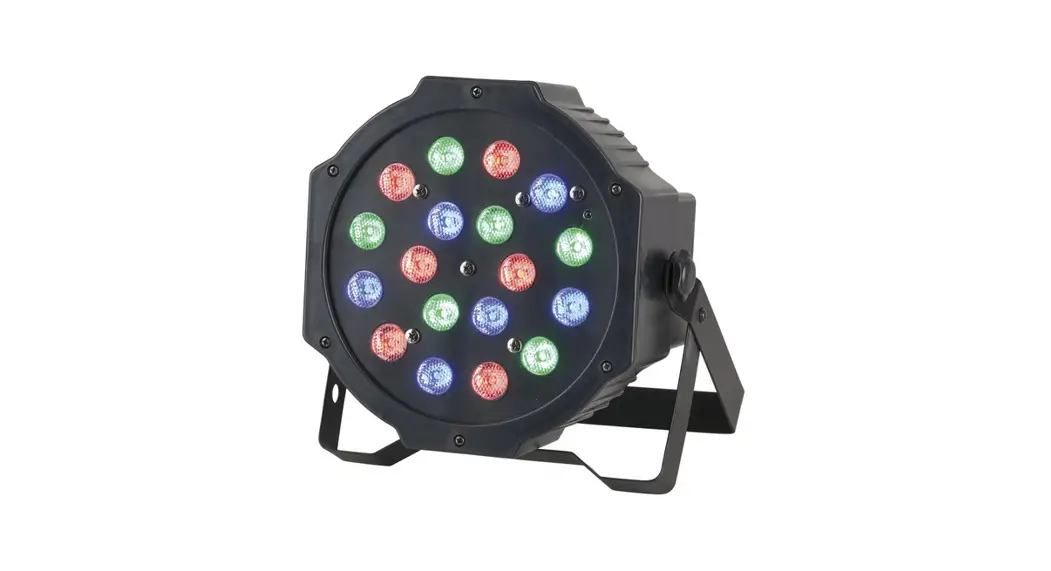
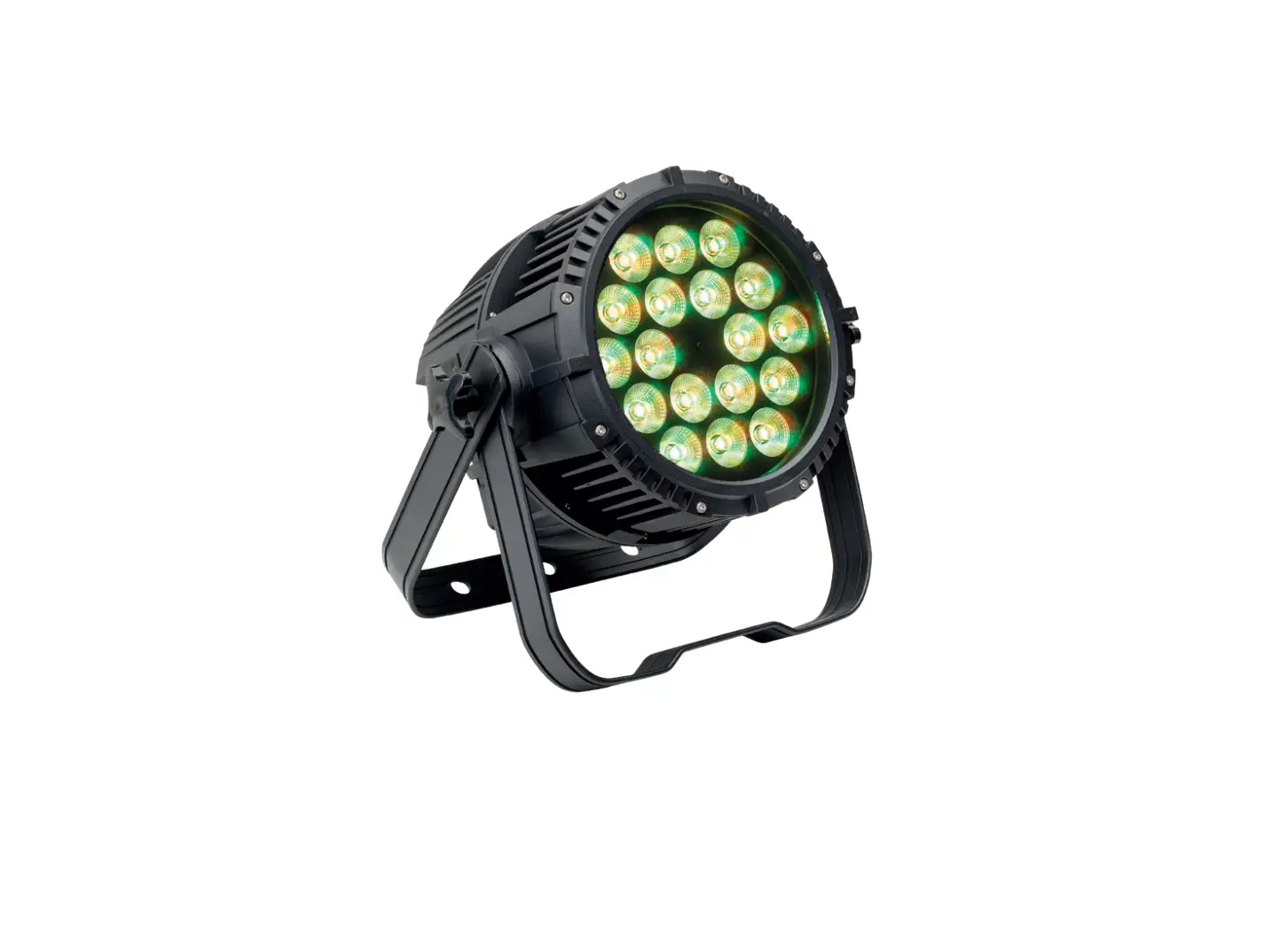
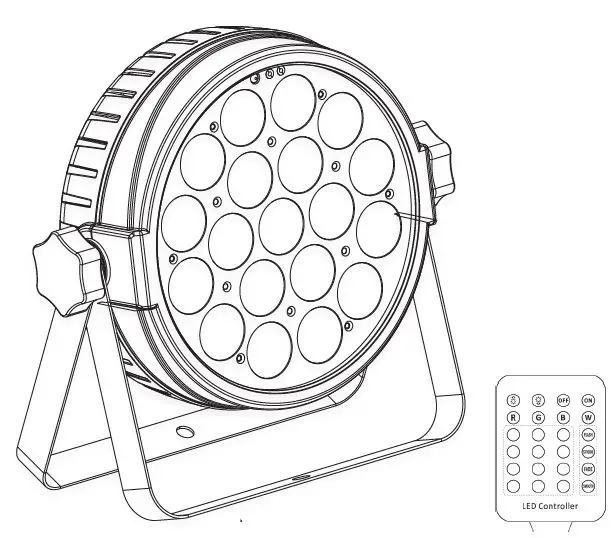
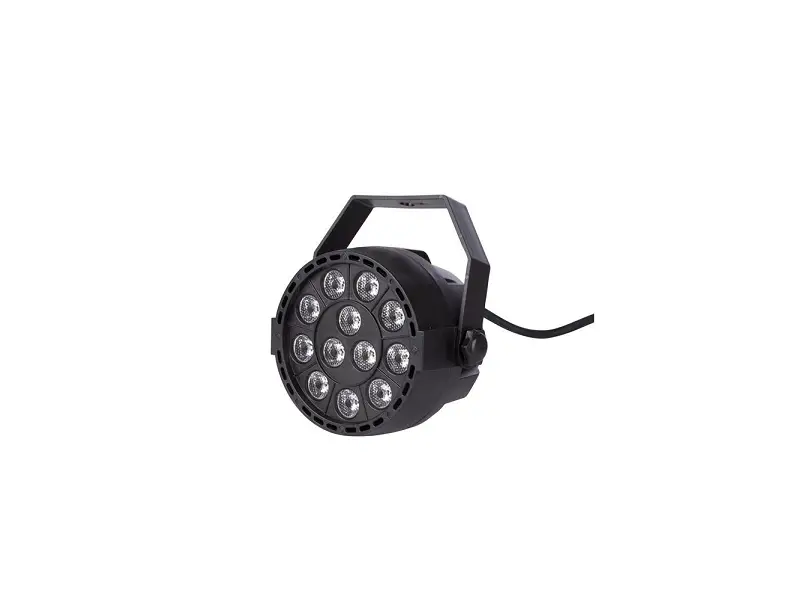
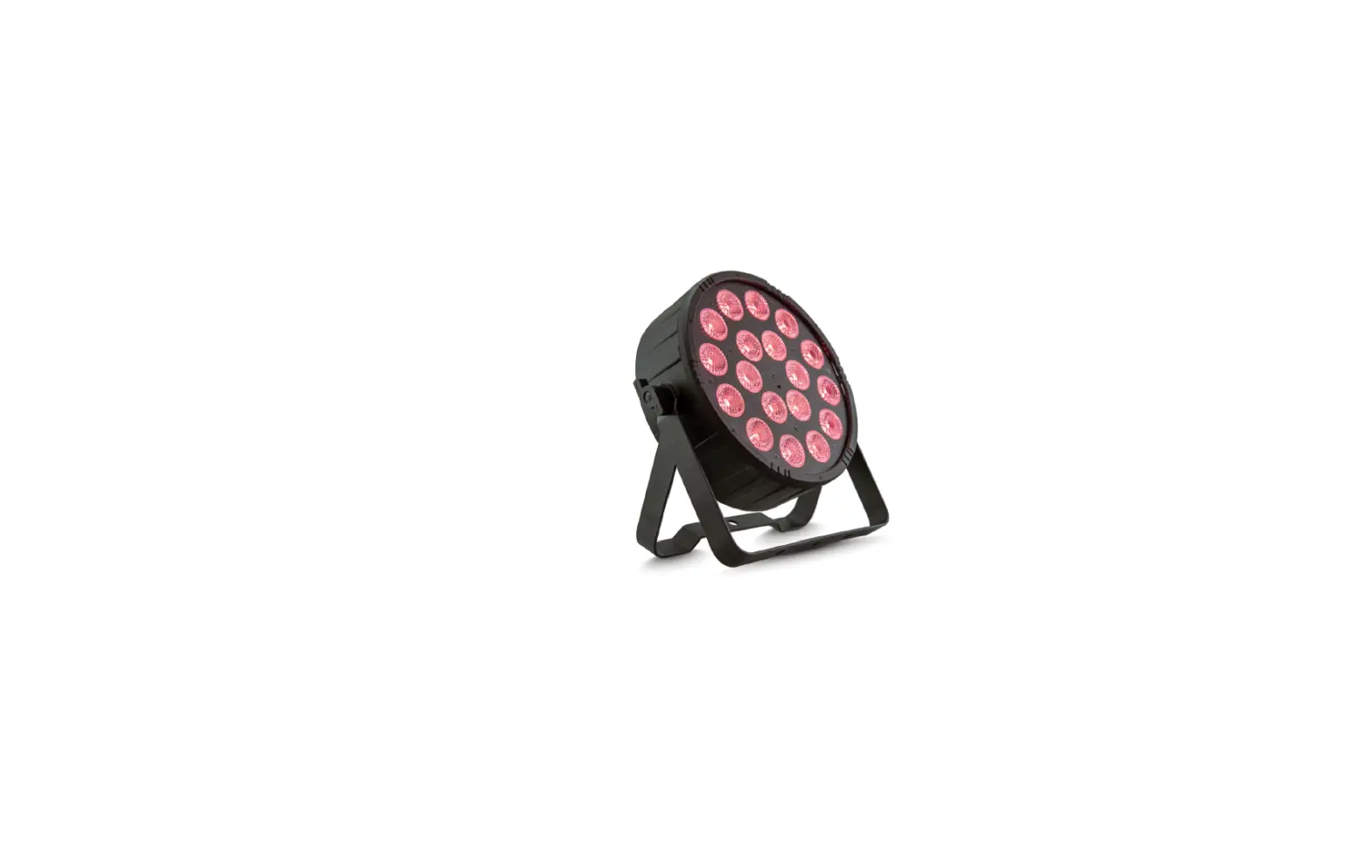
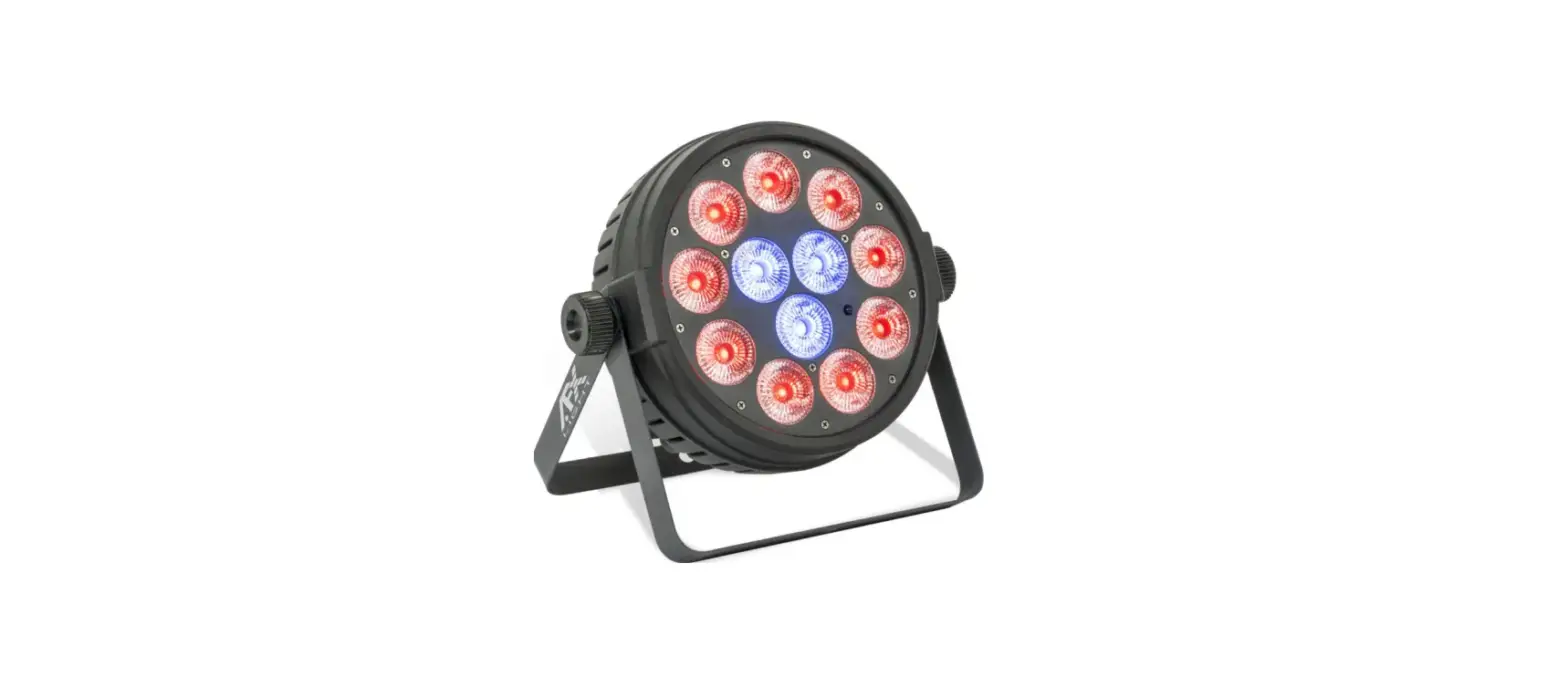
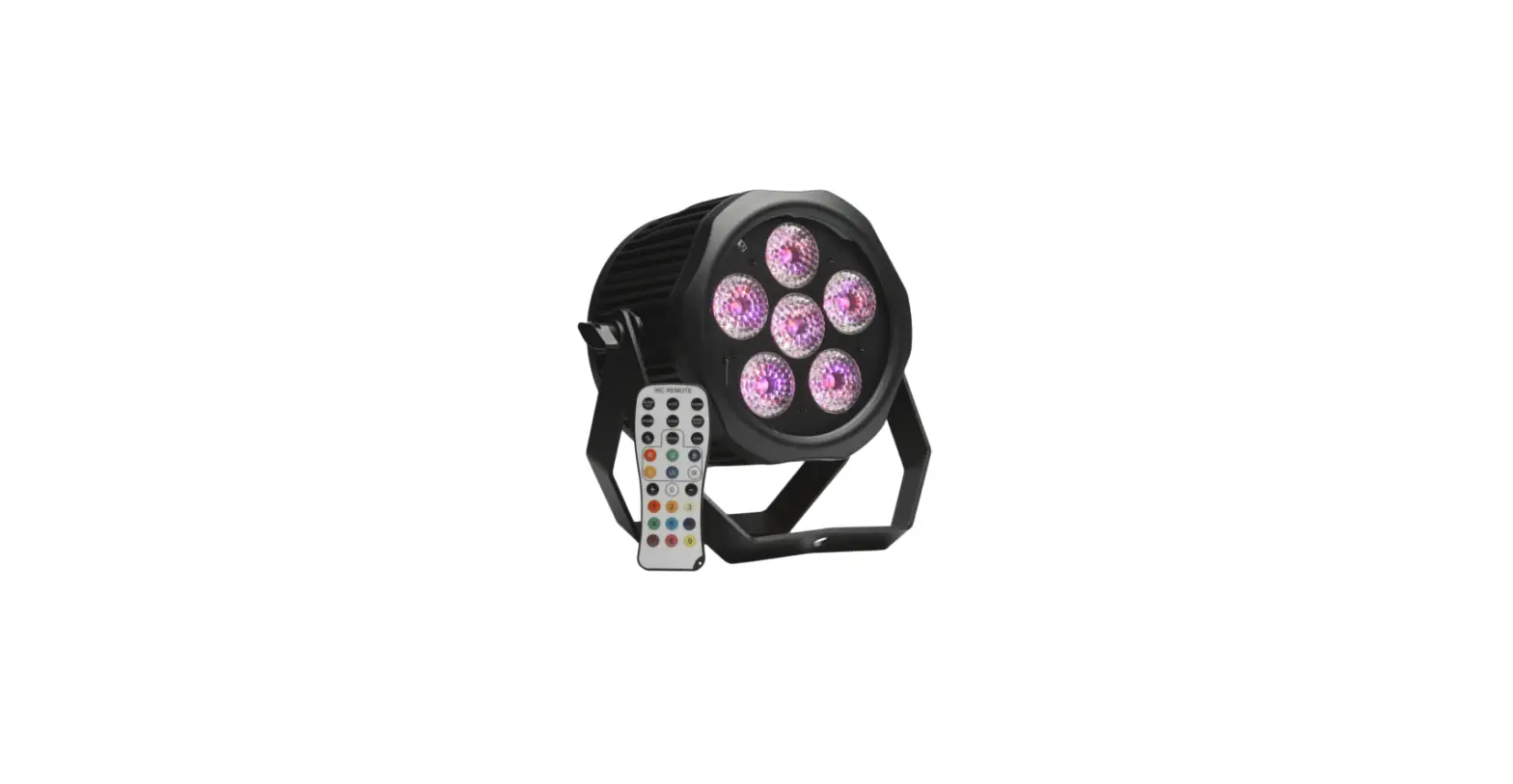
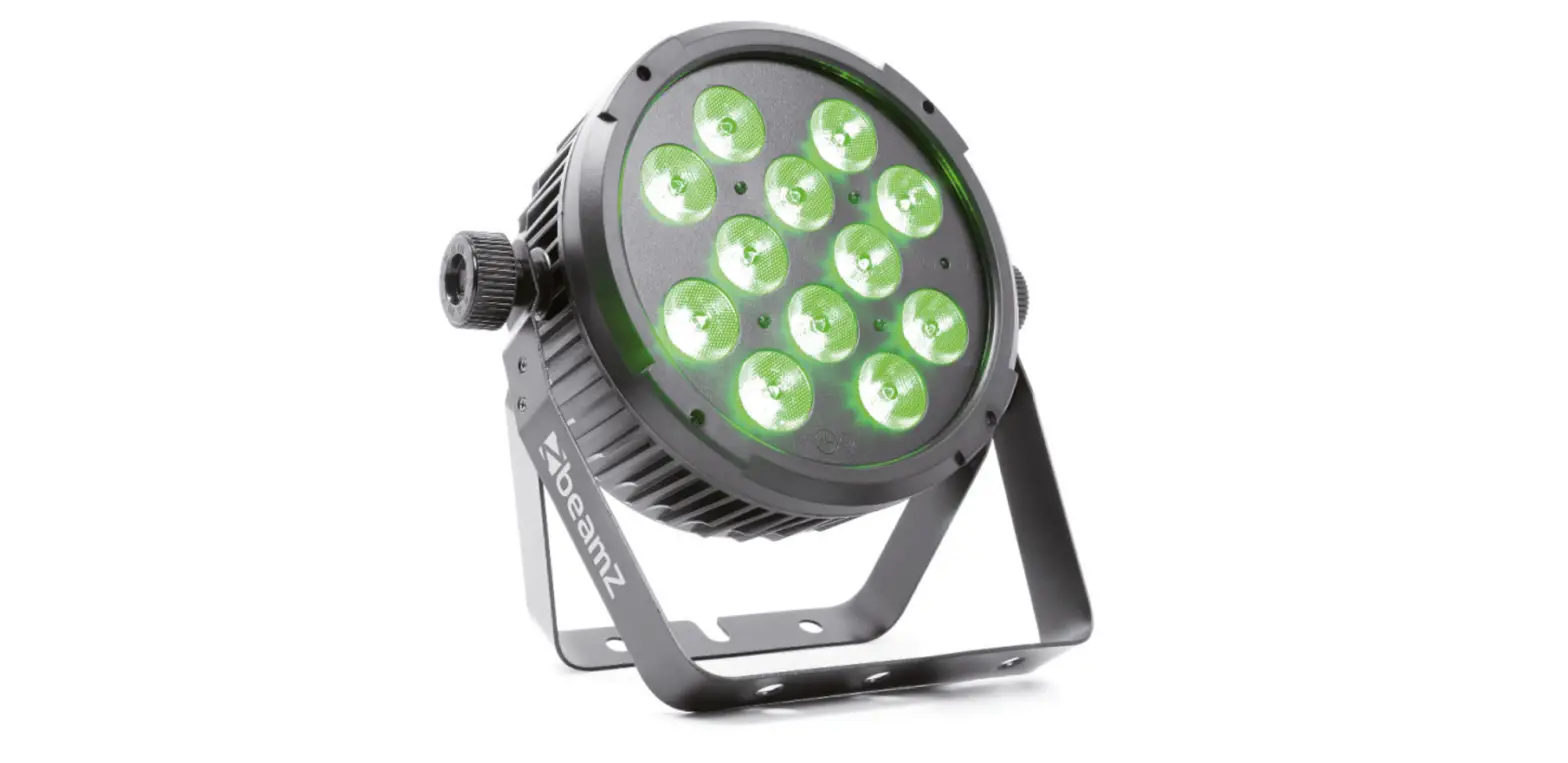
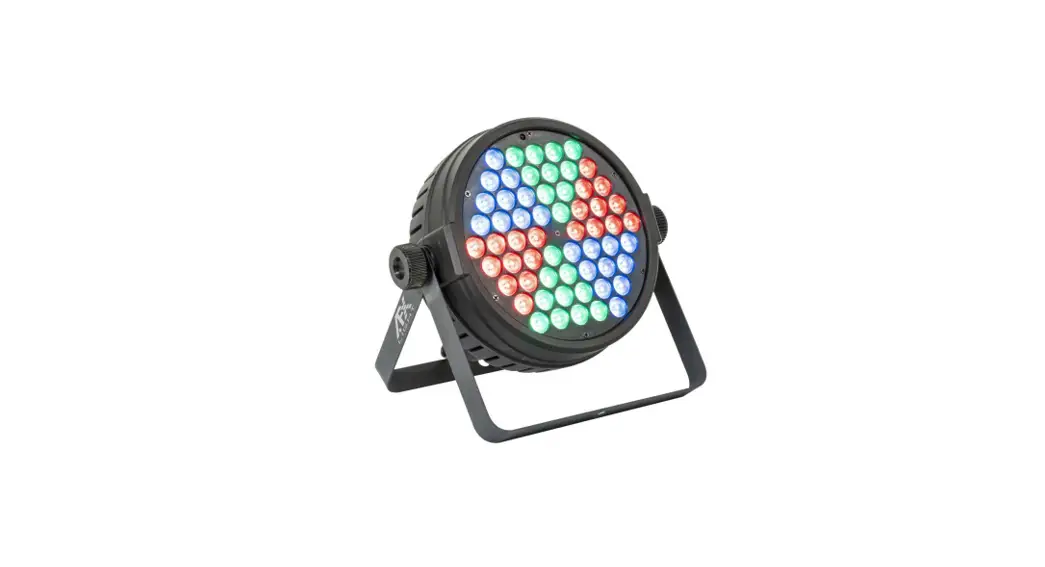
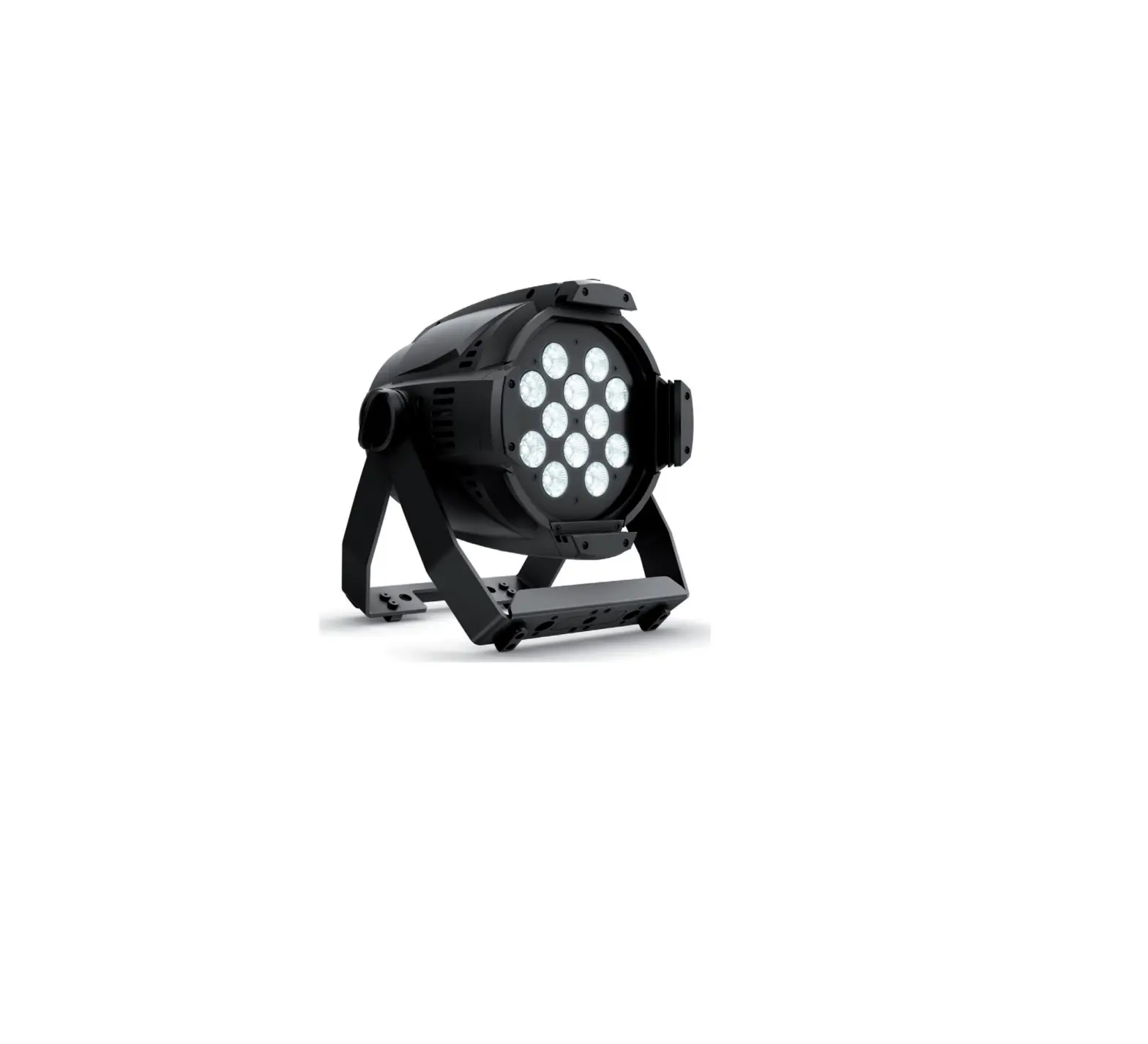
LEDZOOM1210 12x10W RGBW 3 In 1 Par LED Light
Product Information
The LEDZO O M 1210 is a 12×10 W RGBW 3IN1PARLED fixture that
offers eight different working modes, including Auto Running mode,
Built-in Program mode, Dimming mode, Sound-active mode, DMX mode,
Slave mode, Setting mode, and Info mode. It also features 10
built-in program modes and 35 static color options. The fixture can
be controlled via a MODE button and UP/DOWN buttons, and it comes
with various settings for dimming, strobe speed, and
sensitivity.
Product Usage Instructions
- Auto Running Mode: Press the MODE/UP/DOWN
button to automatically run the programs according to the preset
program. - Built-in Program Mode: Press UP or DOWN to
choose from the 10 built-in program modes. For speed setting, press
SETUP at first time and use UP/DOWN to change the value from 1-100.
For strobe speed setting, press SETUP at second time and use
UP/DOWN to change the value from 0-99. - Static Color Mode: Press MODE/UP/DOWN to
choose MANUAL and enter built-in program setting mode. Use UP/DOWN
to choose DIMMER MODE. Press SETUP to enter effect dimming program.
For submenu, use UP/DOWN to change the value and set R/G/B/W
dimming effect from 0-100% or strobe effect speed from 0-99. To
enter backlight dimming program, press UP/DOWN to choose BACK
DIMMER MODE. Use SETUP to set backlight dimming program. For
submenu, use UP/DOWN to change the value and set R/G/B dimming
backlight from 0-100% or backlight strobe speed from 0-99. To enter
lens setting program, press UP/DOWN to choose ZOOM MODE. Use SETUP
to enter lens setting program. For submenu, use UP/DOWN to change
the value and set lens zoom from 0-100%. - Sound Active Mode: Press the SETUP button to
enter sensitivity settings. Use UP/DOWN to set the sensitivity
value from 0-31. When the value is 0, the sound active mode is
disabled. - DMX Mode: Press the MODE button to set the DMX
mode data settings. The LCD display will show the available
settings. Press SETUP to enter DMX address value settings. Use
UP/DOWN to set the DMX address value from 001-512. The DMX working
mode offers 6CH, 10CH, and 14CH options.
LEDZO O M 1210
12×10 W RGBW 3IN1PARLED
USER MANUAL
Please read the manual before operation.
User manual
A. SPECIFICATION 1. Voltage: AC 100V-240V, 50Hz/60Hz 2. Power consumption: 130W 3. LED: 12*4-in-1 10W RGBW 21*Tri-in-1 RGB backlight 4. Beam angle: 5°~60° 5. DMX channels: 6CH, 10CH, 14CH 6. Operation mode: LCD display 7. Working temperature: -10~40 8. Dimension: 204*256*286 mm 9. Net weight: 4.1kgs 10.DMX linking: 30pcs 11.Power linking: 4pcs/110V, 8pcs/240V 12. Luminance
RGBW(5°) 13650lux@2m RGBW(60°) 1178lux@2m
B. OPERATION There are eight working modes; press “MODE” button could switch the modes. Auto running mode Built-in Program mode Dimming mode Sound-active mode DMX mode Slave mode Setting mode Info mode
1. Auto running mode This mode is Auto Running mode; when press MODE / UP / DOWN, the fixture will automatically run the programs according to the preset program
2. Built-in Program mode 1) This mode is Built-in Program mode.
There are 10 built-in program modes; You could press “UP”
or “DOWN”.
2) When choose
~
,press “SETUP” at first time can enter Built-in Program mode to set speed.
Press “UP” and “DOWN” to change the value 1-100. Press “SETUP” at second time can enter strobe speed setting. Press “UP” and “DOWN” to change the value 0-99.
3) When choose
can enter static color mode, press “UP” and “DOWN” can choose thirty-five type of
colors. Press “SETUP” again can set strobe value of color 0-99.
3. Static color mode
1) When press “MODE / UP / DOWN” to choose “MANUAL” can enter built in program setting mode. Press
“UP” and “DOWN” to choose “DIMMER MODE”. Press “SETUP” to enter effect dimming program.
submenu
value
function
Red
0-255
R dimming effect 0-100%
Gray:
Green
0-255
G dimming effect 0-100%
Gray:
Blue
0-255
B dimming effect 0-100%
Gray:
White
0-255
W dimming effect 0-100%
Gray:
Flash
0-99
Strobe effect speed setting
2) Press “UP” and “DOWN” to choose “BACK DIMMER MODE”. Press “SETUP” to enter backlight dimming
program.
submenu
value
function
B Red
0-255
R dimming backlight 0-100%
Gray:
B Green
0-255
G dimming backlight 0-100%
Gray:
B Blue
0-255
B dimming backlight 0-100%
Gray:
Flash
0-99
Backlight strobe speed setting
3) Press “UP” and “DOWN” to choose “ZOOM MODE”. Press “SETUP” to enter lens setting program.
submenu
value
function
Zoom
0-255
Lens zoom 0-100%
4. Sound active Mode
This mode is sound-active mode
, press the “SETUP” button can enter into sensitivity settings, could set
the sensitivity value 0-31 via “UP” or “DOWN” button. When the value is 0, the sound active is no effect.
5. DMX Mode 1) Press the “MODE”, enter to set the DMX mode data settings, the LCD display show as below:
2) Press the “SETUP” button, LCD will show as below, enter DMX address value settings
You can set the DMX address value 001–512 through “UP” or “DOWN” button.
DMX working mode: 6CH, 10CH, 14CH
DMX Mode1: 6-Ch Channel
1 2 3 4 5 6
Value 0-255 0-255 0-255 0-255 0-255 0-255
Function Master dimming 0-100% R 0-100%, Backlight R 0-100% G 0-100%, Backlight G 0-100% B 0-100%, Backlight B 0-100%
W 0-100% Zoom 0-100%
DMX Mode210-Ch Channels
1 2 3 4 5 6
7 8 9 10
Value 0-255 0-255 0-255 0-255 0-255 0-15 16-255 0-255 0-255 0-255 0-255
Function Master Dimming 0-100%
R 0-100% G 0-100% B 0-100% W 0-100% Strobe closed The larger value, the faster strobe Zoom 0-100% Backlight R 0-100% Backlight G 0-100% Backlight B 0-100%
DMX Mode314-Ch Channel 1
Value 0-255 0-10 11-17 18-24
Function Master Dimming 0-100%
Dinming Function Red Flame Red
25-31
32-38
39-45
2
46-52
53-59
60-66
67-73
74-80
81-87
88-94
95-101
102-108
109-115
116-122
123-129
130-136
137-143
144-150
151-157
158-164
165-171
172-178
179-185
186-192
193-199
200-206
207-213
214-220
221-227
228-234
235-241
242-248
249-255
3
0-255
4
0-255
5
0-255
6
0-255
7
0-15
16-255
8
0-255
9
0-255
0-10
11-17
18-24
25-31
Deep Golden Amber
Millennium Gold
Gold Amber
Orange
Chrome Orange
Deep Amber
Spring Yellow
Lime Green
JAS Green
Fern Green
Moss Green
Primary Green
Green
Medium Blue Green
Light Blue
Lighter Blue Steel Blue Half CT Blue
Color Selection
Full CT Blue
State Blue
Double CT Blue
Medium Blue
Just Blue
Blue
Congo Blue
Surprise Pink
Fuchsia Pink
Follies Pink
Special Rose Pink
Pink
Moroccan Pink
Cold White
Open White
R 0-100%
G 0-100%
2CH=0-10
B 0-100%
W 0-100%
Strobe closed
The larger value, the faster strobe
Zoom 0-100%
Backlight dimming 0-100%
Backlight dimming function
Red
Flame Red
Deep Golden Amber
32-38
Millennium Gold
39-45
Gold Amber
46-52
Orange
10
53-59
Chrome Orange
60-66
Deep Amber
67-73
Spring Yellow
74-80
Lime Green
81-87
JAS Green
88-94
Fern Green
95-101
Moss Green
102-108
Primary Green
109-115
Green
116-122
Medium Blue Green
123-129
Light Blue
130-136
Lighter Blue
137-143 144-150 151-157
Steel Blue Half CT Blue Full CT Blue
Backlight color selection
158-164
State Blue
165-171
Double CT Blue
172-178
Medium Blue
179-185
Just Blue
186-192
Blue
193-199
Congo Blue
200-206
Surprise Pink
207-213
Fuchsia Pink
214-220
Follies Pink
221-227
Special Rose Pink
228-234
Pink
235-241
Moroccan Pink
242-248
Cold White
249-255
Open White
11
0-255
Backlight R 0-100%
12
0-255
Backlight G 0-100%
10CH=0-10
13
0-255
Backlight B 0-100%
14
0-15
Backlight strobe closed
16-255
The larger value, the faster backlight strobe
6. Master/slave Mode
If LCD shows
, enter master slave mode.
7. Restore Factory Setting
If LCD shows
, enter into settings menu.
The settings menu has two options: LCD Back Time settings, Factory Reset settings.
Press the “SETUP” button when in main menu; enter the state of select options, to set the options through “UP” or “DOWN” button.
1. LCD Back Time settings
If LCD show
, press the “SETUP” button to set the time, can be set: 5s, 10s, 20s, 30s, On (Keep)
2. Factory Reset settings
If LCD shows
press the “SETUP” button to set the factory reset. Press the “SETUP” button to
confirm “Reset Y/N”. Press the “UP” and “DOWN” button to switch these two options.
3. Dimmer Curves There are four dimming curve “Linear”, “Square”, “Inv Squa”, “S-Curve”. Press “UP” and “DOWN” button to select the curves.
18000 16000 14000 12000 10000 8000 6000 4000 2000
0
Inv square law Square law S-curve Linear
1 1 2 2 3 3 4 4 5 5 6 6 7 7 8 8 9 100 111 122 133 144 155 166 177 188 199 210 221 232 243 254
Dim Mode To select the mode of Dimming curves: “FAST” or “Smooth” through “UP” and “DOWN” button.
8. Info mode Press the “MODE” button, the LCD will show
, enter to get product information.
1. If LCD show
, press the “SETUP” button to check the software version.
2. If LCD show
, press the “SETUP” button to check the temperature control state. If LCD show
“Normal”, it means the temperature control is normal; If LCD show “Warning error!”, it means abnormal
temperature control work.