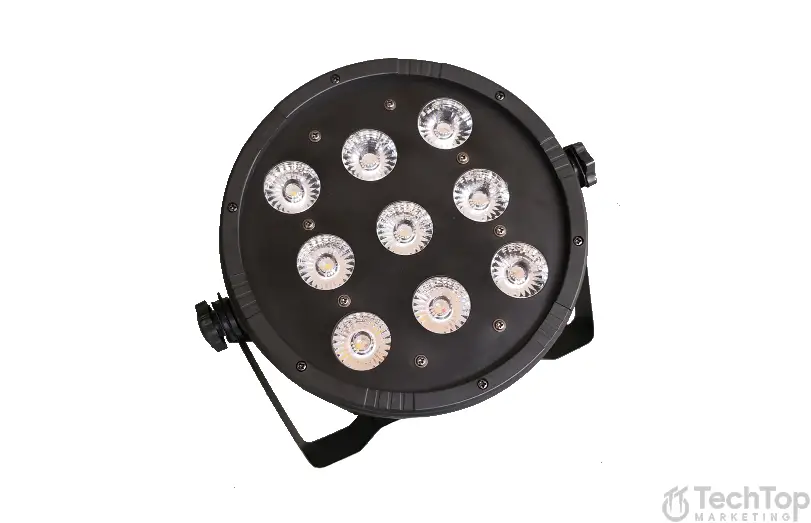
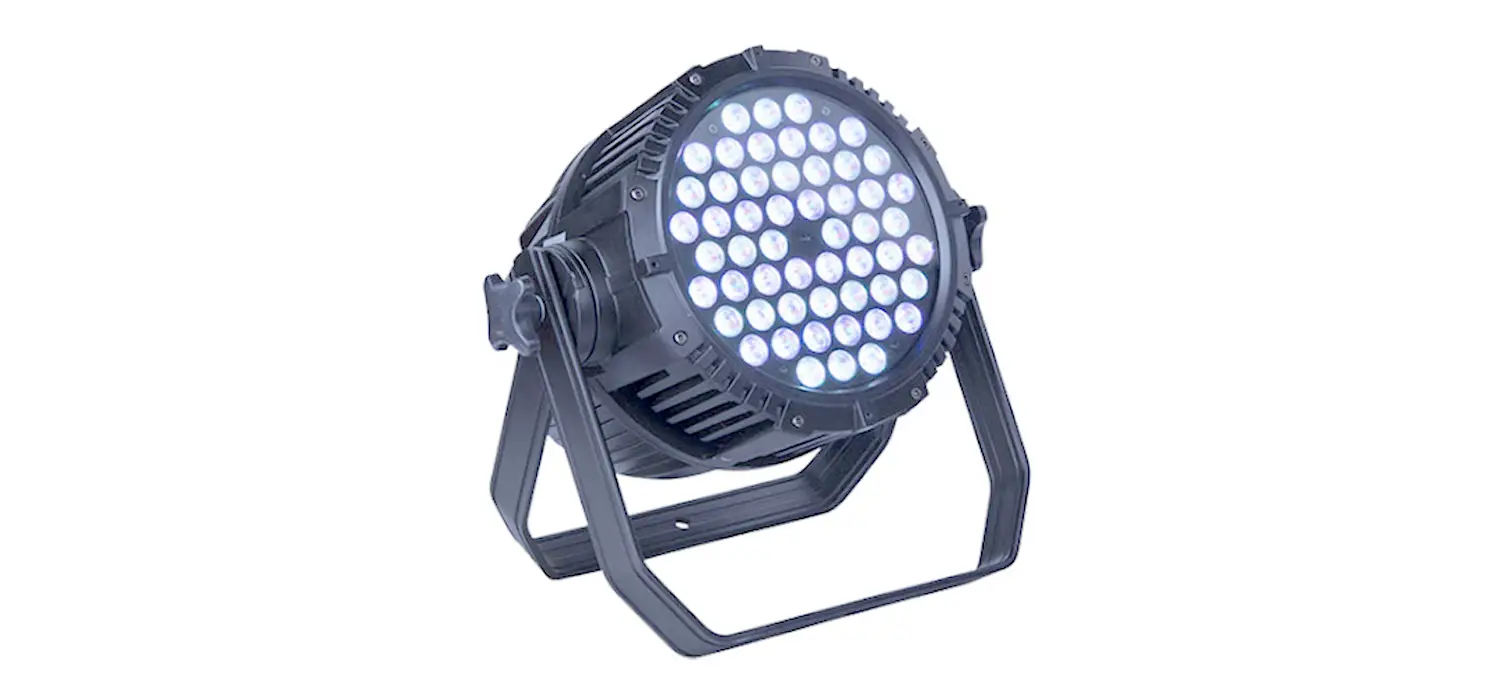
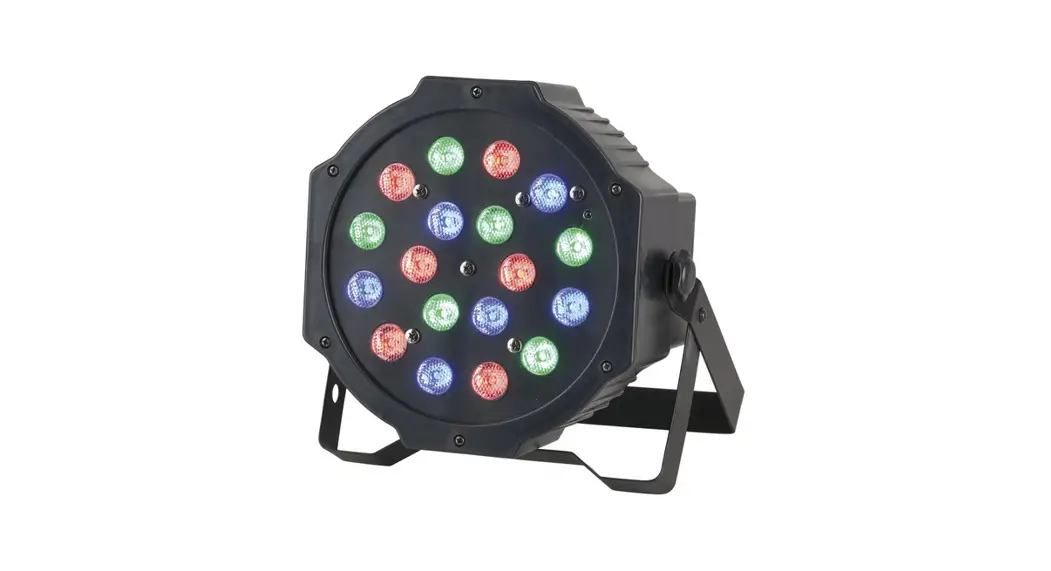
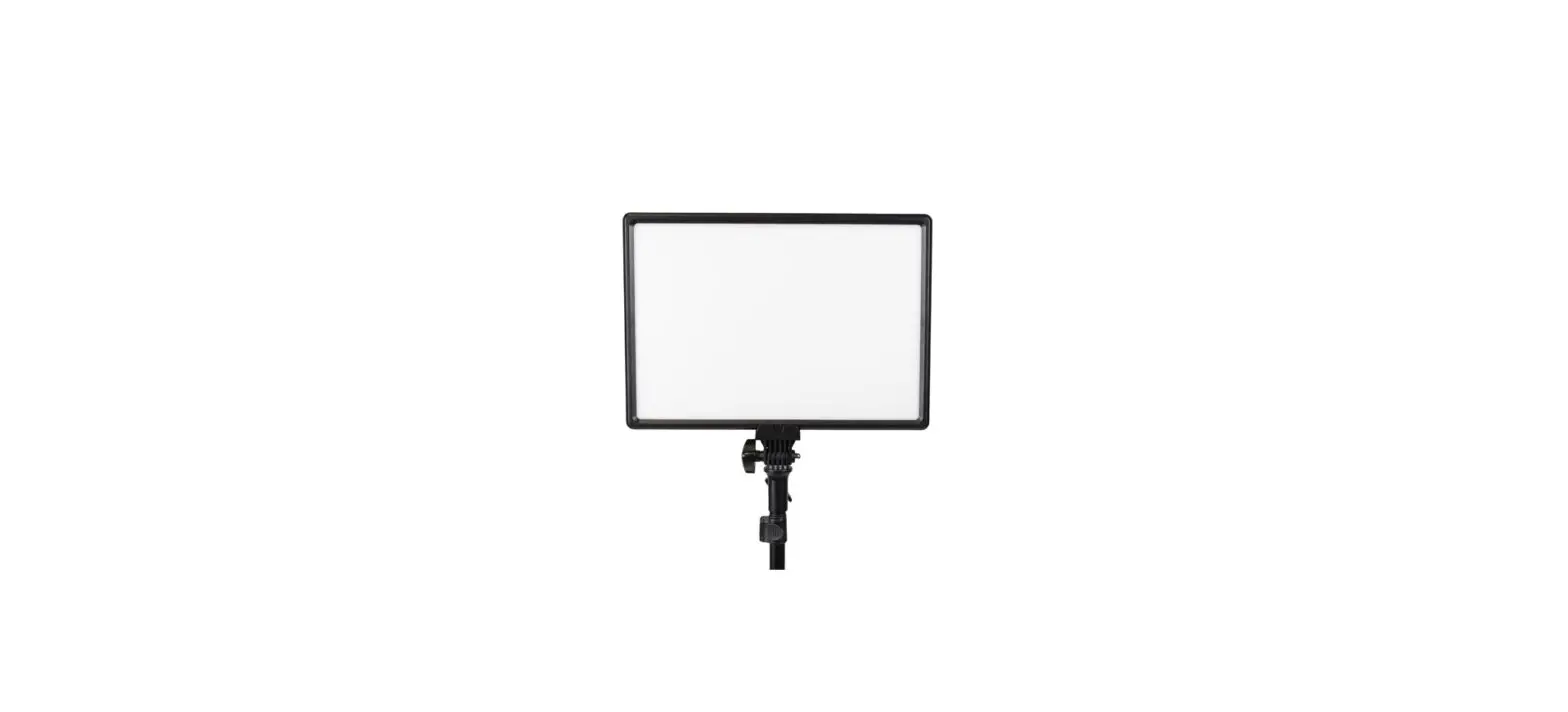
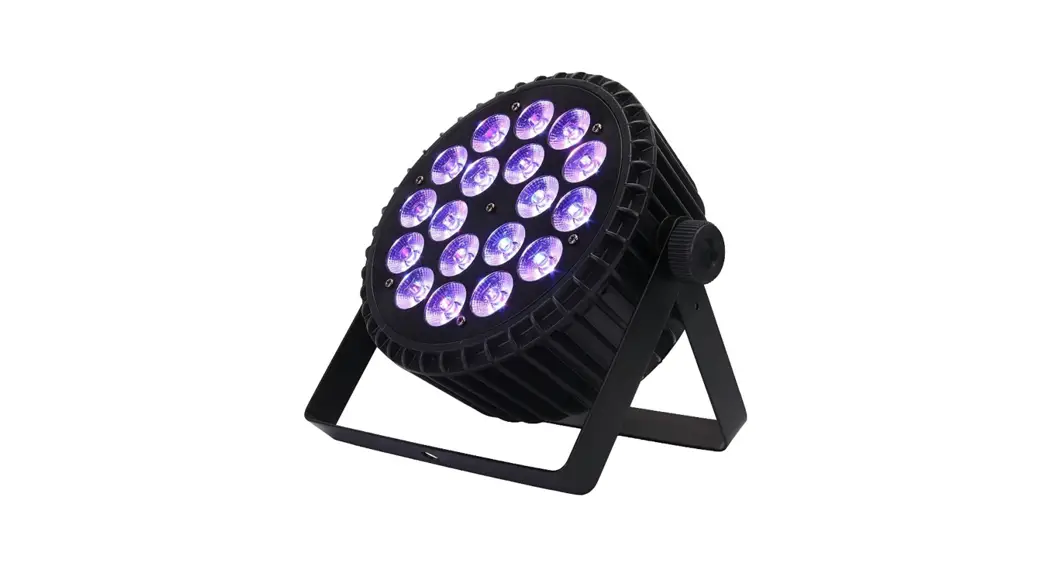
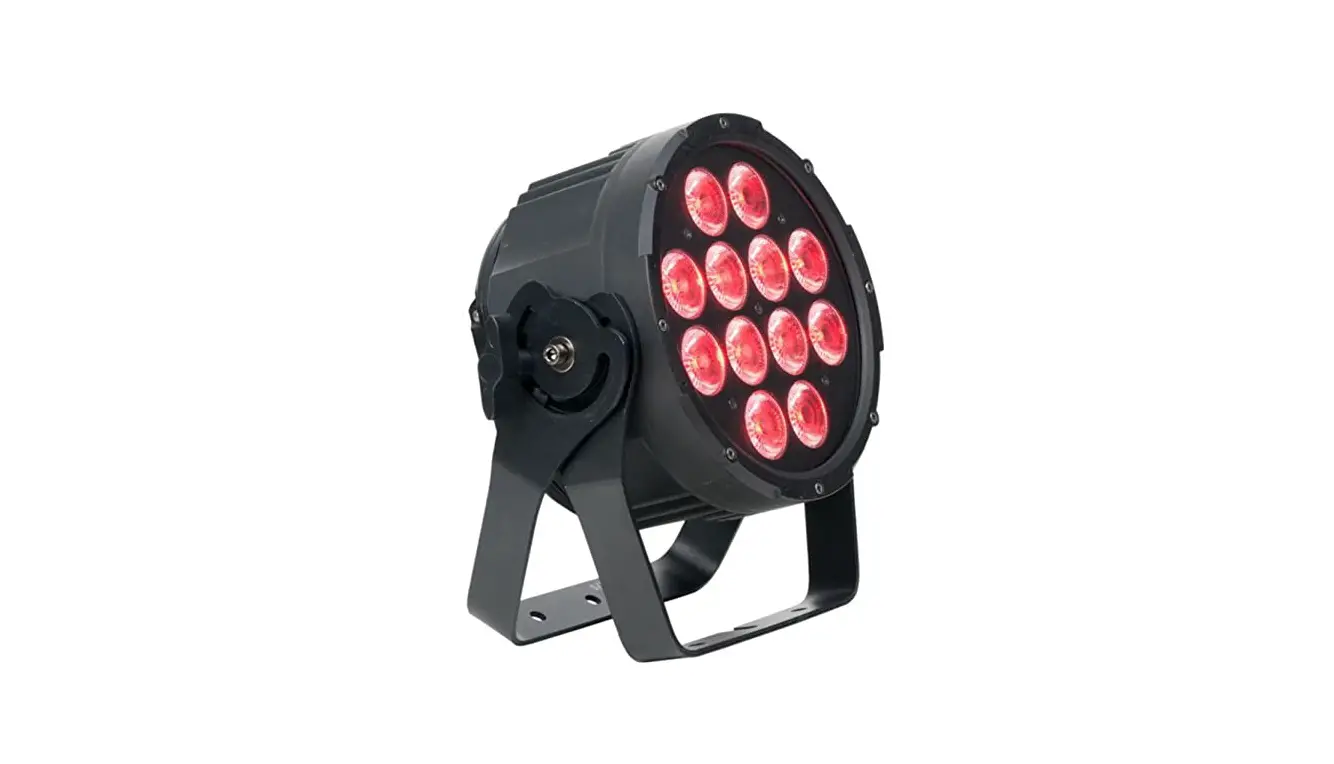
B0CB43C8HV LED Par Stage Light
Product Information – LED PAR Light
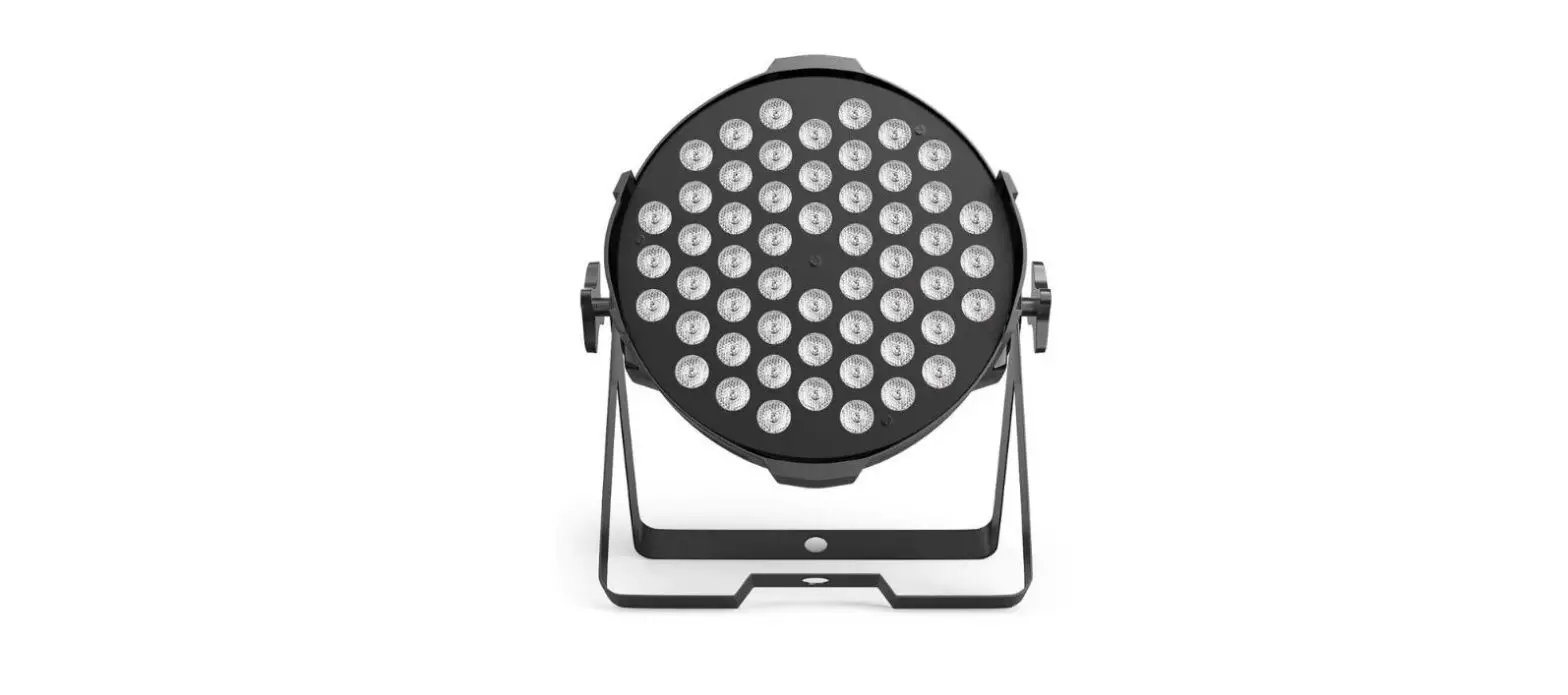
Product Name: Battery Powered Par Can
Description: This LED PAR Light is a
battery-powered par can that provides bright and colorful lighting
effects. It comes with a remote control unit for convenient
operation.
Product Usage Instructions
Before Using the Unit
Confirm the contents of the package and ensure that all the
standard accessories are included:
- Remote control unit x 1
- Battery (CR2025/2032) for remote control unit x 1
(pre-installed) - Rechargeable par light x 1
- Fixing Screws x 2
- Mounting Brackets x 2
- Dedicated AC adapter x 1
- Owner’s manual x 1
Battery Replacement Time
If the distance required between the remote control unit and
main unit decreases, or the remote control unit’s buttons don’t
work, it indicates that the battery is exhausted. In this case,
follow these steps to replace the battery:
- Pull out the battery tray from the rear of the remote control
unit. - Remove the old battery and insert a new lithium-ion battery
(CR2025/2032) with the + side facing up. - Insert the battery tray back into the remote control unit.
Connecting the AC Adapter
To charge the LED PAR Light, follow these steps:
- Connect the charging port of the LED PAR Light to the dedicated
AC adapter cord. - Plug the AC adapter into an outlet.
- While charging, the indicator will light up in red.
- When the battery is fully charged, the indicator will turn
green.
Connecting the DMX Signal
To connect the DMX signal, refer to the provided owner’s manual
for detailed instructions.
Notes on Using the Remote Control Unit
Before using the remote control for the first time, make sure to
remove the insulation sheet from the rear of the remote control
unit.
Keep in mind that obstacles between the remote control unit and
the LED PAR Light may affect the unit’s response, even within the
effective operation range of 10m / 35 feet.
LED PAR LIGHT USER MANUAL
Battery Powered Par Can
Thank you for purchasing this product. Be sure to read this user manual before operating the product
and use it correctly. Store this manual in a safe place for future reference.
Warning If you ignore the following warnings and use the product
incorrectly, it may cause death or serious injury due to fire or electrocution.
Keep the plug of the AC adapter free from the dust. If there is dirt or dust between the plug of the AC adapter and the power socket, it may cause a fire or electric shock. Remove dirt or dust after removing the plug of the AC adapter from the power socket. Do not use the product with any voltage other than that
indicated on the AC adapter. This product is for use within the country of purchase only. It cannot be used in other countries. Do not use the product with any power supply or voltage other than that indicated on the AC adapter. Do not connect the AC adapter to DC power supplies of on ships, etc. Doing so may cause a fire or electric shock. Do not use the AC adapter other than that supplied with
this product.
Prohibited Do not use the AC adapter supplied with this product
for another equipment. Doing so may cause a malfunction, fire or electric shock. Do not touch the plug of the AC adapter with wet hands. Doing so may result in electrocution. Do not pull on the AC adapter cable when you remove
the plug of the AC adapter from the power socket. The AC adapter cable may be damaged, and it may cause a fire or electric shock. Be sure to grasp the plug of the AC adapter when removing it from the power socket. Do not place vases or anything containing water or
other liquids on the product. If water gets into the product, it may cause a fire or electric shock
6
Before using the Unit
What’s in the box Confirm the supplied standard accessories. Remote control unit x 1 Battery (CR2025/2032) for remote control unit x1
(The battery has been installed in the remote control unit when shipped from the factory.)
Rechargeable par light x 1 Fixing Screws x 2 Mounting Brackets x 2
Dedicated AC adapter x1 Owner’s manual x 1
1
Battery replacement time
If the distance required between the remote control unit and main unit decreases, or the remote control unit’s button don’t work, the battery is exhausted. In this case, replace the battery with a new one.
Connecting the AC adaptor
After connecting the charging port to the dedicated AC adapter cord, plug the adapter into an outlet. When it is charging, the indicator will light up Red light. When it is full, the indicator will turn to Green light.
5
Connecting the DMX signal
The light is available to receive the DMX512 signal, connect the DMX connector to the panel which marked with “DMX IN”, and connect it to the next light. then, connect to the”DMX IN”of next light from the “DMX OUT”. The DMX signal terminator is recommended when the lighting signal is connecting. It will avoid to interfere the signal which caused by the electrical noise DMX terminator is a XLR connector, connect with a 12002 resistor between the pin 2 and pin 3 of the XLR connector, and connect it to the OUTPUT socket of the final light. see picture:
2
Remote Control Unit
Notes on using the remote control unit
Even if the remote control is used within its effective operation range (10m / 35 feet), the unit might not response the remote if there are any obstacles between them.
Before using the remote control
When you use the remote control for the first time, pull out the insulation sheet from the rear.
Battery replacement
The battery has been installed in the remote control unit when shipped from the factory. To replace the battery, pull out the battery tray from the rear, put the lithium-ion battery (CR2025/2032) in with the “+” side facing up, and insert the tray again.
4
LCD digital display function
Key-press MENU
UP
Description
DMX control / Color selection / Color fade / Color pulse transform / Colors transition / Color flash / Sound control / Color brightness setting
Increase values
DOWN ENTER
Decrease values
Confirm button. After pressing this button, all setting values will be saved.
Operation Instruction
MENU
Description
DO01-D512 DMX mode, change DMX address by up and down
CC01-CC64 RB01-RB16 PL01-PL16 SD01-SD16 FL01-FL16
Sound R000-R255 G000-G255 B000-B255
Color selection, select different colors by up and down
Color fade, change speed by up and down, the bigger values, the faster Color pulse transform, change speed by up and down, the bigger values, the faster Colors transition, change speed by up and down, the bigger values, the faster Colors flash, change speed by up and down, the bigger values, the faster
Sound control mode
Red color brightness setting, change brightness by up and down, the bigger values, the brighter Green color brightness setting, change brightness by up and down, the bigger values, the brighter Blue color brightness setting, change brightness by up and down, the bigger values, the brighter
3