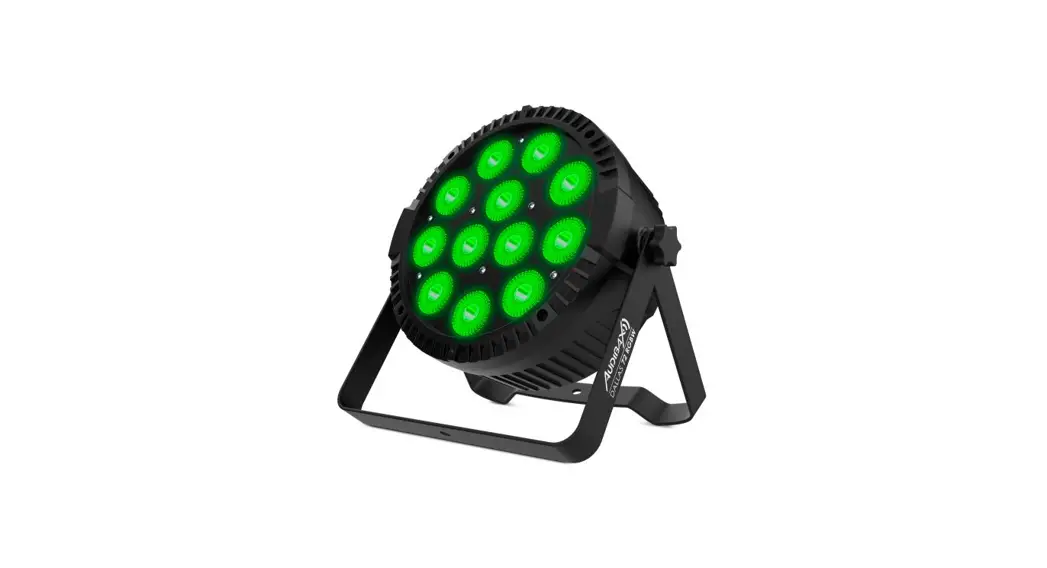
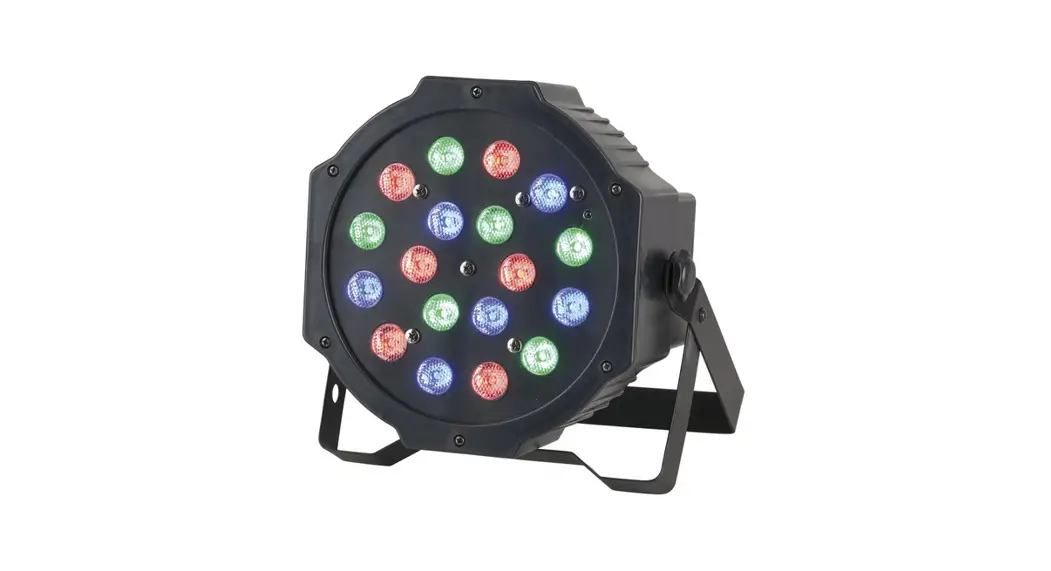
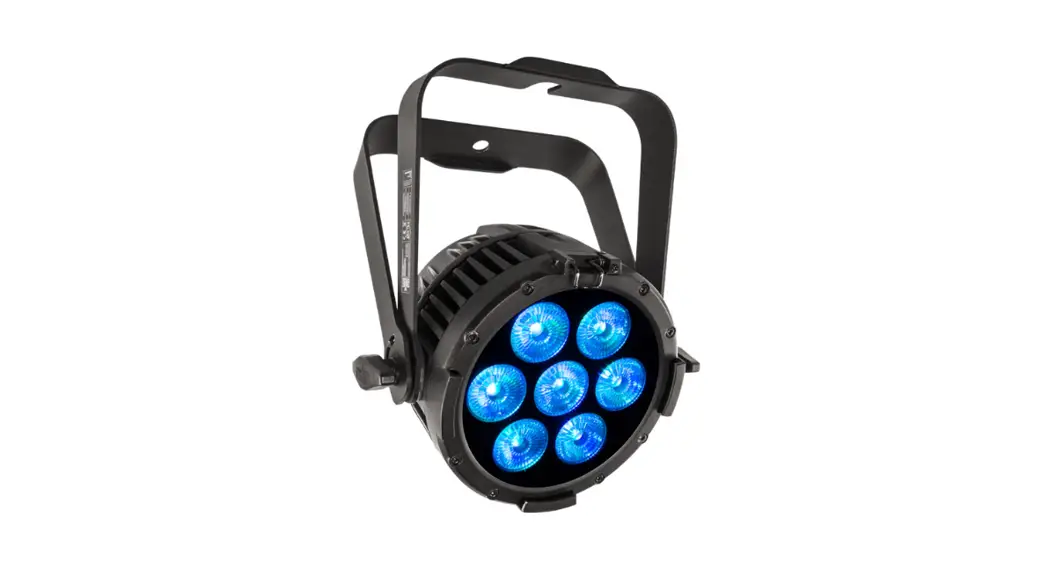
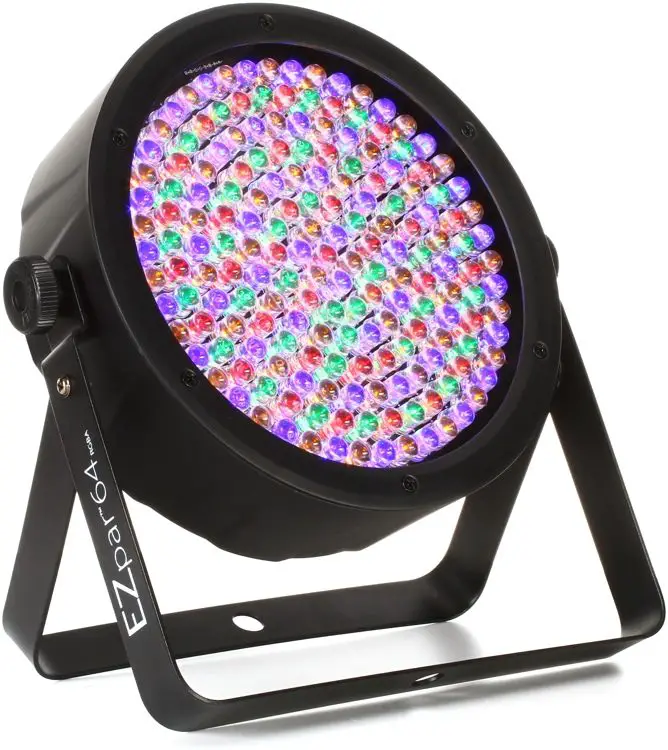
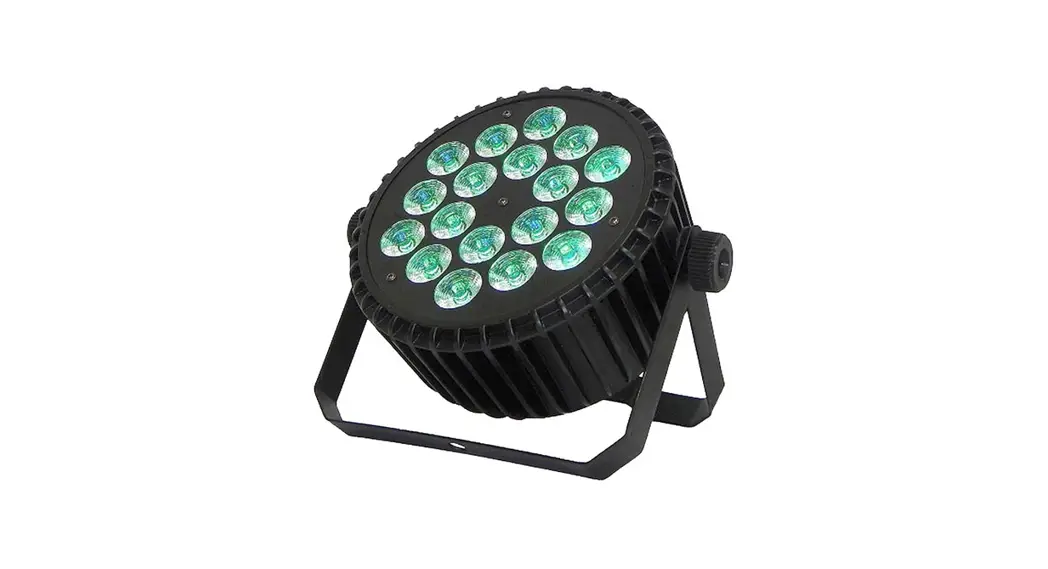
LEDPAR200IP RGB ALC Parled Stage Light
Product Information
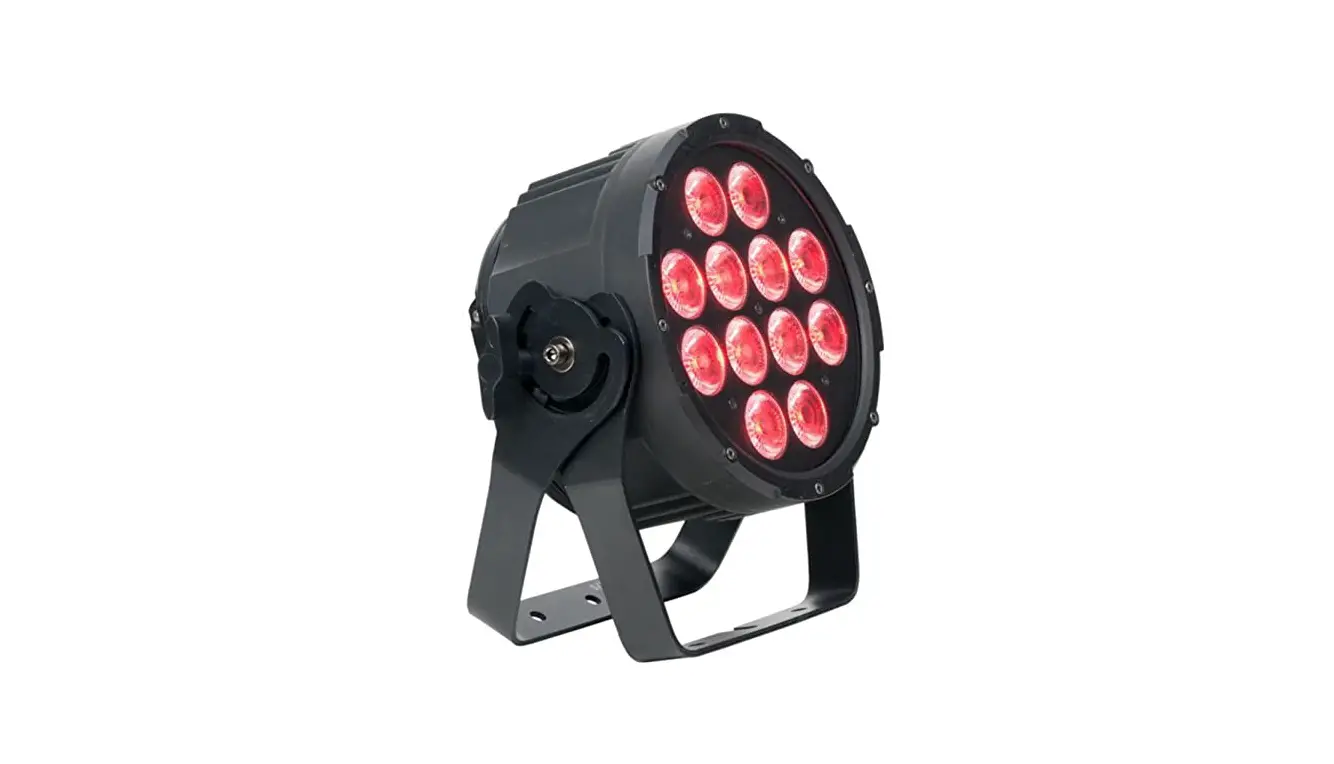
The LEDPAR20 0 IP is a high-quality PARLED light with 19×10 W
RGBALC LEDs. It is designed for various lighting applications,
including stage performances, concerts, events, and architectural
lighting.
- Menu 1: Auto
- Menu 2: Program
- Menu 3: DMX
- Menu 4: Slave
- Menu 5: Dimmer
DMX Channels
The LEDPAR20 0 IP offers different DMX channels for controlling
various functions:
| Function | DMX Value |
|---|---|
| Fast/Smooth | Off/Hold/Dimmer/Program |
| Auto/High/Slow | On/Off |
| On/Off | On/Off |
| Yes/No Setting | Yes/No |
| Functions | Auto run mode, Built-in Program, Static Color, Speed, Strobe, DMX Address, DMX Mode, Slave mode, Dimmer mode, Dimming curve selection, Dimming speed selection, DMX signal option, Fan speed option, DMX Synchronization setting, Lock, Key Backlight, Factory reset, Version display, Temperature detection, Work time, UID |
Color Presets
The LEDPAR20 0 IP allows you to select from various color
presets:
- Color1: R255 G000 B000 A000 C000 P000
- Color2: R255 G000 B000 A100 C000 P000
- Color3: R255 G000 B000 A200 C000 P000
- Color4: R255 G050 B000 A000 C000 P000
- Color5: R000 G000 B000 A255 C000 P000
- Color6: R255 G255 B000 A000 C000 P000
- Color7: R255 G255 B000 A075 C000 P000
- Color8: R000 G255 B000 A255 C000 P000
- Color9: R000 G255 B000 A150 C000 P000
- Color10: R000 G255 B000 A050 C000 P000
- Color11: R000 G255 B000 A000 C000 P000
- Color12: R000 G255 B050 A000 C000 P000
- Color13: R000 G255 B150 A000 C000 P000
- Color14: R000 G255 B255 A000 C000 P000
- Color15: R000 G255 B255 A075 C000 P000
- Color16: R000 G255 B255 A150 C000 P000
- Color17: R000 G100 B255 A255 C000 P000
- Color18: R000 G000 B255 A100 C000 P000
- Color19: R000 G000 B255 A050 C000 P000
- Color20: R000 G000 B255 A000 C000 P000
- Color21: R075 G000 B255 A000 C000 P000
- Color22: R160 G000 B255 A000 C000 P000
- Color23: R255 G000 B255 A000 C000 P000
- Color24: R255 G000 B175 A000 C000 P000
- Color25: R255 G000 B100 A000 C000 P000
- Color26: R255 G000 B100 A050 C000 P000
- Color27: R255 G000 B025 A050 C000 P000
- Color28: R255 G000 B025 A025 C000 P000
- Color29: R255 G000 B025 A000 C000 P000
- Color30: R000 G000 B000 A255 C000 P000
- Color31: R000 G000 B000 A000 C255 P000
- Color32: R000 G000 B000 A000 C000 P255
- Color33: R255 G255 B255 A255 C255 P255
Product Usage Instructions
- Connect the LEDPAR20 0 IP to a power source using the provided
power cable. - Turn on the power switch.
- Select the desired menu option using the menu buttons.
- Adjust the settings within each menu option using the
corresponding buttons or values. - To control the color presets, use the DMX channels mentioned in
the user manual. - For DMX control, connect the LEDPAR20 0 IP to a DMX controller
using a DMX cable. - Follow the DMX channel values mentioned in the user manual to
achieve the desired lighting effects. - Make sure to set the appropriate dimming curve and speed for
smooth transitions. - Use the strobe function to create strobe effects with
adjustable speed. - Refer to the user manual for detailed instructions on each menu
option and function.
LEDPAR20 0 IP
19×10 W RGBALC PARLED
USER MANUAL
1. Menu
Menu 1 1:Auto
2:Program
3:DMX 4:Slave
5:Dimmer
User Manual
Menu 2 Yes/No 1)Mode: 2)Color:(Mode:1) 2)Speed:(Mode:2-16) 3)Strobe: 1)Address: 2)Channels: Yes/No 1)Red: 2)Green: 3)Blue: 4)Amber: 5)Lime: 6)Cyan:
Menu 3
1-16 1-41 1-100 0-99 001-512 6/8/13-CH
000~255 000~255 000~255 000~255 000~255 000~255
1)Curves Select:
1- 4
2)Dimmer Speed:
6:Settings
3)Dmx Fail: 4)Fan Speed
5)Dmx Sync:
6)Lock 7)Key Backlight 8)Factory: Version: x.x
7:Information
Temperature: xx
Work Time:xxxxxh
UID:xxxxxxxxxxxx
2. DMX Channels
Function DMX Value
Fast/ Smooth Off/Hold/Dimmer/Pro
gram Auto/High/Slow
On/Off On/Off On/Off Yes/No
Setting
Functions Auto run mode Built-in Program
Static Color Speed Strobe
DMX Address DMX Mode Slave mode
Dimmer mode
Dimming curve selection
Dimming speed selection
DMX signal option
Fan speed option DMX Synchronization
setting Lock Key Backlight Factory reset Version display Temperature detection Work time UID
6-Ch
8-Ch
Dimmer
000-255
0~100%
1
Strobe
0-10
No function
2
Linear
11-255
strobe linear from slow to fast
Strobe FX
0-10 11-255
No function strobe random from slow to fast
Red
000-255
0~100%
1
3
Green
000-255
0~100%
2
4
Blue Amber
000-255 000-255
0~100% 0~100%
3
5
4
6
1/7
13-Ch 1 2
3 8 9 10 11
Lime
000-255
0~100%
5
Cyan
000-255
0~100%
6
000-010
No function
011-041
2700K
042-072
3000K
073-103
4000K
CTC
104-134
5600K
135-165
6500K
166-196
7200K
197-227
8000K
228-255
10000K
000-007
No function
008-013
Color1(R255 G000 B000 A000 C000 P000)
014-020
Color2(R255 G000 B000 A100 C000 P000)
021-027
Color3(R255 G000 B000 A200 C000 P000)
028-034
Color4(R255 G050 B000 A000 C000 P000)
035-041
Color5(R000 G000 B000 A255 C000 P000)
042-048
Color6(R255 G255 B000 A000 C000 P000)
049-055
Color7(R255 G255 B000 A075 C000 P000)
056-062
Color8(R000 G255 B000 A255 C000 P000)
063-069
Color9(R000 G255 B000 A150 C000 P000)
070-076
Color10(R000 G255 B000 A050 C000 P000)
077-083
Color11(R000 G255 B000 A000 C000 P000)
084-090
Color12(R000 G255 B050 A000 C000 P000)
091-097
Color13(R000 G255 B150 A000 C000 P000)
098-104
Color14(R000 G255 B255 A000 C000 P000)
105-111
Color15(R000 G255 B255 A075 C000 P000)
Color preset
112-118 119-125
Color16(R000 G255 B255 A150 C000 P000) Color17(R000 G100 B255 A255 C000 P000)
126-132
Color18(R000 G000 B255 A100 C000 P000)
133-139
Color19(R000 G000 B255 A050 C000 P000)
140-146
Color20(R000 G000 B255 A000 C000 P000)
147-153
Color21(R075 G000 B255 A000 C000 P000)
154-160
Color22(R160 G000 B255 A000 C000 P000)
161-167
Color23(R255 G000 B255 A000 C000 P000)
168-174
Color24(R255 G000 B175 A000 C000 P000)
175-181
Color25(R255 G000 B100 A000 C000 P000)
182-188
Color26(R255 G000 B100 A050 C000 P000)
189-195
Color27(R255 G000 B025 A050 C000 P000)
196-202
Color28(R255 G000 B025 A025 C000 P000)
203-209
Color29(R255 G000 B025 A000 C000 P000)
210-216
Color30(R000 G000 B000 A255 C000 P000)
217-223
Color31(R000 G000 B000 A000 C255 P000)
224-230
Color32(R000 G000 B000 A000 C000 P255)
231-255
Color33(R255 G255 B255 A255 C255 P255)
2/7
7
12
8
13
4
5
000-015
No function
016-031
Jump1
032-047
Jump2
048-063
Jump3
064-079
Jump4
080-095
Jump5
096-111
Jump6
Color
112-127
Jump7
6
running
128-143
Jump8
144-159
Fade1
160-175
Fade2
176-191
Fade3
192-207
Fade4
208-223
Fade5
224-239
Fade6
240-255
Fade7
speed
0-255
Slow to fast
Color running
7
3. Operation and Mode illustration
1. Operation Mode Transformation
Press the MODE, UP or DOWN button to transform menus. 1: Auto 2: Program 3: DMX 4: Slave 5: Dimmer 6:Settings 7:Information
2. Mode illustration
a. AUTO mode AUTO Press “Setup” to enter, choose YES. Lights will circularly run in according with the speed and strobe of built-in Program Mode:02~ Program Mode:16
Yes Auto
No b. Built-in Program Program
There are 16 built-in programs. Please press the setup button to enter and up or down button to select. As follows:
1. Mode:01 Static color effect program Color : 01~41
Mode:01 Strobe: 00~99
Color :34 Color :35 Color :36 Color :37 Color :38 Color :39 Color :40 Color :41 Mode:01
2700K 3000K 4000K 5600K 6500K 7200K 8000K 10000K 3/7
2. Mode:02~16 built-in effect program
Speed: 001~100 Mode:02~16
Strobe: 00~99
c. DMX mode
Press the setup button to enter and select by the up or down button. As follows:
DMX
Address : 001~512
Channels: 6/8/13-ch
d. Slave mode Slave
Press the setup button to enter, choose YES. After connecting the DMX cable, the light
will run with the main fixture at the same step.
Yes Slave
No
e. Dimmer mode Dimmer
Press the setup button to enter and select by the up or down button.As follows:
1)Red:
000~255
2)Green:
000~255
3)Blue: Dimmer
4)Amber:
000~255 000~255
5)Lime:
000~255
6)Cyan:
000~255
f. Settings mode Settings Please press the setup button to enter and select by the up or down button. As follows: 1)Curves Select 2)Dimmer Speed 3)Dmx Fail 4)Fan Speed Settings 5)Dmx Sync: 6)Lock 7)Key Backlight 8)Factory:
1Dimming curve setting There are four available dimming curves. Please press the setup button to enter and select
by the up or down button. 1 )linear 2)Square Law
Curves Select
3)Inv Square Law
4)S-Type a. linear dimming
4/7
b. Square Law dimming
c. Inv Square Law dimming
d. S-curve dimming
2Dimmer Speed setting Please press the setup button to enter and select by the up or down button
Fast Dimmer Speed
Smooth
3DMX Fail console DMX signal clear
Please press the setup button to enter and select by the up or down button.
1)Off
((When DMX signal connection fail, light off)
2)Hold
(When DMX signal connection faillight keeps current state)
DMX Fail
(When DMX signal connection faillight turns
3)Dimmer
into dimming mode)
(When DMX signal connection faillight turns 4)Program
into built-in Program)
4Fan Speed control
1)Auto
Fan Speed 2)High
3)Slow
5Dmx Sync
In DMX mode, several fixtures can also operate at the same step, even though no DMX
control for a period of time. Please press the setup button to enter and select by the up or
down button. As follows:
On Dmx Sync
Off
6Lock
5/7
On Lock
Off
7Key Backlight
Key
On
Backlight Off
8Factory reset
All data will restore initial state after factory sets. Please press the setup button to enter
and select by the up or down button. As follows
Yes Factory
No
g. Information mode
Store relevant information, as follows:
Versions: x.x
Information
Temperature: xx Work Time:xxxxxh
UID:xxxxxxxxxxxx
Please press the SETUP button for 5 seconds to enter and imput 0088 to clear work time.
4. RDM(Remote Device Management)
This fixture has RDM function. RDM is the protocol which supports two-way traffic in
standard DMX512. Configure and monitor fixture, like change DMX address, DMX mode
and so on. Every fixture with RDM can be recognized by built-in UID code.
Parameter ID
Discovery command SET command Get command
DISC_UNIQUE_BRANCH
*
DISC_MUTE
*
DISC_UN_MUTE
*
DEVICE_INFO
*
SOFTWARE_VERSION_LABEL
*
DMX_START_ADDRESS
*
*
IDENTIFY_DEVICE
*
*
SUPPORTED_PARAMETERS
*
SENSOR_DEFINITION
*
SENSOR_VALUE
*
DMX_PERSONALITY
*
*
DMX_PERSONALITY_DESCRIPTION
*
RESET_DEVICE
*
FACTORY_DEFAULTS
*
5. Notice
1 If no press any button in 30s, it will lock screen automatically and show current operating mode, WDMX mode, temperature status and battery(this battery is reference value, changes for on and off is very large). Of course, it will unlock again by pressing the mode and setup button for 3s at the same time. Press mode and setup button at the same time to quickly lock under unlock status (Lock need to be YES in Setting).
2 When the product power’s on and shows version information, pressing the “MODE” and 6/7
“SETUP” buttons for some seconds at the same time. After this, it can restore factory settings and the data will be initialized. 3 In order to avoid any problem, please follow the user manual to make sure it is in safety operations. 4 If the environment temperature is not in the using range, please reduce the using time of the full power to prevent products damaged because of overheating. 5 When the product power is on, the LED display screen shows temperature “×”. Or it shows × when locking screen. It means temperature anomalies. please check whether lines of internal temperature control connect well. 6 In order to prevent the accident, please don’t tear down the light under the condition of charging.
7/7