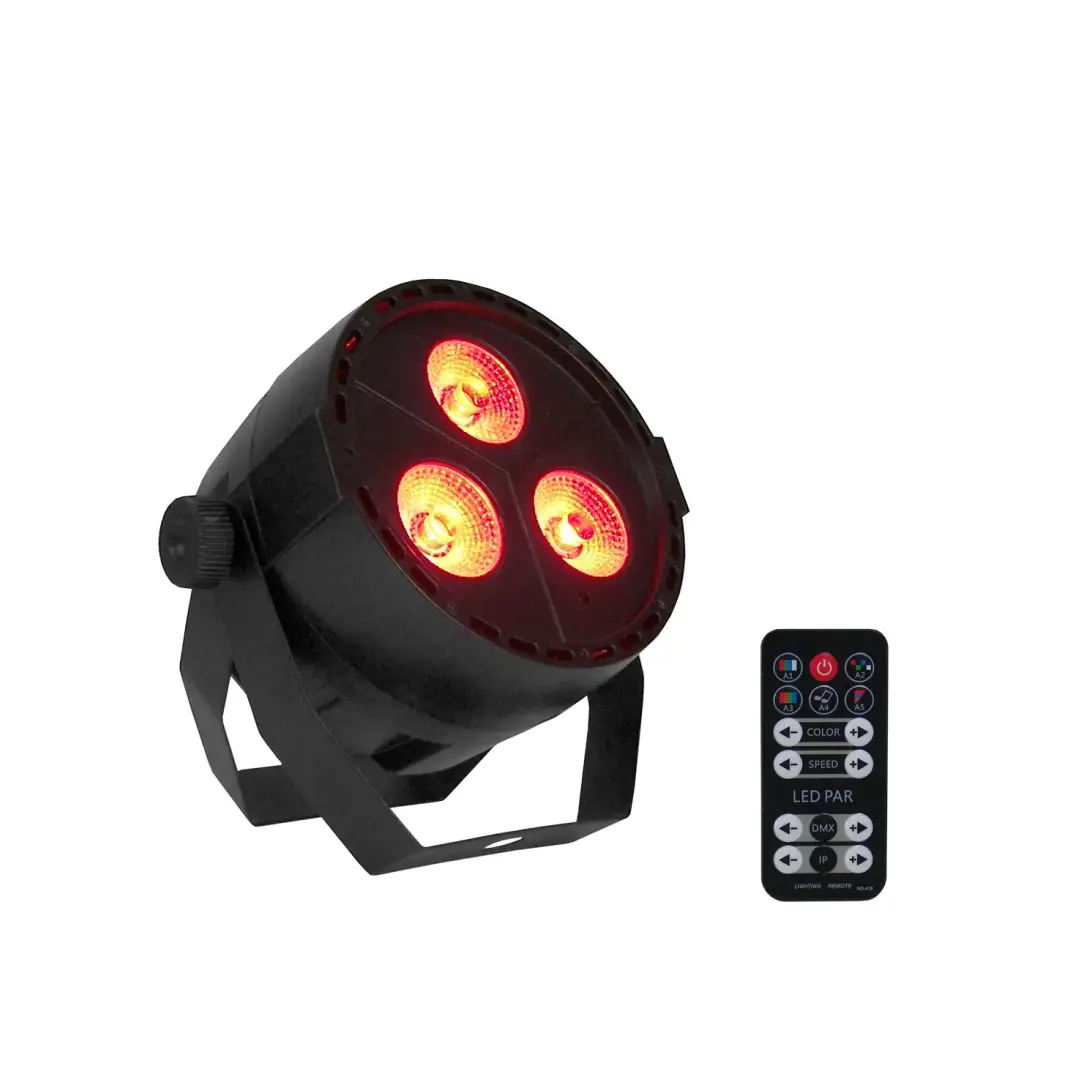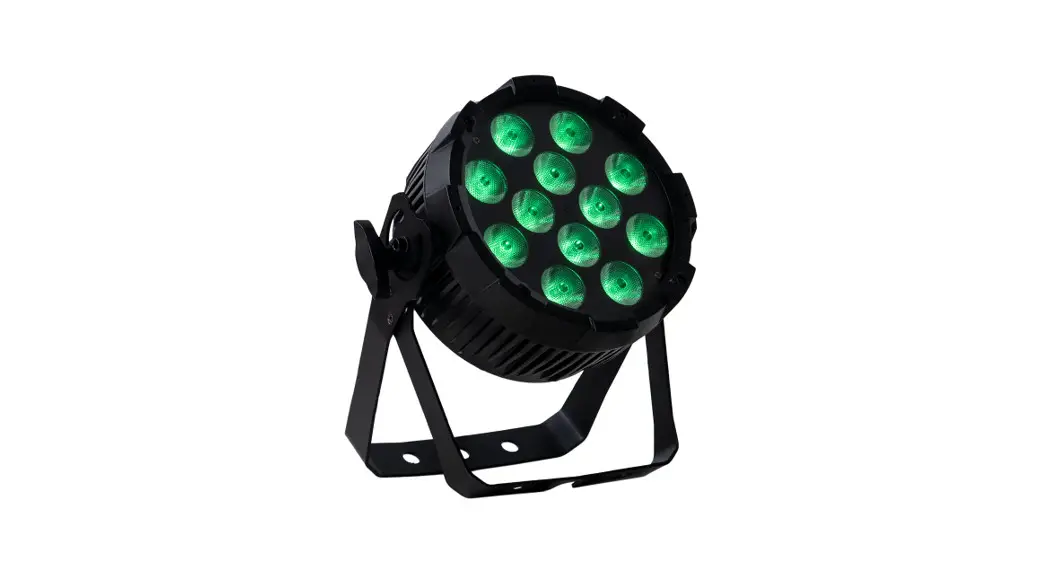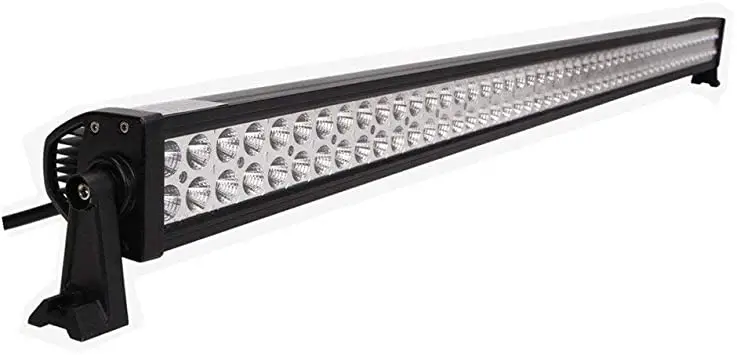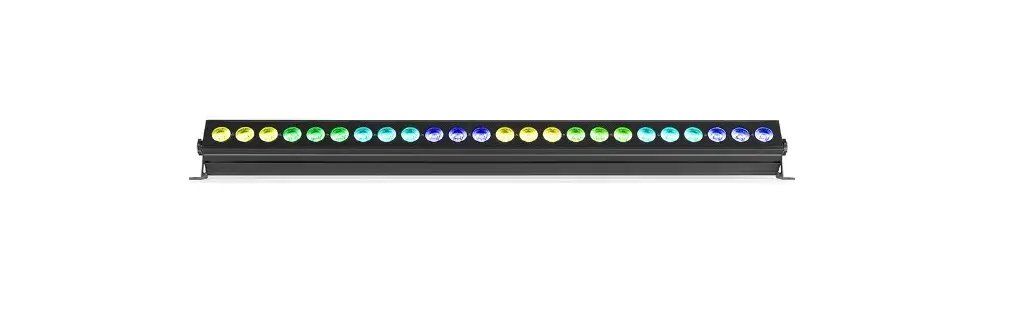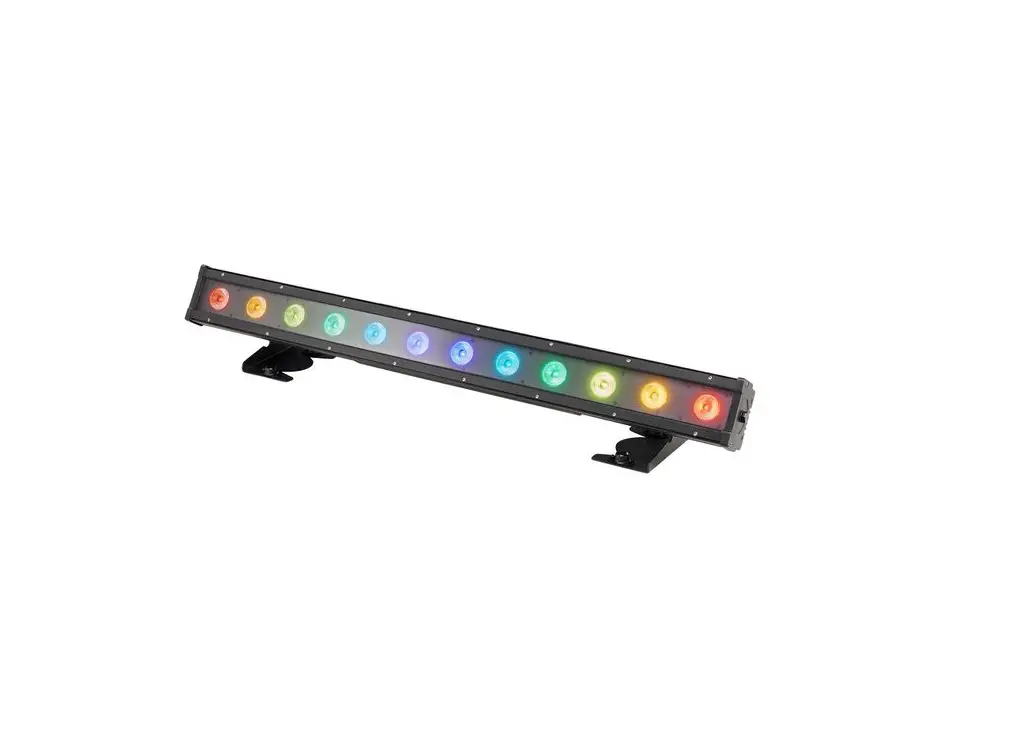
EVENT LIGHTING VIVIDBAR2 24x 4W RGBW LED Lighting Bar User Manual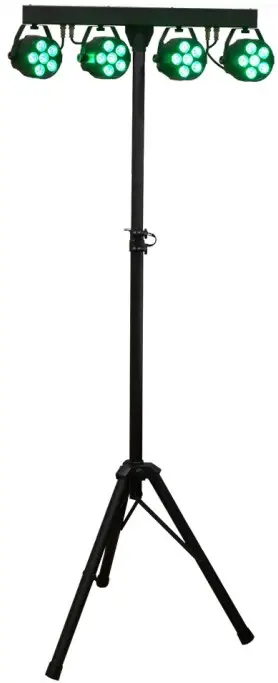
For safety, please read this user manual carefully before initial use.
Event Lighting reserves the right to revise the manual at any time. Information and specifications within this manual are subject to change without notice. Event Lighting assumes no liability orresponsibility for any errors or omissions. Please consult Event Lighting for any clarification or information regarding this item.
Safety Instructions
Warning
- Do not open this fixture, there is no user-serviceable parts inside. Risk of electric shock.
- Do not look directly at the light source when the fixture is on.
Caution: This unit’s housing may become hot during and after operation.
- Install this fixture in a location with adequate ventilation, at least 50 cm from adjacent surfaces.
- Do not leave any flammable material within 50 cm of this unit while operating or connected to power.
- Use a safety chain when mounting this fixture overhead.
- Do not operate this device in any location where excessive dust, heat, water or humidity may affect it.
- Do not operate this fixture if the housing, lenses, or cables appear damaged.
- Do not connect this fixture to a dimmer or rheostat.
- ONLY connect this fixture to a grounded and protected circuit.
- ONLY use the hanging bracket to carry this fixture.
- In case of a serious operating problem, stop using immediately.
- The maximum ambient temperature is 40° C. Do not operate this fixture at higher temperatures.
Power Input
This fixture has an auto switching power supply that works with an input voltage range of 110- 240V AC, 50/60 Hz.
Product Installation
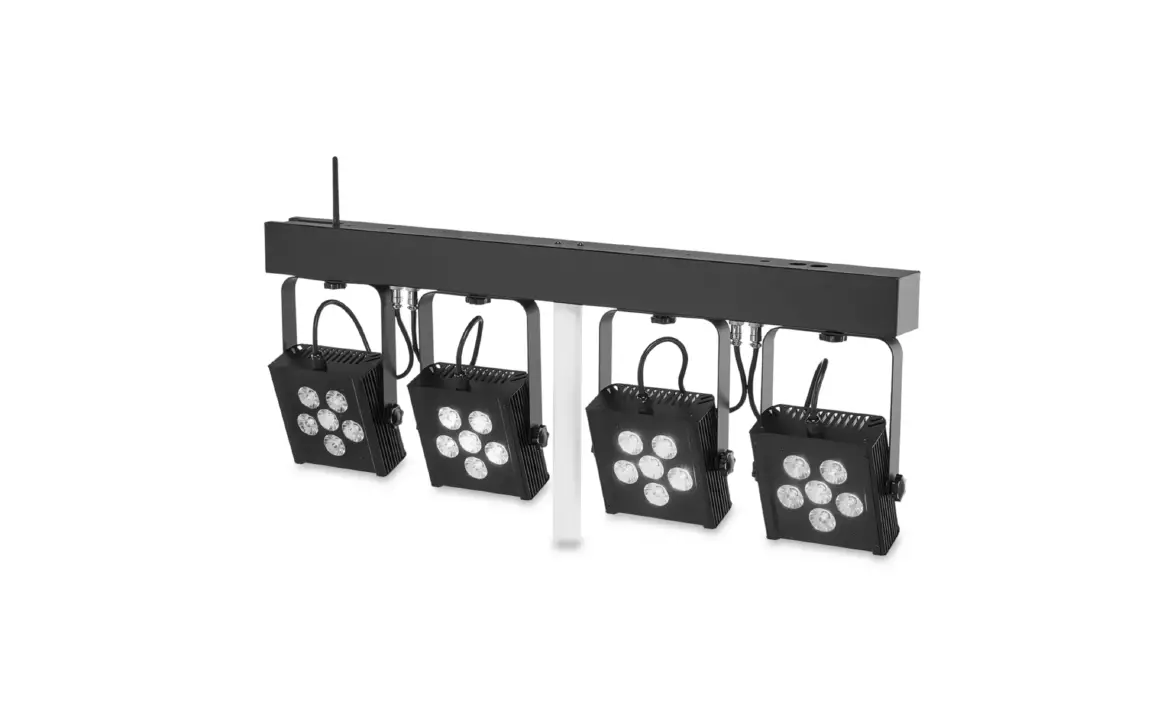
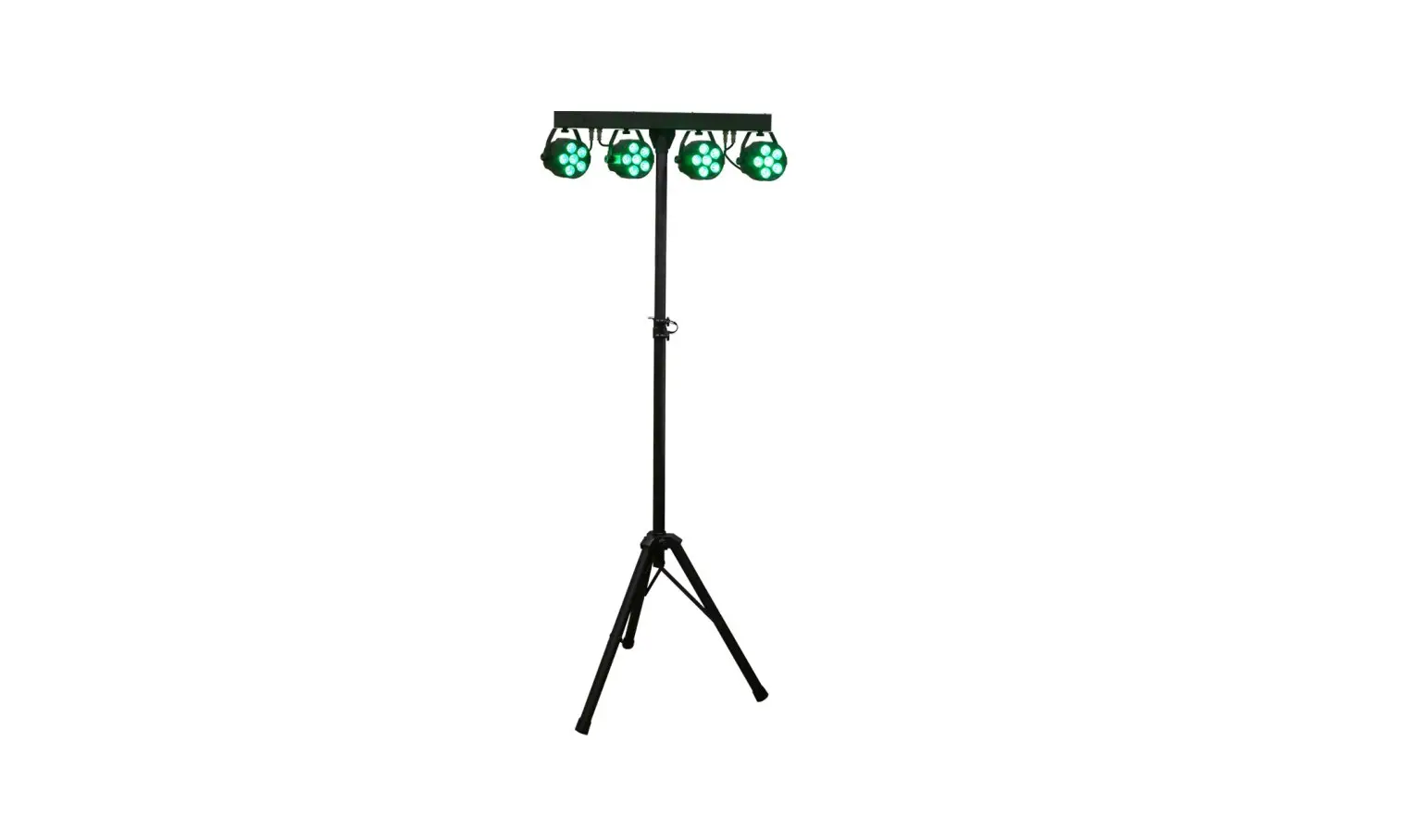
- Attach the four parcans to the four mounting points on the controller bar.
- Connect the four parcans to the four cables on the controller bar.
- Insert the controller bar into the stand and tighten the screw to secure.
- Extend the tripod and place it on a stable surface.
Menu
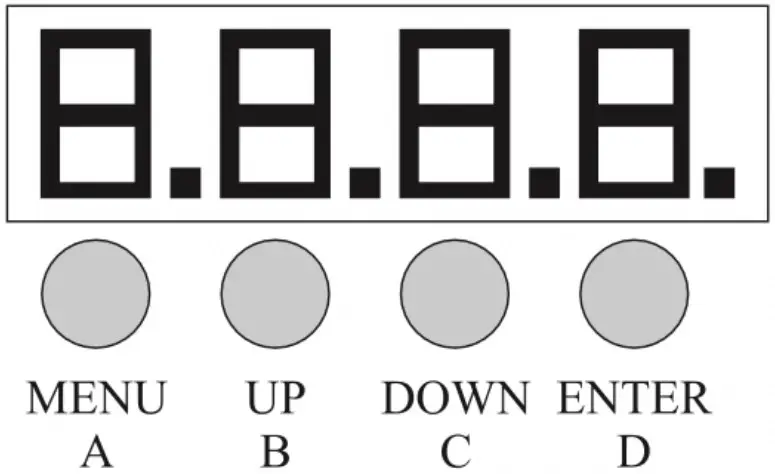
A. MENU
B. UP
C. DOWN
D. ENTER
| Menu | Values | Description |
| d001-d512 | 001-A512 | Set the DMX address. |
| IP.01-IP.64 | 001-512 | IP mode |
| A1.01 | A1.01-A1.19 | Static colour mode. Press enter to save. |
| A2.01 | A2.01-A2.19 | Jump colour change mode.Press enter to save. |
| A3.01 | A3.01-A3.19 | Multicolour mode. Press enter to save. |
| A4.01 | A4.01-A4.19 | Sound active mode. Pressenter to save. |
| A5.01 | A5.01-A5.19 | Strobe mode. Press enter tosave. |
| r.000 | r.000-r.255 | Red intensity |
| G.000 | G.000-G.255 | Green intensity |
| b.000 | b.000-b.255 | Blue Intensity |
DMX Chart
This fixture is controlled by the universal DMX 512 protocol. The DMX address is the first channel used to receive instructions from the external controller. For independent control, each fixture must be assigned a unique address for each of its control channels. Forexample, this device has one channel modes: 8, if it’s set to 8 channel mode, and there are several fixtures need to be independently controlled, we just simply address first fixture at 1, and second fixture at 9, third one at 17, etc.
- If multiple fixtures have the same DMX address, they will behave synchronically.
- Display will flash when no DMX signal is rece
| Channel | Min DMX | Max DMX | Function |
| 1 | 0 | 10 | No Function |
| 11 | 50 | Macro A1 | |
| 51 | 100 | Macro A2 | |
| 101 | 150 | Macro A3 | |
| 151 | 200 | Macro A4 | |
| 201 | 255 | Macro A5 | |
| 250 | 255 | Red+Green+Blue | |
| 2 | 0 | 255 | Macro Colour |
| 3 | 0 | 255 | Macro Speed |
| 4 | 0 | 255 | Master Dimmer, 0-100% |
| 5 | 0 | 255 | Red dimmer, 0-100% |
| 6 | 0 | 255 | Green dimmer, 0-100% |
| 7 | 0 | 255 | Blue dimmer, 0-100% |
| 8 | 0 | 255 | White dimmer, 0-100% |
IR Remote
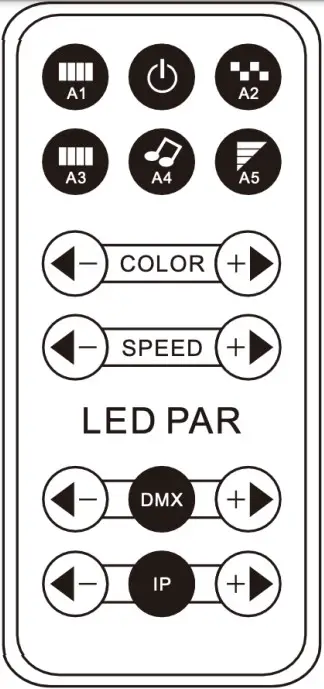
A1: Effect 1 – all lights on Power button
A2: Effect 2 – colour jump
A3: Effect 3 – colour fade
A4: Sound active mode
A5: Strobe mode
Colour buttons: Colour adjustment
Speed buttons: Speed adjustment
DMX buttons: DMX channel selection
IP buttons: running effect
Technical Specifications
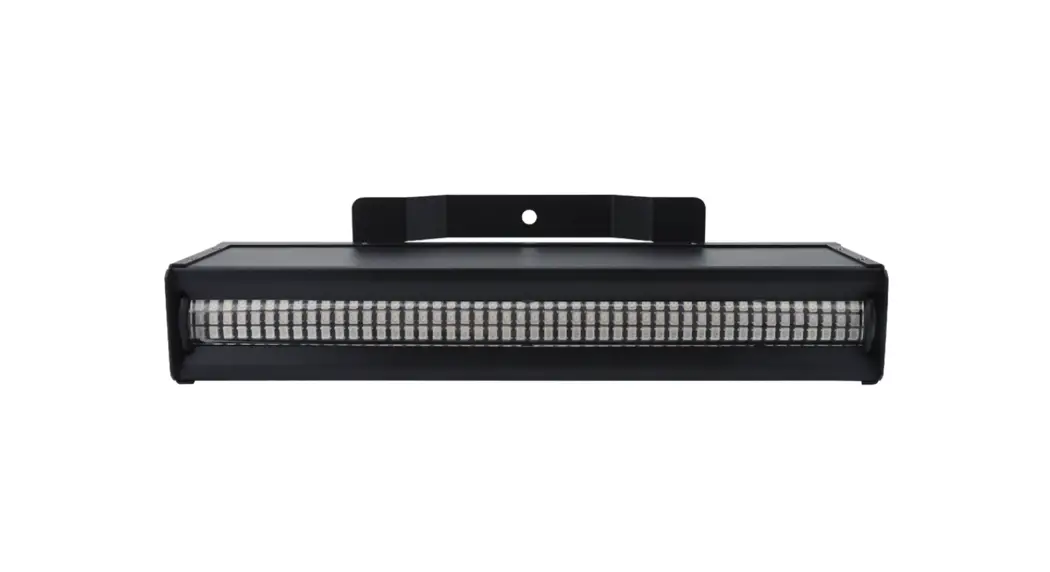
- Light Source: 24x 4W RGBW LEDs
- Beam angle: 25°
- Dimming: 0-100%
- Operation Modes: DMX, auto, manual, sound active, IR remote
- Control Interface: 3-pin XLR in/out, IR remote
- DMX Channels: 8
- Input Voltage: 110-240V AC, 50/60 Hz
- Power Consumption: 100W
Warranty
Please contact your local dealer or contact Event Lighting.
www.event-lighting.com.au
 Australia Entertainment Lighting Wholesaler | Event Lighting