
User Manual
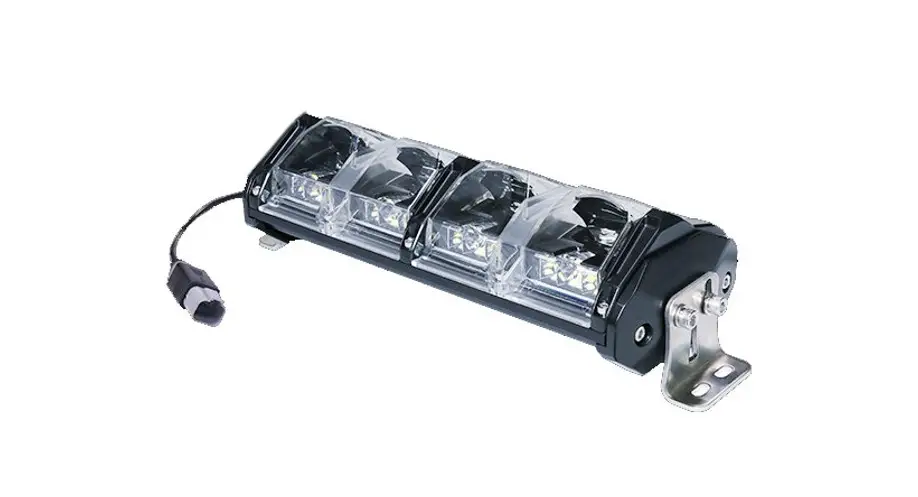
ORBDx-xWVB-RGB
Important: Read all instructions prior to installation.
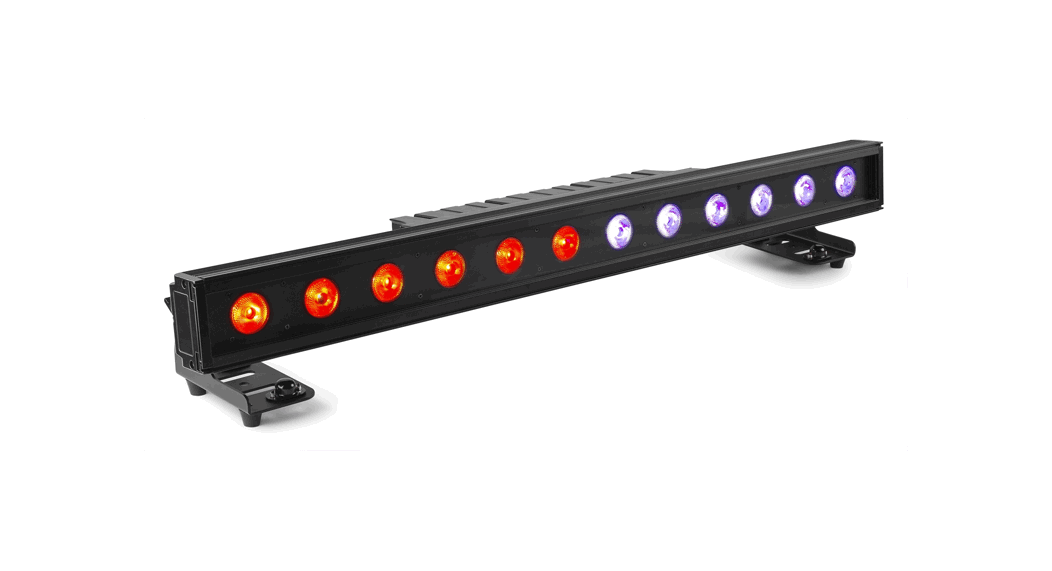
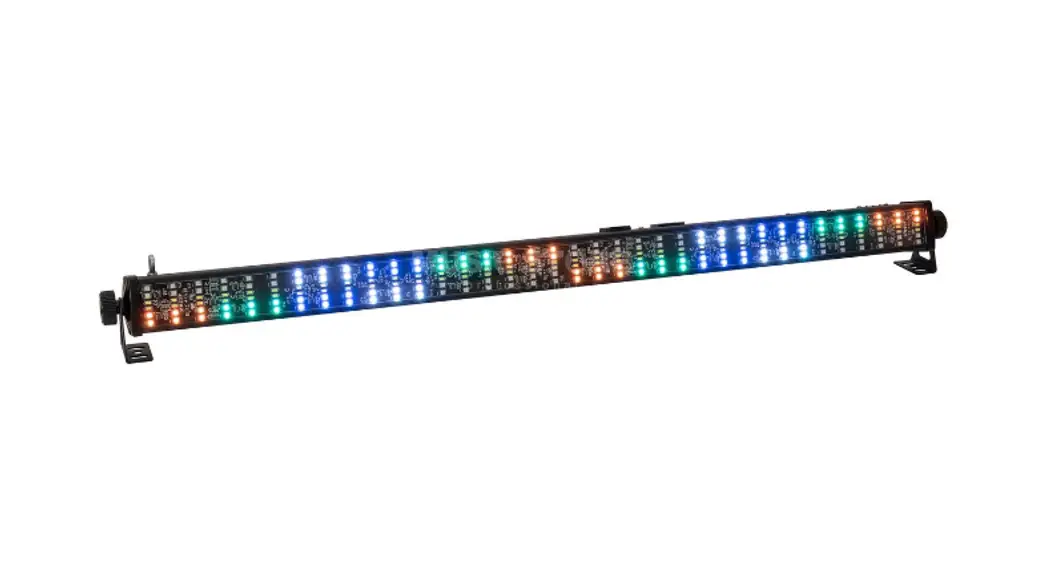
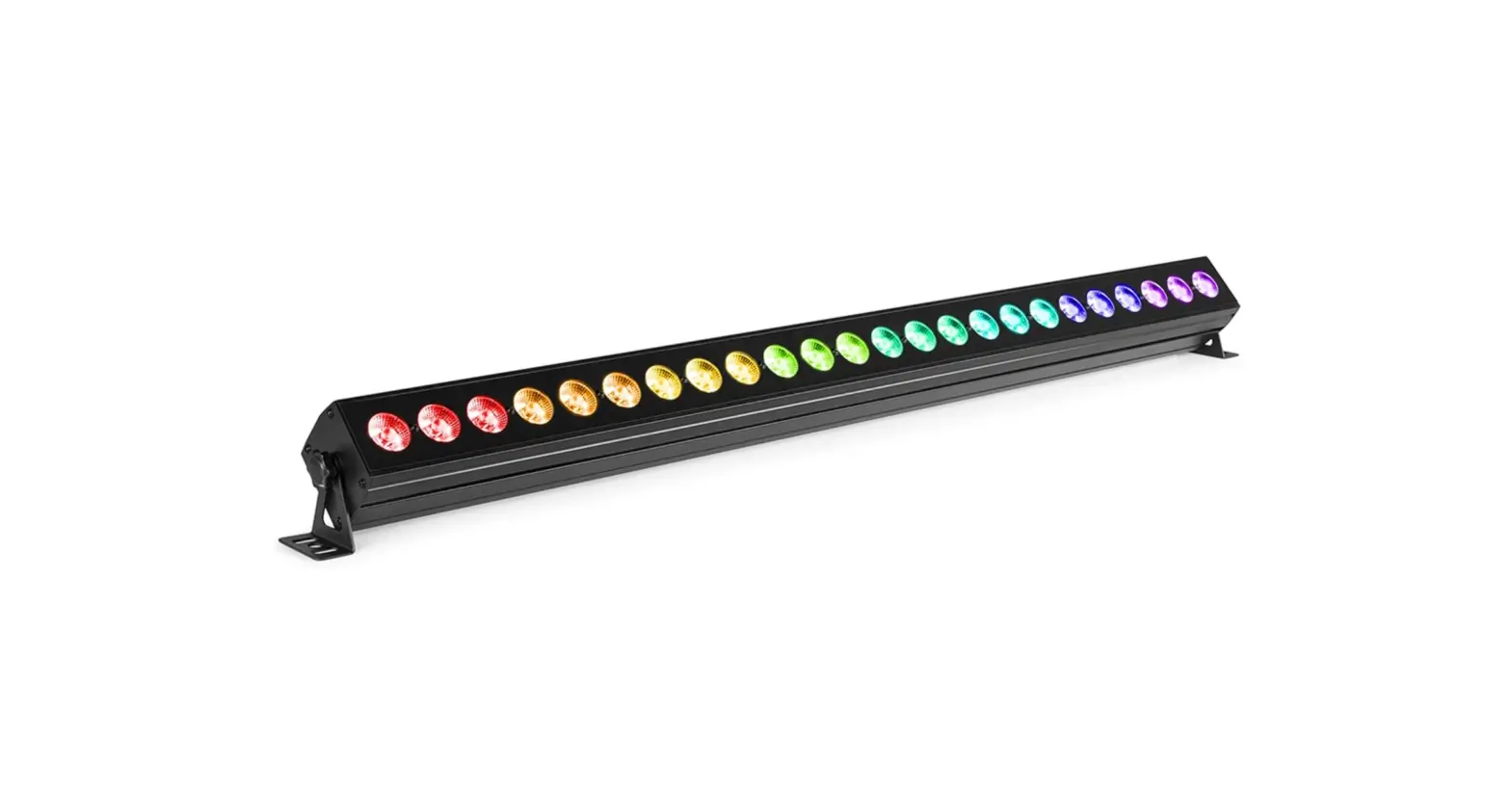
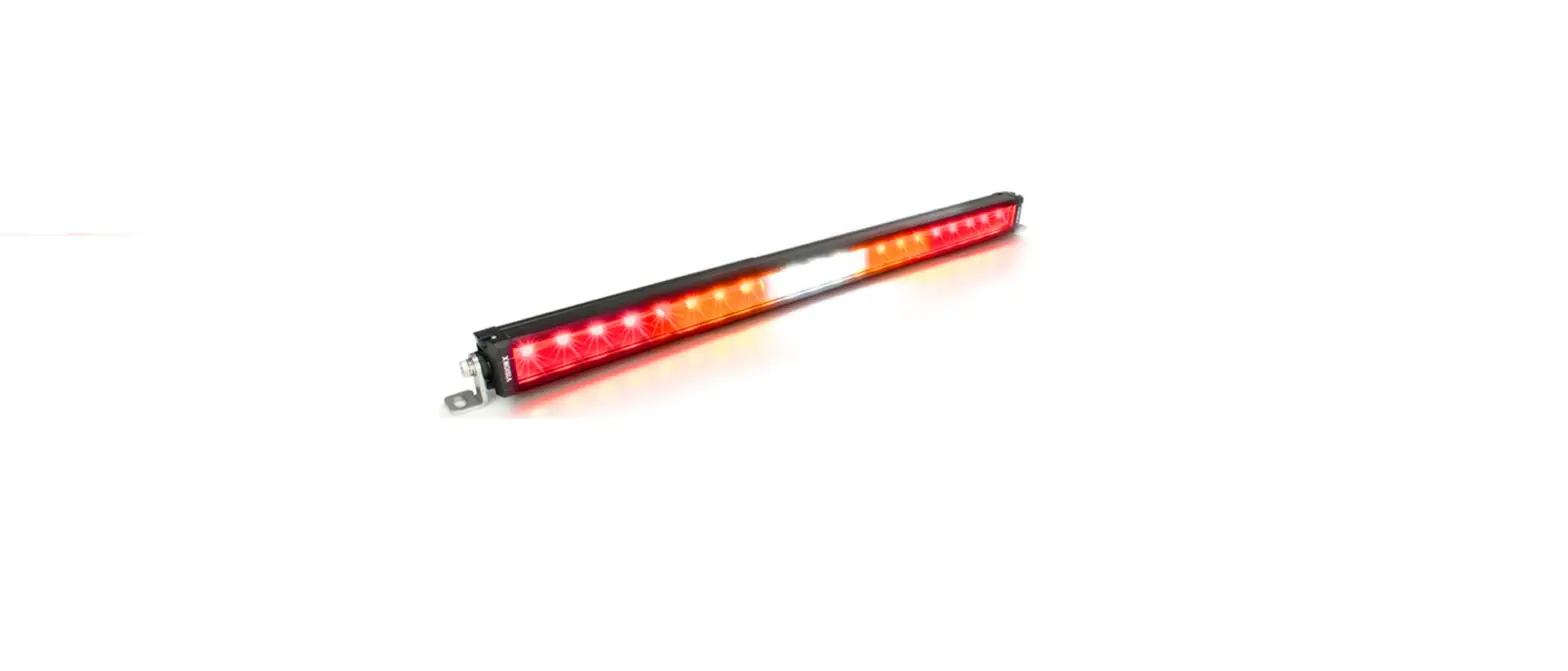
LED Light Bar with Variable Beam
Safety and Notes
- To reduce the risk of electric shock, ensure that the main power source is disconnected before performing any installation or wiring procedures.
- Avoid looking directly into the lamp when illuminated.
- Ensure all connections are secure before applying power. Loose/improper connections may cause abnormal operation.
Specifications
| Environmental Specifications | |
| Voltage | 12-36 VDC |
| Operating Temperature | -22°-176° F (-30°-80° C) |
| IP Rating | IP67 |
Operation Instructions
Control panel interface
- RGB button – operates backlight, color can be selected by holding the RGB button for 5 seconds with light powered on to cycle to next color
- Spotlight intensity – increases spot intensity
- Floodlight intensity – increases flood intensity
- Main power button – turns light on/off
- Driving (low) beam – activates “low” driving beam

Reset Instructions
It is possible for the control panel and light to become out of sequence. In order to reset the system to resync the control panel and light, hold the main light button on the control panel for 3 seconds. The control panel will flash 3 times, then turn off. This indicates a successful reset meaning the control panel can then be used normally again.
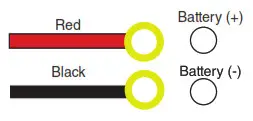
Wiring Diagram
Rev Date: V1.0 06/08/2021
4400 Earth City Expy, St. Louis, MO 63045
866-590-3533
superbrightleds.com