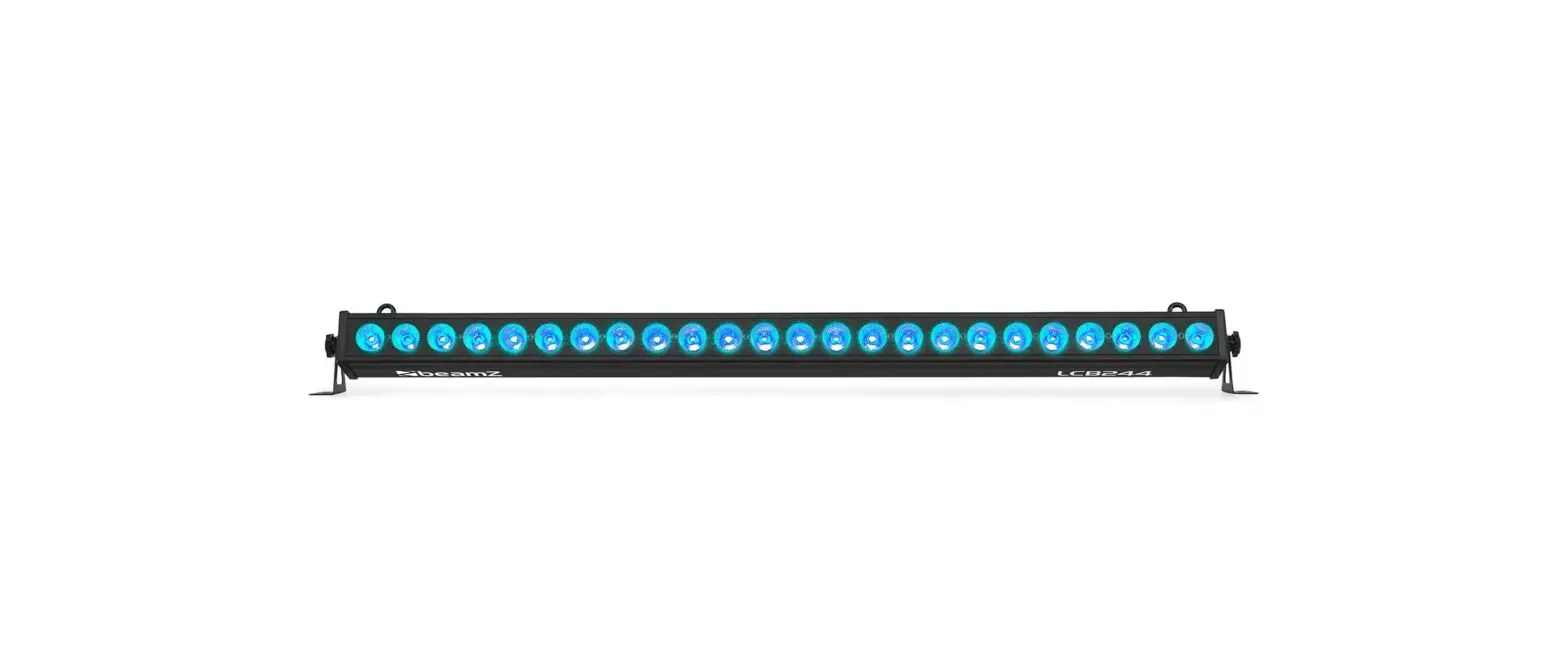
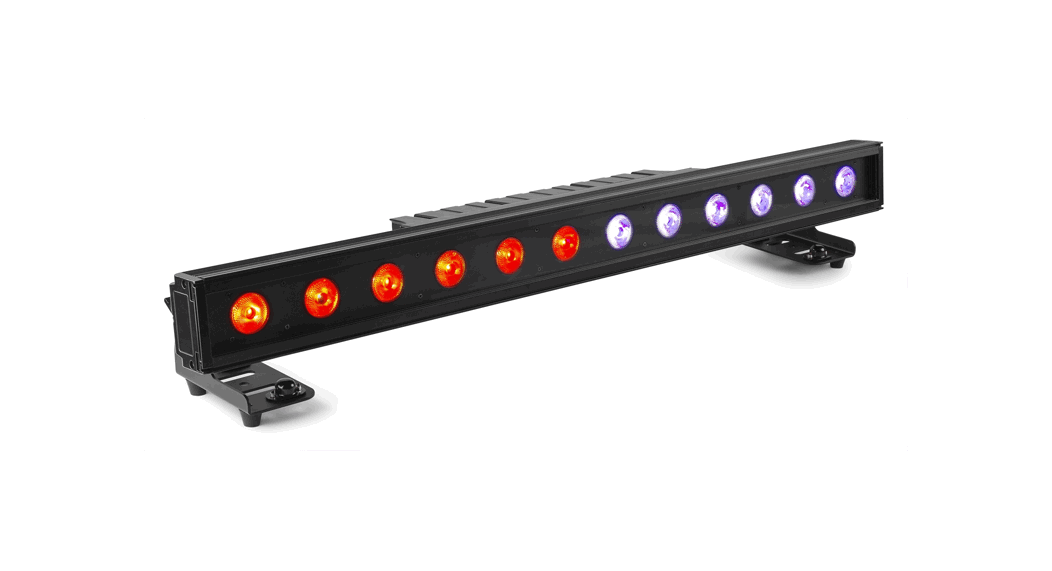
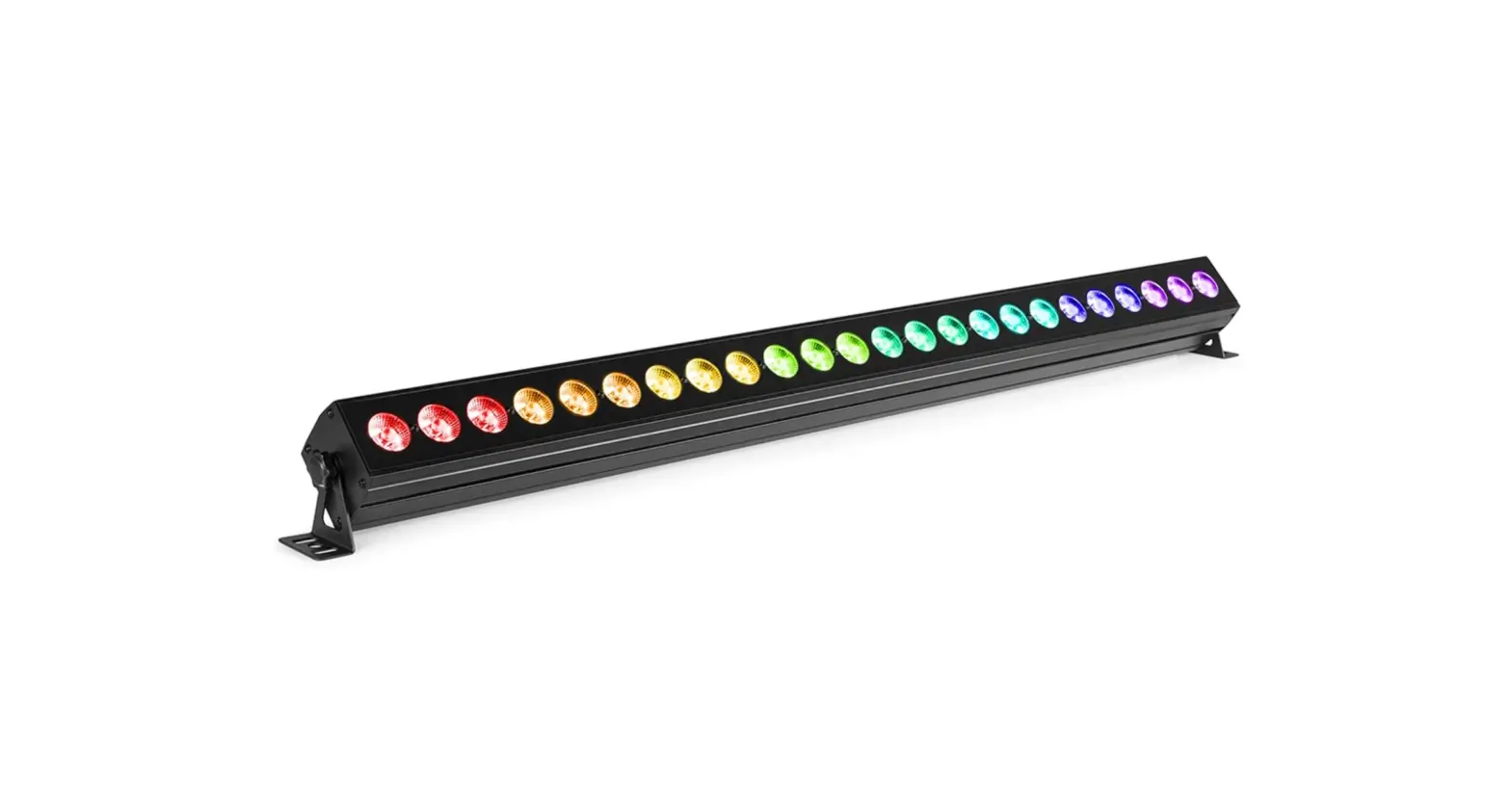
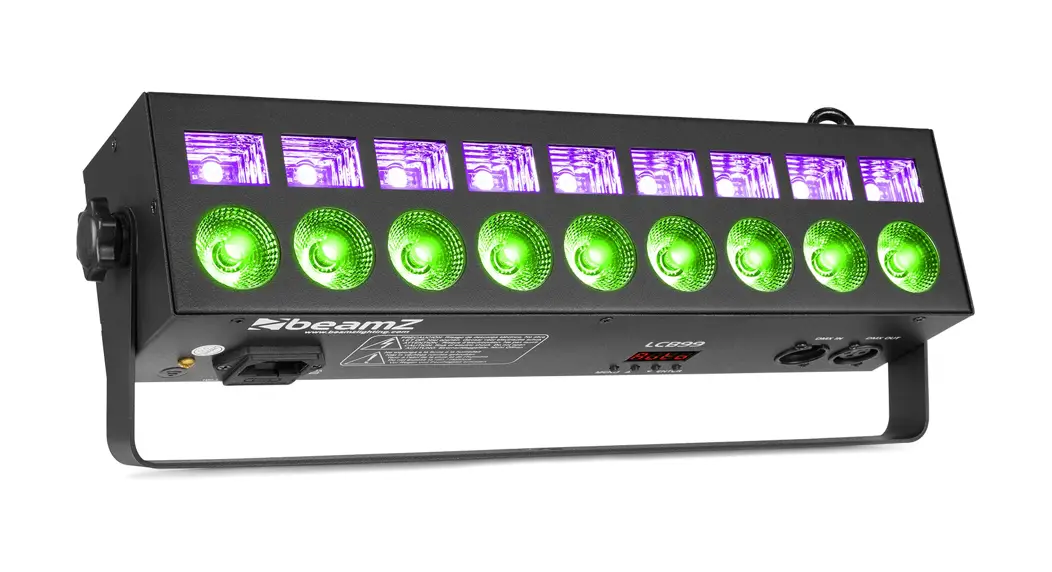
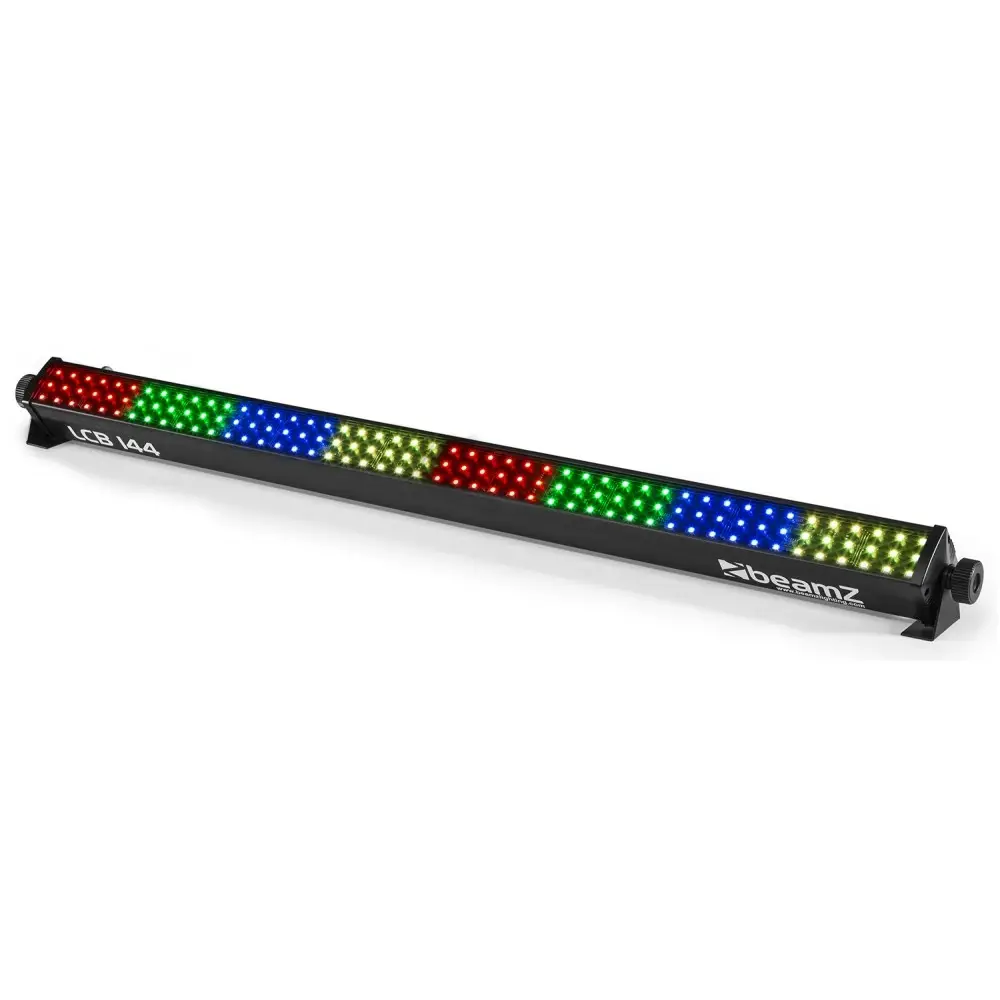
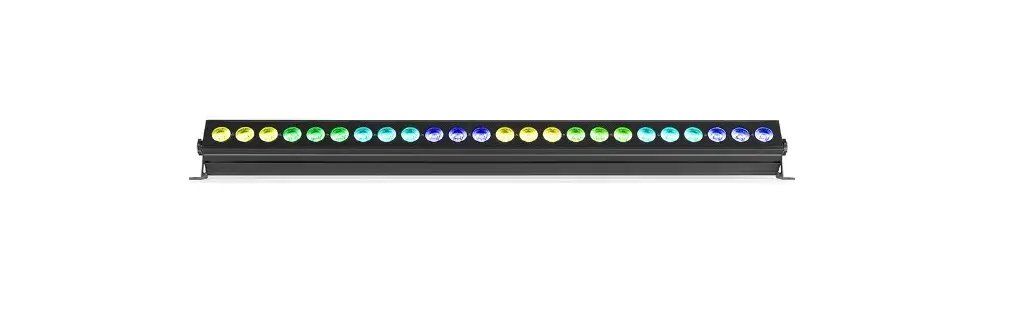
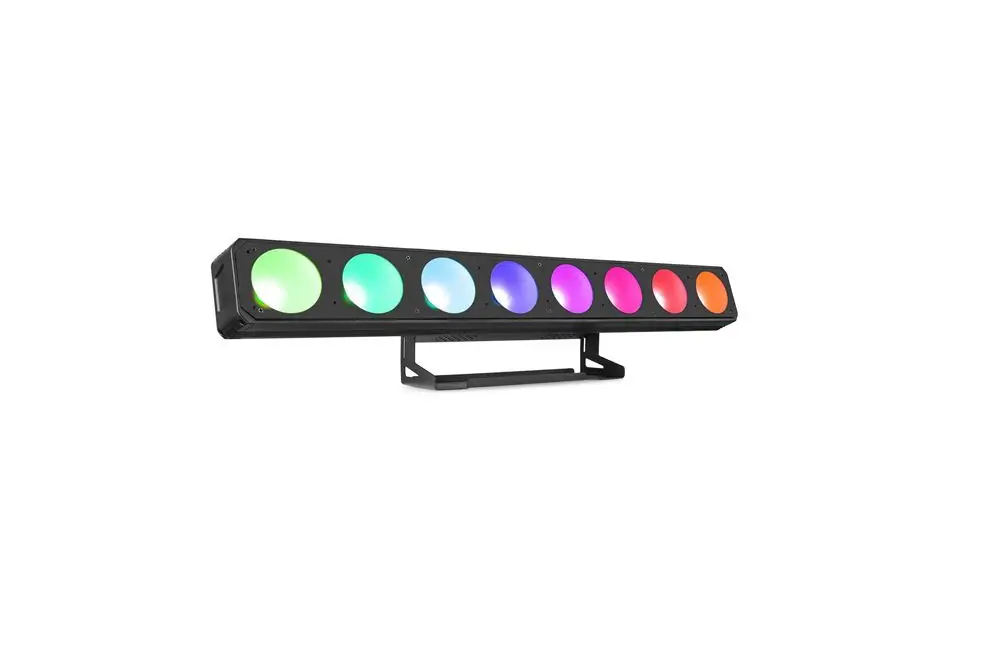
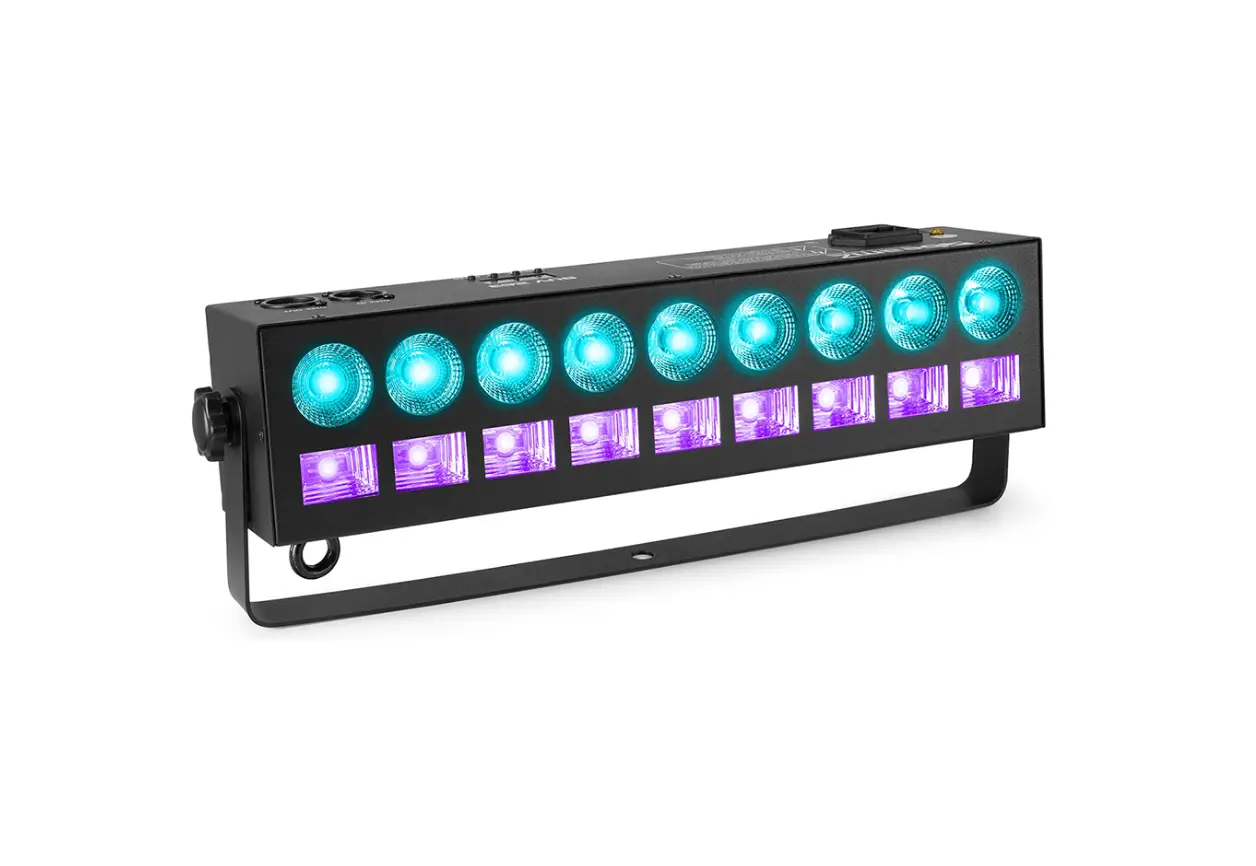
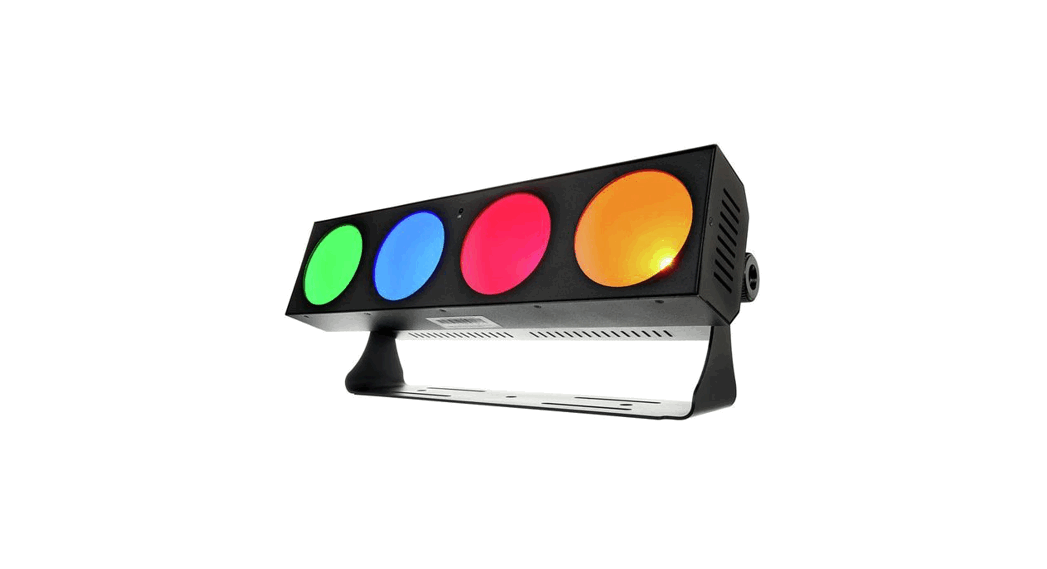
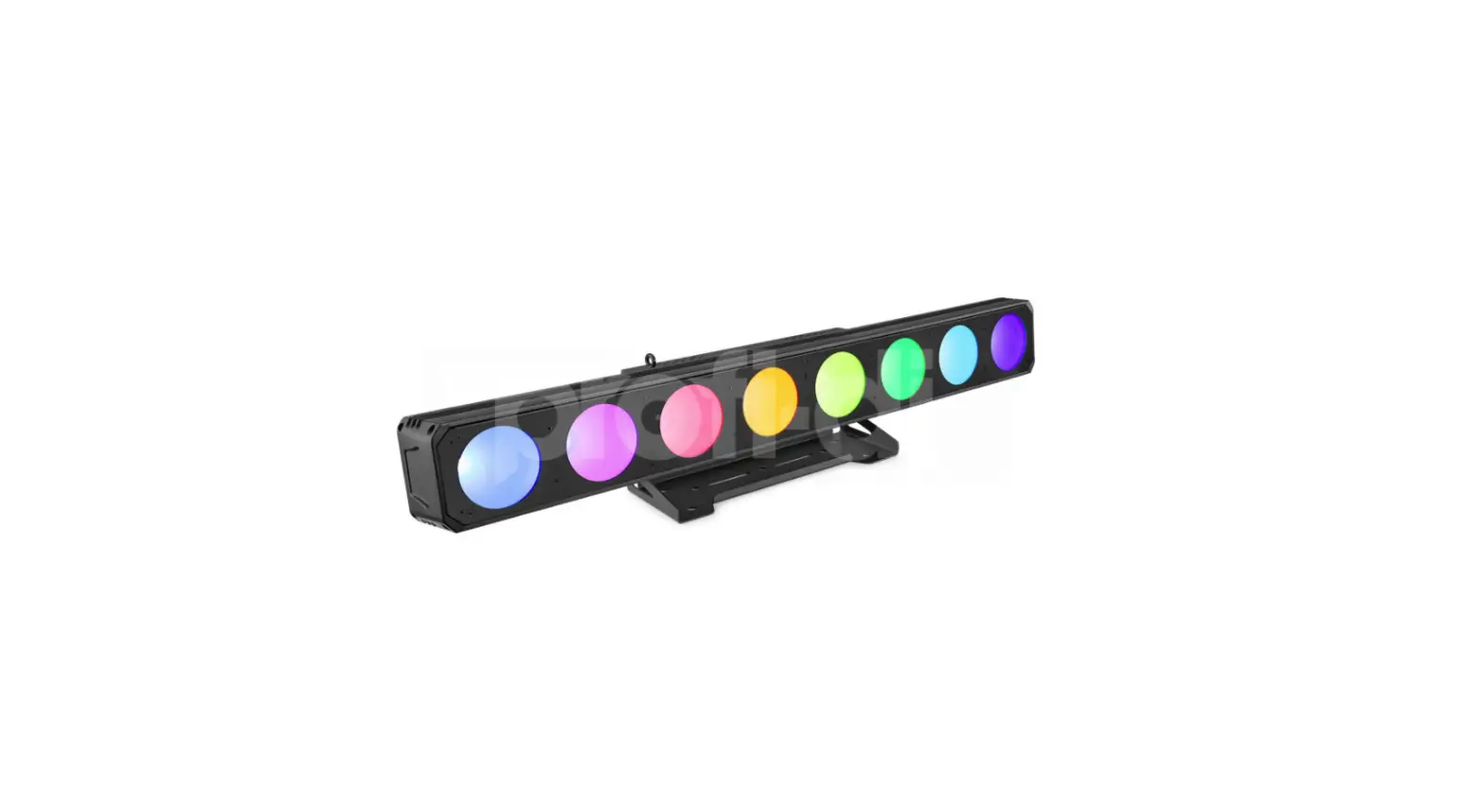
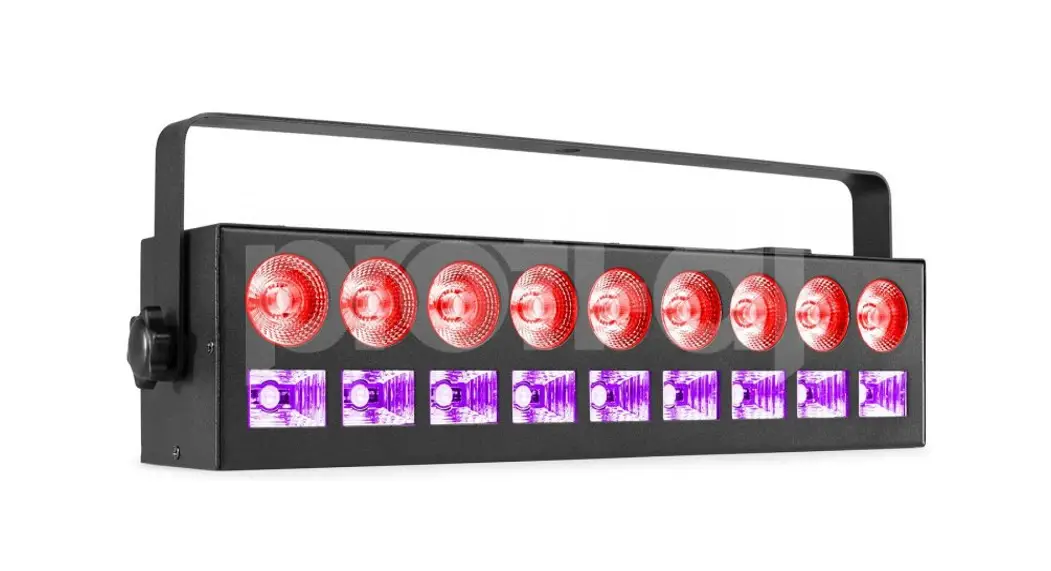
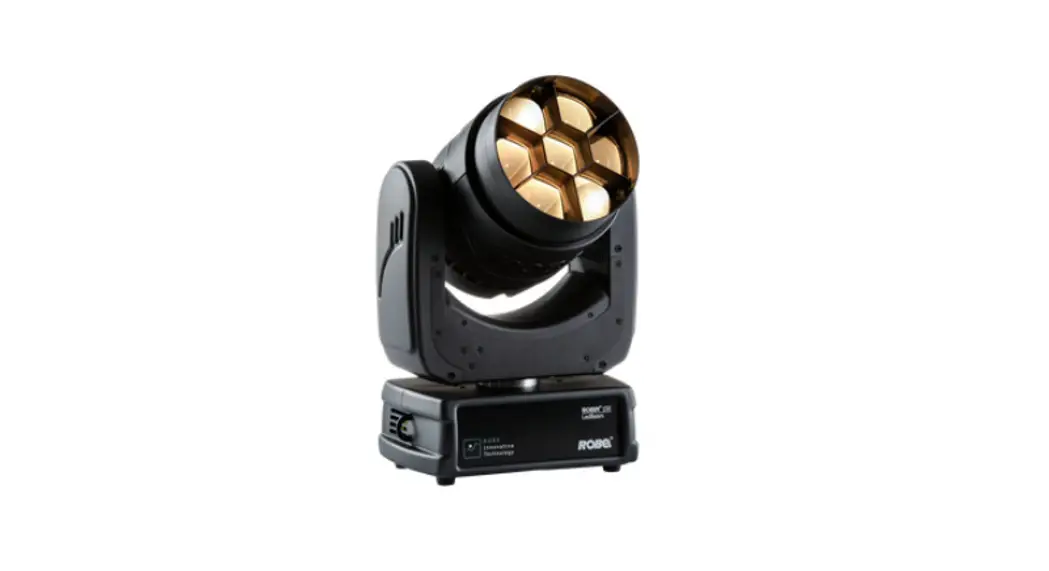
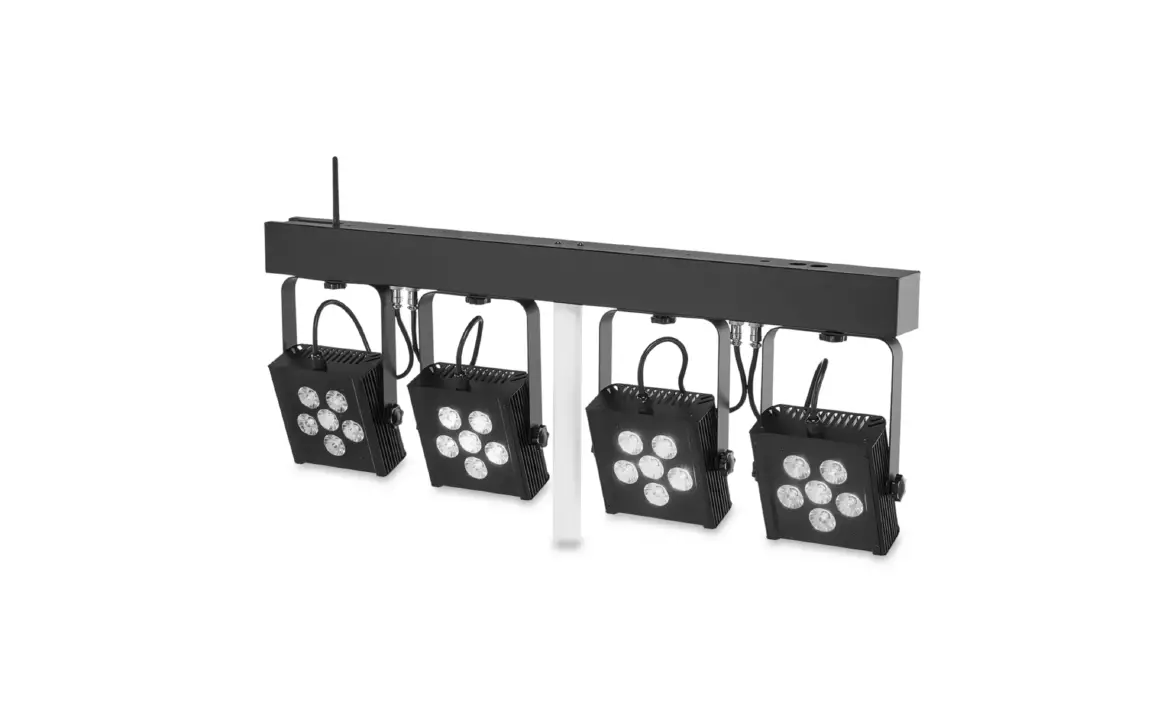
beamZ LSB340 Multi Effect LED Bar RGB
Product Information
Product Name: LSB340
Version: 150.573 V1.2
This product is designed for various operations and requires careful reading of the instruction manual for proper installation, usage, and maintenance.
Important features and considerations:
- Verify that the mains voltage and frequency match the specified values on the equipment before connecting it to a power outlet.
- If the equipment has a voltage selection switch, ensure that the equipment values and mains power values match before connecting it to a power outlet.
- If the included power cord or power adapter does not fit your wall outlet, consult an electrician for assistance.
- If the power cord is equipped with an earthing contact, it must be connected to an outlet with a protective ground. Do not deactivate the protective ground of a power cord.
- This product should not be treated as household waste. It should be handed over to an applicable collection point for recycling of electrical and electronic equipment.
- Disposing of this product correctly helps prevent negative consequences for the environment and human health. Recycling materials conserves natural resources. Contact your local Civic Office, household waste disposal service, or the shop where you purchased the product for more information on recycling.
- If the unit has been exposed to drastic temperature fluctuation, allow it to reach room temperature before switching it on to avoid potential damage from condensation water.
- Check the label on the backside of the unit for the type of power supply that must be connected. Ensure that the mains voltage corresponds to the specified voltage. Using other voltages may irreparably damage the unit. The product must be directly connected to the mains and must not be used with a dimmer or adjustable power supply.
- Always connect the unit to a protected circuit (circuit breaker or fuse) and ensure it has appropriate electrical grounding to avoid the risk of electrocution or fire.
- Comply with European and national guidelines for rigging, truss, and other safety issues when carrying out any installation. Have the installation checked by an authorized dealer.
Product Usage Instructions
To connect multiple units in a DMX chain:
- If you are using a standard DMX controller, connect the DMX output of the controller directly to the DMX input of the first unit in the chain.
- Continue connecting the output of one unit with the input of the next unit until all units are connected.
- At the last unit in the chain, close the DMX line with a terminating resistor. Take an XLR connector and solder a 120 Ohm resistor between signal (-) and signal (+) and connect it to the DMX output of the last unit.
To access different modes on the product:
- Press [off] to turn off existing modes.
- Press [return] to return to the last modes.
To enable automatic mode and run automatic programs on the product:
Refer to the instruction manual for detailed information on operating the automatic mode.