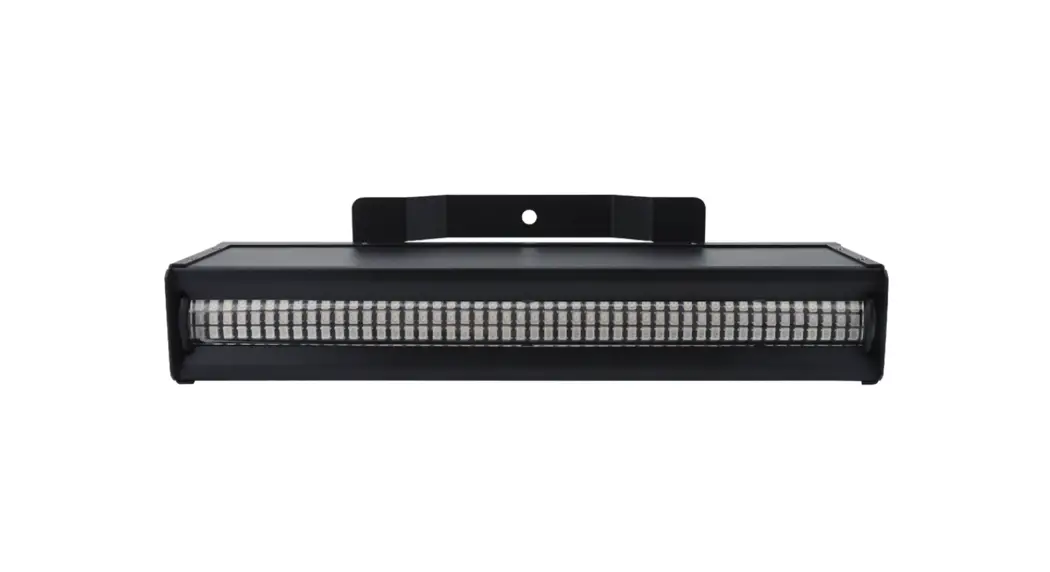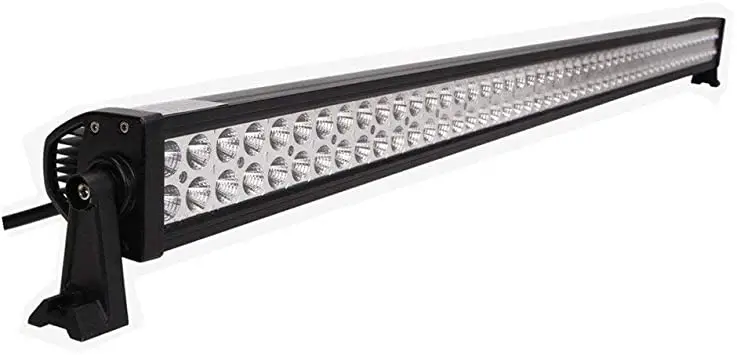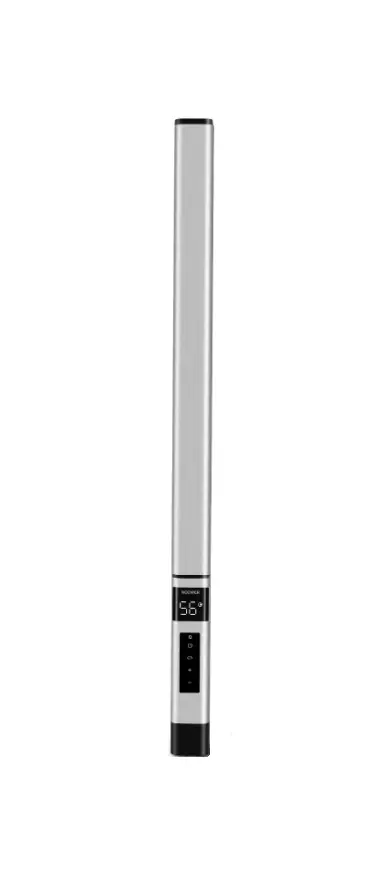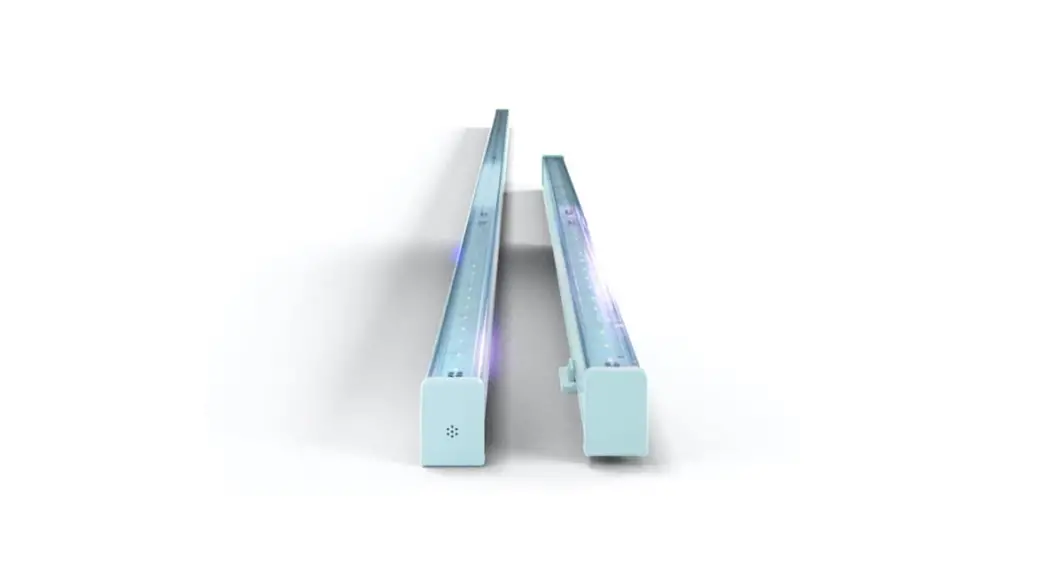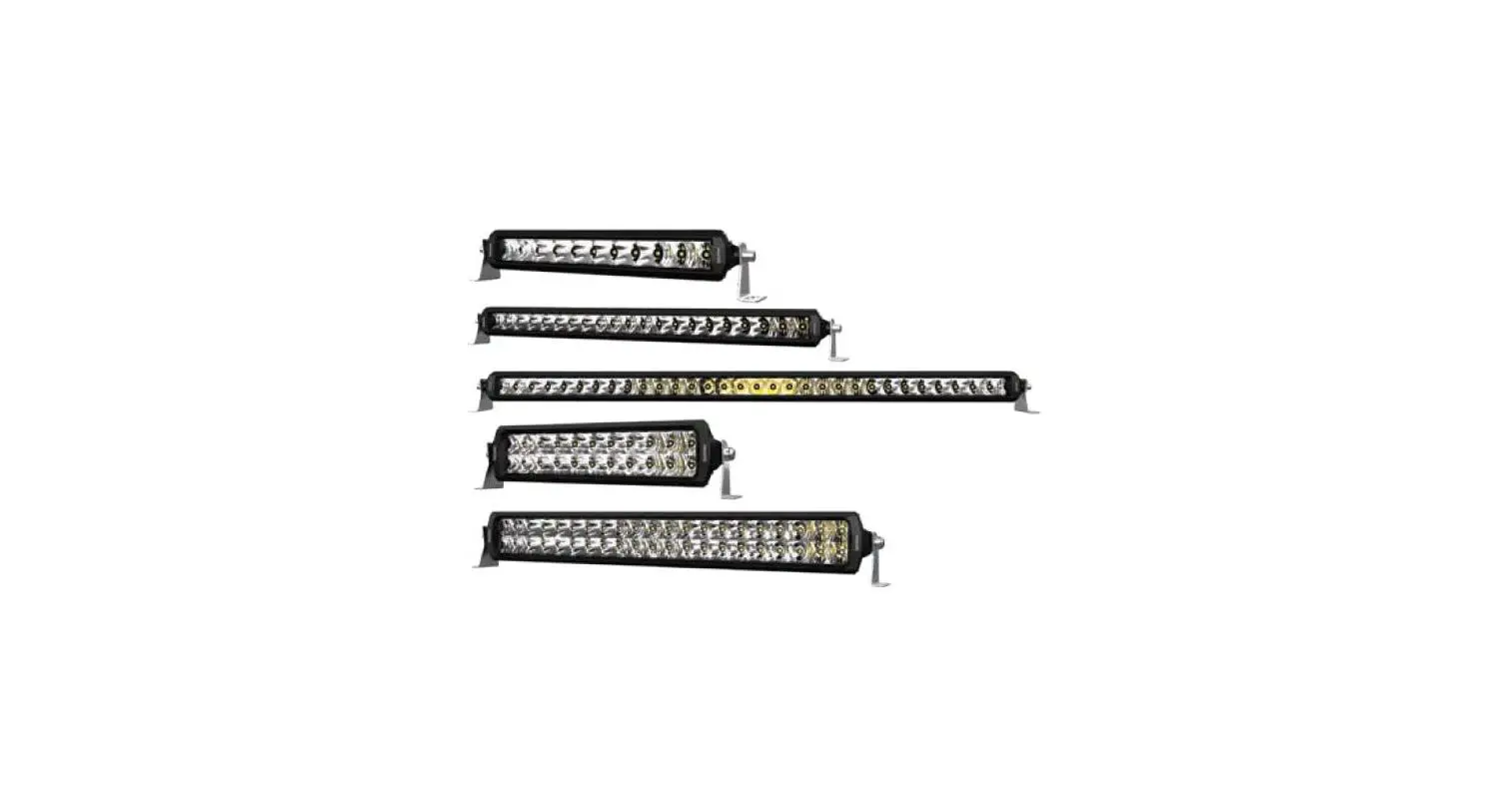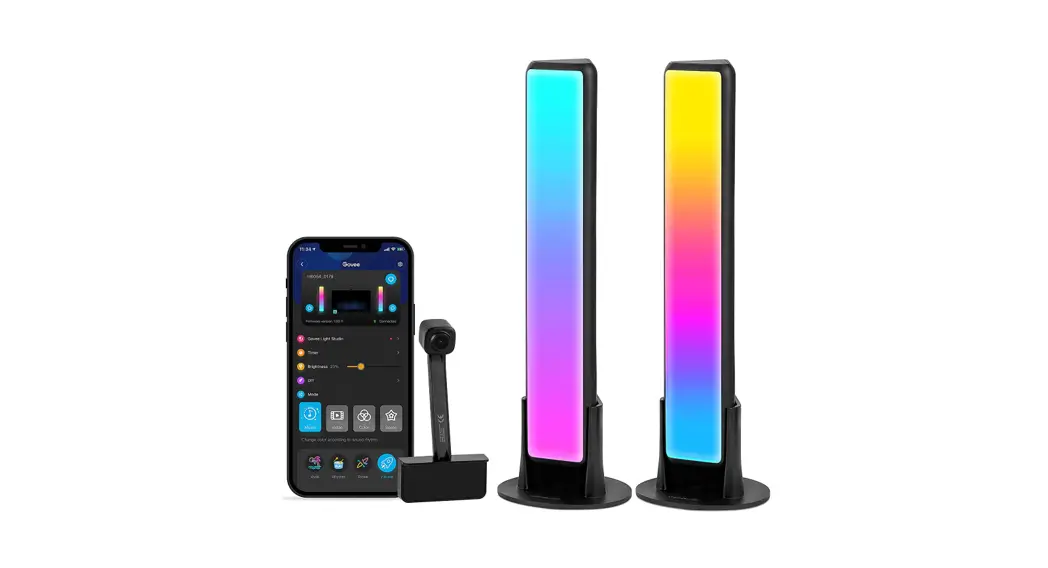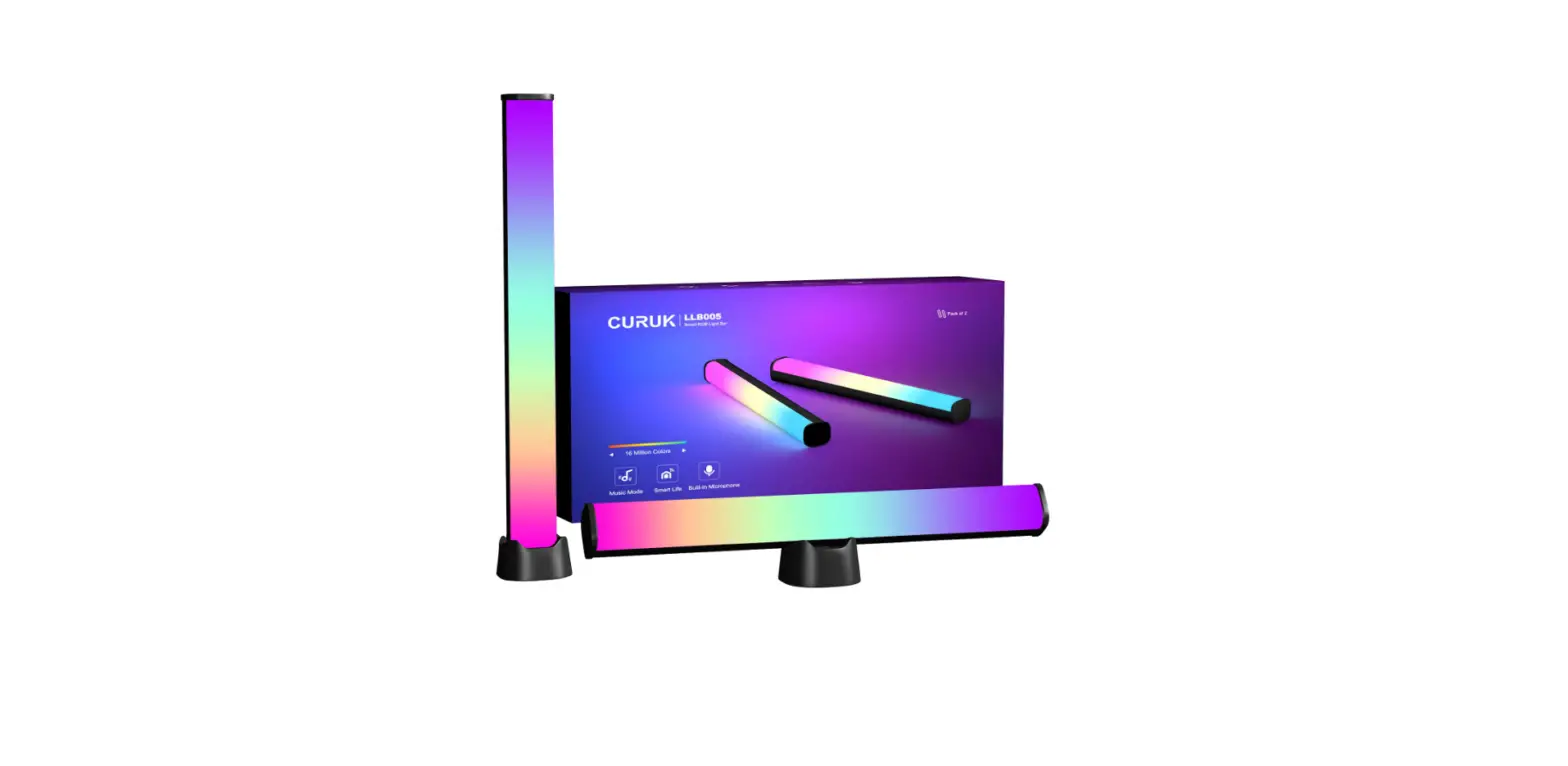

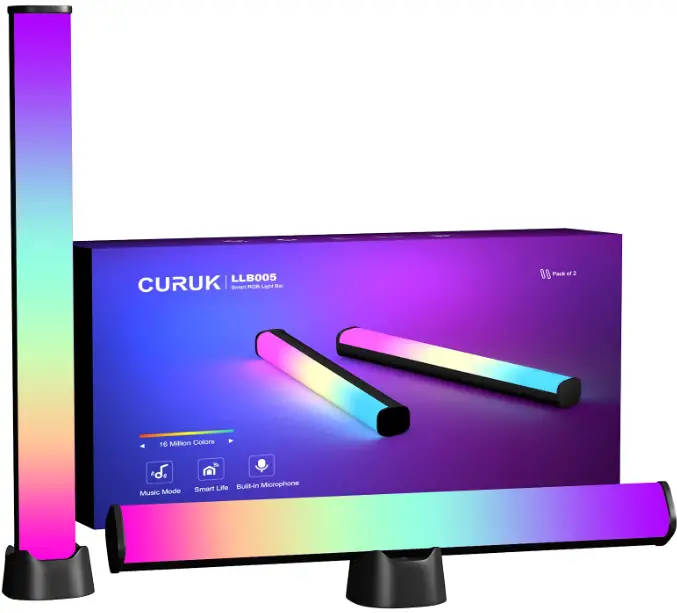
AUDIBAX Bar 234 RGBBar RGB 36 Inch LED Light
Please read the manual before using the product
DMX Channel manual 2CH mode (A001)
| CH | DMX value | Function |
|
CH1 | 000-005 | None |
| 006-016 | LED color selection :red | |
| 017-027 | LED color selection :green | |
| 028-038 | LED color selection :blue | |
| 039-049 | LED color selection :yellow | |
| 050-060 | LED color selection :purple | |
| 061-071 | LED color selection :Cyan | |
| 072-082 | LED color selection :white | |
| 083-093 | Point to point control-1 | |
| 094-104 | Point to point control-2 | |
| 105-115 | Point to point control-3 | |
| 116-126 | Point to point control-4 | |
| 127-137 | Point to point control-5 | |
| 138-148 | Point to point control-6 | |
| 149-159 | Point to point control-7 | |
| 160-170 | Point to point control-8 | |
| 171-181 | Point to point control-9 | |
| 182-192 | Red gradient effect | |
| 193-203 | Green gradient effect | |
| 204-214 | Blue gradient effect | |
| 215-225 | Purple gradient effect | |
| 226-236 | Yellow gradient effect | |
| 237-247 | Cyclic gradient effect | |
| 248-255 | Sound | |
| CH2 | 000-255 | Functional speed, from slow to fast |
3CH(C001)Single-segment mode
| CH | Function | Specification |
| CH1 | 000-255 | R Red dimming, from dark to bright |
| CH2 | 000-255 | G Green dimming, from dark to bright |
| CH3 | 000-255 | B Blue dimming, from dark to bright |
4CH(d001)
| CH | Function | Specification |
| CH1 | 000-255 | RGB Total dimming, from dark to bright |
| CH2 | 000-255 | R Red dimming, from dark to bright |
| CH3 | 000-255 | G Green dimming, from dark to bright |
| CH4 | 000-255 | B Blue dimming, from dark to bright |
| 16 | 4J00 | 00 – 20 | Point to point control-4, from slow to fast |
| 17 | 5J00 | 00 – 20 | Point to point control-5, from slow to fast |
| 18 | 6J00 | 00 – 20 | Point to point control-6, from slow to fast |
| 19 | 7J00 | 00 – 20 | Point to point control-7, from slow to fast |
| 20 | 8J00 | 00 – 20 | Point to point control-8, from slow to fast |
| 21 | 9J00 | 00 – 20 | Effect 1-8 Point-to-point control circulate, from slow to fast |
| 22 | 1d00 | 00 – 20 | Red gradient effect, from slow to fast. |
| 23 | 2d00 | 00 – 20 | Green gradient effect, from slow to fast. |
| 24 | 3d00 | 00 – 20 | Blue gradient effect, from slow to fast. |
| 25 | 4d00 | 00 – 20 | Purple gradient effect, from slow to fast. |
| 26 | 5d00 | 00 – 20 | Yellow gradient effect, from slow to fast. |
| 27 | 6d00 | 00 – 20 | Red, green, blue, purple, yellow cycle gradual change, speed from slow to fast. |
| 28 | RF | ON/OF | Wireless on / off |
| 29 | SU00 | 00 – 20 | Sound point control running effect, from slow to fast |
Keys operation and digital tube display instructions
- Keys instruction

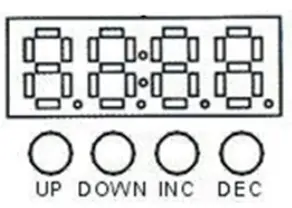
- UP: Table 1 functional cyclic addition
- DOWN: Table I functional circulatory subtraction
- INC: Functional value addition
- DEC: Function value subtraction
- Note: the state will be saved automatically after 3 seconds.
- The display menu description of digital tube
| No. | content | value | Specification |
| 1 | A001 | 001- 512 | DMX512 address code setup-2 channel mode |
| 2 | C001 | 001- 512 | DMX512 address code setup-3 channel mode |
| 3 | d001 | 001- 512 | DMX512 address code setup-4 channel mode |
| 4 | E001 | 001- 512 | DMX512 address code setup-6 channel mode |
| 5 | H001 | 001- 512 | DMX512 address code setting-7 channel mode |
| 6 | L001 | 001- 512 | DMX512 address code setup-12 channel mode |
| 7 | P001 | 001- 512 | DMX512 address code setup-24 channel mode |
| 8 | r255 | 000 – 255 | Red dimming, from dark to bright |
| 9 | G255 | 000 – 255 | Green dimming, from dark to bright |
| 10 | b255 | 000 – 255 | Blue dimming, from dark to bright |
| 11 | I255 | 000-255 | Wireless remote control brightness adjustment |
| 12 | FF00 | 00 – 20 | RGB strobe, slow to fast. |
| 13 | 1J00 | 00 – 20 | Point to point control-1, from slow to fast |
| 14 | 2J00 | 00 – 20 | Point to point control-2, from slow to fast |
| 15 | 3J00 | 00 – 20 | Point to point control-3, from slow to fast |
6CH(E001)Two segments mode
| CH | Function | Specification |
| CH1 | 000-255 | R1 Red dimming, from dark to bright |
| CH2 | 000-255 | G1 Green dimming, from dark to bright |
| CH3 | 000-255 | B1 Blue dimming, from dark to bright |
| CH4 | 000-255 | R2 Red dimming, from dark to bright |
| CH5 | 000-255 | G2 Green dimming, from dark to bright |
| CH6 | 000-255 | B2 Blue dimming, from dark to bright |
7CH (H001)
| CH | Function | Specification |
| CH1 | 000-255 | RGB Total dimming, from dark to bright |
| CH2 | 000-255 | R Red dimming, from dark to bright |
| CH3 | 000-255 | G Green dimming, from dark to bright |
| CH4 | 000-255 | B Blue dimming, from dark to bright |
| CH5 | 007-255 | RGB strobe |
|
CH6 | 000-005 | None |
| 006-016 | LED color selection:red | |
| 017-027 | LED color selection:green | |
| 028-038 | LED color selection:blue | |
| 039-049 | LED color selection:yellow | |
| 050-060 | LED color selection:purple | |
| 061-071 | LED color selection:Cyan | |
| 072-082 | LED color selection:white | |
| 083-093 | Point to point control-1 | |
| 094-104 | Point to point control-2 | |
| 105-115 | Point to point control-3 | |
| 116-126 | Point to point control-4 | |
| 127-137 | Point to point control-5 | |
| 138-148 | Point to point control-6 | |
| 149-159 | Point to point control-7 | |
| 160-170 | Point to point control-8 | |
| 171-181 | Point to point control-9 | |
| 182-192 | Red gradient effect | |
| 193-203 | Green gradient effect | |
| 204-214 | Blue gradient effect | |
| 215-225 | Purple gradient effect | |
| 226-236 | Yellow gradient effect | |
| 237-247 | Cyclic gradient effect | |
| 248-255 | Sound | |
| CH7 | 000-255 | Functional speed, from slow to fast |
Operating instructions for supporting remote control keys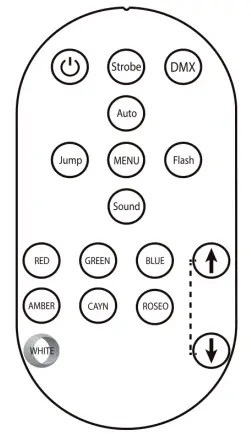
- ON/OFF: Standby switch
- Strobe: Go to strobe mode
- DMX: Go to DMX mode
- Auto: Go to automatic mode
- Jump: Go to menu mode
- MENU: Go to menu mode
- Flash: Go to strobe mode
- Sound: Switch to central voice mode
- RED: Go to red mode
- GREEN: Go green
- BLUE: Go to blue mode
- AMBER: Go to warm white mode
- CYAN: Go to cool white mode
- ROSE: Go to purple mode
- WHITE: Switch to the white light mode
- Up/Down: Adjust DMX/jump/flash mode value and adjust sound sensitivity in sound control mode
12CH (L001)Four-segment mode
| CH | Function | Specification |
| CH1 | 000-255 | R1 Red dimming, from dark to bright |
| CH2 | 000-255 | G1 Green dimming, from dark to bright |
| CH3 | 000-255 | B1 Blue dimming, from dark to bright |
| CH4 | 000-255 | R2 Red dimming, from dark to bright |
| CH5 | 000-255 | G2 Green dimming, from dark to bright |
| CH6 | 000-255 | B2 Blue dimming, from dark to bright |
| CH7 | 000-255 | R3 Red dimming, from dark to bright |
| CH8 | 000-255 | G3 Green dimming, from dark to bright |
| CH9 | 000-255 | B3 Blue dimming, from dark to bright |
| CH10 | 000-255 | R4 Red dimming, from dark to bright |
| CH11 | 000-255 | G4 Green dimming, from dark to bright |
| CH12 | 000-255 | B4 Blue dimming, from dark to bright |
24CH (P001)Eight-segment mode
| CH | Function | Specification |
| CH1 | 000-255 | R1 Red dimming, from dark to bright |
| CH2 | 000-255 | G1 Green dimming, from dark to bright |
| CH3 | 000-255 | B1 Blue dimming, from dark to bright |
| CH4 | 000-255 | R2 Red dimming, from dark to bright |
| CH5 | 000-255 | G2 Green dimming, from dark to bright |
| CH6 | 000-255 | B2 Blue dimming, from dark to bright |
| CH7 | 000-255 | R3 Red dimming, from dark to bright |
| CH8 | 000-255 | G3 Green dimming, from dark to bright |
| CH9 | 000-255 | B3 Blue dimming, from dark to bright |
| CH10 | 000-255 | R4 Red dimming, from dark to bright |
| CH11 | 000-255 | G4 Green dimming, from dark to bright |
| CH12 | 000-255 | B4 Blue dimming, from dark to bright |
| CH13 | 000-255 | R5 Red dimming, from dark to bright |
| CH14 | 000-255 | G5 Green dimming, from dark to bright |
| CH15 | 000-255 | B5 Blue dimming, from dark to bright |
| CH16 | 000-255 | R6 Red dimming, from dark to bright |
| CH17 | 000-255 | G6 Green dimming, from dark to bright |
| CH18 | 000-255 | B6 Blue dimming, from dark to bright |
| CH19 | 000-255 | R7 Red dimming, from dark to bright |
| CH20 | 000-255 | G7 Green dimming, from dark to bright |
| CH21 | 000-255 | B7 Blue dimming, from dark to bright |
| CH22 | 000-255 | R8 Red dimming, from dark to bright |
| CH23 | 000-255 | G8 Green dimming, from dark to bright |
| CH24 | 000-255 | B8 Blue dimming, from dark to bright |