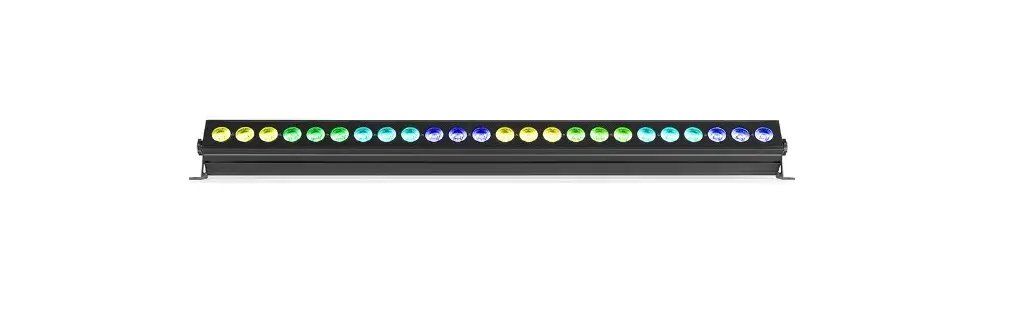
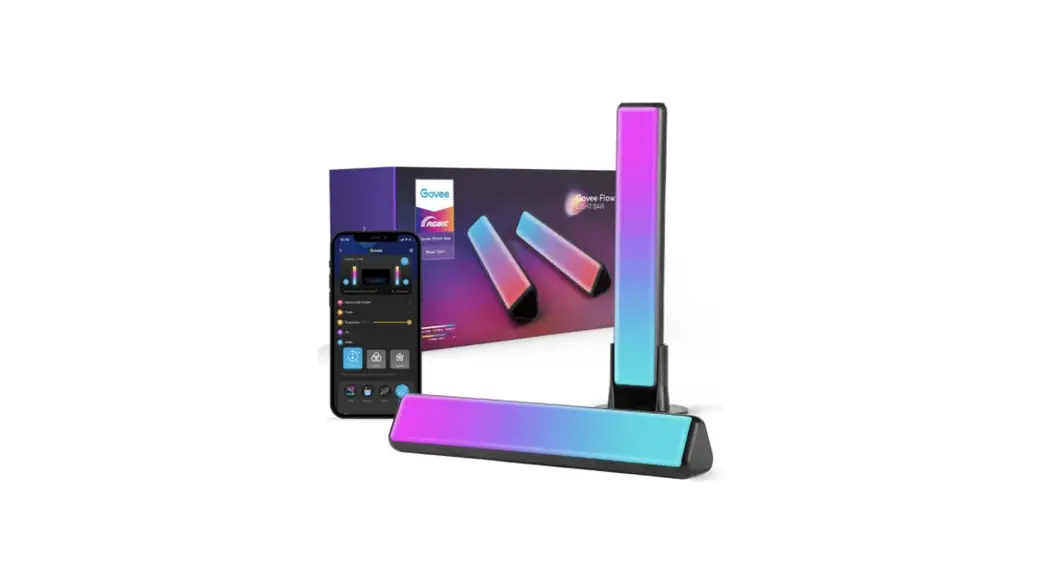
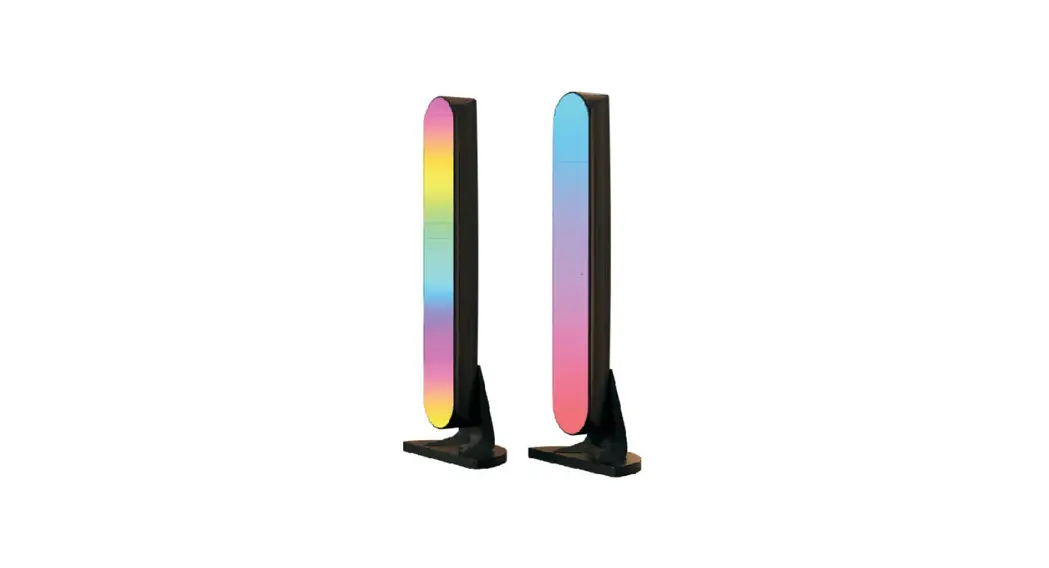
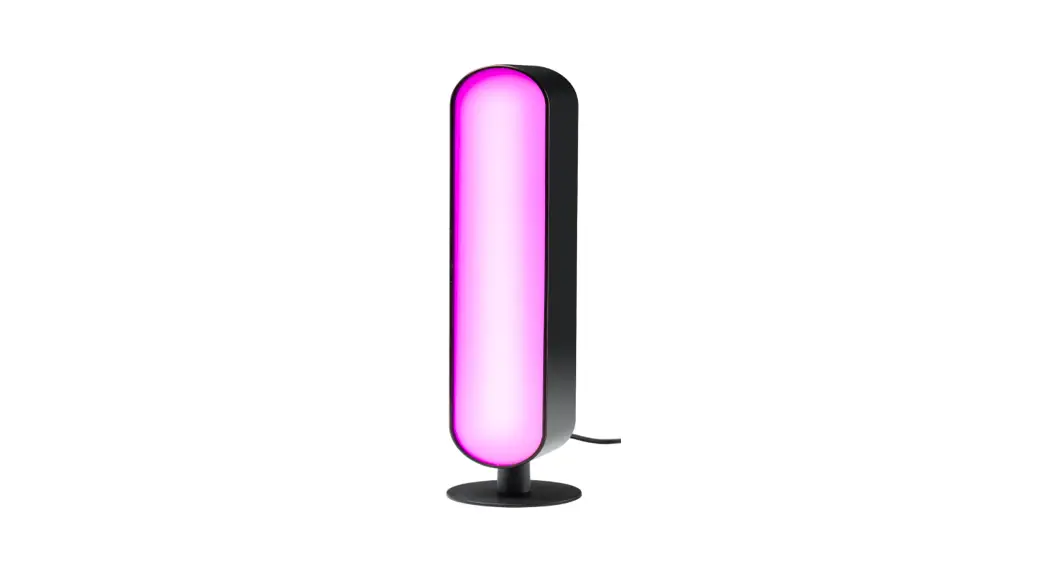
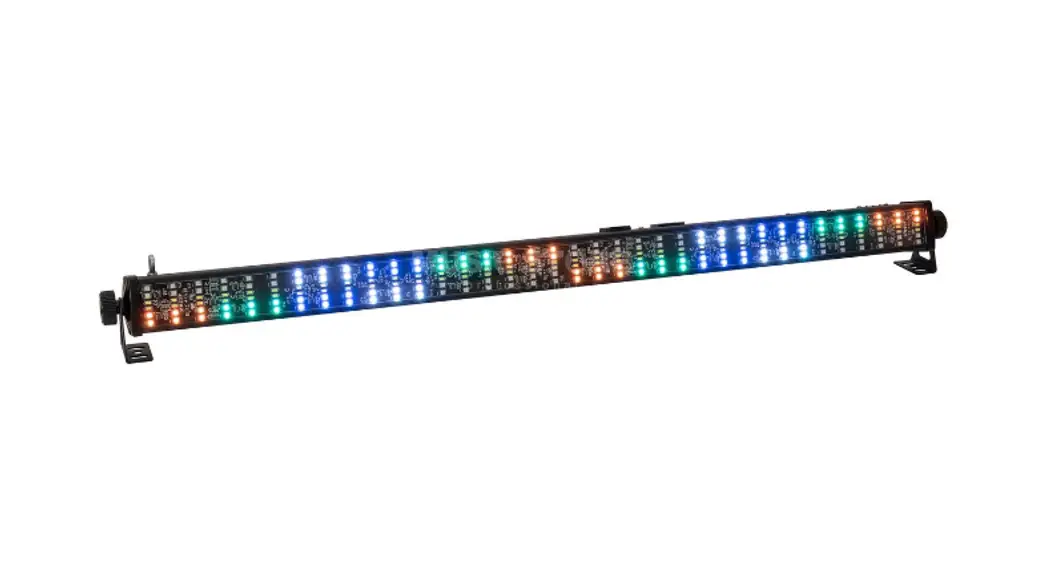
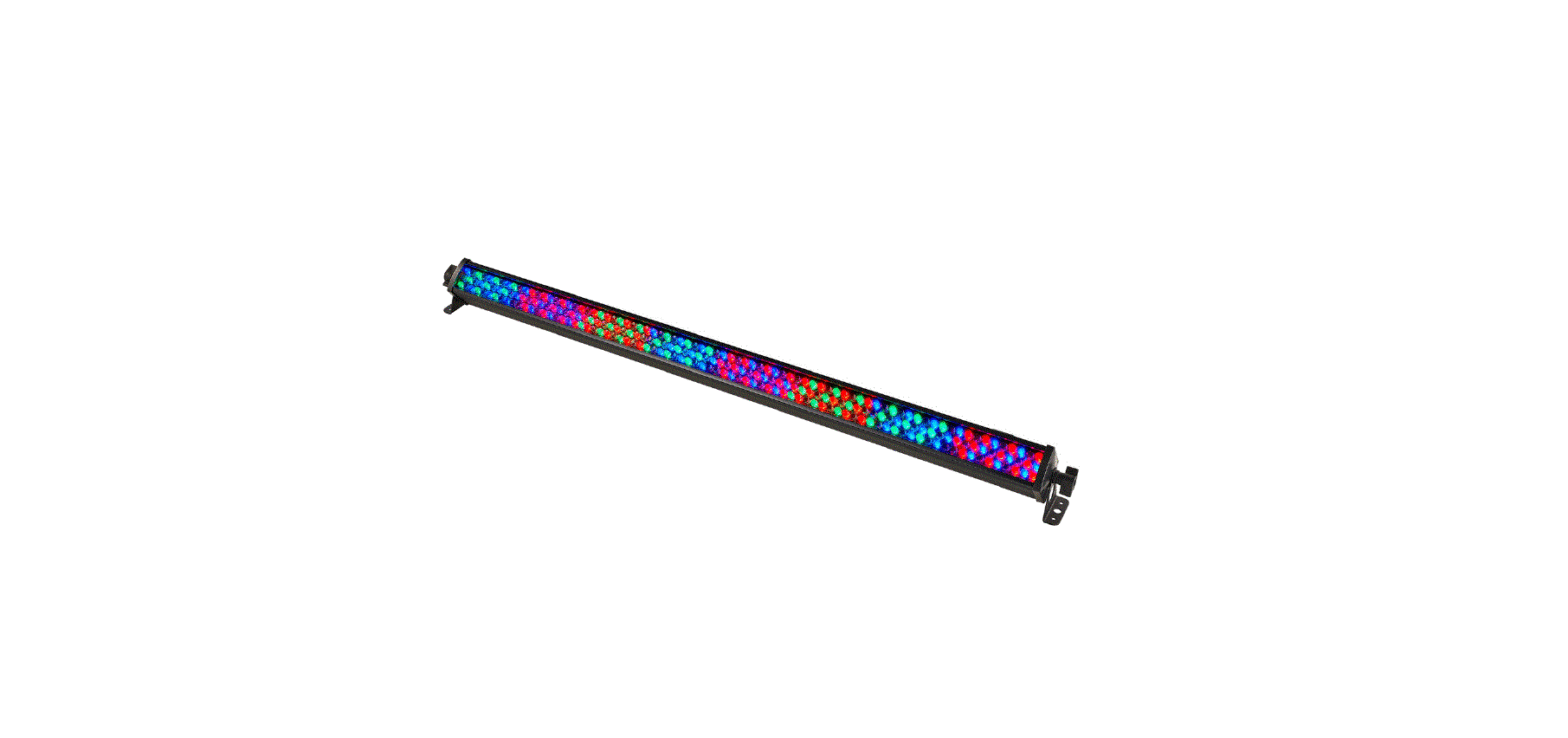
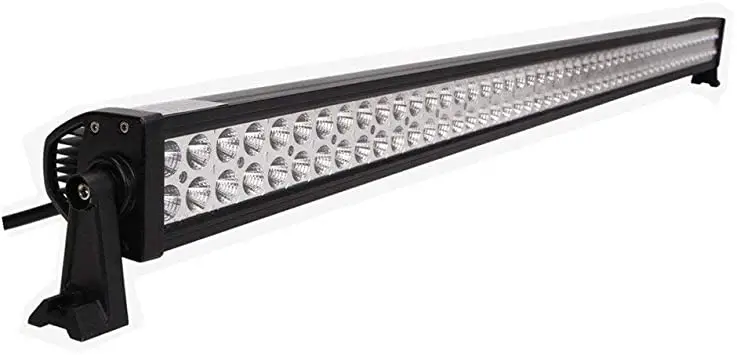
COLORBAR24 24x10w RGBWA Bar Light
Product Information
COLORBAR24
24x10w RGBWA Bar Light
- MENU
- ENTER
- UP
- DOWN
The following buttons are used to navigate the menu:
- UP: Use to choose operating mode, DMX address, or to set
parameters. - DOWN: Use to choose operating mode, DMX address, or to set
parameters. - ENTER: Use to validate your choice.
- MENU: Use to select a function or to come back to the previous
menu.
Stat Function
- Choose [STAT] and press [ENTER] to enter stat mode (manual
mode). - Press [ENTER] to choose: [Red], [Green], [Blue], [Amber],
[White], [Strobe]. - Press [UP] / [DOWN] to choose the value (0 to 255 for the level
of each color and 0 to 20 for the frequency of strobe). - Press [MENU] to go back to the main menu.
Auto Function
- Choose [AUTO] and press [ENTER] to enter auto mode.
- Press [UP] / [DOWN] to choose the built-in program or edit
program (AT01 to AT10 programs cannot be modified by edit function
/ PR01 to PR10 programs can be modified by edit function). - Press [MENU] to go back to the main menu.
DMX Function (DMX Address Setting)
- Choose [DMX] and press [ENTER].
- Press [UP] / [DOWN] to choose a value from 1 to 512.
Pers Function (DMX Operating Mode)
- Choose [PERS] and press [ENTER].
- Press [UP] / [DOWN] to choose the DMX channel modes.
ID Function
- Choose [ID] and press [ENTER].
- Press [UP] / [DOWN] to choose a value from 1 to 255.
Edit Function
- Choose [EDIT] and press [ENTER].
- Press [ENTER] to choose the parameter values.
- Press [UP] / [DOWN] to choose program, scene, or parameter
values (red [R], green [G], blue [B], white [W], amber [A], strobe
[S], time [T], and fade time [F]).
Sound Function
- Sound control Strobe
- Sound control brightness
- Sound control color changing
Set Function
- Choose [SET] and press [ENTER].
- [UPLD]: sending edit program value from current master unit to
slave.
Cal1 Function (White Balance Function)
- Choose [CAL1] and press [ENTER].
- Press [UP] / [DOWN] to choose [WT1~11] then press [ENTER] to
set up to 11 different temperatures of white color. - Press [ENTER] to choose [Red], [Green], [Blue], [White].
- Press [UP] / [DOWN] to choose a value from 0 to 255.
Cal2 Function (Color Deviation Correcting Setting)
- Choose [CAL2] and press [ENTER] to [RGBW].
- Press [ENTER] to choose [Red], [Green], [Blue], [White].
- Press [UP] / [DOWN] to choose the proportion of colors from 0
to 510. - When the RGBW function is on (menu SET) and when on DMX RGB =
255,255,255, the white color is the one set in CAL2 function.
Key Function (Protection Key Setting)
- Choose [KEY] and press [ENTER]; The key code is [UP, DOWN, UP,
DOWN] and press [ENTER]. - Press [UP] / [DOWN] to choose [ON] or [OFF].
Display Screensaver
A001 dmx 512 mode M… As Master (when under the mode —–
AUTO, SOUND, STATE: R G B W A) S… As Slaver
DMX Channel Table
| CHANNEL MODE | CHANNEL | VALUE |
|---|---|---|
| STAGARC.1AR1.dARC.2AR2.dAR2.SHSV | 1 | 0~255 |
| 2 | 0~255 | |
| 3 | 0~255 | |
| 4 | 0~255 | |
| 5 | 0~255 | |
| 6 | 0~255 | |
| 7 | 0-9 | |
| 8 | 0~9 | |
| 9 (10-255) | 0~9 | |
| 10~99 | Auto running function dimming | |
| 100~119 | Red | |
| 120~139 | Green | |
| 140~159 | Blue |
COLORBAR24
24x10w RGBWA Bar Light
INSTRUCTION OF BUTTONS
MENU ENTER UP DOWN
DESCRIPTION OF MENU
Key code : UP, DOWN, UP, DOWN + ENTER UP : Use to choose operating mode, DMX address or to set parameters DOWN : Use to choose operating mode, DMX address or to set parameters ENTER : Use to validate your choice MENU : Use to select a function or to come back to the previous menu
STAT FUNCTION
– Choose [STAT] and press [ENTER] to “stat mode” ( manual mode ) – Press [ENTER] to choose : [Red], [Green], [Blue], [Amber], [White], [Strobe] – Press [UP] / [DOWN] to choose the value ( 0 to 255 for level of each color and 0 to
20 for frequency of strobe ) – Press [MENU] back to the main menu
AUTO FUNCTION
– Choose [AUTO] press [ENTER] toenter I auto mode – Press [UP]/[DOWN] to choose the built-in program or edit program ( AT01 to AT10
programs cannot be modified by edit function / PR01 to PR10 programs can be modified by edit function ) – Press [MENU] Back To The Main Menu
DMX FUNCTION ( DMX ADDRESS SETTING )
– Choose [DMX] press [ENTER] – Press [UP]/[DOWN] to choose [1~512] value
PERS FUNCTION ( DMX OPERATING MODE )
– Choose [PERS] and press [ENTER] – Press [UP]/[DOWN] to choose the dmx channel modes, (for details, please check on the
dmx channels on the following)
ID FUNCTION
– Choose [ID] and press [ENTER] – Press [UP]/[DOWN] to choose [1~255] value EDIT FUNCTION
– Choose [EDIT] and press [ENTER] – Press [ENTER] to choose the parameter values – Press [UP] / [DOWN] to choose program, scene or parameters values ( red [R), green [G], blue [B], white [W], amber
[A], strobe [S], time [T] and fade time [F] )
Sound FUNCTION
( Sound control Strobe) ( Sound control brightness) ( Sound control color changing)
SET FUNCTION
– Choose [SET] and press [ENTER] – [UPLD] : sending edit program value from current master unit to slave
unit : To do it, press [ENTER] then do the key code [UP, DOWN, UP, DOWN] and press [ENTER], light turn to yellow, means data was sending meanwhile there will show the speed of upload, light will turn to green when finished sending, and the slave unit will turn to yellow too when receive the data,and turn to green when finished receiving. if the slave unit protect to yellow,it means fail receiving, please cut off the power and receive again. – [REST] : To load the factory setup. – Press [ENTER] and do the key code : [UP, DOWN, UP, DOWN] then press [ENTER] – [ID] : ID address setting, Press [ENTER], press [UP] / [DOWN] to choose [ON] to allow ID address function, [OFF] close ID address function – [RGBW] : color deviation correcting setting, Press [ENTER], press [UP] /[DOWN] to choose [ON] to allow color deviation correcting function,[OFF] not allow. the proportion of RGBW colors can be set in the menu [CAL2] – [DIM] : non-linear dimming setting, Press [UP] /[DOWN] to choose : [OFF] close dim speed, [DIM1] to [DIM9] to choose speed ( speed 1 (fast ), ….., speed4 (slow), as the speed is slower as dimming softer. – [DV] : Digital photography color choosen, Press [ENTER], and use [UP] /[DOWN] to choose between [NTSC] or [PAL]
CAL1 FUNCTION ( WHITE BALANCE FUNCTION )
– Choose [CAL1] and press [ENTER] – Press [UP] /[DOWN] to choose [WT1~11] then press [ENTER] to set up to 11 different temperature of white color
– Press [ENTER] to choose [Red], [Green], [Blue], [White] – Press [UP] /[DOWN] to choose value [0~255] CAL2 FUNCTION ( COLOR DEVIATION CORRECTING SETTING )
– Choose [CAL2] then press [ENTER] to [RGBW] – Press [ENTER] to choose [Red], [Green], [Blue], [White] – Press [UP] /[DOWN] to choose the proportion of colors [0~510] – When the RGBW function is on ( menu SET ) and when on DMX RGB =255,255,255, the white color is the one set in
CAL2 function
KEY FUNCTION ( PROTECTION KEY SETTING )
– Choose [KEY] then press [ENTER] ; The key code is [UP, DOWN, UP, DOWN] and press [ENTER] – Press [UP] /[DOWN] to choose [ON] or [OFF]
Display Screensaver A001 dmx 512 mode M… As Master (when under the mode —– AUTO , SOUND , STATE : R G B W A ) S… As Slaver
Temperature control function When led board’s temperature>70°, light fixture will lower the working current to protect the led.
DMX CHANNEL TABLE
7 kind DMX channel modeSTAGARC.1AR1.dARC.2AR2.dAR2.SHSV
STAG CHANNEL MODE
CHANNEL
VALUE
1
0~255
2
0~255
3
0~255
4
0~255
5
0~255
6
0~255
7
0-9
10-255
8
0~9
10~255
9 (10-255)
0~9
Auto running
10~99
FUNCTION DIMMING RED GREEN BLUE white Amber NO FUNCTION COLOR MACRO NO STROBE SPEED OF STROBE255 faster NO FUNCTION HSV effect
100~119
120~139
140~159
160~179
180~199
200~219
220~239
240~255
10
0~255
11
0~255
12
0
1~ 255
ARC.1 CHANNEL MODE
CHANNEL
VALUE
1
0~255
2
0~255
3
0~255
4
0~255
5
0~255
AR1.d CHANNEL MODE
CHANNEL
VALUE
1
0~255
2
0~255
3
0~255
4
0~255
5
0~255
6
0~255
ARC.2 CHANNEL MODE
CHANNEL
VALUE
1
0~255
2
0~255
3
0~255
4
0~255
5
0~255
6
0~255
AR2.d CHANNEL MODE
CHANNEL
VALUE
1
0~255
2
0~255
3
0~255
4
0~255
5
0~255
6
0~255
7
0~255
3 colors glowing , Pure color 7 colors glowing , Pure color 7 colors glowing , Diffuse color DMX control color fading Strobe 7 colors Strobe 7 complementary color Strobe 7 colors auto-running Sound control color changing Speed of AUTO running / Sound Sensitivity (CH9) Speed of dimming Whole ID address controled The same ID address controled
RED GREEN BLUE White Amber
MASTER DIM RED GREEN BLUE White Amber
RED GREEN BLUE white Amber Speed of dimming
MASTER DIM RED GREEN BLUE White Amber Speed of dimming
FUNCTION FUNCTION FUNCTION FUNCTION
AR2.S CHANNEL MODE
CHANNEL
VALUE
1
0~255
2
0~255
3
0~255
4
0~255
5
0~255
6
0~255
7
0~255
HSV CHANNEL MODE
CHANNEL 1 2 3 4
VALUE 0~255 0~255 0~255 0~255
MASTER DIM RED GREEN BLUE White Amber Speed of Strobe
FUNCTION
H hue(0~100%) S saturation (0~100%) V brightness(0~100%) Speed of dimming
FUNCTION
The following points have to be considered during the inspection: All screws for installing the devices or parts of the device have to be tightly connected and must not be corroded. There must not be any deformations on the housing, glass pane, fixations and installation spots. The electric power supply cables must not show any damage, material fatigue or sediments. Further instructions depending on the installation spot and usage have to be adhered to by a skilled installer and any safety problems have to be removed. We recommend a frequent cleaning of the device. Please use a moist, lint-free cloth. Never use alcohol or solvents. CAUTION: Disconnect from mains before starting maintenance operation!
Cleaning and Using Frequency of Product Please make sure that the light is power off before dismantling or maintaining, it’s very important to keep the light clean. Frequent cleaning will ensure maximum brightness output, but also prolong the life time. It’s suggested to use the high quality, professional glass detergent and soft cloth to clean the light. It’s not allowed to use alcohol or chemical solvent. The inner part of the light should be cleaned by vacuum cleaner at least once a year. When the light doesn’t work, please check if the fuse is burnt out or not. If it is, the same fuse should be replaced, find out the faulty and restart the light. But please note the repair must be handled by professional.
TECHNICAL SPECIFICATIONS DMX Channels: …………………………………………………………………………………………..4 / 5 / 6 / 6 / 7 / 7 / 12 Beam angle:……………………………………………………………………………………………………………………45° Control mode: …………………………………………………………………….. Auto, Master/ Slave, DMX,Sound LED power: ……………………………………………………………………………….24 x 10W RGBAW LEDs 5-in-1 Life time led …………………………………………………………………………………………………….50000 hours IP norm: ……………………………………………………………………………………………………………………………….IP-20 Working environment: …………………………………………………………………………………………….. indoor Voltage: …………………………………………………………………………………………… AC 100-240V / 50-60Hz
Electric products must not be put into household waste. Please bring them to a recycling centre. Ask your local authorities or your dealer about the way to proceed.