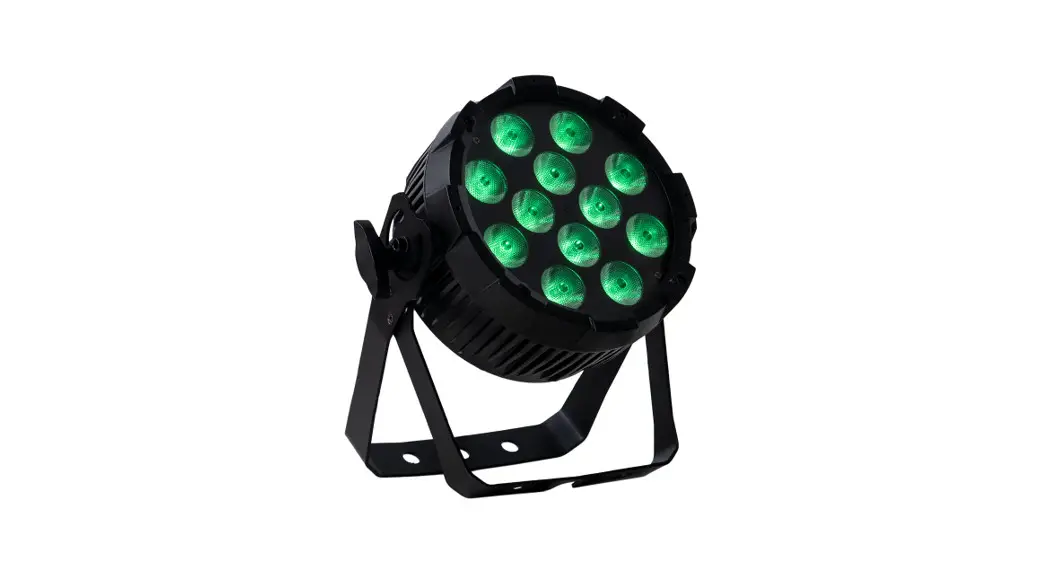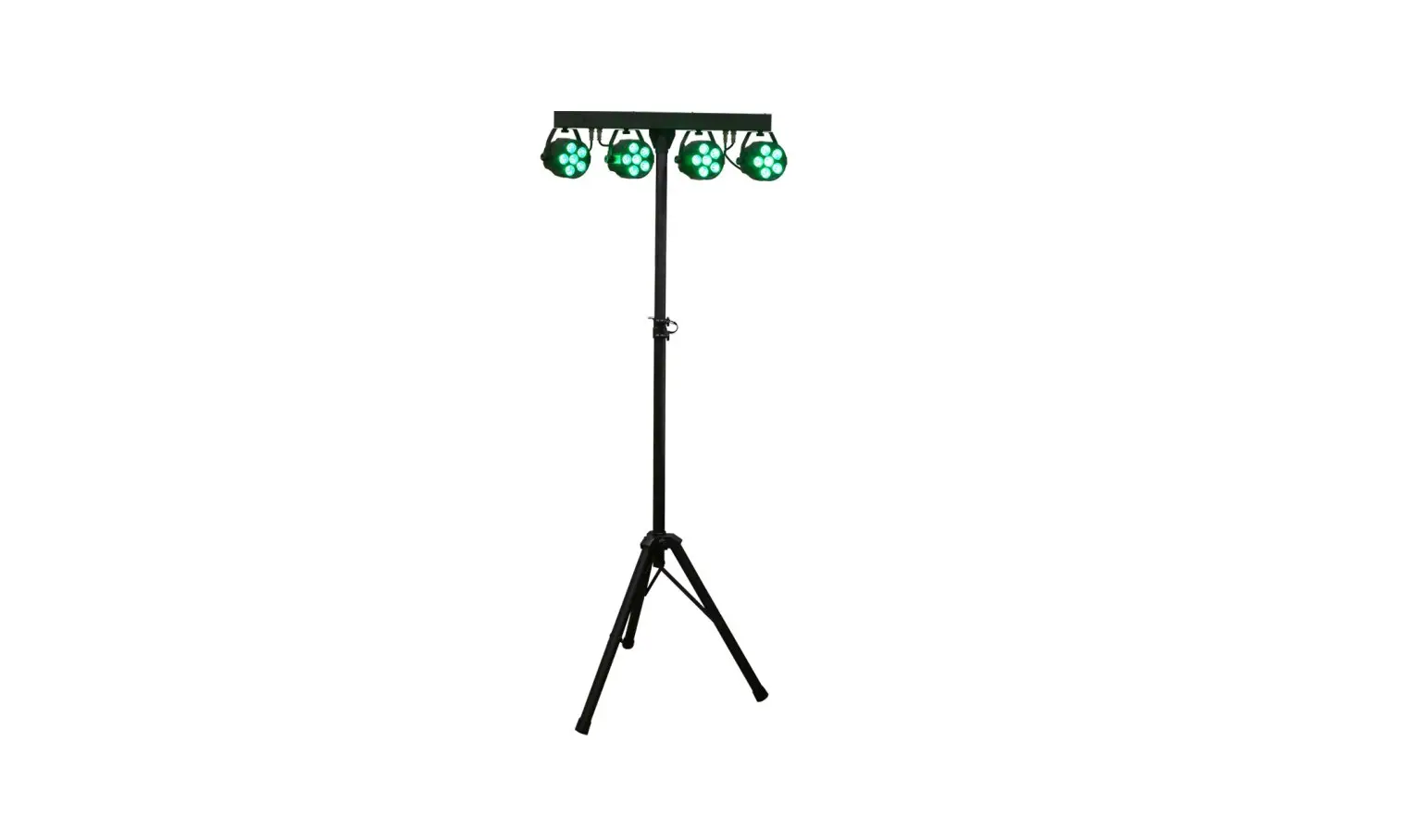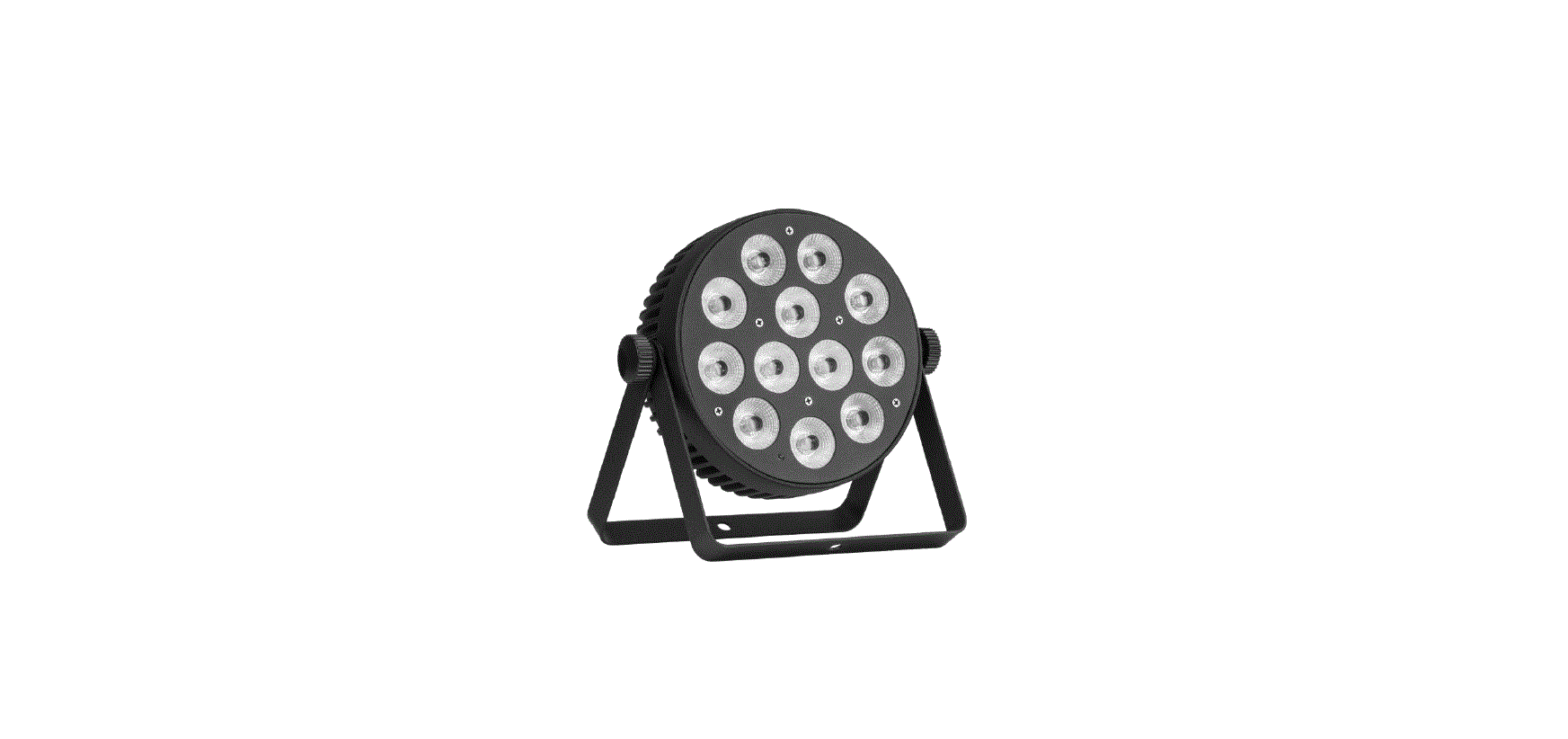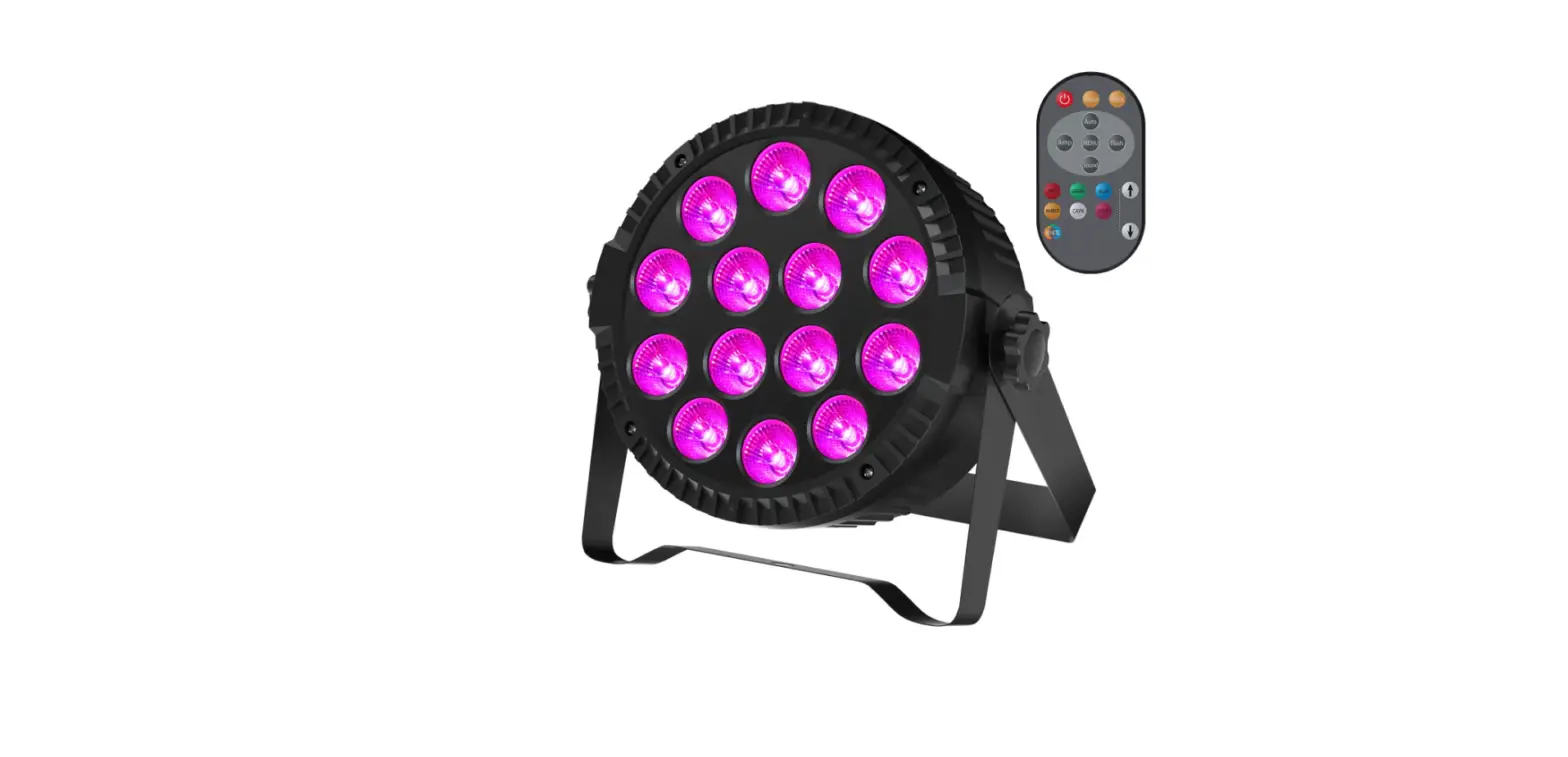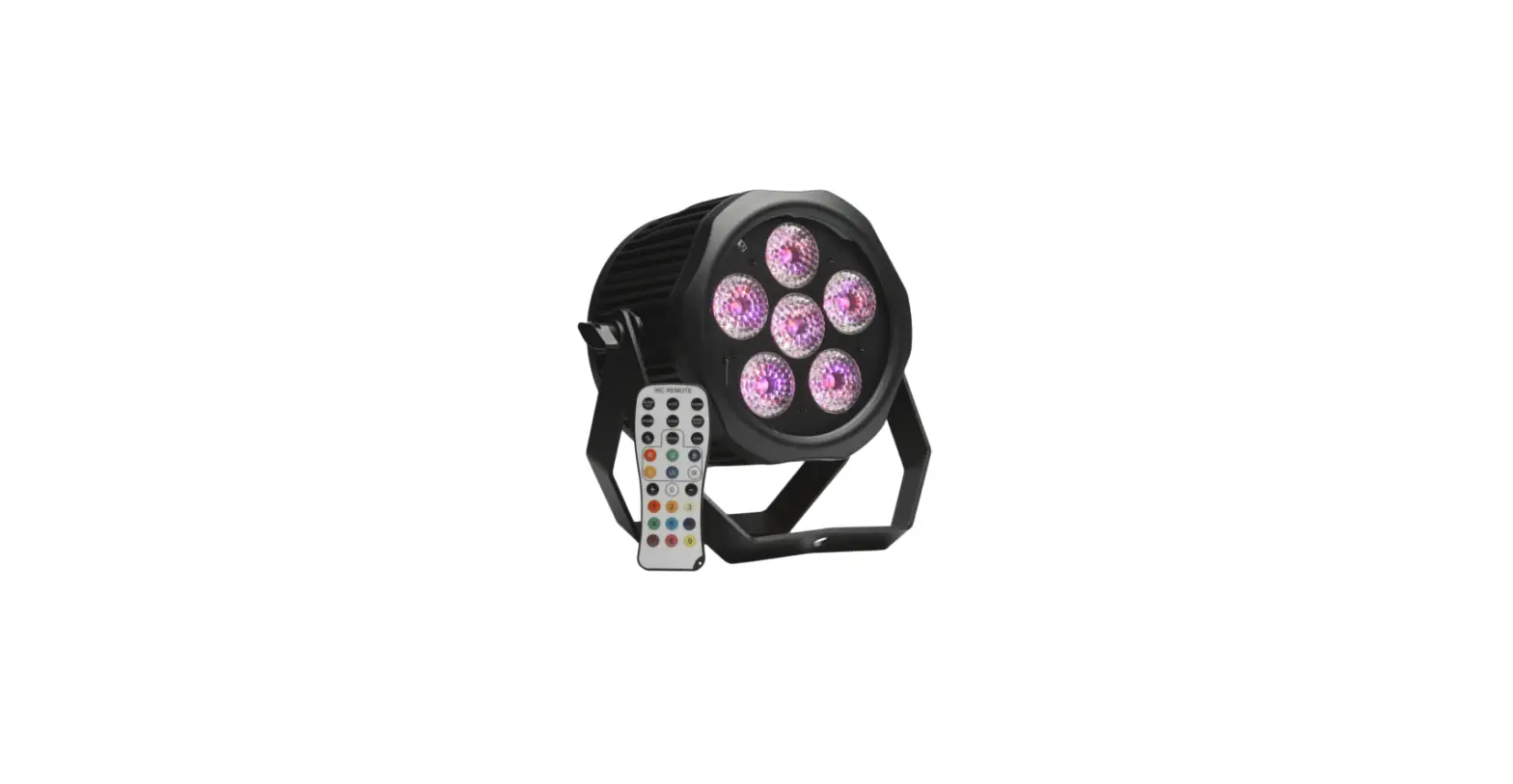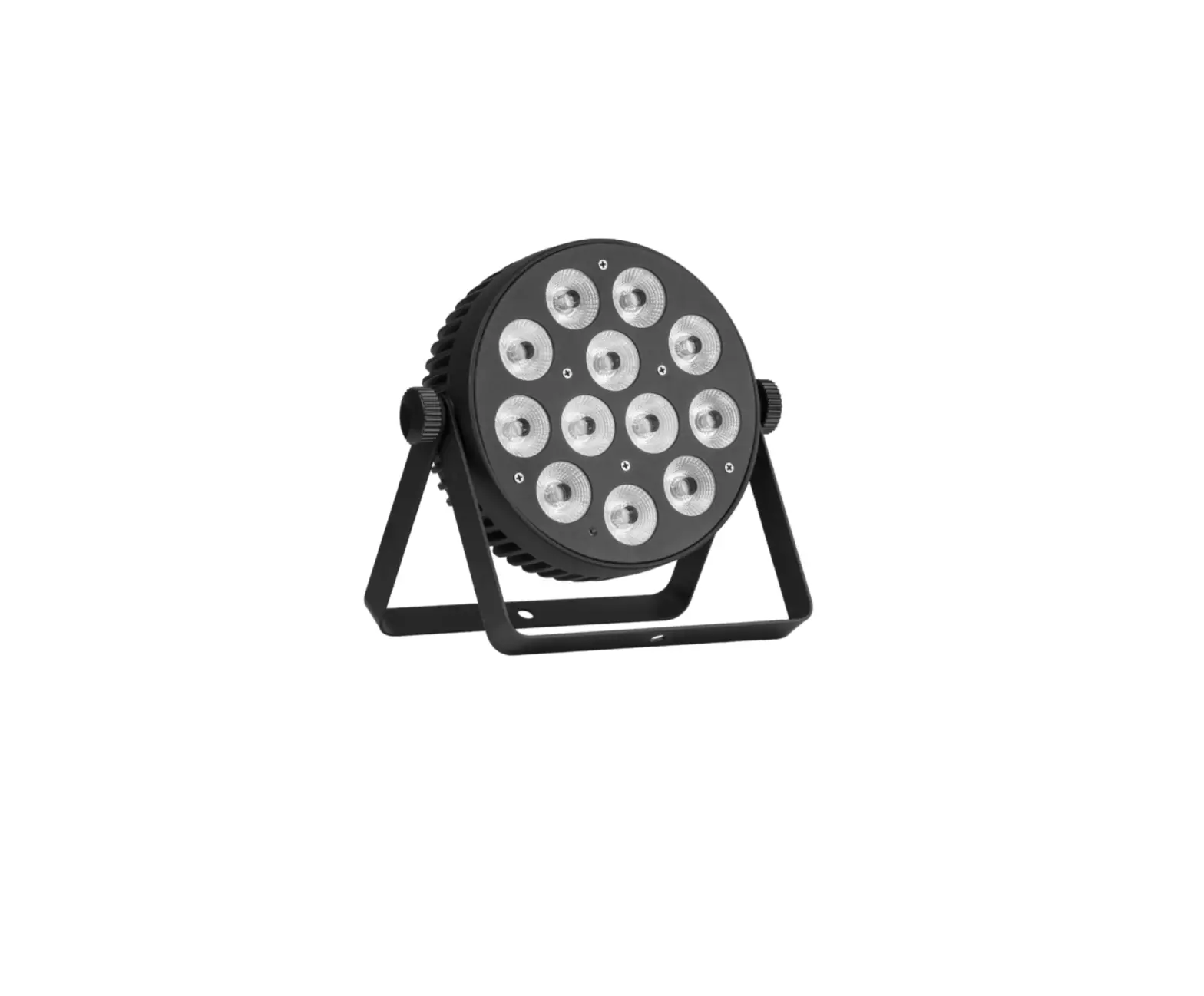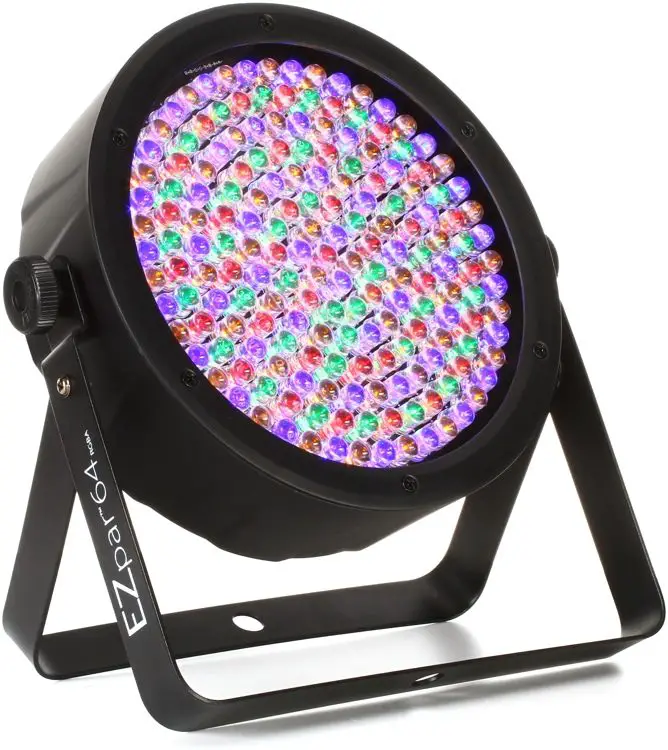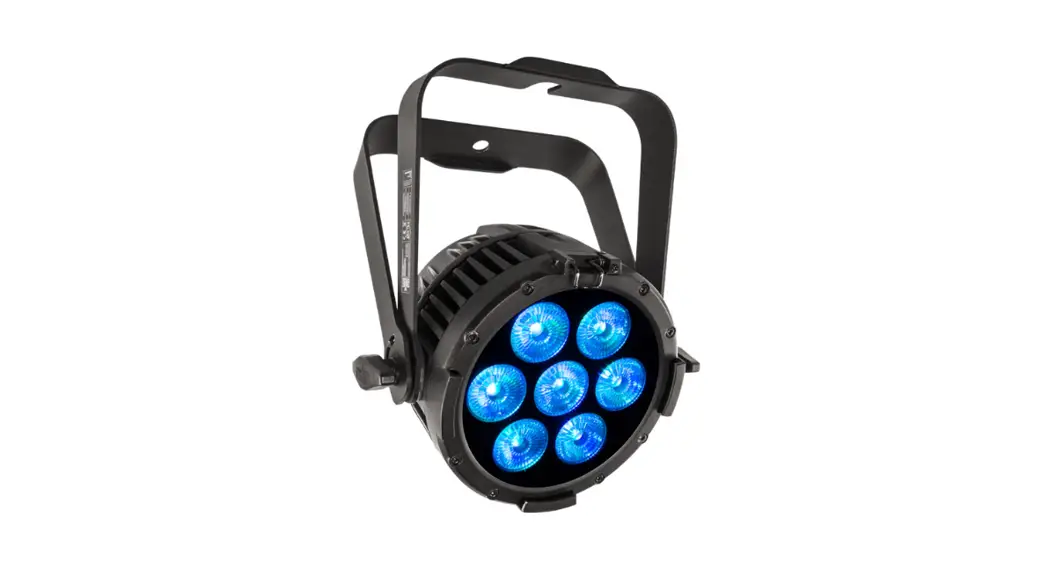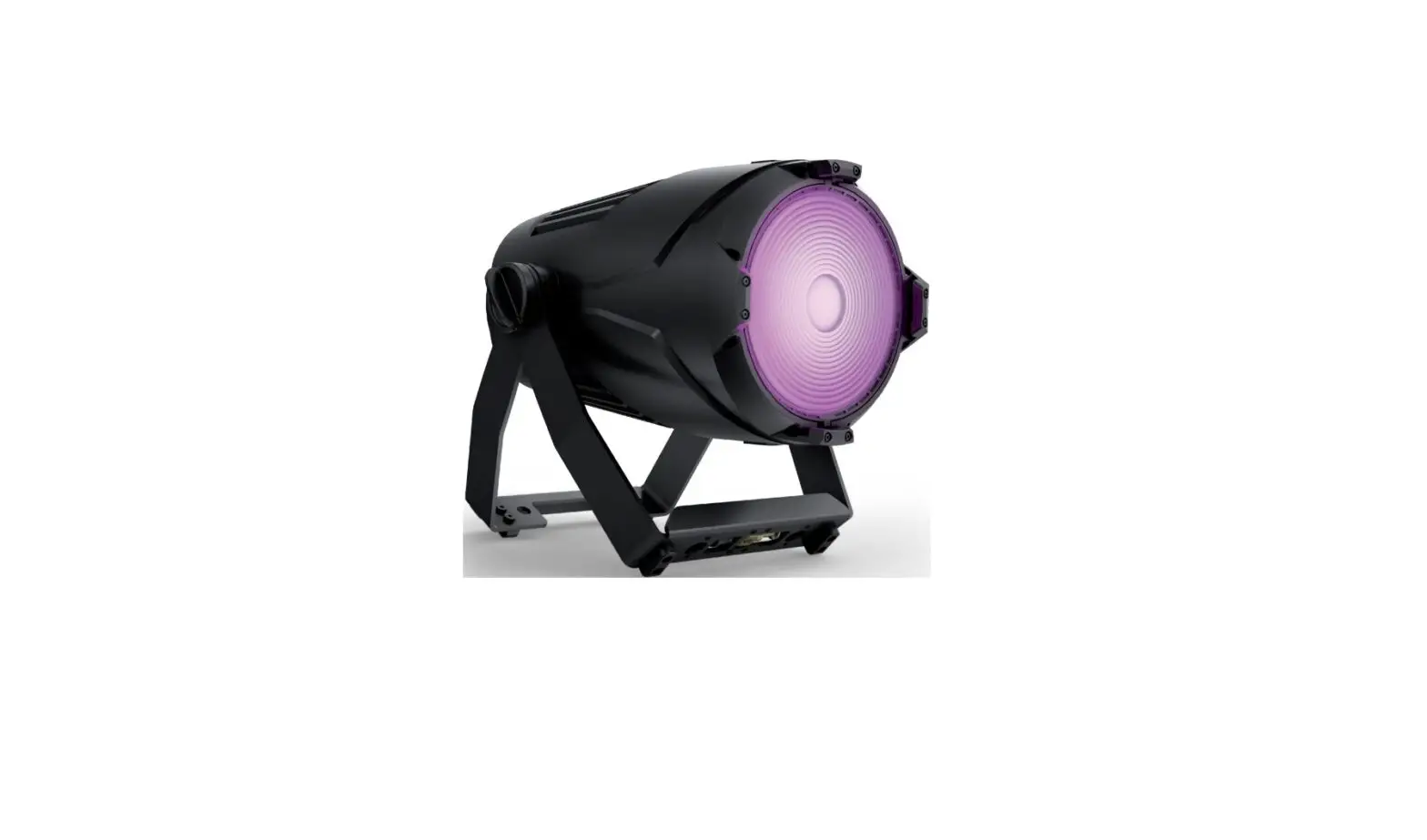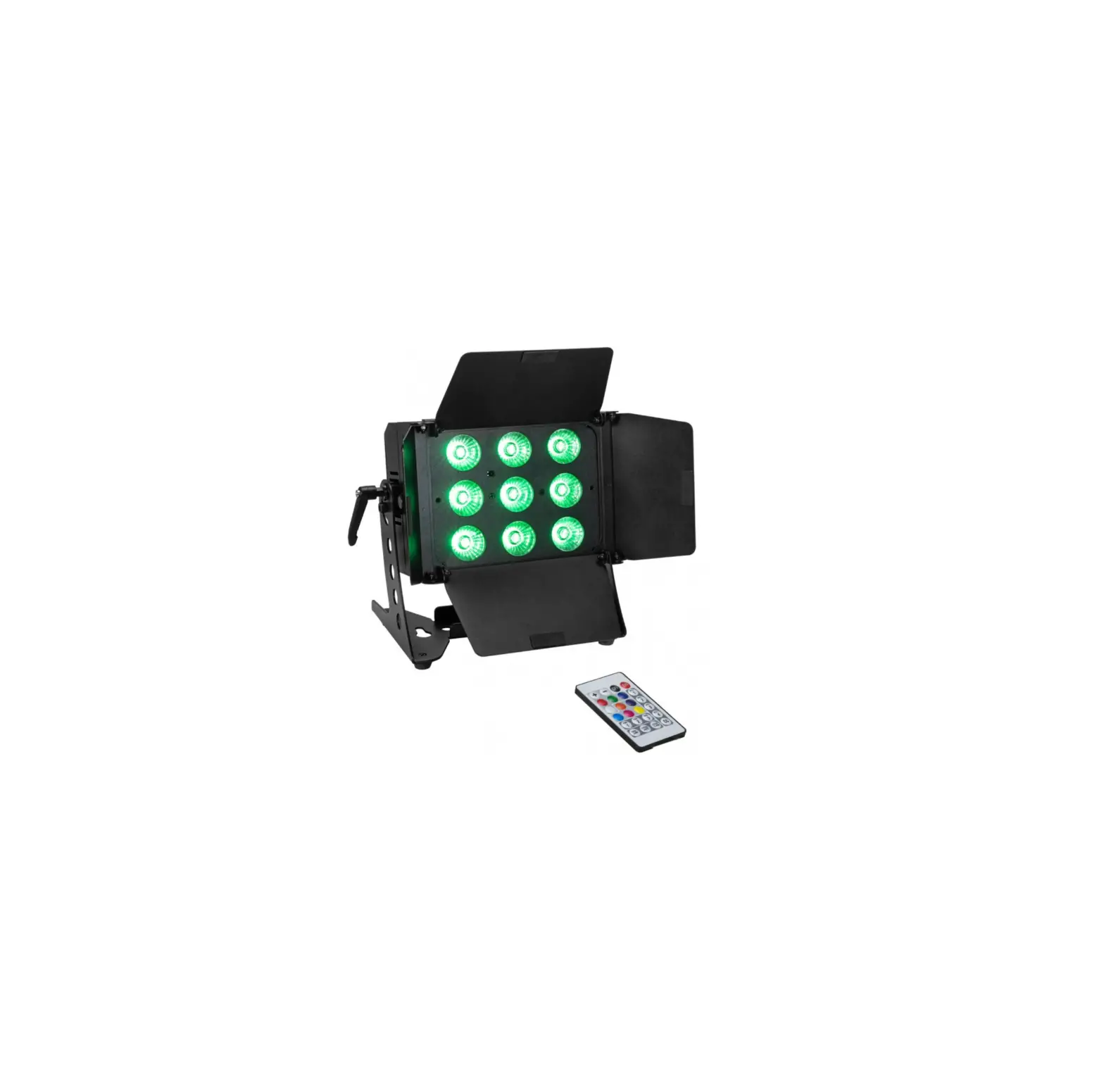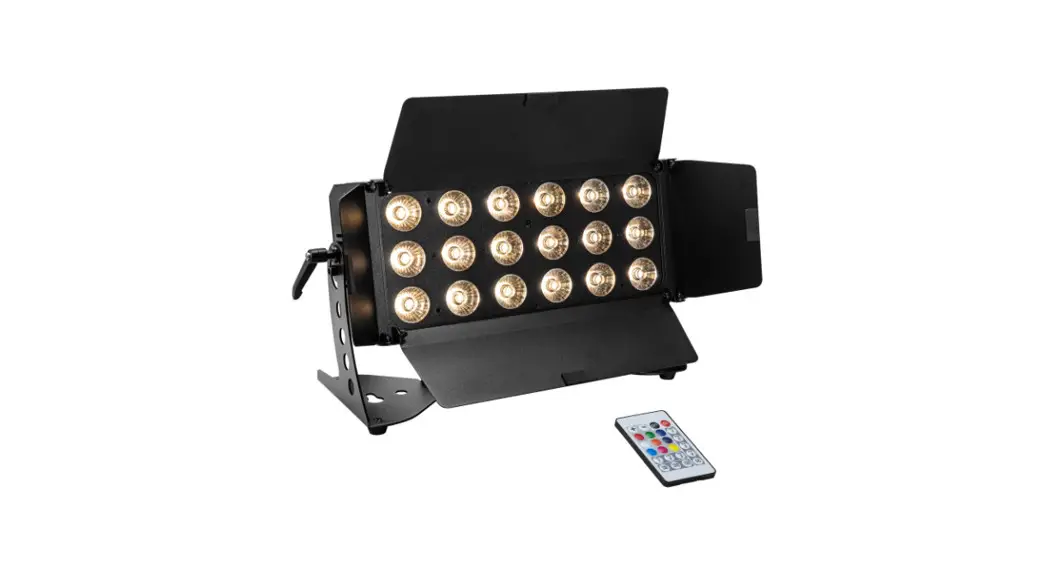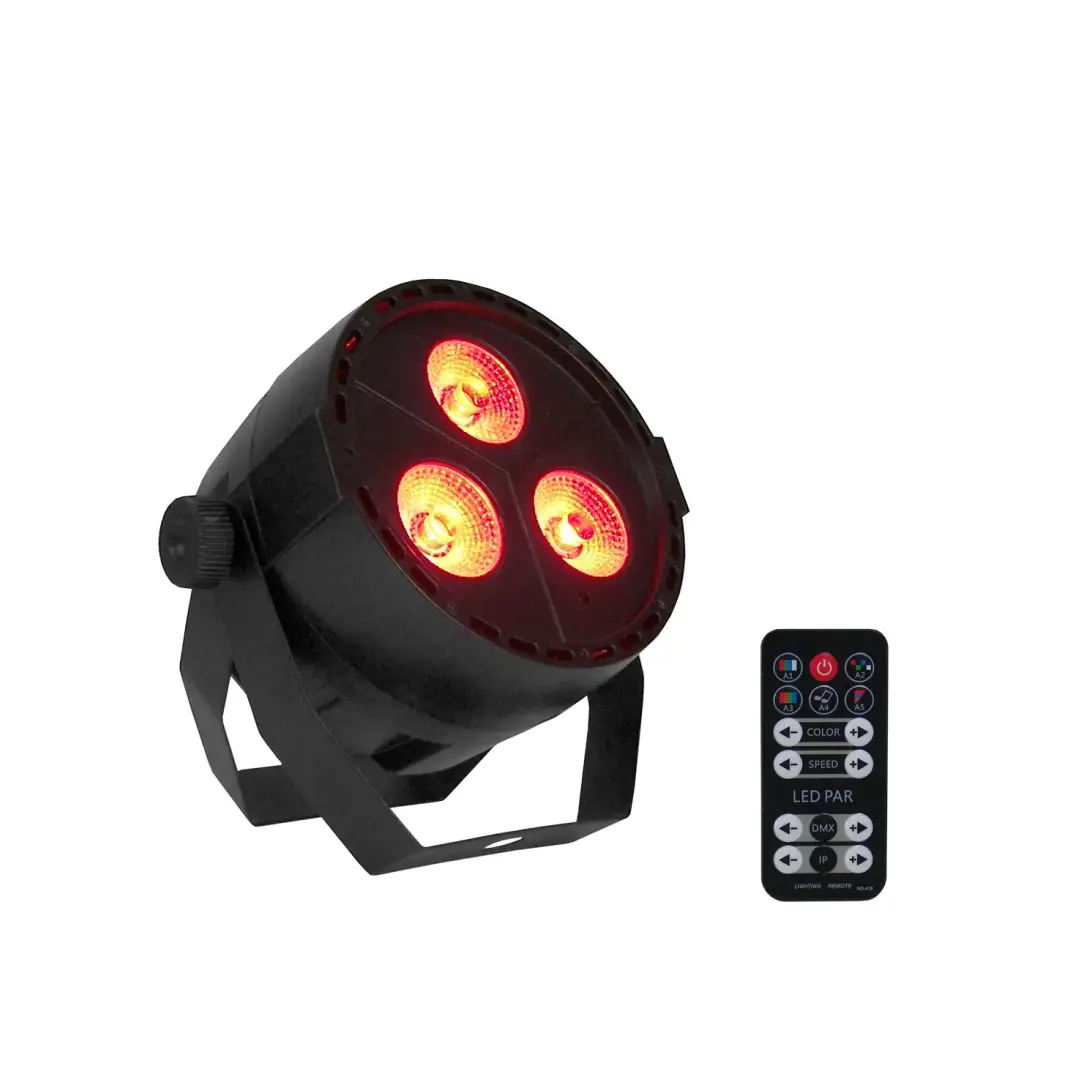
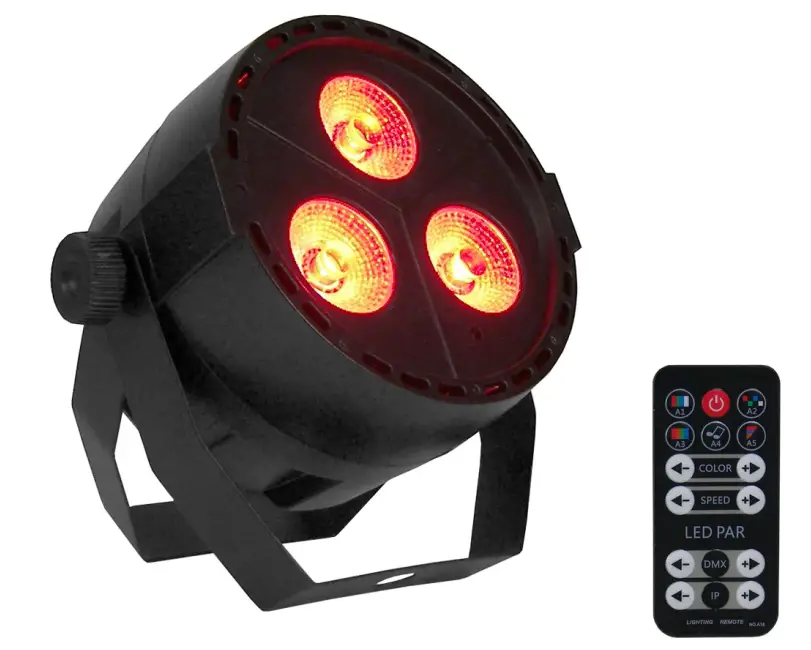
EVENT LIGHTING VIVIDPAR3X4Q 3x 4W RGBUV Mini Par
INTRODUCTIONS
For safety, please read this user manual carefully before initial use.
Event Lighting reserves the right to revise the manual at any time. Information and specifications within this manual are subject to change without notice. Event Lighting assumes no liability or responsibility for any errors or omissions. Please consult Event Lighting for any clarification or information regarding this item.
Safety Instructions
Warning
- Do not open this fixture, there is no user-serviceable parts inside. Risk of electric shock.
- Do not look directly at the light source when the fixture is on.
Caution: This unit’s housing may become hot during and after operation.
- Install this fixture in a location with adequate ventilation, at least 50 cm from adjacent surfaces.
- Do not leave any flammable material within 50 cm of this unit while operating or connected to power.
- Use a safety chain when mounting this fixture overhead.
- Do not operate this device in any location where excessive dust, heat, water or humidity may affect it.
- Do not operate this fixture if the housing, lenses, or cables appear damaged.
- Do not connect this fixture to a dimmer or rheostat.
- ONLY connect this fixture to a grounded and protected circuit.
- ONLY use the hanging bracket to carry this fixture.
- In case of a serious operating problem, stop using immediately.
- The maximum ambient temperature is 40° C. Do not operate this fixture at higher temperatures.
Power Input
This fixture has an auto switching power supply that works with an input voltage range of 110- 240V AC, 50/60 Hz.
Product Installation
VIVIDPAR3X4Q can be mounted in many orientations, provided each individual device is secured by the use of the correct mounting bracket. Use a safety chain when mounting PAR9X12OB overhead.
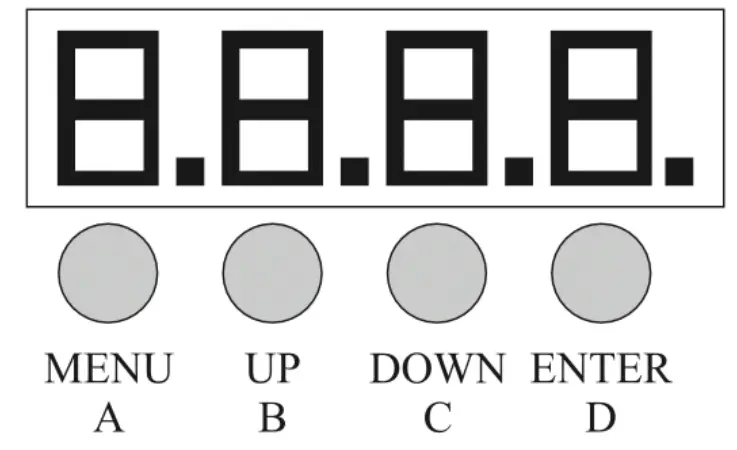
A.MENU
B.UP
C.DOWN
D.ENTER
| Mode | Function | Description |
| DMX Function | 8CH | d001-d512 | Select DMX channel mode and DMX start address. |
| Master/Slave | IP.01-IP.64 | Select master/slave unit number, up to a total of 64. |
| Static Colours | A1.01-A1.18 | Select static colour. |
| Auto Programs | A2.01-A2.32 | Select auto program speed (slow to fast). |
| Fade Changing | A3.01-A3.19 | Select colour combination |
| A3.01-A3.32 (flashing display) | Select colour combination speed (slow to fast). | |
| Sound-Active Mode | A4.01-A4.19 | Select sound active program, 19 options. |
| A4.01-A4.04 (flashing display) | Select sound sensitivity. | |
| Strobe Mode | A5.01-A5.19 | Select strobe colour combination |
| A5.01-A5.32 (flashing display) | Select strobe colour speed (slow to fast) | |
| Red | r000-r555 | Red, 0-100% |
| Green | g000-g255 | Green, 0-100% |
| Blue | b000-b255 | Blue, 0-100% |
| UV | u000-u255 | UV, 0-100% |
DMX Chart
| Ch. | Min DMX | Max DMX | Function | Description |
| 1 | 0 | 10 | No function | |
| 11 | 50 | Static colour | Ch1+Ch2 colour changing | |
| 51 | 100 | Auto play | Ch1+Ch3 speed (slow to fast) | |
| 101 | 150 | Fade | Ch1+Ch2 colour changing, Ch3 speed (slow to fast) | |
| 1511 | 200 | Sound active | ||
| 201 | 255 | Strobe | Ch2 colour changing, Ch3 speed (slow to fast) | |
| 2 | 0 | 39 | White | 0-100% |
| 40 | 49 | Red | 0-100% | |
| 50 | 59 | Green | 0-100% | |
| 60 | 69 | Blue | 0-100% | |
| 70 | 79 | Amber | 0-100% | |
| 80 | 89 | Cyan | 0-100% | |
| 90 | 99 | Purple | 0-100% | |
| 100 | 109 | UV | 0-100% | |
| 110 | 119 | Amber | 0-100% | |
| 120 | 129 | Purple | 0-100% | |
| 130 | 139 | Rose | 0-100% | |
| 140 | 149 | Ocean | 0-100% | |
| 150 | 159 | Cyan | 0-100% | |
| 160 | 169 | Blue | 0-100% | |
| 170 | 179 | Warm White | 0-100% | |
| 180 | 189 | Purple | 0-100% | |
| 190 | 199 | Ocean | 0-100% | |
| 200 | 255 | White | 0-100% | |
| 3 | 0 | 255 | Speed | Slow to fast |
| 4 | 0 | 255 | Master dimmer | 0-100% |
| 5 | 0 | 255 | Red | 0-100% |
| 6 | 0 | 255 | Green | 0-100% |
| 7 | 0 | 255 | Blue | 0-100% |
| 8 | 0 | 255 | UV | 0-100% |
IR Remote
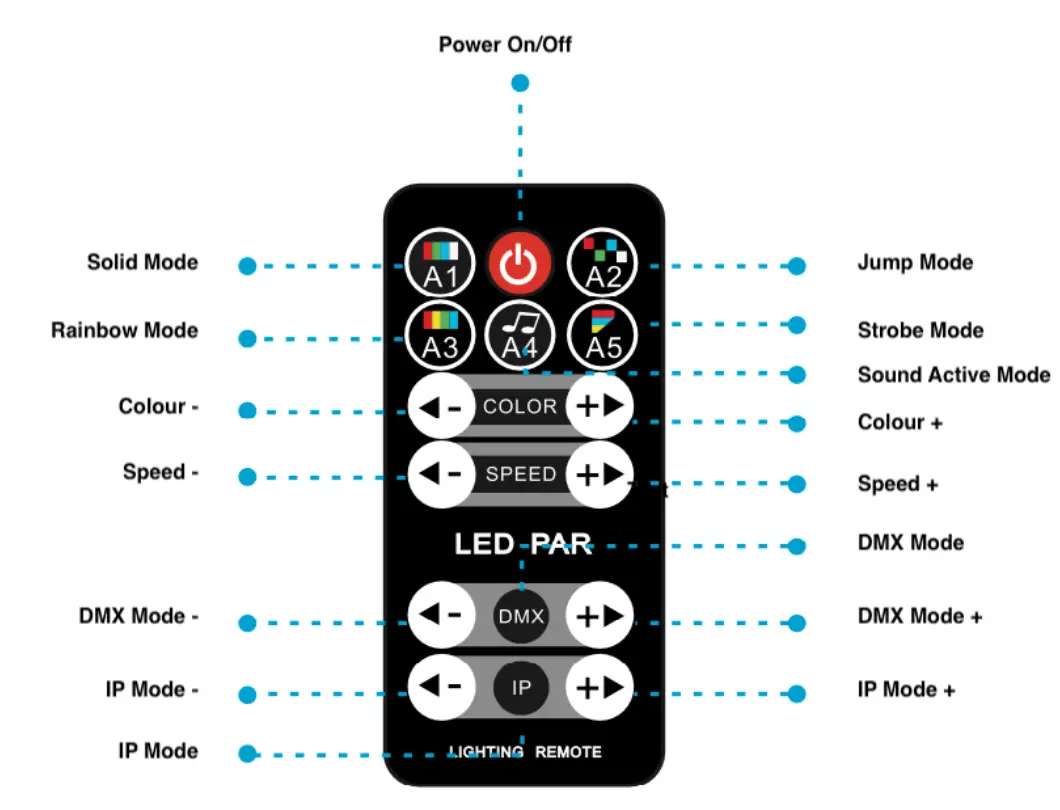
Technical Specifications
- Light source: 3 x 4W RGBW
- Operation Modes: DMX, auto, manual, sound active, master/slave, IR remote
- Control Interface: 3-pin XLR in/out, IR remote
- DMX channels: 8
Input Voltage: 110-240V AC, 50/60 Hz - Power consumption: 15W
- Dimensions: 128 x 128 x 128mm
- Net Weight: 0.6 kg
Warranty
Please contact your local dealer or contact Event Lighting.
www.event-lighting.com.au
 Australia Entertainment Lighting Wholesaler | Event Lighting