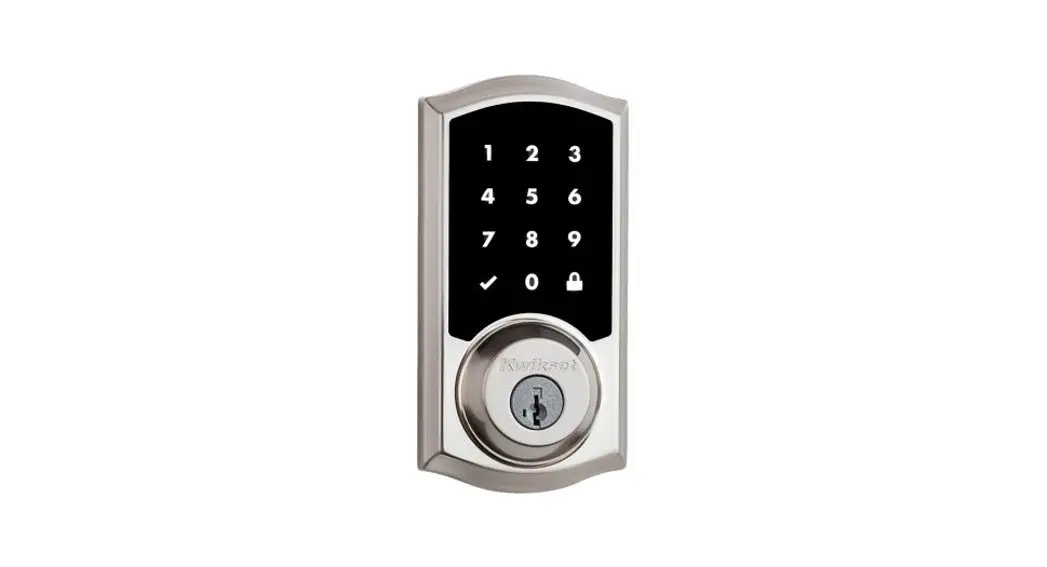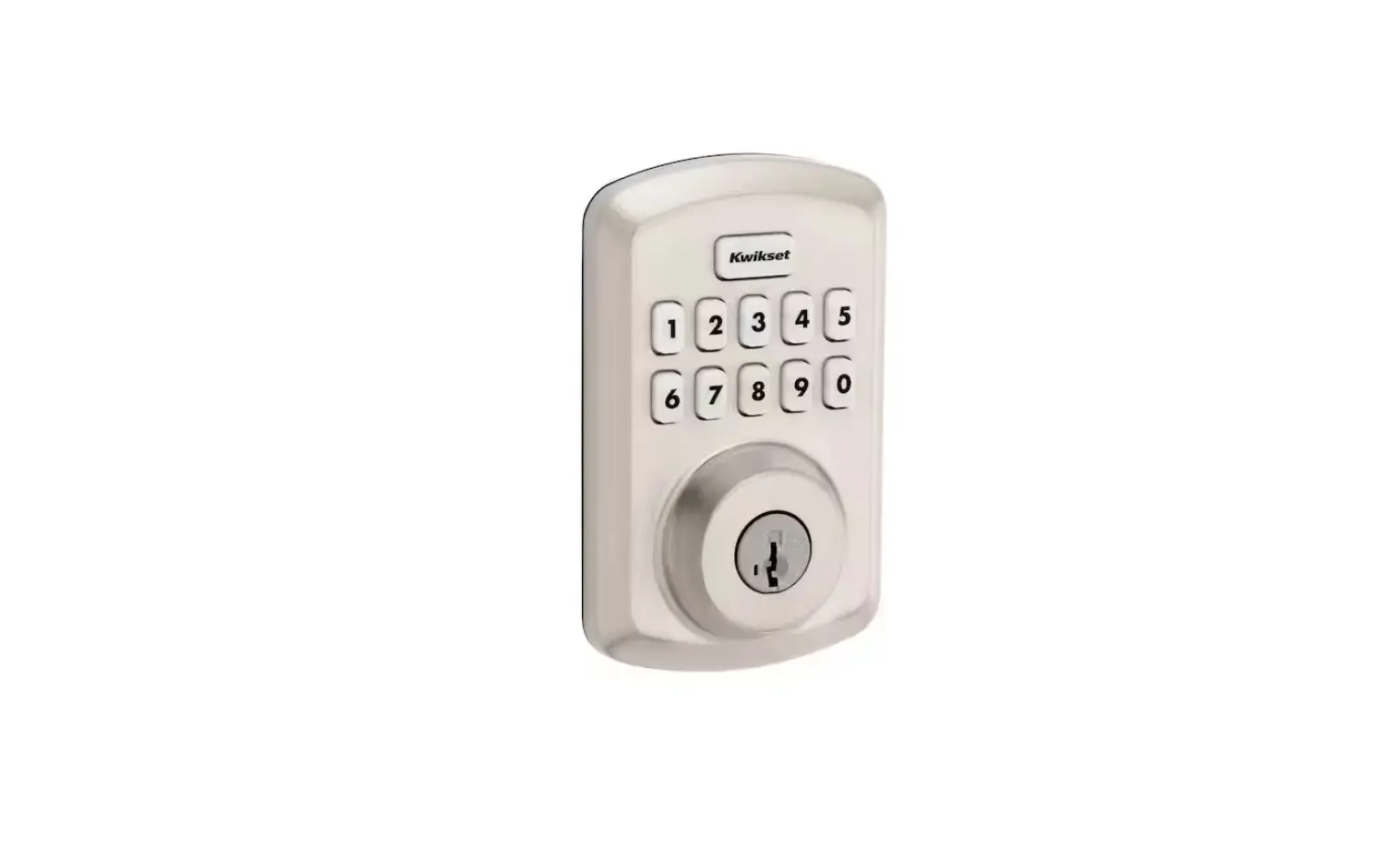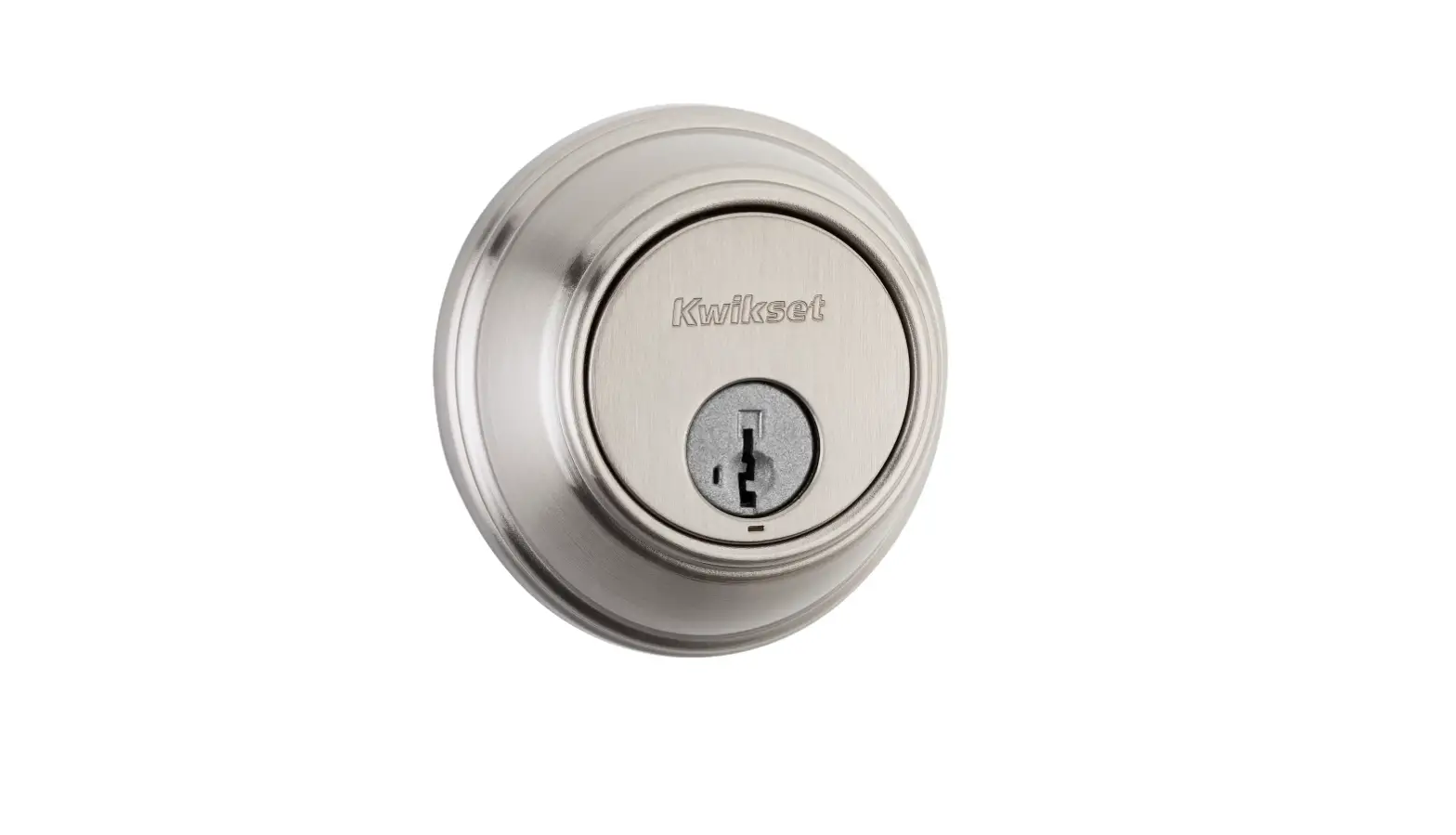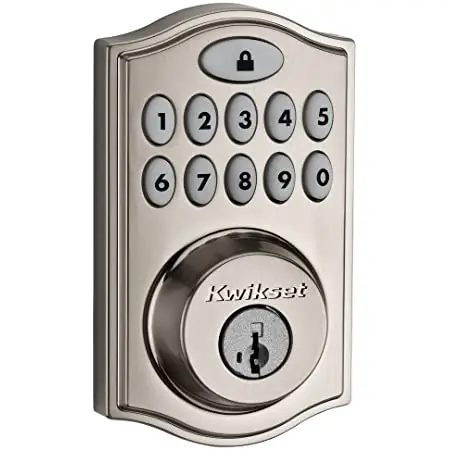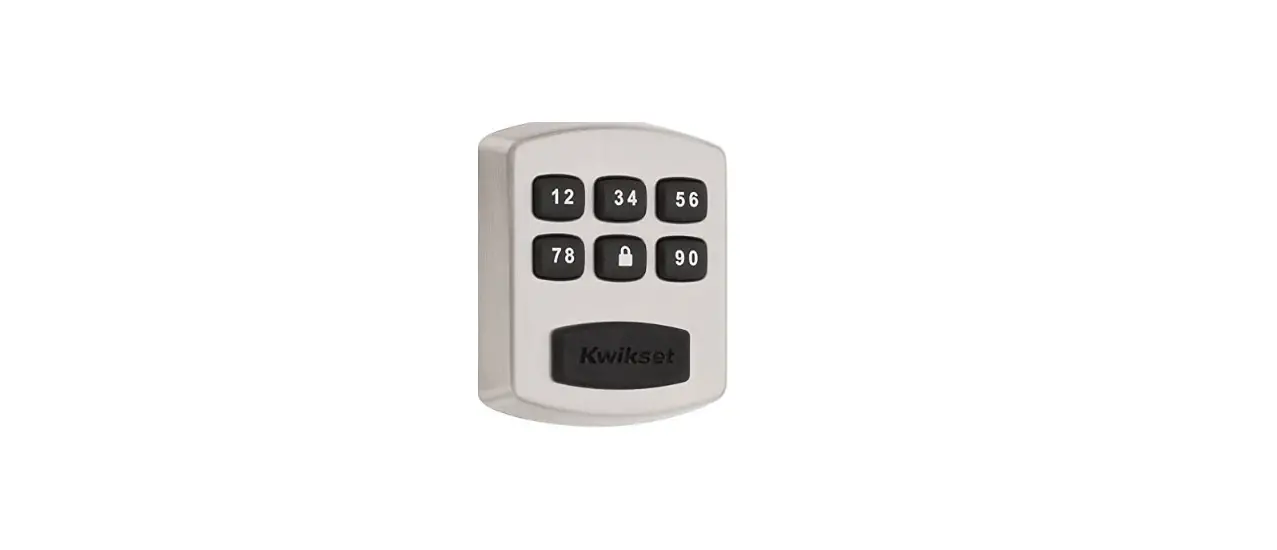

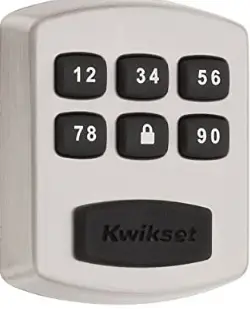
Kwikset 99050-003 Smart Lock Electronic Deadbolt
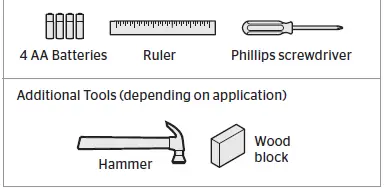
Required tools
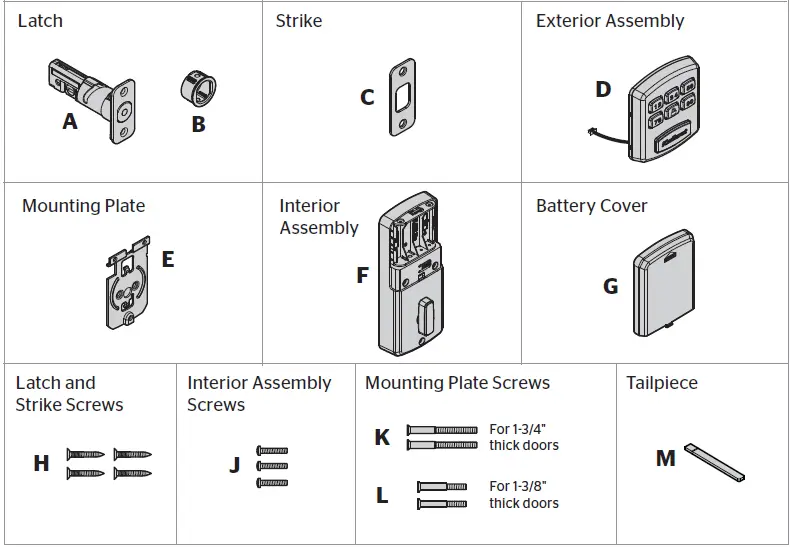
Parts in the box
INSTRUCTION
Prepare the door and check the dimensions
- Measure to confirm that the hole in the door is 21/8″ (54 mm).
- Measure to confirm that the backset is either 23/8″ or 23/4″ (60 or 70 mm
- Measure to confirm that the hole in the door edge is 1″ (25 mm).
- Measure to confirm that the door is either 13/8″ or 13/4″ (35 mm or 45 mm) thick

Install the latch and strike
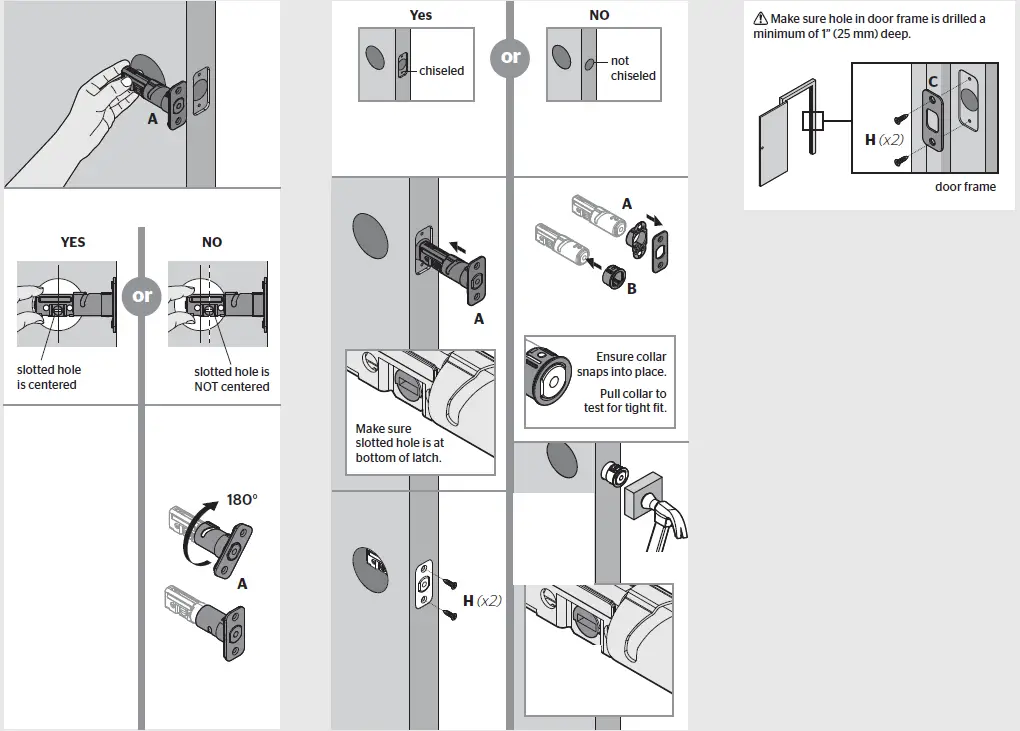
Install exterior assembly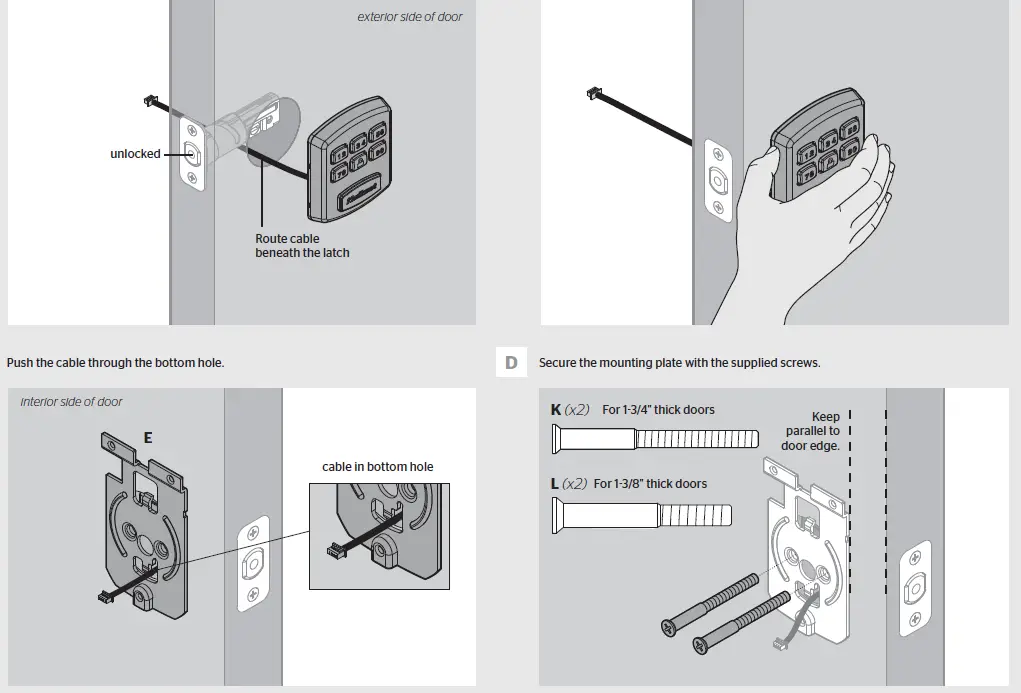
Install interior assembly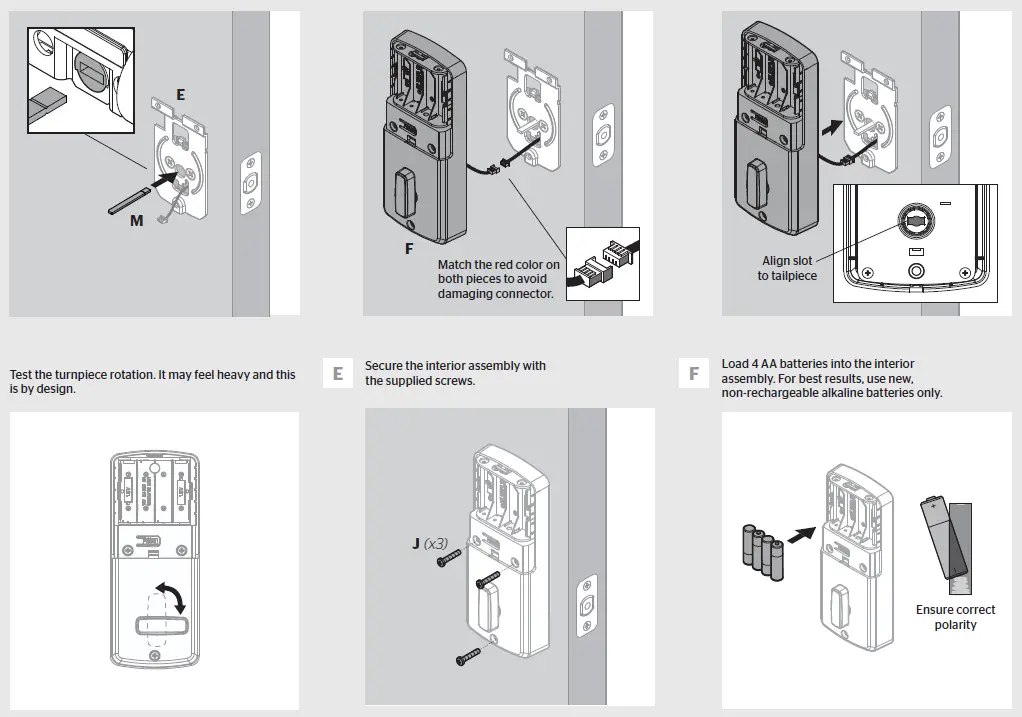
Set Locking and Unlocking Direction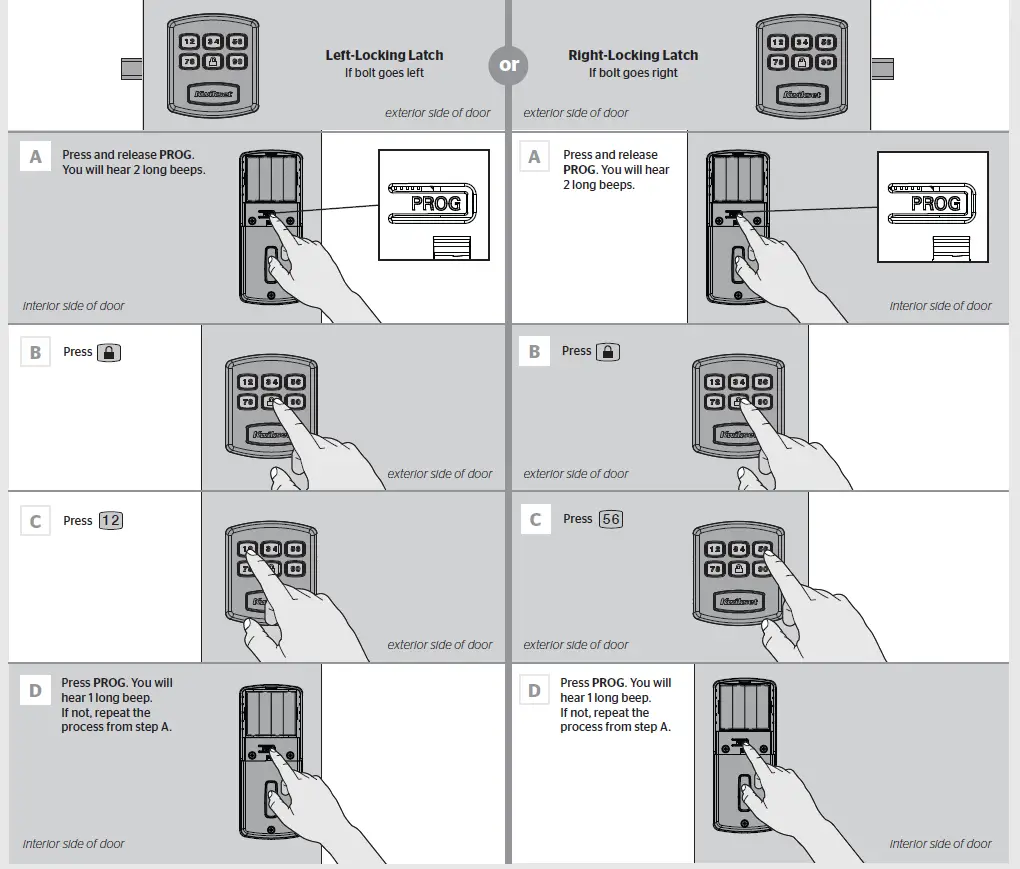
Add a User Code and Test Your Lock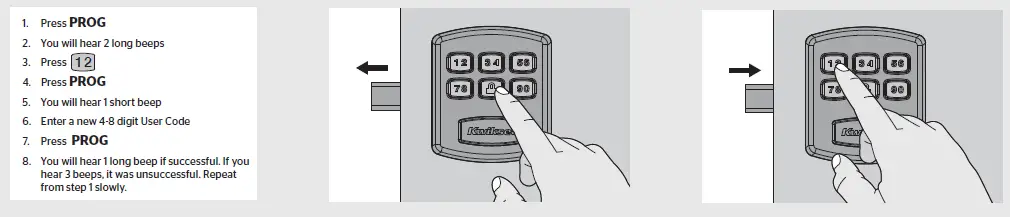
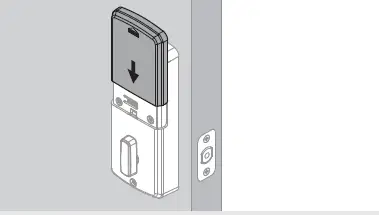
Reinstall battery cover
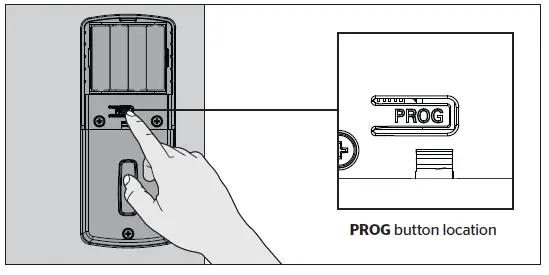
Programming
System Alerts
| Alert | Reason |
| 1 Short beep | Lock/ Unlock movement successful |
| 1 Long beep | Programming successful |
| 2 Long beeps | Enter Programming mode |
| 3 Short beeps | User code is not yet set |
| Setting unsuccessful | |
| Wrong user code | |
| Lockout mode | |
| 4 Long Beeps | Handing is not yet set |
| 5 Short Beeps | Time out for programming mode |
| 10 Long beeps | Low battery alarm |
| 15 Short beeps | 3 consecutive incorrect entries |
Low Battery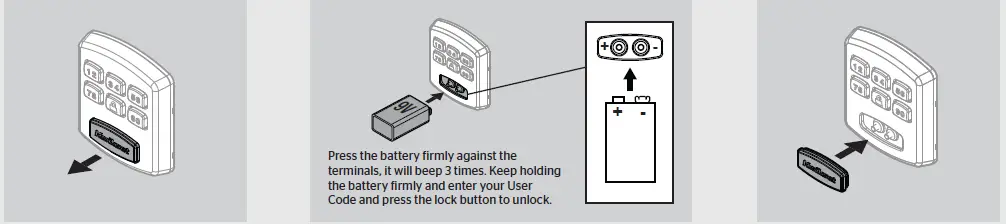
Troubleshooting
| Problem | Possible Cause | Actions |
| The lock doesn’t respond and the keypad doesn’t respond when touched (no beeping is heard). | 1. Cables are NOT properly connected. 2. Batteries are drained. | 1. Make sure cables are connected properly. 2. Install a fresh set of batteries. |
| The lock beeps 4 Long Beeps when the keypad is touched but it cannot be locked/unlocked | Door handing has not yet been set. | Follow the instructions for left or right door handing. |
| Door handing is set but the lock beeps 3 Long Beeps. | User code has not yet been set. | Make sure the lock is programmed with at least one User Code. Follow the instructions for setting up a User Code. |
| Door handing and user codes are set and the motor is activated but the lock cannot be locked or unlocked (or the latch runs in the opposite direction). | Incorrect door handing direction | Re-do the door handing instructions. |
| When the door is closed and the lock/ unlock button is pressed to lock/ unlock the door, the motor runs, but the latch doesn’t extend/retract. | 1. The hole in the door frame behind the strike is NOT drilled at least 1 in (25 mm) deep. 2. The strike plate is NOT aligned with the latch bolt. | 1. Make sure the hole in the door frame behind the strike is drilled at least 1 in (25mm) deep. 2. Make sure the strike plate is aligned with the latch bolt. If needed, reposition the strike. |
| When the batteries are drained and a 9V battery is connected to the terminals but the lock doesn’t respond. | 1. The 9V battery is NOT connected correctly. 2. The 9V battery is drained. | 1. Flip the 9V battery and try again. 2. Try a new 9V battery. |
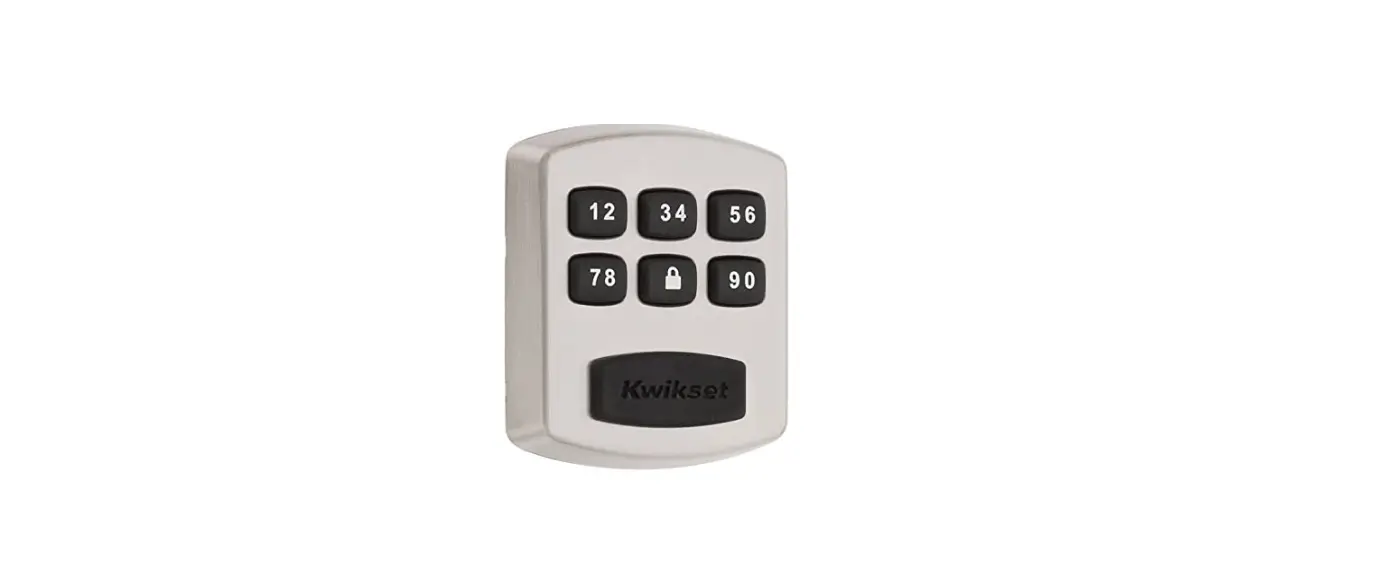
| Door unlocks with lock button and unlocks with user code. | There was an error during door handing. | Step 5 needs to be repeated. Choose 12 if the latch is left of the keypad. Choose 56 if the latch is right of the keypad. |
FCC
This device complies with Part 15 of the FCC Rules. Operation is subject to the following two conditions:
- this device may not cause harmful interference, and
- this device must accept any interference received, including interference that may cause undesired operation.
This equipment has been tested and found to comply with the limits for a Class B digital device, pursuant to Part 15 of the FCC Rules. These limits are designed to provide reasonable protection against harmful interference in a residential installation. This equipment generates, uses, and can radiate radio frequency energy and, if not installed and used in accordance with the instructions, may cause harmful interference to radio communications. However, there is no guarantee that interference will not occur in a particular installation. If this equipment does cause harmful interference to radio or television reception, which can be determined by turning the equipment of and on, the user is encouraged to try to correct the interference by one or more of the following measures:
- Reorient or relocate the receiving antenna.
- Increase the separation between the equipment and receiver.
- Connect the equipment into an outlet on a circuit different from that to which the receiver is connected.
- Consult the dealer or an experienced radio/TV technician for help
FAQS
Why is my Kwikset lock not unlocking?
Make sure the User Code is correct and that the Kwikset button is pushed after entering the User Code
What is the master code for Kwikset?
The default Mastercode is 0-0-0-0. It is recommended that you change it to a code of your own. 1. Make sure the lock is unlocked and the door is open
How do I check the battery on my Kwikset lock?
There are two low battery indicators on the unit. The LED light on the interior side of the lock will flash red when the batteries are low.
Why did my Smart Lock stop working?
There’s a chance that your phone simply hasn’t updated its location status in a while.
Where is the reset button on Kwikset lock?
Ensure the door with the Kwikset 888 SmartCode deadbolt with Z-Wave or 913/914 SmartCode is open and unlocked.
How long do the batteries last in a Kwikset lock?
Replace batteries with new ones to ensure that lock is properly powered
Why is my deadbolt not unlocking?
Sometimes the lock is stuck because the parts inside it have disengaged
What if I forgot my master code for my lock door?
You can visit a Master Lock Distributor / Retailer or submit a Lost Combination form. Bring your lock to the retailer.
How many codes can a Kwikset lock have?
The SmartCode 917 supports up to 30 user code between 4-8 digits
What does red light mean on Kwikset lock?
Amber flashes mean it is locked, while green flashes mean it is unlocked, and red means low battery.
How long does a smart lock last?
Several factors play into how long your batteries will last, including environment, temperature, and weather stripping. Typically, battery life ranges from 6 months to 1 year.
Do smart locks run out of battery?
Electronic keyless locks are extremely reliable, but like any other battery-powered device, there will eventually come a time when the battery’s power will run out
Any technology that connects to the internet has the potential to be hacked
Your Smart Lock will give you low-battery warnings for multiple weeks before it loses power.
Why is my Kwikset Smart Lock not working?
Test each button on the keypad (one at a time), and listen for a beep as each button is pressed. If beeping is not heard on all buttons, replace the batteries.