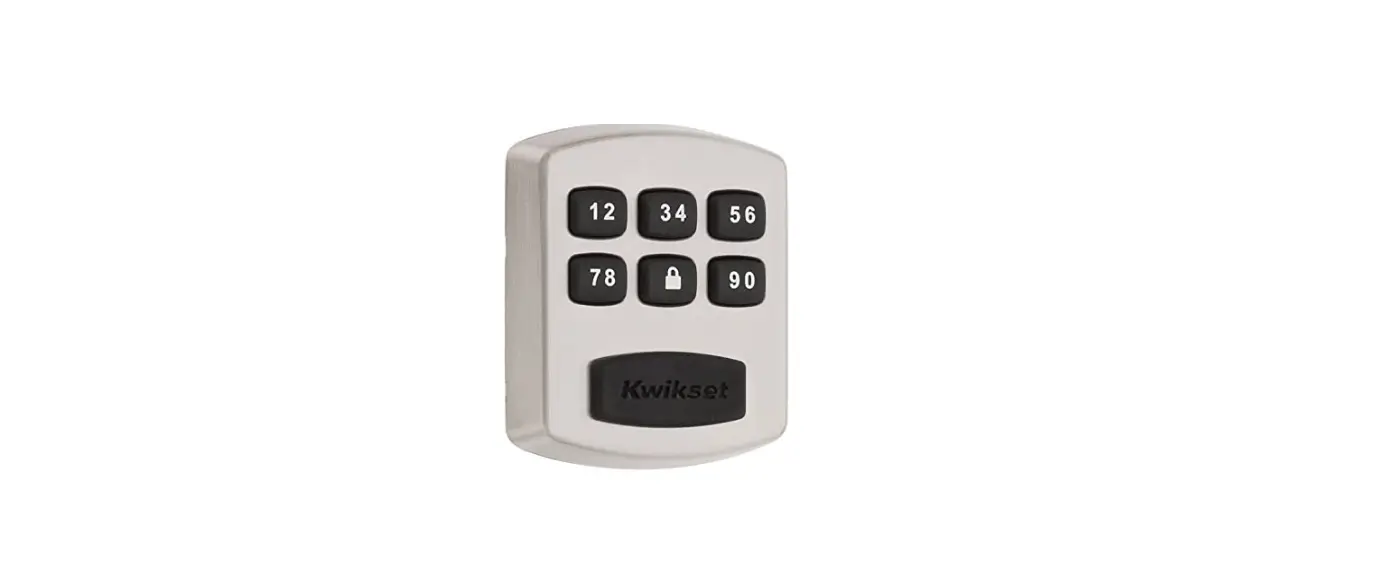
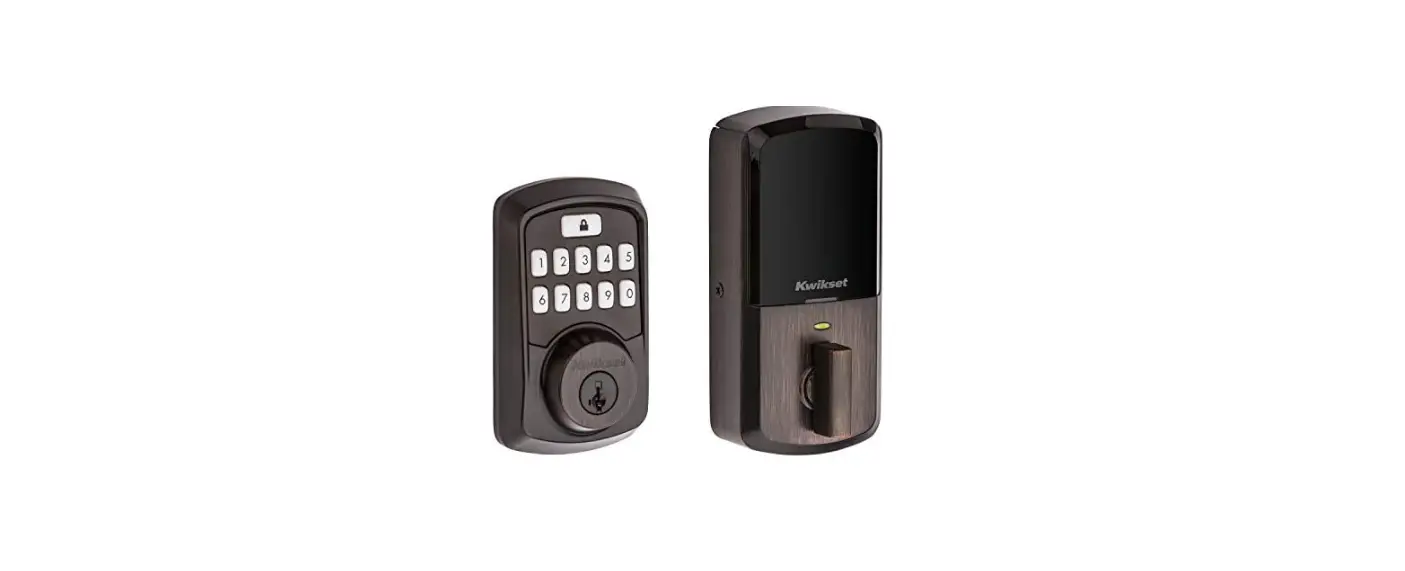
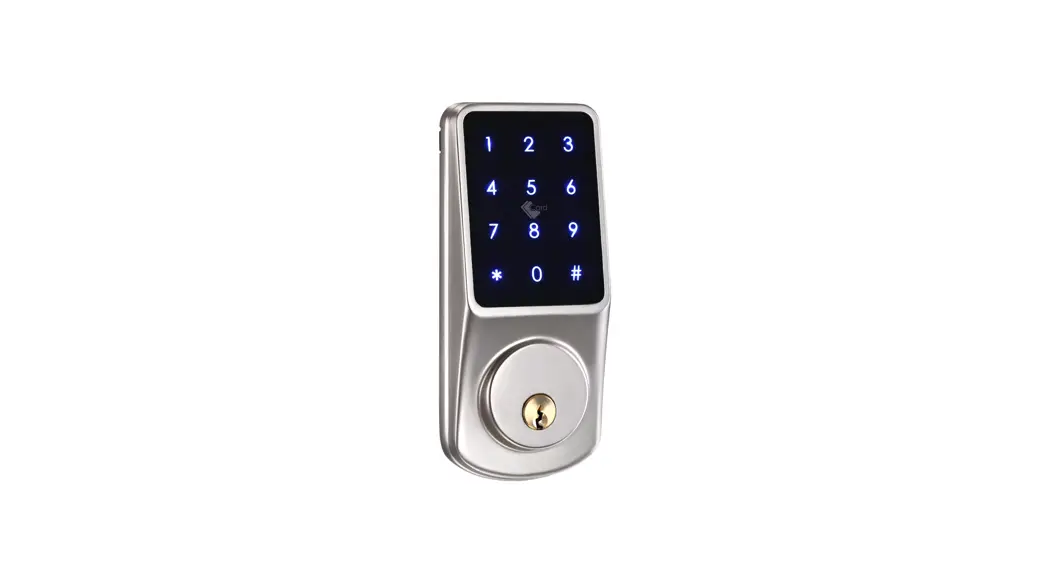
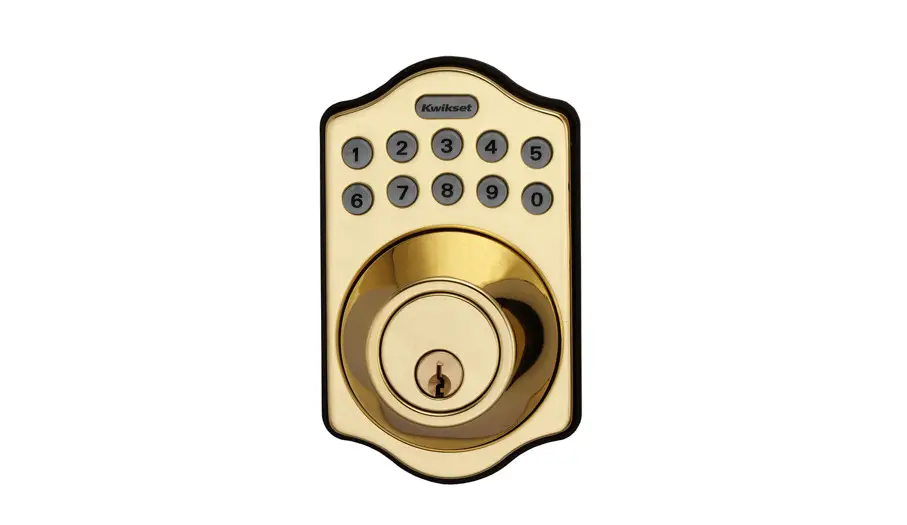
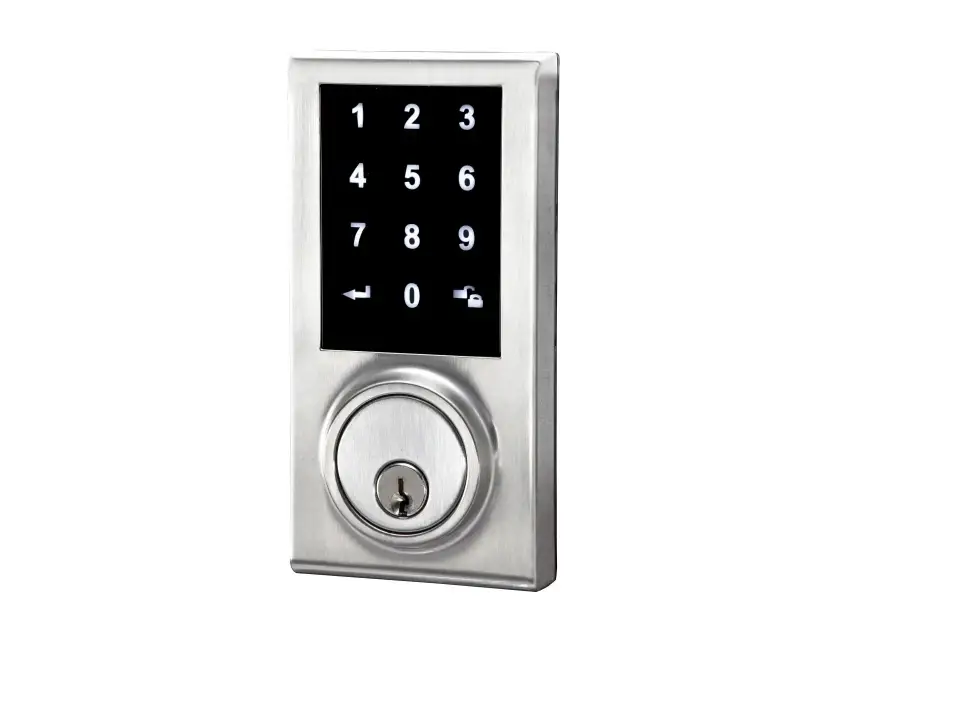
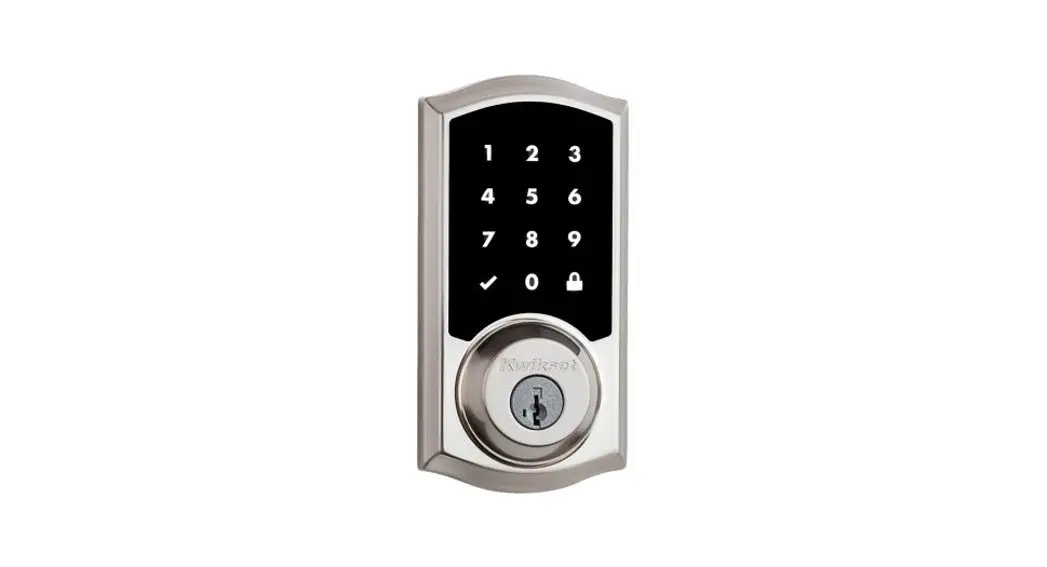
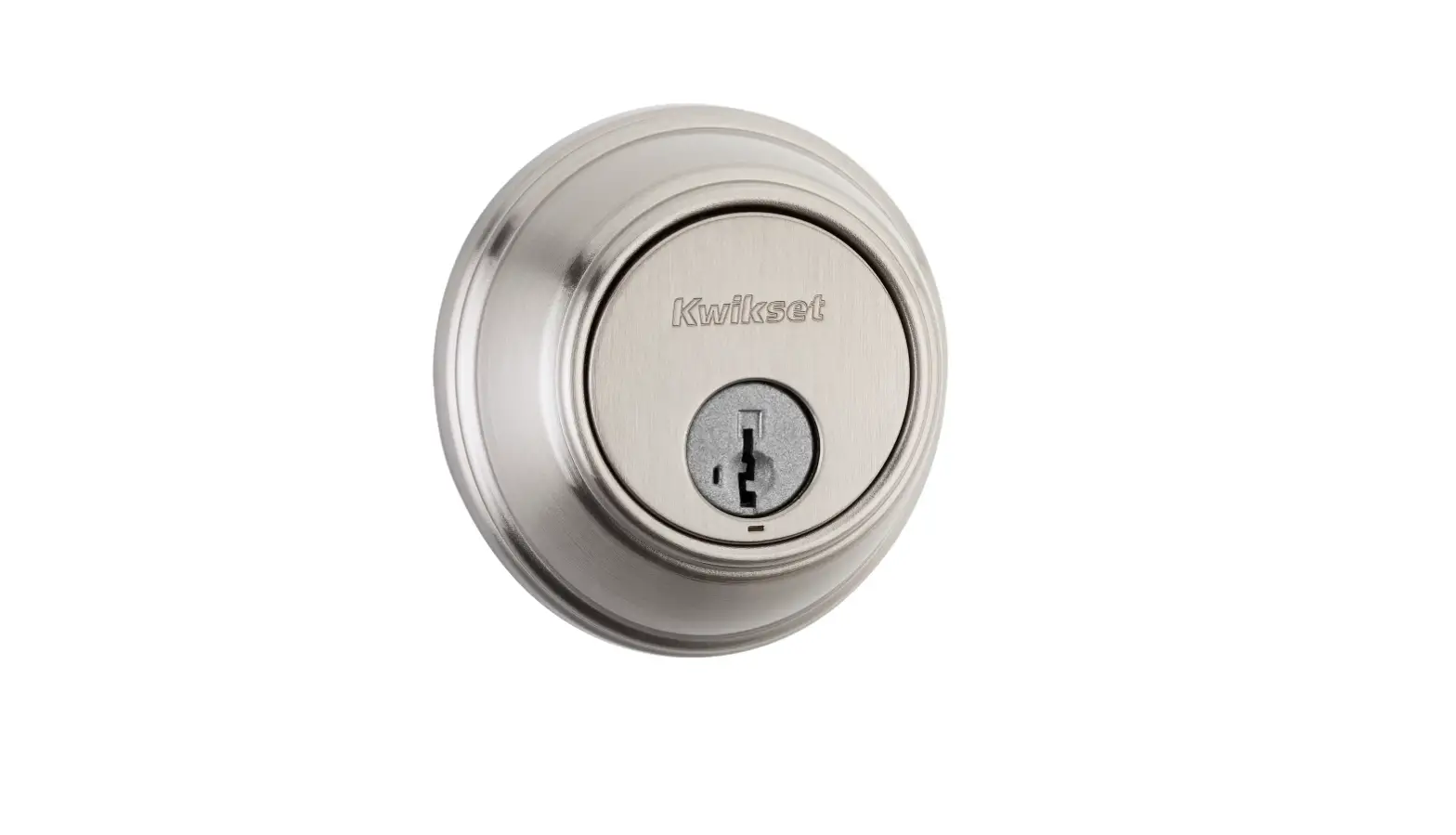
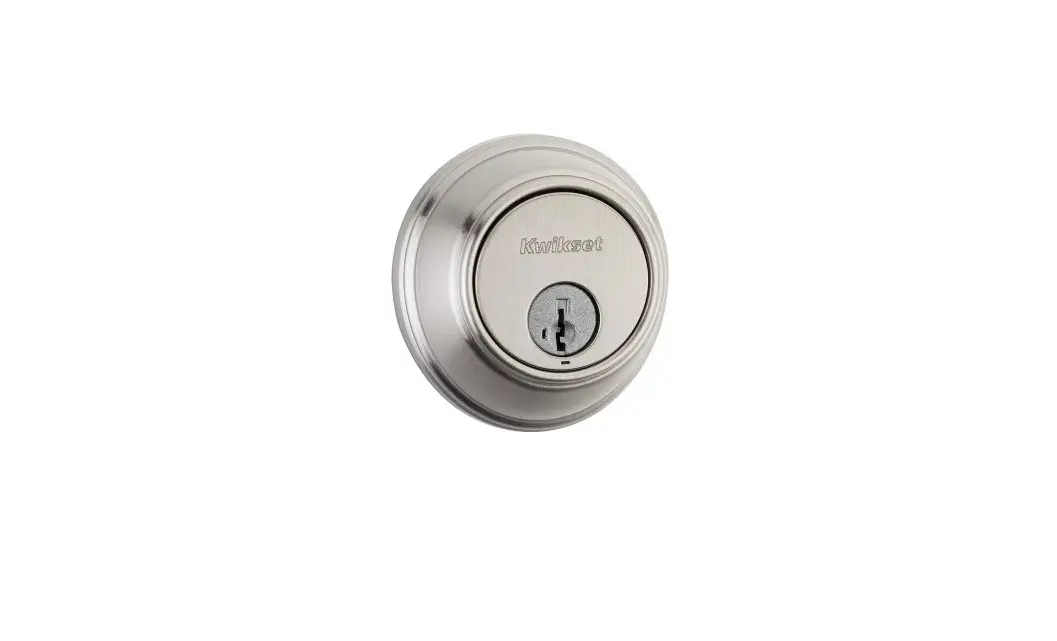
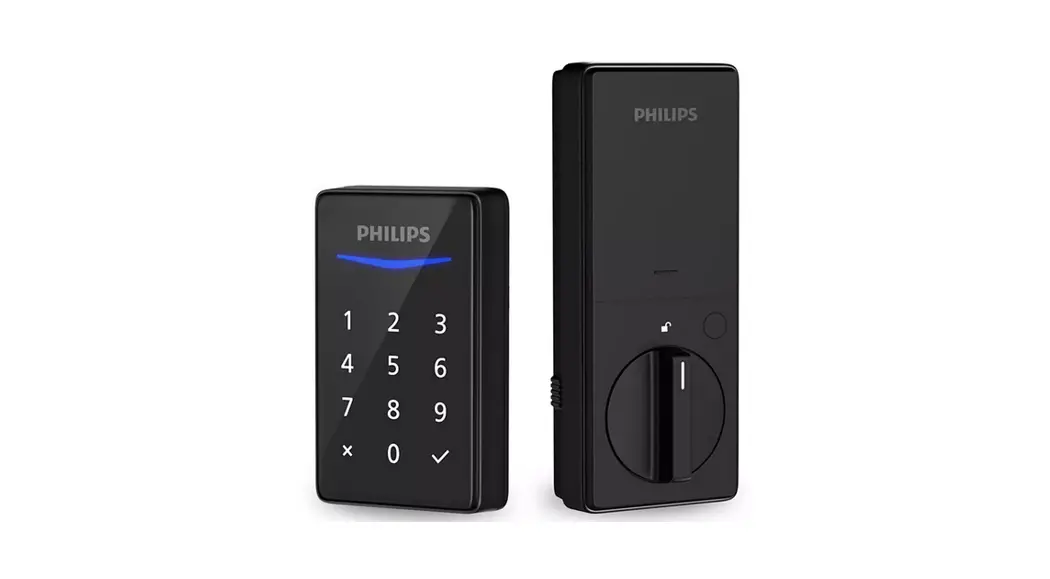
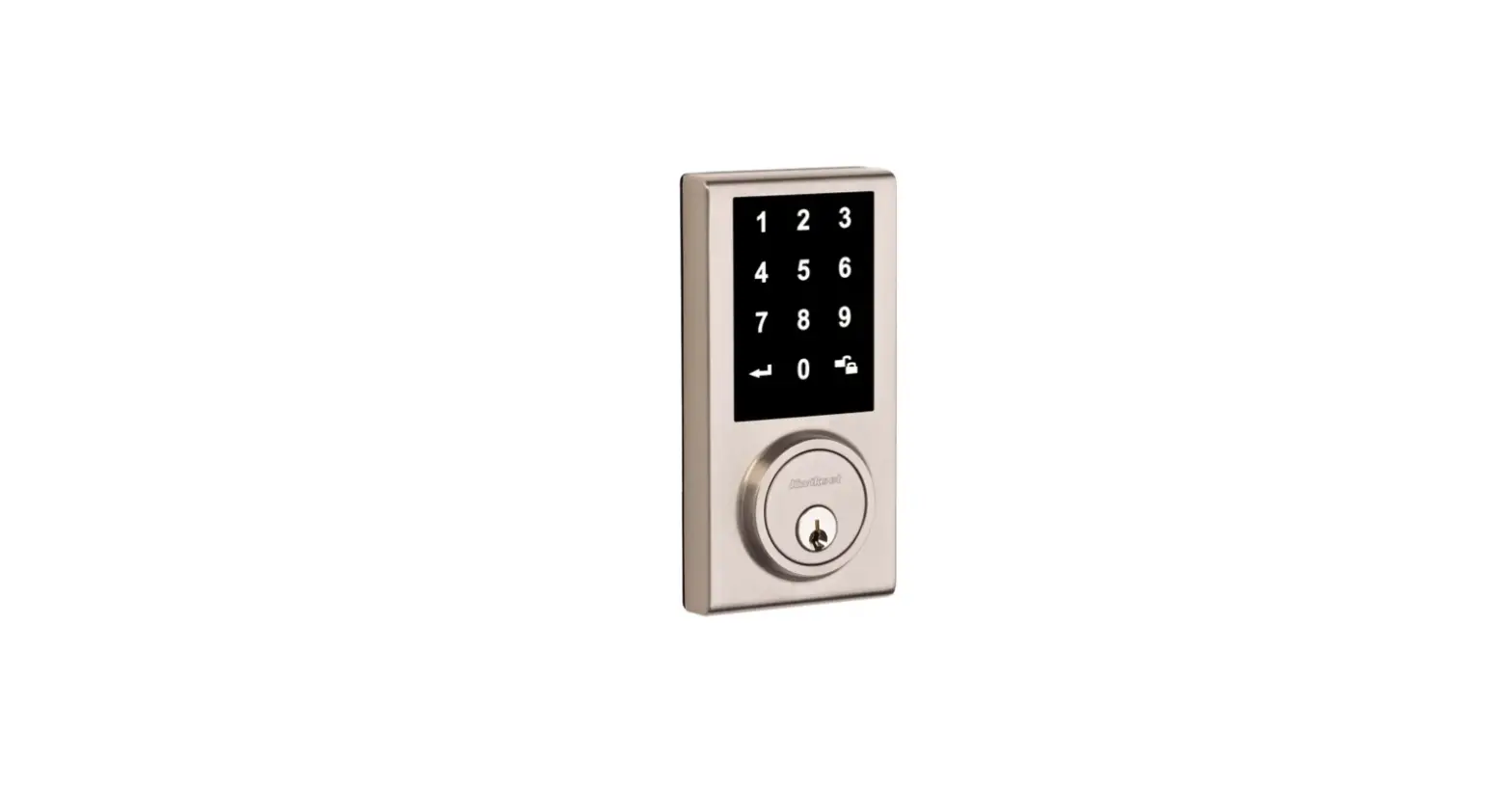
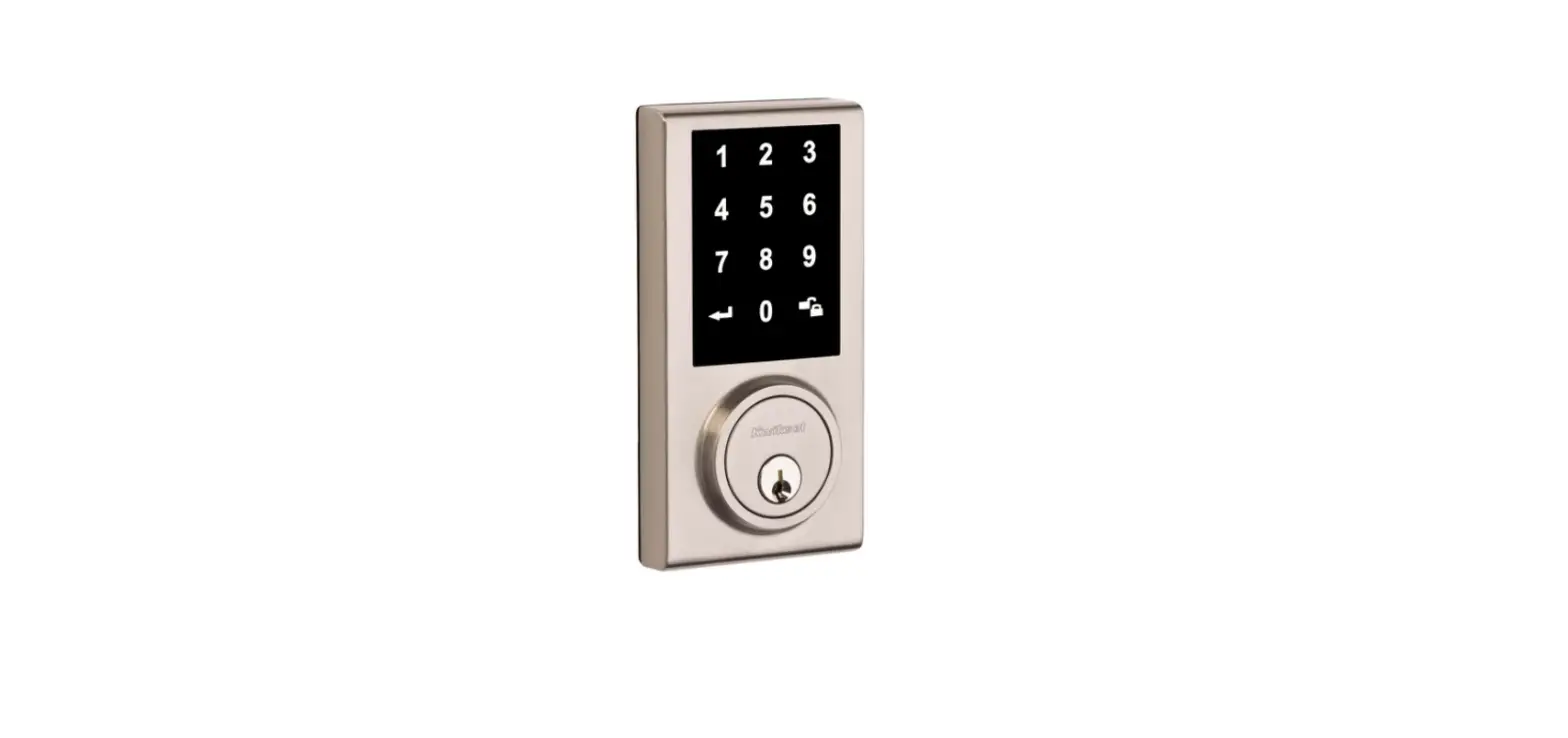
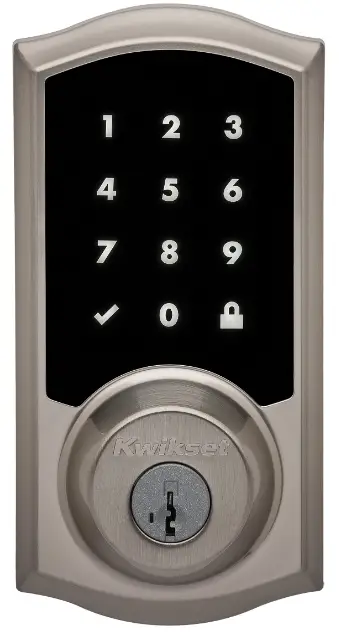
Kwikset 99190-001 Smart Lock Electronic Deadbolt
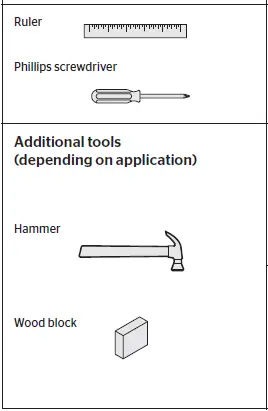
Required tools
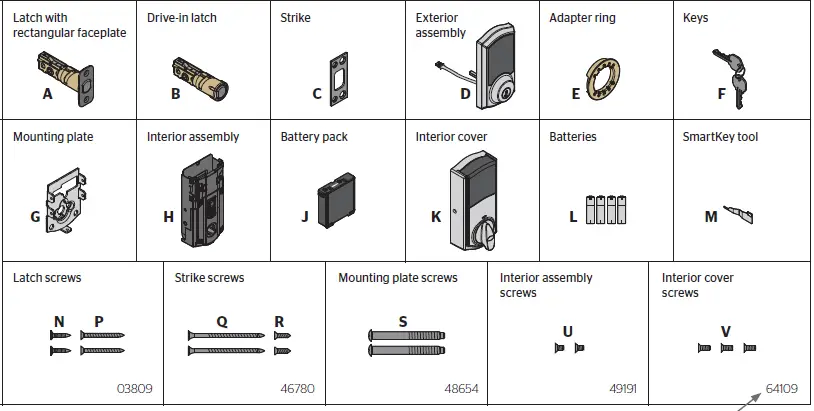
Parts in the box
Prepare the door and check dimensions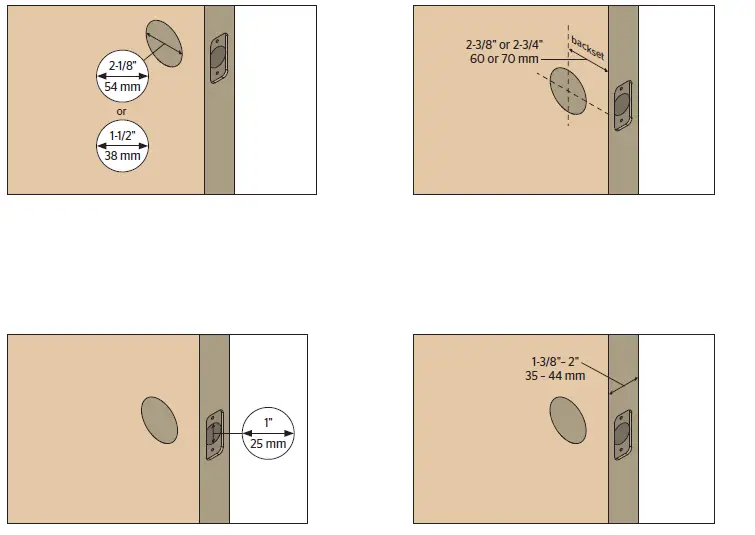
Install the latch and strike
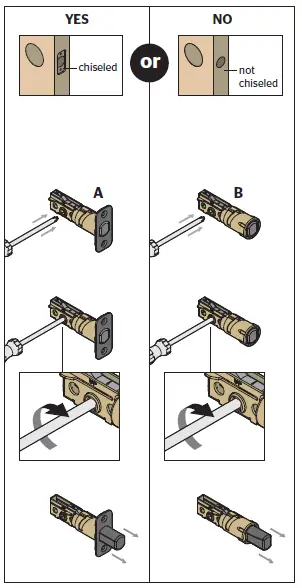
- Is the door edge chiseled?

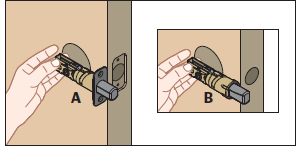
- Hold the latch in front of the door hole, with the latch face flush against the door edge

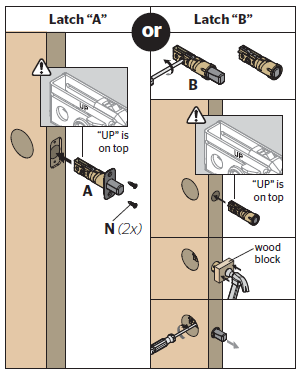
- Which latch are you installing?

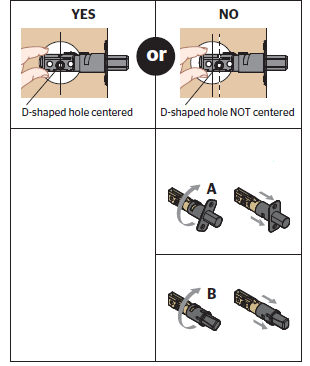
- Is the D-shaped hole centered in the door hole?

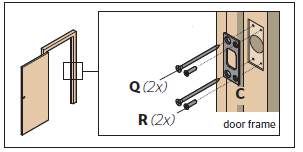
- Install strike on the door frame.

Install the exterior assembly
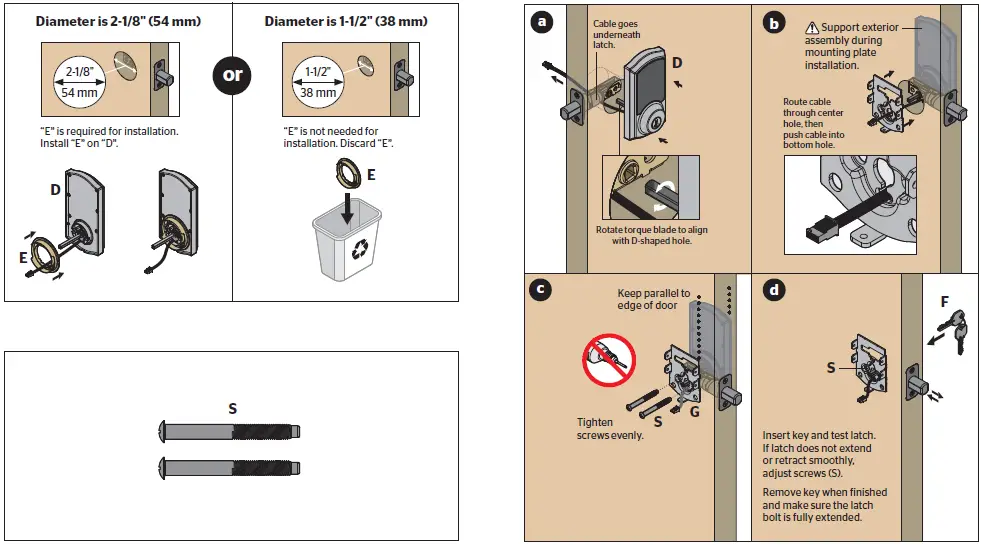
- What is the diameter of the hole in the door?
- Locate screws for step 3C and keep them within reach.
- Install exterior A C assembly and mounting plate.
Install the interior assembly
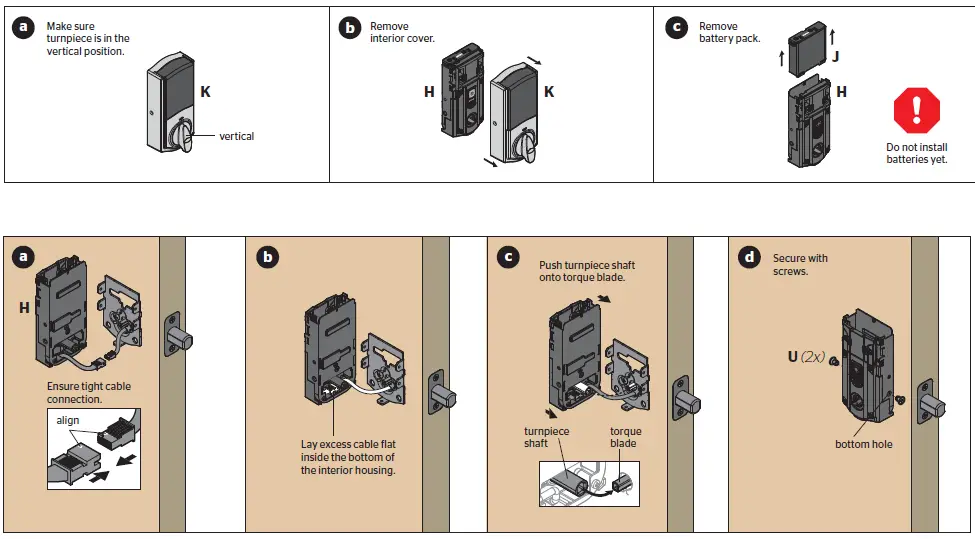
- Remove battery cover and battery pack from interior assembly
- Connect cables and install interior assembly

Perform the door handing process
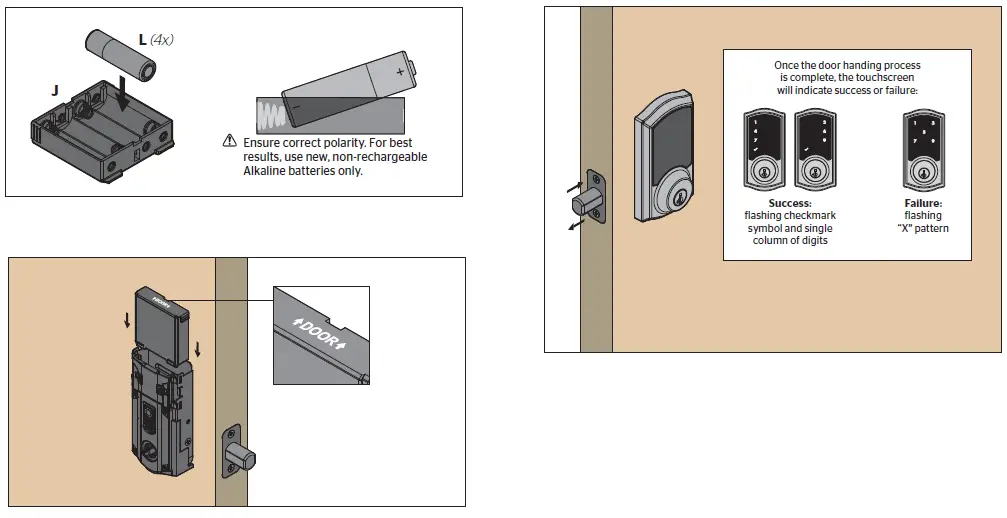
- Install 4 AA batteries in the battery pack
- Make sure the door is open. Insert the battery pack.
- After a few seconds, the latch bolt will retract and extend on its own to learn the orientation of the door. This is called the door handing process, and it is crucial to lock operation

Install the interior cover

OPTIONAL: Re-key the lock
If desired, the lock may be re-keyed to work with your existing key. See the supplied SmartKey Re-key instructions for more information.
Download app
Download the Premis app and pair your lock to your phone
- Download the Premis app from the App Store.
- Follow the instructions inside the app to pair your smartphone, manage the settings of your lock, and send user codes to family and friends

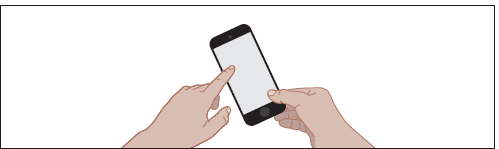
Premis at a Glance
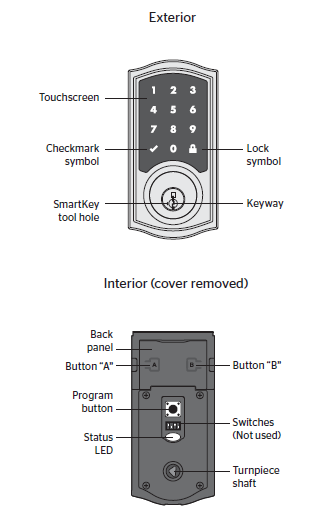
Locking and Unlocking
With the Premis App
When you are within Bluetooth range of your lock, you can use Siri commands to lock and unlock your door. Make sure your phone is unlocked, and refer to your lock by the name you assigned to it inside the Premis app. You can also tap the symbol of your lock inside the Premis app to lock and unlock the door. If you have an Apple TV (3rd generation or later), you can lock and unlock the door when you’re away from home. Just sign in to iCloud with the same Apple ID on your phone and Apple TV. Note: Remote locking and unlocking functionality will be disabled if your Apple TV goes to sleep. It is recommended that you disable your Apple TV’s sleep mode inside your Apple TV’s settings.
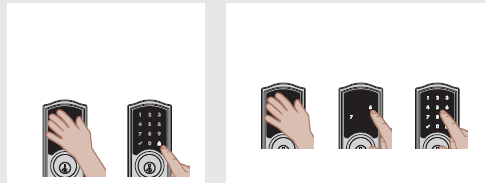
With the Touchscreen
To lock and unlock your door with the Premis touchscreen, you must have at least one user code programmed. It is recommended that you add your user codes from inside the Premis app. If you would like to add them directly at the lock, follow the instructions at www.kwikset.com/support/guides/premis-user

Lights and Sound
Status LED Colors
The Status LED blinks every 6 seconds on lock interior to communicate whether the door is locked or unlocked, or if the batteries are low. The Status LED may be turned off inside the Premis app.
Sound
The lock beeps during normal use and programming. If desired, you may mute the lock inside the Premis app
Troubleshooting
A complete troubleshooting guide is located in the online Premis User Guide at www.kwikset.com/support/guides/premis-use
FAQS
Why is my Kwikset Smart Lock not working?
Test each button on the keypad (one at a time), and listen for a beep as each button is pressed. If beeping is not heard on all buttons, replace the batteries.
Why is my Kwikset lock not unlocking?
Make sure the User Code is correct and that the Kwikset button is pushed after entering the User Code
What is the master code for Kwikset?
The default Mastercode is 0-0-0-0. It is recommended that you change it to a code of your own. 1. Make sure the lock is unlocked and the door is open
How do I check the battery on my Kwikset lock?
There are two low battery indicators on the unit. The LED light on the interior side of the lock will flash red when the batteries are low. The keypad will also flash red when the batteries are low.
Why did my Smart Lock stop working?
There’s a chance that your phone simply hasn’t updated its location status in a while. If this is the case, Smart Lock will stop working, as Trusted Places needs a fairly recent location report before it will unlock your phone
Where is the reset button on Kwikset lock?
Ensure the door with the Kwikset 888 SmartCode deadbolt with Z-Wave or 913/914 SmartCode is open and unlocked.
How long do the batteries last in a Kwikset lock?
Replace batteries with new ones to ensure that lock is properly powered
Why is my deadbolt not unlocking?
Sometimes the lock is stuck because the parts inside it have disengaged
What if I forgot my master code for my lock door?
You can visit a Master Lock Distributor / Retailer or submit a Lost Combination form. Bring your lock to the retailer.
How many codes can a Kwikset lock have?
The SmartCode 917 supports up to 30 user code between 4-8 digits
What does red light mean on Kwikset lock?
Amber flashes mean it is locked, while green flashes mean it is unlocked, and red means low battery.
How long does a smart lock last?
Several factors play into how long your batteries will last, including environment, temperature, and weather stripping. Typically, battery life ranges from 6 months to 1 year.
Do smart locks run out of battery?
Electronic keyless locks are extremely reliable, but like any other battery-powered device, there will eventually come a time when the battery’s power will run out
Any technology that connects to the internet has the potential to be hacked
Your Smart Lock will give you low-battery warnings for multiple weeks before it loses power.