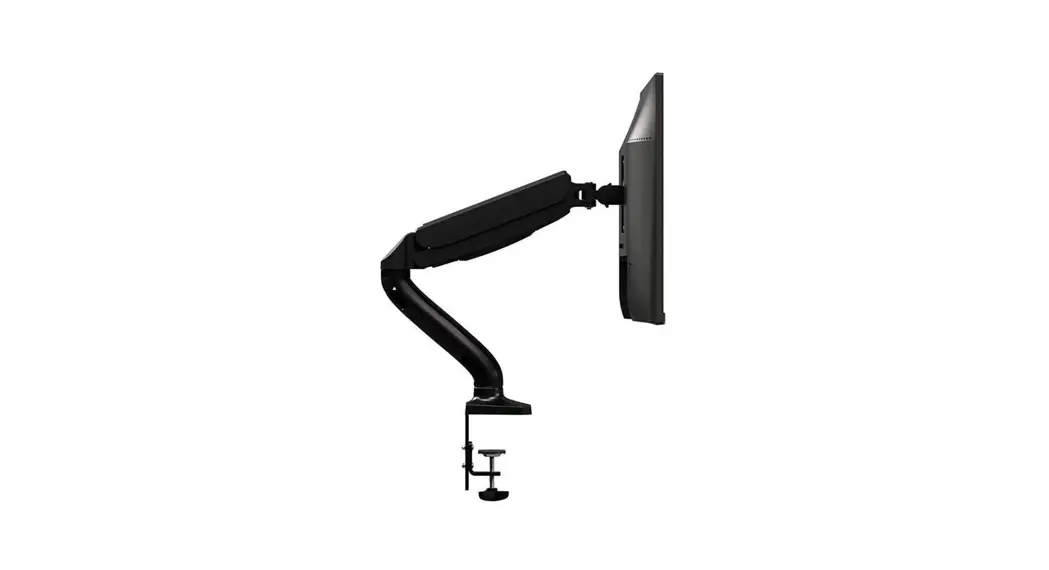

AS110D0
Get your monitor in the optimum position easily with
AS110’s mechanical gas-spring arm
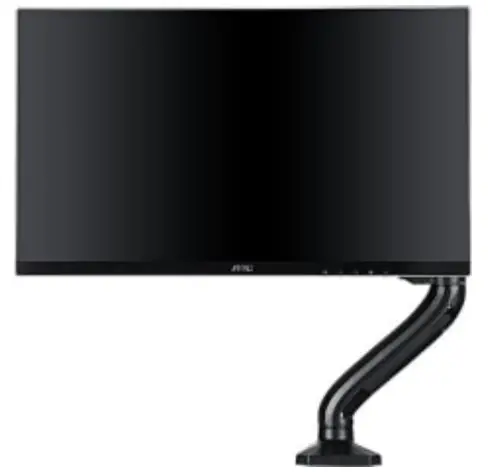

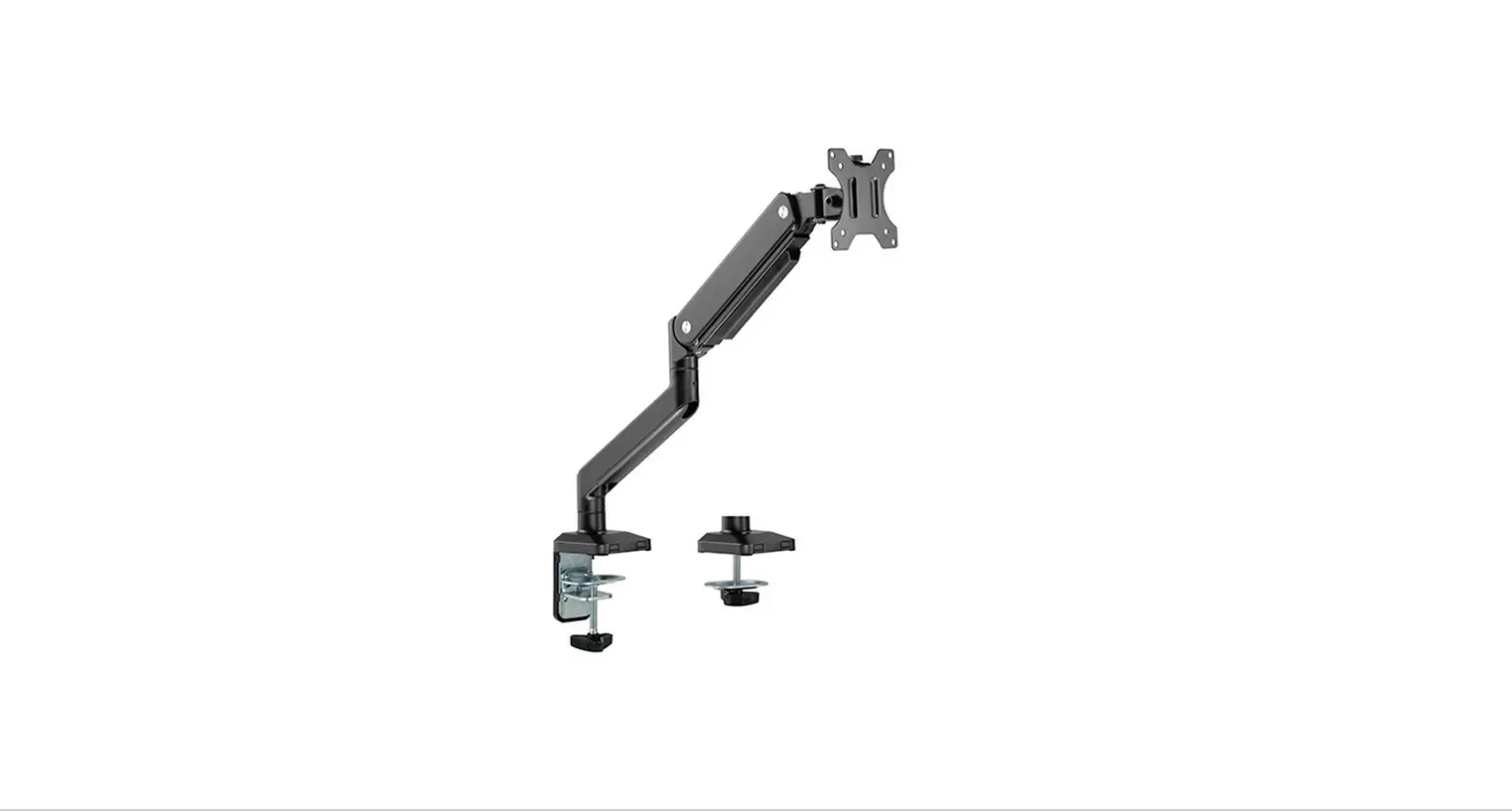
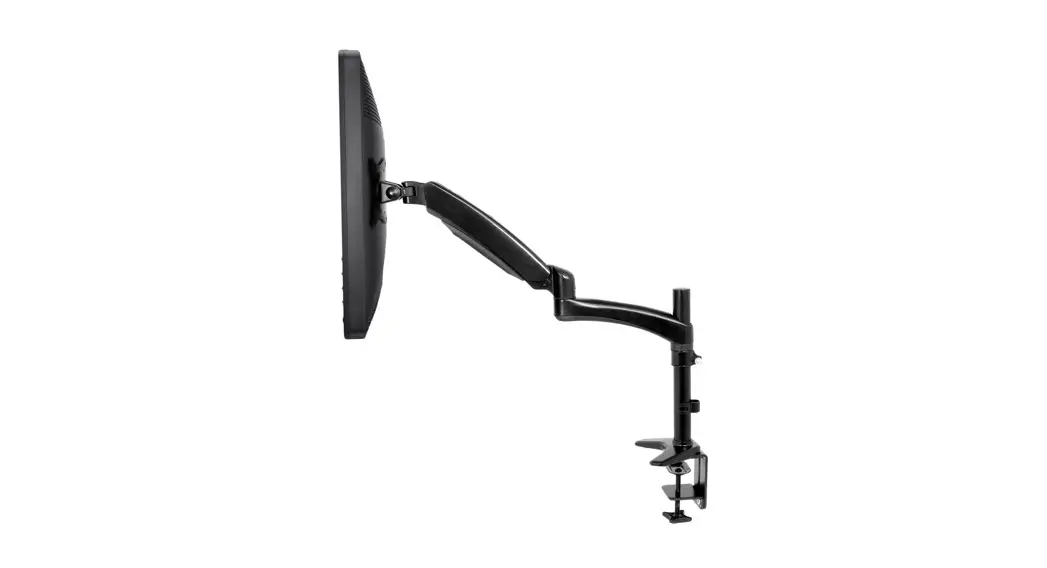
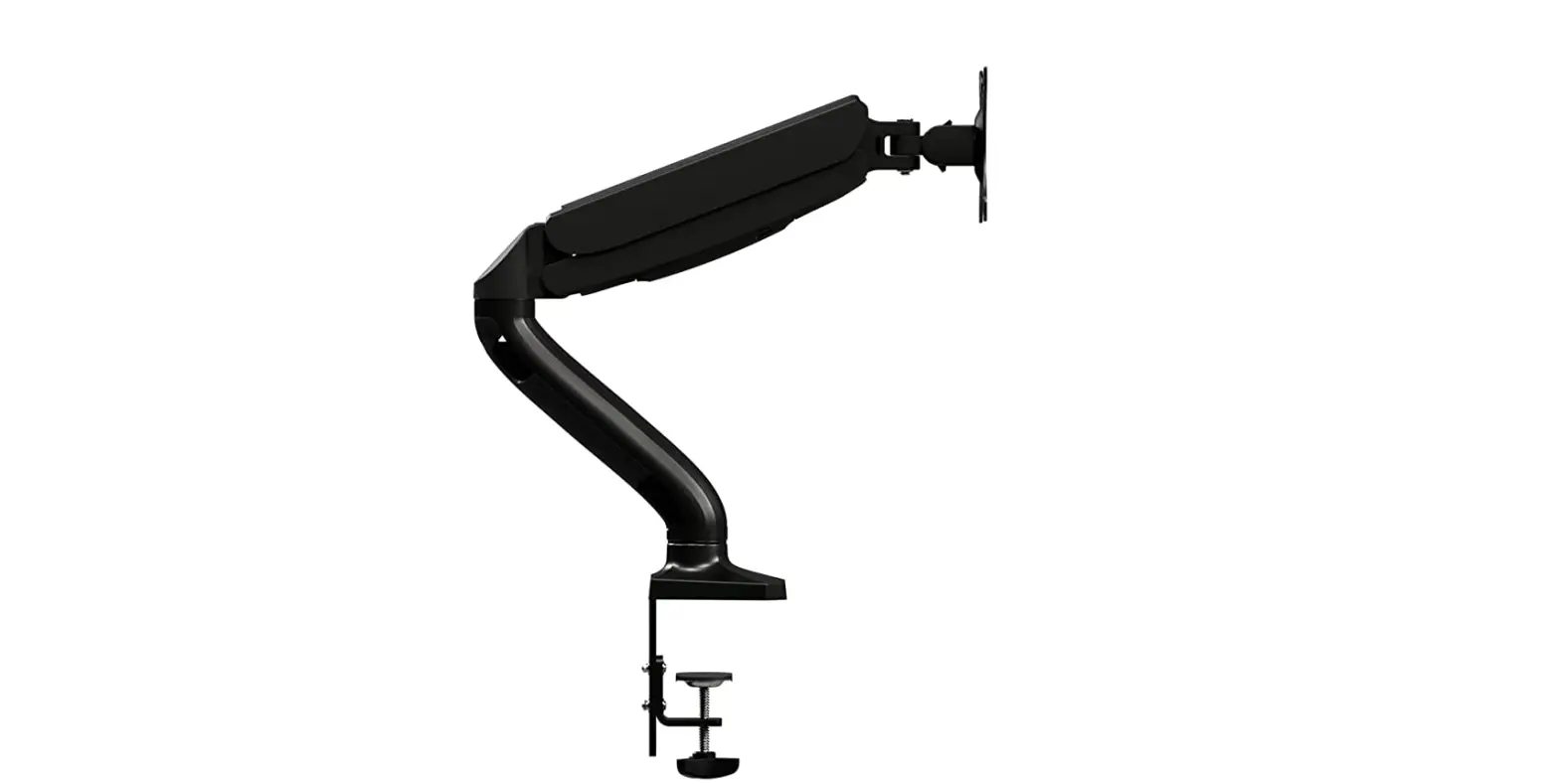
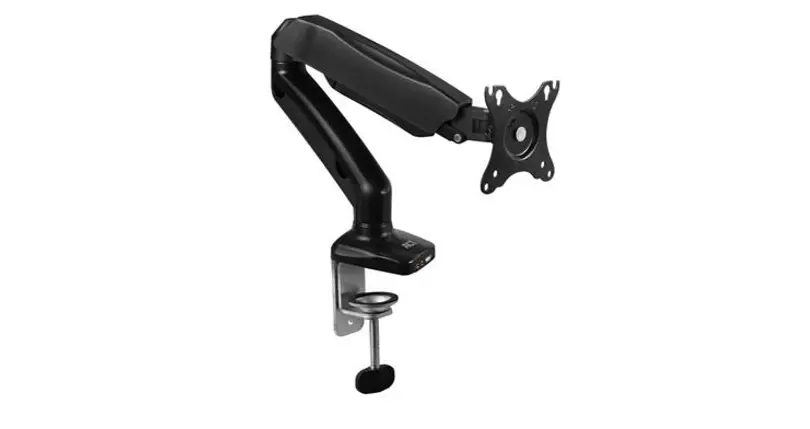
AS110D0 Single Monitor Mount with Mechanical Gas Shock Absorber
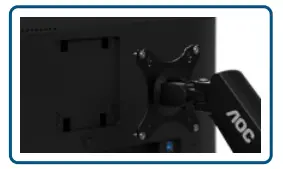
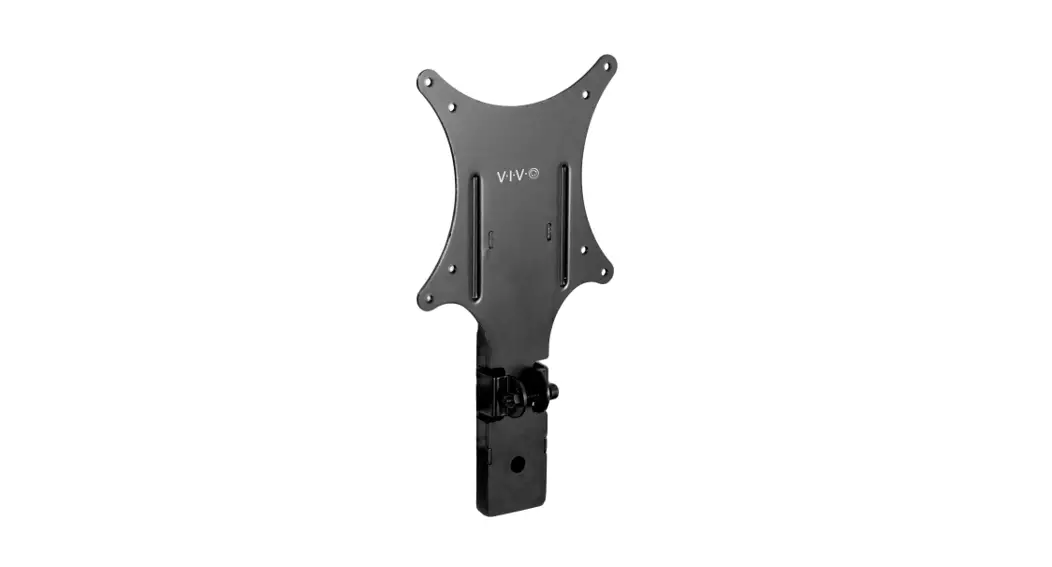
Vesa Connection
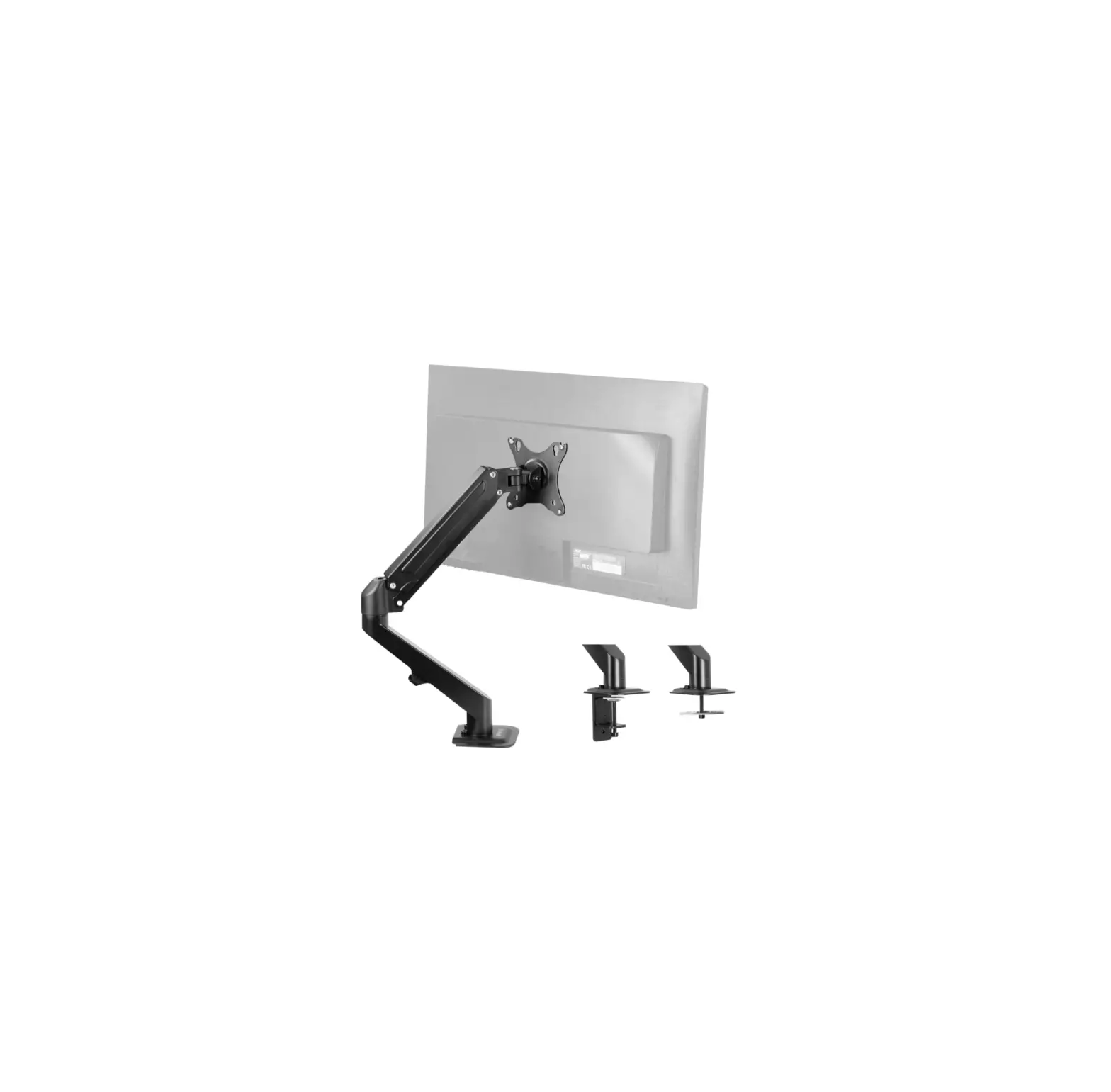
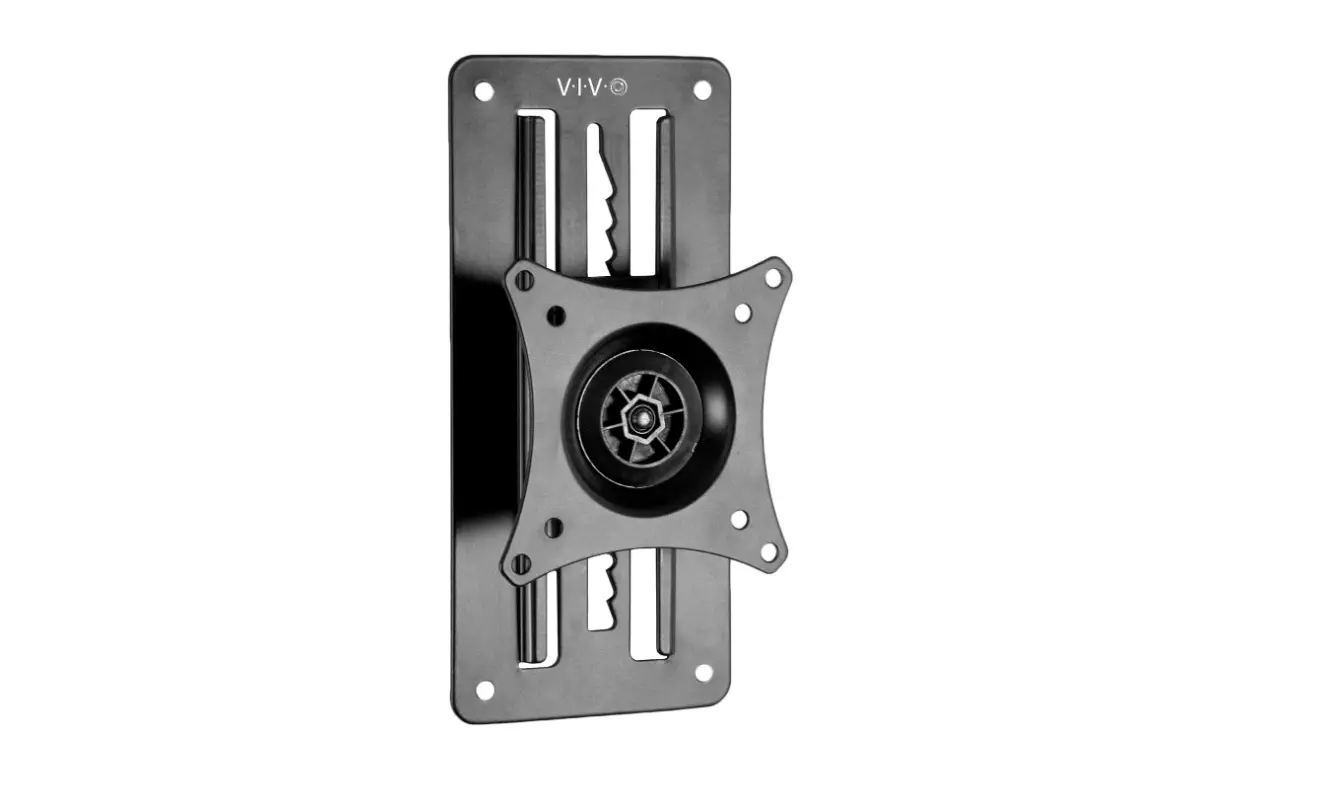
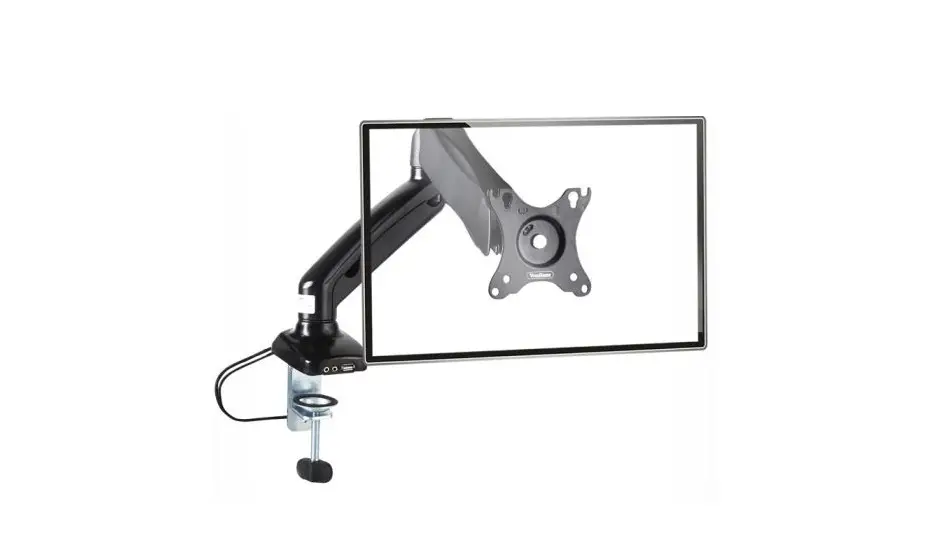
Any monitor equipped with a VESA mounting grid (100×100 or 75×75) can easily be attached to the monitor arm. The VESA mounting system is a widely used solution that most monitors are equipped with. Four screws hold the monitor securely to the mount, by its centre of gravity.
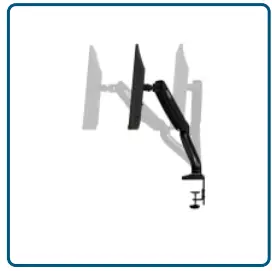
Swivel & Tilt
Some monitor stands come with a limited tilt and swivel range. Using a monitor arm increases your monitor’s range of motion dramatically: You can tilt the monitor in a wide range so it points upwards or downwards for the optimal viewing angle. The integrated swivel enables you to turn the display horizontally.
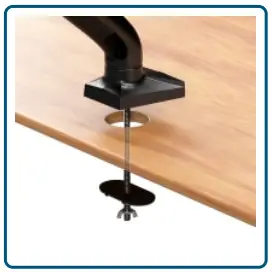
C-lamp or Grommet Mount
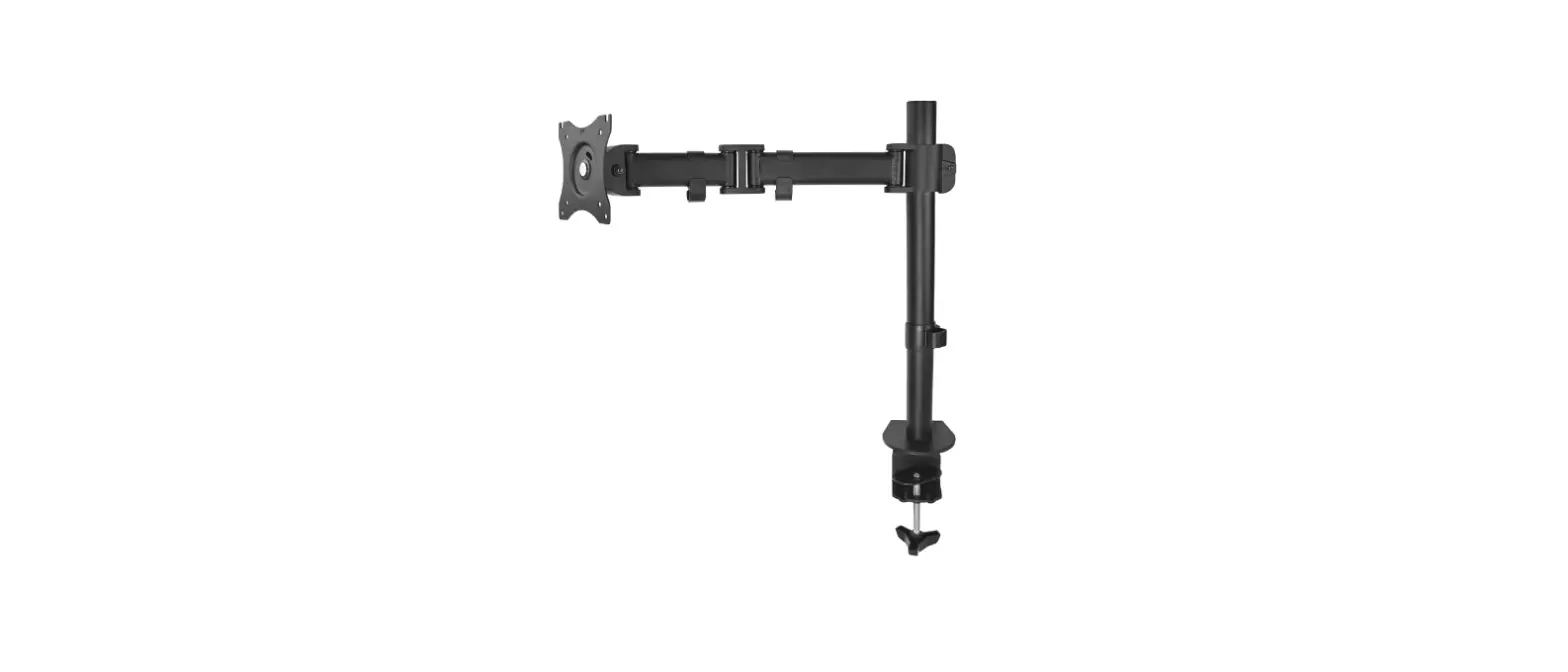
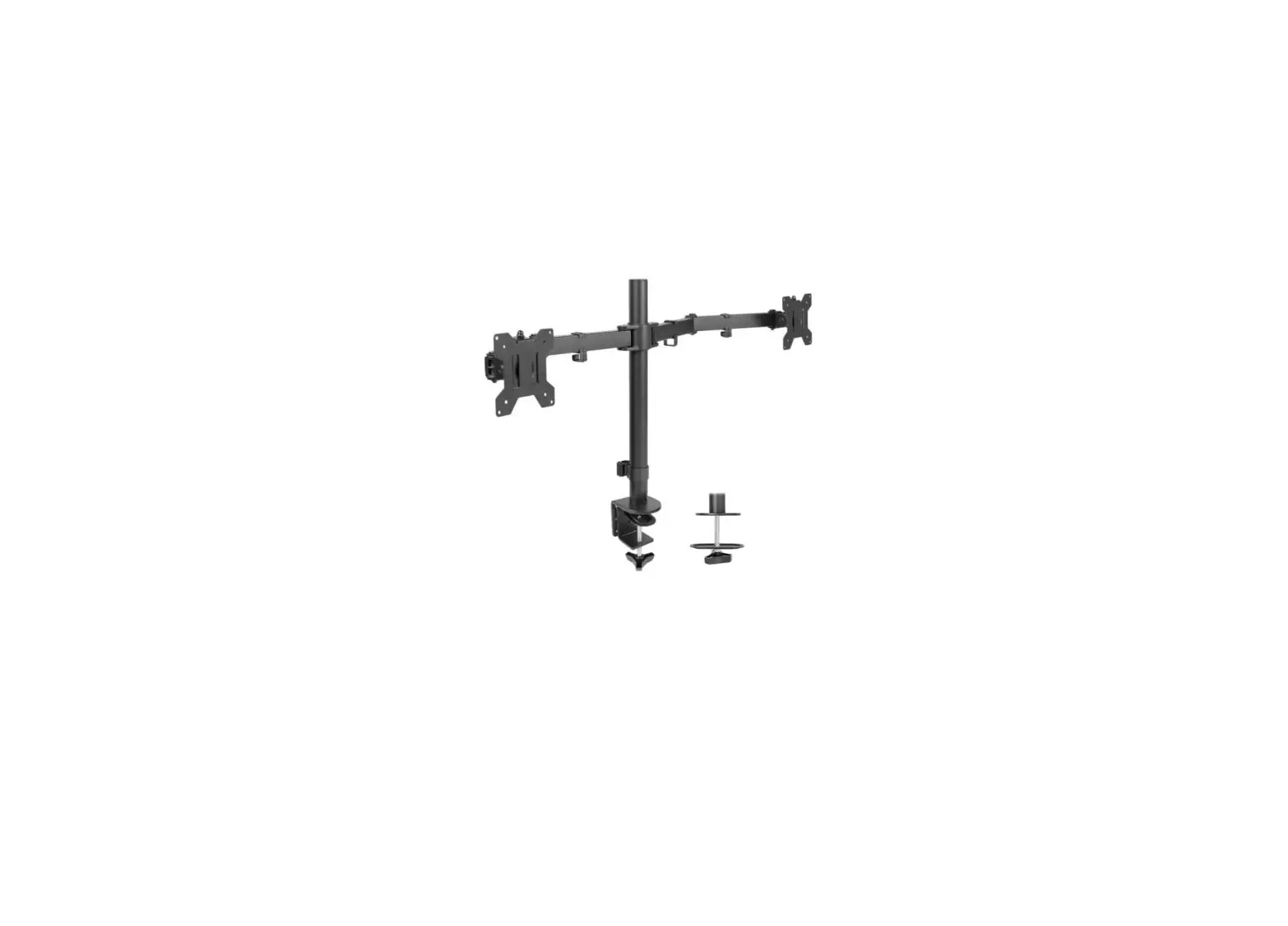
Choose between Grommet or C-lamp mount to sit the monitor arm firmly on your desk.
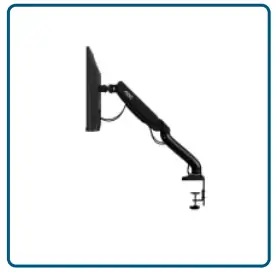
Cable Management
Using the detachable covers on the monitor arm, simply push through your cables inside the pre-allocated routes in the monitor arm. After fitting both power and display cables inside, close the covers and experience a tidy desk with neatly organised connections. Cables are kept in place even when moving the display or turning it into portrait mode.
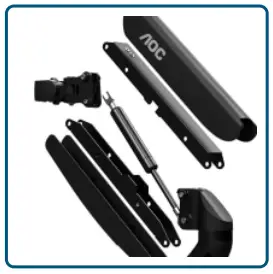
Mechanical Gas Spring System
Smooth motion in extension, retraction, or changing orientation. The precise mechanical gas-spring allows easy adjustment with just a firm hand move, and the monitor stays sturdily in its adjusted position. Easily adjust it anytime to get the most ergonomic position. Spring tension is adjustable for lighter/heavier monitors for easy movement and firmness
General
| Modell name | AS110D0 |
| EAN | 4038986636728 |
| Produktlinie | Accessories |
| Kanal | B2B |
| Sektion | Consumer, Business |
| Produktstart | 2/9/2019 |
Product Features
| Ergonomic Adjustment System | Gas Spring |
| Recommended Supportable Monitor Size Range | 13″ – 27″ |
| Built In Cable Management | ✔ |
| Weight Capacity Range (each monitor arm) | 2 – 9 Kg |
| Maximum Height | 440 mm |
| Adjustable Height Range | 320 mm |
| Stretch Length Range | 460 mm |
| Tilt Range | -45⁰ ~ +60⁰ |
| Swivel Range | -90⁰ ~ +90⁰ |
| Pivot range | 360⁰ |
Warranty
| Garantiezeitraum | 5 Years |
Dimensions / Weights
| Product weight | 2.4 kg |
| Kartonmaße (HxBxT) | 41 x 28 x 12 cm mm |
| Packaging Weight | 3.0 kg |
What’s in the box?
| What’s in the box? | Monitor Arm, Clamp mount |
Connectivity
| VESA Plate Monitor Mount | 75x75mm, 100x100mm |
| Desk Mount Base | Clamp, Grommet mount |
| Clamp Mount Table Thickness Range | 0 – 10.5 cm |
| Grommet Mount Table Thickness range | 0 – 8.3 cm |
| Grommet Mount Table Surface Hole Range | 0.7 – 8.7 cm |
Design
| Colour | Black |
| Materia | Aluminium Alloy |