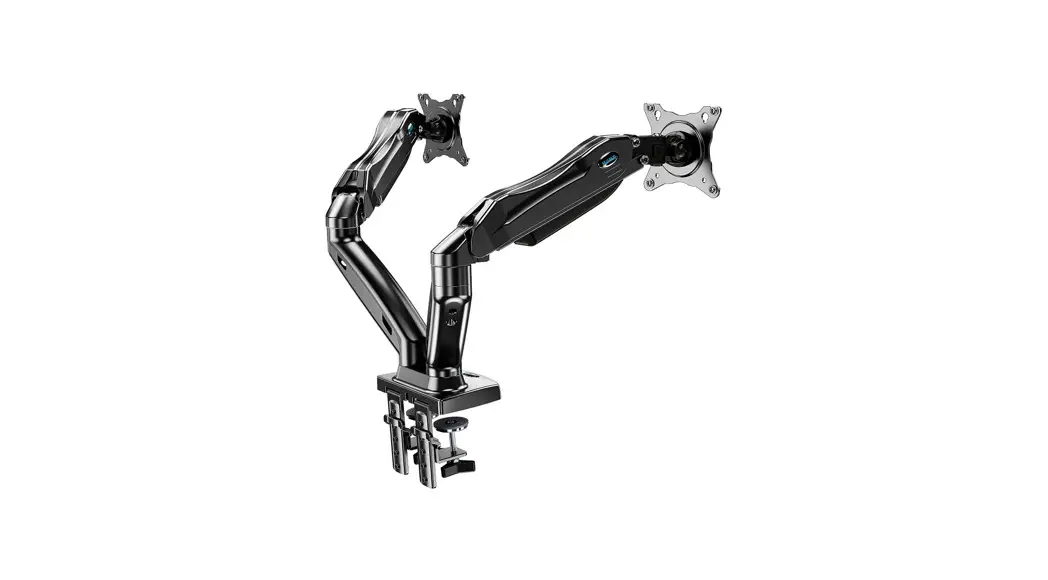
Product Information
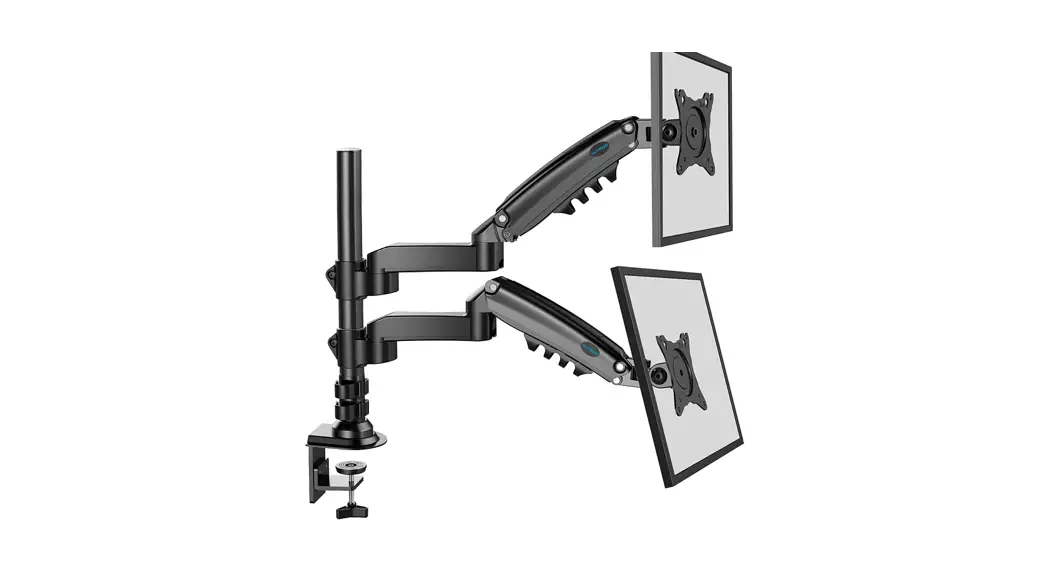
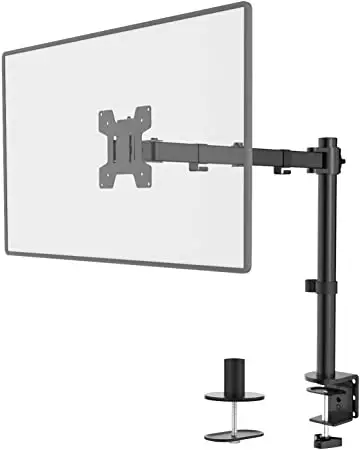
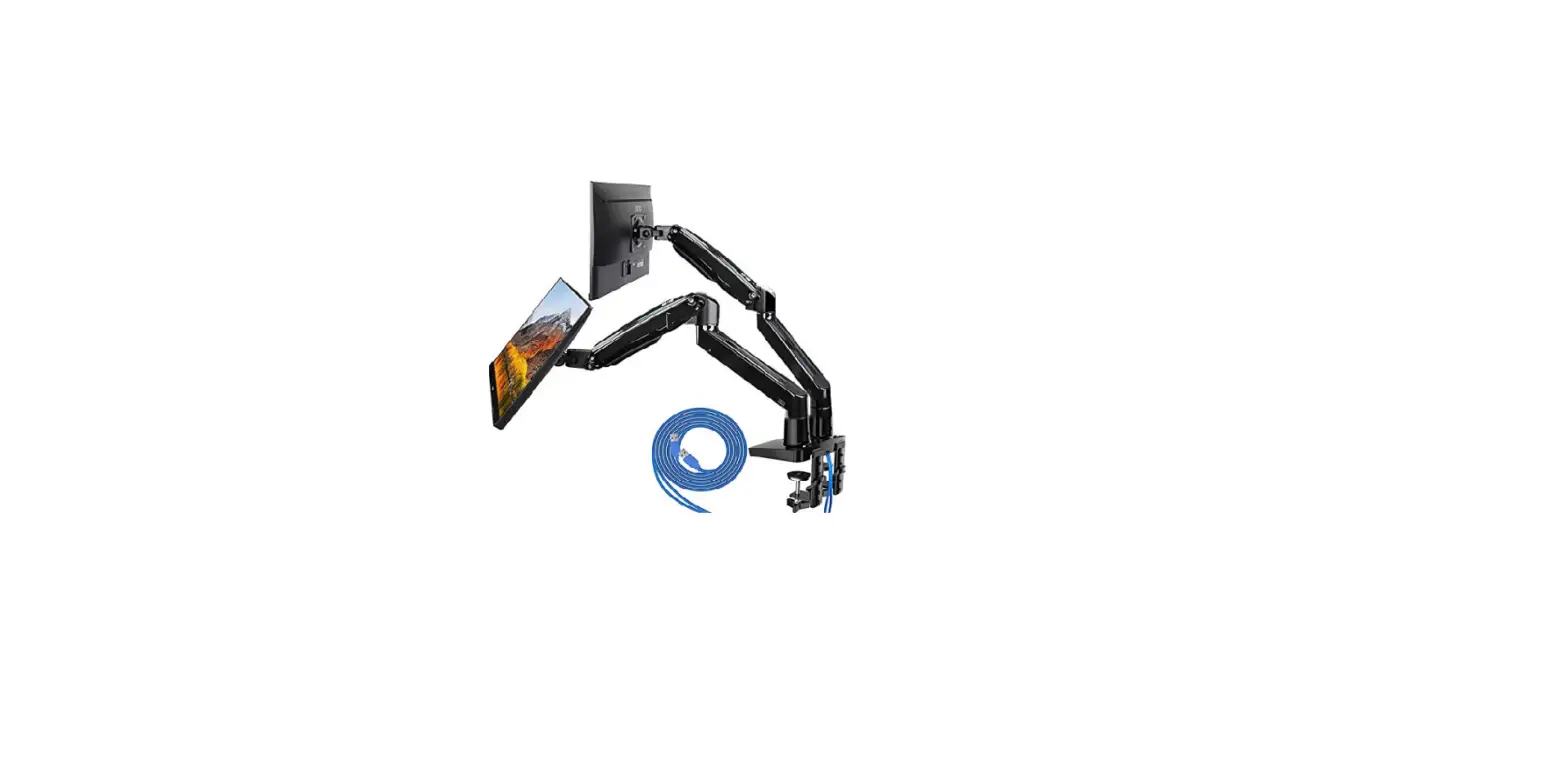
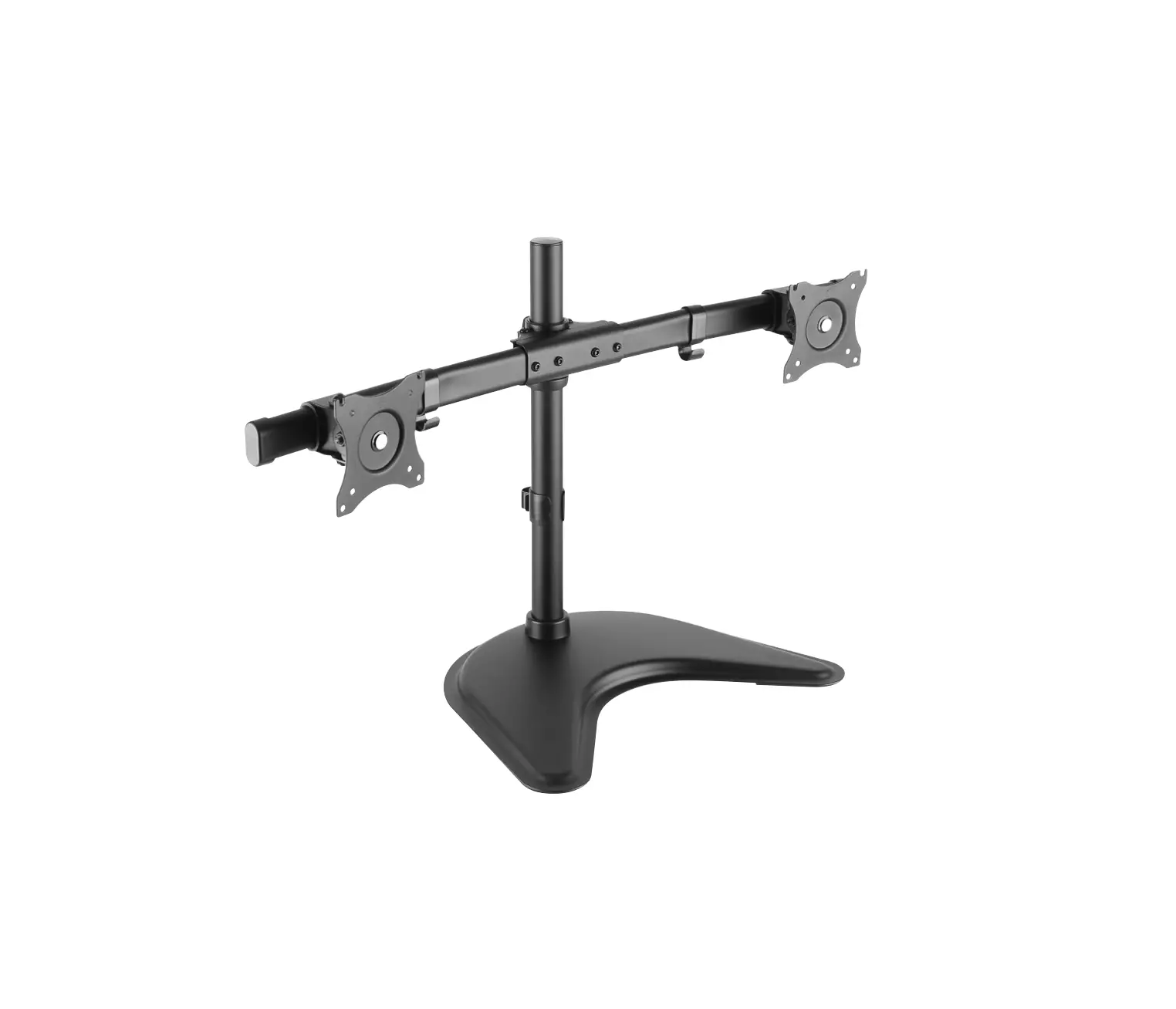
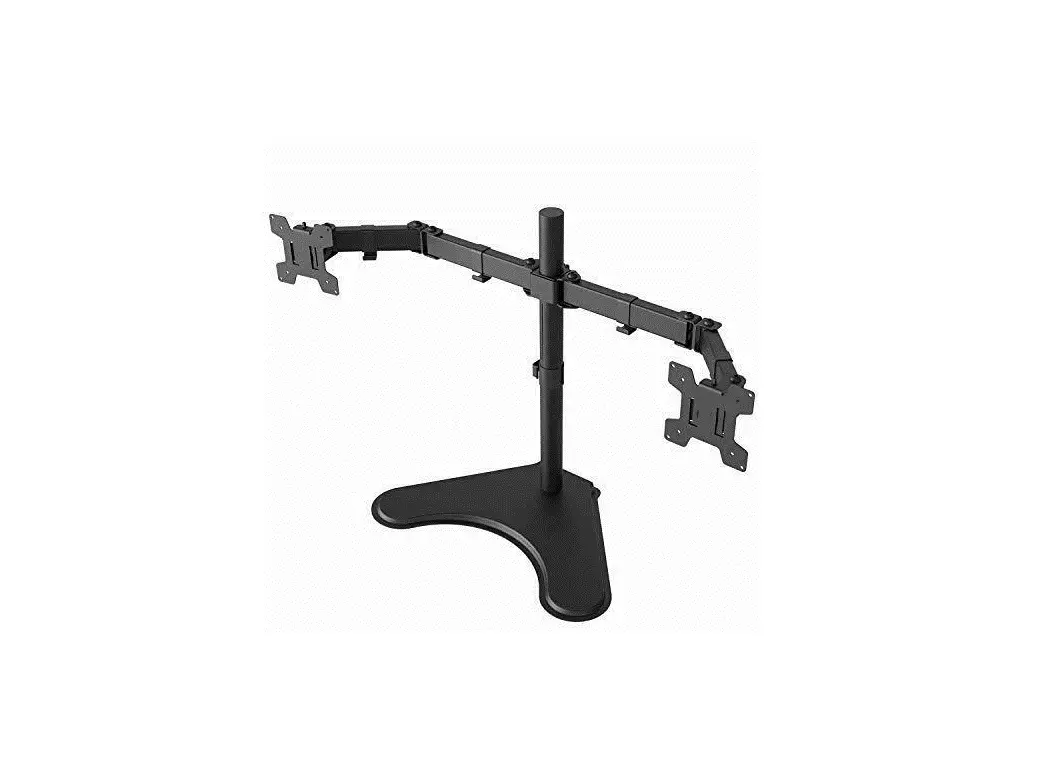
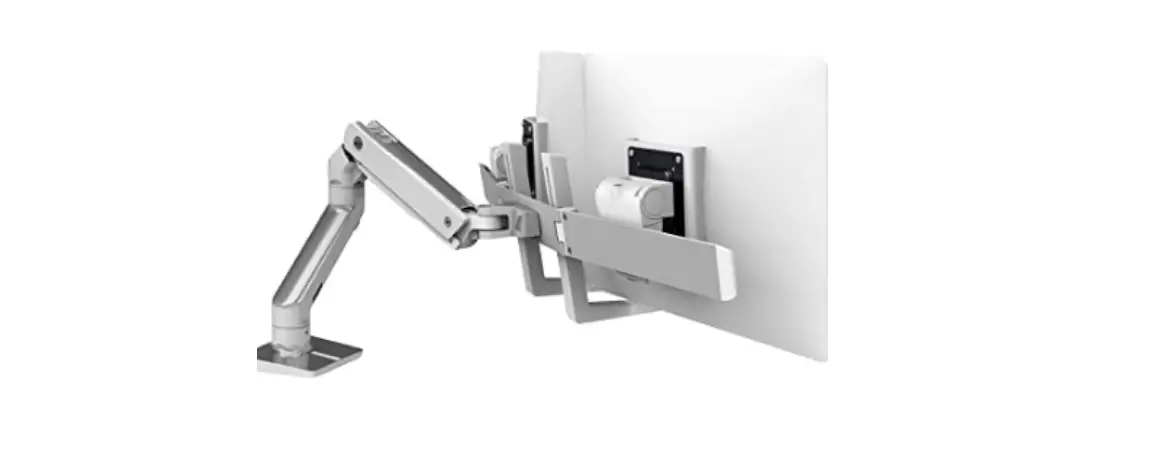
The product is a monitor mount that can hold up to two flat
monitors weighing between 1-18kg each or two curved monitors
weighing between 1-14kg each. The mount is compatible with various
Pixio monitor models as well as non-Pixio brands that have VESA
hole depths compatible with the screw sizes provided in the chart
below.
| Pixio Monitor Model | M-A | M-B | M-C | M-D | M-E | M-F |
|---|---|---|---|---|---|---|
| PX222 | x | x | x | |||
| PX248 Pro | x | x | x | |||
| PX248 Prime | x | x | x | |||
| PX248 Prime S | x | x | x | |||
| PX248 Prime Advanced | x | x | x | |||
| PX243 | x | x | x | |||
| PXC243S | x | x | x | |||
| PX257 Prime | x | x | x | |||
| PX259 Prime | x | x | x | |||
| PX259 Prime S | x | x | x | |||
| PX273 | x | x | x | x | x | x |
| PX273 Prime | x | x | x | x | x | x |
| PX274 Prime | x | x | x | x | x | x |
| PX277 Prime | x | x | x | |||
| PX278 | x | x | x | |||
| PX279 Prime | x | x | x | |||
| PX275C Prime | x | x | x | |||
| PX277 Pro | x | x | x | x | x | x |
| PXC273S* | x | x | x | x | x | x |
| PXC277* | x | x | x | |||
| PXC277 Advanced* | x | x | x | x | x | x |
| PXC279* | x | x | x | |||
| PXC325 | x | x | ||||
| PXC327 | x | x | ||||
| PXC327 Advanced | x | x | ||||
| PXC348C | x | x | x | x | x | x |
*For PXC273S, PXC277, PXC277 Advanced, and PXC279, use the VESA
plate adapter that comes with the monitor.
Product Usage Instructions
- Determine the weight of your monitor(s) to ensure they are
within the weight limit of the mount. - Check the VESA hole depth of your monitor and refer to the
chart to determine which screw set is compatible with your
monitor. - If you have a Pixio monitor model listed in the chart, use the
corresponding screw set. If you have a non-Pixio brand monitor, use
the proper screw size based on your monitor’s VESA hole depth. - If you have a PXC273S, PXC277, PXC277 Advanced, or PXC279
monitor, use the VESA plate adapter that comes with the
monitor. - Attach the mount to a sturdy surface using the provided screws
and anchors. Ensure that the mount is level and secure before
attaching the monitors. - Attach the monitors to the mount using the screw set that
corresponds to your monitor model or VESA hole depth. Follow the
instructions provided with your monitor for attaching it to a VESA
mount. - Adjust the position of the monitors as desired and tighten the
screws to secure them in place.
35″
Flat Monitor: (1-18kg)x2 Curved Monitor: (1-14kg)x2
Below is a chart that shows which screw sets are compatible with your monitor. For non-Pixio brands, please check your monitor’s VESA hole depth and use the proper screw size. For questions or comments, please contact us at [email protected]
M-A
M-B
M-C
M-D
M-E
M-F
PX222
PX248 Pro
PX248 Prime
PX248 Prime S
PX248 Prime Advanced
PX243
PXC243S
PX257 Prime
PX259 Prime
PX259 Prime S
PX273
PX273 Prime
PX274 Prime
PX277 Prime
PX278
PX279 Prime
PX275C Prime
PX277 Pro
PXC273S*
PXC277*
PXC277 Advanced*
PXC279*
PXC325
PXC327
PXC327 Advanced
PXC348C
*Use VESA plate adapter that comes with the monitor