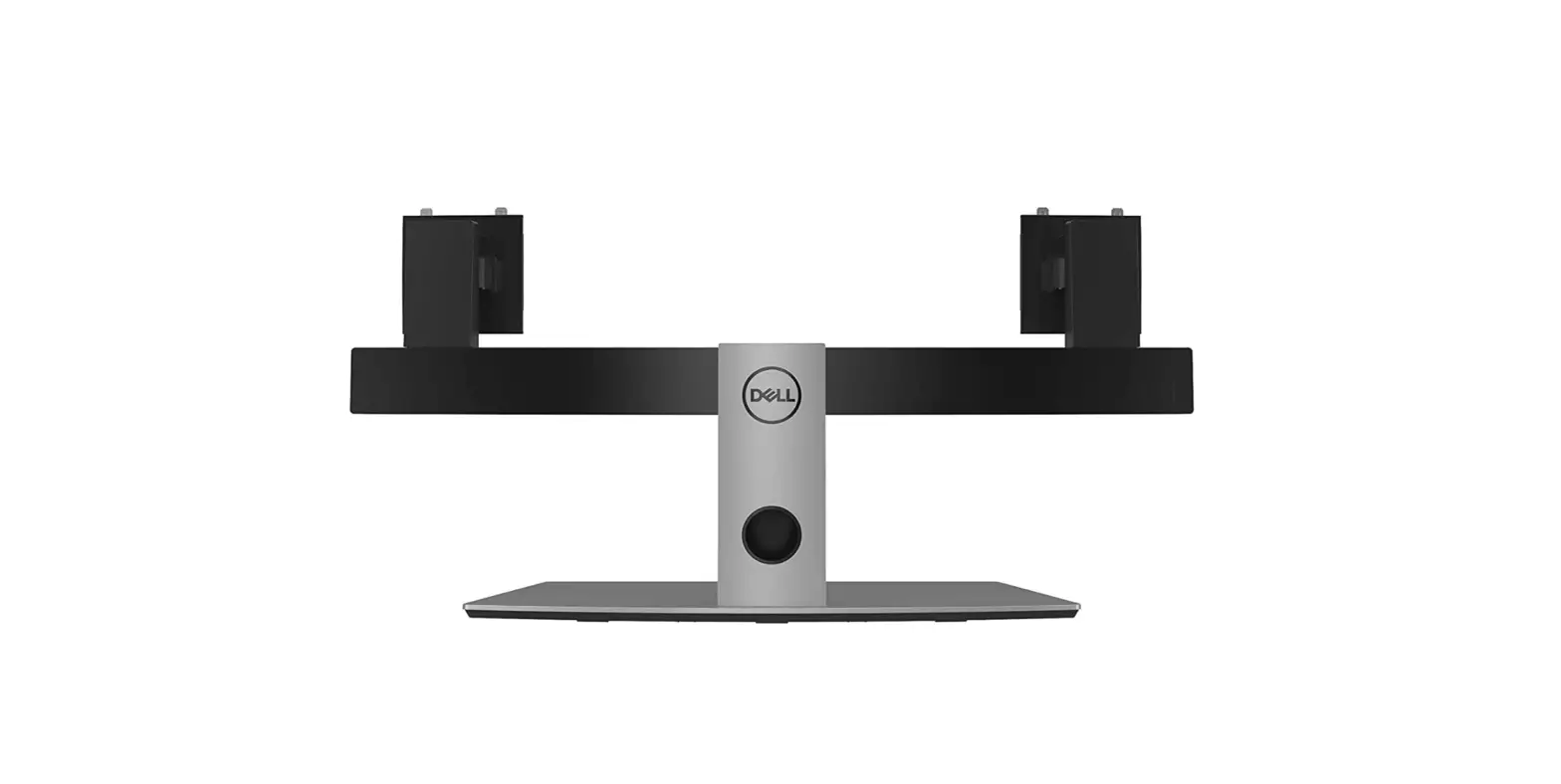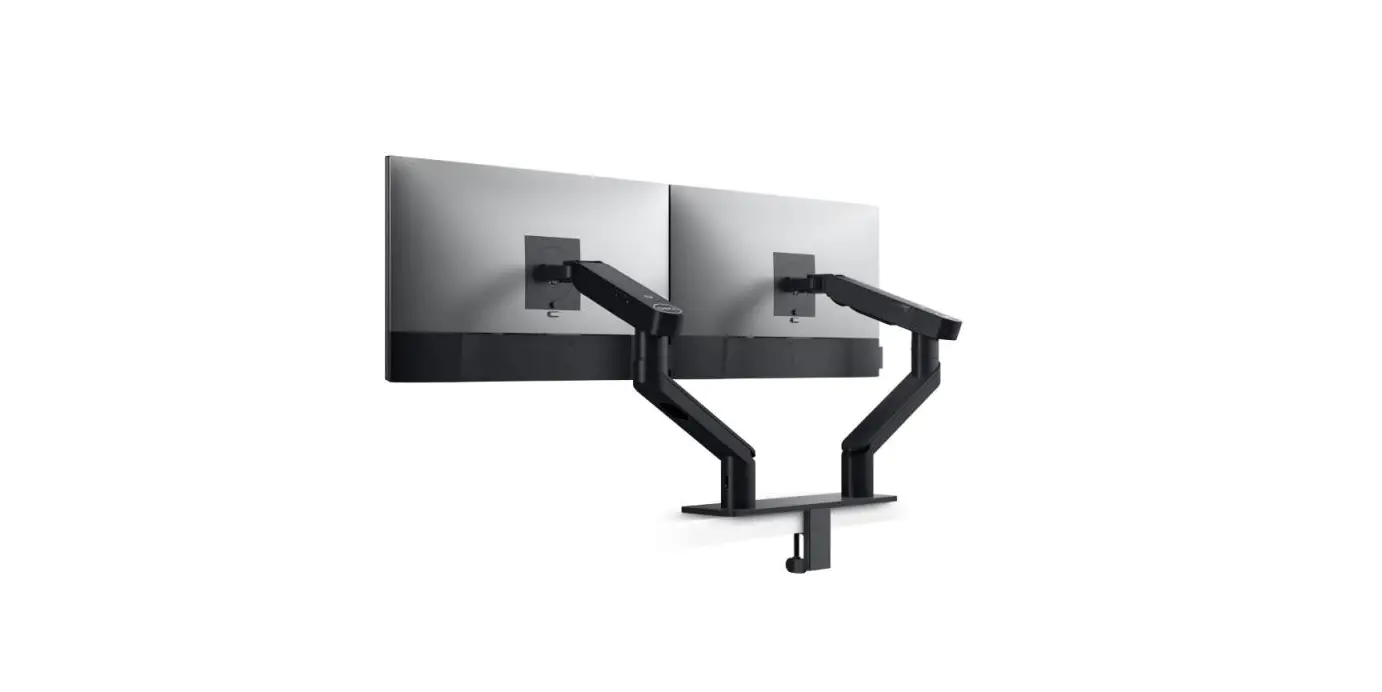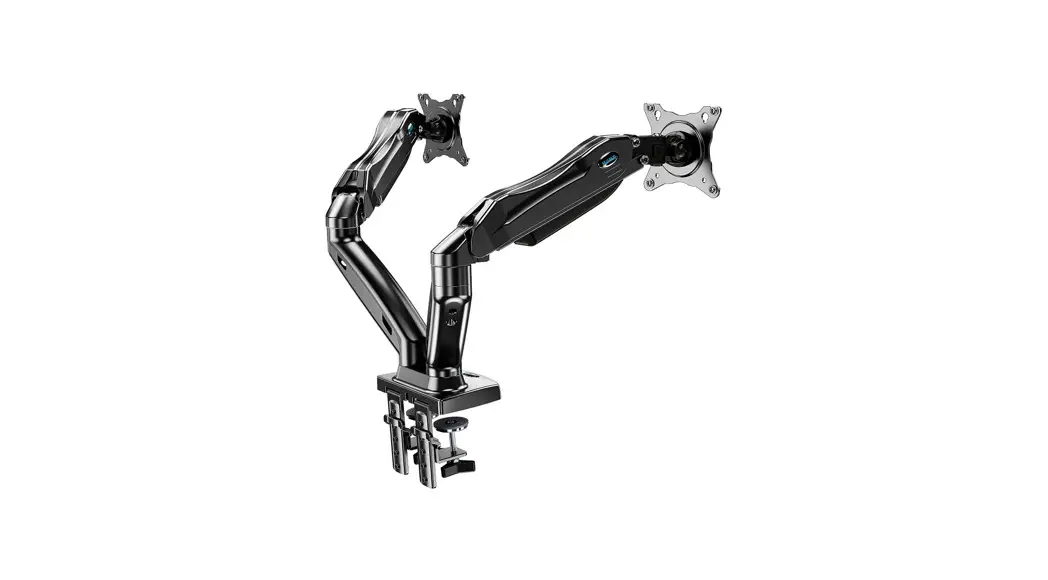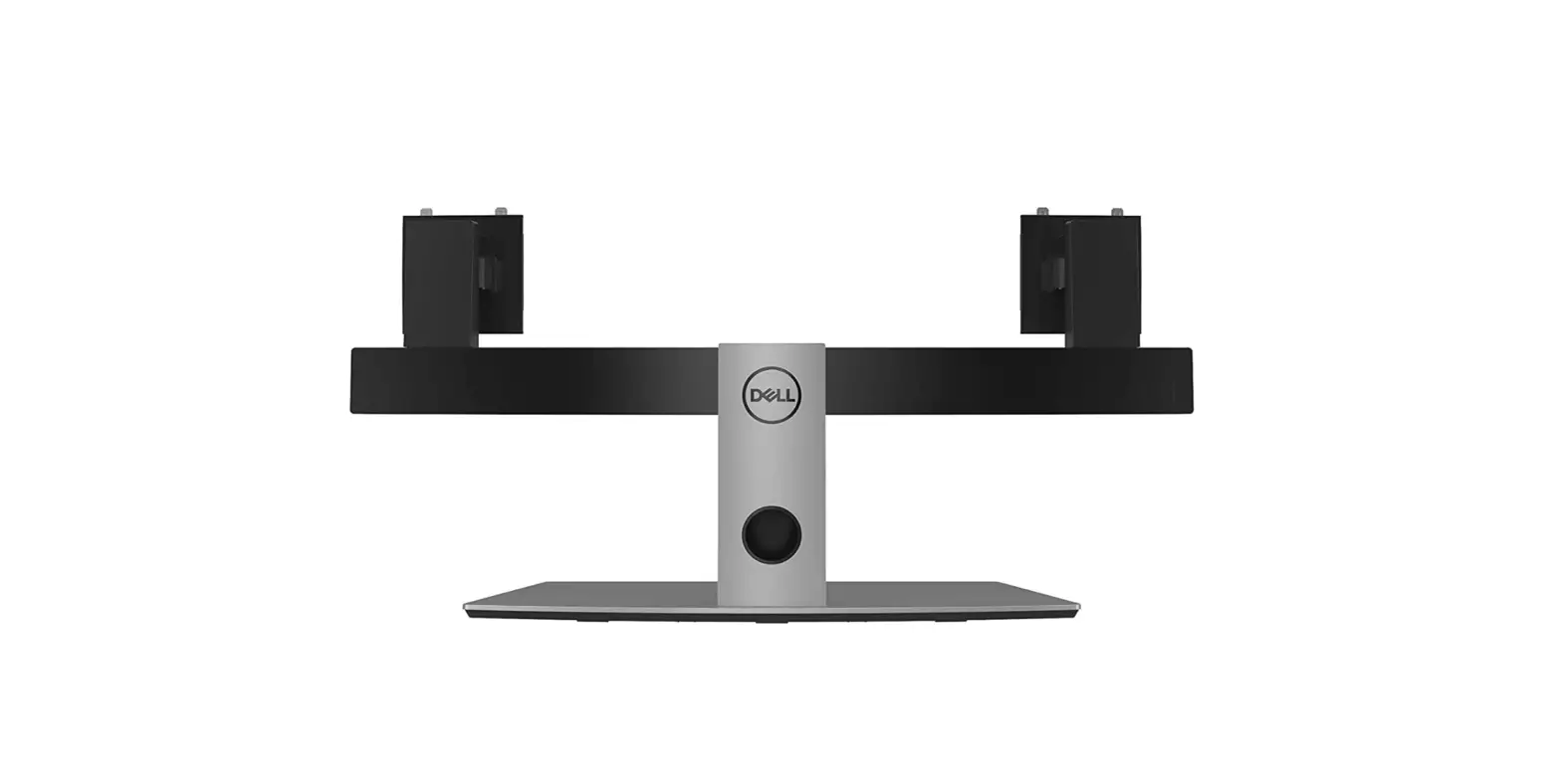

DELL MDS19 Dual Monitor Stand
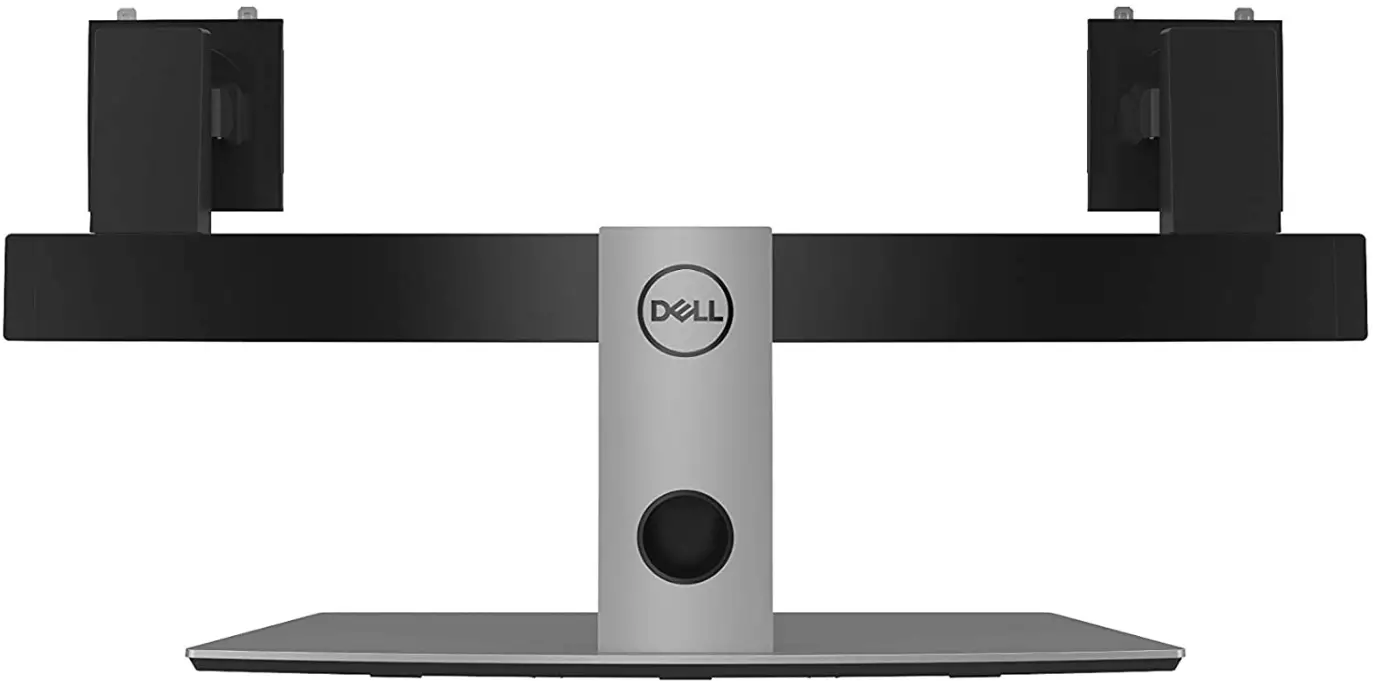
Specification
- Brand: Dell
- Item model number: MDS19
- Standing screen display size: 27 Inches
- Item Weight: 18.48 pounds
- Product Dimensions: 14 x 11 x 3 inches
- Item Dimensions LxWxH: 14 x 11 x 3 inches
- Voltage: 1 Volts
- Batteries: 1 Lithium Ion batteries required.
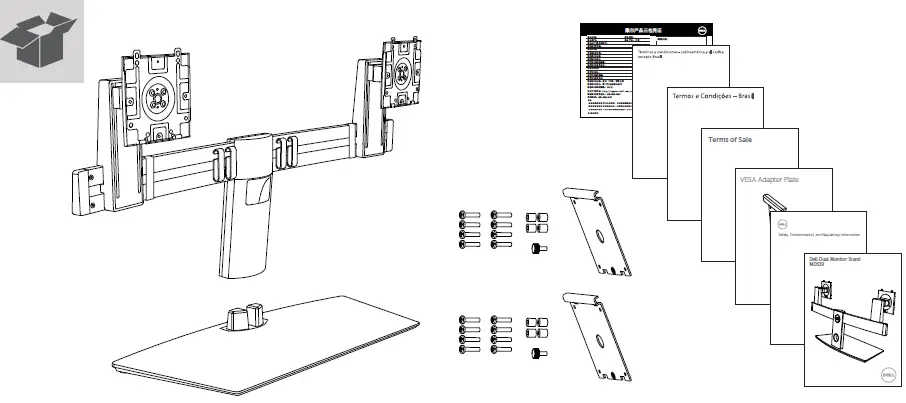
What’s in the box?
- DELL MDS19 Dual Monitor Stand
- Screw and bolts
- Installation Guide
Description
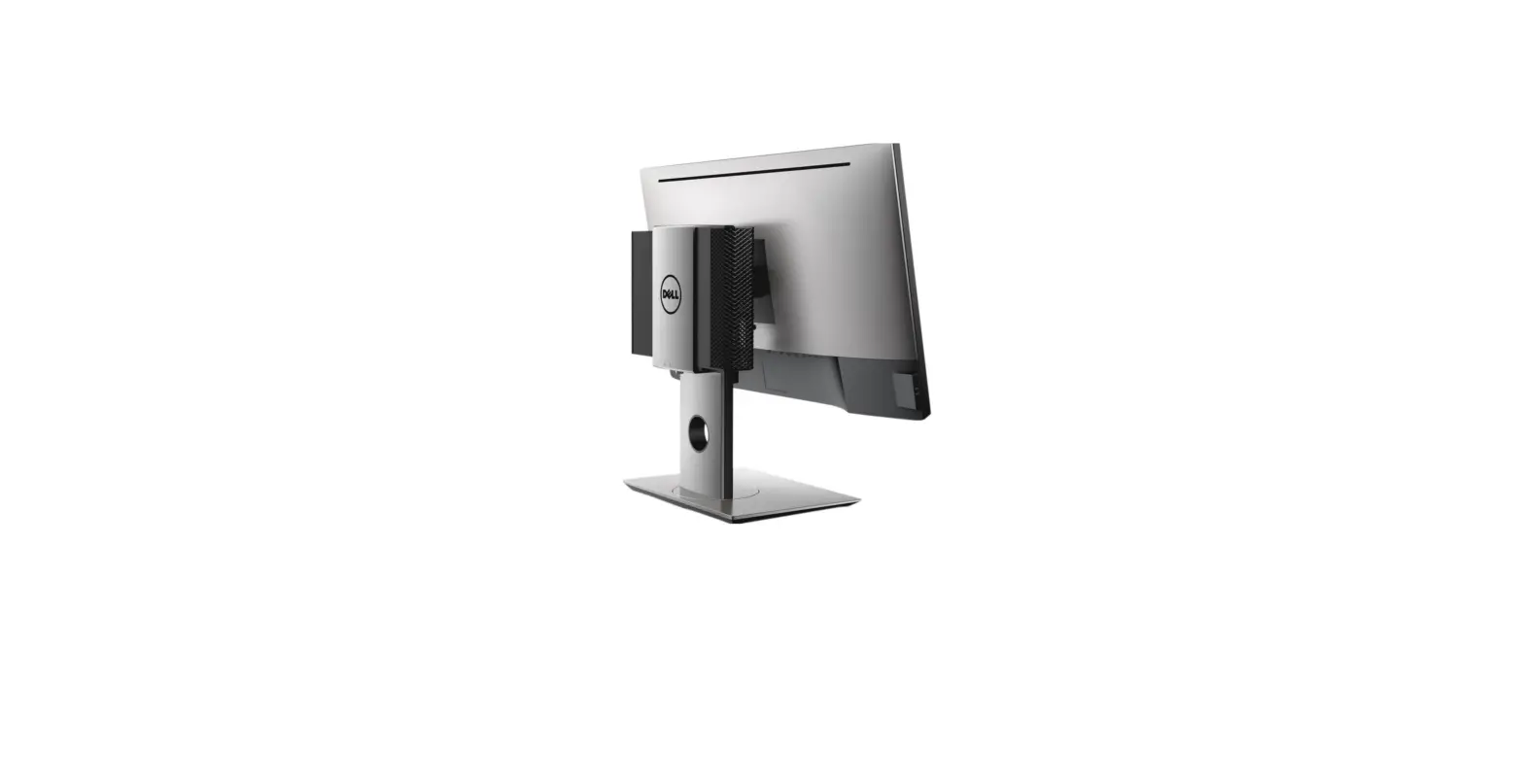
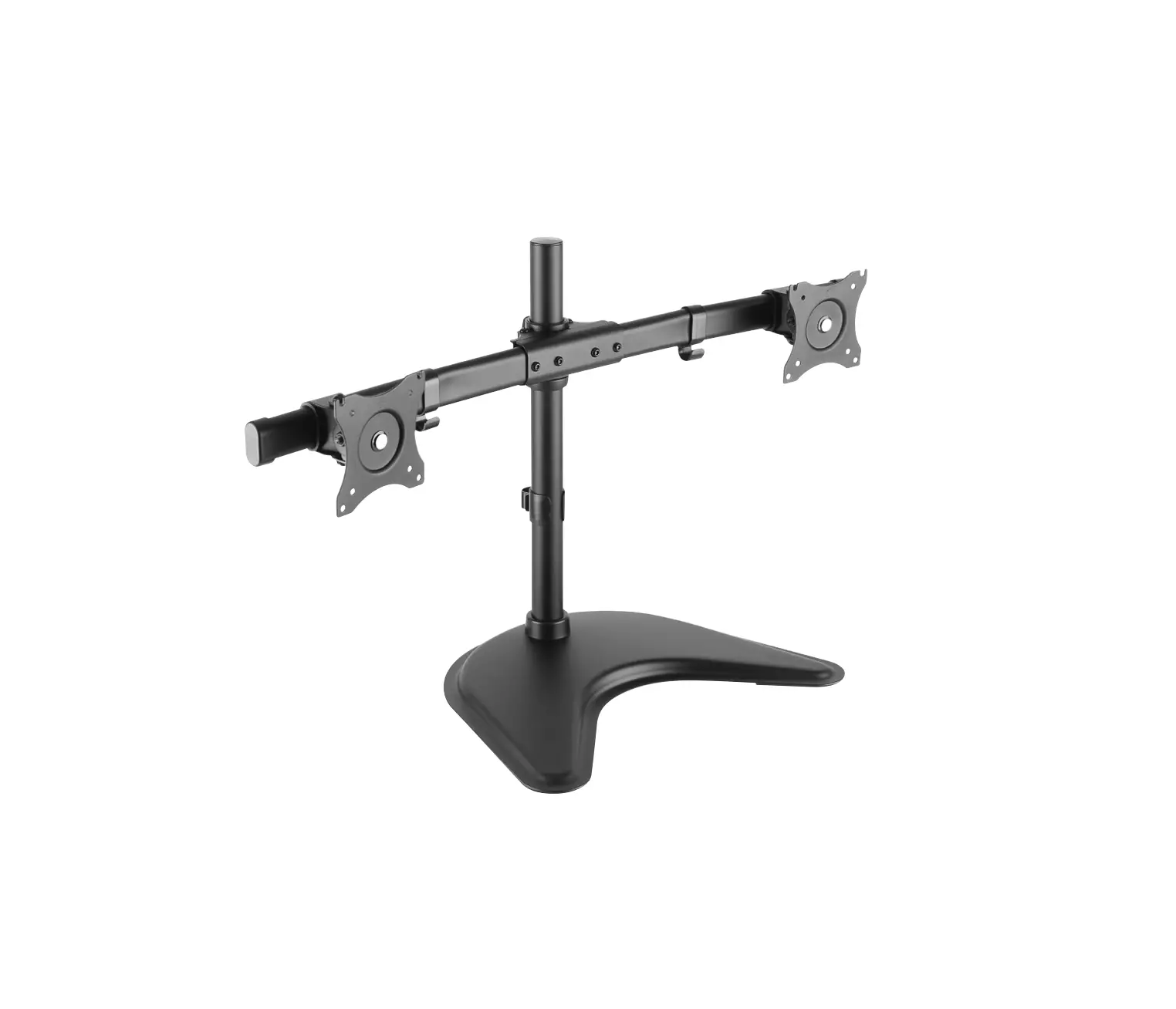
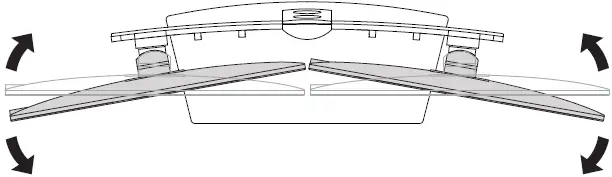
The Dell dual monitor stand – MDS19 attaches up to two 27-inch monitors while saving space and giving you the screen space you need for maximum productivity. The Dell dual monitor stand – MDS19 was created to have a 30% smaller footprint and a greater viewing distance than its predecessor, freeing up valuable space in front of you for writing and referencing while also providing better viewing comfort. Its stand’s thoughtful design includes cable management features that neatly conceal cords. Your cables can be arranged by channeling them within the stand and via the circular cable hole. The curved crossbar’s cable clamps keep the cables neatly concealed and out of the way. Tilt ranges from -5 to 24 degrees, rotation ranges from -90 to 90 degrees, and swivel ranges from -10 to 15 degrees. Maximum Mounting Pattern Dimensions: 3.9 by 3.9
Features
- Dell UltraSharp or Series monitors can be quickly attached without the need for screws or other equipment by simply snapping the display panels into position.
- Using Dell Quick release and optimized for Dell UltraSharp and Series displays,
- 19″ to 27″ VESA-compliant monitor panels and Dell Series displays. Mount the Dell Series or VESA-compatible monitor using the provided VESA adaptor plate.
- Object Weight: 10.274 kg.
- Size of the package: 18.415 L x 86.36 H x 50.8 W (centimetres) (centimeters)
Note: Items with electrical plugs are made with American consumers in mind. Because outlets and voltage vary from country to country, this device might need an adapter or converter to be used where you are traveling. Before buying, kindly verify compatibility.
Installation Stand with Monitor
The steps are the following
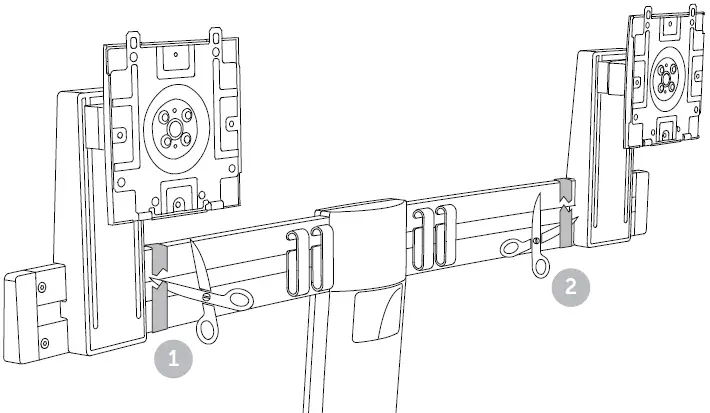
Fix the screws in the stand with a plate
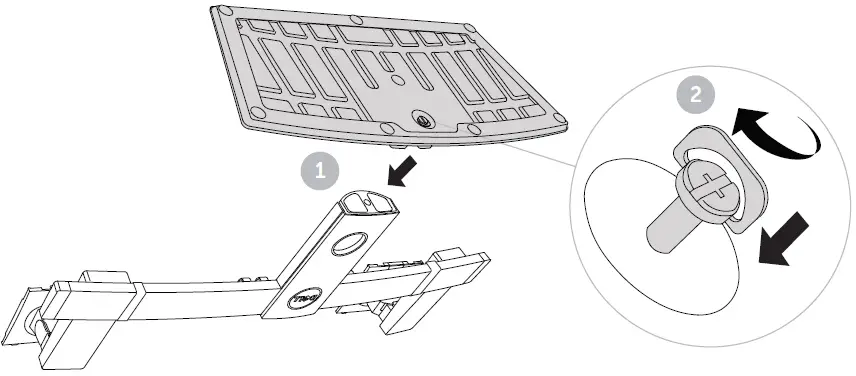
Remove the taps
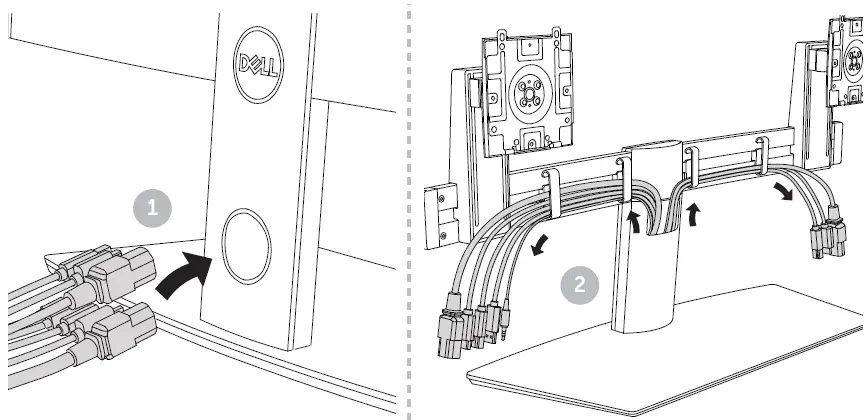
Assemble the wiring of LCD with stand
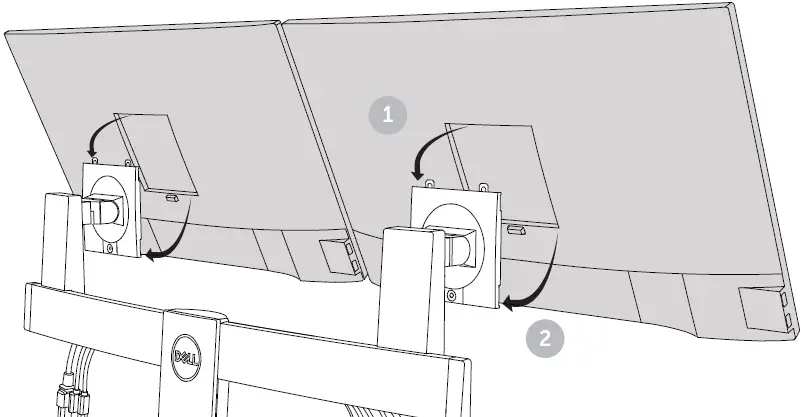
You can rotate the LCD from 1 point to 2 point
Where you Connect the wires
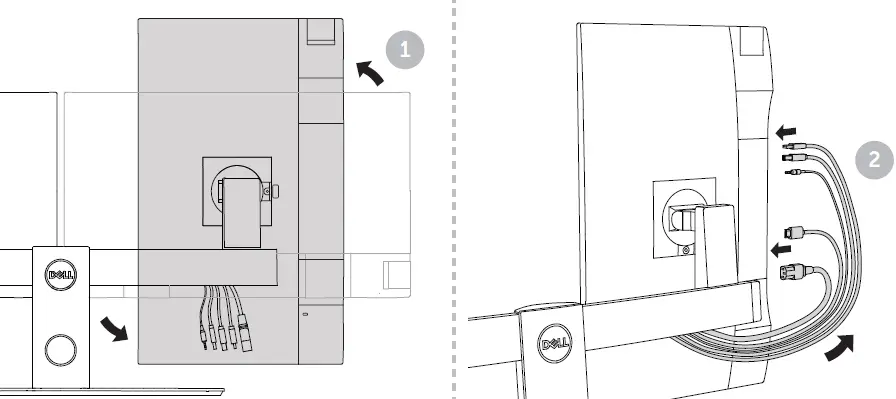
Rotation
FAQ’s
This stand comes with 2 Vesa adapter plates.
The pair of Dell 27″ monitors I have are just under 7″ above the desk.
The base is not a rectangle. It is almost a trapezoid with a shorter (and straight) side in the front and a longer (slightly curvy) side in the back. It can fit in a 19″ x 10″ rectangle.
Yes, it’s compatible.
Yes compatible with dell s2319nx monitors
Yes, my monitors are BENQ and they worked perfectly.
As long as they have the required Vesa mount yes they should work well.
This stand has been designed to work with Dell UltraSharp and P-series monitors with Dell Quick Release, Dell E-series monitors, and 19” to 27” VESA-compatible monitor panels.
Yes, the stand is adjustable, so you can place the monitors in just about any position you choose.
Yes, the dual Monitor Stand is compatible with the Dell U2717D monitor.
This dual monitor stand is not compatible with the Dell SE24 series Monitor.
Yes, this dual monitor stand is compatible with E2216HV monitors.
When the stand is pushed against a wall, a perfectly vertical monitor would be approximately 10 inches far from the wall.
Push the stand down towards the monitor until it locks in place, (The base of the stand will extend past the level of the desk and you can hear an audible “Click” when the latch is engaged). Gently lift up on the base to ensure the mount lock is fully engaged before setting the display upright.
All dell docks are VESA compatible, so as long as your monitor is as well, you would be good.
Download this PDF Link: DELL MDS19 Dual Monitor Stand Installation Guide