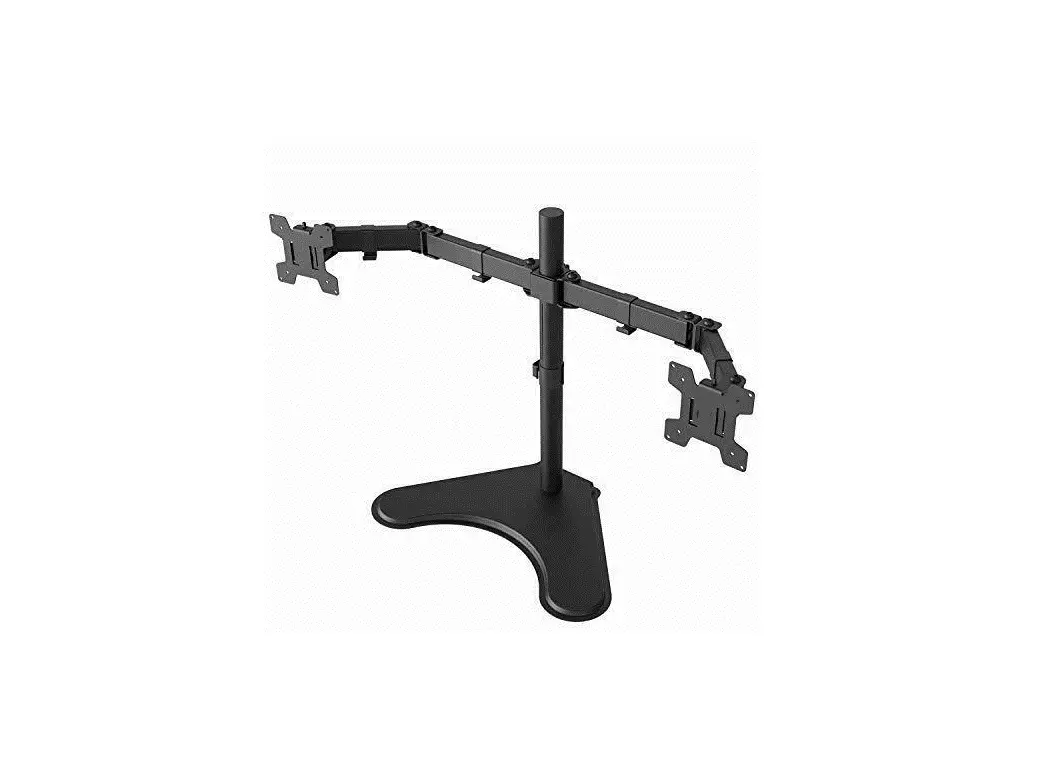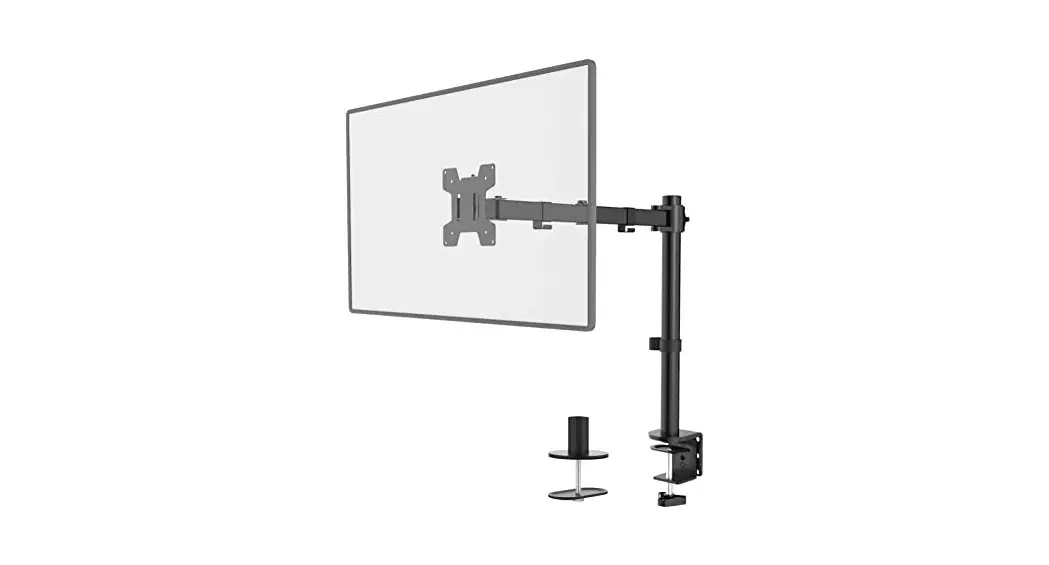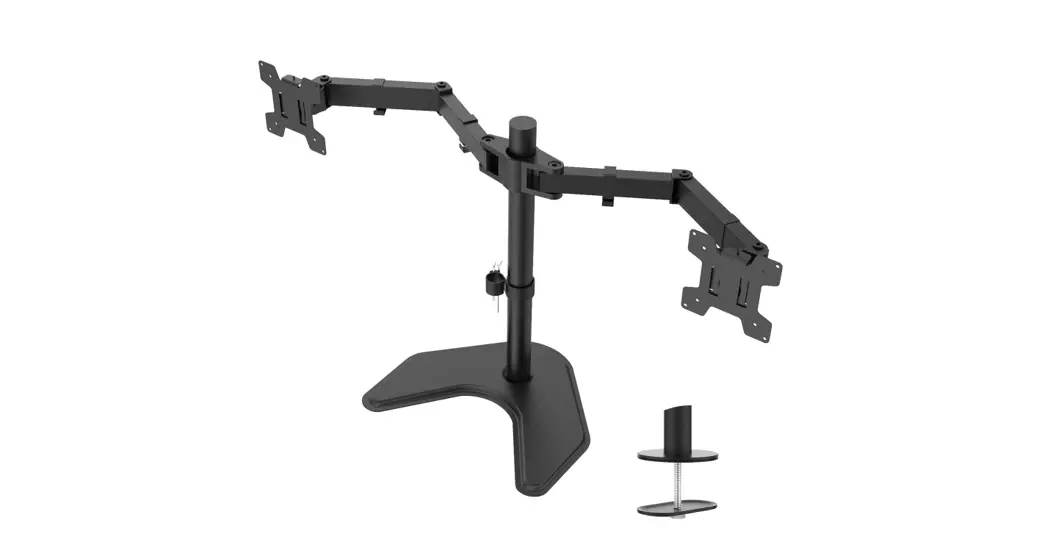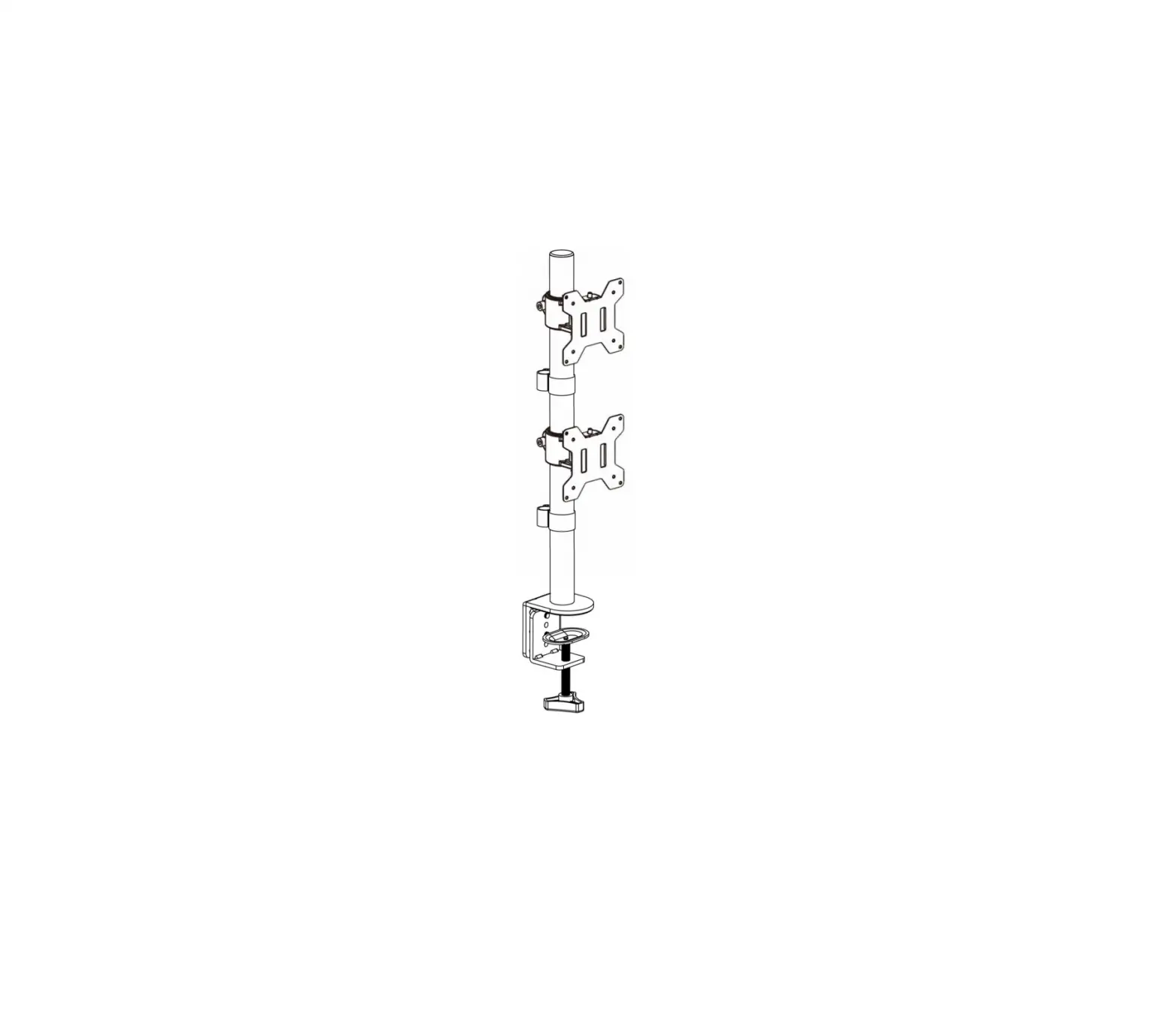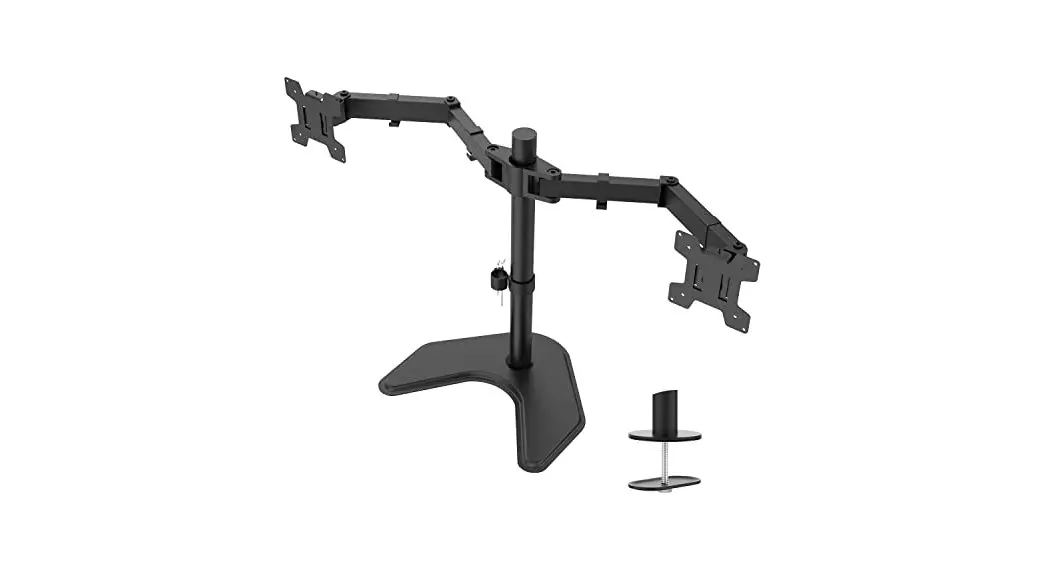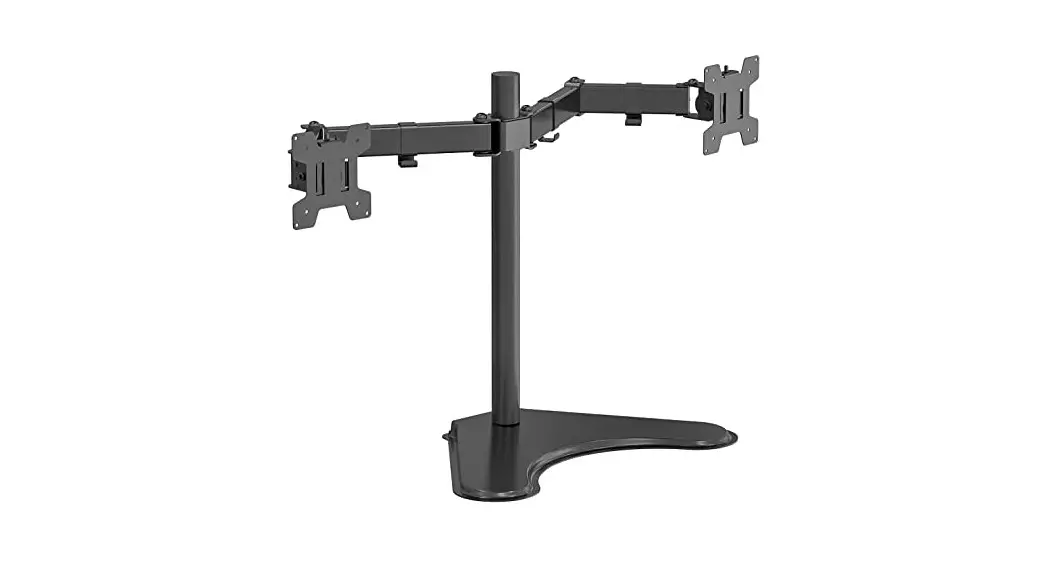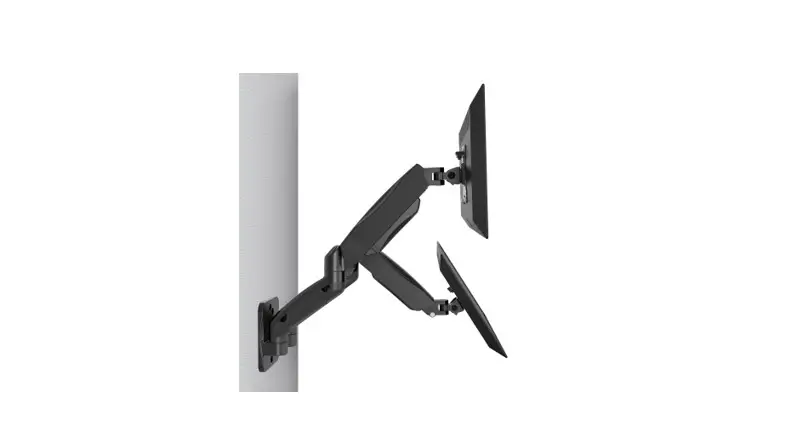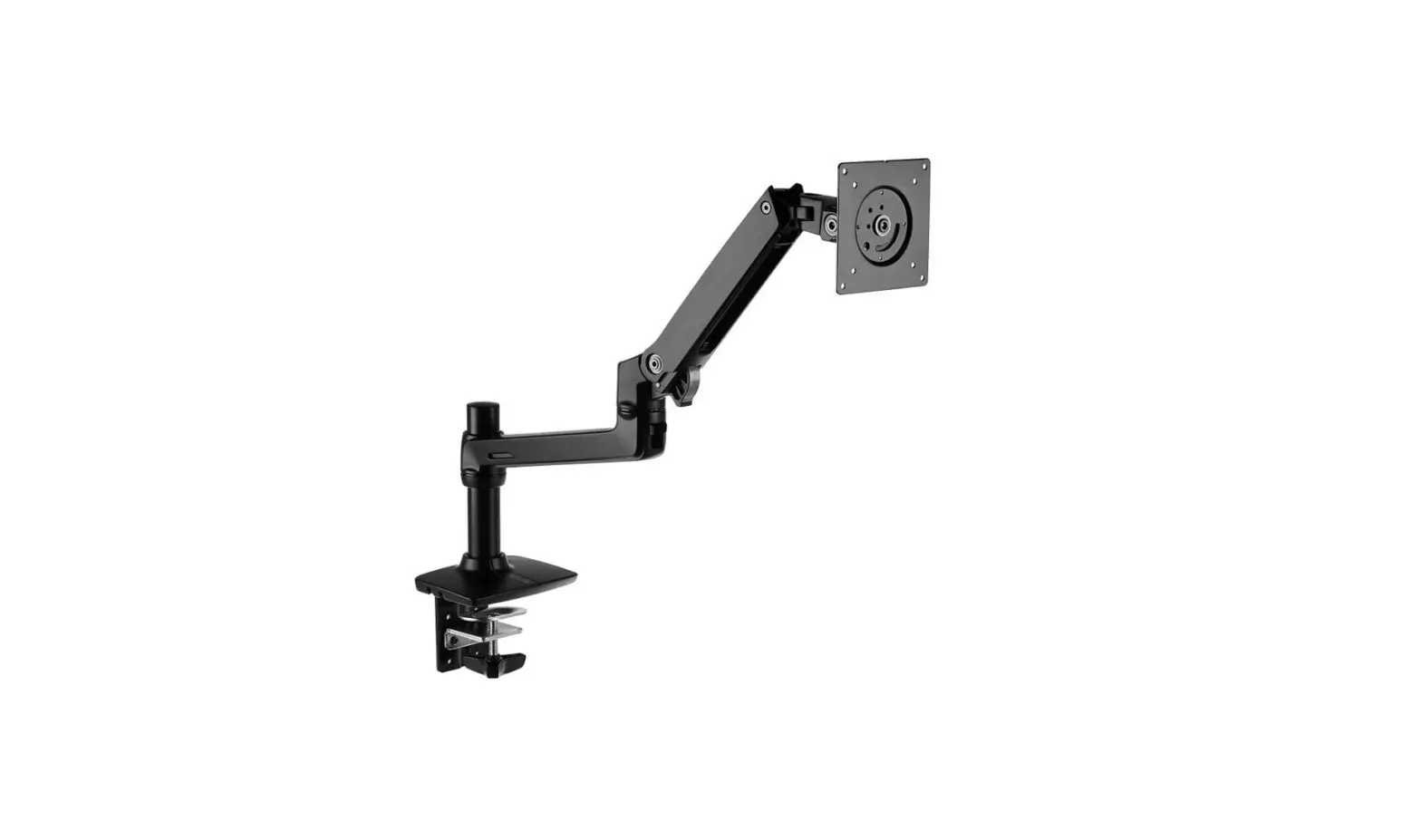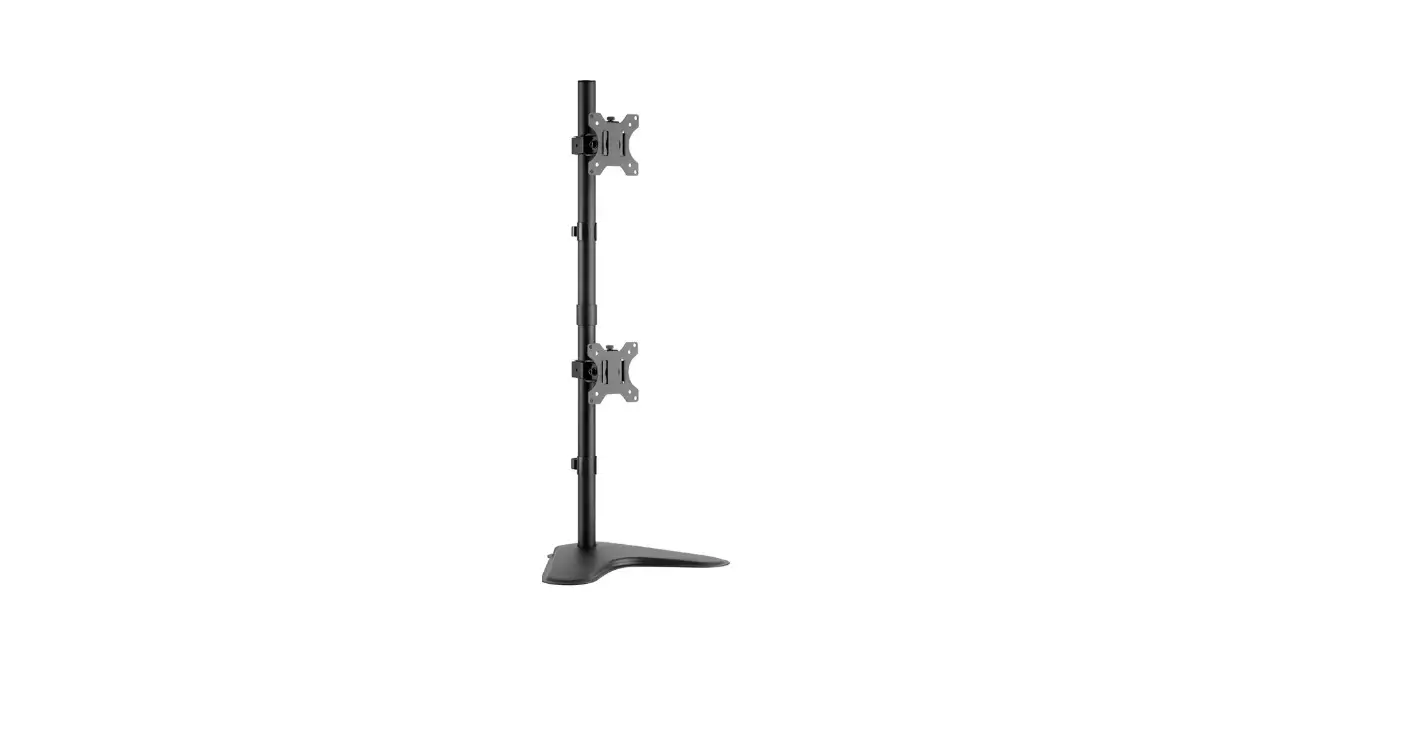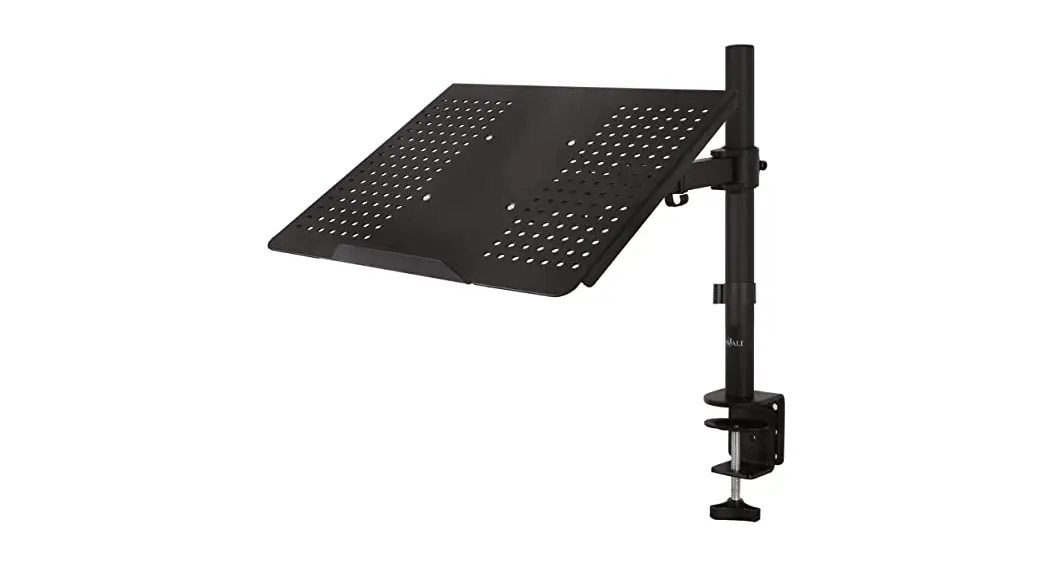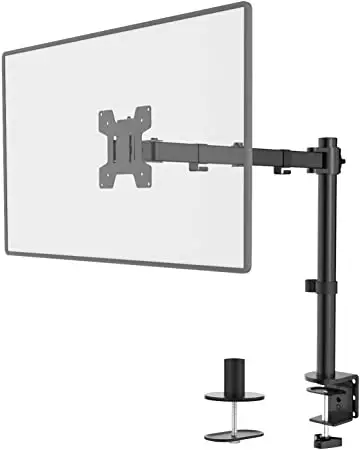
Wali Single Monitor Desk Stand
Single Monitor Desk Stand
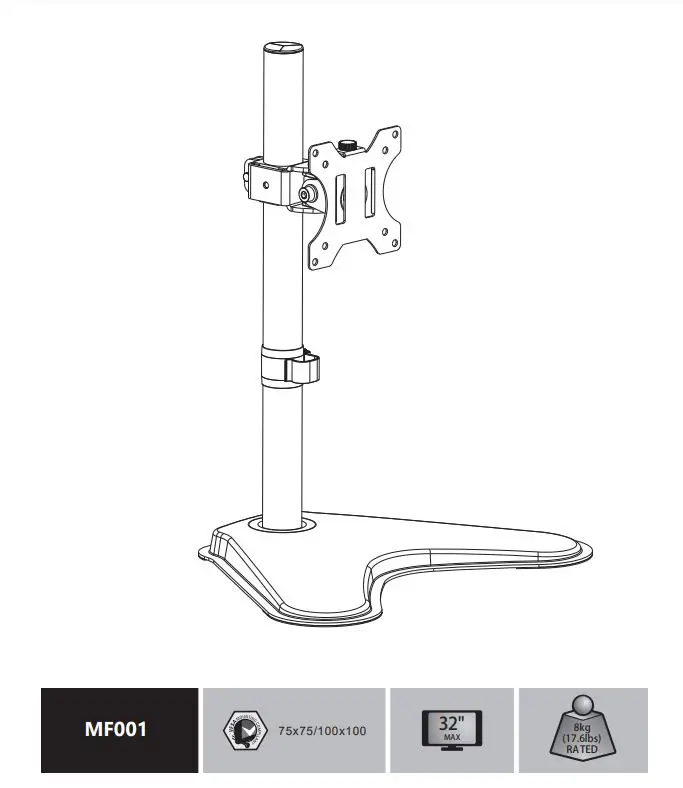
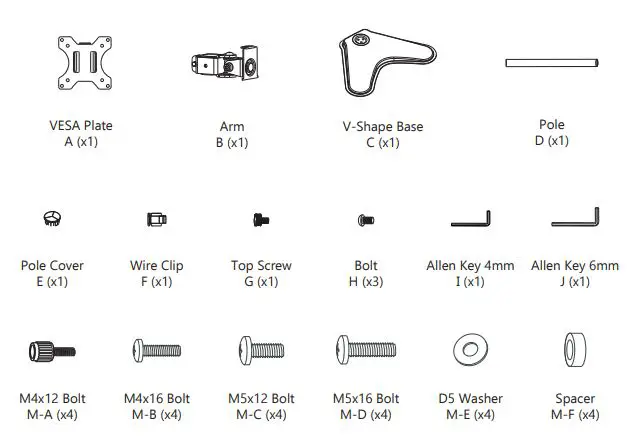
Supplied Parts List
Step 1
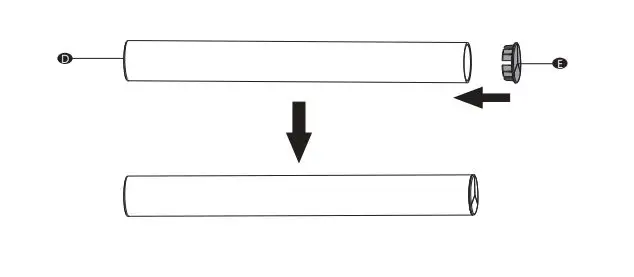
Attach the Pole Cover E to the top of the Pole D.
Step 2
Install the Pole D to the V-Shape Base C using Bolts H and tighten with Allen Key 4mm I. 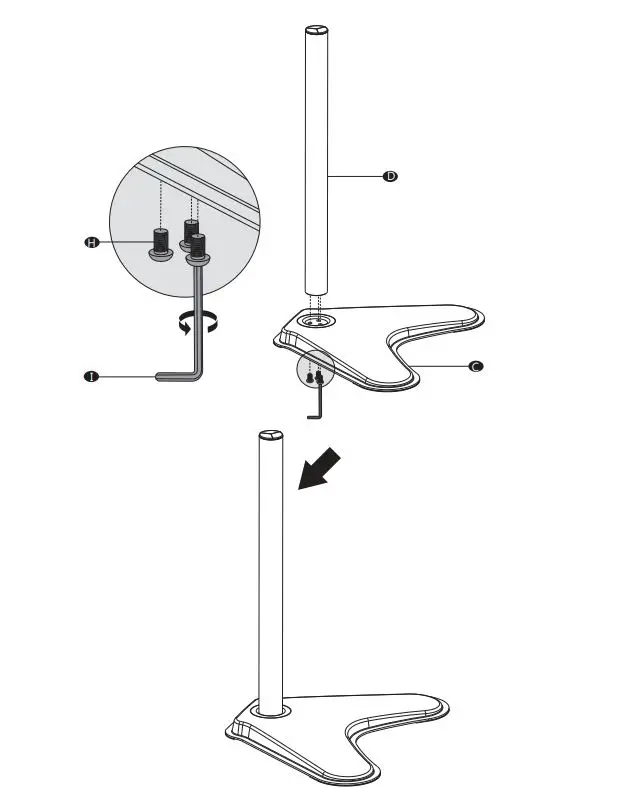
Step 3
Put the Wire Clip F and ArmBthrough the Pole D, adjust the preferred height and tighten using Allen Key 6mm J 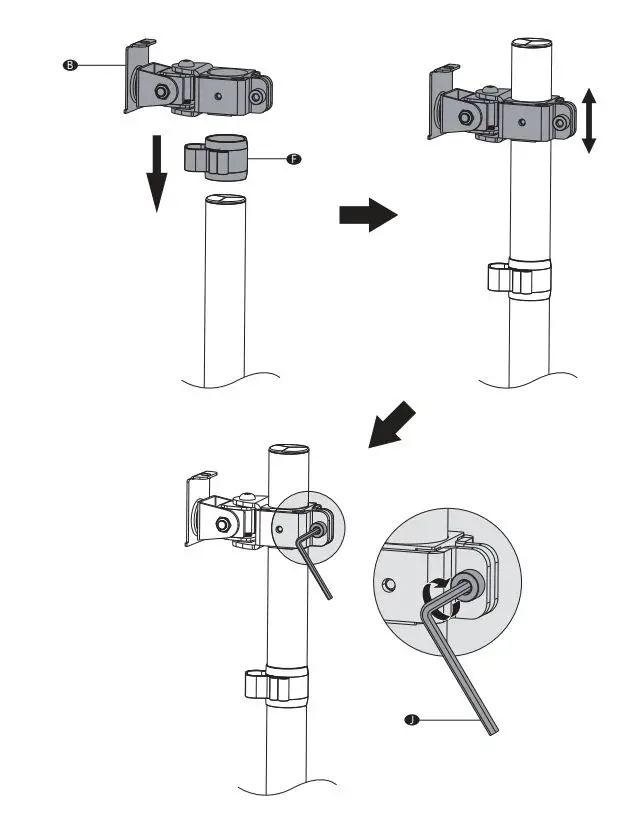
Step 4
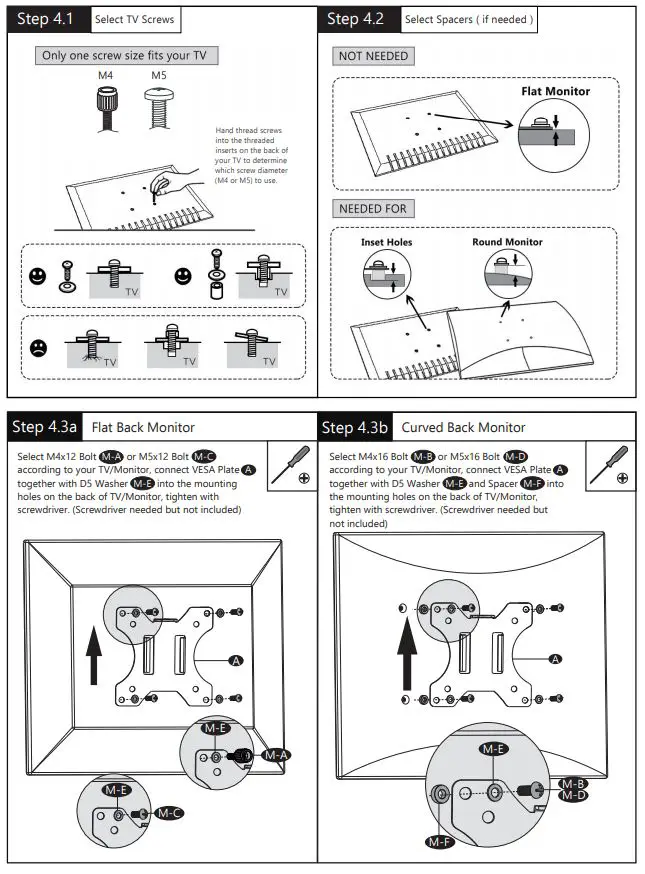
Step 5
Put the assembled TV/Monitor onto the Arm B and ensure stability, tighten the VESA Plate A using Top Screw G.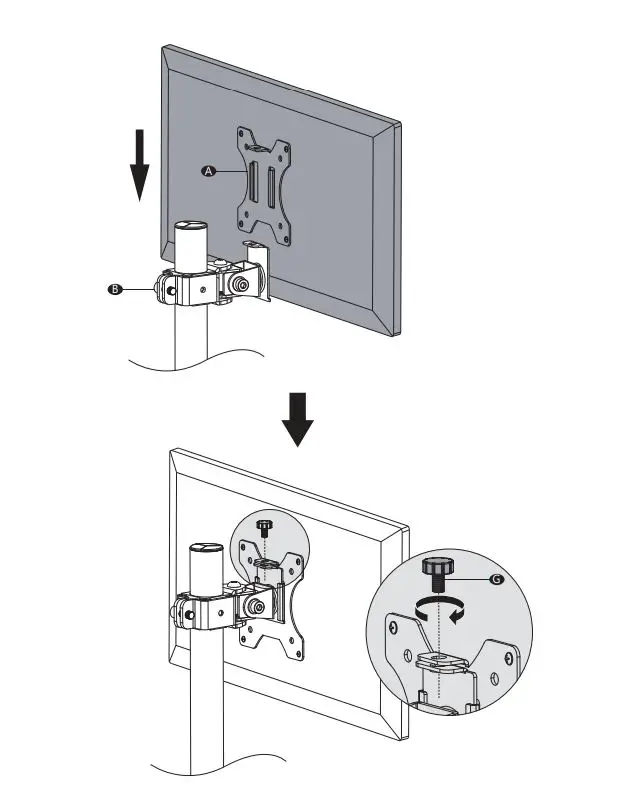
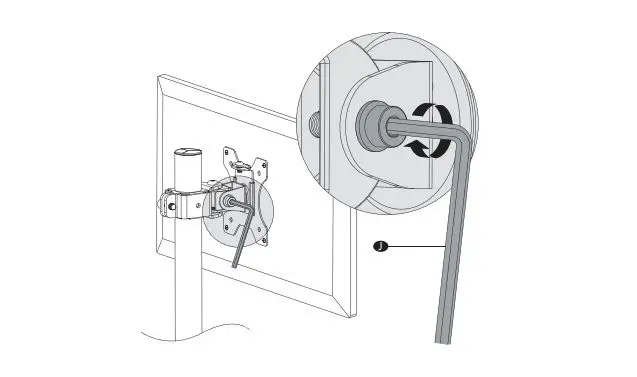
Step 6
Tighten or loosen tilt joint using Allen Key 6mm J.
Step 7
Guide the cable through the Wire Clip F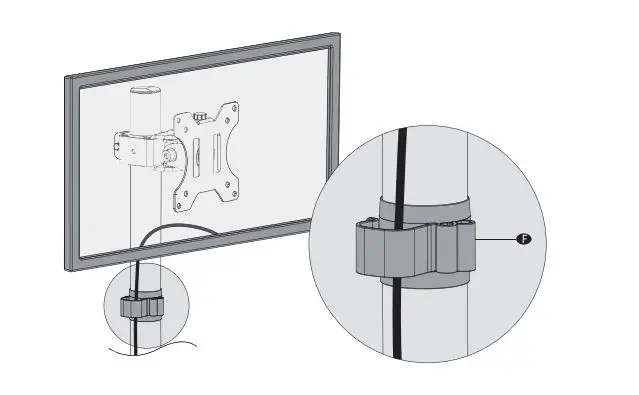
Step 8
Store the Allen Keys in the Wire Clip F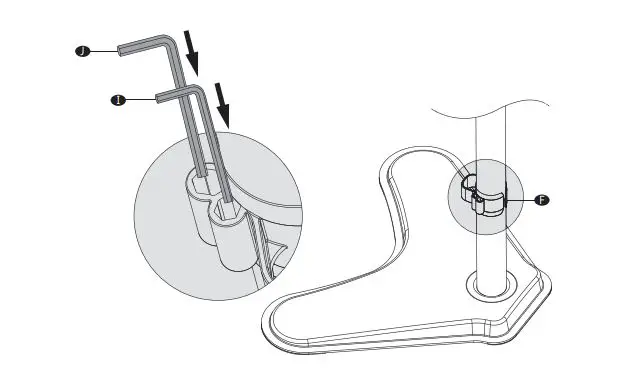
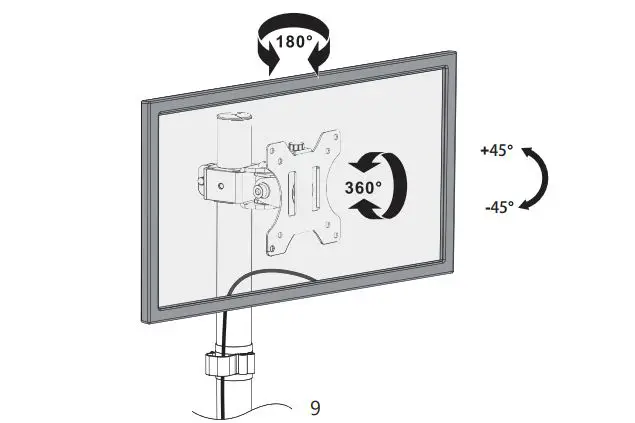
Step 9
Manually swivel, tilt or rotate the angle for the best operating environment.
We support the technology that brings your home to life. We offer high-quality products, professional customer service,
and extensive technical support.
If you have any questions, please contact us. 1-844-SATTLER (18447288537)
 [email protected]