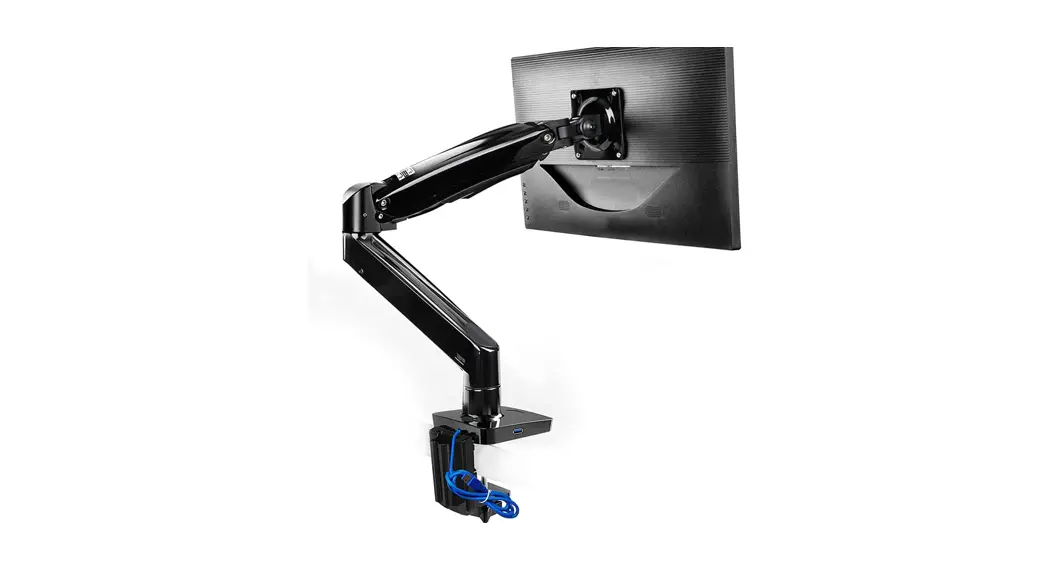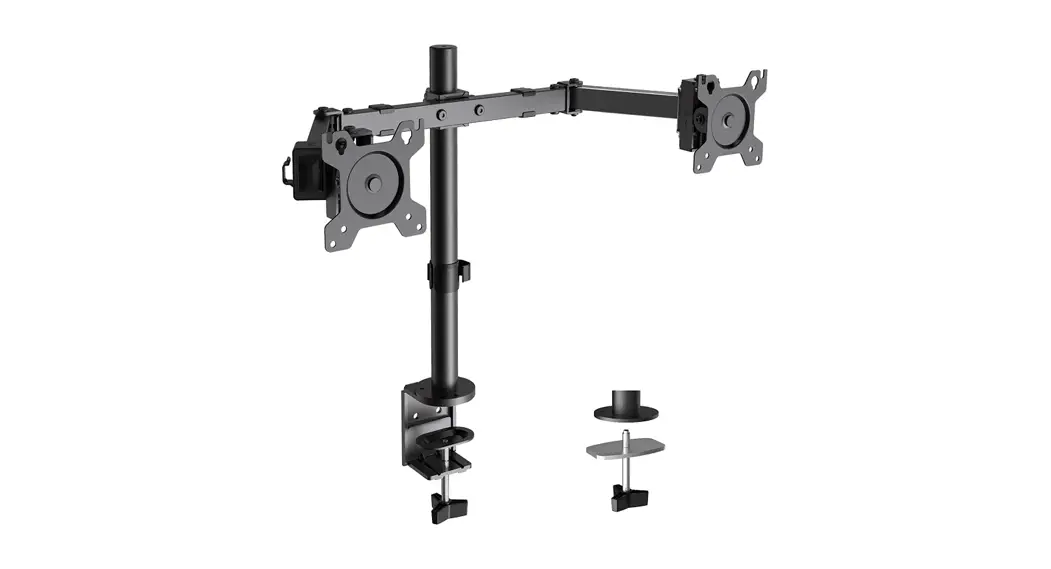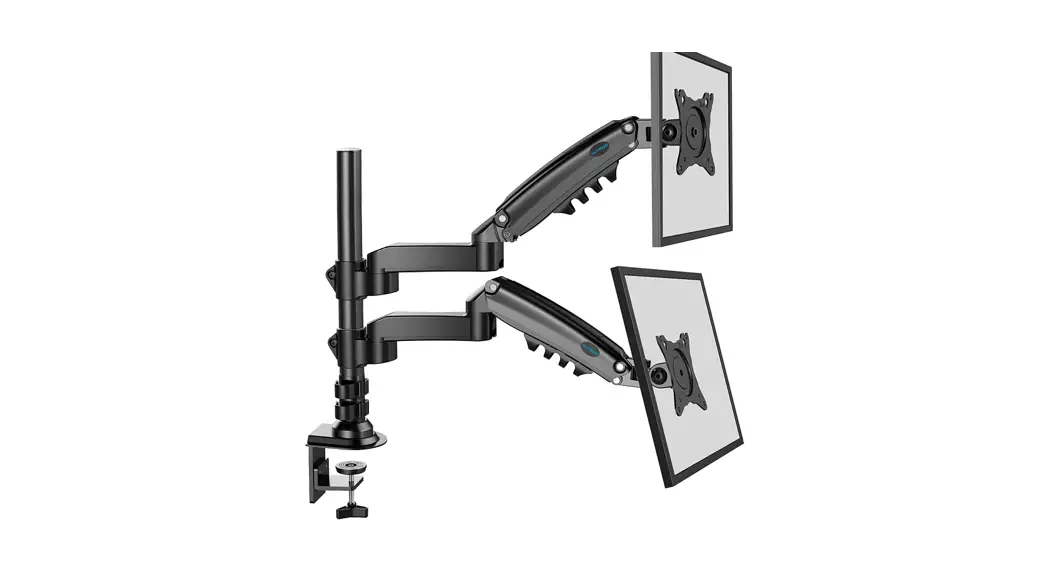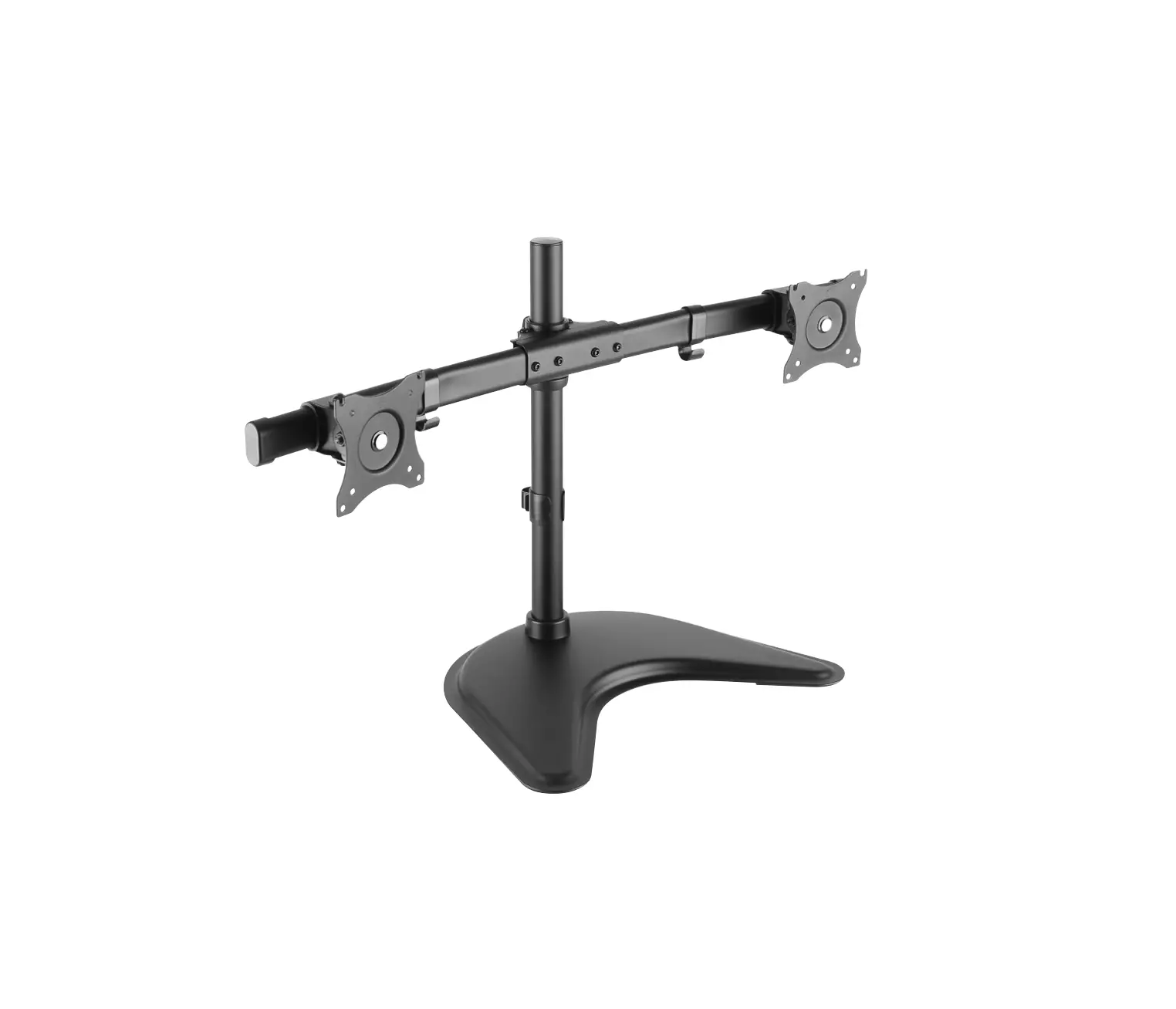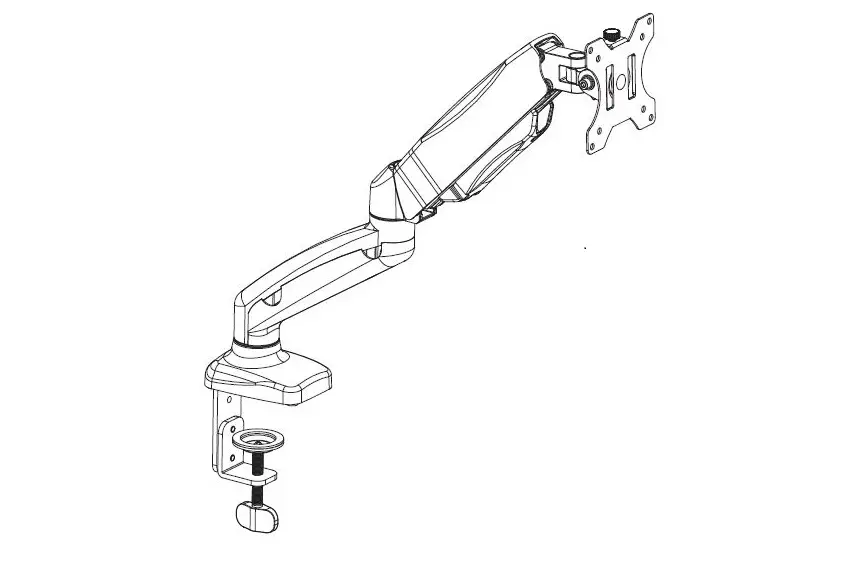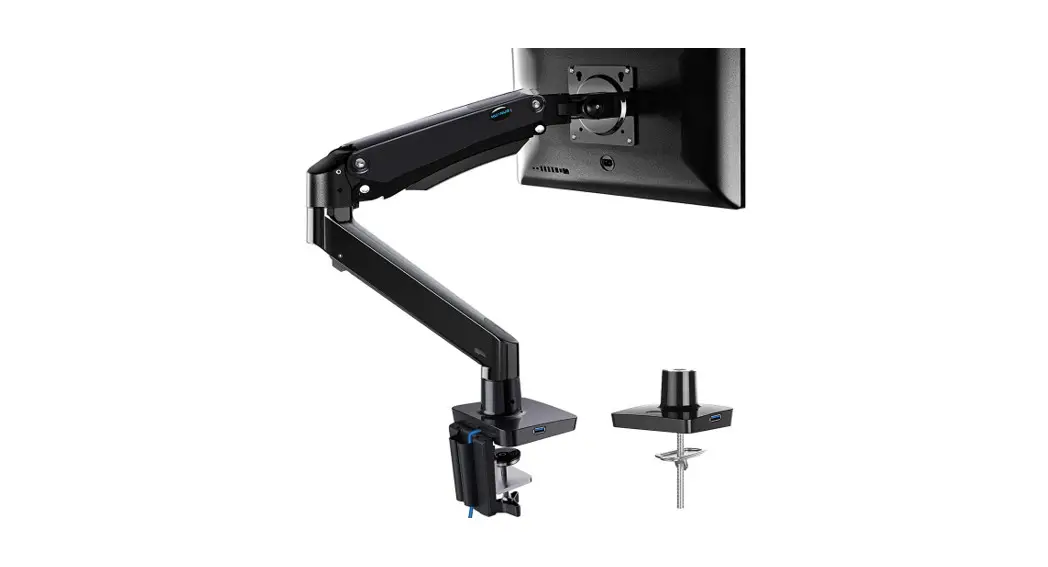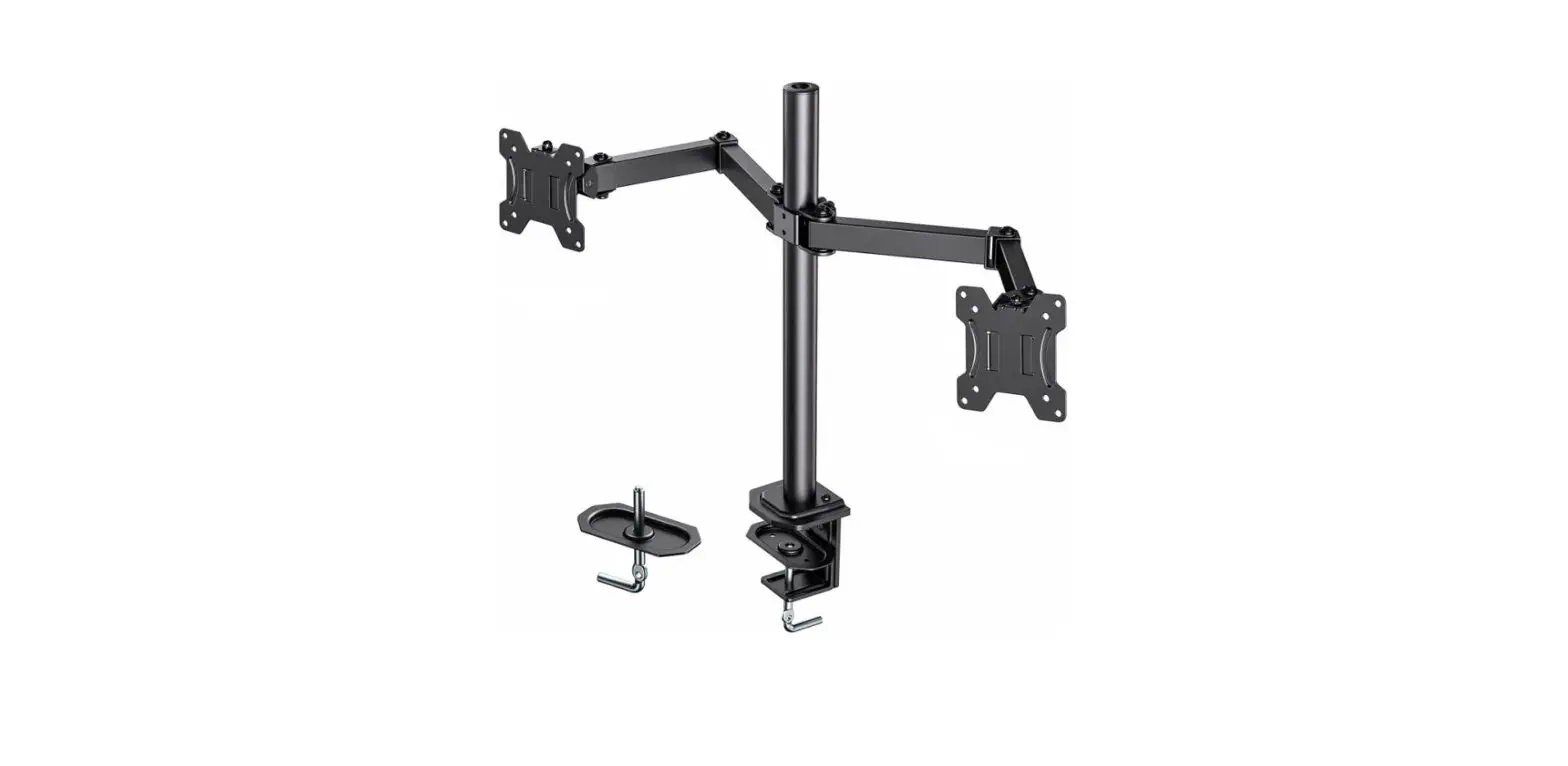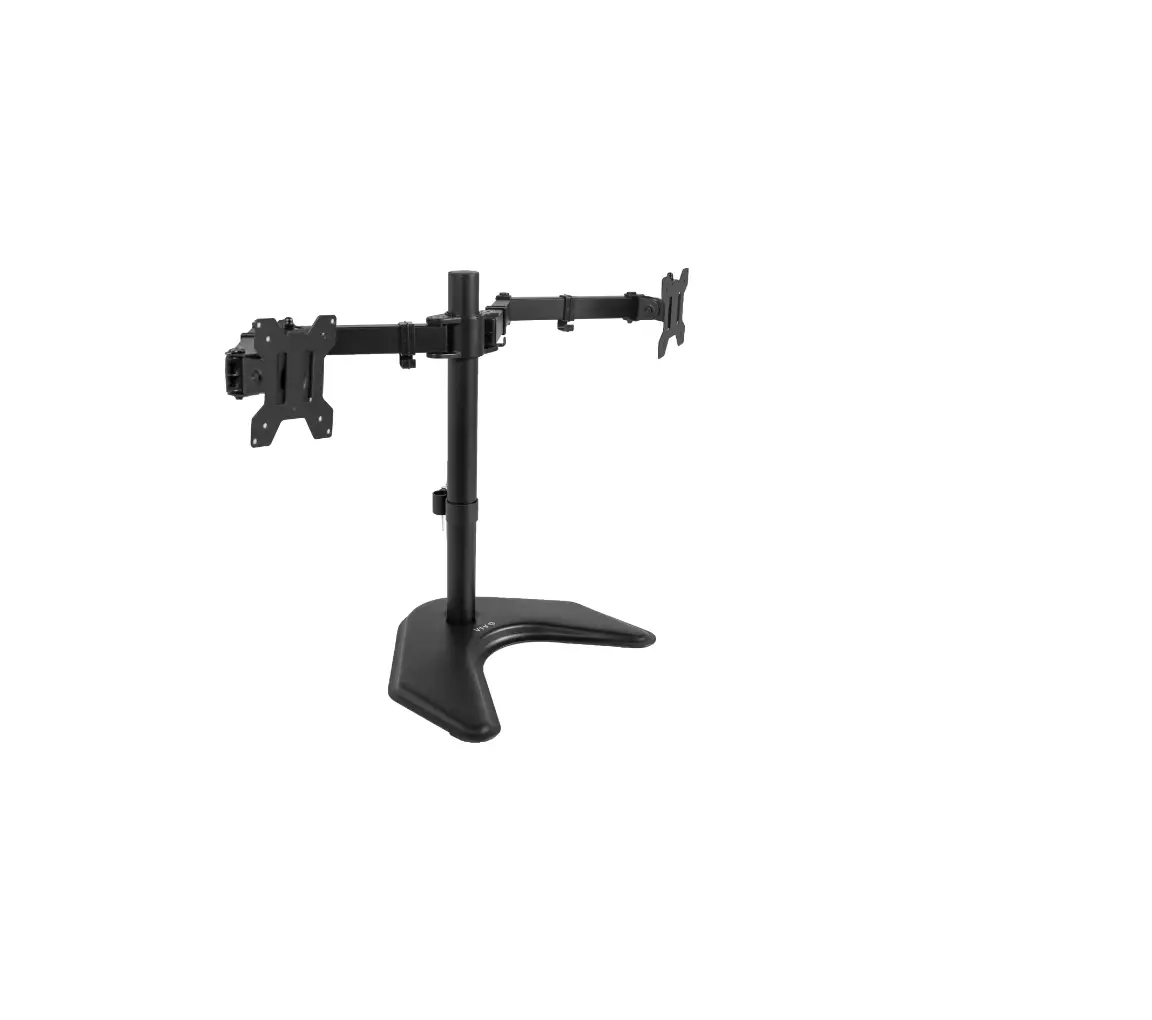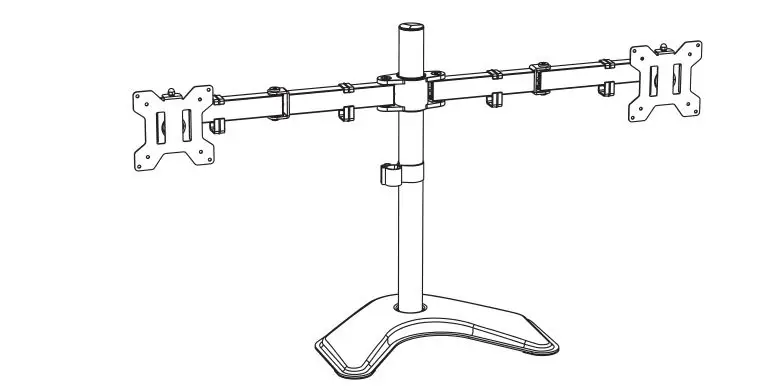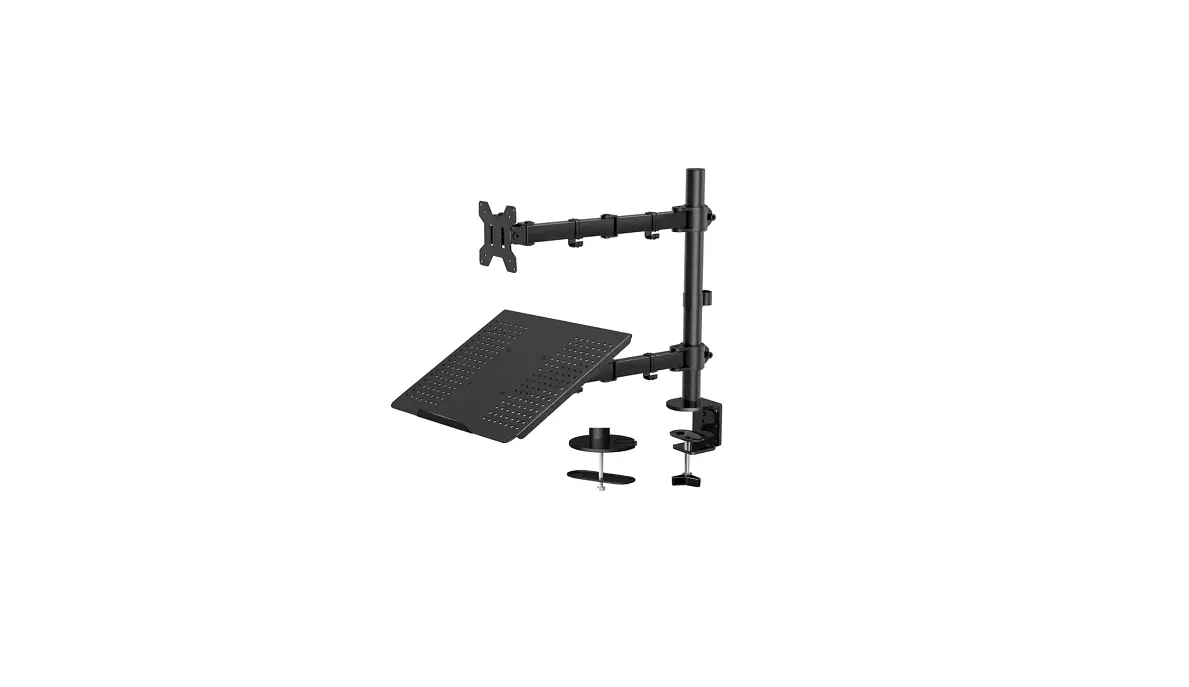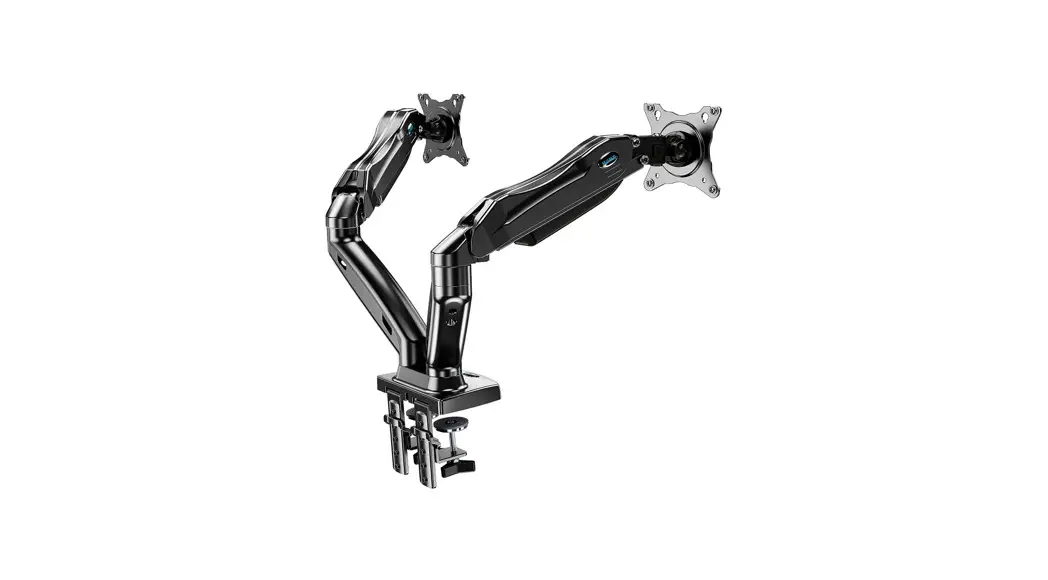
 HNHM4 13-27 Inch Dual Monitor Stand
Instruction Manual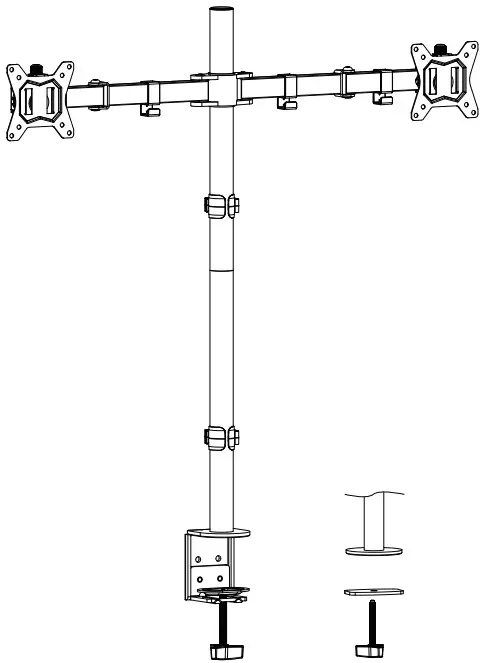
UNPACKING INSTRUCTIONS AND IMPORTANT SAFETY INFORMATION
- Carefully open the carton, remove contents and lay out on cardboard or other protec-tive surface to avoid damage.
- Check package contents against the Supplied Parts and Hardware to assure that all components were received undamaged. Do not use damaged or defective parts.
- Nlot all parts and hardware included will be used. If you require replacement parts, contact customer service at [email protected]
- Carefully read all instructions before attempting installation.
- If you do not understand the instructions or have any concerns or questions, please contact customer service at [email protected]
- This product may contain moving parts. Use with caution.
- Do not use this product for any purpose or in any configuration not explicitly specified in this instruction. We hereby disclaim any liability for injury or damage arising from incorrect assembly, incorrect mounting, or incorrect use of this product.
Supplied Parts and Hardware
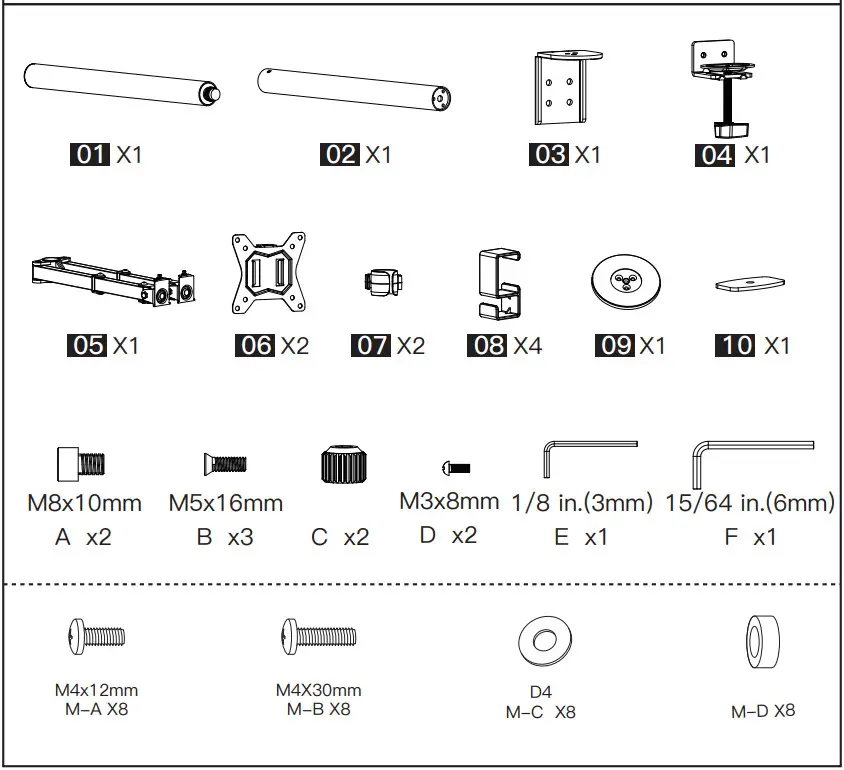
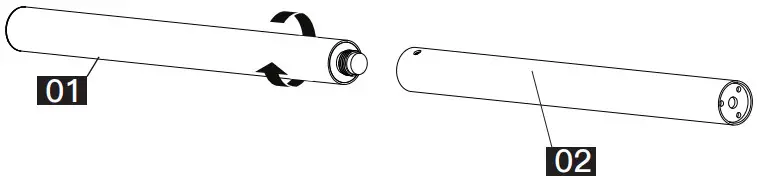
STEP 1 Connect Upper Pole to Lower Pole
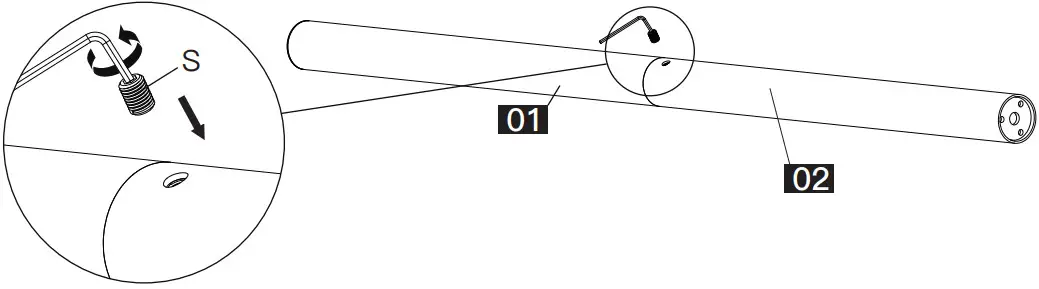
Step 1-1 Loosen the screw [S] on pole [02] using Allen key [E] Step 1-2 Connect pole [01] to pole [02]
 Step 1-2 Tighten the screw [S] using Allen key [E] to fix the two poles
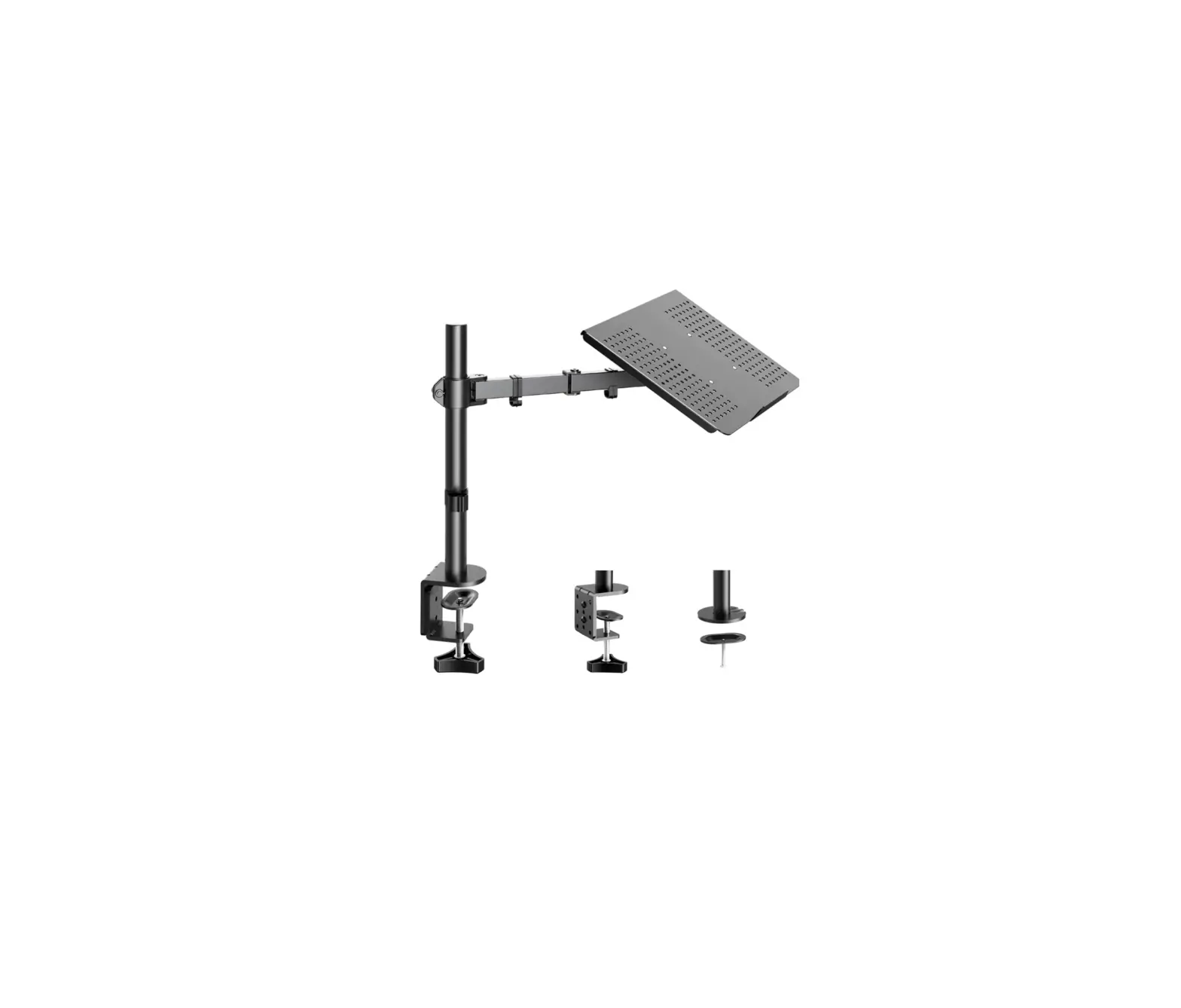
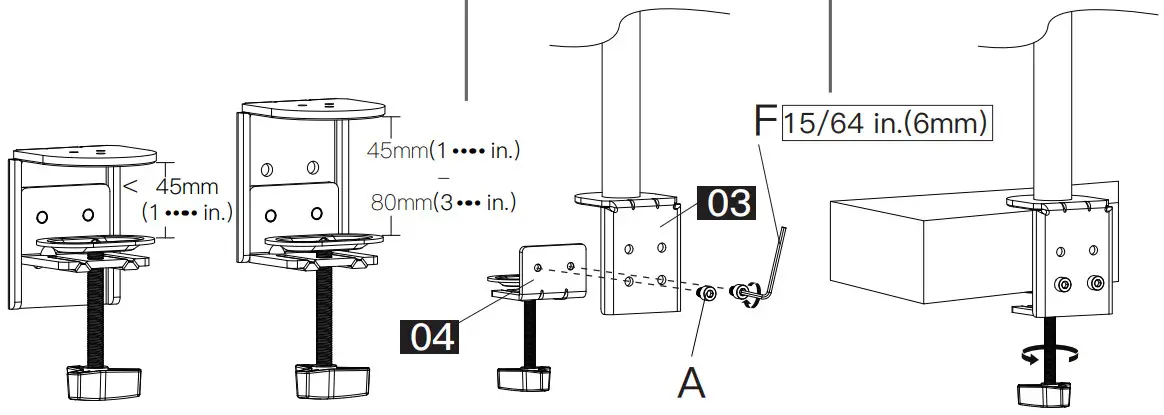
 STEP 2A For C Clamp Mounting
Step 2A-1 Install part [03] to pole [02]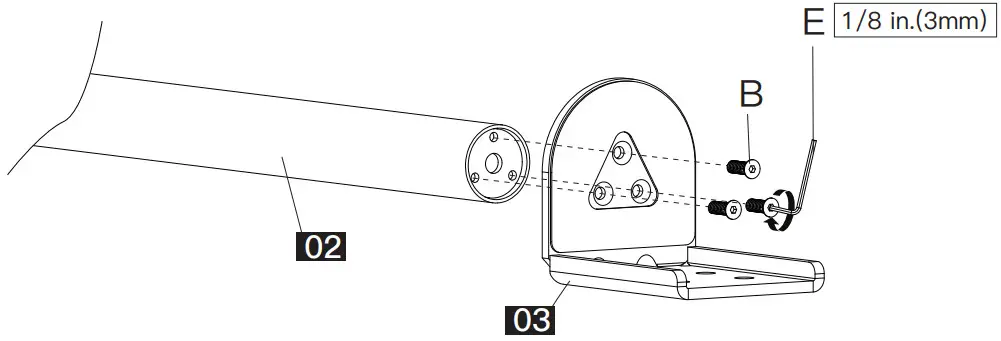
| Step 1A-2 Adjust the mount according to the thickness of desktop | Step 1A-3 Install part [04] to part [03] | Step 1A-4 Secure the mount to the desktop |
 | ||
Step 2B For Grommet Mounting
Step 2B-1 Install part [09] to pole [02]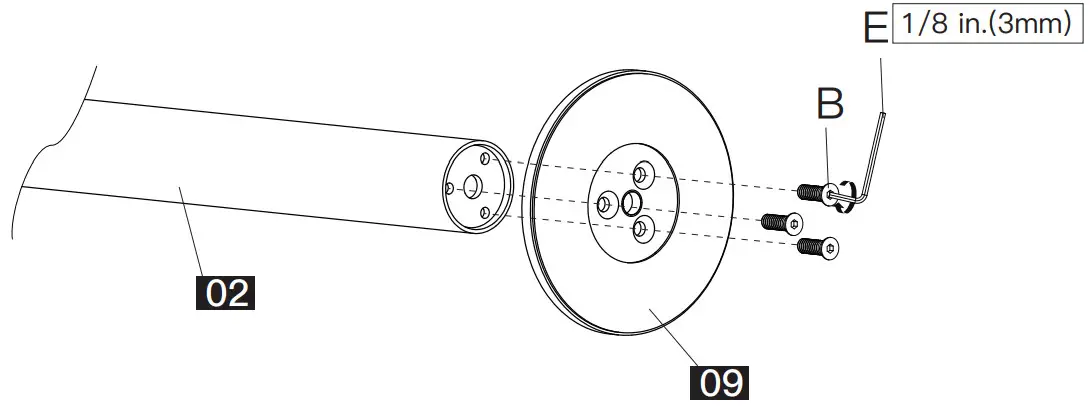 Step 2B-2 Remove part [a] from part [04]
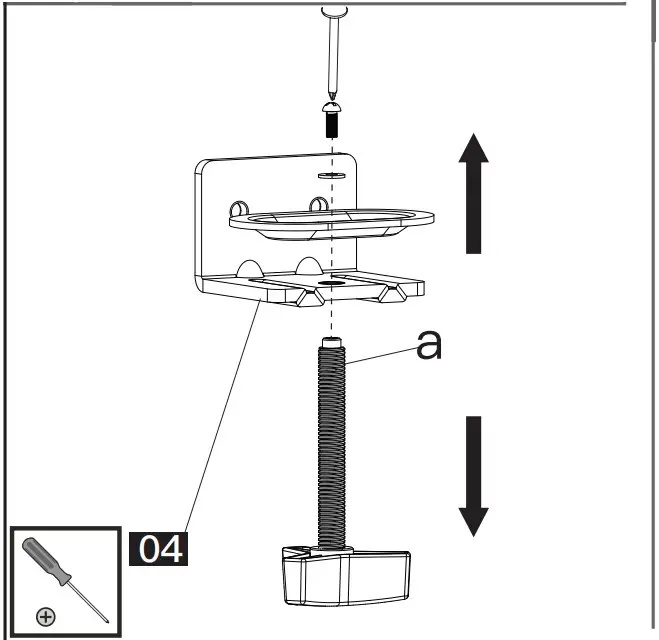 Step 2B-3 Secure the mount to the desktop
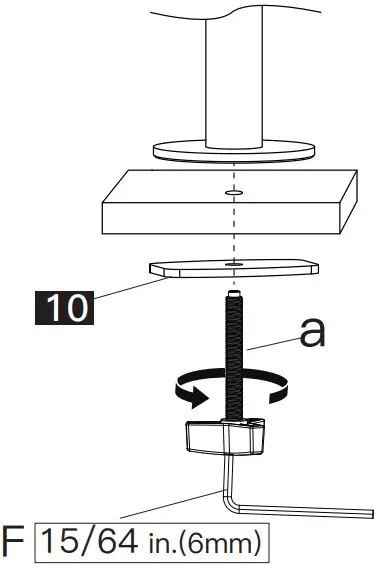 Step 3 Install Cable Clips & Monitor Connector to the Pole Assembly
| Step 3-1 Slide the two cable clips [07] and the monitor connector [05] to the pole assembly | Step 3-2 Secure the monitor connector ..05J to the pole assembly,then attach the cable clips [08] to the monitor connector [05] |
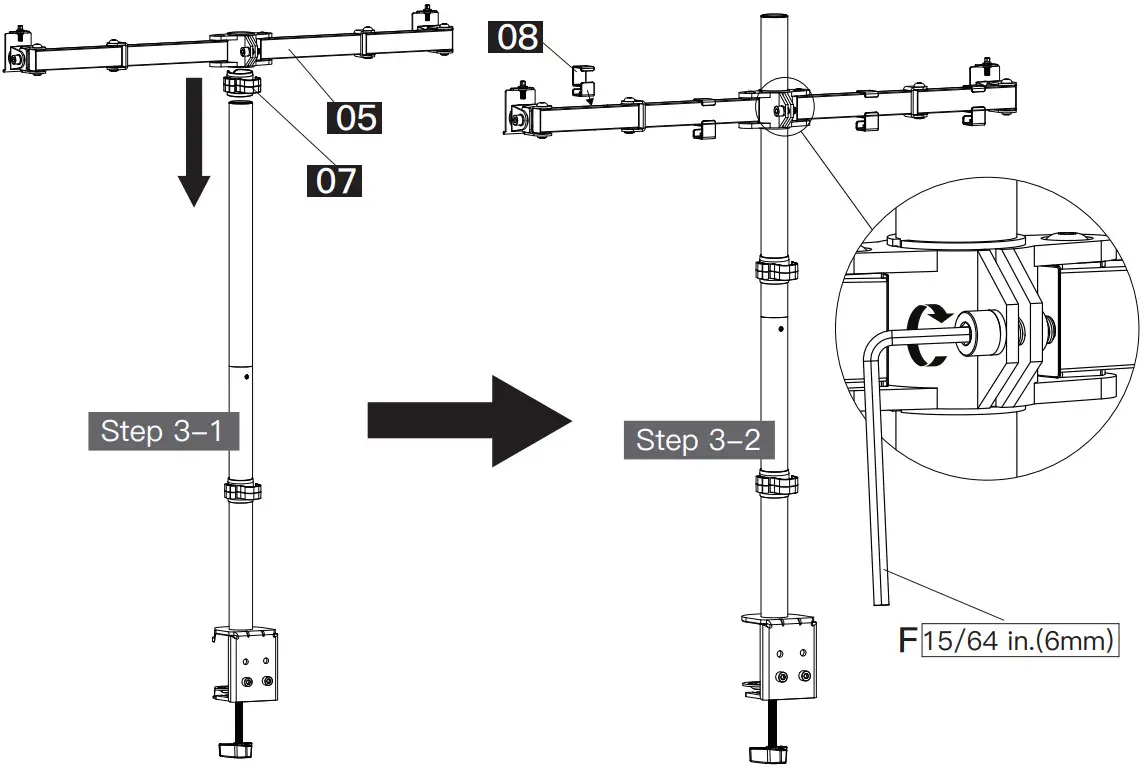 | |
Step 4 Check Monitor Hole Pattern and Select Monitor Bolts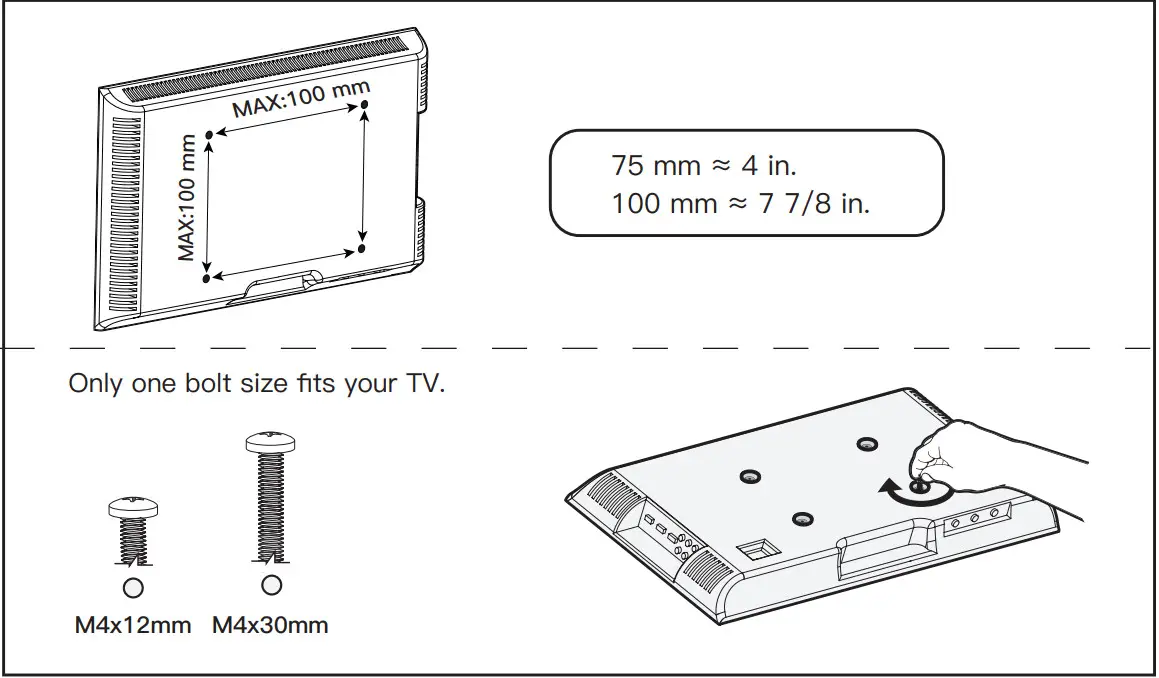 Bolt length: Verify adequate thread engagement with bolts or bolts/spacers combi-nation. We recommend thread engagement by at least 5 turns.
- Too short will not hold the monitor.
- Too long will damage the monitor.


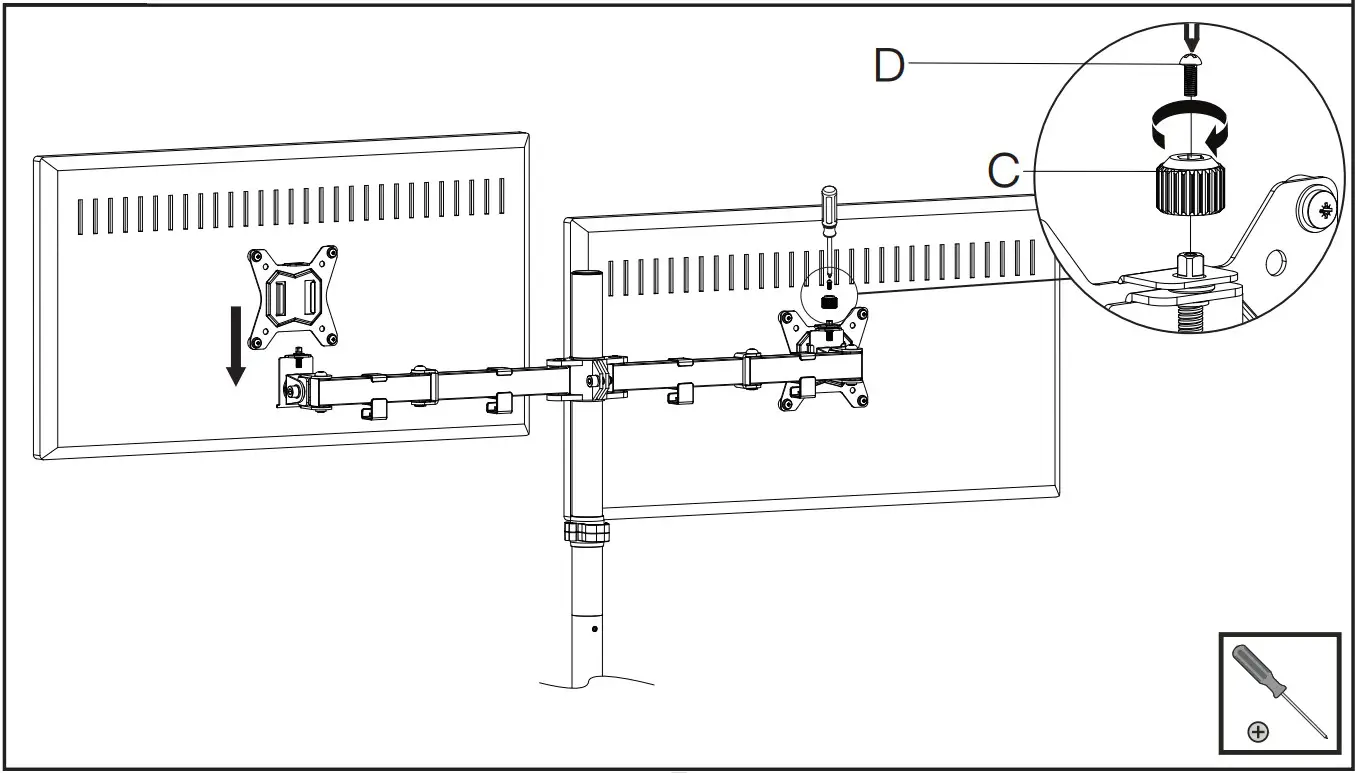
Step 5 Attach the Monitor Plates to the Monitors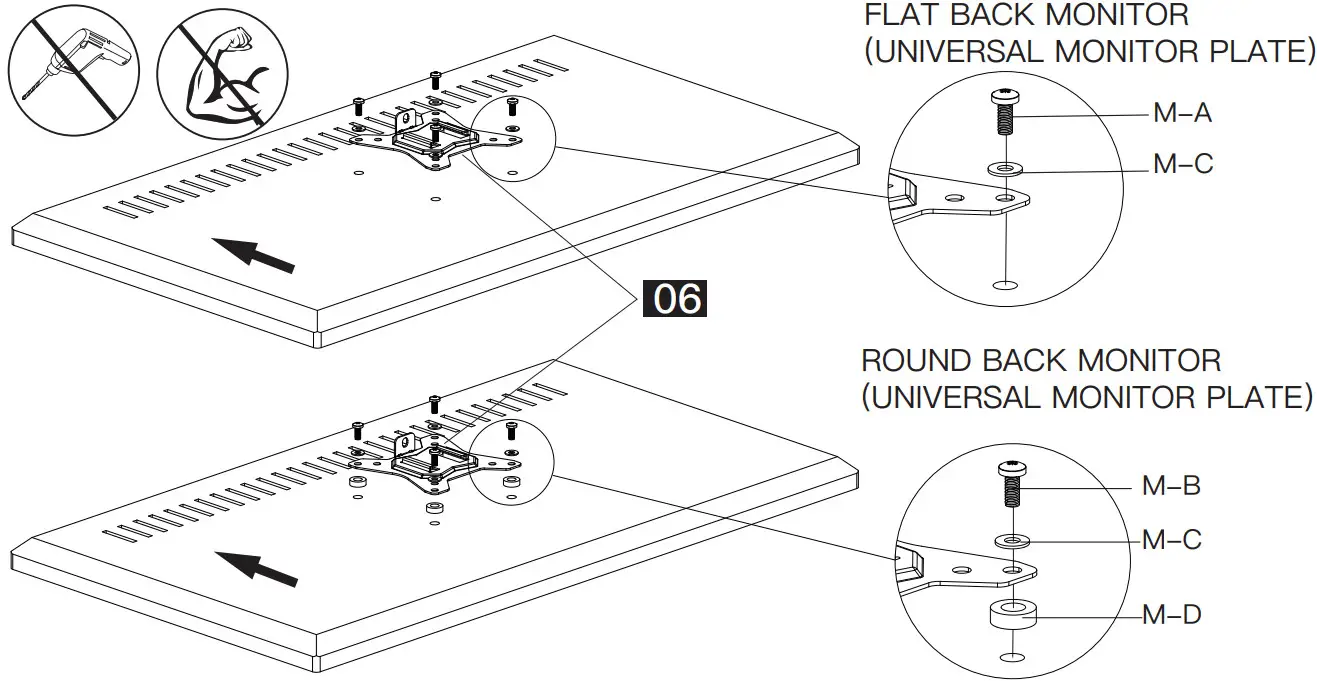 Step 6 Hang Monitors to the Stand and Secure with Knobs [C] and Bolts [D]
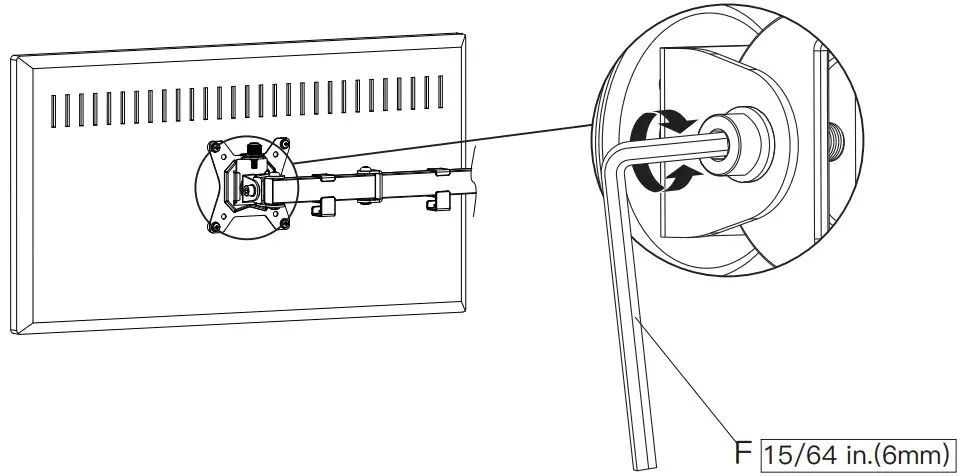
 Step 7 Fix Tilt Angle of thr Monitors
 Step 8 Manage Cables
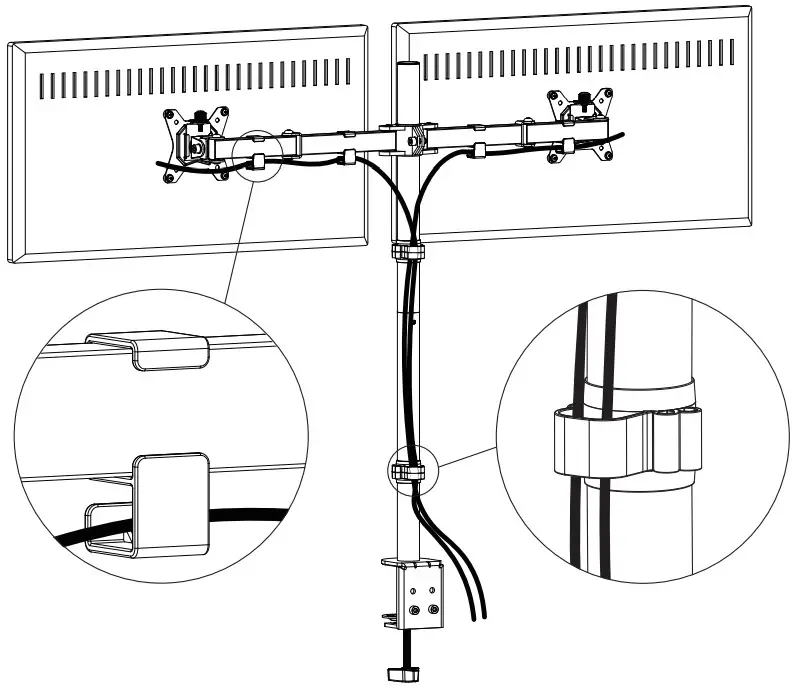 Step 9 Store Allen Keys into the Cable Clip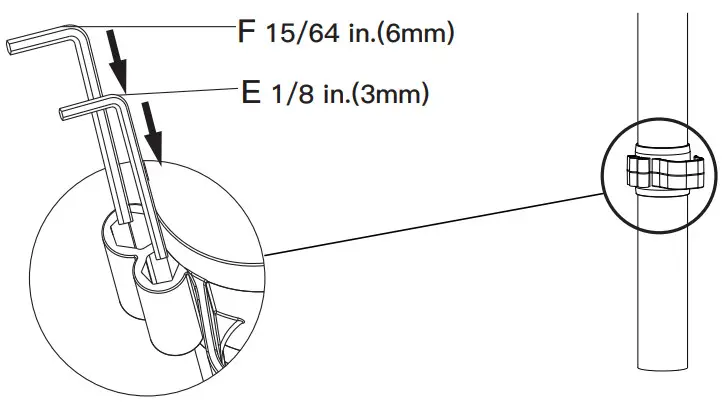
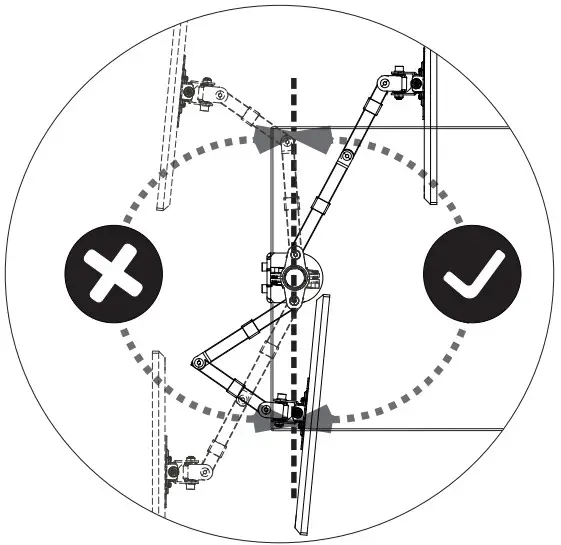 Warning:
To avoid tipping, please be careful not to extend the arms too far forward or backward.When you adjust the angle of the arms, please make sure two arms are balanced to avoid instability of the center of gravity of the base.
Features
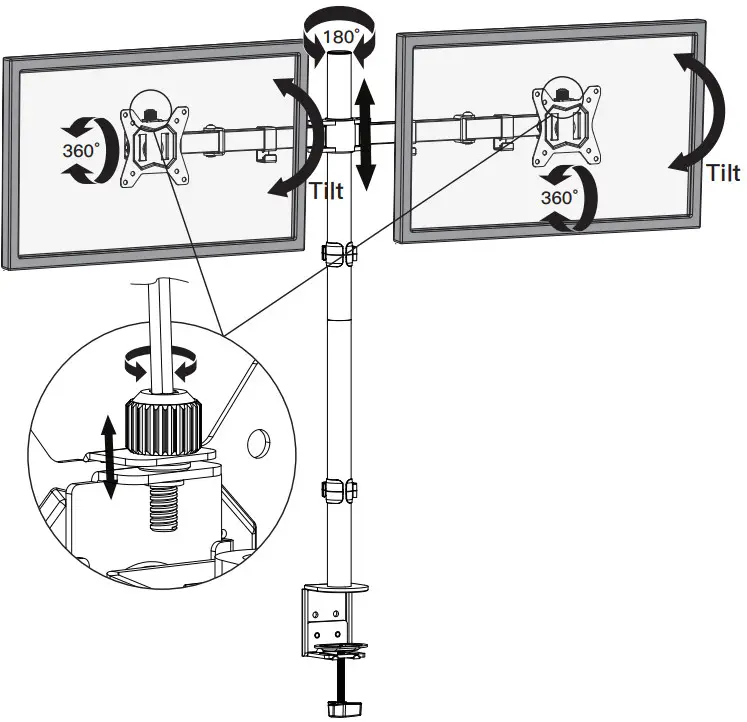
Individual VESA plate height adjustment helps monitors to be perfectly aligned.
V3.0