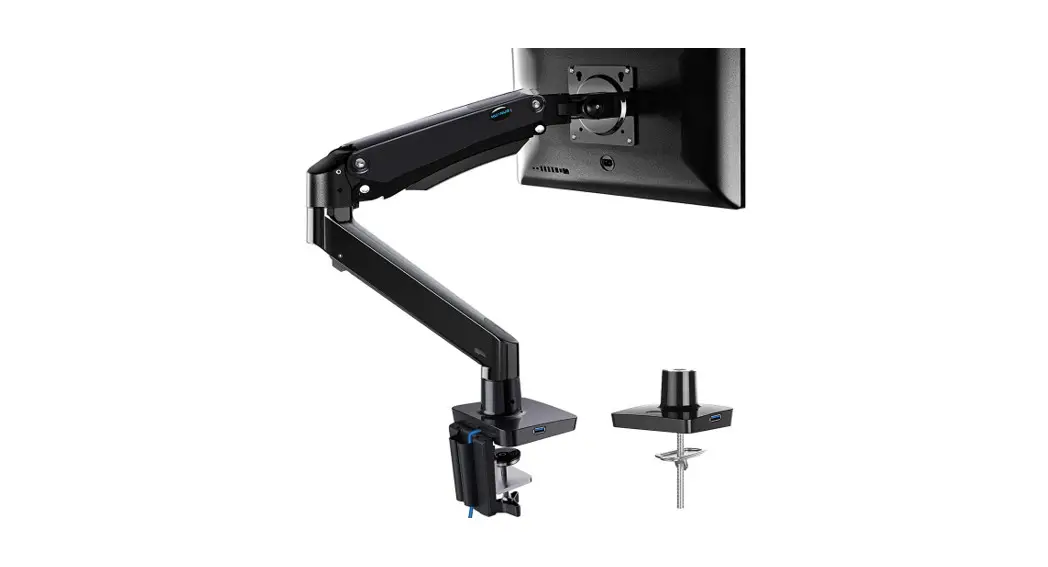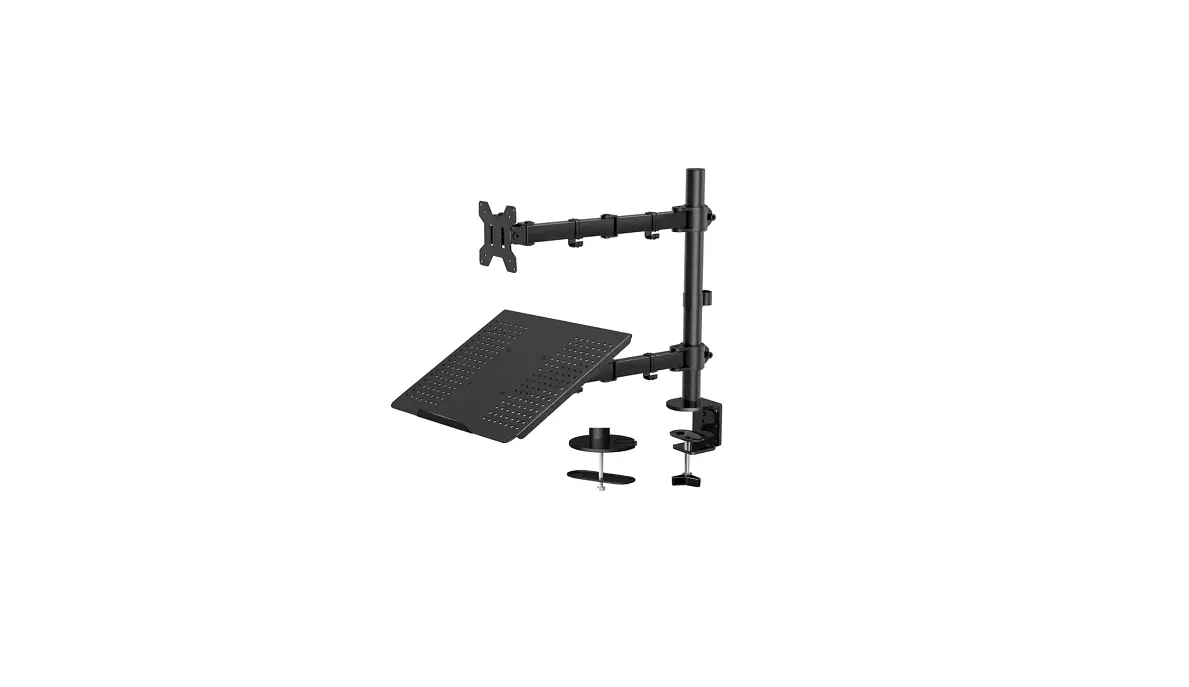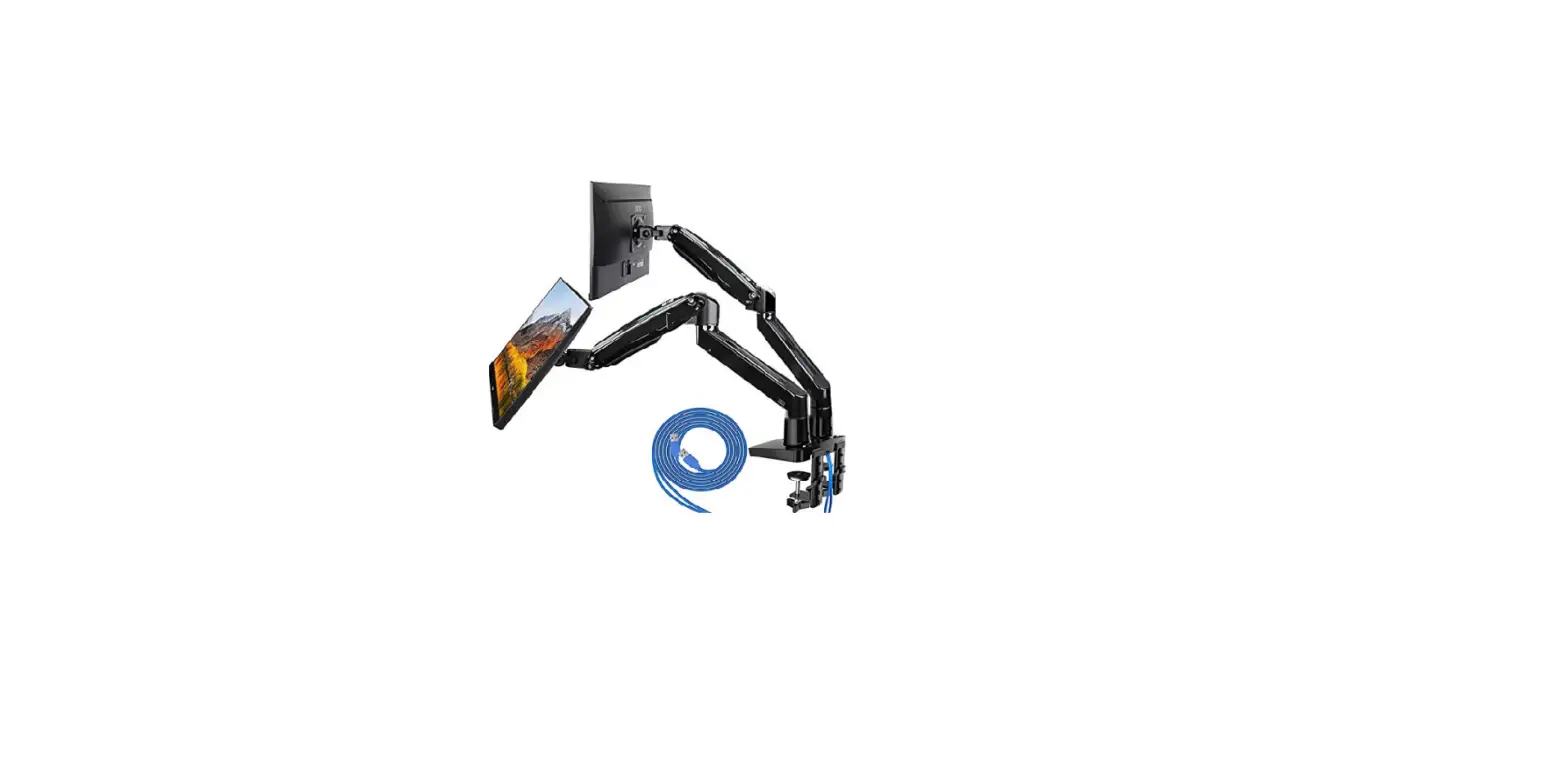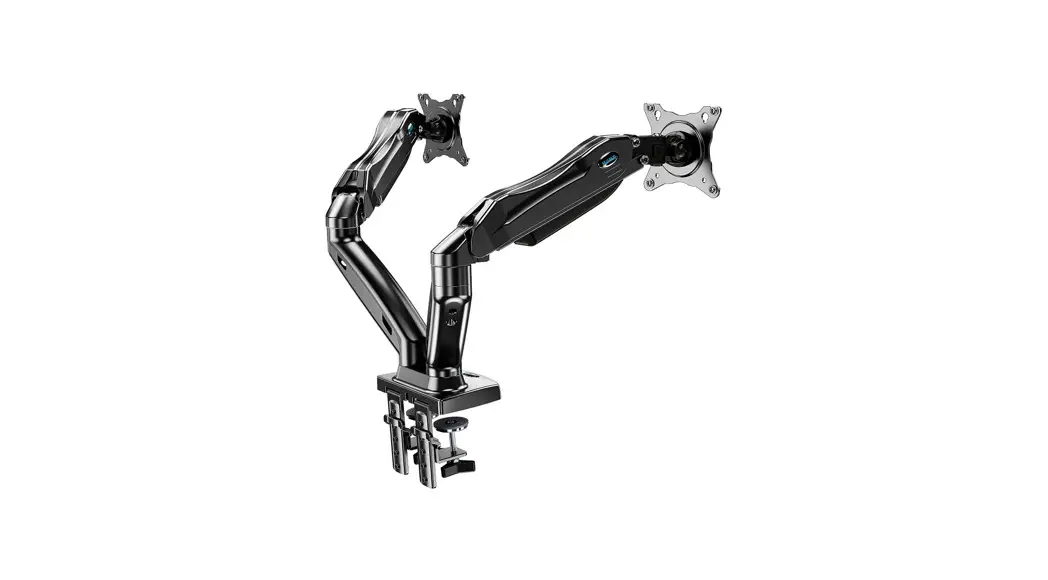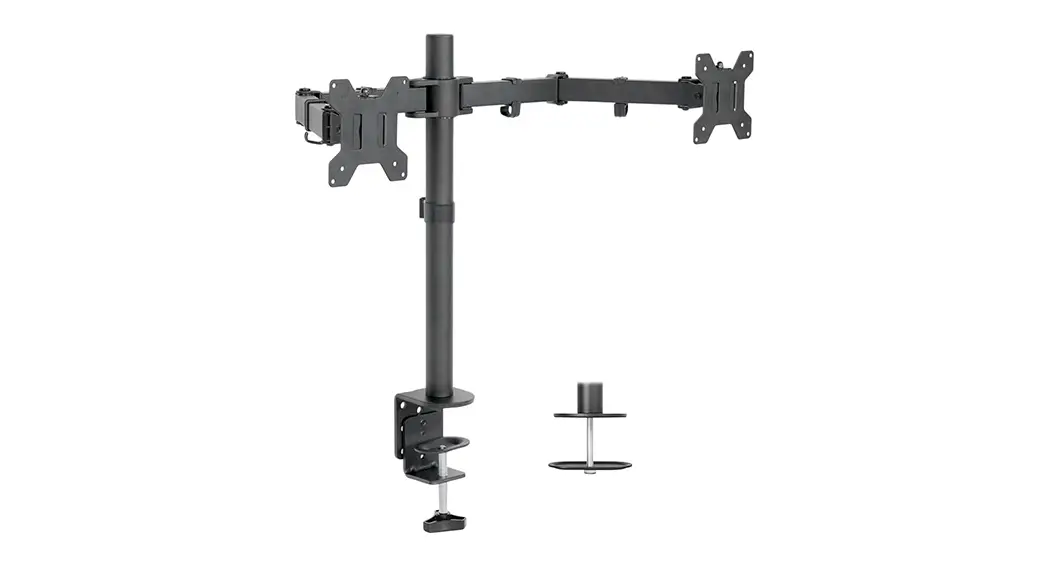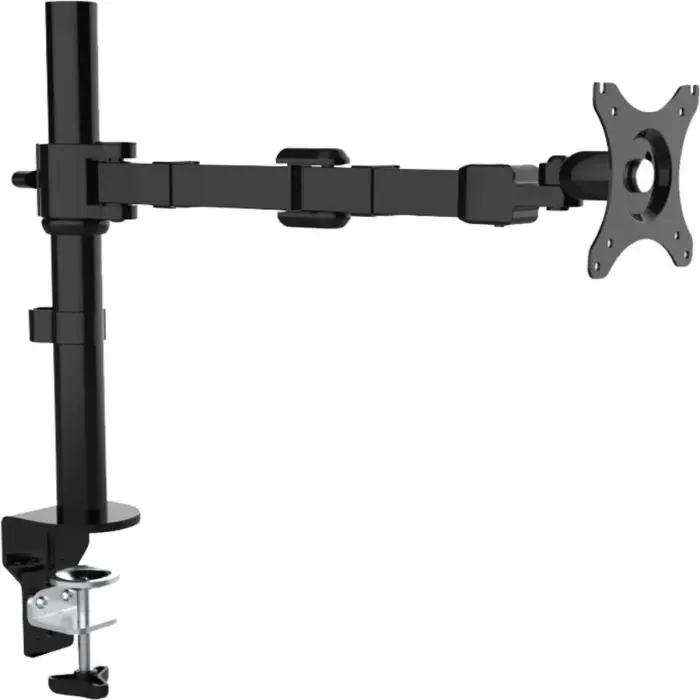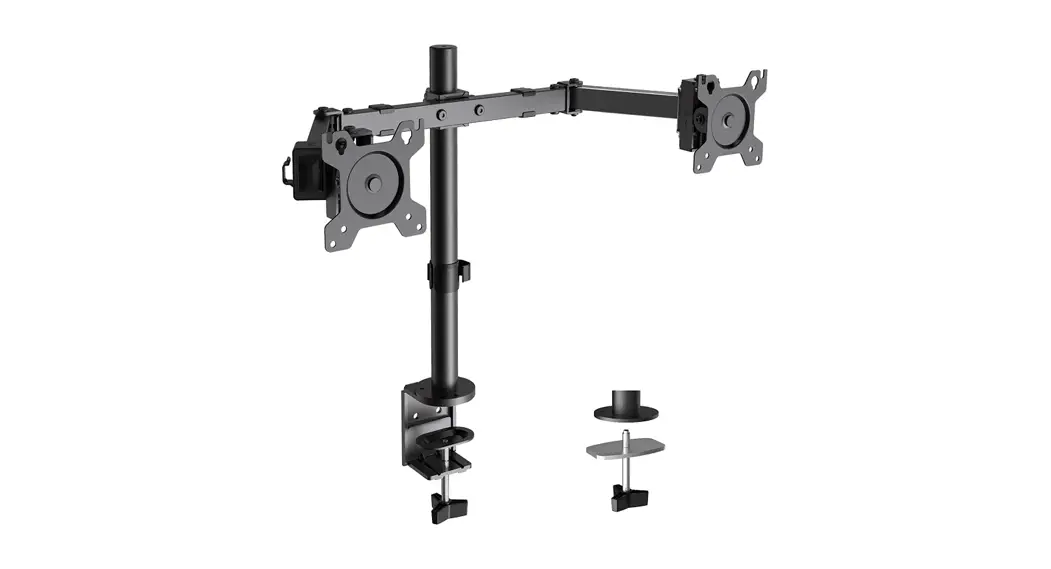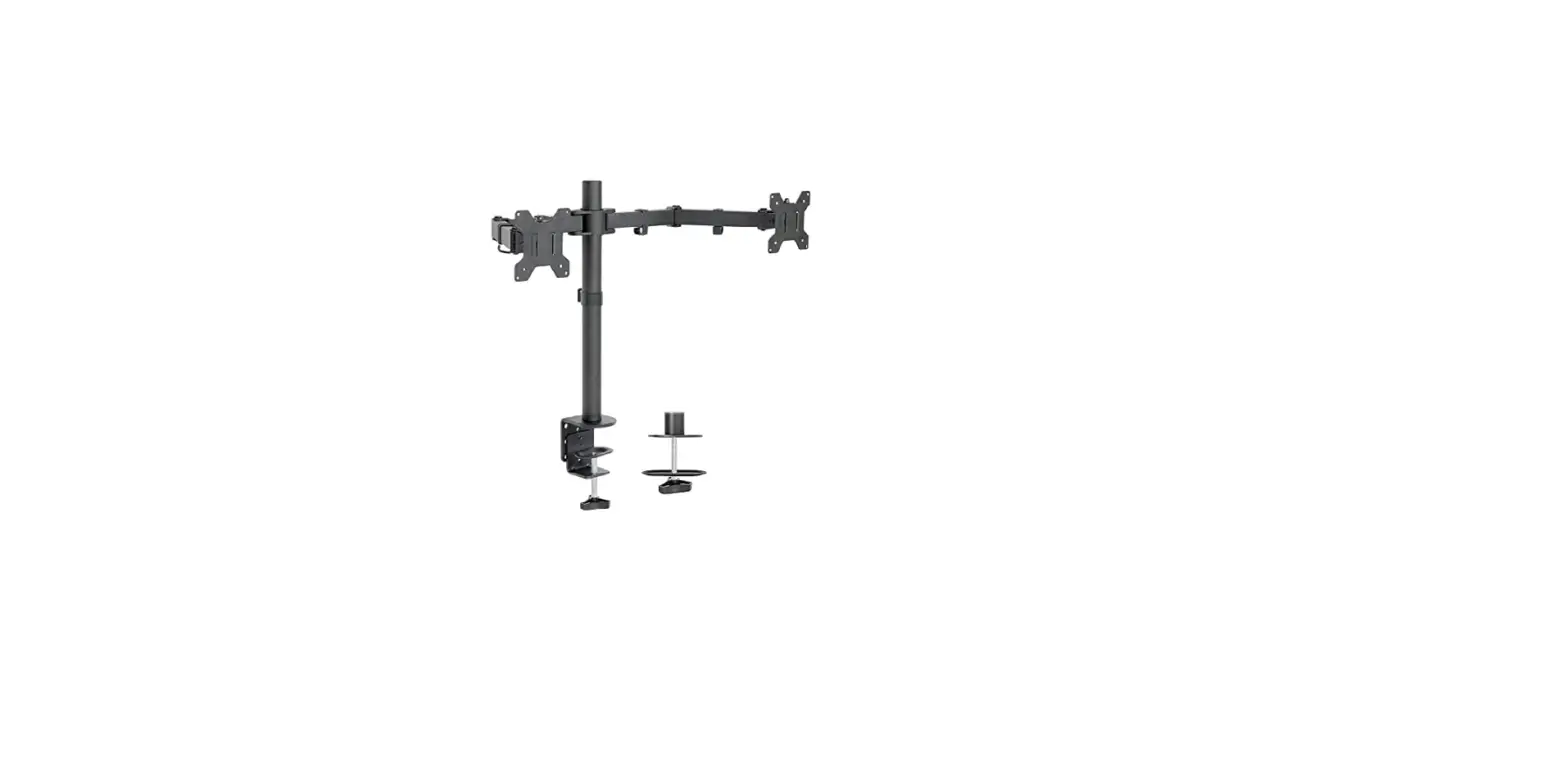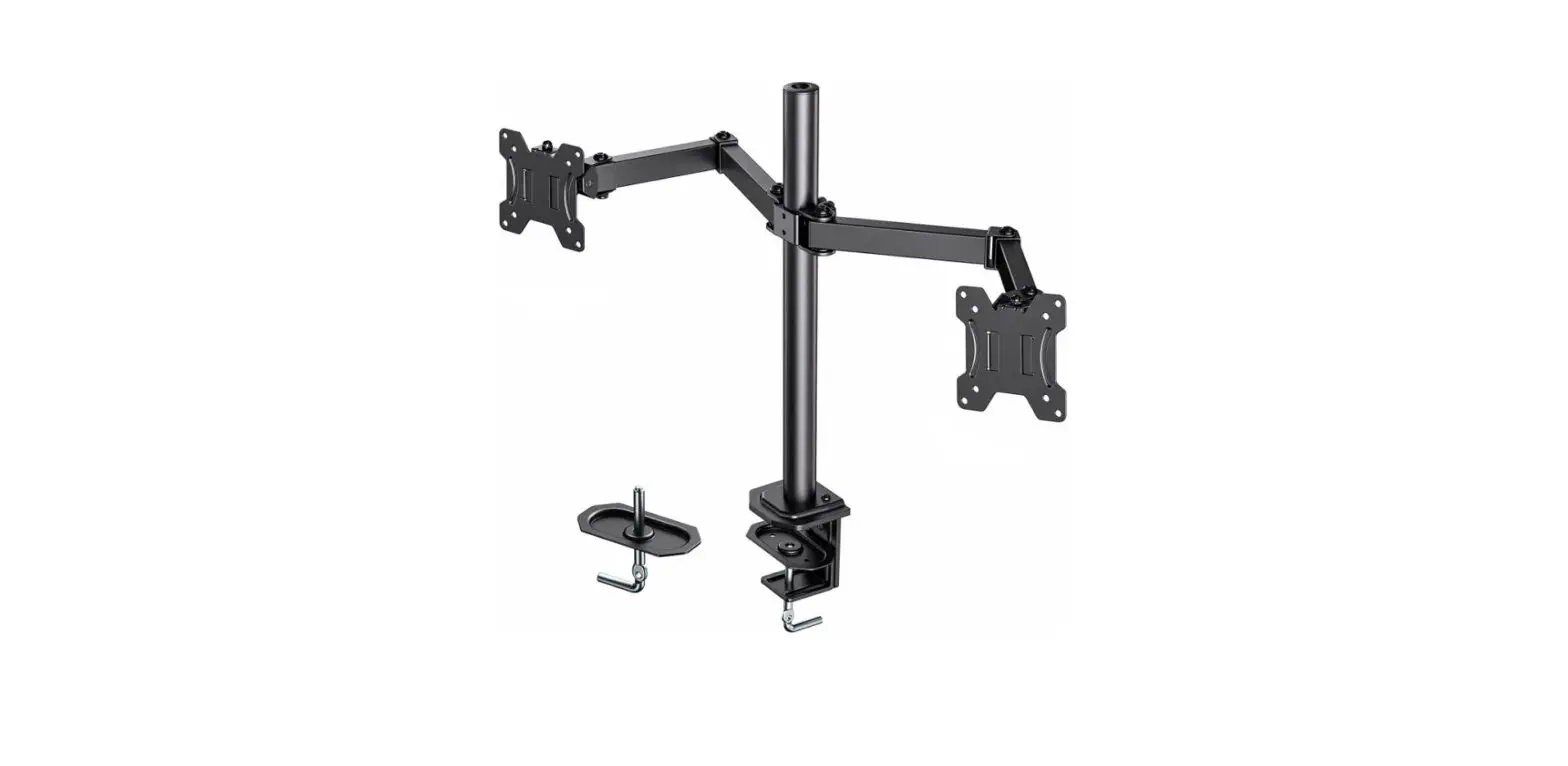

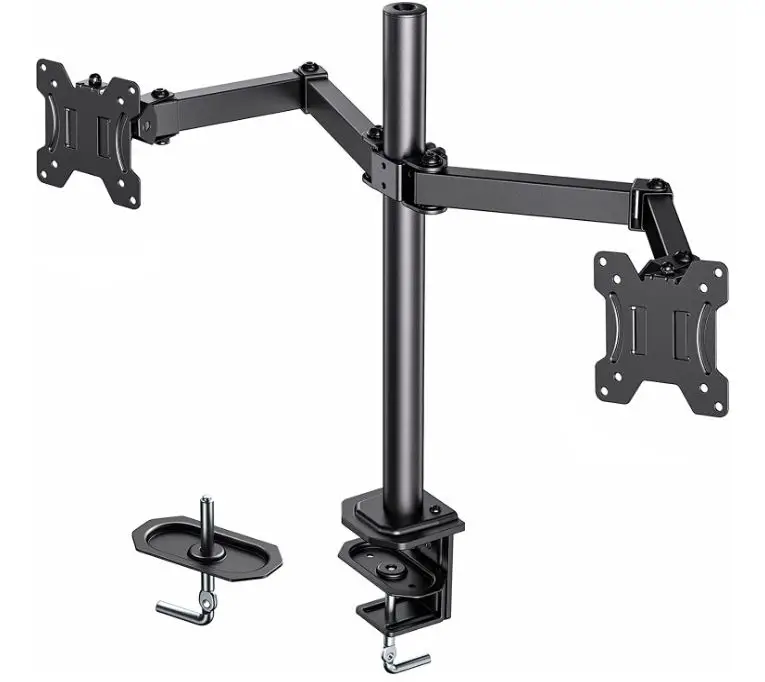
HUANUO HNCM7 Dual Monitor Arms Desk Mount
SPECIFICATIONS
- MOUNTING TYPE Table Mount, C Clamp, Grommet Mount
- MOVEMENT TYPE Swivel, Tilt
- BRAND HUANUO
- MATERIAL Alloy Steel
- TV SIZE 27 Inches
- COLOR Black
- MINIMUM COMPATIBLE SIZE 13 Inches
- COMPATIBLE DEVICES Dual monitor mount widely fits most 13″ to 27″ flat and curved screens
- MAXIMUM TILT ANGLE 45 Degrees
- ITEM WEIGHT 7.11 pounds
- PRODUCT DIMENSIONS 16.9 x 9.5 x 3.2 inches
DESCRIPTION
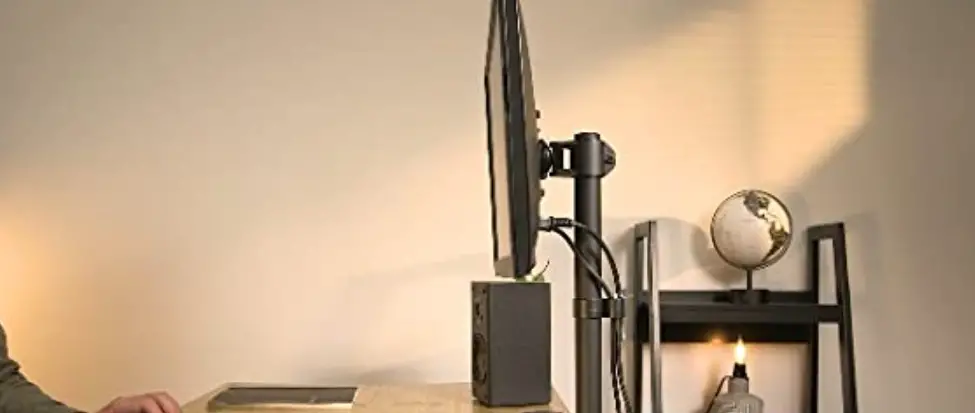
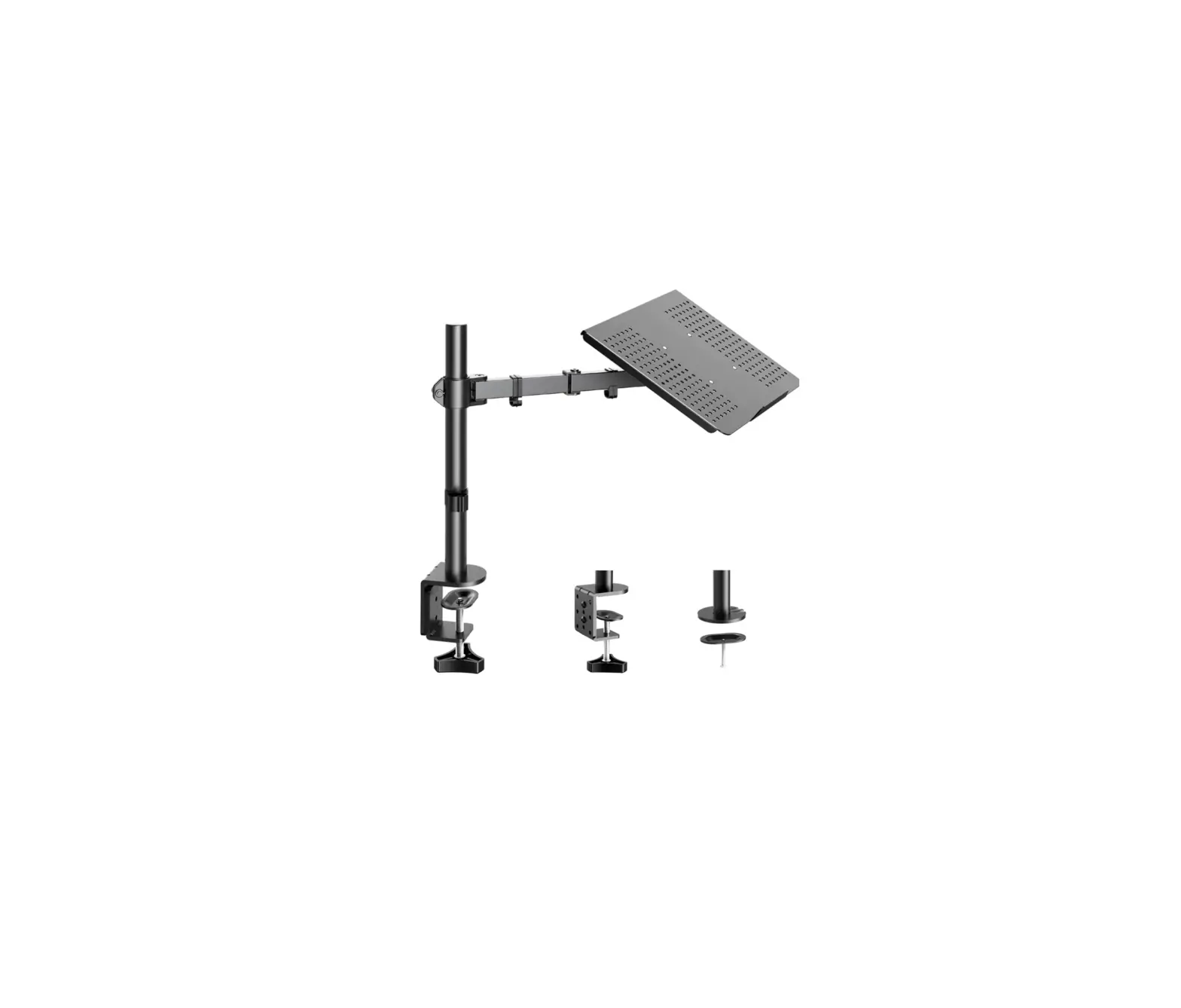
The adjustable arm has a tilt range of +45° to -45°, a swivel range of 180°, a rotation range of 360°, and a height adjustment along the center pole. Monitors can be positioned in portrait or landscape orientation, reducing the need to switch between web pages and increasing efficiency. HUANUO Dual monitor stand mount with two screens ranging in size from 13″ to 27″ and a maximum support weight of 17.6lbs per arm, compatible with VESA mounting holes 75x75mm and 100x100mm. More desks can be installed using the C-clamp and grommet methods. The dual monitor stand has a two-stage locking system that is compatible with 0.39-3.54″ C-clamp and 0.39-2.76″ Grommet Base.
With the dual monitor mount and cable management, you can free up valuable desktop space. Poor desktop management can result in excessive visual noise. You can divide your work area and create a work ecosystem by using the dual monitor stand. The dual monitor mount package includes all installation equipment, and we simplify the installation to ensure that your integration is done correctly the first time.
IMPORTANT SAFETY INFORMATION
Please carefully read all instructions before attempting installation. If you do not understand the instructions or have any concerns or questions, please contact our customer service at [email protected].
CAUTION
Avoid potential personal injuries and property damage!
- Do not use this product for any purpose that is not explicitly specied in this manual. Do not exceed weight capacity. We are not liable for damage or injury caused by incorrect assembly or inappropriate use.
- The desk must be capable of supporting ve times the weight of the monitor and mount combined.
CHECK THE VESA PATTERN OF YOUR MONITOR BEFORE THE INSTALLATION
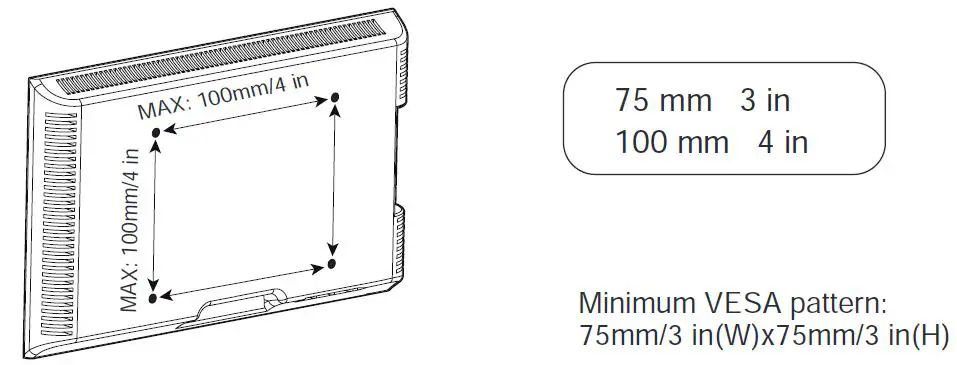
If your monitor VESA is greater than 100×100 mm/4×4 in or less than VESA 75×75 mm/3×3 in, this mount is NOT compatible.
If this mount is NOT compatible, please contact customer service at [email protected] to and a compatible mount.
TOOLS NEEDED
(NOT INCLUDED)

SUPPLIED PARTS AND HARDWARE
WARNING
This product contains small items that could be a choking hazard if swallowed.
Before starting assembly, verify all parts are included and undamaged. Do not use damaged or defective parts. lf you require replacement parts, please contact our customer service at [email protected].
PLEASE NOTE
Not all hardware included in this package will be used.
SUPPLIED PARTS AND HARDWARE FOR STEP 1
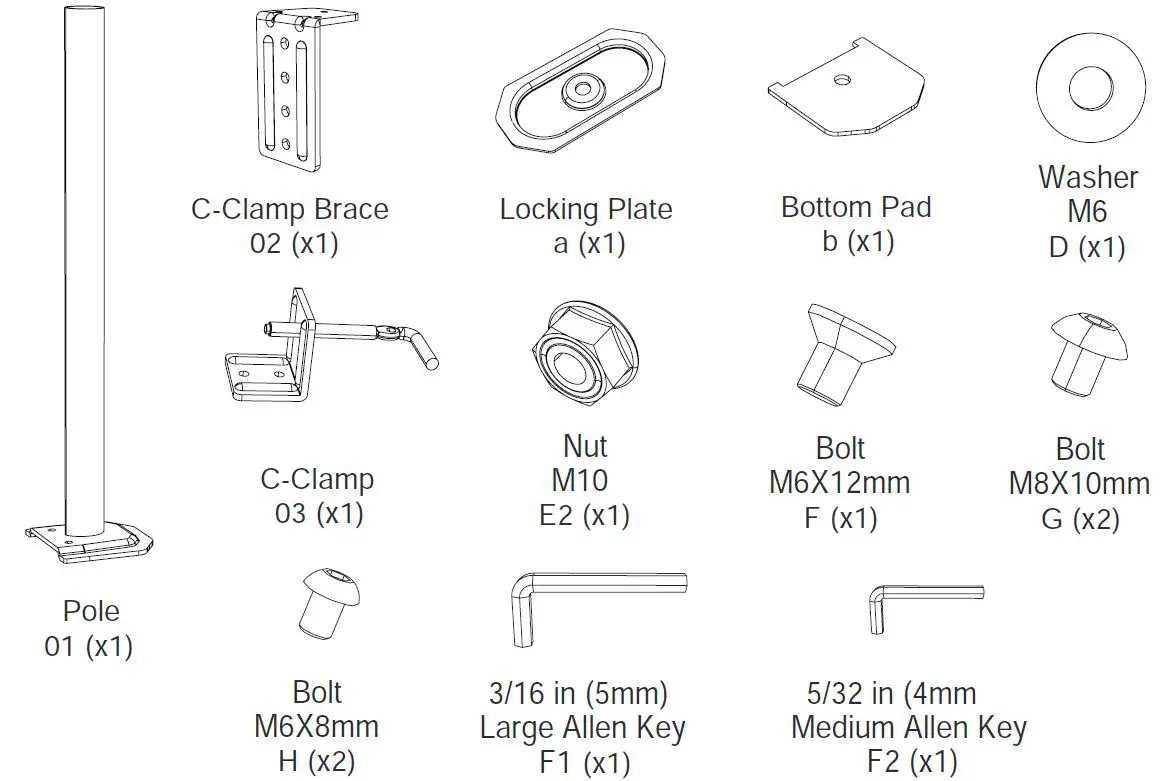
SUPPLIED PARTS FOR STEP 2
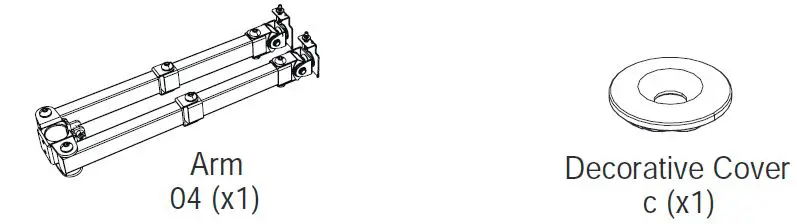
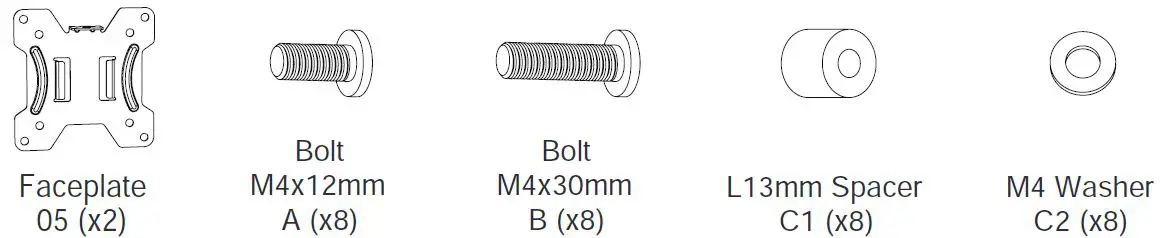
SUPPLIED PARTS AND HARDWARE FOR STEP 3
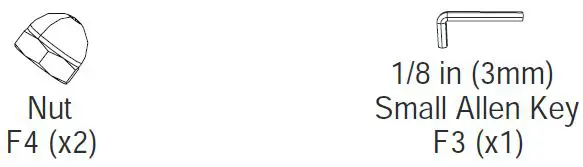
SUPPLIED HARDWARE FOR STEPS 4 AND 5
INSTALL THE BASE
STEP 1
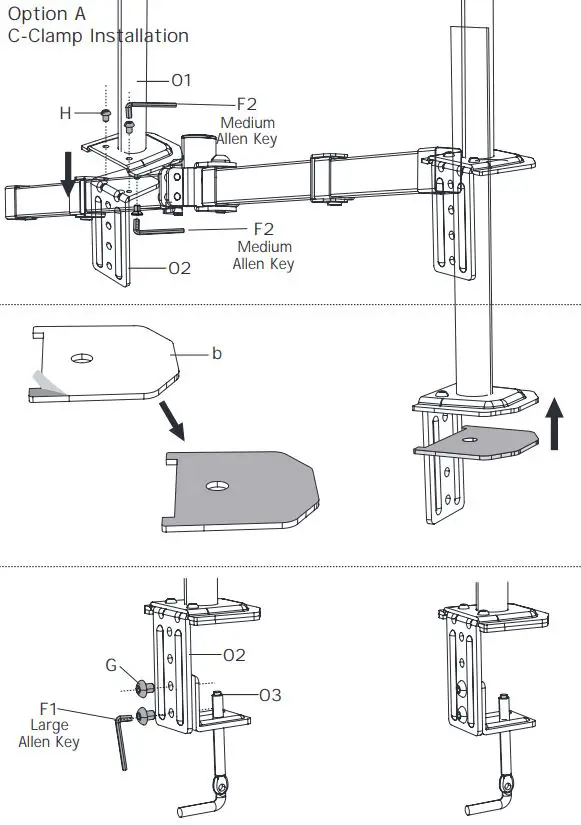
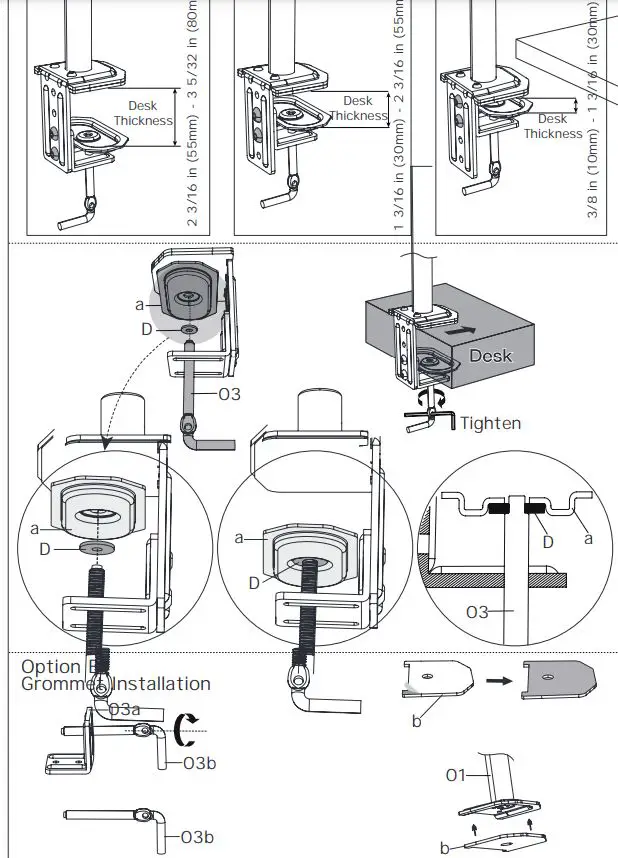
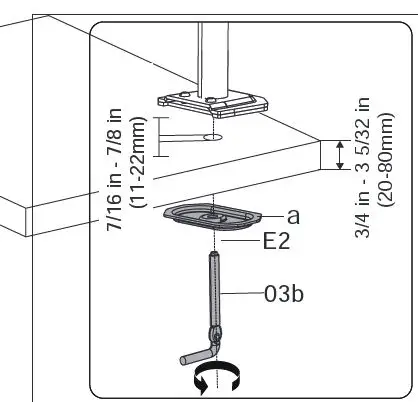
If there is no grommet hole on your desk, position the pole [01] on the mounting surface and mark the hole. Drill a hole using the drill bit in a diameter of 7/16 in – 7/8 in (11-22mm) at the marked position through the mounting surface.
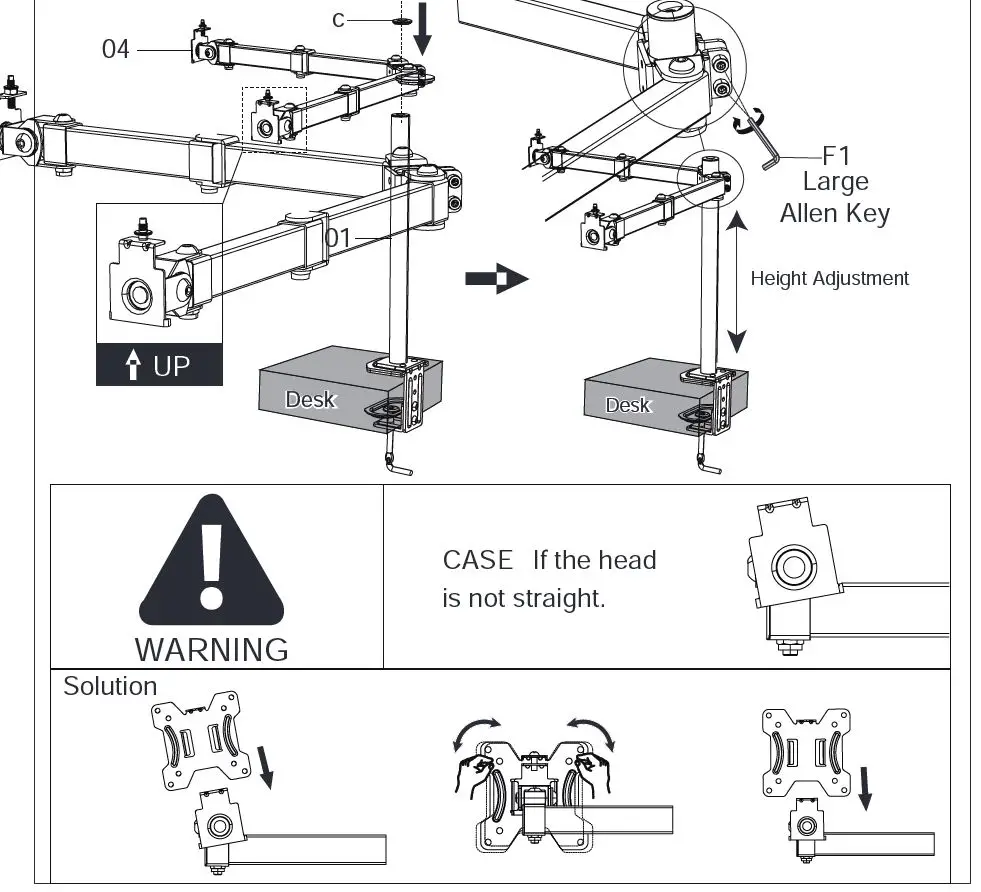
STEP 2 SECURE THE ARM [04] TO THE POLE [01]
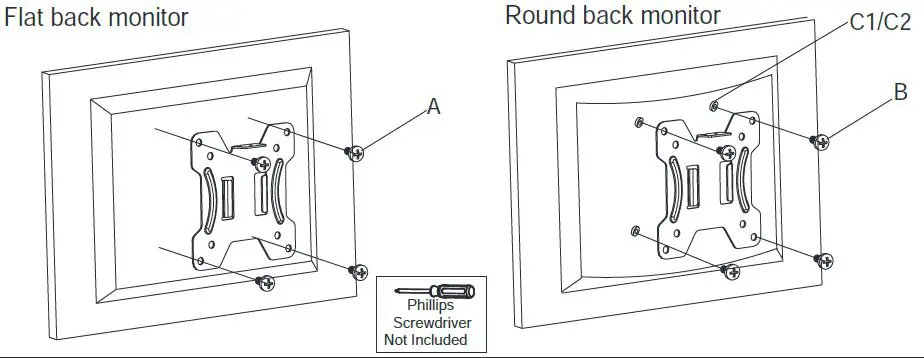
STEP 3 ATTACH THE FACEPLATE [05] TO THE BACK OF THE MONITOR
STEP 4 HANG THE MONITOR TO THE ARM [04]
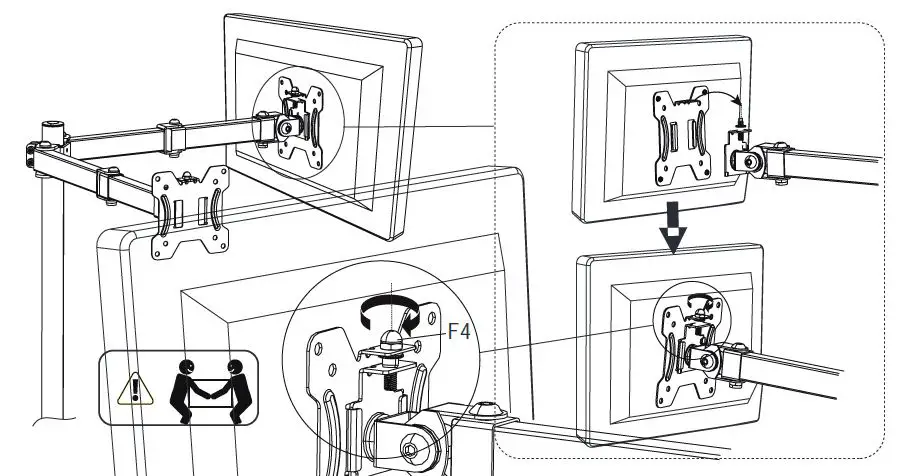
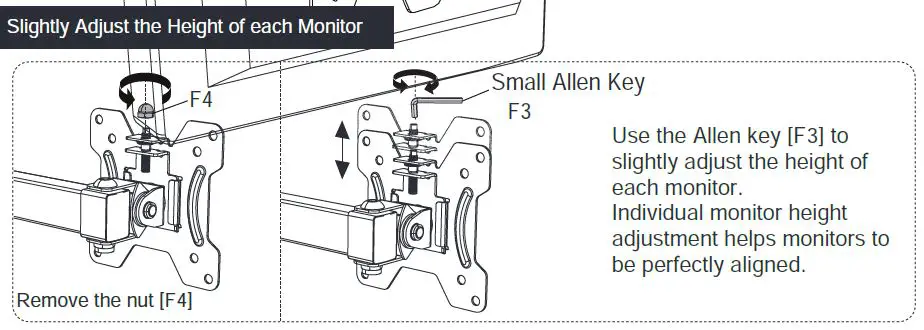
STEP 5 ADJUSTMENT
TILT ADJUSTMENT
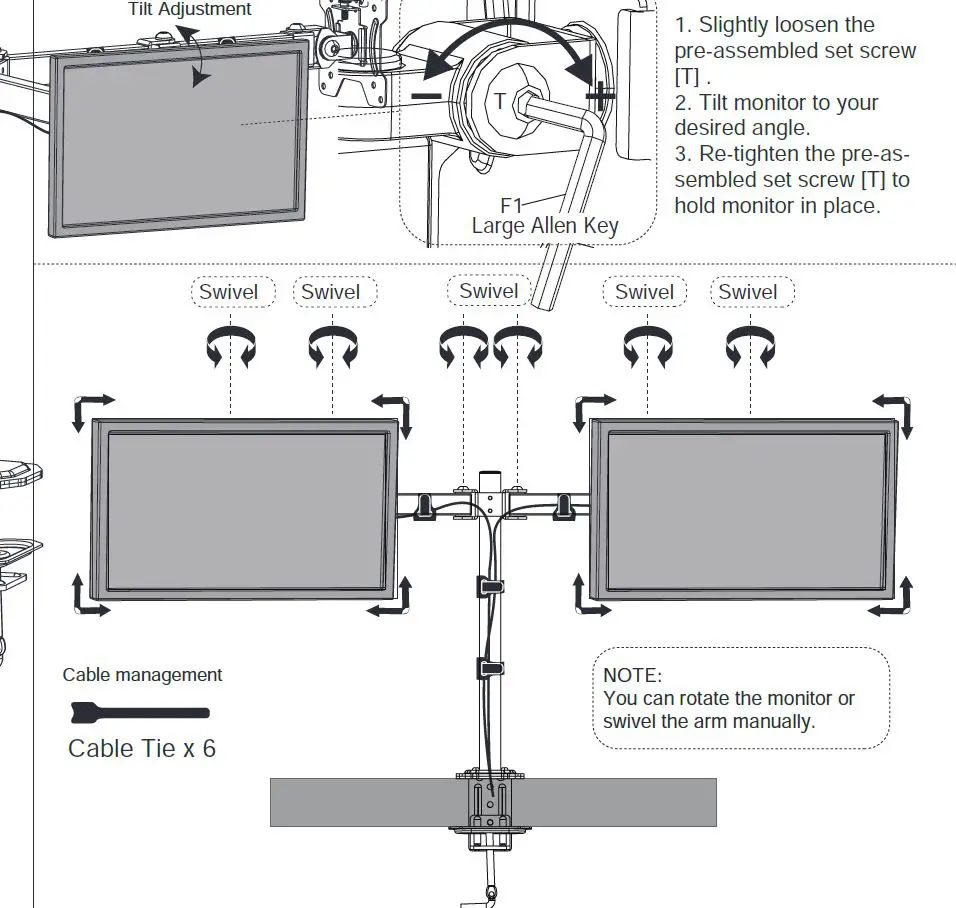
WARNING
To avoid tipping, please be careful not to extend the arms too far forward or backward. When you adjust the angle of the arms, please make sure two arms are balanced to avoid instability of the center of gravity of the base.
Frequently Asked Questions
16 inches. Not long enough for me, turns out.
Based on the sizing I would say about 3-5″ depending on how you have the arms angled.
It will probably work so long as you don’t have plans to rotate the 29″ monitor between portrait and landscape configurations. Also technically this is rated for 27″ monitors and lower, so if it didn’t work for you, it might affect your ability to get a quick refund.
Each arm extends 16 inches from the center post. They bend in the middle. You can extend the arm out the full 16 inches to the side or in the front of the middle post.
30”
It states that it does, but what happened to me is that the weight of the monitor kind of bent my desk so I had to lower more on top of the desk
You could probably use standard hardware.
Yes, it is a strong metal and easy to install. Very satisfied with the product.
Yes, it will.
yes, the tube is hollow. It is very strong and sturdy to hold the specified weight.