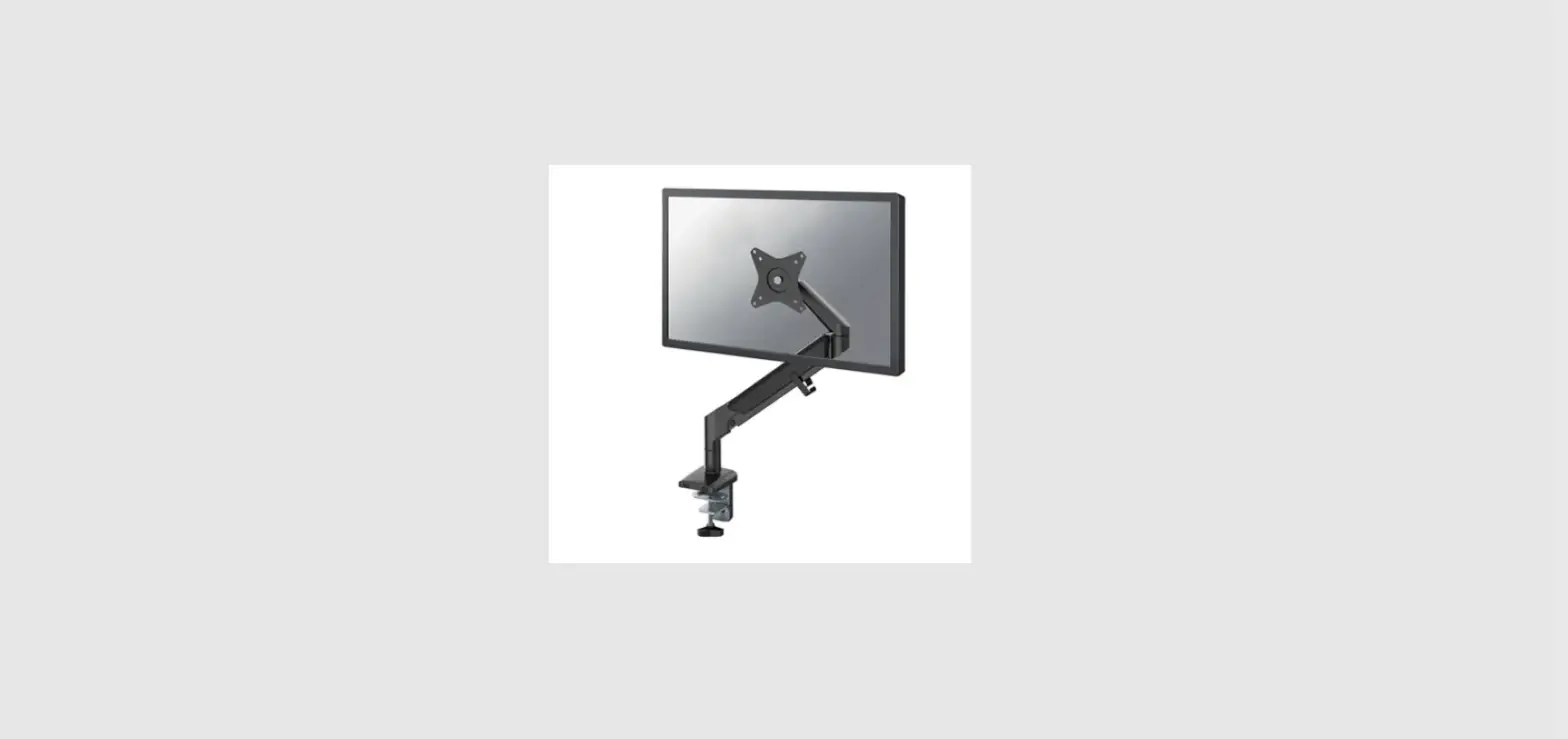
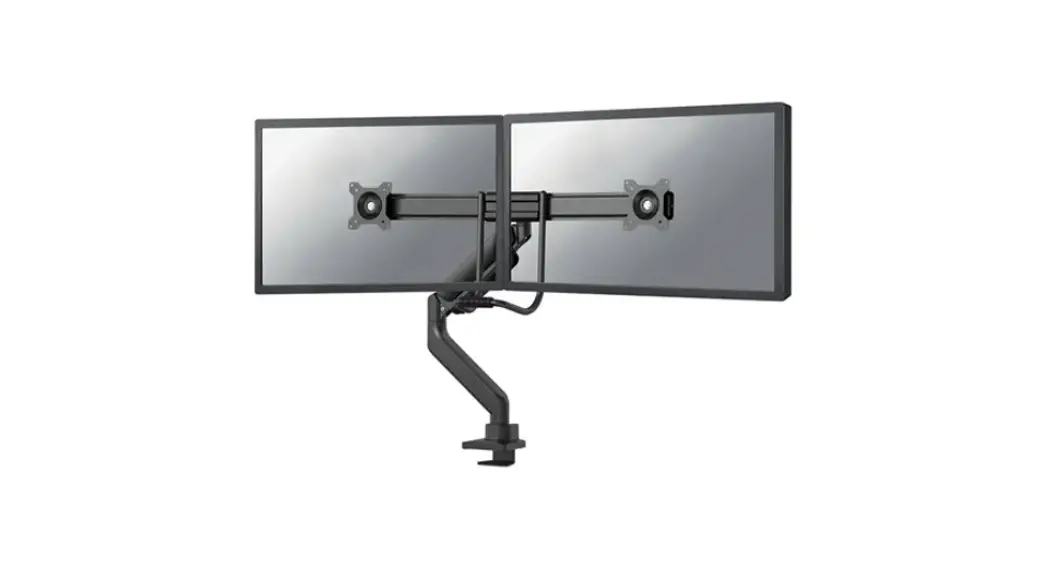
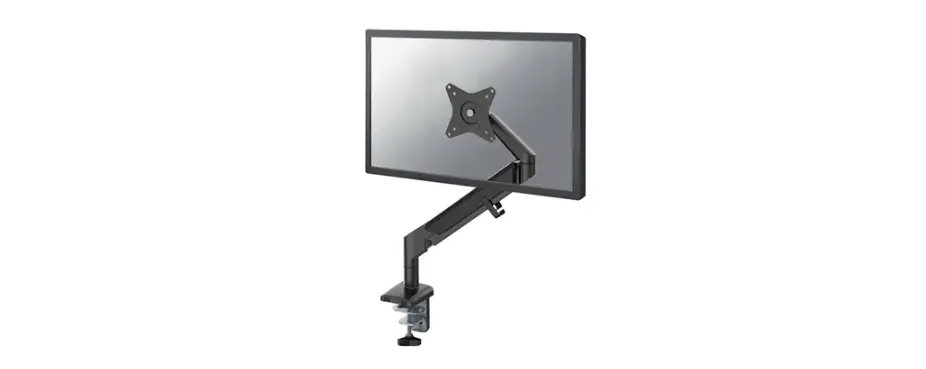
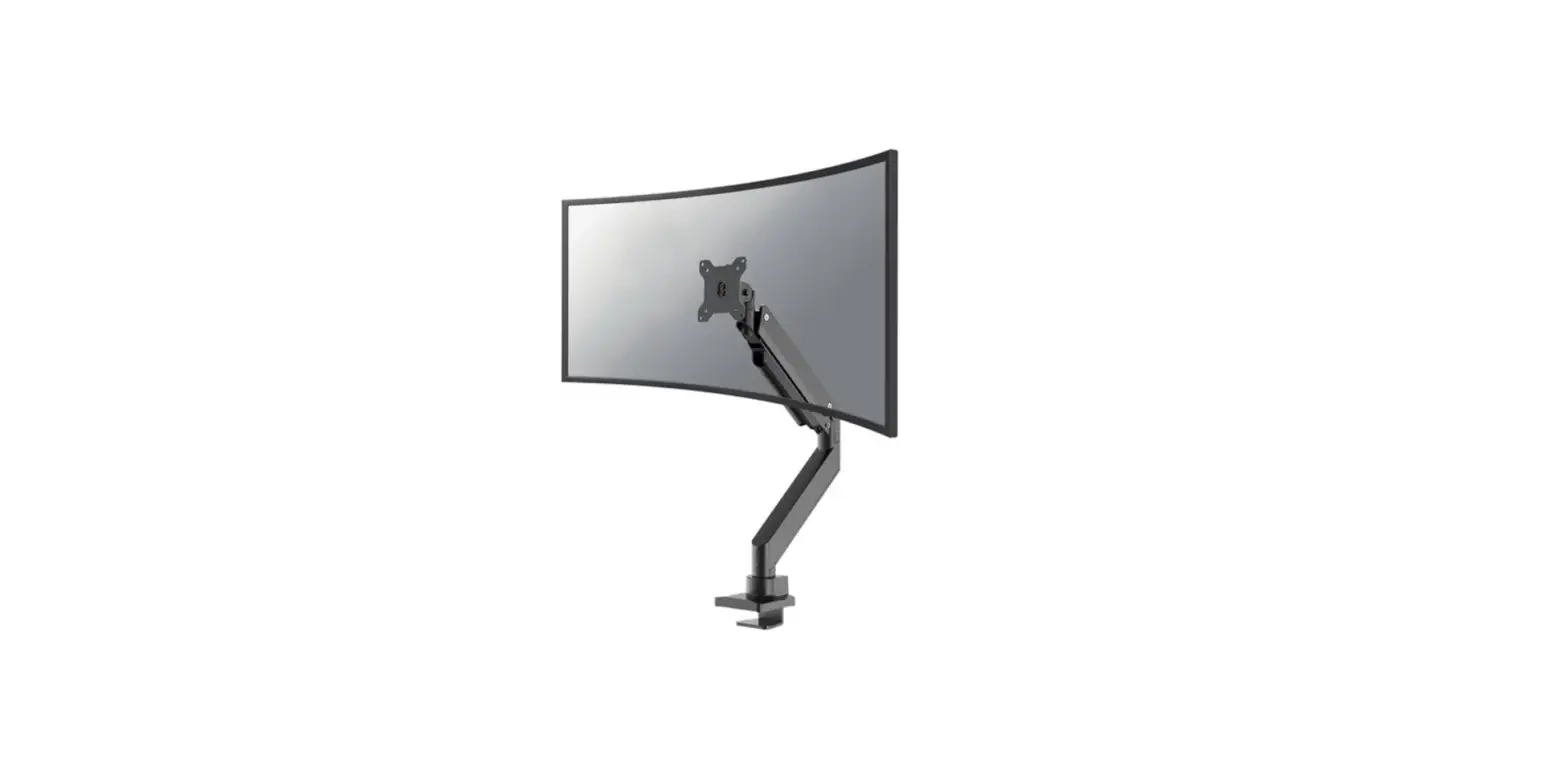
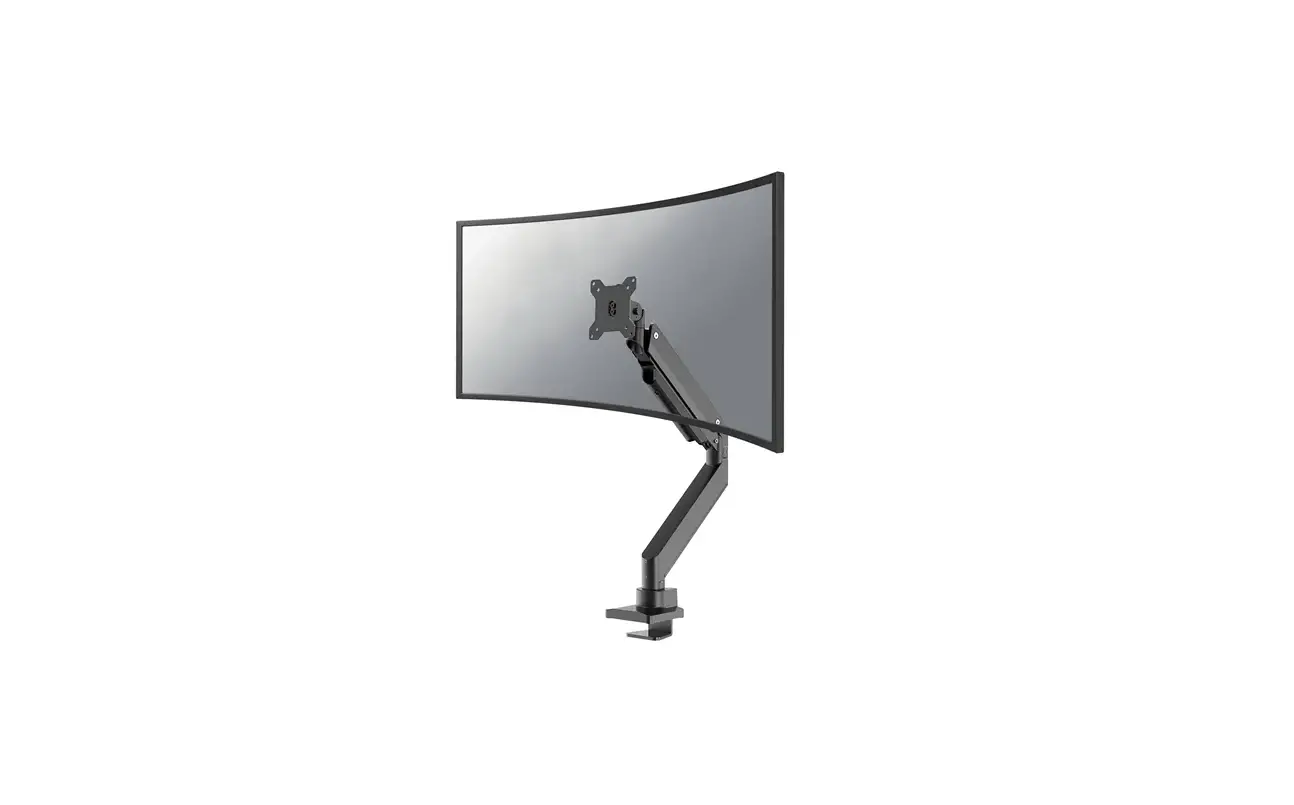
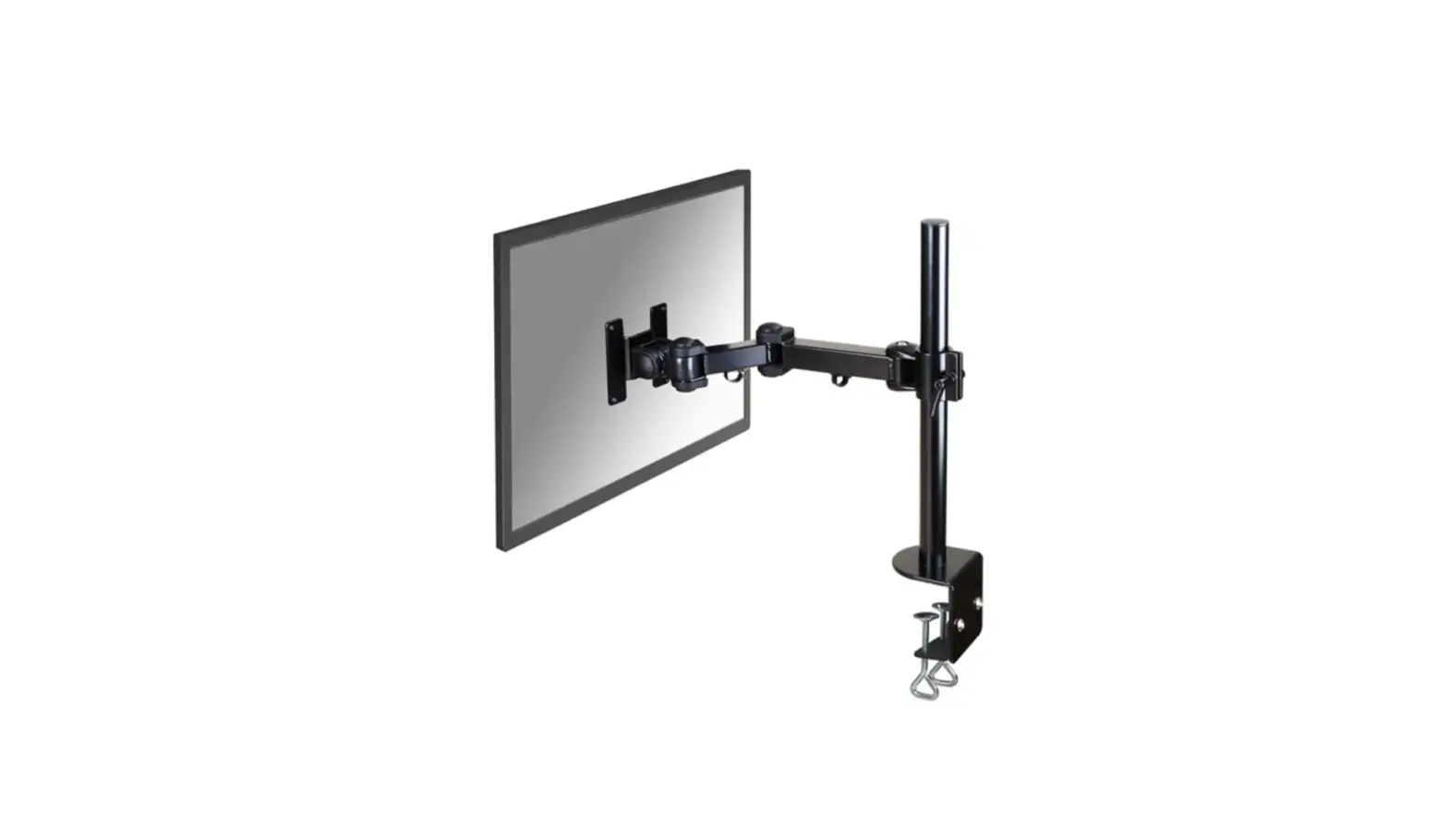
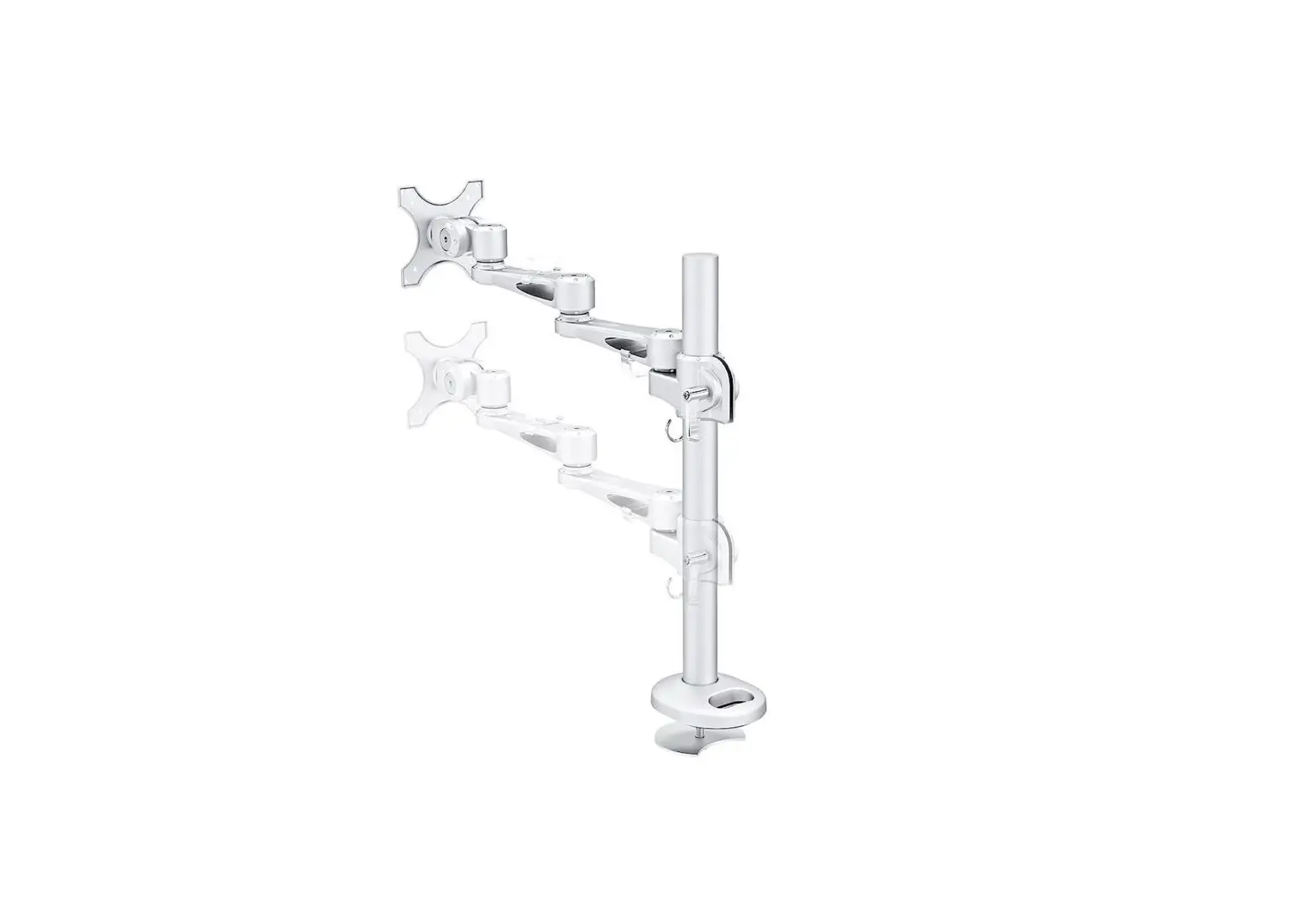
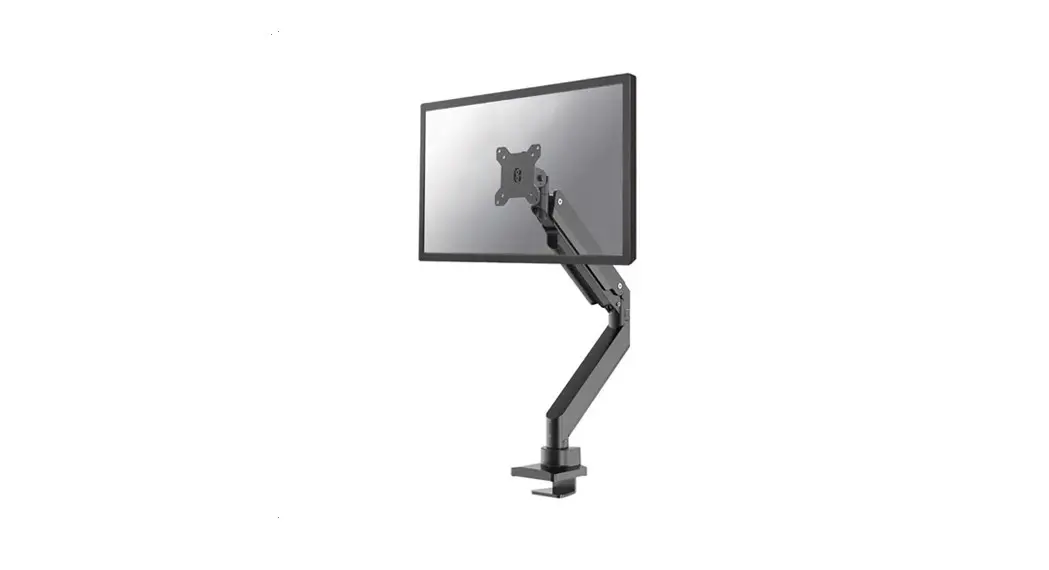
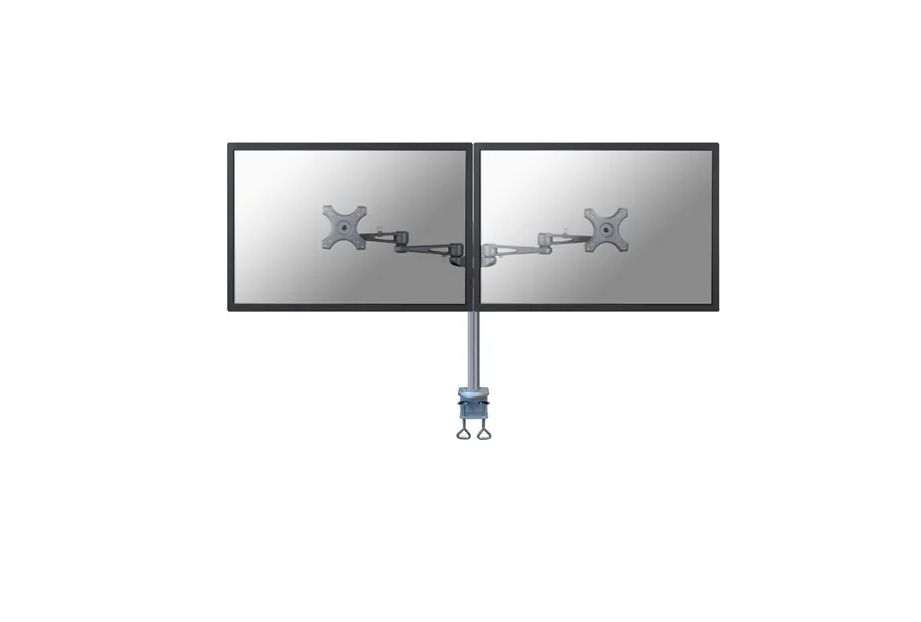
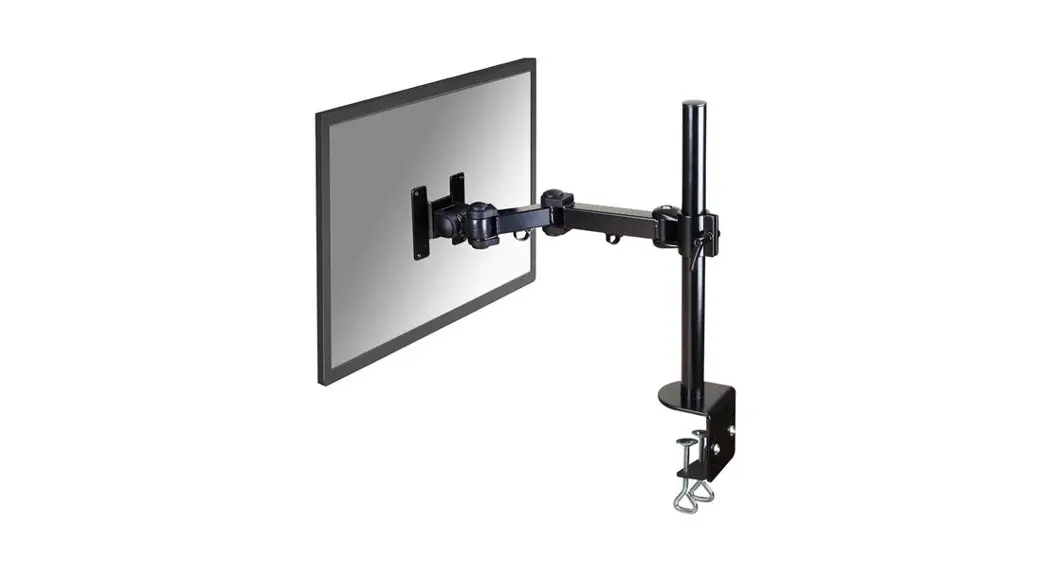
DS70PLUS-450WH1 Monitor Arm Desk Mount
Product Information: – Product Name: DS70PLUS-450WH1 –
Manufacturer: Neomounts – Website: www.neomounts.com – Weight
Capacity: 1-18 kg – Arm Length: 26.1-55 cm – Arm Extension:
5.4-49.7 cm – VESA Mounting Patterns Supported: 75×75 mm, 100×100
mm – Parts Included: – A. Upper Arm (x1) – B. Lower Arm (x1) – C.
Clamp (x1) – D. Grommet (x1) – E. D1 (x1) – F. J (x1) – G. E (x1) –
H. F (x1) – I. Allen Key 3mm (x1) – J. Allen Key 6mm (x1) – M-A.
Screw M4x12 (x4) – M-B. Screw M4x16 (x4) – M-C. Screw M5x12 (x4) –
M-D. Screw M5x16 (x4) – M-E. Screw D5 (x4) – M-F. Screw (x4)
Product Usage Instructions: Step 1: Clamp Installation – Attach the
Clamp (C) to the desk or table in the desired position. – Place the
Upper Arm (A) and Lower Arm (B) onto the Clamp, aligning the holes.
– Secure the Upper Arm and Lower Arm together using the J Allen
Key. Step 2: Grommet Installation – If using the Grommet (D),
remove the Clamp (C) from Step 1. – Place the Grommet (D) onto the
desk or table in the desired position. – Place the Upper Arm (A)
and Lower Arm (B) onto the Grommet, aligning the holes. – Secure
the Upper Arm and Lower Arm together using the J Allen Key. –
Attach the E and F parts to the Grommet (D1) and secure them using
the J Allen Key. Step 3: Attaching Upper Arm to Lower Arm – Attach
the Upper Arm (A) to the Lower Arm (B) by inserting the I Allen Key
into the hole on the Upper Arm and tightening it. Step 4: Monitor
Installation – Install the monitor according to the
language-specific instructions provided (EN, NL, DE, FR, IT, ES,
PT, PL). Step 5: Cable Management – Remove the cable cover and run
the cable(s) through it. – Reattach the cable cover. Step 6: Final
Assembly – Attach the remaining parts H, J, M-A, M-B, M-C, M-D,
M-E, and M-F as needed to complete the assembly. Step 7: Limiting
Screw Adjustment – Tighten the limiting screw using the I Allen
Key. Do not over-tighten. – To remove or loosen the limiting screw,
use the I Allen Key. Step 8: Mount Adjustment – Adjust the mount to
the desired position. – Loosen or tighten the screws if necessary.
Step 9: Lower Cable Management Cover – Before adjusting the
limiting screw, remove the lower cable management cover. – After
adjusting, reattach the lower cable management cover. Step 10:
Allen Key Holder – Place the Allen Keys (I) into the provided
holder for future use.
INSTRUCTION MANUAL
170mm min235-max290mm 54mm
±180°
±90°
75mm 100mm 115mm ±180°
+45° -45°
±90° ±180°
min10-max45mm min10-max45mm
75mm 100mm 115mm min261-max550mm
DS70PLUS-450WH1
EN Monitor desk mount NL Monitor bureausteun DE Monitor Tischhalterung FR Support moniteur de bureau IT Supporto da scrivania per monitor ES Soporte de escritorio para monitor PT Suporte de mesa para monitor DK Bordbeslag skærm
NO Bordstativ til skjerm SE Skrivbordsfäste för bildskärm FI Näytön pöytäteline PL Uchwyt nabiurkowy do monitora CS Stolní drzák monitoru SK Drziak na monitor RO Suport de birou pentru monitor
WWW.NEOMOUNTS.COM
DS70PLUS-450WH1 PARTS
Tool
Drill
75×75 100×100 mm
1-18 kg
26,1-55 cm
5,4-49,7 cm
C. (x1)
D. (x1)
E. (x1)
F. (x1)
G. (x1)
H. (x1)
A. (x1)
B. (x1)
I. 3mm (x1)
J. 6mm (x1)
M-A. M4x12 (x4)
M-B. M4x16 (x4)
M-C. M5x12 (x4)
M-D. M5x16 (x4)
M-E. D5 (x4)
M-F. (x4)
STEP 1
EN Install the clamp to/grommet through the desk NL Monteer de klem aan/doorvoer in het bureau DE Befestigen der Klemme am/Tülle durch den Schreib-
tisch FR Vissez la pince sur/ l’oeillet à travers le bureau IT Installa il morsetto sulla/l’occhiello attraverso scrivania ES Instale la abrazadera en el/arandela a través del escri-
torio PT Instale a braçadeira na/o anel através da mesa PL Zainstaluj zacisk na/przelotk przez biurku
Clamp installation J
D
10-45mm
Grommet installation J
D
E D1
Desktop with existing hole ø10-60mm
10-45mm
OR 10-45mm
J
E
F
ø 10mm (ø 3/8″)
D1 G
STEP 2
EN Attach the lower arm to the base NL Bevestig het onderste deel van de arm aan de voet DE Befestigen Sie den unteren Arm an der Basis FR Insérez le bras sur la base du support IT Attaccare il braccio inferiore alla base ES Adjuntar el brazo inferior a la base PT Anexar o braço inferior à base PL Przymocuj dolne rami uchwytu do podstawy
STEP 3
EN Attach the upper arm to the lower arm NL Bevestig het bovenste deel van de arm aan het
onderste deel van de arm DE Befestigen Sie den oberen Arm am unteren Arm FR Fixez le second bras sur le bras inférieur et le visser IT Attaccare la parte superiore del braccio al braccio
inferiore ES Adjuntar el brazo inferior al brazo superior PT Prenda o braço inferior ao braço superior PL Przymocuj góne rami do dolnego ramienia
B
I A
I
STEP 4
EN Attach the VESA plate to the screen NL Bevestig de VESA-plaat aan het scherm DE Bringen Sie die VESA-Platte am Bildschirm an FR Fixez la plaque VESA à l’écran IT Fissare la piastra VESA allo schermo ES Fije la placa VESA a la pantalla PT Fixar a placa VESA ao ecrã PL Przymocuj plytk VESA do ekranu
STEP 5
EN Install the monitor NL Installeer de monitor DE Installieren Sie den Monitor FR Installer le moniteur IT Installa il monitor ES Instale el monitor PT Instale o monitor PL Zainstaluj monitor
* Not Included C
M-A M-C
M-B M-D
M-E
M-E
M-F
H
STEP 6
EN Adjust the gas spring NL Stel de gasveer af DE Gasfeder-Höhenverstellung einstellen FR Ajuster le ressort à gaz IT Regolare la forza della molla ES Ajustar la fuerza de resorte de gas PT Ajuste a força da mola a gás PL Ustawi naprenie spryny
J
Do not over-tighten the screws
STEP 7
EN Remove the cable cover and run the cable(s) through the cover
NL Verwijder de kabelgoot en leid de kabel(s) door de kabelgoot
DE Entfernen Sie die Kabelabdeckung und Kabel durch die Kabelabdeckung führen
FR Retirez les couvercles caches câbles et positionnez vos câbles dans les goulettes prévues à cet effet et reclipsez les caches câbles
IT Rimuovere la copertura del cavo e far passare il cavo attraverso la copertura del cavo
ES Retire la cubierta del cable y pase el (los) cable(s) a través de la bandeja para cables
PT Remova a tampa do cabo e passe o cabo pela tampa do cabo
PL Zdejmij oslon kabli i przeprowad kabel przez oslon kabla
STEP 8
EN Adjust the limiting screw to (de)activate the 180° lock system
NL Stel de begrenzingsschroef in om het 180° vergrendelingssysteem te (de)activeren
DE Stellen Sie die Begrenzungsschraube ein, um das 180°Verriegelungssystem zu (de)aktivieren
FR Ajustez la vis de butée pour (dés)activer le système de verrouillage à 180°
IT Regolare la vite di limitazione per (dis)attivare il sistema di blocco a 180°
ES Ajuste el tornillo limitador para (des)activar el sistema de bloqueo de 180°
PT Ajuste o parafuso limitador para (des)ativar o sistema de bloqueio de 180°
PL Wyreguluj rub ograniczajc, aby dezaktywowa system blokady 180°
I Tighten the limiting screw (do not over tighten).
I
Remove or loosen the limiting screw.
±90° Arm can rotate 180°.
±180° Arm can rotate without stopping.
STEP 9
EN Adjust the mount to the desired position and loosen or tighten the screws if necessary
NL Stel de steun in op de gewenste positie en draai de schroeven indien nodig
DE Bringen Sie die Halterung in die gewünschte Position, durch lockern oder anziehen der Schrauben
FR Positionnez le support dans la position désirée en désserrant et resserant les articulations de hauteur, d’inclinaison et de rotation
IT Regolare il supporto nella posizione desiderata e allentare o serrare le viti se necessario
ES Coloque el soporte en la posición deseada y gire los tornillos si es necesario
PT Ponha o suporte na posição desejada e afrouxe ou aperte os parafusos, se necessário
PL Dostosuj pozycj uchwytu do twoich wymaga i poluzuj zacinij rubki, jeli to konieczne
Note: Remove the lower cable management cover before adjusting the limiting screw. Reattach the cover afterwards.
J
STEP 10
EN Place the Allen keys into the holder for future use NL Bewaar de inbussleutels in de houder voor toekomstig
gebruik DE Setzen Sie die Inbusschlüssel zur späteren Verwendung
in den Steckplatz ein FR Rangez les clés Allen dans les tubes prévus à cet effet
pour une utilisation future IT Inserire le chiavi a brugola nello slot per un uso futuro ES Introduzca las llaves Allen en la ranura para usarla en el
futuro PT Insira as chaves Allen na ranhura para uso futuro PL Wló klucz imbusowy do gniazda, aby móc go uy w
przyszloci
 Neomounts