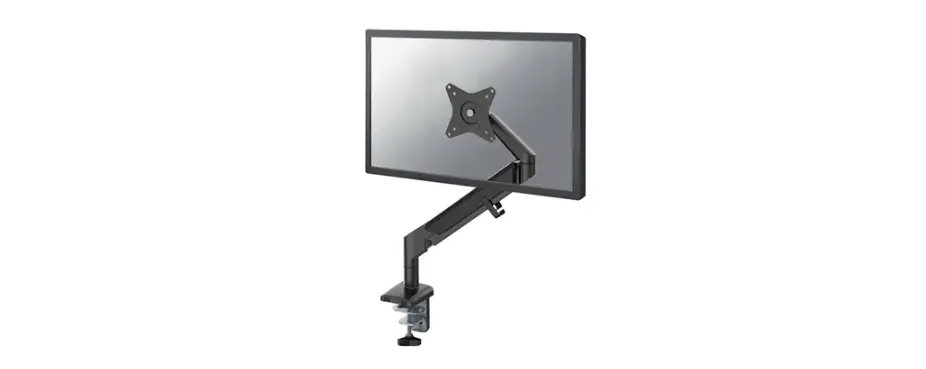
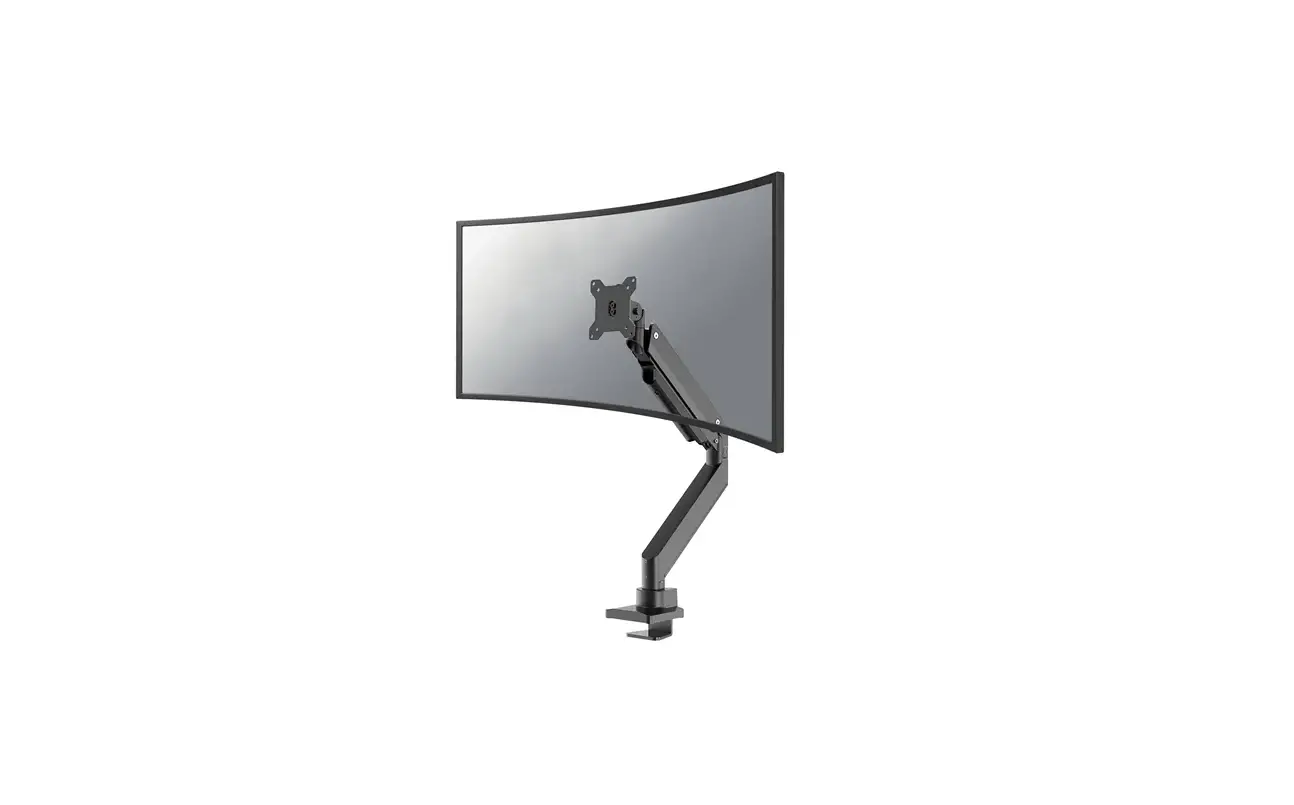
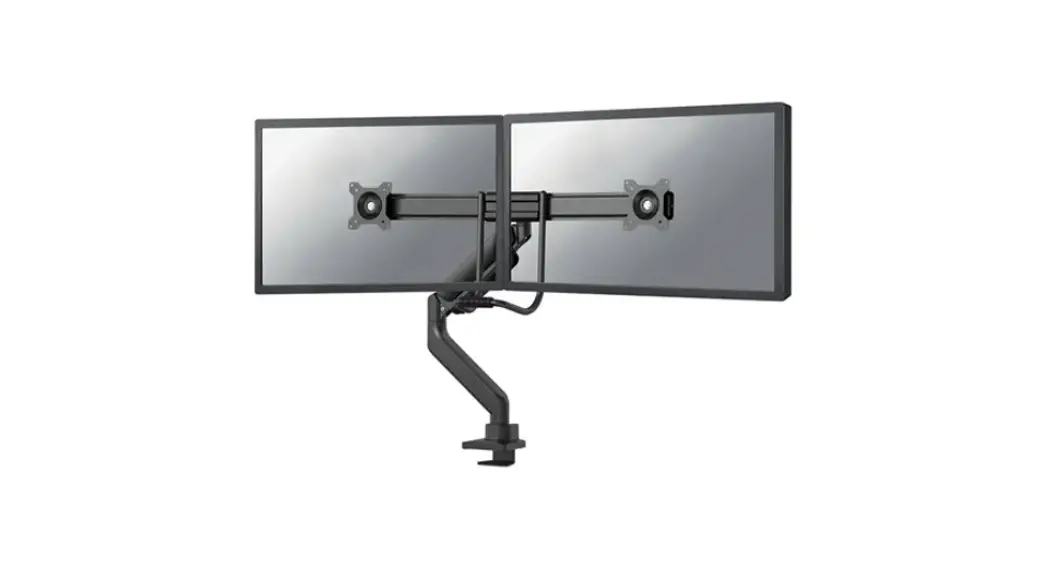
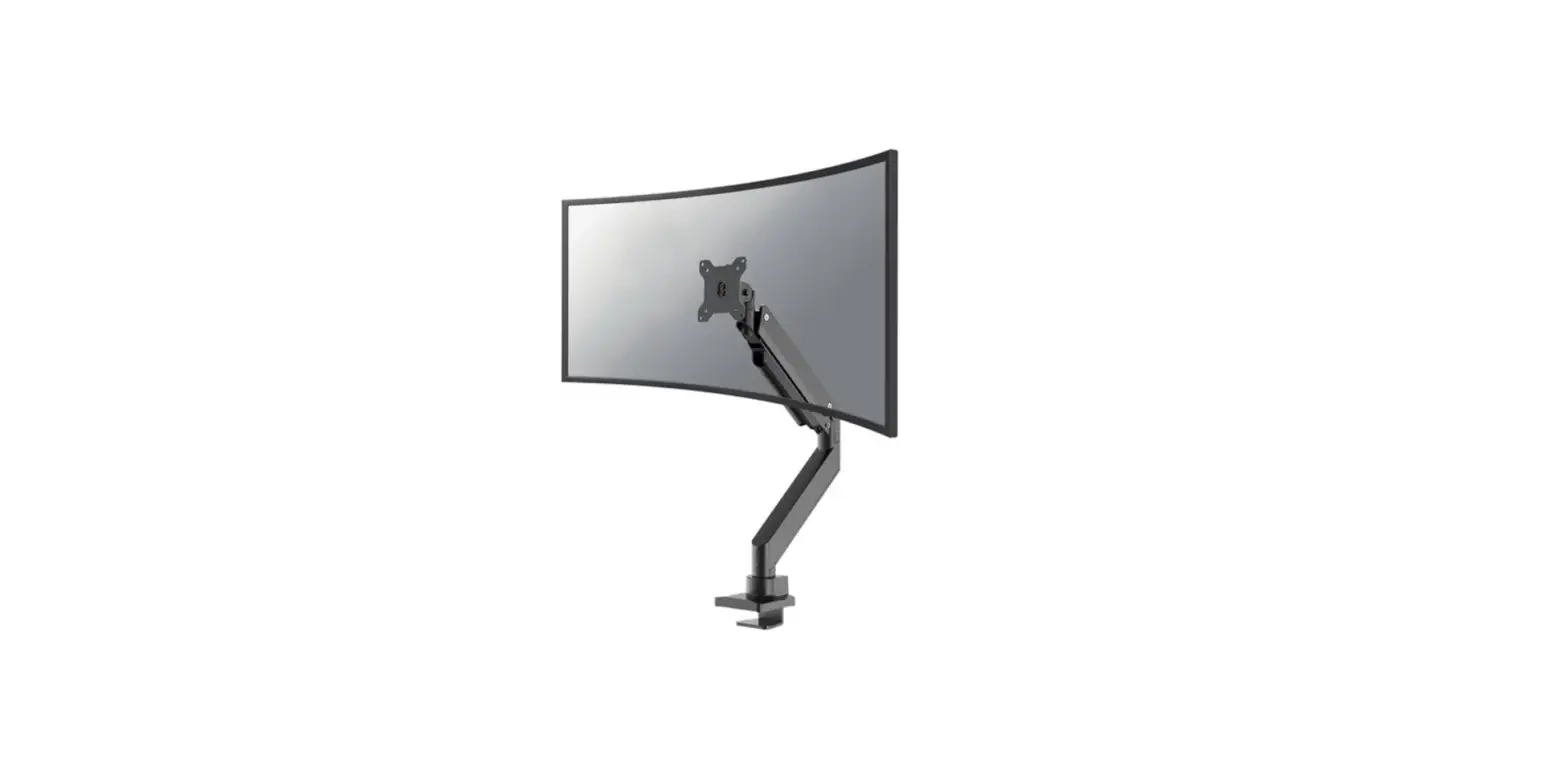
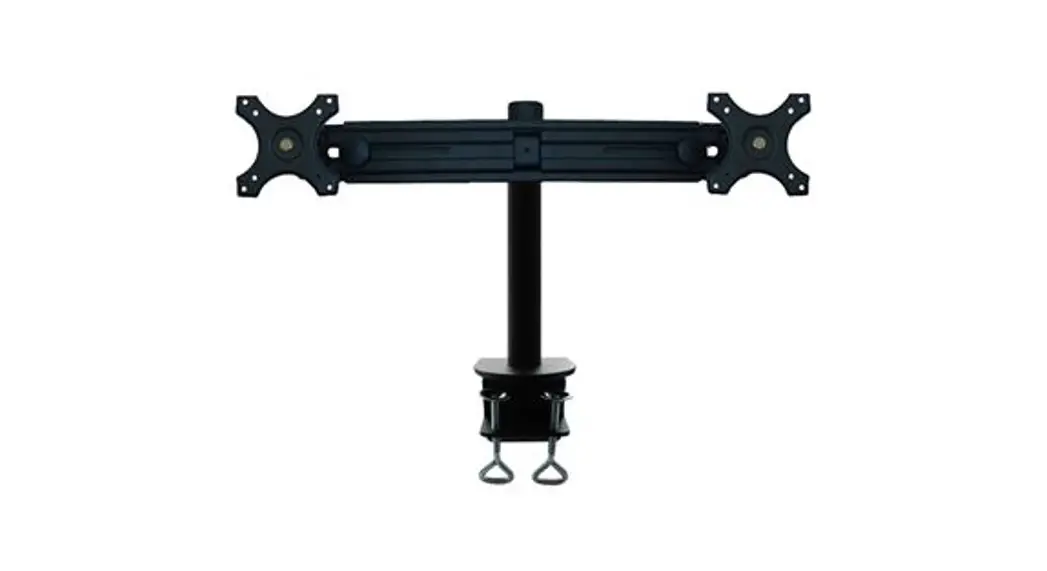
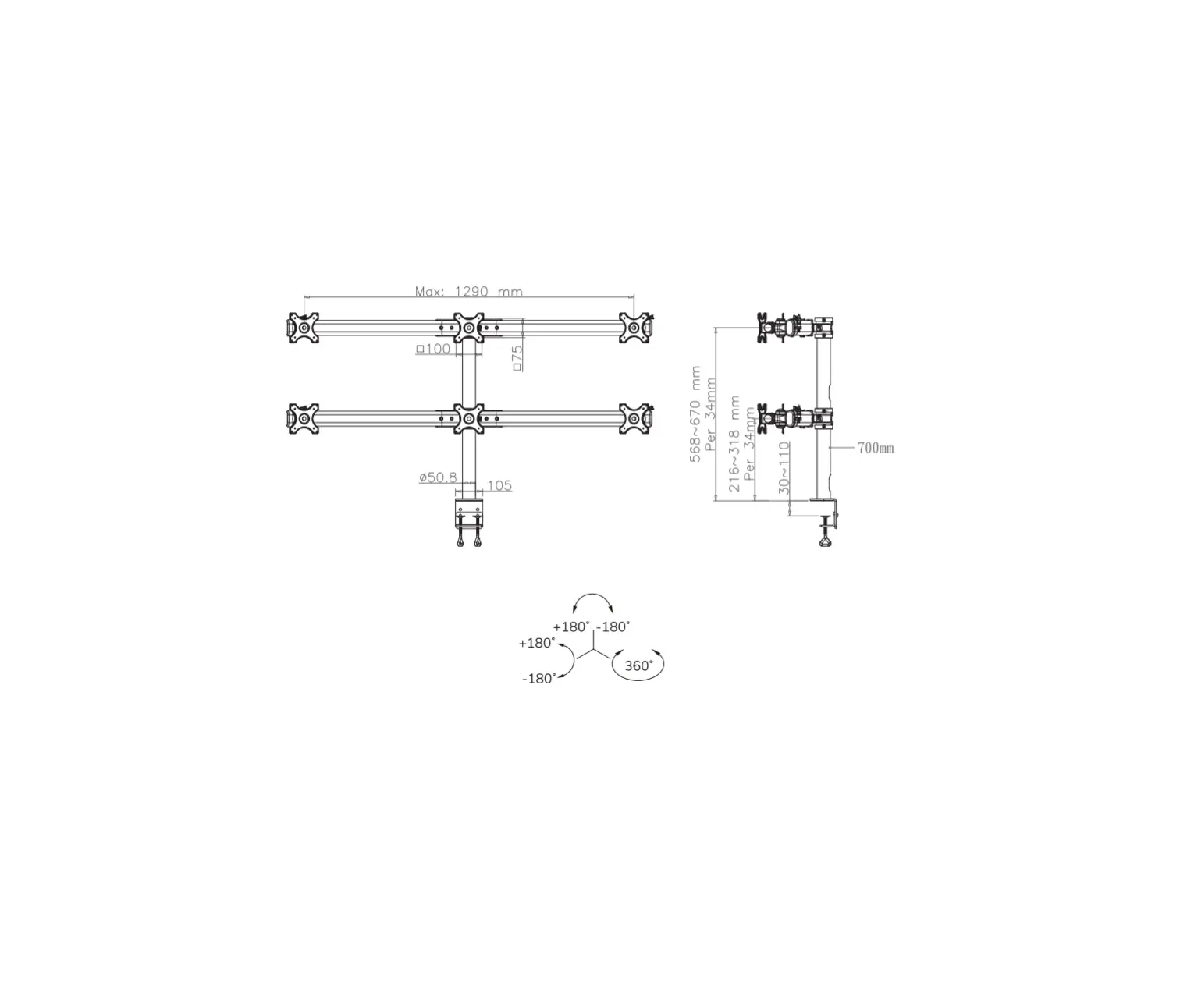
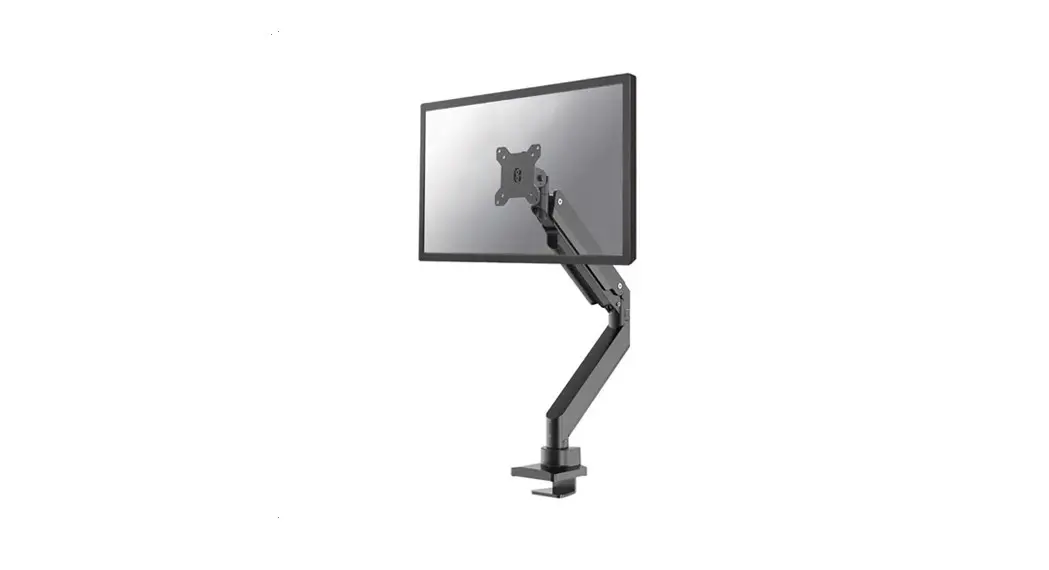
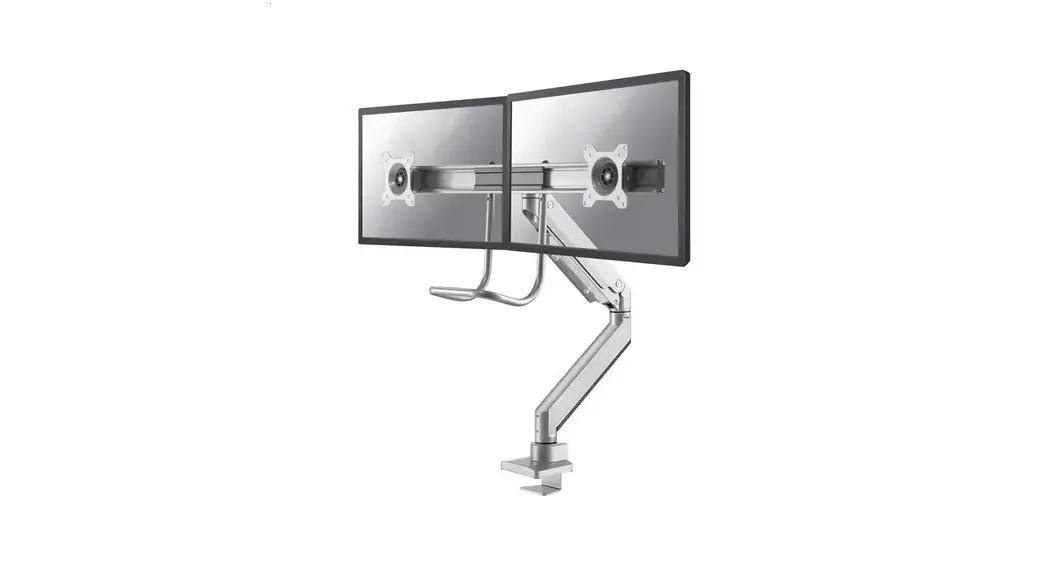
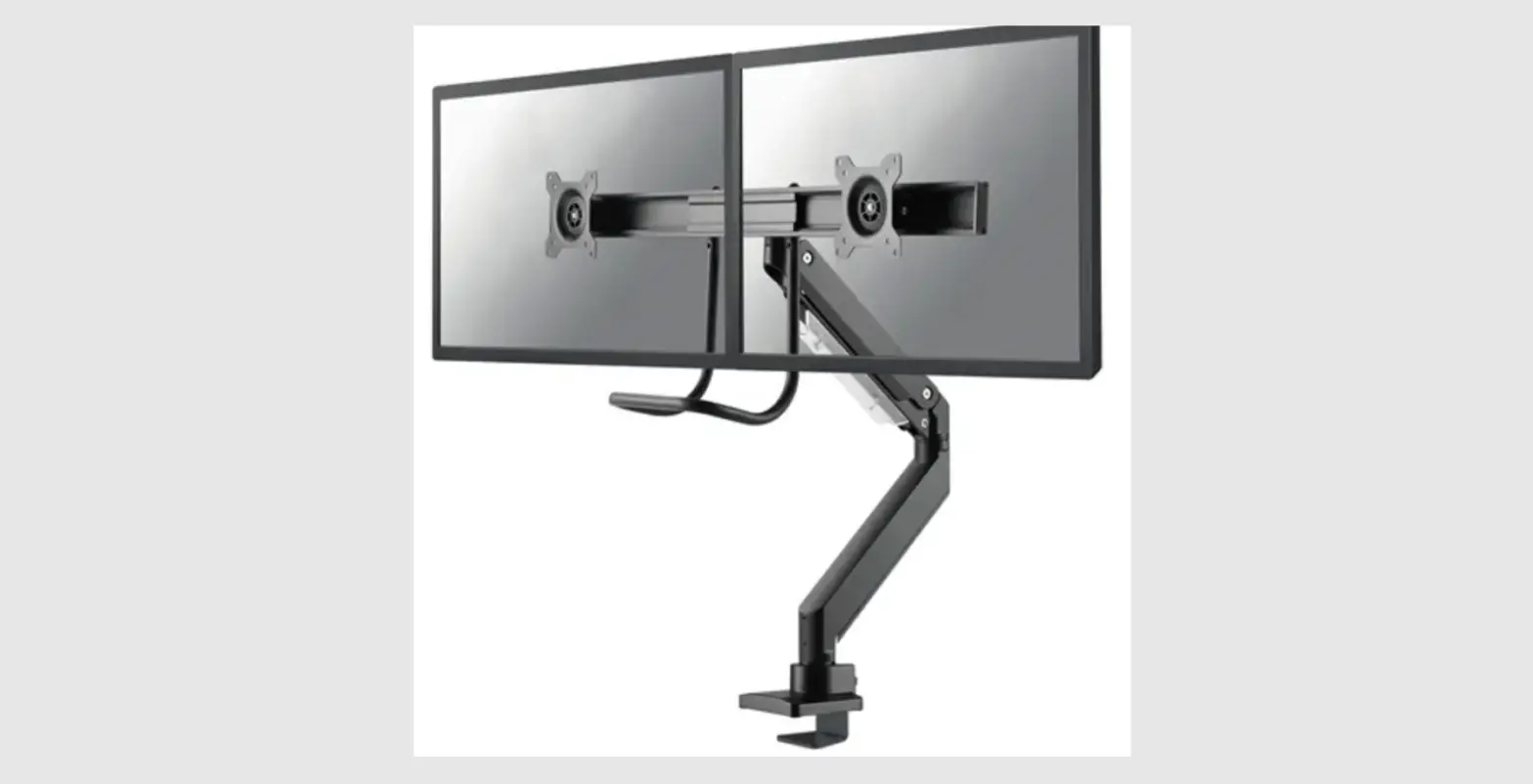
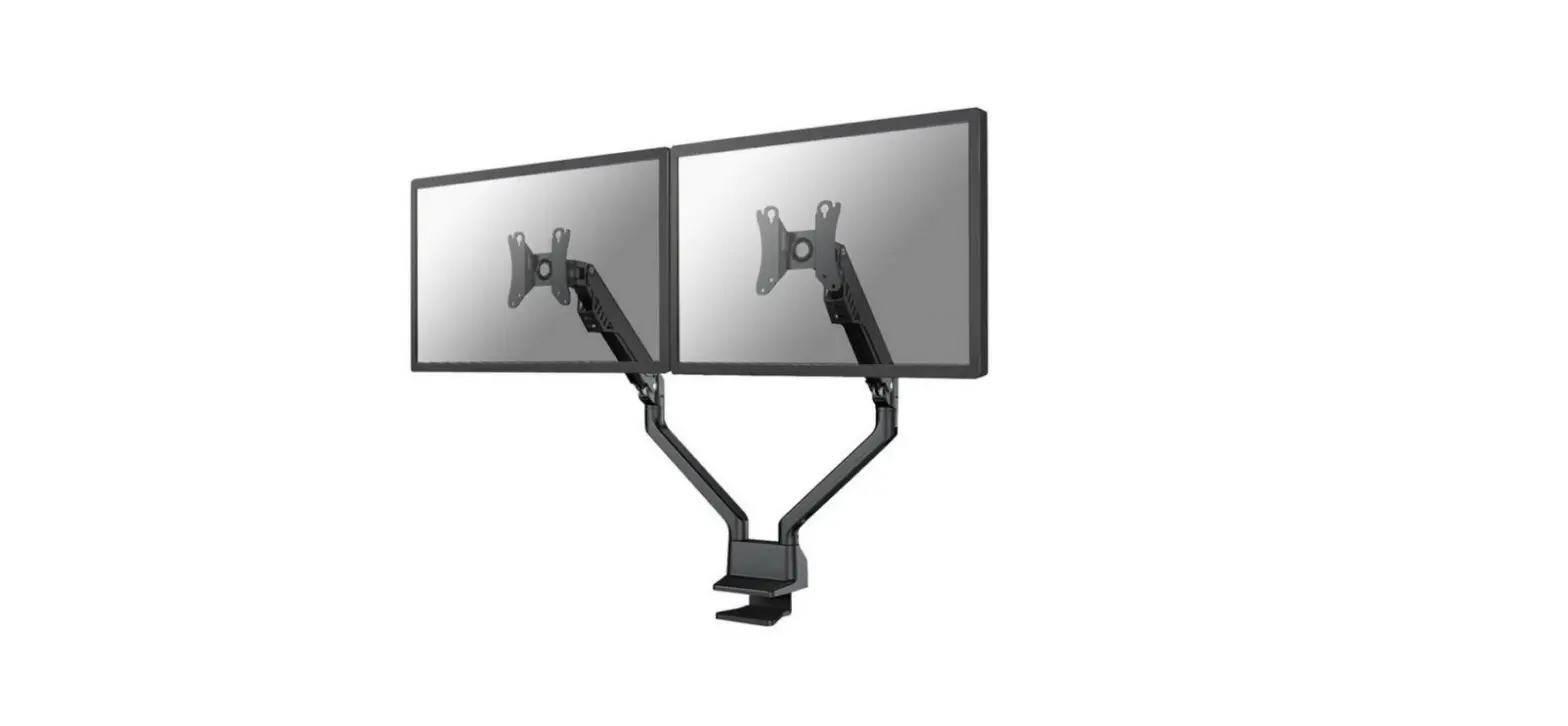
DS70-700BL1 Monitor Desk Mount
Product Information:
The product is a mount for screens with VESA hole patterns of
75×75 mm and 100×100 mm. It has a weight capacity of 2-7 kg and
supports screen sizes between 15.2 cm and 40.2 cm. The mount can be
attached to desks with a thickness between 10-50 mm or 40-80 mm
using the provided clamp. The package includes various parts such
as bolts, screws, and a VESA plate.
Product Usage Instructions:
Step 1: Assemble the Parts
Take out all the parts listed in the manual, including A, B, C,
D, E, F, G, M-A, M-B, and M-C. These parts are required for the
installation process.
Step 2A: Install the Clamp (for desk thickness between 10-50
mm)
Attach part G to the desk by following the instructions provided
in your language:
- EN: Install the clamp to the desk – for desktop thickness
between 10-50 mm - NL: Installeer de klem aan het bureau – voor bladdikte 10-50
mm - IT: Installa il morsetto sulla scrivania – per spessore del
desktop tra 10-50 mm - ES: Instale la abrazadera en el escritorio – para el grosor del
escritorio entre 10-50 mm - PL: Zainstaluj zacisk na biurku – dla grubości pulpitu od 10-50
mm
Step 2B: Install the Clamp (for desk thickness between 40-80
mm)
Attach part G to the desk by following the instructions provided
in your language:
- EN: Install the clamp to the desk – for desktop thickness
between 40-80 mm - NL: Installeer de klem aan het bureau – voor bladdikte 40-80
mm - IT: Installa il morsetto sulla scrivania – per spessore del
desktop tra 40-80 mm - ES: Instale la abrazadera en el escritorio – para el grosor del
escritorio entre 40-80 mm - PL: Zainstaluj zacisk na biurku – dla grubości pulpitu od 40-80
mm
CAUTION: Do not over-tighten the screws.
Step 3: Prepare the Arm
Hold both sides of the arm firmly in position and cut the cable
tie to release the arm from its compressed and packed state.
Step 4: Attach the VESA Plate
Screw two bolts (M-A and M-B) into the upper two VESA holes of
the screen, leaving a spacing of 3 mm.
Step 5: Secure the VESA Plate
Slide the bolts (M-C) into the top holes of the VESA plate and
tighten them. Attach the other two bolts (M-A and M-B) in the lower
part of the VESA plate.
Note: Ensure that the bolts are not too long or too short.
CAUTION: Do not over-tighten the screws.
Step 6: Finalize the Installation
Check all the screws and bolts to ensure they are properly
tightened. Do not over-tighten them.
Step 7: Additional Steps
Refer to the user manual for any additional steps or
instructions specific to your setup.
Step 8: Completion
Your screen is now securely mounted using the provided
mount.
INSTRUCTION MANUAL
160mm min225mm-max290mm 50mm ±90°
±180°
75mm 100mm 117mm
±180°
+90° -45°
±180°
94mm min10mm-max80mm
75mm 100mm 115mm 250mm min160mm-max410mm
DS70-700BL1
EN Monitor desk mount NL Monitor bureausteun DE Monitor Tischhalterung FR Support moniteur de bureau IT Supporto da scrivania per monitor ES Soporte de escritorio para monitor PT Suporte de mesa para monitor DK Bordbeslag skærm
NO Bordstativ til skjerm SE Skrivbordsfäste för bildskärm FI Näytön pöytäteline PL Uchwyt nabiurkowy do monitora CS Stolní drzák monitoru SK Drziak na monitor RO Suport de birou pentru monitor
WWW.NEOMOUNTS.COM
DS70-700BL1
PARTS
A. (x1)
STEP 1
EN Assemble the base NL Monteer de basis DE Montieren Sie die Basis FR Assemblez la base IT Monti la base ES Montar la base PT Montar a base PL Zló podstaw
Tool
75×75 100×100 mm
2-7 kg
15,2-40,2 cm
0-48 cm
B. (x1)
C. (x1)
D. (x1)
E. M6x8 (x2)
F. 3mm (x1)
G. 5mm (x1)
M-A. M4x12 (x4)
M-B. M5x12 (x4)
M-C. D5 (x4)
G B
E
C
G
STEP 2 A
EN Install the clamp to the desk – for desktop thickness between 10-50 mm
NL Installeer de klem aan het bureau – voor bladdikte 10-50 mm
DE Installieren der Klemme an den Schreibtisch – für Tischstärken zwischen 10-50 mm
FR Installez la pince sur le bureau (prévu pour un bureau d’épaisseur entre 10-50 mm)
IT Installa il morsetto sulla scrivania – per spessore del desktop tra 10-50 mm
ES Instale la abrazadera en el escritorio – para el grosor del escritorio entre 10-50 mm
PT Instale a braçadeira na mesa – para espessura de mesa entre 10-50 mm
PL Zainstaluj zacisk na biurku – dla gruboci pulpitu od 10-50 mm
D G
10-50mm
STEP 2 B
EN Install the clamp to the desk – for desktop thickness between 40-80 mm
NL Installeer de klem aan het bureau – voor bladdikte 40-80 mm
DE Installieren der Klemme an den Schreibtisch – für Tischstärken zwischen 40-80 mm
FR Installez la pince sur le bureau (prévu pour un bureau d’épaisseur entre 40-80 mm)
IT Installa il morsetto sulla scrivania – per spessore del desktop tra 40-80 mm
ES Instale la abrazadera en el escritorio – para el grosor del escritorio entre 40-80 mm
PT Instale a braçadeira na mesa – para espessura de mesa entre 40-80 mm
PL Zainstaluj zacisk na biurku – dla gruboci pulpitu od 40-80 mm
CAUTION: Do not over-tighten the screws.
G
G
D G 40-80mm
G
CAUTION: Do not over-tighten the screws.
STEP 3
EN Attention: the arm is compressed and packed under tension. Make sure to firmly hold both sides of the arm in position when cutting the cable tie
NL Let op: de steun is samengedrukt en verpakt onder spanning. Zorg ervoor dat beide zijden van de steun stevig op hun plek worden gehouden wanneer de kabelbinder wordt doorgesneden
DE Hinweis: Der Halterung zusammengedrückt und unter Spannung verpackt. Achten Sie darauf, beide Seiten der Halterung festzuhalten, wenn Sie den Kabelbinder abschneiden
FR Attention: le support est comprimé et emballé sous tension. Assurez-vous que les deux côtés du support sont fermement maintenus en place lorsque l’attache sera coupée
IT Nota: il supporto è compresso e imballato in tensione. Assicuri che entrambi i lati della staffa siano tenuti saldamente in posizione quando si taglia la fascetta
ES Nota: el brazo está comprimido y embalado bajo tensión. Asegúrese de sostener firmemente ambos lados del brazo cuando corte la cinta
PT Nota: o braço é comprimido e embalado sob tensão. Certifique-se de agarrar firmemente ambos os lados do braço ao cortar a abraçadeira
PL Uwaga: uchwyt jest cinite i zapakowane pod napiciem. Upewnij si, e oba ramiona uchwytu wspornika s dobrze zabezpieczone podczas przecinania opaski zaciskowej
WARNING STORED ENERGY
* Not Included
A
A 1
2 F
STEP 4
EN Screw 2 bolts in the upper 2 VESA holes of the screen, leaving 3 mm spacing
NL Draai 2 bouten in de bovenste 2 VESA-gaten van het scherm en behoudt een tussenruimte van 3 mm
DE Setzen Sie 2 Schrauben in die oberen 2 VESA-Löcher des Flachbildschirms ein und lassen Sie dabei einen Abstand von 3 mm
FR Insérez 2 vis dans les 2 trous VESA supérieurs de l’écran et gardez un espace de 3 mm.
IT Inserisca 2 bulloni nei 2 fori VESA superiori dello schermo e mantenga uno spazio di 3 mm
ES Inserte 2 tornillos en los 2 orificios VESA superiores de la pantalla plana, dejando un espacio de 3 mm
PT Insira 2 parafusos nos 2 orifícios VESA superiores do monitor plano, mantendo um espaço de 3 mm
PL Wló 2 ruby w 2 górne otwory VESA plaskiego ekranu i zachowaj odstp 3 mm
3mm
M-A M-B M-C
* Not Included
G
STEP 5
EN Slide the bolts into the top holes of the VESA plate and tighten the bolts. Attach the other 2 bolts in the lower part of the VESA plate
NL Schuif de bouten in de bovenste gaten van de VESAplaat en draai de bouten vast. Bevestig de andere 2 bouten in het onderste deel van de VESA-plaat
DE Schieben Sie die Schrauben in die oberen Löcher der VESA-Platte und ziehen Sie die Schrauben fest. Installieren Sie die anderen 2 Schrauben im unteren Teil der VESA-Platte
FR Insérez les vis dans les trous supérieurs de la plaque VESA et les serrer. Installez les 2 autres vis dans la partie inférieure de la plaque VESA
IT Scorra i bulloni nei fori superiori della piastra VESA e serrare i bulloni. Installare gli altri 2 bulloni nella parte inferiore della piastra VESA
ES Deslice los tornillos en los orificios superiores de la placa VESA y apriete los tornillos. Instale los otros 2 tornillos en la parte inferior de la placa VESA
PT Deslize os parafusos nos orifícios superiores da placa VESA e aperte os parafusos. Instale os outros 2 parafusos na parte inferior da placa VESA
PL Wsu ruby w górne otwory plyty VESA i dokr je. Zainstaluj pozostale 2 ruby w dolnej czci plytki VESA
Too long Too Short
M-C M-A
G
M-B
STEP 6
EN Adjust the gas spring NL Stel de gasveer af DE Gasfeder-Höhenverstellung einstellen FR Ajuster le ressort à gaz IT Regolare la forza della molla ES Ajustar la fuerza de resorte a gas PT Ajuste a força da mola a gás PL Ustawi naprenie spryny
G
Do not over-tighten the screws
STEP 7
EN Route the cable(s) through the cable clips NL Geleid de kabel(s) door de kabelclips DE Führen Sie das/die Kabel durch die Kabelklemmen FR Faire passer le(s) câble(s) dans les attaches de câble IT Far passare il/i cavo/i attraverso i fermacavi ES Pase el cable o los cables por las abrazaderas PT Guiar o(s) cabo(s) através dos clipes do cabo PL Przeló kabel (kable) przez uchwyty kablowe
STEP 8
EN Adjust the mount to the desired position NL Stel de steun in op de gewenste positie DE Positionieren die Halterung in die gewünschte Position FR Ajustez le support à la position souhaitée IT Regolare il supporto nella posizione desiderata ES Ajuste el soporte a la posición deseada PT Ajuste o suporte na posição desejada PL Dostosuj pozycj uchwytu do twoich wymaga
G
 Neomounts