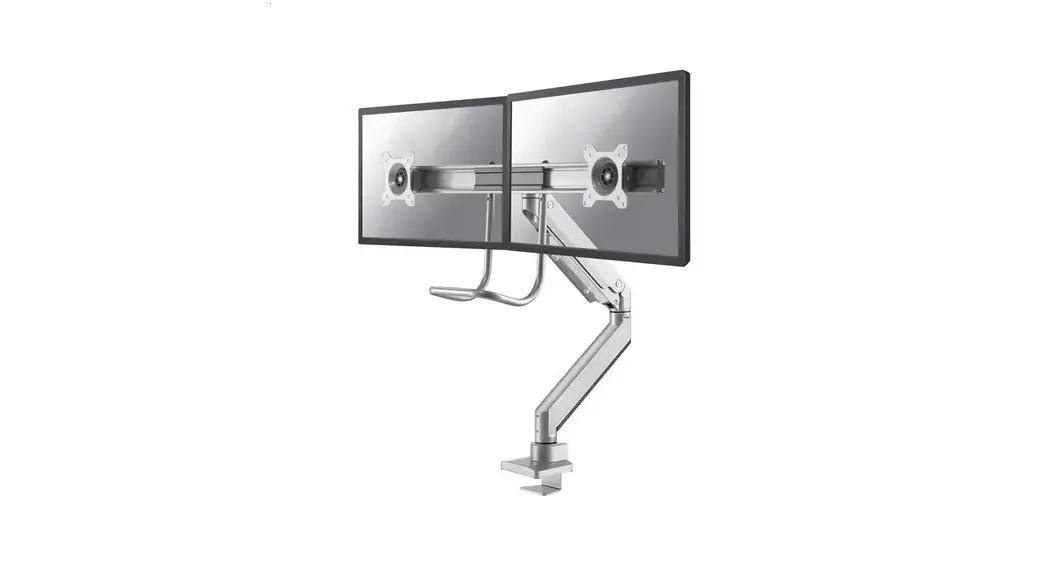
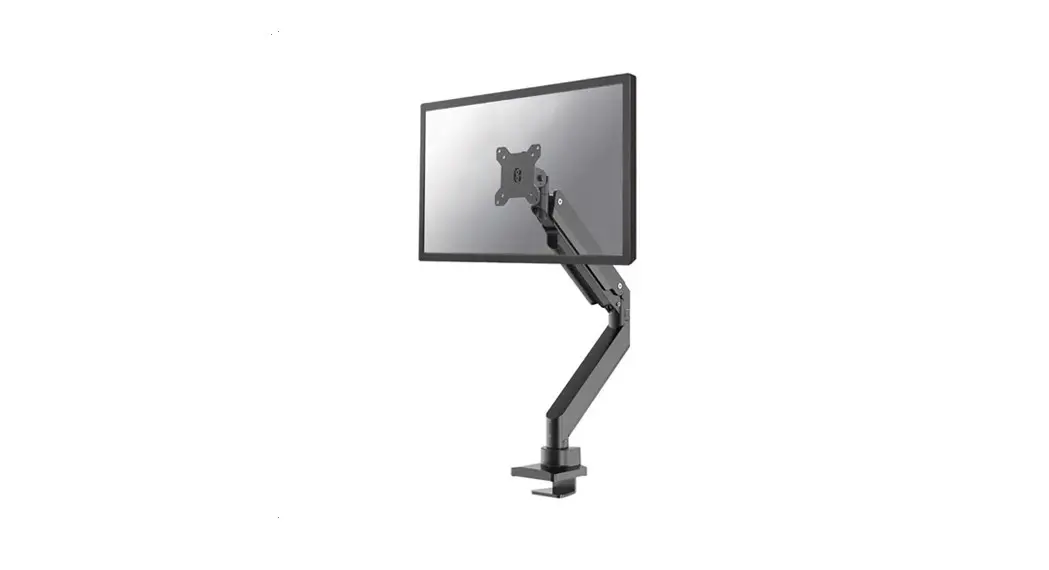
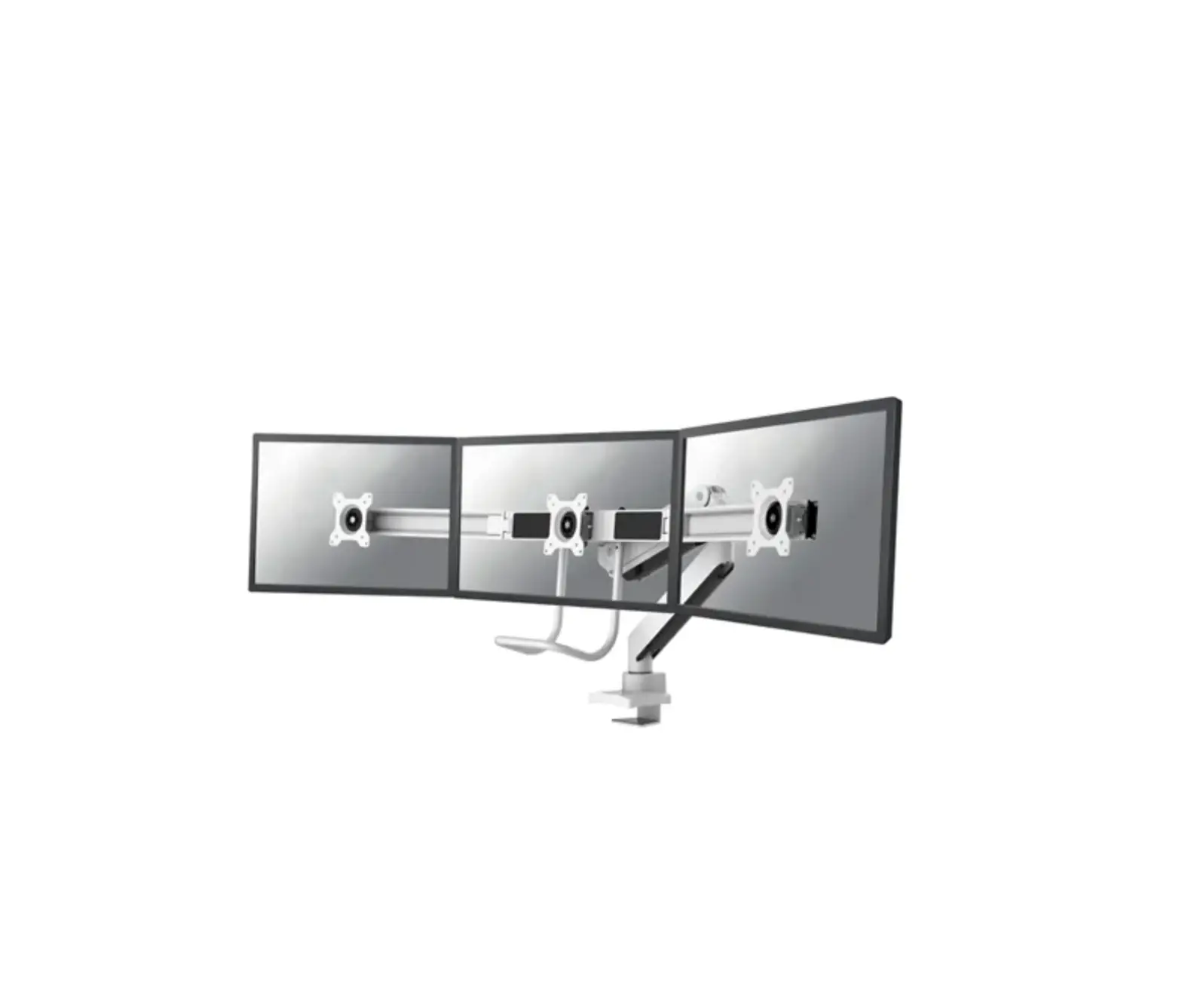
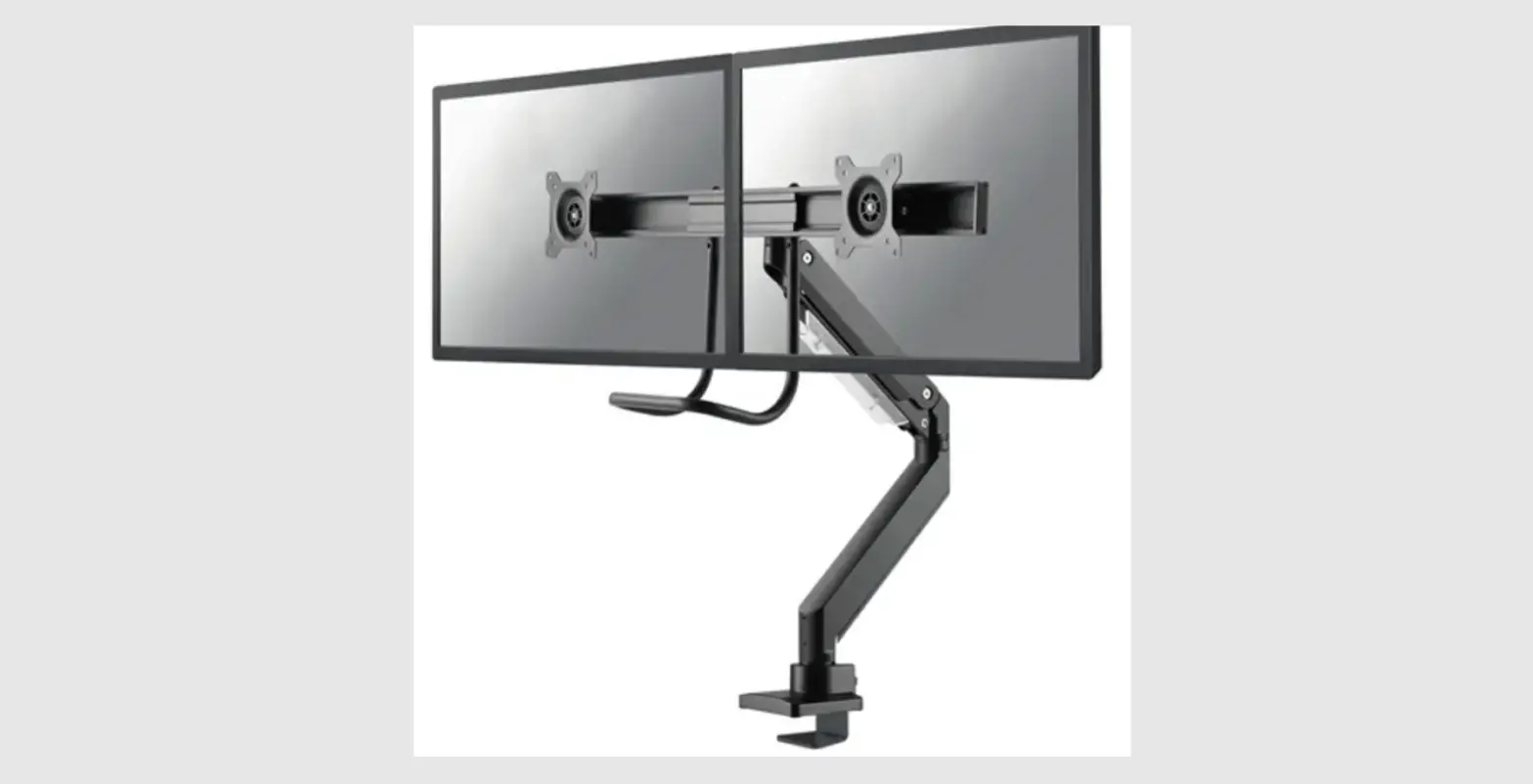
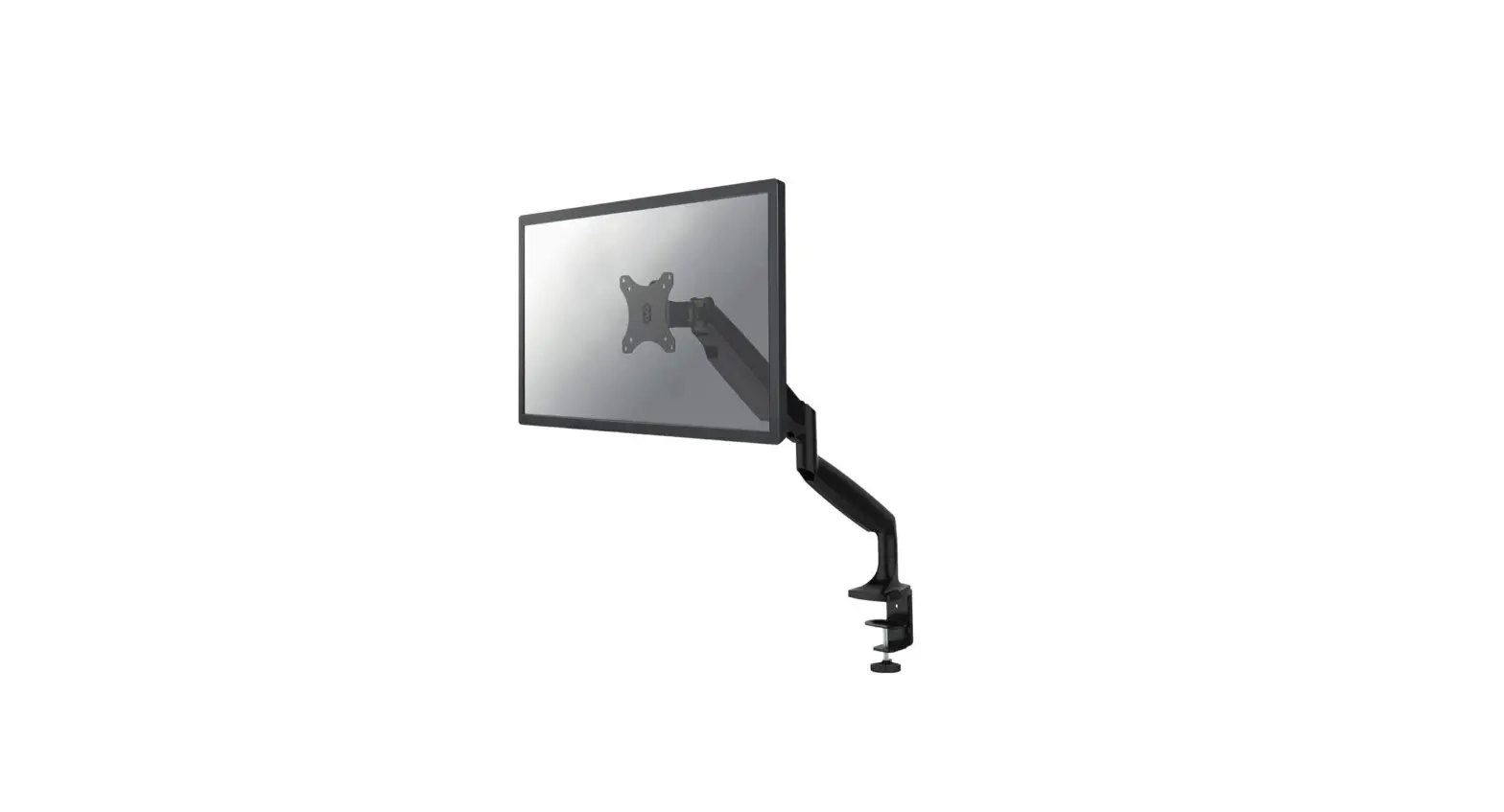
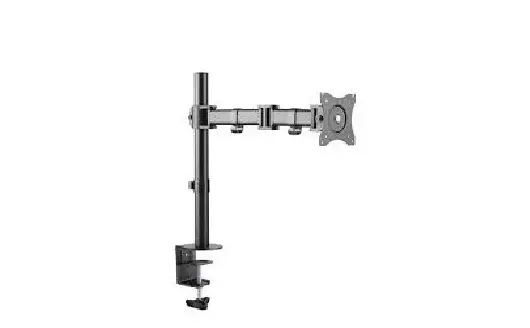
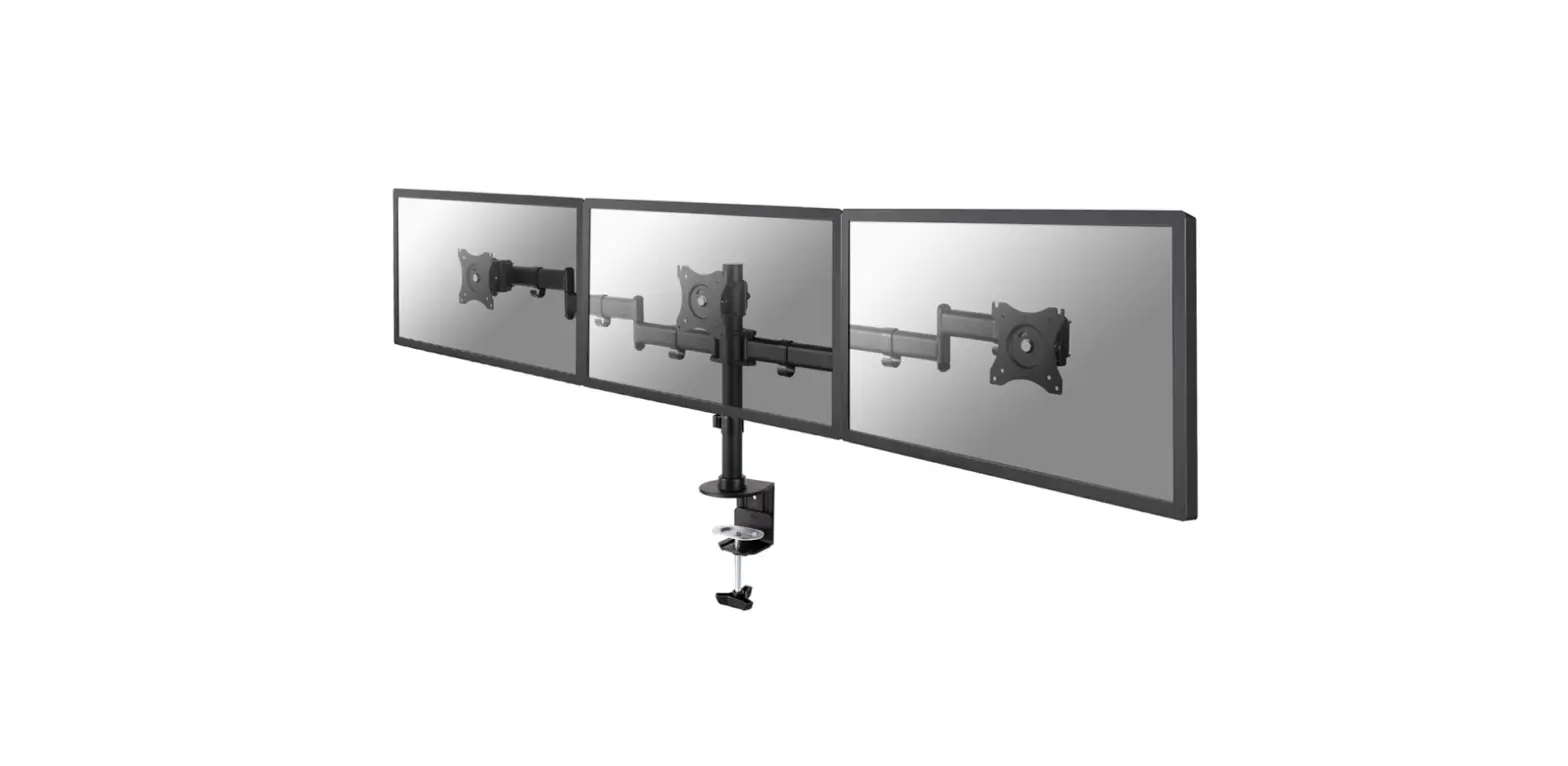
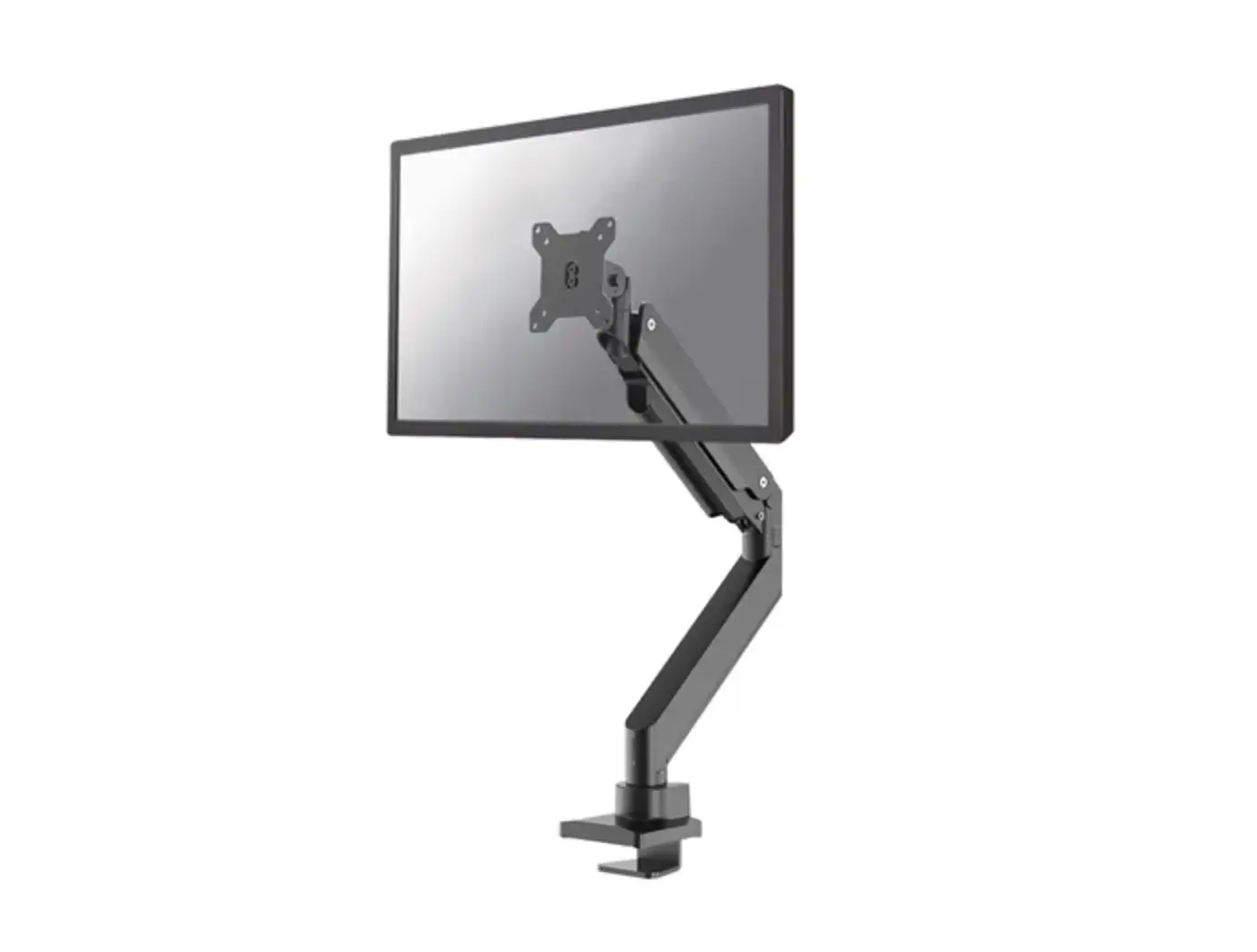
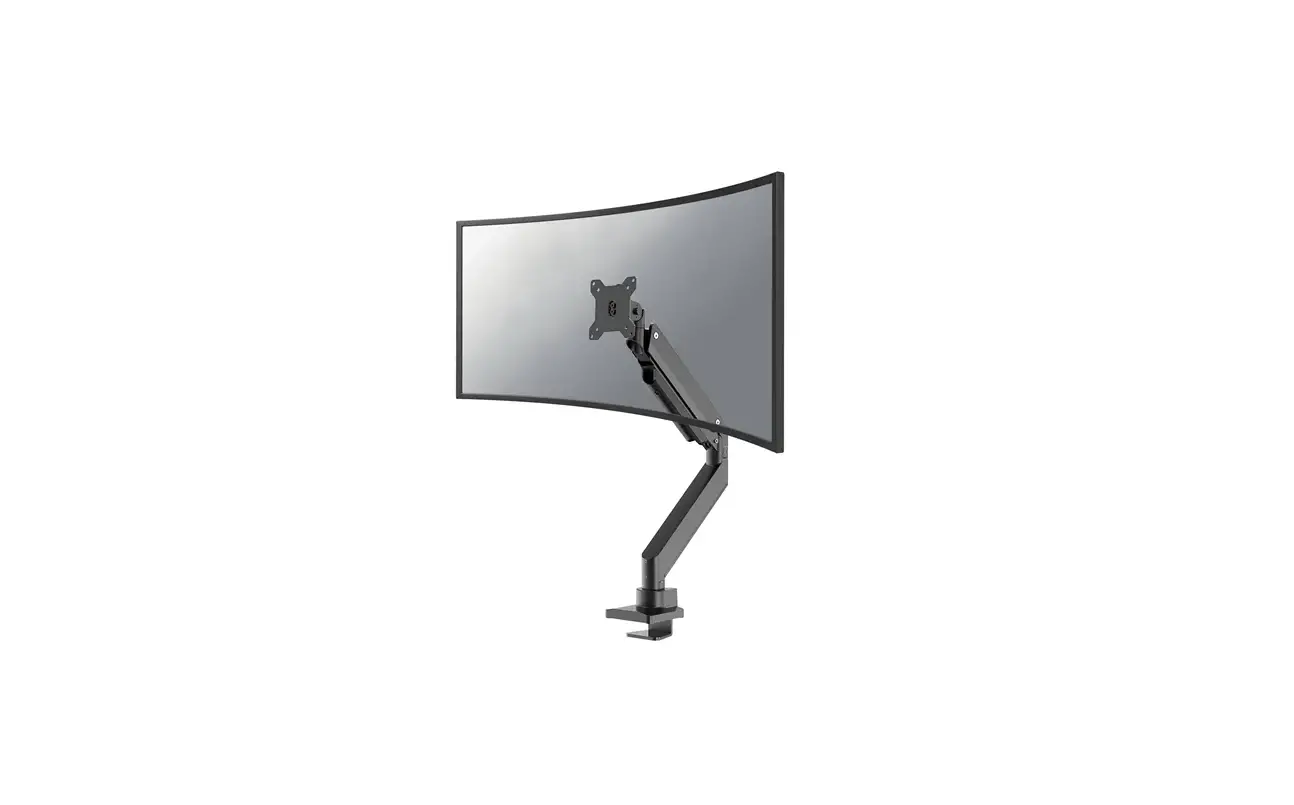
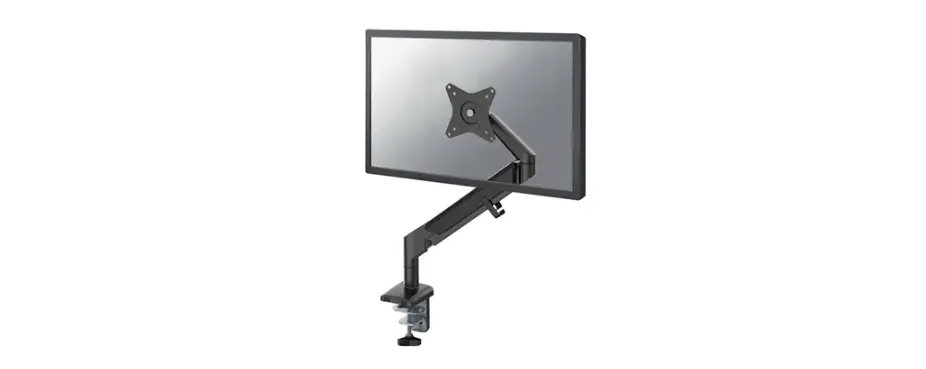
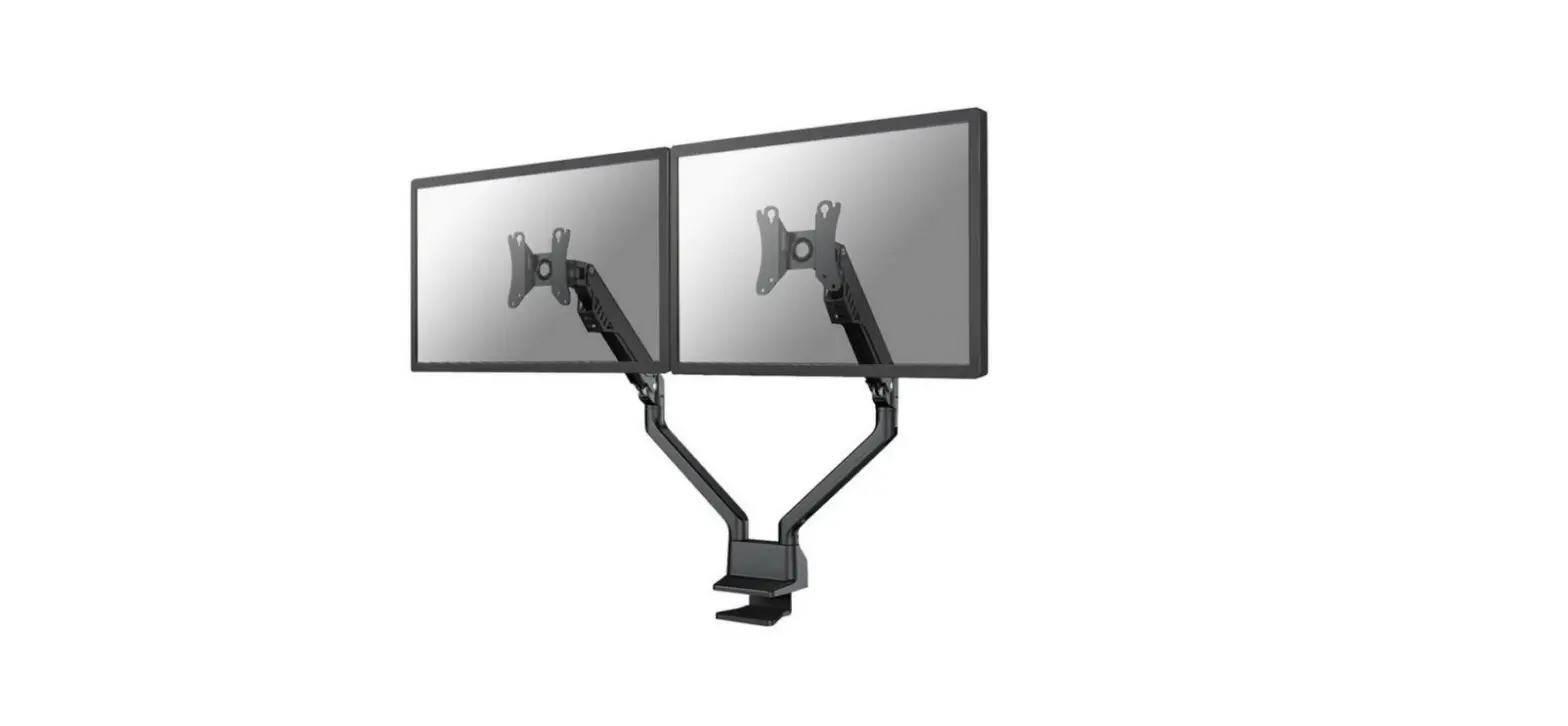
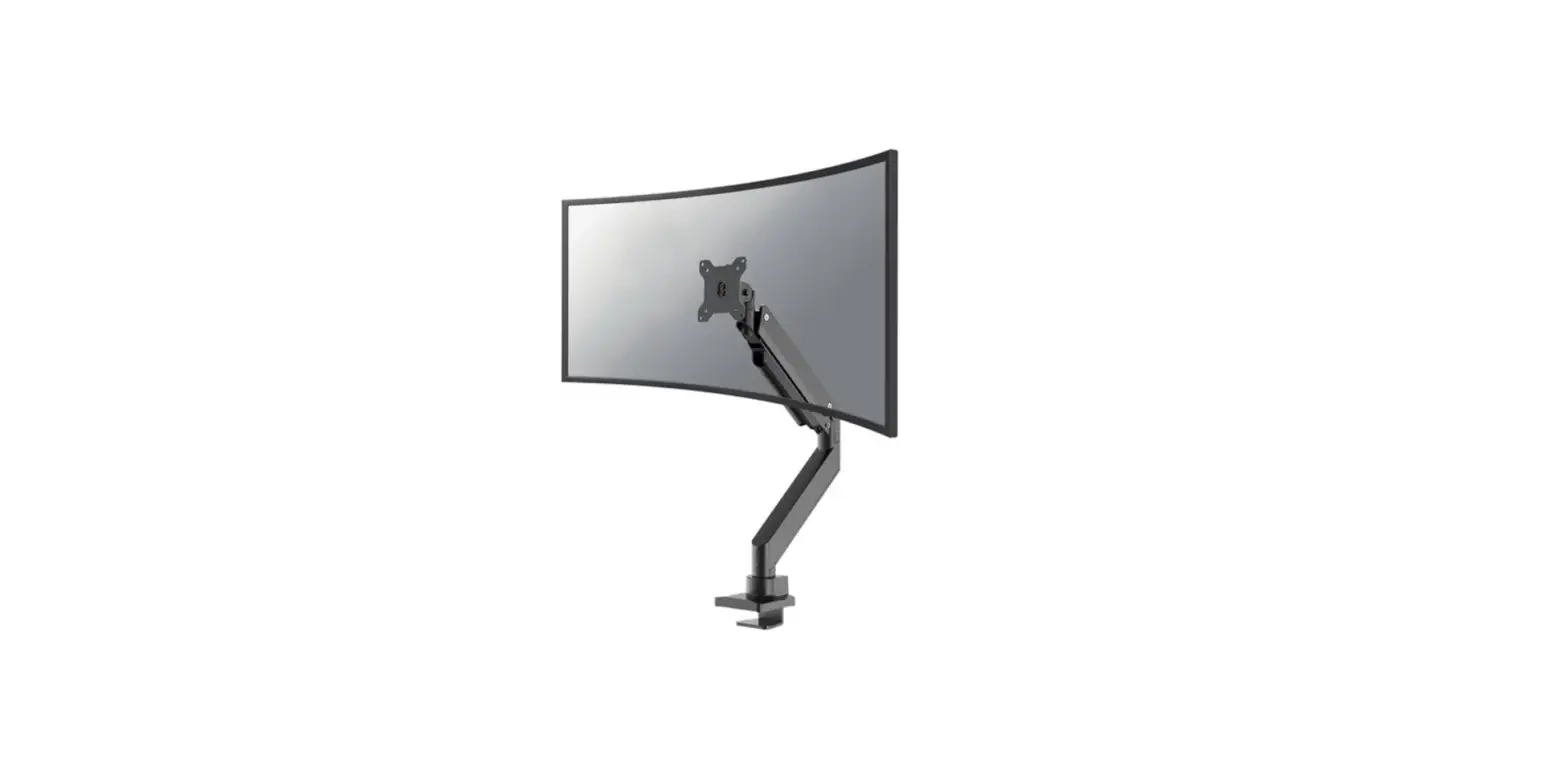
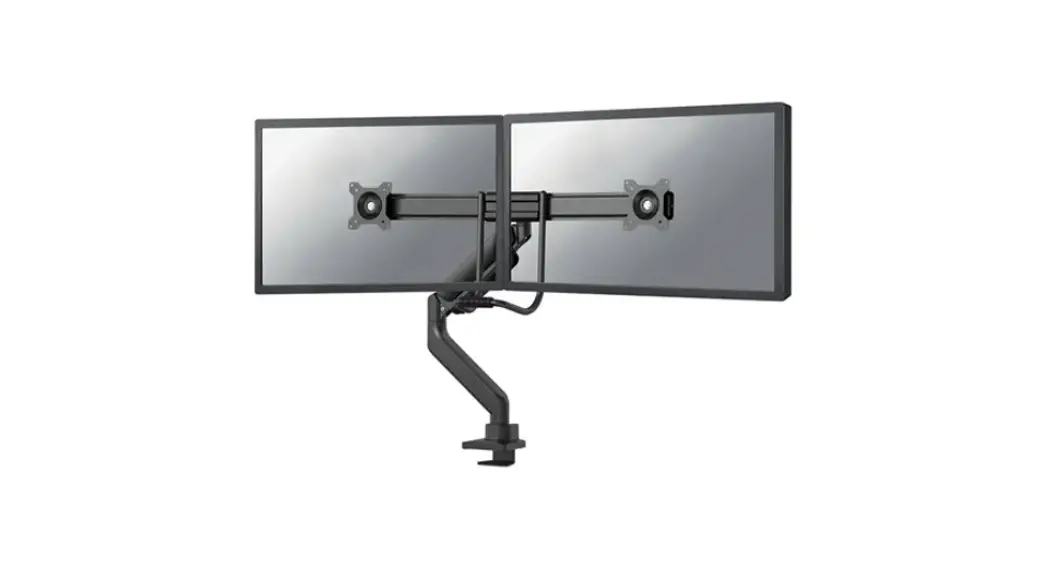
NM-D775SILVERPLUS Monitor Desk Mount
Product Information
| Model | NM-D775SILVERPLUS |
|---|---|
| Supported VESA Sizes | 75×75 mm, 100×100 mm |
| Weight Capacity | 1 – 18 kg |
| Minimum Desk Thickness | 10 mm |
| Maximum Desk Thickness | 45 mm |
| Minimum Arm Length | 27 cm |
| Maximum Arm Length | 60 cm |
| Minimum Height Adjustment | 0 cm |
| Maximum Height Adjustment | 63 cm |
Product Usage Instructions
Step 1: Clamp Installation
EN: Install the clamp to the desk – for desktop
thickness between 10-45 mm
NL: Installeer de klem aan het bureau – voor
bladdikte 10-45 mm
IT: Installa il morsetto sulla scrivania – per
spessore del desktop tra 10-45 mm
ES: Instale la abrazadera en el escritorio –
para el grosor del escritorio entre 10-45 mm
PL: Zainstaluj zacisk na biurku – dla grubości
pulpitu od 10-45 mm
Step 1: Grommet Installation
EN: Install the grommet through the desk – for
desktop thickness between 10-45 mm
NL: Installeer de doorvoer in het bureau – voor
bladdikte 10-45 mm
IT: Installa l’occhiello attraverso la
scrivania – per spessore del desktop tra 10-45 mm
ES: Fije la placa VESA a la pantalla. Nota: No
afloje ni apriete el tornillo del centro de la placa VESA
PL: Zainstaluj przelotkę przez biurko – dla
grubości pulpitu od 10-45 mm
Step 2: Attaching Arms
Attach the upper arm to the lower arm
Step 3: Attaching VESA Plate
EN: Attach the VESA plate to the screen. Note:
Do not loosen or tighten the screw in the centre of the VESA
plate
NL: Bevestig de VESA-plaat aan het scherm. NB:
Draai de schroef in het midden van de VESA-plaat niet losser of
vaster
IT: Fissare la piastra VESA allo schermo. Nota:
non allentare o stringere la vite al centro della piastra VESA
ES: Fije la placa VESA a la pantalla. Nota: No
afloje ni apriete el tornillo del centro de la placa VESA
PL: Przymocuj płytę VESA do ekranu. Uwaga: Nie
należy luzować ani dokręcać śruby znajdującej się na środku płytki
VESA
Step 4: Gas Spring Adjustment
EN: Adjust the gas spring
NL: Stel de gasveer af
IT: Regolare la forza della molla
ES: Ajustar la fuerza de resorte de gas
PL: Ustawić napięcie sprężyny
Step 5: Final Adjustments
EN: Adjust the mount to the desired position
and insert the Allen keys into the slot for future use
NL: Stel de steun in op de gewenste positie en
bewaar de inbussleutels in de houder voor toekomstig gebruik
IT: Regolare il supporto nella posizione
desiderata e conservare le chiavi a brugola nel supporto per un uso
futuro
PL: Dostosuj pozycję uchwytu do twoich wymagań
i zachowaj klucze imbusowe w uchwytach do wykorzystania w
przyszłości
INSTRUCTION MANUAL
min270mm-max600mm 115mm 100mm 75mm
min10mm-max45mm
+45° -45°
70mm min255mm-max320mm 206mm
±90°
75mm 100mm 115mm
±90°
±180°
min10mm-max45mm
±90° ±180°
NM-D775SILVERPLUS
EN Monitor desk mount NL Monitor bureausteun DE Monitor Tischhalterung FR Support moniteur de bureau IT Supporto da scrivania per monitor ES Soporte de escritorio para monitor PT Suporte de mesa para monitor DK Bordbeslag skærm
NO Bordstativ til skjerm SE Skrivbordsfäste för bildskärm FI Näytön pöytäteline PL Uchwyt nabiurkowy do monitora CS Stolní drzák monitoru SK Drziak na monitor RO Suport de birou pentru monitor
WWW.NEOMOUNTS.COM
NM-D775SILVERPLUS PARTS
Tool
Drill
75×75 100×100 mm
1-18 kg
27-60 cm
0-63 cm
C. (x1)
D. (x1)
E. (x1)
F. M8x150 (x1)
G. 3mm (x1)
H. 6mm (x1)
A. (x1)
B. (x1)
I. (x1)
J. M8x90 (x1)
K. (x1)
STEP 1 A Clamp
EN Install the clamp to the desk – for desktop thickness between 10-45 mm
NL Installeer de klem aan het bureau – voor bladdikte 10-45 mm L
DE Installieren Sie der Klemme am Schreibtisch – für Tischstärken zwischen 10-45 mm
FR Vissez la pince sur le bureau – pince prévue pour un bureau d’épaisseur entre 10-45 mm
IT Installa il morsetto sulla scrivania – per spessore del desktop tra 10-45 mm
ES Instale la abrazadera en el escritorio – para el grosor del escritorio entre 10-45 mm
PT Instale a braçadeira na mesa – para espessura de mesa entre 10-45 mm
PL Zainstaluj zacisk na biurku – dla gruboci pulpitu od 10-45 mm
L. (x1)
M-A. M4x12 (x4)
M-B. M5x12 (x4)
M-C. D5 (x4)
K
H J
I
10-45mm
STEP 1 B Grommet
EN Install the grommet through the desk – for desktop
thickness between 10-45 mm
NL Installeer de doorvoer in het bureau – voor bladdikte
10-45 mm
DE Installieren Sie der Tülle durch den Schreibtisch – für
Tischstärken zwischen 10-45 mm
FR Pour une fixation traversante, vissez le support à travers
F
le bureau avec la plaque (E) sous le plateau – l’oeillet est
prévu pour un bureau d’épaisseur entre 10-45 mm
IT Installa l’occhiello attraverso la scrivania – per spessore
del desktop tra 10-45 mm
I
ES Instale la arandela a través del escritorio – para el grosor
del escritorio entre 10-45 mm
PT Instale o anel através da mesa – para espessura de mesa
entre 10-45 mm
PL Zainstaluj przelotk przez biurko – dla gruboci pulpitu
od 10-45 mm
10-45mm
H E
STEP 2
EN Attach the lower arm to the base NL Bevestig het onderste deel van de arm aan de voet DE Befestigen Sie den unteren Arm an der Basis FR Insérez le bras sur la base du support IT Attaccare il braccio inferiore alla base ES Adjuntar el brazo inferior a la base PT Anexar o braço inferior à base PL Przymocuj dolne rami uchwytu do podstawy
A
D
±180° G
±90°
or
G
STEP 3
EN Attach the upper arm to the lower arm NL Bevestig het bovenste deel van de arm aan het onderste
deel van de arm DE Befestigen Sie den oberen Arm am unteren Arm FR Fixez le second bras sur le bras inférieur et le visser IT Attaccare la parte superiore del braccio al braccio inferiore ES Adjuntar el brazo inferior al brazo superior PT Prenda o braço inferior ao braço superior PL Przymocuj góne rami do dolnego ramienia
B
1
2
G
STEP 4
EN Attach the VESA plate to the screen. Note: Do not loosen or tighten the screw in the centre of the VESA plate
NL Bevestig de VESA-plaat aan het scherm. NB: Draai de schroef in het midden van de VESA-plaat niet losser of vaster
DE Bringen Sie die VESA-Platte am Bildschirm an. Hinweis: Die Schraube in der Mitte der VESA-Platte darf nicht gelöst oder angezogen werden
FR Fixez la plaque VESA à l’écran. Remarque : ne pas desserrer ou serrer la vis située au centre de la plaque VESA
IT Fissare la piastra VESA allo schermo. Nota: non allentare o stringere la vite al centro della piastra VESA
ES Fije la placa VESA a la pantalla. Nota: No afloje ni apriete el tornillo del centro de la placa VESA
PT Fixar a placa VESA ao ecrã. Nota: Não desapertar ou apertar o parafuso no centro da placa VESA
PL Przymocuj plytk VESA do ekranu. Uwaga: Nie naley luzowa ani dokrca ruby znajdujcej si na rodku plytki VESA
M-C
M-A M-B
* Not Included
STEP 5
EN Attach the screen to the mount NL Bevestig het scherm aan de steun DE Befestigen Sie den Bildschirm an der Halterung FR Fixer l’écran au support IT Fissare lo schermo al supporto ES Fijar la pantalla al soporte PT Fixar o ecrã ao suporte PL Przymocuj ekran do uchwytu
1 2
STEP 6
EN Adjust the gas spring
NL Stel de gasveer af
DE Gasfeder-Höhenverstellung einstellen
H
FR Ajuster le ressort à gaz
IT Regolare la forza della molla
ES Ajustar la fuerza de resorte de gas
PT Ajuste a força da mola a gás
PL Ustawi naprenie spryny
H
STEP 7
EN Remove the cable cover NL Verwijder de kabelgoot DE Entfernen Sie die Kabelabdeckung FR Retirez les couvercles caches câbles IT Rimuovere la copertura del cavo ES Retire la cubierta del cable PT Remova a tampa do cabo PL Zdejmij oslon kabli
STEP 8
EN Route the cable(s) through the cable cover NL Geleid de kabel(s) door de kabelgoot DE Führen Sie das/die Kabel durch die Kabelabdeckung FR Faire passer le(s) câble(s) par le cache-câble IT Far passare il/i cavo/i attraverso il copricavo ES Pase el/los cable(s) a través de la cubierta de cables PT Passe o(s) cabo(s) através da cobertura do cabo PL Poprowadzi kabel (kable) przez oslon kabla
STEP 9
EN Place the screen in the correct position NL Plaats het scherm in de juiste positie DE Bringen Sie den Bildschirm in die richtige Position FR Placer l’écran dans la bonne position IT Posizionare lo schermo nella posizione corretta ES Coloque la pantalla en la posición correcta PT Colocar o ecrã na posição correcta PL Umie ekran we wlaciwej pozycji
STEP 10
EN Adjust the mount to the desired position and insert the Allen keys into the slot for future use
NL Stel de steun in op de gewenste positie en bewaar de inbussleutels in de houder toekomstig gebruik
DE Bringen Sie die Halterung in die gewünschte Position und stecken Sie den Inbusschlüssel in den Schlitz für zukünftige Verwendung
FR Positionnez le support dans la position désirée en désserrant et conservez les clés Allen dans le support pour une utilisation ultérieure
IT Regolare il supporto nella posizione desiderata e conservare le chiavi a brugola nel supporto per un uso futuro
ES Coloque el soporte en la posición deseada y guarde las llaves Allen en el soporte para uso futuro
PT Ponha o suporte na posição desejada e manter as chaves Allen no suporte para utilização futura
PL Dostosuj pozycj uchwytu do twoich wymaga i zachowa klucze imbusowe wuchwytach do wykorzystania w przyszloci
±180° ±90°/180°
±90°
+45°
±90°
-45°
H G
 Neomounts