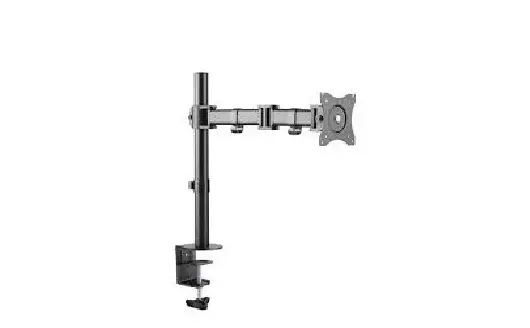
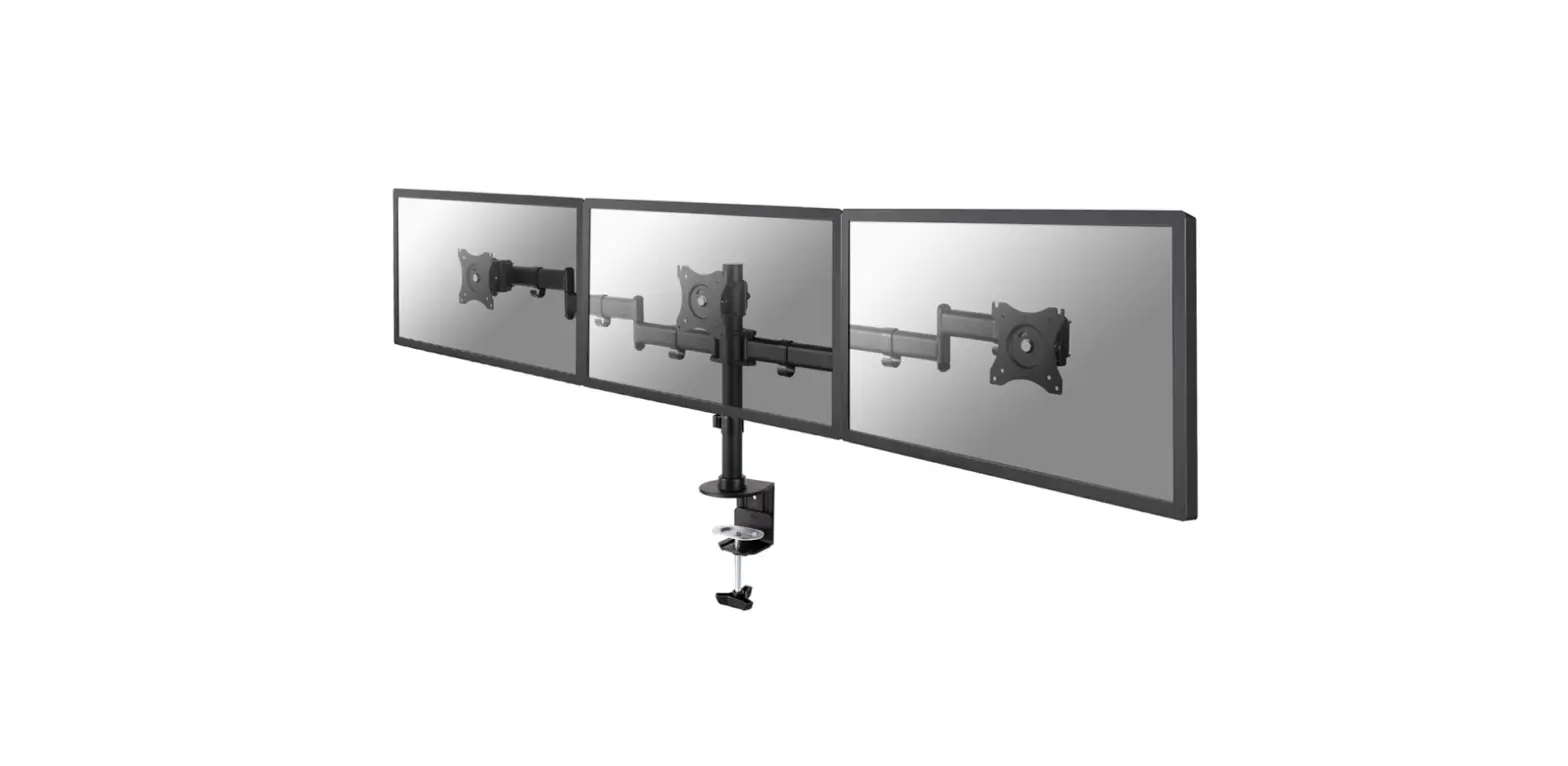
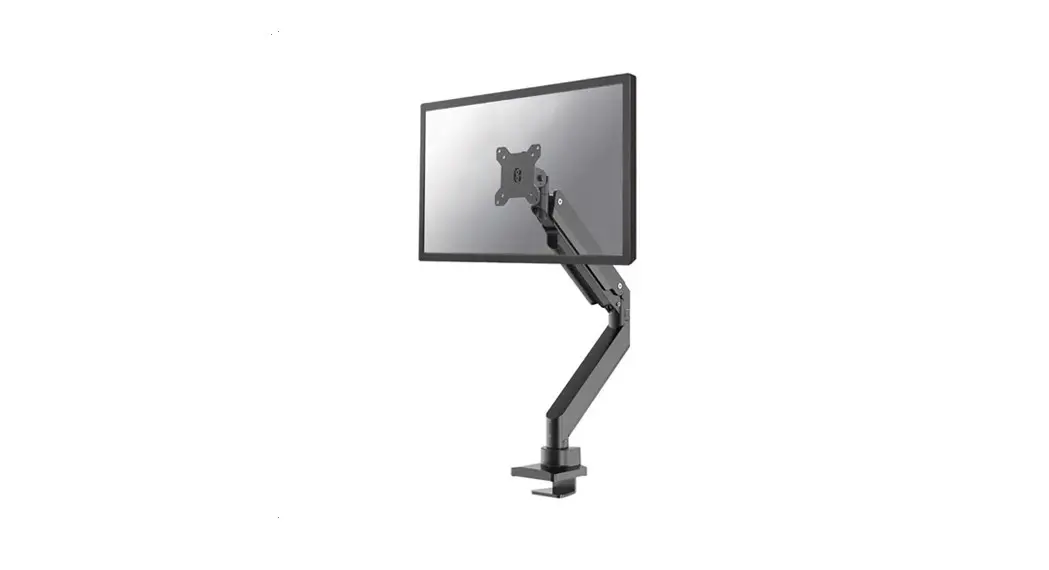
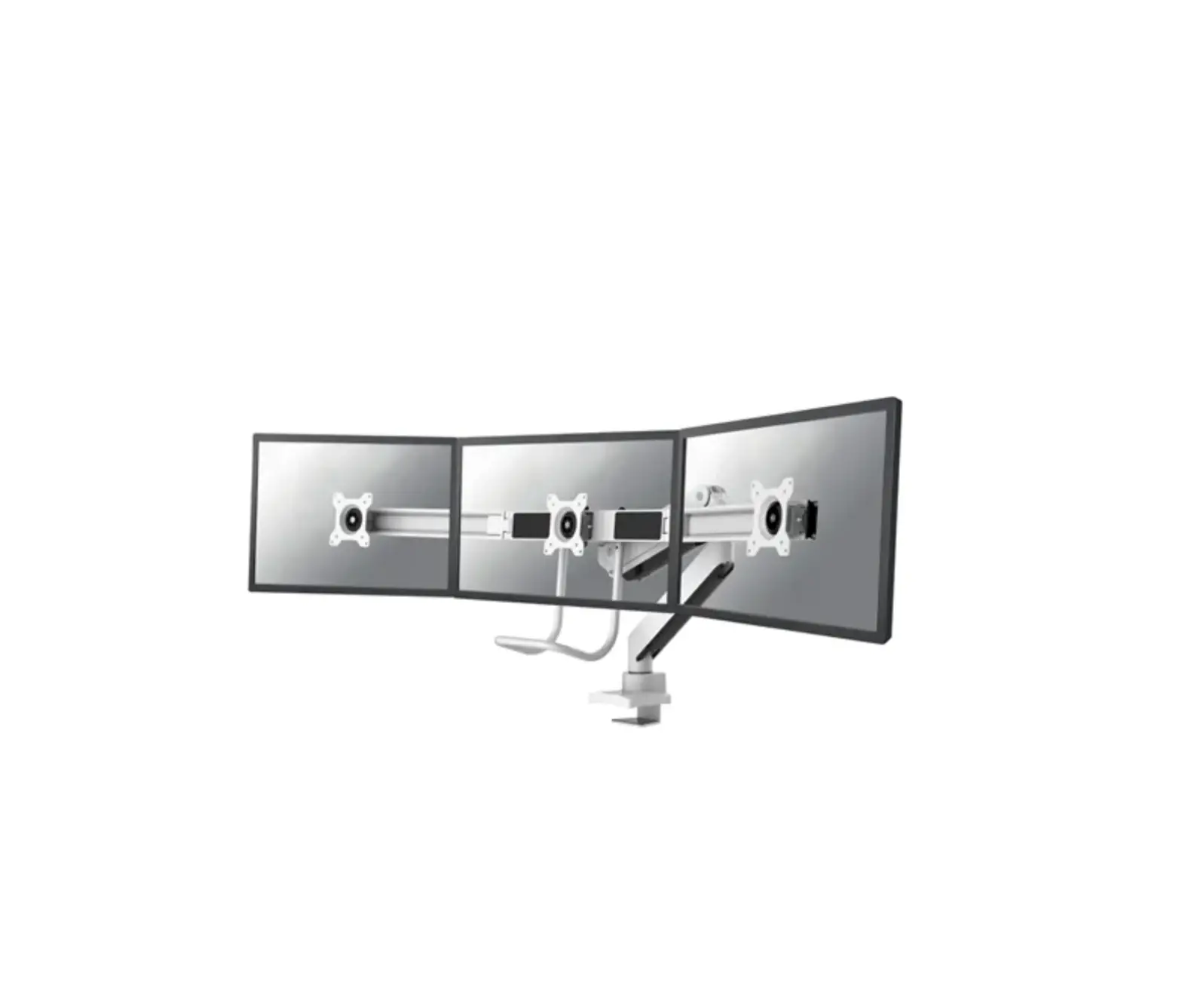
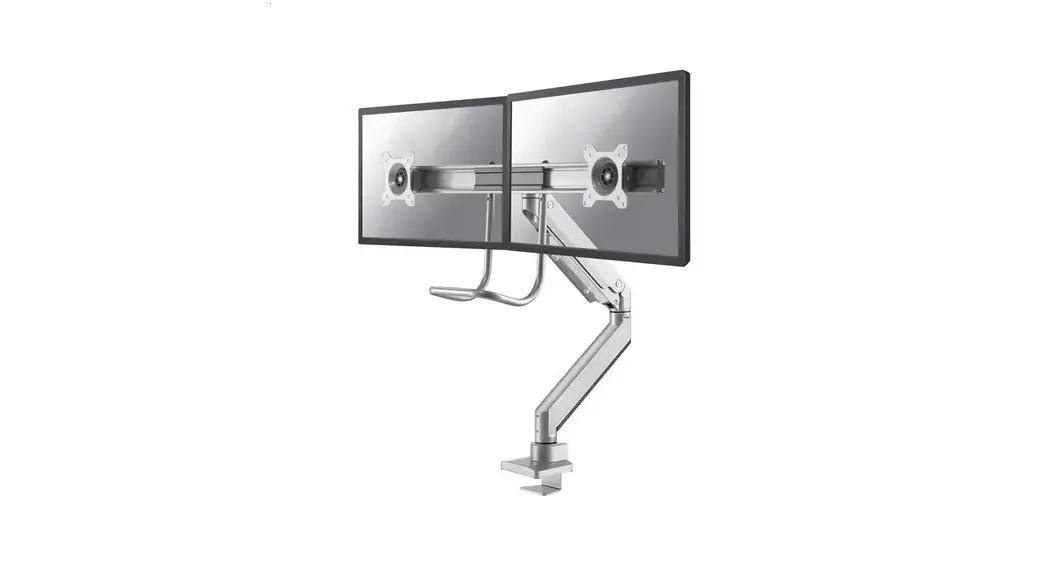
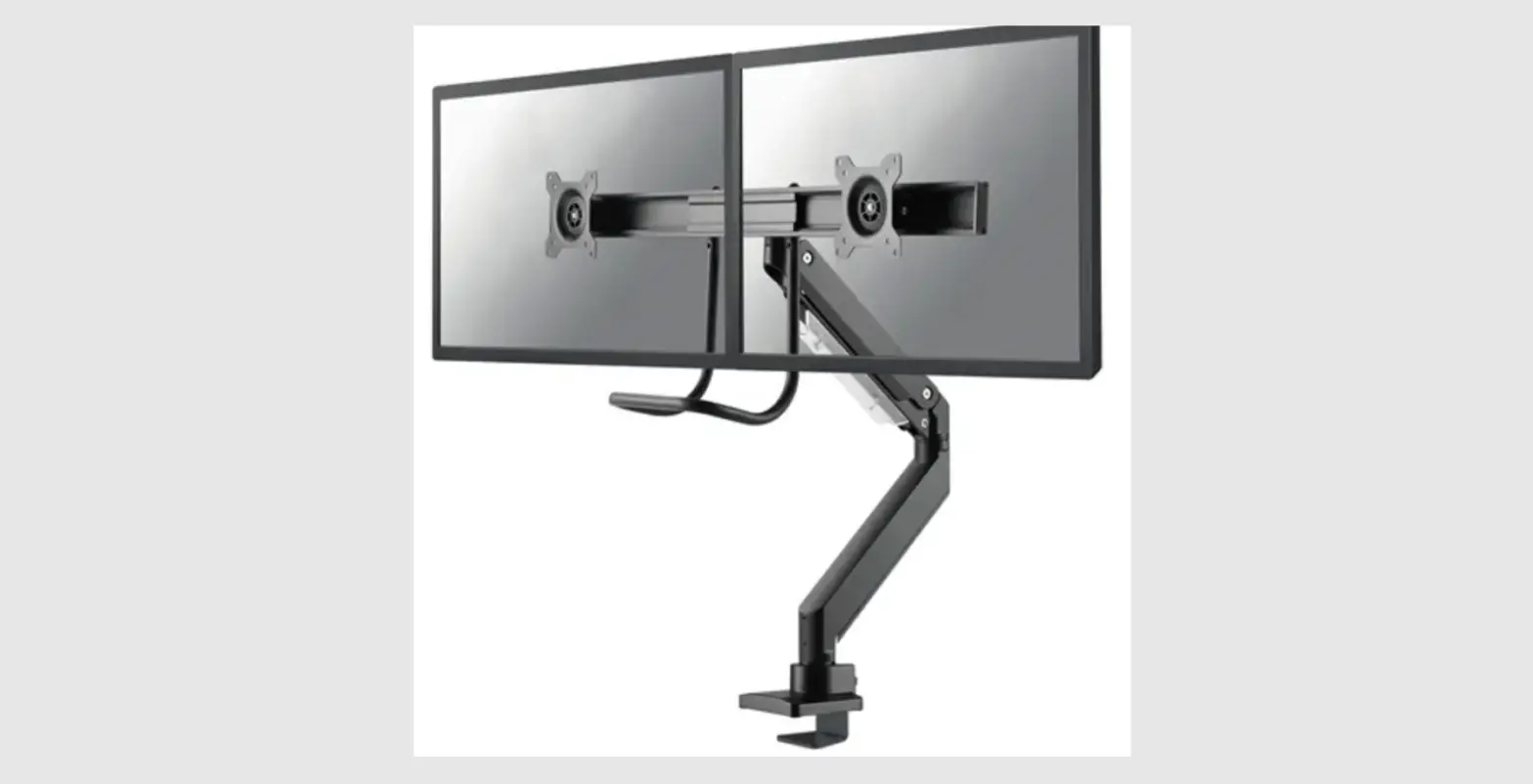
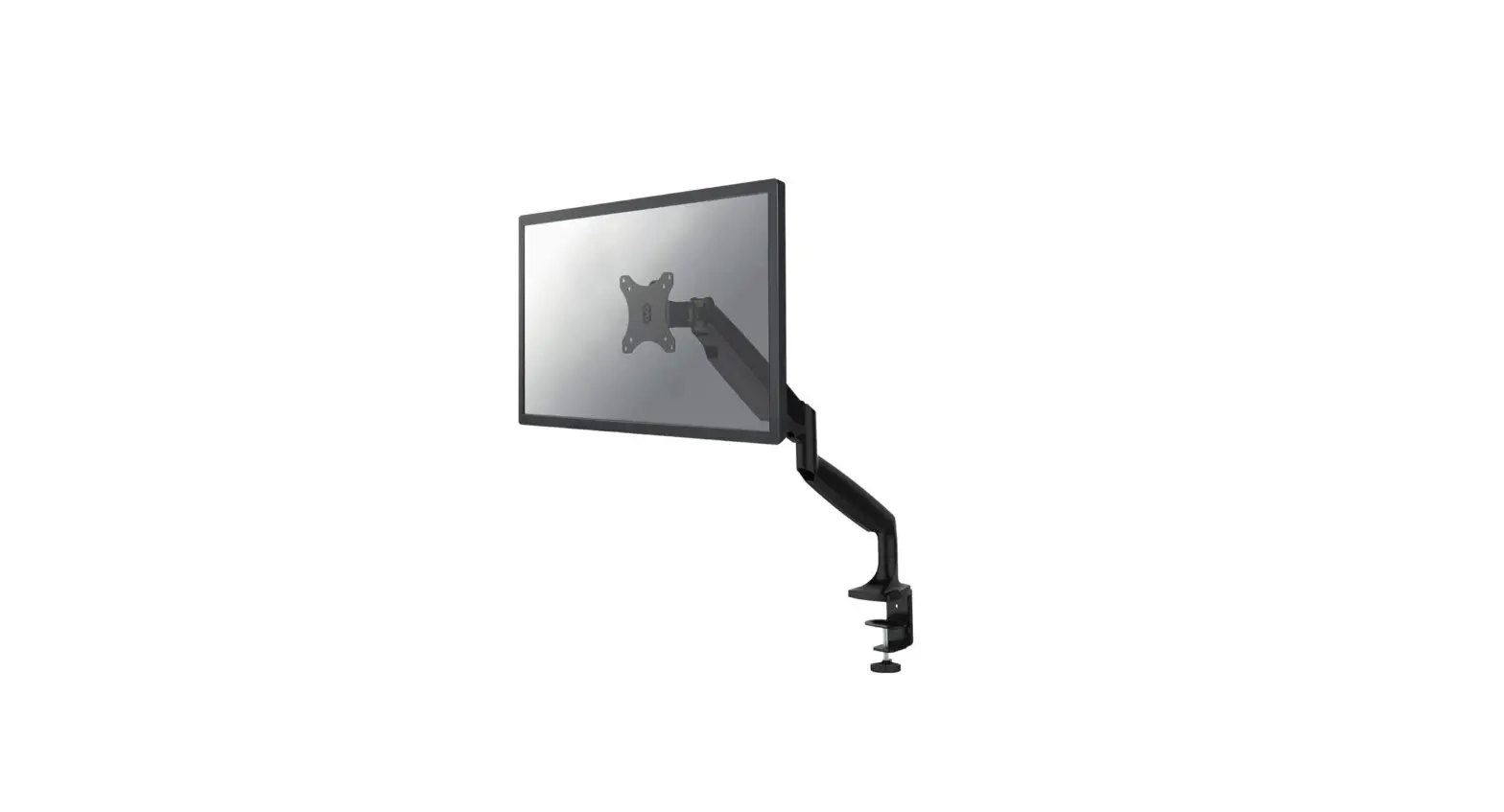
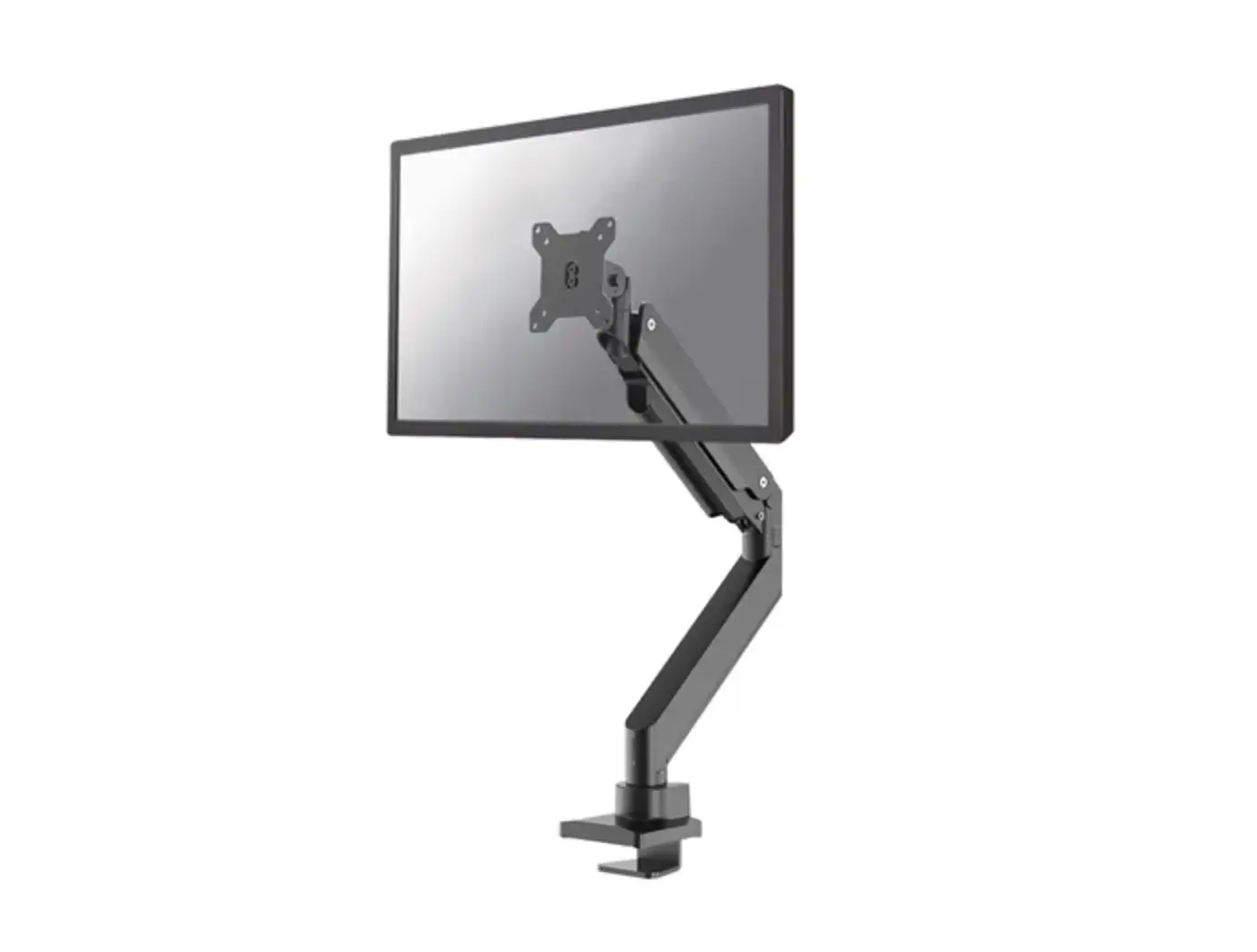
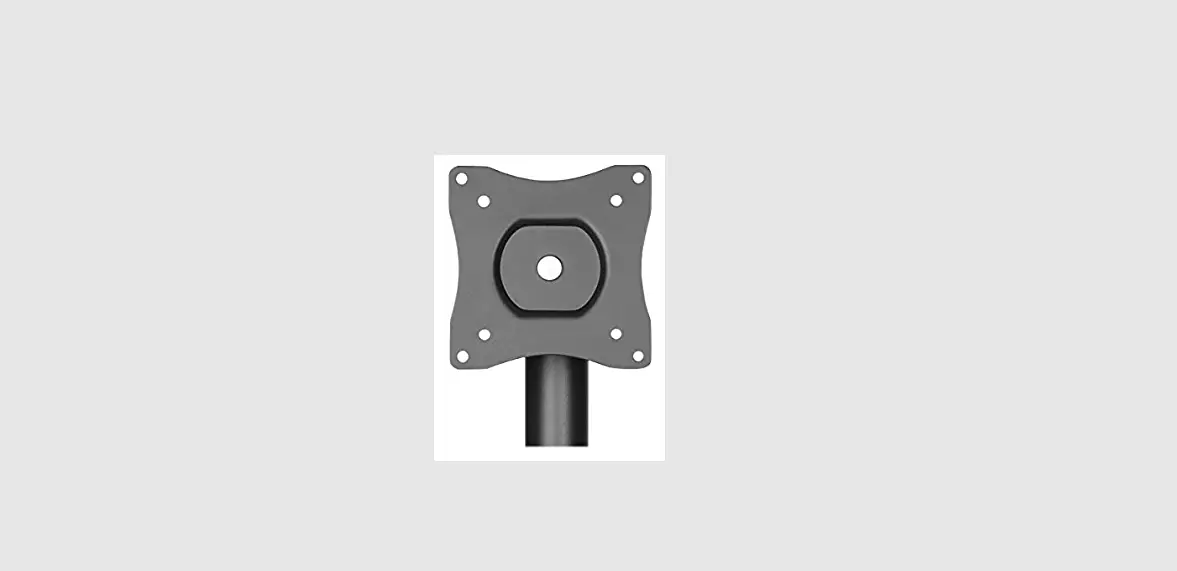
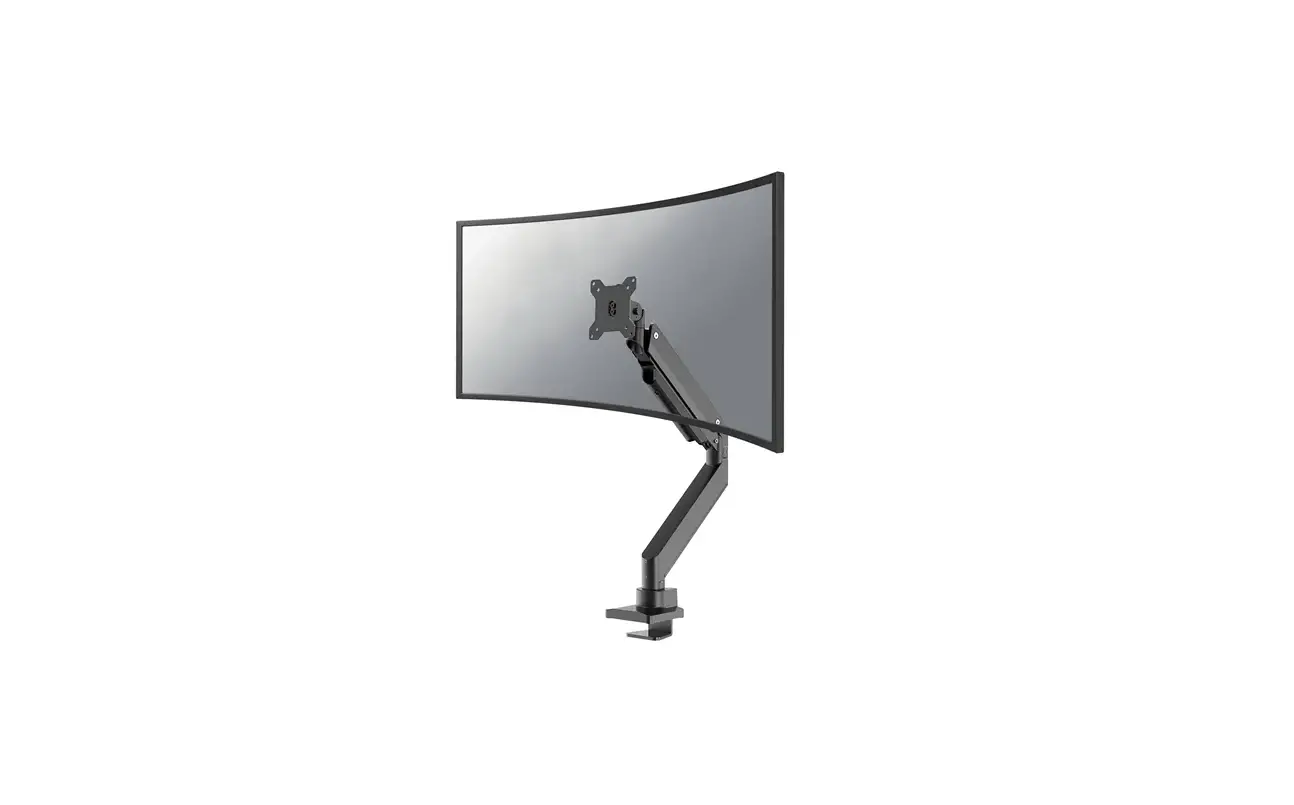
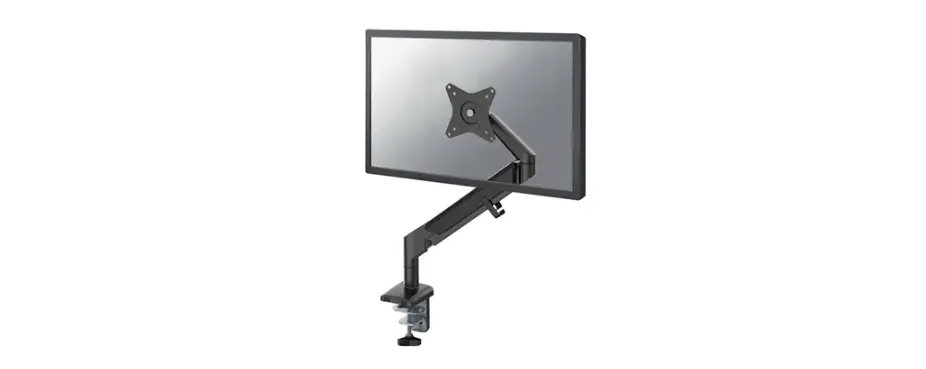
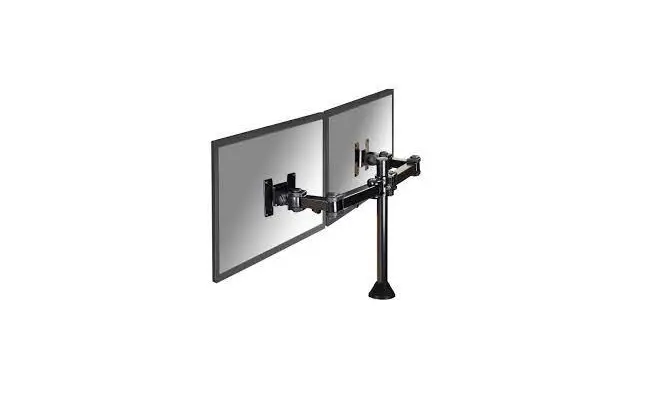
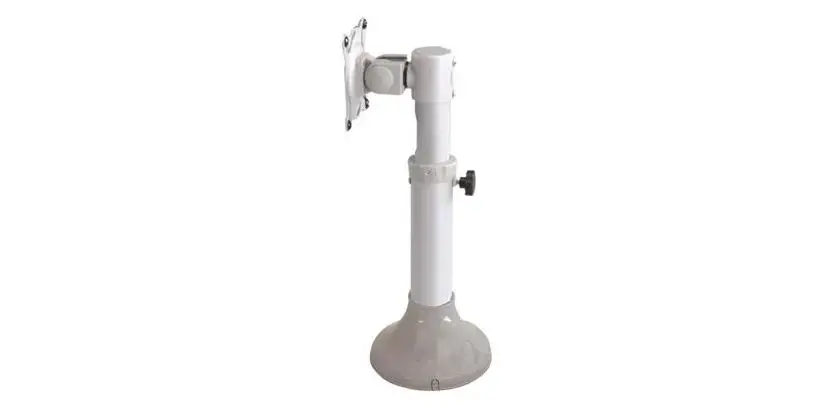
NM-D135DBLACK Monitor Desk Mount
Product Information: The product is a desk mount designed to hold a
monitor. It is the NM-D135DBLACK model, with dimensions of 450mm x
100mm. The desk mount can accommodate monitors with a minimum size
of 10mm and a maximum size of 88mm. The product is capable of
supporting a weight of up to 8 kg. The mount is compatible with
VESA standard sizes of 75x75mm and 100x100mm. The package includes
several parts: – A Clamp (x1) – B Grommet (x1) – C (x1) – D (x1) –
E (x1) – F (x5) – G (x1) – H (x1) – I 5mm (x1) – J 6mm (x1) – M-A
M4x12 (x8) – M-B M5x12 (x8) – M-C D5 (x8) Product Usage
Instructions: Step 1: A) If using the clamp, mount it to the rod
and install it on the desk. B) If using the grommet, mount it to
the rod and install it through the desk. Step 2: Adjust the torque
of the mount according to your preference. Step 3: Follow the
appropriate instructions based on the language: – NL: Monteer de
doorvoer aan de stang en installeer in het bureau – FR: Montez le
passe-fil sur la tige et installez-le dans le bureau – EN: Mount
the grommet to the rod and install through the desk – IT: Montare
il morsetto sulla barra e installarlo sulla scrivania – DE:
Befestigen Sie die Klemme an der Stange und installieren Sie sie
auf dem Schreibtisch Step 4: Follow the appropriate instructions
based on the language: – NL: Monteer de klem aan de stang en
installeer aan het bureau – FR: Montez la pince sur la barre et
installez-la sur le bureau – EN: Mount the clamp to the rod and
install it on the desk – IT: Montare il morsetto sulla barra e
installarlo sulla scrivania – DE: Befestigen Sie die Klemme an der
Stange und installieren Sie sie auf dem Schreibtisch Step 5: Ensure
that all parts are properly attached and secured. Note: Please
refer to the complete user manual for more detailed instructions
and safety guidelines.
INSTRUCTION MANUAL
450mm 100mm min10mm-max88mm
75mm 100mm 113mm
726mm 35mm 174mm
33mm 121mm
35mm
75mm 100mm 116mm
NM-D135DBLACK
EN Monitor desk mount NL Monitor bureausteun DE Monitor Tischhalterung FR Support moniteur de bureau IT Supporto da scrivania per monitor ES Soporte de escritorio para monitor PT Suporte de mesa para monitor DK Bordbeslag skærm
NO Bordstativ til skjerm SE Skrivbordsfäste för bildskärm FI Näytön pöytäteline PL Uchwyt nabiurkowy do monitora CS Stolní drzák monitoru SK Drziak na monitor RO Suport de birou pentru monitor
WWW.NEOMOUNTS.COM
NM-D135DBLACK PARTS
75×75 100×100 mm
0-8 kg (2x)
0-41,5 cm
0-42,7 cm
A. (x1)
B. (x1)
C. (x1)
G. (x1)
H. (x1)
I. 5mm (x1)
J. 6mm (x1)
M-A. M4x12 (x8)
M-B. M5x12 (x8)
M-C. D5 (x8)
STEP 1 A Clamp
EN Mount the clamp to the rod and install to the desk NL Monteer de klem aan de stang en installeer aan het
bureau DE Befestigen Sie die Klemme an der Stange und instal-
lieren Sie sie auf dem Schreibtisch FR Montez la pince sur la barre et installez-la sur le
bureau IT Montare il morsetto sulla barra e installarlo sulla
scrivania ES Monte la abrazadera en la barra e instálela en el
escritorio PT Montar a braçadeira na barra e instalar na secretária PL Zamontuj zacisk na prcie i zainstaluj na biurku
F C
D. (x1)
E. (x1)
F. (x5)
G J
10-88mm
STEP 1 B Grommet
EN Mount the grommet to the rod and install through the desk
NL Monteer de doorvoer aan de stang en installeer in het bureau
DE Befestigen Sie die Tülle an der Stange und installieren Sie sie im Schreibtisch
FR Montez le passe-fil sur la tige et installez-le dans le bureau
IT Montare il gommino sull’asta e installarlo nella scrivania ES Monte el pasacables en la varilla e instálelo en el escri-
torio PT Montar a argola na vara e instalar na secretária PL Zamontuj przelotk na prcie i zainstaluj w biurku
E F
H
10-88mm
STEP 2
EN Attach the arm to the rod NL Bevestig de arm aan de stang DE Befestigen Sie den Arm an der Stange FR Fixer le bras à la tige IT Collegare il braccio all’asta ES Conecte el brazo a la barra PT Anexar o braço para a haste PL Przymocuj rami do rurki
STEP 3
EN Attach the screens to the VESA plates NL Bevestig de schermen aan de VESA platen DE Befestigen Sie die Bildschirme an den VESA-Platten FR Fixer les écrans aux plaques VESA IT Fissare gli schermi alle piastre VESA ES Fije las pantallas a las placas VESA PT Fixar os ecrãs nas placas VESA PL Przymocuj ekrany do plyt VESA
STEP 4
EN Adjust the torque NL Stel het koppel in DE Das Drehmoment einstellen FR Ajustez les couples de serrage IT Regolare la coppia ES Ajustar el par PT Ajustar o torque PL Ustawi momenty obrotowe
D A
B
M-A M-B M-C
J
STEP 5
EN Adjust the mount to the desired position NL Stel de steun in op de gewenste positie DE Positionieren der Halterung in der gewünschten Position FR Ajustez le support à la position souhaitée IT Regolare il supporto nella posizione desiderata ES Ajuste el soporte a la posición deseada
360°
PT Ajuste o suporte na posição desejada PL Dostosuj pozycj uchwytu do twoich wymaga
I
360°
 Neomounts