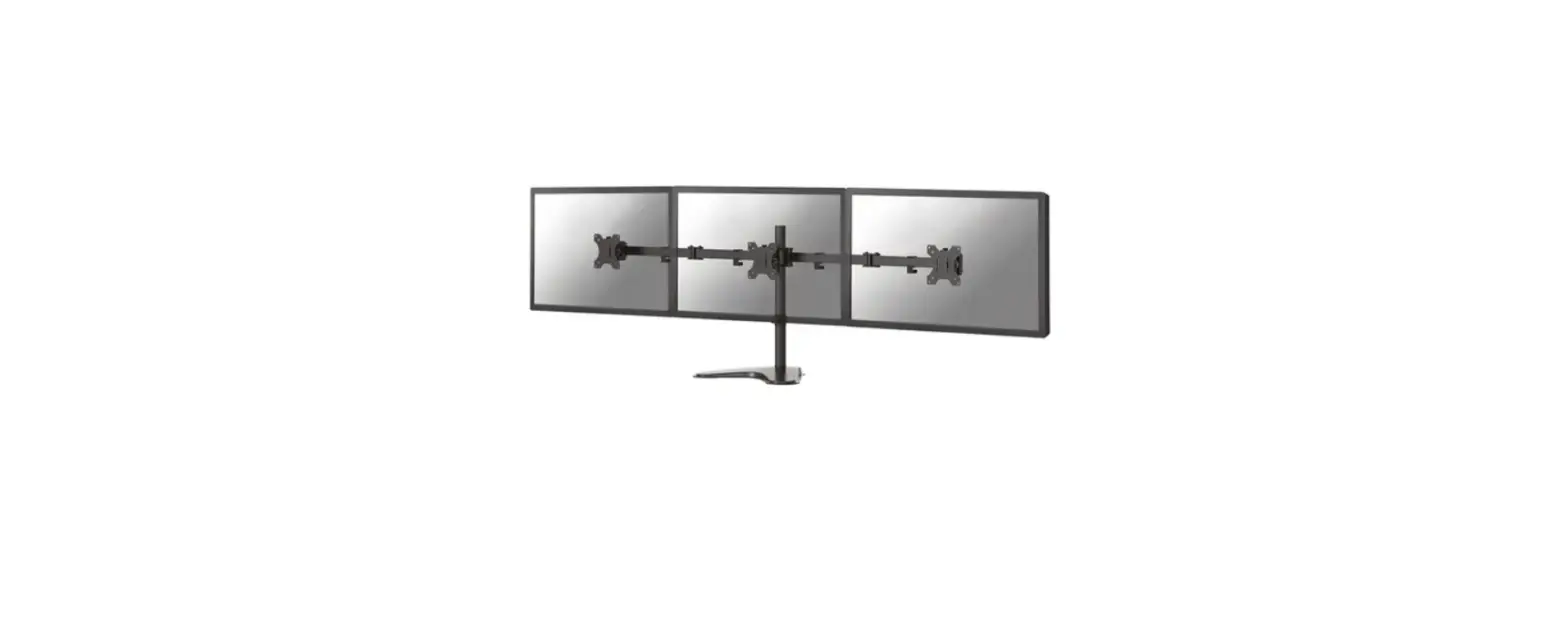
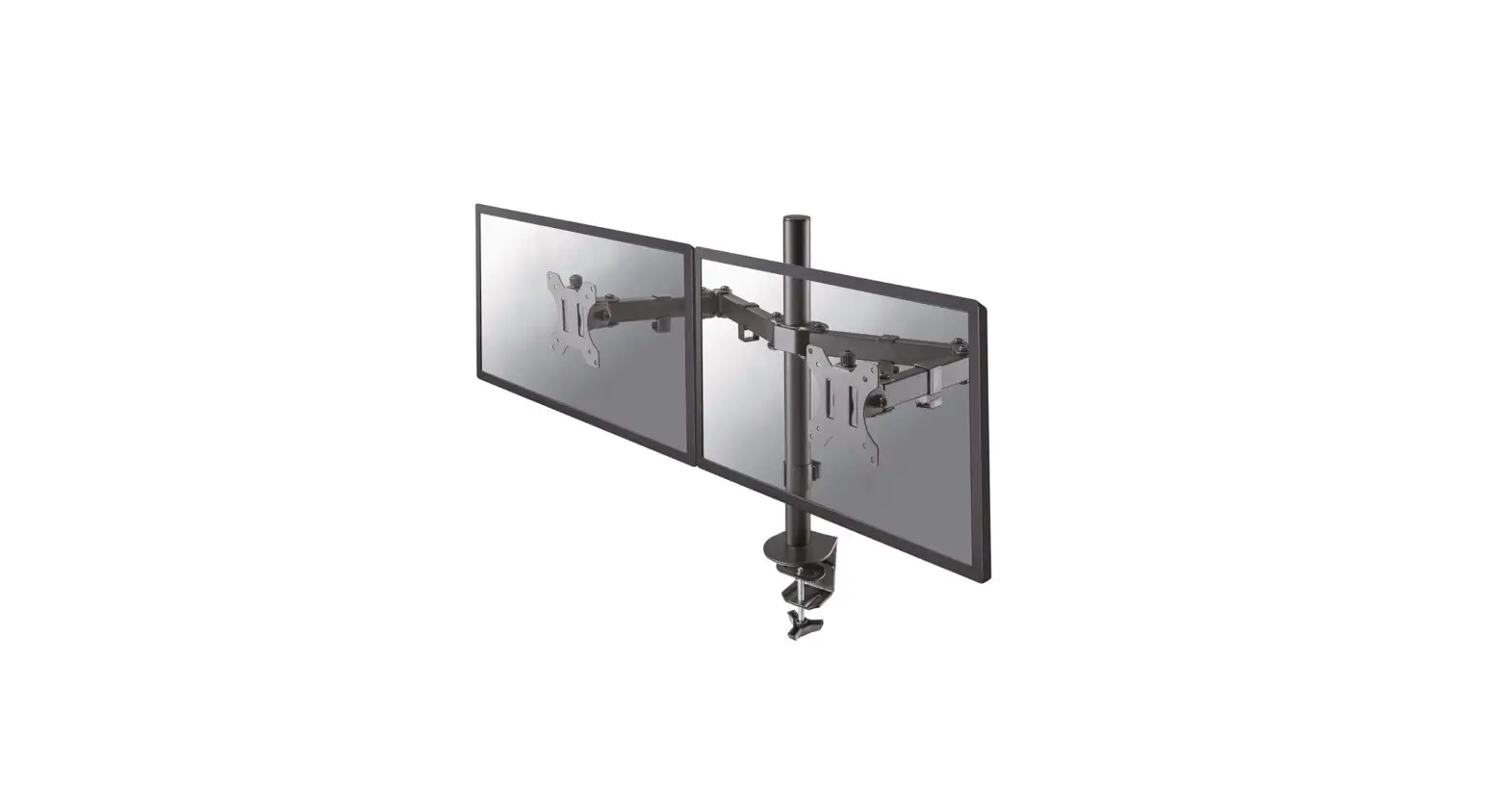
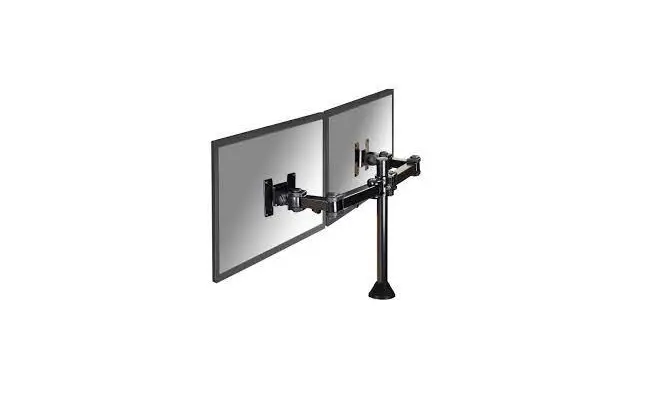
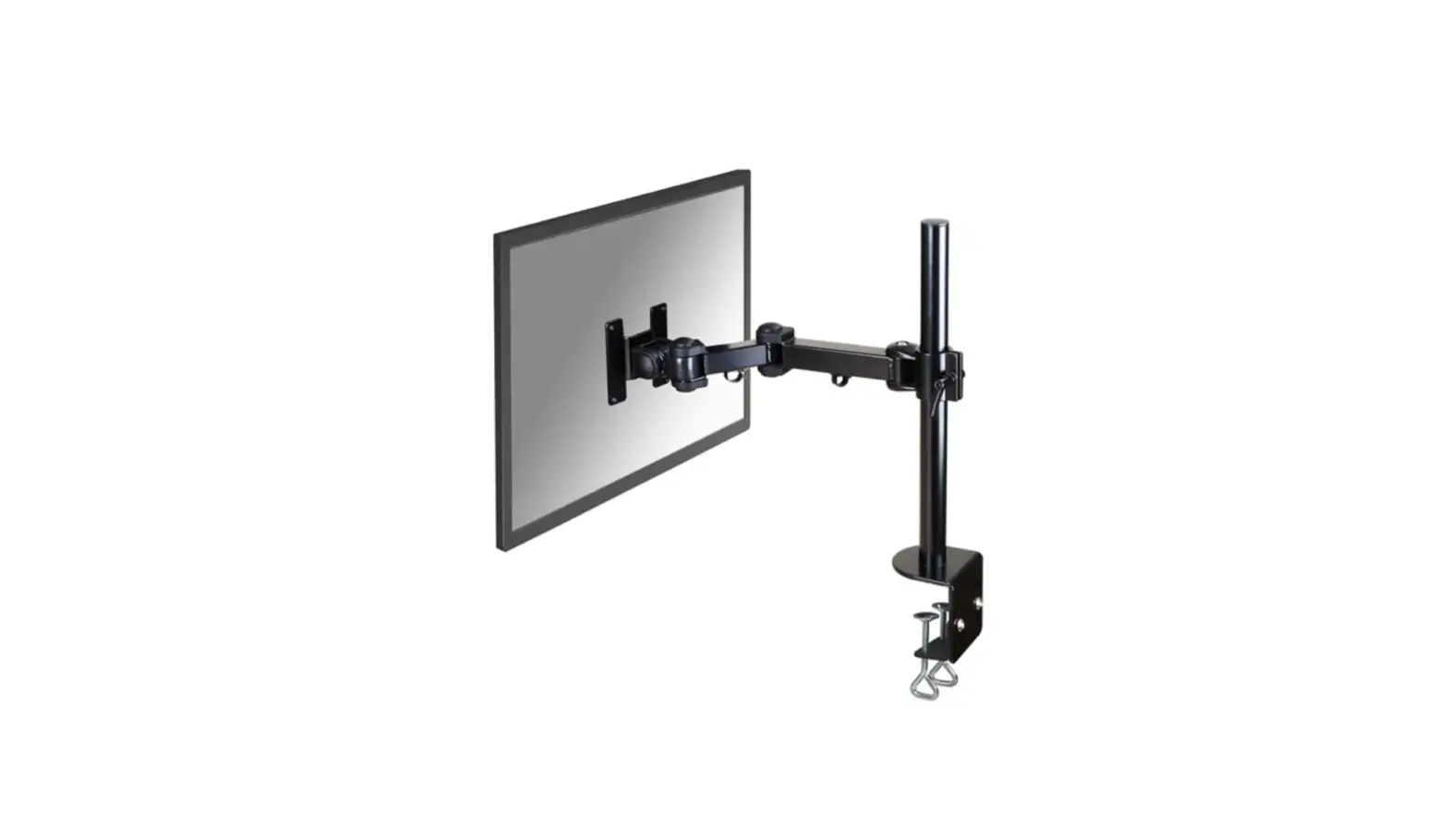
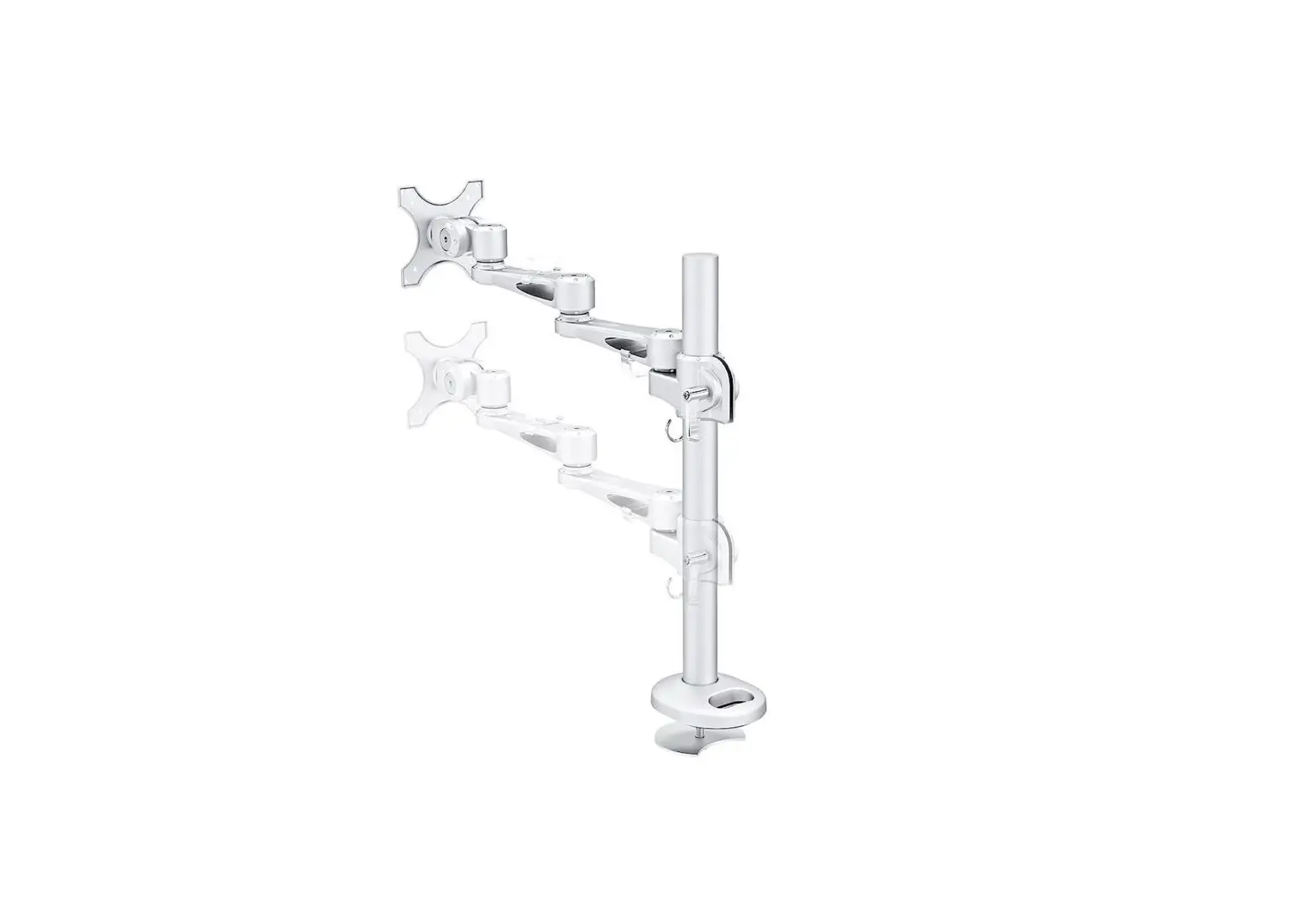
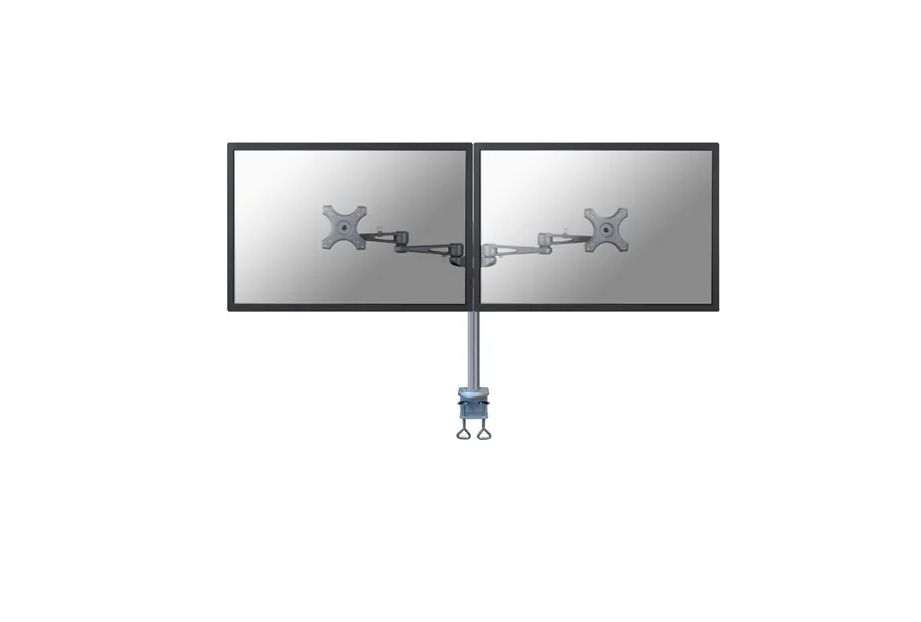
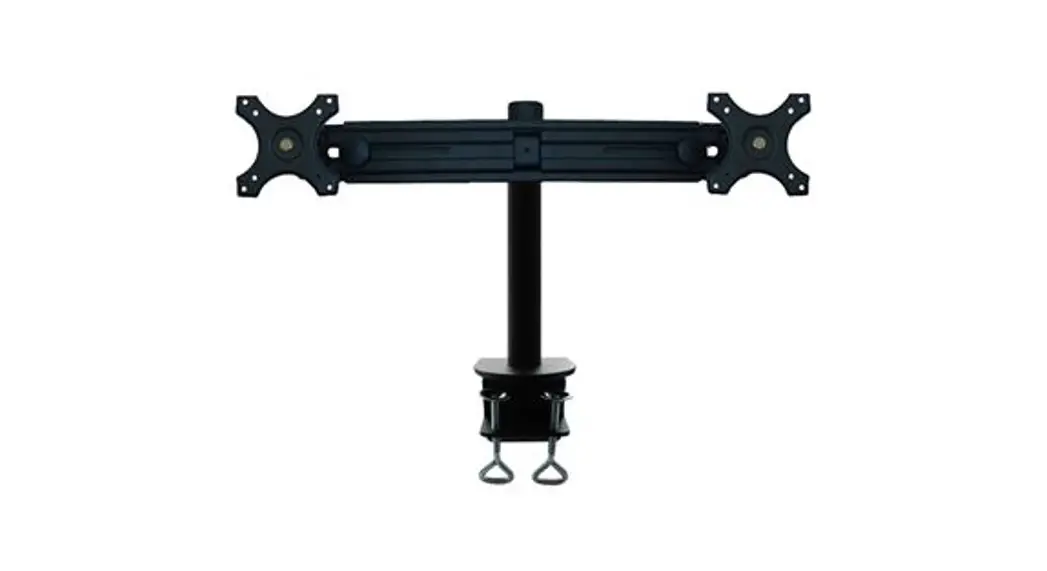
FPMA-D550DBLACK Monitor Desk Mount
Product Information
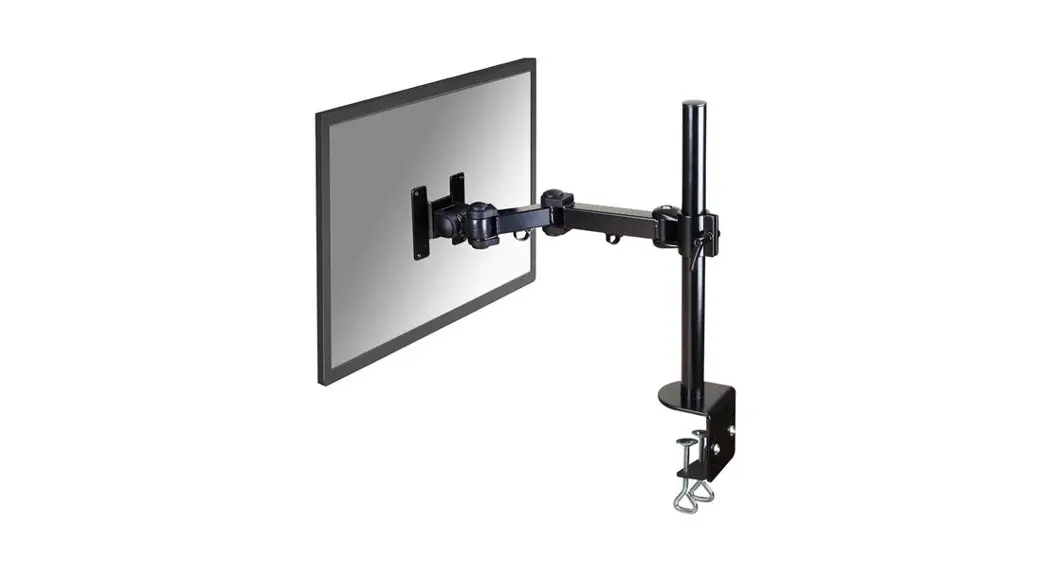
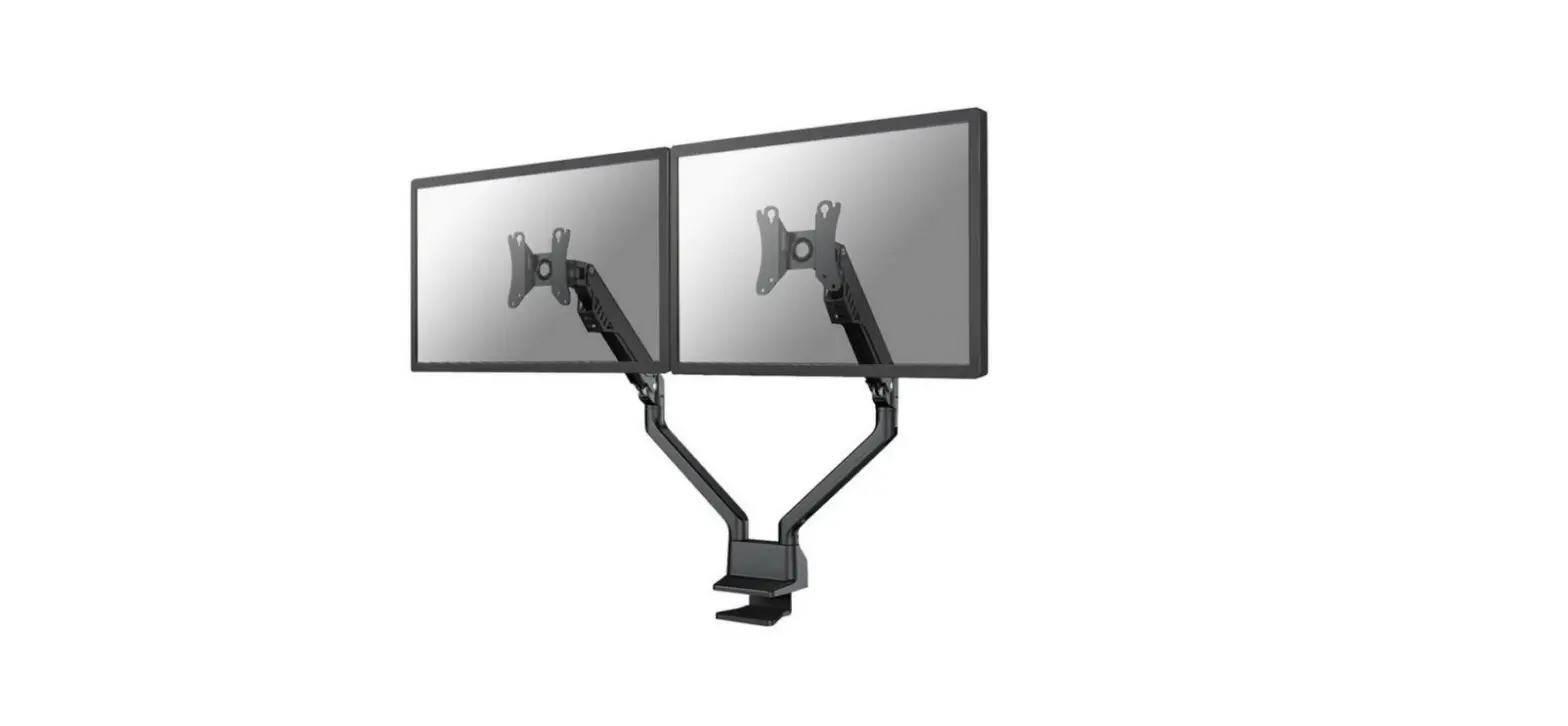
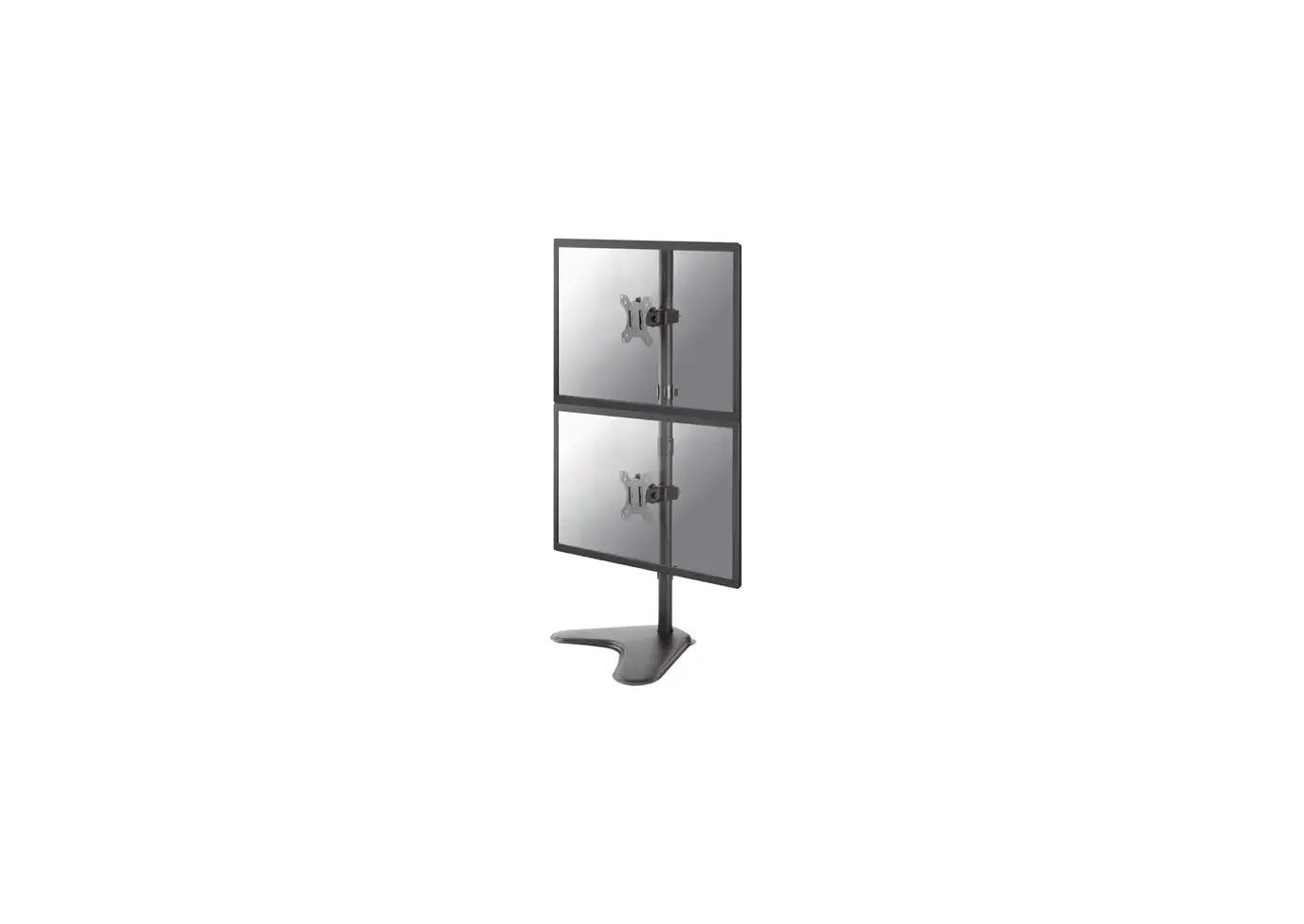
The FPMA-D550DBLACK is a monitor mount designed to securely hold
screens ranging from 10mm to 88mm in size. It comes with various
parts and accessories, including a clamp, grommet, VESA plate, and
cable clips. The mount has a weight capacity of up to 8 kg and
offers adjustable height and tilt options for optimal viewing
angles.
Product Usage Instructions
- Step 1: Identify the parts listed in the
manual, including A, B, C, D, E, F, G, H, I, J, K, L, M, N. - Step 2A: Mount the clamp to the rod and
install it on the desk. Use the provided screws (M-A, M-B) to
secure the clamp. - Step 2B: Mount the grommet to the rod and
install it through the desk. Ensure the grommet is securely
attached. - Step 3: Attach the arm to the rod and adjust
the height as desired. Tighten the arm to secure it in place. - Step 4: Attach the VESA plate to the monitor
using the provided screws (M-C, M-D). Ensure the plate is securely
fastened. - Step 5: Attach the screens to the bracket and
secure them using the appropriate screws (M-E, M-F). - Step 6: Route the cable(s) through the cable
clips for organized cable management. Insert the Allen keys into
the slot for future use. - Step 7: Complete the installation by following
any additional instructions provided in the manual.
Please refer to the user manual for further details and
illustrations on the installation process.
INSTRUCTION MANUAL
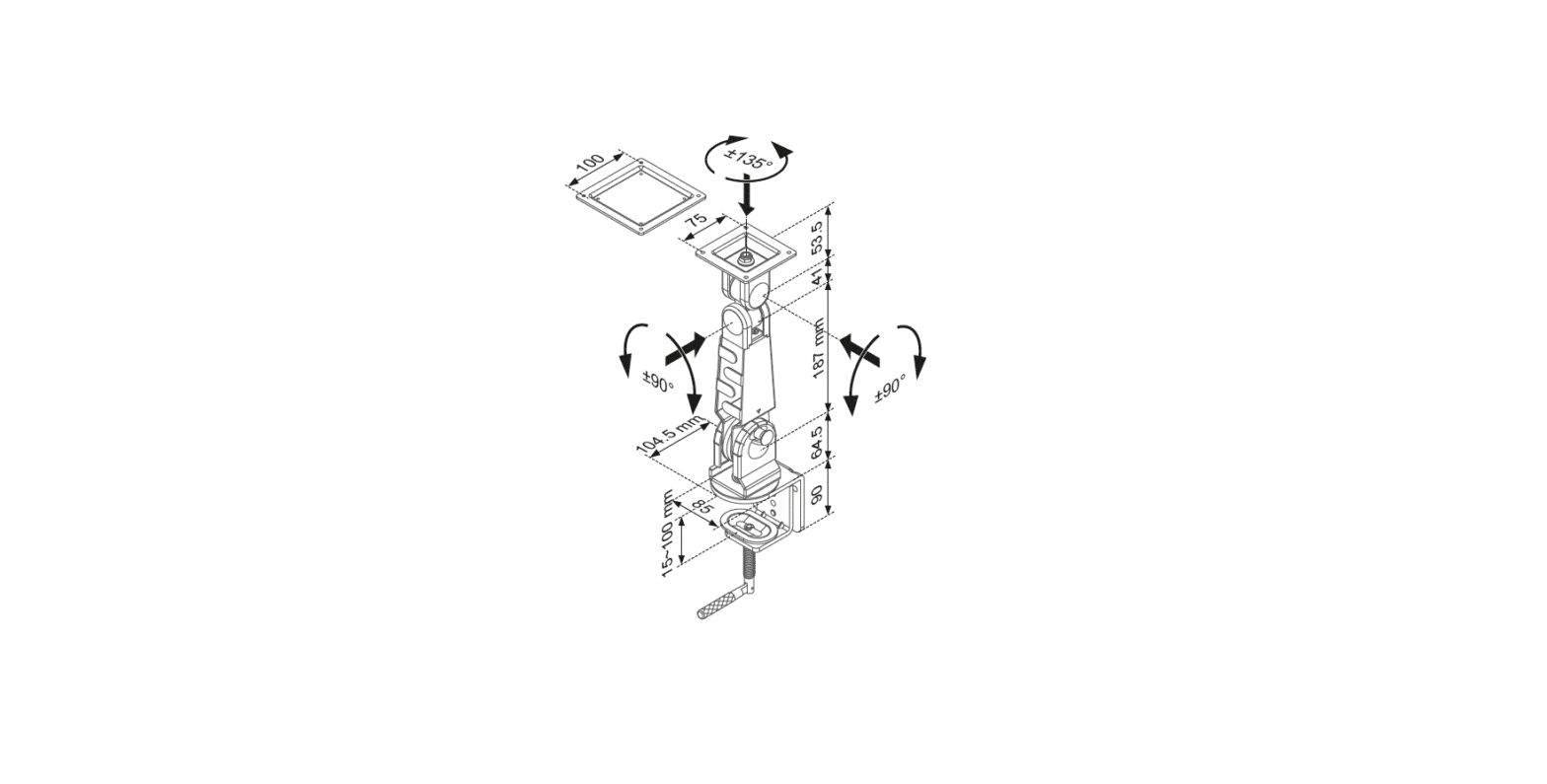
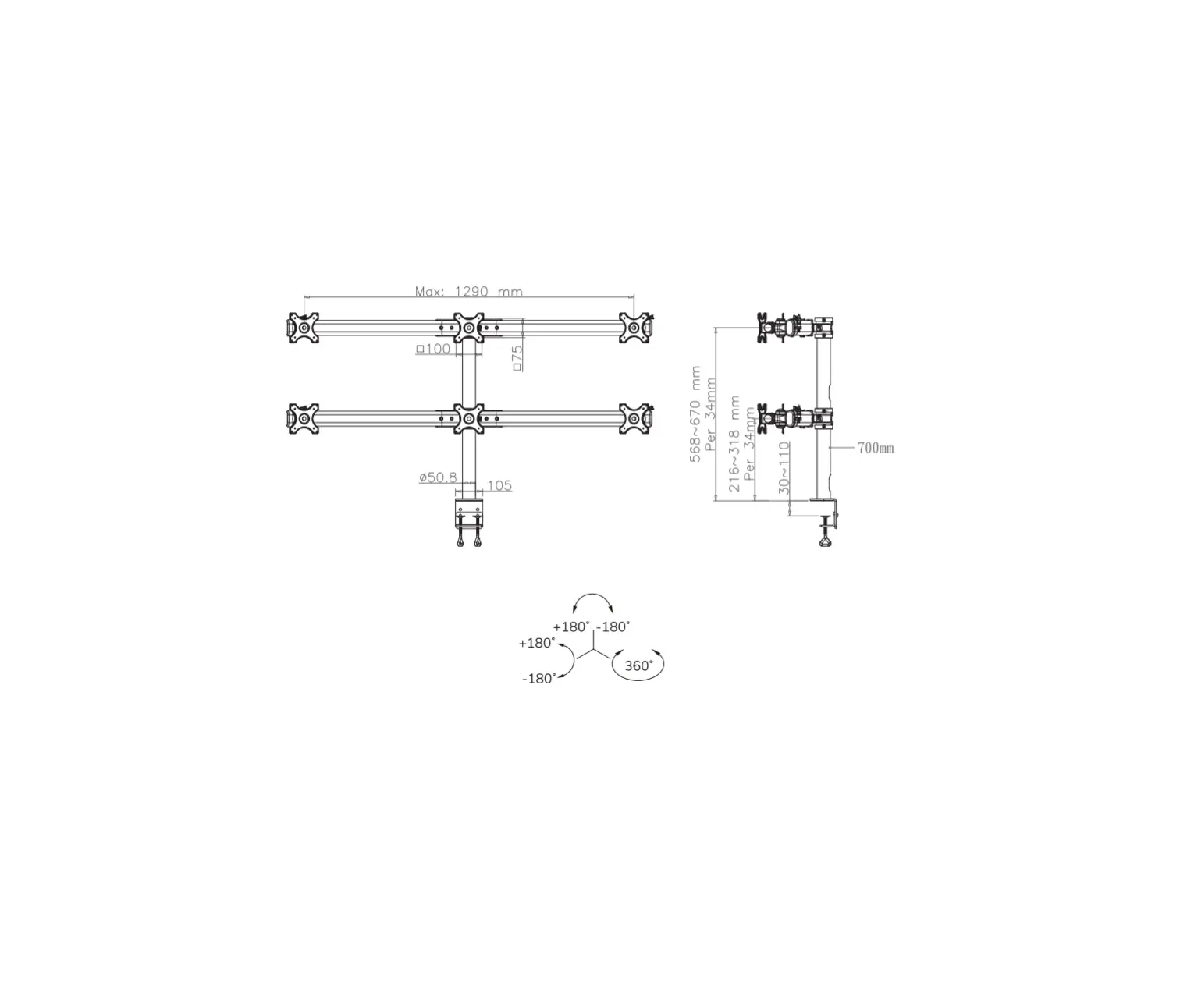
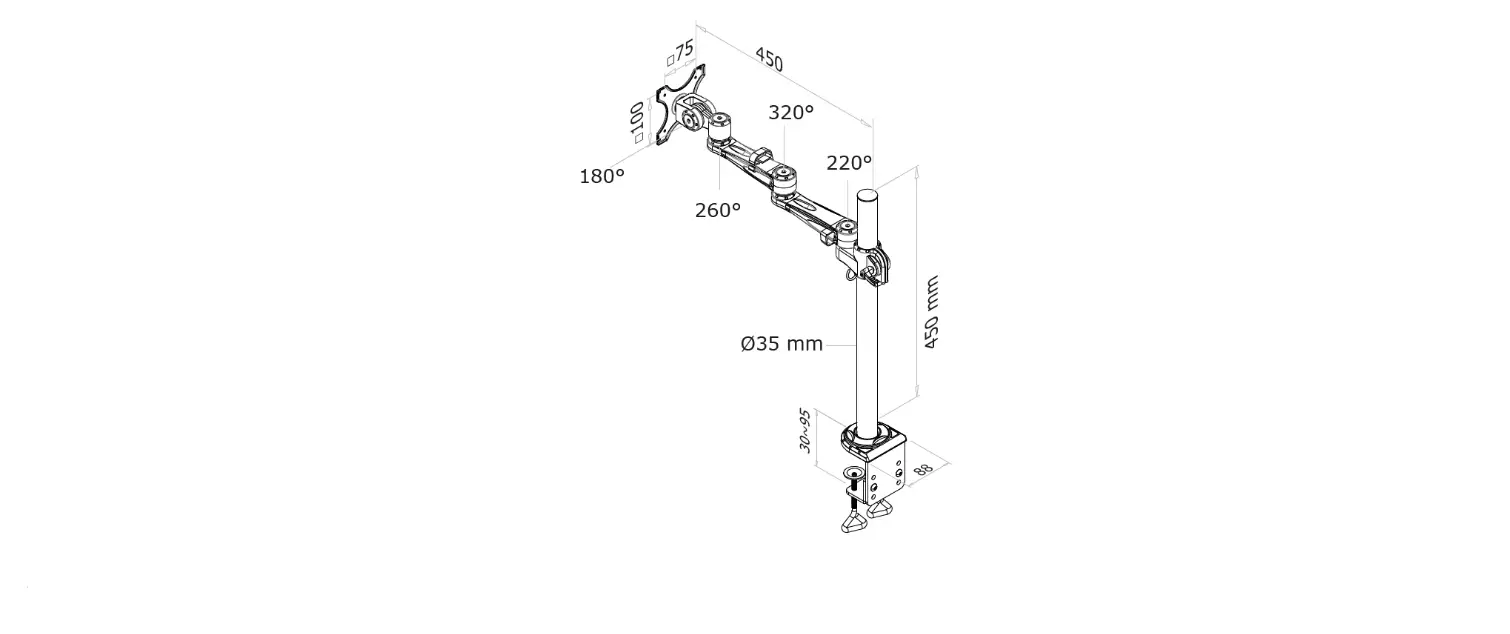
38mm 185mm 36mm 140mm 75mm 100mm 114mm
443mm 105mm min10mm-max88mm
75mm 100mm 114mm
FPMA-D550DBLACK
EN Monitor desk mount NL Monitor bureausteun DE Monitor Tischhalterung FR Support moniteur de bureau IT Supporto da scrivania per monitor ES Soporte de escritorio para monitor PT Suporte de mesa para monitor DK Bordbeslag skærm
NO Bordstativ til skjerm SE Skrivbordsfäste för bildskärm FI Näytön pöytäteline PL Uchwyt nabiurkowy do monitora CS Stolní drzák monitoru SK Drziak na monitor RO Suport de birou pentru monitor
WWW.NEOMOUNTS.COM
FPMA-D550DBLACK PARTS
Tool
75×75 100×100 mm
0-8 kg (2x)
0-44 cm
4-46 cm
A. (x2)
B. (x1)
C. (x1)
D. (x1)
E. (x1)
F. (x1)
G. (x1)
H. (x2)
I. (x2)
J. (x5)
K. (x3)
L. (x1)
M. 4mm (x1)
STEP 1
EN Place the decorative cover NL Plaats het decoratieve afdekkapje DE Setzen Sie die dekorative Abdeckung FR Placez le couvercle décoratif IT Posizionare il coperchio decorativo ES Coloque la cubierta decorativa PT Colocar a capa decorativa PL Umieci oslon dekoracyjn
N. 6mm (x1)
M-A. M4x12 M-B. M4x16
(x8)
(x8)
M-C. M5x12 (x4)
M-D. M5x16 (x4)
M-E. D5 (x8)
M-F. (x8)
DD
E
STEP 2 A Clamp
EN Mount the clamp to the rod and install to the desk
NL Monteer de klem aan de stang en installeer aan het bureau
JJ KK
DE Befestigen Sie die Klemme an der Stange und instal-
MM
lieren Sie sie auf dem Schreibtisch
FR Montez la pince sur la barre et installez-la sur le
bureau
CC
IT Montare il morsetto sulla barra e installarlo sulla
scrivania
ES Monte la abrazadera en la barra e instálela en el
escritorio
PT Montar a braçadeira na barra e instalar na secretária
PL Zamontuj zacisk na prcie i zainstaluj na biurku
10-88mm
STEP 2 B Grommet
EN Mount the grommet to the rod and install through the desk
NL Monteer de doorvoer aan de stang en installeer in het bureau
DE Befestigen Sie die Tülle an der Stange und installieren Sie sie im Schreibtisch
FR Montez le passe-fil sur la tige et installez-le dans le bureau
IT Montare il gommino sull’asta e installarlo nella scrivania ES Monte el pasacables en la varilla e instálelo en el escri-
torio PT Montar a argola na vara e instalar na secretária PL Zamontuj przelotk na prcie i zainstaluj w biurku
CC
GG JJ
10-88mm LL
STEP 3
EN Attach the arm to the rod, adjust the height and tighten NL Bevestig de arm aan de stang, stel de juiste hoogte in
en draai vast DE Befestigen Sie den Arm an der Stange, stellen Sie die
Höhe ein und ziehen Sie ihn fest FR Attachez le bras à la tige, réglez la hauteur et fixer IT Collegare il braccio all’asta, regolare l’altezza e serrare ES Fije el brazo a la varilla, ajuste la altura y apriete PT Fixar o braço à haste, ajustar a altura e apertar PL Przymocuj rami do rurki, regulacja wysokoci i dokrci
FF
BB
NN
STEP 4
EN Attach the VESA plate to the monitor NL Bevestig de VESA plaat aan de monitor DE Befestigen Sie die VESA-Platte am Monitor FR Fixez la plaque VESA sur le moniteur IT Fissare la piastra VESA al monitor ES Coloque la placa VESA en el monitor PT Fixar a placa VESA no monitor PL Przymocuj plytk VESA do monitora
M-E
M-A M-C
* Not Included
A
OPTION
EN Use spacers if necessary NL Gebruik afstandhouders indien nodig DE Montage der Distanzscheiben wenn nötig FR Utilisez des entretoises si nécessaire IT Utilizzare distanziatori, se necessario ES Utilice separadores si es necesario PT Utilize separadores se necessário PL Uyj dystansów jeli jest taka potrzeba
M-E M-F
M-B M-D
* Not Included
A
STEP 5
EN Attach the screens to the bracket and secure them NL Bevestig de schermen op de beugel en zet ze vast DE Befestigen Sie die Bildschirme an der Halterung und
sichern Sie sie FR Attachez les écrans au support et fixez-les IT Fissare gli schermi alla staffa e fissarli ES Coloque las pantallas en el soporte y fíjelas PT Fixar os ecrãs ao suporte e fixá-los PL Przymocuj ekrany do uchwytu i zabezpiecz je
STEP 6
EN Route the cable(s) through the cable clips and insert the Allen keys into the slot for future use
NL Geleid de kabel(s) door de kabelclips en bewaar de inbussleutels in de houder toekomstig gebruik
DE Führen Sie das/die Kabel durch die Kabelklemmen und stecken Sie den Inbusschlüssel in den Schlitz für zukünftige Verwendung
FR Faire passer le(s) câble(s) dans les attaches de câble et conservez les clés Allen dans le support pour une utilisation ultérieure
IT Far passare il/i cavo/i attraverso i fermacavi e conservare le chiavi a brugola nel supporto per un uso futuro
ES Pase el cable o los cables por las abrazaderas y guarde las llaves Allen en el soporte para uso futuro
PT Guiar o(s) cabo(s) através dos clipes do cabo e manter as chaves Allen no suporte para utilização futura
PL Przeló kabel (kable) przez uchwyty kablowe i zachowa klucze imbusowe wuchwytach do wykorzystania w przyszloci
1 HH
2 I
NN
NN M
STEP 7
EN Adjust the mount to the desired position NL Stel de steun in op de gewenste positie DE Positionieren die Halterung in der gewünschten Position FR Ajustez le support à la position souhaitée IT Regolare il supporto nella posizione desiderata ES Ajuste el soporte a la posición deseada PT Ajuste o suporte na posição desejada PL Dostosuj pozycj uchwytu do twoich wymaga
+45° 360° -45°
+45°
360°
-45°
N
 Neomounts