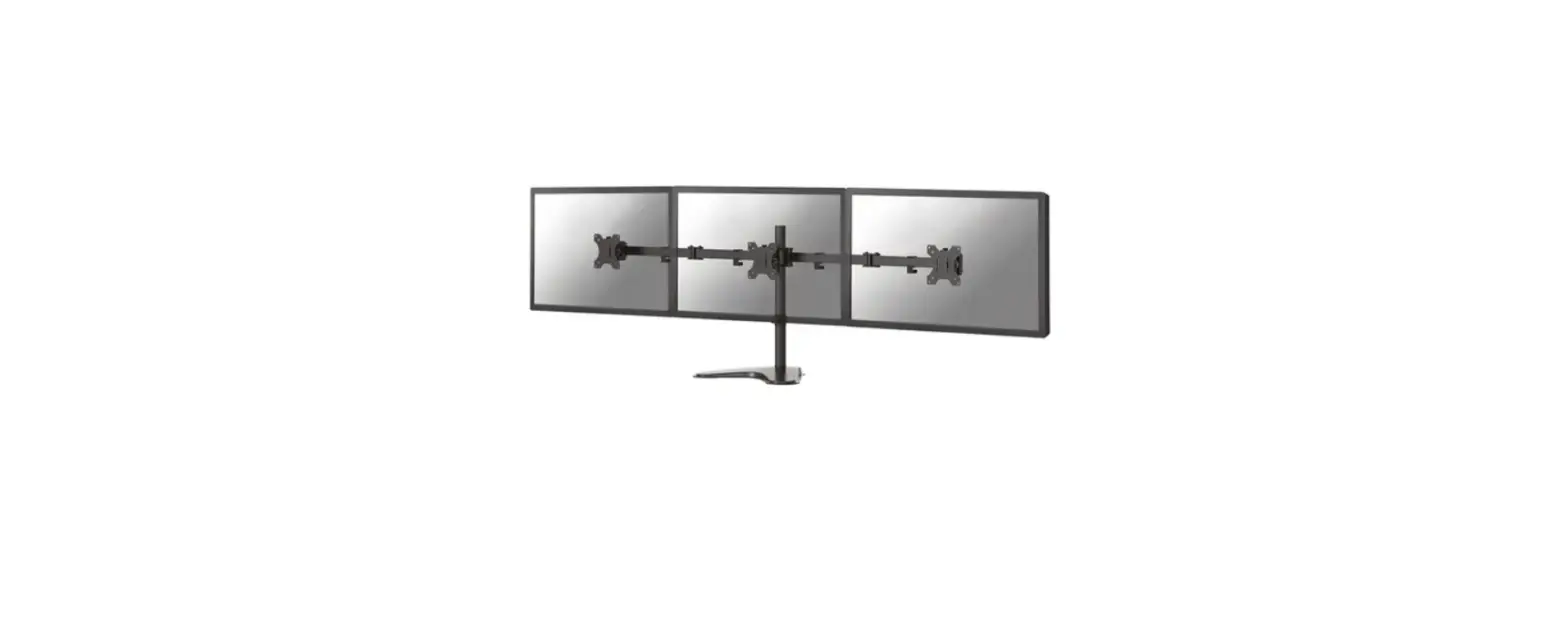
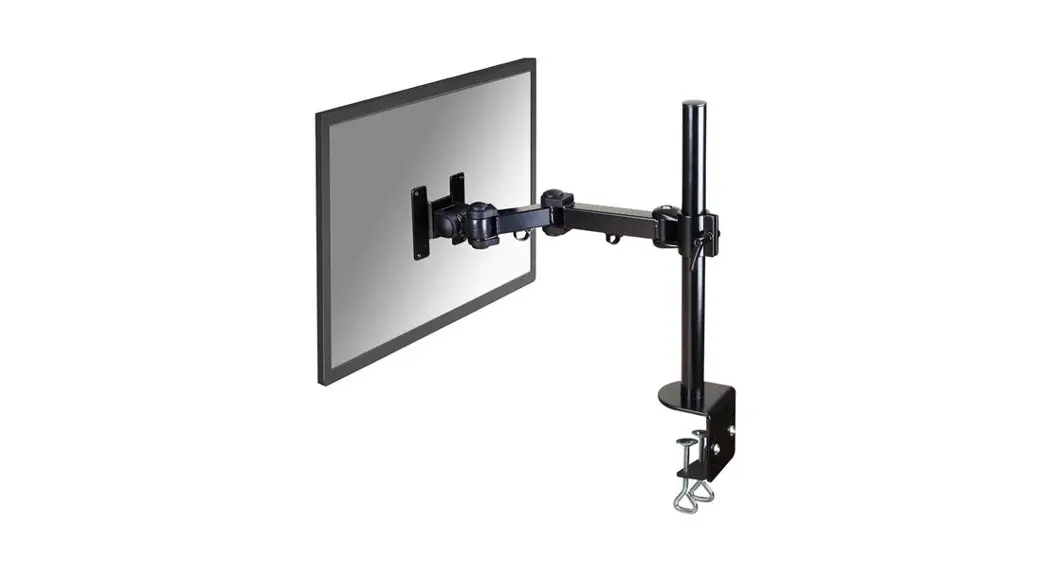
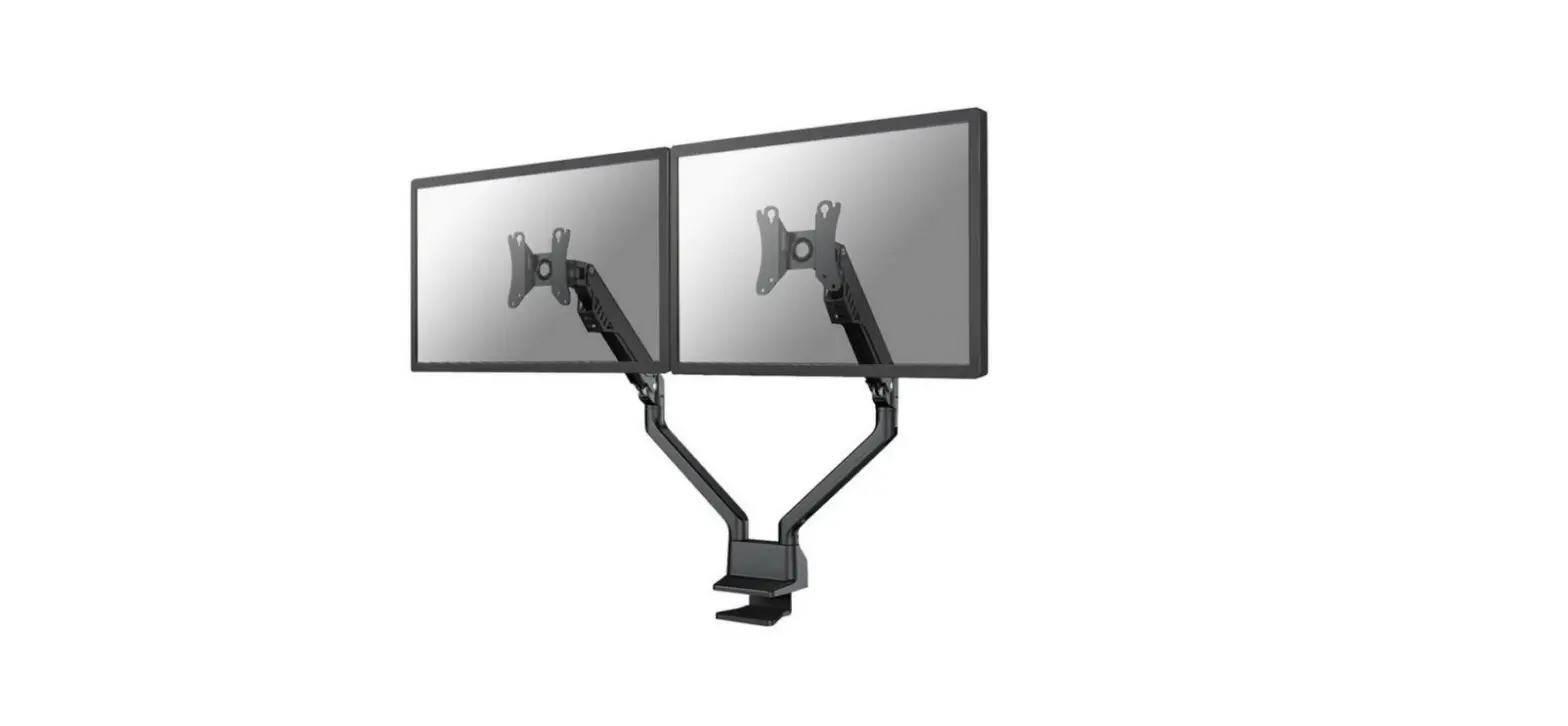
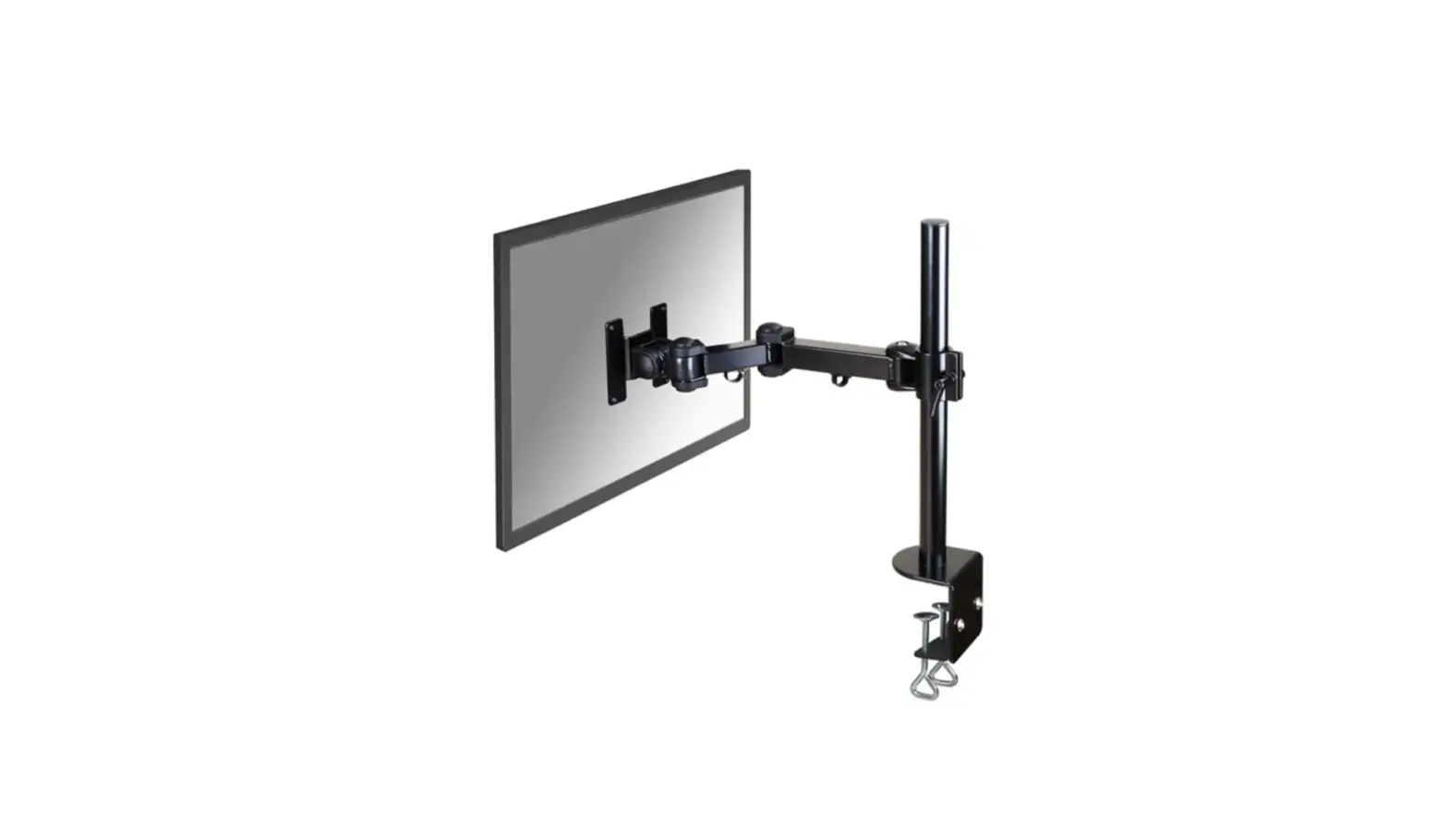
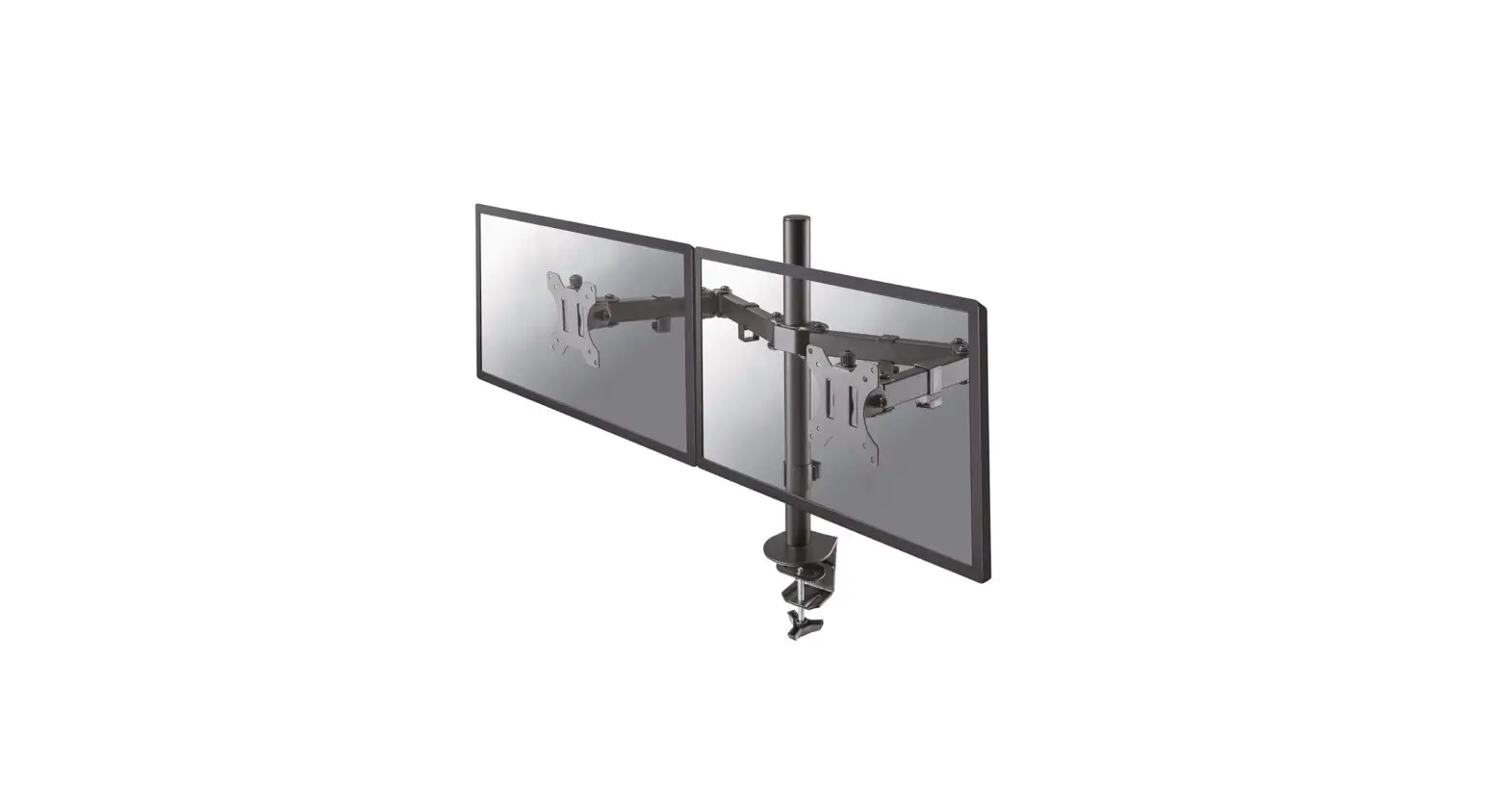
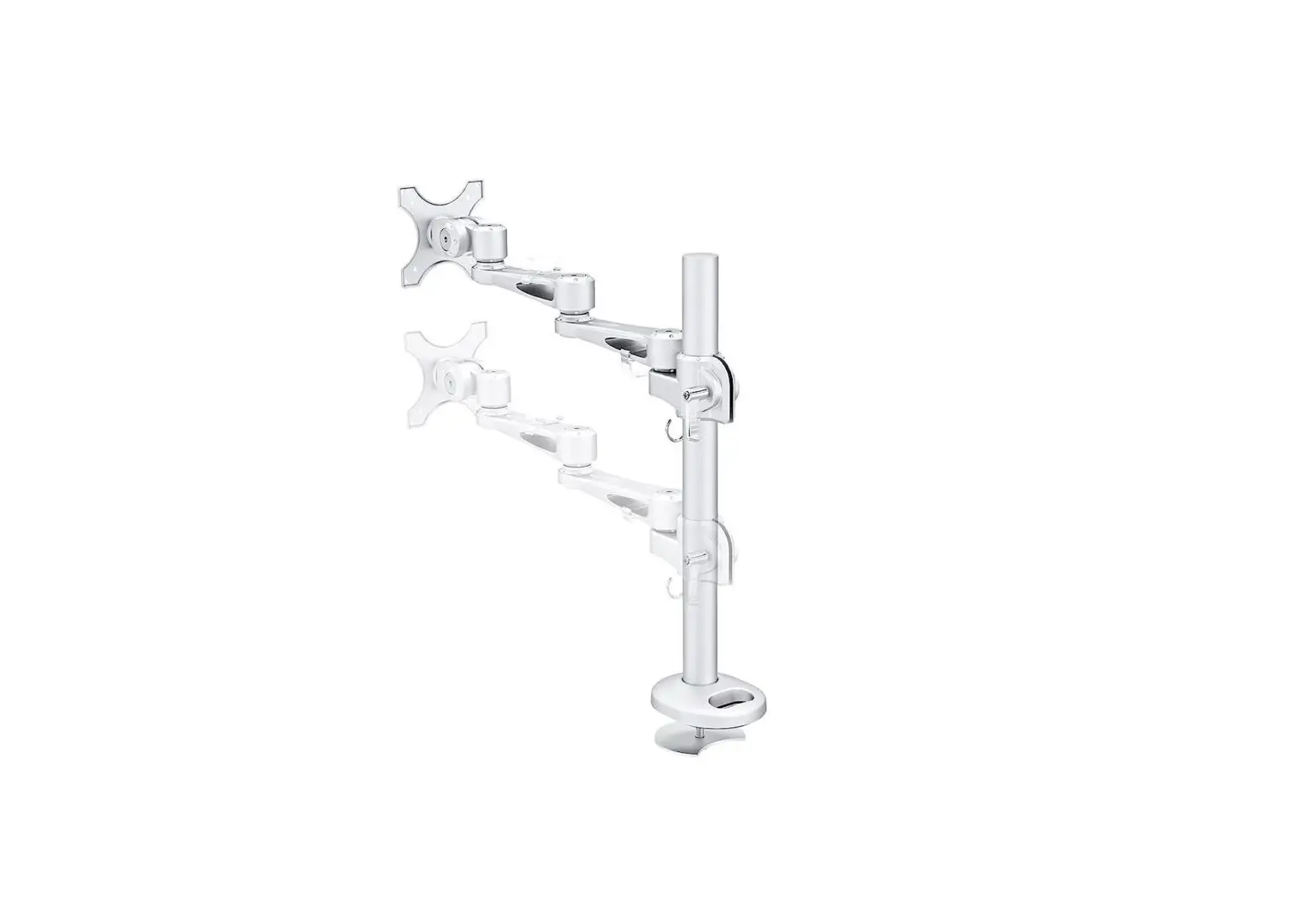
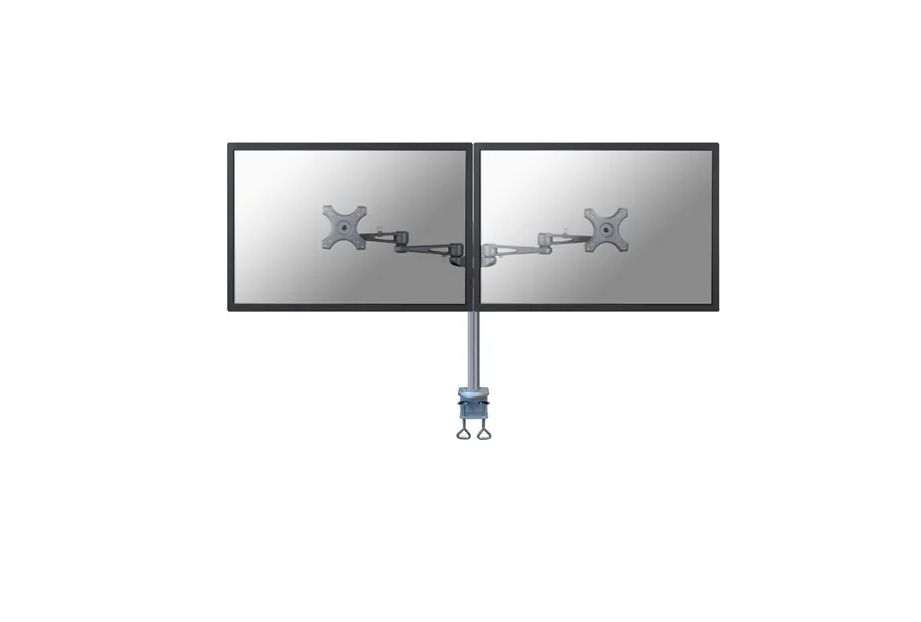
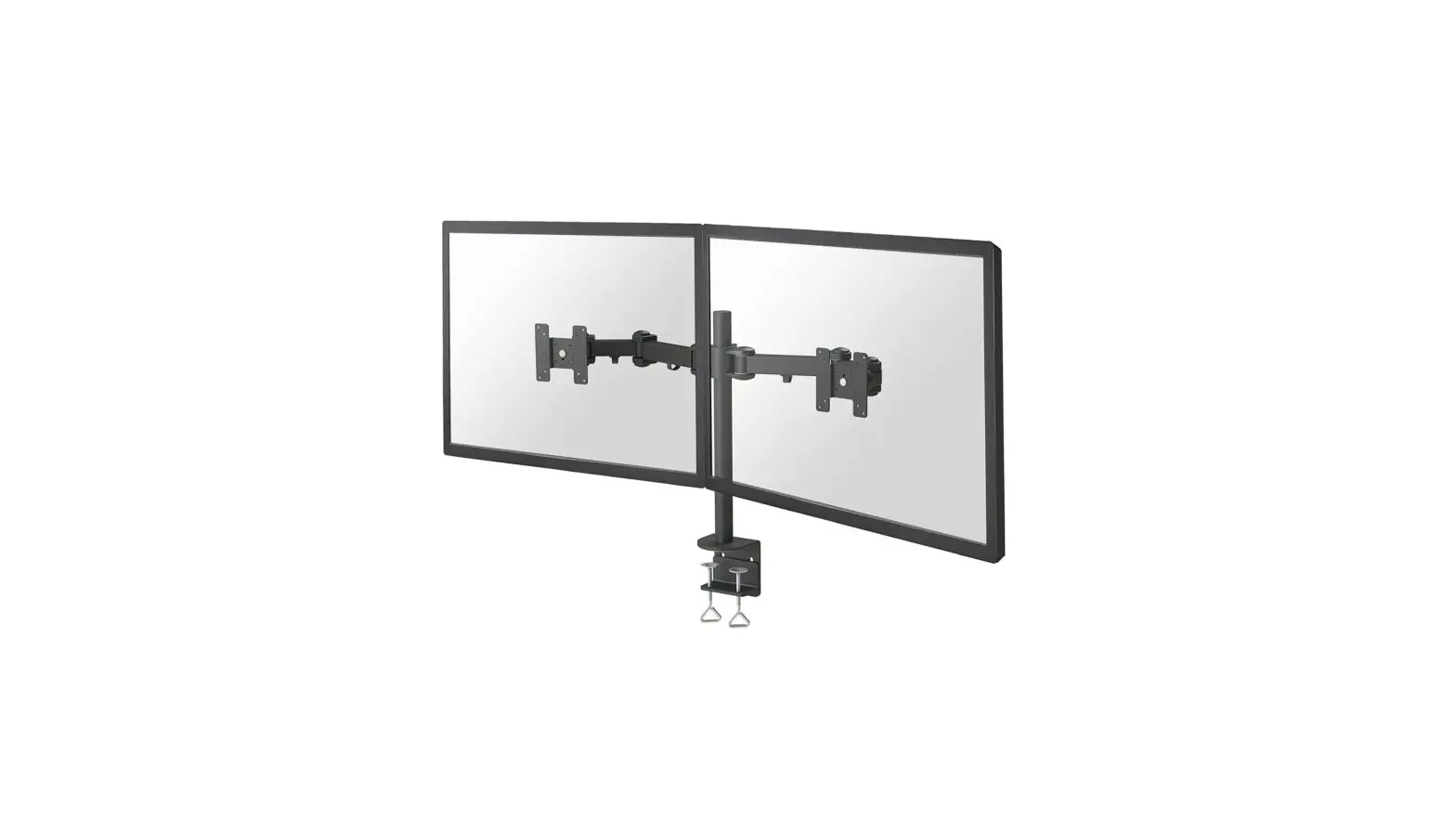
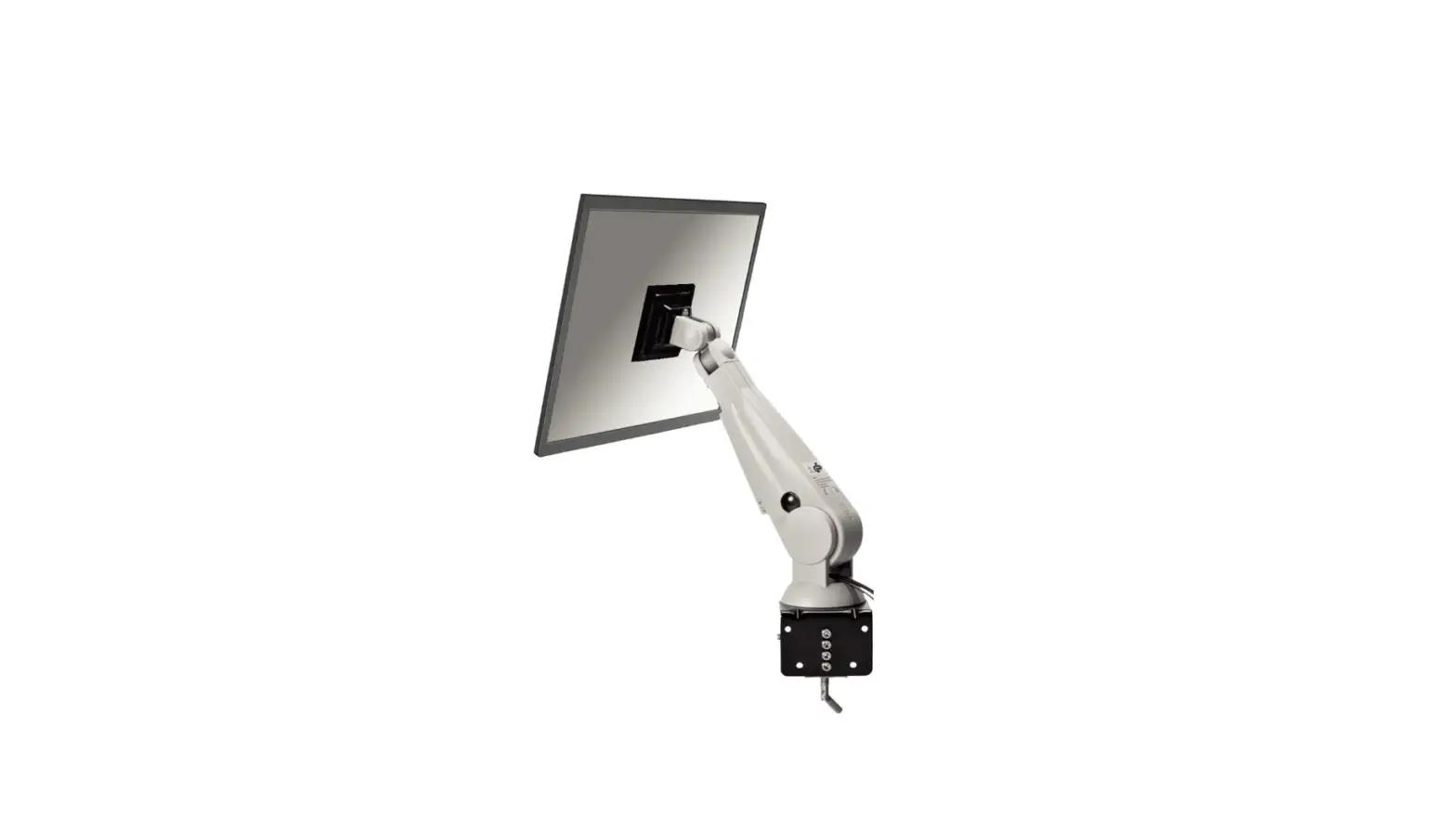
FPMA-D650BLACK Monitor Desk Mount
Product Information:
Product Name: FPMA-D650BLACK
Measuring Unit: mm
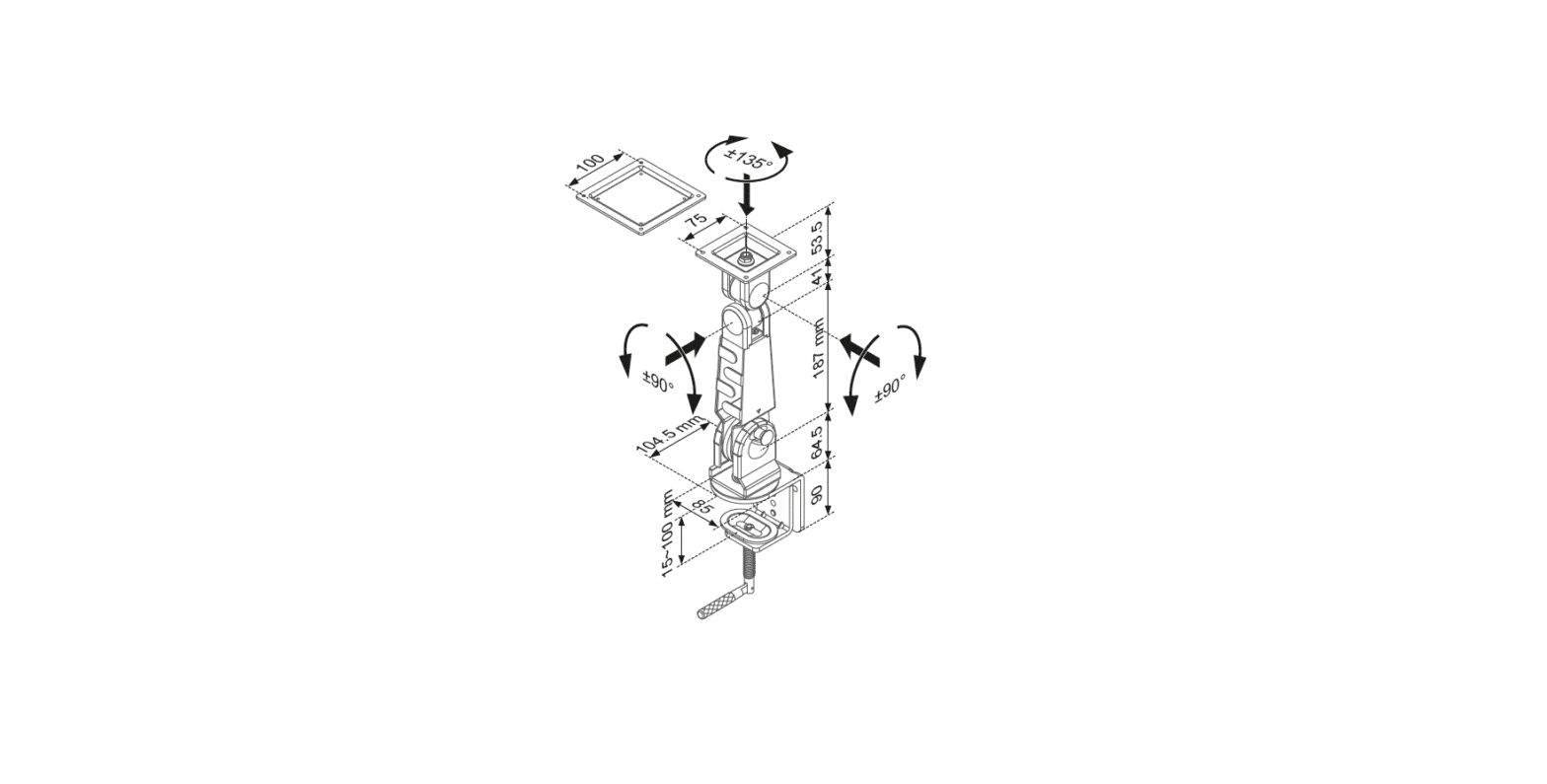
Weight Capacity: 2-7 kg
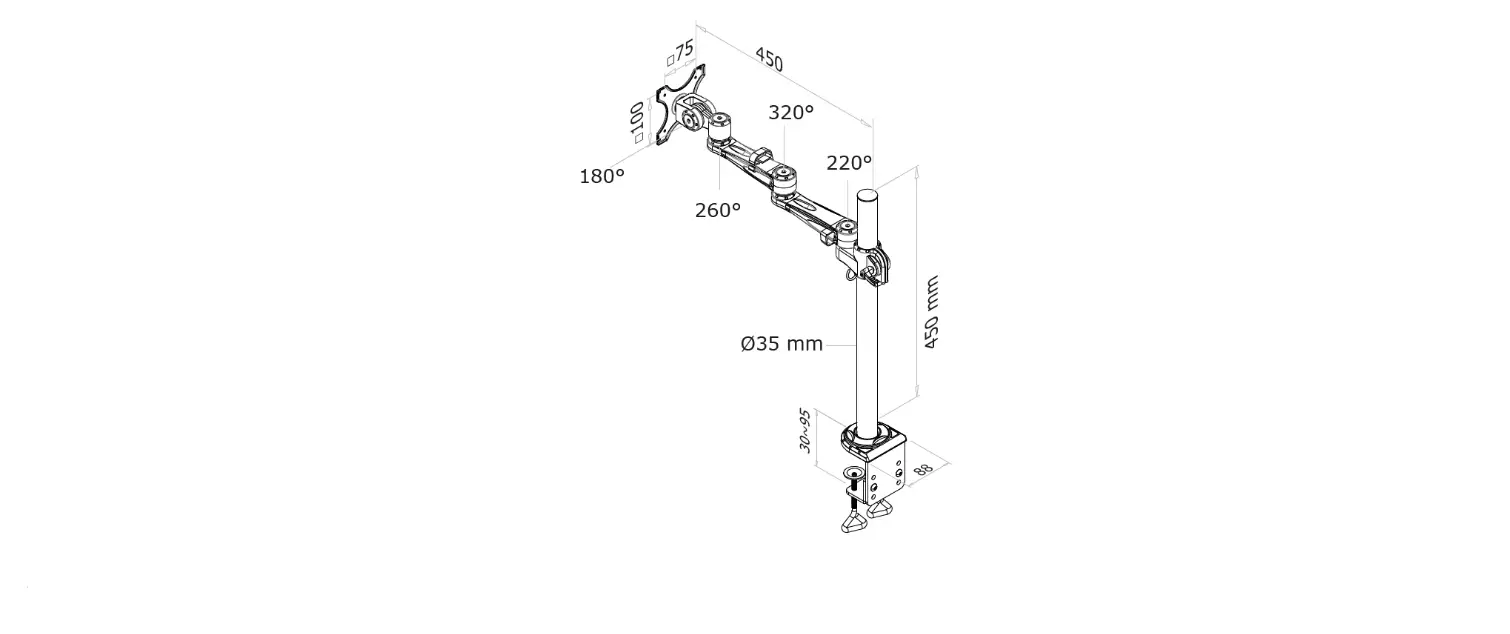
Screen Size Range: 10,8-41,7 cm
Vertical Adjustment Range: 0-49,4 cm
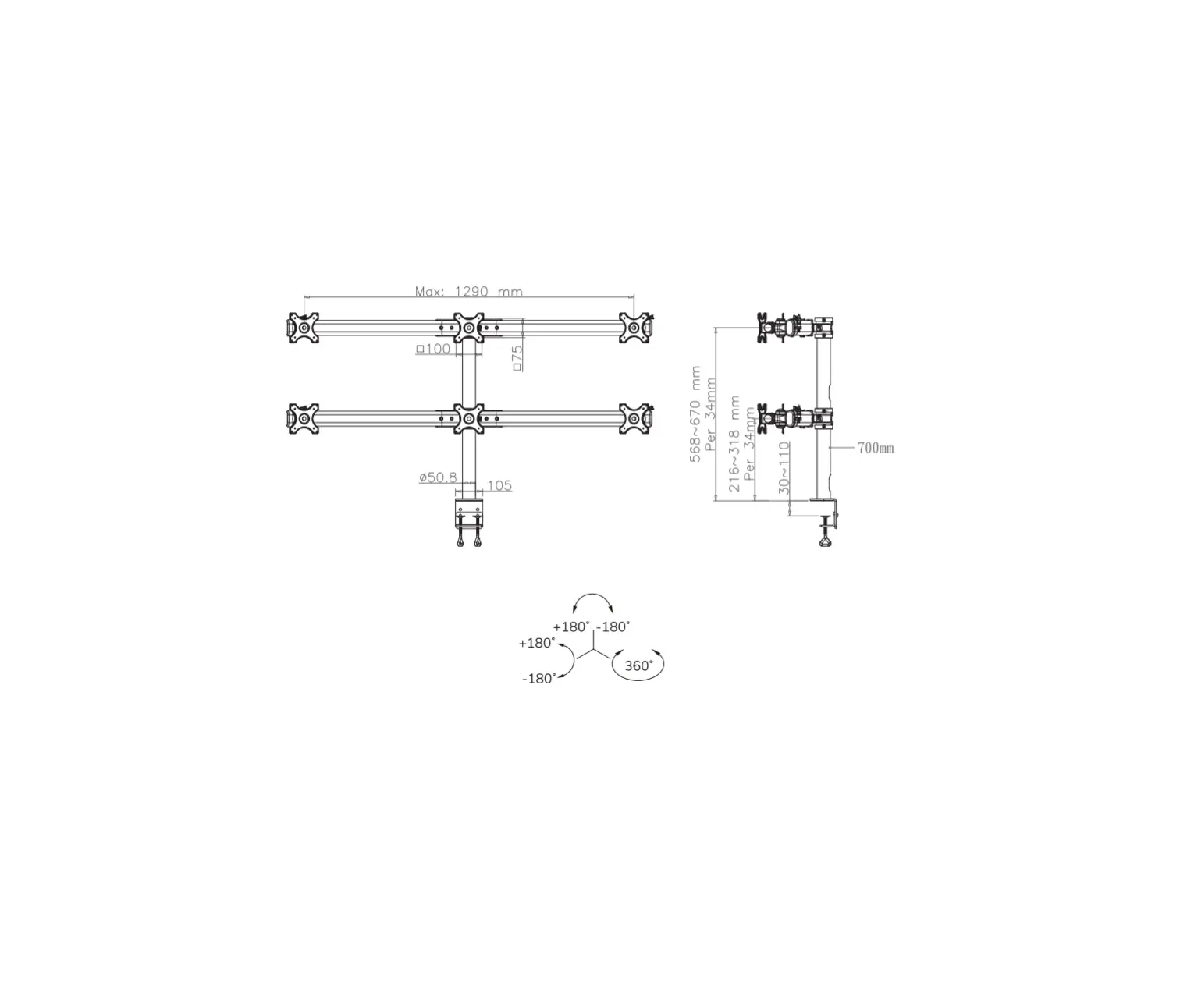
Mounting Hole Patterns: 75×75, 100×100 mm
Website: www.neomounts.com
Product Usage Instructions:
Step 1: Attention: the arm is compressed and
packed under tension. Make sure to firmly hold both sides of the
arm in position when cutting the cable tie.
Step 2 (Option A – Clamp): Mount the clamp to
the rod and install it to the desk. Ensure not to over tighten the
screw.
Step 2 (Option B – Grommet): Mount the grommet
to the rod and install it through the desk. Ensure not to over
tighten the screw.
Step 3: Attach the lower arm to the desk.
Step 4: Screw 2 bolts in the upper 2 VESA holes
of the screen, leaving 3 mm spacing.
Step 5: Slide the bolts into the top holes of
the VESA plate and tighten the bolts. Attach the other 2 bolts in
the lower part of the VESA plate.
Step 6: If the flat screen tilts forward
automatically, tighten the bolt.
INSTRUCTION MANUAL
108-417 309 117 100 75
10-80 63 93 10-45
+90° -45°
50
247-303
160
+/-90°
75 100 117
+/-180°
+/-180°
+/-180°
Measuring unit: mm
FPMA-D650BLACK
EN Monitor desk mount NL Monitor bureausteun DE Monitor Tischhalterung FR Support moniteur de bureau IT Supporto da scrivania per monitor ES Soporte de escritorio para monitor PT Suporte de mesa para monitor DK Bordbeslag skærm
NO Bordstativ til skjerm SE Skrivbordsfäste för bildskärm FI Näytön pöytäteline PL Uchwyt nabiurkowy do monitora CS Stolní drzák monitoru SK Drziak na monitor RO Suport de birou pentru monitor
WWW.NEOMOUNTS.COM
FPMA-D650BLACK PARTS
Tool
Drill
75×75 100×100 mm
2-7 kg
10,8-41,7 cm
0-49,4 cm
B. (x1)
C. (x1)
D. (x1)
E. M6x8 (x2)
F. 4mm (x1)
A. (x1)
G. 5mm (x1)
STEP 1
EN Attention: the arm is compressed and packed under tension. Make sure to firmly hold both sides of the arm in position when cutting the cable tie
NL Let op: de steun is samengedrukt en verpakt onder spanning. Zorg ervoor dat beide zijden van de steun stevig op hun plek worden gehouden wanneer de kabelbinder wordt doorgesneden
DE Hinweis: Der Halterung zusammengedrückt und unter Spannung verpackt. Achten Sie darauf, beide Seiten der Halterung festzuhalten, wenn Sie den Kabelbinder abschneiden
FR Attention: le support est comprimé et emballé sous tension. Assurez-vous que les deux côtés du support sont fermement maintenus en place lorsque l’attache sera coupée
IT Nota: il supporto è compresso e imballato in tensione. Assicuri che entrambi i lati della staffa siano tenuti saldamente in posizione quando si taglia la fascetta
ES Nota: el brazo está comprimido y embalado bajo tensión. Asegúrese de sostener firmemente ambos lados del brazo cuando corte la cinta
PT Nota: o braço é comprimido e embalado sob tensão. Certifique-se de agarrar firmemente ambos os lados do braço ao cortar a abraçadeira
PL Uwaga: uchwyt jest cinite i zapakowane pod napiciem. Upewnij si, e oba ramiona uchwytu wspornika s dobrze zabezpieczone podczas przecinania opaski zaciskowej
H. (x1)
M-A. M4x12 (x4)
M-B. M5x12 (x4)
M-C. D5 (x4)
WARNING STORED ENERGY
* Not Included
STEP 2 A Clamp
EN Mount the clamp to the rod and install to the desk NL Monteer de klem aan de stang en installeer aan het bureau DE Befestigen Sie die Klemme an der Stange und installieren
Sie sie auf dem Schreibtisch FR Montez la pince sur la barre et installez-la sur le bureau IT Montare il morsetto sulla barra e installarlo sulla scrivania ES Monte la abrazadera en la barra e instálela en el escritorio PT Montar a braçadeira na barra e instalar na secretária PL Zamontuj zacisk na prcie i zainstaluj na biurku
G E B
C
10-50mm or
D
F
40-80mm D
CAUTION:
Do not over
G
tighten screw.
STEP 2 B Grommet
EN Mount the grommet to the rod and install through the
C
desk
NL Monteer de doorvoer aan de stang en installeer in het
bureau
DE Befestigen Sie die Tülle an der Stange und installieren
Sie sie im Schreibtisch
FR Montez le passe-fil sur la tige et installez-le dans le
bureau
IT Montare il gommino sull’asta e installarlo nella scrivania
B
ES Monte el pasacables en la varilla e instálelo en el escritorio
PT Montar a argola na vara e instalar na secretária PL Zamontuj przelotk na prcie i zainstaluj w biurku
10-45mm
10-45mm
Ø10mm
(Ø3/8″)
H
CAUTION:
Do not over
G
tighten screw.
STEP 3
EN Attach the lower arm to the desk NL Bevestig het onderste deel van de steun aan het bureau DE Befestigen Sie den unteren Teil des Arms am Schreib-
tisch FR Fixez la partie inférieure du support au bureau IT Fissi la parte inferiore della staffa alla scrivania ES Fije la parte inferior del soporte al escritorio PT Prenda a parte inferior do suporte à mesa PL Przymocuj doln cz uchwytu do biurka
F
STEP 4
EN Screw 2 bolts in the upper 2 VESA holes of the screen, leaving 3 mm spacing
NL Draai 2 bouten in de bovenste 2 VESA-gaten van het scherm en behoud een tussenruimte van 3 mm
DE Setzen Sie 2 Schrauben in die oberen 2 VESA-Löcher des Flachbildschirms ein und lassen Sie dabei einen Abstand von 3 mm
FR Insérez 2 vis dans les 2 trous VESA supérieurs de l’écran plat et gardez un espace de 3 mm
IT Inserisca 2 bulloni nei 2 fori VESA superiori dello schermo piatto e mantenga uno spazio di 3 mm
ES Inserte 2 tornillos en los 2 orificios VESA superiores de la pantalla plana, dejando un espacio de 3 mm
PT Insira 2 parafusos nos 2 orifícios VESA superiores do monitor plano, mantendo um espaço de 3 mm
PL Wló 2 ruby w 2 górne otwory VESA plaskiego ekranu i zachowaj odstp 3 mm
STEP 5
EN Slide the bolts into the top holes of the VESA plate and
tighten the bolts. Attach the other 2 bolts in the lower
part of the VESA plate
NL Schuif de bouten in de bovenste gaten van de VESA-plaat
A
en draai de bouten vast. Bevestig de andere 2 bouten in
het onderste deel van de VESA-plaat
DE Schieben Sie die Schrauben in die oberen Löcher der VESA-
Platte und ziehen Sie die Schrauben fest. Installieren Sie die
anderen 2 Schrauben im unteren Teil der VESA-Platte
FR Insérez les vis dans les trous supérieurs de la plaque VESA
et les serrer. Installez les 2 autres vis dans la partie inferi-
eure de la plaque VESA
IT Scorra i bulloni nei fori superiori della piastra VESA e serrare
i bulloni. Installare gli altri 2 bulloni nella parte inferiore della
piastra VESA
ES Deslice los tornillos en los orificios superiores de la placa
VESA y apriete los tornillos. Instale los otros 2 tornillos en
la parte inferior de la placa VESA
PT Deslize os parafusos nos orifícios superiores da placa VESA
e aperte os parafusos. Instale os outros 2 parafusos na parte
inferior da placa VESA
PL Wsu ruby w górne otwory plyty VESA i dokr je. Zainsta-
luj pozostale 2 ruby w dolnej czci plytki VESA
* Not Included
M-A M-B
3mm
M-C
STEP 6
EN If the flat screen tilts forward automatically, tighten the bolt
NL Draai de bout steviger aan, indien de flat screen automatisch naar voren kantelt
DE Ziehen Sie die Schrauben fest, wenn sich der Flachbildschirm automatisch nach vorne neigt
FR Serrez plus fermement le boulon de l’articulation de la plaque VESA si l’écran plat s’incline vers l’avant
IT Stringa il bullone se lo schermo piatto si inclina automaticamente in avanti
ES Si la pantalla plana se inclina automáticamente hacia adelante, apriete el tornillo
PT Se o monitor plano se inclinar automaticamente para a frente, aperte o parafuso
PL Dokr rub, jeli plaski ekran sam przechyla si do przodu
M-C M-A M-B
G
 Neomounts