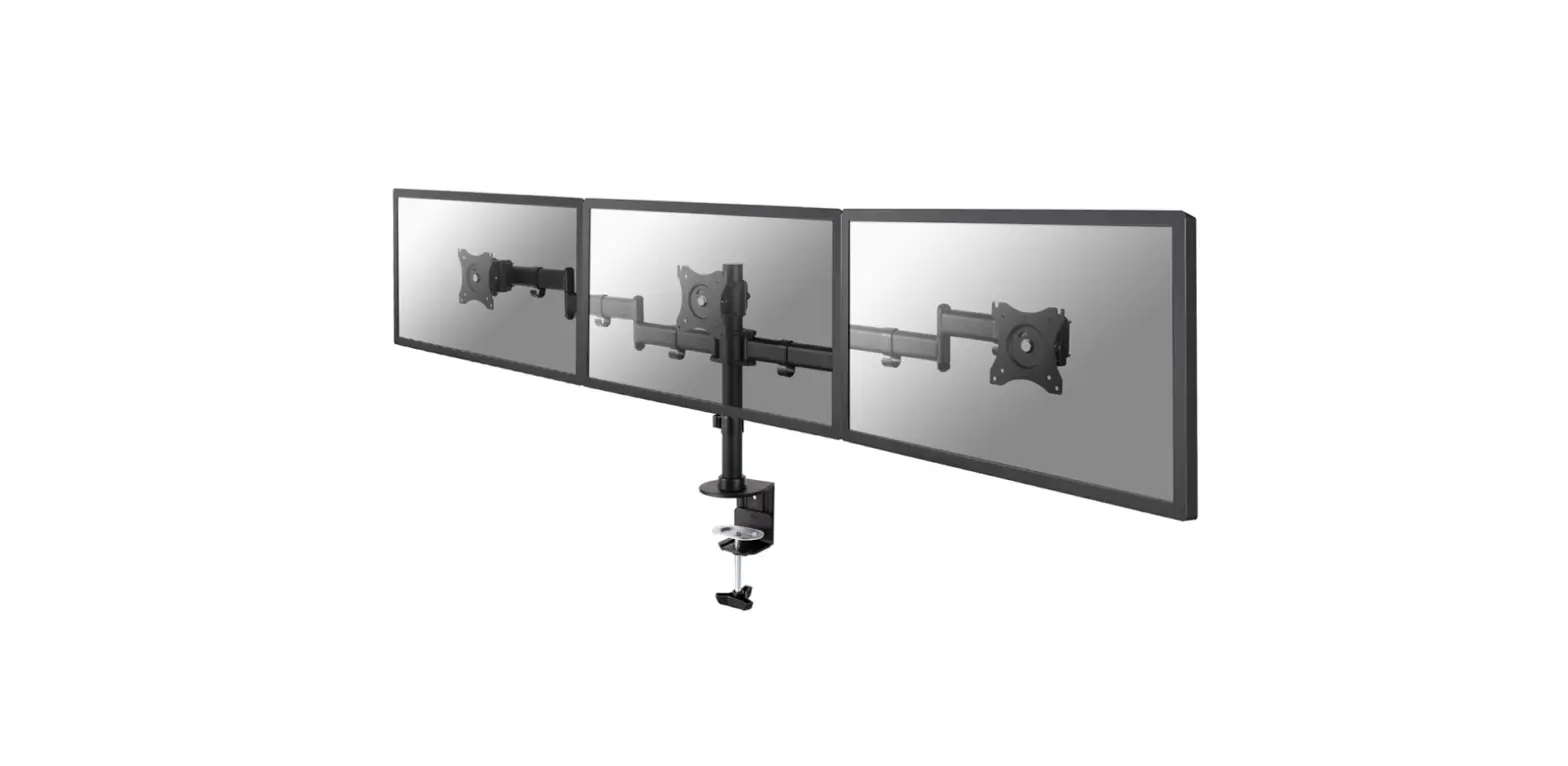
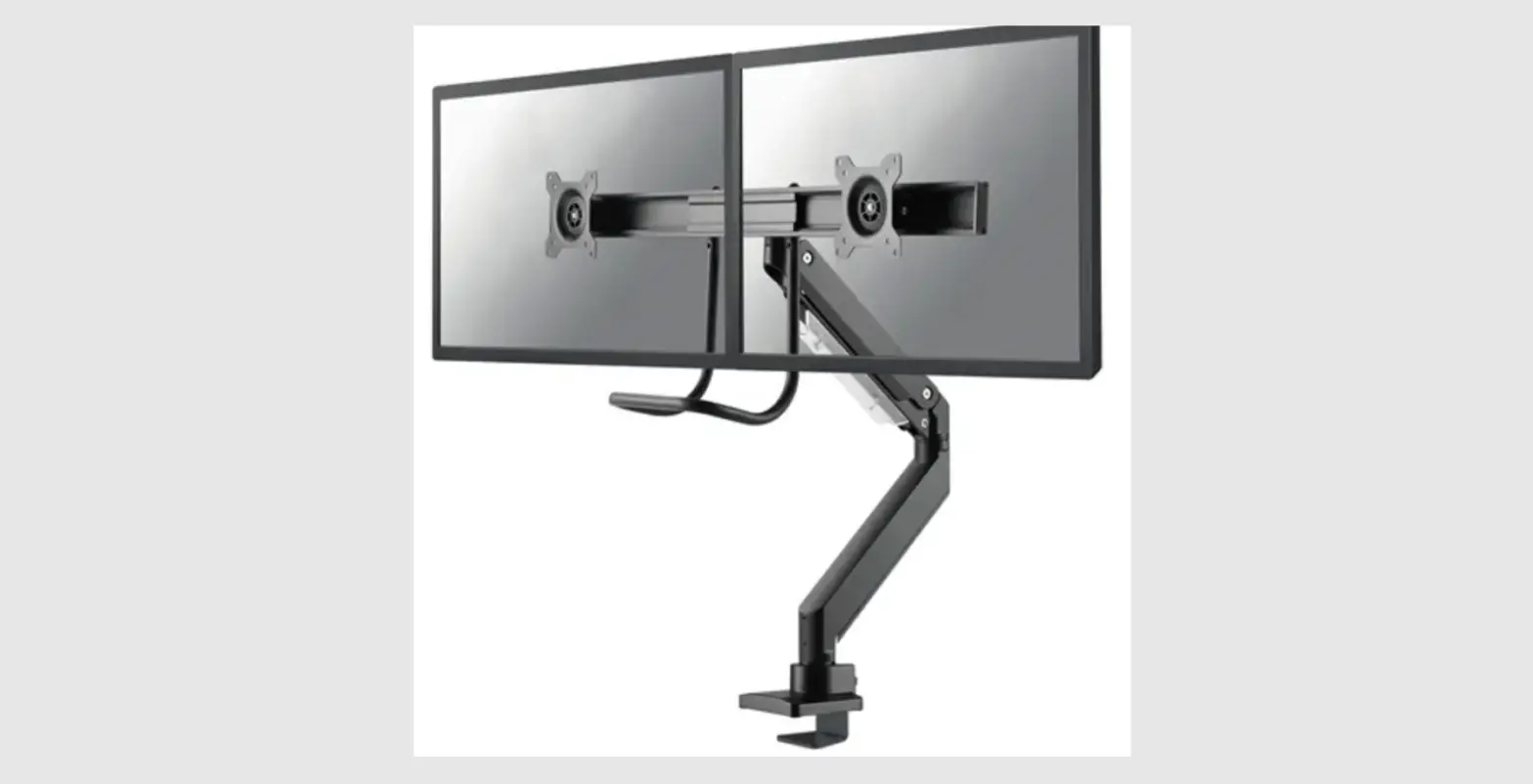
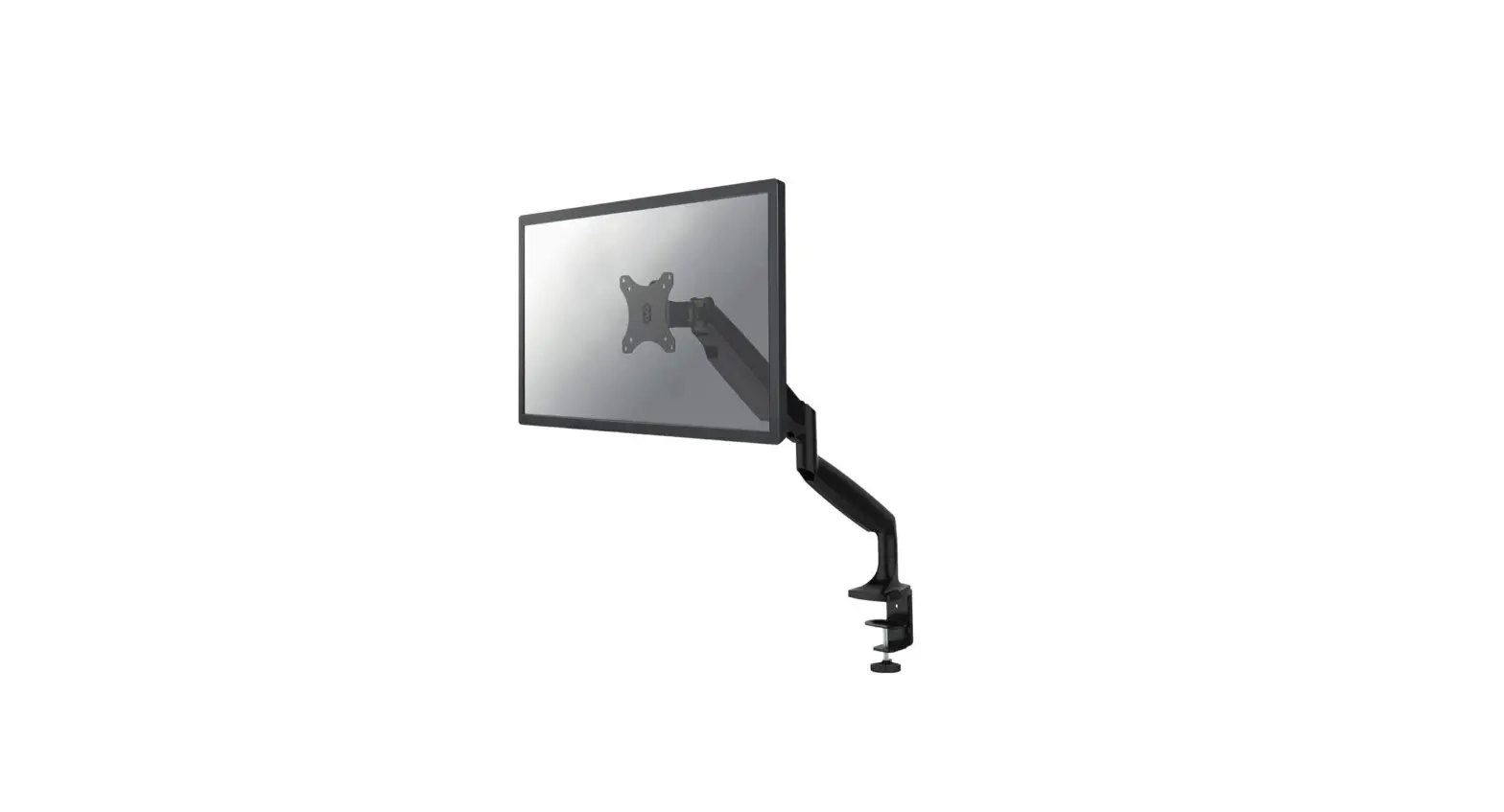
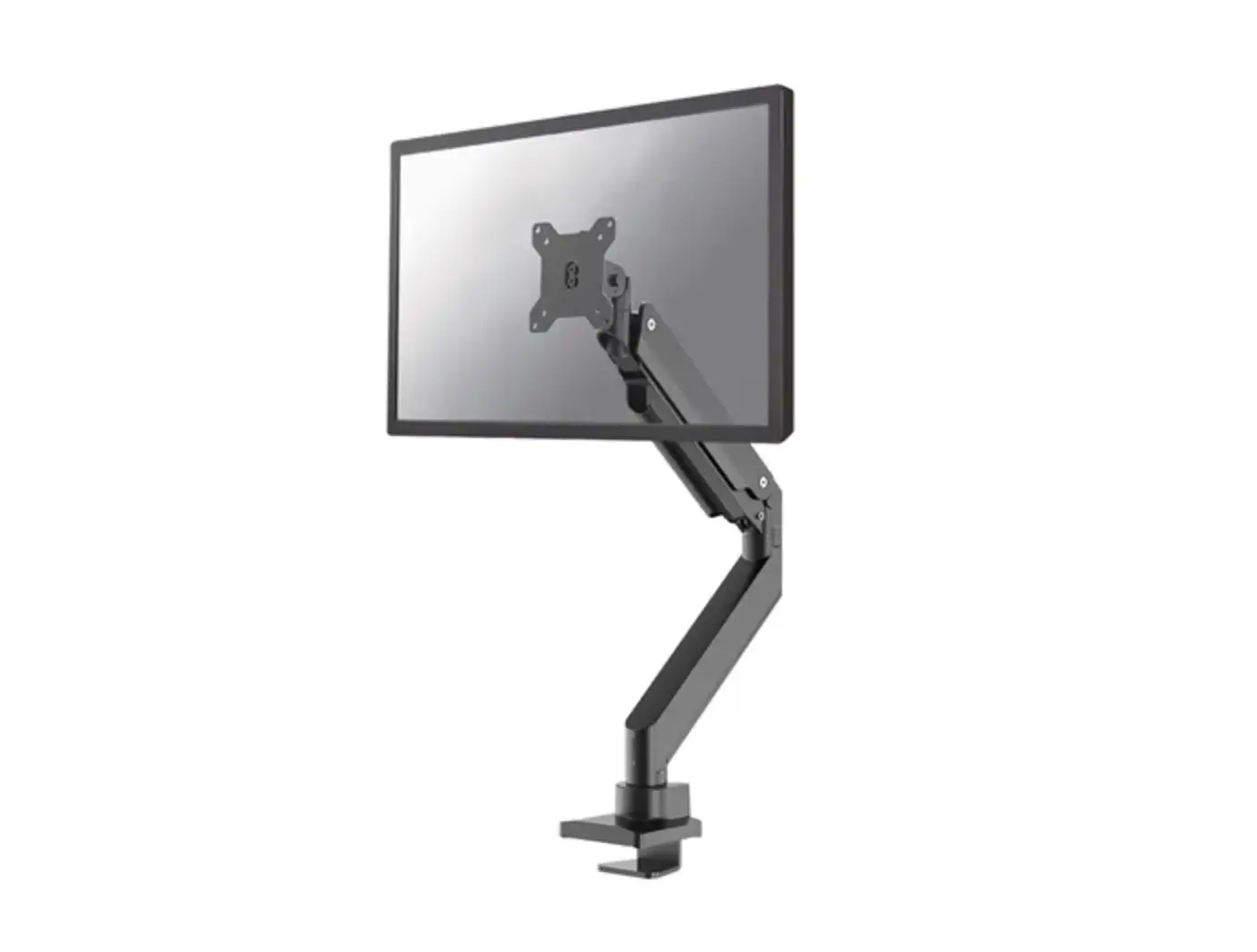
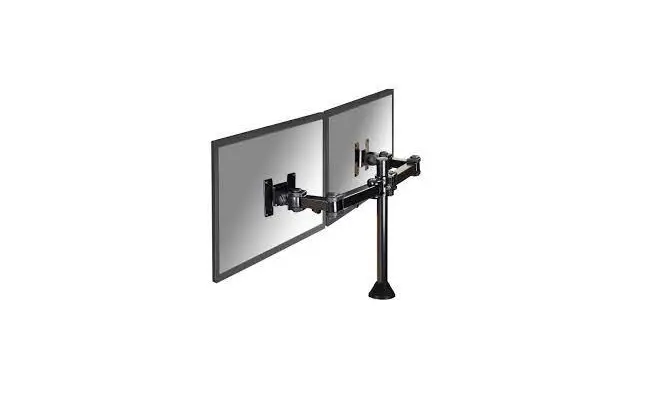
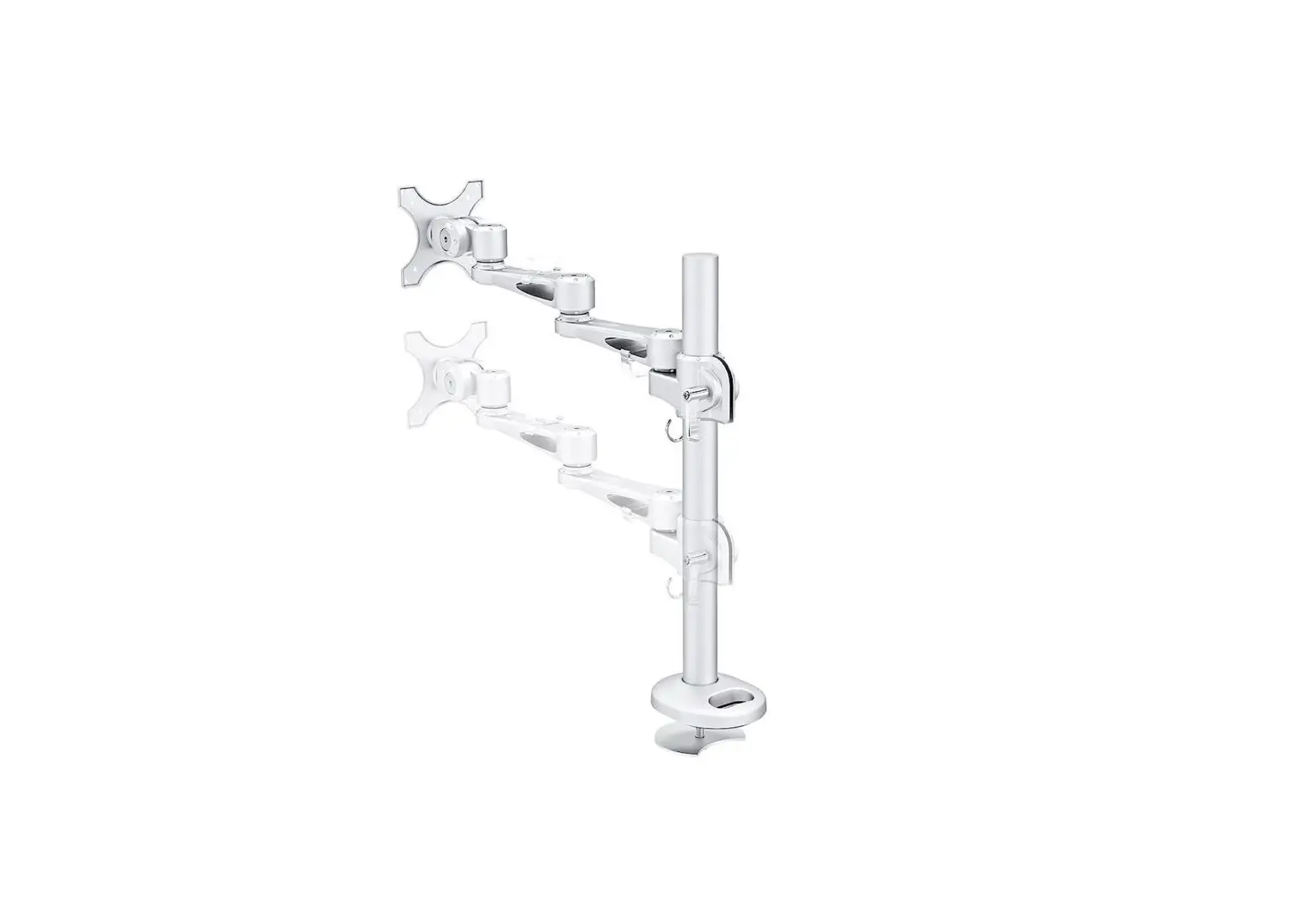
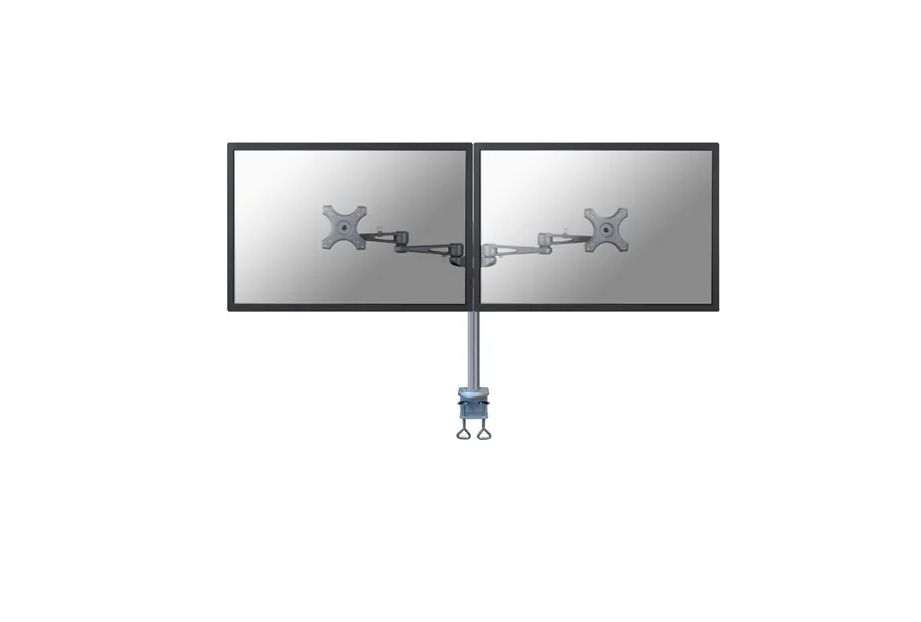
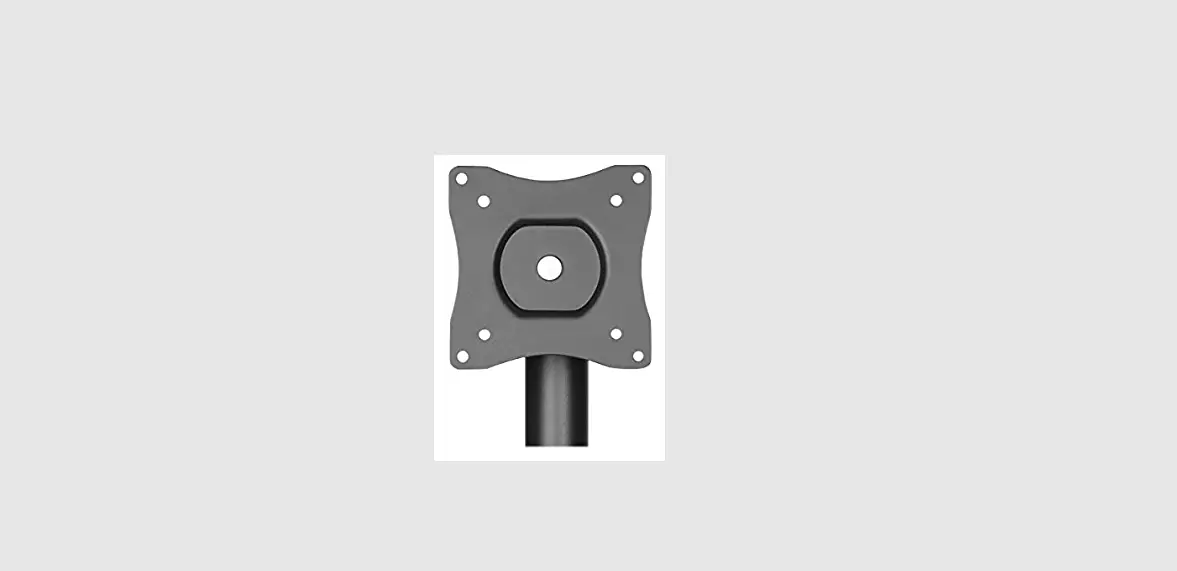
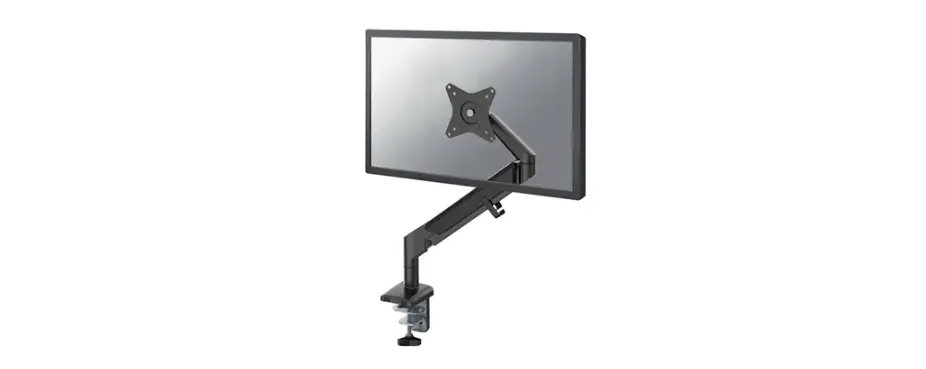
NM-D335DBLACK Monitor Desk Mount
Product Information
| Model | NM-D335DBLACK |
|---|---|
| Website | www.neomounts.com |
Product Usage Instructions
Step 1: Assembly
Step 1A: Clamp
Mount the clamp to the rod and install it on the desk.
Note: Ensure that the clamp is securely
fastened.Step 1B: Grommet
Mount the grommet to the rod and install it through the
desk.Note: Ensure that the grommet is properly
installed and provides a secure fit.Step 1C: Stand
Attach the stand to the pole.
Note: Ensure that the stand is securely
attached to provide stability.
Step 2: Crossbar Installation
Attach the crossbar to the pole and install the cable clips.
Note: Ensure that the crossbar is securely
attached and the cable clips are properly installed.
Step 3: Mount Adjustment
Adjust the mount to the desired position and loosen or tighten
the adjustment knob if necessary.
Note: Ensure that the mount is securely
adjusted to the desired position.
Step 4: Screen Attachment
Tighten two screws in the back of the screen and keep
approximately 3 mm of space.
Note: Ensure that the screen is securely
attached with a small gap for ventilation.
Step 5: Finalize Installation
Attach the screen to the bracket and secure it.
Note: Ensure that the screen is securely
attached to the bracket.
Step 6: Torque Adjustment
Adjust the torque as needed.
Note: Ensure that the screws are properly
tightened without over-tightening.
INSTRUCTION MANUAL
+45° -45°
113mm 100mm 75mm
805mm 360°
466mm
100mm
min10mmmax88mm
434mm
316mm
NM-D335DBLACK
EN Monitor desk mount NL Monitor bureausteun DE Monitor Tischhalterung FR Support moniteur de bureau IT Supporto da scrivania per monitor ES Soporte de escritorio para monitor PT Suporte de mesa para monitor DK Bordbeslag skærm
NO Bordstativ til skjerm SE Skrivbordsfäste för bildskärm FI Näytön pöytäteline PL Uchwyt nabiurkowy do monitora CS Stolní drzák monitoru SK Drziak na monitor RO Suport de birou pentru monitor
WWW.NEOMOUNTS.COM
NM-D335DBLACK PARTS
Tool
Drill
75×75 100×100 mm
0-8 kg (2x)
0-45 cm
A. (x1)
B. (x2)
C. (x1)
D. (x1)
E. (x1)
F. (x2)
G. (x1)
H. (x1)
I. (x2)
J. (x2)
K. (x1)
L. (x5)
M. (x2)
N. 3mm (x1)
O. 4mm (x1)
Q. (x1)
M-A. M4x12 (x8)
M-B. M5x12 (x8)
M-C. D5 (x8)
STEP 1 A Clamp
EN Mount the clamp to the rod and install to the desk NL Monteer de klem aan de stang en installeer aan het
bureau DE Befestigen Sie die Klemme an der Stange und instal-
lieren Sie sie auf dem Schreibtisch FR Montez la pince sur la barre et installez-la sur le
bureau IT Montare il morsetto sulla barra e installarlo sulla
scrivania ES Monte la abrazadera en la barra e instálela en el
escritorio PT Montar a braçadeira na barra e instalar na secretária PL Zamontuj zacisk na prcie i zainstaluj na biurku
A
G H C
L
P. 6mm (x1)
N
STEP 1 B Grommet
EN Mount the grommet to the rod and install through the
desk
NL Monteer de doorvoer aan de stang en installeer in het
bureau
C
DE Befestigen Sie die Tülle an der Stange und installieren
Sie sie im Schreibtisch
FR Montez le passe-fil sur la tige et installez-le dans le
bureau
IT Montare il gommino sull’asta e installarlo nella scrivania
ES Monte el pasacables en la varilla e instálelo en el escri-
torio
PT Montar a argola na vara e instalar na secretária
PL Zamontuj przelotk na prcie i zainstaluj w biurku
A
G H
K
D L
N 10-88mm
STEP 1 C Stand
EN Mount the desk stand to the rod NL Monteer de bureaustandaard aan de stang DE Montage des Tischständers an der Stange FR Monter le support de bureau à la tige IT Monti il supporto da scrivania sull’asta ES Montar el soporte de escritorio en la varilla PT Monte o suporte de mesa na haste PL Zamontuj stojak na biurko do rurki
A
G H
Q
N
STEP 2
EN Adjust the height to the desired position NL Stel de hoogte in op de gewenste positie DE Stellen Sie die Höhe auf die gewünschte Position ein FR Ajuster la hauteur à la position souhaitée IT Regolare l’altezza nella posizione desiderata ES Ajuste la altura a la posición deseada PT Ajustar a altura para a posição desejada PL Ustawi wysoko do danej pozycji
STEP 3
EN Connect the crossbars using the intermediate piece NL Verbind de crossbars met behulp van het tussenstuk DE Verbinden Sie die Querstangen mit dem Abstandshalter FR Raccordez les barres transversales à l’aide de l’entretoise IT Collegare le traverse utilizzando il distanziatore ES Unir los travesaños con el separador PT Ligar as travessas usando o espaçador PL Polcz poprzeczki za pomoc elementu dystansowego
N
E O
STEP 4
EN Attach the VESA plates to the crossbar NL Bevestig de VESA-platen aan de crossbar DE Befestigen der VESA-Platten an der Querstange FR Fixez les plaques VESA à la barre transversale IT Attaccare le piastre VESA alla barra trasversale ES Coloque las placas VESA en la barra transversal PT Prenda as placas VESA na barra transversal PL Przymocuj plyty VESA do poprzeczki
O B
F J
O M
STEP 5
EN Attach the crossbar to the pole and install the cable clips
I
NL Bevestig de crossbar aan de stang en bevestig de kabel-
clips
DE Befestigen der Querstrebe an der Stange und Installieren
des Kabel-Clips
FR Fixez la barre transversale à la tige et attachez les serre-
câbles
IT Attaccare la barra trasversale al palo e fissa la clip del cavo
ES Coloque la barra transversal a la varilla y coloque los clips
para cables
PT Anexe a barra transversal ao poste e instale o clip do cabo
PL Przymocuj belk mocujc do slupa I przymocuj klipsy
kablowe
STEP 6
EN Adjust the mount to the desired position and loosen or tighten the adjustment knob if necessary
NL Stel de steun in op de gewenste positie en draai de stelknop desgewenst losser of vaster
DE Stellen Sie die Halterung auf die gewünschte Position ein und lockern oder ziehen Sie den Einstellknopf an, falls erforderlich
FR Ajustez la monture à la position souhaitée et desserrez ou serrez le bouton de réglage si nécessaire
IT Regolare il supporto nella posizione desiderata e allentare o stringere la manopola di regolazione, se necessario
ES Ajuste el soporte a la posición deseada y afloje o apriete el botón de ajuste si es necesario
PT Ajustar a montagem na posição desejada e soltar ou apertar o botão de ajuste, se necessário
PL Ustawi uchwyt w danej pozycji i w razie potrzeby poluzowa lub dokrci pokrtlo regulacyjne
STEP 7
EN Tighten two screws in the back of the screen and keep approximately 3 mm of space
NL Draai twee schroeven in de achterzijde van het scherm en behoud plusminus 3 mm ruimte
DE Anziehen der zwei Schrauben auf der Rückseite des Bildschirms und ca. 3 mm Abstand halten
FR Serrez les deux vis à l’arrière de l’écran et gardez environ 3 mm d’espace
IT Stringere due viti nella parte posteriore dello schermo e mantenere circa 3 mm o spazio
ES Aprieta los dos tornillos en la parte posterior de la pantalla conserva más espacio de 3 mm
PT Aperte dois parafusos na parte de trás da tela e mantenha aproximadamente 3 mm de espaço
PL Dokr dwie ruby z tylu ekranu i zachowaj okolo 3 mm wolnej przestrzeni
1
M-A M-C
M-B
* Not Included
2 3mm
STEP 8
EN Attach the screen to the bracket and secure it NL Bevestig het scherm op de beugel en zet vast DE Befestigen Sie den Bildschirm an der Halterung
und sichern Sie ihn FR Attachez l’écran au support et fixez-le IT Fissare lo schermo alla staffa e fissarlo ES Coloque la pantalla en el soporte y fíjela PT Fixar o ecrã ao suporte e fixá-lo PL Przymocuj ekran do uchwytu i zabezpiecz go
STEP 9
EN Adjust the torque NL Stel het koppel in DE Einstellen des Drehmoments FR Ajustez les couples de serrage IT Regolazione della coppia ES Ajuste el tornillo PT Ajustar os parafusos PL Ustawi momenty obrotowe
* Not Included
M-C M-A M-B
+45° -45°
P P
O
 Neomounts