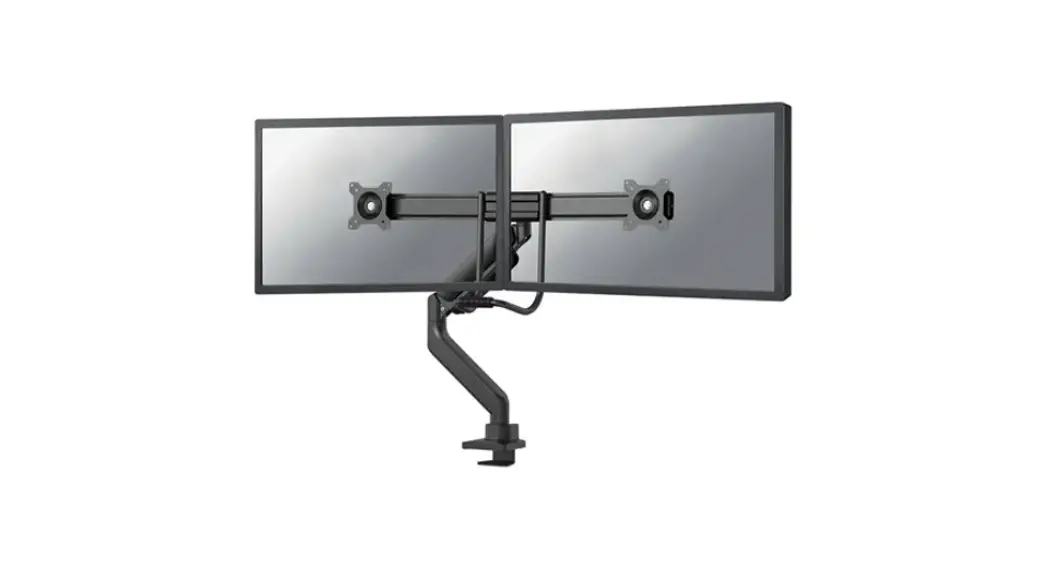
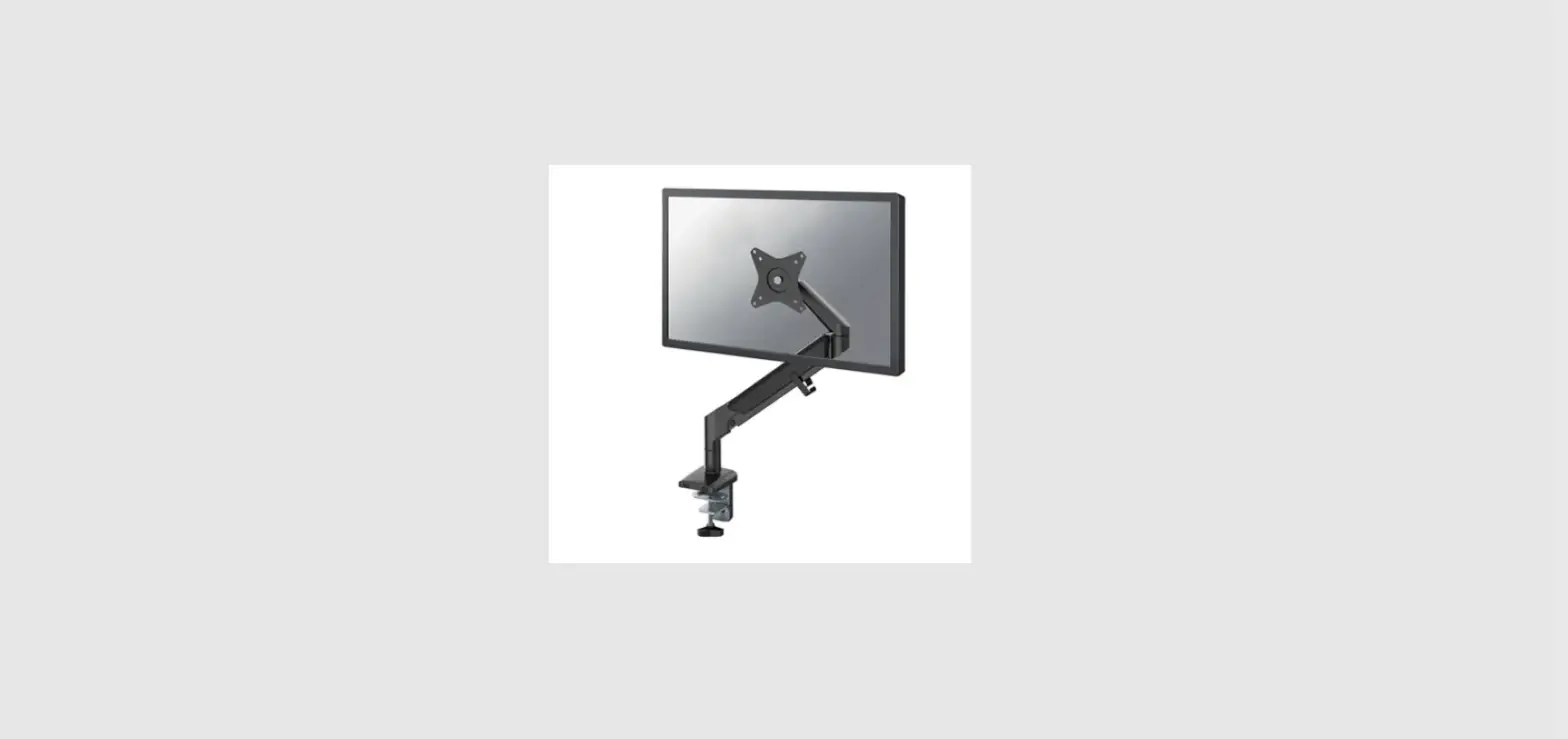
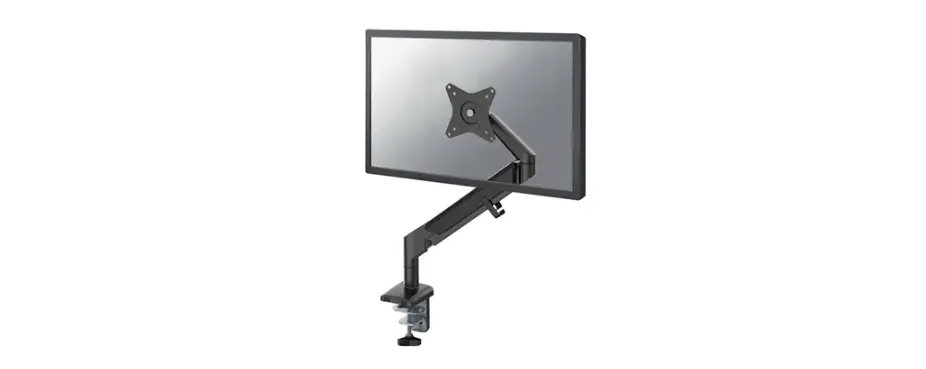
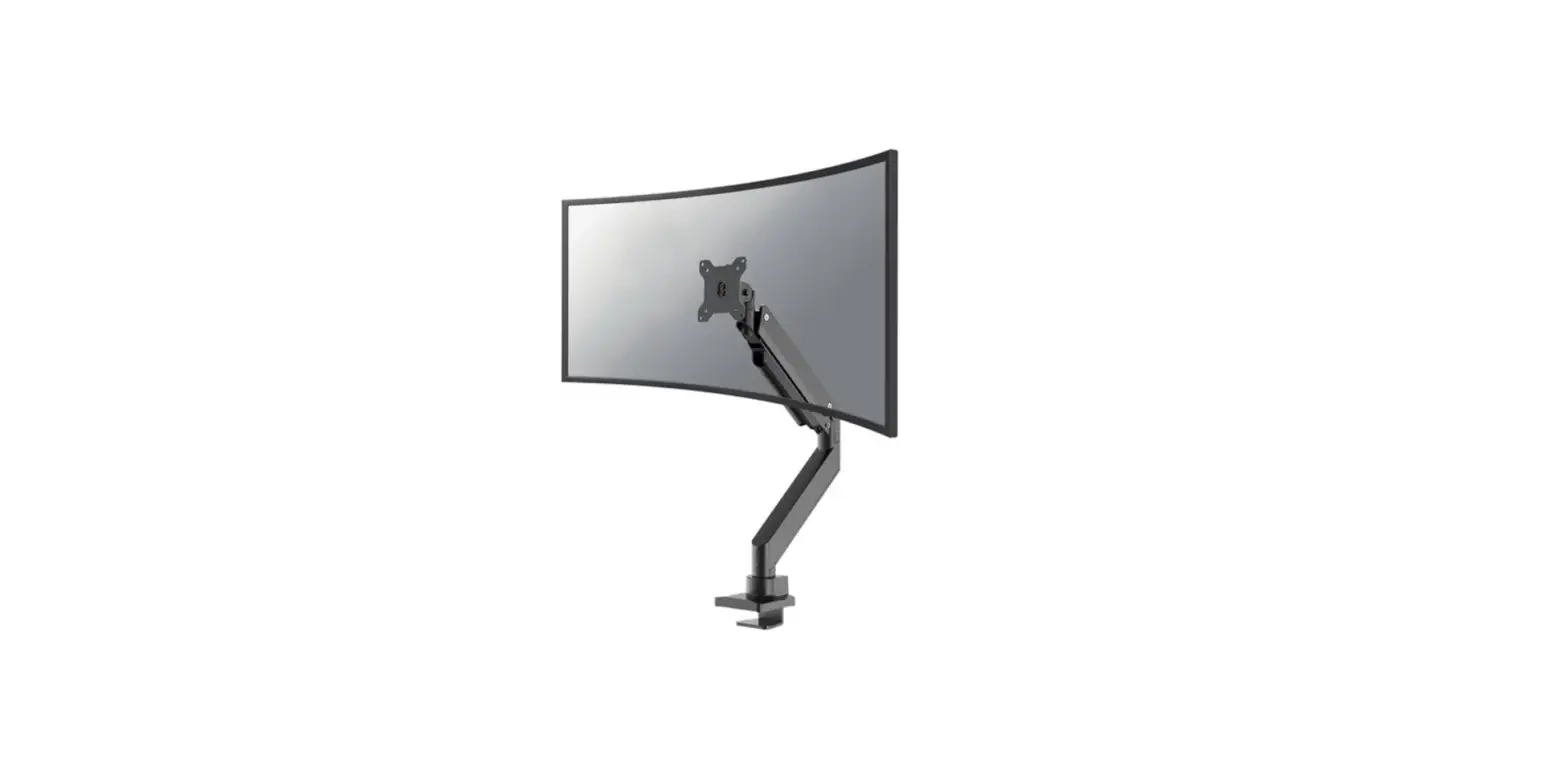
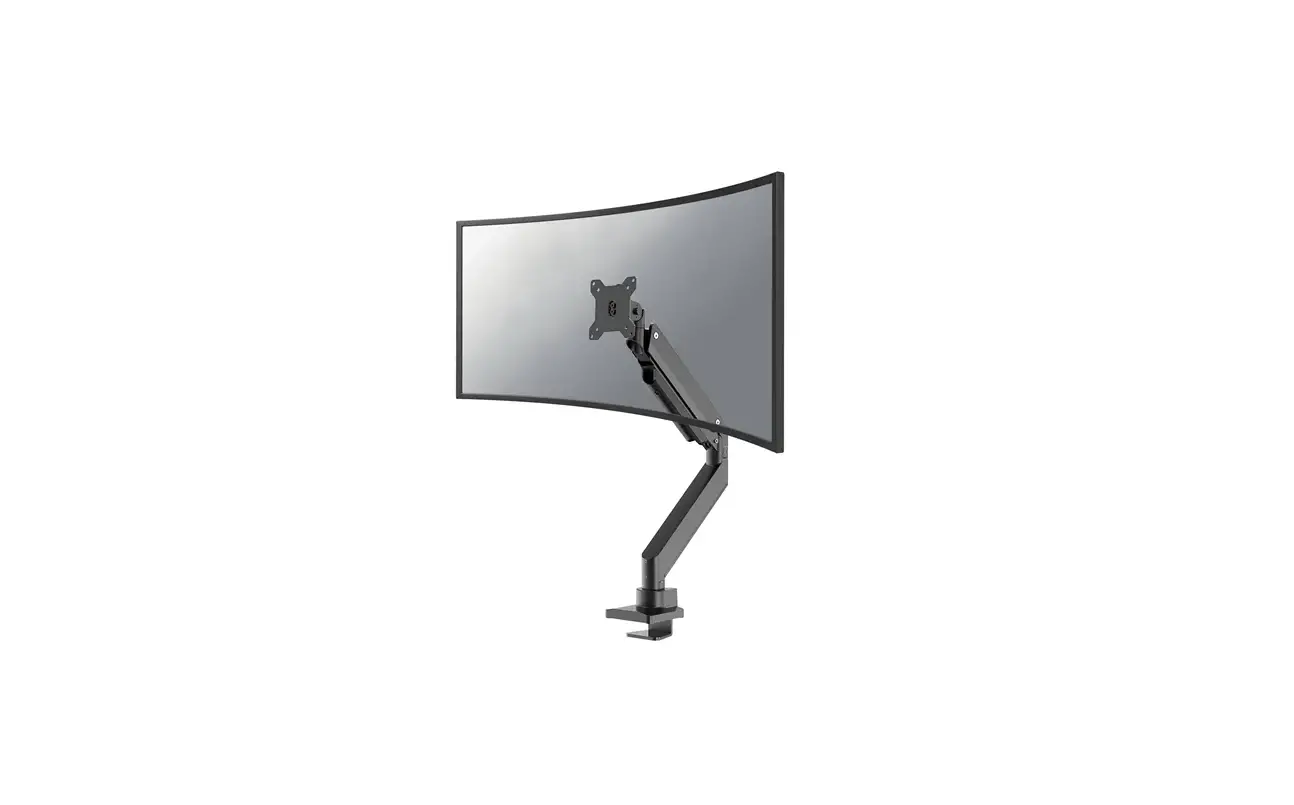
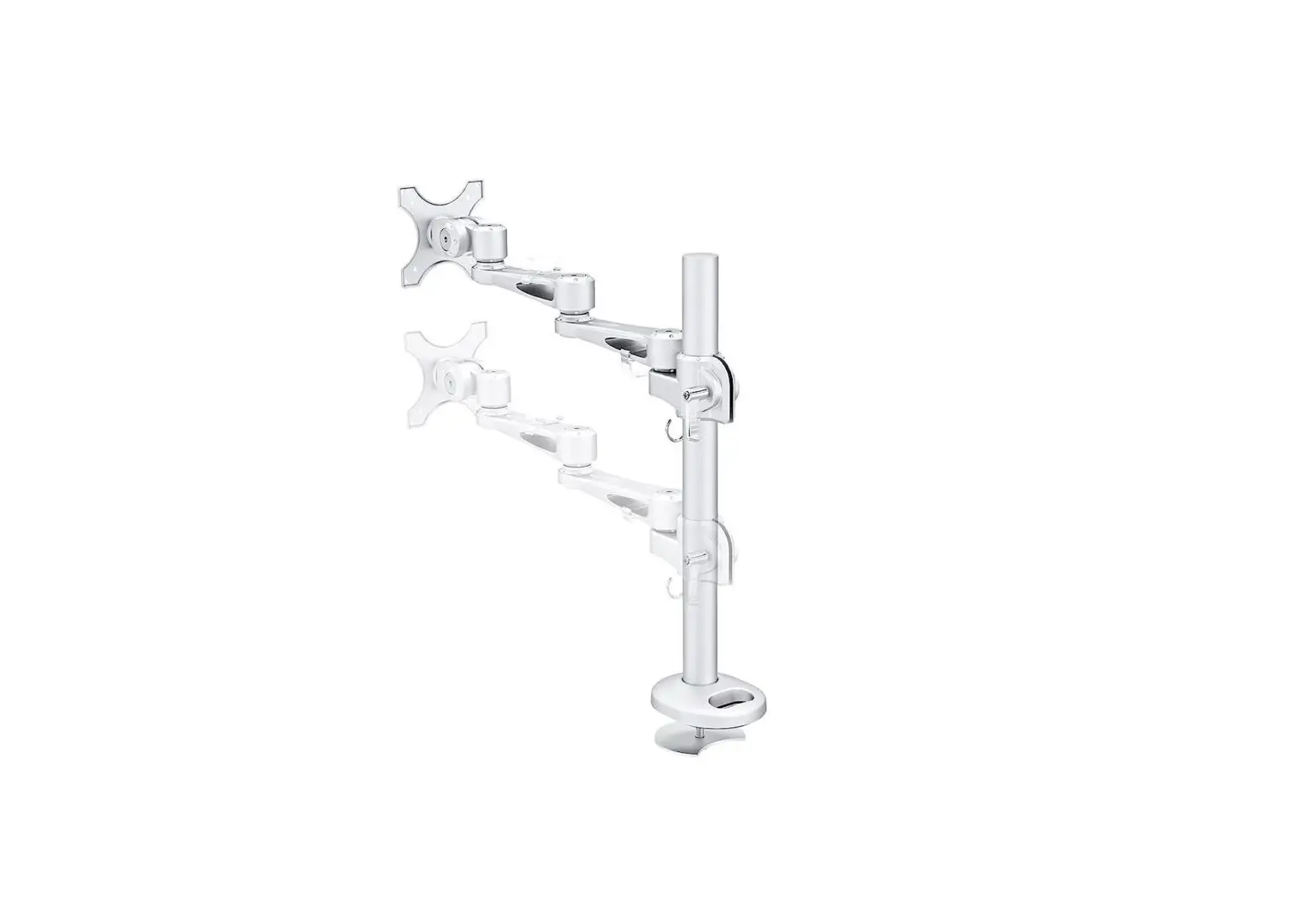
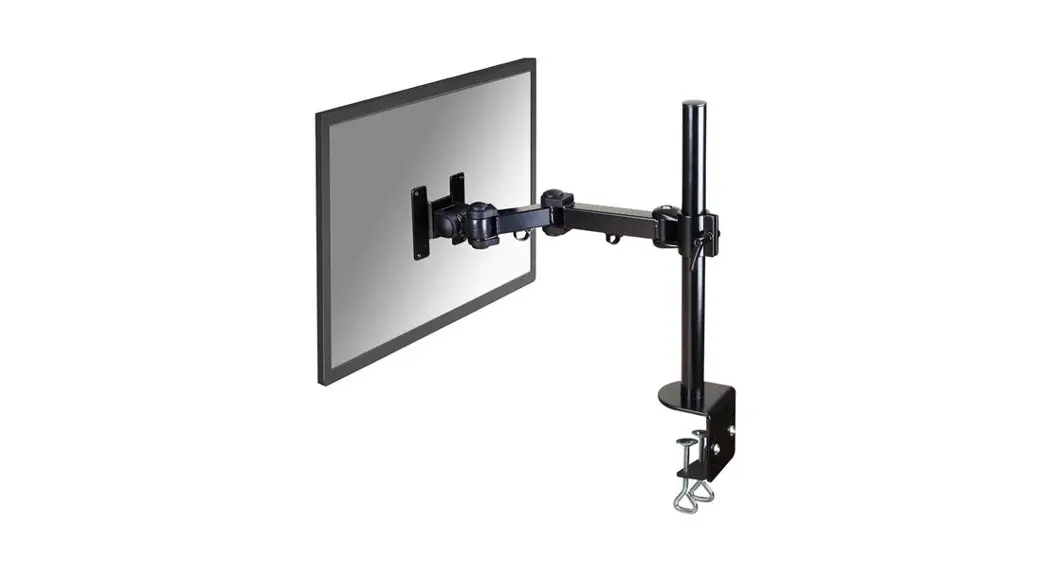
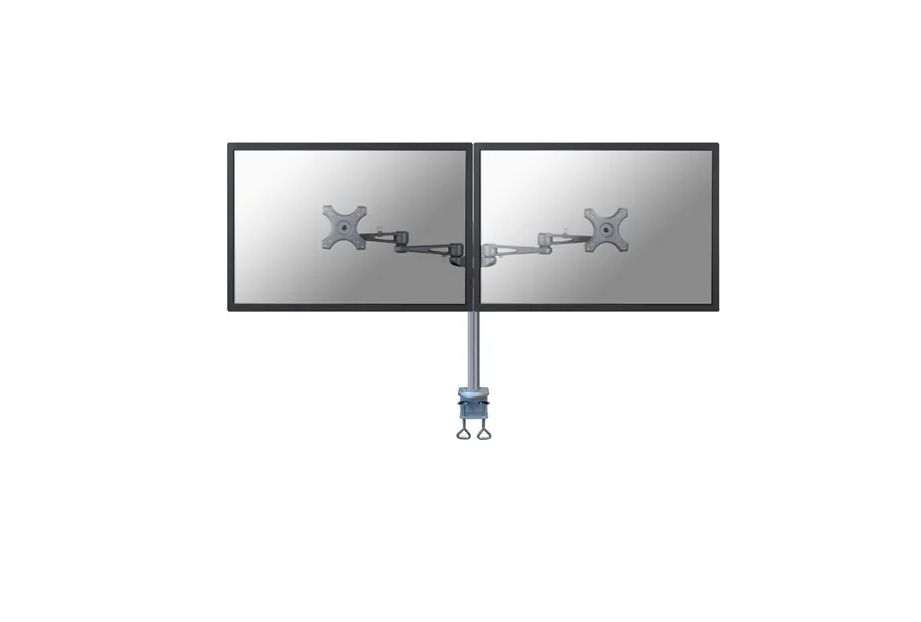
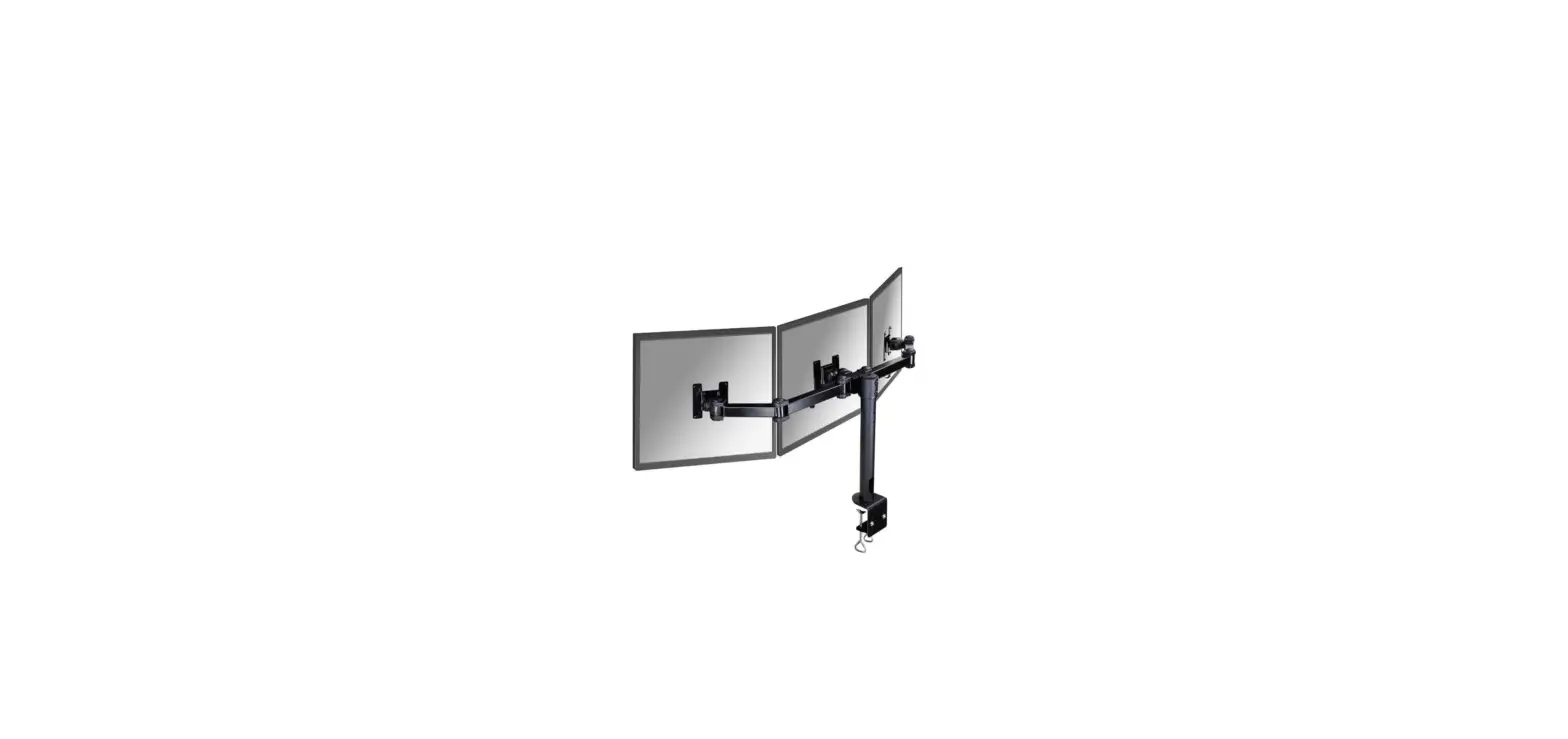
DS60-425WH1 Monitor Arm Desk Mount
Product Information
Product Name: DS60-425WH1
Measuring Unit: mm
Weight Capacity: 0-8 kg | 0-17.6 lbs
Adjustable Height: 27.5-55.5 cm
Compatible VESA Sizes: 75×75, 100×100 mm
Manufacturer Website: www.neomounts.com
Product Usage Instructions
Step 1: Clamp
EN: Mount the desk clamp to the rod and install
the clamp to the desk.
NL: Monteer de bureauklem op de stang en
installeer de klem op het bureau.
DE: Montieren Sie die Tischklemme an der Stange
und bringen Sie die Klammer am Schreibtisch an.
FR: Montez la pince de bureau sur la colonne et
installez la pince sur le bureau.
IT: Monti il morsetto da tavolo sull’asta e
installi il morsetto sulla scrivania.
ES: Monte la abrazadera del escritorio en la barra
e instale la abrazadera en el escritorio.
PL: Zamontuj klem i zainstaluj zacisk na
biurku.Step 1: Grommet
EN: Mount the desk grommet to the rod and
install the grommet in the desk.
NL: Monteer de bureaudoorvoer aan de stang en
installeer de doorvoer in het bureau.
IT: Monti il gommino da scrivania sul palo e
installi il gommino sulla scrivania.
ES: Monte el ojal del escritorio en el poste e
instale el ojal en el escritorio.
PT: Monte o anel isolante de mesa no poste e
instale o anel isolante na mesa.
PL: Zamontuj przelotk biurkow i zainstaluj
przelotk do biurka.Step 2: Assemble Arm
Assemble the arm and attach it to the rod.
Step 3: Attach Screen
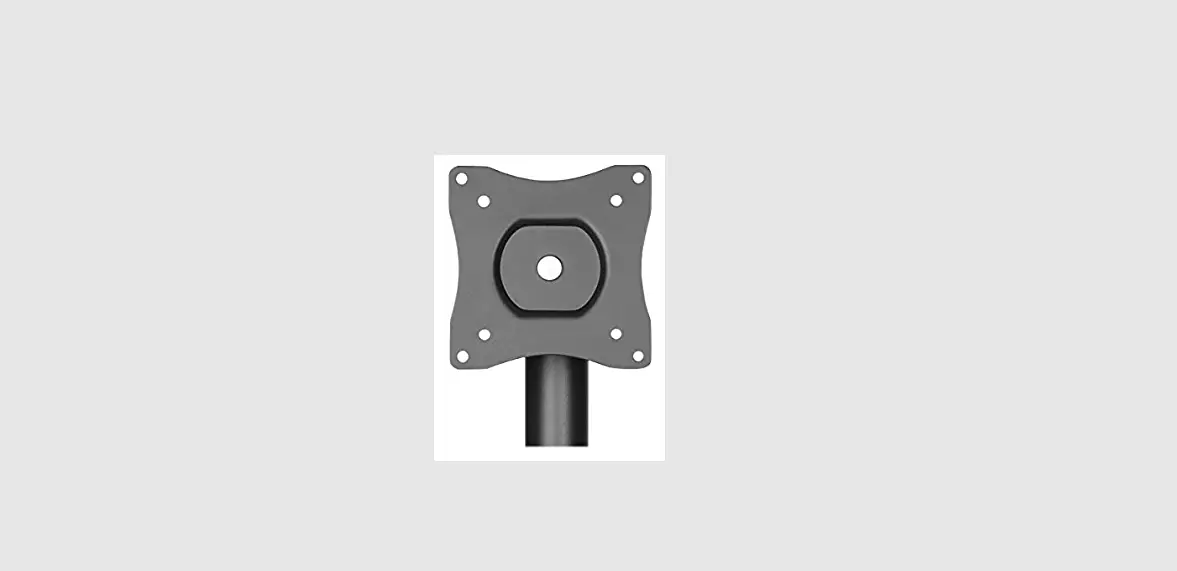
Screw 2 bolts in the upper 2 VESA holes of the screen, leaving
3mm spacing.Step 4: Slide Bolts
Slide the bolts into the top holes of the VESA plate and tighten
the bolts. Attach the other 2 bolts in the lower part of the VESA
plate.Step 5: Cable Management
Remove the cable cover and run the cable(s) through the
cover.Step 6: Adjust Position
If the display does not stop at your desired position, tighten
the screw as shown.
INSTRUCTION MANUAL
Measuring unit: mm
DS60-425WH1
EN Monitor desk mount NL Monitor bureausteun DE Monitor Tischhalterung FR Support moniteur de bureau IT Supporto da scrivania per monitor ES Soporte de escritorio para monitor PT Suporte de mesa para monitor DK Bordbeslag skærm
NO Bordstativ til skjerm SE Skrivbordsfäste för bildskärm FI Näytön pöytäteline PL Uchwyt nabiurkowy do monitora CS Stolní drzák monitoru SK Drziak na monitor RO Suport de birou pentru monitor
WWW.NEOMOUNTS.COM
DS60-425WH1 PARTS
Tool
Drill
75×75 100×100 mm
0-8 kg | 0-17,6 lbs
27,5-55,5 cm
A. (x1)
B. (x1)
C. (x1)
D. (x1)
E. (x1)
F. (x1)
G. (x1)
H. (x1)
I. (x1)
J. (x1)
K. (x1)
L. M6x10 (x2)
M. M6x16 (x3)
N. 4mm (x1)
M-A. M4x12 (x4)
M-B. M5x12 (x4)
M-C. D5 (x4)
STEP 1 Clamp
EN Mount the desk clamp to the rod and install the clamp to the desk
NL Monteer de bureauklem op de stang en installeer de klem op het bureau
DE Montieren Sie die Tischklemme an der Stange und bringen Sie die Klammer am Schreibtisch an
FR Montez la pince de bureau sur la colonne et installez la pince sur le bureau
IT Monti il morsetto da tavolo sull’asta e installi il morsetto sulla scrivania
ES Monte la abrazadera del escritorio en la barra e instale la abrazadera en el escritorio
PT Monte a abraçadeira de mesa na haste e instale a abraçadeira na mesa
PL Zamontuj klem i zainstaluj zacisk na biurku
N
M K
B H
A
L C
L
10-50mm or C
40-80mm
STEP 1 Grommet
EN Mount the desk grommet to the rod and install the grommet in the desk
NL Monteer de bureaudoorvoer aan de stang en installeer de doorvoer in het bureau
DE Montieren Sie die Tischdurchführung an der Stange und führen diese durch das Loch im Schreibtisch
FR Montez l’oeillet du support sur la colonne et installez l’oeillet à travers le plateau
IT Monti il gommino da scrivania sul palo e installi il gommino sulla scrivania
ES Monte el ojal del escritorio en el poste e instale el ojal en el escritorio
PT Monte o anel isolante de mesa no poste e instale o anel isolante na mesa
PL Zamontuj przelotk biurkow i zainstaluj przelotk do biurka
10-40mm
Desktop with existing hole Ø 10-60mm
10-40mm or
Ø 10mm (Ø 3/8″)
Trim the ring so the cables can pass through K
J
A H
STEP 2
EN Assemble the arm and attach it to the rod NL Monteer de arm en bevestig hem aan de stang DE Montieren Sie den Arm und befestigen Sie ihn
an der Stange FR Assembler le bras et le fixer à la tige IT Assemblare il braccio e fissarlo all’asta ES Montar el brazo y fijarlo a la varilla PT Montar o braço e prendê-lo à haste PL Zmontuj rami i przymocuj je do prta
C
D
E F
Q G
Q
I
STEP 3
EN Screw 2 bolts in the upper 2 VESA holes of the screen, leaving 3 mm spacing
NL Draai 2 bouten in de bovenste 2 VESA-gaten van het scherm en behoud een tussenruimte van 3 mm
DE Setzen Sie 2 Schrauben in die oberen 2 VESA-Löcher des Flachbildschirms ein und lassen Sie dabei einen Abstand von 3 mm
FR Insérez 2 vis dans les 2 trous VESA supérieurs de l’écran et gardez un espace de 3 mm
IT Inserisca 2 bulloni nei 2 fori VESA superiori dello schermo e mantenga uno spazio di 3 mm
ES Inserte 2 tornillos en los 2 orificios VESA superiores de la pantalla dejando un espacio de 3 mm
PT Insira 2 parafusos nos 2 orifícios VESA superiores do monitor mantendo um espaço de 3 mm
PL Wló 2 ruby w 2 górne otwory VESA ekranu i zachowaj odstp 3 mm
M-A M-B M-C
* Not Included
STEP 5
EN Remove the cable cover and run the cable(s) through the cover
NL Verwijder de kabelgoot en leid de kabel(s) door de kabelgoot
DE Entfernen Sie die Kabelabdeckung und Kabel durch die Kabelabdeckung führen
FR Retirez les couvercles caches câbles et positionnez vos câbles dans les goulettes prévues à cet effet et reclipsez les caches câbles
IT Rimuovere la copertura del cavo e far passare il cavo attraverso la copertura del cavo
ES Retire la cubierta del cable y pase el (los) cable(s) a través de la bandeja para cables
PT Remova a tampa do cabo e passe o cabo pela tampa do cabo
PL Zdejmij oslon kabli i przeprowad kabel przez oslon kabla
STEP 4
EN Slide the bolts into the top holes of the VESA plate and tighten the bolts. Attach the other 2 bolts in the lower part of the VESA plate
NL Schuif de bouten in de bovenste gaten van de VESA-plaat en draai de bouten vast. Bevestig de andere 2 bouten in het onderste deel van de VESA-plaat
DE Schieben Sie die Schrauben in die oberen Löcher der VESA-Platte und ziehen Sie die Schrauben fest. Installieren Sie die anderen 2 Schrauben im unteren Teil der VESA-Platte
FR Insérez les vis dans les trous supérieurs de la plaque VESA et les serrer. Installez les 2 autres vis dans la partie inférieure de la plaque VESA
IT Scorra i bulloni nei fori superiori della piastra VESA e serrare i bulloni. Installare gli altri 2 bulloni nella parte inferiore della piastra VESA
ES Deslice los tornillos en los orificios superiores de la placa VESA y apriete los tornillos. Instale los otros 2 tornillos en la parte inferior de la placa VESA
PT Deslize os parafusos nos orifícios superiores da placa VESA e aperte os parafusos. Instale os outros 2 parafusos na parte inferior da placa VESA
PL Wsu ruby w górne otwory plyty VESA i dokr je. Zainstaluj pozostale 2 ruby w dolnej czci plytki VESA
M-C M-A M-B
STEP 6
EN Adjust the mount to your desired position NL Stel de steun in op de gewenste positie DE Positionieren der Halterung in der gewünschten
Position FR Ajustez le support à la position souhaitée IT Regolare il supporto nella posizione desiderata ES Ajuste el soporte a la posición deseada PT Ajuste o suporte na posição desejada PL Dostosuj pozycj uchwytu do twoich wymaga
STEP 7
EN Adjust the torque NL Stel het koppel in DE Das Drehmoment einstellen FR Réglez la dureté de l’articulation IT Regolare la coppia ES Ajustar el par PT Ajustar o torque PL Dostosowa moment obrotowy
Note: If the display does not stop at your desired position, tighten the screw as shown.
 Neomounts