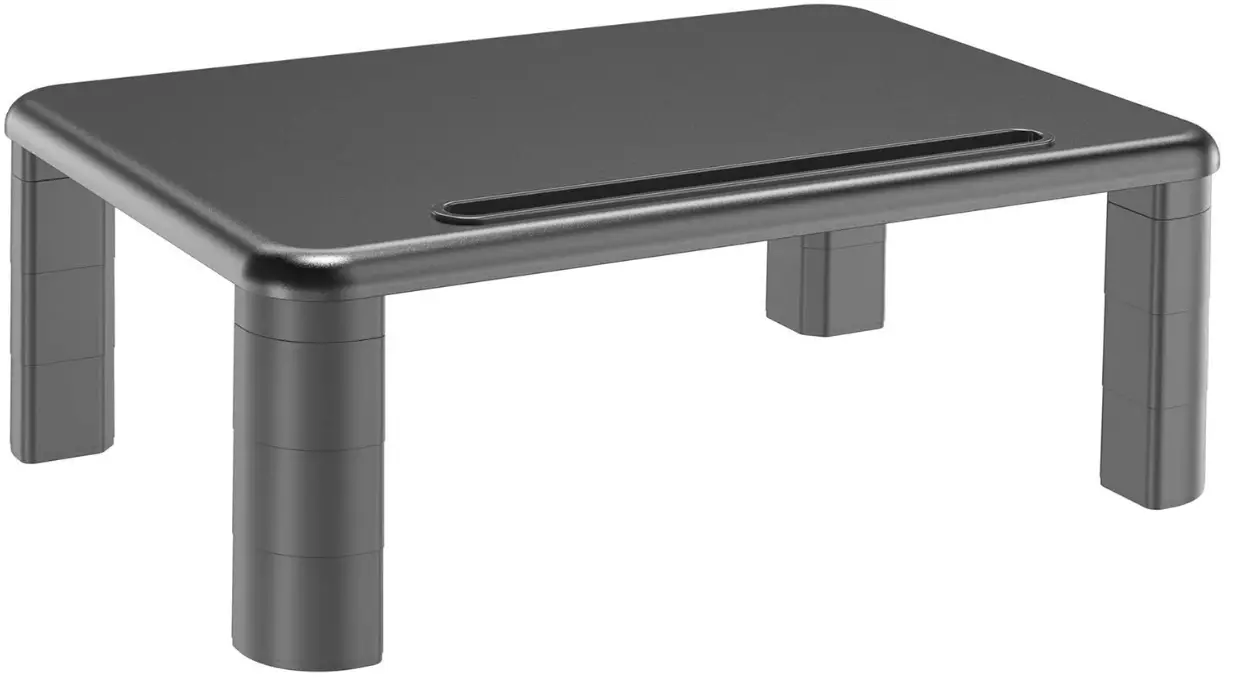
HUANUO HNLL1 3 Height Adjustable Monitor Stand
Thank you for choosing this HUANUO product! At HUANUO we strive to provide you with the best quality products and services in the industry. Should you have any issues, please don’t hesitate to contact us at Technical Support: 1-800-556-0533 Mon-Fri 8 am – 8 pm (CST) Other Info: [email protected] (US/CA)
Product Description
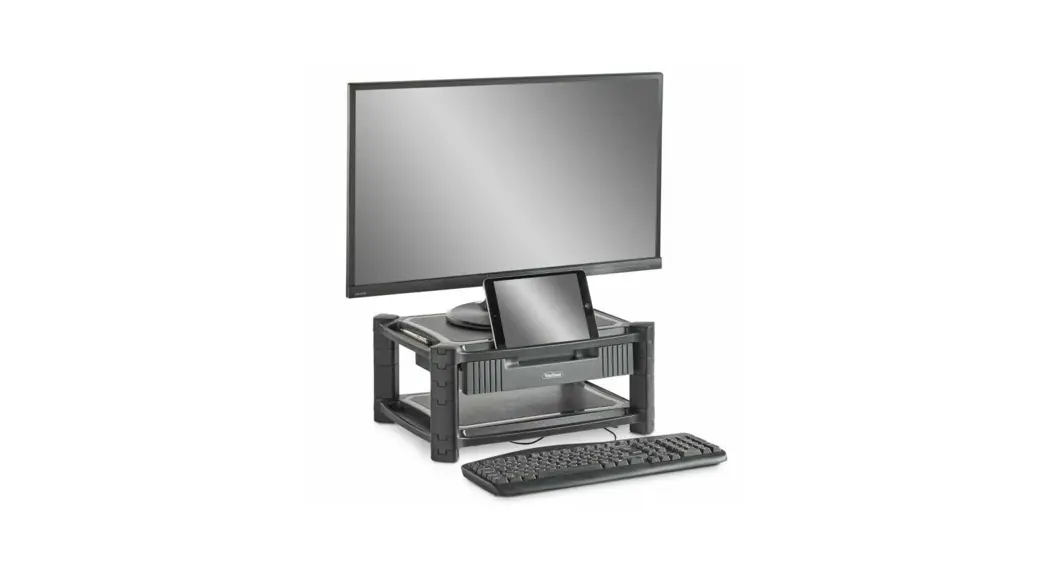
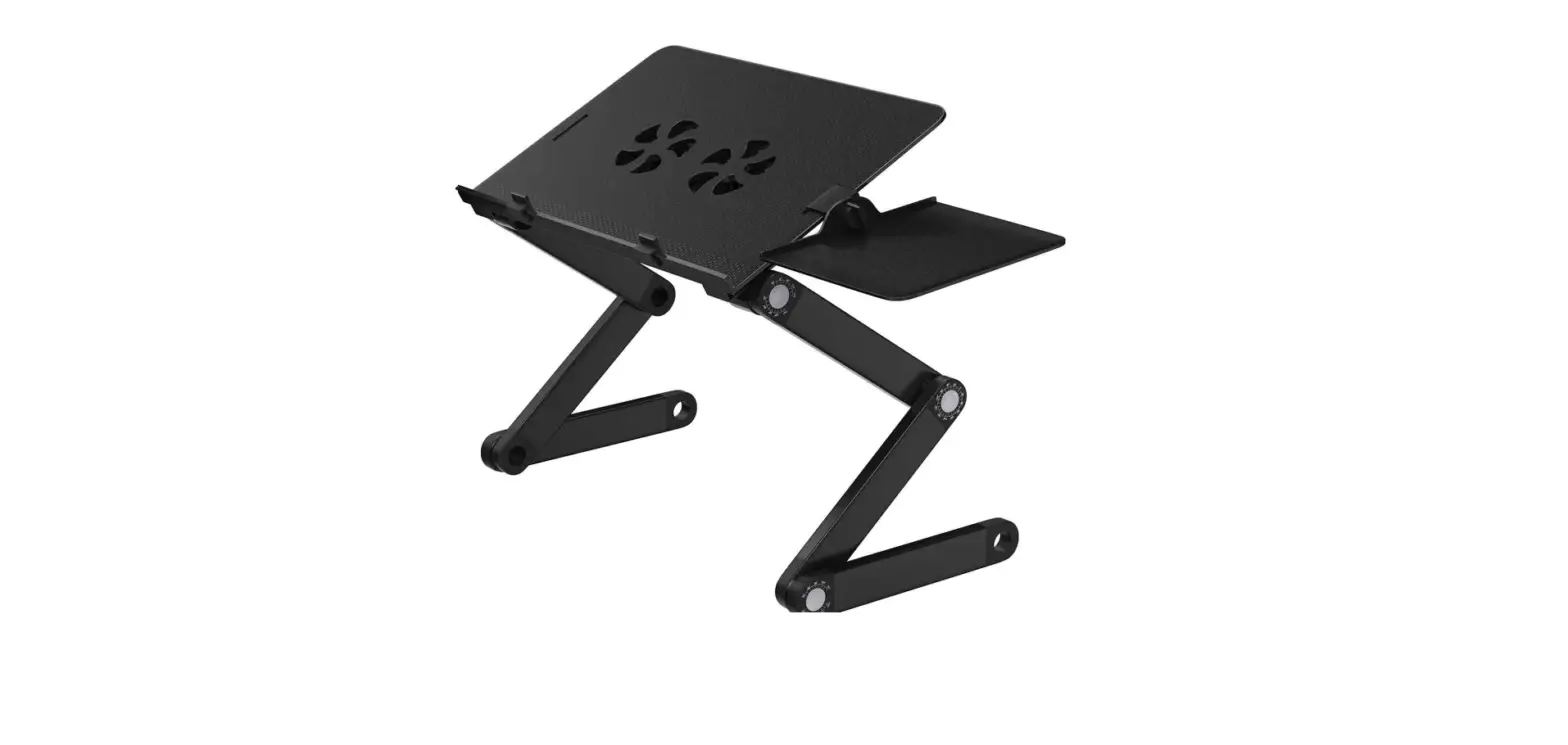
- Monitor stand legs that are detachable
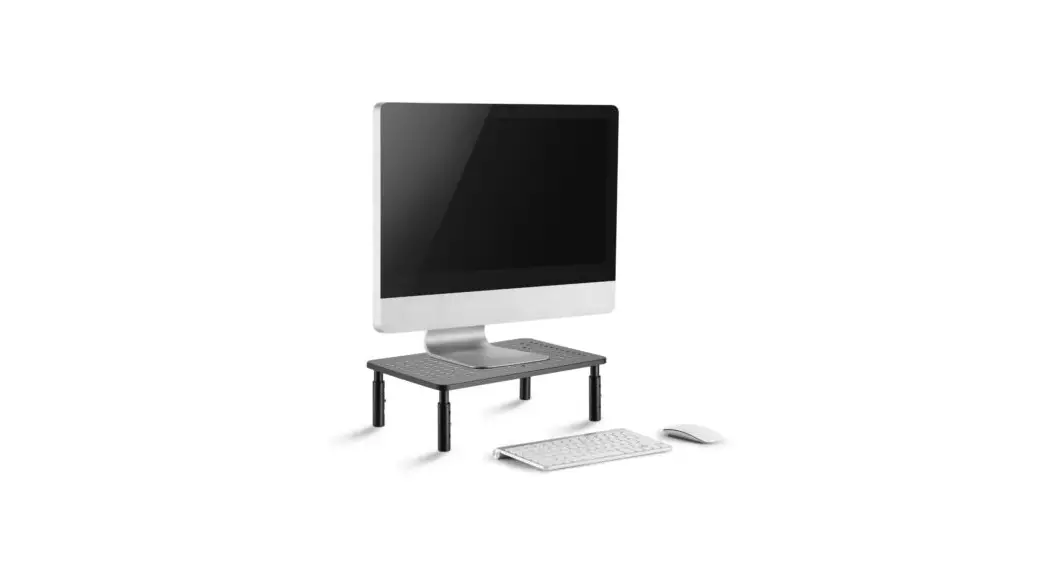
By removing the table legs, you may adjust the computer riser’s height to 1.5″ to 5.6″ for comfortable eye level. to maintain good posture while working and reduce strain on the neck, shoulders, and back. - VARIABLE SLOT for TABLET/PHONE
The multipurpose slot on this adjustable monitor stand riser is long and substantial enough to accommodate a phone, tablet, or pen. - ORGANIZER OF LITTLE SPACE STORAGE
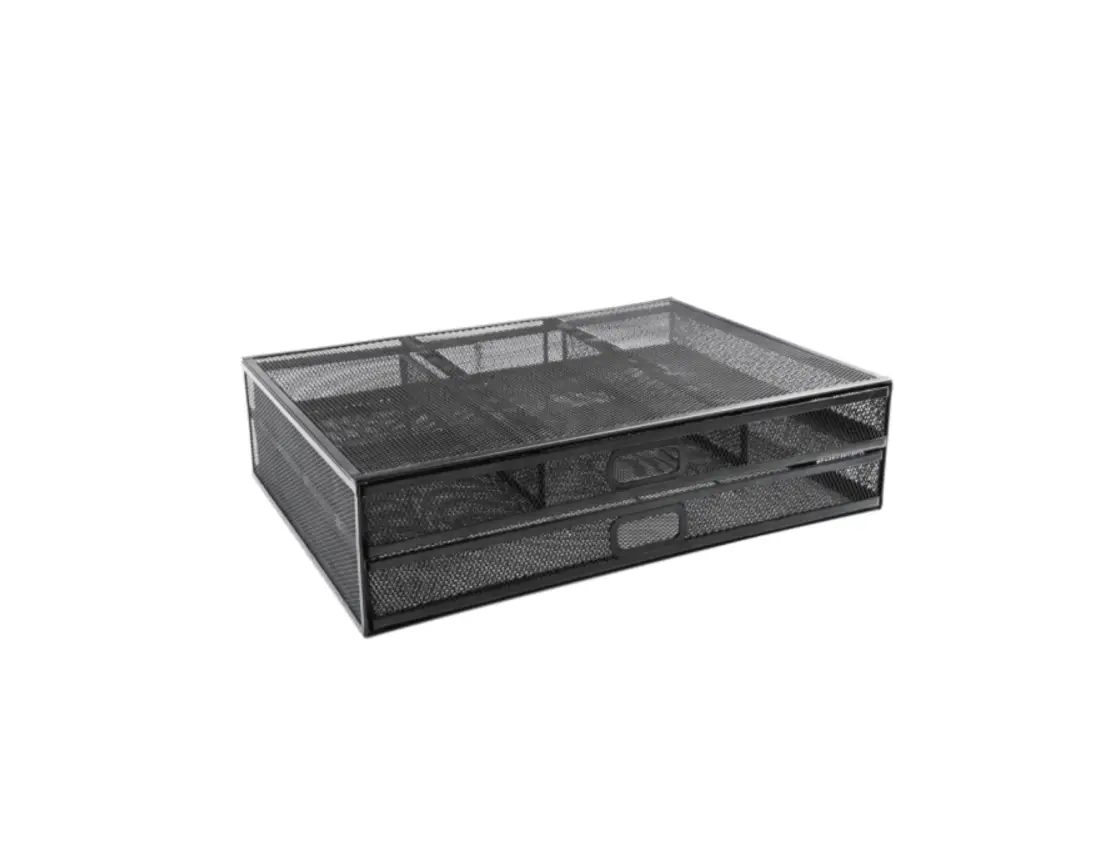
For keeping a game console, controllers, books, documents, and other goods, there is plenty of storage space underneath. 15.7 x 11-inch platform - NON-SLIP MOUSE STAND
This computer shelf’s maximum weight capacity is 44 lbs. ESTABLISH IS NOT A SLIDER, SHAKER, OR VIBRATOR. It can be used as a printer stand for beneath the desk, a computer stand, a laptop stand riser, a desk monitor stand, etc. - FREE TOOL COMPUTER ASSEMBLY
You can have your new monitor riser adjusted to assist you to increase your working efficiency if you can assemble the legs and platform in less than a minute.
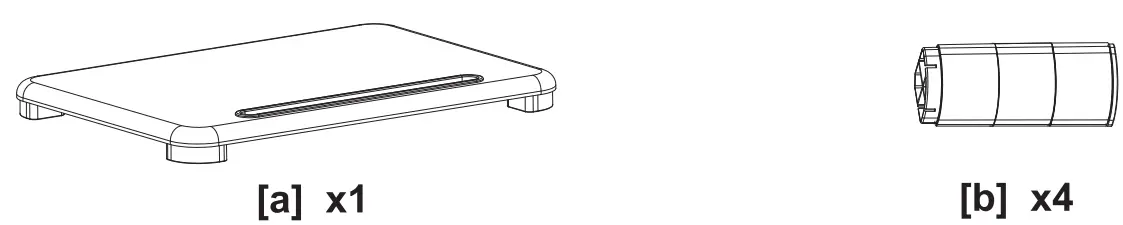
What’s Includes
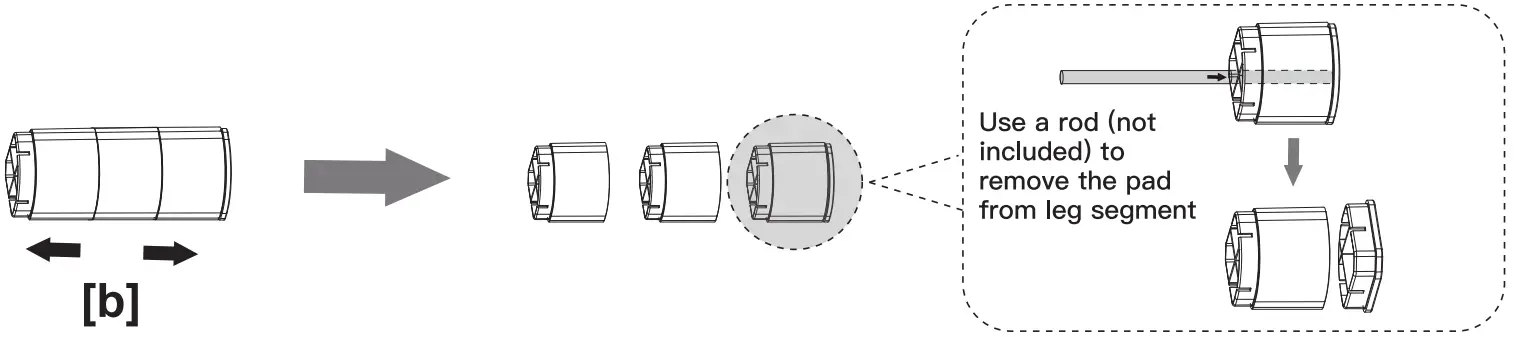
Detach the leg segment (this step is suitable for B, C and D)
Description
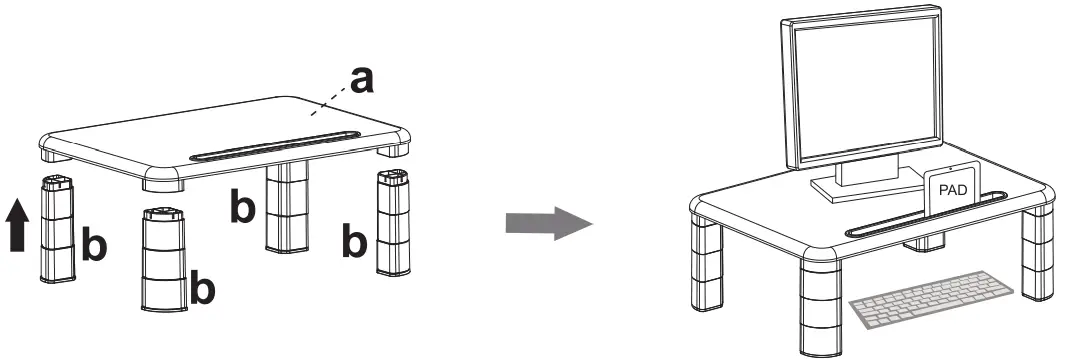
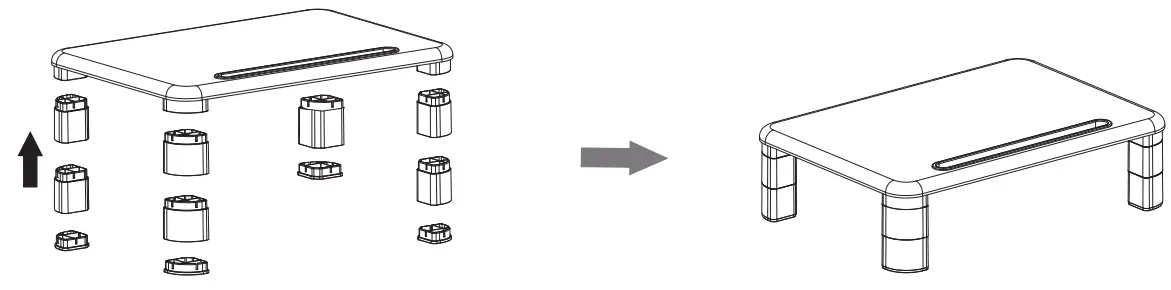
Assembly


FAQs
Yes, it comes with instructions.
Yes, it is compatible with all monitors.
Yes, it is stable.
Yes, the height is adjustable.
Your sitting posture, head position, and eye strain can all be affected by the height and placement of your monitor. Pay attention to monitor ergonomics if you spend all day using a computer to lower your chance of long-term injury and even musculoskeletal illnesses.
With the aid of the monitor stand, you are able to more precisely manage the screen’s angle and distance from your eyes. The advantages of this control will also be felt in your neck, shoulders, and back.
It is a straightforward monitor mount that you may use to quickly and easily change the height of the screen at any moment. You may alter the y-axis of the screen using this straightforward method, lifting and lowering your display to make room on your desk for more items.
The monitor height should be adjusted such that the top of the screen is at, or just below, eye level. When seeing the centre of the screen, your eyes should be somewhat downward. Place the monitor so that it is at least 20 inches (51 cm) away from your eyes, or at arm’s length.
Because the sound waves originating from your speakers are bouncing off a hard, reflecting surface (your desktop) before they reach your ears, placing them directly on your desk can affect how clear and balanced of an audio signal they can create.
The right posture for working while sitting or standing can be achieved with the aid of monitor arms, which can make all the difference in your office environment in terms of reducing neck, back, and eye strain.
The majority of monitor stands on the market now adhere to VESA standards, therefore the stand will work with most monitors. You should do your research and make extra sure your monitor and the stand you’re buying are compatible because some monitors and stands have various VESA patterns.
Yes, you can put the majority of monitors on a monitor arm. On the back of the monitor, there are the usual VESA hole patterns of 75 x 75 mm or 100 x 100 mm for attaching to a monitor arm.
Yes, It is best to take all reasonable steps to ensure that your blend is represented as accurately as possible. Monitor isolation pads are a very easy and inexpensive technique to make sure your speakers are performing at their optimum.
Used to hold up a computer monitor, laptop, notebook, or other display screens, a monitor mount is a sturdy bracket or arm. Other frequent names for this item include monitor arm and monitor bracket.
In general, monitor STANDS cannot be swapped out unless they are fastened to the monitor’s back. Every monitor’s rear mount complies with requirements.
Video
Download PDF Link; HUANUO 3 Height Adjustable Monitor Stand pdf