
Techlogix Univ-splice-005 Optical Fiber Mechanical Splice User Guide

Techlogix Univ-splice-005 Optical Fiber Mechanical Splice User Guide

TechLogix logo

TechLogix UNIV-SPLICE-005 Optical Fiber Mechanical Splice
TechLogix UNIV-SPLICE-005 Optical Fiber Mechanical Splice

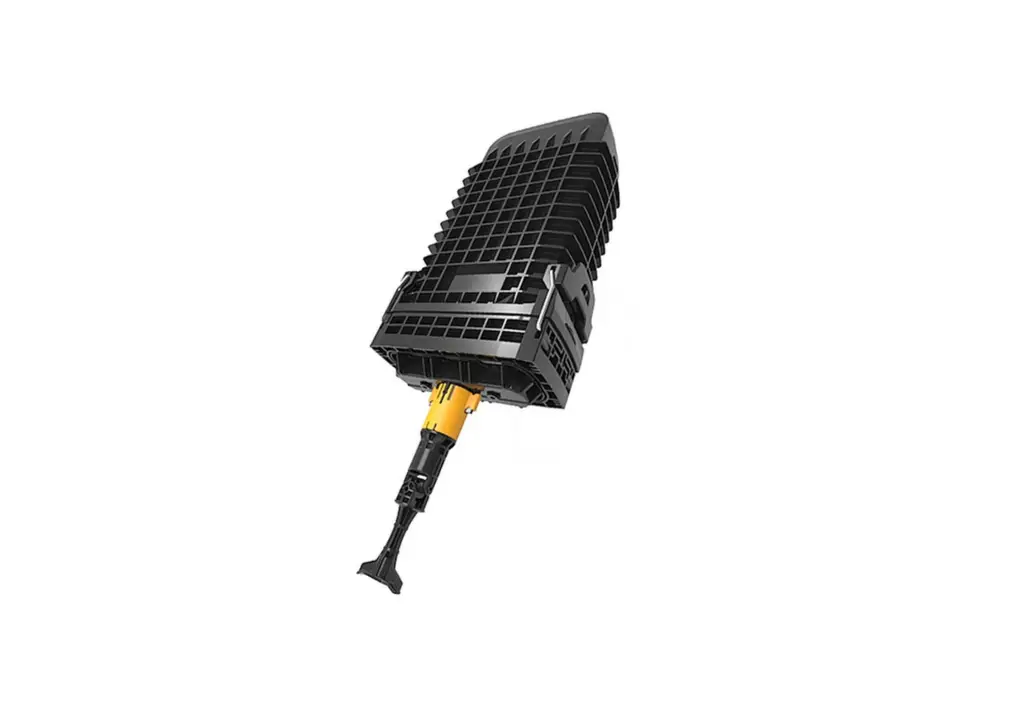
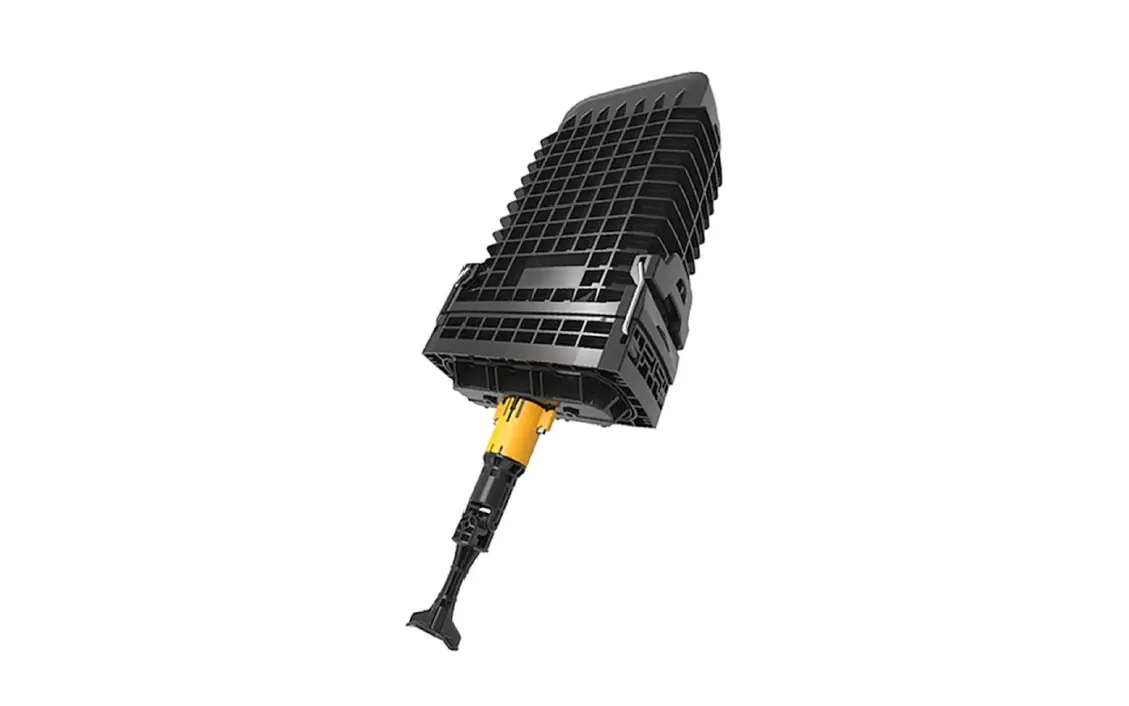
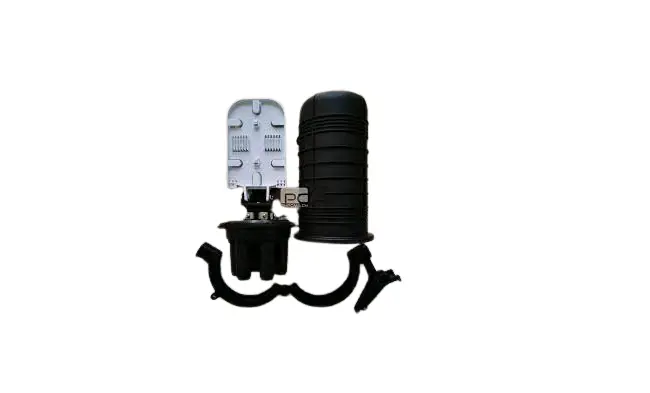
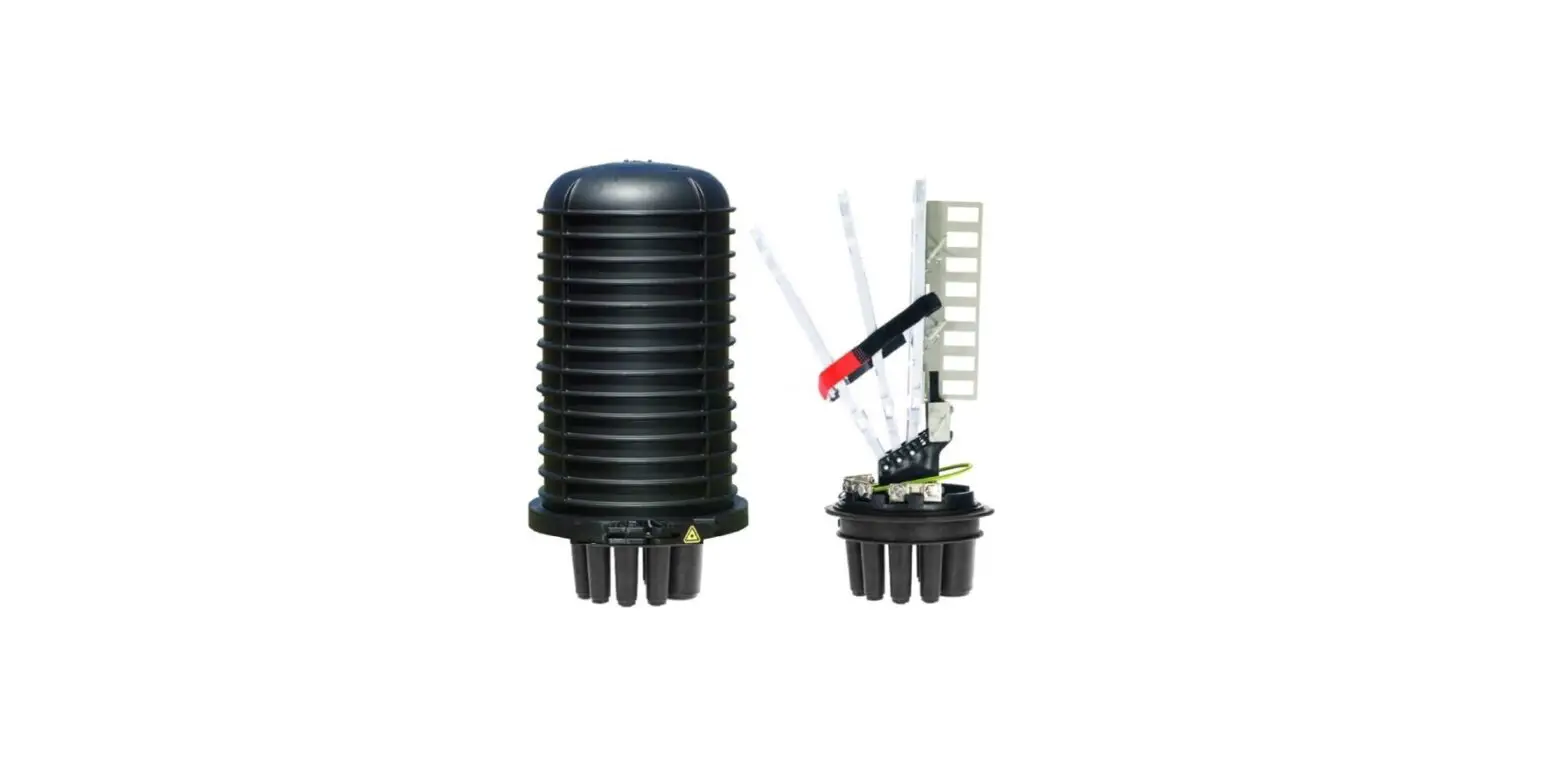
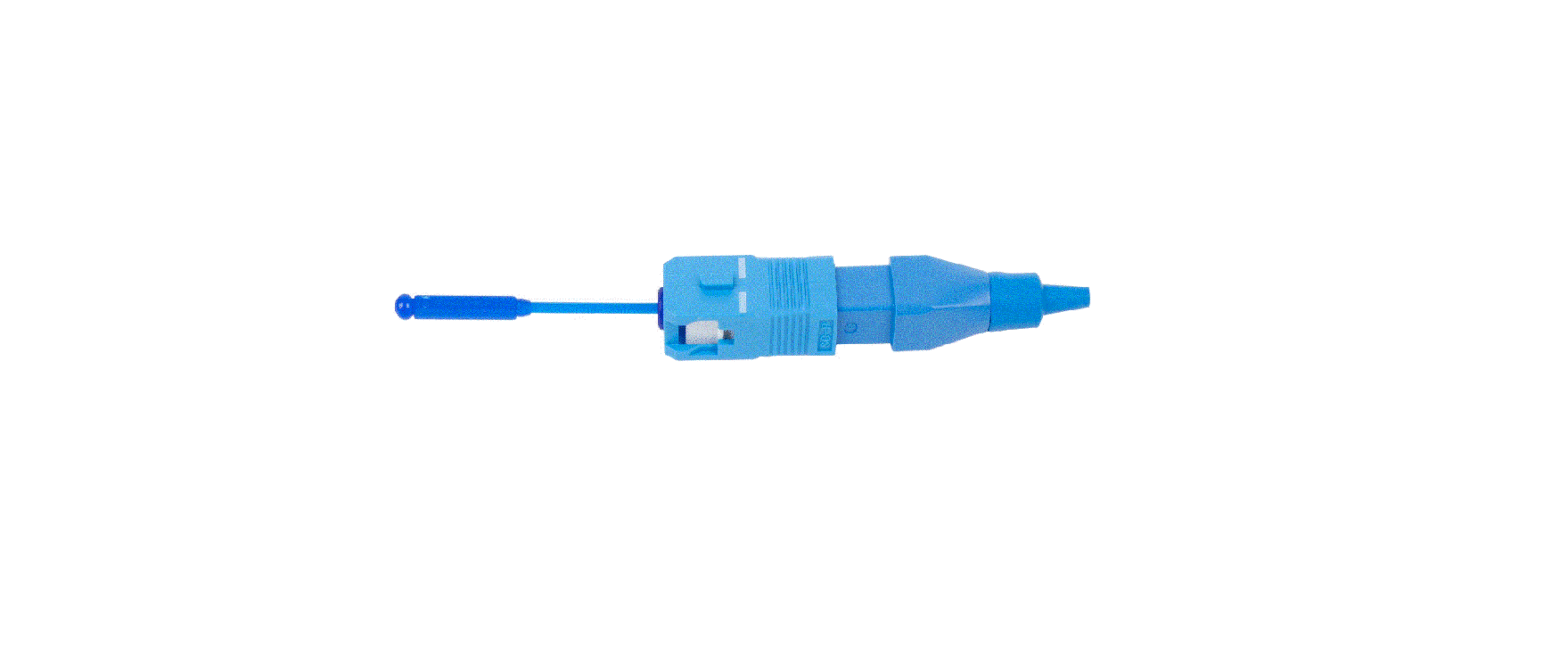
Product View
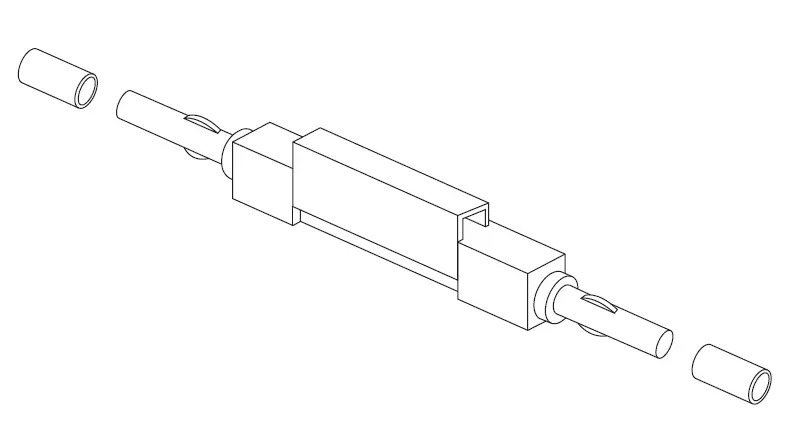
TechLogix UNIV-SPLICE-005 Optical Fiber Mechanical Splice 1

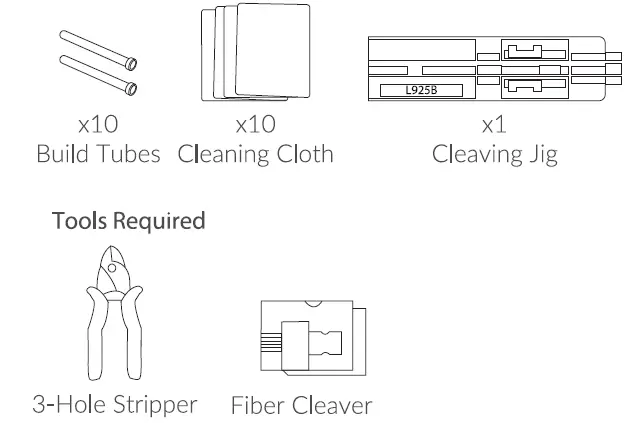
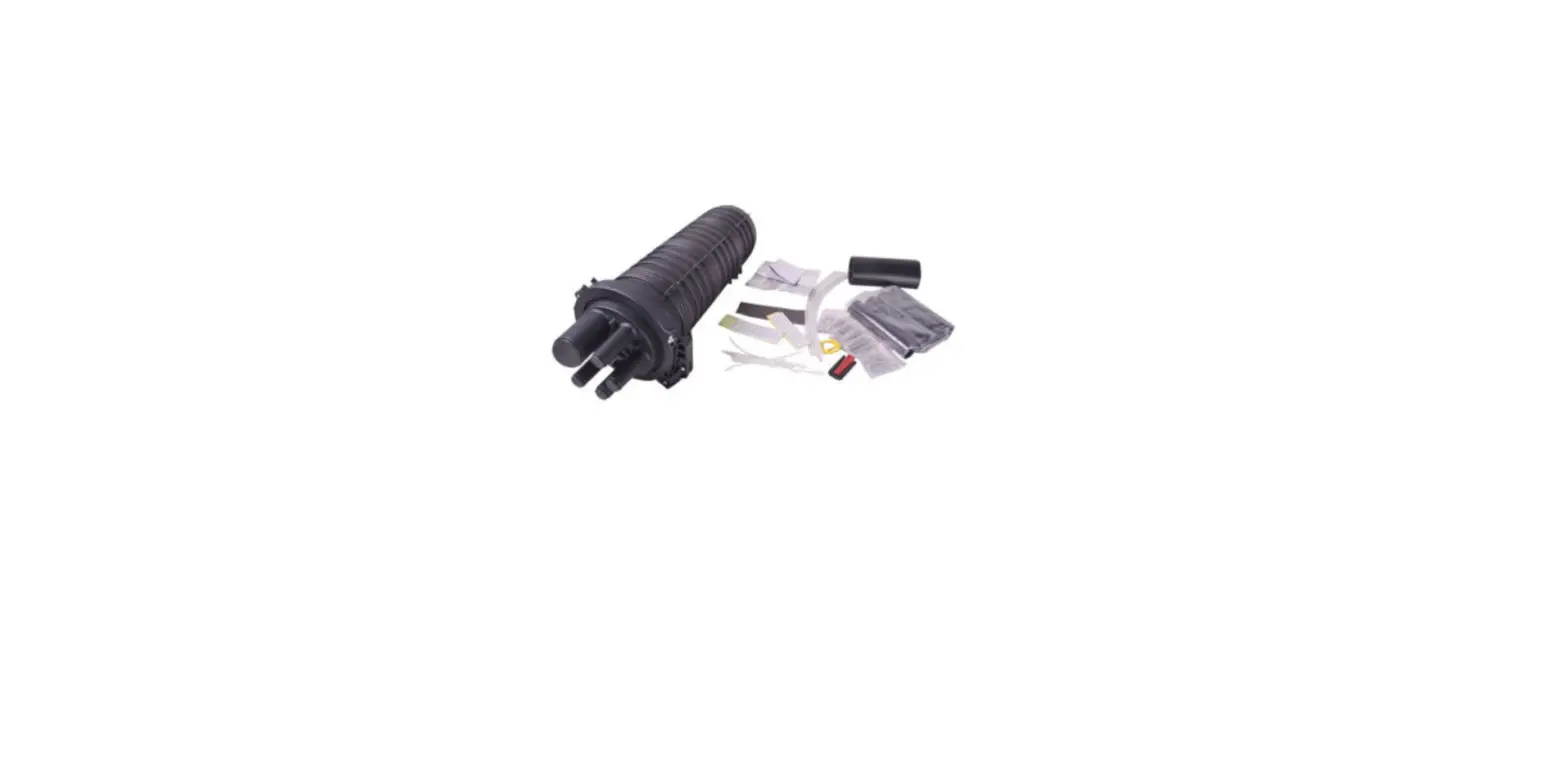
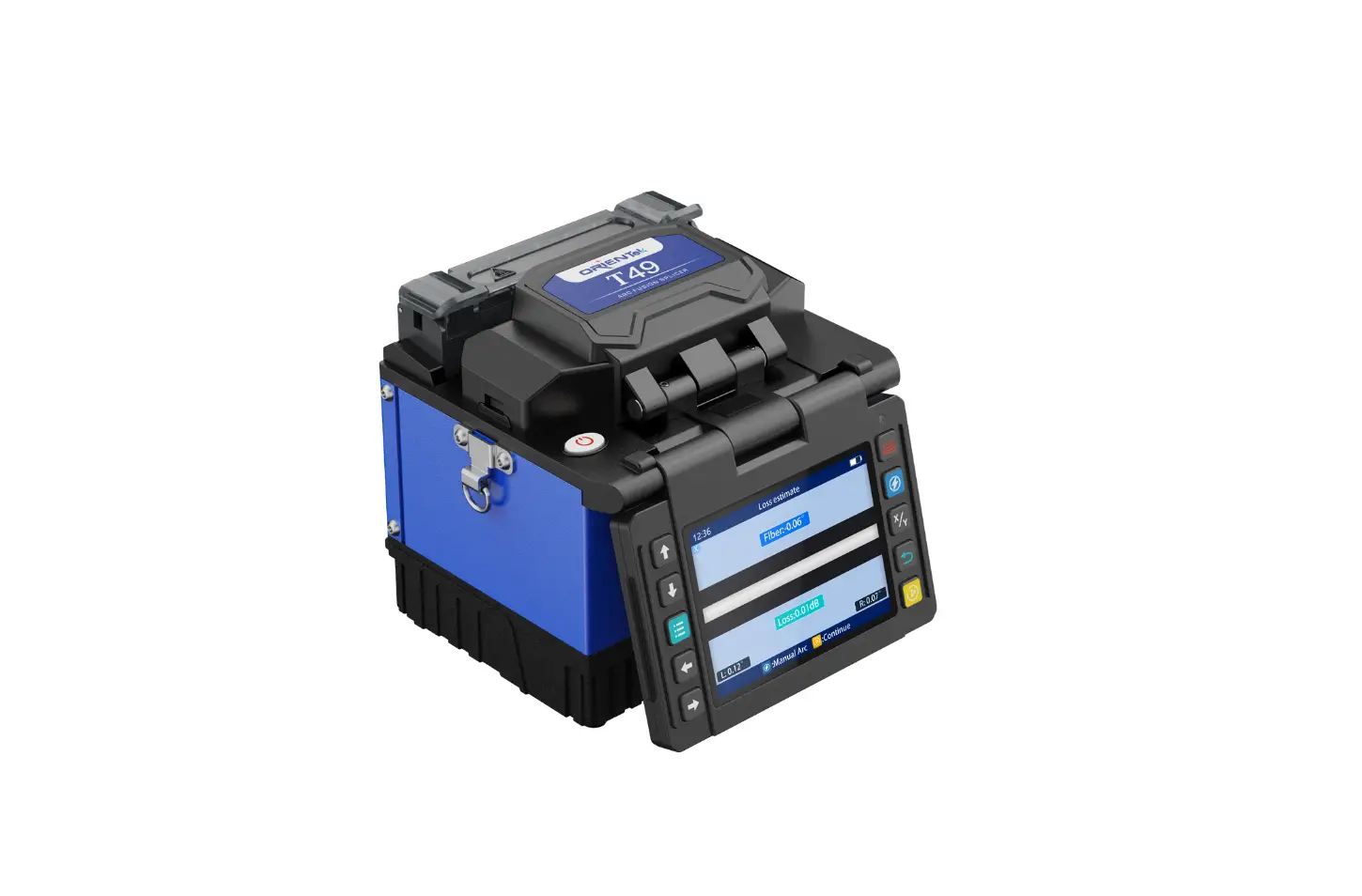
Included Accessories

TechLogix UNIV-SPLICE-005 Optical Fiber Mechanical Splice 2

NOTE: 

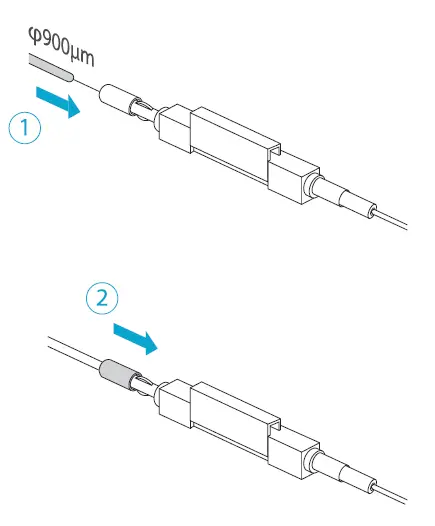
  1. The three splice applications above are supported.
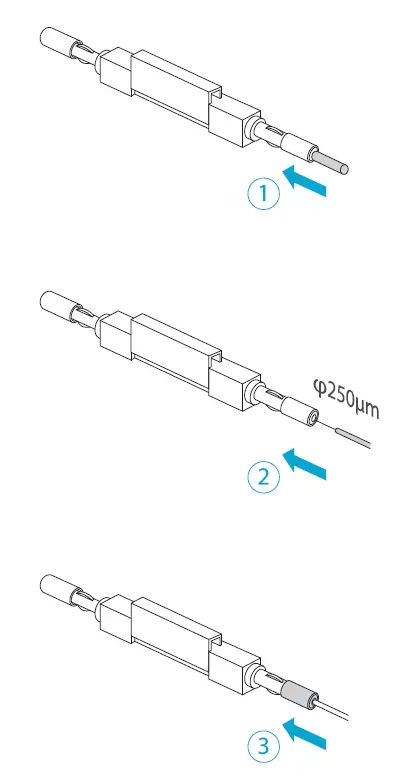
  2. 250µm fiber needs to use the build tubes.
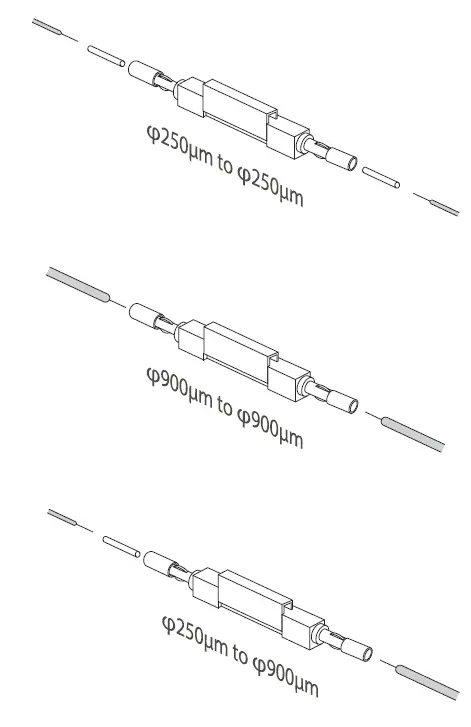
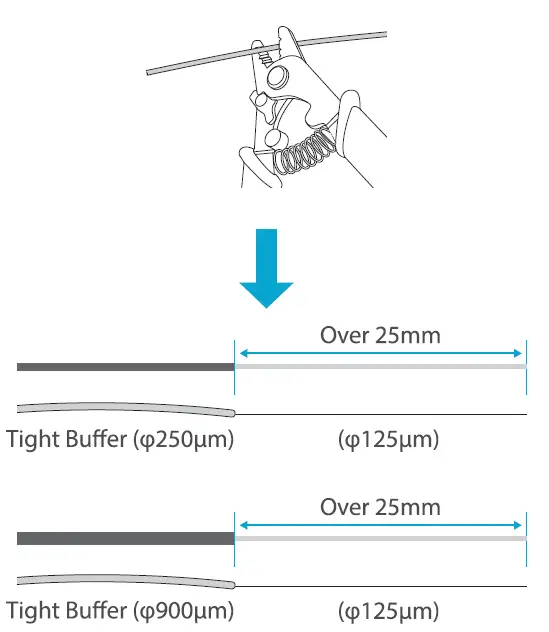
TechLogix UNIV-SPLICE-005 Optical Fiber Mechanical Splice 3

NOTE: 

  1. Strip about 30mm of the fiber down to 250µm (the medium hole on your stripper).
  2. RE-STRIP the same fiber down to 125µm (the smallest hole on your stripper).
  3. Clean the fiber after stripping with alcohol and cloth.

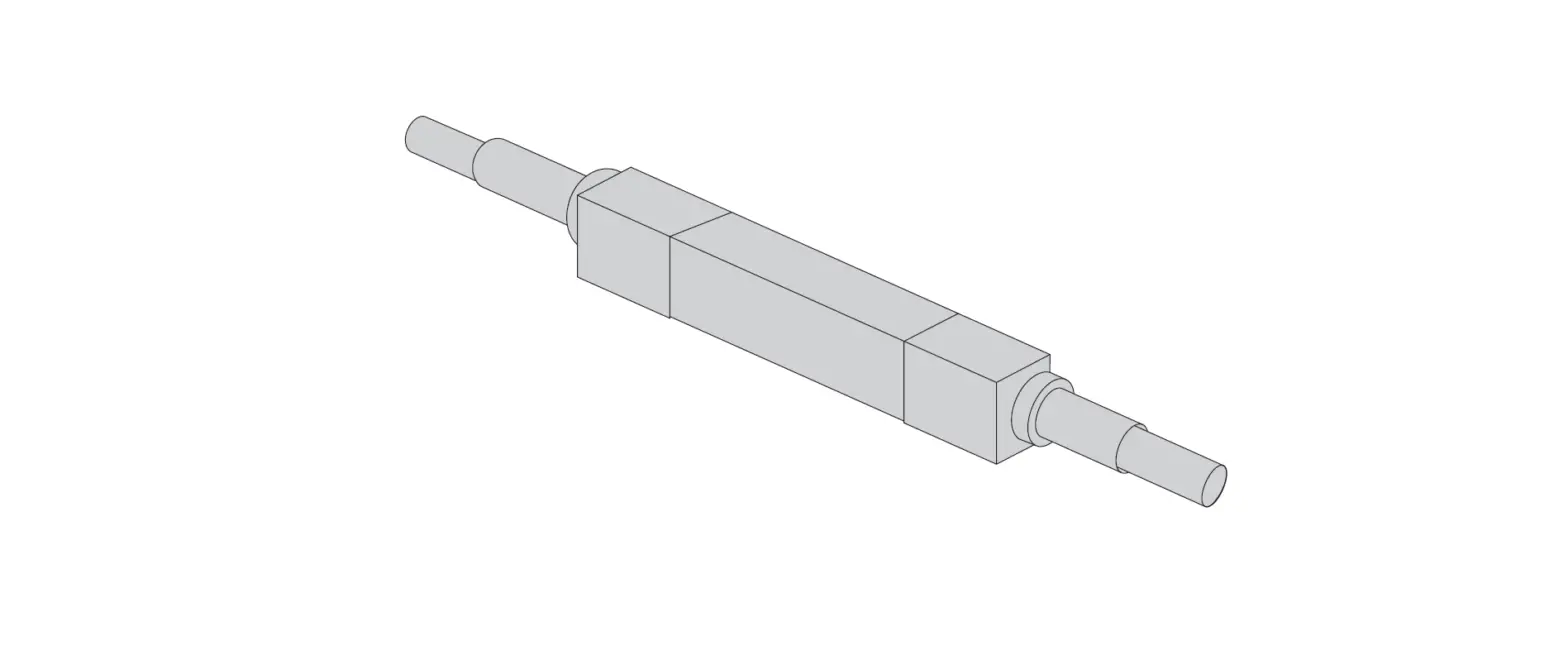
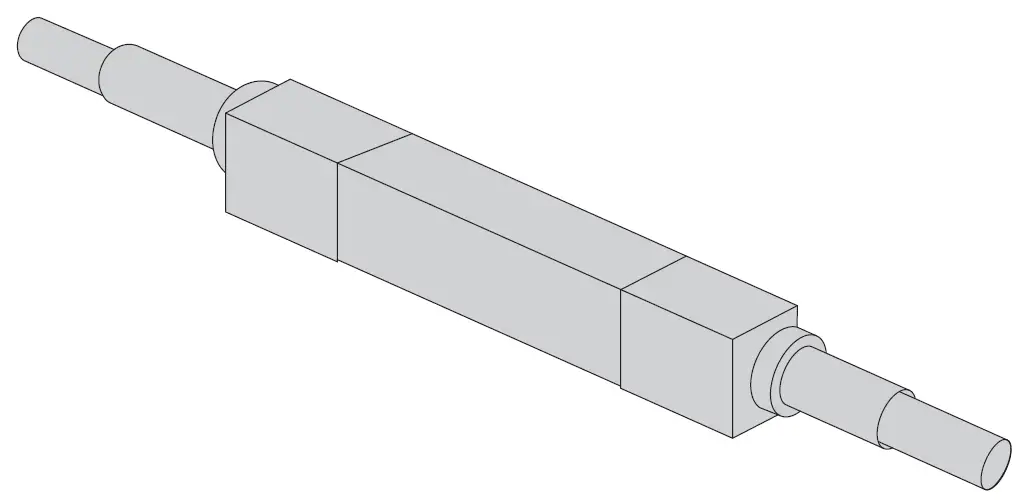
Dimenssions
TechLogix UNIV-SPLICE-005 Optical Fiber Mechanical Splice 4

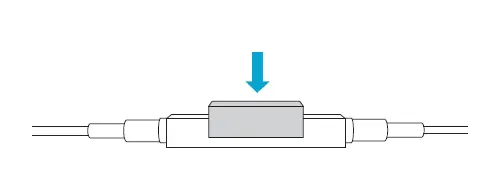
NOTE: Place the fiber in the correct position as shown above, and the push the lock to fix the fiber.
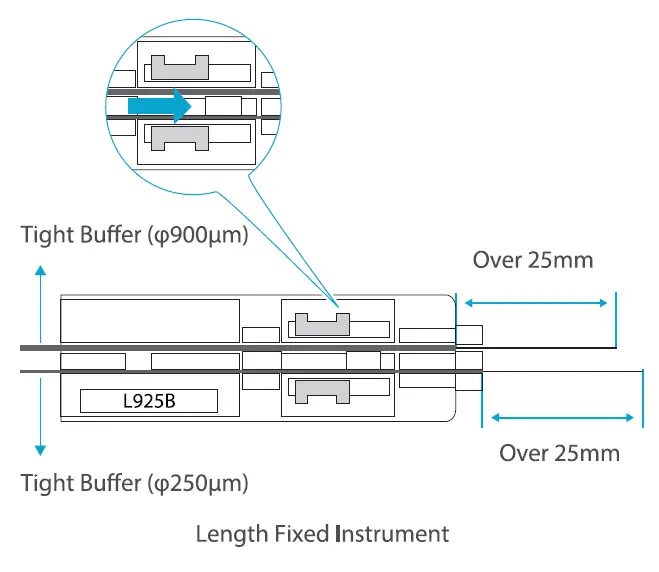
TechLogix UNIV-SPLICE-005 Optical Fiber Mechanical Splice 5

NOTE: Cleave the 125µm fiber of 125µm 13mm and 9mm with a cleaver and check the length as shown above.
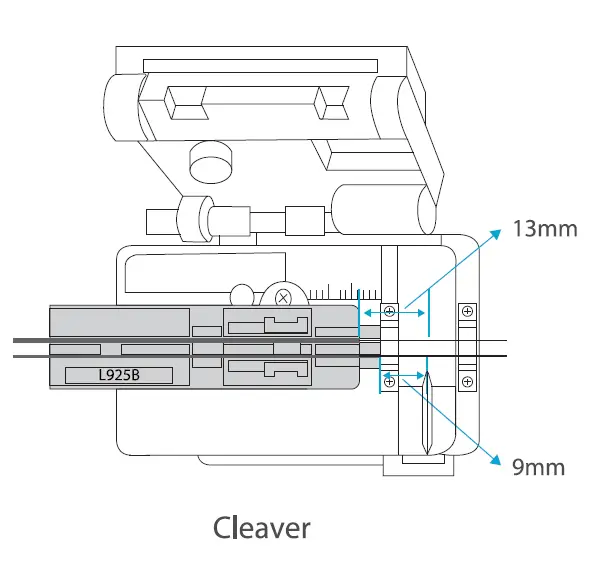
TechLogix UNIV-SPLICE-005 Optical Fiber Mechanical Splice 5

INSTRUCTIONS

TechLogix UNIV-SPLICE-005 Optical Fiber Mechanical Splice 7TechLogix UNIV-SPLICE-005 Optical Fiber Mechanical Splice 8TechLogix UNIV-SPLICE-005 Optical Fiber Mechanical Splice 9

Documents / Resouces

Download manual
Here you can download full pdf version of manual, it may contain additional safety instructions, warranty information, FCC rules, etc.


Related Manuals