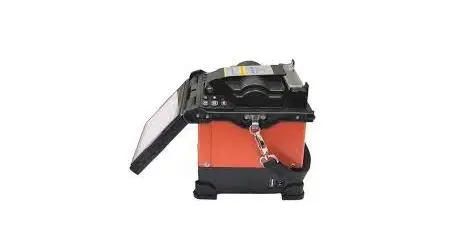
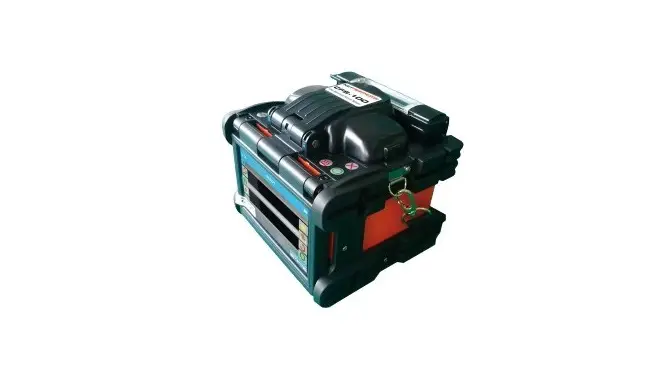
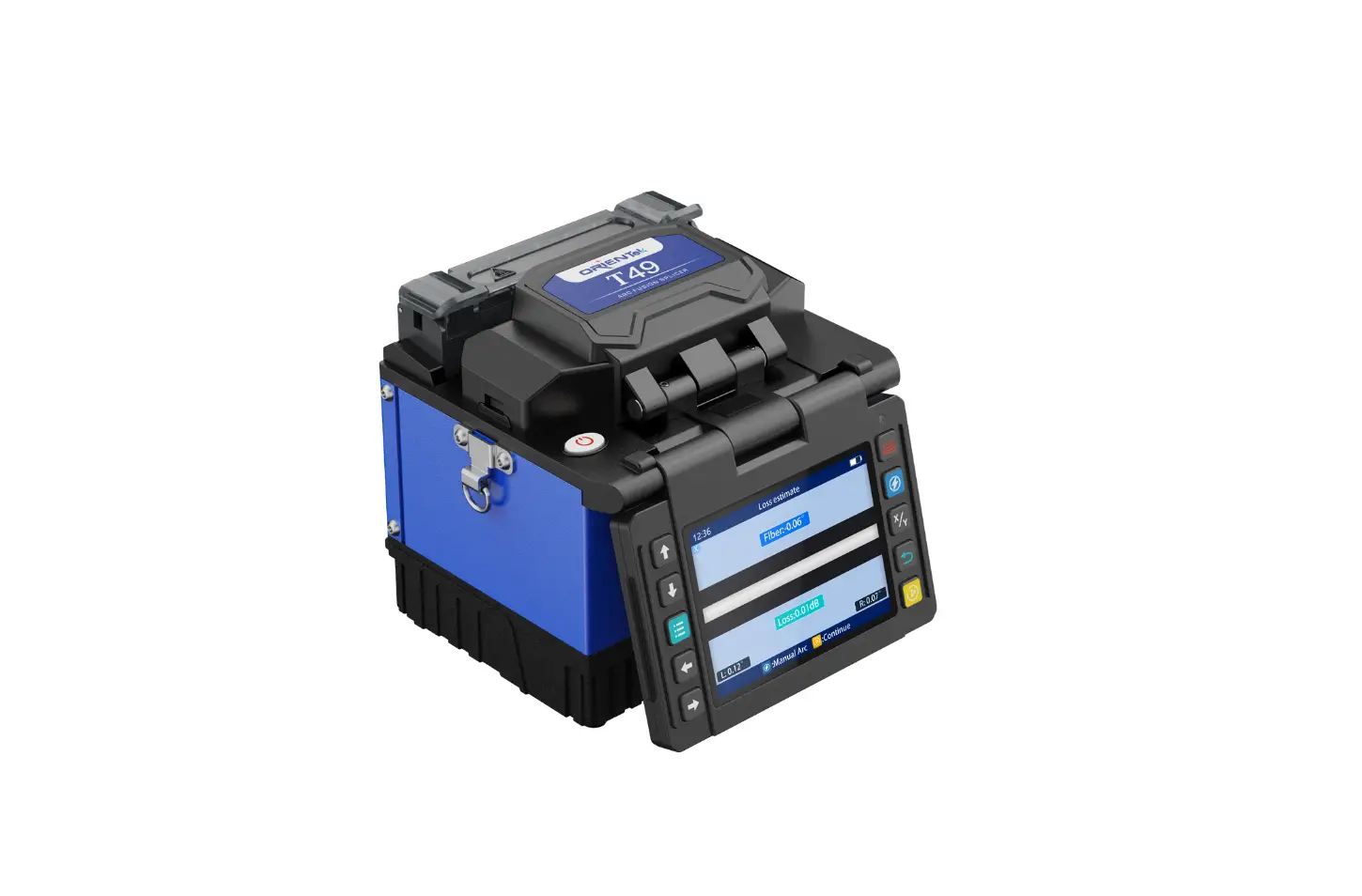
GX39 FTTH Fiber Optic Fusion Splicer
FTTH Fiber Optic Fusion Splicer
Enabling today. Inspiring tomorrow.
Product Feature and Function
- Oven with Removable SOC Clamps
- Fast-splicing 9S
- Fast-heating 20S
- Special 3-in-1 Fiber Holder
- Integrated Cooling Tray
- Durable Ceramic Fiber Pressure Heads
- Ceramic V-groove Design
- Fast-splicing: 9S
- Fast-heating: 20S
- 4000 Times Electrode Life
- Bare Fiber, 0.9mm Pigtail Fiber, 3.0mm Jump Fiber, FTTH Flat
Fiber Type - Fiber Type: Meticulous, Core, Clad, Manual
- Fusion Splicer
- Fiber Optic Cleaver
- 3-hole Miller Stripper
- Fiber Optic Cleaning Platform
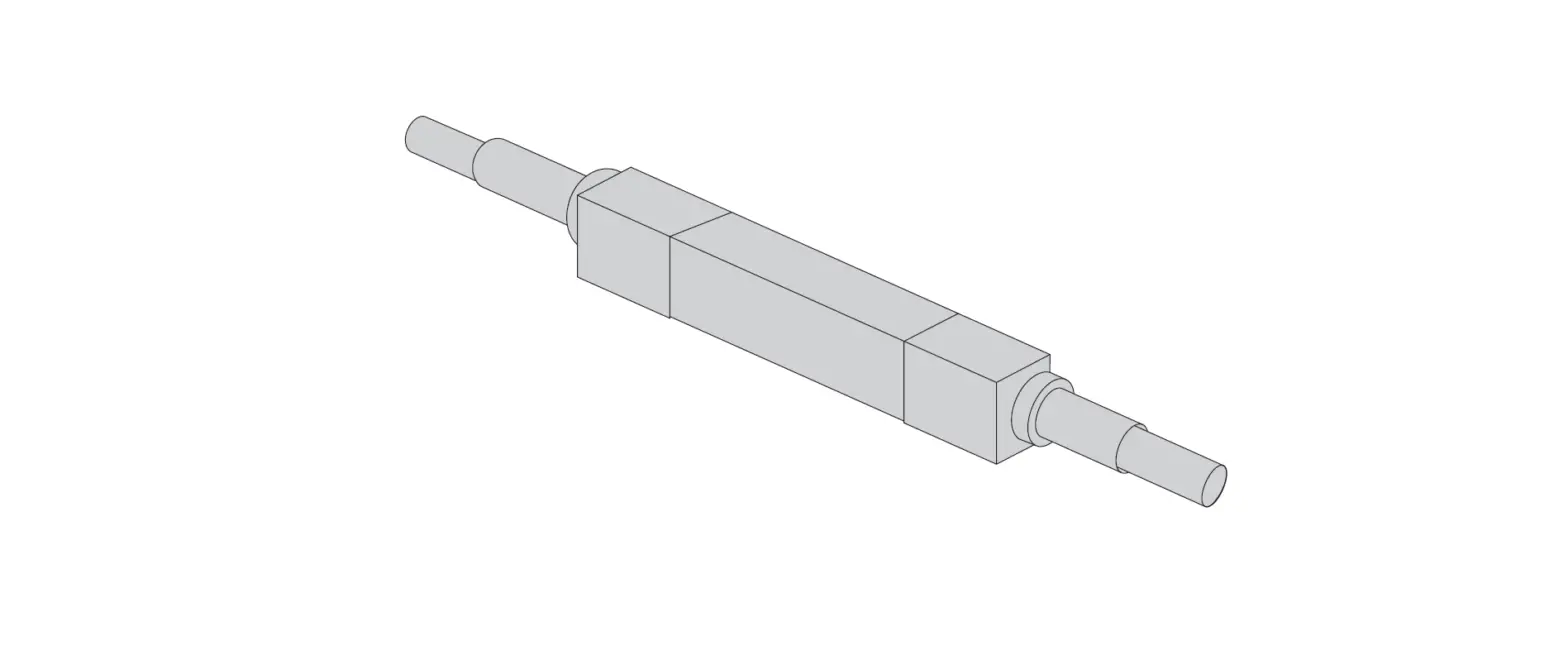
- Splice Protector Sleeves
- Fiber Optic flat cable Stripper
- Power Charger
- Multi-function Carry Bag
*Company and product names appearing in this catalogue are
registered marks or trademarks of respective companies. *This
catalogue is printed using environmentally friendly paper and
ink.
Product Usage Instructions
- Ensure the oven is placed on a stable surface and the SOC
clamps are properly attached. - Connect the appropriate fiber type (meticulous, core, clad,
manual) to the fusion splicer. - Prepare the fibers by stripping them using the 3-hole Miller
Stripper and cleaning them with the Fiber Optic Cleaning
Platform. - Place the fibers in the special 3-in-1 Fiber Holder and align
them using the ceramic V-groove design. - Close the oven and set the desired splicing time (9S) and
heating time (20S). - Press the fusion splicing button to initiate the splicing
process. - Monitor the splicing progress on the display and ensure a
successful fusion splice. - Apply splice protector sleeves to protect the spliced
fibers. - Perform a tension test using the fiber clamp to ensure secure
connections. - Record the fusion splicing details for future reference using
the fusion splicing record function.
Note: Ensure the power supply is connected and
the internal battery is charged before using the fusion splicer.
Work in a well-lit environment for better visibility during the
splicing process.
Technical Specifications
- Dimension: GX39
- Weight: N/A
Enabling today. Inspiring tomorrow.
FTTH Fiber Optic Fusion Splicer
Product Feature and Function
; ; ,
Oven with Removable SOC Clamps
Fast-splicing 9S Fast-heating 20S
Special 3-in-1 Fiber Holder
Integrated Cooling Tray
Durable Ceramic Fiber Pressure Heads
Ceramic V-groove Design
9S
Fast-splicing
20S 4000 Times
Fast-heating
Electrode Life
Bare Fiber
0.9mm Pigtail Fiber 3.0mm Jump Fiber FTTH Flat Fiber
Type Fiber Type Actual Splicing Loss Control Technique Return Loss Tube Typical Splicing Time Tube Typical Heating Time Fiber Aligning Method Fiber Diameter Cutting Length Heat-shrinkable Sleeve Tension Test Fiber Clamp
Display External Port Splicing Program Heating Program Fusion Splicing Record Internal battery Power Supply Working environment High-brightness lights
Dimension Weight
GX39
Meticulous; Core; Clad; Manual
Fusion Splicer
Fiber Optic Cleaver
3-hole Miller Stripper
Fiber Optic Cleaning Platform
Splice Protector Sleeves
Fiber Optic flat cable Stripper
Power Charger
Multi-function Carry Bag
*Company and product names appearing in this catalogue are resisterd marks or trademarks of respective companies. * This catalogue is printed using environmentally friendly paper and ink.