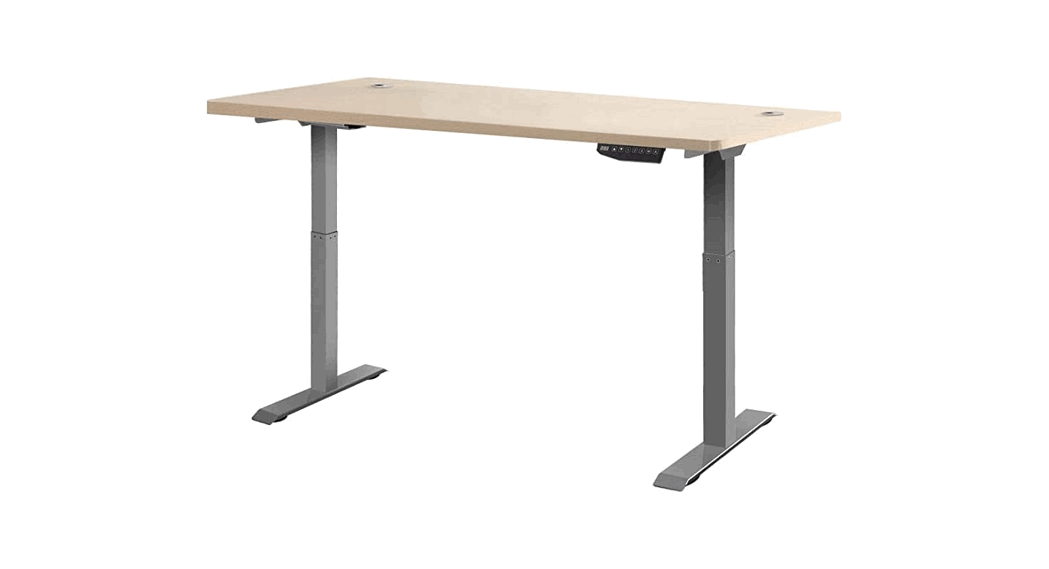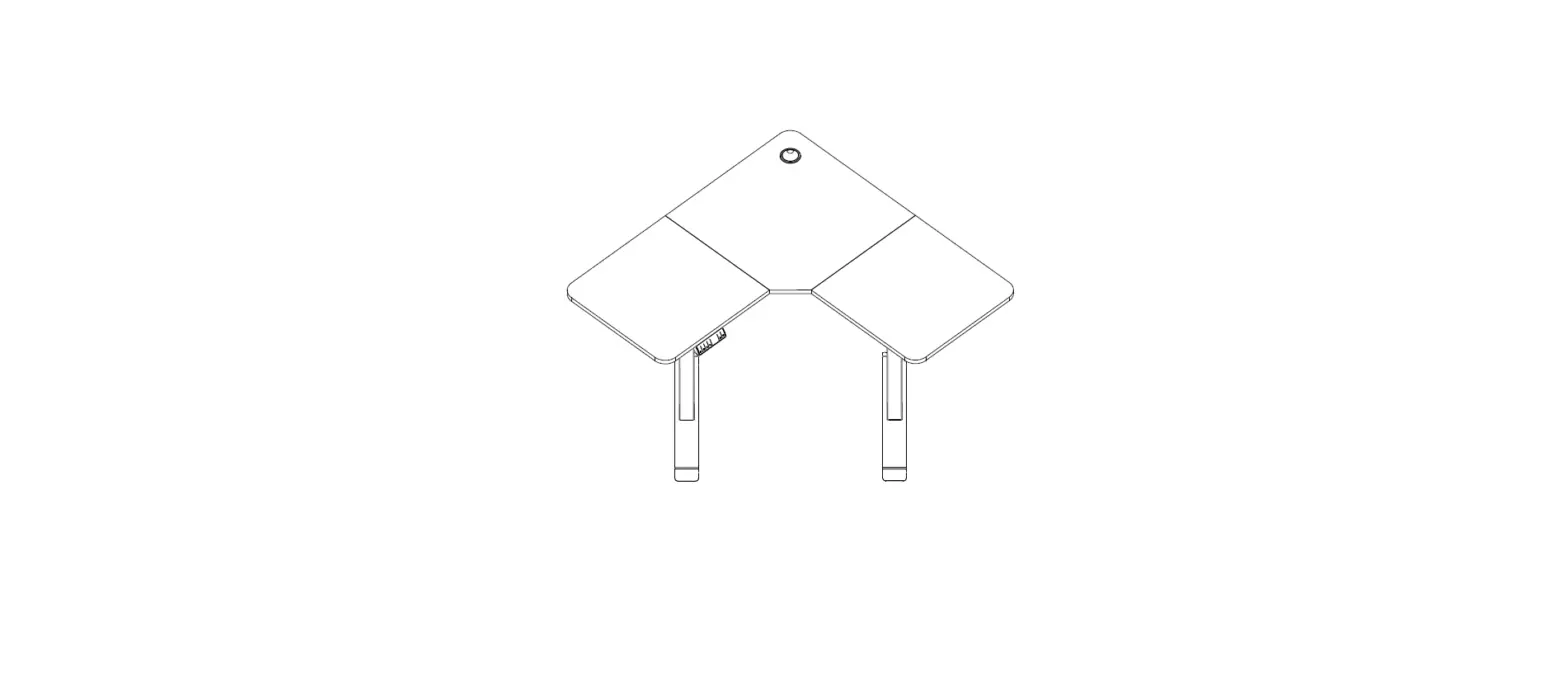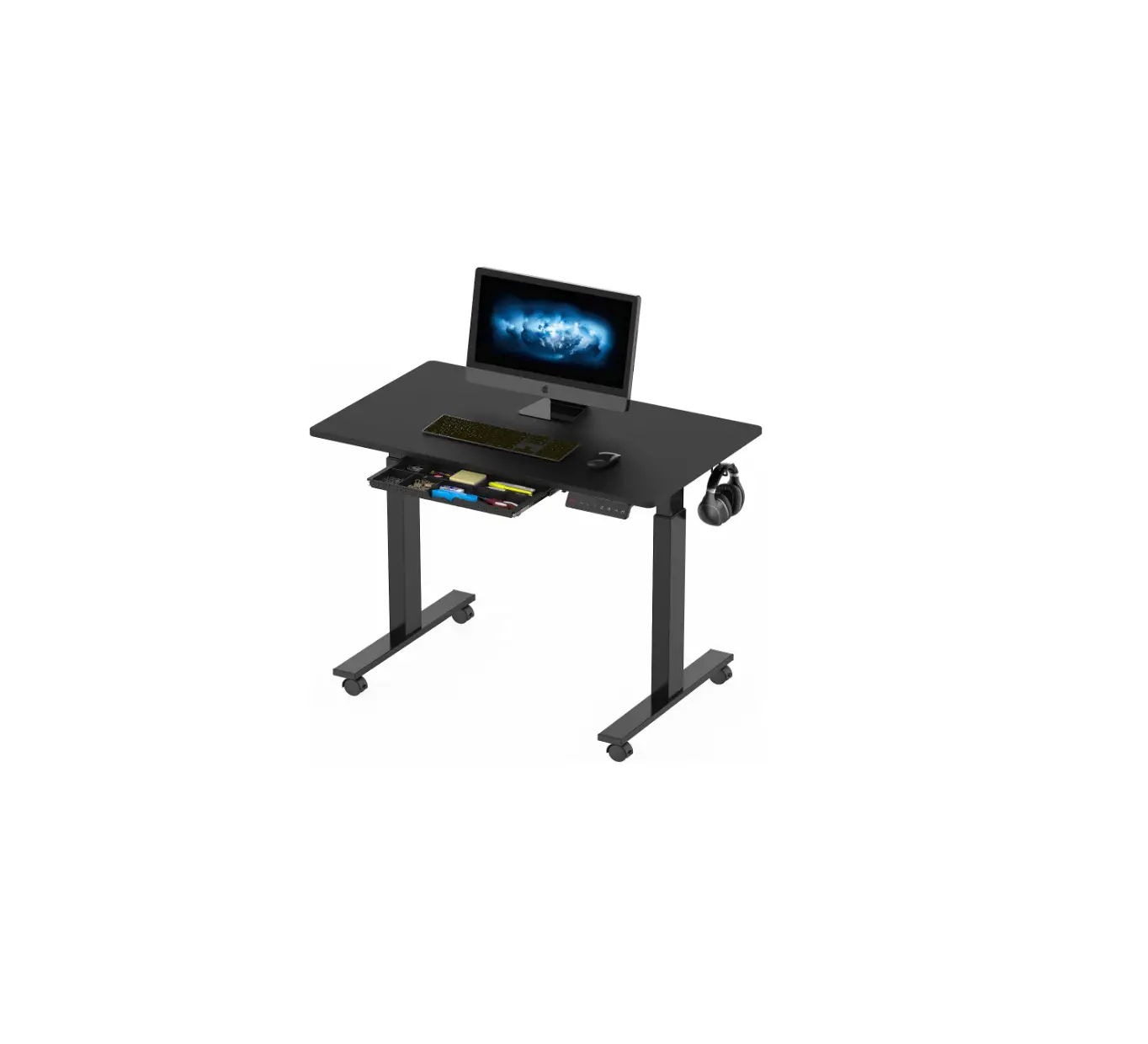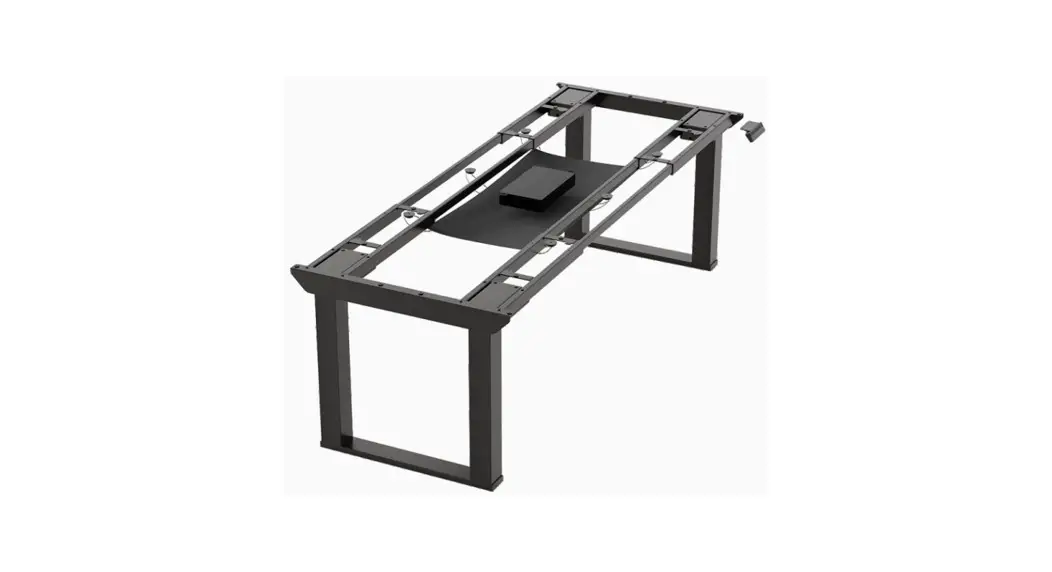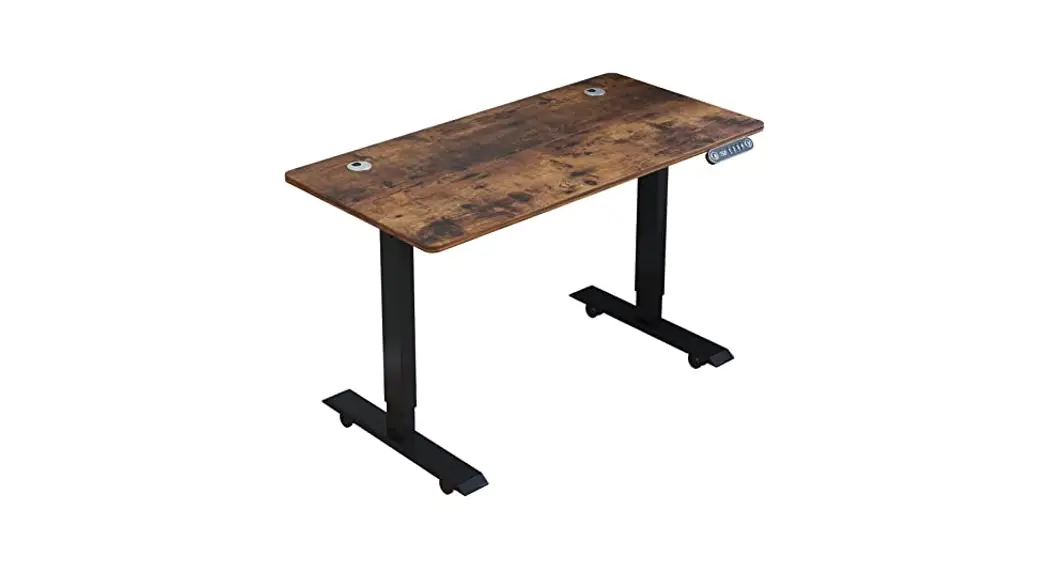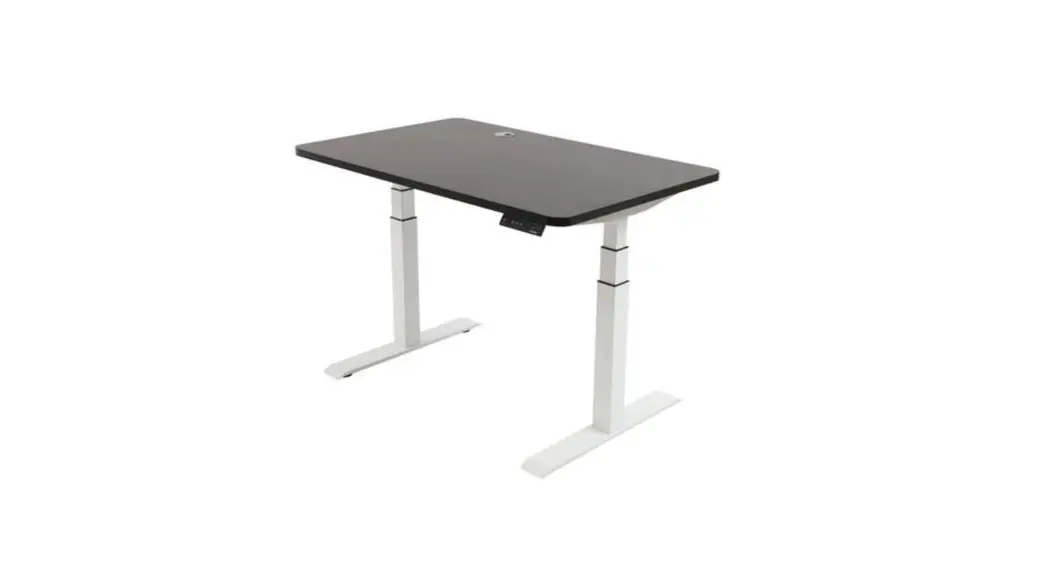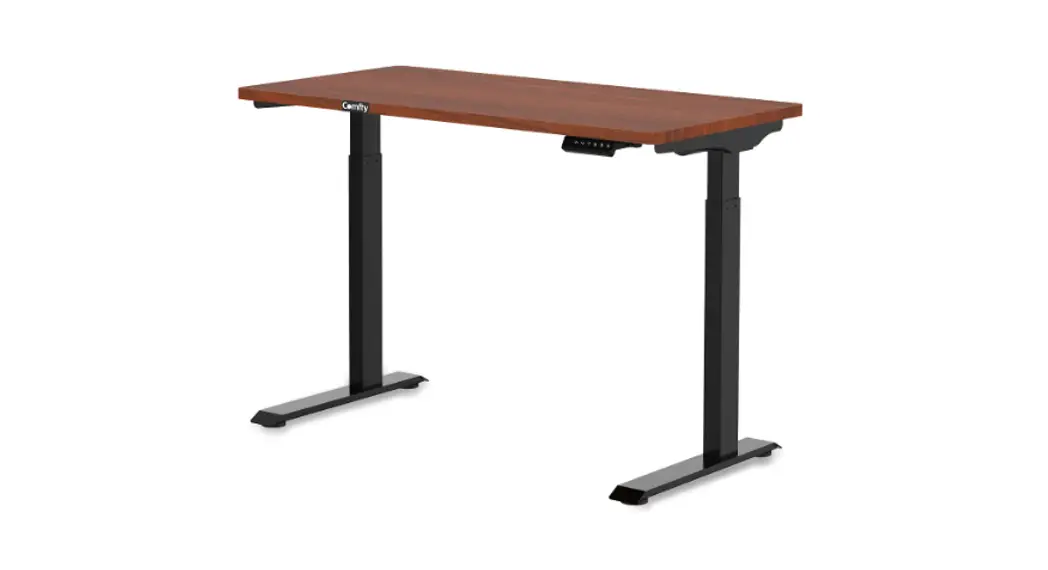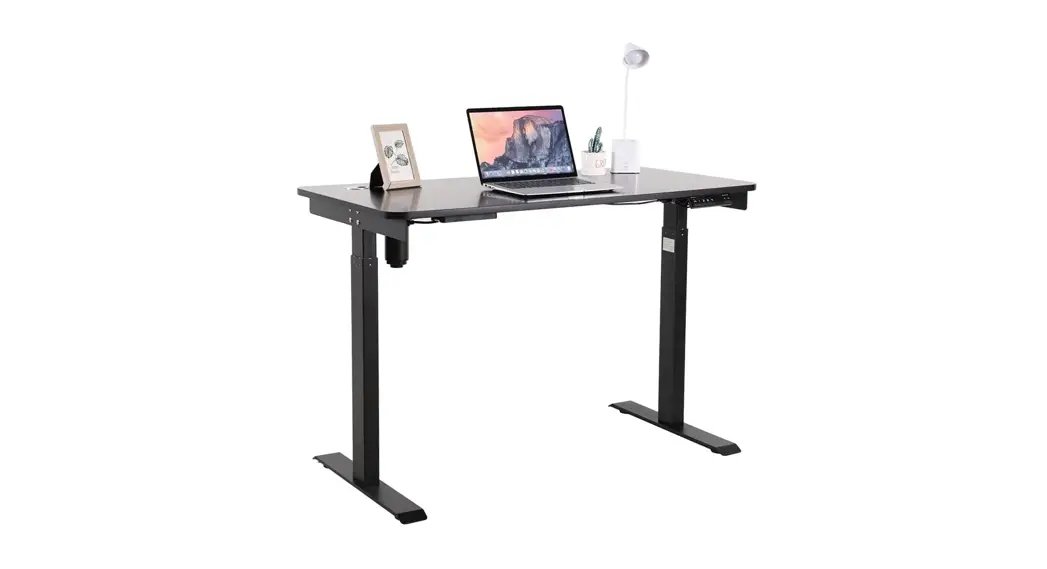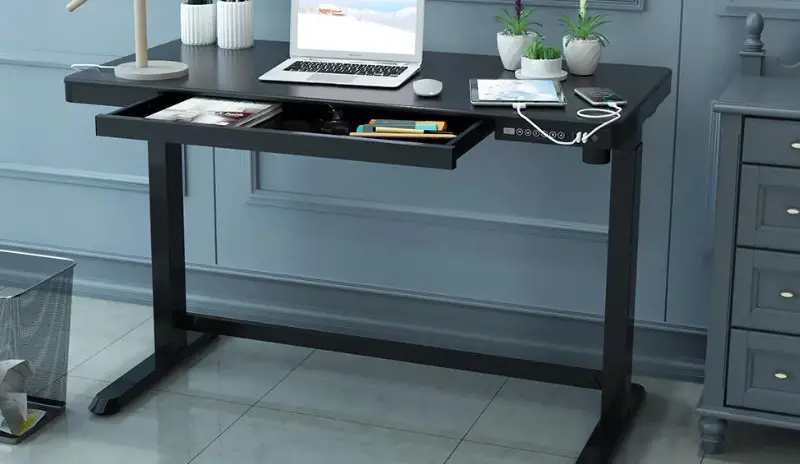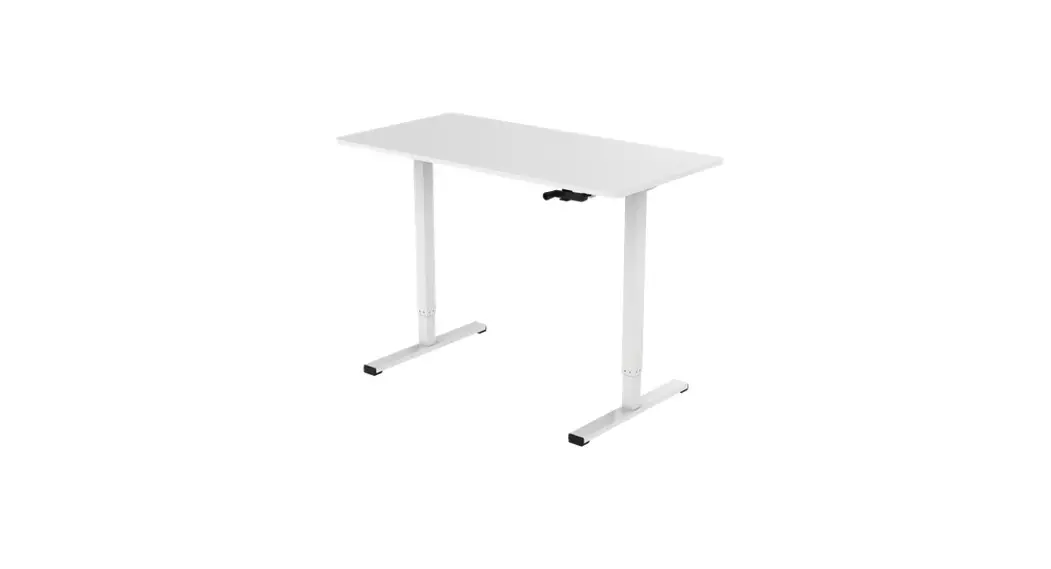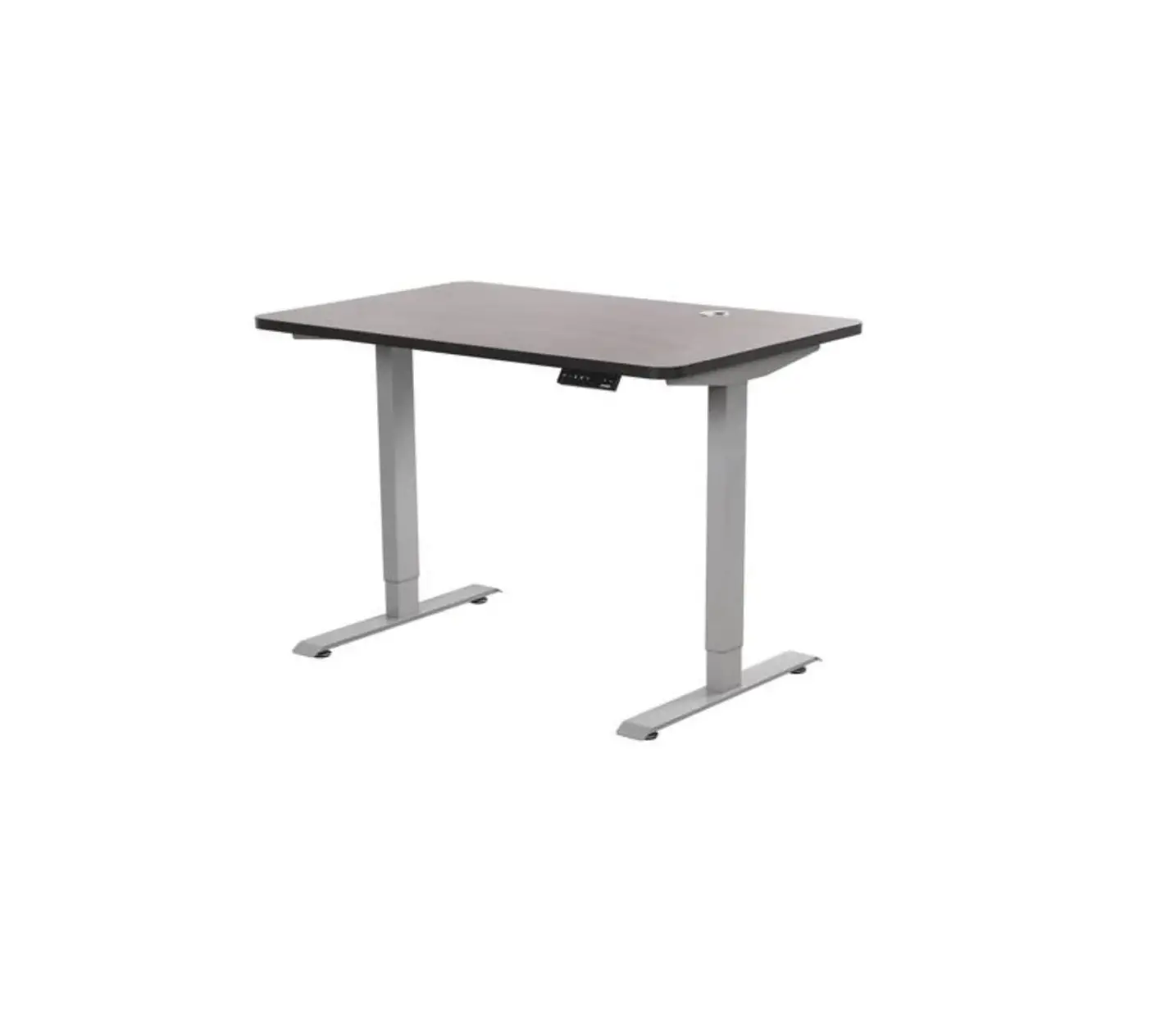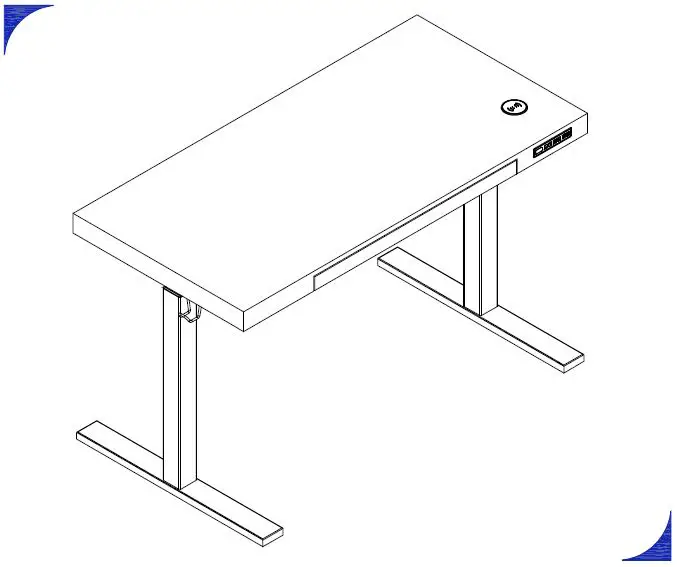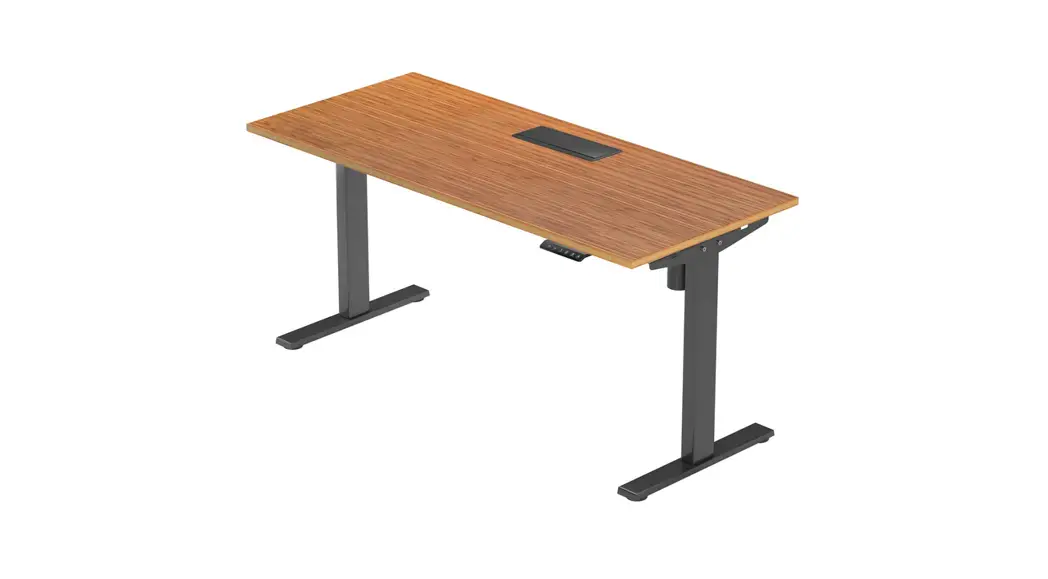
 S450 Electric Standing Desk
User Guide 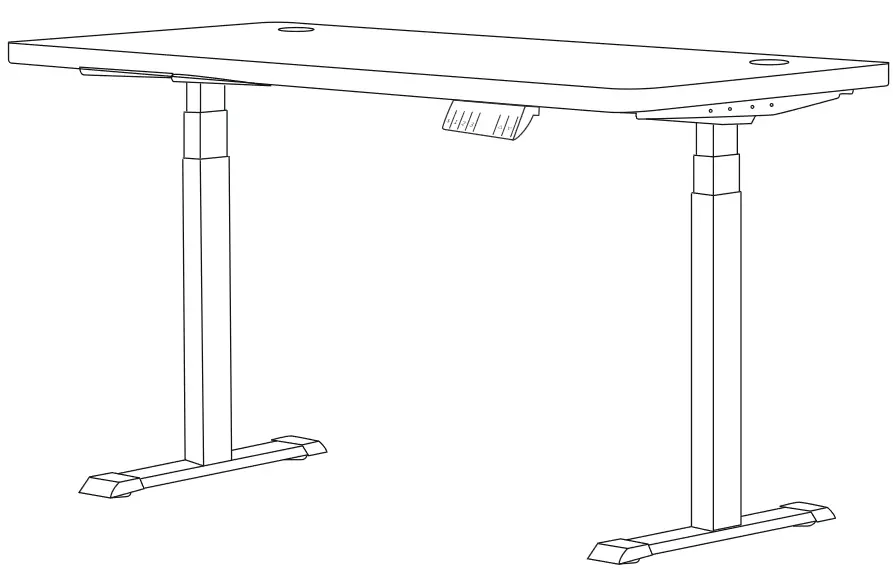
OdinLake Standing Desk
MODEL:S450
USER GUIDE
S450 Electric Standing Desk
Note: Thanks for purchasing from OdinLake. This manual contains important information so please keep it for further possible uses. If you have any questions that can not be solved by this manual, contact us: [email protected]
Parts List
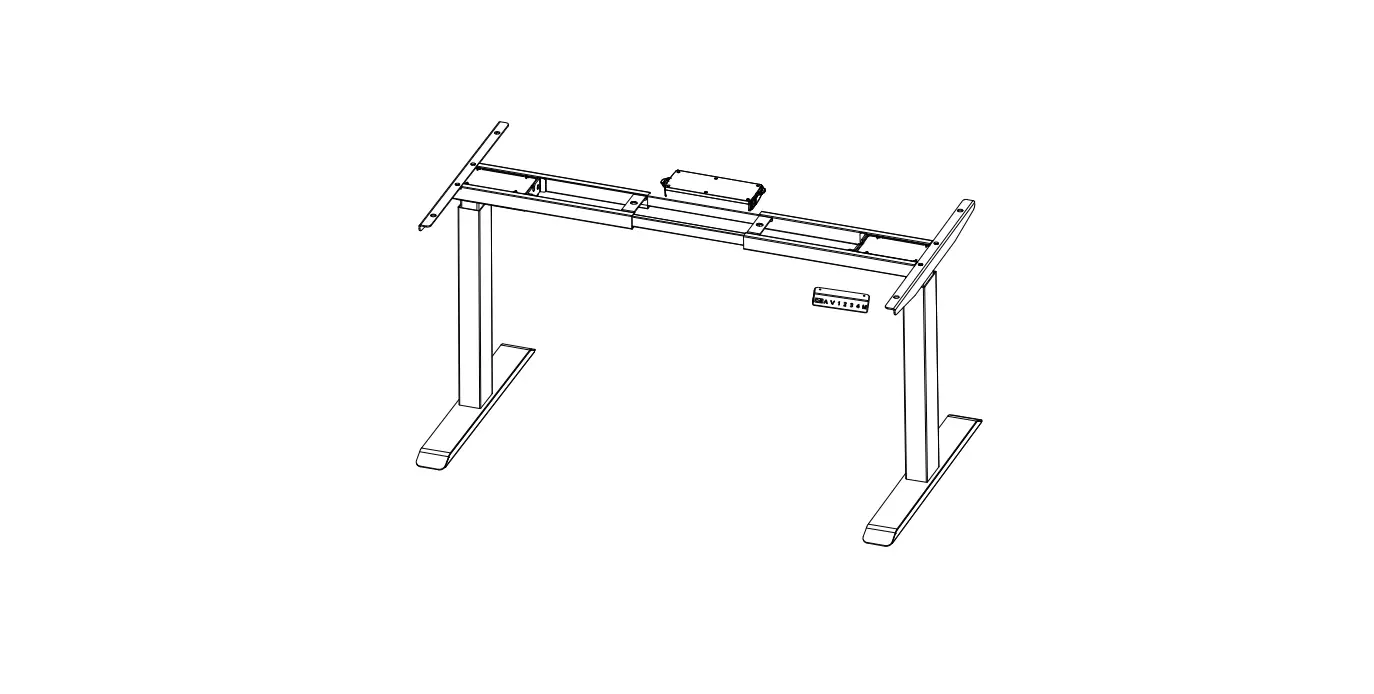
A. Leg X2
B. Crossbar X2
C. Bracket X2
D. Crossbar Rails X2
E. Foot X2
F. M5x16 Screws X2
G. M6x13 Screws X36
H. M4x12 Screws X4
I. 4mm Allen Wrench X1
J. Keypad X1
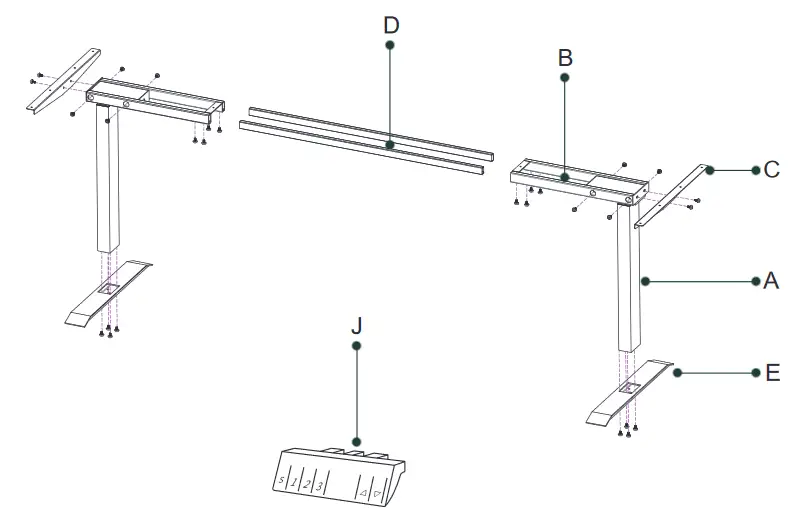
All the above connecting screws use M6 * 13 screws (G)
Assembly Instructions
Step 1
Attach Legs(A) to the Crossbars(B) with 8 M6*13 Screws (G)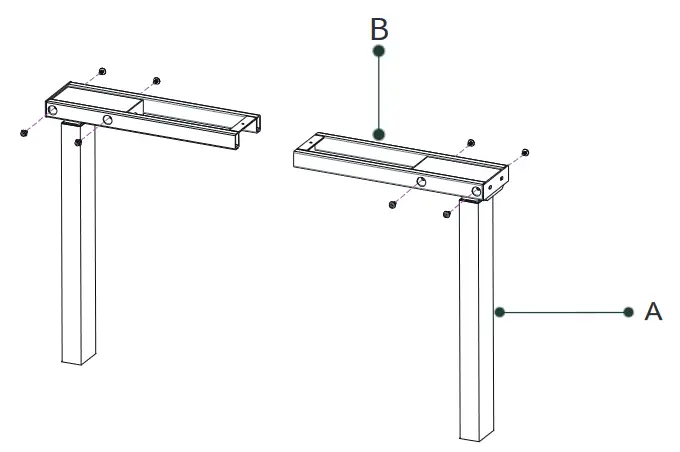 Step 2
Attach Brackets(C) to the ends of the Crossbars (B) with 4 M6*13 Screws (G)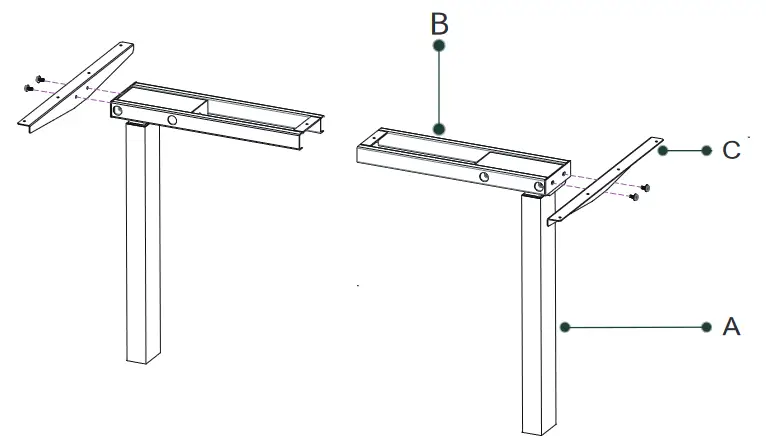 Step 3
- With a partner, lay the Desktop upside down on the ground
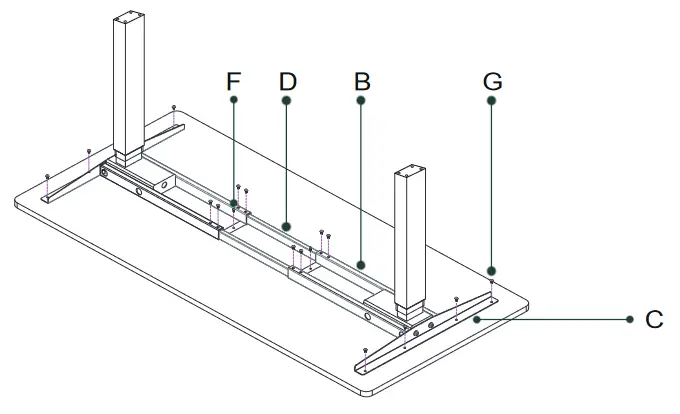
- Insert Crossbar Rails (D) into the Crossbars (B)
- Attach Brackets (C) to desktop with 8 M6*13 Screws (G)
- Fasten Crossbar Rails (D) to Crossbars (B) with 8 M6*13 Screws (G)
- Fix Crossbars (B) to desktop with 2 M5*16 Screws (F)

Step 4
Attach Foots (E) to the Legs (A) with 8 M6*13 Screws (G) 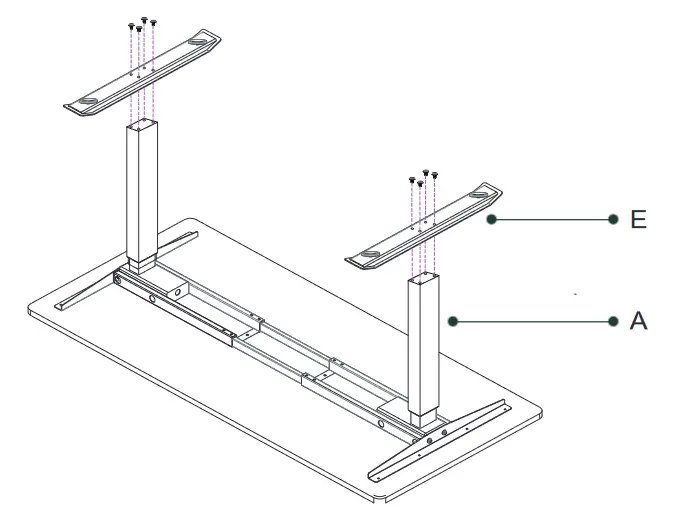 Step 5
The Keypad (J) can be installed on the left or the right with 4 M4*12 Screws (H), according to different usage habits. Then connect the cables as shown in the picture. 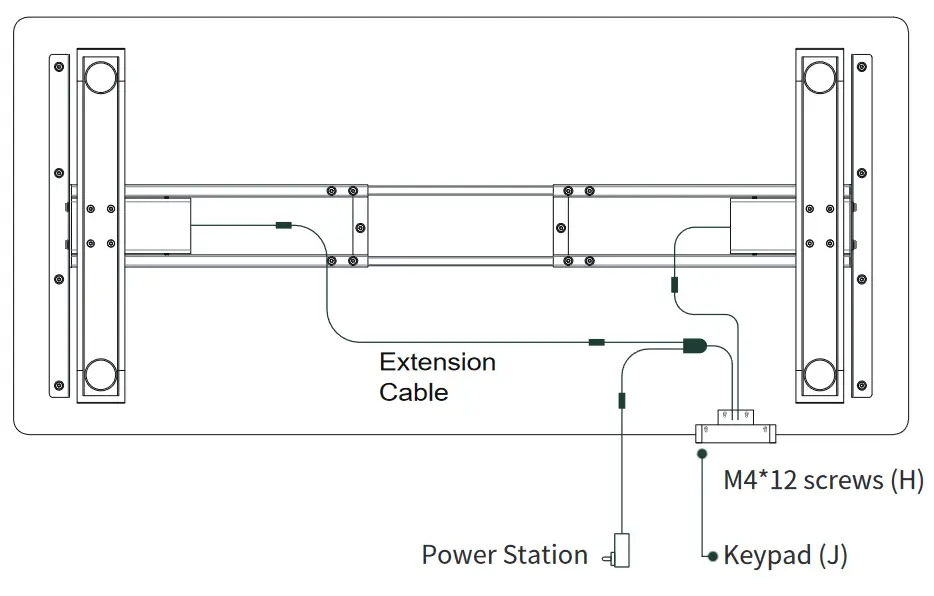
Initialize Settings
Initialization
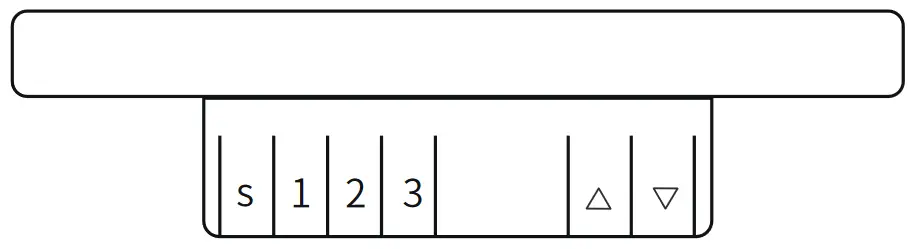
In order to ensure a good user experience, it is necessary to initialize the minimum height when using it for the first time. Press the down key to the lowest position, then press and hold the down key for 3 seconds, and release it after the display
 (Reset). The table starts to run down to the end and bounces to a certain height, the reset is completed and the minimum altitude is displayed.
Adjusting the Height
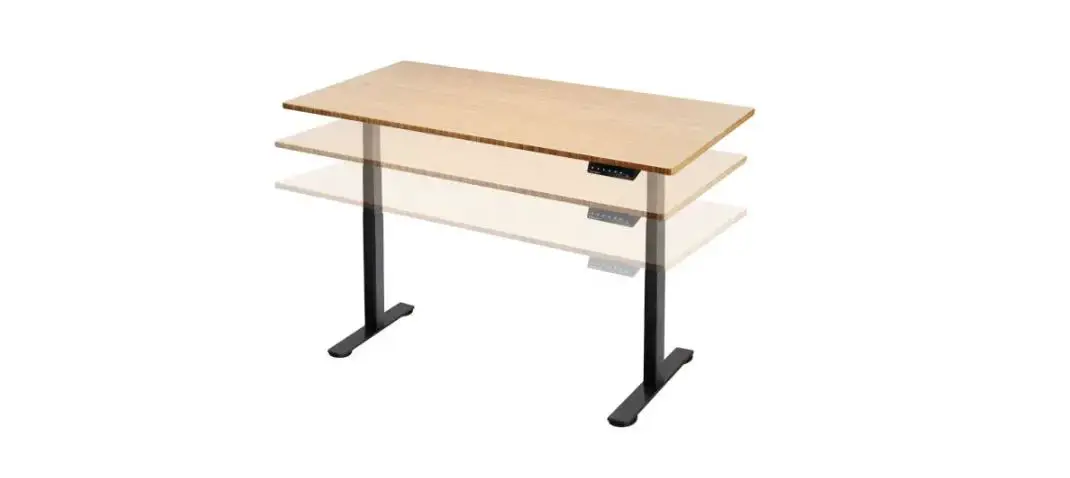
To make your desk higher and archive the proper height of the standing desk, press the up key until it reaches the desired position. On the opposite, to make your desk lower, press the down key until it reaches the desired position. The keyboard has a screen to show the height from the desktop to the floor.
Saving the Desk Position
To save a position, adjust the desk to the desired height. Press the  button, the screen will flash. Press 1 to save the position. Use subsequent numbers, such as 2 and 3 to save more positions.
Note: If there is no number key pressed within 6 seconds, it will exit the memory mode.
Screen Wake
Press any button to wake up the keypad screen
Troubleshooting
| Code | Description | Troubleshooting Solution |
| Hot | Over Hot Protection | This feature is triggered when the desk is in the movement for extended periods of time. Please stop the adjustment and use the desk after reboot orat least 20 minutes. |
 | Block Protection | This feature is triggered and movement is stopped when the desk experiences vibrations, bumps, or tilts during movement.The protection mode will be automatically released when reverse the adjustment.Then, check to ensure that the desk does not vibrate significantly, bump into obstacles or tip over during height adjustment. |
 | Motor Abnormal Function | Please power off the desk. Recheck to make sure the connection between motor and controller is reliable, then power on again. |
 | Overload Protection | Please remove heavy objects on the desk when the desk is running upwards. Cut off the power and remove heavy objects on the desk when the desk is running downwards. |
 | Under Voltage Protection | Please cut off the power and recheck to make sure the connection between motor and controller is reliable, then power on again. |
 | Over Voltage Protection | Please cut off the power and recheck to make sure the connection between motor and controller is reliable, then power on again. |
 | Missing Step | Please cut off the power and re-check and make sure all channel motors are exactly the same and their connection to the controller is reliable, then power on again. |
Exceptional Initialization
In the “E10, E20, E60” alarm state or after running to the lowest height position, press and hold the down key for 3 seconds, release it after the display (Reset), the lift table starts to run down to the end and bounces to a certain height, thereset is completed and the lowest height is displayed .
Warranty Rules
- Warranty Range
We provide free replacement parts for buyers/users. Warranty only covers the parts of the desk.
Please note that free tools ( allen wrench) are not covered in the warranty. - Warranty Conditions
Parts will be covered if used normally in reference to the instructions in the manual. Warranty will not include damages caused by not following the manual. - No Warranty Covered
1) No proof of damaged parts ( need clear original picture or video to show the defective parts of desk ).
2) Failure parts caused by improper operation after purchase.
3) The parts fail due to modi fication, disassembly or repair of product by a third party or customer not following the instruct the ions.
4) Other reasons found that cannot prove damaged parts. We shall not be responsible for any intended damages or accidental damages by detrimental weather, etc. - Attention
Please keep the original package box for 30 days in case you need to return the desk to the Odin Lake.
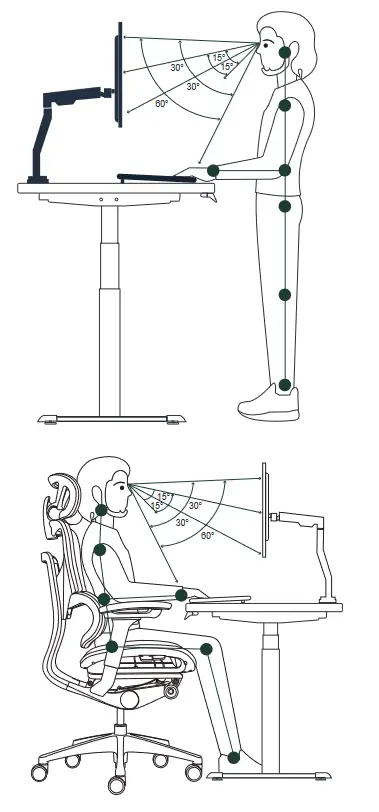
Office Ergonomic Guide
A comfortable working space can help you feel better. Give your sitting and working area a make over with this visual guideline to office ergonomics.
Disclaimer
 Attention: Ignoring the contents described herein may result in death or injury to the user, or there is a risk of property damage.
 | Please do not use or store the product in high temperature, high humidity or direct sunlight for a long time. |
 | Please do not repair, modify or disassemble yourself unless you follow the instructions in this manual. It could cause a malfunction. |
 | Do not use this product for infants. |
 | Do not stand on the standing desk. |
Odin Lake owns the copyright of this file.
Unauthorized reproduction/reprinting of all parts of this manual is prohibited.
Due to product improvement, the specifications and appearance of this product are subject to change without prior notice.
Please note that we are not responsible for any failure of other products caused by using this product.
Odin Lake is a registered trademark in the USA, Europe and Japan.

Any Quality Issue
Please send email to [email protected],
take picture and offer your Order No. for Odin Lake’s easy checking.
Odin Lake will provide free replacement parts, send a new
desk or refund accordingly.
OdinLake
Electric Standing Desk
Health & Stylish
www.odinlake.com
 Professional Ergonomic Office Furniture - OdinLake Ergo Manufacture