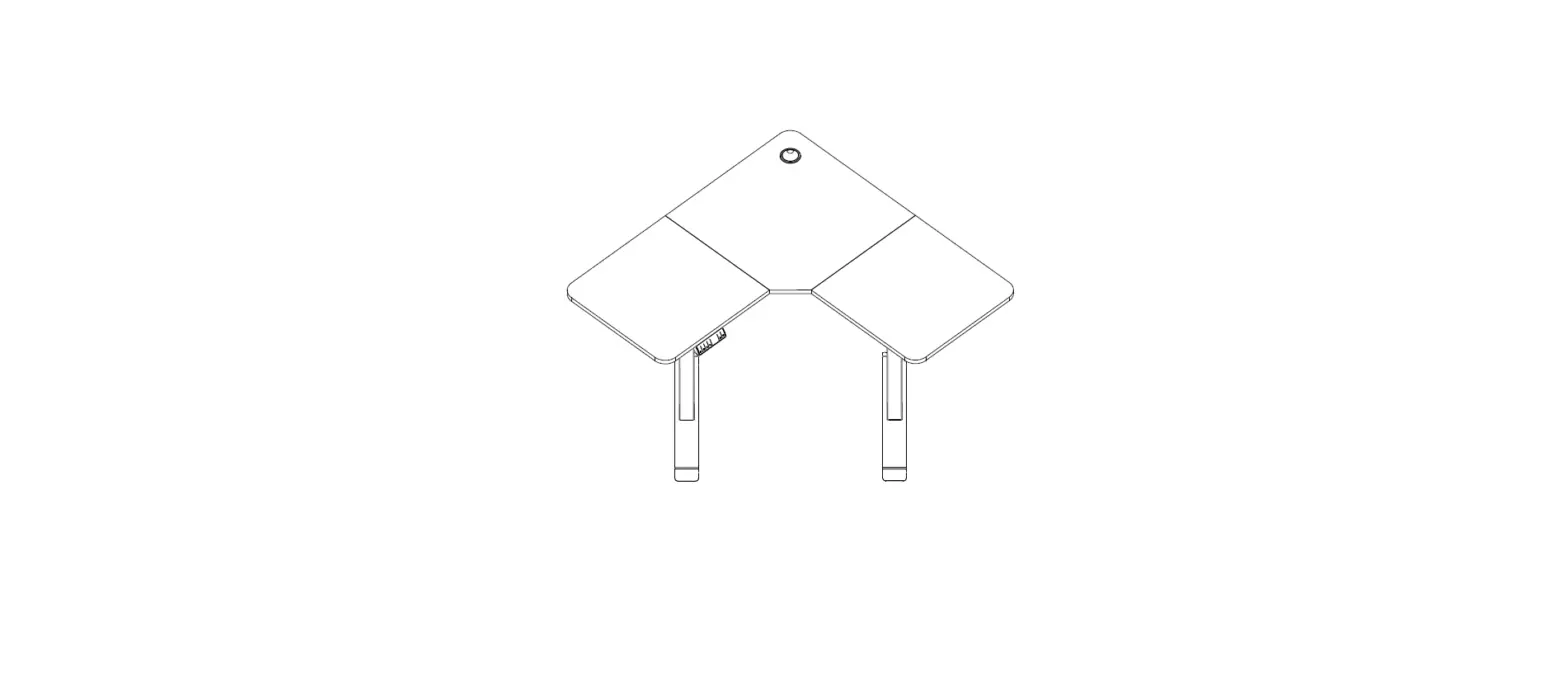
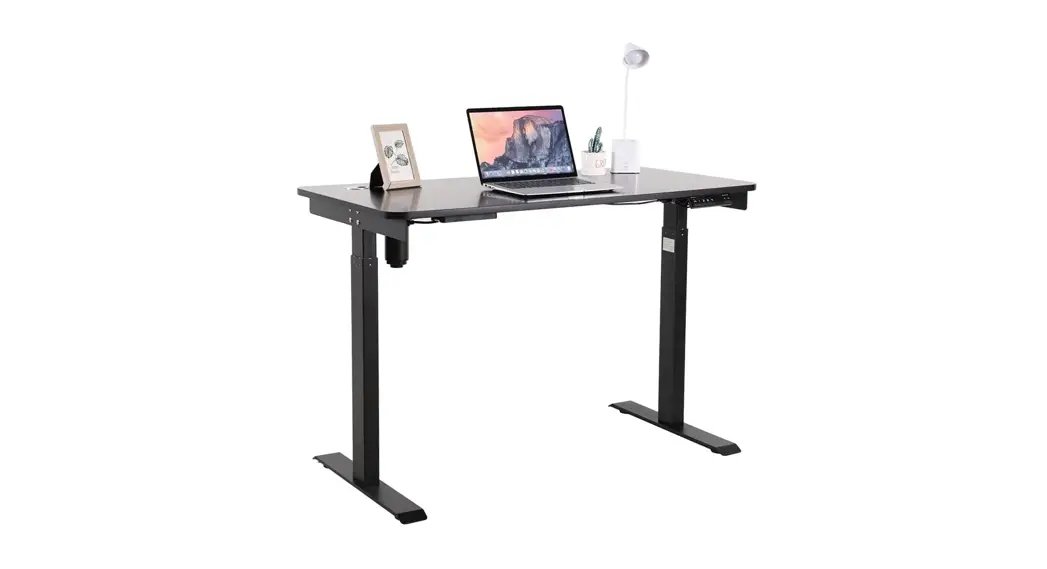
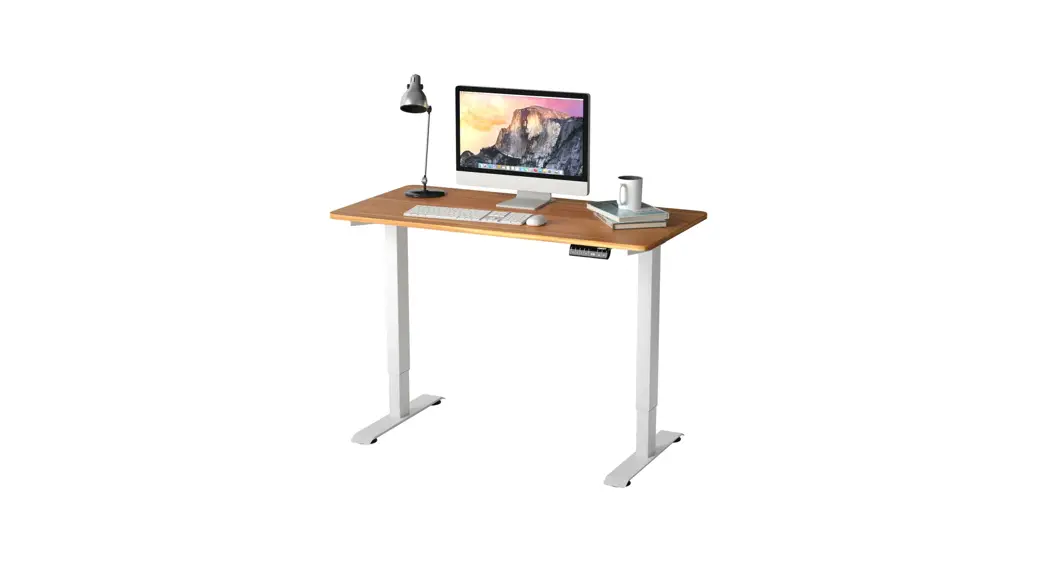
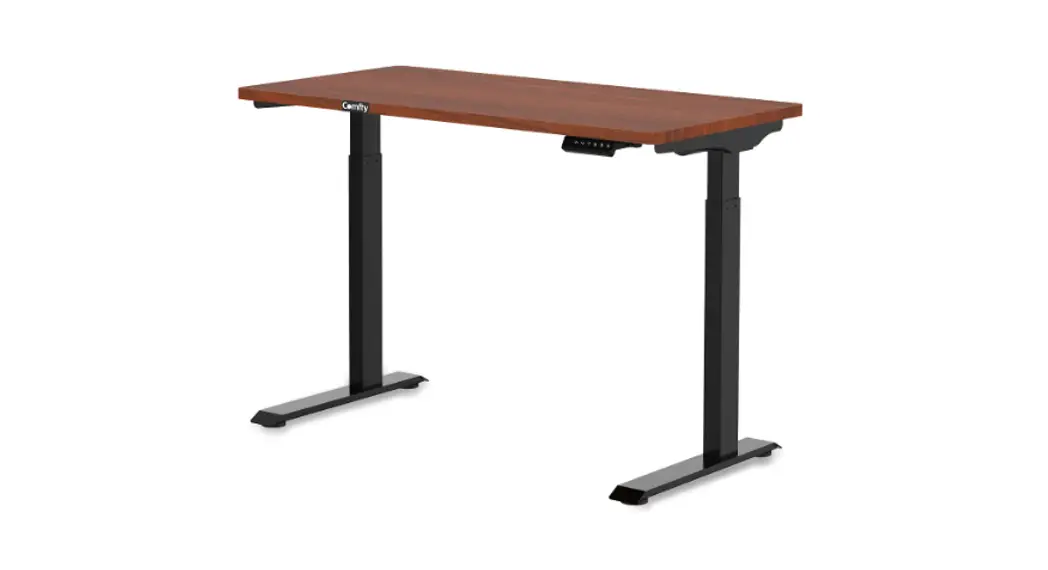
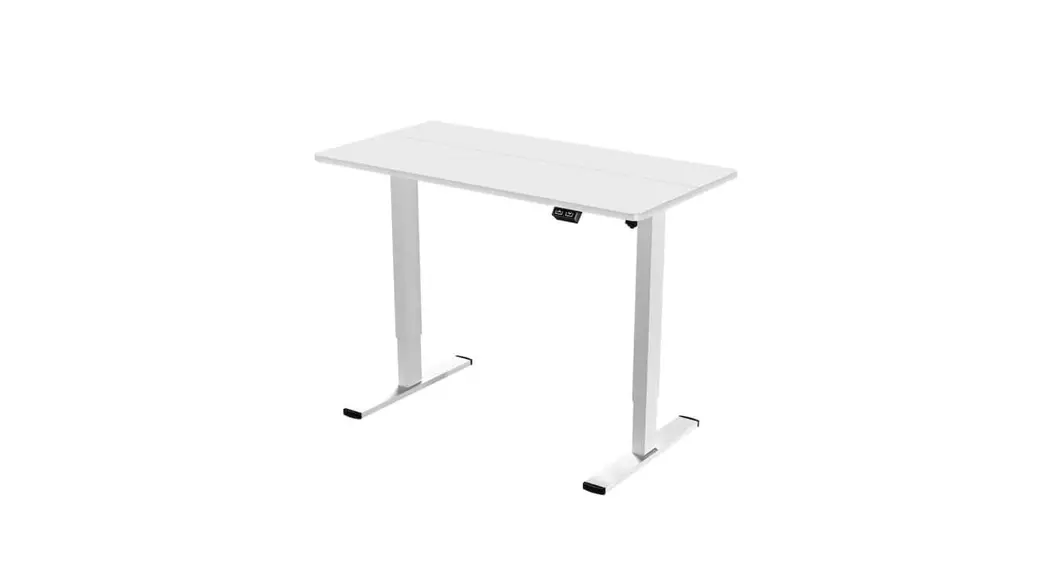
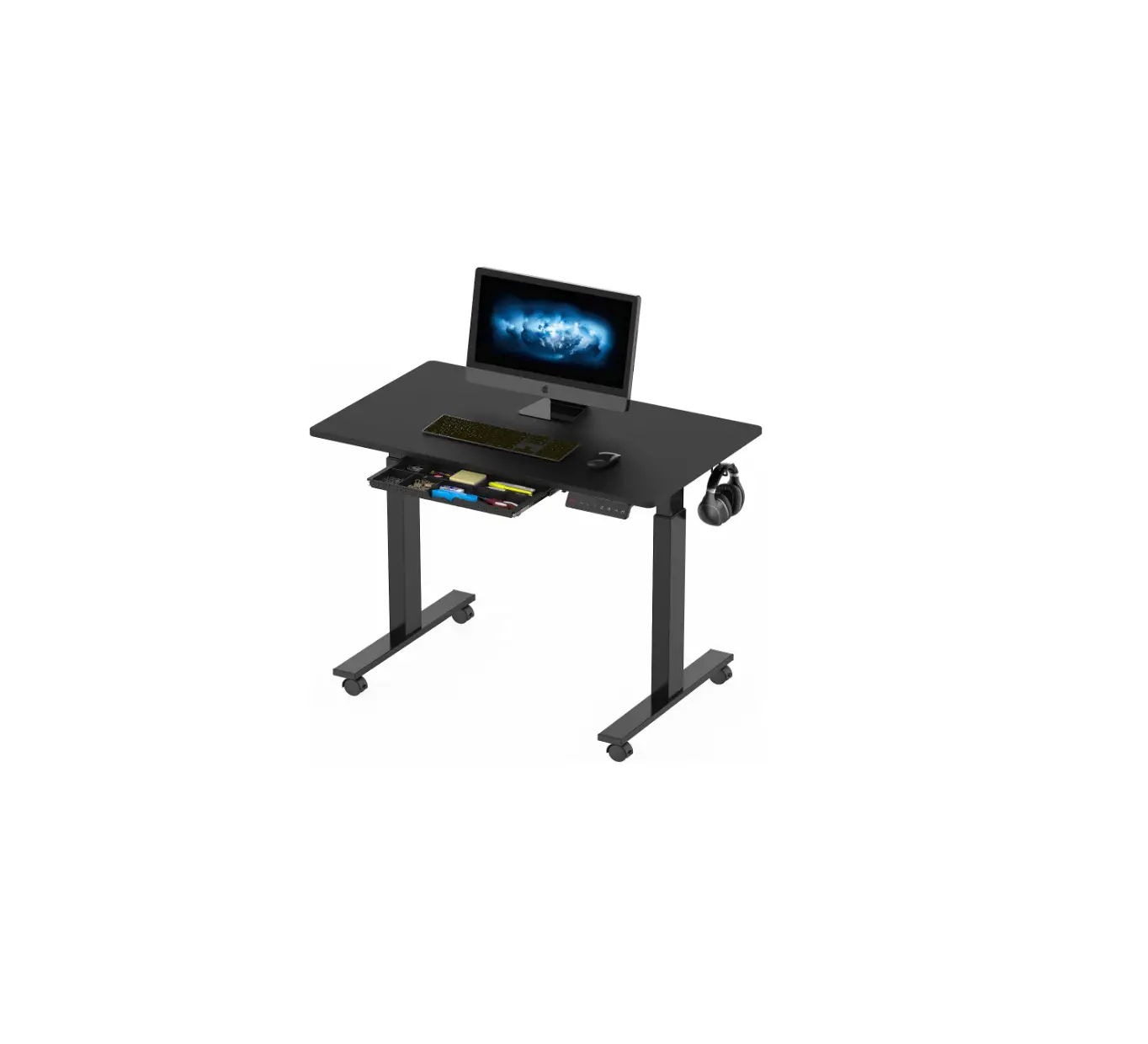
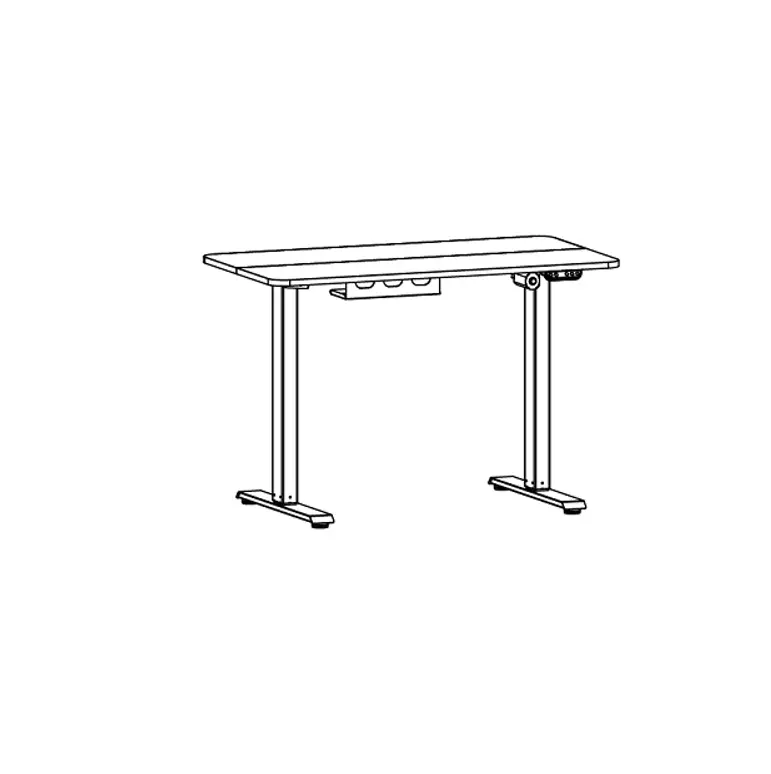
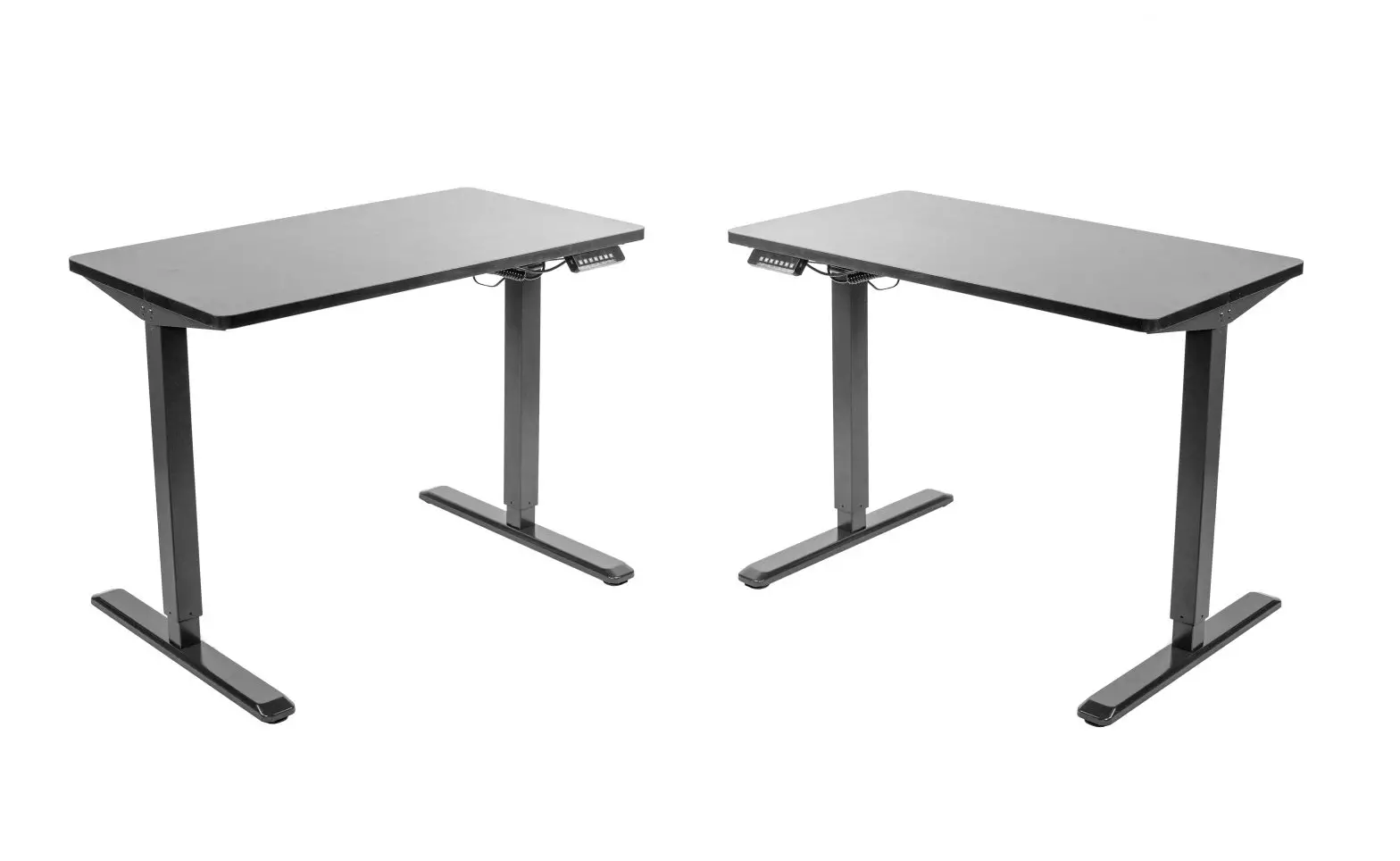
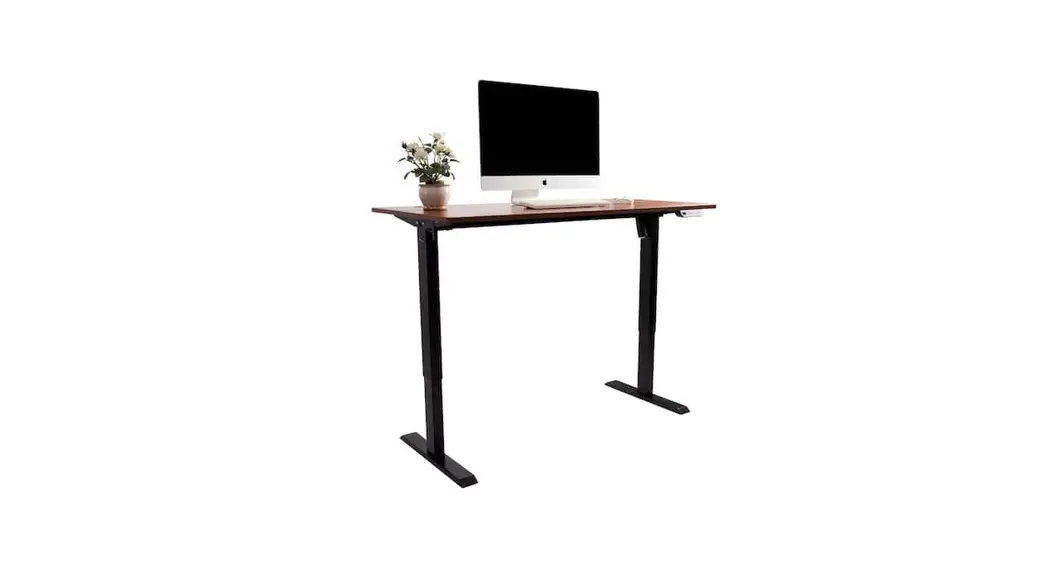
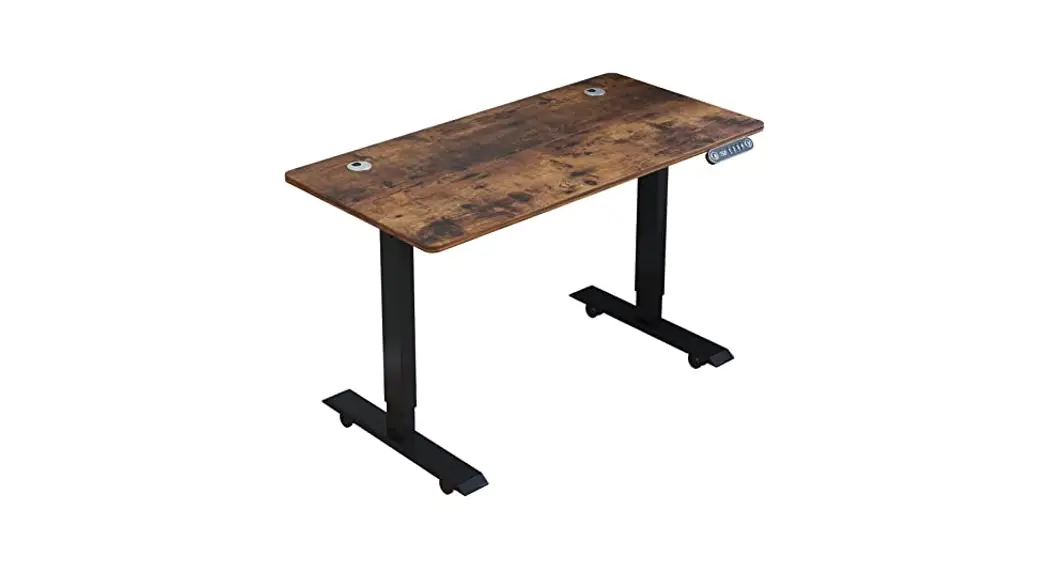
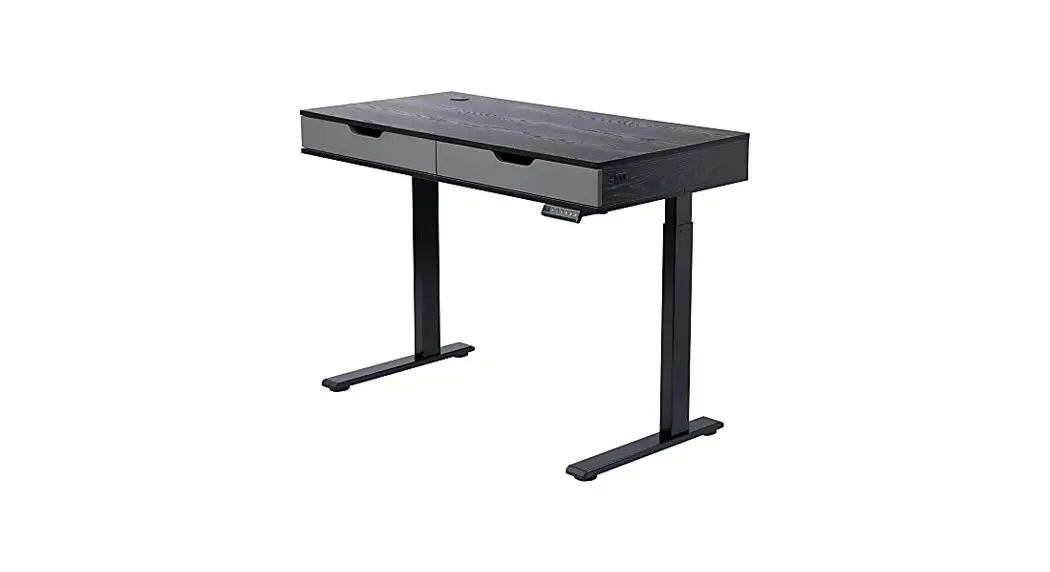
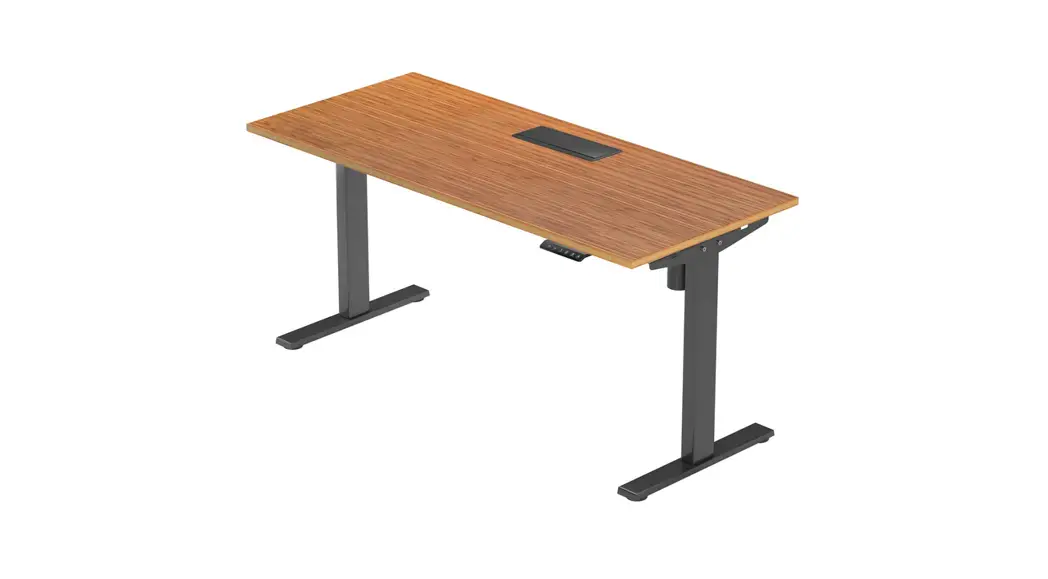
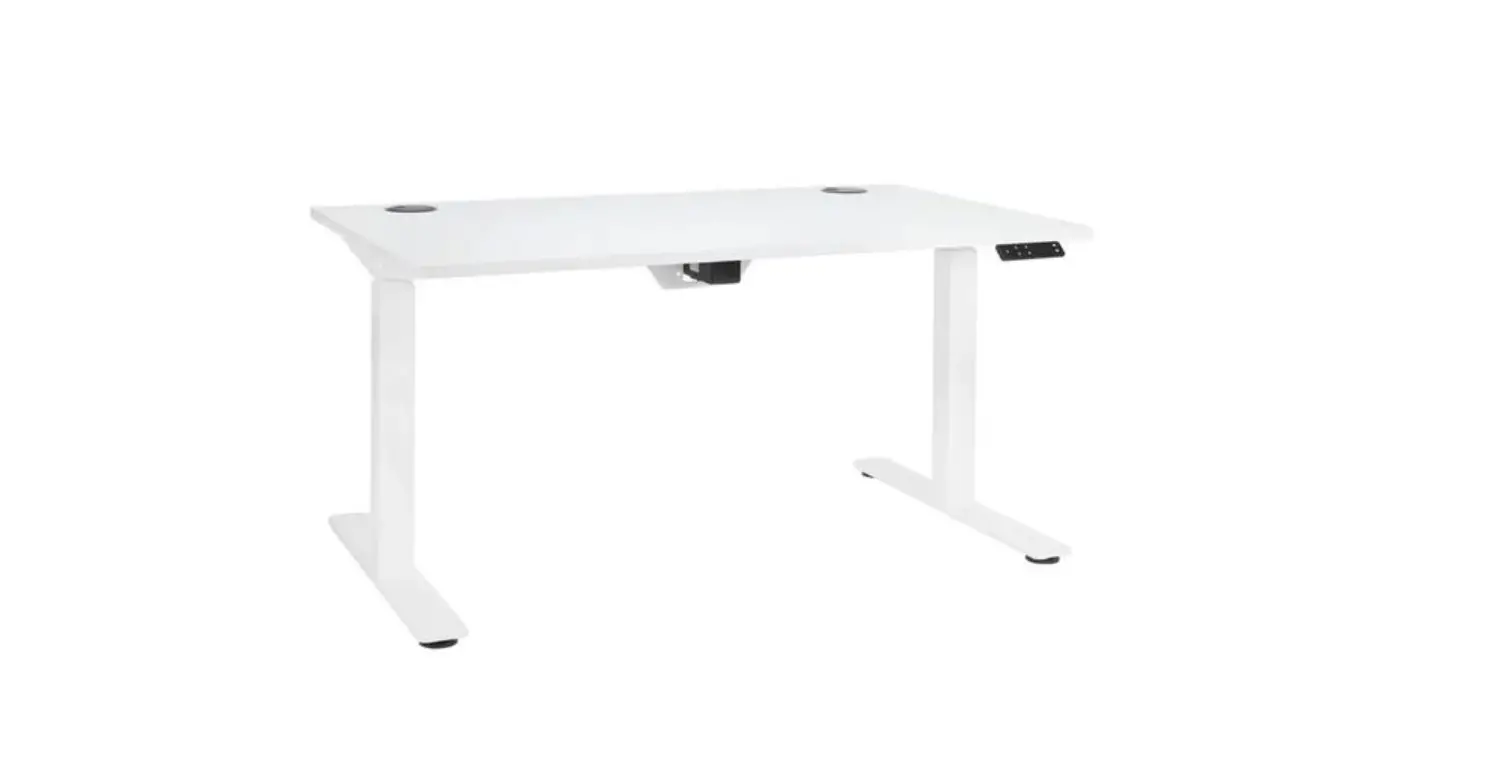
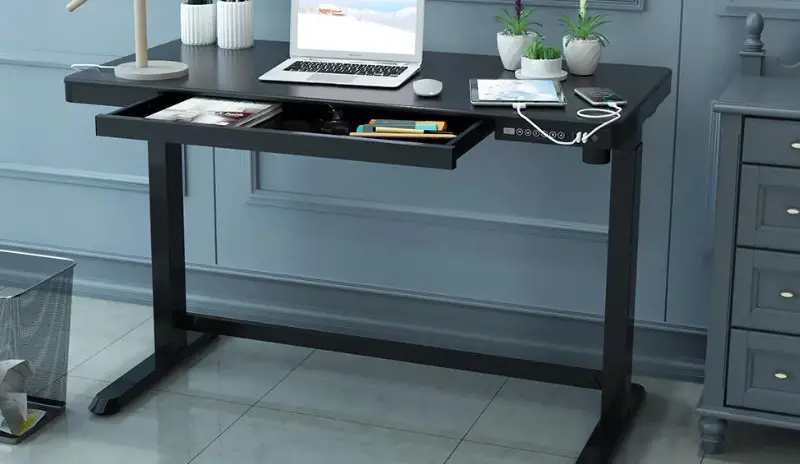
M10-8JV203US-CF L-Shaped Electric Standing Desk
Product Information: L-Shaped Electric Standing Desk
The L-Shaped Electric Standing Desk is a versatile and
adjustable desk that can be used for standing or sitting. The desk
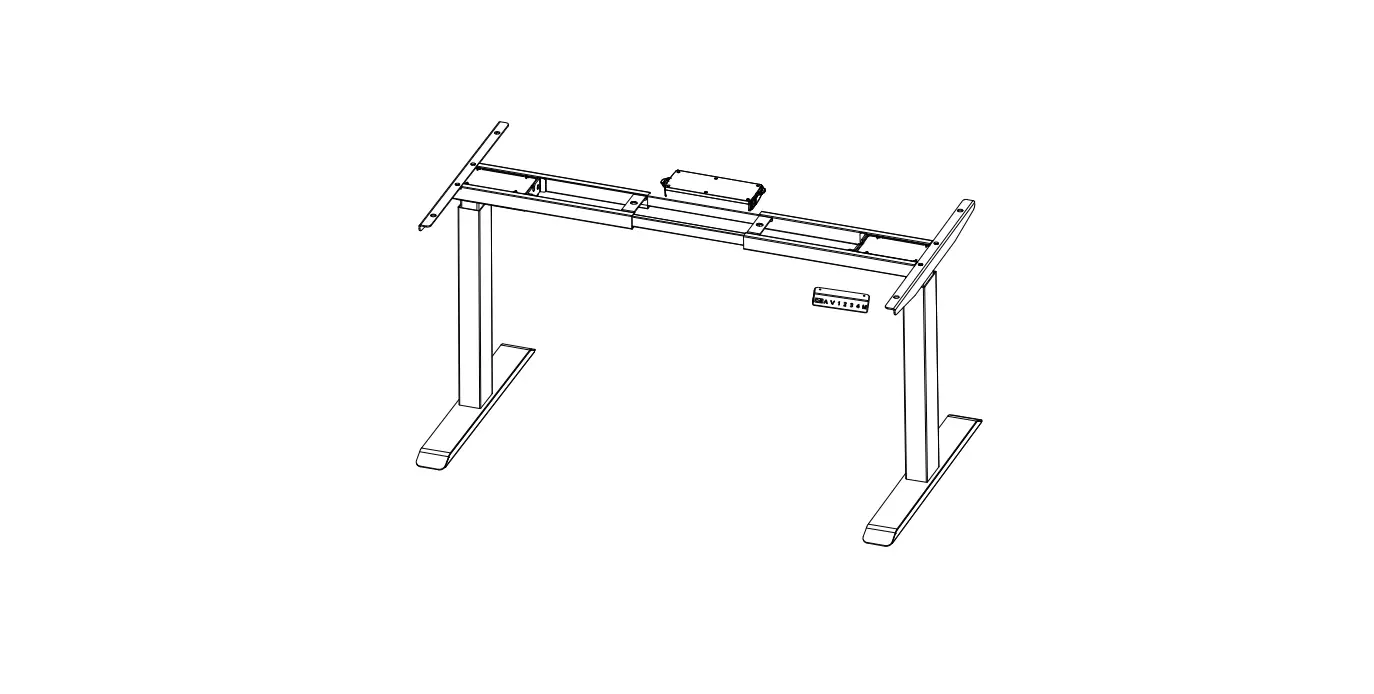
has a lift column, a base, a frame, three desktops, a power supply
holder, and a handset. It also comes with screws and tools for
assembly.
Parts List:
- A Lift column*1
- B Lift column*1
- C Base*2
- D Frame*2
- E Side bracket*2
- F Motor Rod*1
- G Desk top*3+Wooden pin*8
- H Desktop connection block*2
- I Handset + Power supply Power cord
- J M6 screws*37
- K M4 screws*1
- L Self-tapping screws*4
- M M6 screws*2
- N 5# wrench*1
- cross screwdriver *1
- Power supply holder*1
- Pothook*2
Important Safeguards:
Please read the following safeguards before using the L-Shaped
Electric Standing Desk:
- Do not attempt to repair or disassemble the desk yourself.
- Do not overload the desk beyond its weight capacity.
- Keep the desk away from moisture and heat sources.
- Do not use the desk if it is damaged or if any parts are
missing.
Product Usage Instructions:
Before You Start:
Please contact the customer service department if you have any
questions or need assistance assembling the desk. Do not return the
desk before contacting customer service. Please read and follow all
assembly instructions carefully.
Assembly Steps:
Follow the steps below to assemble the L-Shaped Electric
Standing Desk:
Step 1:
- Attach the hand controller to the table with L self-tapping
screws using the provided N 2 screwdriver. - Install the G 2 power supply holder.
- Fasten D 1 and D 2 with M M6 screws as shown in the figure,
using the provided N spanner.
Step 2:
- Fix A lift column and B lift column to C table base with J M6
screws using the provided N 1 spanner.
Step 3:
- Assemble frame tightened with J M6 screws using the provided N
1 spanner. - Install the two side brackets with J M6 screws using the
provided N 1 spanner. - Use J M6 screws to fix the hook to the side bracket using the
provided N 1 spanner.
Step 4:
- Install the motor rod and connect it to the frame using J M6
screws and the provided N 1 spanner.
Step 5:
- Connect three desktops with pins and put them on the
frame. - Tighten the desktops with J M6 screws using the provided N 1
spanner. - Put on the hand handset using the provided N 1 spanner.
Step 6:
- Install the wire box and arrange the wires.
- Connect the I 3 power cord, the motor, the I 2 power supply,
and the I 1 handset as shown.
Operational Instructions:
Use the handset to adjust the height of the desk. The desk can
be adjusted to different heights for sitting or standing. Always
make sure the desk is stable before using it.
USER’S MANUAL L-Shaped Electric Standing Desk
THIS INSTRUCTION BOOKLET CONTAINS IMPORTANT SAFETY INFORMATION. PLEASE READ AND KEEP FOR FUTURE REFERENCE.
Please give us a chance to make it right and do better Contact our friendly customer service department for help first. Replacements for missing or damaged parts will be shipped ASAP!
Contact Us!
Do NOT return this item.
Contact our friendly customer service department for help first.
Before You Start
Please read all instructions carefully. Retain instructions for future reference. Separate and count all parts and hardware. Read through each step carefully and follow the proper order. We recommend that, where possible, all items are assembled near to the area in which they will be placed in use, to avoid moving the product unnecessarily once assembled. Always place the product on a flat, steady and stable surface. Keep all small parts and packaging materials for this product away from babies and children as they potentially pose a serious choking hazard.
02
IMPORTANT SAFEGUARDS
Read these instructions carefully and retain them for future use. When using the product, basic safety precautions should always be followed to reduce the risk of injury including the following: Unpack all hardware bags and components to ensure you have all the parts. Use the tools included to assemble the desk, don’t use the incorrect tools to assemble. Do not climb, stand or sit on the desk. Do not place objects on the desk when moving. Check to ensure all bolts, screws and brackets are tightened on a regular basis. Do not place the table in a humid environment. Do not place heavy objects on the table when storing. There is potential risk of personal injury not to follow the instructions when in use.
03
A Lift column*1
Parts List
B Lift column*1
C Base*2 E Side bracket*2
D Frame*2
D1
D2
F Motor Rod*1
G Desk top*3+Wooden pin*8 Power supply holder*1 Pothook*2
H Desktop connection block*2
æ
ç
è
G 1
G2 G3
I Handset + Power supply Power cord
J M6 screws*37
L Self-tapping screws*4
K M4 screws*1 N 5# wrench*1
M M6 screws*2
cross screwdriver *1
I1
I2
I3
J
K
L
M
04
N1 N2
Assembly steps
Step 1: 1.1 Connect the board æçè pay attention to the direction of the board with wooden pins. As shown in the figure. 1.2 Fasten H connecting blocks with J M6 screws as shown in the figure, using the provided N spanner.
1
1.3 The hand controller is fastened to the table with L self-tapping screws, using the provided N 2 screwdriver. 1.4 After installing the G 2 power supply holder, set aside. 1.5 Fasten D 1 and D 2 with M M6 screws as shown in the figure, using the provided N spanner.
1
N 1
N 2
G 2
1
2
3
JH
L
I 1
D 1 M
D 2
05
Step 2: Fixing A lift column and B lift column to C table base with J M6 screws, using the provided N 1 spanner.
N 1
J C
A
B
prohibited removal
06
Step 3: 3.1 Assembling frame tightened with J M6 screws,using the provided N 1 spanner. 3.2 Then install the two side brackets with J M6 screws,using the provided N 1 spanner. 3.3 Use J M6 screws to fix the hook to the side bracket,using the provided N 1 spanner.
N 1
J
D
E
G 3
J J
07
Step 4: 4.1 As shown in Figure 1,insert the hexagonal bar into the lift column B until the buckle is not visible. 4.2 Attach the other end of the connecting rod to the lift column A and screw on the handle. The handle does not need to be tightened. Note: As shown in Figure 2 below, it needs to be aligned with the card slot. 4.3 Pull the connecting rod with the handle to the bottom end of the lift column A in the direction of the arrow as shown in the figure. 4.4 Tighten the handle and install the K M4 screws, using the provided N 2 screwdriver.
N 2
On the card slot
1
2 F
Tightened
3
K
08
Step 5: After connecting three desktops with pins and put on the frame and tightened with J M6 screws, put on the hand handset, using the provided N
1
spanner.
N 1
Notice: please preload all the screws into the holes first and then fasten them up.
Same side
J
J J
09
Step 6: Install the wire box, arrange the wire, and complete the installation. Connect the I 3 power cord, the motor, the I 2 power supply and I 1 the handset as shown.
G 2
I 3 I 2
I 1
10
Operational instructions
1. Adjust the height Press the button or button to control the lift column up or down. Press and hold the button to move the table up, you can see the height number on the screen; press the button to move the table down, you can see the height number on the screen. 2. Set memory height Press and hold ( , , , ) button for 2 seconds, the current height will be saved. Meanwhile, the screen flashes for 2 seconds, and current height will be displayed. 3. Recall memory height Press the number button ( , , , ) to adjust table to the corresponding pre-saved height. 4. Stroke reset When system shows `E10, E20′ or table goes down to the lowest position, press and hold button for 3 seconds, when ( ) pops up, release the button, the table starts to go down to the lowest position then goes back up to reach a certain height, stroke reset complete and the lowest height will be displayed.
11
5. Protection and error code 5.1 Resistance protection: `E02′, if any shaking, hitting or slope happens during moving, table will stop immediately. Move table back for certain distance or back to reversed motion set can fix the error. Be sure there’s no shaking, hitting or sloping risk, then restart operating. 5.2 Overheating protection: `HOT’, long time operating the table may trigger this protection, re-plug the power then wait for at least 18 minutes before use. 5.3 Motor abnormal protection: `E10′, power off first, check and make sure the motor and controller are well connected, then re-plug. 5.4 Overload protection: `E20′, if this error occurs when table is going UP, remove heavy objects on top; if this error occurs when table is going DOWN, power off first, remove heavy objects then re-plug. 5.5 Under-voltage protection: `E31′, power off first, check and make sure the motor and controller are well connected, then re-plug. 5.6 Over-voltage protection: `E32′, power off first, check and make sure the motor and controller are well connected, then re-plug.
12