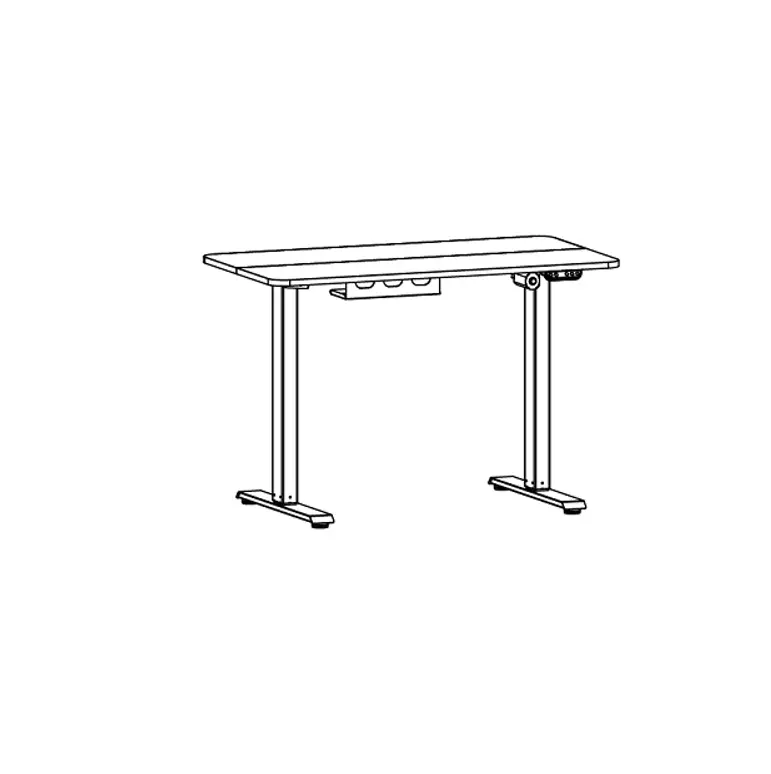
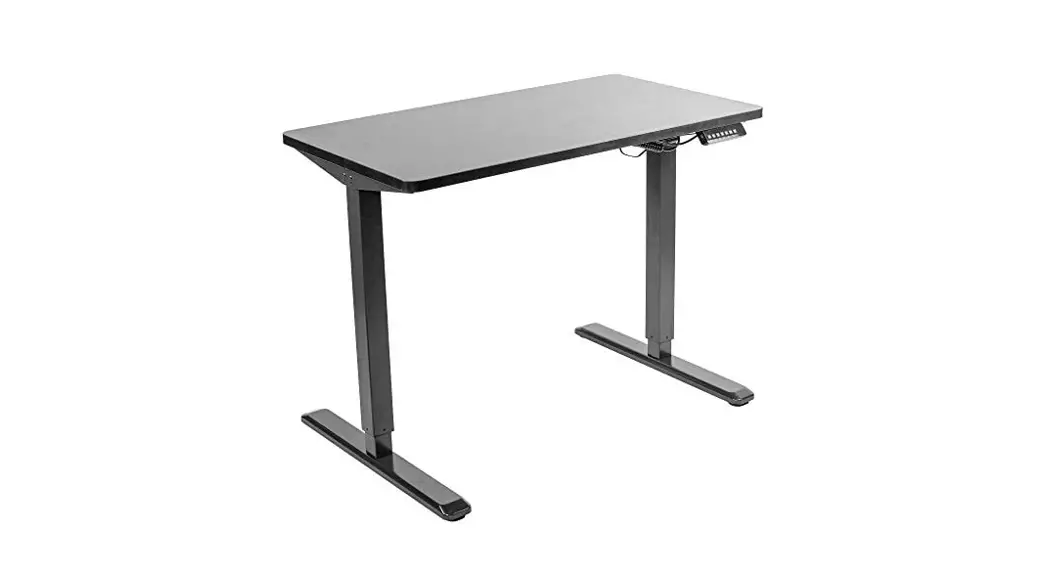
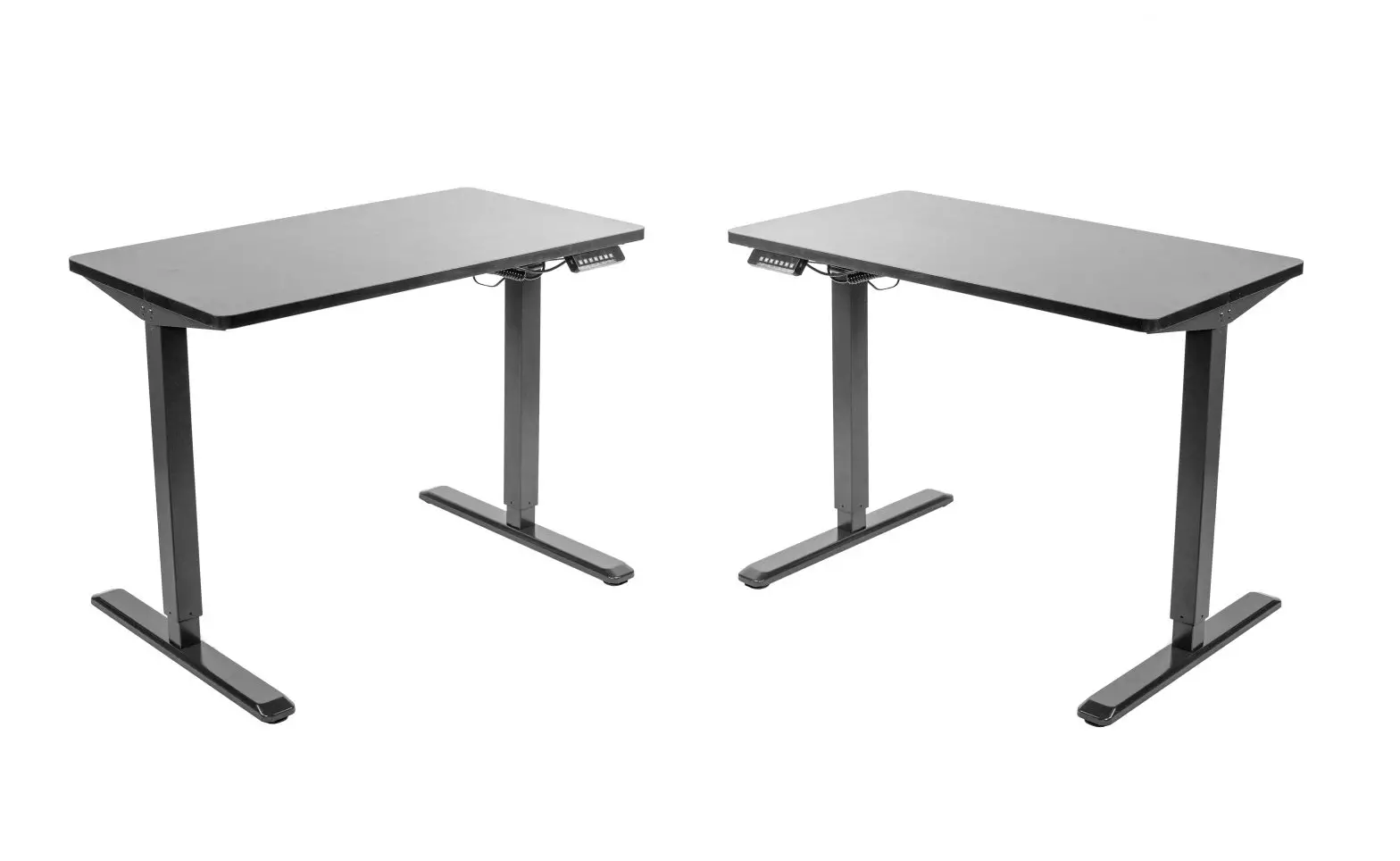
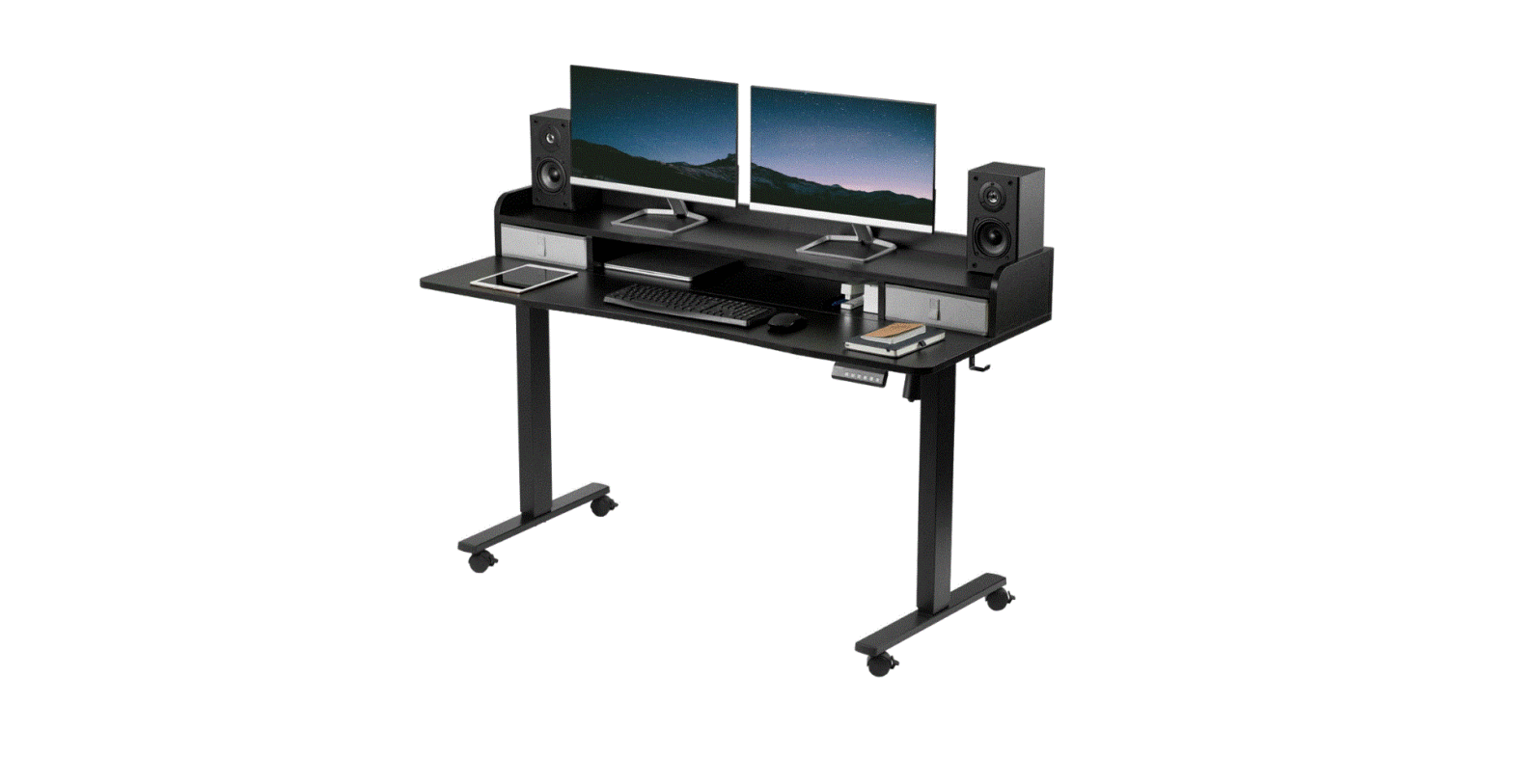
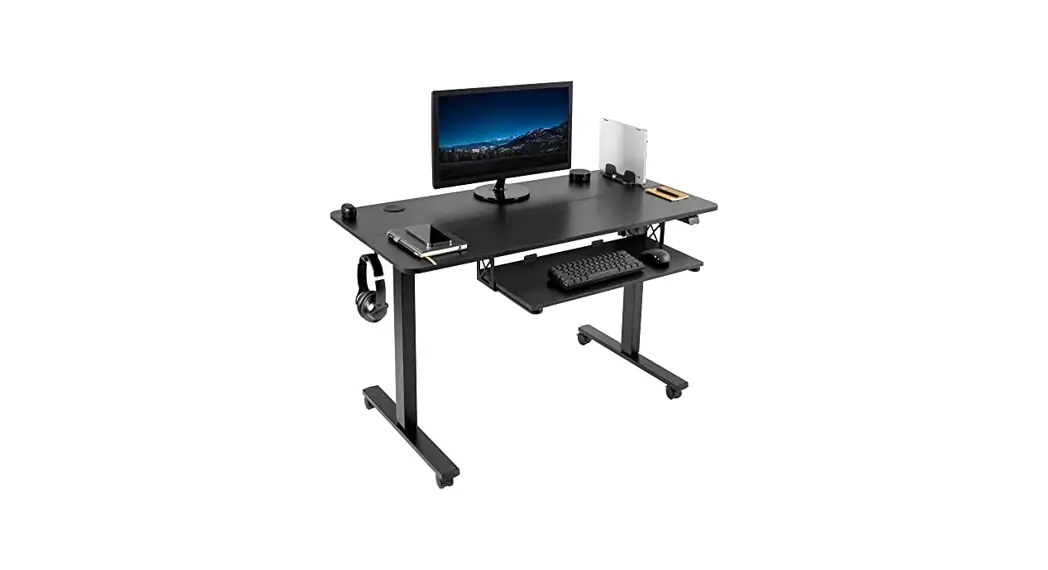
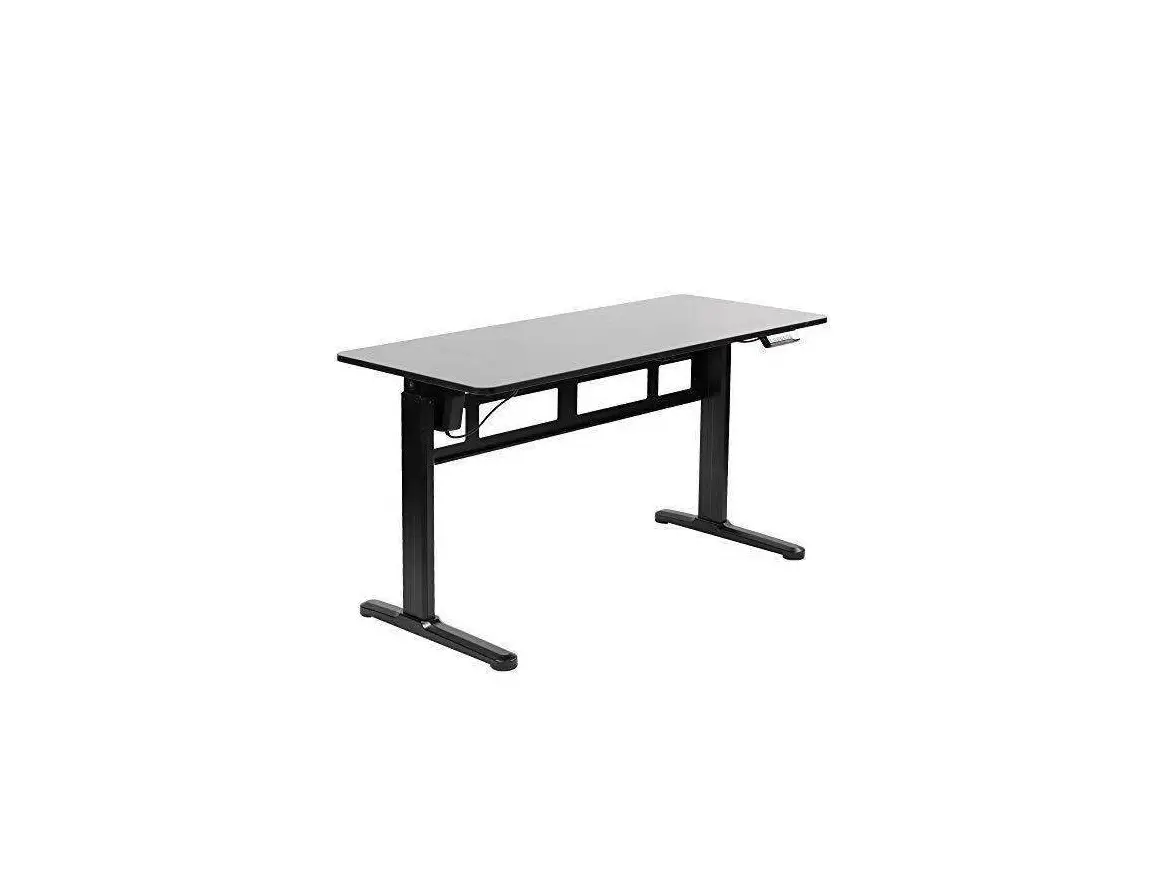
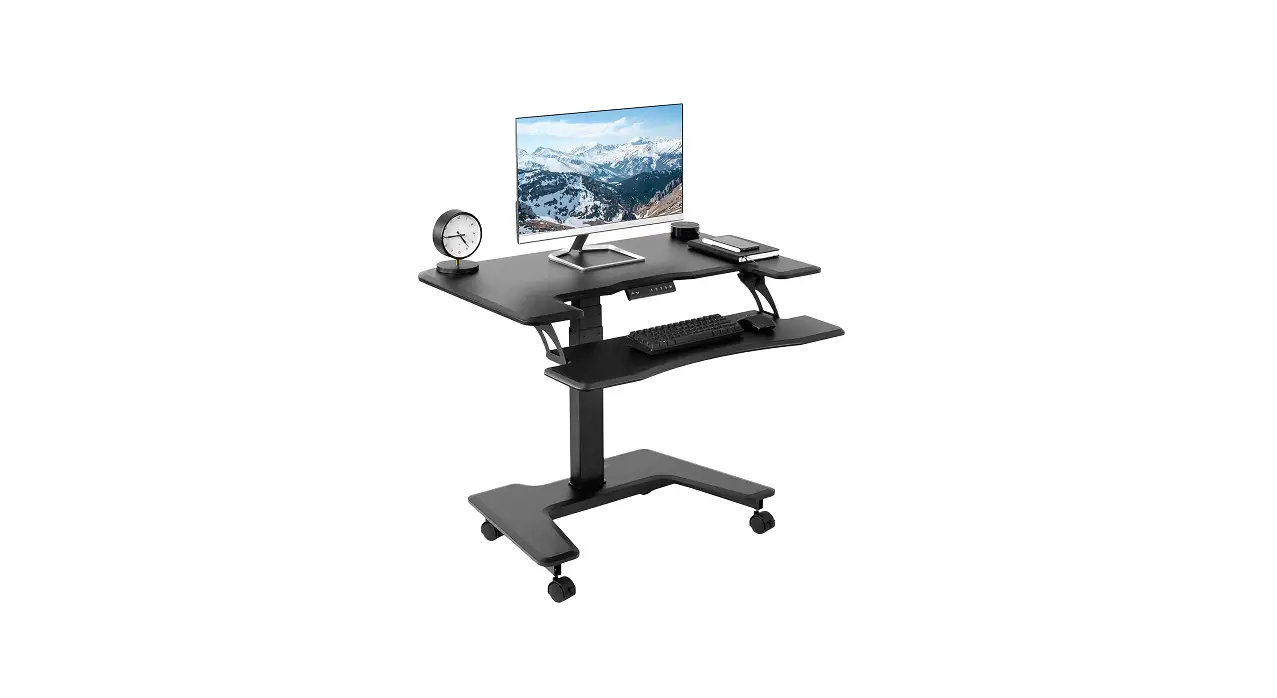
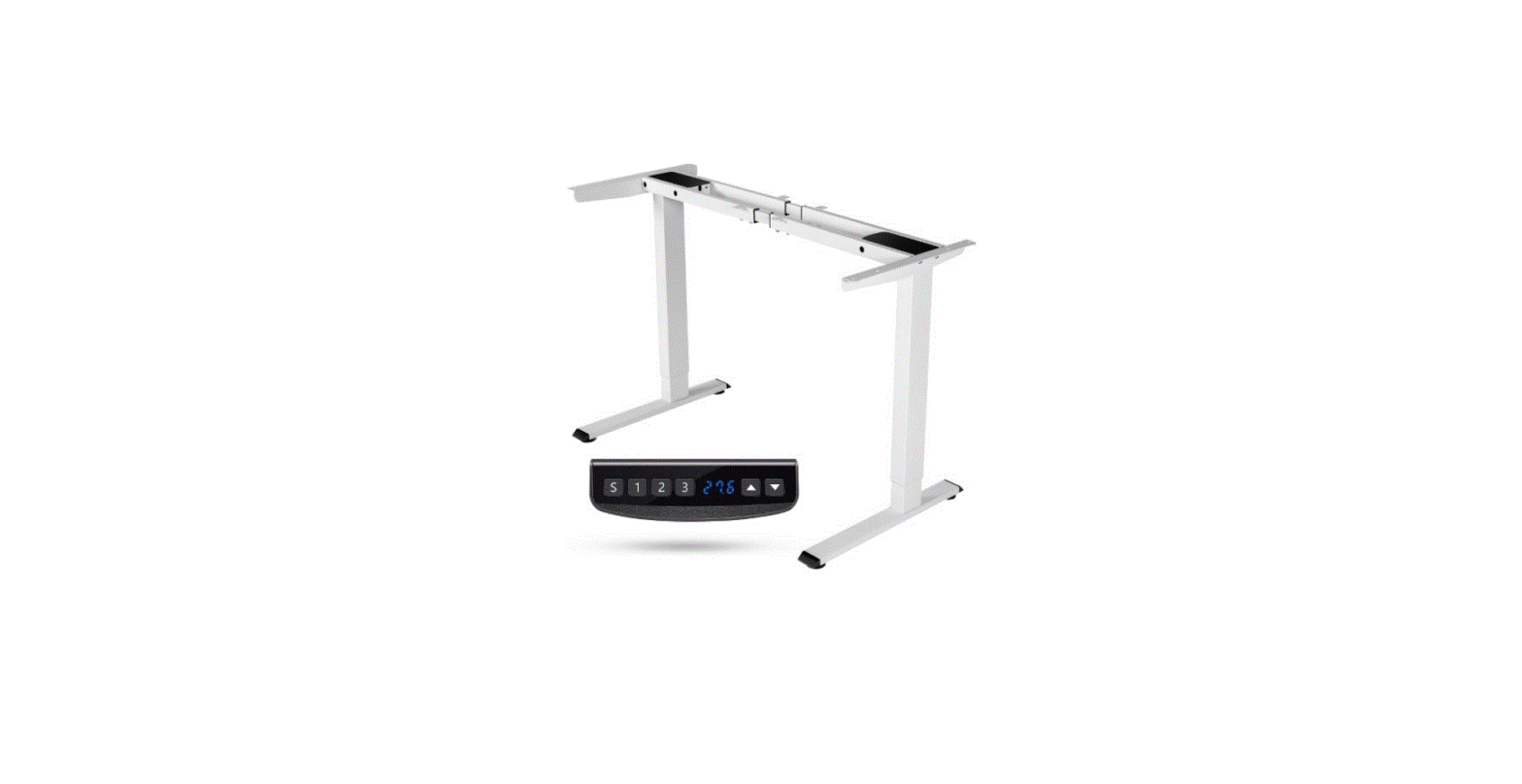
DESK-E-Y60SB Black 2 Tier 60 Inch x 24 Inch Mobile Electric Desk
Product Information:
- Product Name: Black 2 Tier 60 x 24 Mobile Electric Desk
- SKU: DESK-E-Y60SB
The Black 2 Tier 60 x 24 Mobile Electric Desk is a
multi-functional desk designed for modern offices and homes. It
features a motorized leg that allows you to adjust the height of
the desk to your desired level. The desk comes with a front
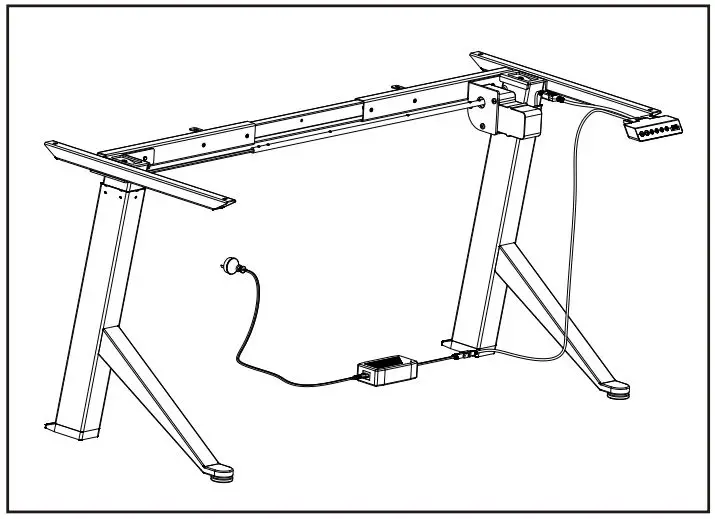
desktop, back desktop, side bracket, foot, sync rod, crossbar,
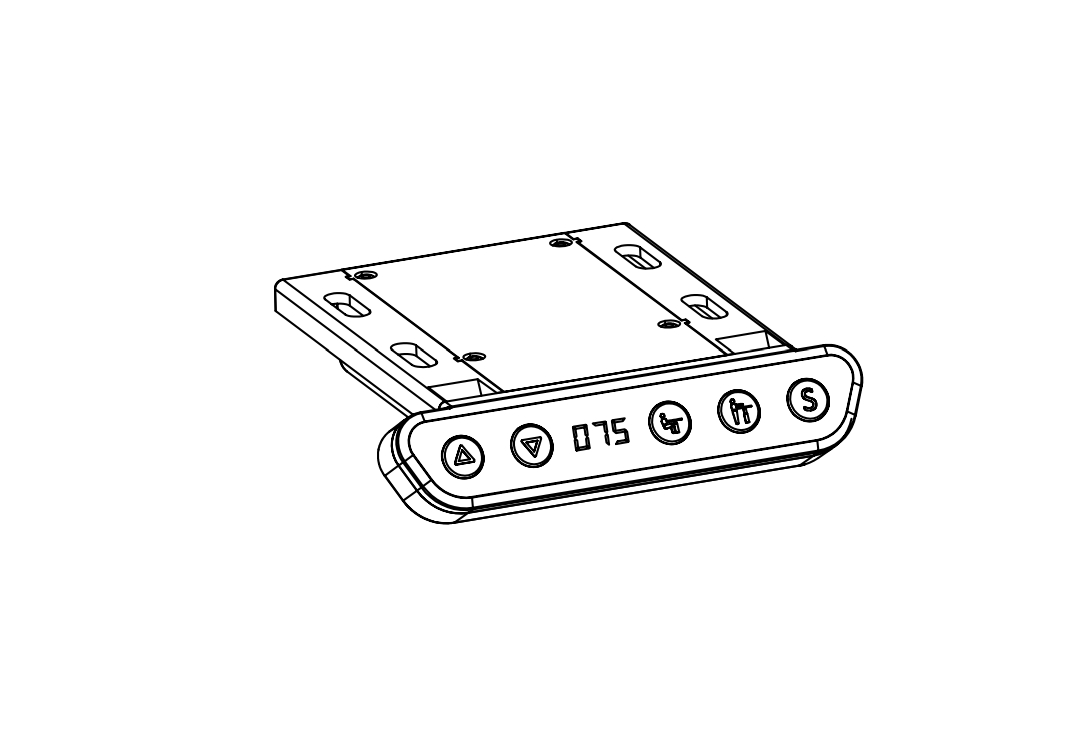
tray, AC adapter, control panel, power cable, drawer, caster, and
shelf panels. It has a weight capacity of 176lbs (80kg).
Product Usage Instructions:
- Place the front desktop (C) and back desktop (D) upside down on
a clean flat surface. Insert wooden dowels (O) into the holes in
both desktops and slide them together. Use connecting plates (M)
with ST4.2x15mm screws (S-A) to secure the desktop assembly. Mount
hooks (N) to the desktop assembly using ST4.2x15mm screws
(S-A). - Assemble crossbar (H) to leg (A) and motorized leg (B) using
M8x50mm screw (S-B) and 5mm Allen wrench (T-B). - Mount side brackets (E) to the frame assembly using M8x16mm
screws (S-C) and 5mm Allen wrench (T-B). - Place the frame assembly upside down and assemble feet (F) to
leg (A) and motorized leg (B) using M6x35mm screws (S-D) and 5mm
Allen wrench (T-B). - If desired, replace the foot pads on feet (F) with casters (S).
Unscrew the pads and thread casters (S) onto feet (F) using 14mm
wrench (T-A). - Place tray (I) over crossbar (H).
- Loosen the knobs on sync rod (G) using 18mm wrench (T-C) and
extend the hex shaft. Insert the hex shaft into leg (A), making
sure the metal retaining ring makes contact with the leg. While
holding the hex shaft with one hand, extend sync rod (G) onto the
spline shaft of motorized leg (B). Retighten the knob using 18mm
wrench (T-C). - Secure the frame assembly to the desktop using ST4.2x15mm
screws (S-A) and a Phillips screwdriver. - Assemble control panel (K) to front desktop (C) using
ST4.2x15mm screws (S-A) and a Phillips screwdriver. - Plug the cable from motorized leg (B) into control panel (K).
Connect control panel (K) and power cable (L) to AC adapter
(J).
WARNING: It is important to follow electrical
safety instructions while using this product. Additionally, keep
small parts away from children under 3 years of age as they pose a
choking hazard.
If you have any questions or concerns regarding the product, you
can get in touch with us via email, phone, or live chat on our
website.
Black 2 Tier 60″ x 24″ Mobile Electric Desk
Instruction Manual
SKU: DESK-E-Y60SB
Scan the QR code with your mobile device or follow the link for helpful videos and specifications related to this product. https://vivo-us.com/products/desk-e-y60sb GET IN TOUCH | Monday-Friday from 7:00am-7:00pm CST
www.vivo-us.com Chat live with an agent!
309-278-5303
WARNING!
If you do not understand these directions, or if you have any doubts about the safety of the installation, please call a qualified technician. Check carefully to make sure there are no missing or defective parts. Improper installation may cause damage or serious injury. Do not use this product for any purpose that is not explicitly specified in this manual and do not exceed weight capacity. We cannot be liable for damage or injury caused by improper mounting, incorrect assembly, or inappropriate use.
ELECTRICAL SAFETY INSTRUCTIONS
THIS PRODUCT IS POWERED BY ELECTRICITY. IN ORDER TO AVOID BURNS, FIRE AND ELECTRIC SHOCK, PLEASE READ THE FOLLOWING INSTRUCTIONS CAREFULLY. · DO NOT CLEAN PRODUCT WHILE POWER IS CONNECTED. · DO NOT DISASSEMBLE OR REPLACE COMPONENTS WHILE POWER IS CONNECTED. · NEVER OPERATE THE SYSTEM WITH A DAMAGED CORD OR PLUG. PLEASE CONTACT YOUR
SELLER TO REPLACE DAMAGED PARTS. · NEVER OPERATE SYSTEM IN DAMP ENVIRONMENTS OR IF ANY ELECTRICAL COMPONENTS HAVE
MADE CONTACT WITH LIQUIDS. · ALTERATIONS OF THE GIVEN POWER UNIT ARE NOT ALLOWED. · OUTDOOR USE IS PROHIBITED.
WARNING: CHOKING HAZARD
SMALL PARTS – NOT FOR CHILDREN UNDER 3 YEARS. ADULT SUPERVISION IS REQUIRED.
PACKAGE CONTENTS
A (x1) Leg
B (x1) Motorized Leg
C (x1) Front Desktop
D (x1) Back Desktop
E (x2) Side Bracket
F (x2) Foot
G (x1) Sync Rod
H (x1) Crossbar
I (x1) Tray
J (x1) AC Adapter
K (x1) Control Panel
L (x1) Power Cable
M (x3) Connecting
Plate
N (x2) Hook
O (x17) Wooden
Dowel
P (x1)
Q (x5)
Cable Managment Cable Clip
Cover
R (x2) Drawer
S (x4) Caster
T (x1)
U (x1)
V (x1)
W (x1)
X (x2)
Lower Shelf Panel Back Shelf Panel Right Shelf Panel Left Shelf Panel Shelf Brace
S-A (x22)
S-B (x4)
ST4.2x15mm Screw M8x50mm Screw
S-C (x4) M8x16mm Screw
S-D (x8)
S-E (x15)
M6x35mm Screw M4.2x40mm Screw
S-F (x6) Cam Lock Screw
2
S-G (x6) Cam Lock
T-A (x1) 14mm Wrench
T-B (x1) 5mm Allen Wrench
T-C (x1) 18mm Wrench
NOTE SOME EXTRA HARDWARE INCLUDED MAY NOT BE USED.
TOOLS NEEDED
DO NOT EXCEED WEIGHT CAPACITY.
Failure to do so may result in serious injury.
176lbs (80kg)
Level
Drill
Phillips
Screwdriver
ASSEMBLY STEPS
STEP 1
Place Front Desktop (C) and Back Desktop (D) upside down on a clean flat surface. Insert Wooden
Dowels (O) into the holes in both desktops and slide them together. Use Connecting Plates (M) with
ST4.2x15mm Screws (S-A) to secure the desktop assembly. Mount Hooks (N) to the desktop assembly
using ST4.2x15mm Screws (S-A).
C
O
D
S-A M
S-A N
3
STEP 2
Assemble Crossbar (H) to Leg (A) and Motorized Leg (B) using M8x50mm Screw (S-B) and 5mm Allen Wrench (T-B).
S-B
A
H
T-B B
STEP 3
Mount Side Brackets (E) to the frame assembly using M8x16mm Screws (S-C) and 5mm Allen Wrench (T-B).
E
T-B S-C
4
STEP 4
Place the frame assembly upside down and assemble Feet (F) to Leg (A) and Motorized Leg (B) using M6x35mm Screws (S-D) and 5mm Allen Wrench (T-B).
T-B F
S-D
B A
STEP 5
If desired, the foot pads on Feet (F) can be replaced with Casters (S). Unscrew the pads and thread Casters (S) onto Feet (F) using 14mm Wrench (T-A).
F
S T-A
5
STEP 6
Place Tray (I) over Crossbar (H).
H I
STEP 7
Loosen the knobs on Sync
7
Rod (G) using 18mm Wrench
(T-C) and extend the hex shaft.
Insert the hex shaft into Leg
(A), making sure the metal
retaining ring makes contact
with the leg. While holding the
hex shaft with one hand,
extend Sync Rod (G) onto the spline shaft of Motorized Leg (B). Retighten the knob using 18mm Wrench (T-C).
Retaining Ring
2. 1
2.2
2.3
2. 4
Retaining Ring
1 3
A
T-C
2
G
B
6
STEP 8
Secure the frame assembly to the desktop using ST4.2x15mm Screws (S-A) and a Phillips screwdriver.
S-A
STEP 9
Assemble Control Panel (K) to Front Desktop (C) using ST4.2x15mm Screws (S-A) and a Phillips screwdriver.
S-A K
C
7
STEP 10
Plug the cable from Motorized Leg (B) into Control Panel (K). Connect Control Panel (K) and Power Cable (L) to AC Adapter (J).
K
#
K
J
JL
STEP 11
Insert AC Adapter (J) into Tray (I).
1 2
3
I J
8
STEP 12
Remove adhesive backing from Cable
Clips (Q). Stick them to the underside
of the desktop assembly, and manage 1
2
3
cables.
Q
STEP 13
Insert Cable Management Cover (P) into
Back Desktop (D).
P
D
STEP 14
Assemble Shelf Braces (X) to Back Desktop (D) using Wooden Dowels (O) and ST4.2x40mm Screws (S-E).
O 9
STEP 15
Insert Cam Lock Screws (S-F) into Lower Shelf Panel (T). TU
SM–F
STEP 16
Assemble Lower Shelf Panel (T) to Shelf Braces (X) using Wooden Dowels (O) and Cam Lock Screws (S-F).
O
STEP 17
Insert Cam Locks (S-G) into the center hole in Shelf Braces (X).
S-G
10
STEP 18
Assemble Right Shelf Panel (V) and Left Shelf Panel (W) to Lower Shelf Panel (T) using Wooden Dowels (O).
O W
O V
STEP 19
Secure the shelf assembly to Back Desktop (D) using ST4.2x40mm Screws (S-E).
S-E
11
STEP 20
Insert Cam Lock Screws (S-F) into Back Shelf Panel (U). S-F U
STEP 21
Assemble Back Shelf Panel (U) to the shelf assembly using Wooden Dowels (O).
O
12
STEP 22
Insert Cam Locks (S-G) into the rear holes of Right Shelf Panel (V), Left Shelf Panel (W), and Shelf Braces (X).
S-G
STEP 23
Secure Back Shelf Panel (U) to Back Desktop (D) using ST4.2x40mm Screws (S-E).
S-E
13
STEP 24
Unfold Drawers (R) and place the drawer insert inside. R
STEP 25
Insert Drawers (R) into the drawer assembly.
14
STEP 26
Plug Power Cable (L) into an AC power outlet. The desk is now ready for use. Please refer to the Control Panel User Guide for operational instructions.
CAUTION!
Do not exceed desk weight limit.
Keep area of vertical motion free of obstacles.
Keep weight on desk balanced for correct operation and longer life of components.
Leave enough slack in cables to allow for full range of vertical motion.
Failure to follow these instructions may result in property damage and/or personal injury.
15
Love your new VIVO setup and want to share? Tag us in your photo! @vivo_us
LAST UPDATED: 07/27/2022 REV2.1
Open Monday – Friday 7:00am – 7:00pm CST, our dedicated support team can offer immediate assistance with rapid response times. If any parts are received damaged or defective, please contact us. We are happy to replace parts to ensure you have a fully functioning product.
309-278-5303
AVG. RESOLUTION TIME (within office hrs): 5M 4S
www.vivo-us.com
Chat live with an agent!
AVG. RESOLUTION TIME (within office hrs): < 15 M
AVG. RESPONSE TIME (within office hrs): 1HR 8M – 23% within < 15m – 38% within < 30m – 61% within < 1hr – 83% within < 2hr – 92% within < 3hr
FOR MORE VIVO PRODUCTS, CHECK OUT OUR WEBSITE AT: www.vivo-us.com
 Register a .US.COM domain today!
 VIVO - Desks, Monitor Mounting, and More Home & Office Solutions – VIVO - desk solutions, screen mounting, and more
 Two Tier 60" x 24" Mobile Electric Storage Desk – VIVO - desk solutions, screen mounting, and more