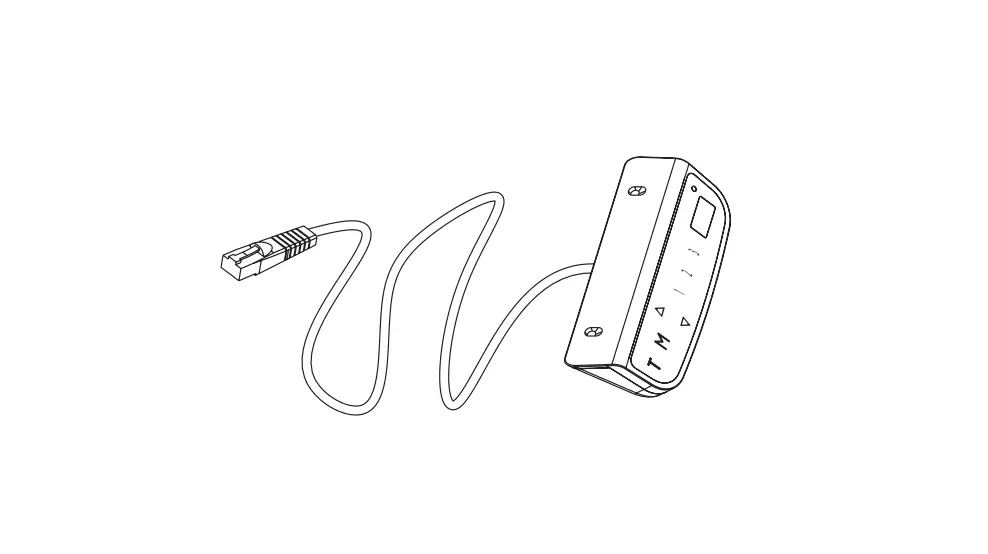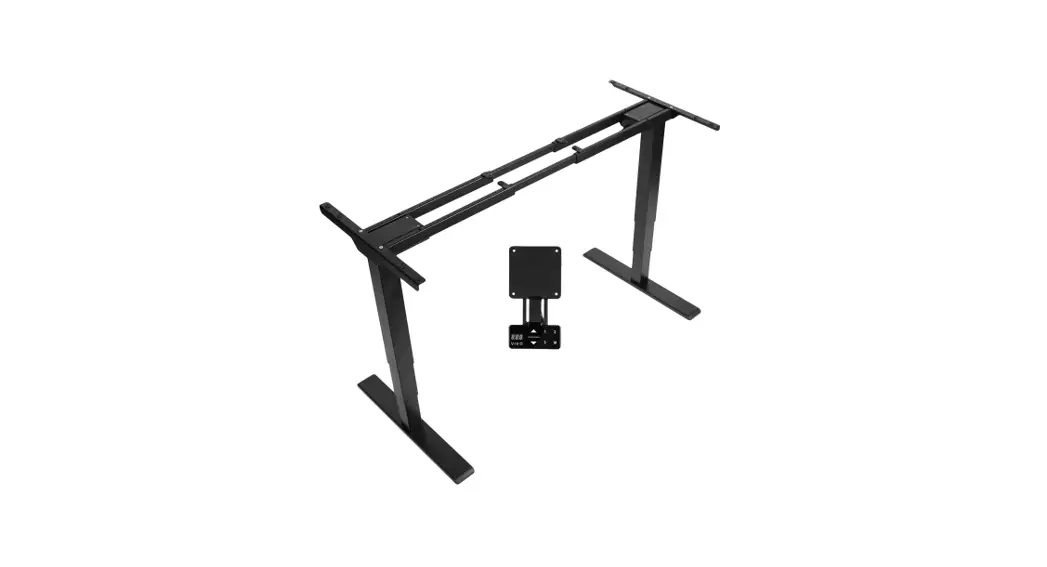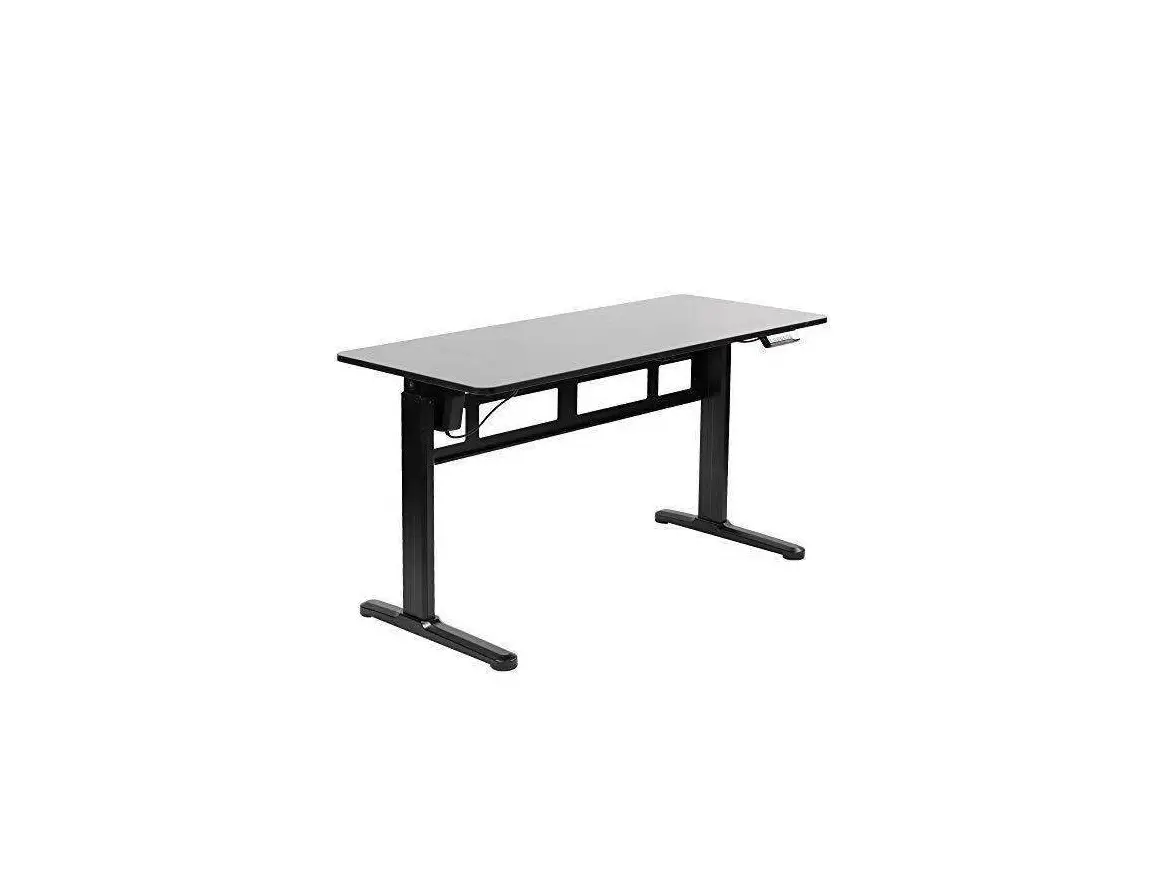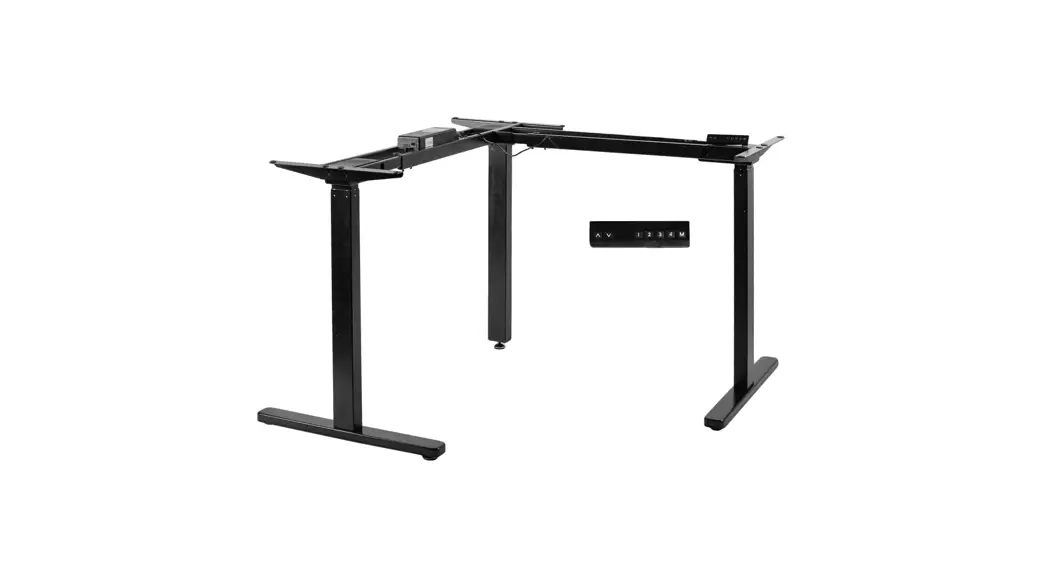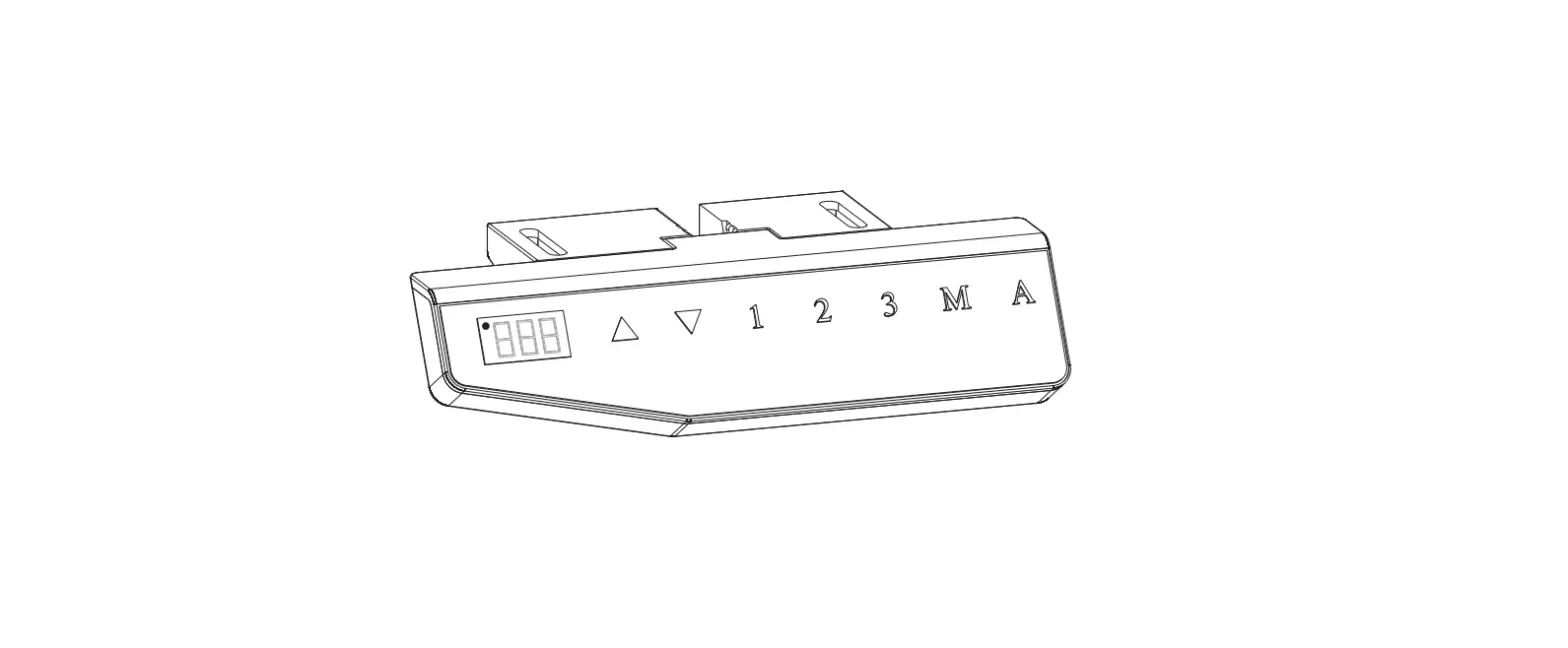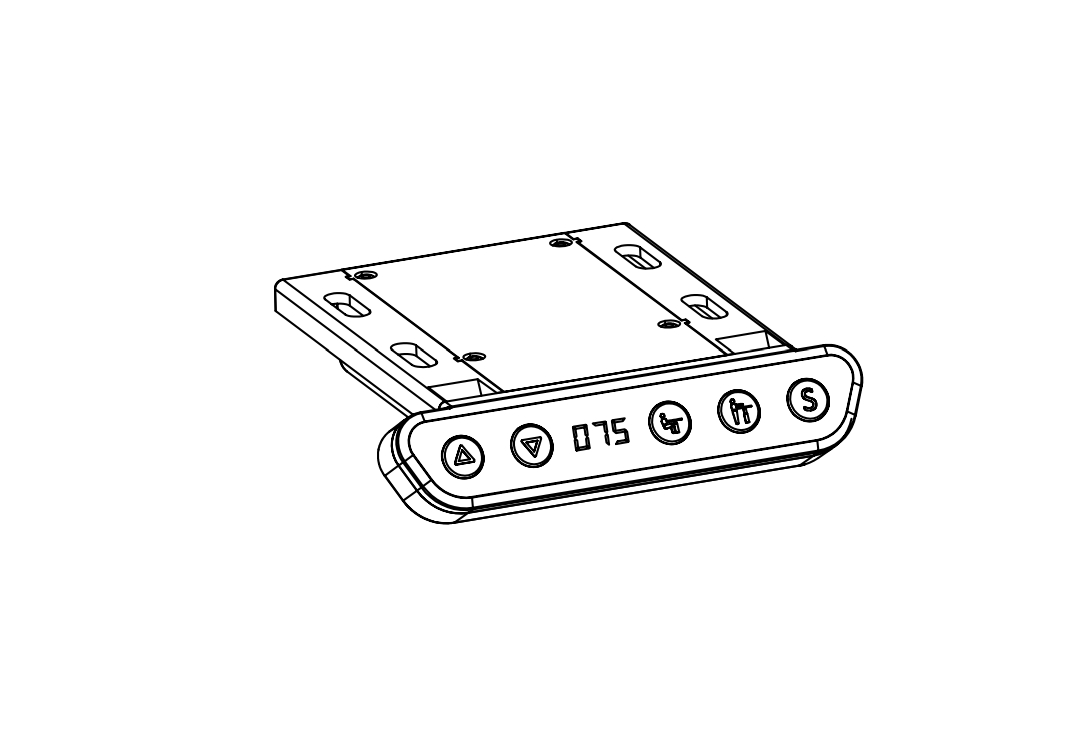
VIVO DESK-E144B Black Electric Desk Controller
SKU: DESK-E144B Controller
 | Scan the QR code with your mobile device or follow the link for helpful videos and specifications related to this product. |
| https://vivo-us.com/products/desk-e144b |
GET IN TOUCH | Monday-Friday from 7:00am-7:00pm CST
 |  www.vivo-us.com |  309-278-5303 |
 WARNING!
 WARNING!
If you do not understand these directions, or if you have any doubts about the safety of the installation, please call a qualified technician. Check carefully to make sure there are no missing or defective parts. Improper installation may cause damage or serious injury. Do not use this product for any purpose that is not explicitly specified in this manual and do not exceed weight capacity. We cannot be liable for damage or injury caused by improper mounting, incorrect assembly, or inappropriate use.
ELECTRICAL SAFETY INSTRUCTIONS
THIS PRODUCT IS POWERED BY ELECTRICITY. IN ORDER TO AVOID BURNS, FIRE AND ELECTRIC SHOCK, PLEASE READ THE FOLLOWING INSTRUCTIONS CAREFULLY.
- DO NOT CLEAN PRODUCT WHILE POWER IS CONNECTED. · DO NOT DISASSEMBLE OR REPLACE COMPONENTS WHILE POWER IS CONNECTED.
- NEVER OPERATE THE SYSTEM WITH A DAMAGED CORD OR PLUG. PLEASE CONTACT YOUR SELLER TO REPLACE DAMAGED PARTS.
- NEVER OPERATE SYSTEM IN DAMP ENVIRONMENTS OR IF ANY ELECTRICAL COMPONENTS HAVE MADE CONTACT WITH LIQUIDS.
- ALTERATIONS OF THE GIVEN POWER UNIT ARE NOT ALLOWED.
- OUTDOOR USE IS PROHIBITED.
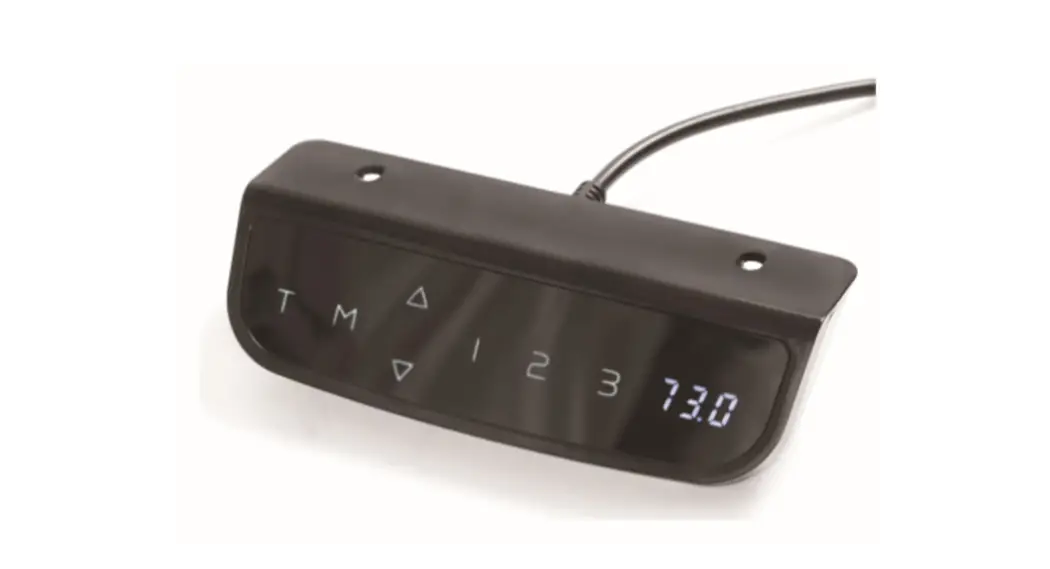
OPERATING CONTROL PANEL
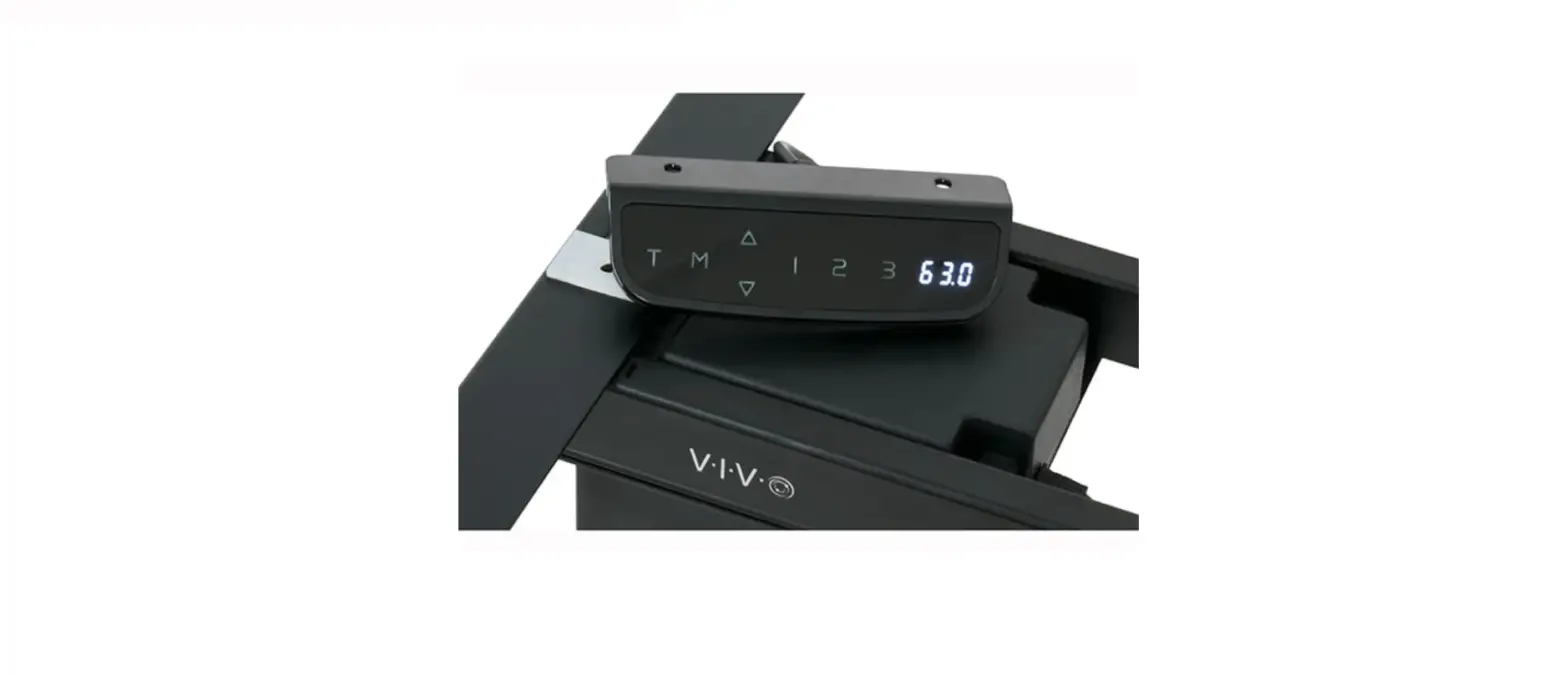
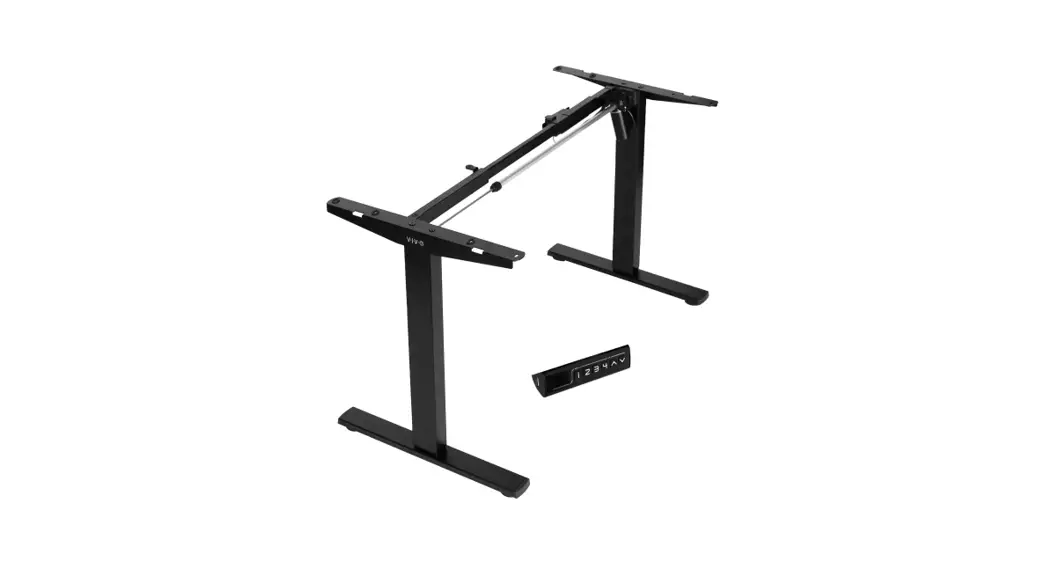
OPERATING INSTRUCTIONS: When the system is powered on, the existing desktop height will appear on the control panel.
Upward and Downward Movement
Press and hold the up or down arrow until the desk reaches the desired height.
Memory Mode
To store a certain height in the controller’s memory, first press “S”. The controller display will begin flashing. Now press the sitting position or standing position button within 6 seconds to store the current height in memory. Once in memory, you can recall the sitting or standing height settings by pressing the corresponding button. Touching any button will stop the automatic adjustment.
Power-Saving Mode
When no actions are made for over 2 minutes, the system will enter power-saving mode. Touch any button to enter operation mode.
Function Mode
Press and hold the “S” button for 3 seconds, or until “S – -” begins flashing on the display. Press “S” again to enter Function mode. Within function mode, use the up and down buttons to scroll through settings, and use the “S” button to select options. If no action is taken for 20 seconds, the desk will return to operating mode.
- Change Displayed Unit (Un): Press the up or down buttons until the display shows “Un”, and press “S” to select. Press up or down to select “SI” (metric) or “In” (imperial). Hold “S” for 2 seconds to save the setting.
- Change Brightness (br): Press the up or down buttons until the display shows “br”, and press “S” to select. Press up or down to select Low (L), Normal (n) or High (H) brightness. Hold “S” for 2 seconds to save the setting
- Collision Force Detection (CF): Press the up or down buttons until the display shows “CF”, and press “S” to select. Press up or down to select “OFF”, Low (L), Normal (n) or Heavy (H) collision force detection. Hold “S” for 2 seconds to save the setting.
Reset Mode
While the unit is powered on, press the down arrow until the desk moves to the fully lowered position. Press and hold the down arrow for 5 seconds or until “rES” is displayed to enter reset mode. Continue holding the down arrow, and the desk will move down to the lowest possible height and then move back up slightly. The desk will then return to operating mode.
- E20 – Desk Overload: If overloaded while moving up, error will clear after 3 seconds. If overloaded moving down, unplug desk for 10 seconds then reconnect power.
TROUBLESHOOTING
Error Code Description/Resolution
| Error Code | Description/Resolution |
| HOT | Heat Warning: Allow desk to rest for 18 minutes |
| E10 | Motor connection fault: Disconnect desk power, disconnect the motor, reconnect the motor, then reconnect power. |
| E20 | Desk overload: Unplug desk for 10 seconds then reconnect to power |
| E02 | Obstacle protection. Desk will automatically move back 4cm after collision. |
| E31 | Under-voltage (power brown out). Will clear automatically when line power is corrected. |
| E32 | Over-voltage (power surge). Will clear automatically when line power is corrected. |
NOTES
|
 Love your new VIVO setup and want to share?
Tag us in your photo! @vivo_us
Open Monday – Friday 7:00am – 7:00pm CST,
our dedicated support team can offer immediate assistance with rapid response times. If any parts are received damaged or defective, please contact us. We are happy to replace parts to ensure you have a fully functioning product.
[email protected]www.vivo-us.com (Chat live with an agent!) 309-278-5303
AVG. RESPONSE TIME (within office hrs): 1HR 8M
– 23% within < 15m
– 38% within < 30m
– 61% within < 1hr
– 83% within < 2hr
– 92% within < 3hr
AVG. RESOLUTION TIME (within office hrs): < 15 M
AVG. RESOLUTION TIME (within office hrs): 5M 4S
FOR MORE VIVO PRODUCTS, CHECK OUT OUR WEBSITE AT: www.vivo-us.com