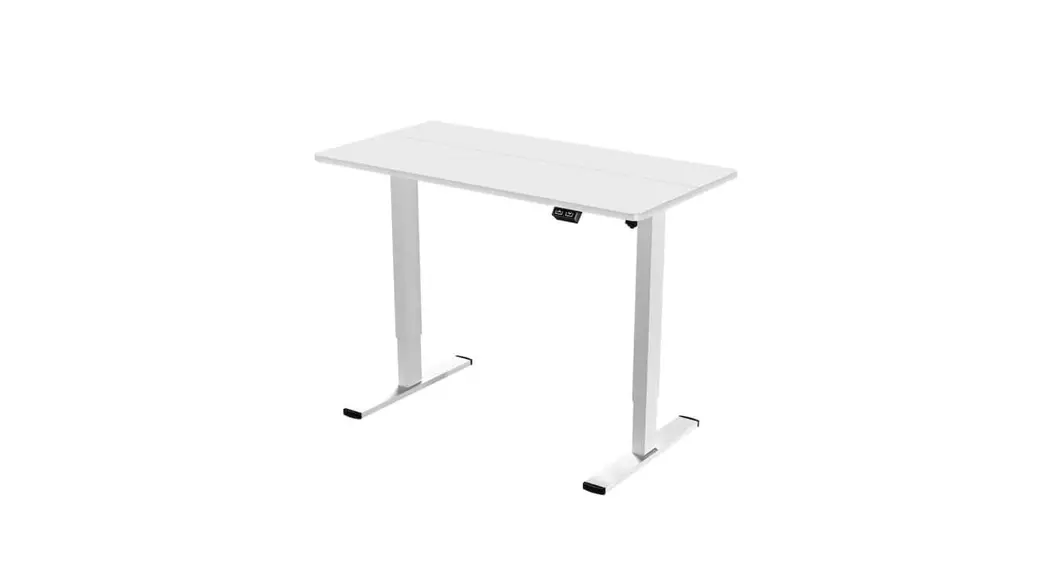
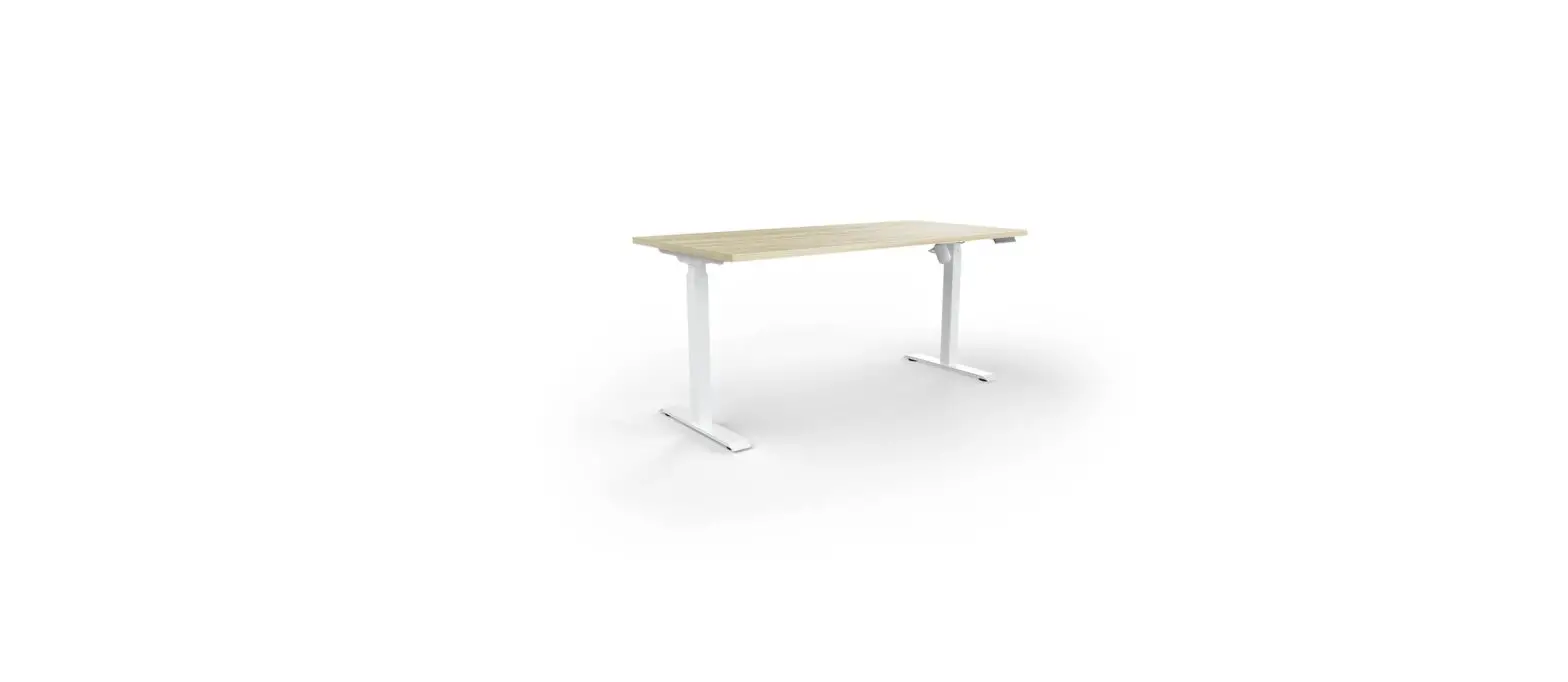
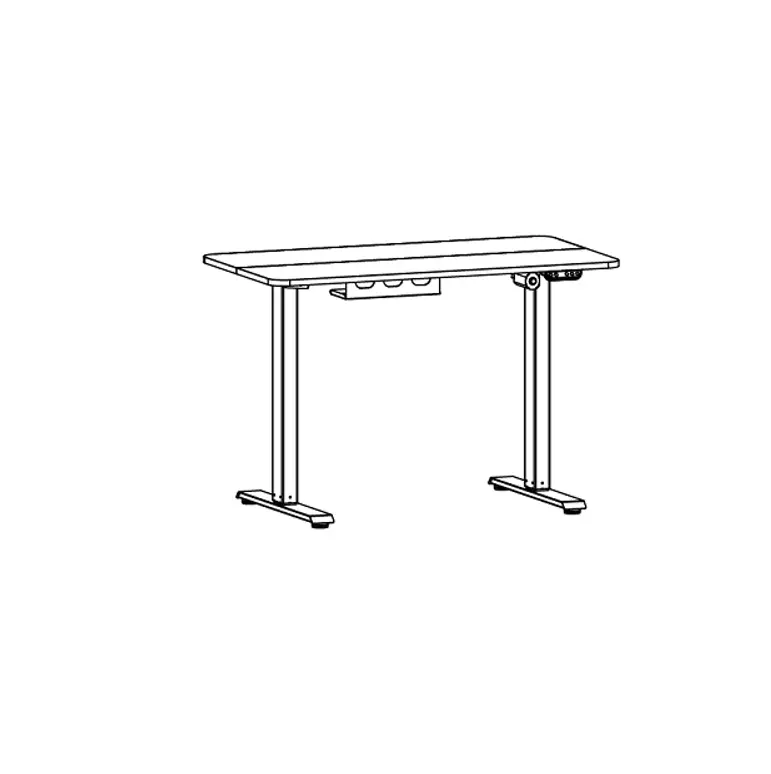
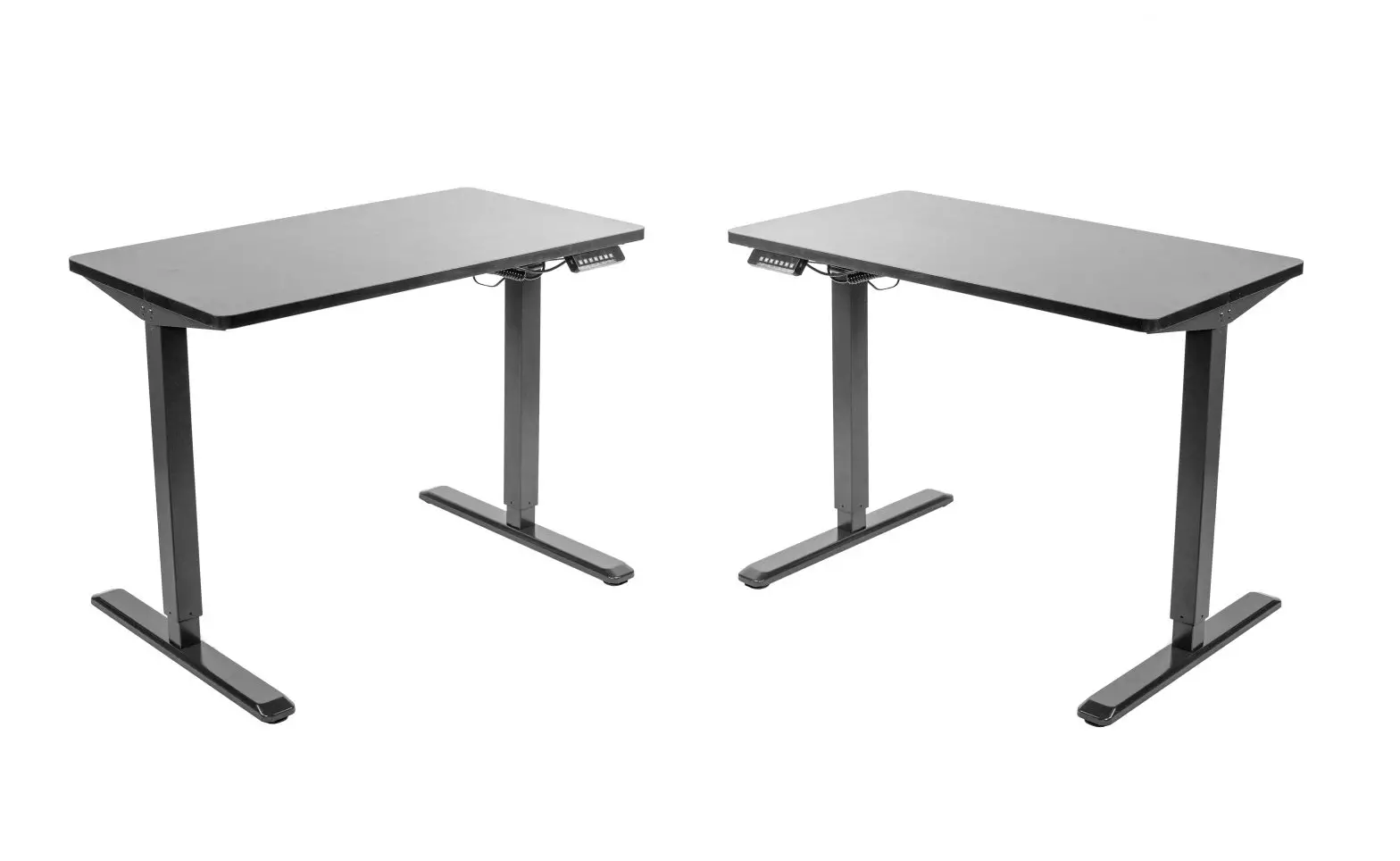
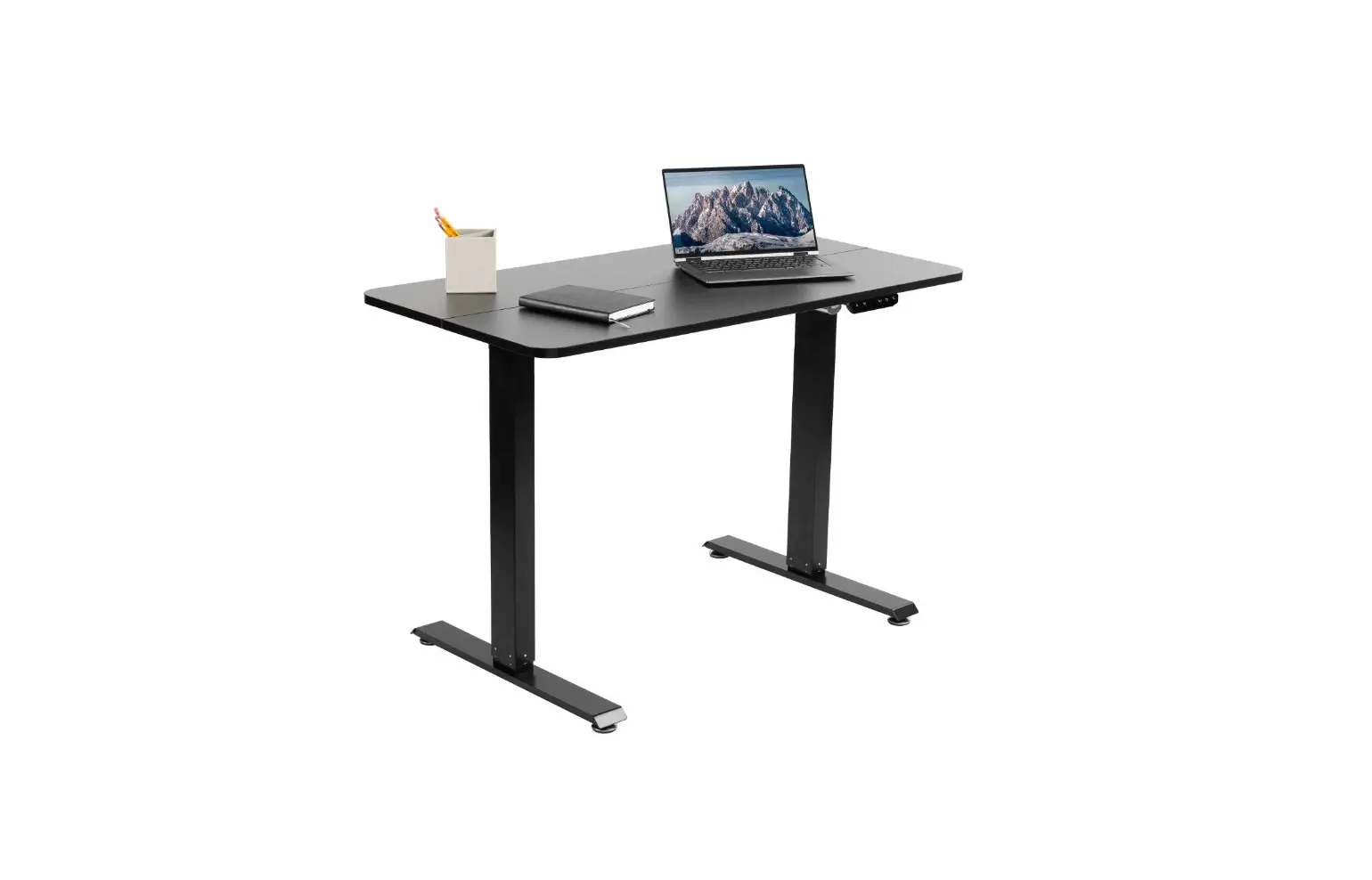
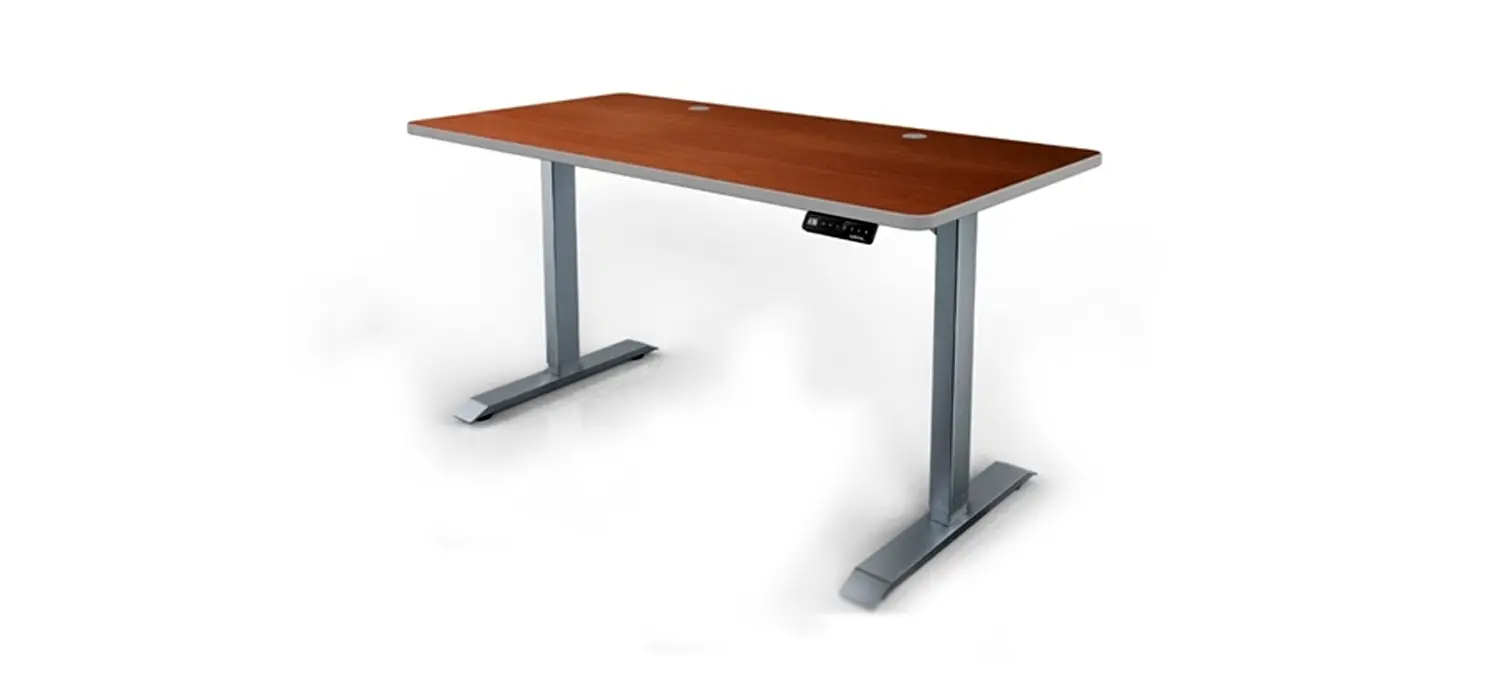
Apollo II Electric Standing Desk
Product Information
The Apollo II Electric Standing Desk Controller is a device that
allows users to adjust the height of their standing desk. It
features a LED display and seven buttons for various functions.
Product Specification
- LED Display: Shows the current height of the desk
- Buttons:
- ▲: Adjusts the desk upwards
- ▼: Adjusts the desk downwards
- 1: Position 1, first height position saved by the user
- 2: Position 2, second height position saved by the user
- 3: Position 3, third height position saved by the user
- M: Height memory function
- A: Alert button to remind users to change posture
Product Usage Instructions
Height Adjustable Function:
To adjust the height of the desk, press the ▲ button to raise it
or the ▼ button to lower it. The LED display will show the current
height.
Height Memory Function:
- Press the ▲ or ▼ button to adjust the desk to the desired
height. - Press the M button to save the height. The screen will display
“M” to indicate successful saving. - To assign the saved height to a specific position (1, 2, or 3),
press the corresponding number button (1, 2, or 3). The screen will
display the assigned position (e.g., “1” for position 1). - To automatically adjust the desk to the saved height, simply
press the corresponding number button (1, 2, or 3) directly.
Apollo II Electric Standing Desk Controller Instructions
1. Product Outline
LED Display
2. Product Specification
Button introduction: There are seven buttons that “” , “” , “1” , “2” , “3” , “M” , “A” (1) “” : Adjust the desk upwards (2) “” : Adjust the desk downwards (3) “1” : Position 1, first height position saved by the user (4) “2” : Position 2, second height position saved by the user (5) “3” : Position 3, third height position saved by the user (6) “M” : Height memory function (7) “A” : Alert button to remind users changing posture
3. Operating Instructions
Height Adjustable Function: Press the”” or “” button to adjust the height. The LED display shows the current height.
Height Memory Function: a. Press UP or DOWN button and adjust the height to the desired height. Press “M” to save the height, and the screen will display ” “; Press “1” , “2” ,or “3” then, that is, save the height to the corresponding position 1 or 2 or 3, which will show in the display screen as ” ” ,” “, or ” “; b. Press “1”, “2” and “3” button directly to automatically adjust the memory height you saved.