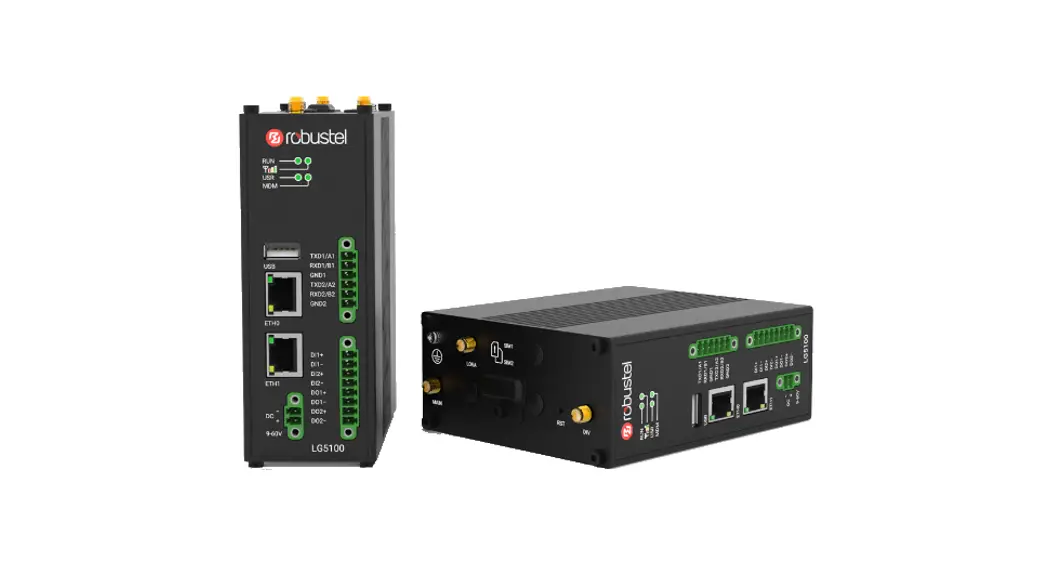
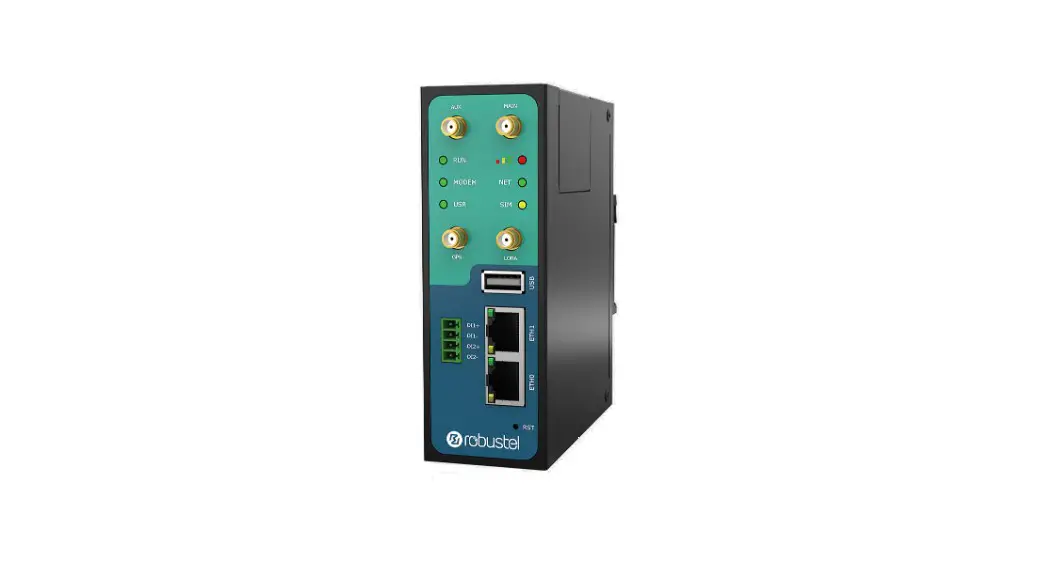
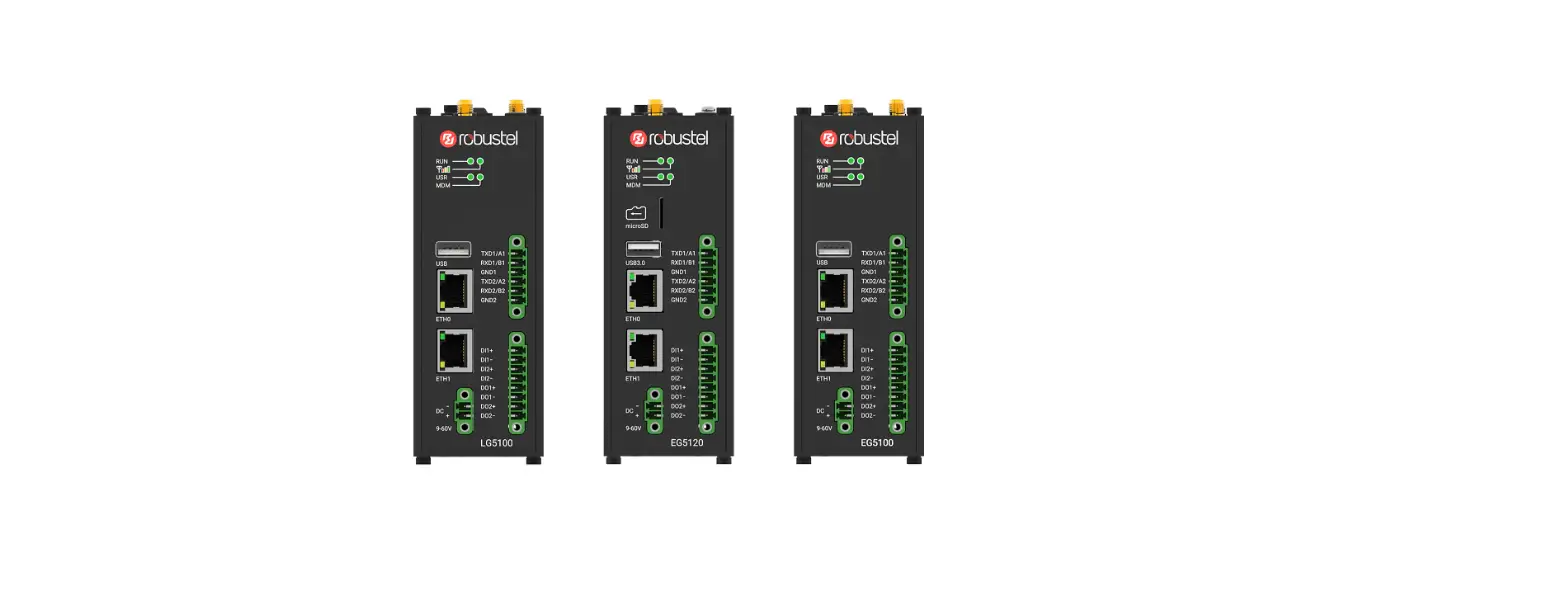
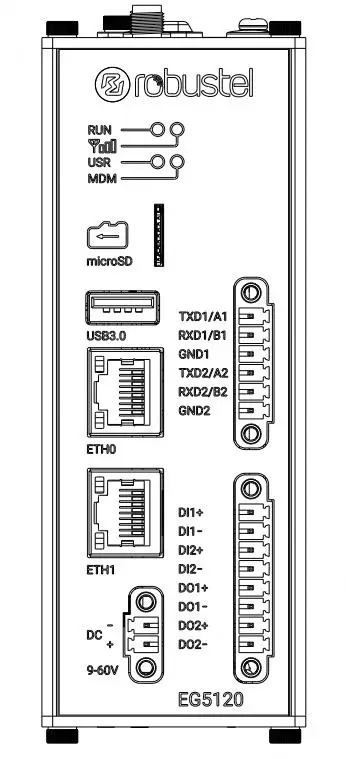
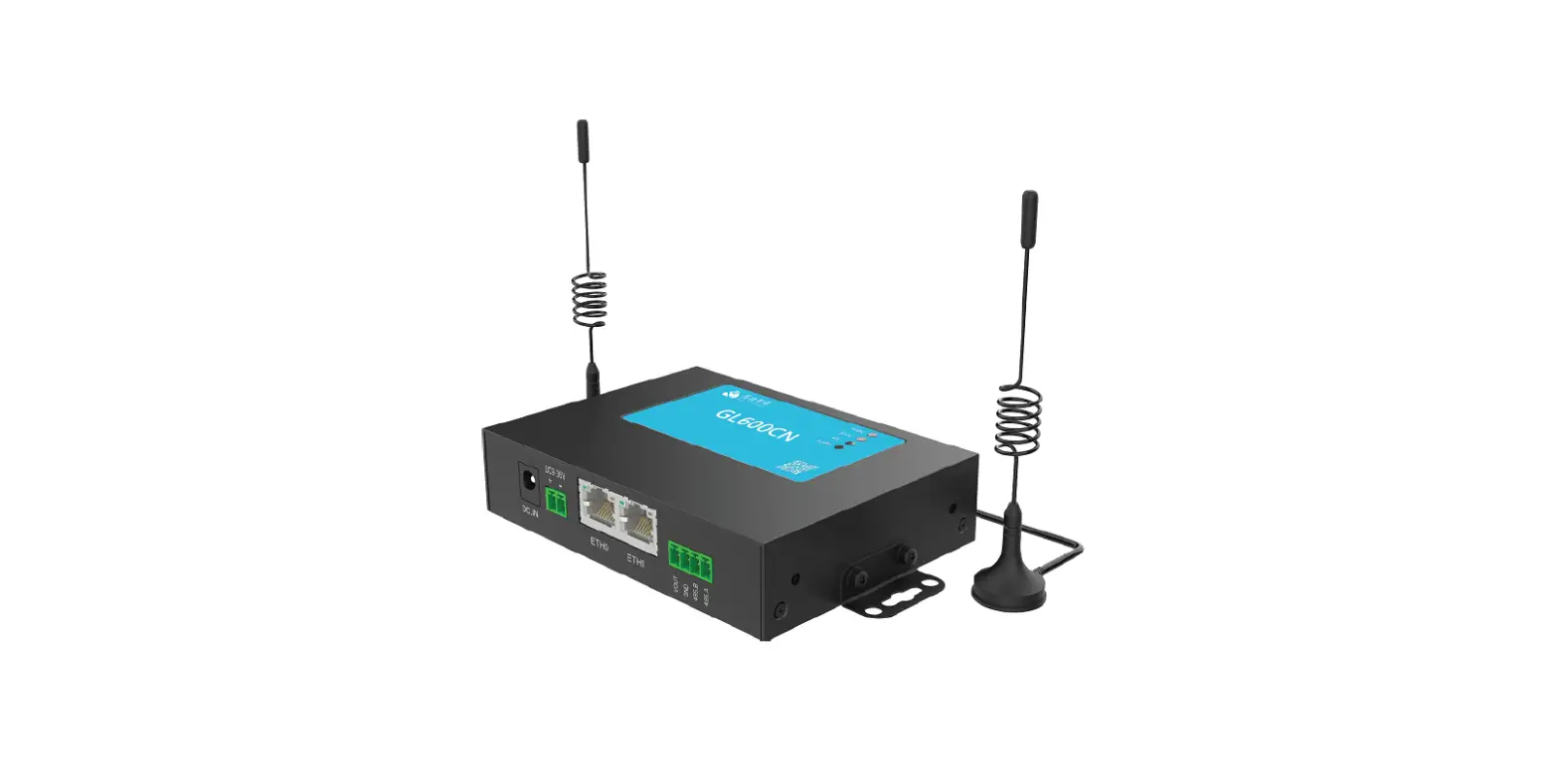
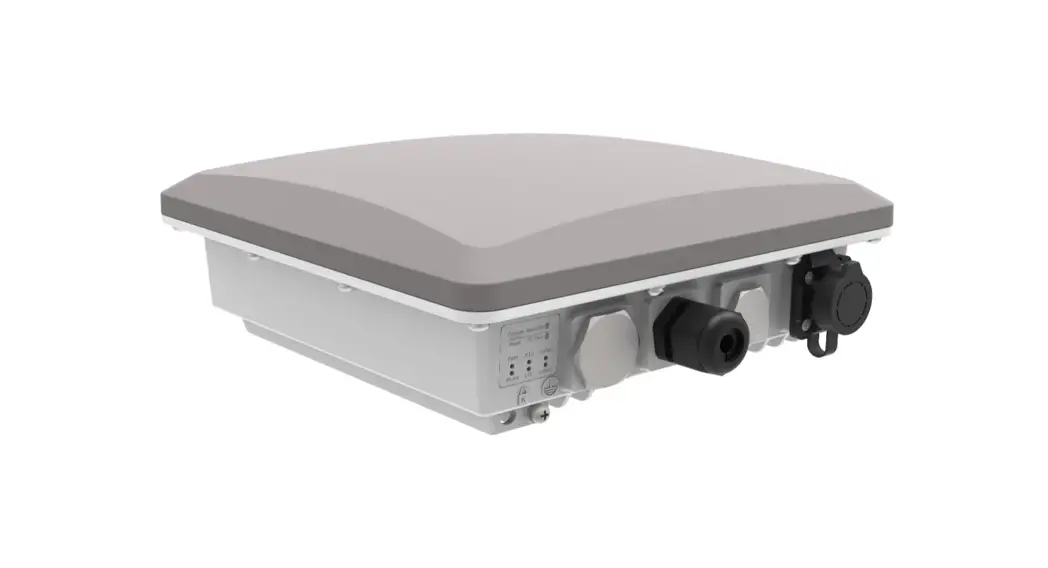
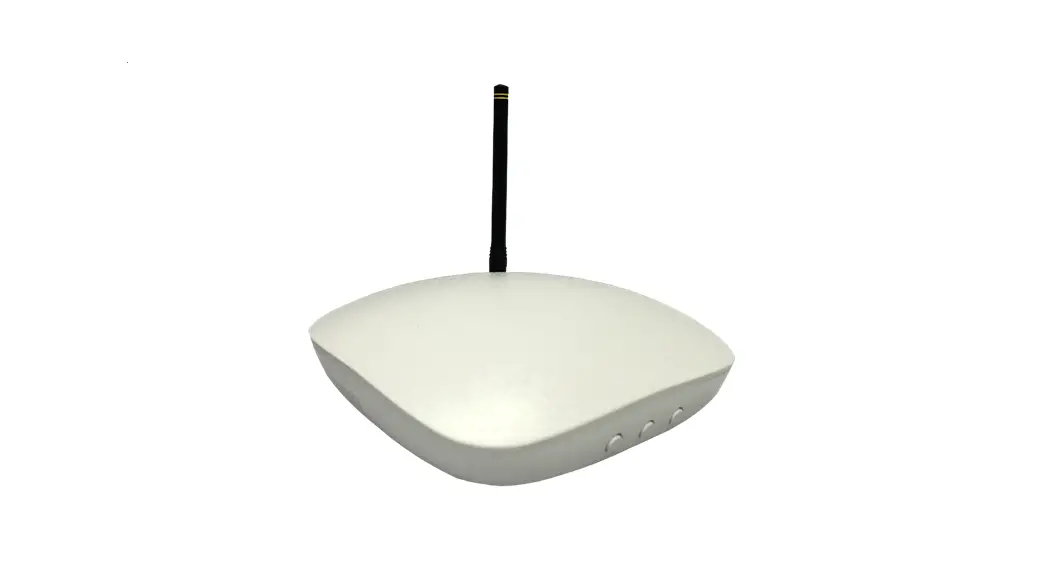
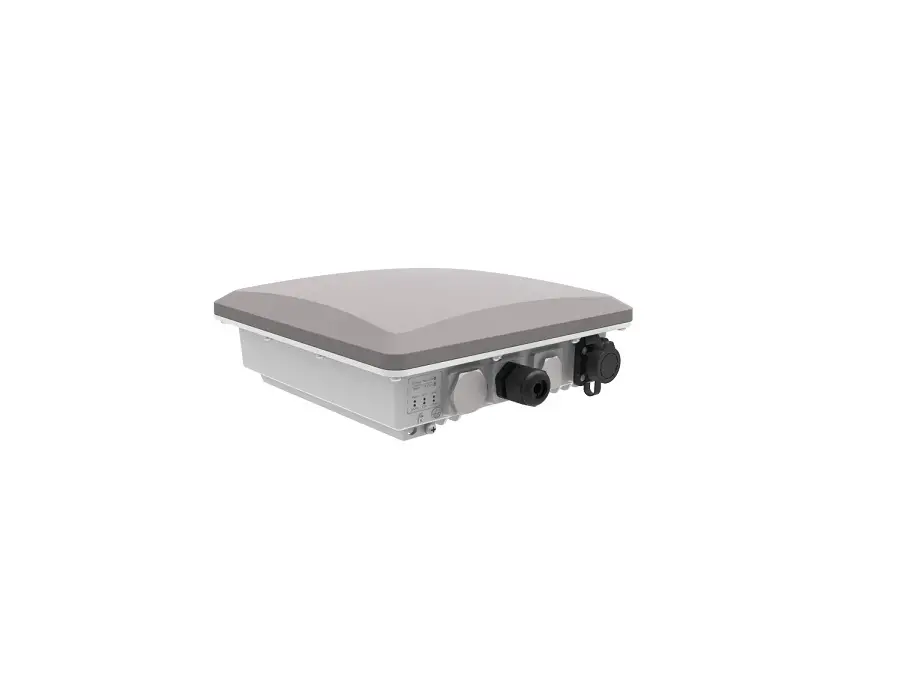
LG5100 Industrial Edge Computing LoRaWAN Gateway
Robustel LG5100 Hardware Manual
Product Information:
The Robustel LG5100 is a hardware device designed for various
wireless communication applications. It supports RF technologies
such as 2G, 3G, 4G, and LoRa. The device operates on different
cellular frequencies and LoRa frequencies, providing versatile
connectivity options.
Regulatory and Type Approval Information:
| Name of Hazardous Substances | (Pb) | (Hg) | (Cd) | (Cr(VI)) | (PBB) | (PBDE) | (DEHP) | (BBP) | (DBP) | (DIBP) |
|---|---|---|---|---|---|---|---|---|---|---|
| Metal parts | – | – | – | – | – | – | – | – | – | – |
| Circuit modules | o | o | o | o | o | o | o | o | o | o |
| Cables and cable assemblies | o | o | o | o | o | o | o | o | o | o |
| Plastic and polymeric parts | o | o | o | o | o | o | o | o | o | o |
Note: “o” indicates that the toxic or hazardous substance
contained in the material is below the limit requirement in
RoHS2.0. “-” indicates that the material does not contain the toxic
or hazardous substance.
Radio Specifications for Europe:
The Robustel LG5100 supports various RF technologies and
operates on different cellular frequencies. The maximum RF power
may vary depending on the model. Please refer to the product
documentation for specific frequency ranges and restrictions.
FCC & IC Radiation Exposure Statement:
The equipment complies with FCC and Canada radiation exposure
limits. It should be installed and operated with a minimum distance
of 20cm between the radiator and the user’s body. The transmitter
should not be co-located or operated with any other antenna or
transmitter.
Simplified EU Declaration of Conformity:
The radio equipment complies with all applicable EU directives.
The full text of the EU Declaration of Conformity is available at
www.robustel.com/certifications/
Product Disposal and Compliance Symbols:
The product should not be mixed with general household waste and
must be sent to separate collection facilities for recovery and
recycling. The product meets the requirements of applicable EU
directives and relevant UK legislation.
Technical Support:
For technical support, please contact:
Telephone: +86-20-82321505
Email: [email protected]
Website: www.robustel.com
Document History:
| Date | Version |
|---|---|
| July 6, 2022 | |
| Nov. 22, 2022 | 1.0.1 |
Robustel LG5100 Hardware Manual
LG5100
Hardware Manual
Version: 1.0.1 Date: Nov. 23, 2022
RT092_HM_LG5100
1/9
Robustel LG5100 Hardware Manual
Regulatory and Type Approval Information Table 1: Toxic or Hazardous Substances or Elements with Defined Concentration Limits
Name of Hazardous Substances the Part (Pb) (Hg) (Cd)
(Cr(VI)) (PBB)
(PBDE) (DEHP) (BBP)
(DBP) (DIBP)
Metal
o
o
o
o
parts
–
–
–
–
–
–
Circuit
o
o
o
o
o
o
o
o
o
o
modules
Cables
and cable
o
o
o
o
o
o
o
o
o
o
assemblie
s
Plastic
and
o
o
o
o
o
o
o
o
o
o
polymeric
parts
o:
Indicates that this toxic or hazardous substance contained in all of the homogeneous materials for this part is
below the limit requirement in RoHS2.0.
X:
Indicates that this toxic or hazardous substance contained in at least one of the homogeneous materials for this
part might exceed the limit requirement in RoHS2.0.
-:
Indicates that it does not contain the toxic or hazardous substance.
Radio Specifications for Europe
RF technologies
2G, 3G, 4G, LoRa
Cellular Frequency* LoRa Frequency
2G: GSM: B2/B3/B5/B8 3G: WCDMA: B1/B2/B4/B5/B6/B8/B19 4G: LTE FDD: B1/B2/B3/B4/B5/B7/B8/B12/B13/B18/B19/B20/B25/B26/B28
LTE TDD: B34/B38/B39/B40/B41 863-870 MHz, 915-927 MHz, 902-928 MHz, 920-928 MHz, 470-510MHz
Max RF power
33 dBm±2dB@GSM, 24 dBm+1/-3dB@WCDMA, 23 dBm±2dB@LTE, 26 dBm@LoRa
* May vary on difference models. Note: Operation of 5150 ~ 5250 MHz frequency range is restricted to indoor use only.
RT092_HM_LG5100
2/9
Robustel LG5100 Hardware Manual
Caution: The user is cautioned that changes or modifications not expressly approved by the party responsible for compliance could void the user’s authority to operate the equipment.
This device contains licence-exempt transmitter(s)/receiver(s) that comply with Innovation, Science and Economic Development Canada’s licence-exempt RSS(s) and Part 15 of the FCC Rules. Operation is subject to the following two conditions: (1) This device may not cause interference. (2) This device must accept any interference, including interference that may cause undesired operation of the device. L’émetteur/récepteur exempt de licence contenu dans le présent appareil est conforme aux CNR d’Innovation, Sciences et Développement économique Canada applicables aux appareils radio exempts de licence. L’exploitation est autorisée aux deux conditions suivantes : (1) L’appareil ne doit pas produire de brouillage; (2) L’appareil doit accepter tout brouillage radioélectrique subi, même si le brouillage est susceptible d’en compromettre le fonctionnement.
Note: This equipment has been tested and found to comply with the limits for a Class B digital device, pursuant to Part 15 of the FCC Rules. These limits are designed to provide reasonable protection against harmful interference in a residential installation. This equipment generates, uses and can radiate radio frequency energy and, if not installed and used in accordance with the instructions, may cause harmful interference to radio communications. However, there is no guarantee that interference will not occur in a particular installation. If this equipment does cause harmful interference to radio or television reception, which can be determined by turning the equipment off and on, the user is encouraged to try to correct the interference by one or more of the following measures: — Reorient or relocate the receiving antenna. — Increase the separation between the equipment and receiver. — Connect the equipment into an outlet on a circuit different from that to which the receiver is connected. — Consult the dealer or an experienced radio/TV technician for help.
FCC& IC Radiation Exposure Statement This equipment complies with FCC and Canada radiation exposure limits set forth for an uncontrolled environment. This equipment should be installed and operated with a minimum distance of 20cm between the radiator and your body. This transmitter must not be co-located or operating in conjunction with any other antenna or transmitter.
Déclaration d’IC sur l’exposition aux radiations Cet équipement est conforme aux limites d’exposition aux radiations définies par le Canada pour des environnements non contrôlés. Cet équipement doit être installé et utilisé à une distance minimum de 20 cm entre l’antenne et votre corps. Cet émetteur ne doit pas être installé au même endroit ni utilisé avec une autre antenne ou un autre émetteur.
Simplified EU Declaration of Conformity We, Guangzhou Robustel Co., Ltd. are located at 501, Building #2, 63 Yongan Road, Huangpu District, Guangzhou, China, declare that this radio equipment complies with all applicable EU directives. The full text of the EU DoC is available at the following internet address: www.robustel.com/certifications/
RT092_HM_LG5100
3/9
Robustel LG5100 Hardware Manual
Safety Information General – The router generates radio frequency (RF) power. When using the router, care must be taken on safety issues related to RF interference as well as regulations of RF equipment. – Do not use your router in aircraft, hospitals, petrol stations or in places where using cellular products is prohibited. – Be sure that the router will not be interfering with nearby equipment. For example: pacemakers or medical equipment. The antenna of the router should be away from computers, office equipment, home appliance, etc. – An external antenna must be connected to the router for proper operation. Only uses approved antenna with the router. Please contact authorized distributor on finding an approved antenna. RF Exposure – This device meets the official requirements for exposure to radio waves. This device is designed and manufactured not to exceed the emission limits for exposure to radio frequency (RF) energy set by authorized agencies. – The device must be used with a minimum separation of 20 cm from a person’s body to ensure compliance with RF exposure guidelines. Failure to observe these instructions could result in your RF exposure exceeding the applicable limits. Note: Some airlines may permit the use of cellular phones while the aircraft is on the ground and the door is open. Router may be used at this time.
The symbol indicates that the product should not be mixed with general household waste but must be sent to separate collection facilities for recovery and recycling.
The symbol indicates that the product meets the requirements of the applicable EU directives.
The symbol indicates that the product meets the requirements of the relevant UK legislation. Related download link Find more product documents or tools at: www.robustel.com/en/documentations/ Technical Support Tel: +86-20-82321505 Email: [email protected] Web: www.robustel.com
RT092_HM_LG5100
4/9
Robustel LG5100 Hardware Manual
Document History Updates between document versions are cumulative. Therefore, the latest document version contains all updates made to previous versions.
Date July 6, 2022 Nov. 22, 2022
Firmware Version 2.0.0 5.0.0
Document Version 1.0.0 1.0.1
Change Description Initial release. Added declaration for product.
RT092_HM_LG5100
5/9
Robustel LG5100 Hardware Manual
Overview
LG5100 is a new generation of industrial LoRaWAN gateway, supporting global 4G/3G/2G networks for cellular backhaul, with a fully-fledged Debian 11(bullseye) based operating system able to support thousands of existing or new ARMv7 (Raspberry Pi compatible) based applications.
Package Checklist Before commencing installation ensure your package has the following components:
Device
2PIN Terminal Block
6PIN Terminal Block
8PIN Terminal Block
Mounting Kit
RCMS Card
Quick Start Guide Card
Cellular Antenna (Optional)
Power Supply (Optional)
LoRa Antenna (Optional)
Panel Layout(May vary on different models)
Top View
RT092_HM_LG5100
Front View
Bottom View
6/9
Robustel LG5100 Hardware Manual
Interface Descriptions 1. Serial Ports. Two software configurable serial
ports, could be configured as RS232 or RS485.
Name RS232 Mode
RS485 Mode
TXD1/A1 data sending
RS485_A
RXD1/B1 data receiving
RS485_B
GND1 Ground
Ground
TXD2/A2 data sending
RS485_A
RXD2/B2 data receiving
RS485_B
GND2 Ground
Ground
2. Ethernet Ports. Two Ethernet ports, both of them
could be configured as WAN or LAN.
LED Description
On, solid Connected
RUN On, blinking Transmitting data
Off
Disconnected or connect failure
Off Rate
On
10 Mbps mode 100 Mbps mode
ETH0 supports 802.3af & 802.3at PD feature,
referential application is as below:
4. Reset Button Press and Release Hold less than 3 seconds Hold more than 3 seconds but less than 10 seconds Hold more than 10 seconds
RUN LED On then blink regularly Blink regularly -> blink rapidly Solid on for 5 seconds then blink regularly
Action Reset Restore to factory setting and reboot
Do nothing
5. LED Indicators
LED Description
On, solid Gateway system is initializing
On, blinking Gateway starts operating
RUN
Off
Gateway is powered off
Note: The RUN LED’s color is green
Color
2G: Red, 3G: Yellow, 4G: Green
MDM On, blinking Link connection is working
Off
Link connection is not working
Green
Strong signal
Yellow
Medium signal
Red
Weak or no signal
Note: The USR LED is defined by user via web UI to
specify different status, the details see the following
sheet.
3. Digital Input and Output Ports. Two sets of digital inputs and two sets of digital outputs. Some applications for reference are as below:
Note: The external power supply DC voltage range is 5V~30V, 0.1A max.
RT092_HM_LG5100
USR Description
None Off
No definition
On, solid Connection to 4G network is
established
Net On, blinking Connection to 2G or 3G
network is established
Off
No connection
On, solid Main card is being used SIM
On, blinking Backup card is being used
On, solid IPsec connection is established
IPsec Off
IPsec connection is not
established
On, solid OpenVPN connection is
Open
established
VPN Off
OpenVPN connection is not
established
Note: The USR LED’s color is green.
7/9
Robustel LG5100 Hardware Manual
Hardware Installation 1. SIM Card Installation. Remove the SIM card cover
to insert the SIM cards into the device, then screw up the cover.
4. DIN Rail Mounting. Use 2 M3 screws to fix the DIN rail to the device, then hang the DIN rail on the mounting bracket.
2. Antenna Installation. Rotate the antenna into the antenna connector accordingly.
5. Grounding the Device. Grounding will help to prevent the noise effect due to electromagnetic interference (EMI). Connect the device to the site ground wire by the grounding screw before powering on.
3. Terminal Block Installation. Insert the 6PIN and 8PIN terminal blocks into the interfaces connector, then can connect the devices or sensors to the gateway with wires via corresponding interfaces e.g. RS232/RS485, DIDO…
4. Power Supply installation. Insert the power supply cord into the corresponding terminal block if needed, then insert the terminal block into the power connector.
RT092_HM_LG5100
8/9
Robustel LG5100 Hardware Manual
Login to the Device 1. Connect the gateway’s Ethernet port to a PC with
a standard Ethernet cable.
2. Before logging in, manually configure the PC with a static IP address on the same subnet as the gateway address, click and configure “Use the following IP address”.
5. After logging in, the home page of the web interface is displayed, then you can view system information and perform configuration on the device.
6. The automatic APN selection is ON by default, if need to specify your own APN, please go to the menu Interface->Cellular->Advanced Cellular Setting->General Settings to finish the specific setting.
3. To enter the gateway’s web interface, type http://192.168.0.1 into the URL field of your Internet browser.
4. Use login information shown in the product label when prompted for authentication.
7. For more configuration details please refer to RT104_SM_RobustOS Pro Software Manual. (END)
RT092_HM_LG5100
Support: [email protected] Website: www.robustel.com
©2022 Guangzhou Robustel Co., Ltd. All rights reserved. Subject to change without notice.
9/9
 4G/LTE/5G/Cellular Routers, Gateways and Modems for Industrial IoT - Robustel