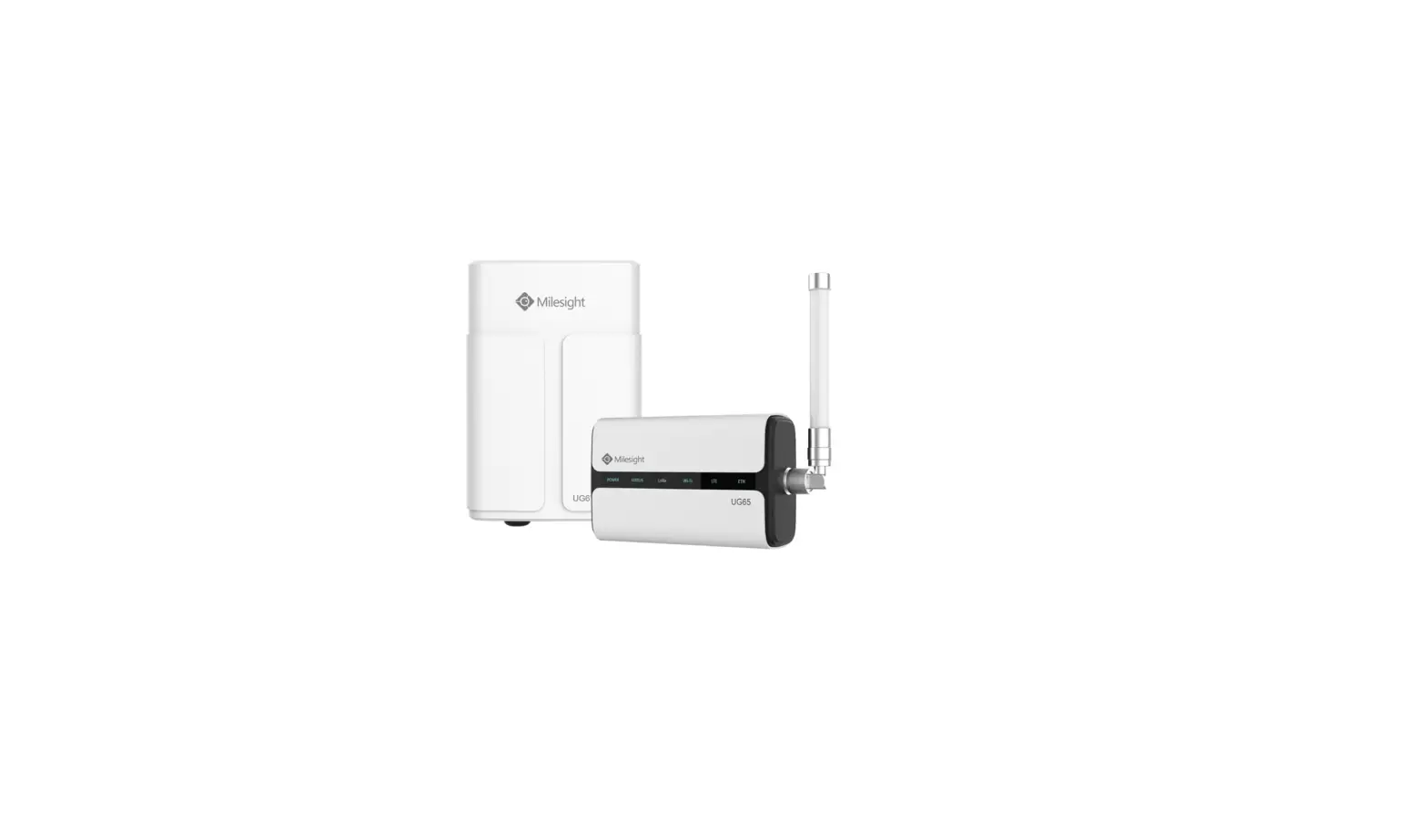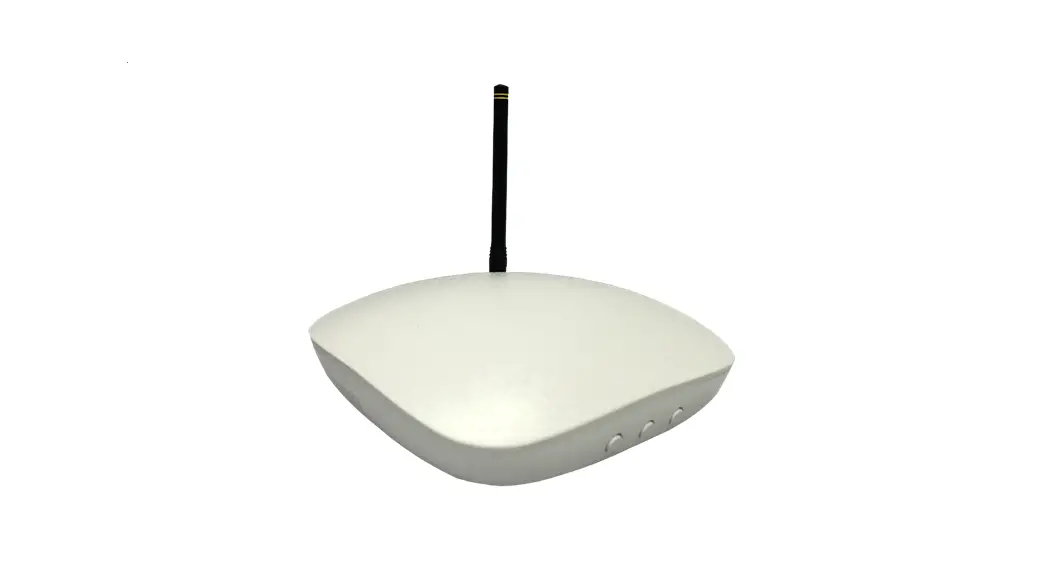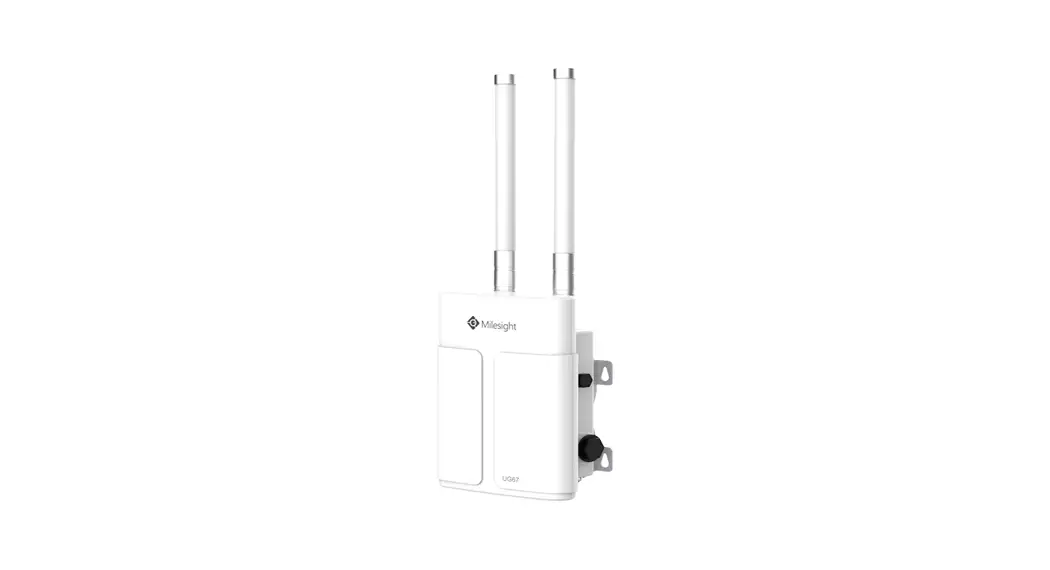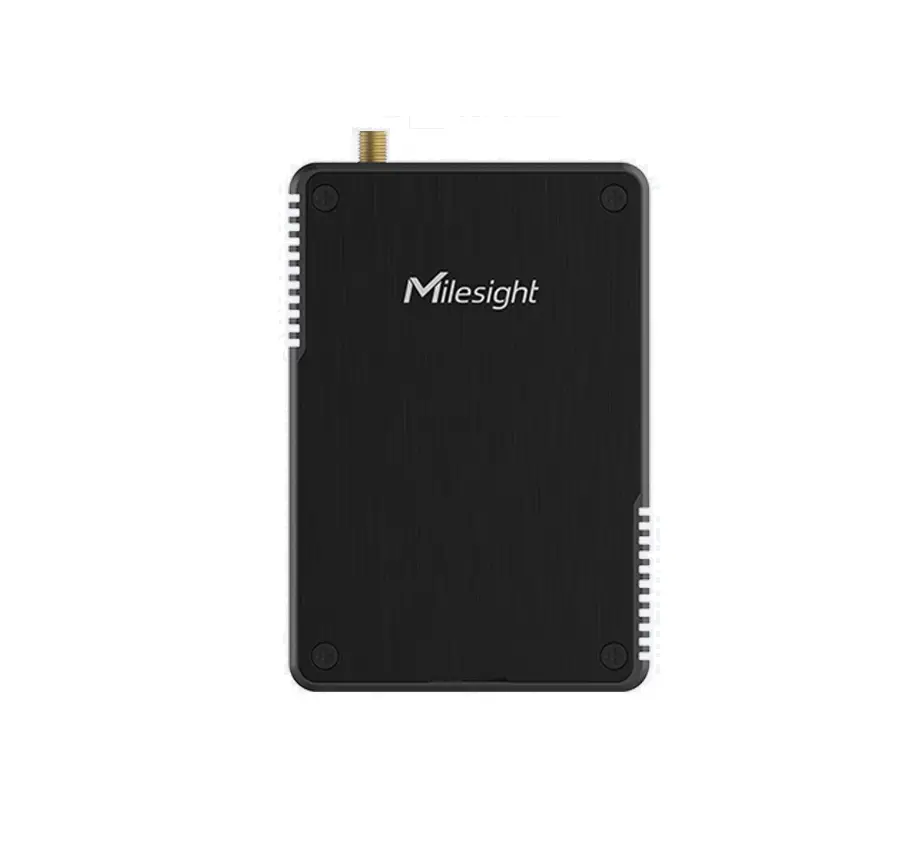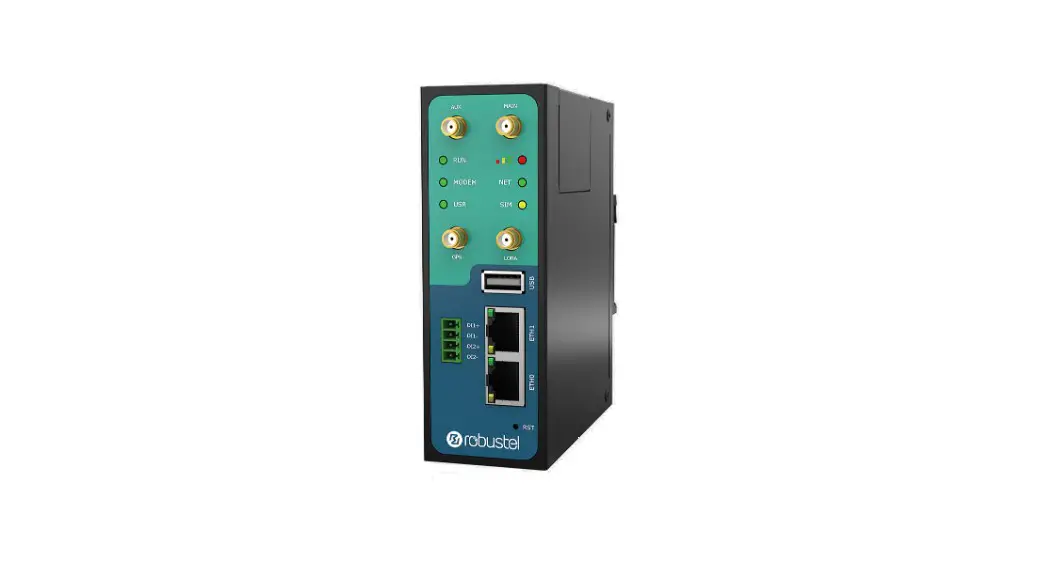
 R3000 LG
Hardware Manual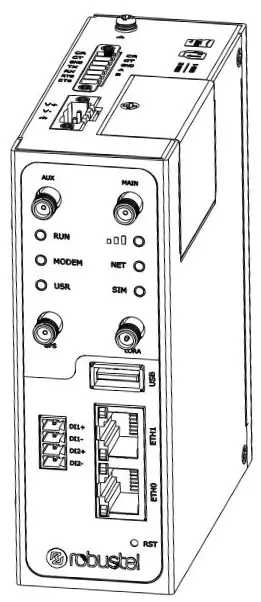
Version: 1.0.0
Regulatory and Type Approval Information
Table 1: Directives
| 2011/65/EU | The European RoHS2.0 2011/65/EU Directive was issued by the European parliament and the European Council on 1 July 2011 on the restriction of the use of certain Hazardous substances in electrical and electronic equipment. |
| On June 4, 2015, the Official Journal of the European Union published the RoHS2.0 Amendment Directive (EU) In 2015/863, four phthalates (DEHP, BBP, DBP, DIBP) were officially included in the list of restricted substances in Appendix II of RoHS 2.0 (2011/65/EU). From July 22, 2019, all electronic and electrical products exported to Europe (except medical and monitoring equipment) must meet this restriction; from July 22, 2021, medical equipment and monitoring equipment will also be included in the scope of control. | |
| 2012/19/EU | The European WEEE 2012/19/EU Directive was issued by the European parliament and the European Council on 24 July 2012 on waste electrical and electronic equipment. |
| 2013/56/EU | The European 2013/56/EU Directive is a battery Directive which published in the EU official gazette on 10 December 2013. The button battery used in this product conforms to the standard of 2013/56/EU directive. |
Table 2: Toxic or Hazardous Substances or Elements with Defined Concentration Limits
| Name of the Part | Hazardous Substances | |||||||||
| (Pb) | (Hg) | (Cd) | (Cr(VI)) | (PBB) | (PBDE) | (DEHP) | (BBP) | (DBP) | (DIBP) | |
| Metal parts | o | o | o | o | – | – | – | – | – | – |
| Circuit modules | o | o | o | o | o | o | o | o | o | o |
| Cables and cable assemblies | o | o | o | o | o | o | o | o | o | o |
| Plastic and polymeric parts | o | o | o | o | o | o | o | o | o | o |
| o: Indicates that this toxic or hazardous substance contained in all of the homogeneous materials for this part is below the limit requirement in RoHS2.0. X: Indicates that this toxic or hazardous substance contained in at least one of the homogeneous materials for this part might exceed the limit requirement in RoHS2.0. -: Indicates that it does not contain the toxic or hazardous substance. | ||||||||||
Radio Specifications
| RF technologies | 2G, 3G, 4G, LoRa, GNSS* | |
|
Cellular Frequency* | 4G: LTE FDD: B1/B2/B3/B4/B5/B7/B8/B12/B13/B18/B19/B20/ B25/B26/B28 LTE TDD: B38/B39/B40/B41 3G: WCDMA: B1/B2/B4/B5/B6/B8/B19 2G: GSM: B2/B3/B5/B8 | EMEA, Oceania, North America |
| LoRa Frequency | 863-870 MHz (Europe) 915-927 MHz (Australia) 902-928 MHz (North America) 920-928 MHz (Japan) | |
| Max RF power | 35 dBm@GSM, 25 dBm@WCDMA, 25 dBm@LTE, 24.5 dBm@LoRa | |
* May vary on difference models.
Simplified EU Declaration of Conformity
We, Guangzhou Robustel Co., Ltd. are located at 501, Building #2, 63 Yongan Road, Huangpu District, Guangzhou, China, declare that this radio equipment complies with all applicable EU directives. The full text of the EU DoC is available at the following internet address: www.robustel.com/certifications/
FCC Declaration of Conformity
This device complies with Part 15 of the FCC Rules. Operation is subject to the following two conditions:
(1) This device may not cause harmful interference.
(2) This device must accept any interference received, including interference that may cause undesired operation.
IC Declaration of Conformity
This device contains licence-exempt transmitter(s)/receiver(s) that comply with Innovation, Science and Economic
Development Canada’s licence-exempt RSS(s). Operation is subject to the following two conditions:
(1)This device may not cause interference.
(2)This device must accept any interference, including interference that may cause undesired operation of the device.
Radio Frequency Exposure Statement for IC
This device complies with IC exposure limits set forth for an uncontrolled environment. This device shall be installed and operated with minimum distance 20cm between the radiator & body.
Related download link
Find more product documents or tools at: www.robustel.com/en/documentations/
Technical Support
Tel: +86-20-82321505
Email: [email protected]
Web: www.robustel.com
Document History
Updates between document versions are cumulative. Therefore, the latest document version contains all updates made to previous versions.
| Date | Firmware Version | Document Version | Change Description |
| July 28, 2022 | 5.0.0 | 1.0.0 | Initial release. |
Overview
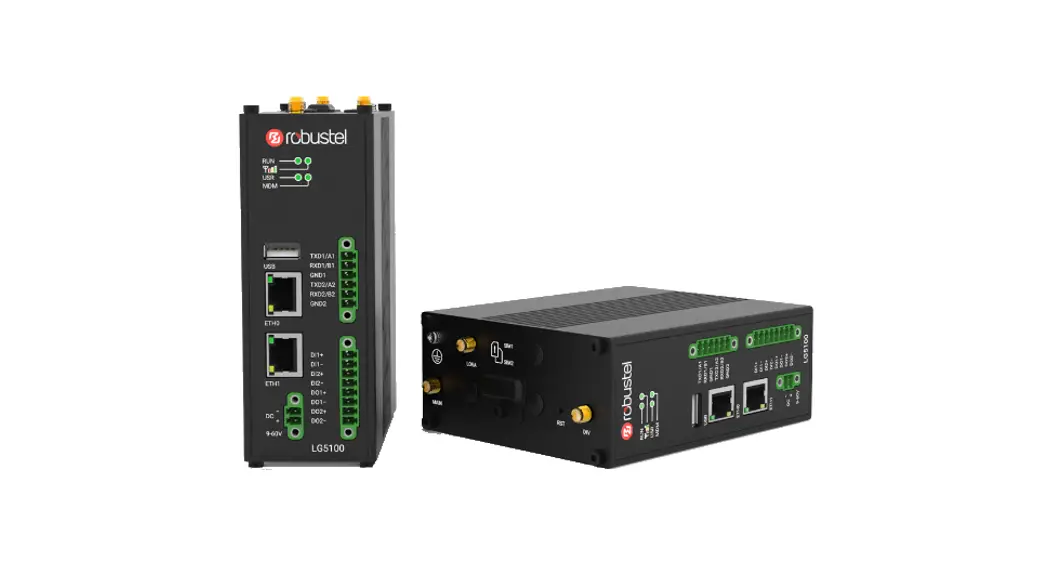
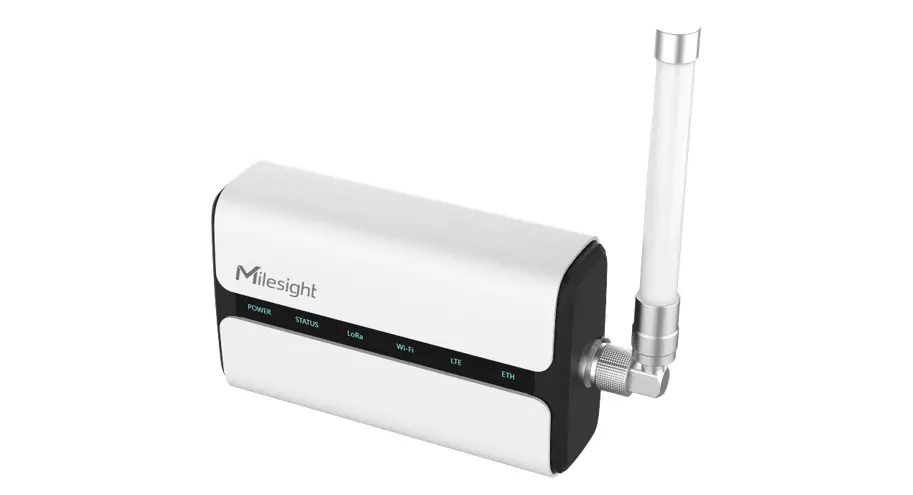
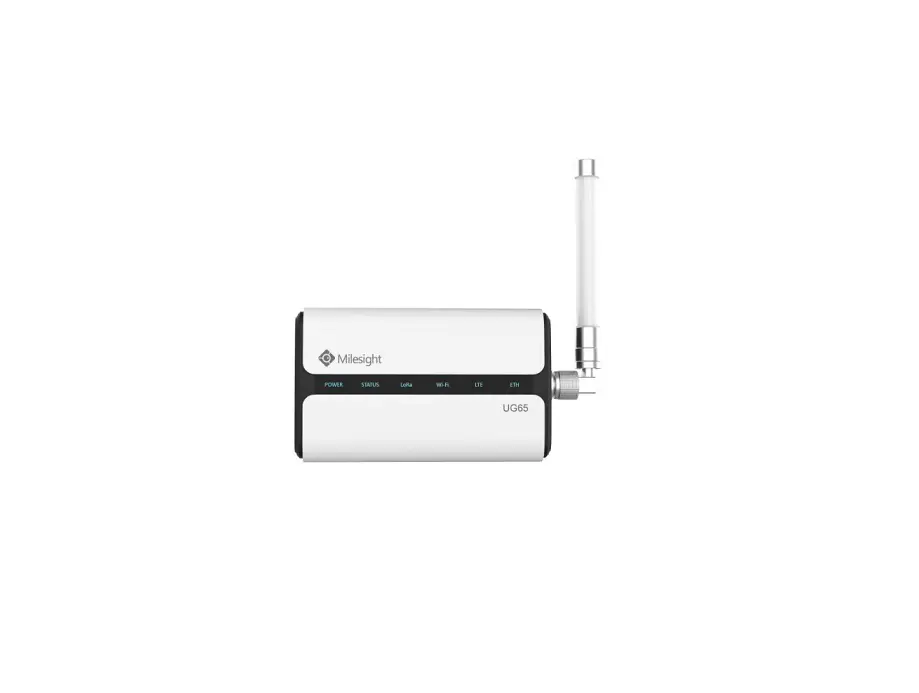
Robustel R3000 LG is an industrial-grade LoRaWAN gateway, integrated with LoRaWAN wireless communication technology and cellular network technology, to provide users with wireless long-distance data transmission services.
Package Checklist
Before commencing installation ensure your package has the following components: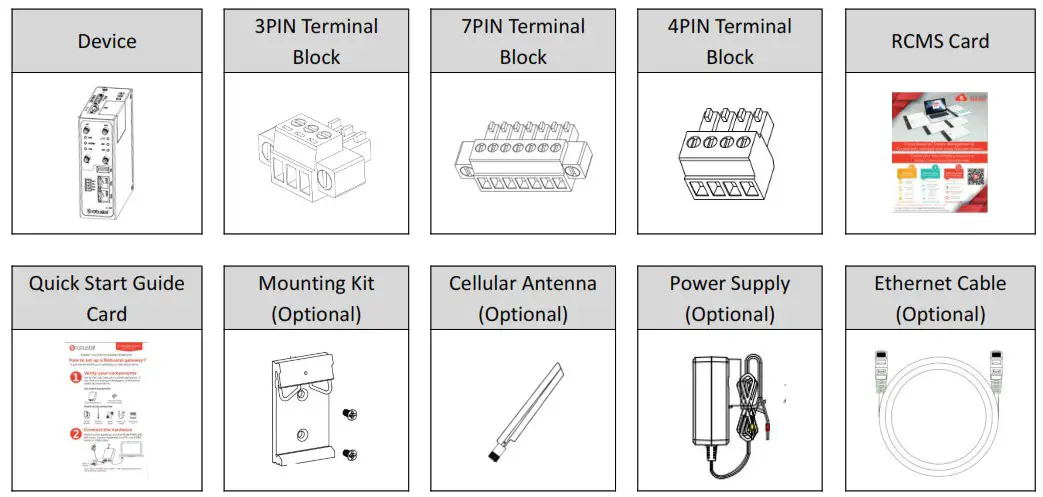
Note: The accessories could be different on specific order.
Panel Layout(May Vary on Different Models)
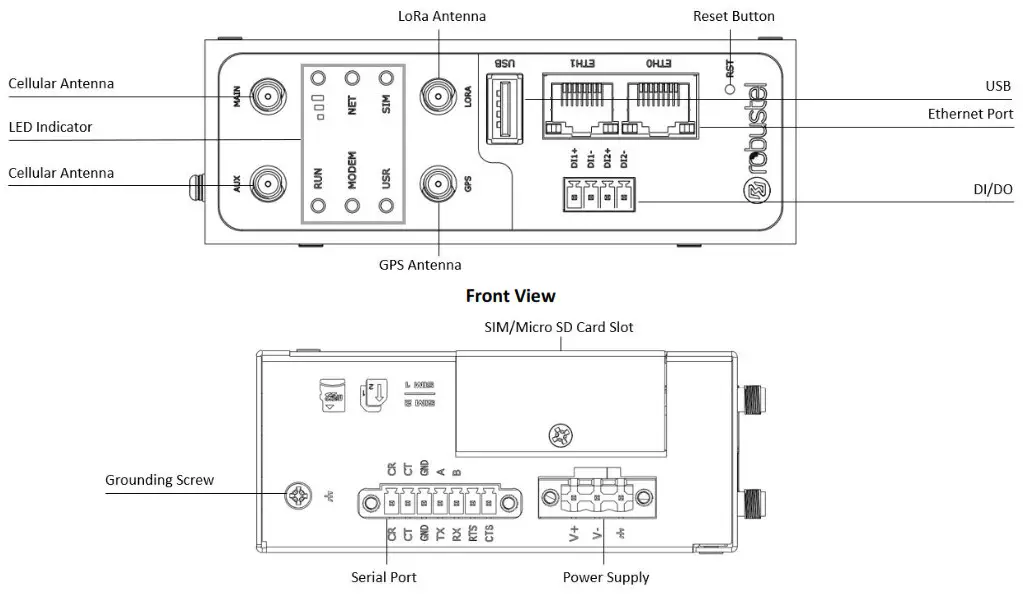
Interface Descriptions
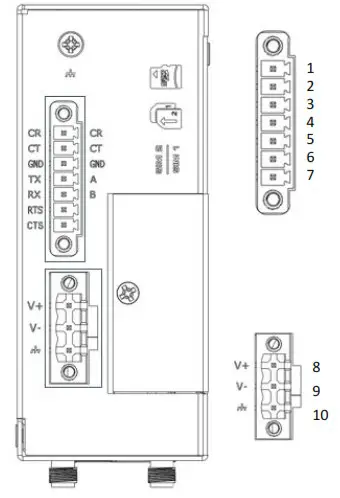
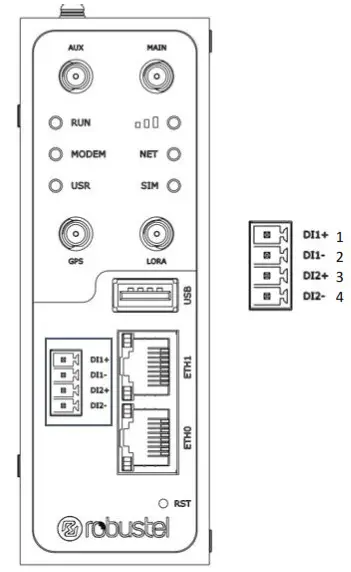
- PIN Assignment

PIN Debug RS-232 RS-485 Direction 1 CR — — Gateway ¬ Device 2 CT — — Gateway ® Device 3 GND GND GND — 4 — TXD Data+(A) Gateway ® Device 5 — RXD Data+(B) Gateway ¬ Device 6 — RTS — Gateway ® Device 7 — CTS — Gateway ¬ Device PIN Polarity 8 Positive 9 Negative 10 GND 
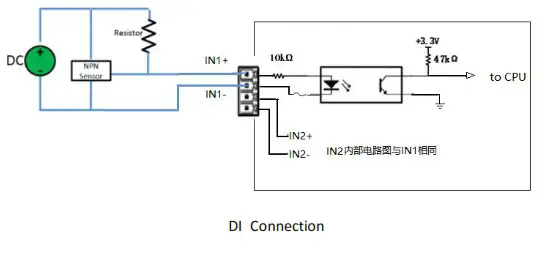
PIN DI Direction 1 DI1+ Gateway ¬ Device 2 DI1- Gateway ¬ Device 3 DI2+ Gateway ¬ Device 4 DI2- Gateway ¬ Device Typical Application :

- USB Interface.
Function Operation Firmware upgrade USB interface is used for batch firmware upgrading, but cannot be used for sending or receiving data from slave devices which connected to it. You can insert a USB storage device into the gateway’s USB interface, such as a U disk or a hard disk. If there have a supported configuration file or a gateway firmware in this USB storage device, the gateway will automatically update the
configuration file or the firmware. For more details, see RT123_SM_RobustOS Software Manual. - LED Indicator.
Name Color Status Description RUN Green On, fast blinking (250ms blink time) Gateway is powered on (System is initializing) On, blinking (500ms blink time) Gateway starts operating Off Gateway is powered off MODEM Green On, solid Link connection is working Off Link connection is not working USR-OpenVPN Green On, solid OpenVPN connection is established Off OpenVPN connection is not established USR-IPsec Green On, solid IPsec connection is established Off IPsec connection is not established 
Green On, solid High Signal strength (21-31) is available Yellow On, solid Medium Signal strength (11-20) is available Red On, solid Low Signal strength (1-10) is available / Off No signal NET Green On, solid Connection to 4G network is established Yellow On, solid Connection to 3G network is established Red On, solid Connection to 2G network is established / Off Connection to network is not established or establishing SIM Green On, Solid Main card is being used On, blinking Backup card is being used Off No SIM card Note: You can choose the display type of USR LED. For more details, please refer to
RT123_SM_RobustOS Software Manual Service > Advanced > System >System Settings > User LED Type. - Reset Button.
Function Operation Reboot Press and hold the RST button for 2~ 5 seconds under the operating status. Restore to default configuration Press and hold the RST button for 5~10 seconds, the RUN LED starts blinking quickly, the router will restore to default configuration. Restore to factory default settings Once the operation of restoring default configuration is performed twice within one minute, the router will restore to factory default settings. Note: The more details please refer to RT123_SM_RobustOS Software Manual, 2.3 Factory Reset. - Ethernet Ports. There are two Ethernet ports on R3000 LG, including ETH0 and ETH1. Each Ethernet port has two LED indicators. The yellow one is a link indicator, while the green one is a speed indicator. For details about status, see the table below.
Indicator Status Description Link indicator On, solid Connection is established On, blinking Data is being transferred Off Connection is not established Speed indicator On, solid 100 Mbps mode Off 10 Mbps mode

Hardware Installation
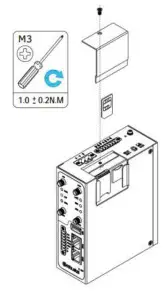
- SIM Card Installation. Loosen the screws associated with the cover by using a screwdriver and then find the SIM card slot/Micro SD card slot. Press the card with finger until you hear a click and then tighten the screws associated with the cover by using a screwdriver. Put back the cover and tighten the screws associated with the cover by using a screwdriver.

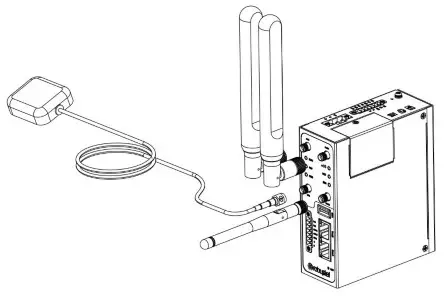
- Antenna Installation. Rotate the antenna into the antenna connector accordingly.

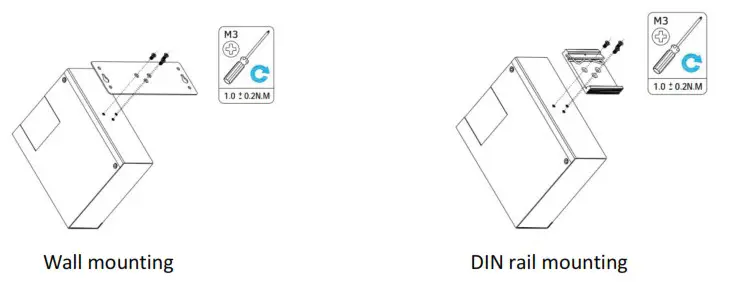
- Mounting Kit installation. (Optional)

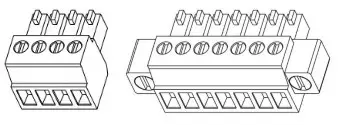
- Terminal Block Installation. Insert the terminal blocks into the interfaces connector, then can connect the devices or sensors to the gateway via corresponding interfaces e.g. RS232/RS485, DIDO…

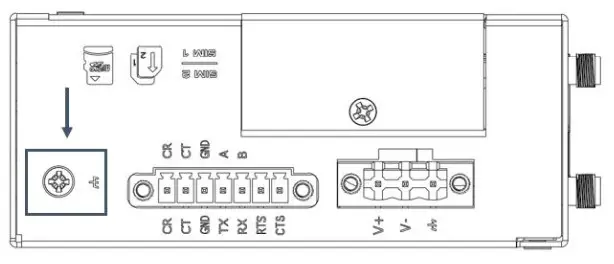
- Grounding the Device. Grounding will help to prevent the noise effect due to electromagnetic interference (EMI). Connect the device to the site ground wire by the grounding screw before powering on.

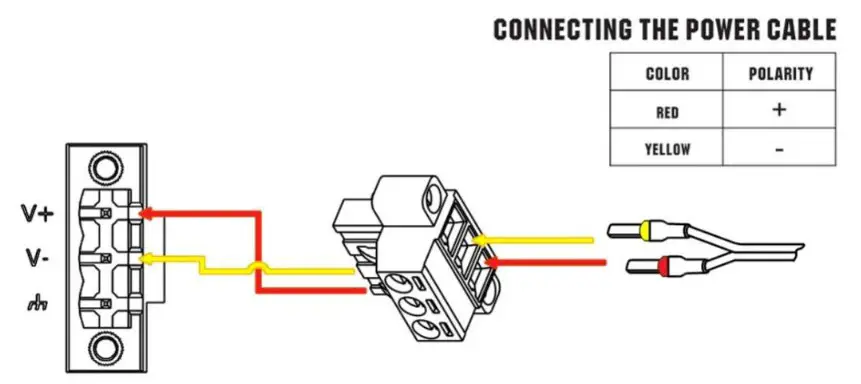
- Power Supply installation. Following to the color of the head, connect the cable marked red to the positive pole through a terminal block, and connect the yellow one to the negative in the same way.
Note: The range of power voltage is 9 to 60V DC.
Login to the Device
- Connect the router’s Ethernet port to a PC with a standard Ethernet cable.
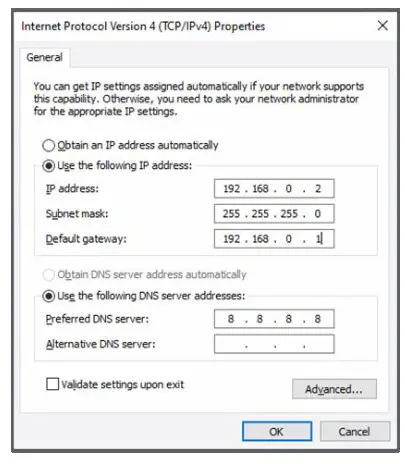
- Before logging in, manually configure the PC with a static IP address on the same subnet as the gateway address, click and configure “Use the following IP address”.

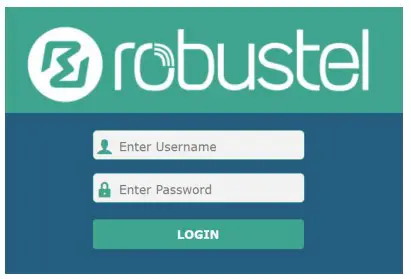
- To enter the gateway’s web interface, type http://192.168.0.1 into the URL field of your Internet browser.
- Use login information shown in the product label when prompted for authentication.

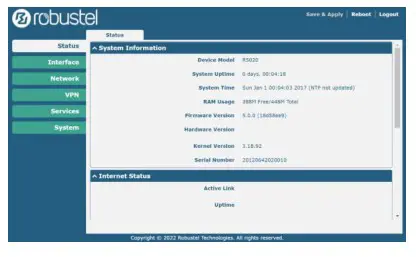
- After logging in, the home page of the web interface is displayed, then you can view system information and perform configuration on the device.

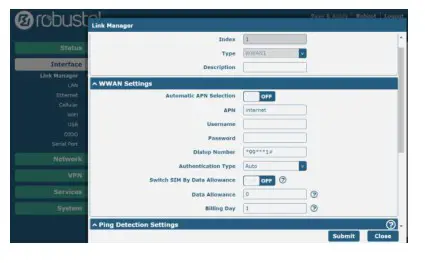
- The automatic APN selection is ON by default, if need to specify your own APN, please go to the menu Interface->Link Manager->Link Setting->WWAN Settings to finish the specific setting.

- The more configuration details please refer to RT123_SM_RobustOS Software Manual. (END)
Support: [email protected]
Website: www.robustel.com
©2022 Guangzhou Robustel Co., Ltd.
All rights reserved. Subject to change without notice.
RT018_HM_R3000_LG
 4G/LTE/5G/Cellular Routers, Gateways and Modems for Industrial IoT - Robustel