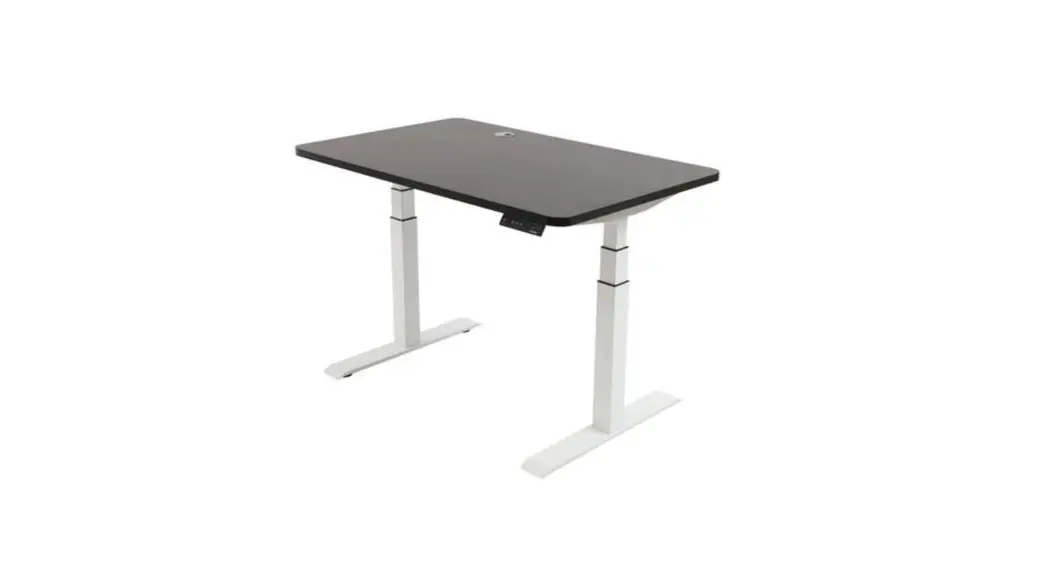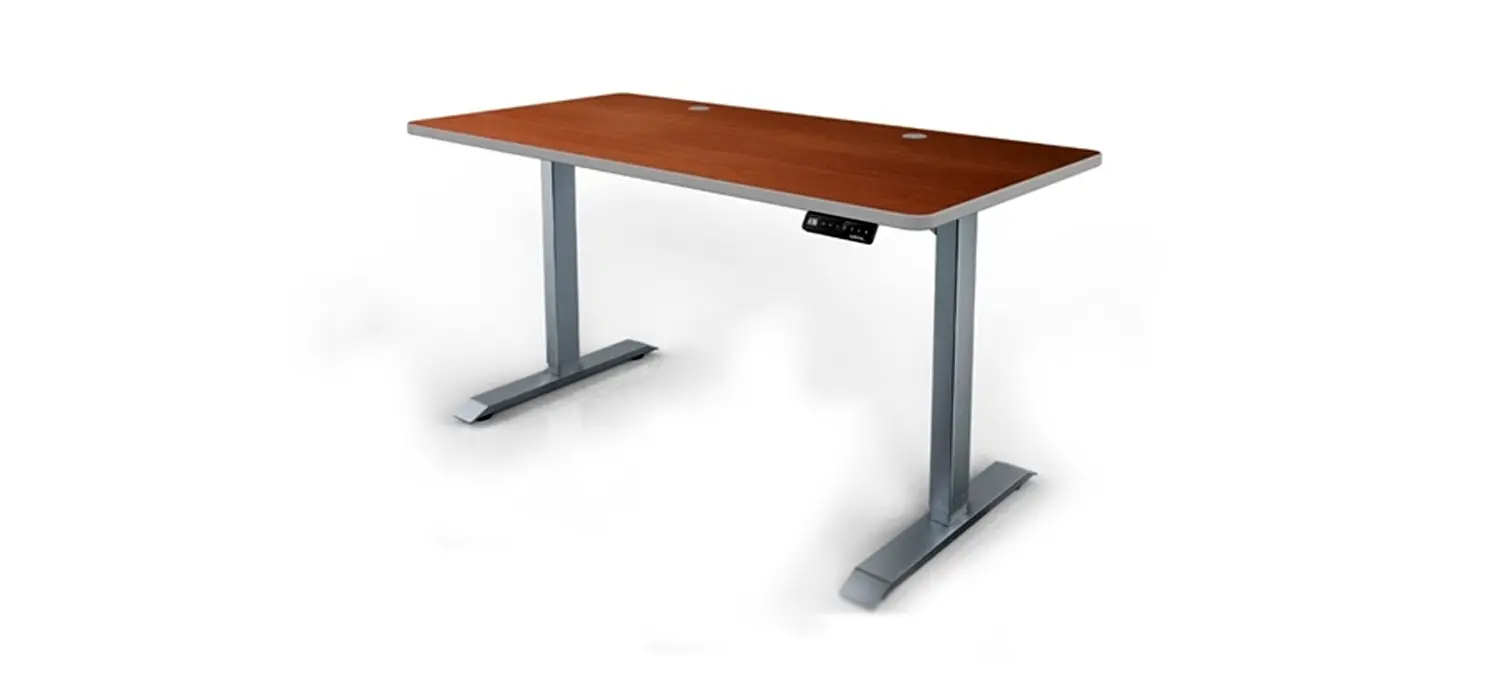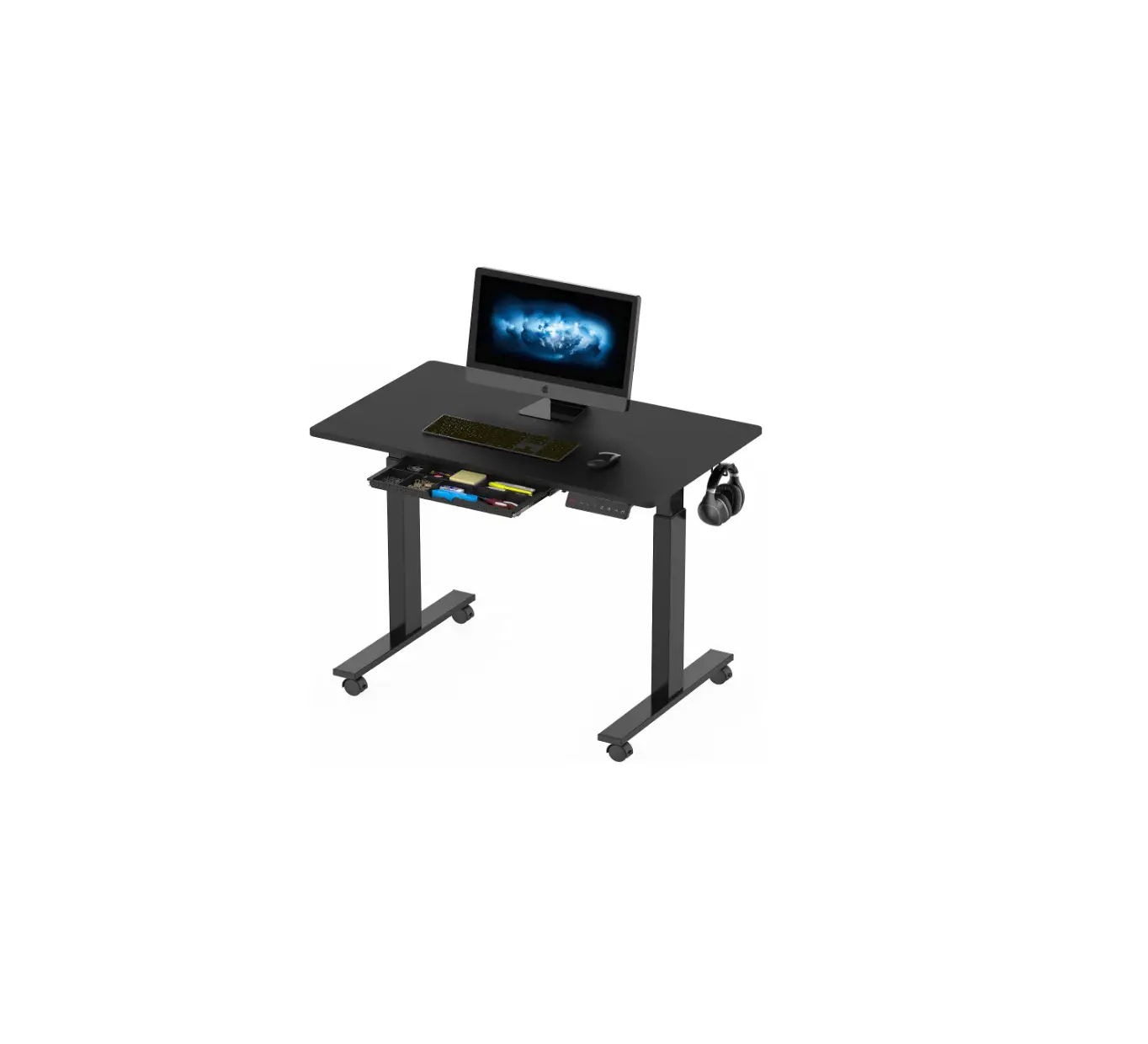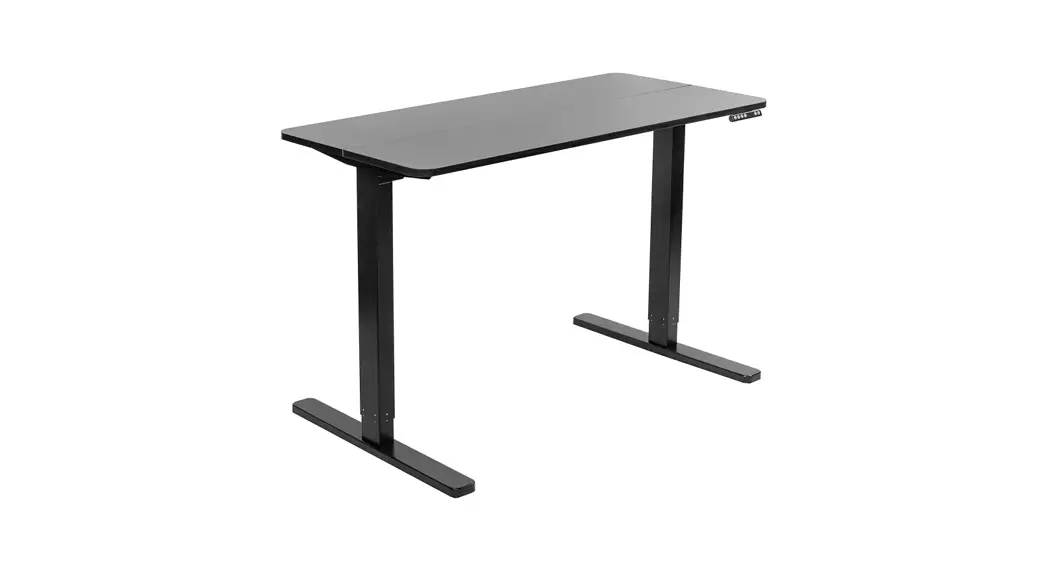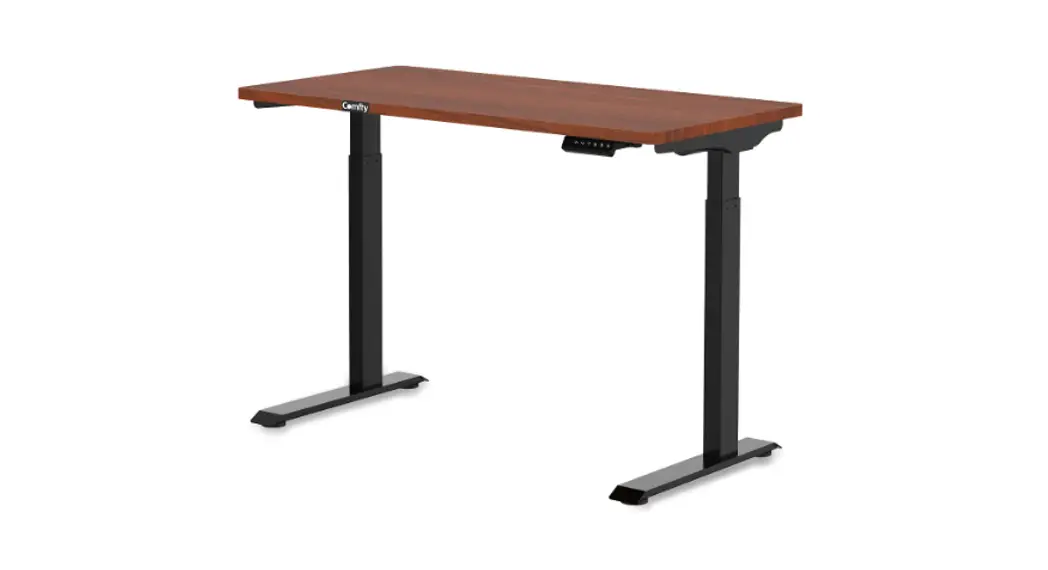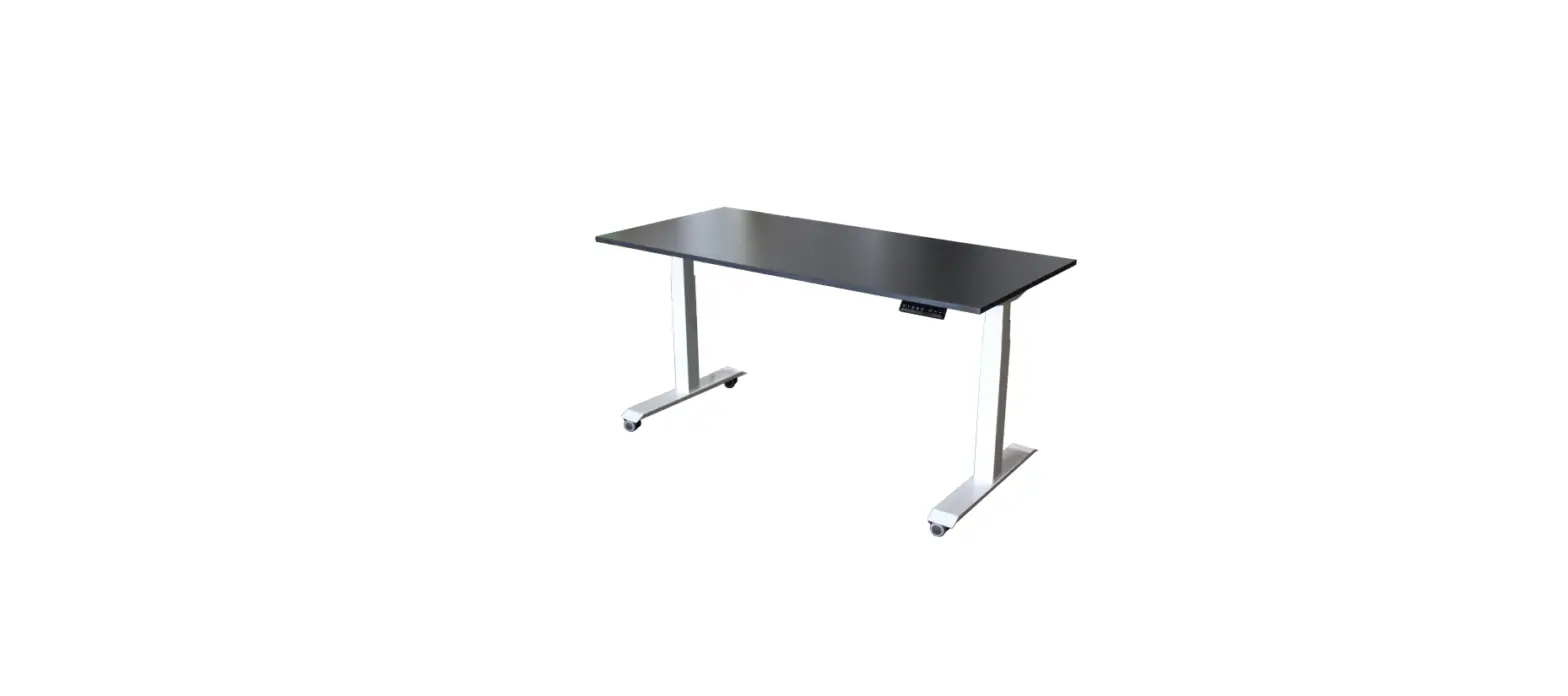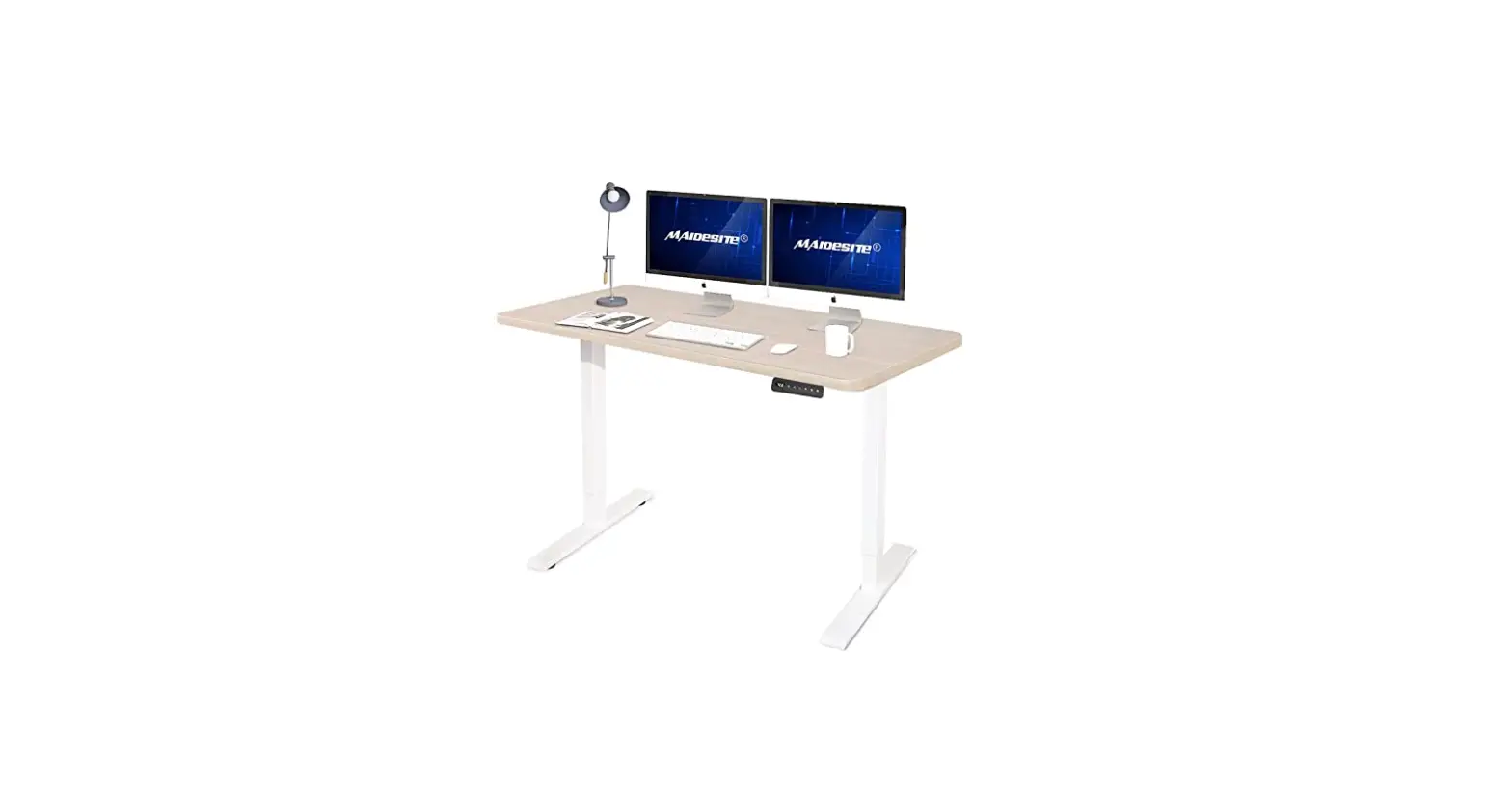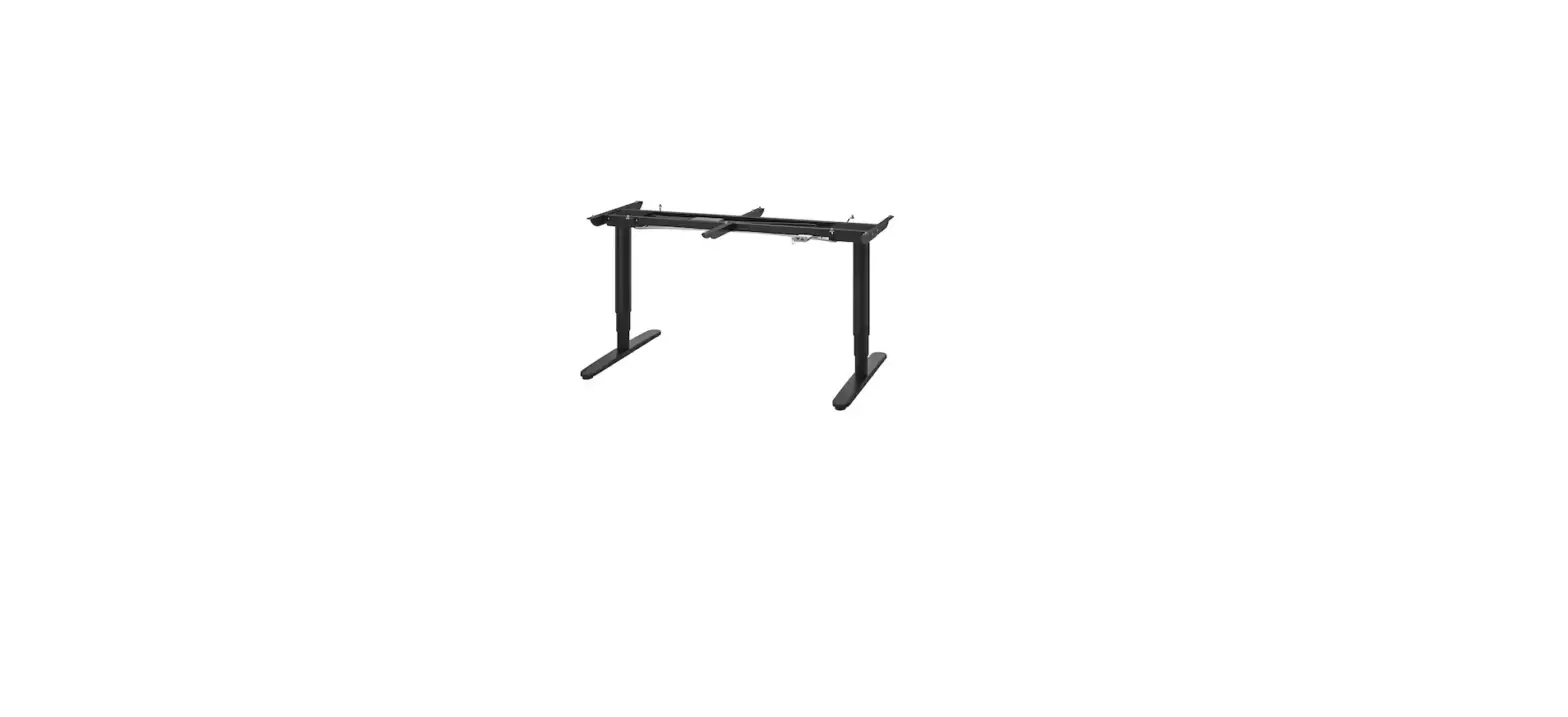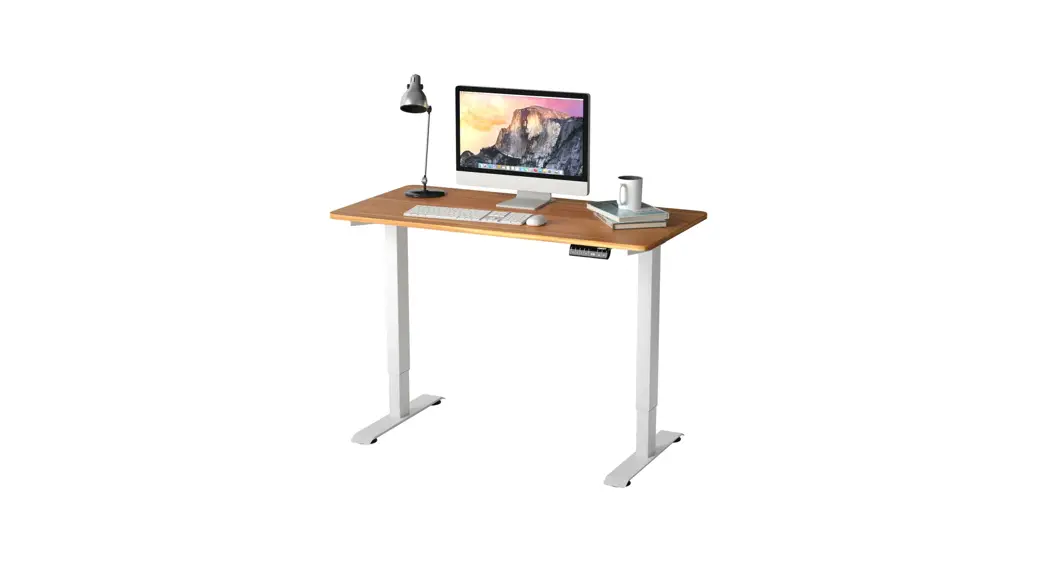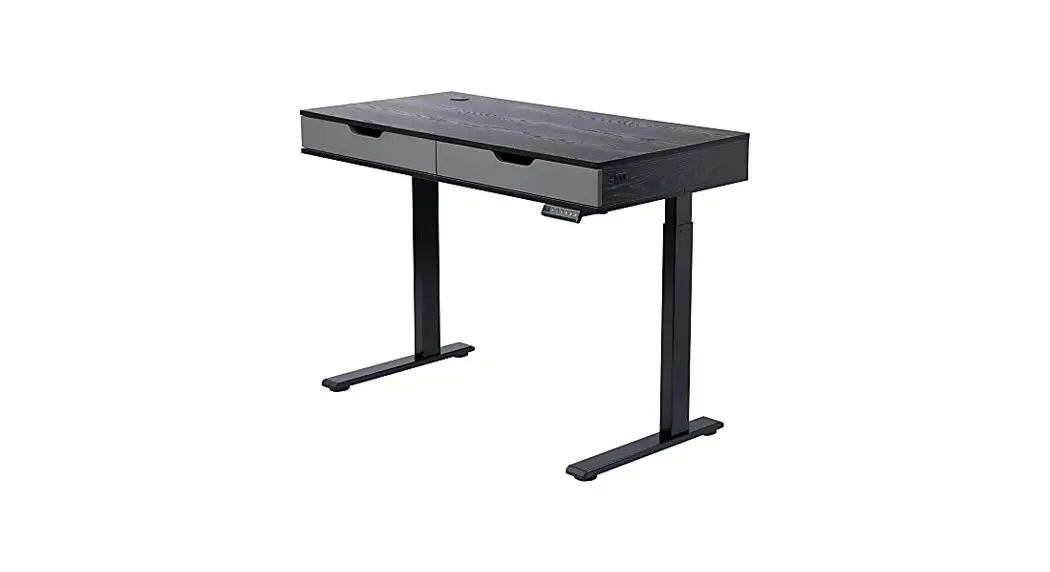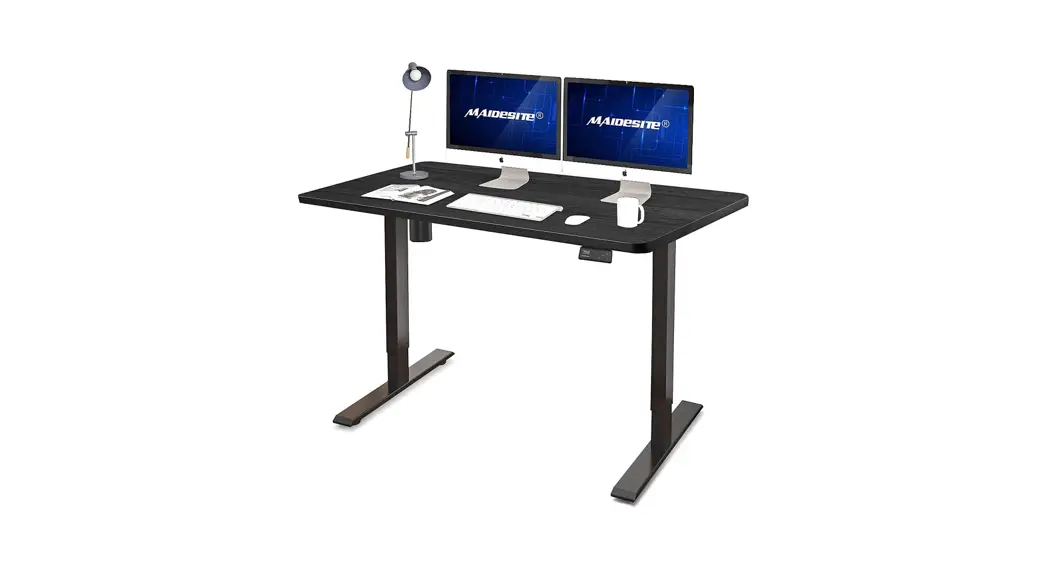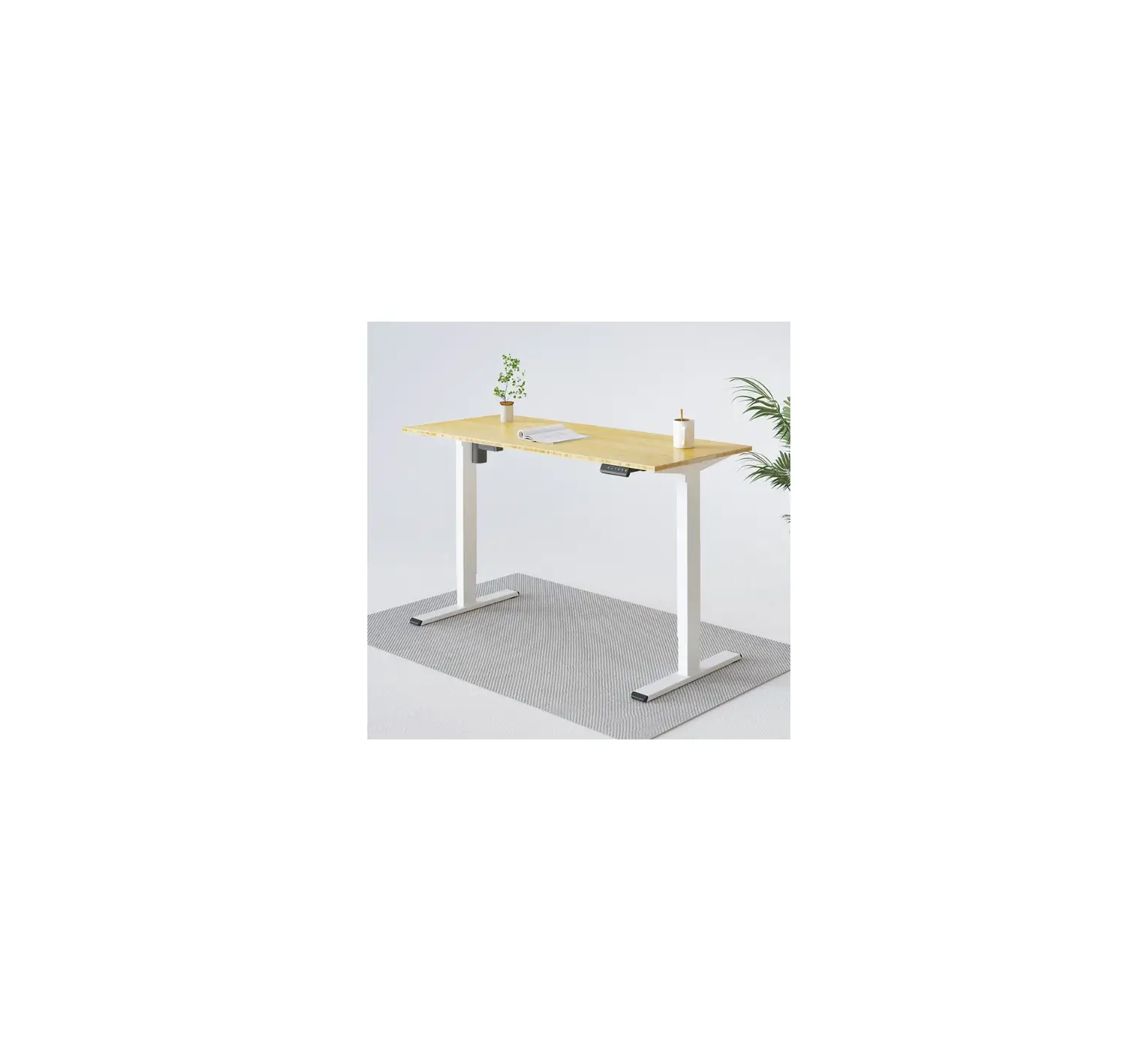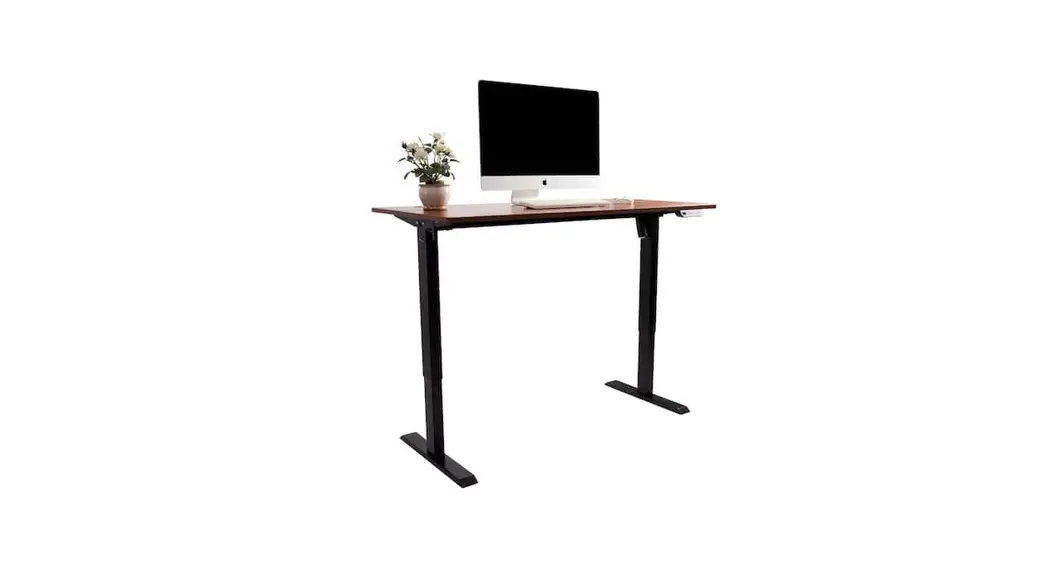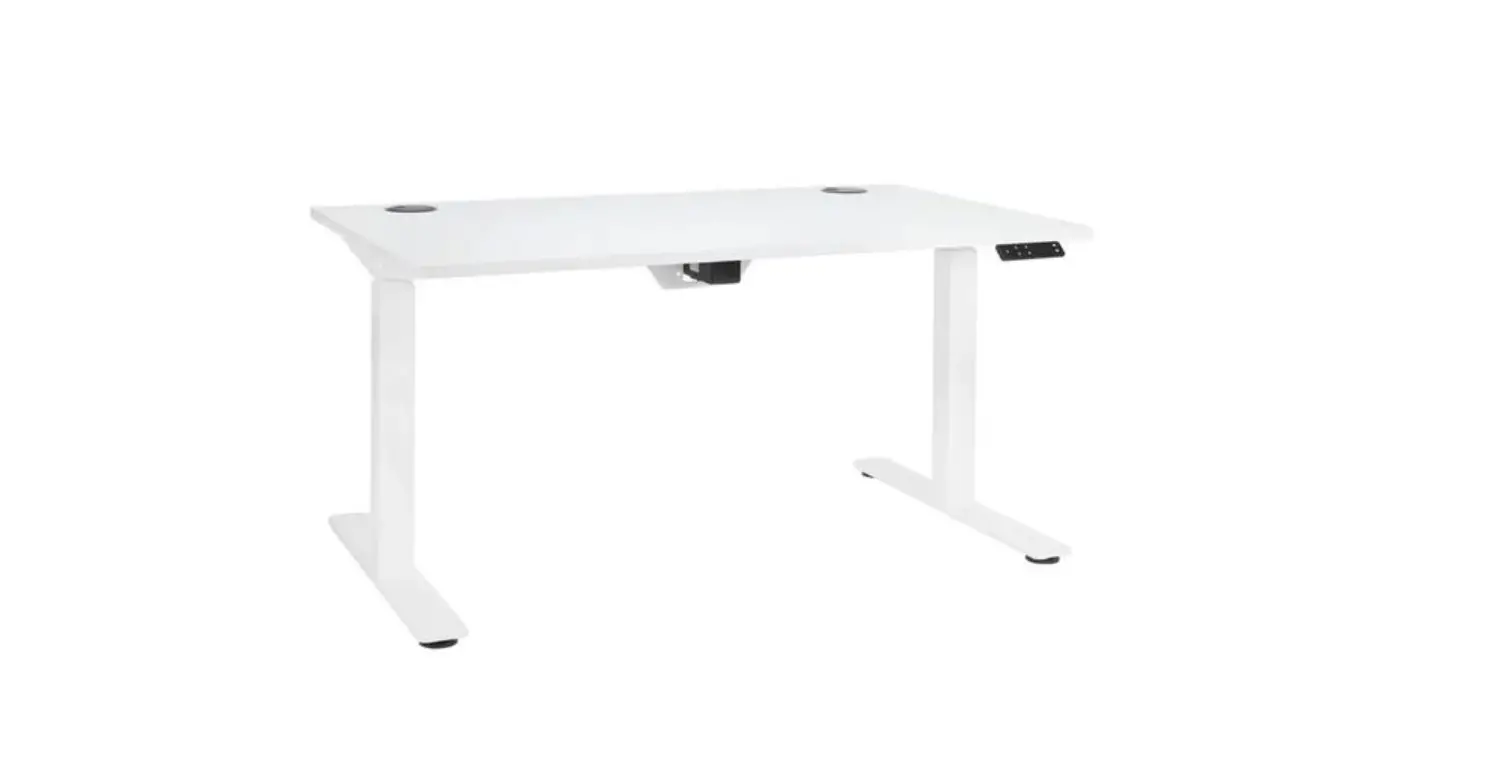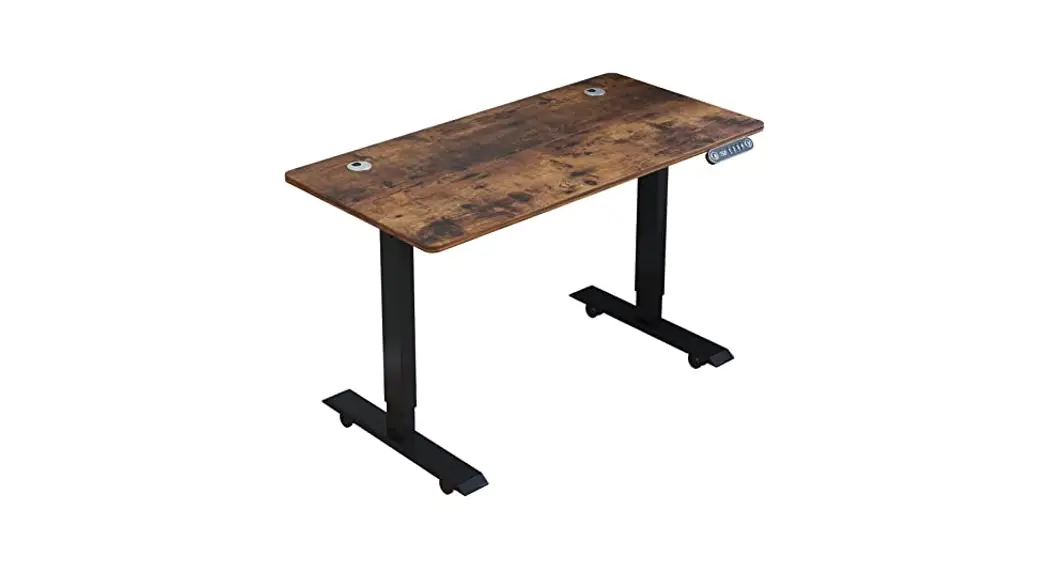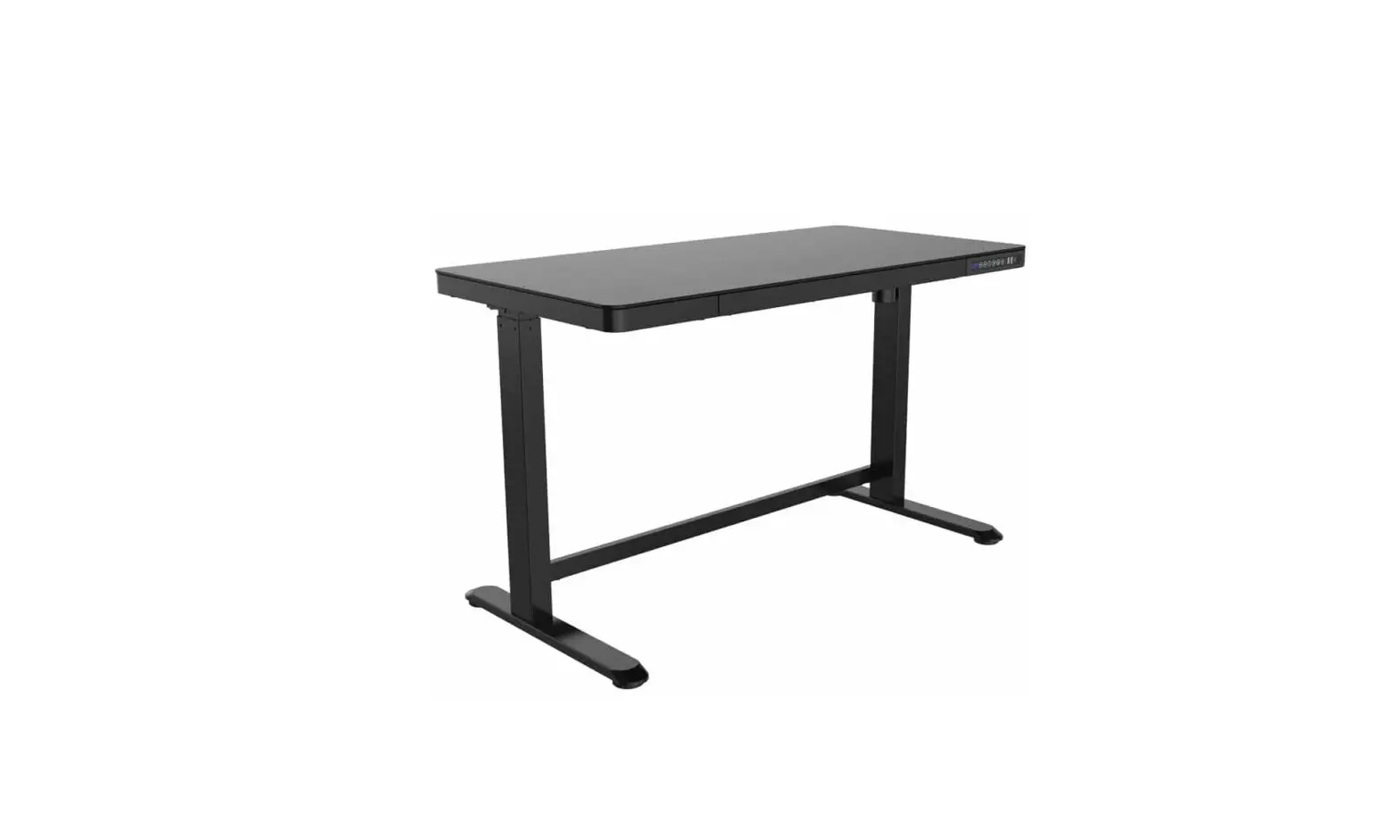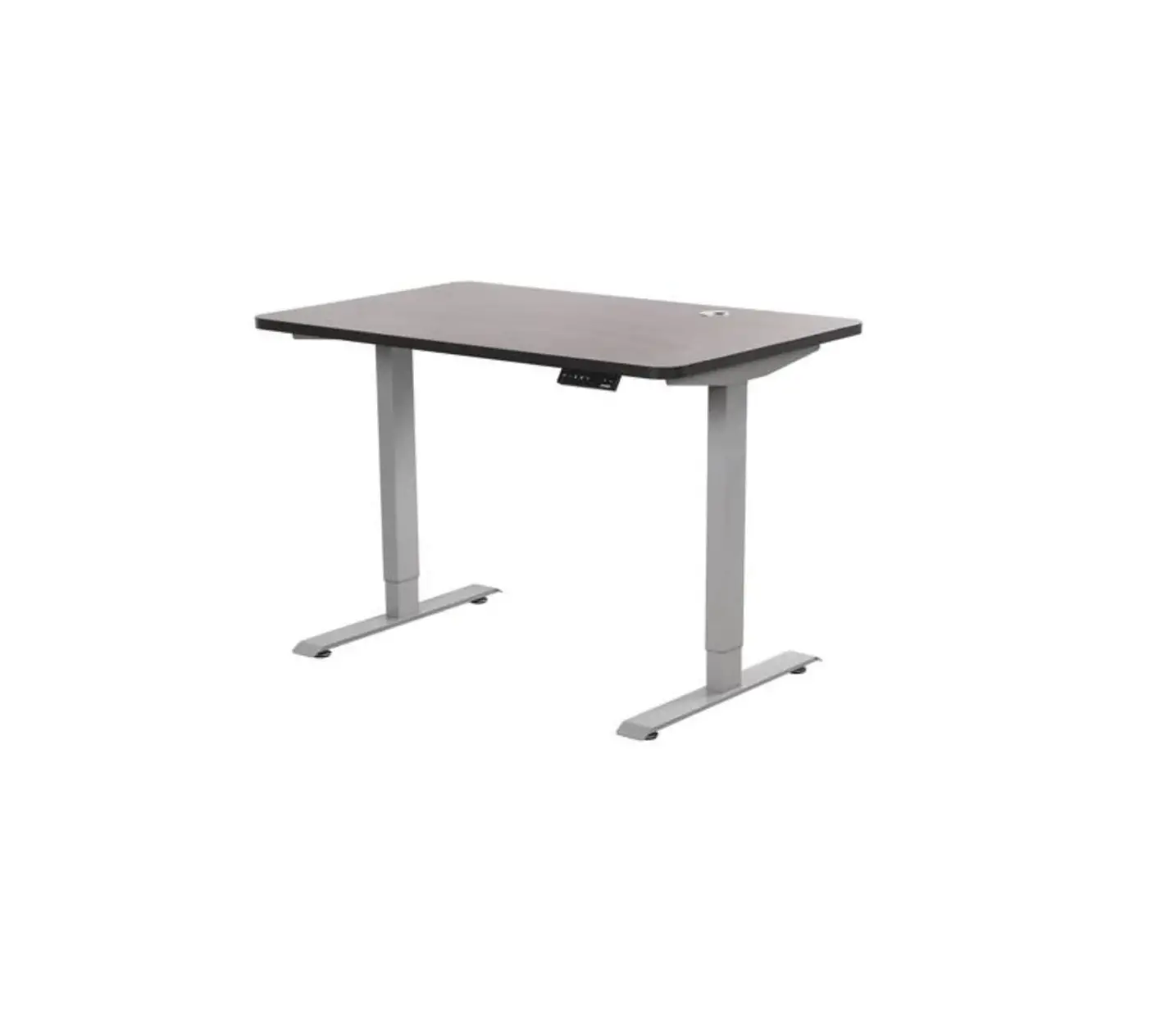
EFFYDESK Home Frame 2022 Height-Adjustable Electric Standing Desk
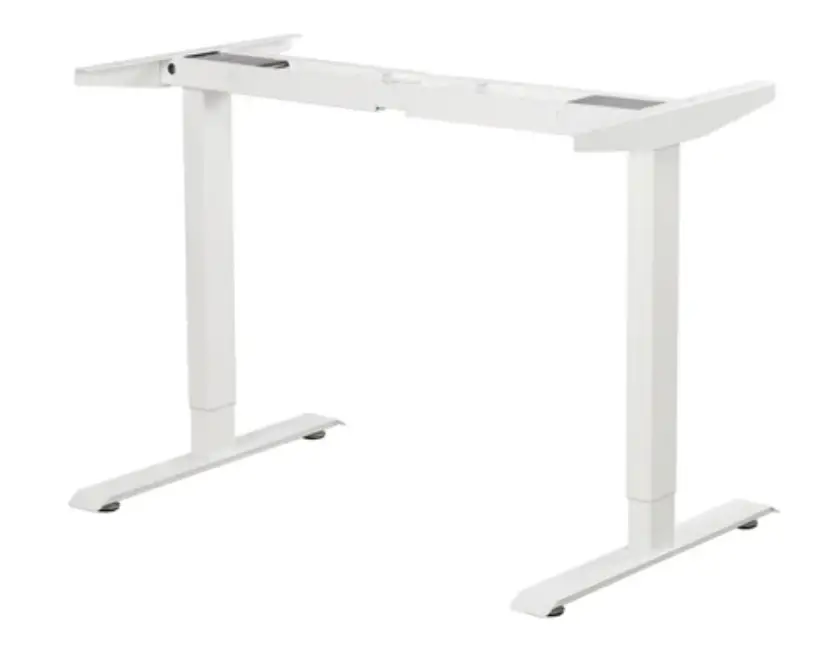
Technical Data
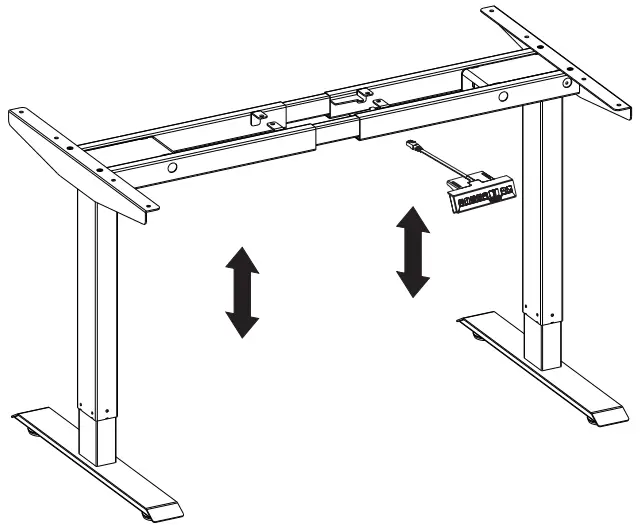
| Segment Column | 2 | Input Voltage | 110-240V |
| Maximum Load | 2401bs | Speed | 30mm/s |
| Recommend Load | <220 lbs | Certification | UL |
| Height Range | 710-1160mm | ||
Accessory List
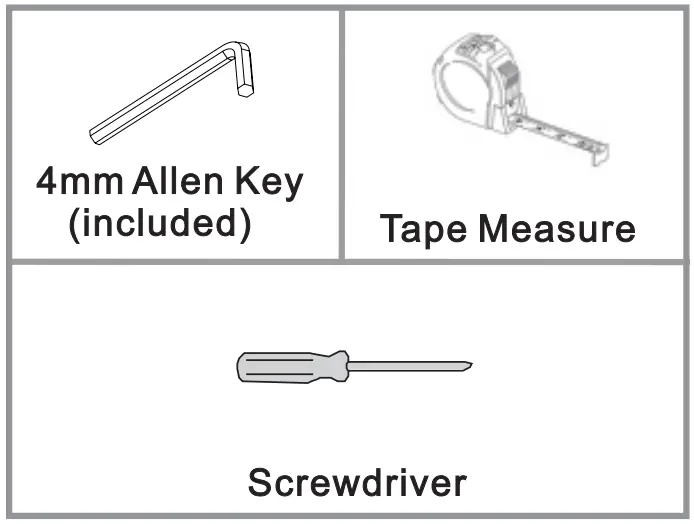
Tool Required
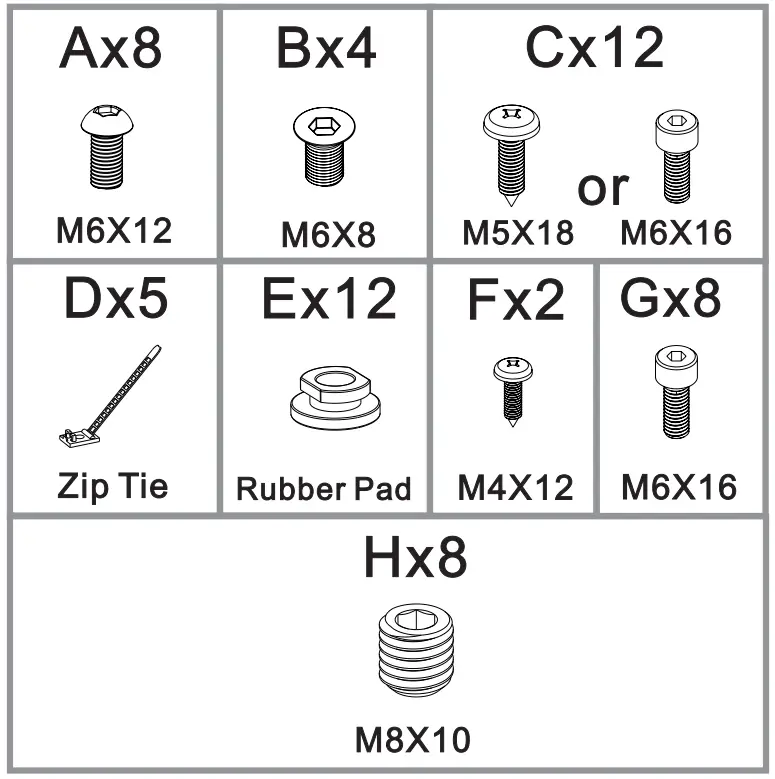
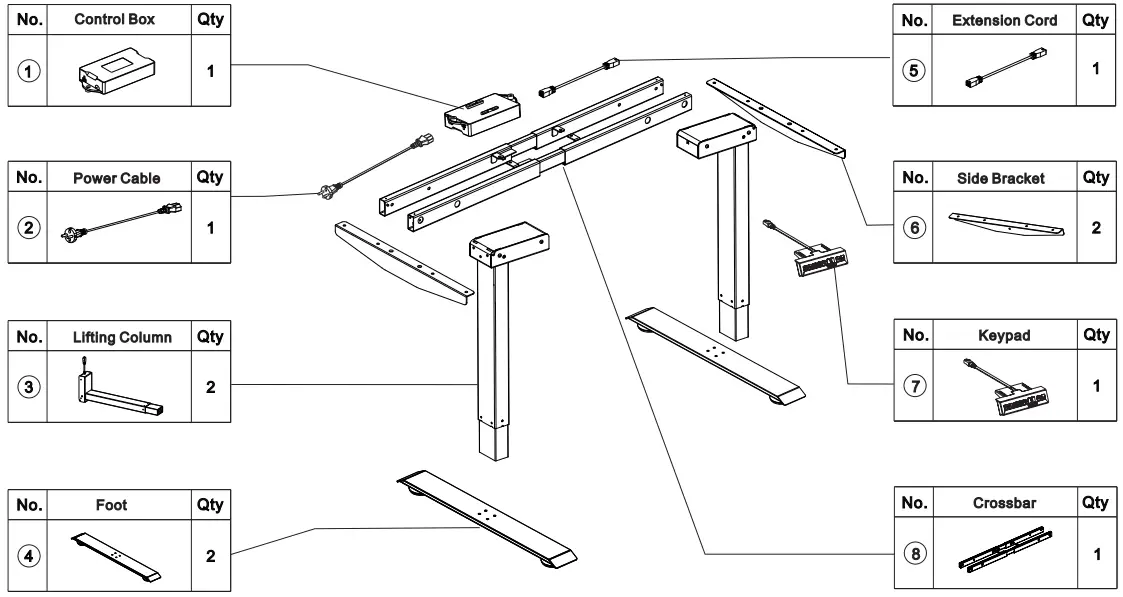
Parts List
| Thank you for your order! If you have any issues with your product, please feel free to contact us via [email protected] or [email protected] We will help you resolve the issue as soon as possible. For more information, please visit https://effydesk.ca/pages/how-to-assemble-your-height-adjustable-standing-desk |
STEP 1
Separate the Crossbar and you will find the Crossbar Rail inside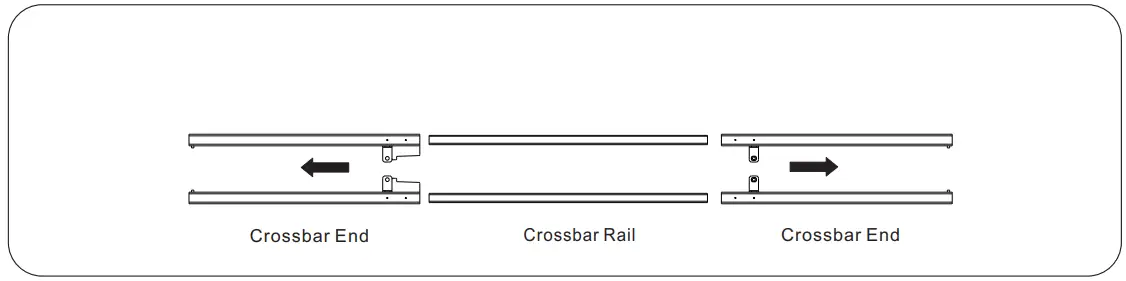
STEP 2
Insert one of the Crossbar Ends into the one of the Lifting Columns and secure with screws. Repeat the same step for the other Lifting Column.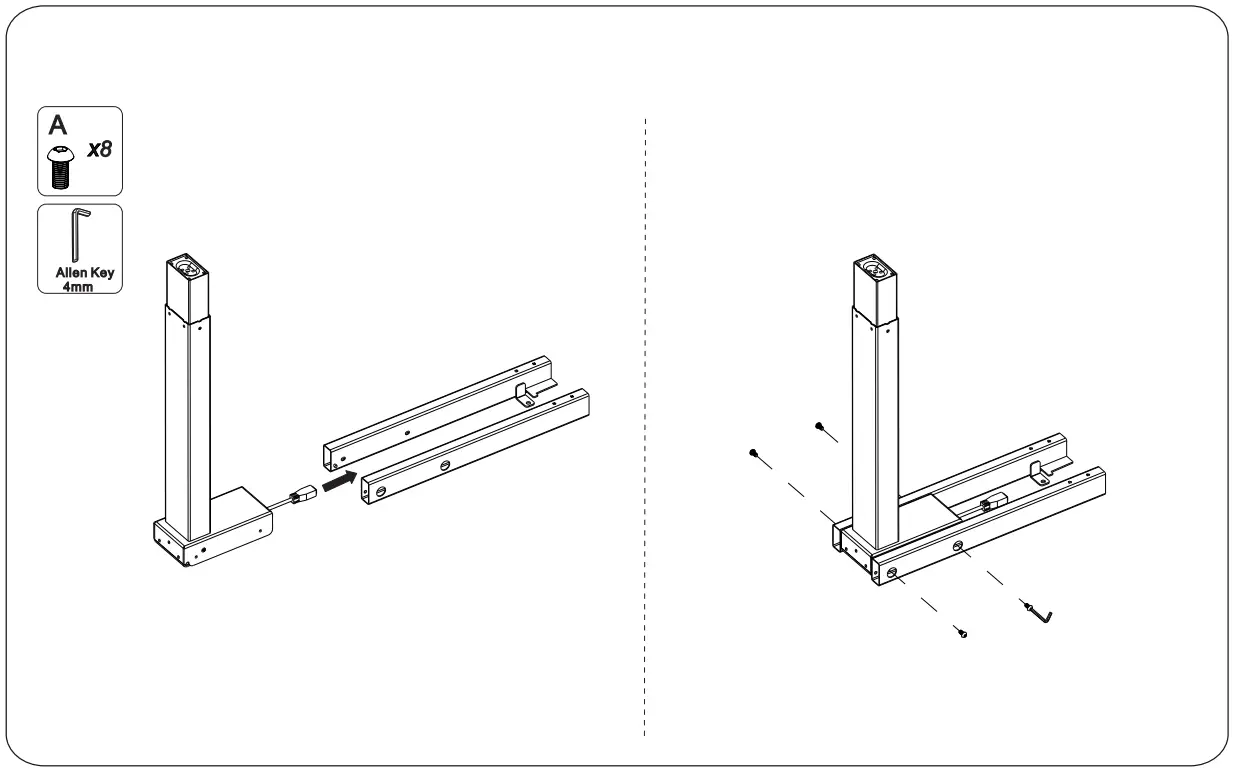
STEP 3Attach the Side Bracket to one of the Lifting Columns. Repeat the same step for the other Lifting Column.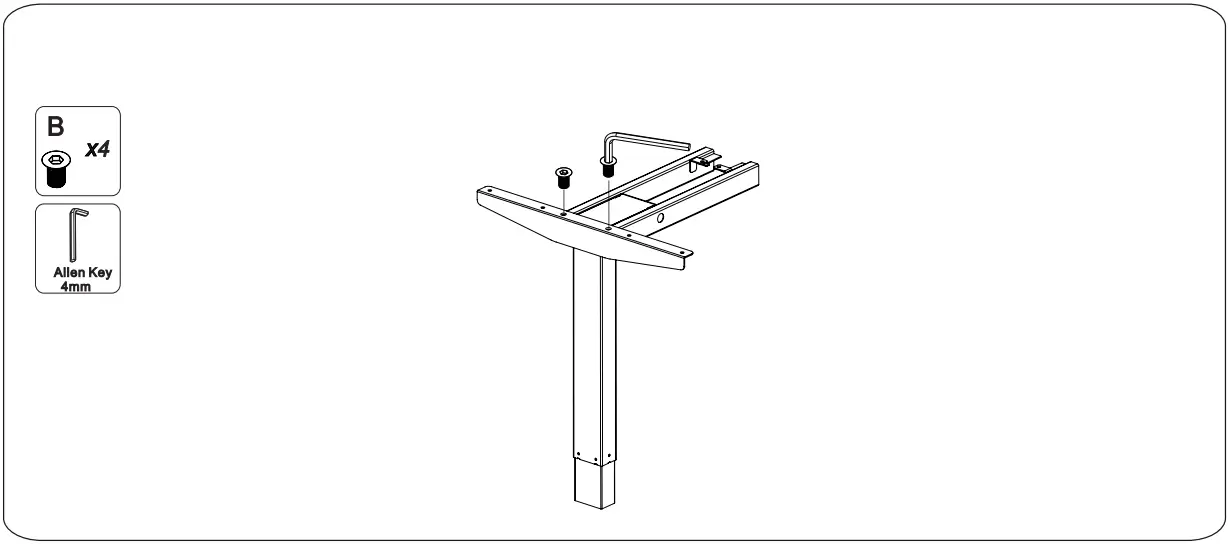
STEP 4Slide the two Crossbar Ends back into the Crossbar Rail. Please make sure to fit the slots as shown below.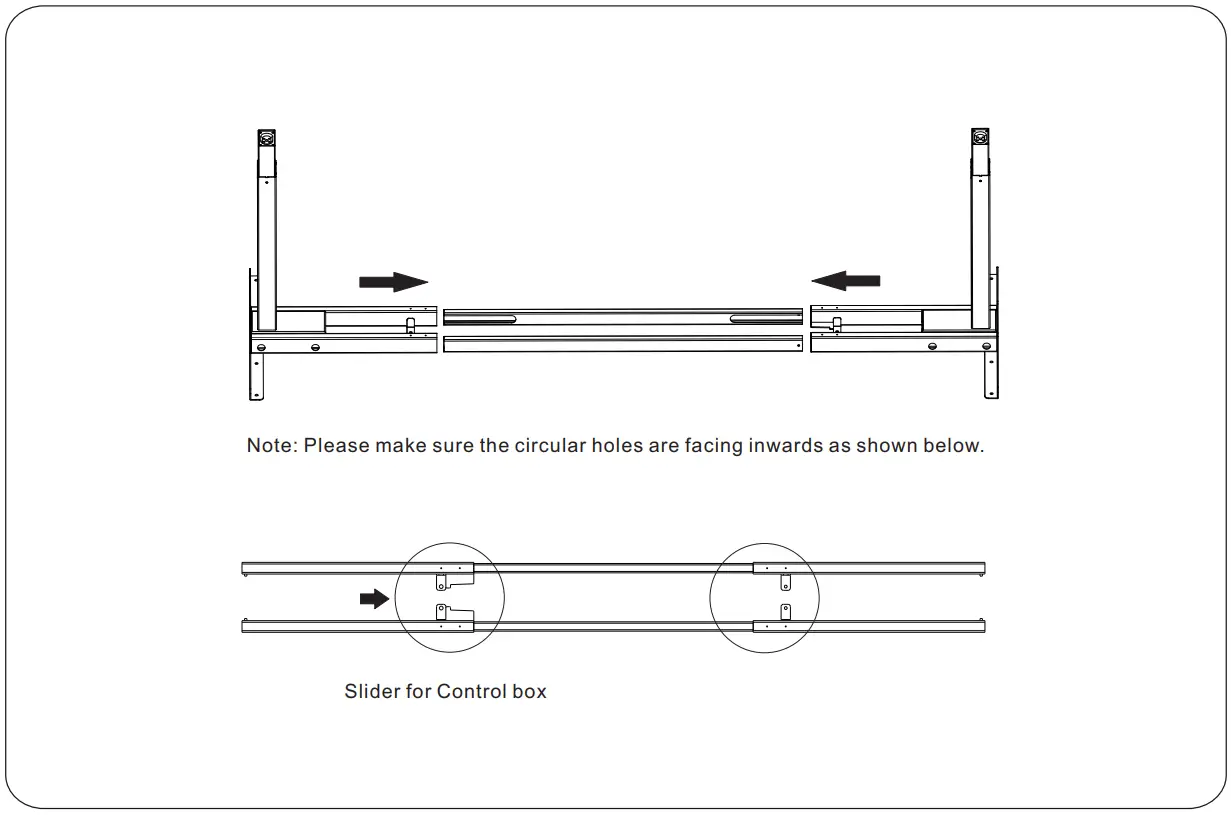
STEP 5Attach both Feet to the bottom of the Lifting Columns.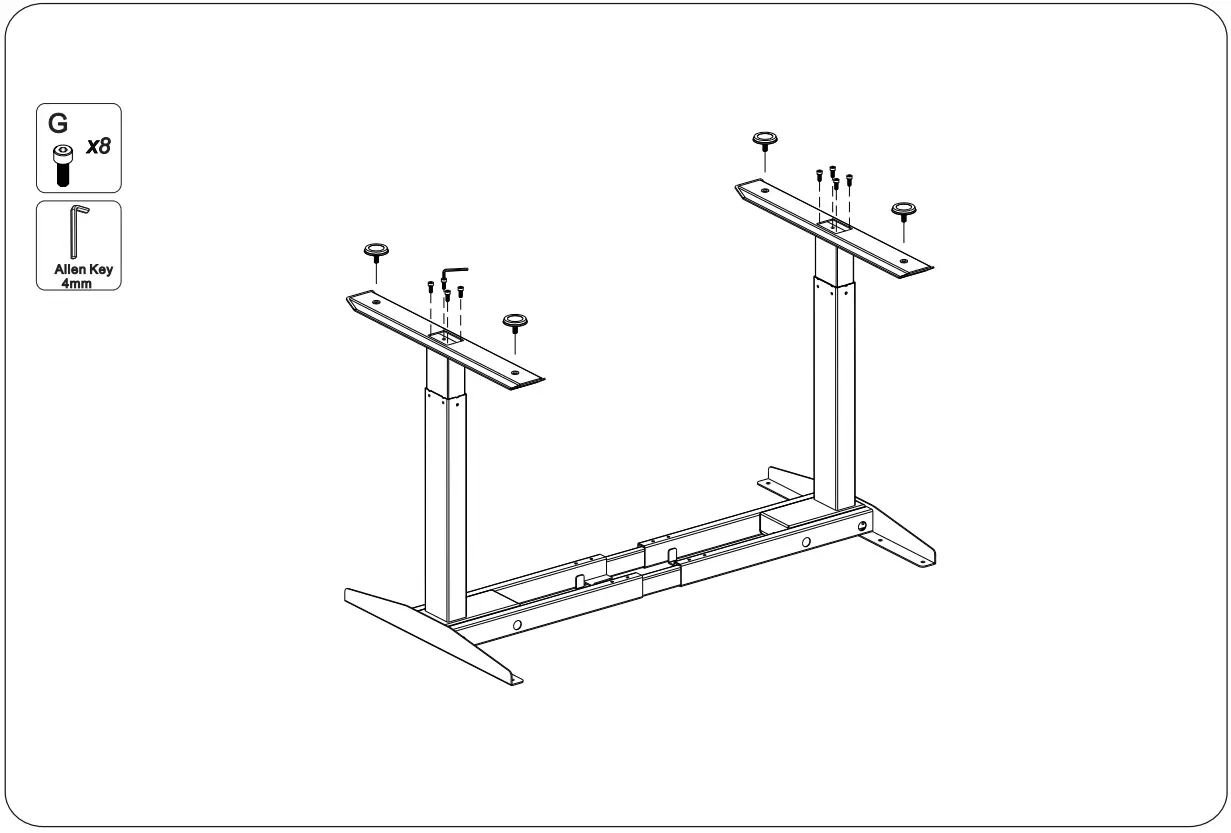
STEP 6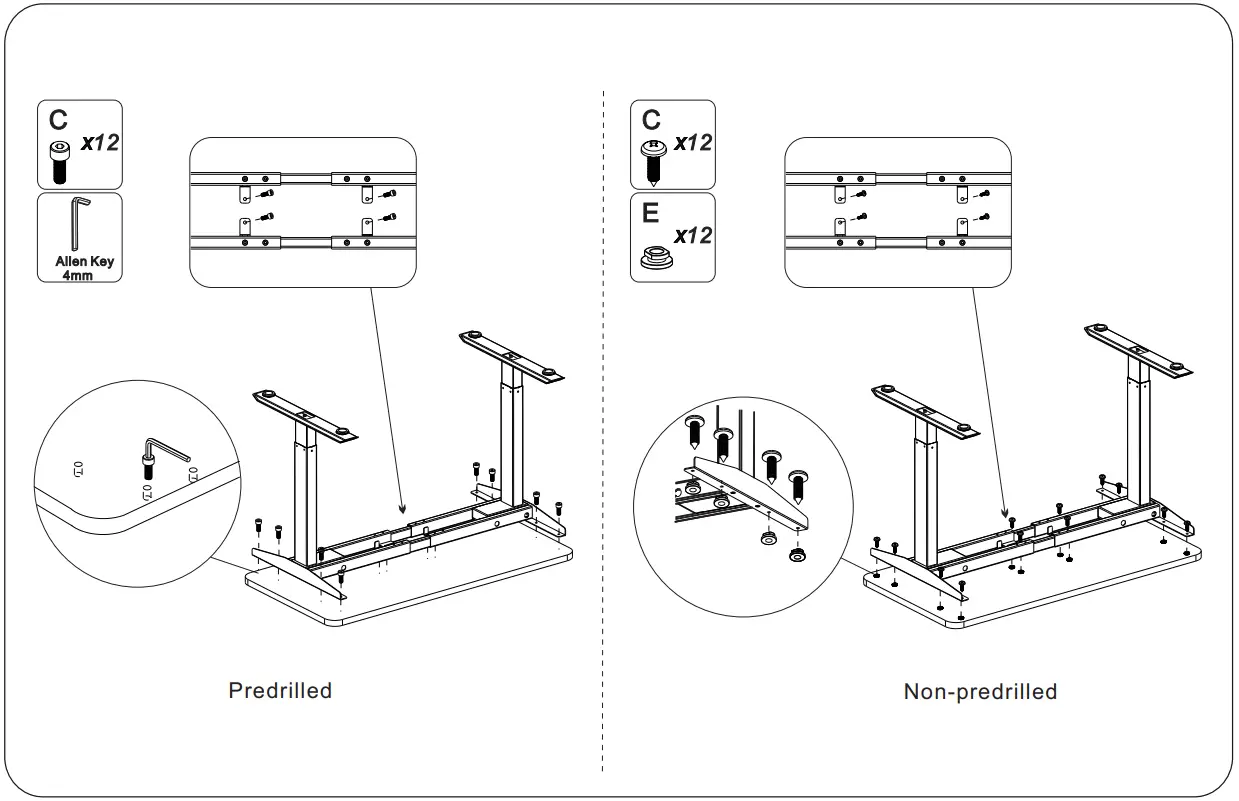
STEP 7
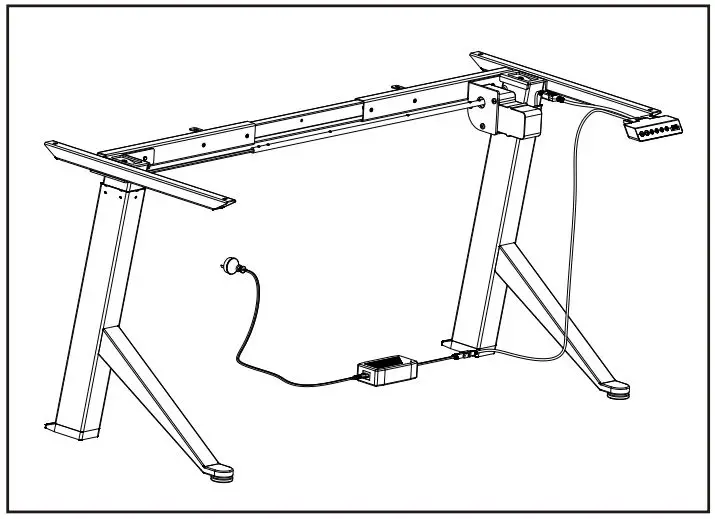
Connect all the cables to the Control Box .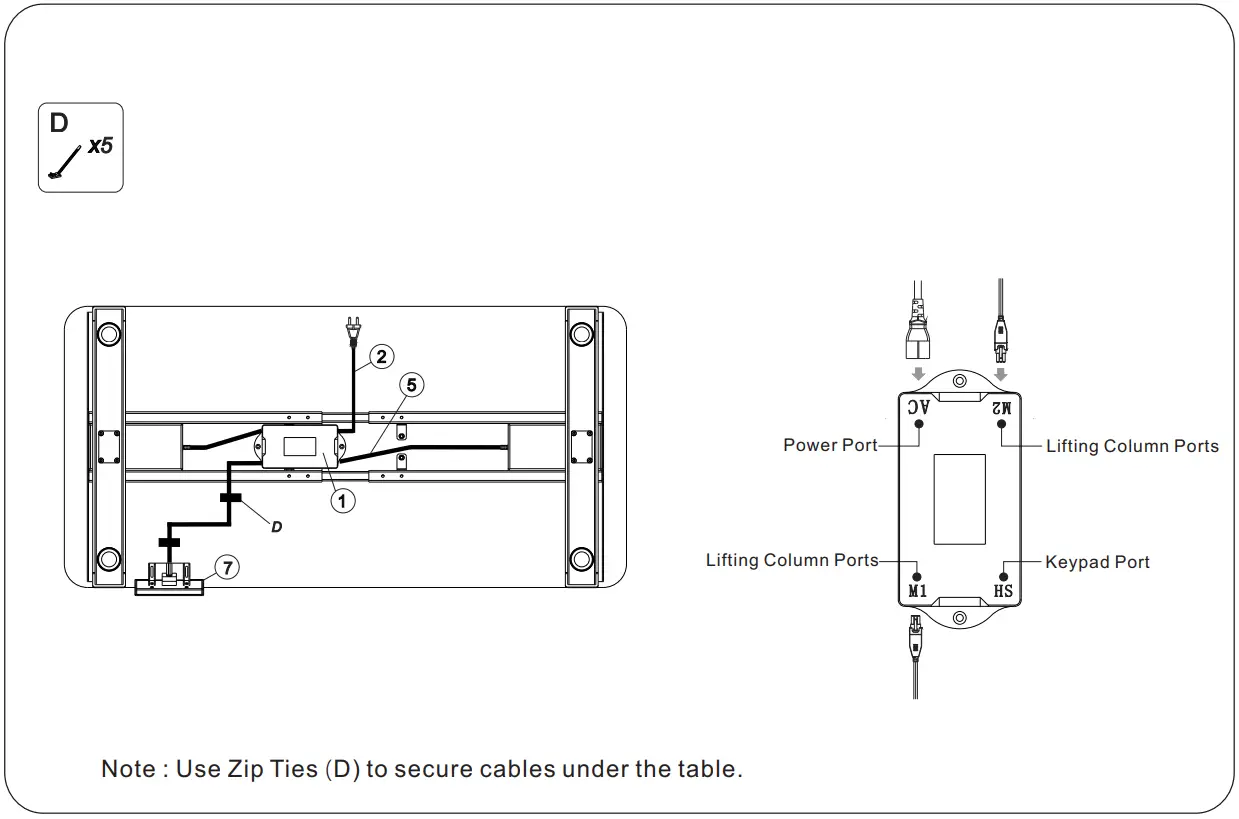
STEP 8Firmly secure the Crossbar with Screws (A) and attach the Keypad with Screws (F) to the tabletop.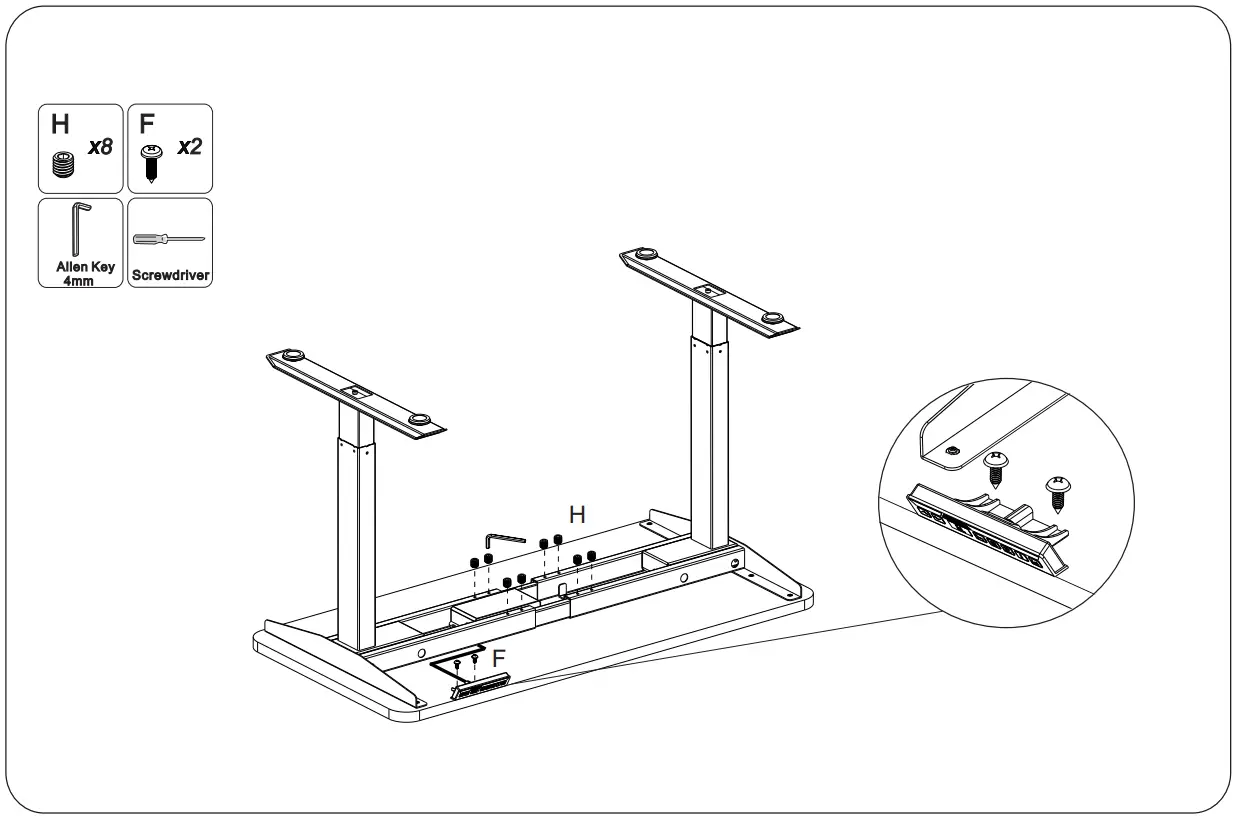
STEP 9Plug the cable from the Keypad into the Control Box and flip the table onto its feet.
Prepare for First-time Use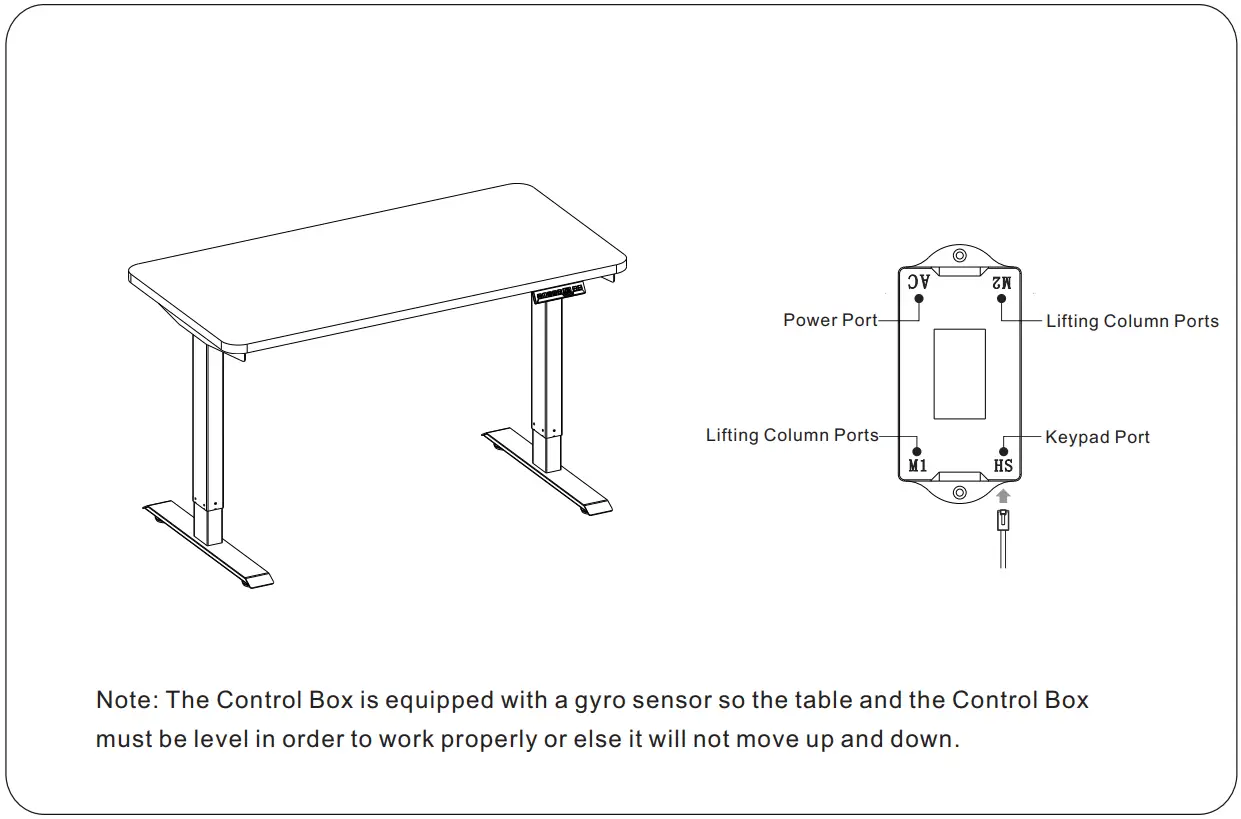
Prepare for First-time Use
Before plugging in the table, make sure that
- The Lifting Columns are level and set at their lowest position.
- All the screws are tightened to avoid the desk becoming wobbly.
- There is no object above or beneath the desk within its range of movement as it may result in physical damage.
Calibrate the desk by following the steps below:
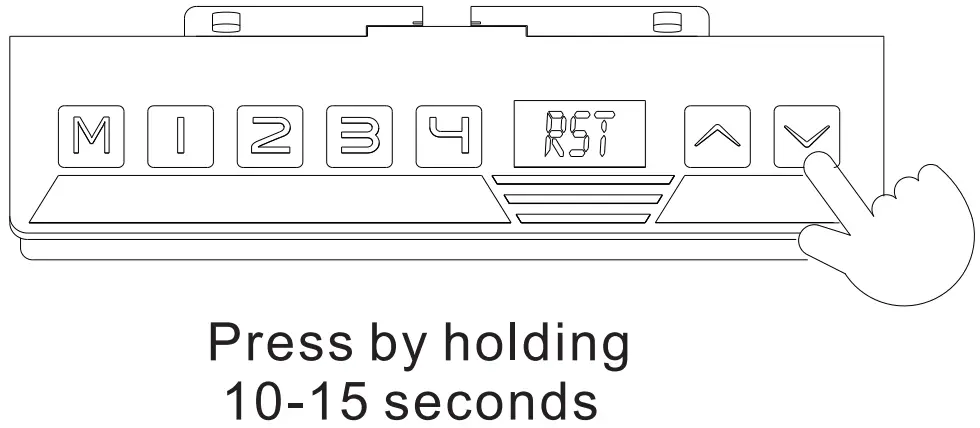
- Please press the Down button and hold for 10-15 seconds until the table stutters and beeps.
- Release the button. Your desk is ready to use!
Operation Guide
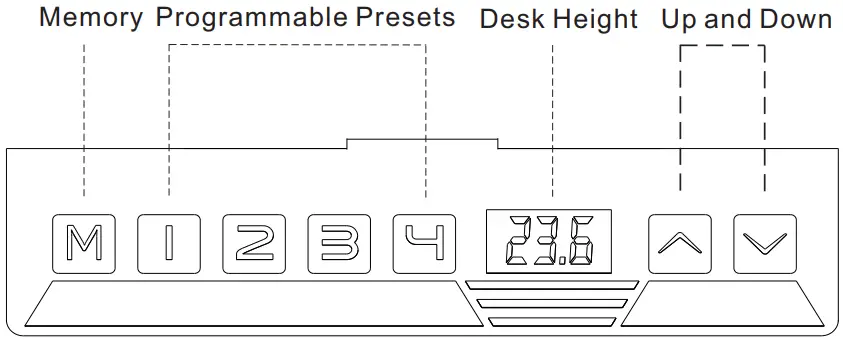
Program Presets
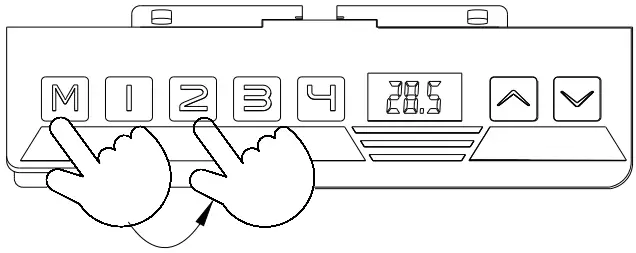
- Adjust the table to the desired height, then press M.
“S-“ will flash on the display. - Press a number to set the desired height as a preset.

Advanced Safety Feature: Lock and unlock the table
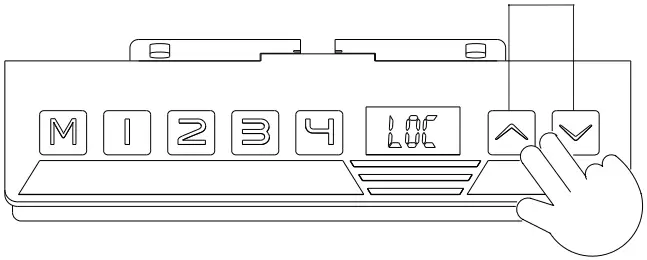
- Press the Up and Down buttons at same time for 5 seconds, until “LOC” appears on the display.
- All buttons will be inactivated and no change can be made.
- Press the Up and Down buttons together again to unlock the Keypad and all of the table’s features.

Set Maximum Height Limit
- Raise the desk to the desired maximum height
- Press M and the Up button together for 5 seconds until you hear a beep. This sets the maximum height limit.
Set Minimum Height Limit
- Lower the desk to the desired minimum height.
- Press M and the Down button together for 5 seconds until until you hear a beep. This sets the minimum height limit.
Changing from centimetres to inches
- Press M for 10 seconds, the Keypad will display “1-1”.
- Press the Down button and it will change to “1-0”.
- Press M for 10 seconds to lock the setting.
Reset the table
When an error code or “RST” appears on the display, please reset the table.
- Unplug the power cord from the Control Box.
- Unplug the cable that connects the Keypad to the Control Box.
- Wait 30 minutes and plug all the cables back in again.
- Press the Down button and hold for 10-15 seconds until the table stutters and beeps.

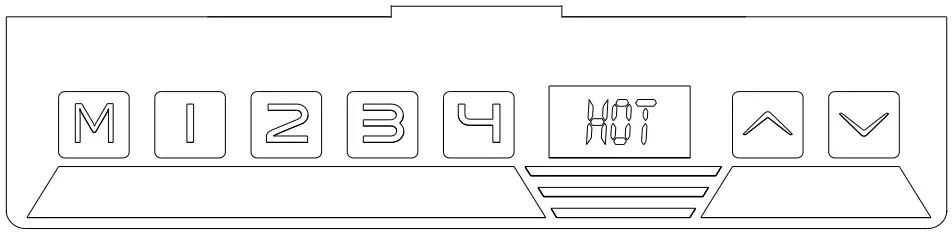
If“HOT” appears on the display
- Please unplug and replug and let it cool off for a couple of minutes before proceeding.

If you have any questions, please contact us at
[email protected] or [email protected]
www.effydesk.ca

 EFFYDESK | Ergonomic Standing Desks Canada
 How to Assemble Your EFFYDESK Products | EFFYDESK