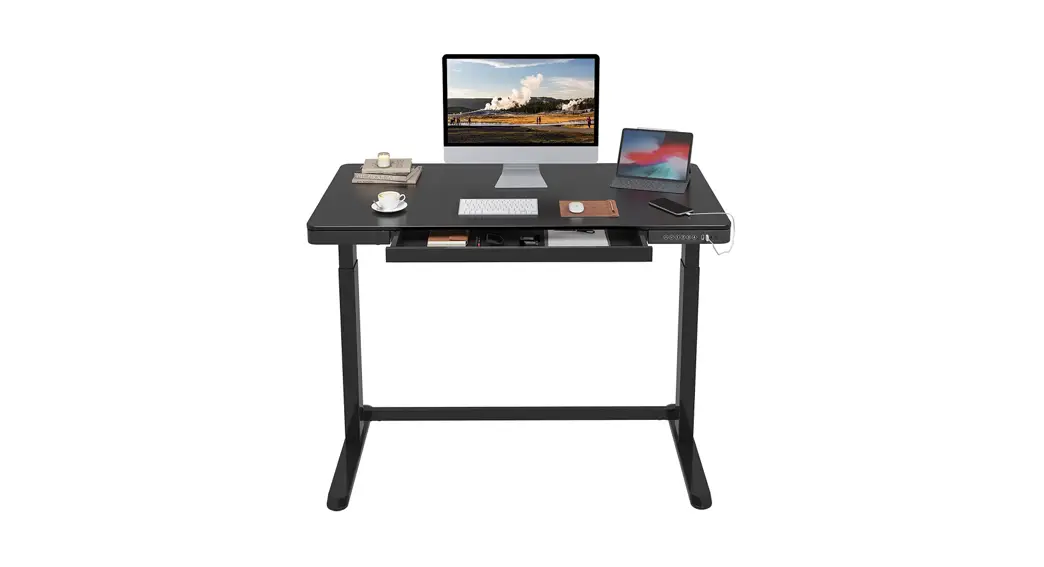
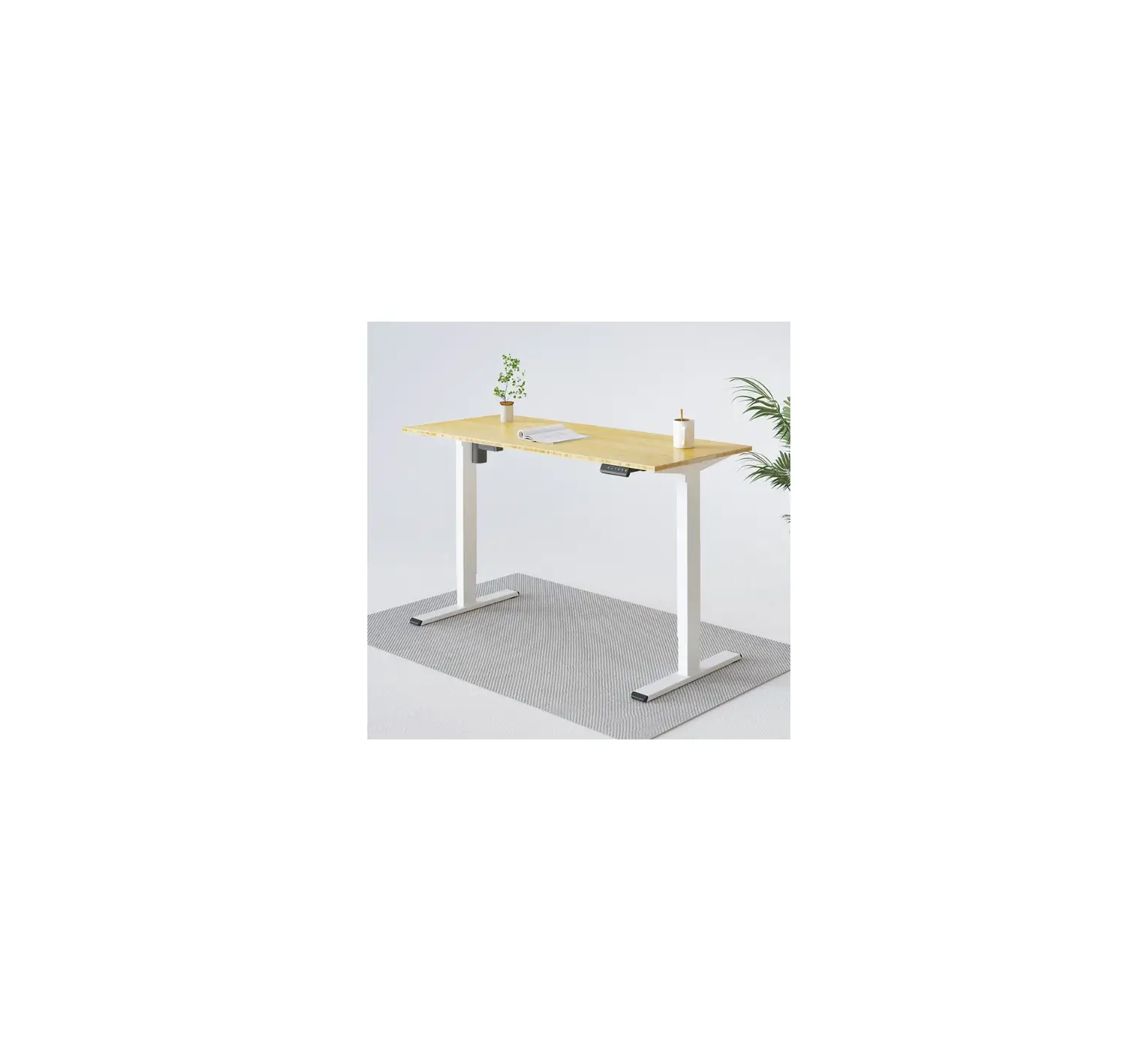
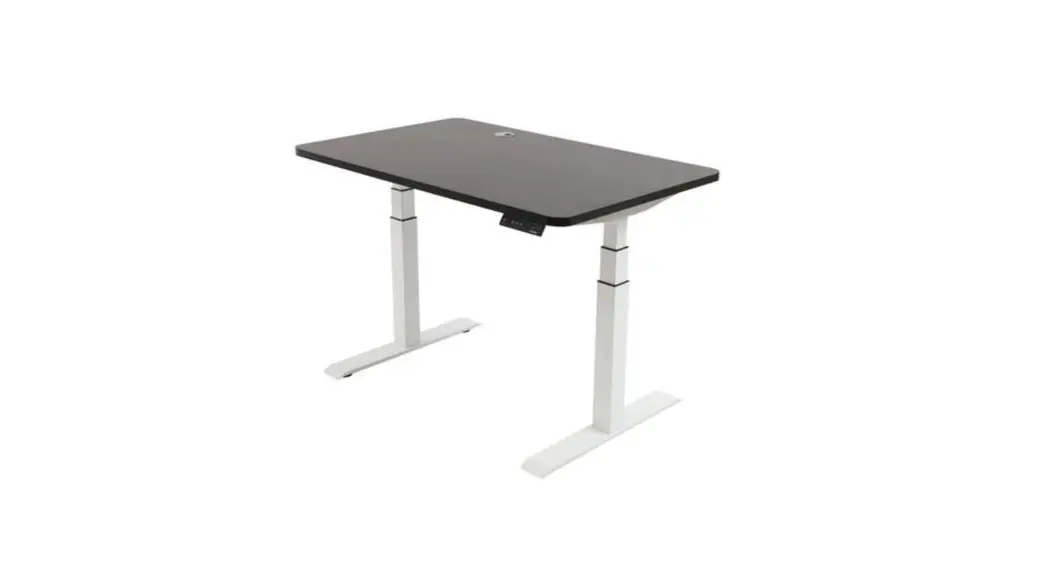
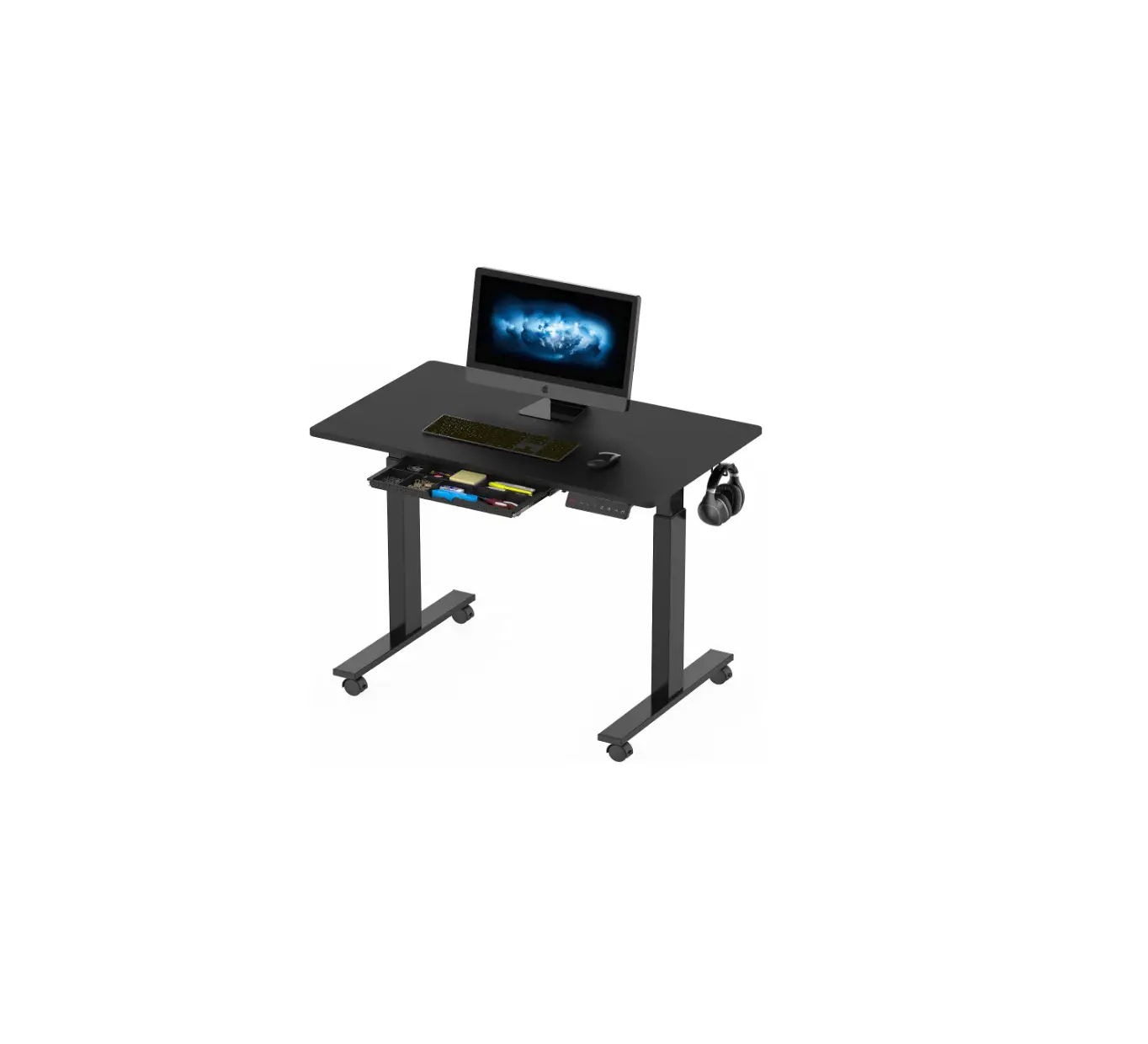
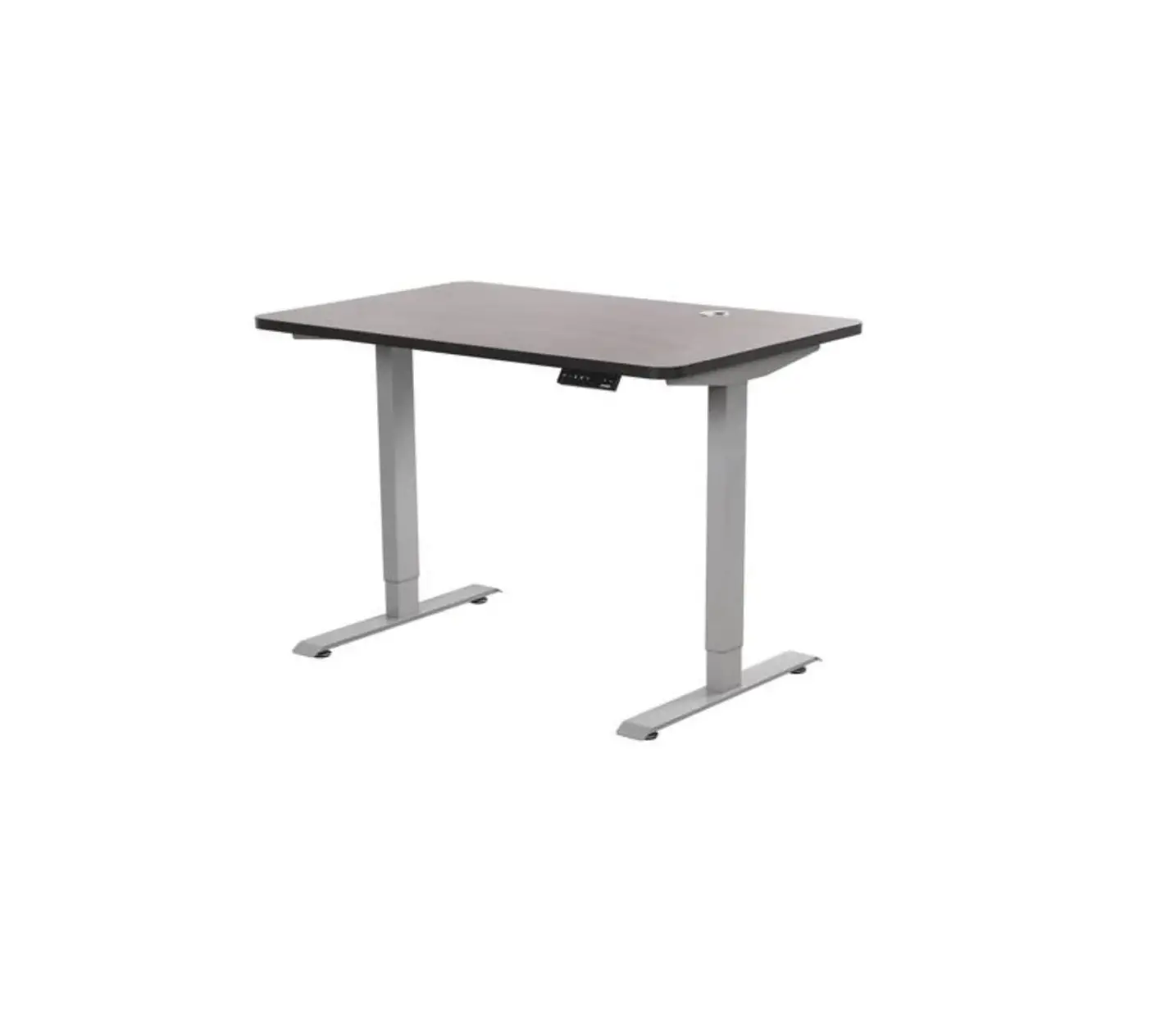
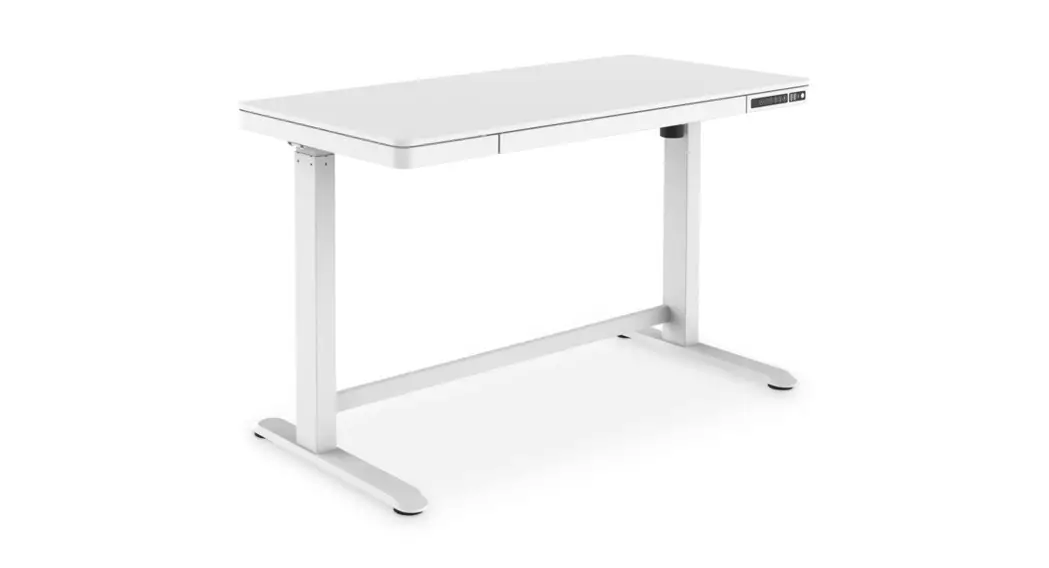
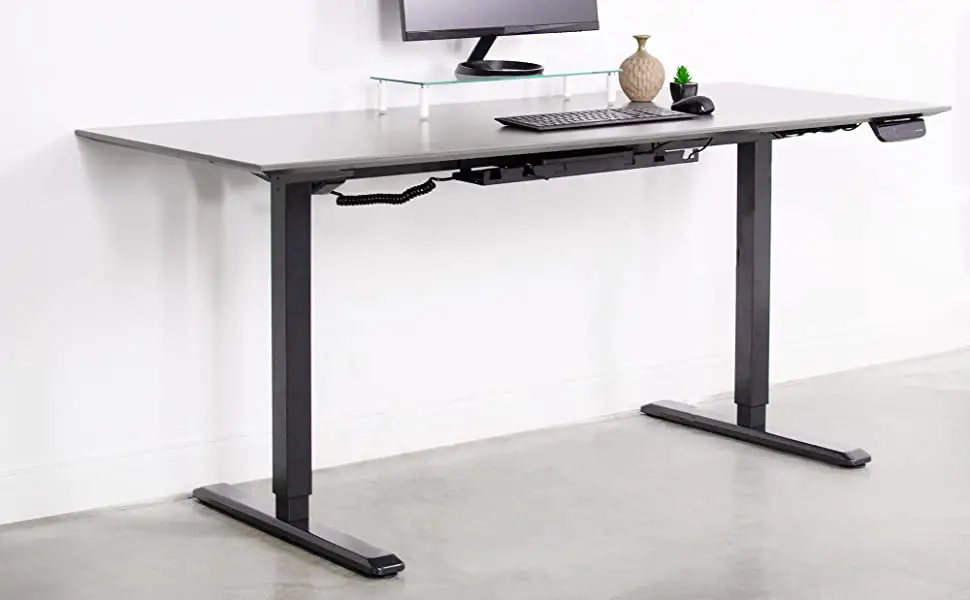
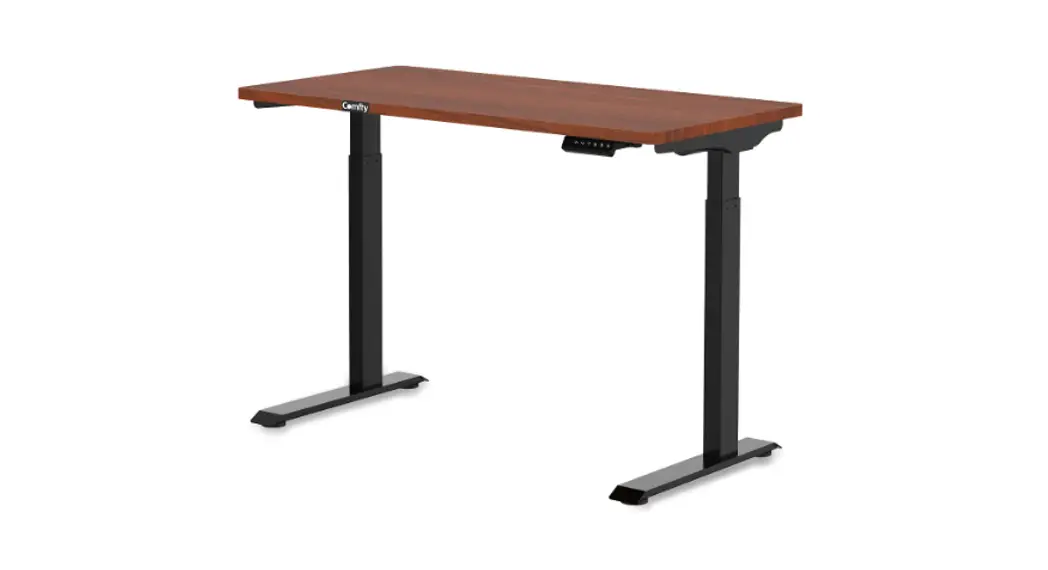
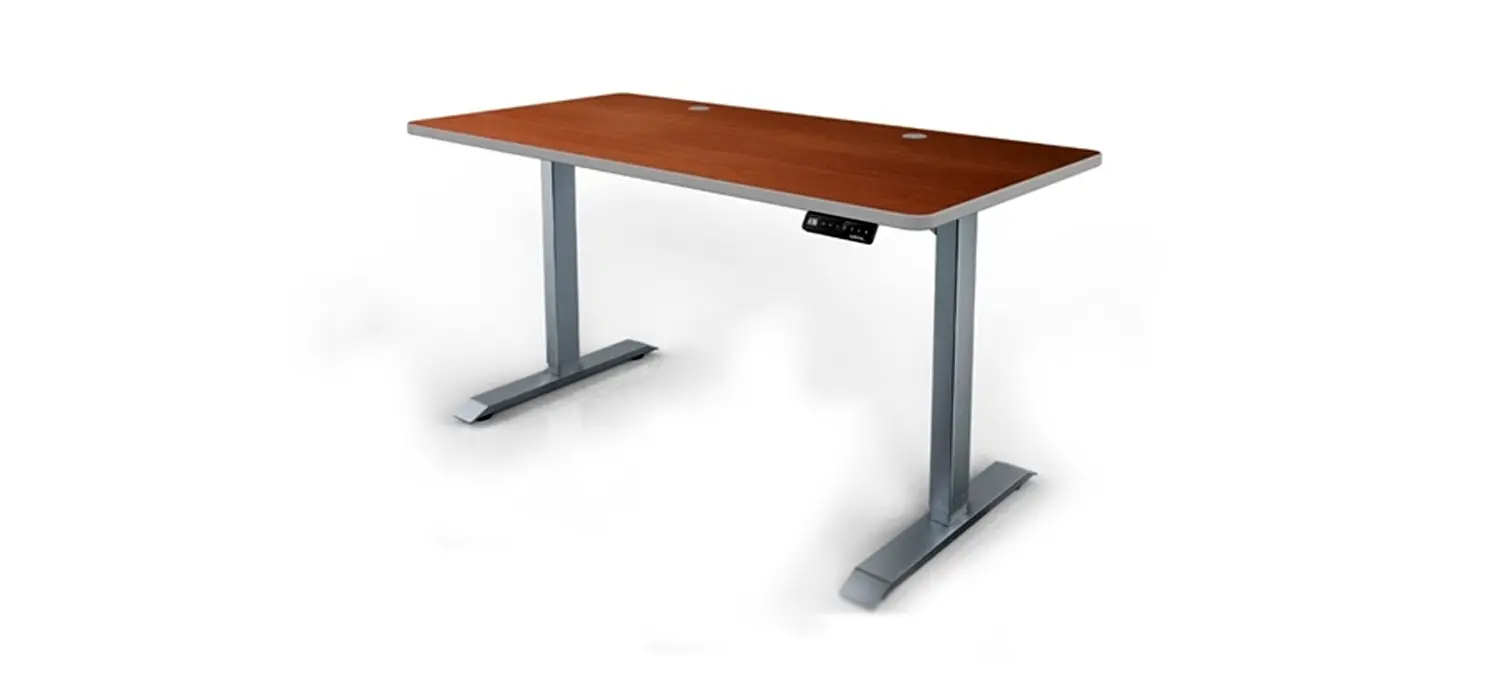
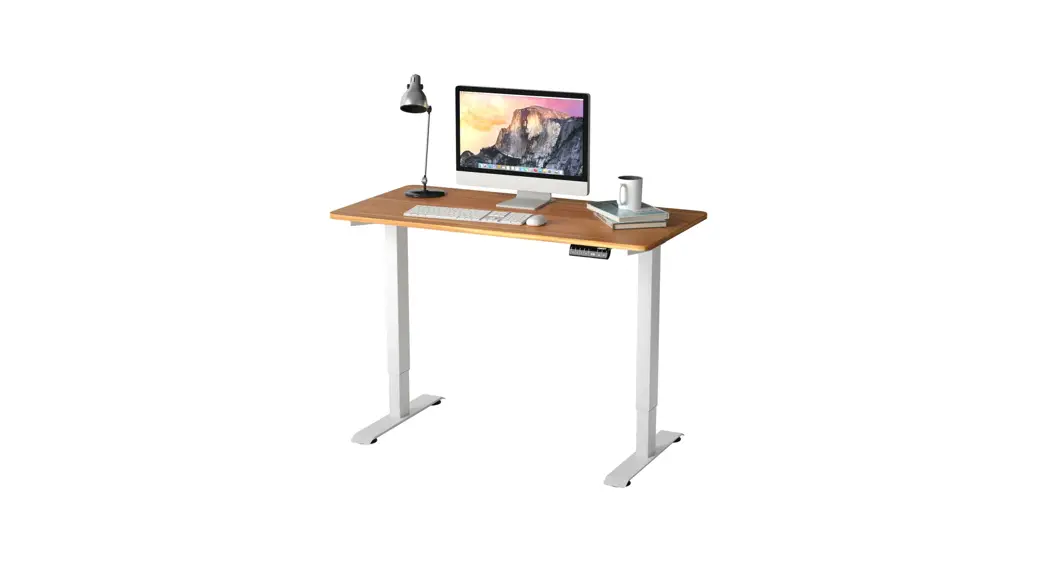
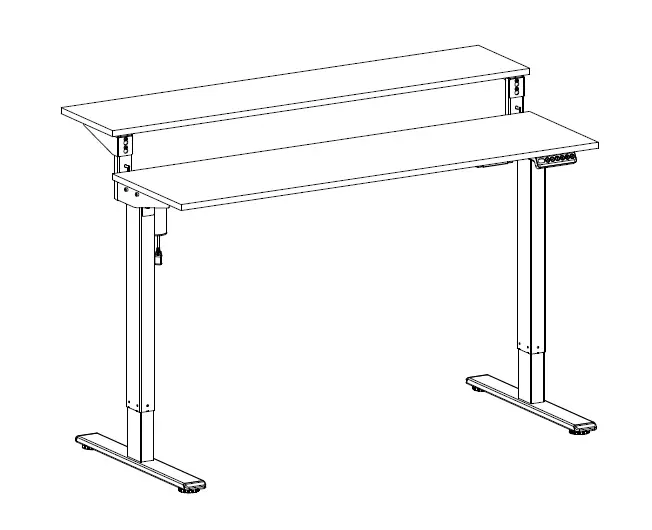
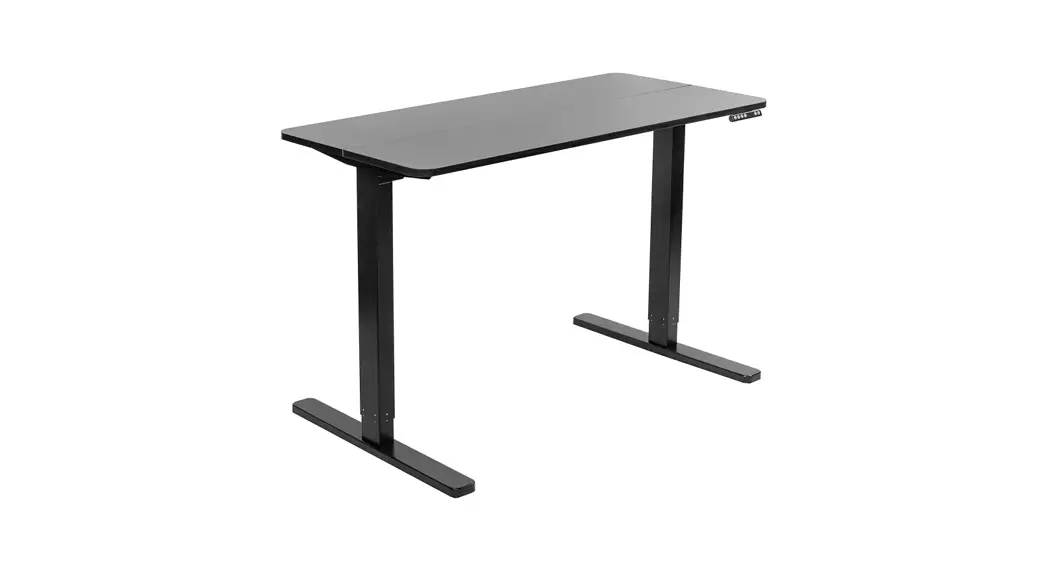
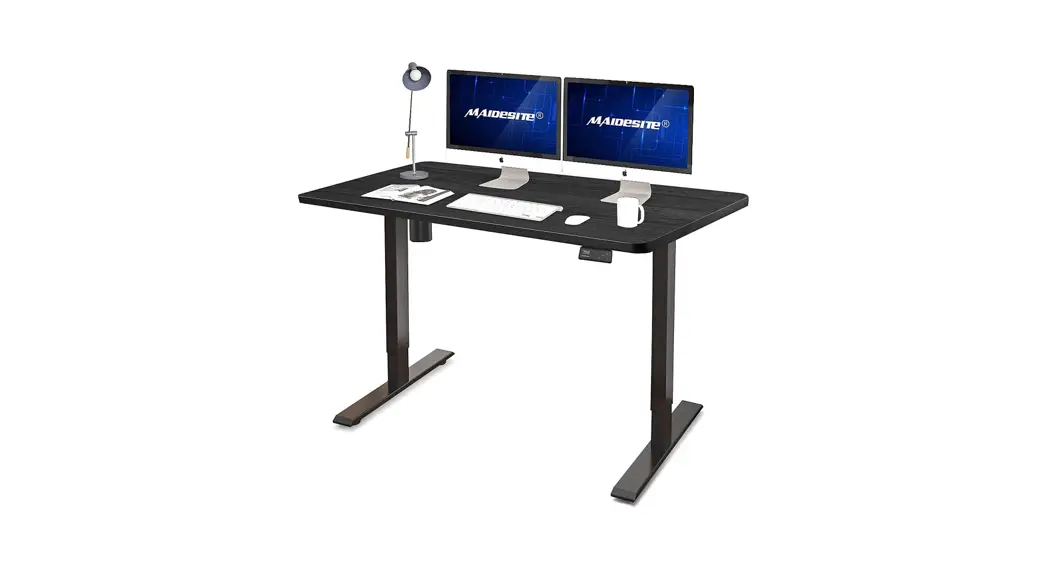
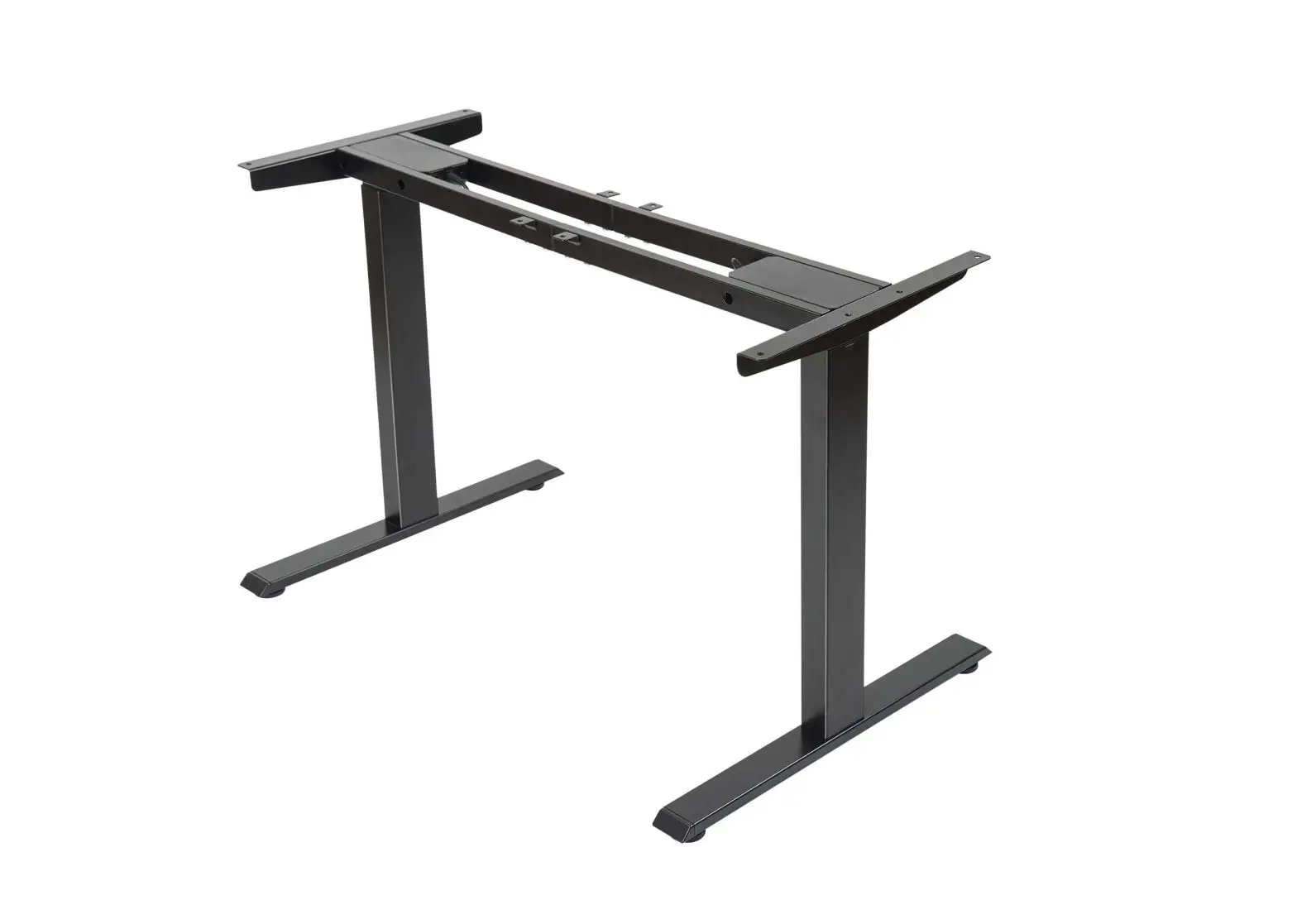
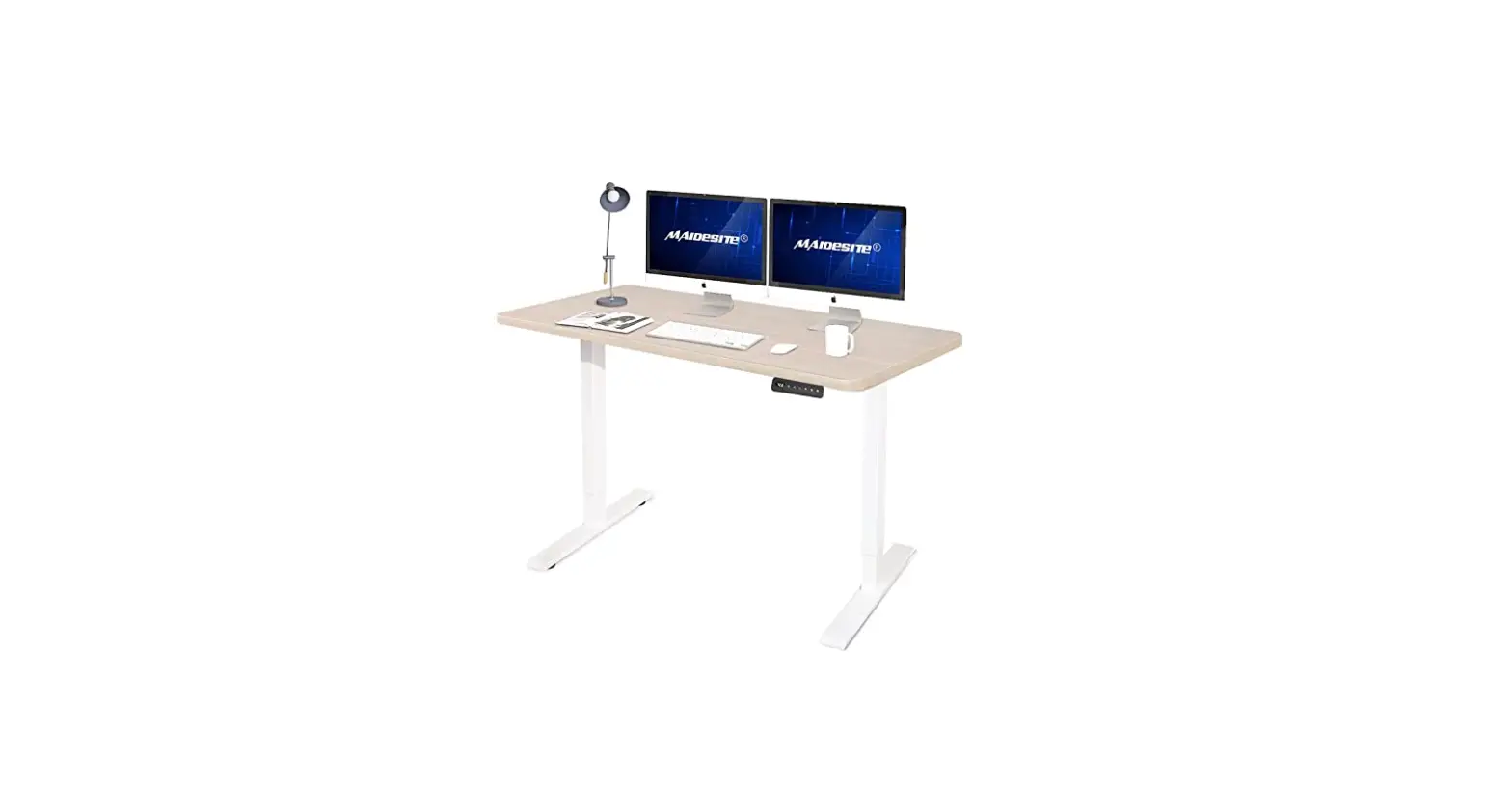
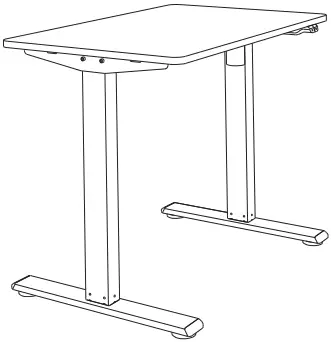
EC1
Assembly Guide
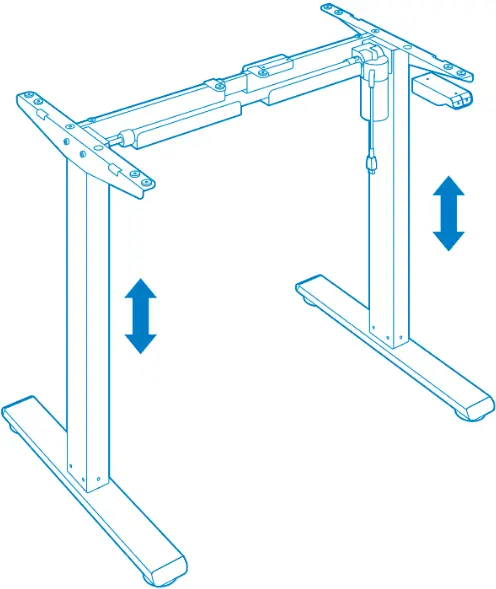
Assembly Guide

Specifications
| Lifting Column Design | 2 stage |
| Max. Weight Capacity | 154 lbs (70 kg) |
| Desktop Size | 39.3″-63″ (1000-1600 mm) width, 19.7″-31.5″ (500 -800 mm) depth |
| Height Range (Min to Max) | 28″-47.6″ (710-1210 mm) without desktop |
| Max. Speed | 1″/s |
| Input Voltage | 100-240V |
| Duty Cycle | 10%(Working 2 minutes then stop 18 minutes) |
| Working Temperature | 32°F-104°F |
Assembly Notes
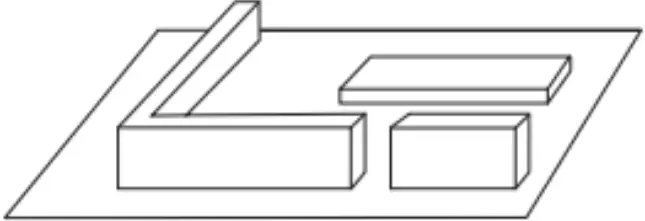
Assemble on carpet to prevent scratches
 or
or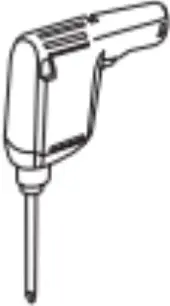
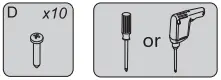
Phillips screwdriver or drill required (not provided)
Cooperative assembly
Product List
Accessory package
Note: The following line drawings are for reference only and in some cases may be different from the actual part; please refer to the actual part. If you find missing parts or have installation problems, please contact customer service.
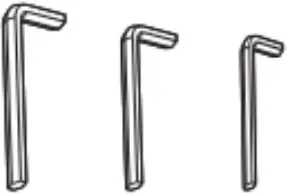
5×5 4×4 2.5×2.5
Ax1/1/1



Bx4 Cx4 Dx14


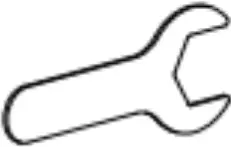
Ex8 Fx4 Gx1
Parts Included
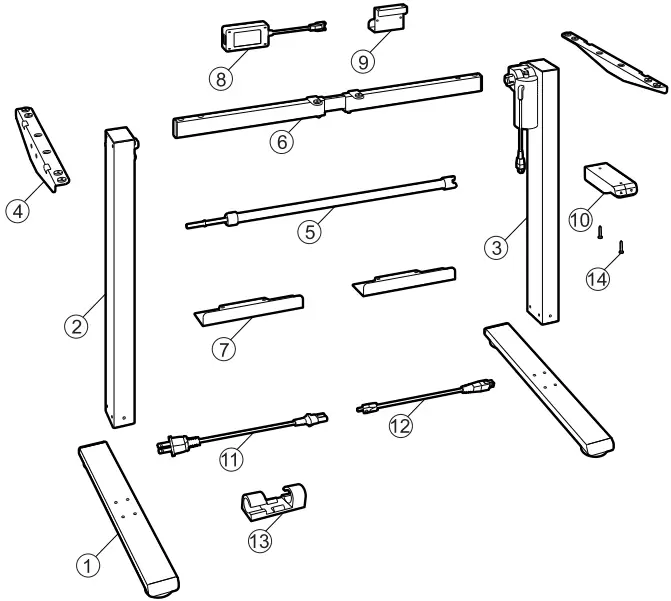
| No. | Part | |
| 1 | Desk foot x 2 | 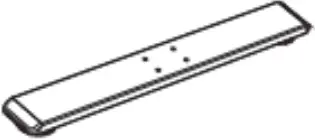 |
| 2 | Lifting column (Left) x 1 |  |
| 3 | Lifting column (Right) x 1 | 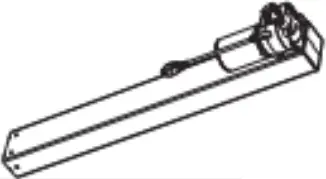 |
| 4 | Side bracket x 2 |  |
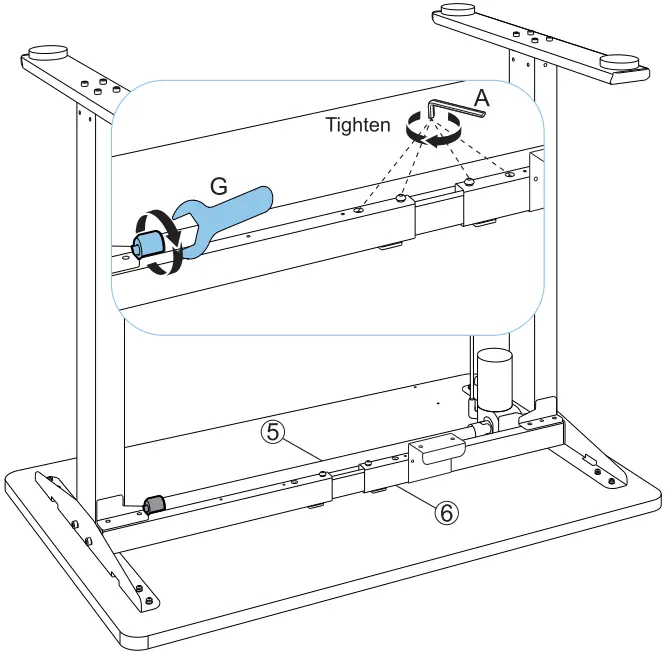
| 5 | Transmission rod x 1 | 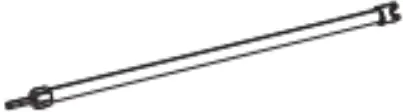 |
| 6 | Crossbar x 1 |  |
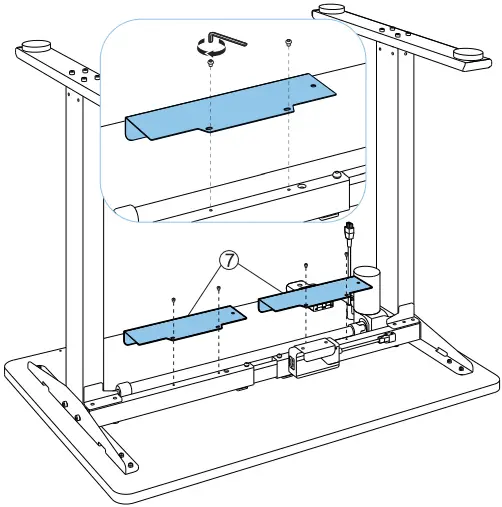
| 7 | Baffle x 2 | 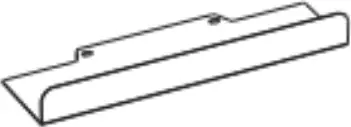 |
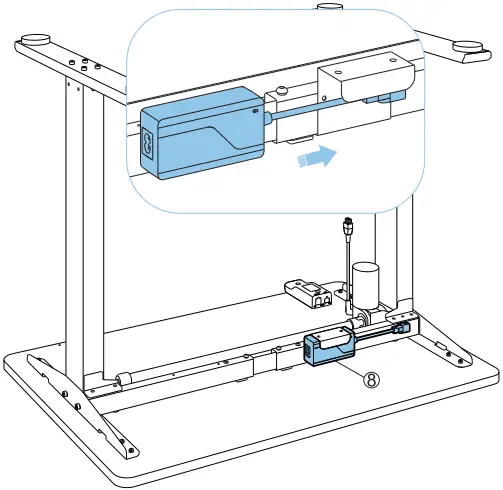
| 8 | Adapter x 1 | 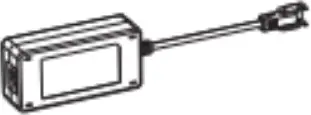 |
| 9 | Adapter holder x 1 |  |
| 10 | Keypad x 1 | 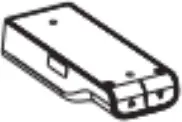 |
| 11 | Power plug x 1 |  |
| 12 | Adapter cable x 1 | 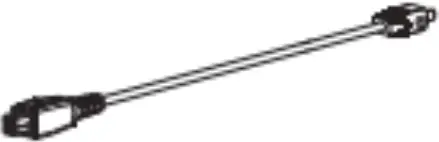 |
| 13 | Cable tie x 4 |  |
| 14 | Keypad screw x 2 | 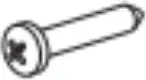 |
Assembly Steps

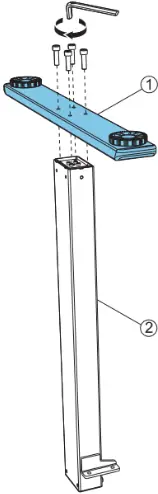
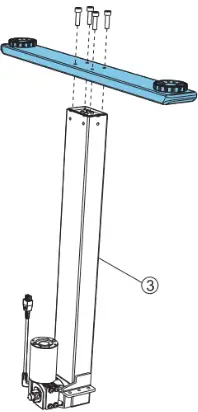
 Step 1 : Install Desk Feet
 Step 2 : Adjust Crossber
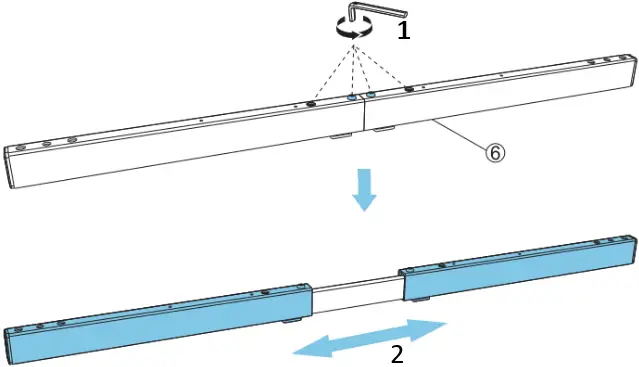
- Loosen
- Extend to length
 Step 3 : Install Crossbar
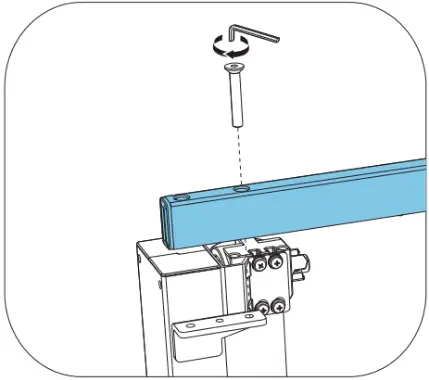
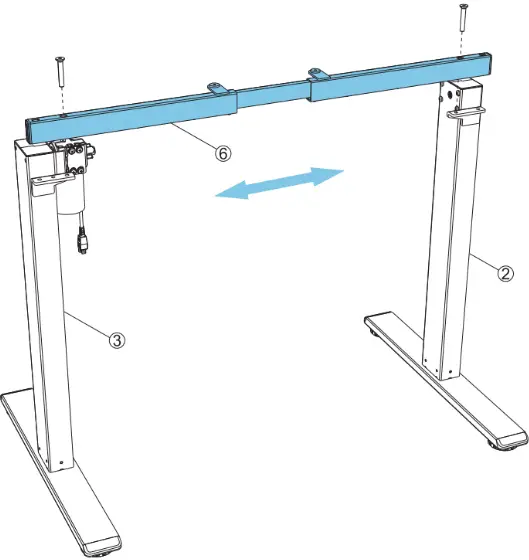

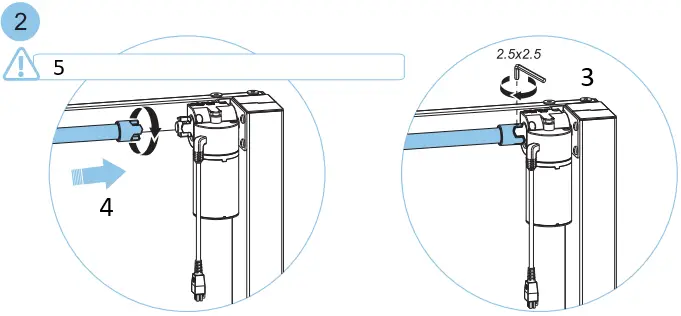
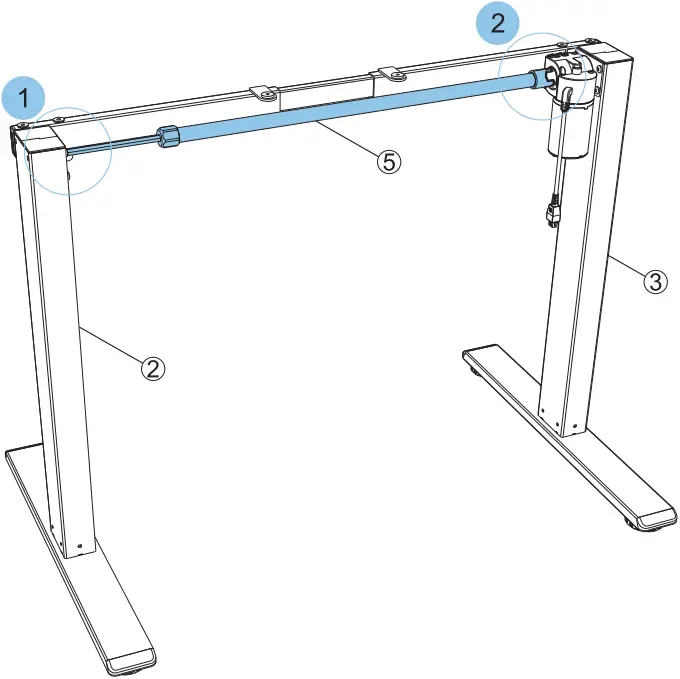
 Step 4 : Install Transmission Rod
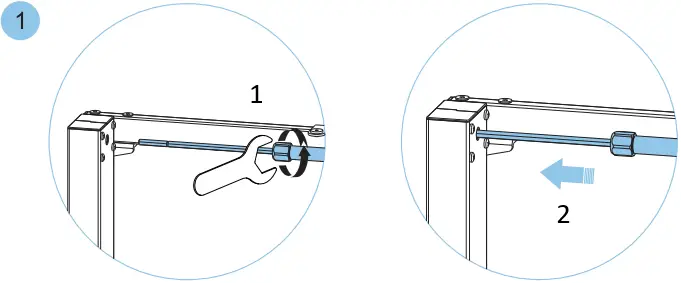
- Loosen
- Insert
- Tighten
- Rotate and insert
- Do not rotate more than 60° (one-third turn)
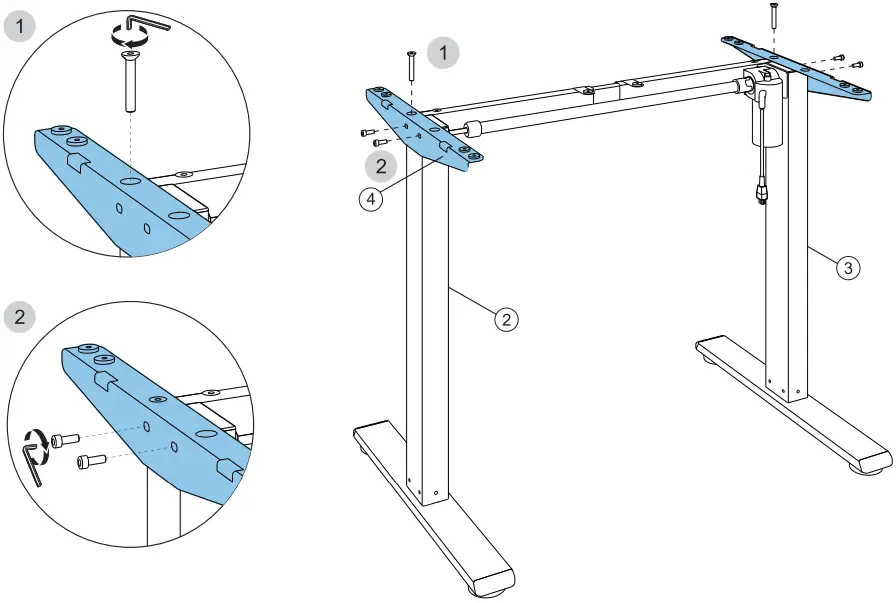
 Step 5 : Install Side Bracket
Step 6 : Install Adapter Holder
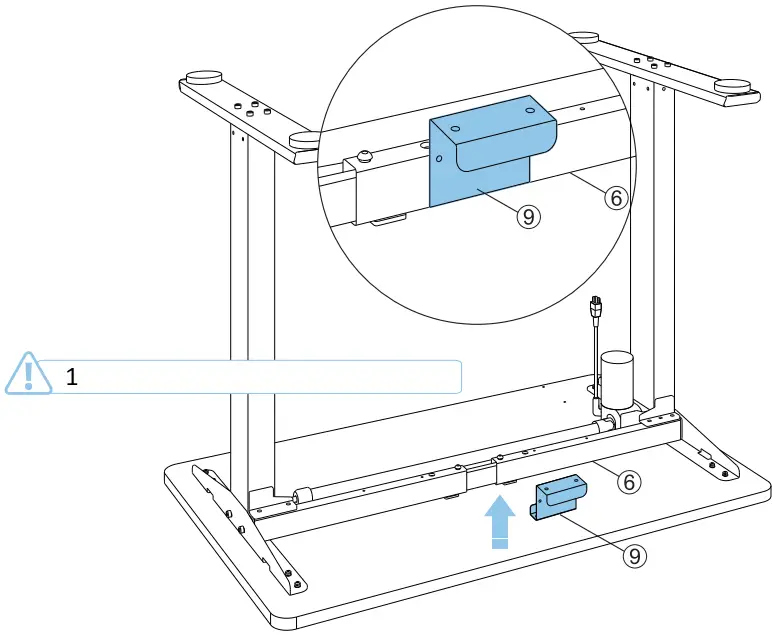
- Attach adapter holder (9) to crossbar (6)
 Step 7 : Install Desktop
Not provided
Install screws in circular shaded areas first  , then square shaded areas
  .
.
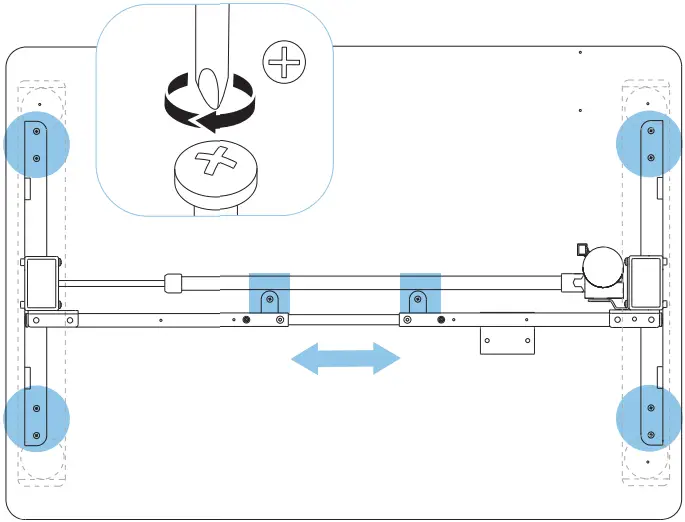
Step 8 : Tighten Crossbeam and Transmission Rod
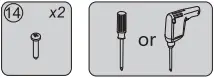
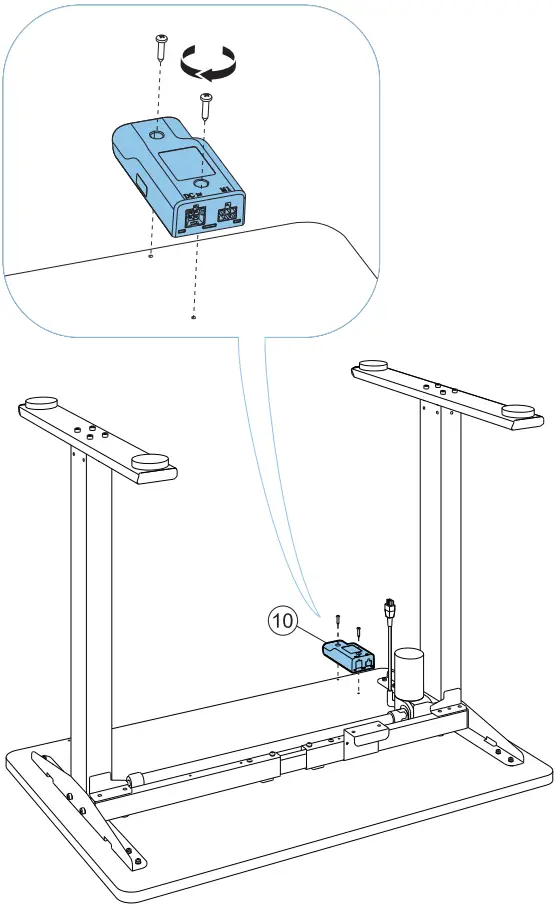
Step 9 : Install Keypad
Not provided
Step 10 : Install Adapter
 Step 11 : Install Baffle
Step 12 : Install and Route Power Cord
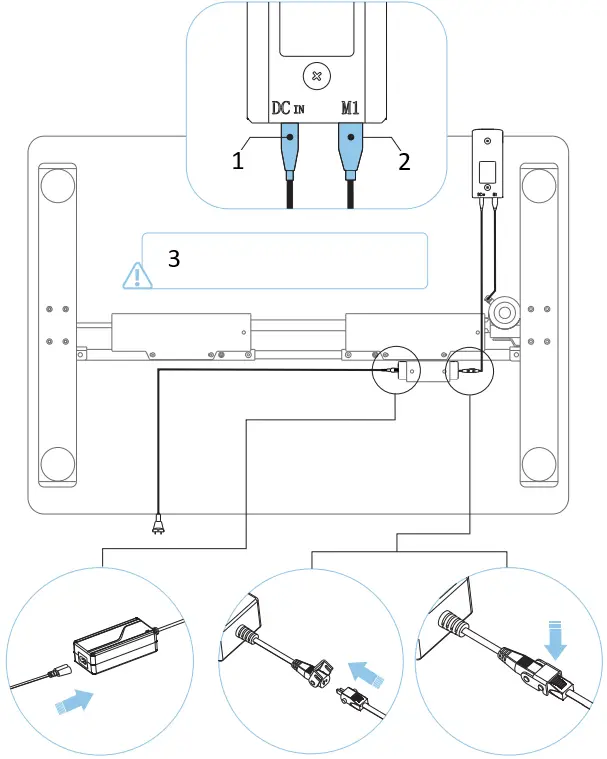
- Adapter cable
- Power cord
- Connect to wall power ONLY after all other cables are properly connected.
 Remove adhesive backing Route cords
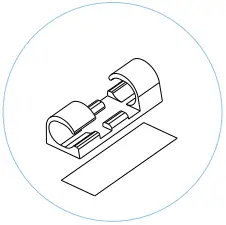
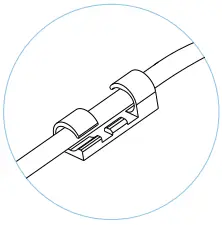
Attach cable tie to surface
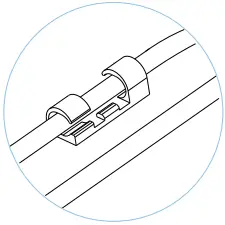
Cable ties (13) can be used to secure cables to underside of desktop to maintain a clean and neat appearance.
Step 13 : Turn Over Desk
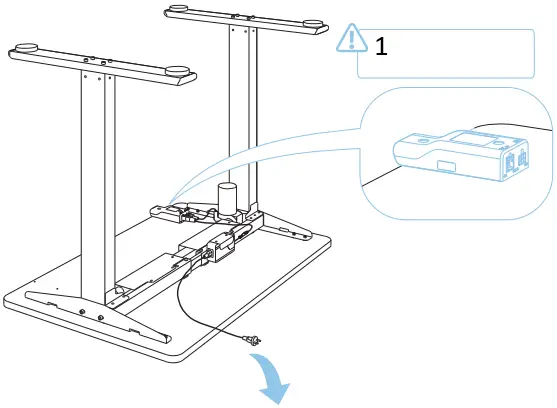
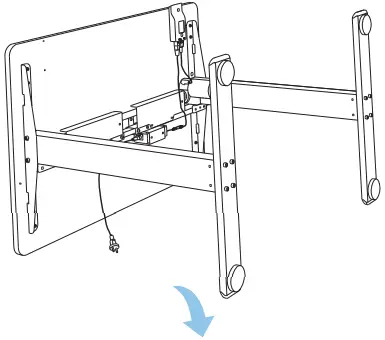
- Ensure keypad is facing up when turning table over so as not to cause damage.
Keypad User Guide
Up and Down buttons
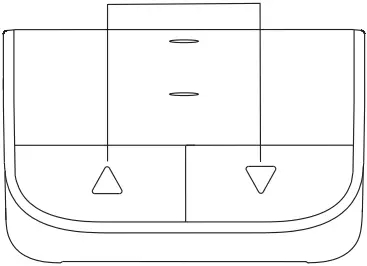
- Reset:
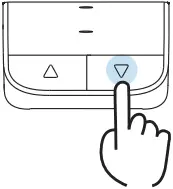
Lowest position
Highest position
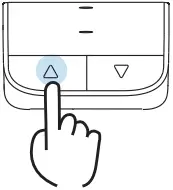
a. At the lowest or highest position, long-press the “ “or “
“or “ ” button for 5 seconds to enter reset mode. The desk will bottom out or reach the top and rebound slightly, indicating the reset was successful.
b. If the lifting system fails to reset, press and hold the “” or “” button until the desk bottoms out or reach the top and rebounds slightly to reset the system.
- Troubleshooting:
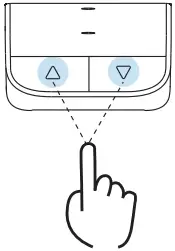
a. If there is no response to pressing the “” or “” button after a period of continuous work, let the desk idle for at least 18 minutes before operating it again.
b. During the lifting process, if the desk reverses its movement unexpectedly, please check whether the desk load is too heavy or if the desk is experiencing shaking while in use.
Resolving Common Issues 

The following tips will help you identify and correct common issues. If you encounter an issue not listed in the table below, or if you follow the instructions below and the issue is still not resolved, please contact your supplier. All such anomalies or errors can only be investigated and corrected by the manufacturer or specially trained personnel.
| Issue | Solution |
| Electronic functions are not working properly | Verify cables are connected correctly |
| Slow ascent | Check whether the desk load is too heavy (over 154 lbs / 70 kg) |
| Desktop slips during ascent | |
| Keypad often goes into reset state | |
| Keypad often goes into reset state | Reset the desk |
| Desk does not rise or lower the full distance | |
| Desk remains at lowest height | |
| Desk motor has been running for more than 18 minutes | Let the desk idle for 18 minutes with the power connected |
Attention 

- Power supply: AC100-240 V, frequency 50/60HZ;
- Working environment: 32°-104° F;
- Before cleaning, you have to unplug the power supply cable. Clean with a slightly damp cloth to wipe away the surface dust. Keep all electrical components away from liquids. Do not damage the connection line and keep the plug in a safe position.
- Inside the control box, there are electronic components, metal parts, plastic parts, wires and so on.
- They should be disposed in accordance with the local laws and regulations. They cannot be disposed as household waste.
- Before using the product, please make sure the product has been installed correctly.
- Before starting use of the product, please read the instructions to fully understand all the product’s functions and settings.
- Keep children away from electric height-adjustable desks, control units and handsets. Manufacturer is not responsible of any damages that result from children’s unpredictable behaviour.
- Slight noise caused by the multi wedge belt or brake system will not impact the use of this product.
- Do not use corrosive or abrasive materials to clean this product and please dispose of cleaning solutions in an environmentally friendly manner.
- Understand the risks associated with using this product. Children or those with cognitive impairment should not use this product without supervision.
- If the power supply cord is damaged or broken, it must be replaced by the manufacturer or a relevant specialist to avoid any injuries.
- Please operate in a clean and safe environment. For example, do not left around your tools. And always be careful to deal with packaging materials, in order to avoid any kinds of possible danger. Potential chocking risk exists when children play with plastic bags!
- If necessary, retain the original package for future transportation.
Recycling and Disposal 

This product cannot be disposed of as household waste. To prevent damage to the environment, this product should be recycled. Please use the relevant recycling systems available to you or contract the distributor or manufacturer for recycling assistance.
FlexiSpot Limited Warranty
This limited warranty offered by FlexiSpot covers defects in material or workmanship in new FlexiSpot products. This warranty extends to the original purchaser only and is non- transferable. Only consumers purchasing FlexiSpot products from authorized FlexiSpot retailers or resellers may benefit from our limited warranty.
What is Covered?
The FlexiSpot limited warranty covers our products against defects in material or workmanship as follows:
- FlexiSpot Height Adjustable Desk Frames
All height-adjustable desks feature a 5-year warranty for the frame & motor and a 2-year warranty for the controller, switch, electronics and other mechanisms. - FlexiSpot Sit-Stand Desktop Workstations
All sit-stand desktop workstations feature a 5-year warranty for the frame and MDF desktop and 3-year warranty for the gas spring system and other mechanisms. - FlexiSpot Desk Bikes
All desk bikes and parts, including the frame, electronics, and other mechanisms, feature a 1-year warranty. - FlexiSpot Monitor Mounts
All monitor mounts and parts, including arms, gas spring systems and other mechanisms, feature a 5-year warranty.
What are your Remedies?
FlexiSpot will replace at no charge to the consumer the defective parts only or, at FlexiSpot’s option, replace any product or part of the product that is defective because of improper workmanship and/or material, under normal installation, use, service and maintenance. If FlexiSpot is unable to provide a replacement and repair is not practical or cannot be completed in a timely fashion, FlexiSpot may elect to refund the purchase price in exchange for the return of the product. In the rare event that your FlexiSpot product is defective, we will provide you with a replacement item shipped at no cost to you within the continental United States. The shipping method for replacement products is FedEx Ground, but expedited shipping is available if you choose to pay the additional expense. In addition, you will need to pay the shipping costs if any products need to be shipped to you at an address outside the continental United States.
REPAIR OR REPLACEMENT (OR, IN LIMITED CIRCUMSTANCES, REFUND OF THE PURCHASE PRICE) AS PROVIDED UNDER THIS WARRANTY IS THE EXCLUSIVE REMEDY OF THE PURCHASER. FLEXISPOT NEITHER ASSUMES NOR AUTHORIZES ANY PERSON TO CREATE FOR ANY OTHER OBLIGATION OR LIABILITY IN CONNECTION WITH THIS PRODUCT.
What is Not Covered?
Our limited warranty does not cover any problem that is caused by:
- Conditions, malfunctions or damage not resulting from defects in material or workmanship.
- Conditions, malfunctions or damage resulting from normal wear and tear, improper installation, improper maintenance, misuse, abuse, negligence, accident or alteration.
- Accessories, connected materials and products, or related products not manufactured by FlexiSpot.
- Conditions, malfunctions or damage resulting from failure to follow the instructions and guidelines relating to the product’s intended use.
Our limited warranty is void if a product is returned with removed, damaged or tampered labels or any alterations (including removal of any component or external cover).
How to File a Claim?
In order to receive the benefit of our limited warranty, you need to process your claim in compliance with the terms of this limited warranty and follow proper return procedure. To request warranty service, please contact customer service via email at [email protected] or toll free at +1-855-585-5618. You will need to provide the sales receipt or other evidence of the date and place of purchase for your FlexiSpot product.
Implied Warranties and Limitation of Damages
EXCEPT TO THE EXTENT PROHIBITED BY APPLICABLE LAW, ALL IMPLIED WARRANTIES (INCLUDING WARRANTIES OF MERCHANTABILITY AND FITNESS FOR A PARTICULAR PURPOSE) SHALL BE LIMITED IN DURATION TO THE DURATION OF THIS WARRANTY, AND FLEXISPOT SHALL NOT BE LIABLE FOR ANY INCIDENTAL, INDIRECT, SPECIAL, OR CONSEQUENTIAL DAMAGES, INCLUDING BUT NOT LIMITED TO LOSS OF PROFITS OR REVENUE, RESULTING FROM ANY BREACH OF EXPRESS OR IMPLIED WARRANTY OR CONDITION, OR UNDER ANY OTHER LEGAL THEORY, EVEN IF FLEXISPOT HAS BEEN ADVISED OF THE POSSIBILITY OF SUCH DAMAGES. Some jurisdictions do not allow limitations on the duration of an implied warranty or the exclusion or limitation of special, indirect, incidental or consequential damages, so the above limitations or exclusions may not apply to you.
Governing Law
This Warranty shall be governed by the laws of the State of California, USA, without giving effect to any conflict of laws principles that may provide the application of the law of another jurisdiction.
How State Law Applies
This Warranty gives you specific legal rights, and you may also have other rights which vary from state to state.