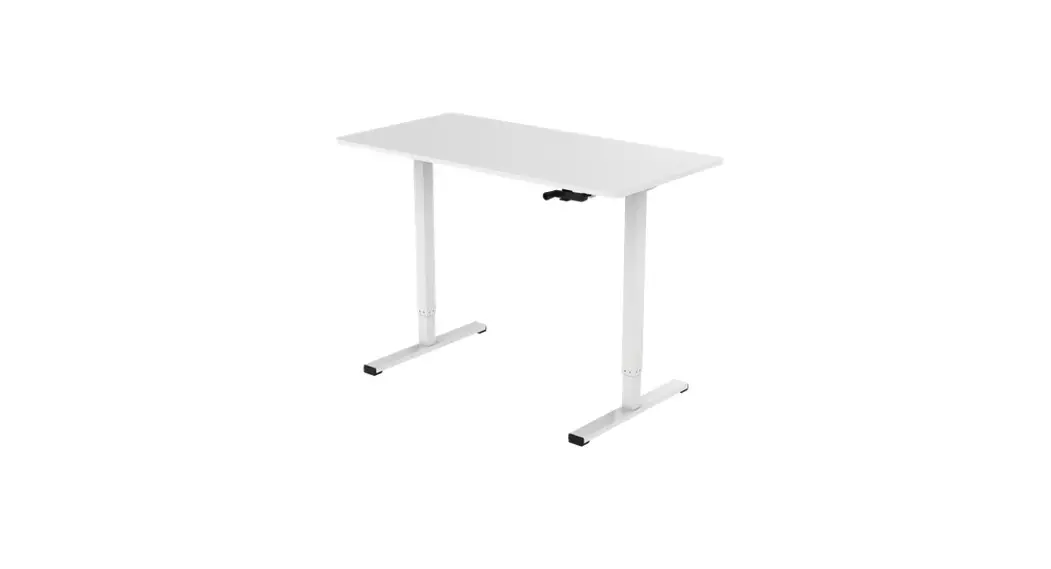
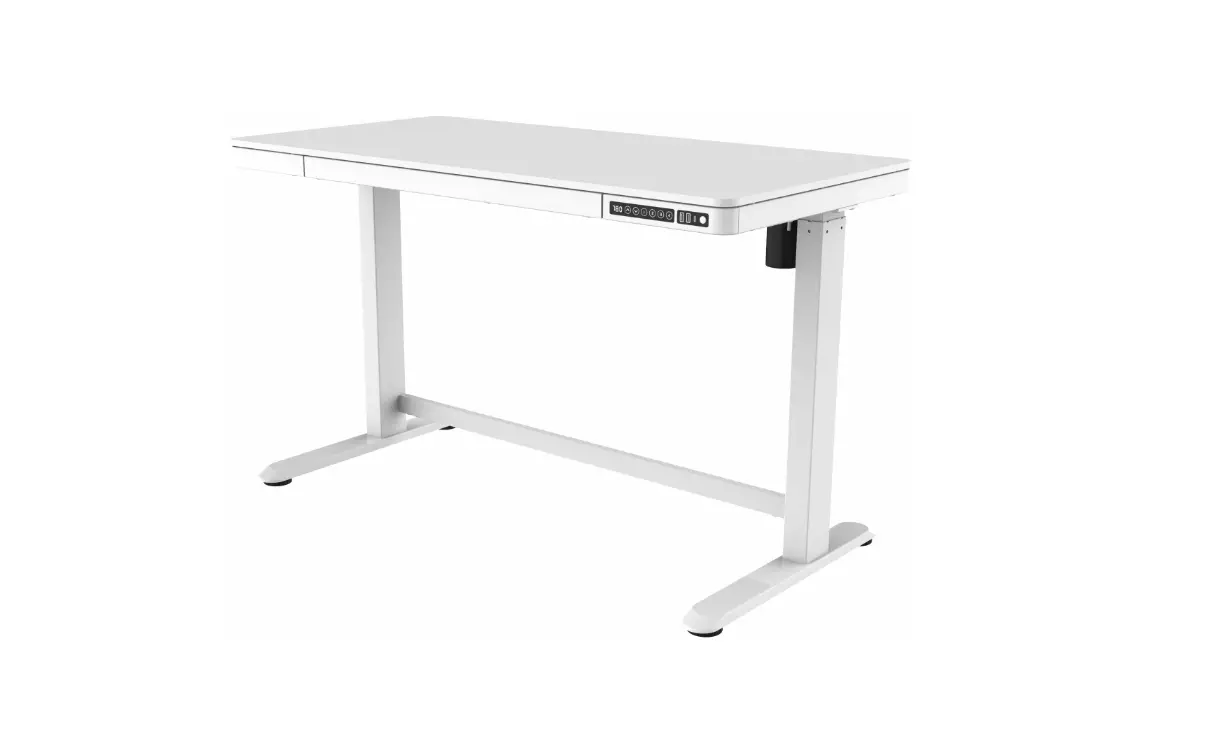
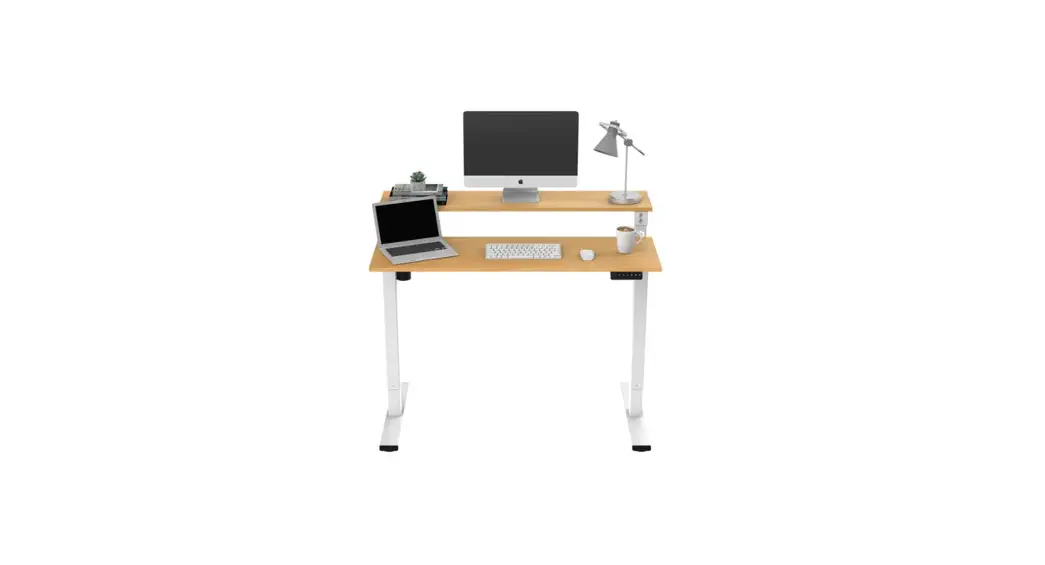
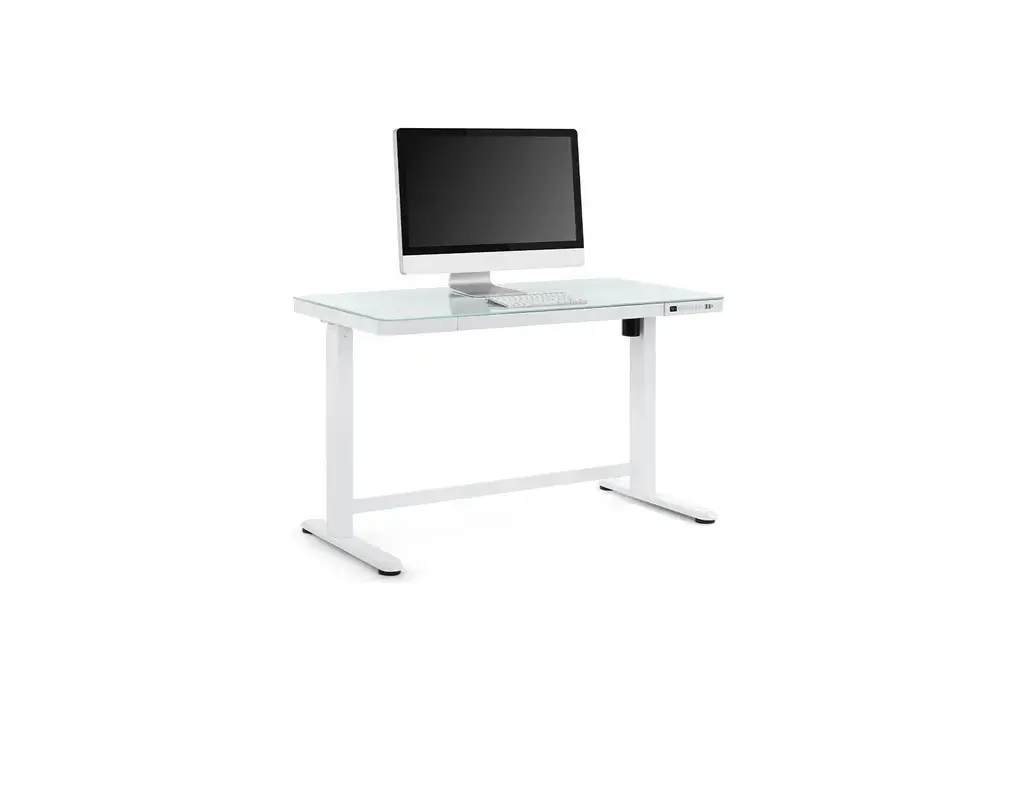
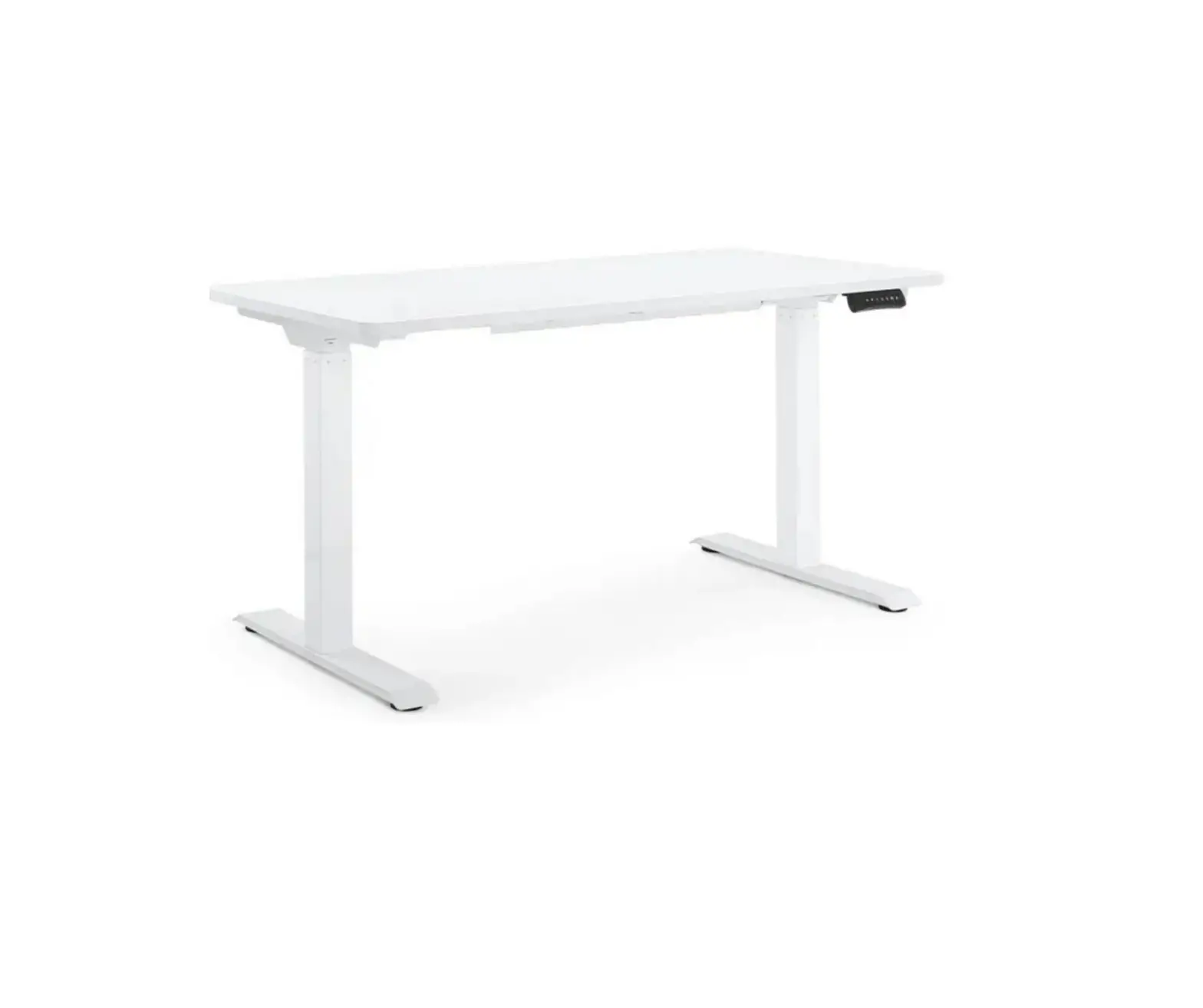
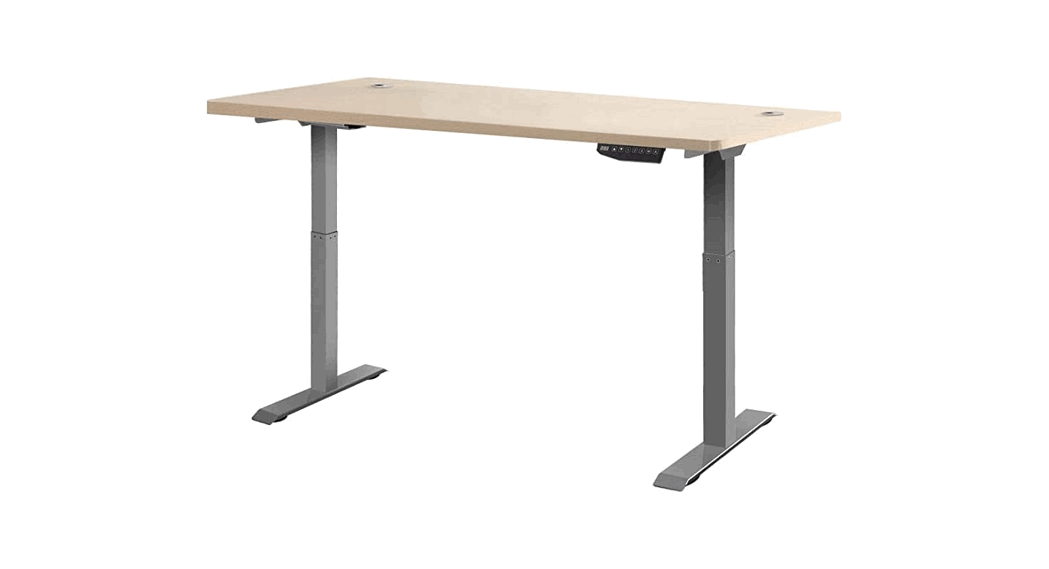
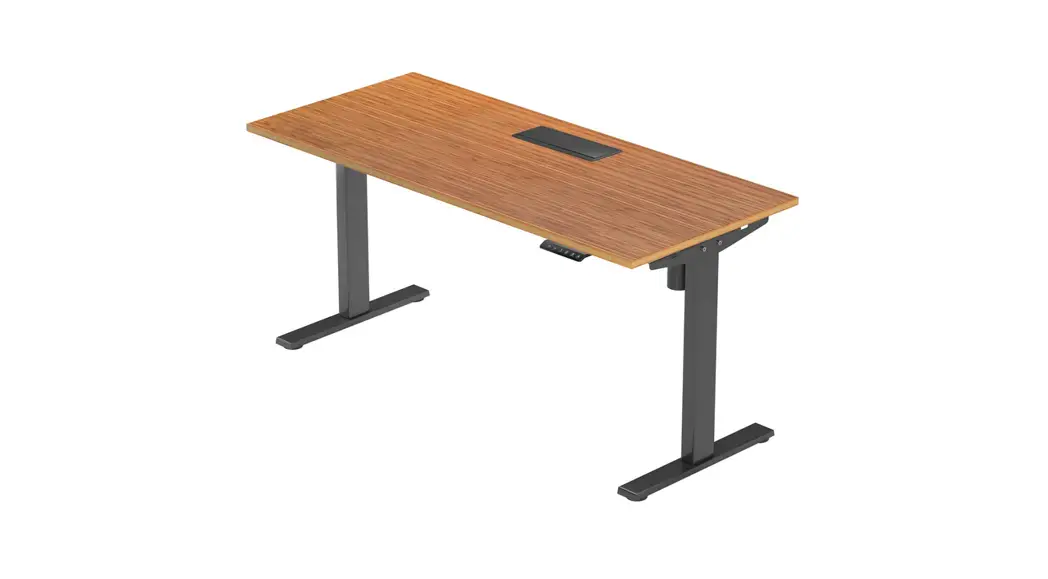
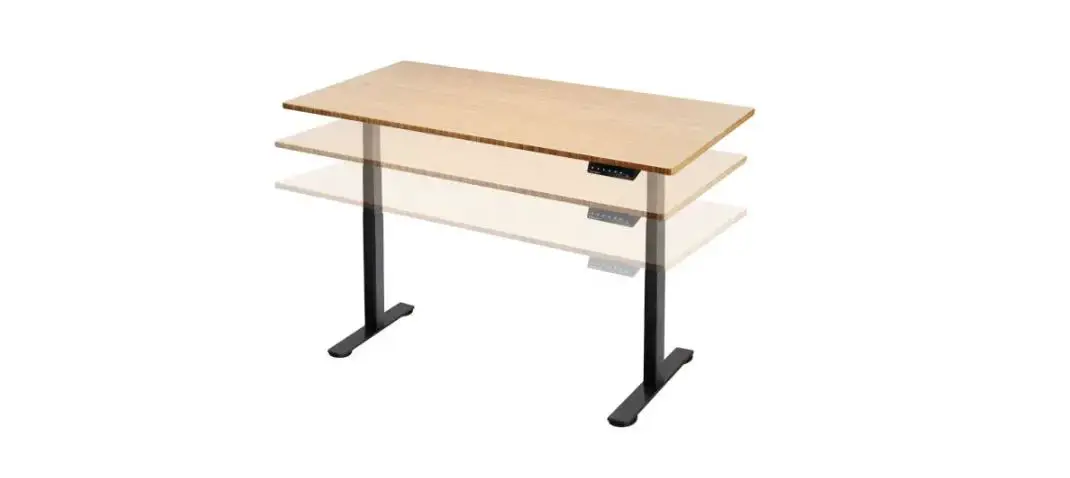
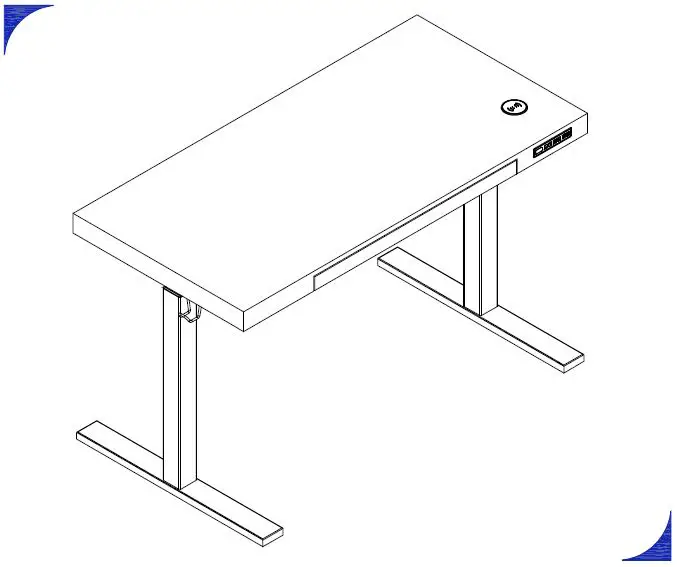
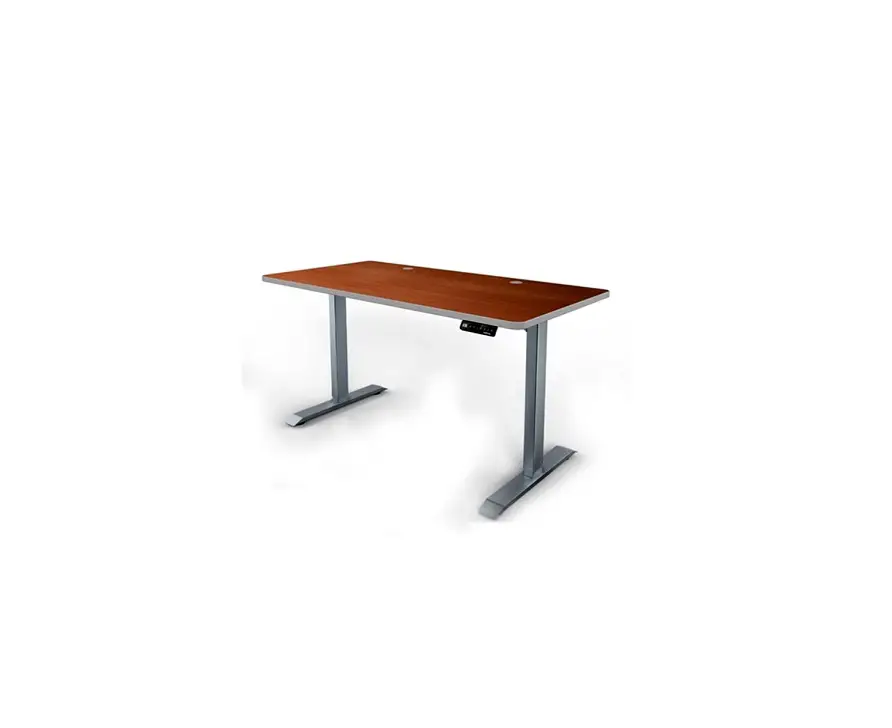
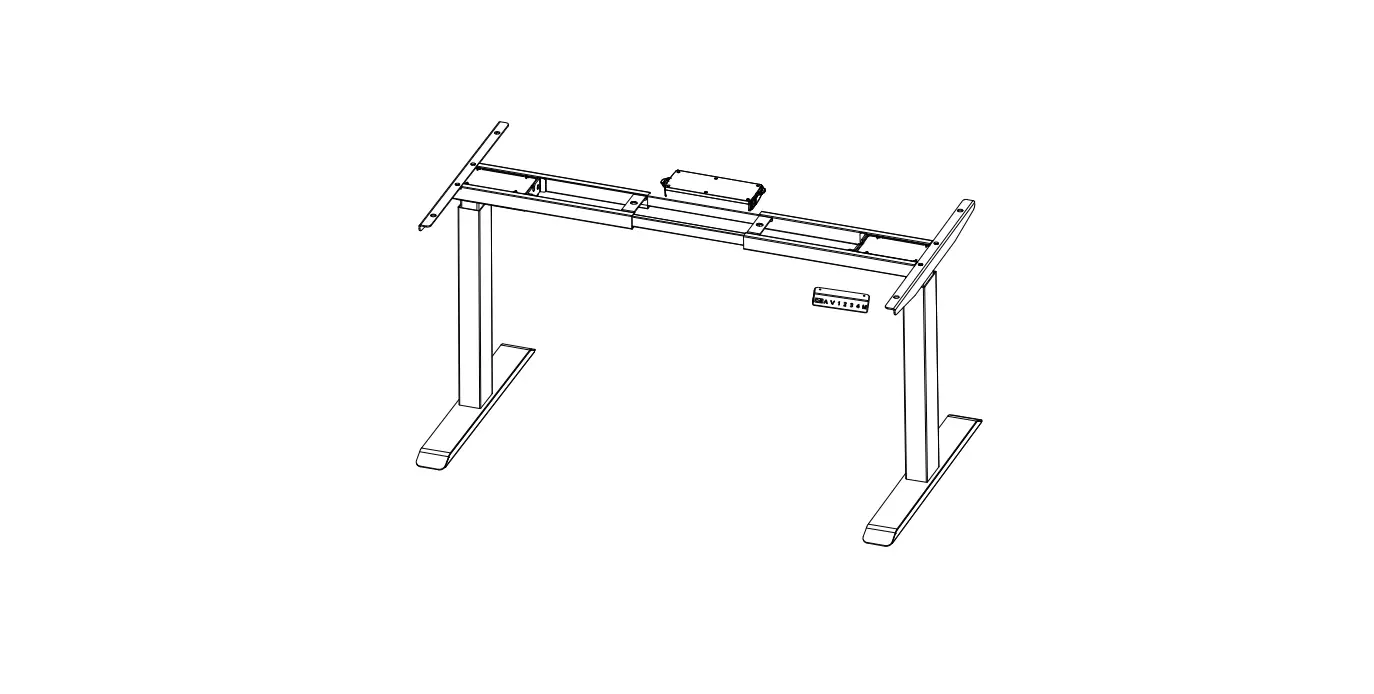
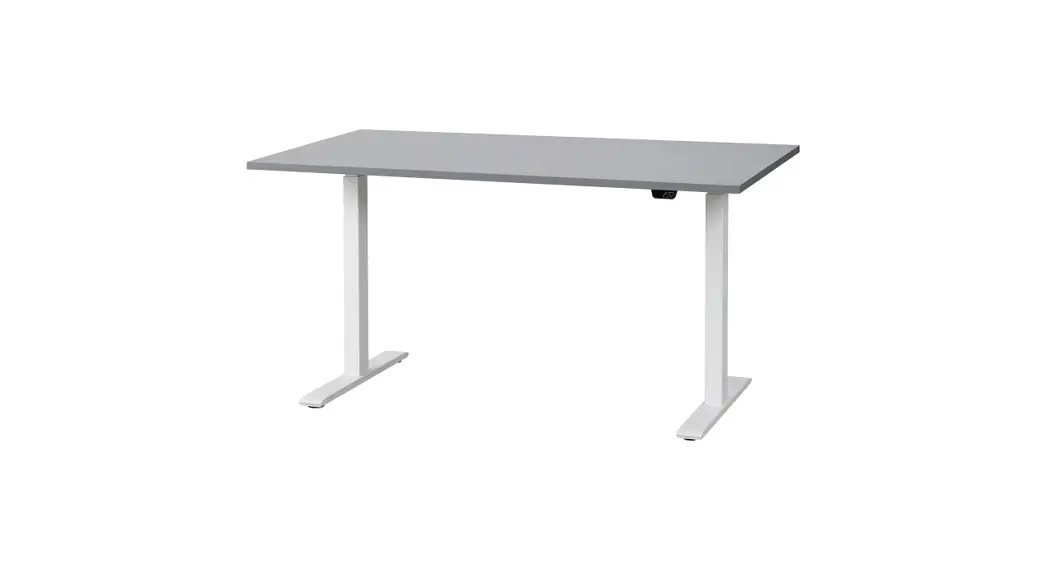
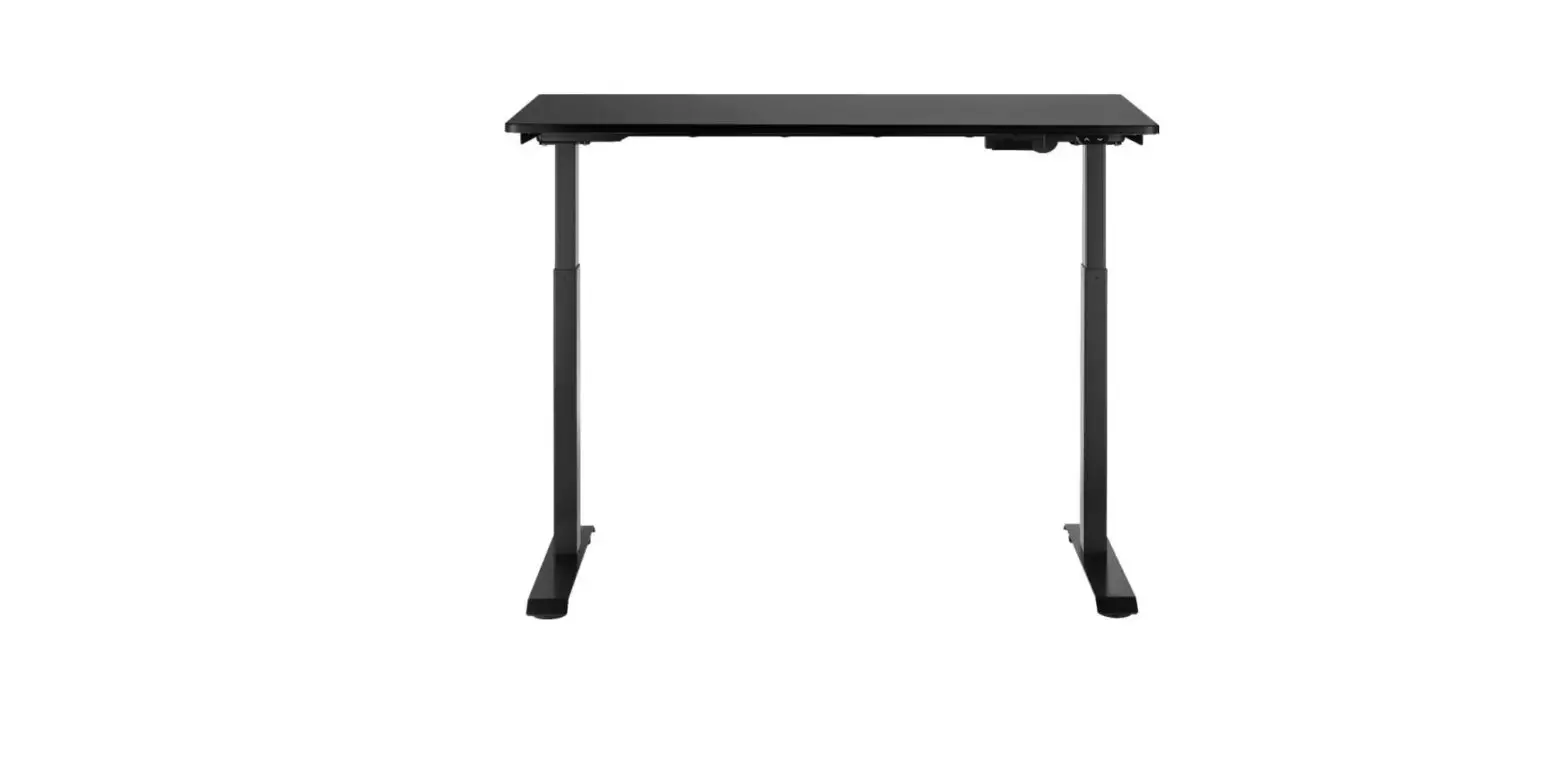
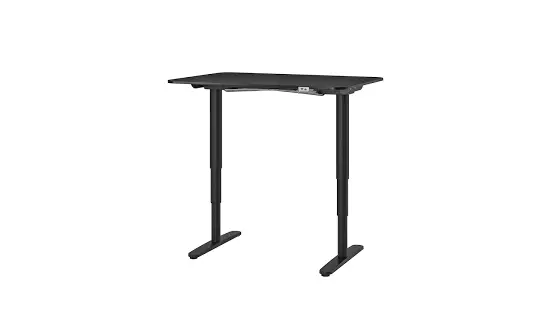
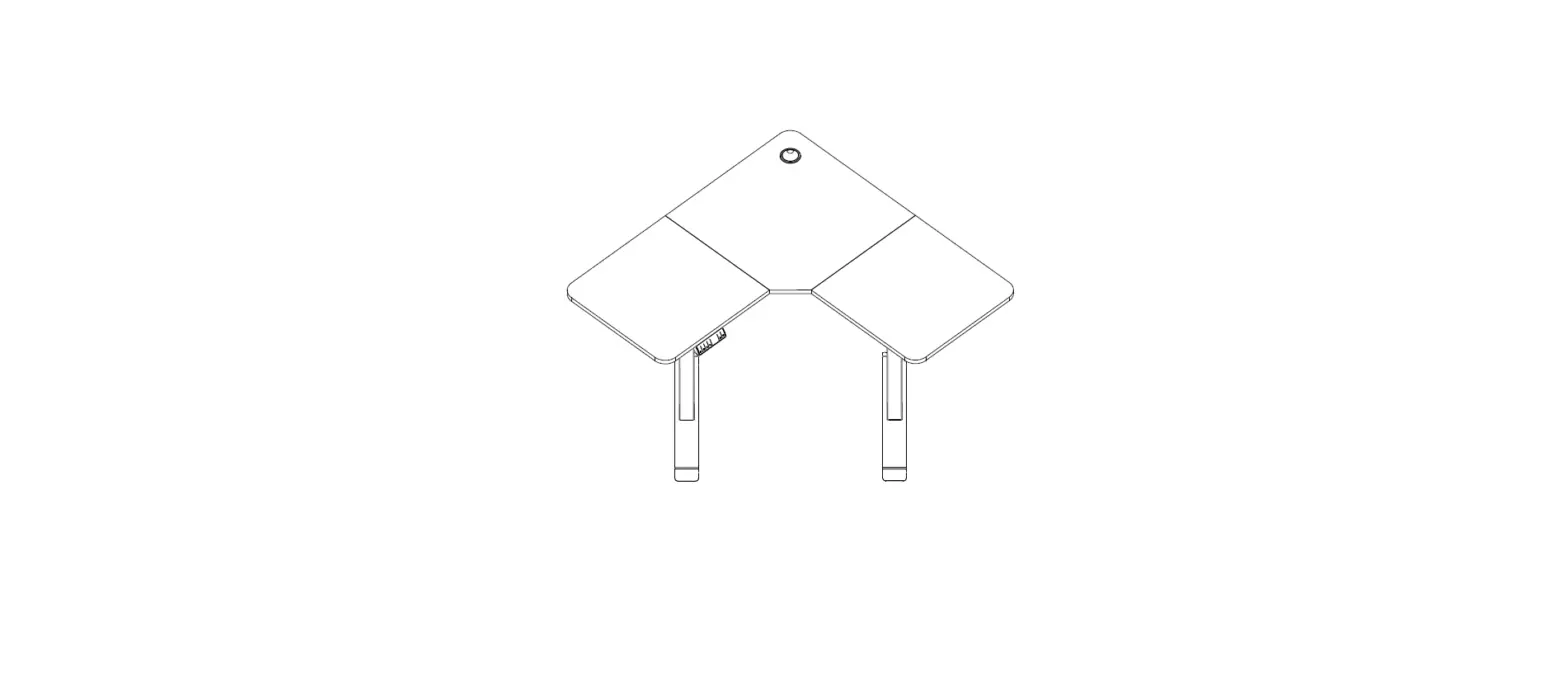
ELSTDUSBWWA ET150 Series Standing Desk
ET150 SERIES STANDING DESK WITH USB PORT
ELSTDUSBWWA, ELSTDUSBNWA
Safety & Warnings
3
Components List
4
Overview
6
Assembly
8
Operation
12
Cleaning & Care
15
Specifications
15
Troubleshooting
16
2
SAFETY & WARNINGS
Ensure to read all instructions and warnings in this user guide prior to assembly and first use. Retain this user guide for future reference.
· This desk can be used by children aged 8 years and above and persons with reduced physical, sensory or mental capabilities or lack of experience and knowledge if they have been given supervision or instruction concerning the use of the desk in a safe way and understand the hazards involved.
· Do not allow children to play with the desk as this may lead to potential injuries. · The power used by this desk is AC 100240V at a frequency of 5060Hz. Ensure the
power socket used supports this. · The maximum load capacity of this desk is 50kg. · The operating environment of this desk is 040°C. · Before using, double-check the desk has been assembled correctly. · Throw the plastic packaging away after assembling as the plastic bags used may
lead to a choking hazard for children. · Be aware and remove any potential hazards around the area when the desk will be
used. · Do not allow water or any other liquid into the internal parts of the desk. · The electric box contains electronic components, metals, plastics, and wires. If
disposing of, do not throw the electric box into the general rubbish. Follow the local regulation when disposing of electricals. · There may be slight noises that emit from the braking system when using the desk. This is normal and should not raise any concern. · Ensure the power cord is turned off and unplugged before cleaning. · Do not use corrosive or abrasive materials when cleaning the desk. · Cleaning and user maintenance shall not be made by children without supervision. · If the power cord is damaged, stop use immediately and contact help.Kogan.com for assistance. · Keep the original box in the case for future transportation.
3
COMPONENTS LIST
WARNING: The drawings below are for guidance only and they may differ slightly from the product and fittings received.
1 Tabletop
2 Lifting column (x2)
3 Foot (x2)
4 Hanging storage box
5 Hook (x2)
6 Power cord
7A Control box
7B 19mm ST4.2 screw (x2)
8 Adapter
9 Switch cord 4
Hardware
A ST4.2 screw (x6)
B Cable tie (x1 and x3 spare) C 12mm M6 screw (x4)
D 30mm M6 screw (x8)
E Allen key
5
OVERVIEW
1
5
4
2
6
7
5
2
8 3
9 3
6
Dimensions
730-1210
1002 602
395
132
121
789
600
60 889
7
ASSEMBLY
Step 1: Fold the hanging storage box (4) as shown below.
4
Step 2: Turn the tabletop (1) upside down and place it on top of a cloth or mat so it does not directly touch and scratch the floor. Using the Phillips screwdriver (7C), install the hanging storage box (4) and hooks (5) onto the tabletop (1) using ST4.2 screws (A). Using the Phillips screwdriver (not supplied), install the control box (7A) with 19mm ST4.2 screws (7B).
A (x6)
7B (x2)
A
4 A
A
A
A
A
5
7B
Insert
7A 1
8
Step 3: Insert the hexagonal head of the lifting columns (2) along the wiring trough on the tabletop (1). Slightly rotating it, clamp the lifting columns onto the screws on the supporting beam of the tabletop (1). Using the Allen key (E), secure each lifting column with two 12mm M6 screws (C).
Note: Rotating the lifting columns will ensure both columns are level and stable when the desk is used.
C (x4)
E (x1)
2
2
Insert
E 1 C
Rotate
Tighten
9
Step 4: Using the Allen key (E), secure the feet (3) to the lifting columns (2) with four 30mm M6 screws (D) each.
D (x8)
E (x1)
E D
3 3
10
Step 5: Connect the cable connected to the motor and one end of the switch cord (9) into the M1 and DC ports of the control box (7) respectively. Connect the other end of the switch cord (9) into one end of the adapter (8). Tear off the adhesive on the cable tie (B) and fix it onto the bottom of the tabletop (1). Cables can be threaded through, providing a neat method for cable management. Connect the other end of the adapter (8) with one end of the power cord (6). Plug the other end of the power cord into a power socket. Place the overhanging parts of cables (6, 8, 9) into the hanging storage box (4).
Note: Do not turn the power on if the cables are not connected.
B (x1)
7
B 9
Motor cable
8 4 6
Tear off
Fix
11
OPERATION
With the power cord plugged in, switch on the power at the socket. Control box
Down button
Height save button 2
USB-C port USB port
Height save button 4
LED display
Up button Height save Height save button 1 button 3
The controller features six buttons. The buttons and their functions are listed below.
Name Up button
Down button
Icon Description
· Pressing this button adjusts the desk height up.
· The height of the desk will be shown on the LED
display.
· Pressing this button adjusts the desk height
down.
· The height of the desk will be shown on the LED
display.
Height save buttons
Saves the height of the user’s choice. Four save profiles available (14).
3
4
12
Protection · This desk is fitted with systems to prevent damage if it is overheated. · This desk has a current limiter in place if the desk is in danger of being short-circuited or if a device is plugged in that causes an overcurrent. This ensures the desk operates within its normal supported current range.
Quick charge This desk supports quick charging for many smartphones and devices.
Notes: · When the desk’s height is being adjusted, any connected device will temporarily stop charging. It will resume charging once the desk is static. · If both the USB and USB-C ports are used simultaneously, the output voltage will cap at 5V with a maximum of 22.5W.
Saving the height The height of the desk can be saved using the four height save buttons to allow for quick and easy height adjustment.
· To save a height, press and hold height save button 1 ( ) for three seconds. The display will then show ` ‘ indicating the current height of the desk has been saved successfully.
· Height save buttons 2 ( ), 3 (3), and 4 (4) all have the same function and operate identically. Once saved, the display will show ` ‘, ` ‘ or ` ‘ respectively. This allows for up to 4 height profiles to be saved onto the desk.
· To activate a saved height, press the corresponding height save button and the desk will automatically adjust to the saved height.
13
Anti-collision This desk features anti-collision which prevents the desk from damaging nearby objects. If the desk makes contact with an object when adjusting, the desk will automatically rebound to prevent damage. The sensitivity of the anti-collision function can be adjusted to four levels. These levels will be reflected on the LED display:
Display shows Description The anti-collision function is turned off. Low sensitivity Medium sensitivity High sensitivity
The desk will come default with high sensitivity. To adjust the sensitivity, simultaneously press and hold the up () and down () buttons for 5 seconds. Reset Resetting the desk will remove all saved heights and anti-collision settings. To reset the desk:
1. Press and hold the height save 3 (3) and 4 (4) buttons for at least 3 seconds. The display will then show ` ‘.
2. Press and hold the down button () until the desk reaches its lowest position and rebounds.
3. Release the down button () and the desk will be reset.
14
CLEANING & CARE
Ensure the desk is turned off and the power cord is unplugged before cleaning. Using a cloth dampened with water, wipe off the dust on the surface of the desk.
Notes: · Do not allow water to drop into the electrical parts of the desk. · Do not use corrosive or abrasive materials when cleaning the desk.
SPECIFICATIONS
Lifting mechanism stages
2
Maximum load capacity
50kg
Maximum load capacity of one hook 4.5kg
Adjustable height range
7301210mm
Maximum adjustment speed
25mm per second
Supported outputs (USB-C port)
5V3A, 9V3A, 12V3A, 15V3A, 20V2.25A Maximum: 45W
Supported outputs (USB port)
5V2A, 9V2A, 12V1.5A, 15V1.8A,20V0.9A Maximum: 27W
15
TROUBLESHOOTING
Problem
Solution
The desk is not turning on.
Check if all cables are well connected.
The speed of the height adjustment is slower than usual.
The desk moved down without adjusting the height.
The desk is automatically resetting itself.
Check if the desk is overloaded. The maximum load capacity is 50kg. Remove items from the desk as needed.
The desk is only able to adjust the height of the desk in one direction.
Reset the desk.
The desk’s height cannot be adjusted.
Overworking, height adjustment is · Turn off the power and restart after 18 minutes.
not working.
· Contact help.Kogan.com for assistance.
The display is showing `E01′. The display is showing `E02′. The display is showing `E03′. The display is showing `E05′.
The display is showing `E07’.
Turn off the power and restart after 18 minutes.
Turn off the power and restart after 18 minutes.
· Follow the steps to reset the desk then turn off the power at the socket for at least 10 seconds before switching back on. ` ‘ should then be displayed.
· If not, stop use and contact help.Kogan.com for assistance.
Disposal
This marking indicates that this appliance should not be disposed with other household wastes. To prevent possible harm to the environment or human health from uncontrolled waste disposal, recycle it responsibly to promote the sustainable reuse of material resources.
16
NOTES
17
18
19
Need more information? We hope that this user guide has given you the assistance needed for a simple set-up. For the most up-to-date guide for your product, as well as any additional assistance you may require,
head online to help.kogan.com
20