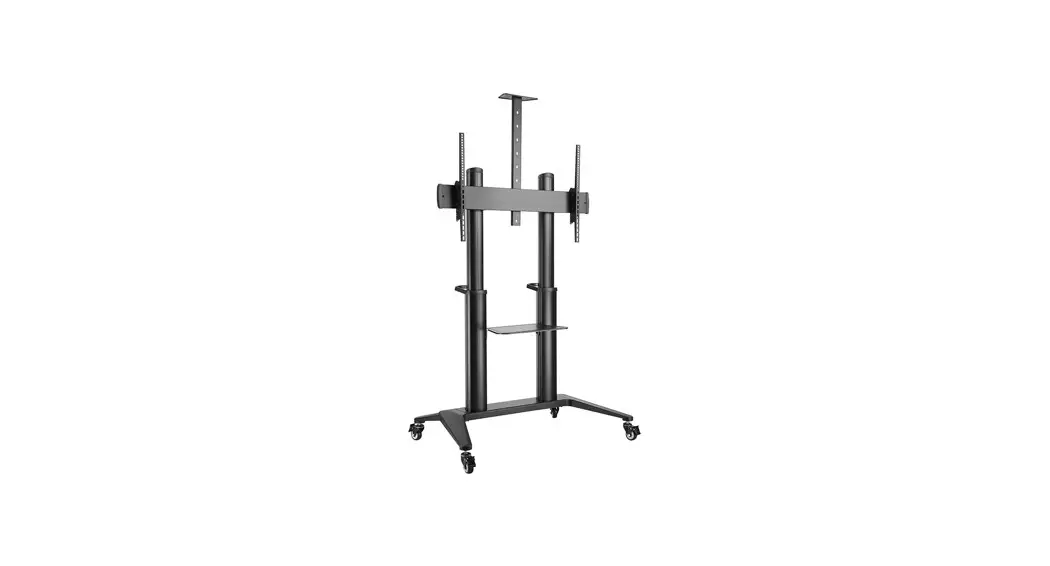

Installation manual
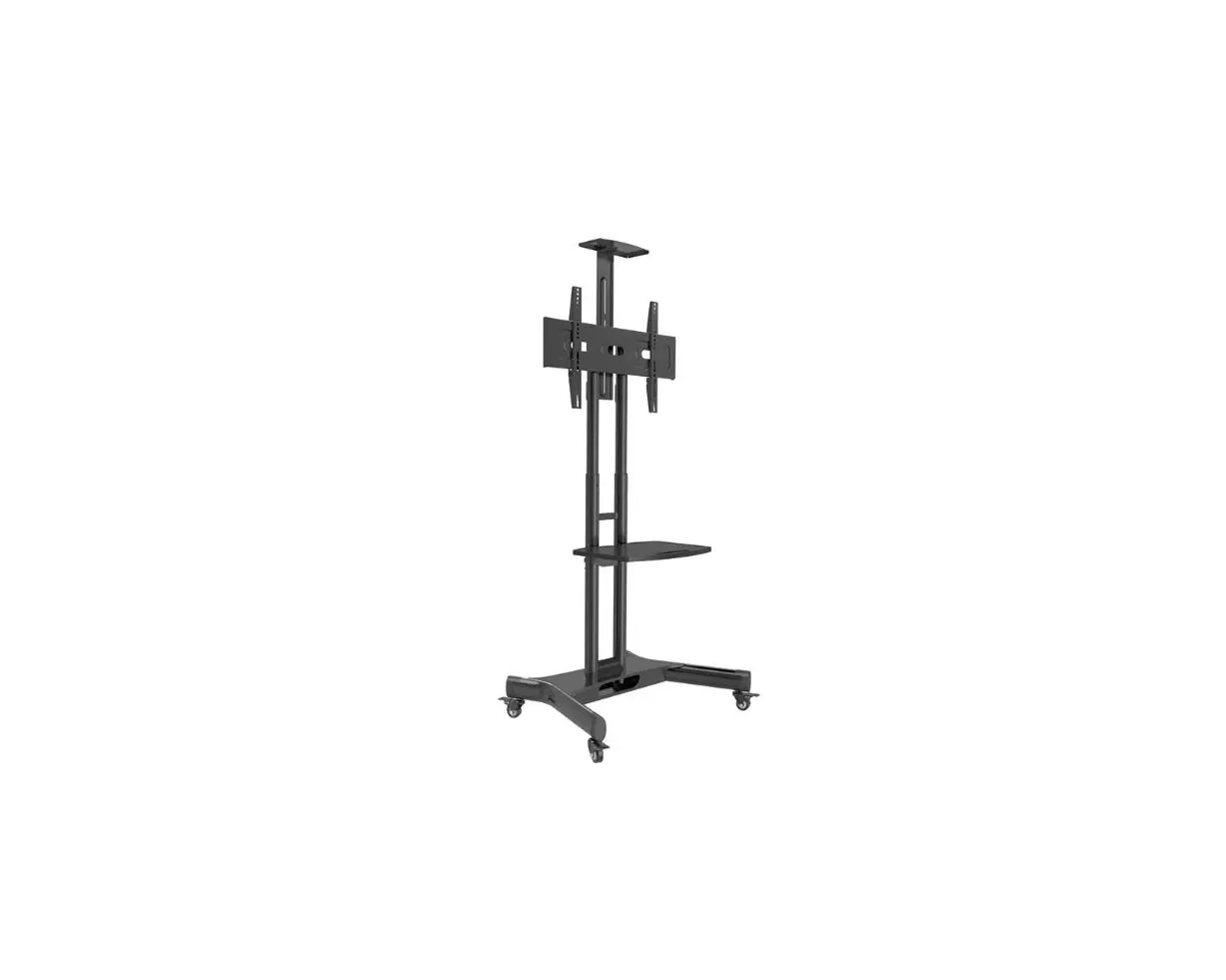
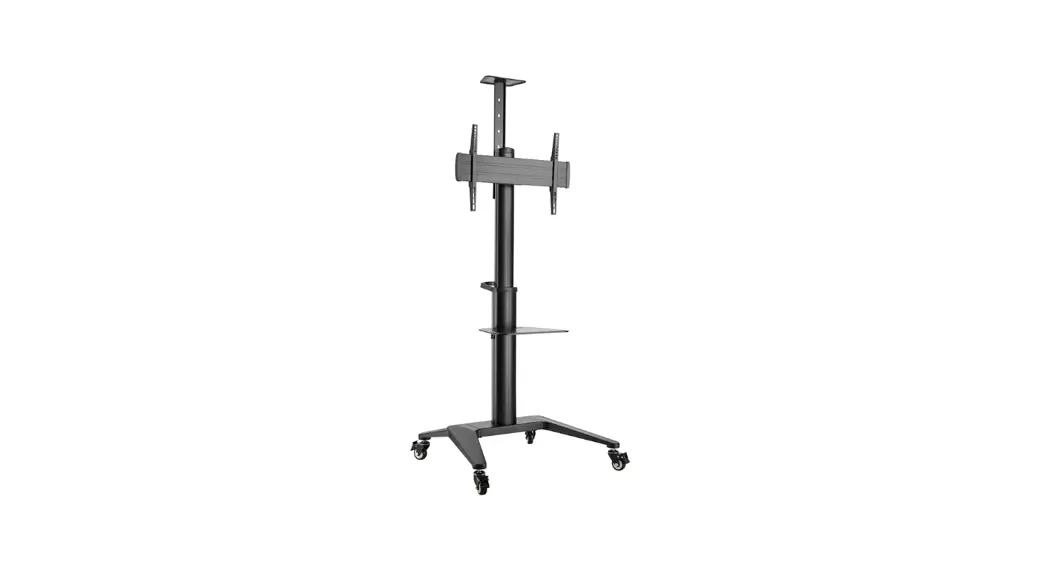
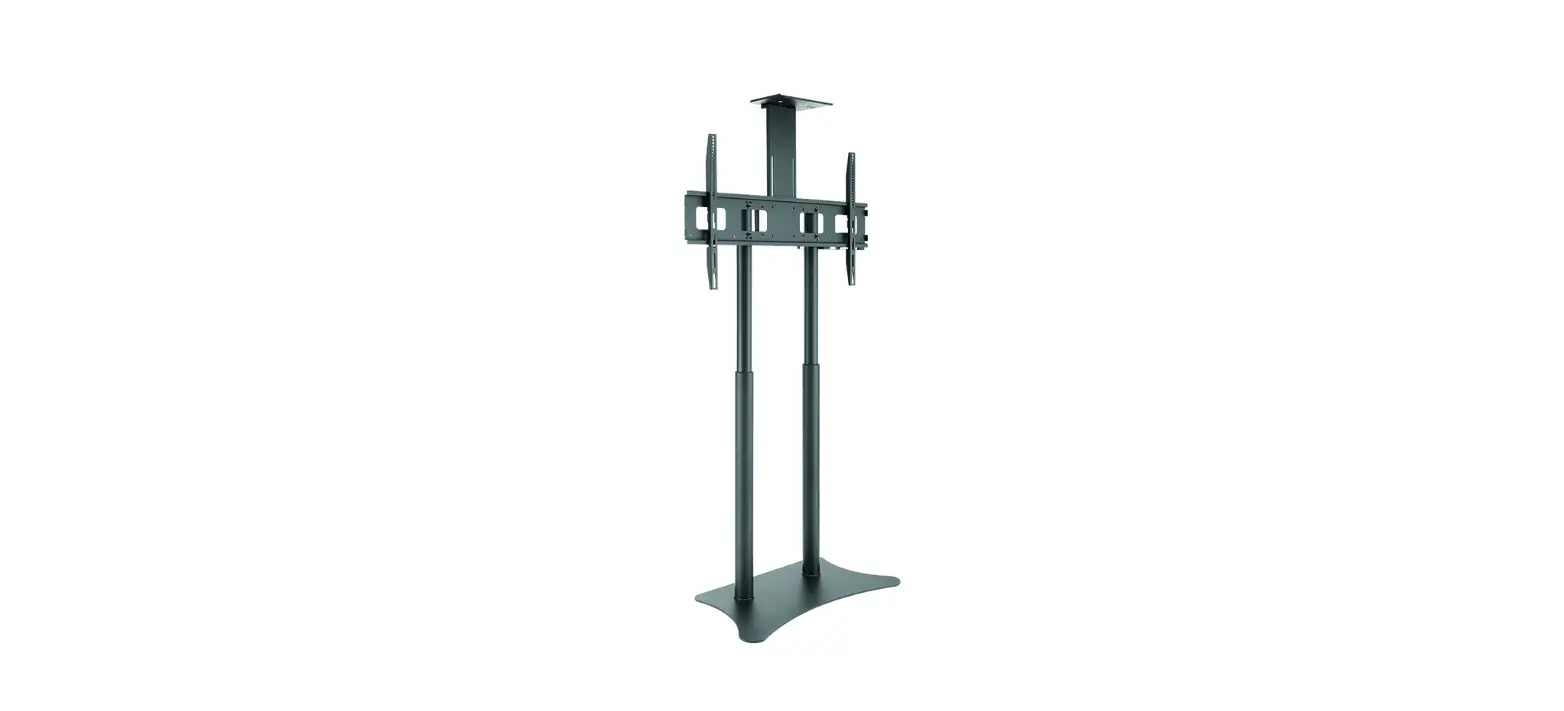
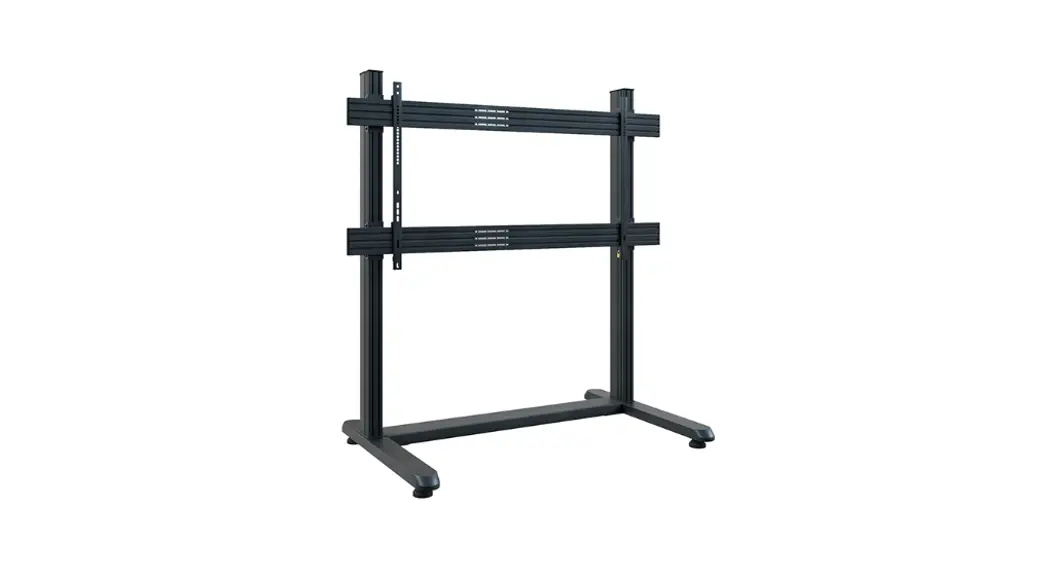
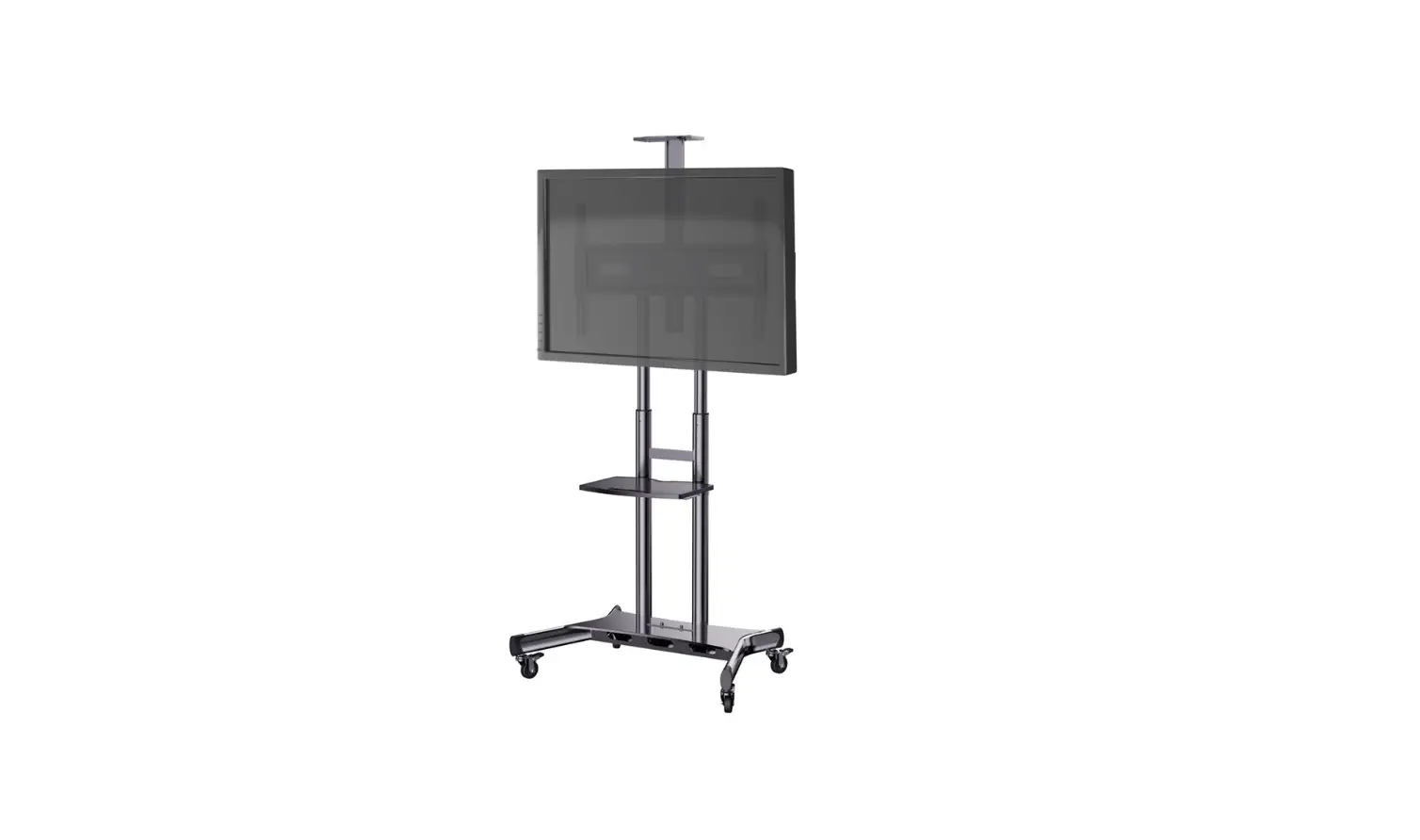
BrackIT® Stand HD XXL Art.-Nr.: 8208
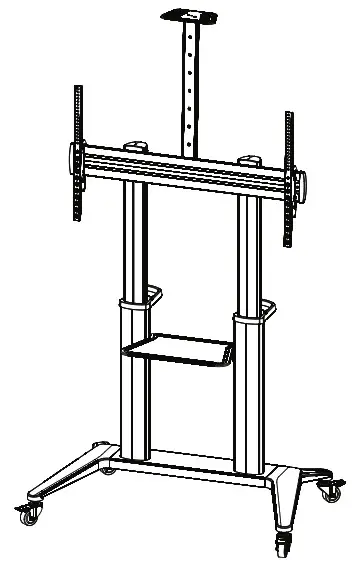
8208 BrackIT Stand HD XX
Caution!
Technical devices are of considerable value. You should therefore handle the components carefully during installation and protect them if necessary.
If necessary, the installation area should also be secured. Falling parts can cause injuries and material damage.
The materials included in the scope of delivery may not be suitable for the special conditions at the installation site. Please check this in advance and replace it with suitable materials if necessary.
If you are unsure about the installation of the product or have any questions, please contact us or other trained specialists.
Required for installation
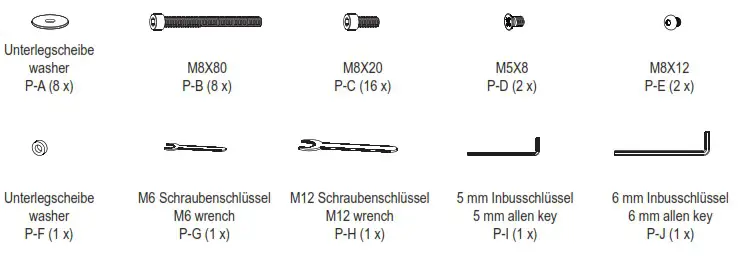
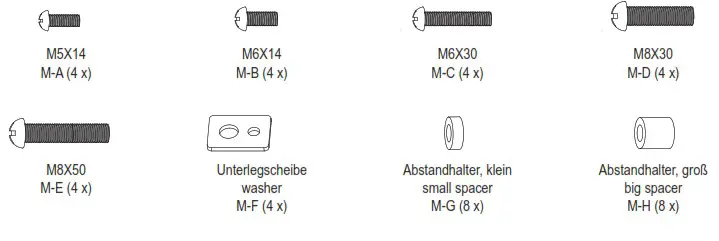
Component checklist
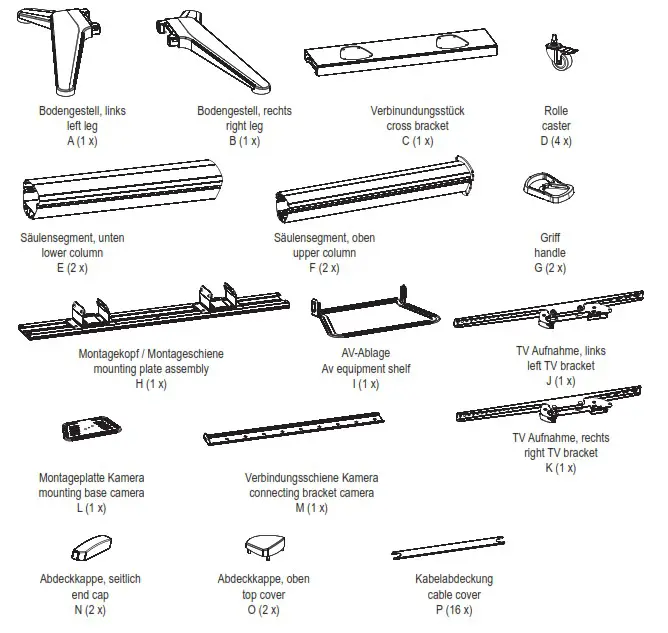
Package P
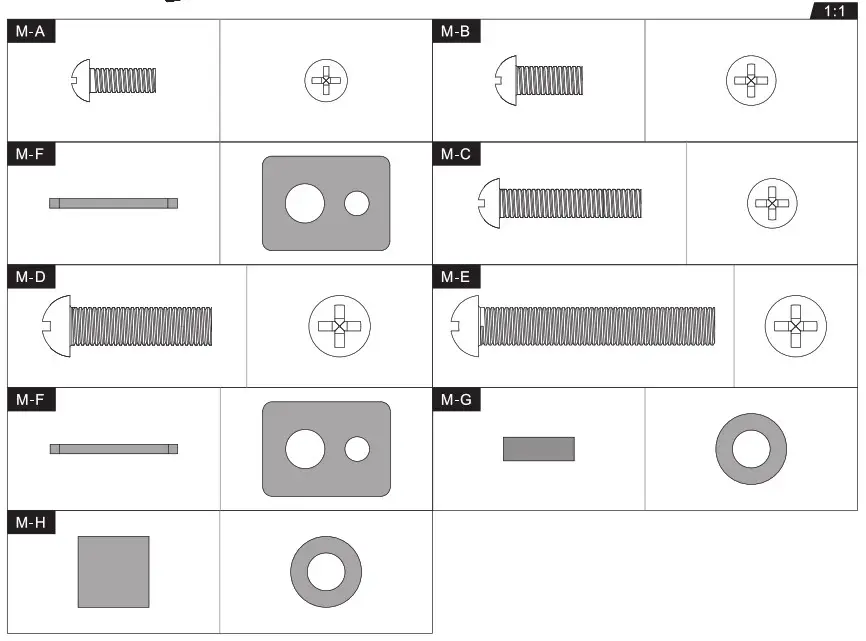
Package M
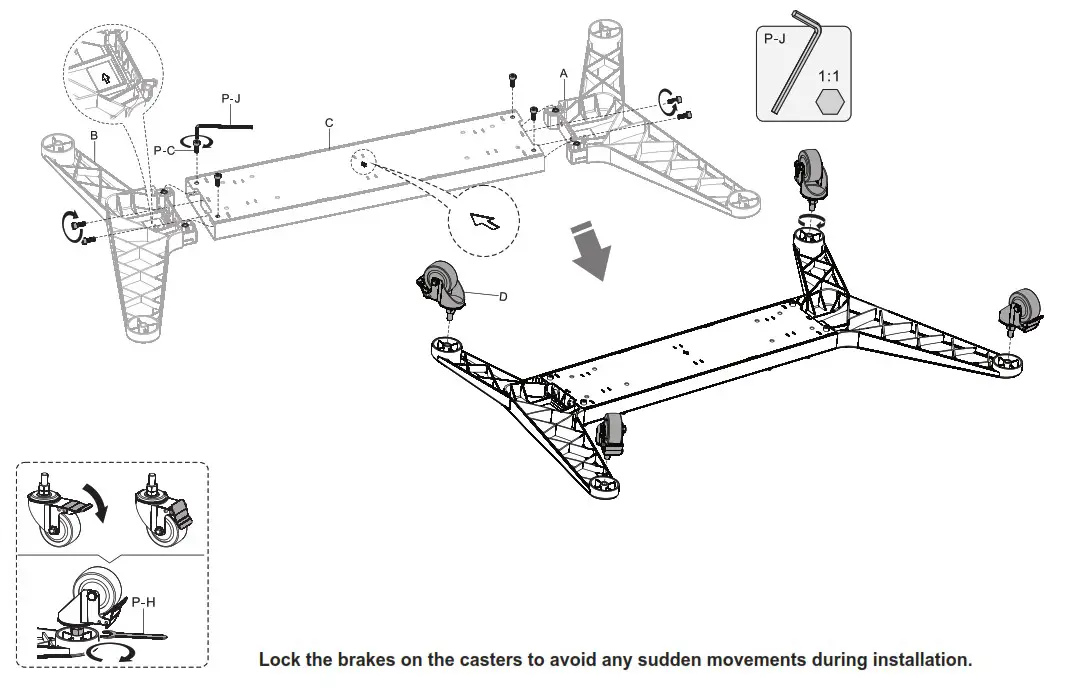
Assemble the base
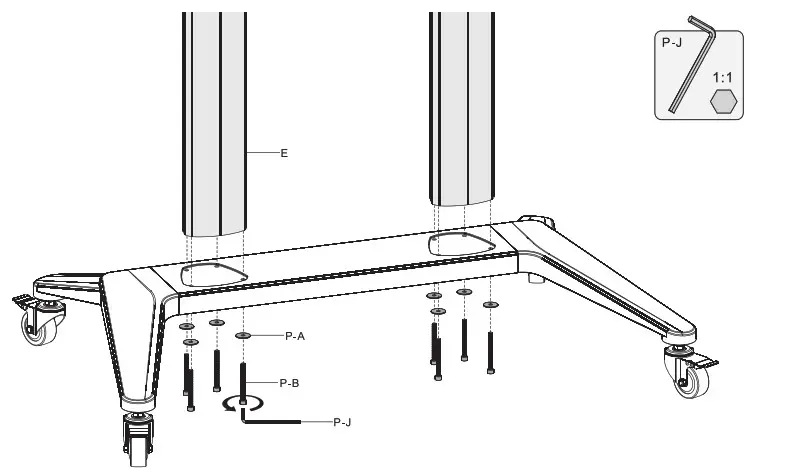
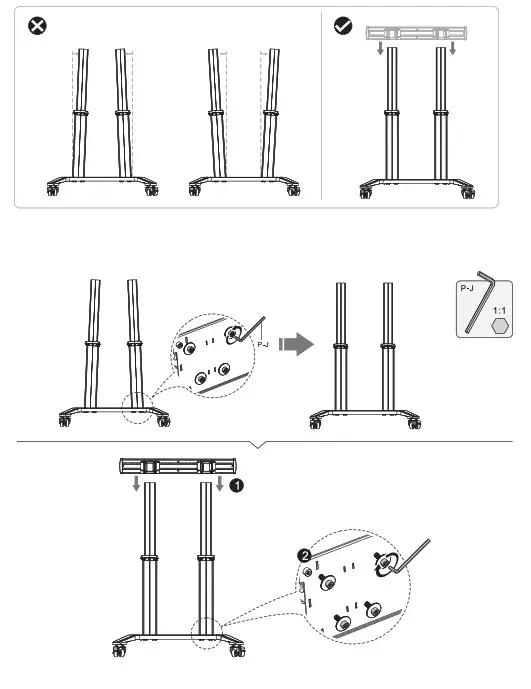
Assemble of the columns
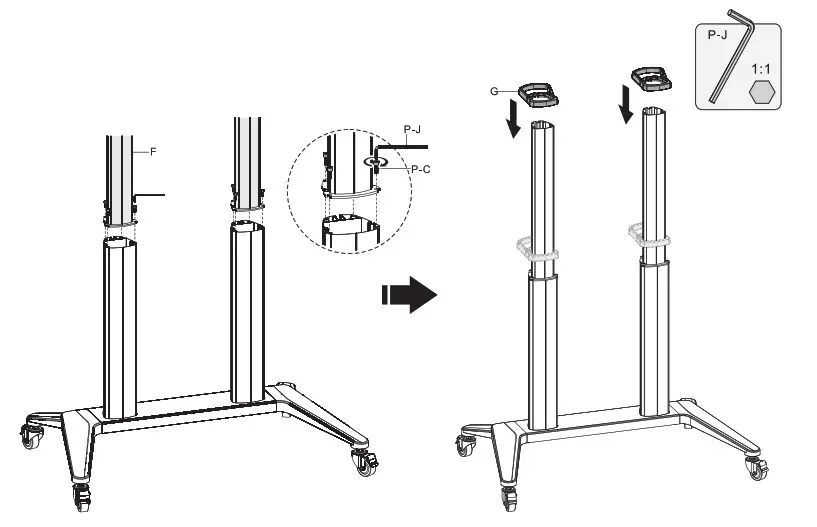
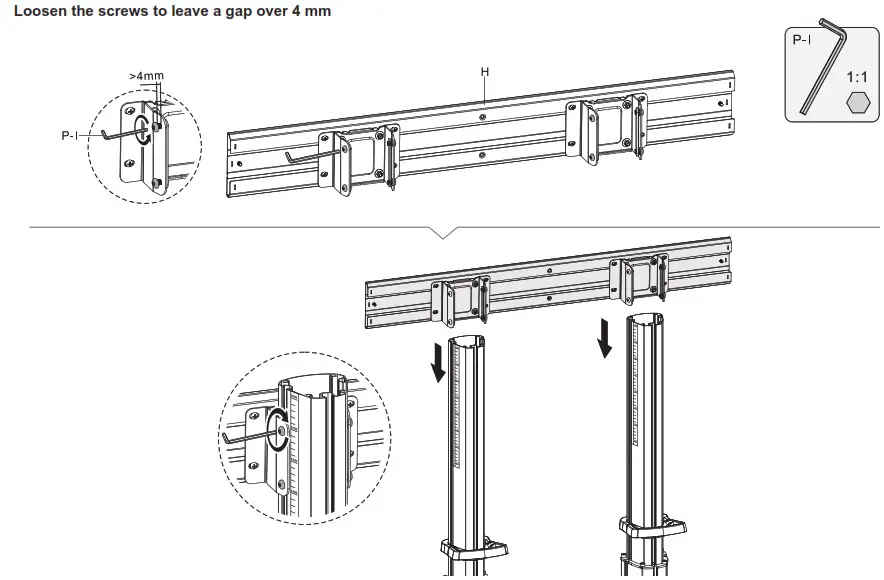
Attach the connector to the column
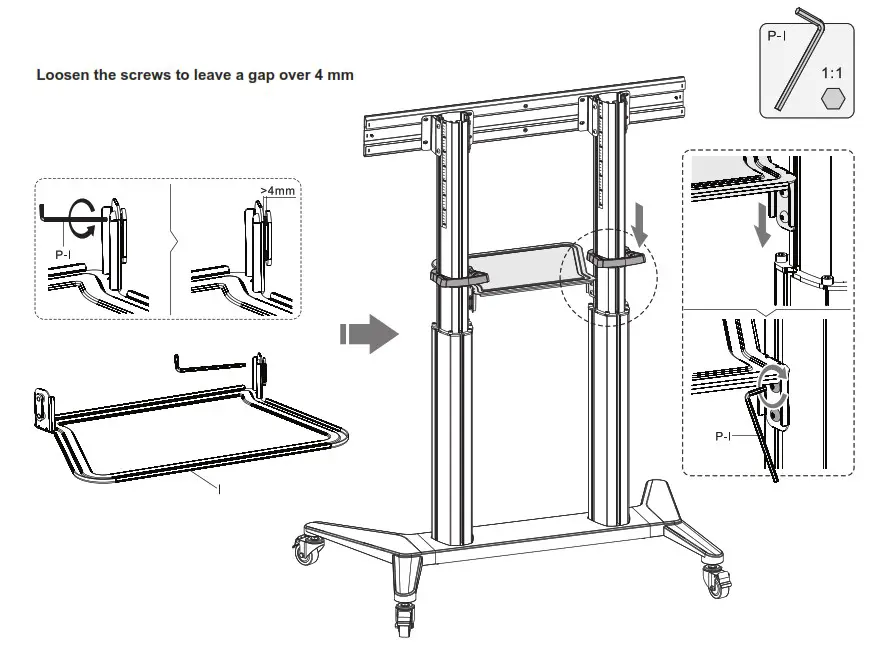
Assemble the AV equipment shelf
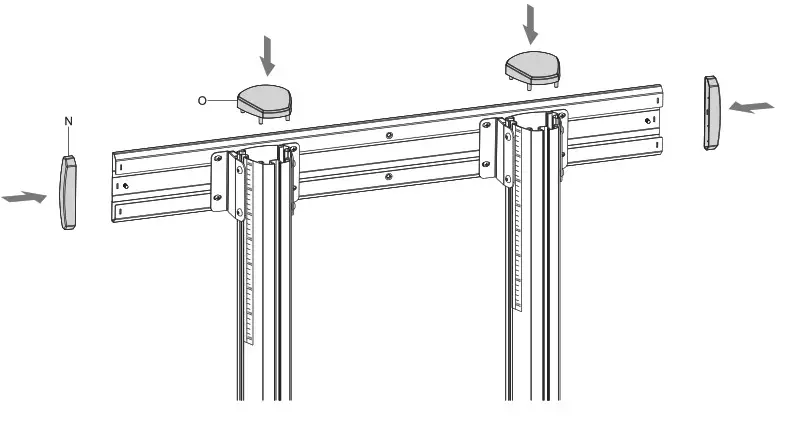
Assemble the top covers and end covers
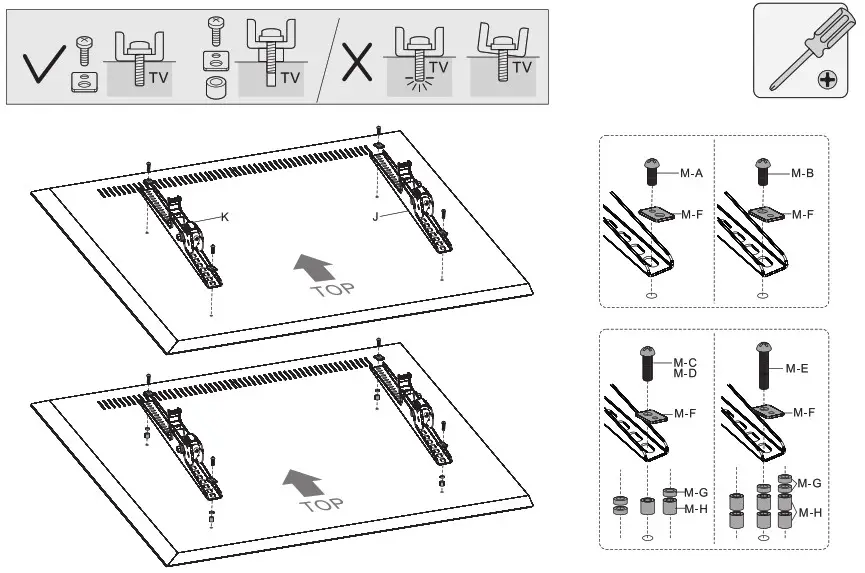
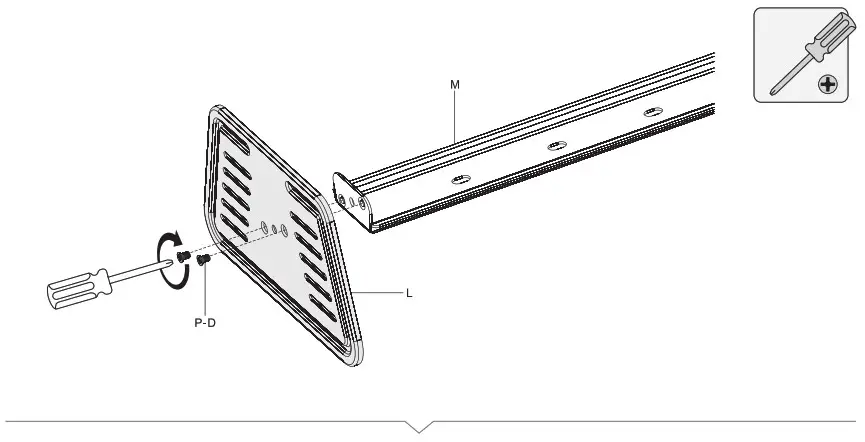
Attach VESA brackets
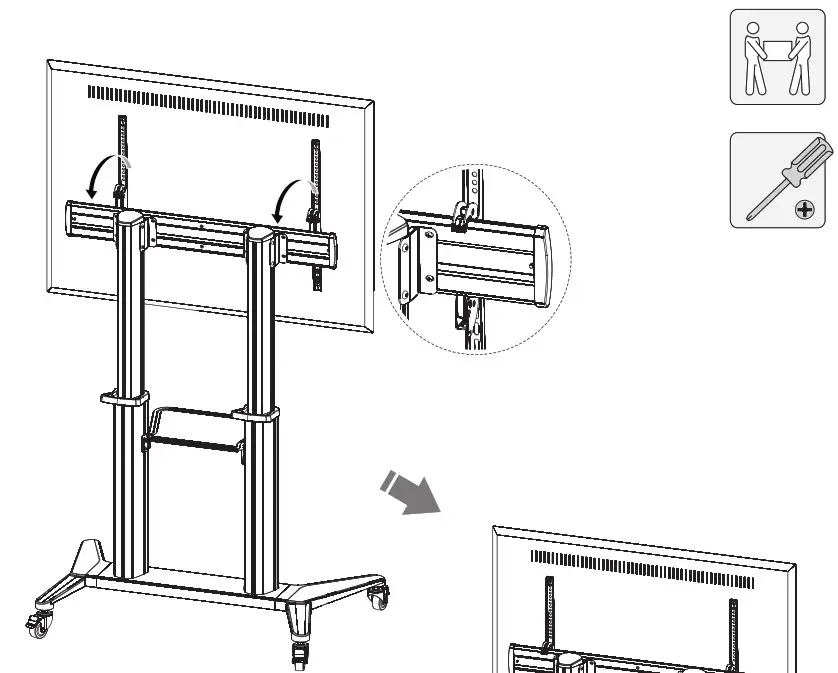
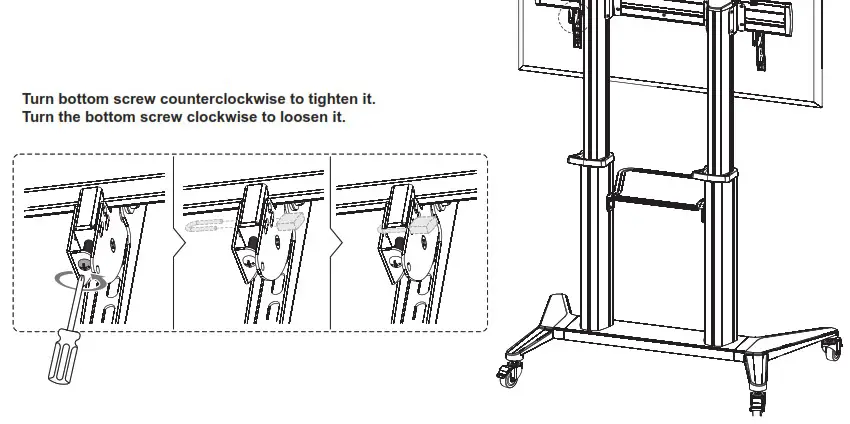
Hang and secure the screen
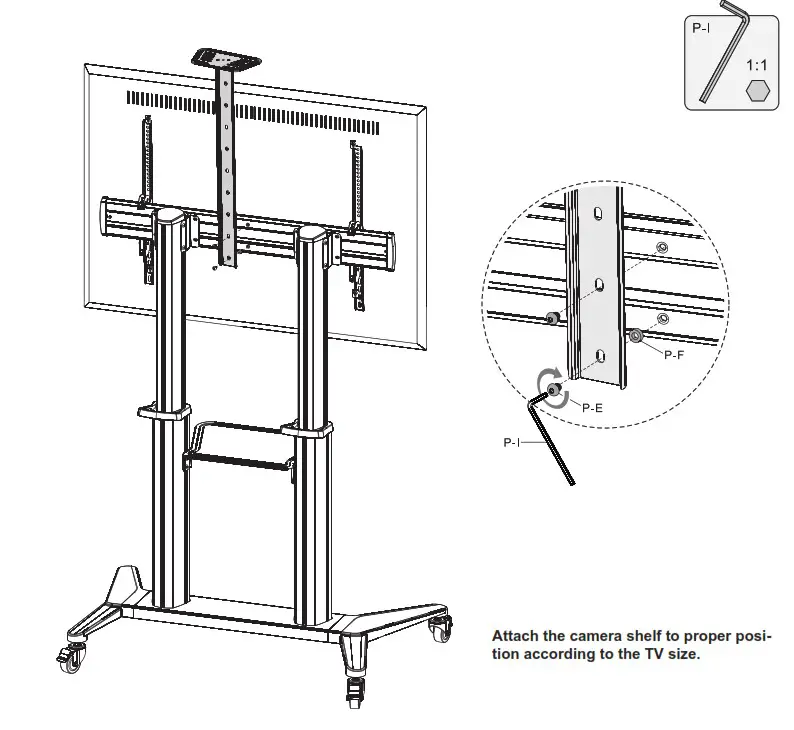
Assemble the camera shelf
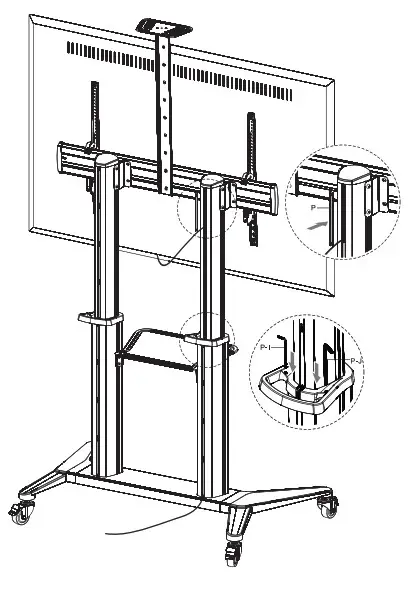
Cable management
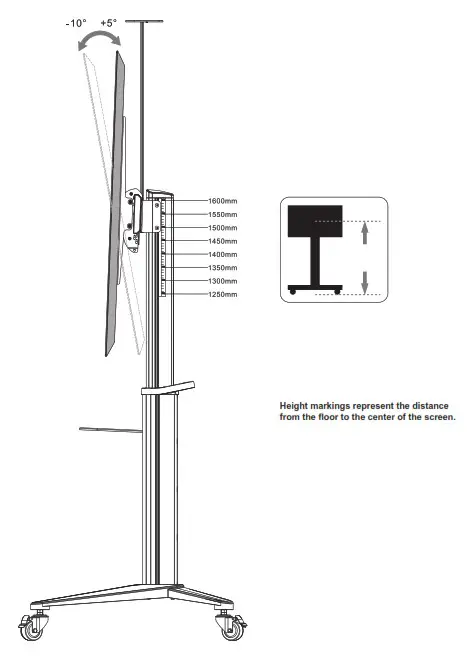
Adjustment
Trouble shooting
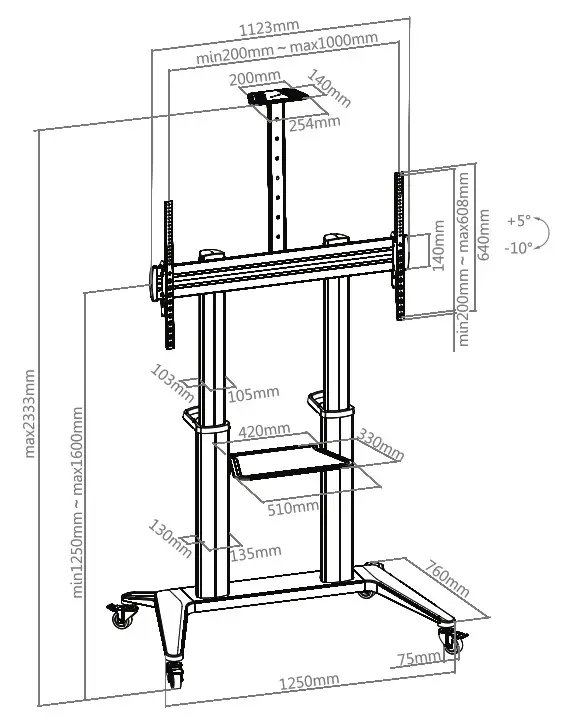
Dimensions
HAGOR Products GmbH
Oberbecksener Straße 97
D-32547 Bad Oeynhausen
Telefon: +49(0)57 31-7 55 07-0
Mail: [email protected]