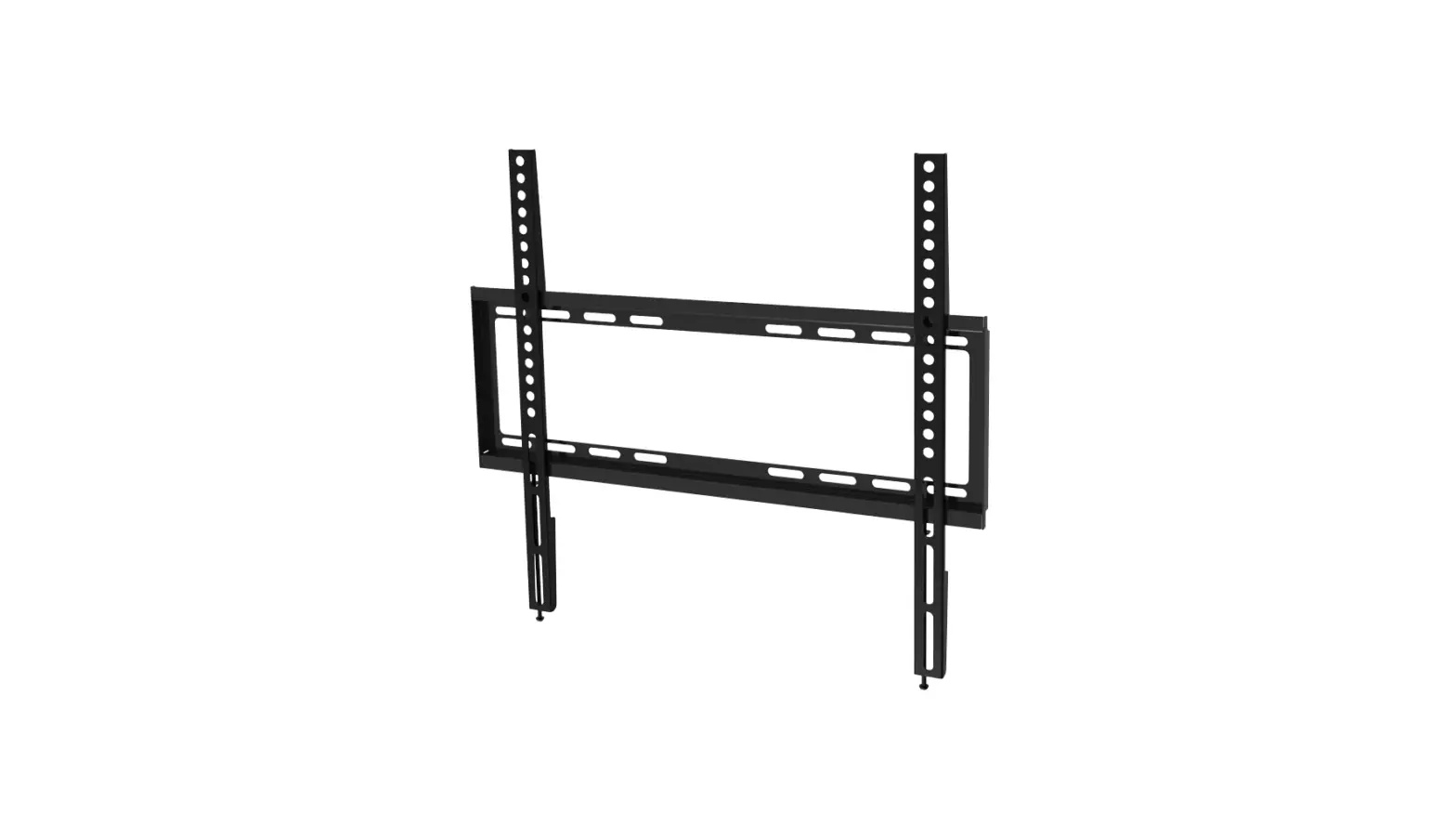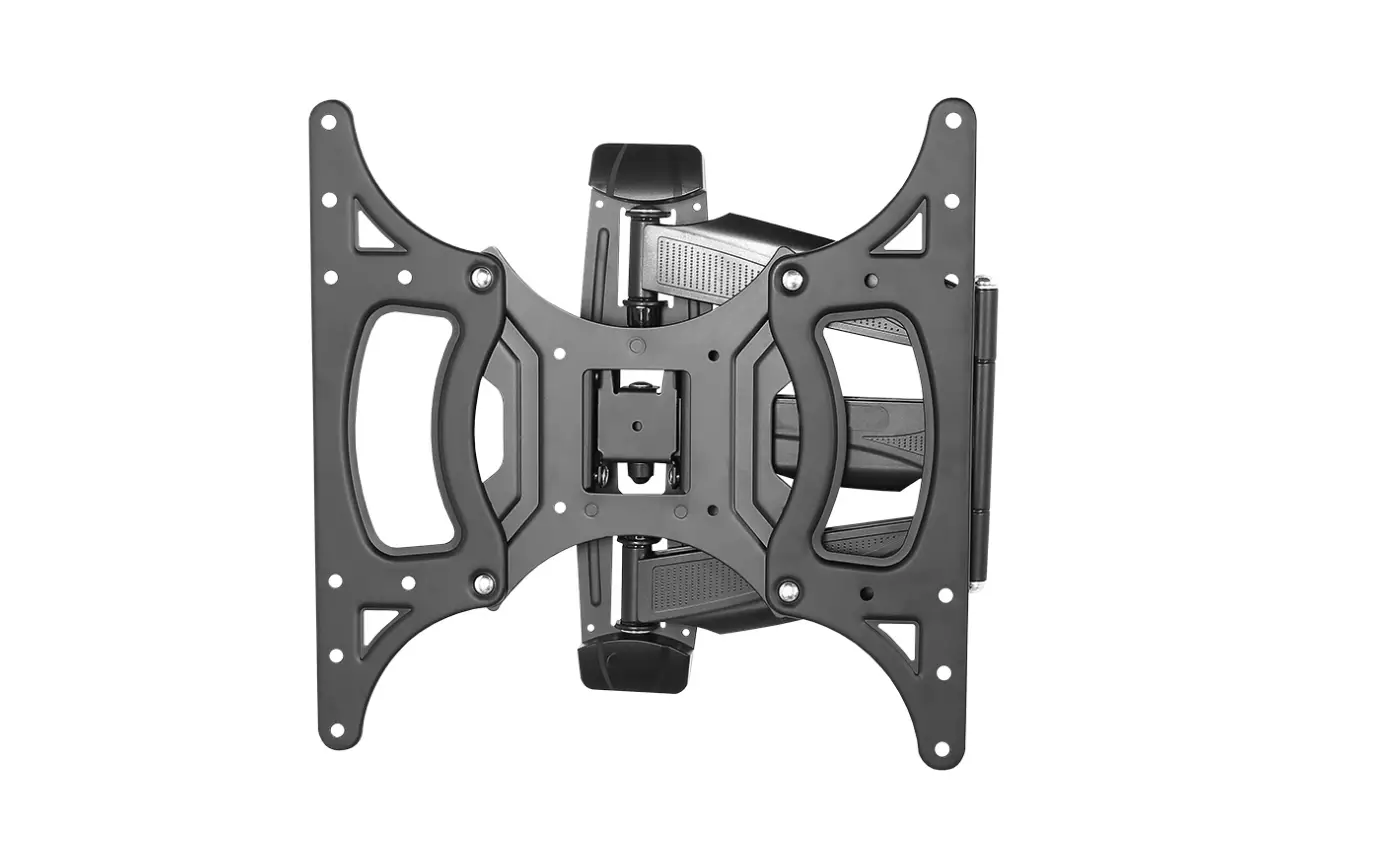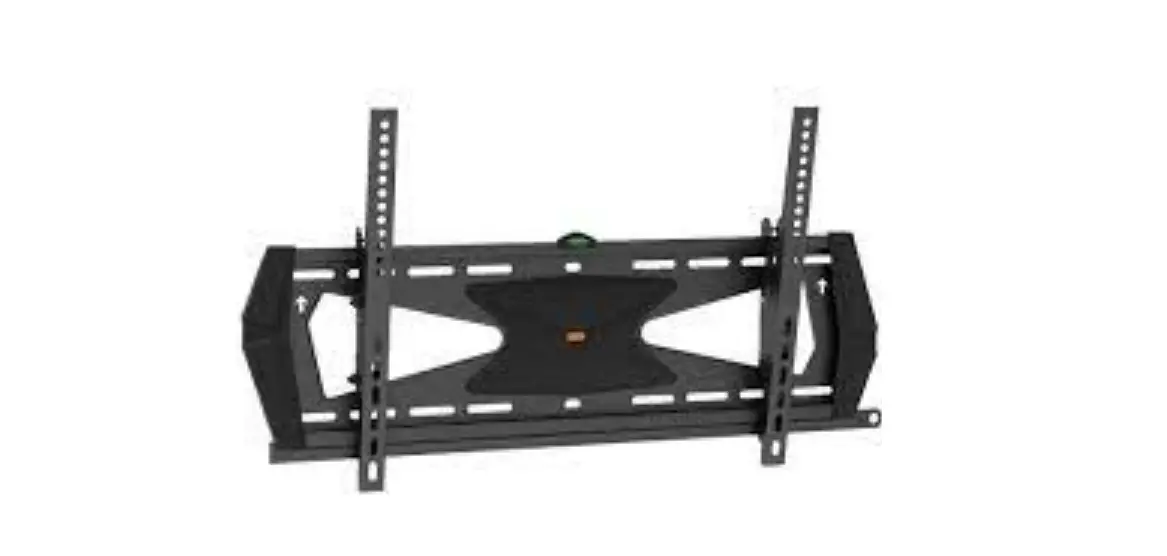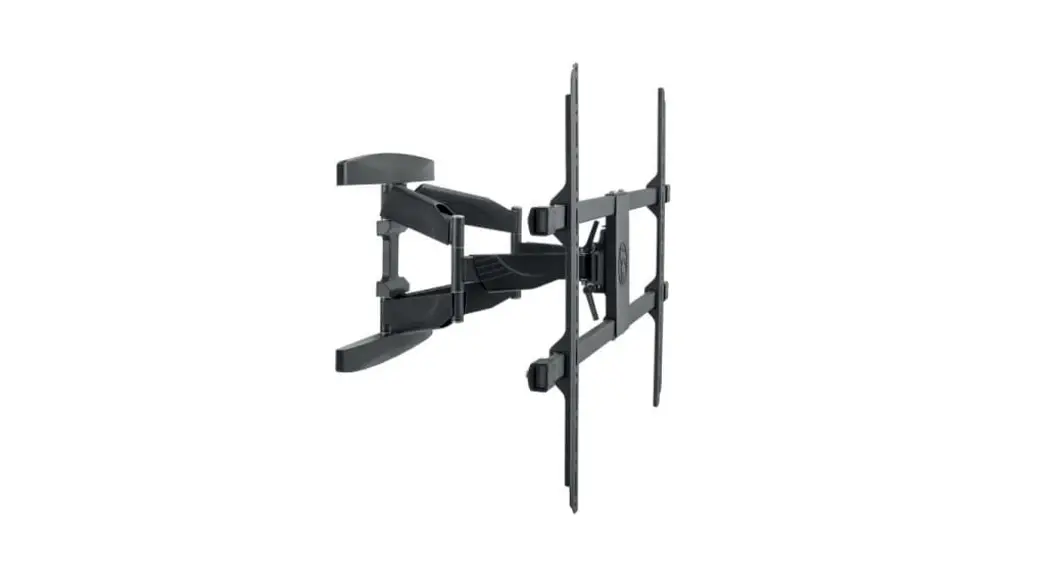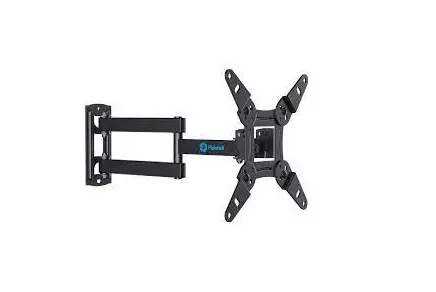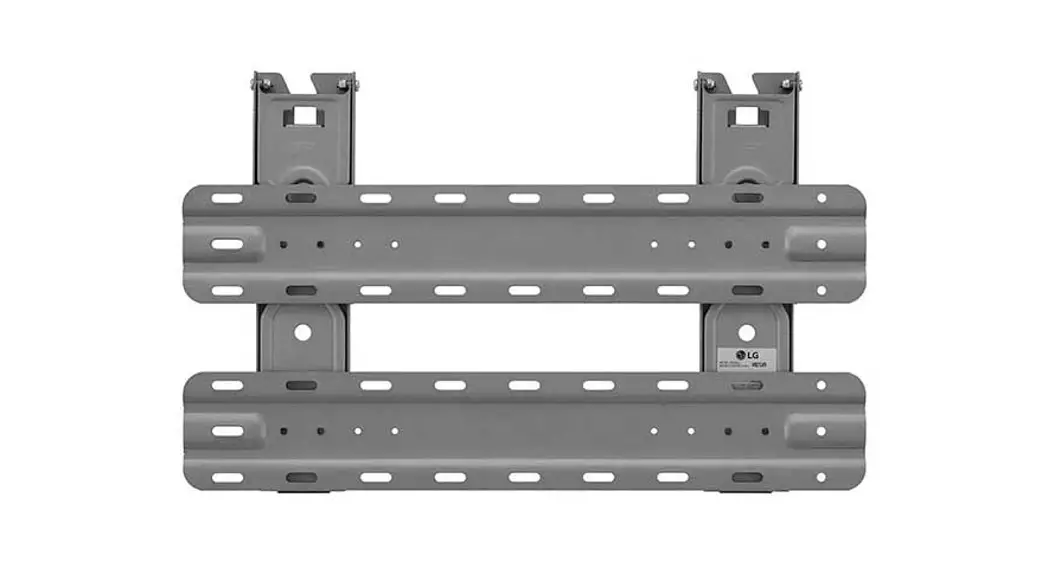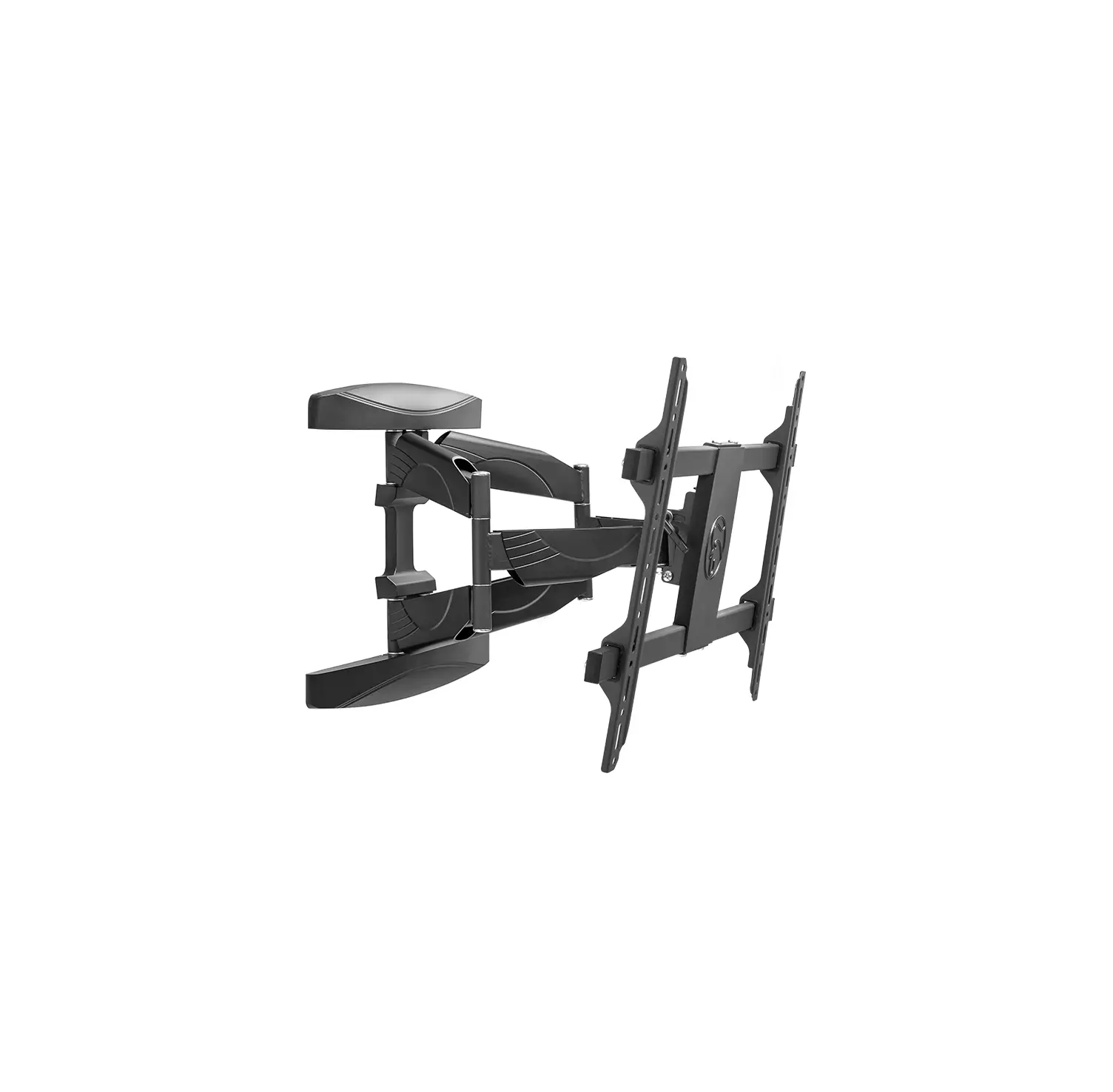
HAGOR 1986 BrackIT L HD Wall Mount Bracket
Caution!
Technical devices are of considerable value. You should therefore handle the components carefully during installation and protect them if necessary.
If necessary, the installation area should also be secured. Falling parts can cause injuries and material damage.
The materials included in the scope of delivery may not be suitable for the special conditions at the installation site. Please check this in advance and replace it with suitable materials if necessary.
If you are unsure about the installation of the product or have any questions, please contact us or other trained specialists.
Scope of delivery
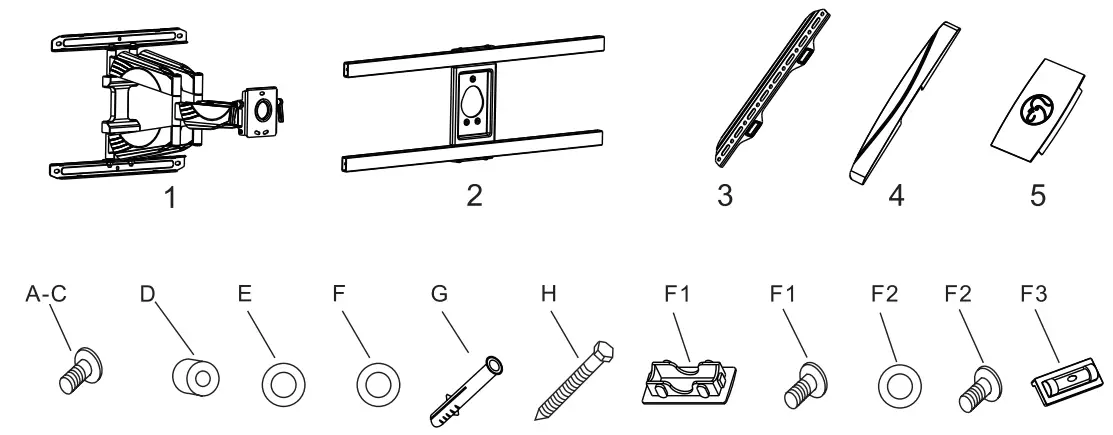
ID | Qty | Description |
| 1 | 1 | Wall mount |
2 | 1 | Bracket |
3 | 2 | TV Hangs |
| 4 | 2 | Decorative covers |
5 | 1 | Plastic cover |
| A | 4 | M 4*20mm bolt |
B | 4 | M6*25mm bolt |
| C | 4 | M8*25mm bolt |
D | 4 | 0 1 8 X 0 8.5 X 10 spacer |
| E | 4 | M6 washer |
F | 6 | M8 washer |
| G | 6 | 0 10 X 50 Wall anchor |
H | 6 | St8 X 65 bolt |
| F1 | 4 | Plastic cover |
F1 | 4 | M6x8 bolt |
| F2 | 3 | M6 washer |
F2 | 3 | M6x10 bolt |
| F3 | 1 | Bubble level |
Mounting Instructions
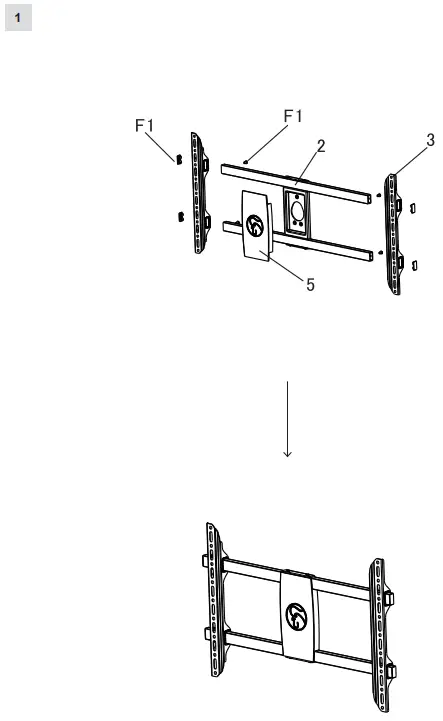
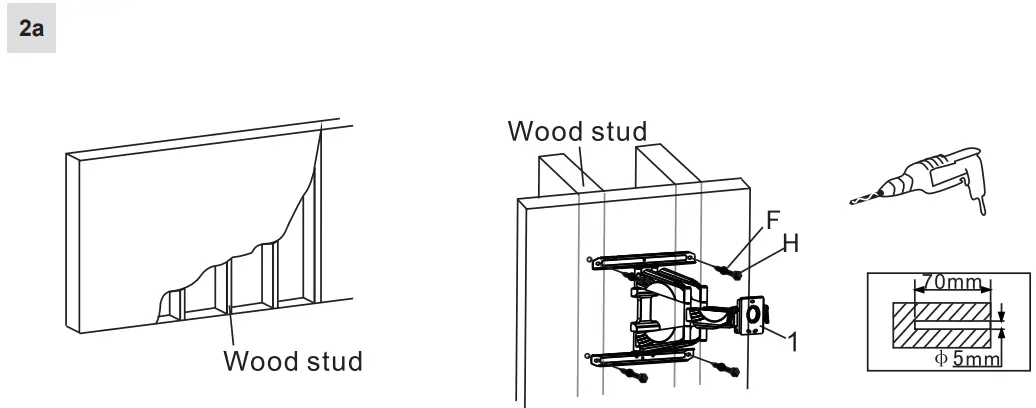
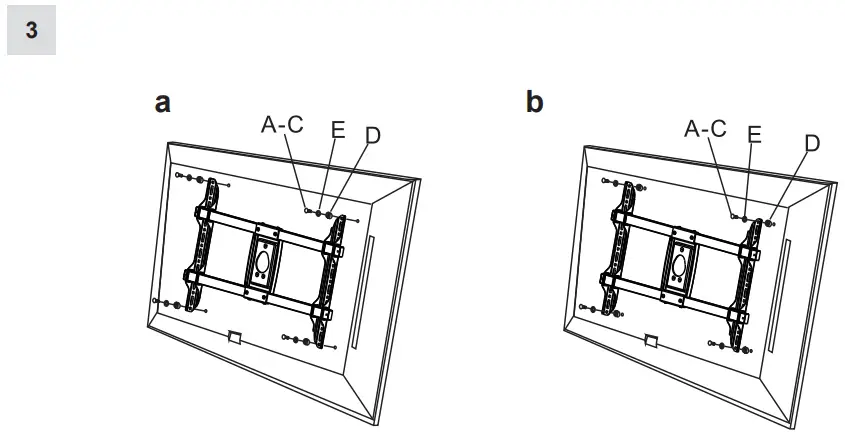
a or b – depends on the screen model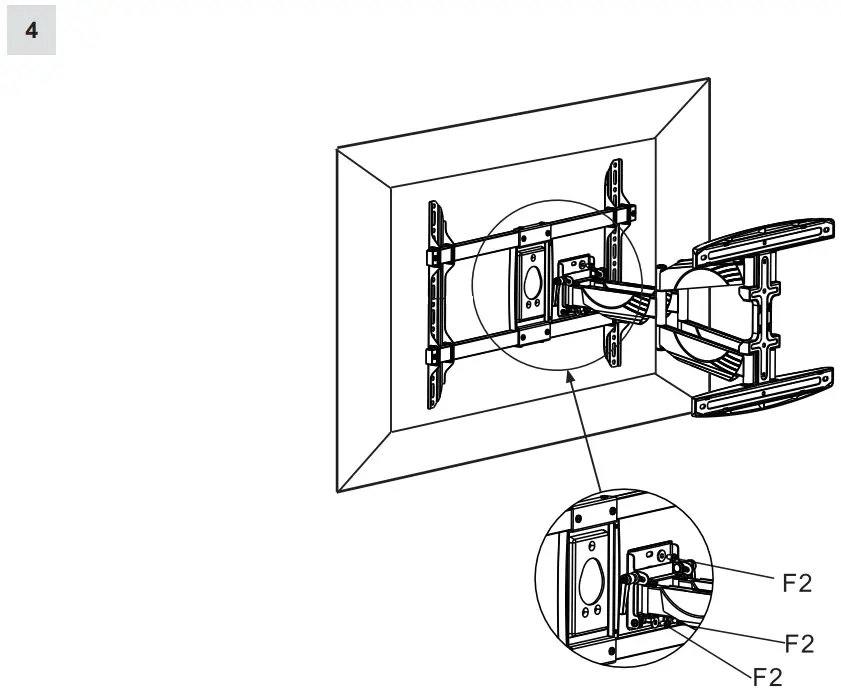
Tilt adjustment
5
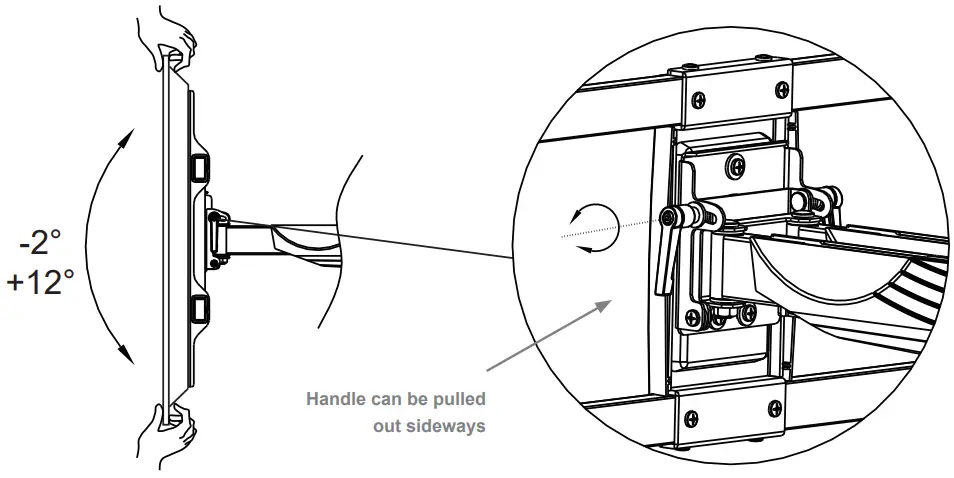
By pulling the handle sideways, the function can be used similar to a ratchet and thus the desired strength can be achieved.
Cable management
6
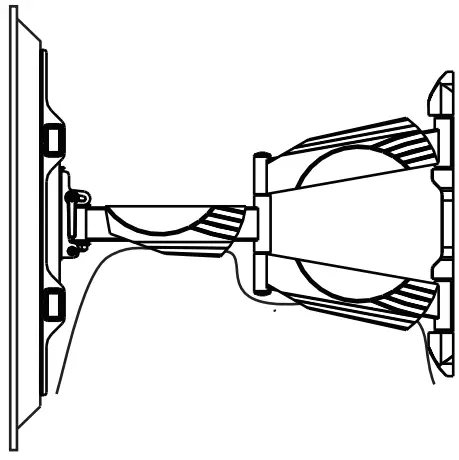
7
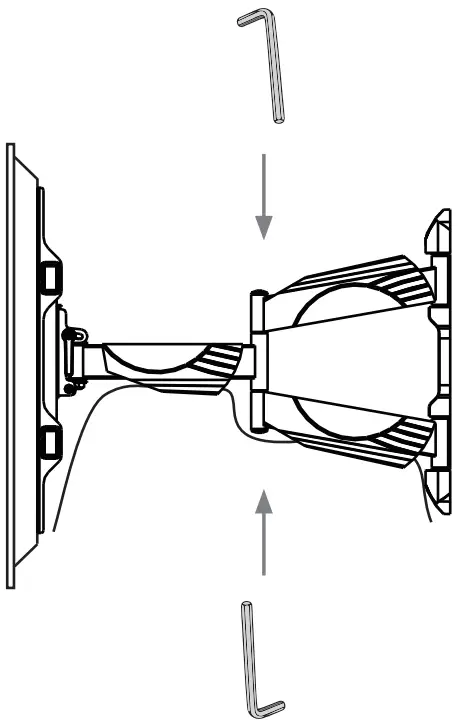
Attention! By default the stiffness of the tilt function is deliberately set high. If a lighter setting is desired, loose the screws by using an allen key at the marked position.
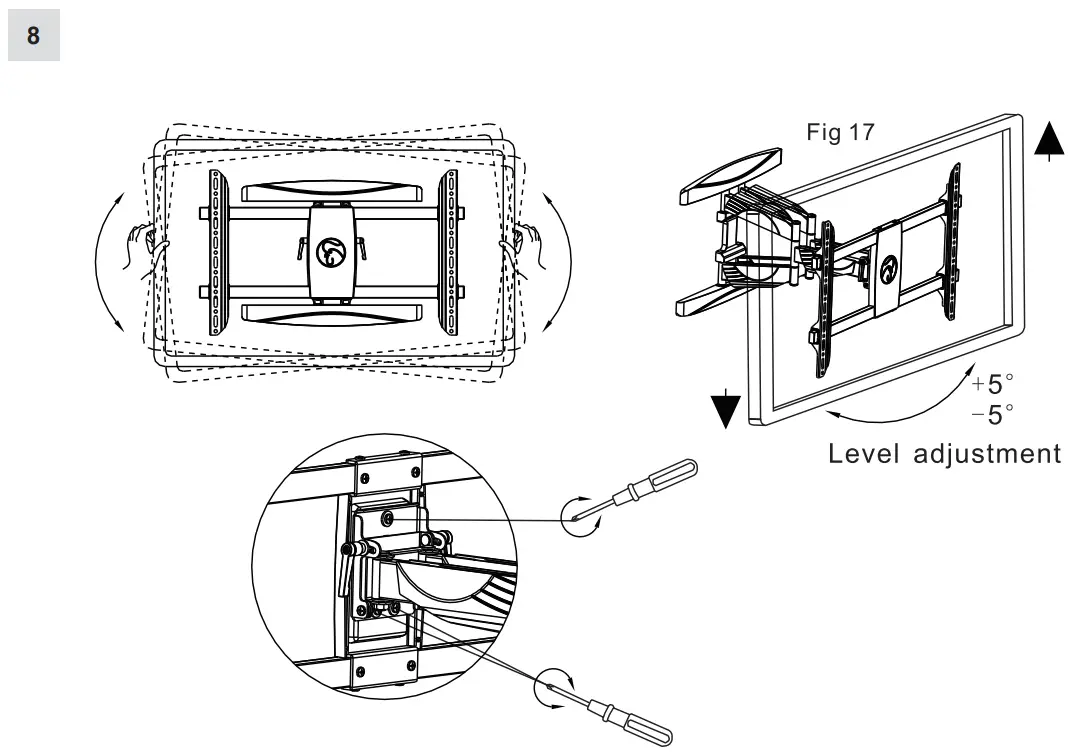
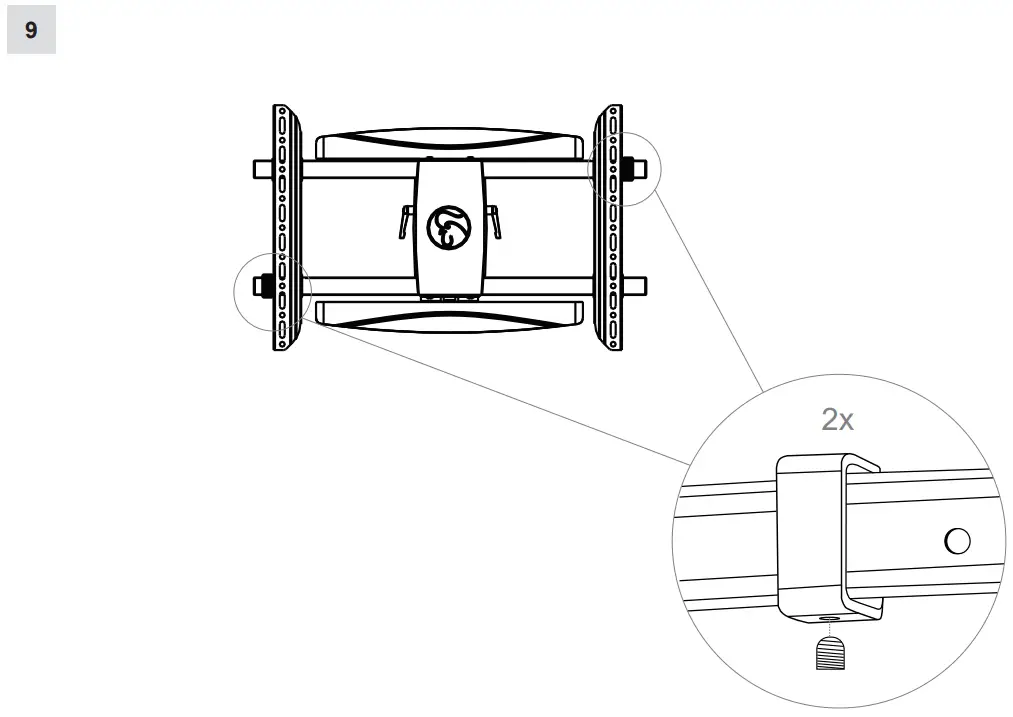
Optionally usable fixation for the VESA-Arms