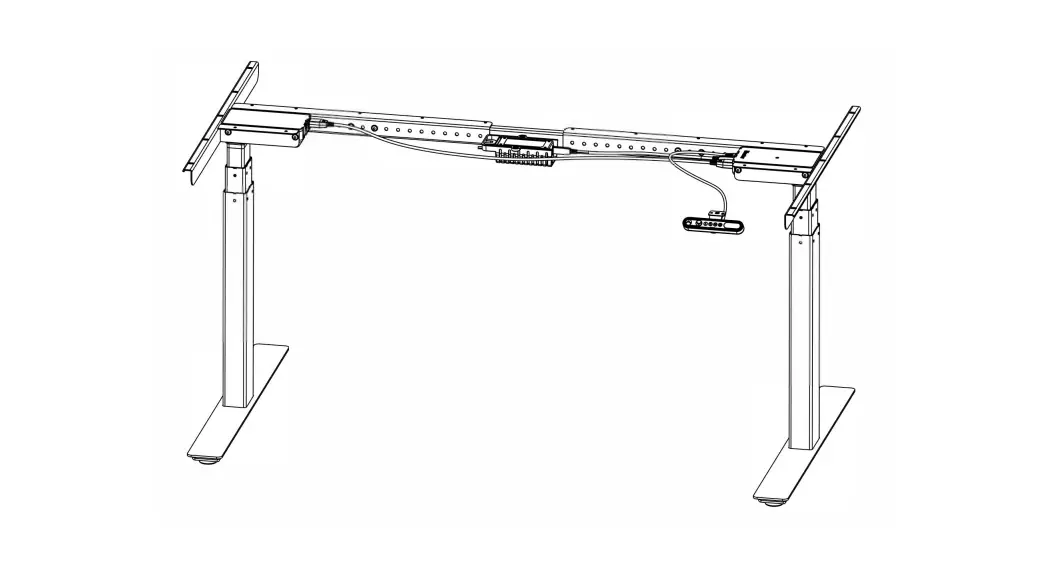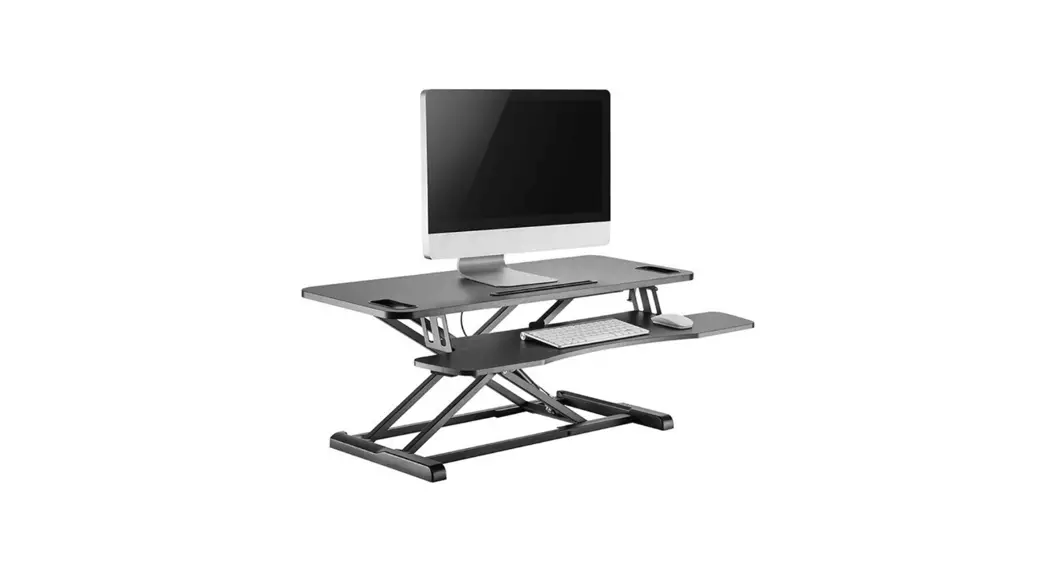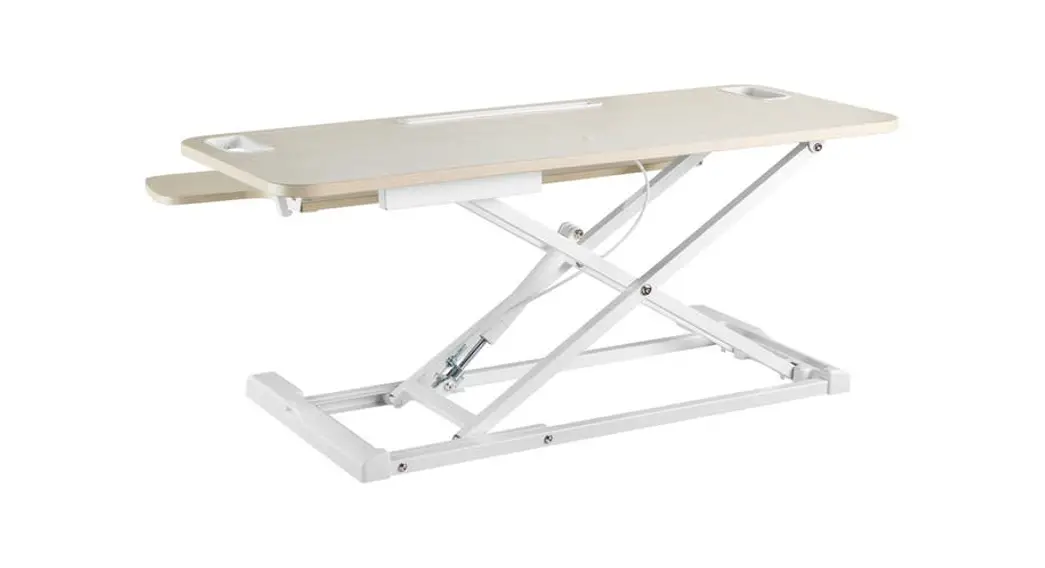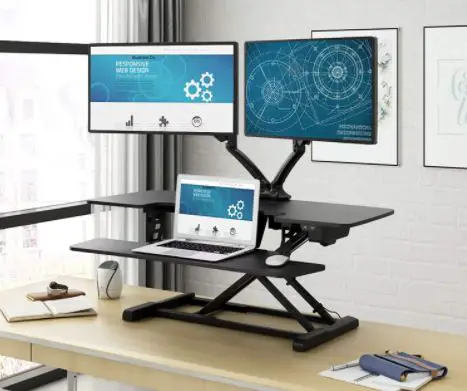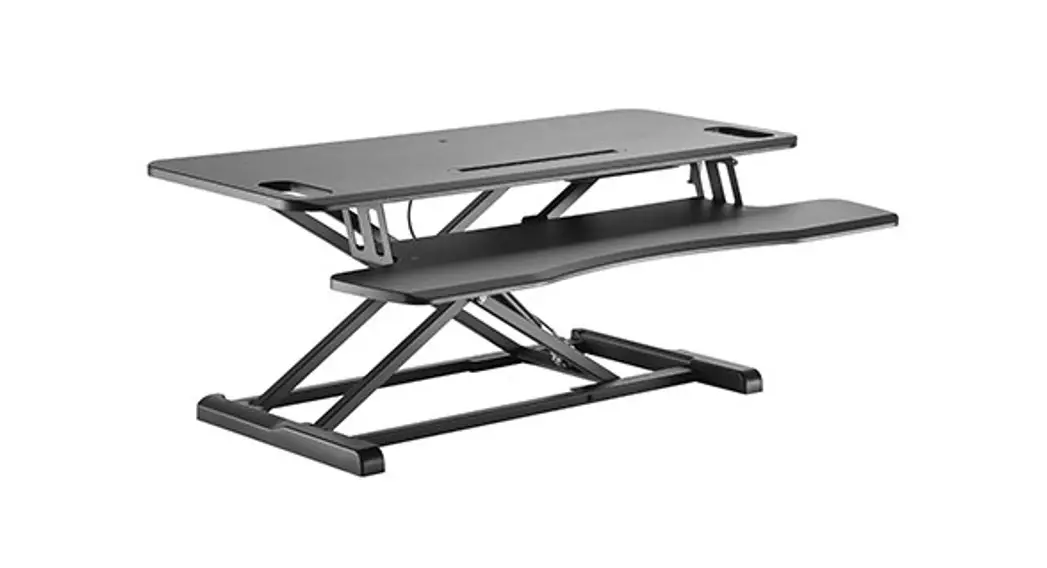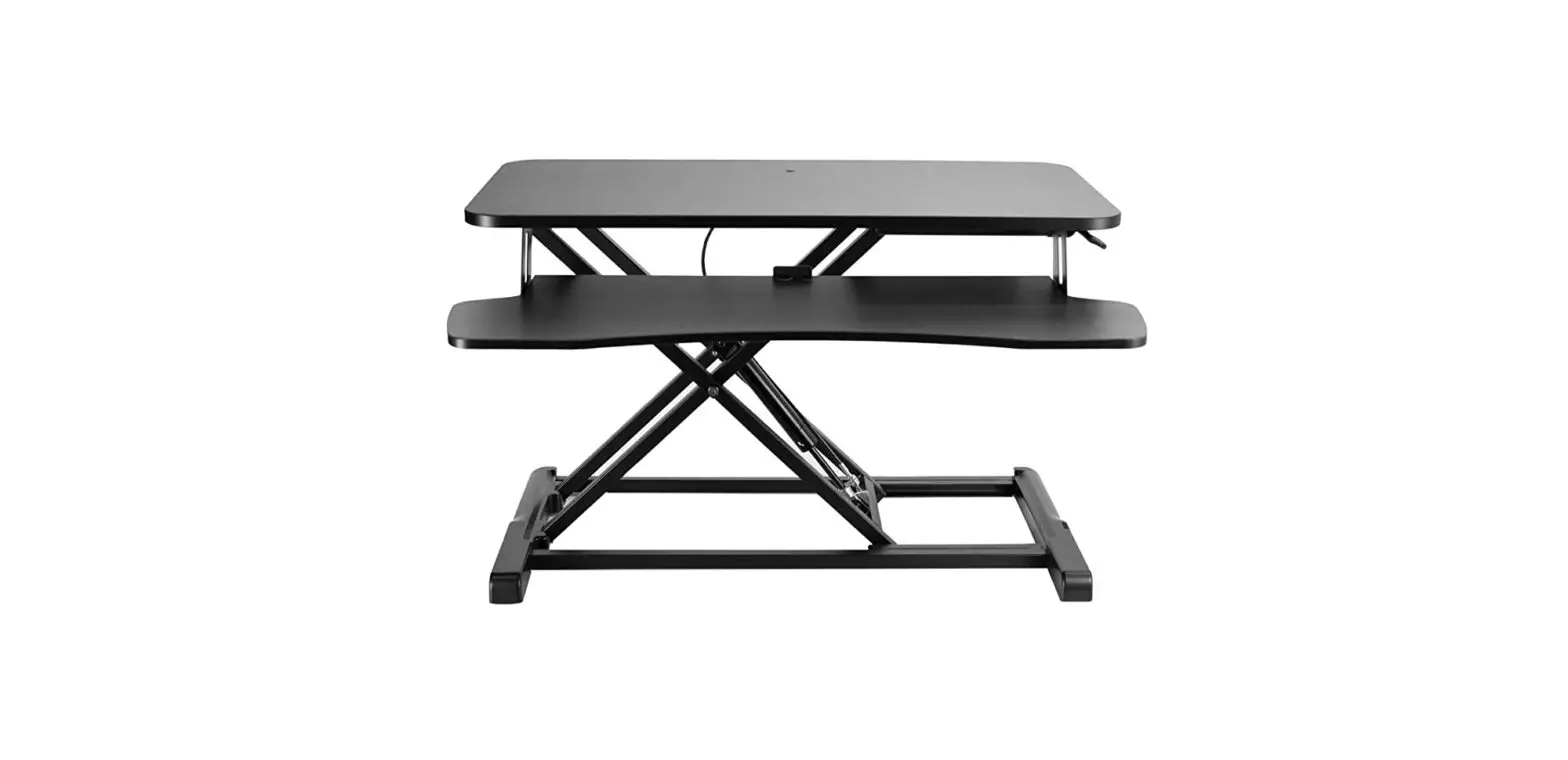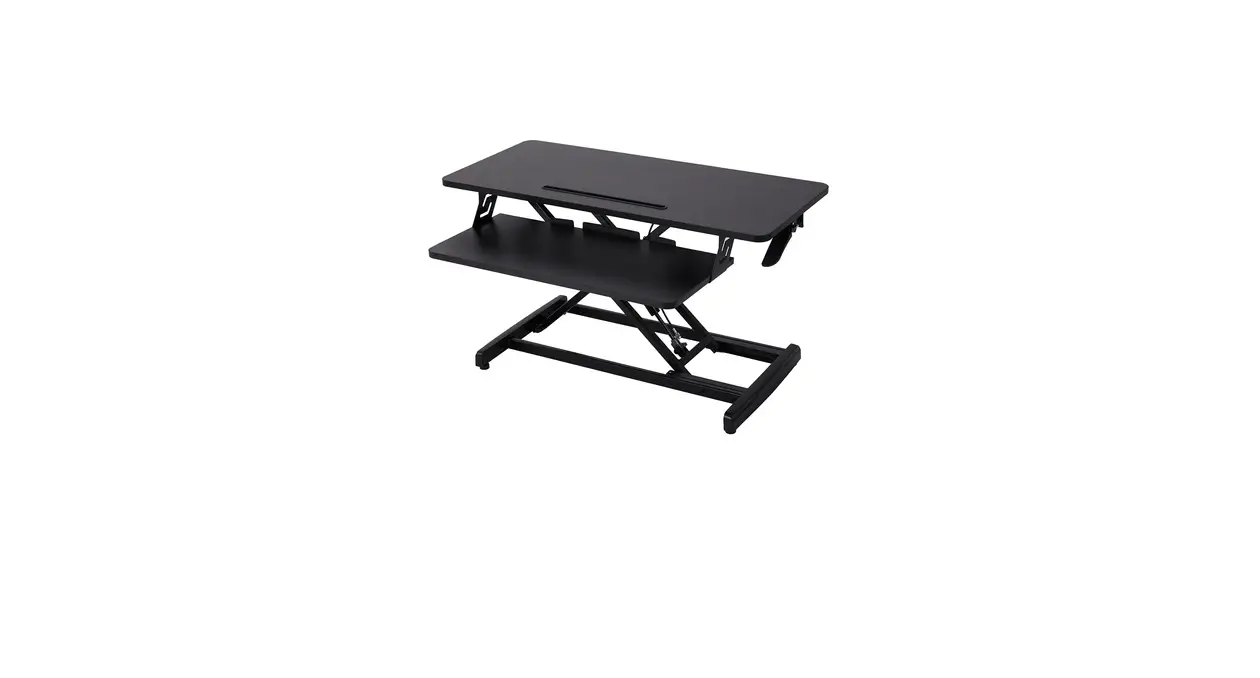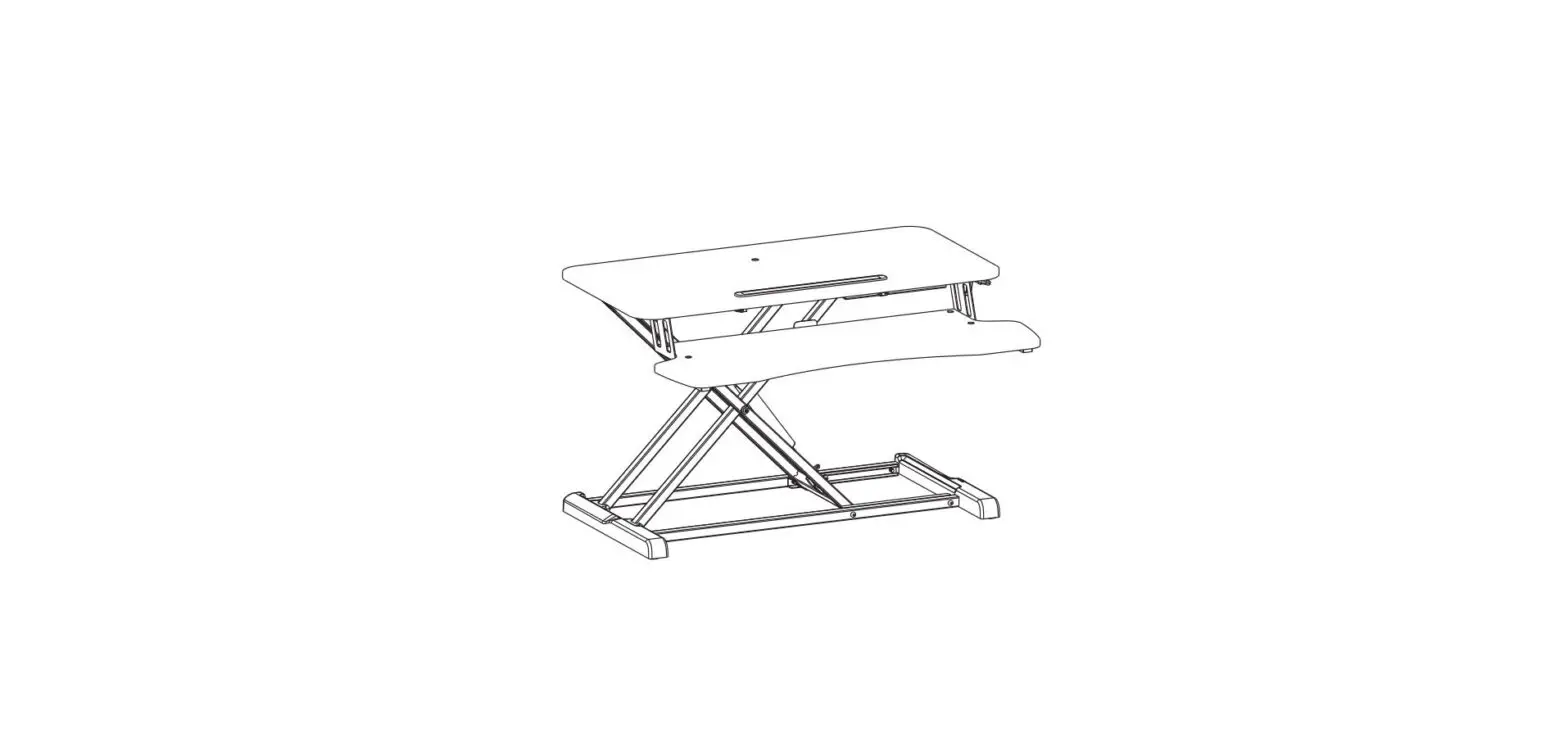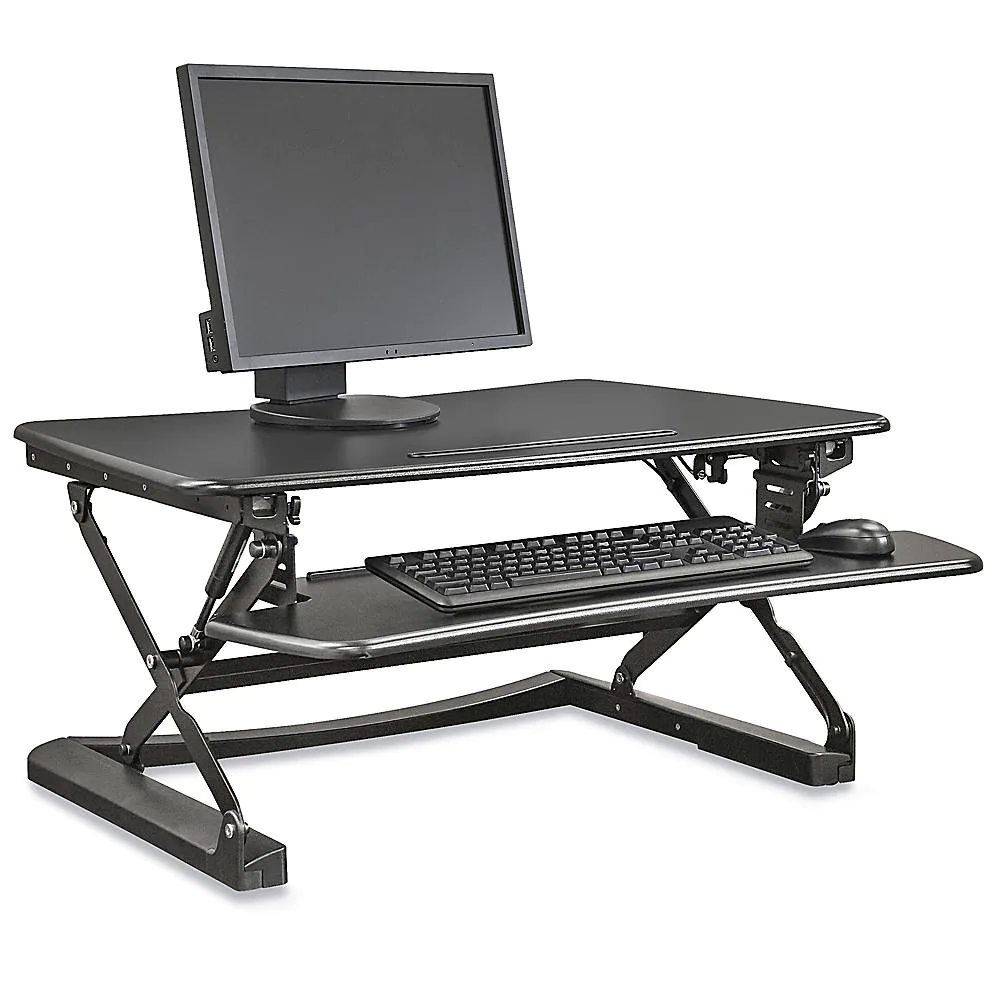

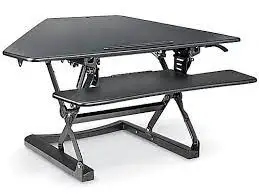
ULINE H-7031 Sit Stand Desktop Riser
TOOL NEEDED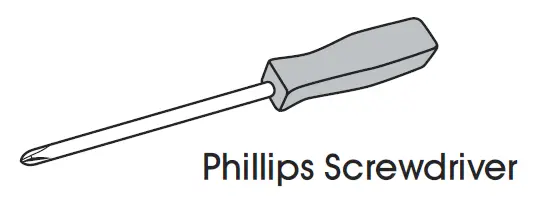
PARTS

ASSEMBLY
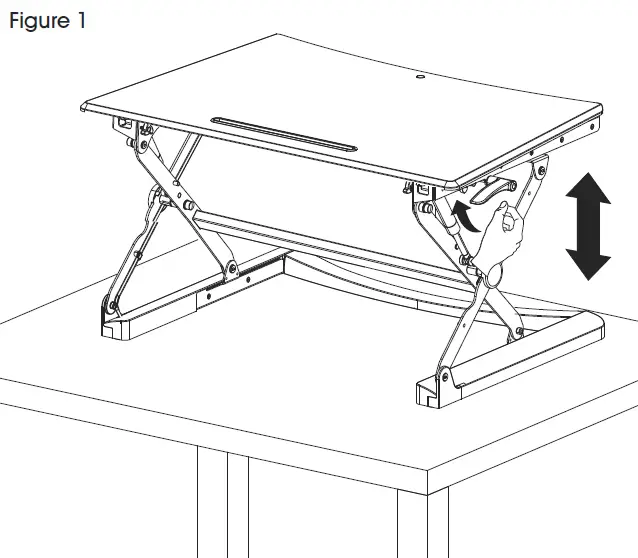
- Set desktop on large surface to prevent falling/tipping. Extend to full height by pushing up on the paddle on the right side. (See Figure 1)
NOTE: It is recommended that two people move the desktop.
CAUTION! Do not place hands near the support bars, as they change position during adjustment. Doing so may cause bodily harm.
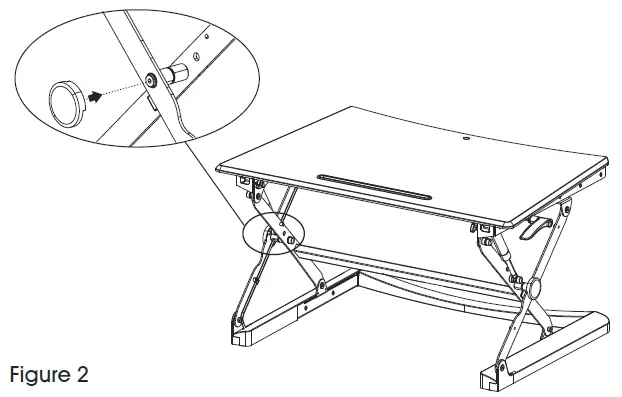
- Place covers onto the connecting arms. (See Figure 2)

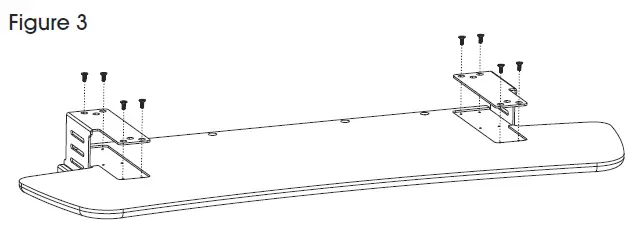
- Flip keyboard tray upside down. Insert connecting plates and fasten to keyboard tray using eight screws. (See Figure 3)

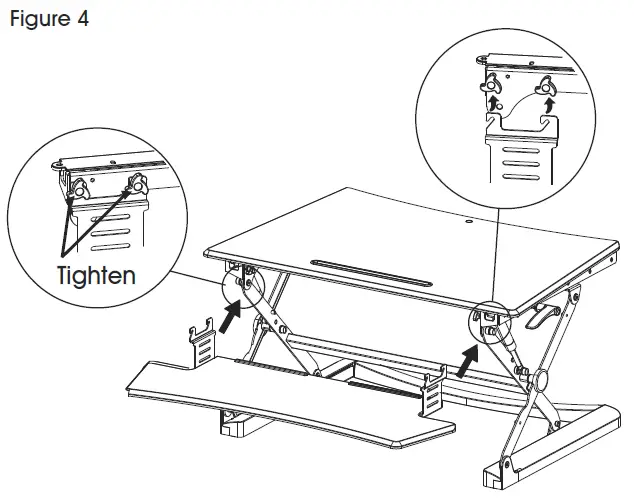
- Hang connecting plates onto the four knobs located underneath desktop and turn knobs clockwise to fasten the keyboard tray. (See Figure 4)

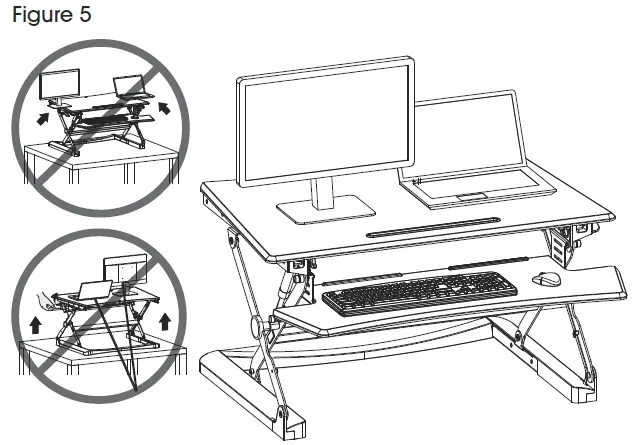
- Place devices onto desktop. Use supplied cable ties to fasten cables. (See Figure 5)
CAUTION! Do not place equipment on edges of desktop.
CAUTION! Leave enough cable length for height adjustment functions.