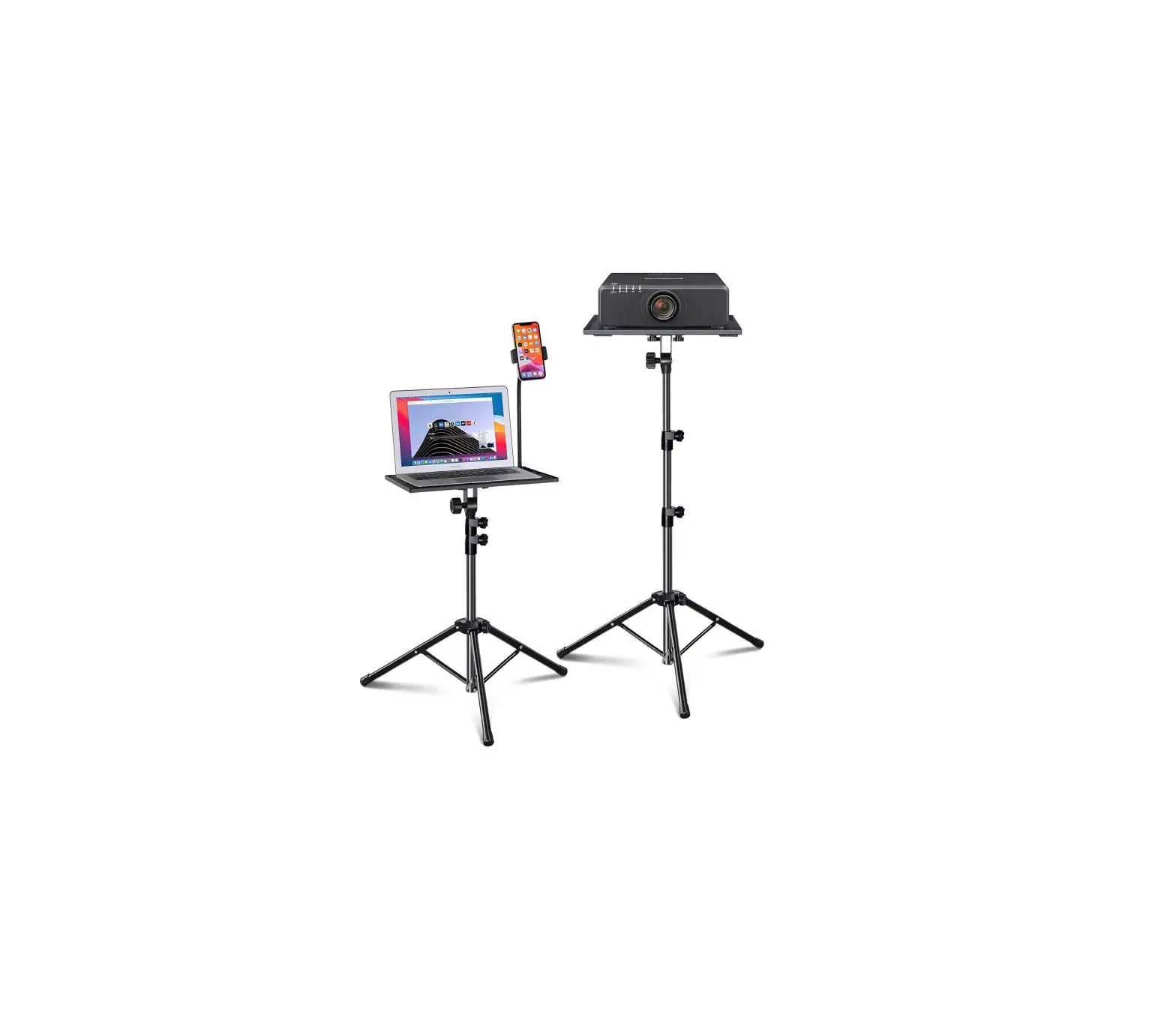
YouMeekc Laptop Stand
Accessories Included
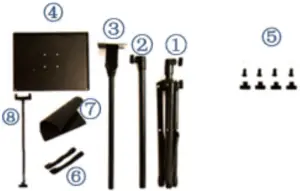
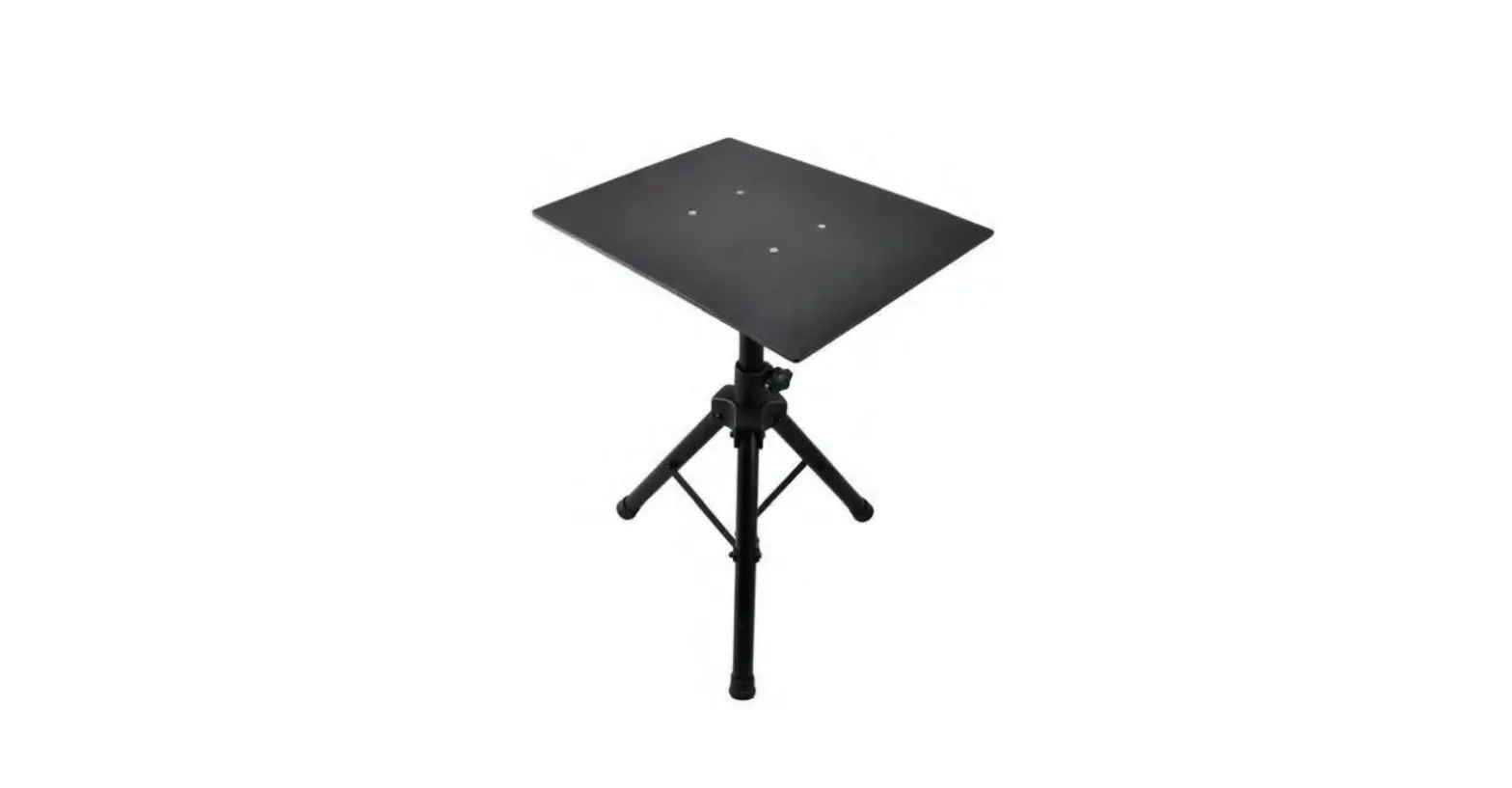
- D Tripod stand
- Support pole
- Support rod with bolt
- Tray
- 4 * screws and 4 * nuts used to fix tray
- 2 * Elastic belt
- Sponge gasket
- Phone holder set (Including 1 * phone holder and 1 * nuts)
Stand Installation Guide
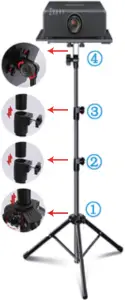
➔ Step 4
A. Hold the tray with 4 screws & nuts
B. Fix the knob to adjust tray angle
➔ Step 2-3
A. Loosen the screw
B. Connect support rod & adjust height
C. Tighten the screws
➔ Step 1
A. Loosen the screw
B. Pull and push to adjust the tripod
C. Tighten the screws
Phone Holder Installation
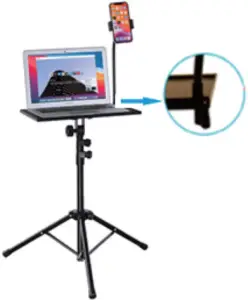
- Insert the phone holder into the mounting hole in the cormer of the tray and tighten the nut
Please Contact Us If You Need Installation Help or Any Accessroies Problem