 QUICK SETUP GUIDE
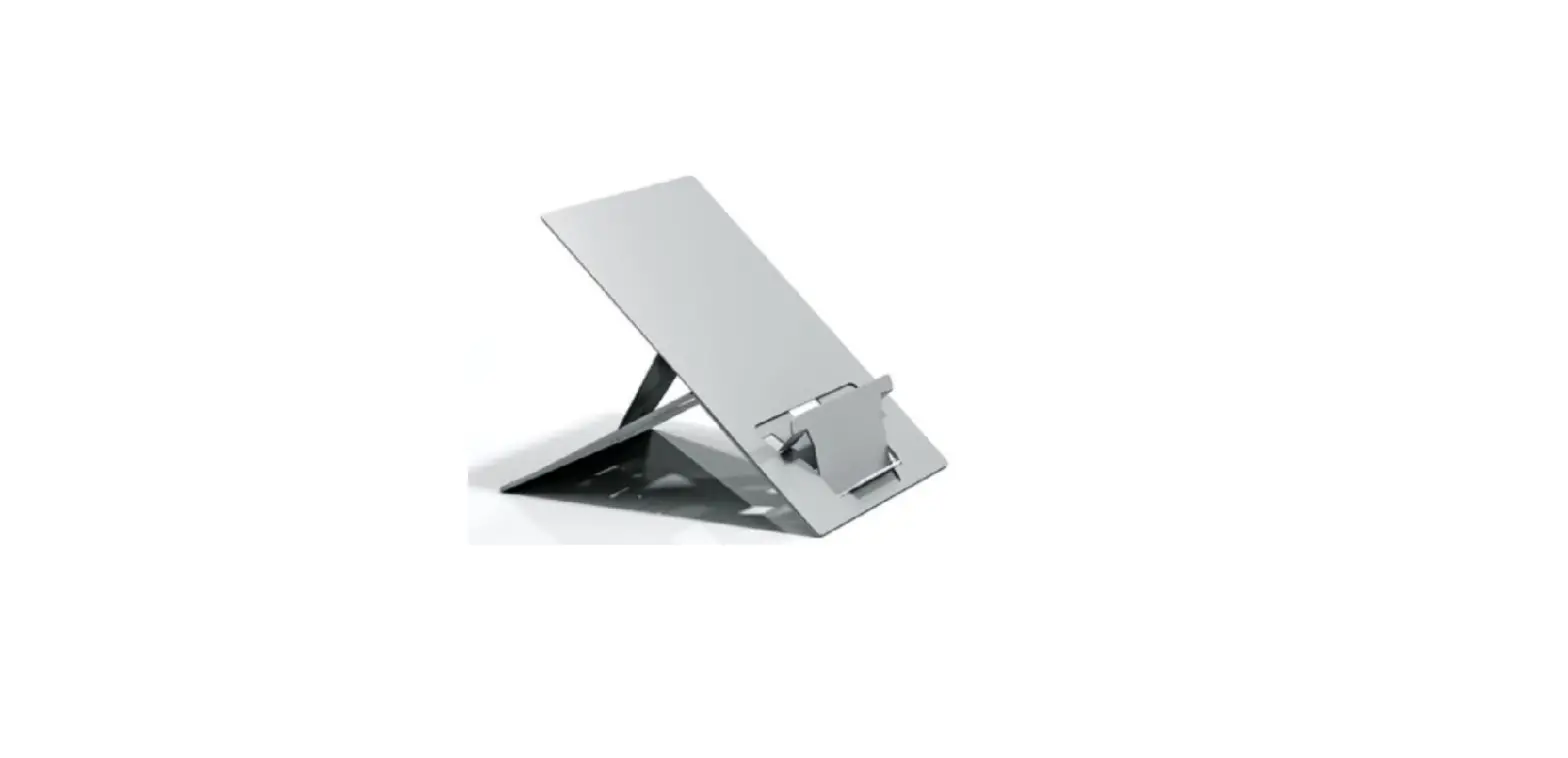
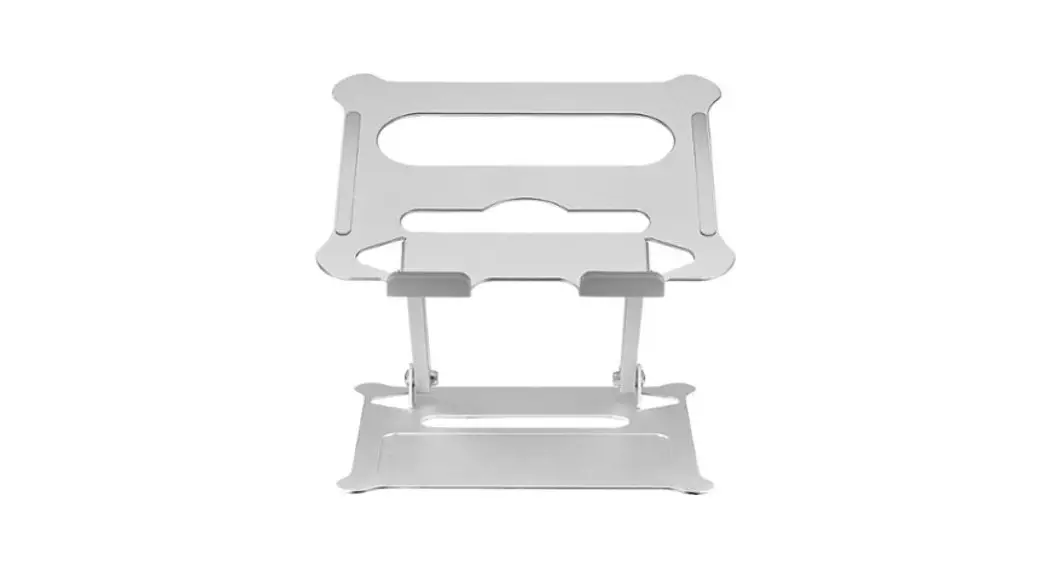
Ergonomic Laptop Stand
NS-PLSEA1/NS-PLSEA1-C
PACKAGE CONTENTS
- Ergonomic Laptop Stand
- Quick Setup Guide
Before using your new product, please read these instructions to prevent any damage.
FEATURES
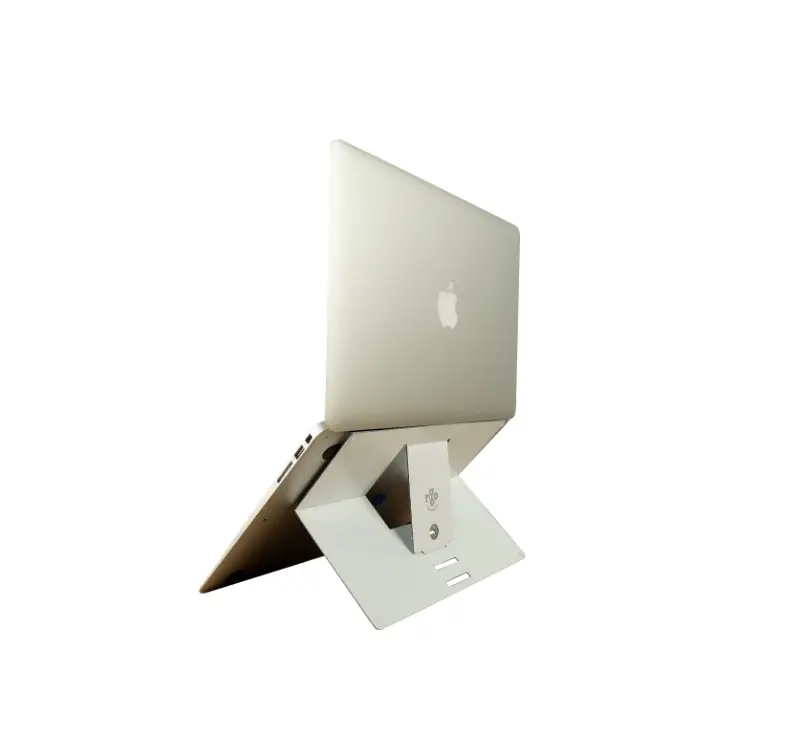
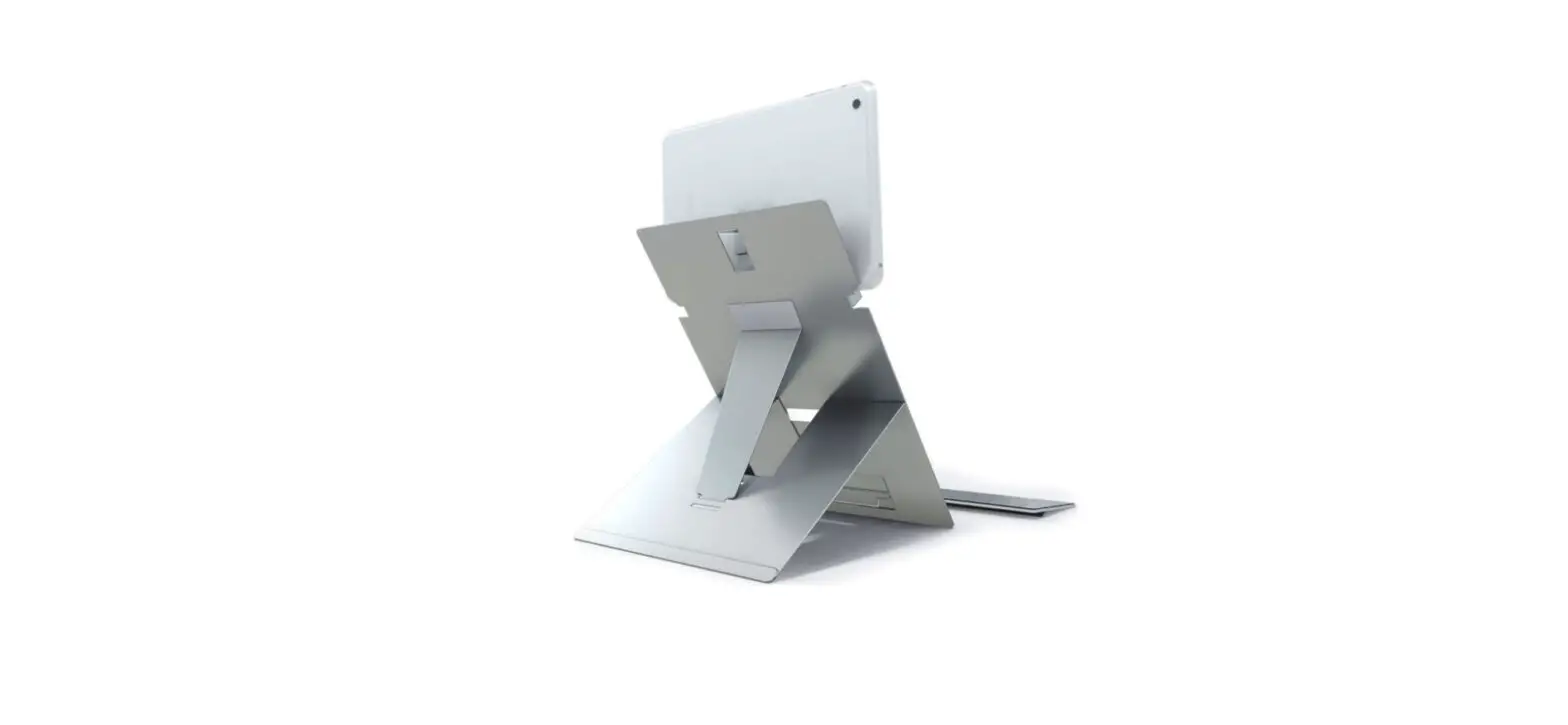
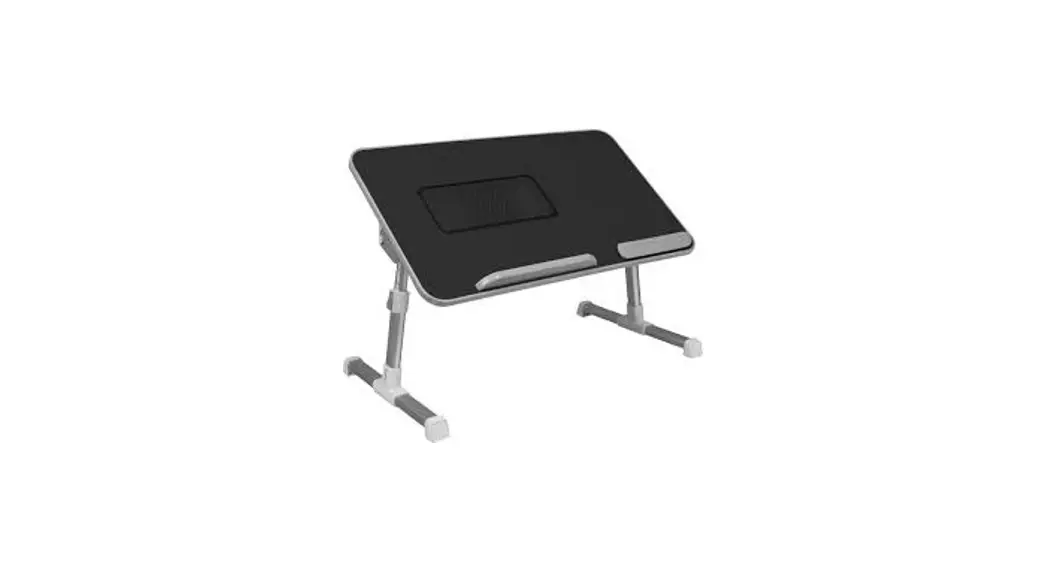
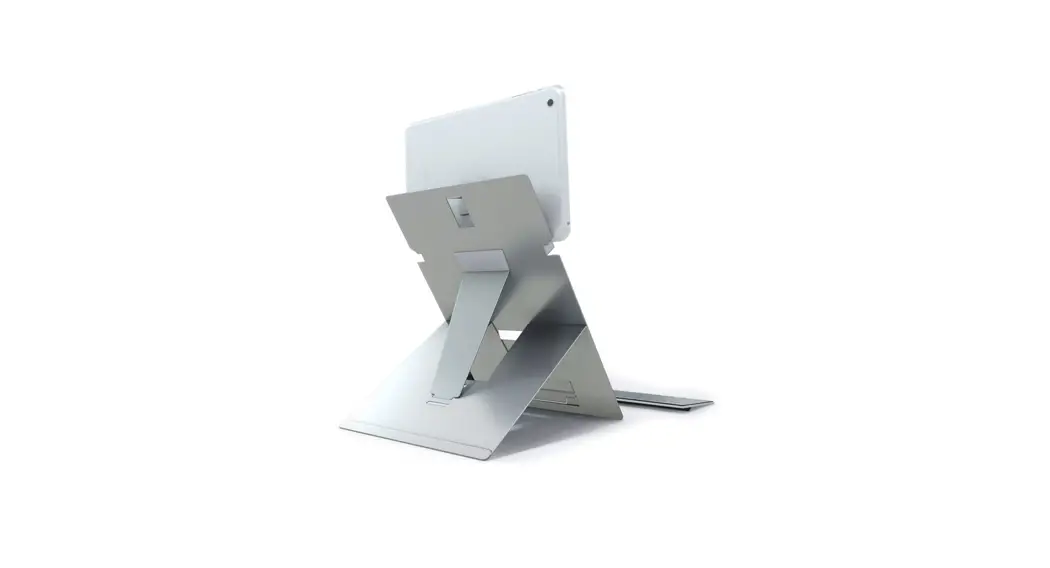
- Adjustable height and angle place your laptop in an ergonomic position
- Durable aluminum material allows ventilation for proper cooling
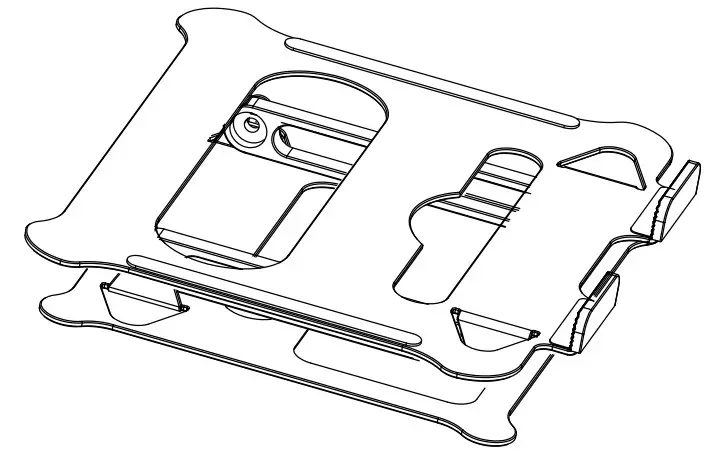
- Folds flat for easy storage and transport
- For most laptops up to 17 in. (43.1 cm)
SETTING UP YOUR LAPTOP STAND
- Set the stand on a sturdy work surface.

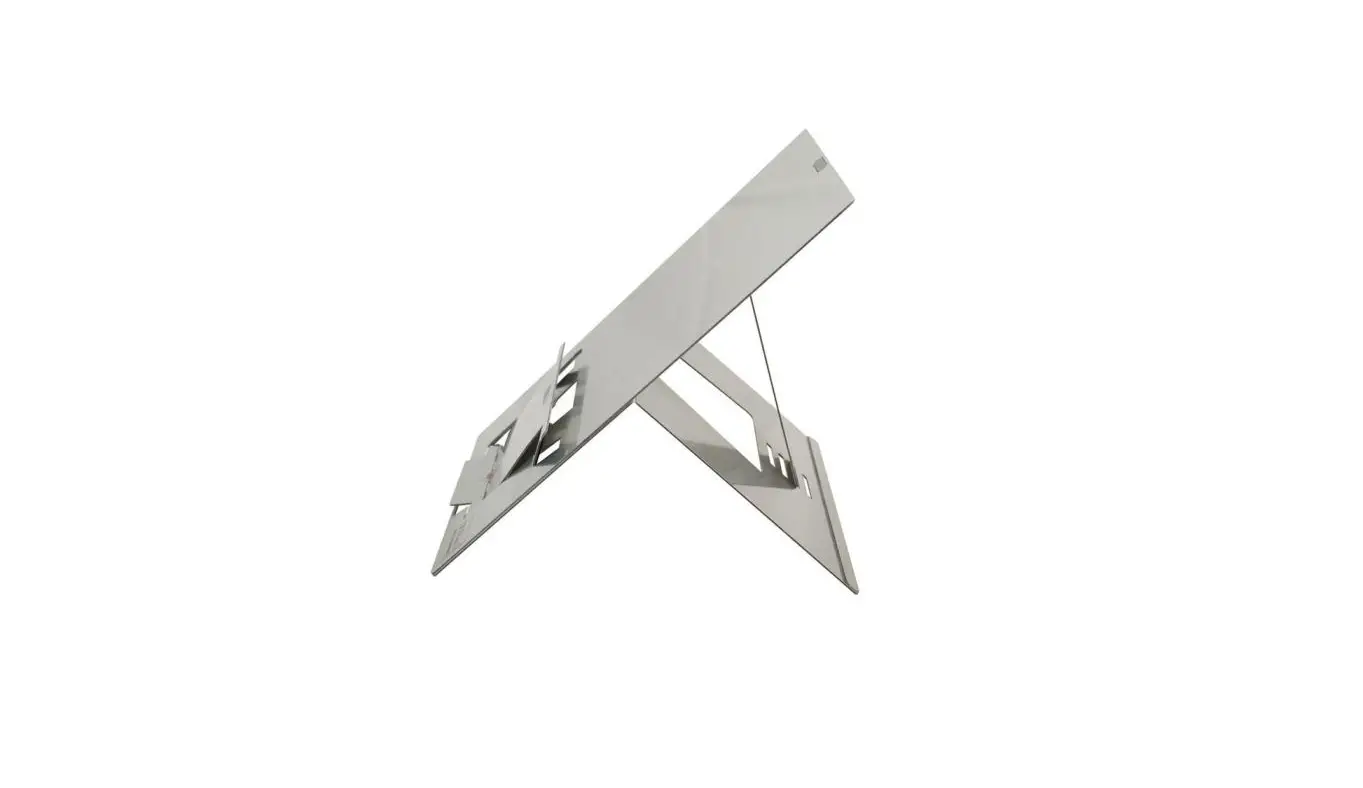
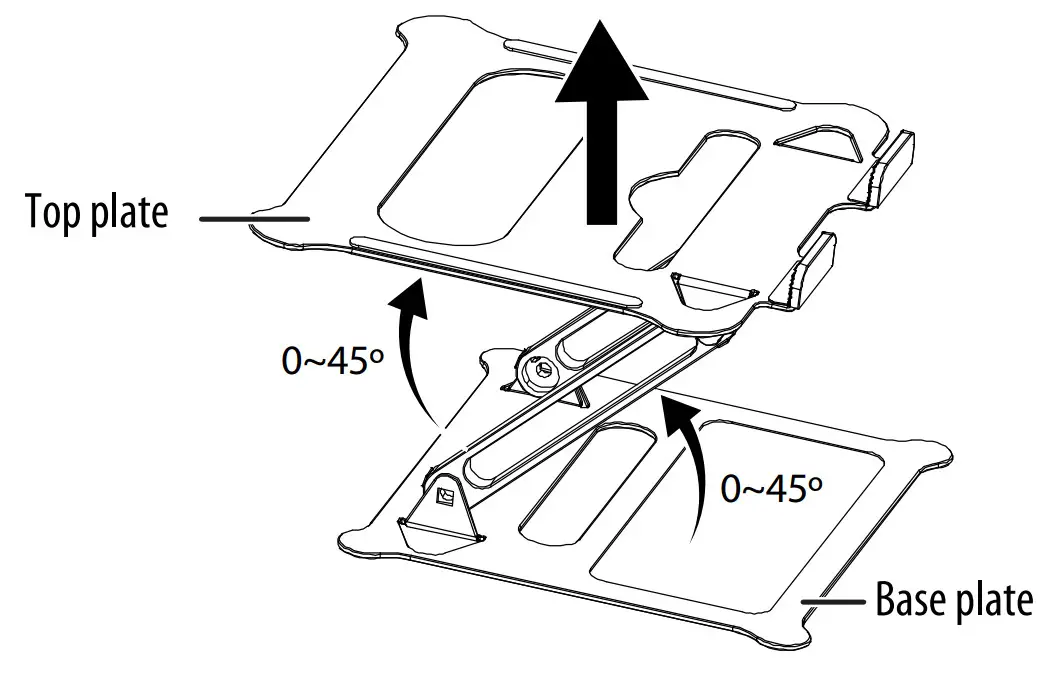
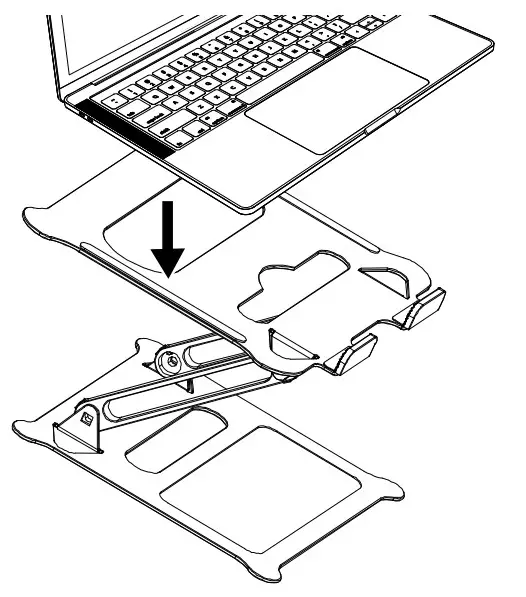
- Hold down the base plate with one hand, then pull up the top plate to a suitable angle.
Note: Max angle is 45°.
USING YOUR LAPTOP STAND
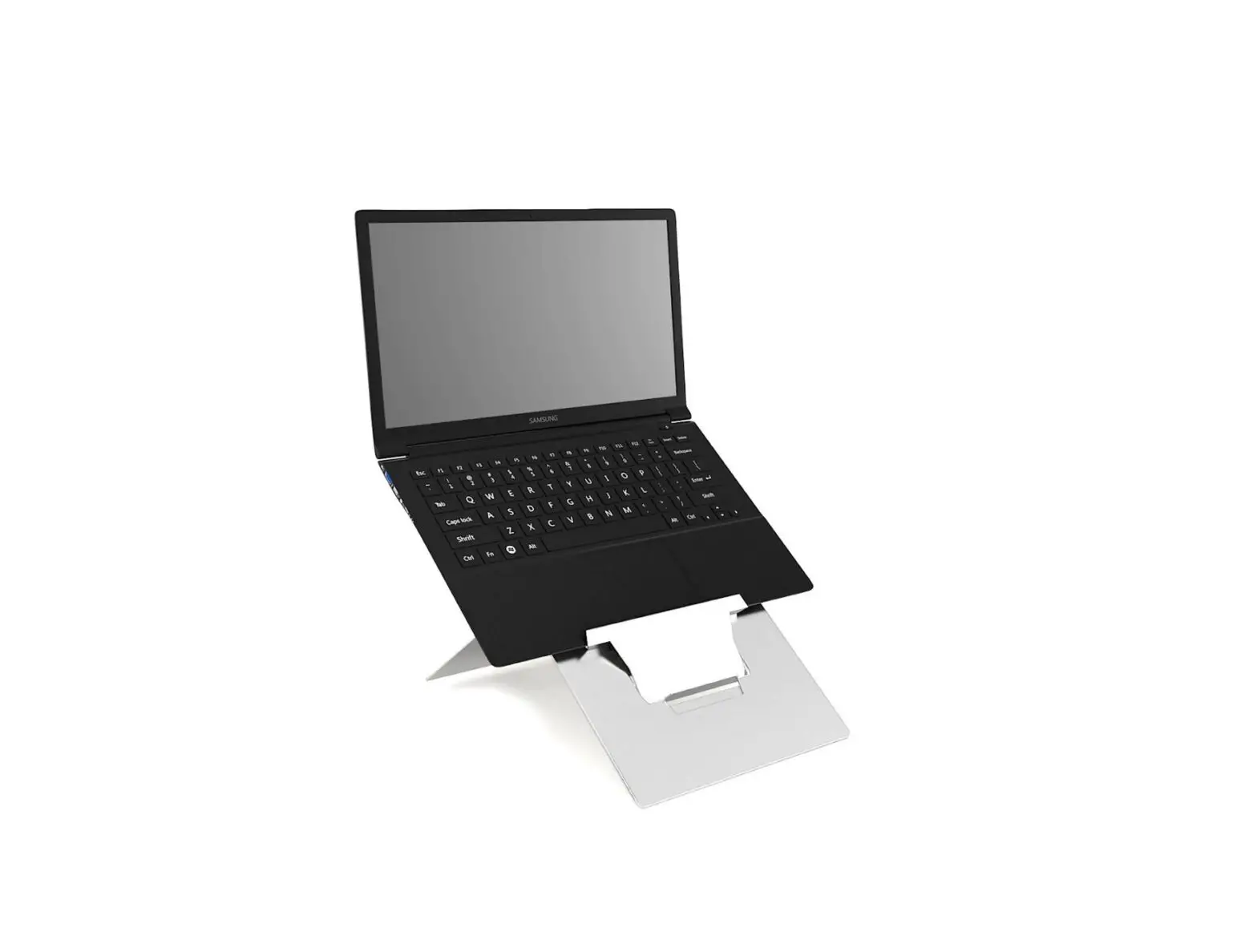
- Place the laptop on top of the stand and adjust for optimum working angle.

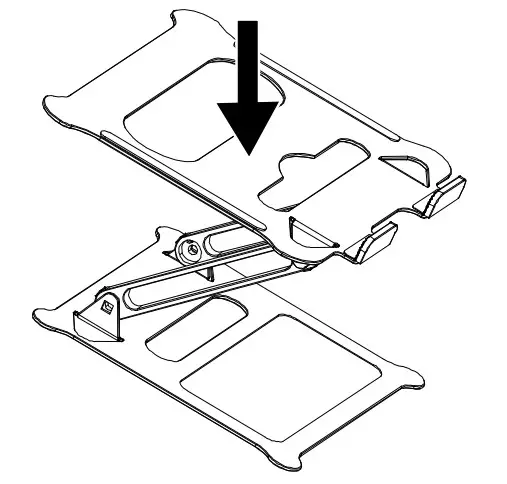
- To put away your laptop stand, press down the top plate to fold the stand.

SPECIFICATIONS
- Dimensions (H × W × D): 0.1 × 9.3 ×10.4 in. (0.3 × 23.6 × 26.5 cm)
- Weight: 1.4 lbs. (625 g)
- Max Loading Weight: 13.2 lbs (6 kg)
- Max Laptop Size: 17 in. (43.1 cm)
- Material: Aluminum and silicone
SAFETY INFORMATION
- Do not attempt to disassemble this product
- WARNING: Do not pinch your fingers
- Do not tear off the anti-slip silicone pad
- CAUTION: Keep children away from the product
ONE-YEAR LIMITED WARRANTY
Visit www.insigniaproducts.com for details.
CONTACT INSIGNIA:
For customer service, call 877-467-4289 (U.S. and Canada) or 01-800-926-3000 (Mexico) www.insigniaproducts.com
INSIGNIA is a trademark of Best Buy and its affiliated companies.
Distributed by Best Buy Purchasing, LLC
7601 Penn Ave South, Richfield, MN 55423 U.S.A.
©2020 Best Buy. All rights reserved.