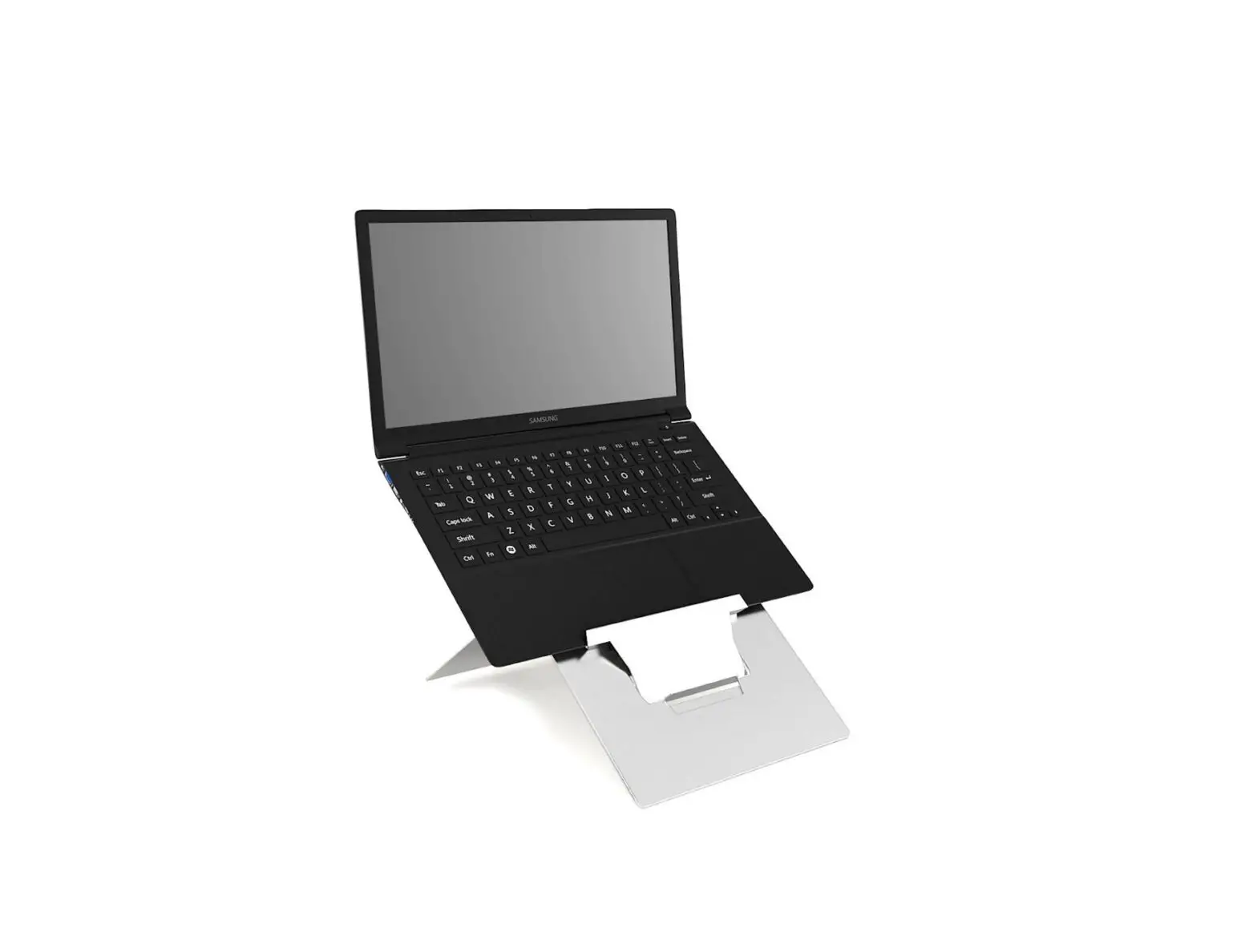
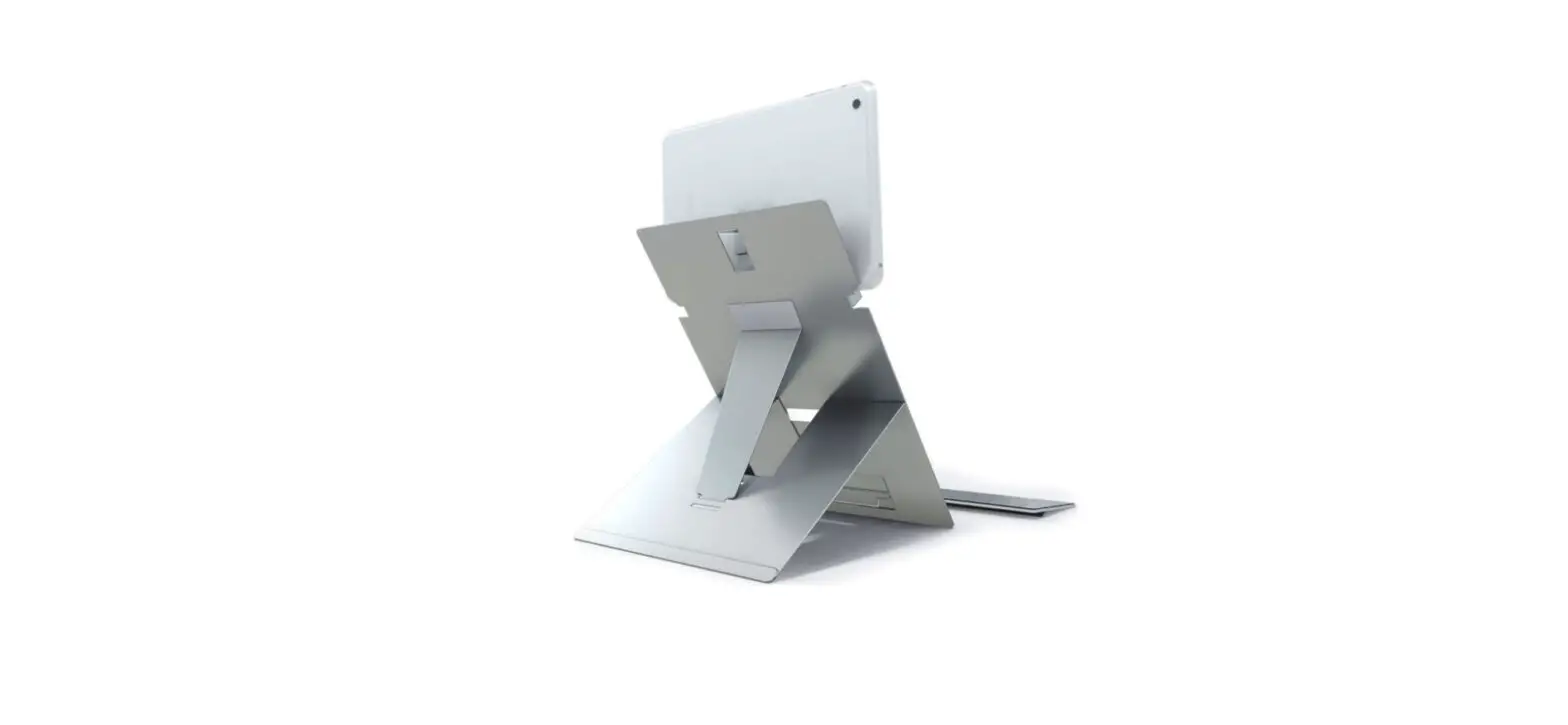
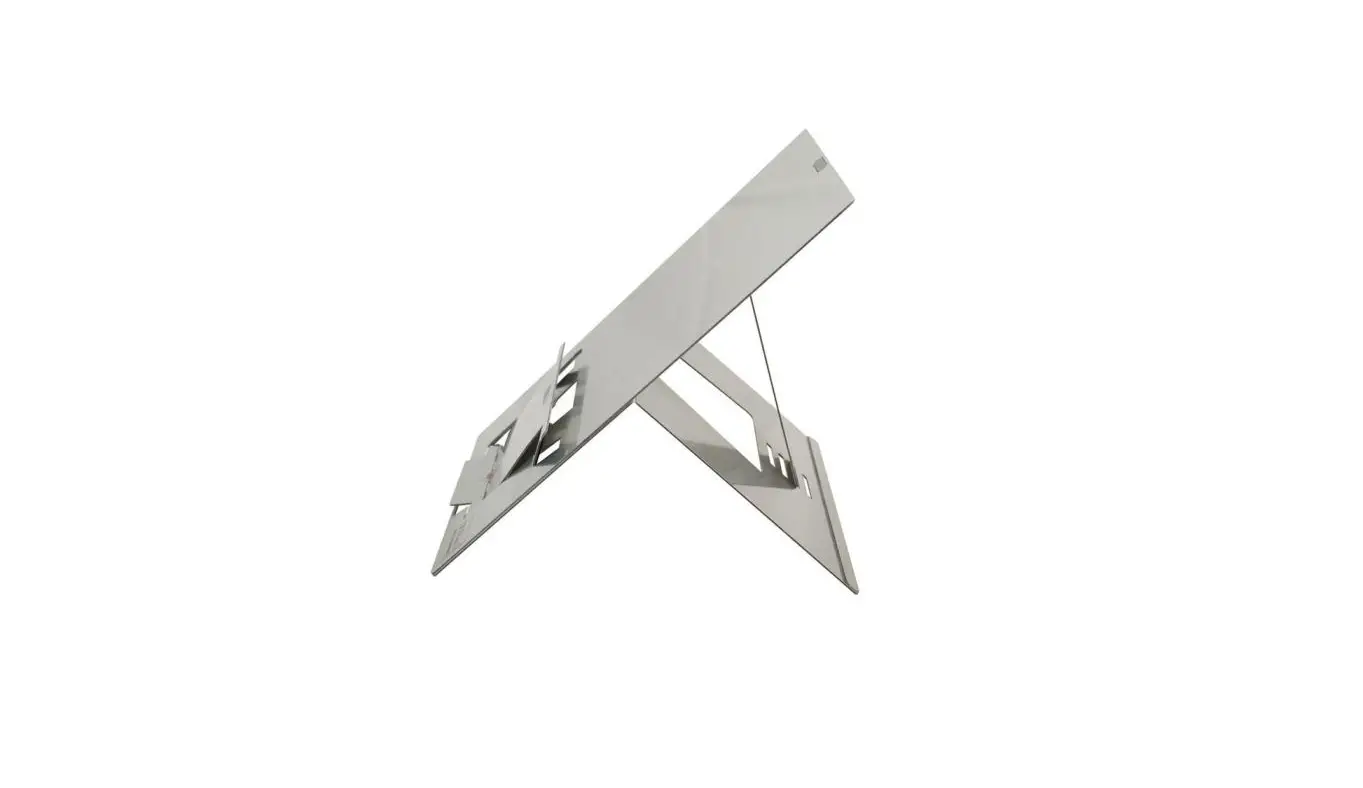
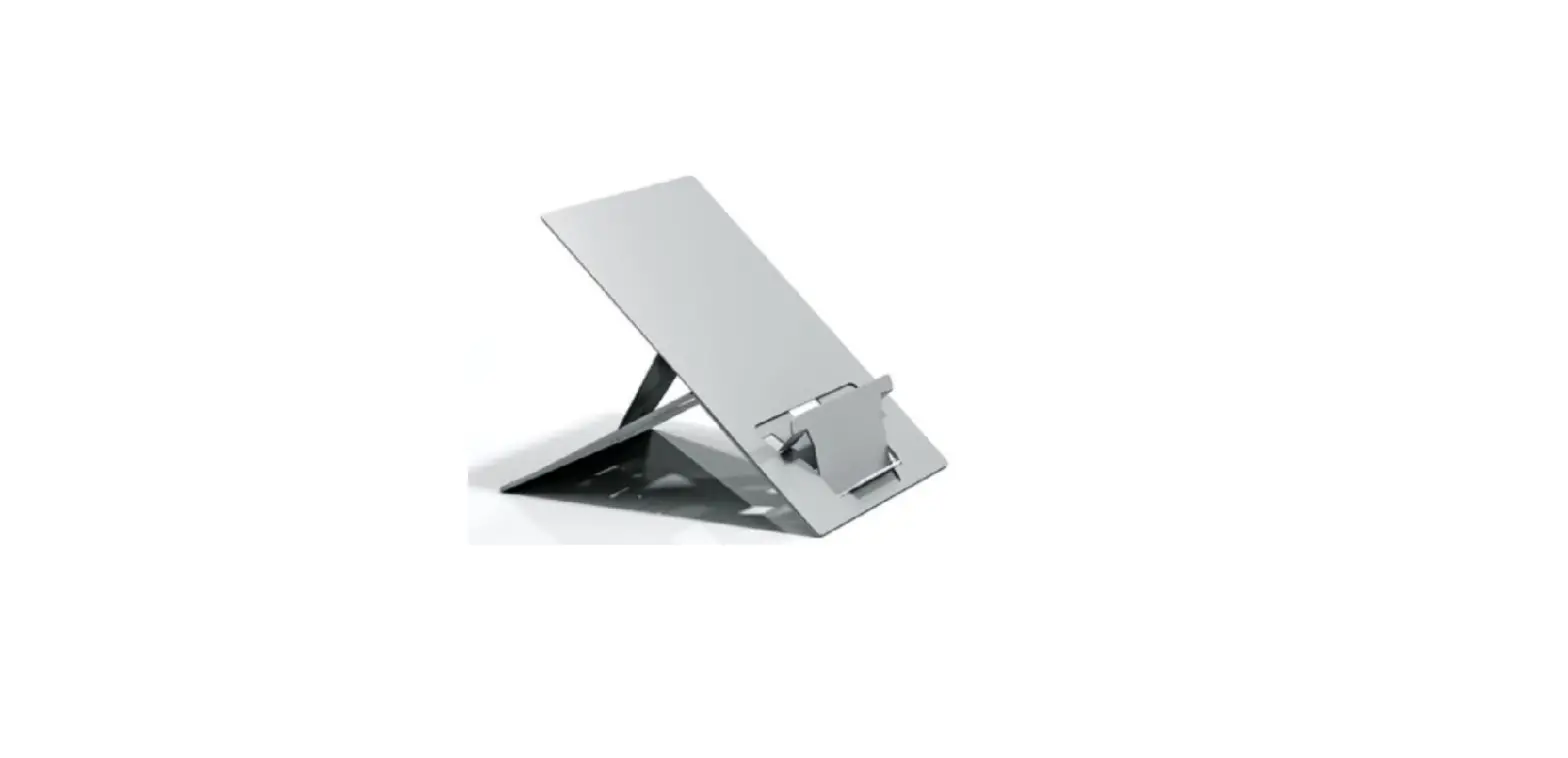
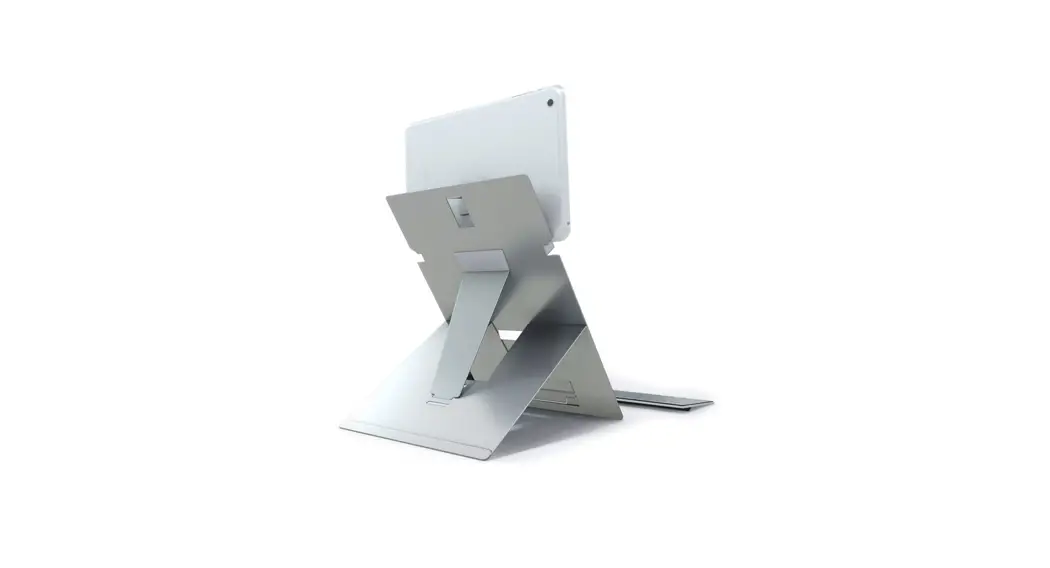
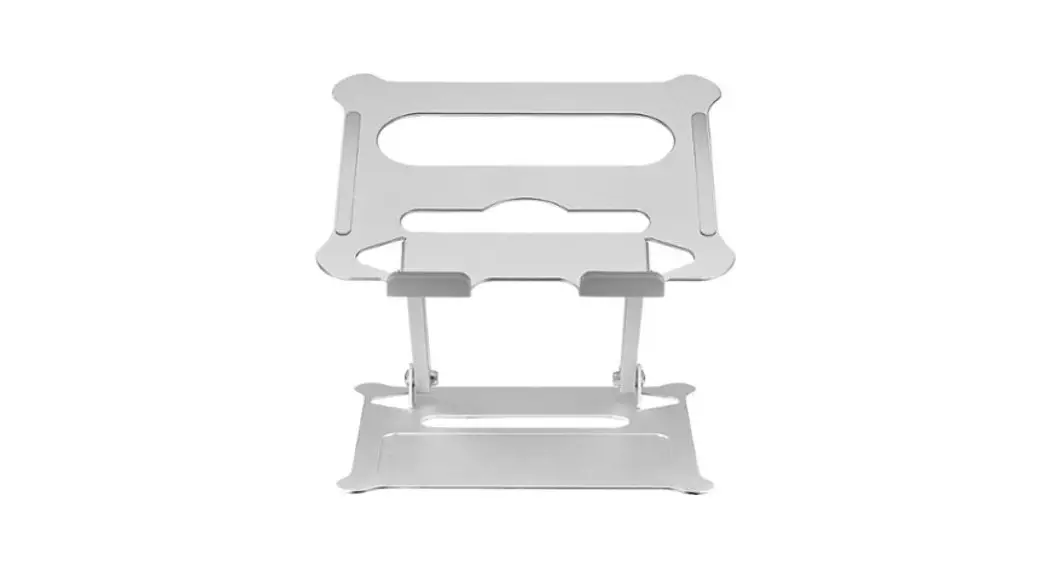
Standivarius Oryx Evo Oryx Evo W Laptop Stand User Manual

standivarius logo

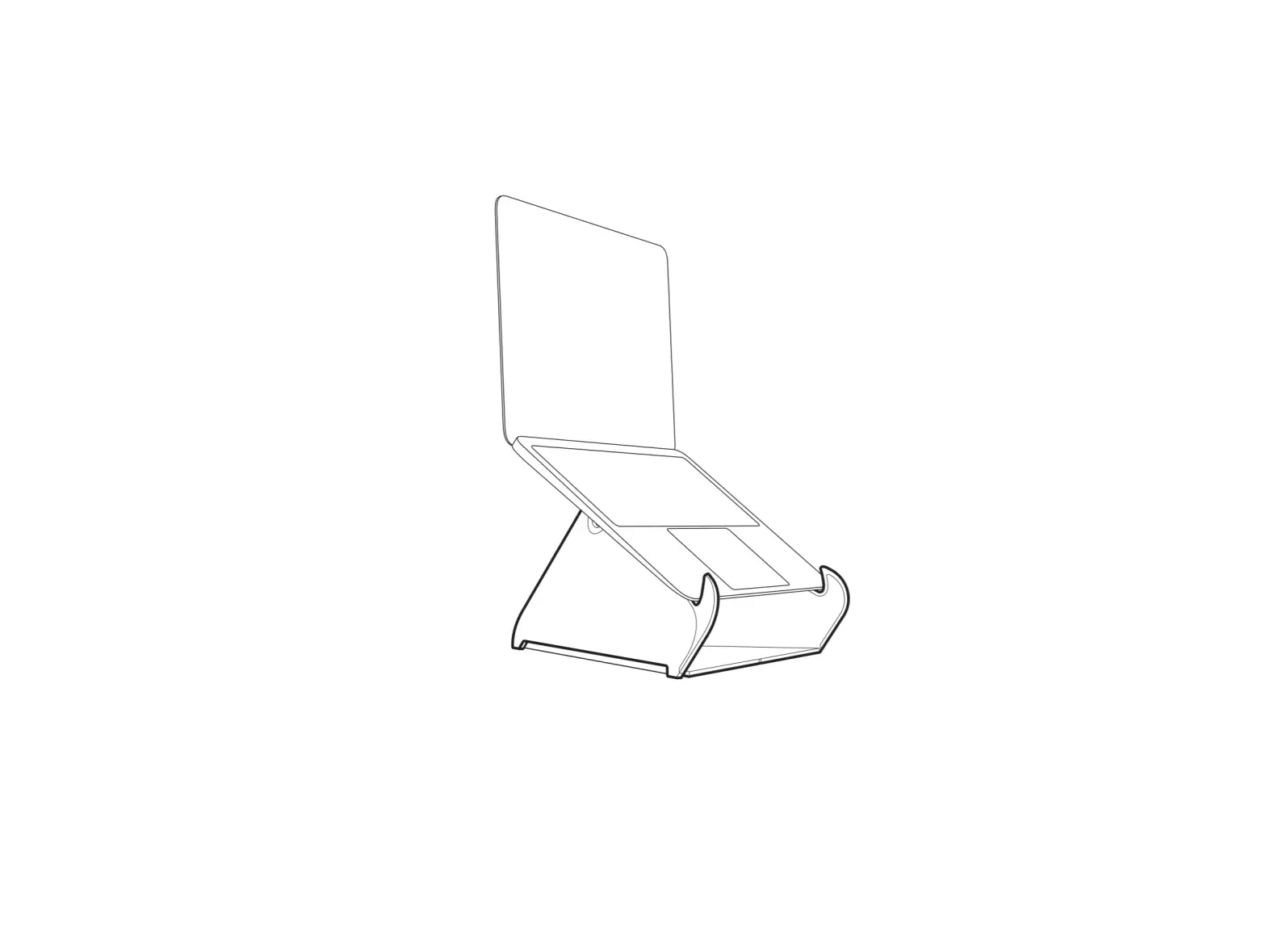
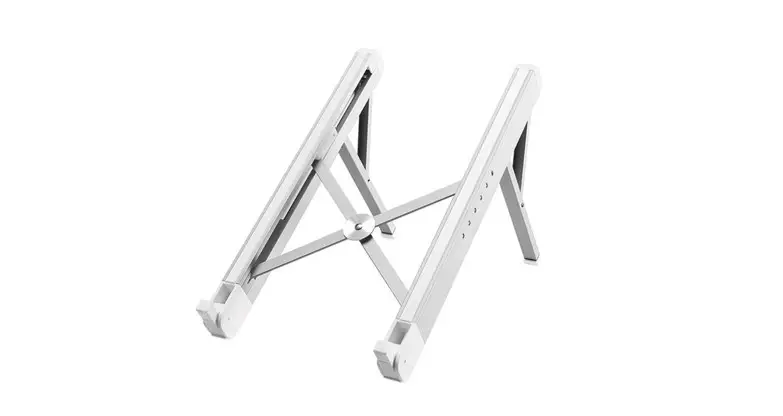
How to set-up your ORYX evo W laptop stand
standivarius ORYX evo ORYX evo W Laptop Stand 1standivarius ORYX evo ORYX evo W Laptop Stand 2standivarius ORYX evo ORYX evo W Laptop Stand 3standivarius ORYX evo ORYX evo W Laptop Stand 4standivarius ORYX evo ORYX evo W Laptop Stand 5

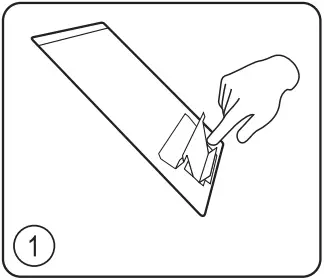
1. Push here to form laptop/document support
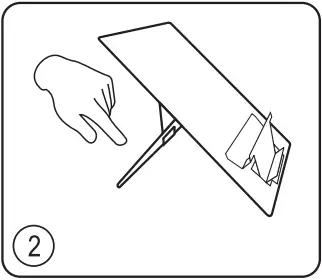
2. Unfold rear support
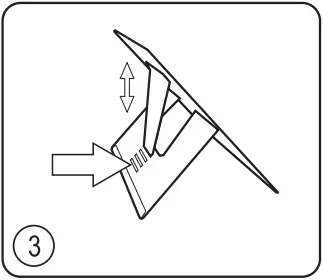
3. Select one of four angle settings
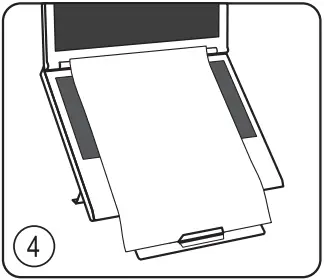
4. Place laptop and document on stand
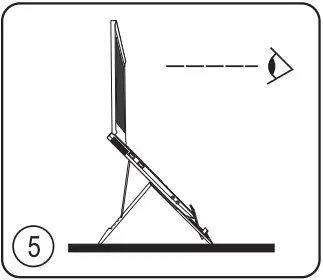
5. Position your laptop stand on your desk about an arm’s length away with the screen raised. Add an external mouse and keyboard to create an ergonomic workstation.


standivarius ORYX evo ORYX evo W Laptop Stand QRstandivarius.com/w-i

References

Documents / Resouces

Download manual
Here you can download full pdf version of manual, it may contain additional safety instructions, warranty information, FCC rules, etc.


Related Manuals