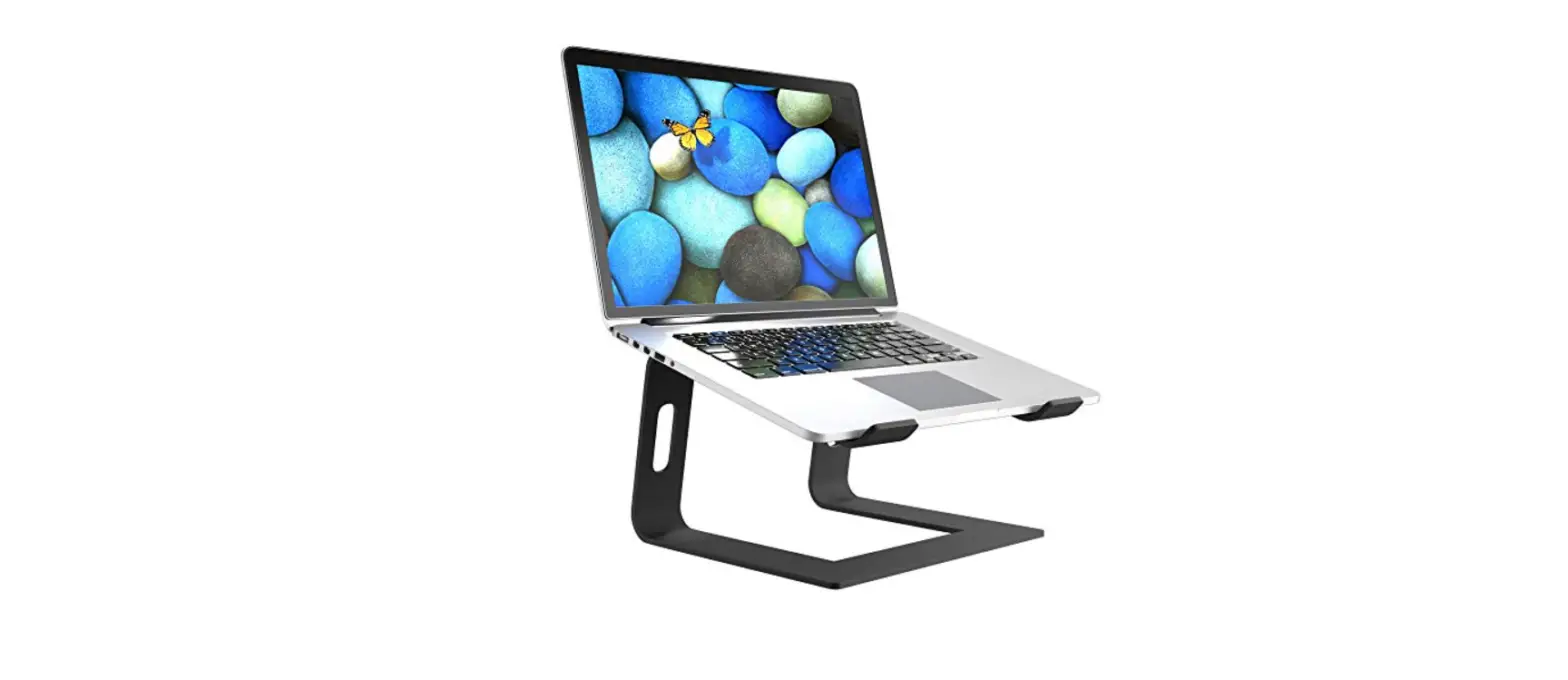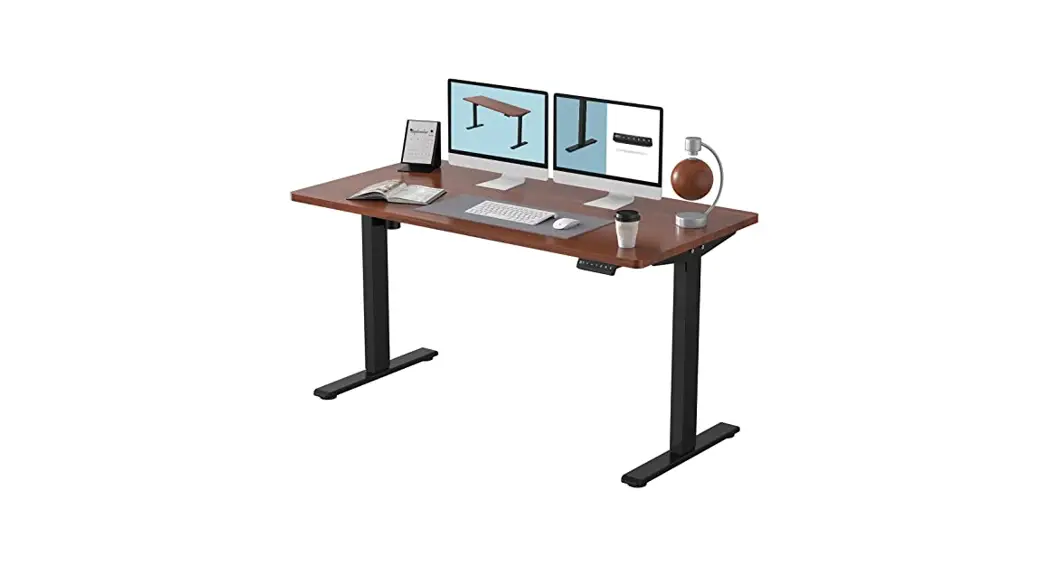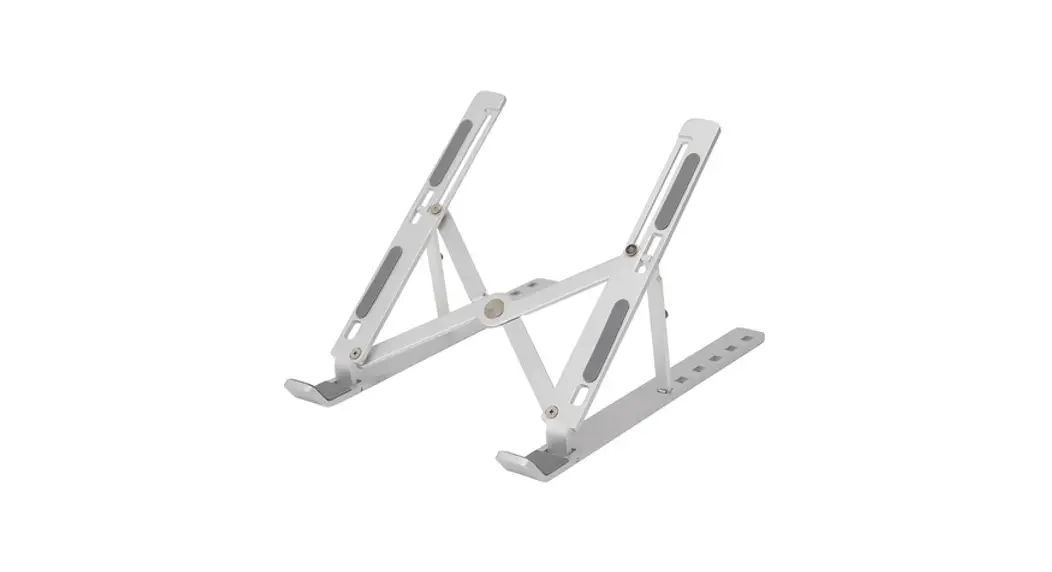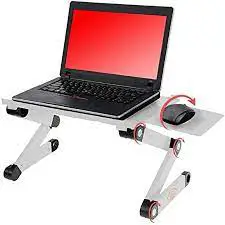

BRAINZ 38553 Home Office Laptop Stand
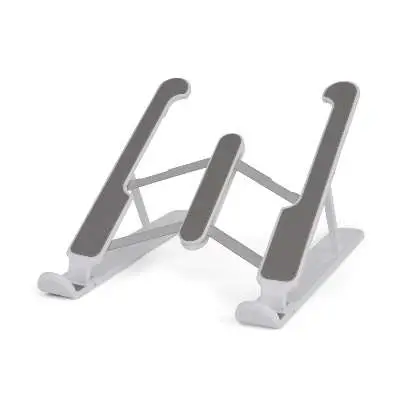
You will need
- A laptop (not included)
How to set it up
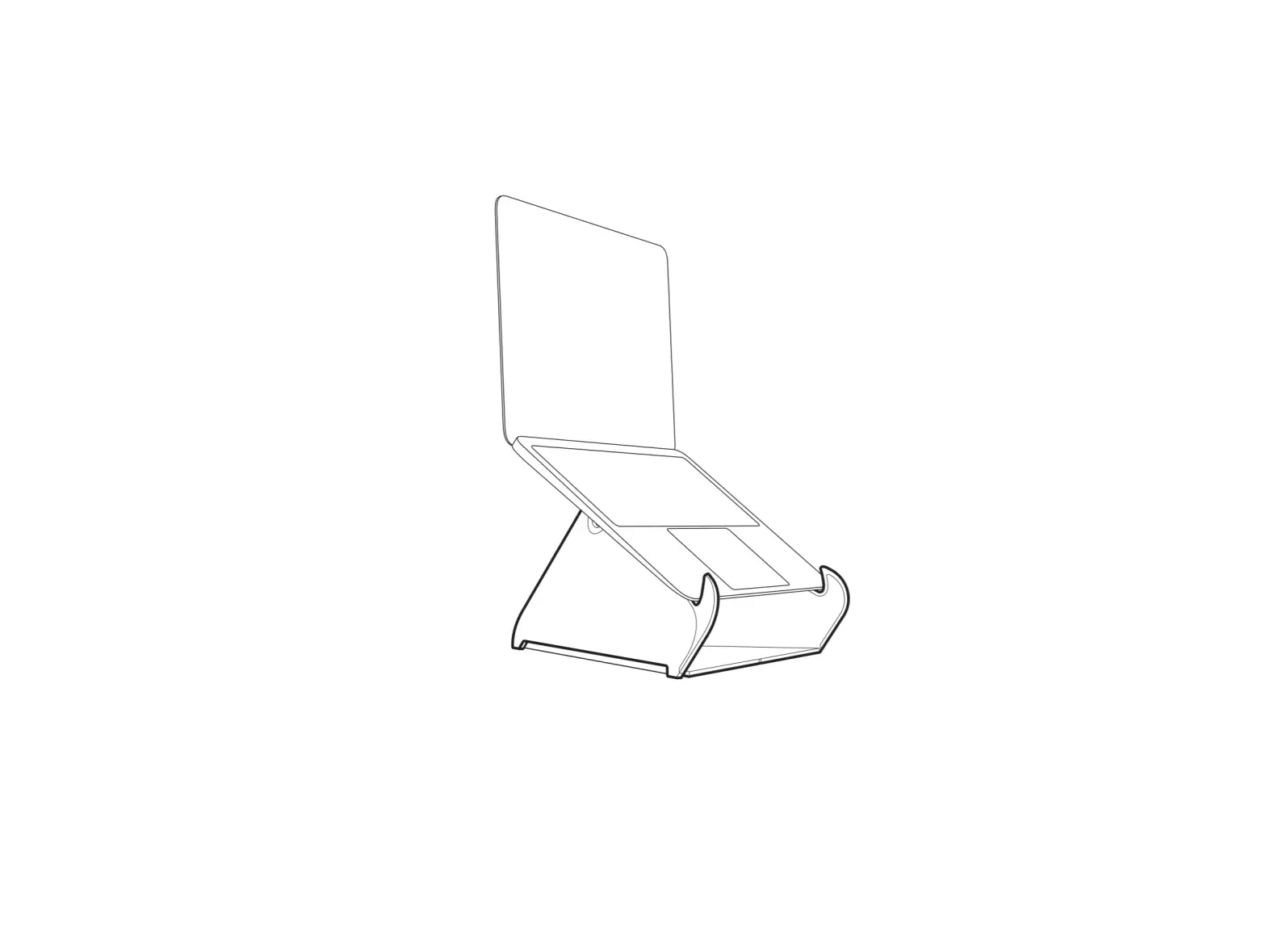
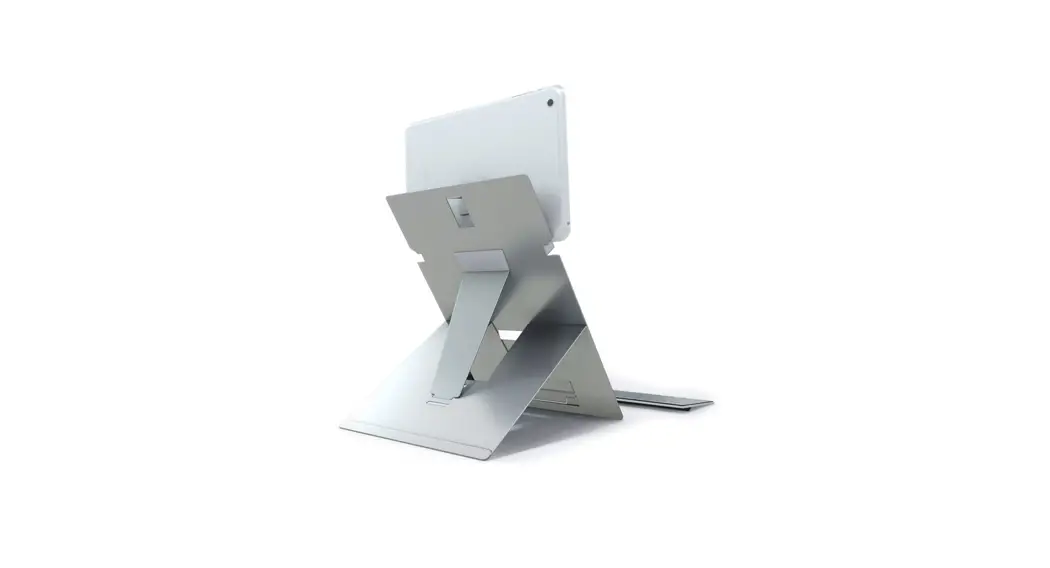
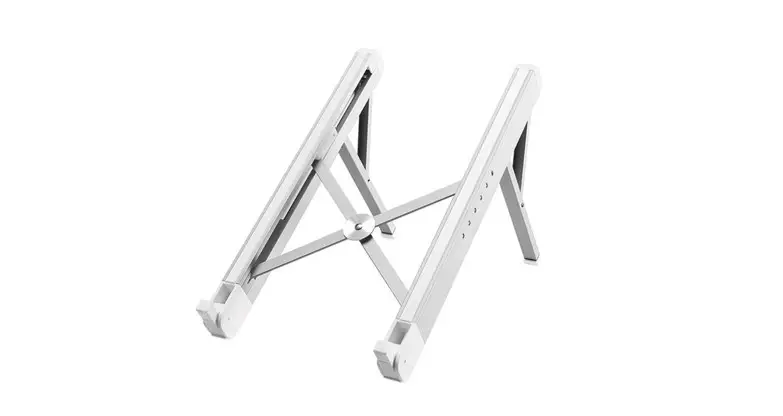
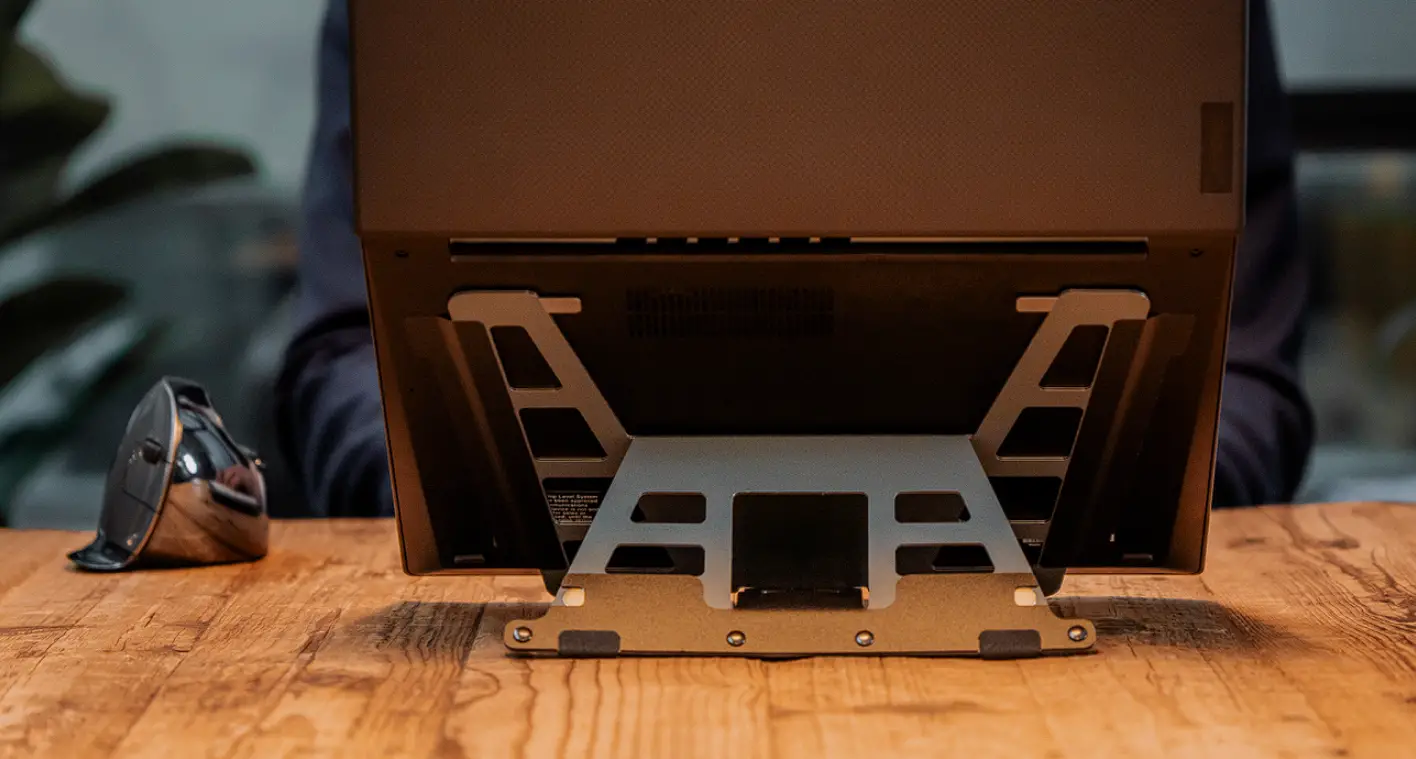
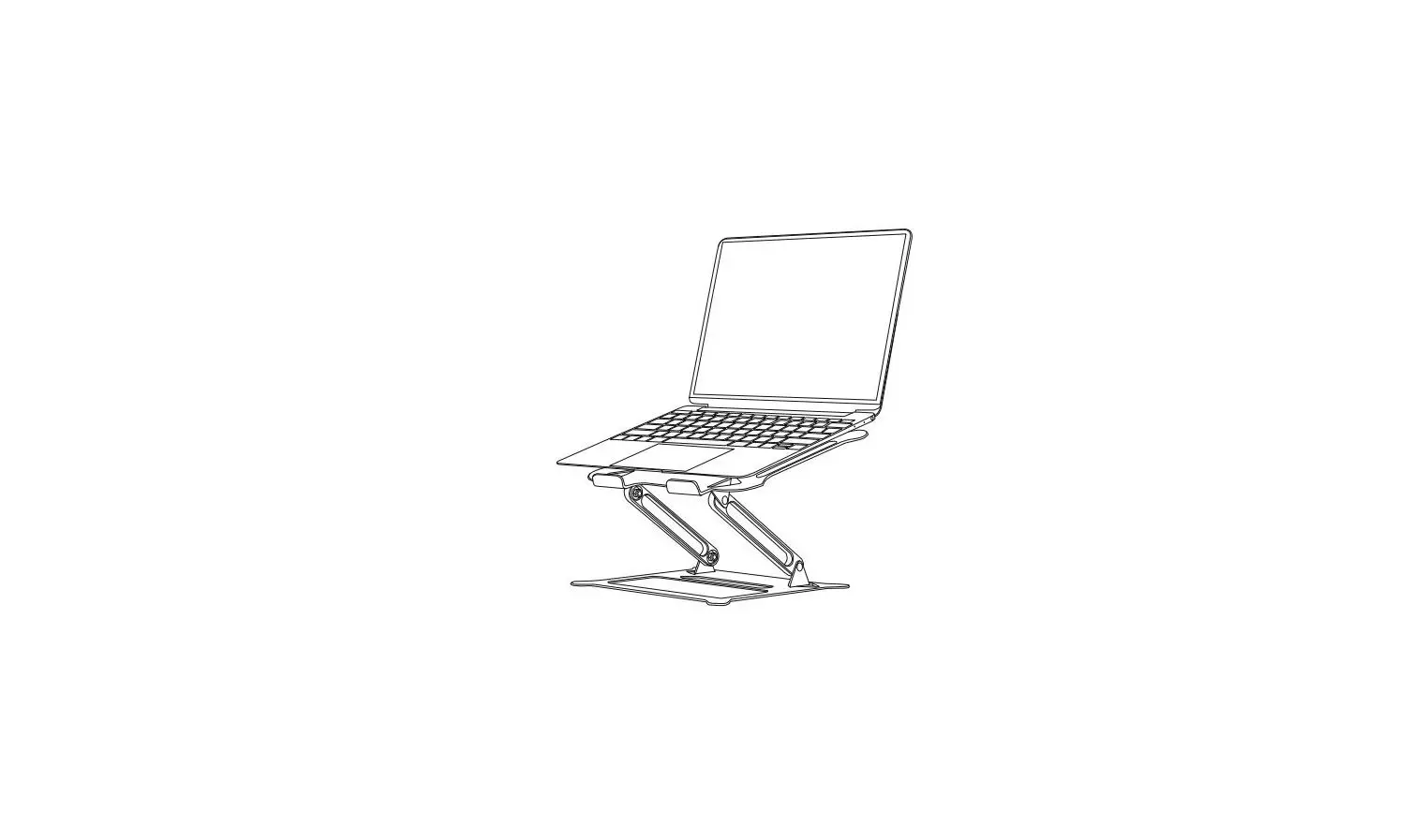
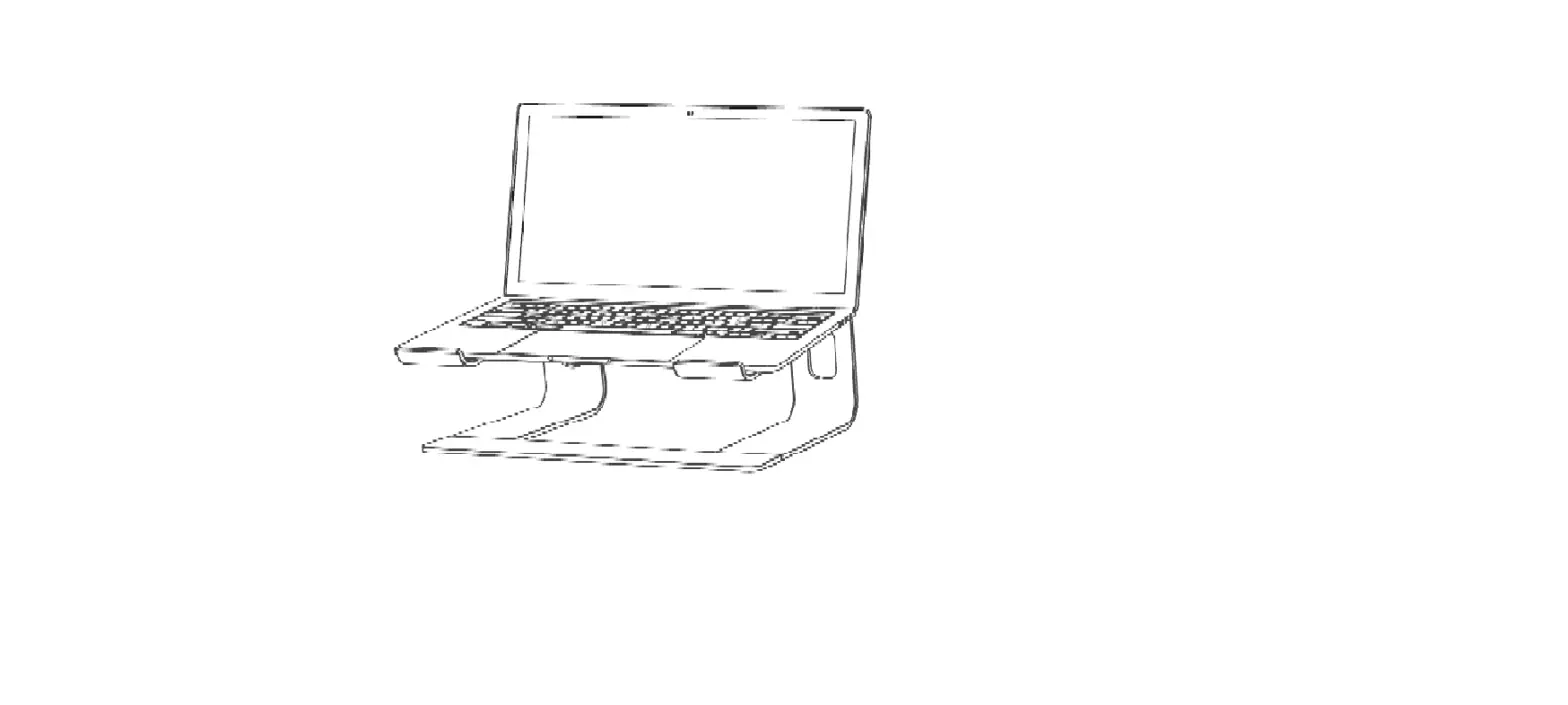
Place the item in front of you with the two curved bases facing you. This is the bottom part. Next, slide the two long adjustable surfaces apart. Then pull the top of the adjustable surfaces towards you. On the back of these surfaces you will find a white stand. You can slide this out and insert it into one of the holders of your choice so that the laptop stand is firmly in place.
Your product is now ready for use.