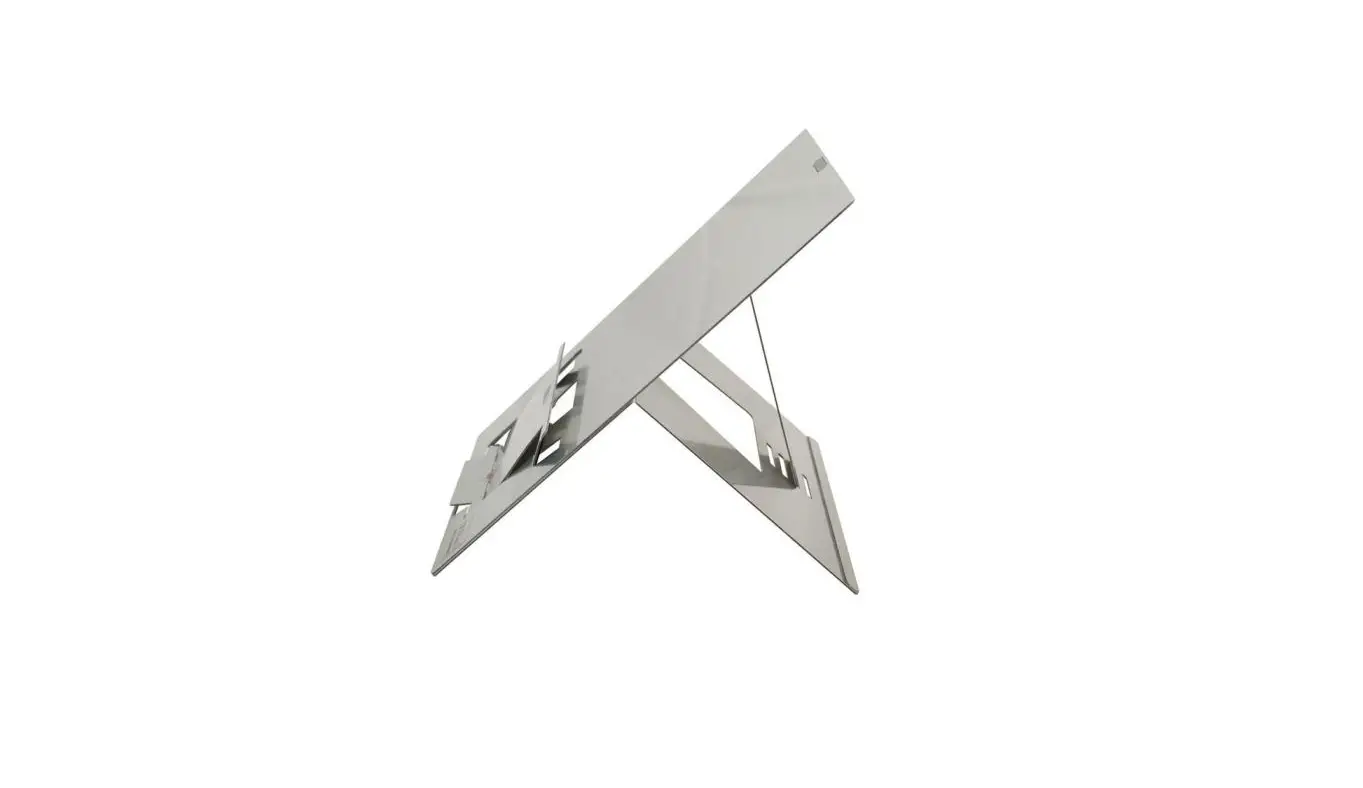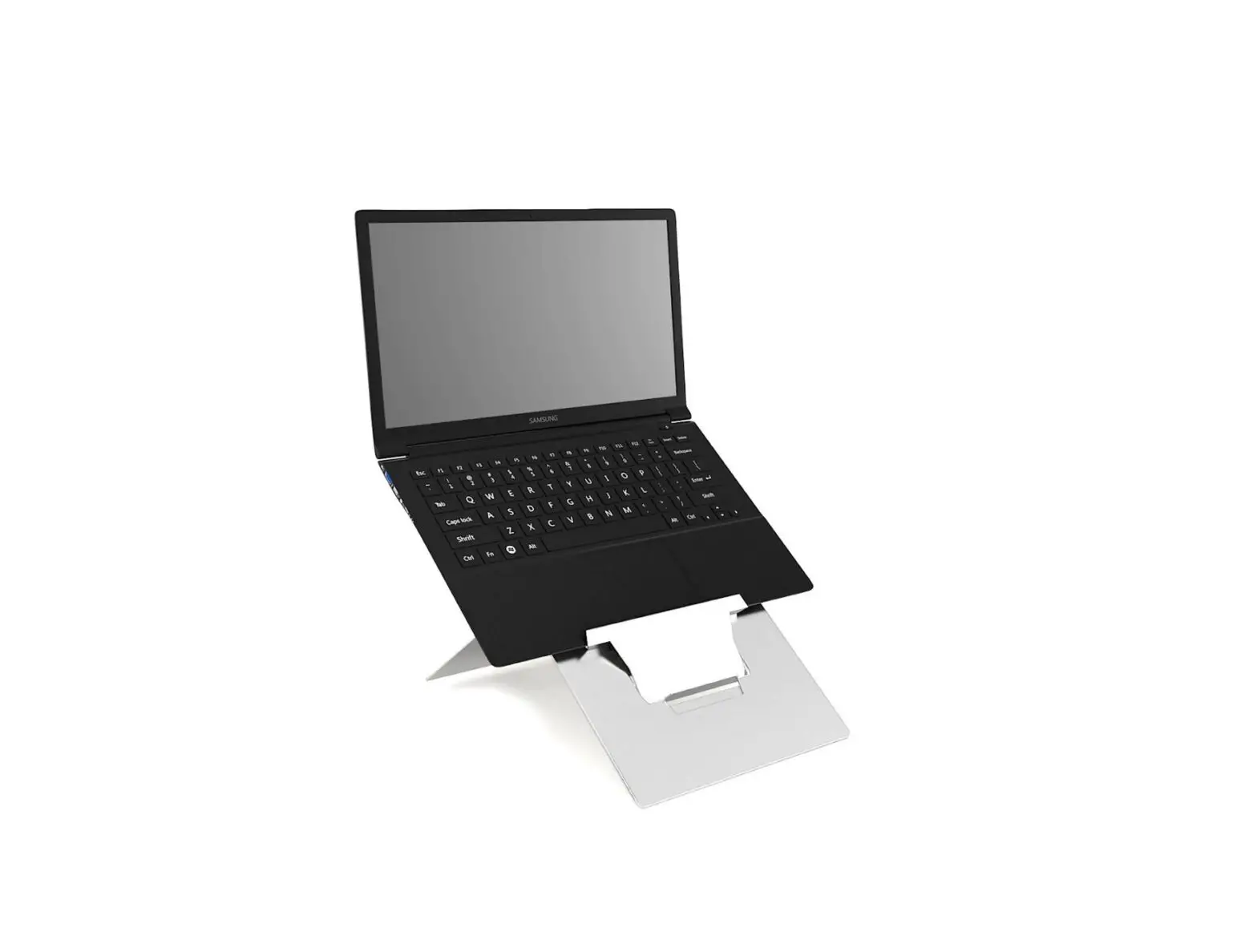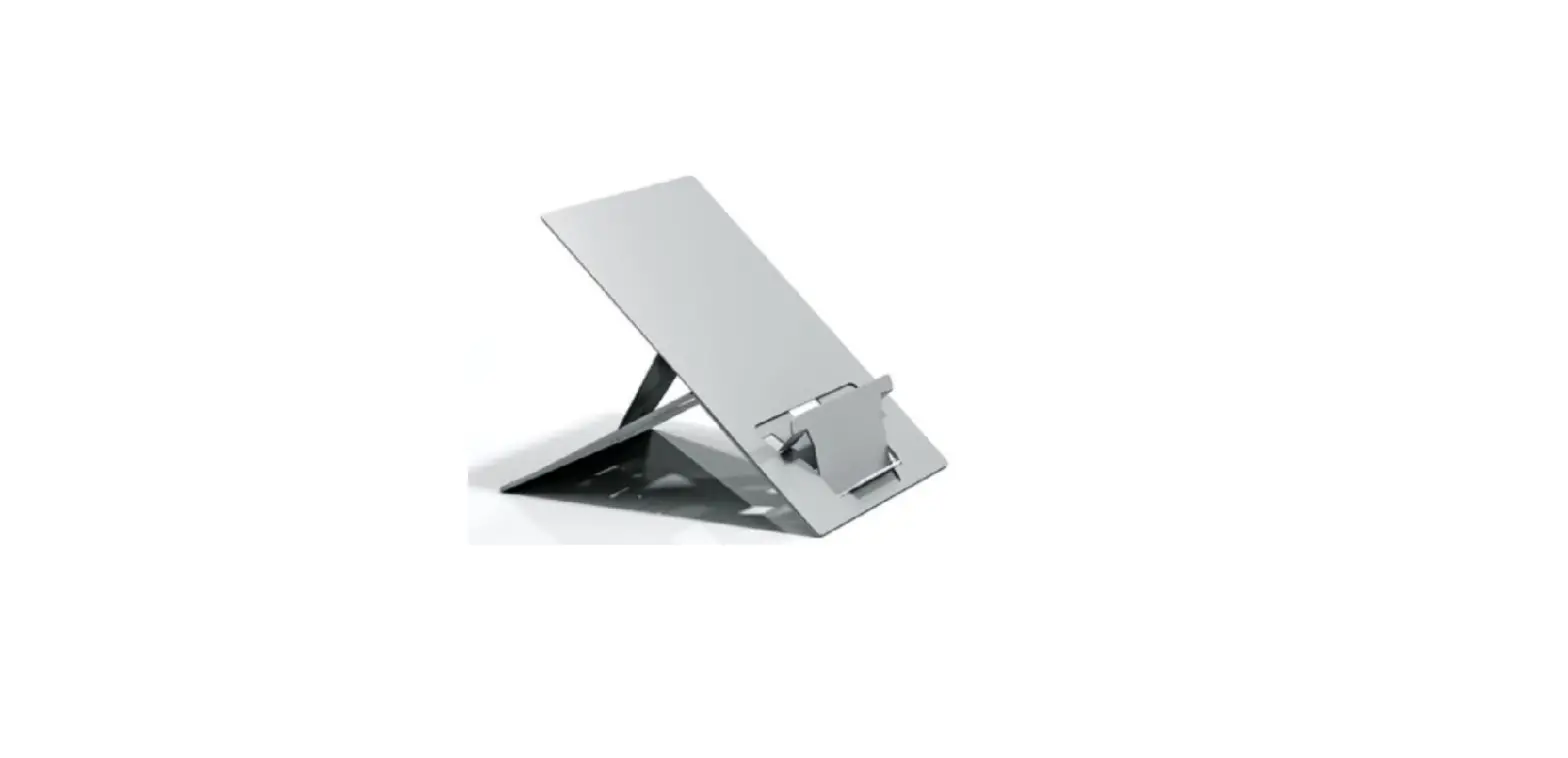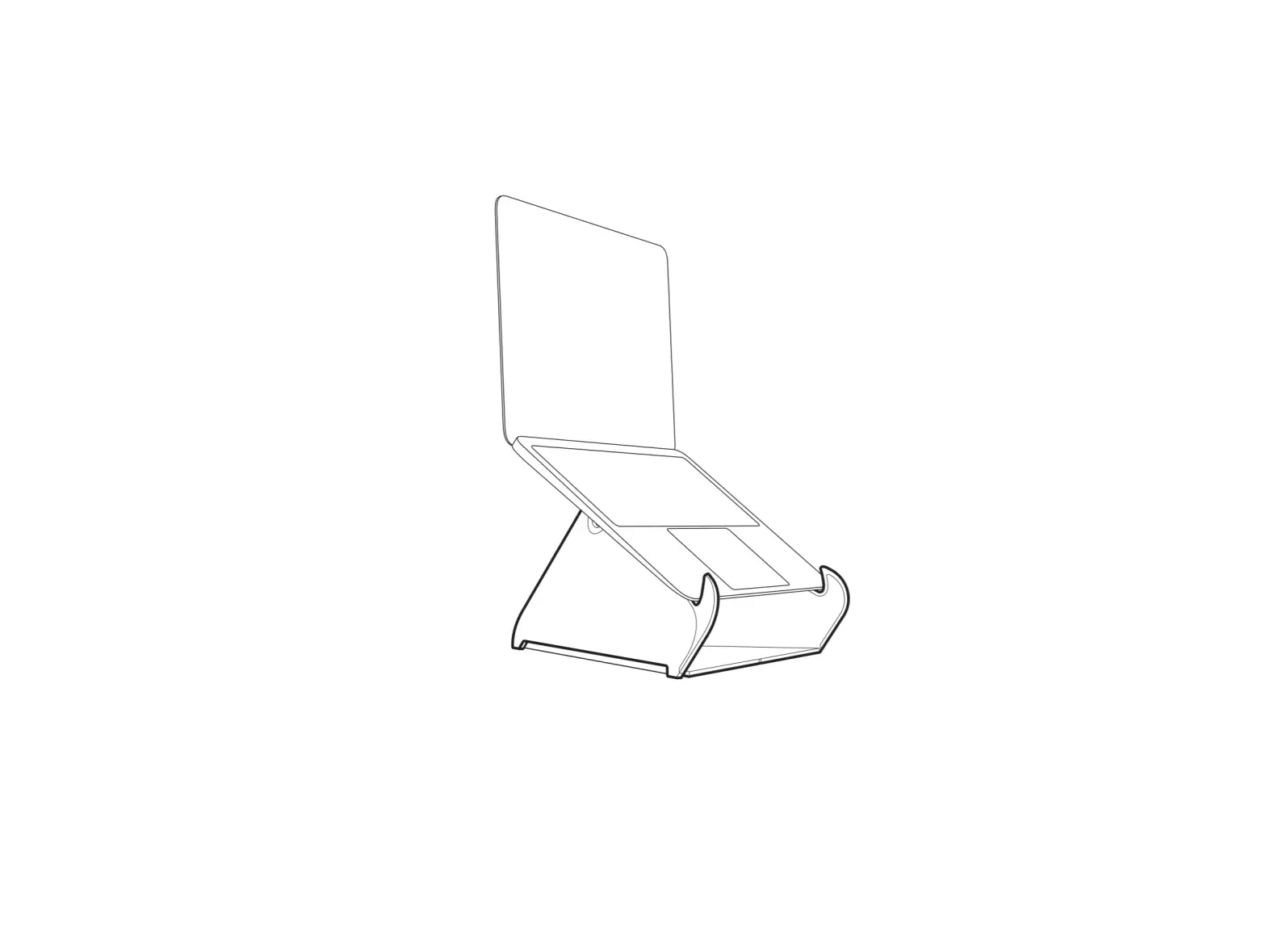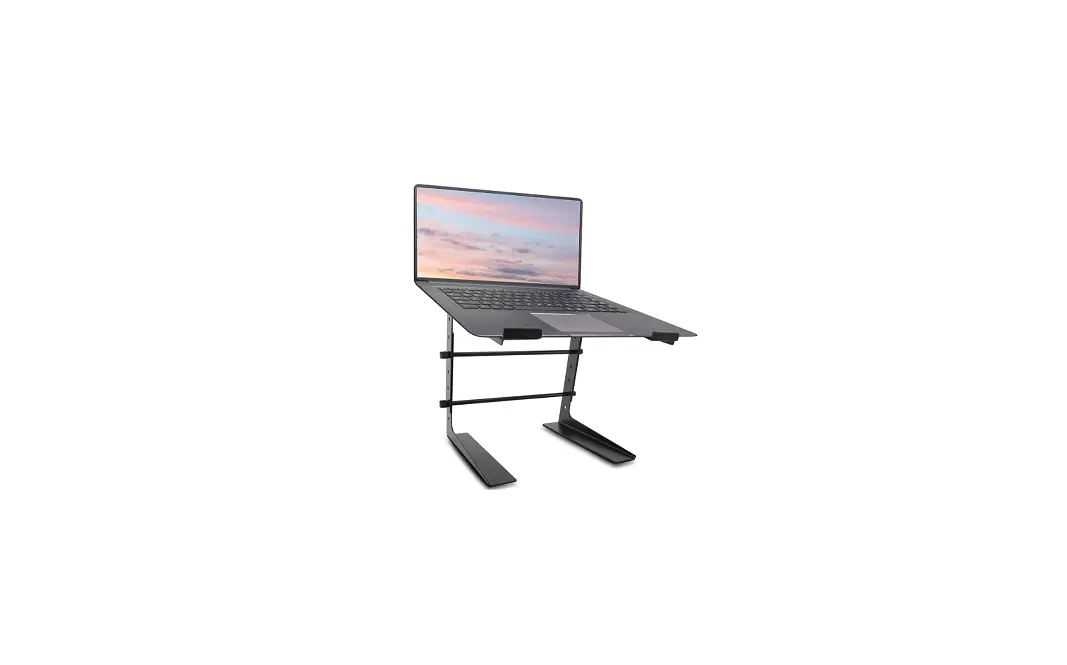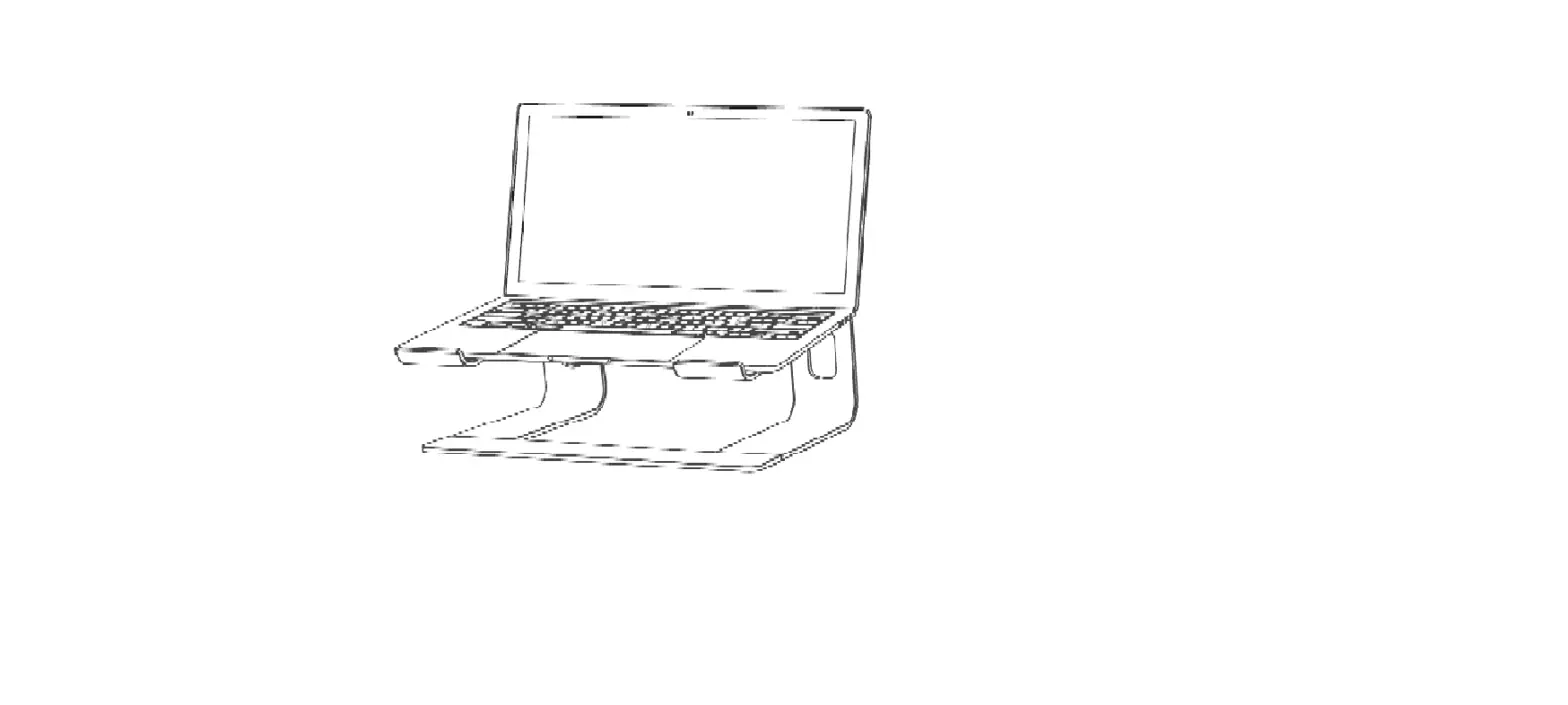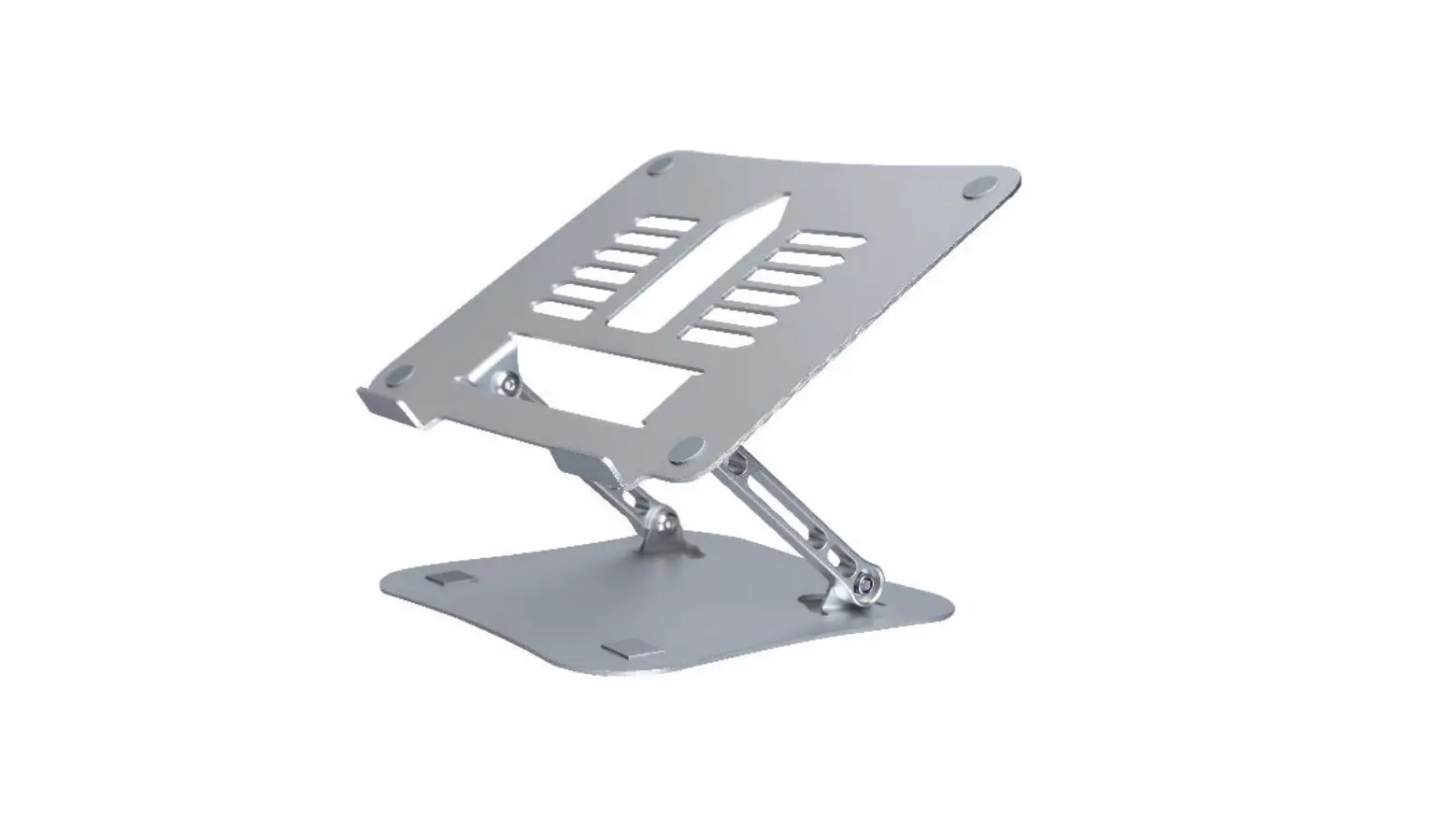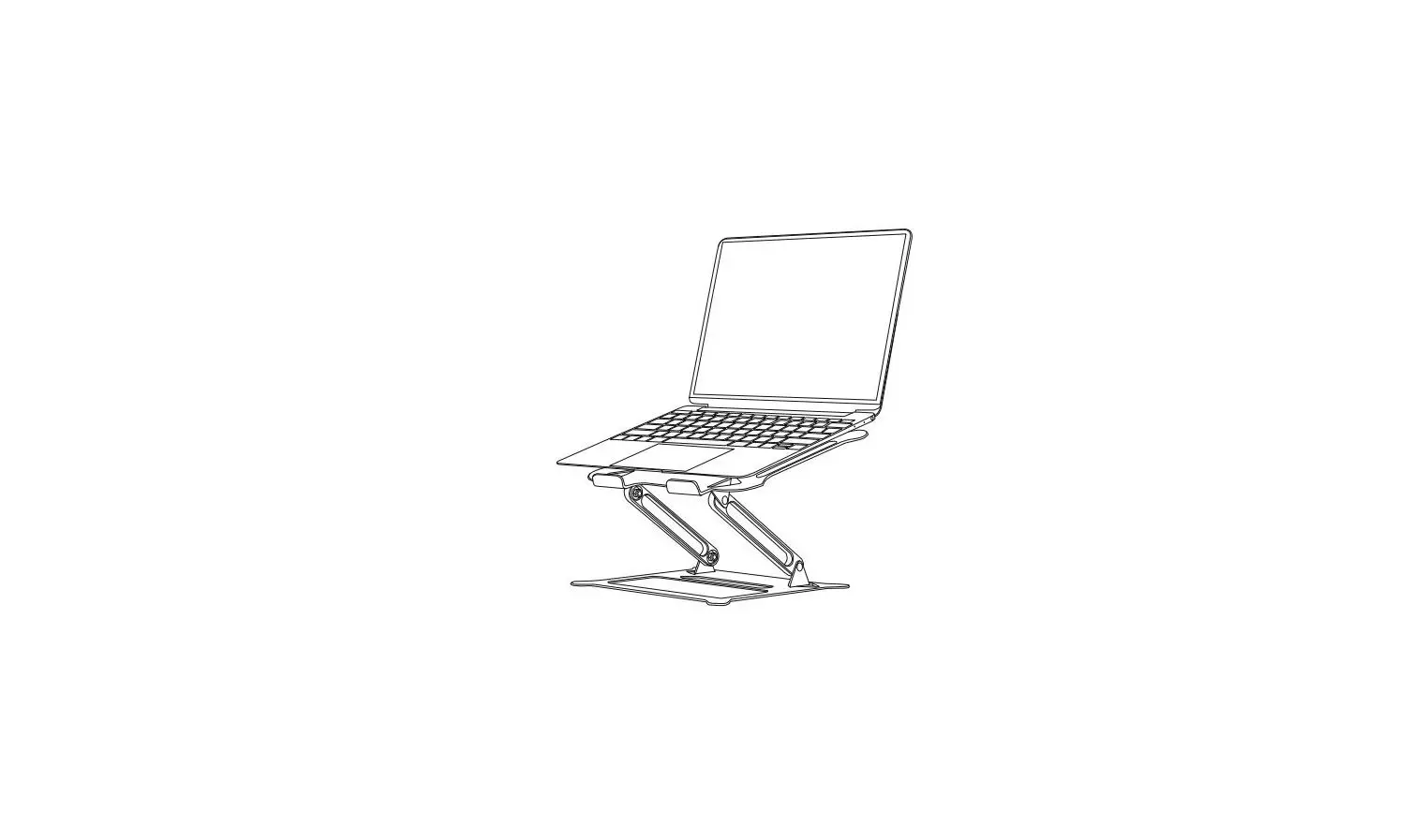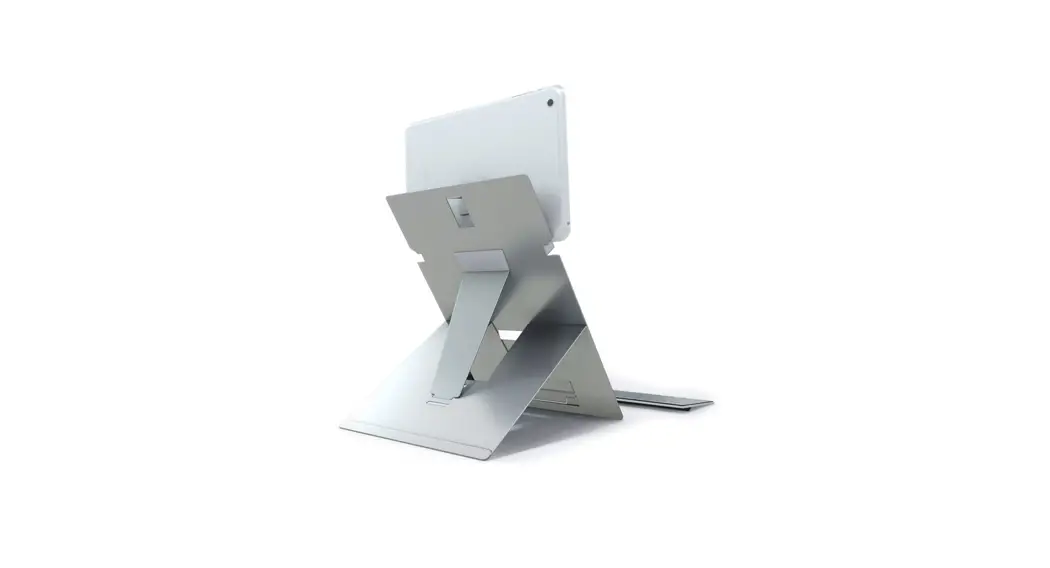
 Oryx Pro Laptop Stand
Instruction Manual
How to assemble your ORYX PRO stand
 standivarius.com/oryx-pro
Assembly video: standivarius.com/oryx-pro
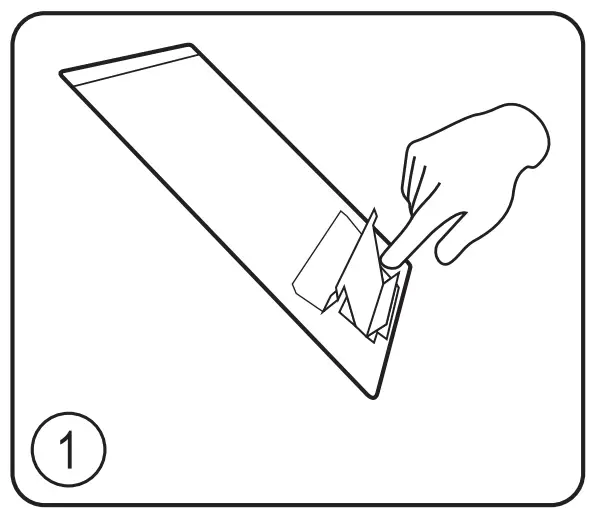 | 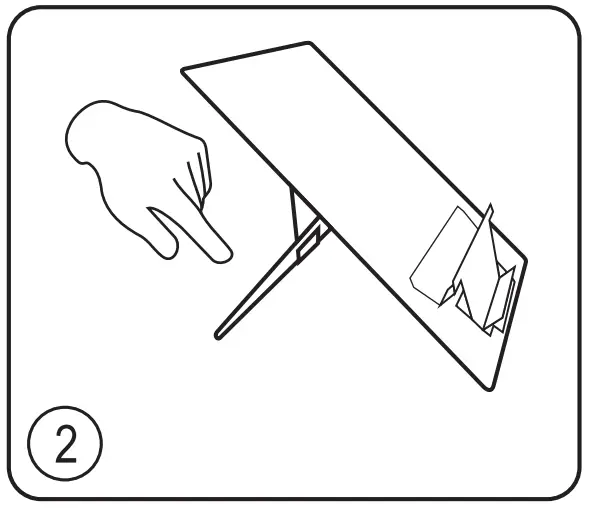 | 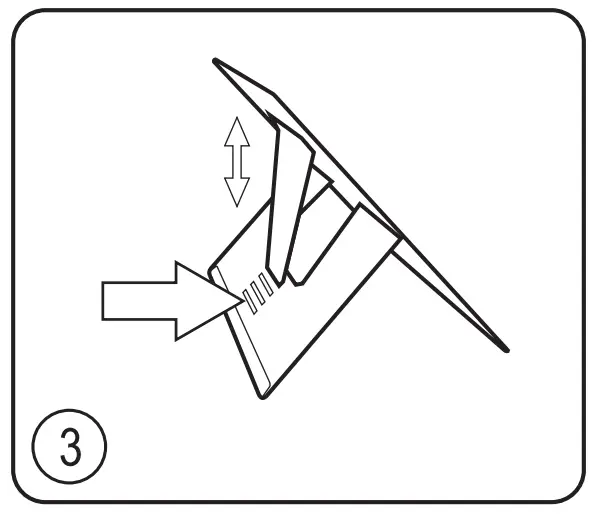 | 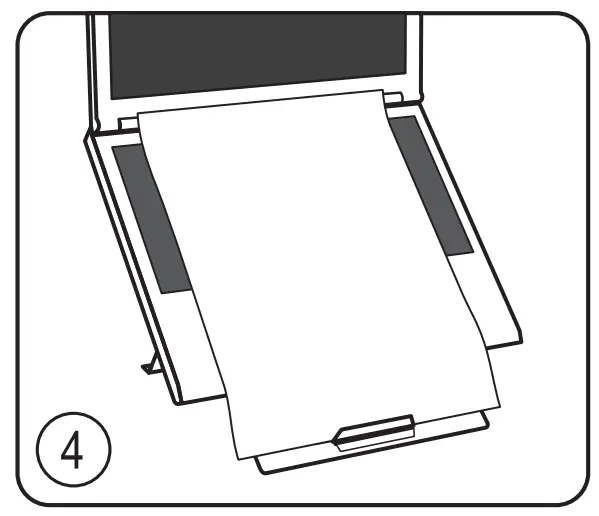 |
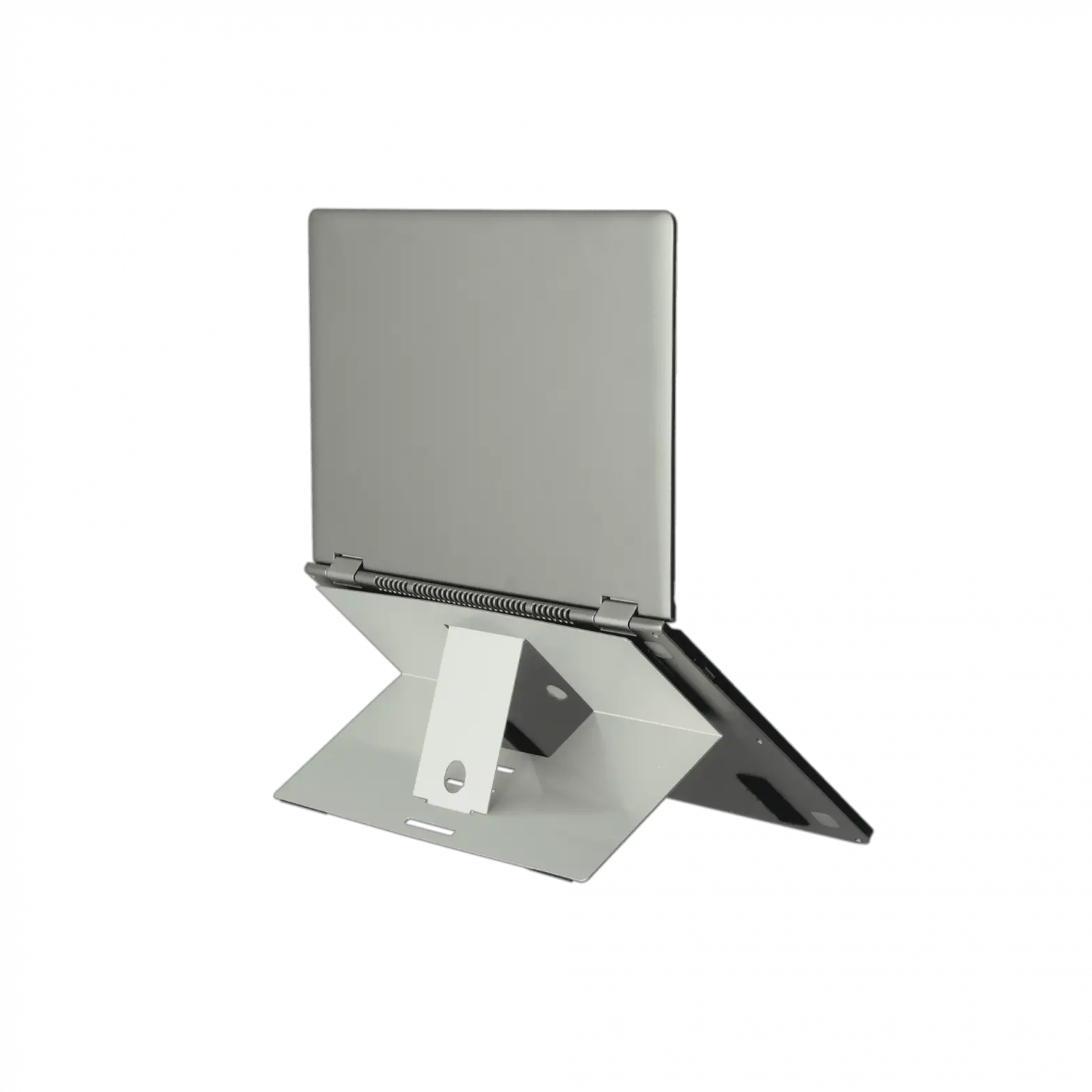
| Laptop: 1. Push to form laptop/document support. | 2. Unfold rear support. | 3. Select one of four height settings. | 4. Place laptop and document on stand to view. |
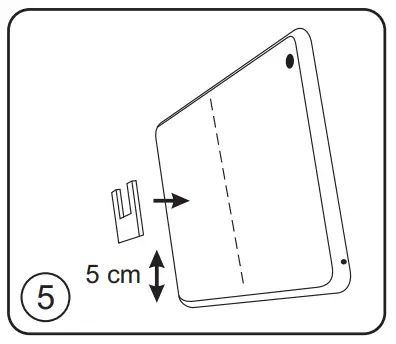 | 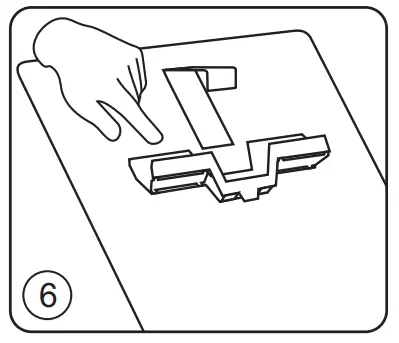 | 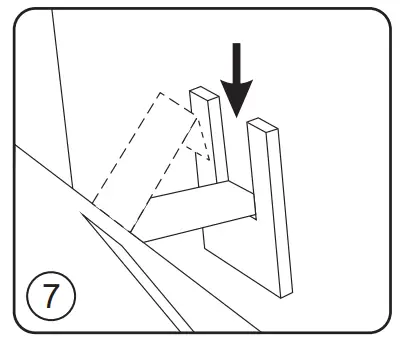 | 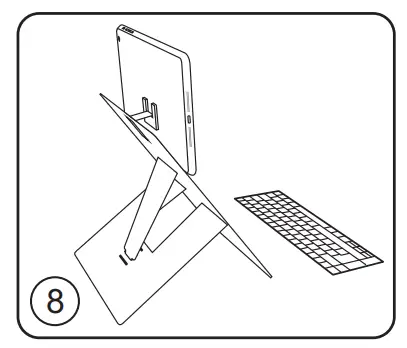 |
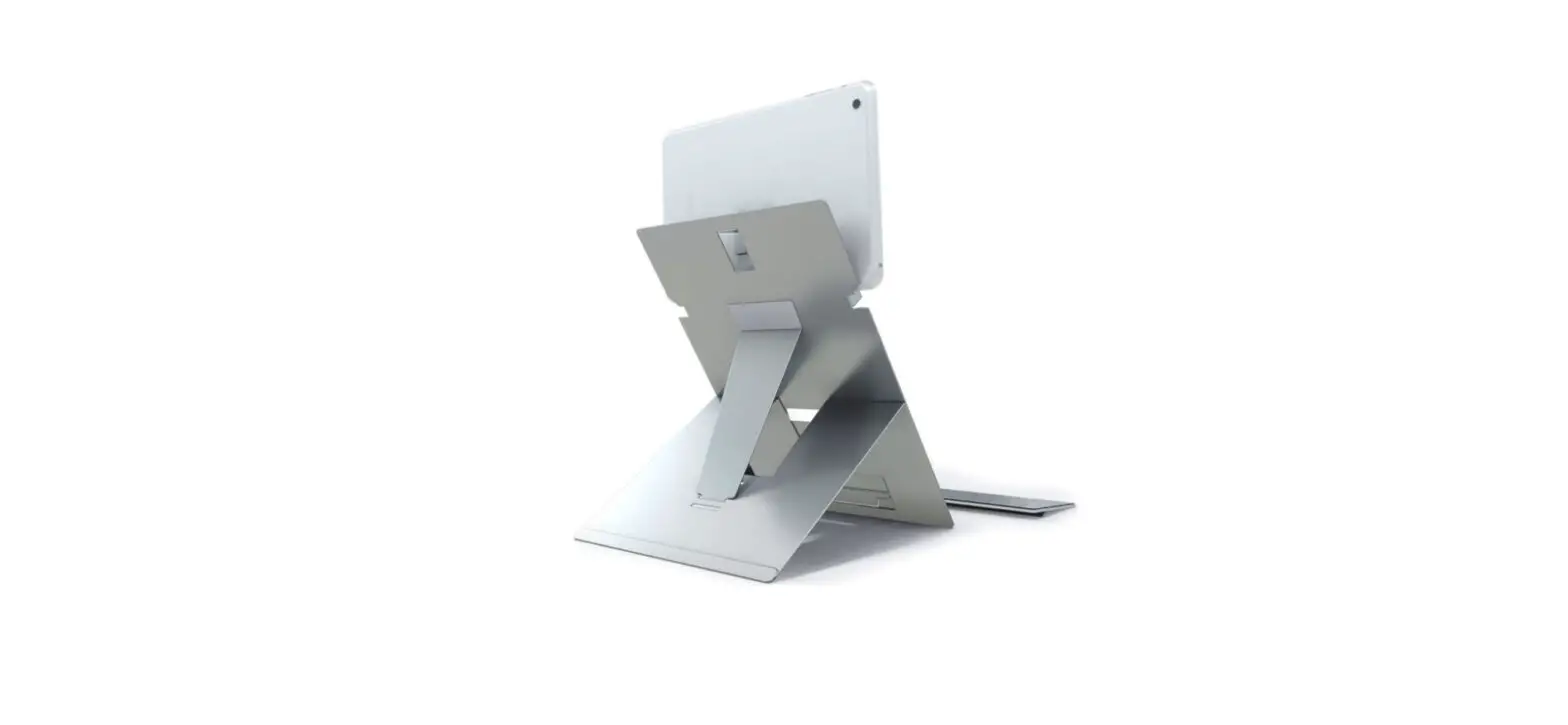
| Tablet: 5. Remove transparent protective film from U- shaped tab and stick firmly to the back of the tablet on the centre-line approximately 5 cm from the bottom. (Tip: use measure on the side of this sheet printed at real size, no scaling) | 6. Follow steps 2 & 3 above and set-up the stand on highest setting. Extend the tablet support and place tablet in position. | 7. Push out the retaining tongue on the stand, fold down the end section and tuck it down into the U-shaped tab. | 8. Position the stand on your desk about an arm’s length away. Add an external mouse and keyboard to create an ergonomic workstation. |
Important – read before use
Tablet height/angle:
The tablet height can be raised and lowered using the four settings on the stand; the screen viewing angle can be adjusted by changing the position of the U-shaped tab on the tablet.
The ideal viewing angle will depend on user preference as well as the thickness of the tablet, so we suggest starting with the tab in the position shown in step 5 and moving it down the tablet by up to 2 cm to adjust the angle. (Tip: watch assembly video: standivarius.com/oryx-pro). When using tablets in portrait orientation, the lower laptop support may offer better stability than the upper tablet support.
Removing U-shaped tab:
The U-shaped tab can be left on the tablet or gently eased off. (Tip: Slide a credit card between the gel and the tablet to ease the tab off). The reusable nano PU gel leaves no residue and has high strength and viscosity, but if it loses its stick, then simply rinse in water, air-dry and reuse. A spare tab has been included with this product for your convenience.
Safety:
The gel tab is a tested method of retaining the tablet on the stand, but it remains the user’s responsibility to ensure that the device is properly secured at all times. DMR Ergonomics does not accept liability for damage to any device as a result of improper use of this stand.

 Oryx Pro - hybrid laptop / tablet stand - standivarius workplace ergonomics